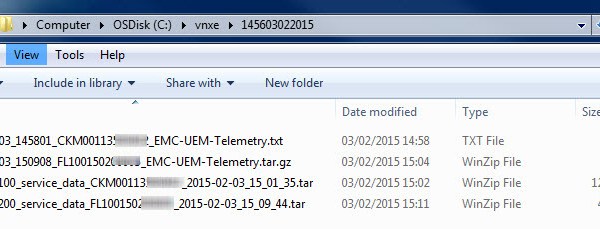
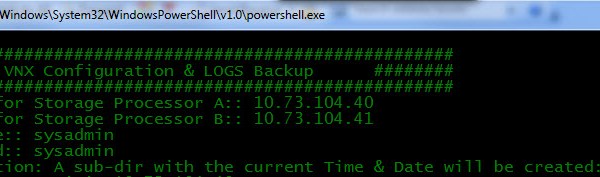
——————————————————————- Reference:: EMC® VNXe® Unisphere® Command Line Interface User Guide: Collect -Config: Create a snapshot of the current system configuration and save it to a file. It captures all of […]
——————————————————————- Reference: VNX® Command Line Interface Reference for Block: SPCollect : The naviseccli spcollect command selects a collection of system log files and places them in a single .zip file […]
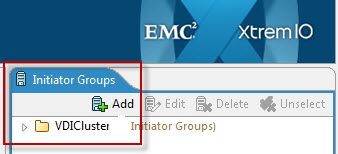
Part 1 Part 2 This is the third part in the series on configuring the VNXe via command line. Here I will detail the Steps involved in adding VMware ESXi […]
This post will cover the Masking and Zoning scripts for a VG when using Cisco MDS fabric switches. This post will not cover the creation or rules around the Control […]
For every Pool LUN regardless of whether the LUN is thick or thinly provisioned there are 3 owner types assigned to each LUN: ♦ Allocation Owner ♦ Default Owner ♦ […]
Created by Cliff Cahill @CliffCahill In conjunction with the announcement of the ‘Vblock 740’ @VCE’s latest addition to the Vblock range Cliff kindly put his creative and baking skills to […]
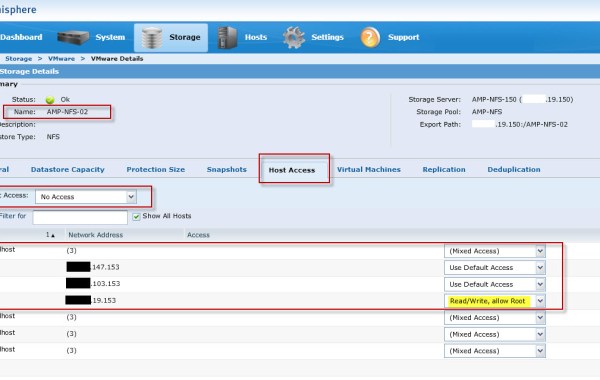
The ‘EMC NAS Plug-in’ is required in order to enable VAAI (vSphere APIs for Array Integration) operations on ‘NFS Datastores’ on an ESXi 5.x host. If you are not familiar […]
In order to understand this Post fully, I would advise you read “EMC VMAX – 20/40K Back-End Connectivity” first. Having completed a VMAX ‘Health Check’ through ‘Unisphere’ it has been […]
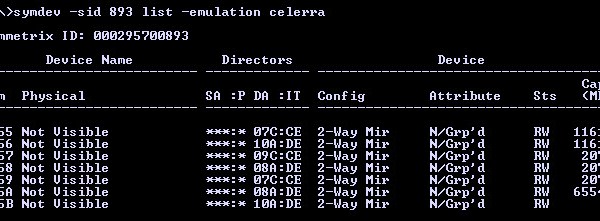
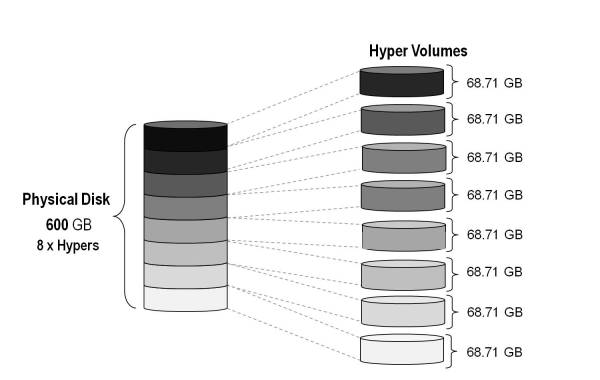
In order to expand a VMAX Thin Pool we must first create the additional Data Devices (TDATs) on the underlying physical Disk Group. This example outlines how to calculate and […]
The below steps outline how to perform a clean shutdown of an XtremIO array and thus help prevent any case of data corruption or loss. Before proceeding with the shutdown […]
PowerCLI Download Disk.SchedNumReqOutstanding (DSNRO) – Determines the maximum number of active storage commands (I/Os) allowed at any given time at the VMkernel. The default value is 32 and the maximum value is 256. For XtremIO storage with VMware vSphere it is recommended to set the DSNRO parameter to the maximum value of 256. When using vSphere 5.5 the Disk.SchedNumReqOutstanding parameter […]
1. Open an SSH session to the XtremIO Management Station Firstly we need to open an SSH connection to the XtremIO Management Station (XMS), in this case I used putty […]
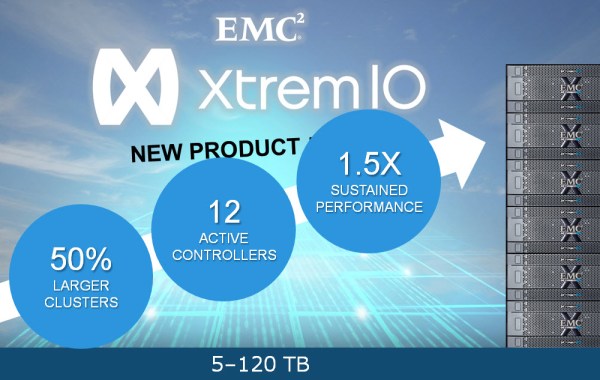
Since XtremIO first became Generally Available back in November 2013 the momentum of the product has been incredible. Becoming the ‘Number 1’ All Flash Array (AFA) on the market in […]
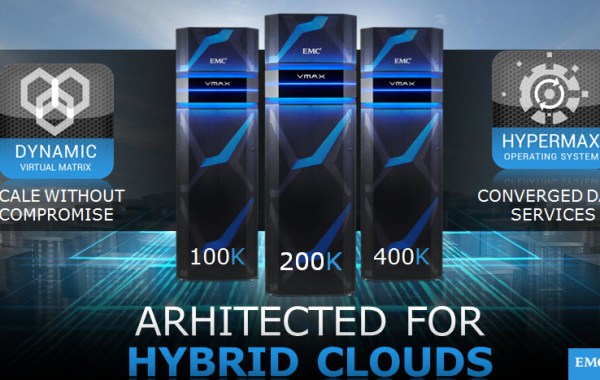
The overall theme of the Mega Launch IV is “Redefine Possible” – What EMC focused on in the new VMAX³ (“to the power of 3”) was the agility and scale […]
Step1 Check the Health status of the Link Aggregation: uemcli -d 10.0.0.1 -u Local/admin -p Password123# /net/la show -detail 1: ID = la0_SPA SP = SPA Ports = eth2_SPA,eth3_SPA Health state = OK (5) 2: ID = la0_SPB SP = SPB Ports = eth2_SPB,eth3_SPB Health state = OK (5) Step2 Ensure the Network Interface for NFS is correctly configured: uemcli […]
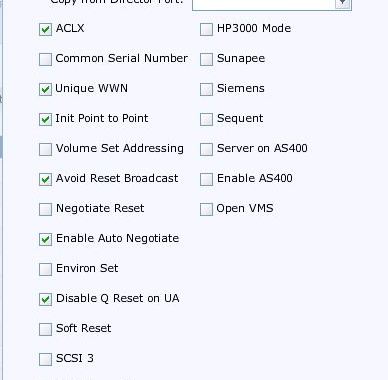
When configuring a VMAX for ‘VMware ESX’ connectivity, I will always firstly consult the ‘EMC Simple Support Matrix – EMC Symmetrix VMAX Series Director Bit Settings’ found here for the […]
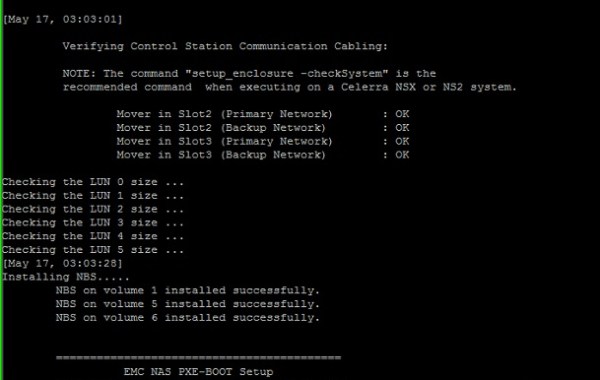
Encountered the following error while completing a Fresh Install of Inyo File (Dart) on a VNX VG8 with code level 7.1 (Also experienced the same issue with another system running […]
There is a known bug with Solutions Enabler 7.6.0 which returns an error while attempting to create 2048GB TDEV Meta Volumes using SYMCLI on a SYMMETRIX VMAX 40K running Enginuity […]






 DavidRing.ie