PART1 PART2 PART3 PART4 PART5 PART6 PART7 PART8 PART9 PART10 Part 10: Commissioning a Host for Management Workload Domain Expansion The next phase is to expand the existing Management Workload […]
Part 10: Commissioning a Host for Management Workload Domain Expansion
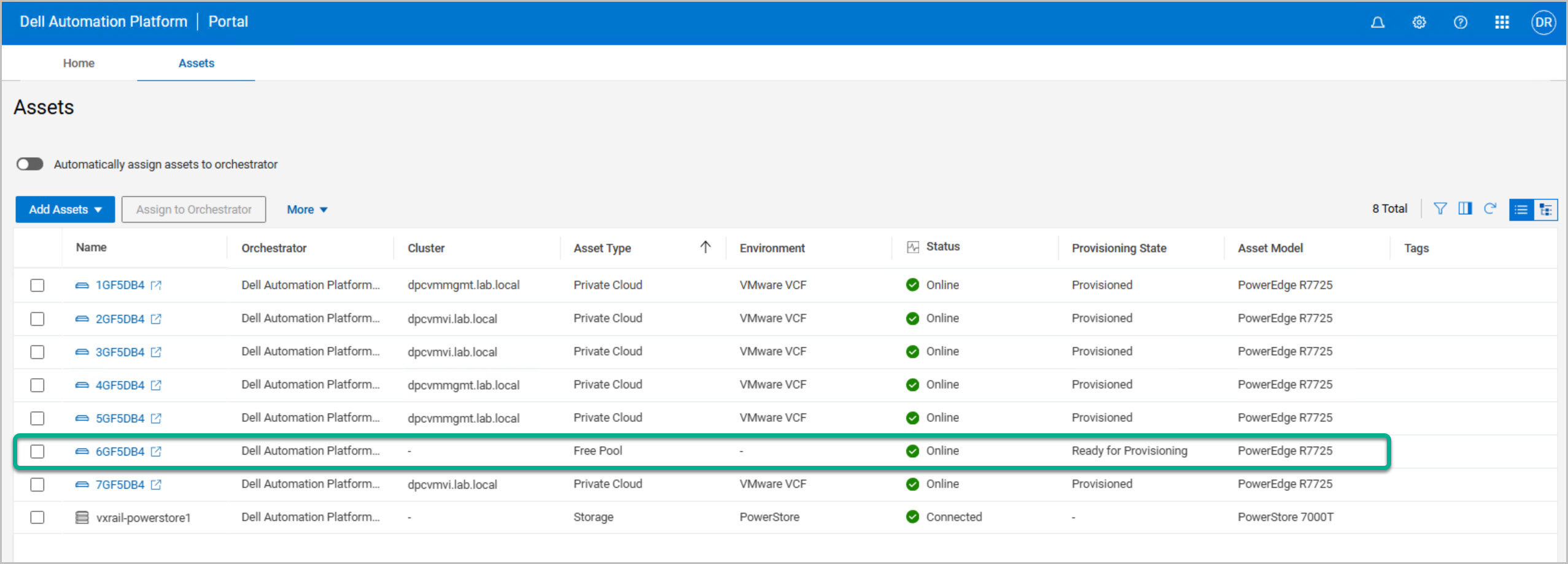
The next phase is to expand the existing Management Workload Domain (Management WLD) by commissioning an additional host. In this part of the series, we’ll return to the Dell Automation Platform and Orchestrator (DAPO) and follow the host commissioning workflow, which automates the preparation of a new PowerEdge server for integration into an existing VMware Cloud Foundation environment. Host commissioning is a critical step before a server can be consumed by VCF and added to a workload domain cluster. DAPO streamlines the entire process.
Note: There are two host commissioning stages:
DAPO Host Commissioning Workflow
Dell Private Cloud Extension Host Commissioning
DAPO commissioning alone does not make the hosts available within SDDC Manager. The Dell Private Cloud Extension onboarding workflow completes the registration process and exposes the hosts to VMware Cloud Foundation, allowing them to be selected during the Management Workload Domain expansion workflow.
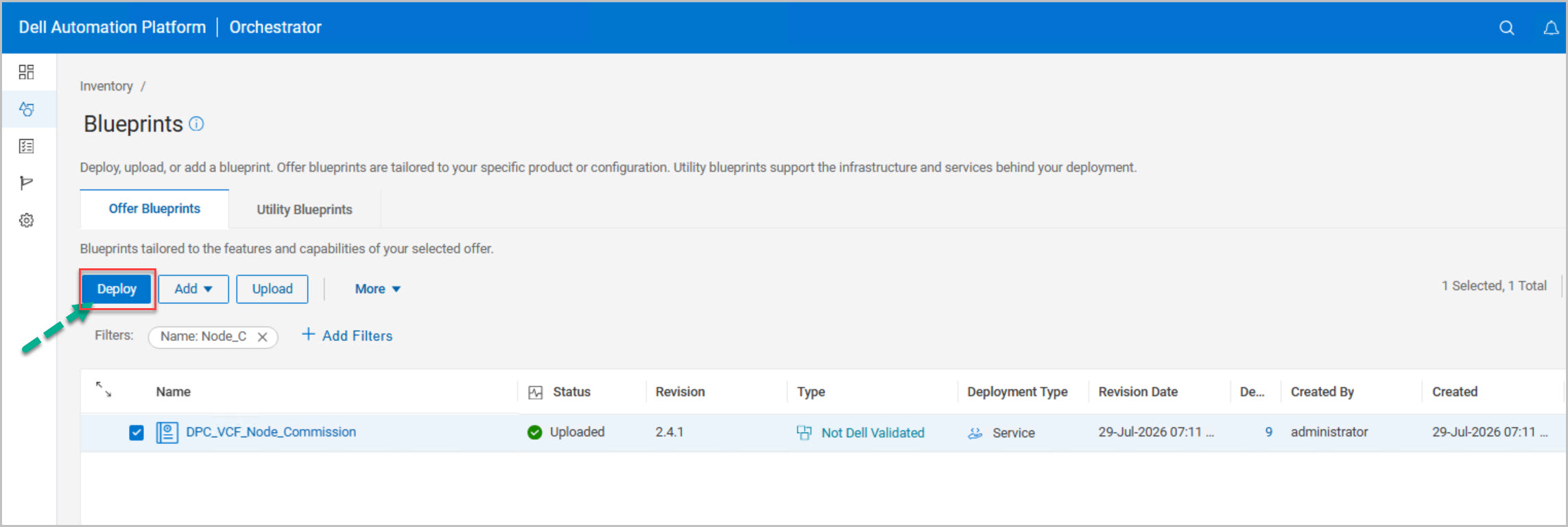
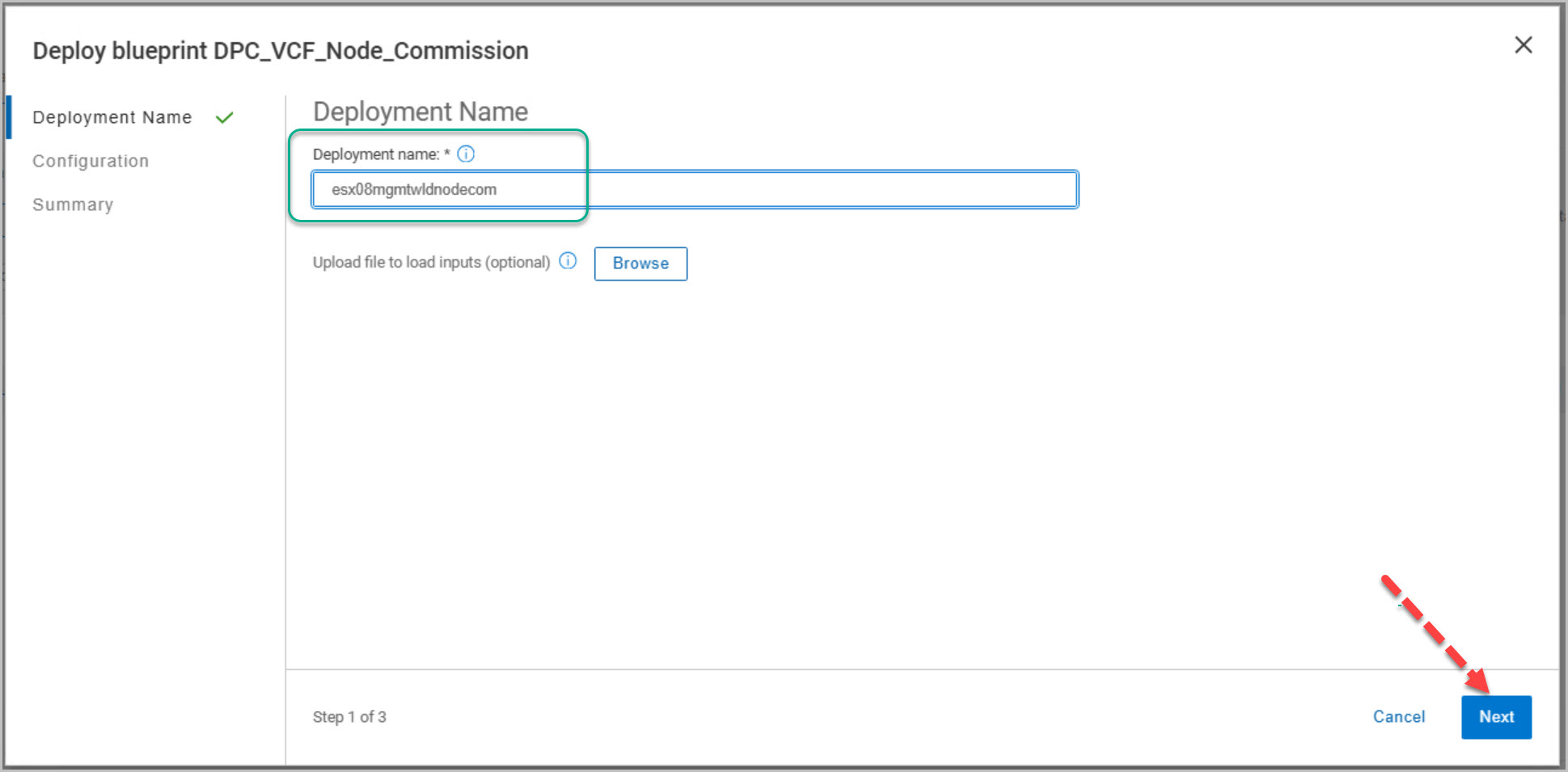
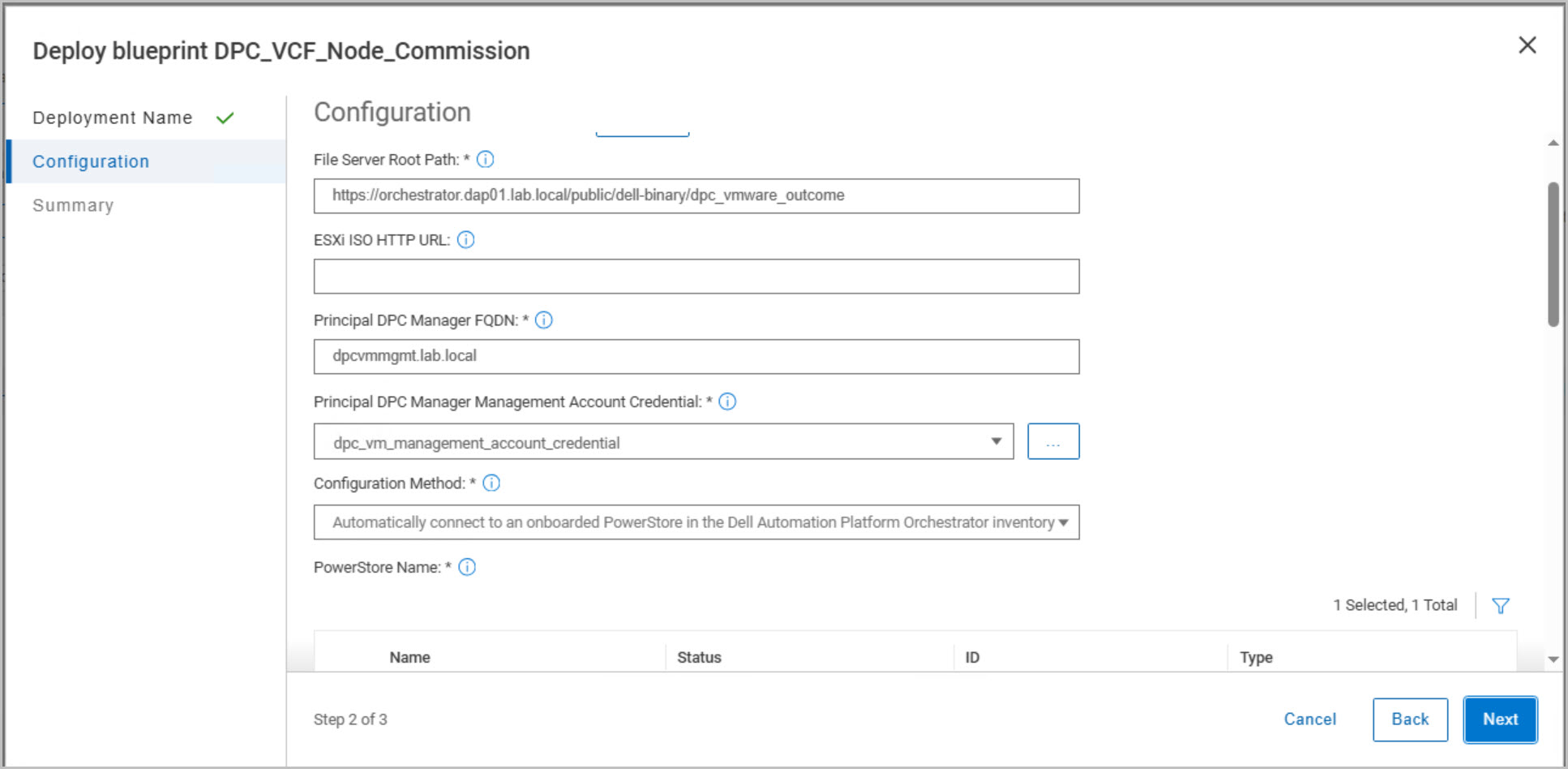
DAPO Host Commissioning Workflow Configuration and Deployment
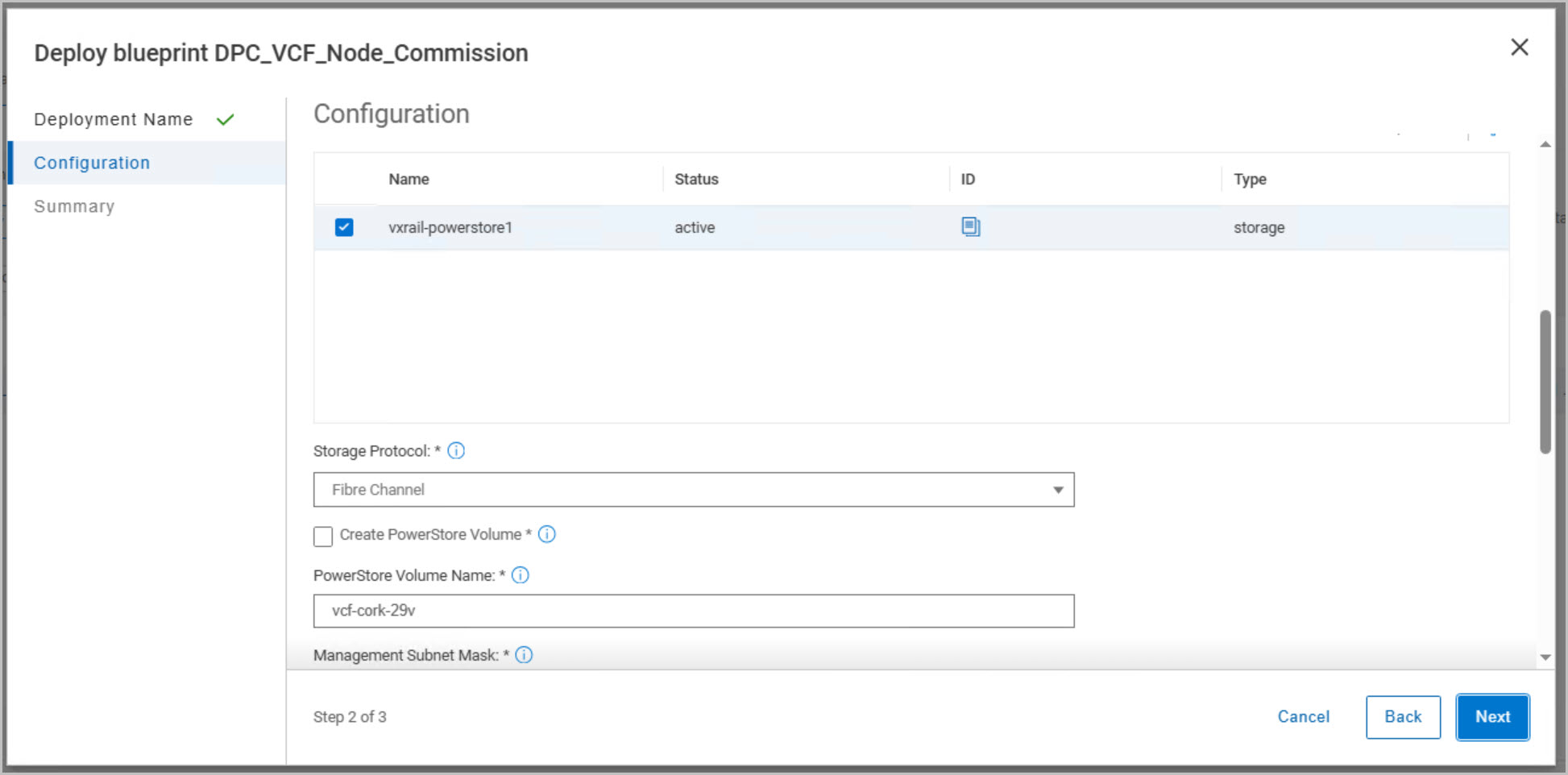
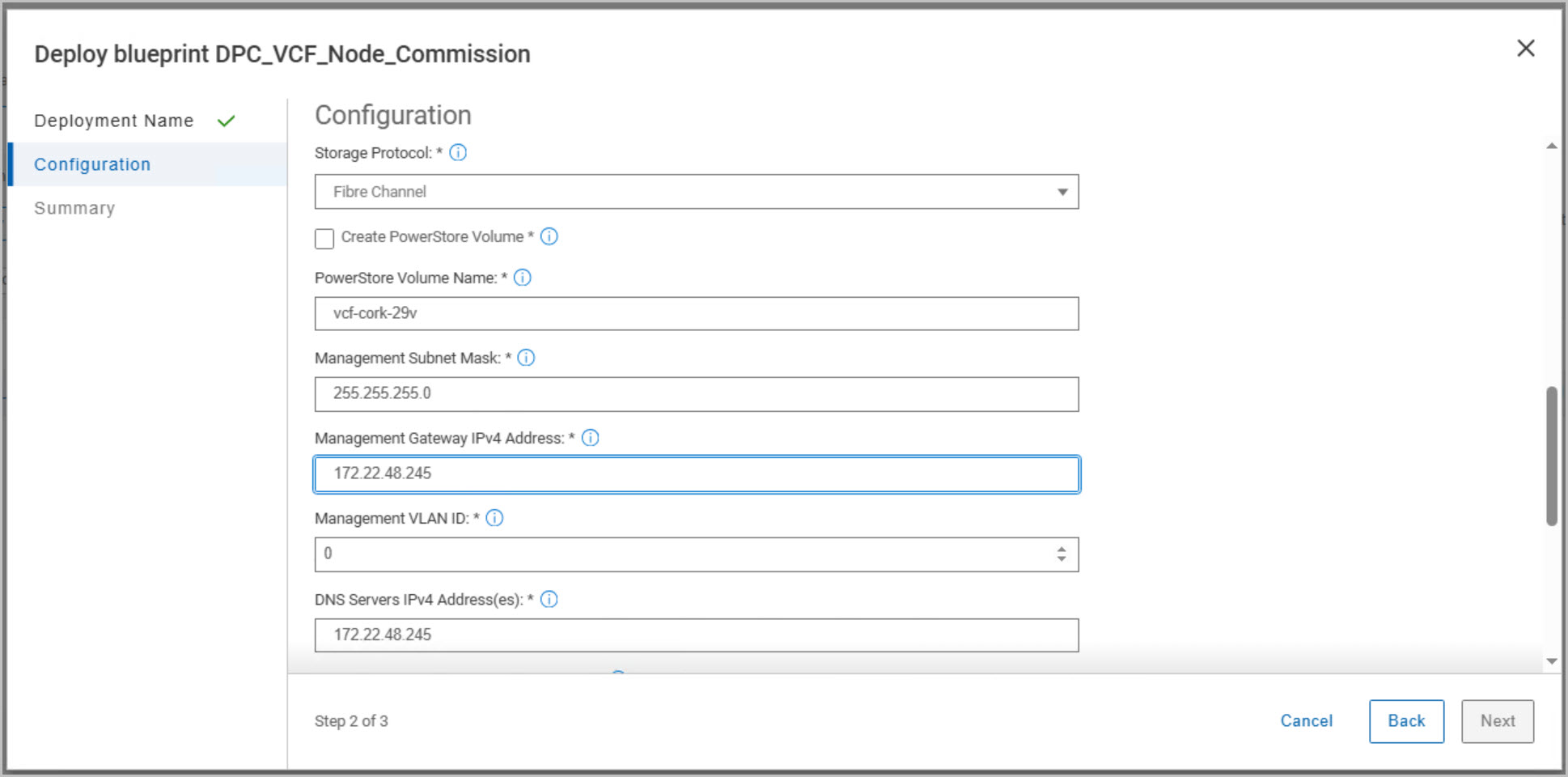
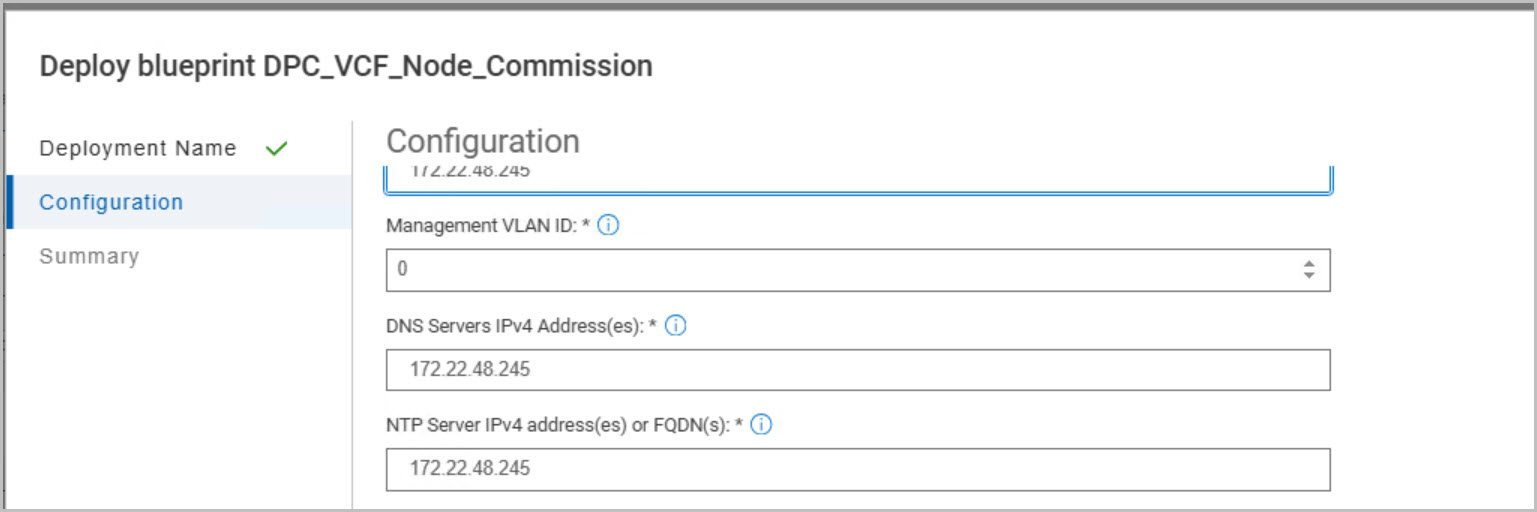
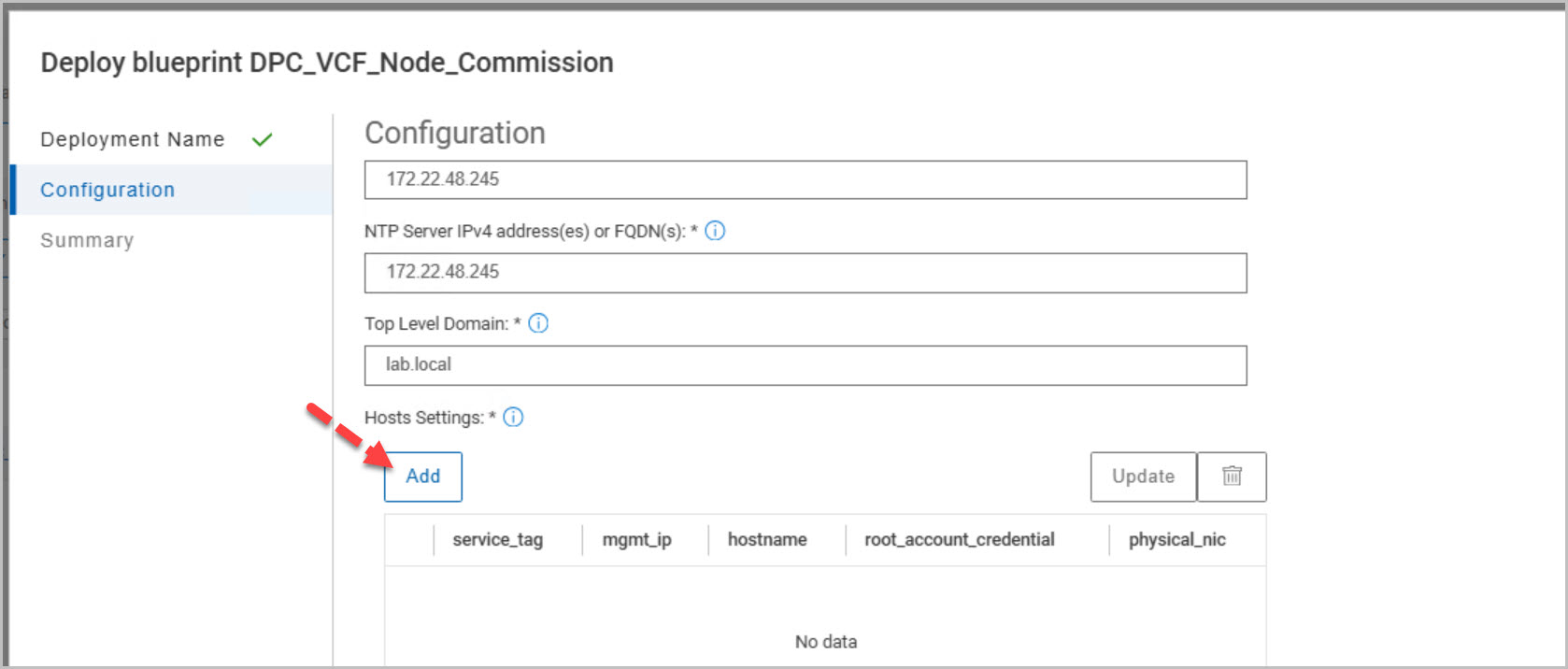
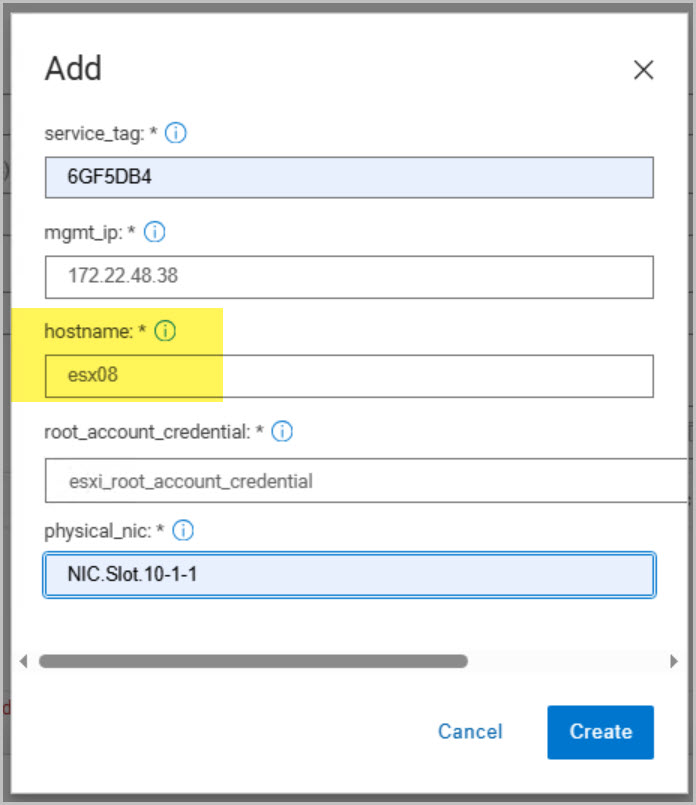
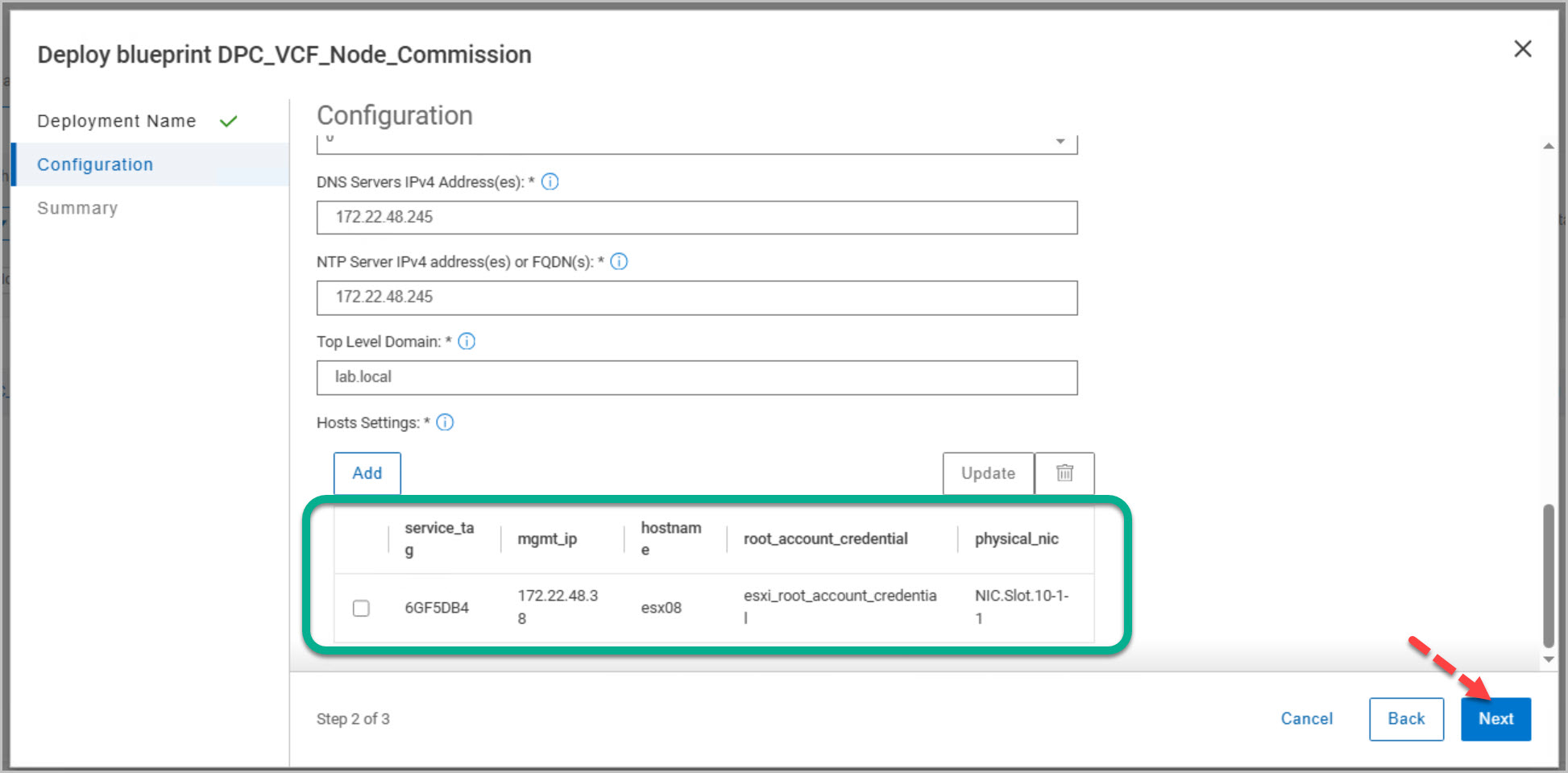
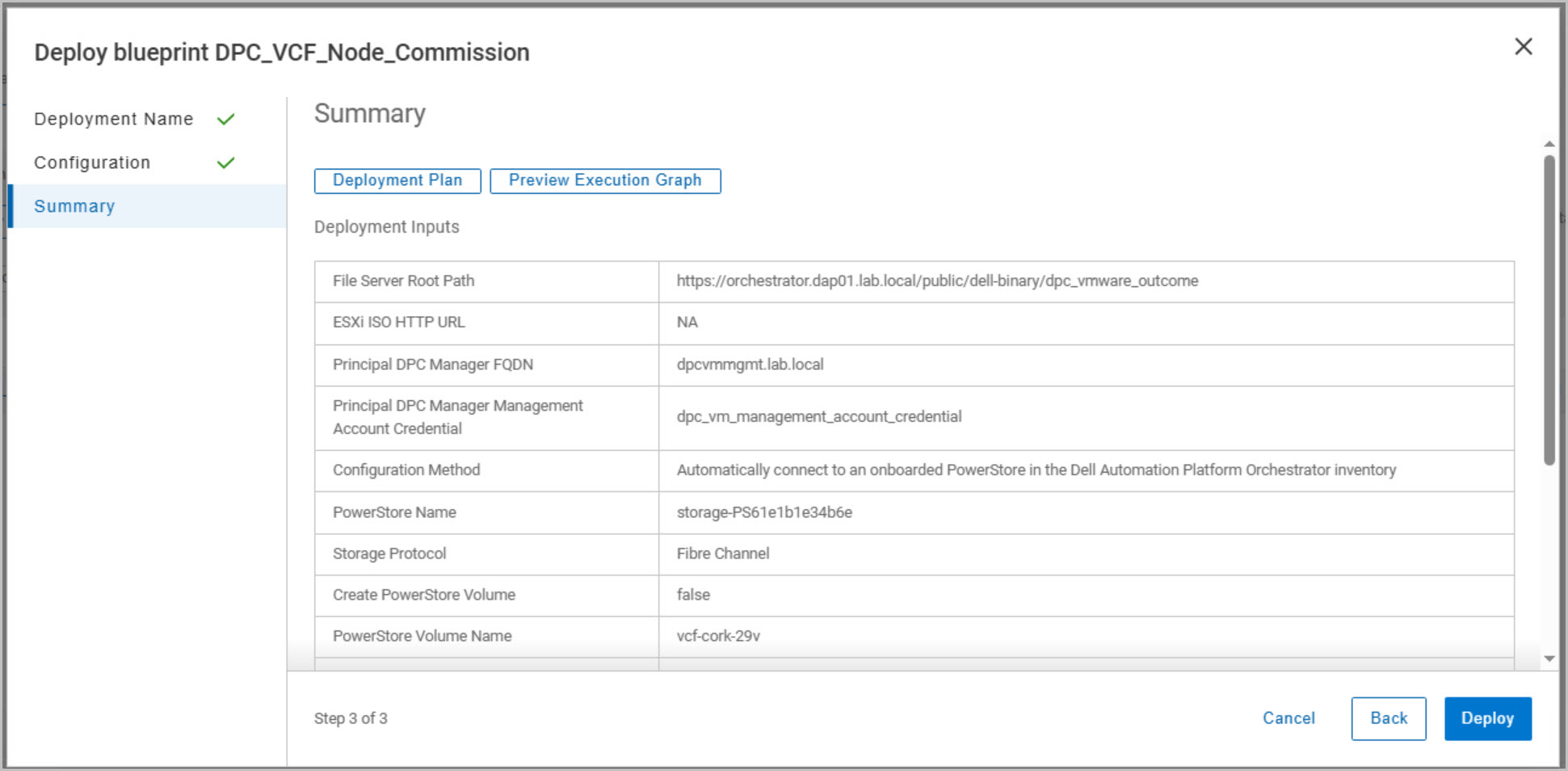
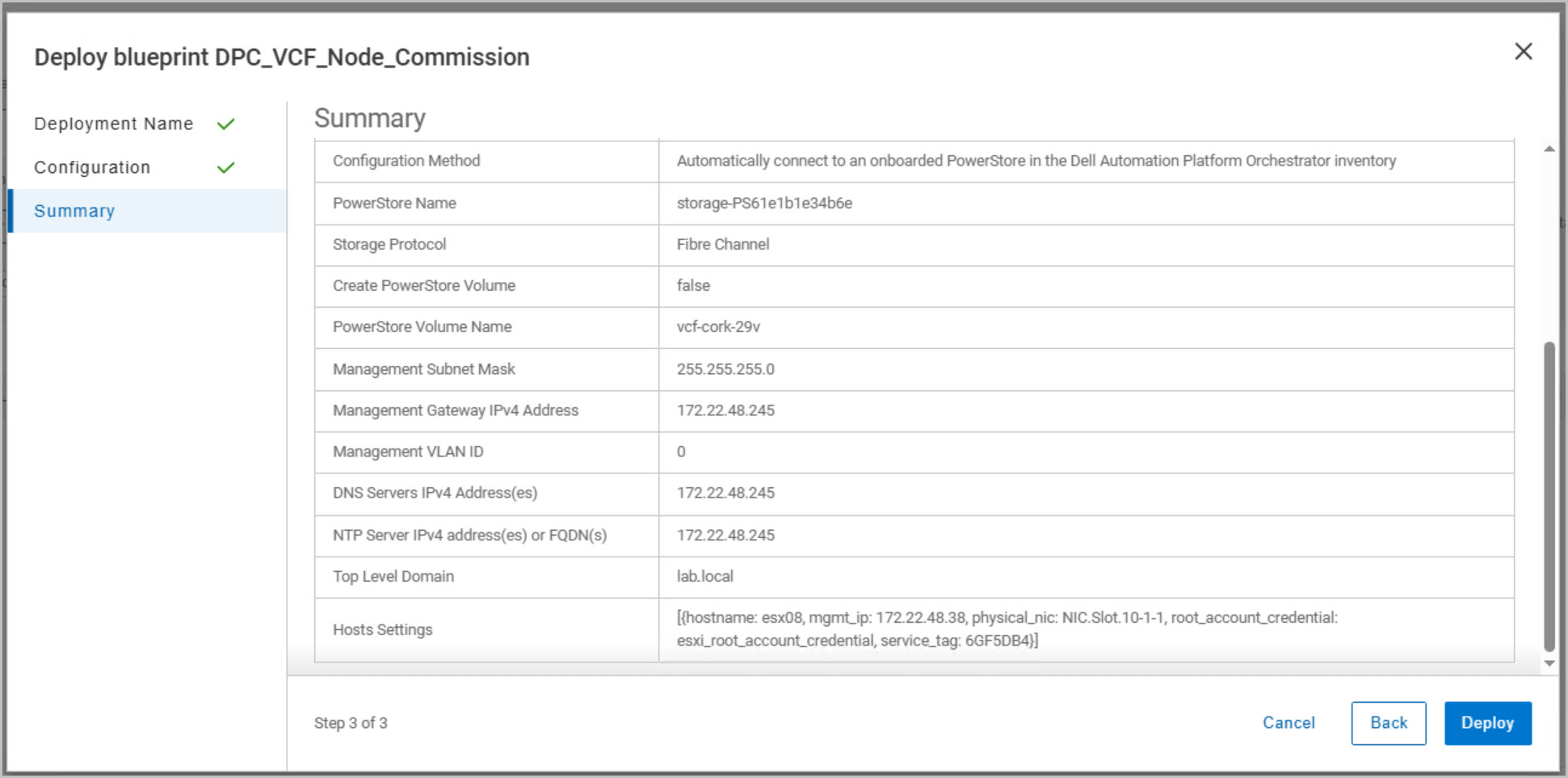
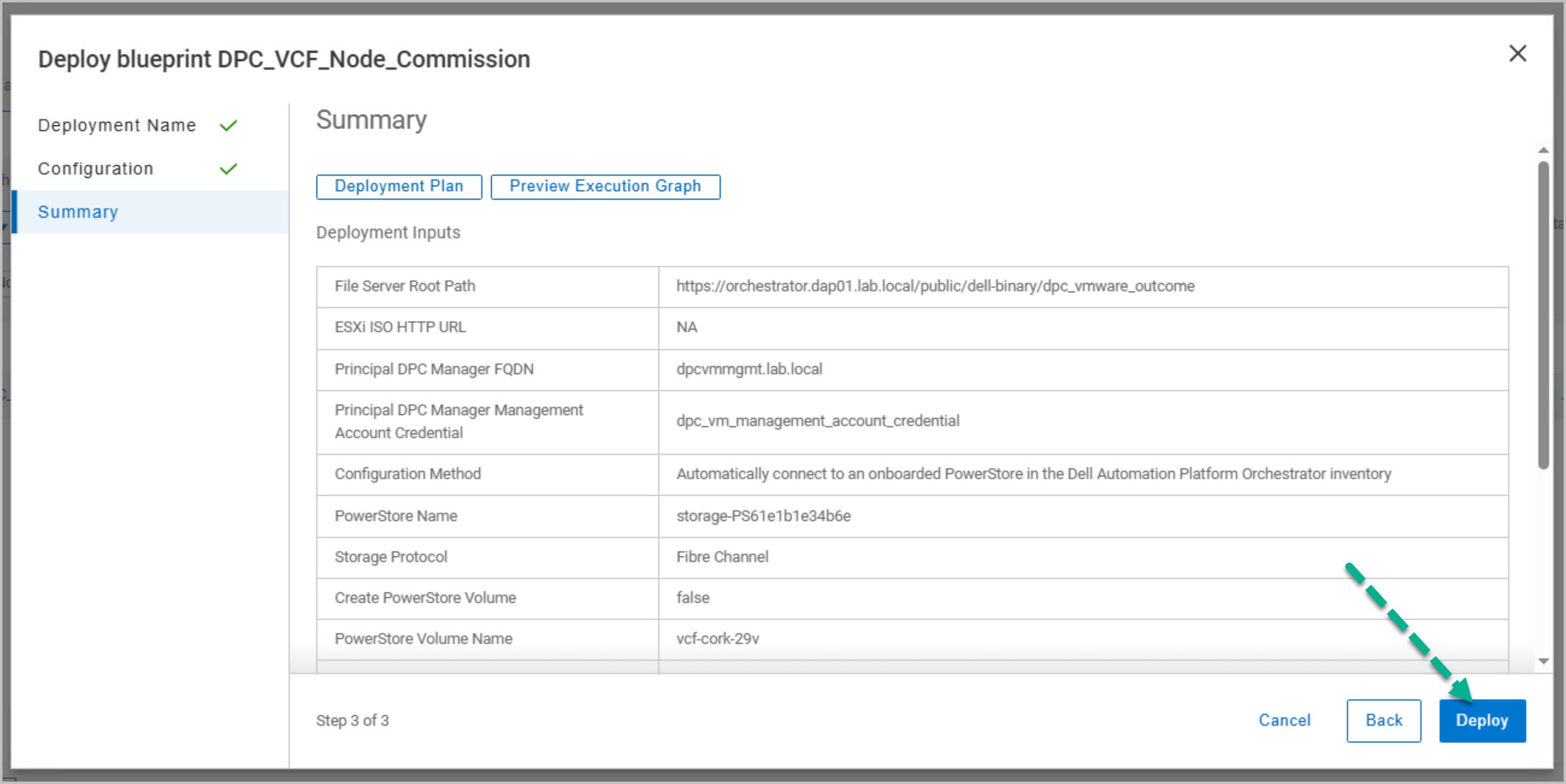
The next stage of the host commissioning process focuses on configuring and launching the DPC_VCF_Node_Commission blueprint. During this phase, the workflow is connected to the onboarded PowerStore array using Fibre Channel storage, and the esxiting VI WLD PowerStore volume is defined for mapping to the new host (esx08). Management networking details are then specified, including the subnet mask, gateway, management VLAN, DNS servers, NTP servers, and DNS domain.
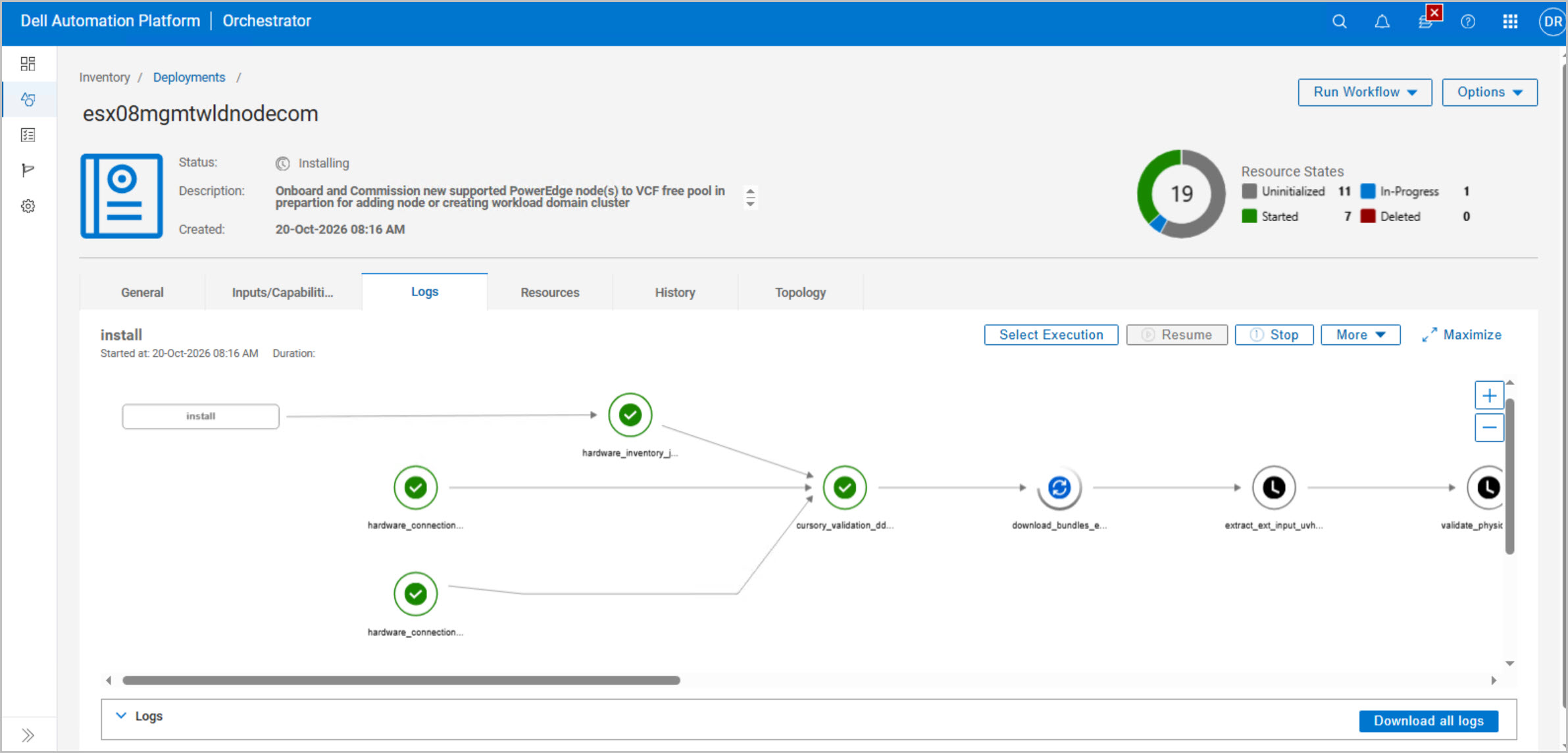
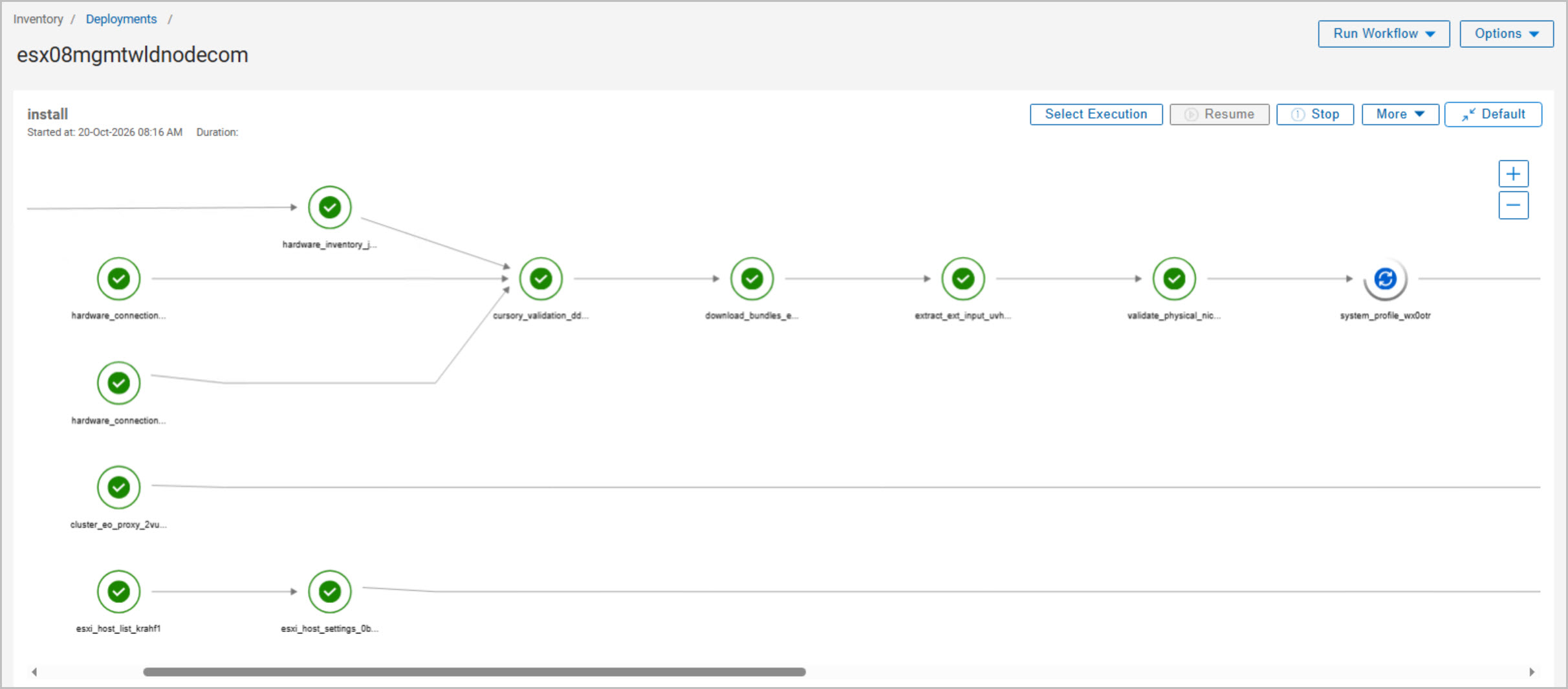
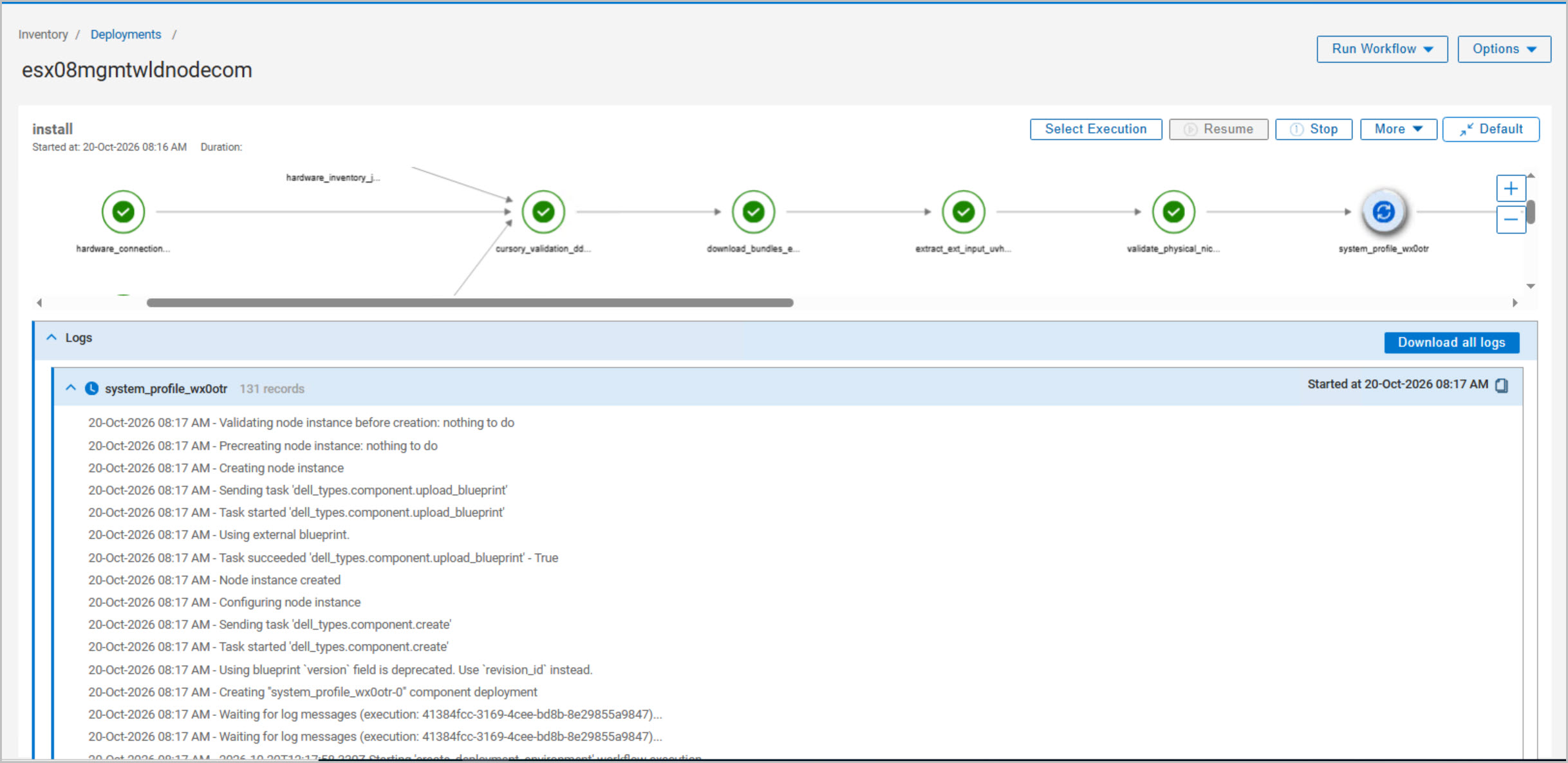
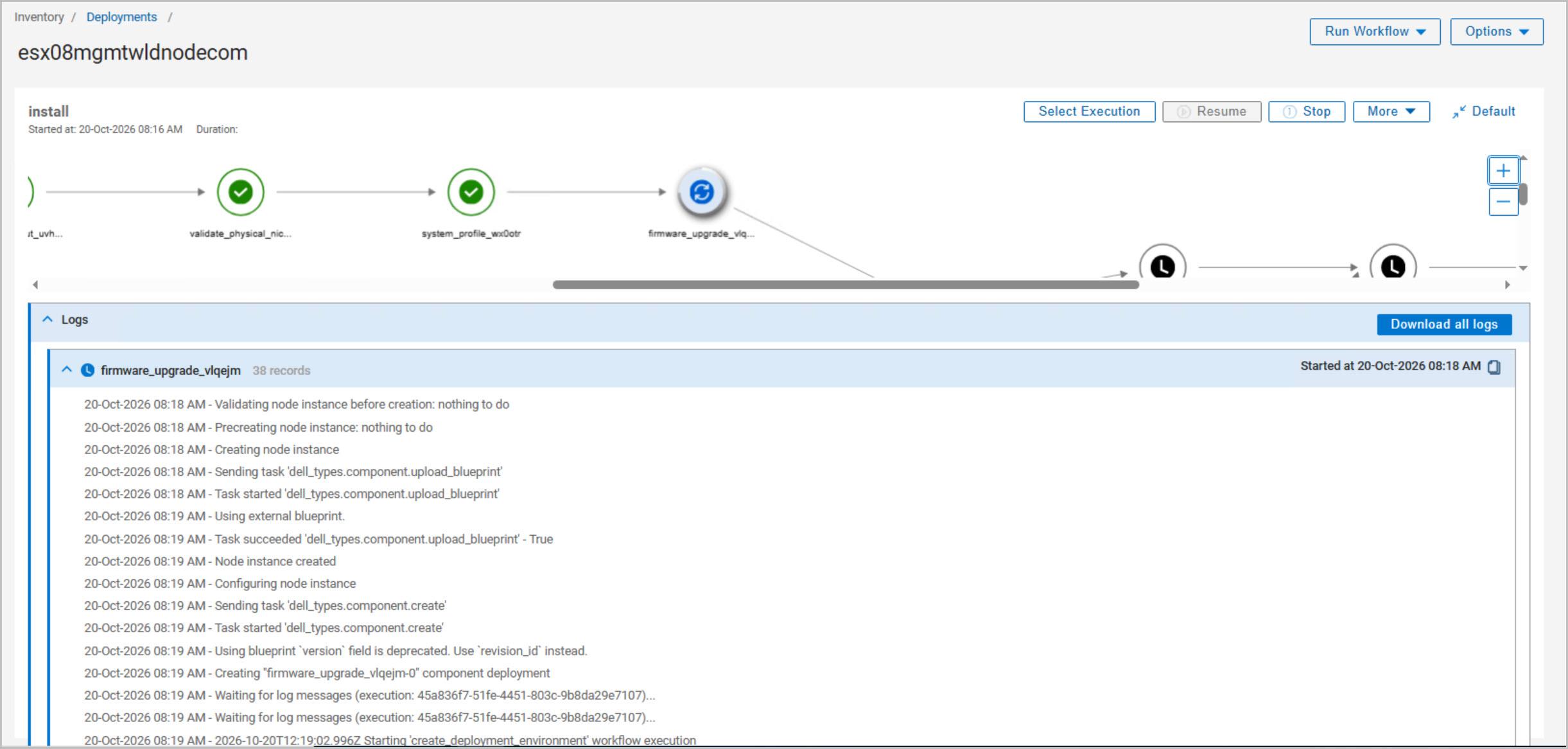
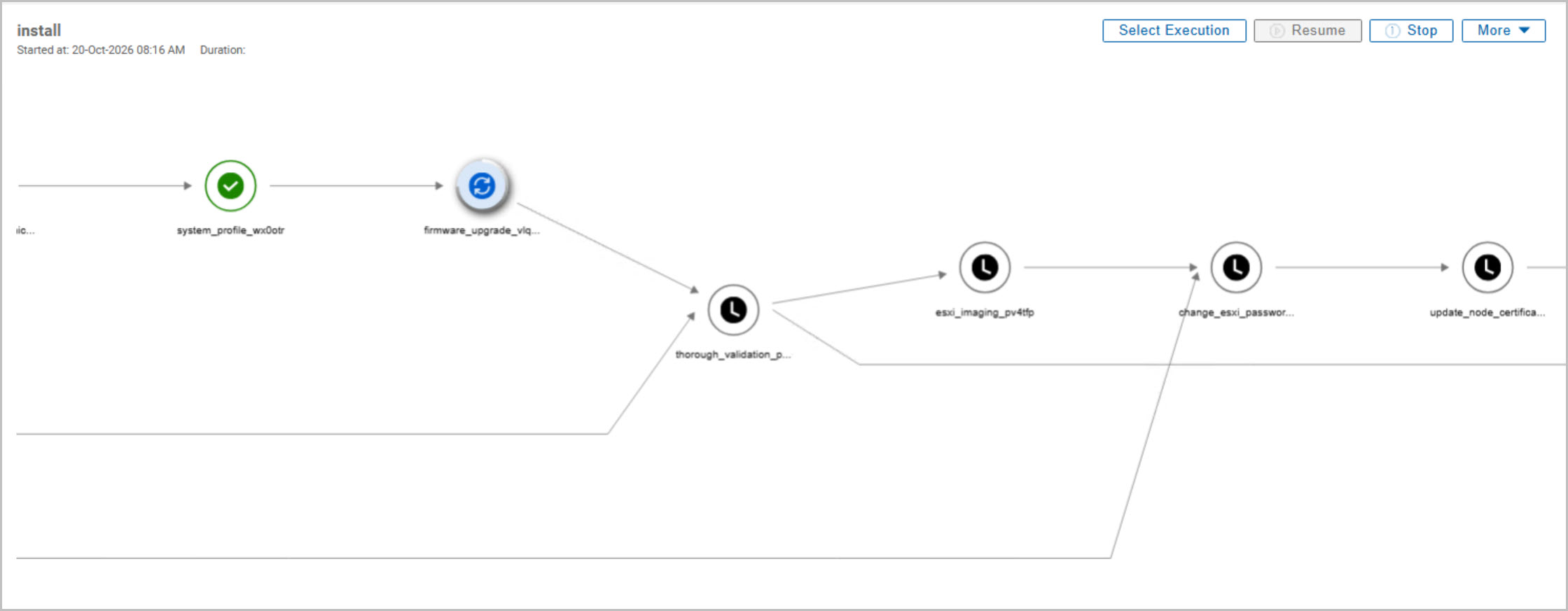
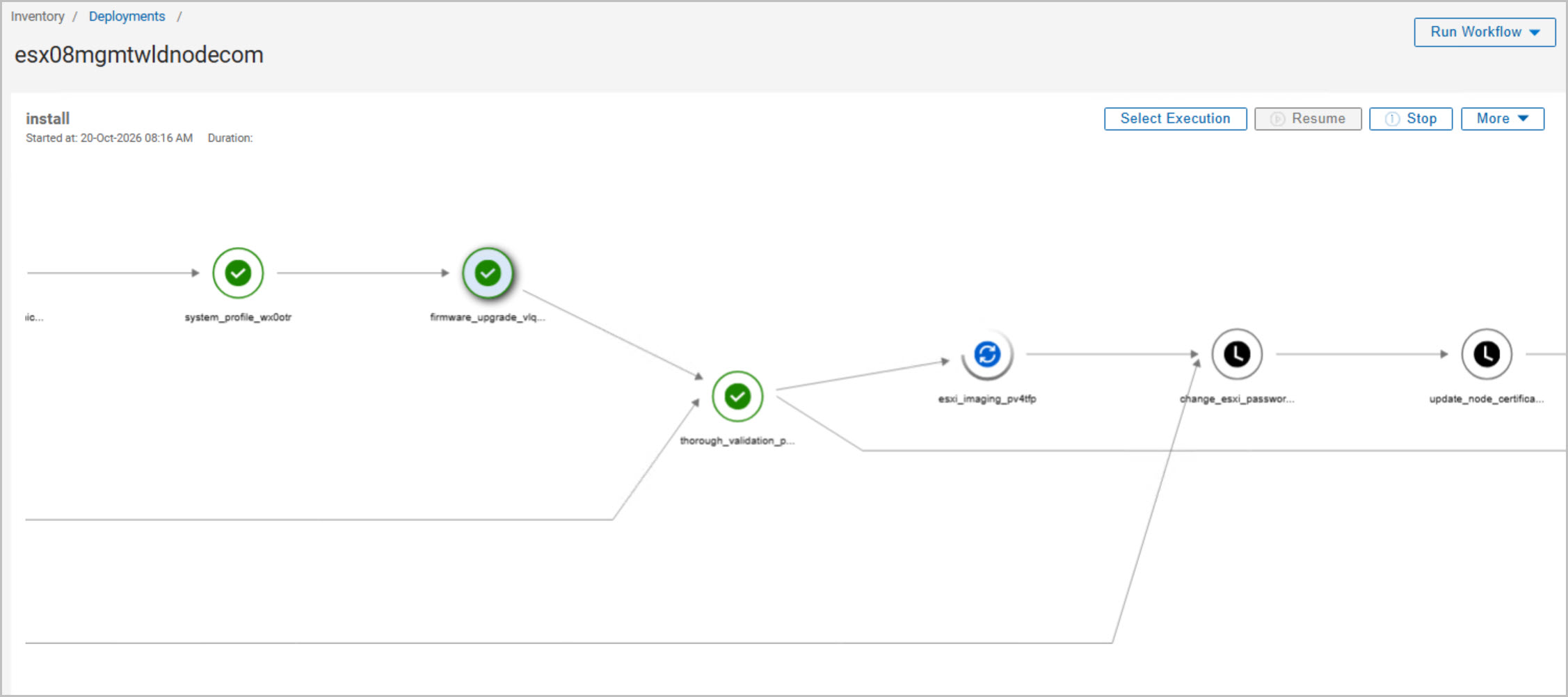
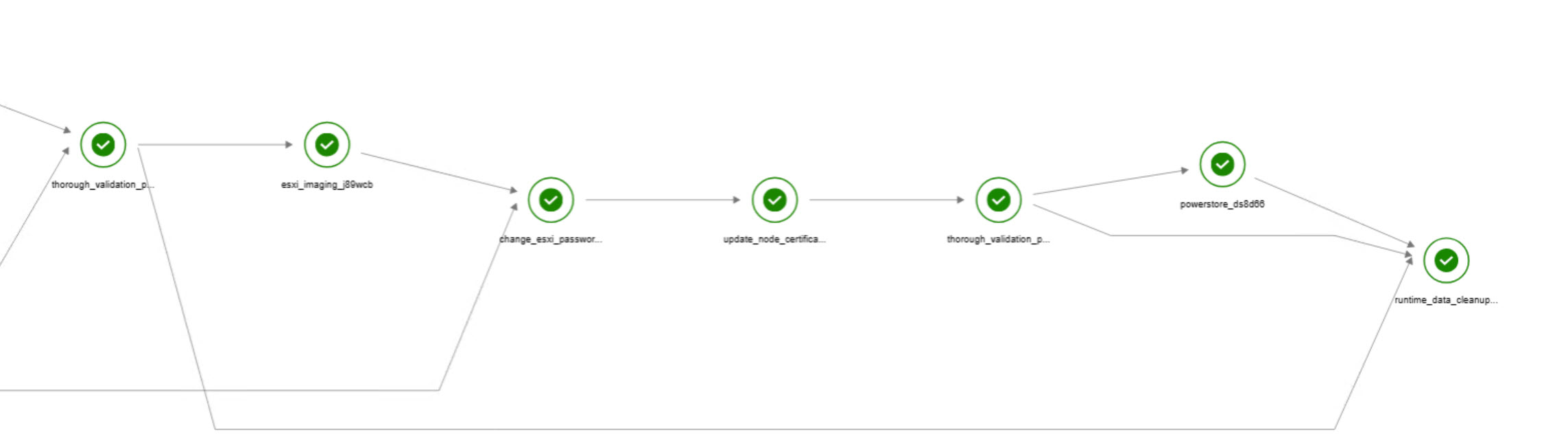
The DPC_VCF_Node_Commission workflow performs the following automated tasks:
Hardware discovery and server validation
Hardware inventory collection
NIC and network connectivity validation
Software and bundle downloads
System profile application
Firmware compliance assessment
Pre-imaging validation checks
ESXi installation and re-imaging
ESXi credential configuration and rotation
Certificate generation and updates
Post-imaging validation and health checks
PowerStore storage connectivity verification
Host readiness validation
Runtime cleanup and workflow completion
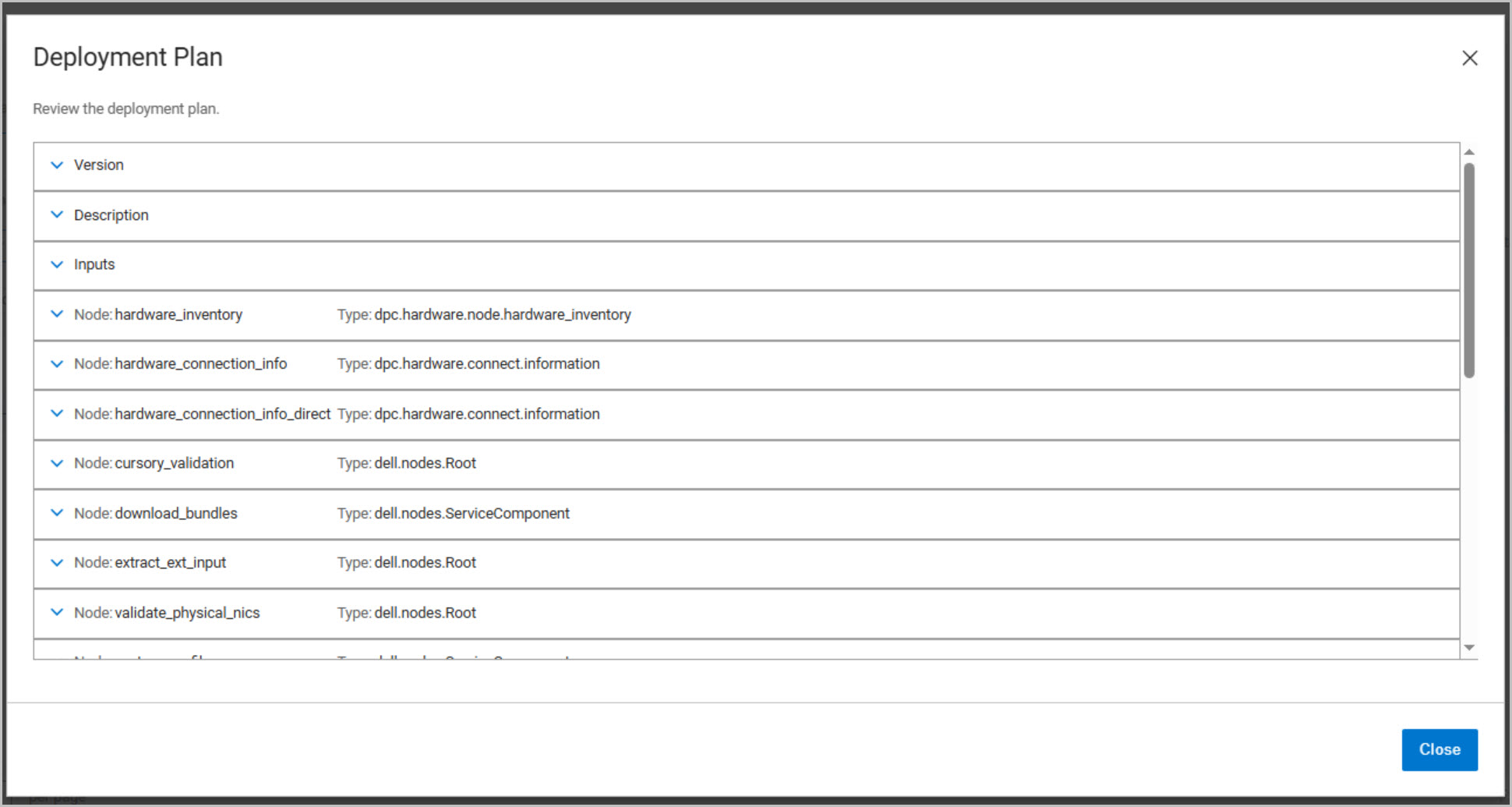
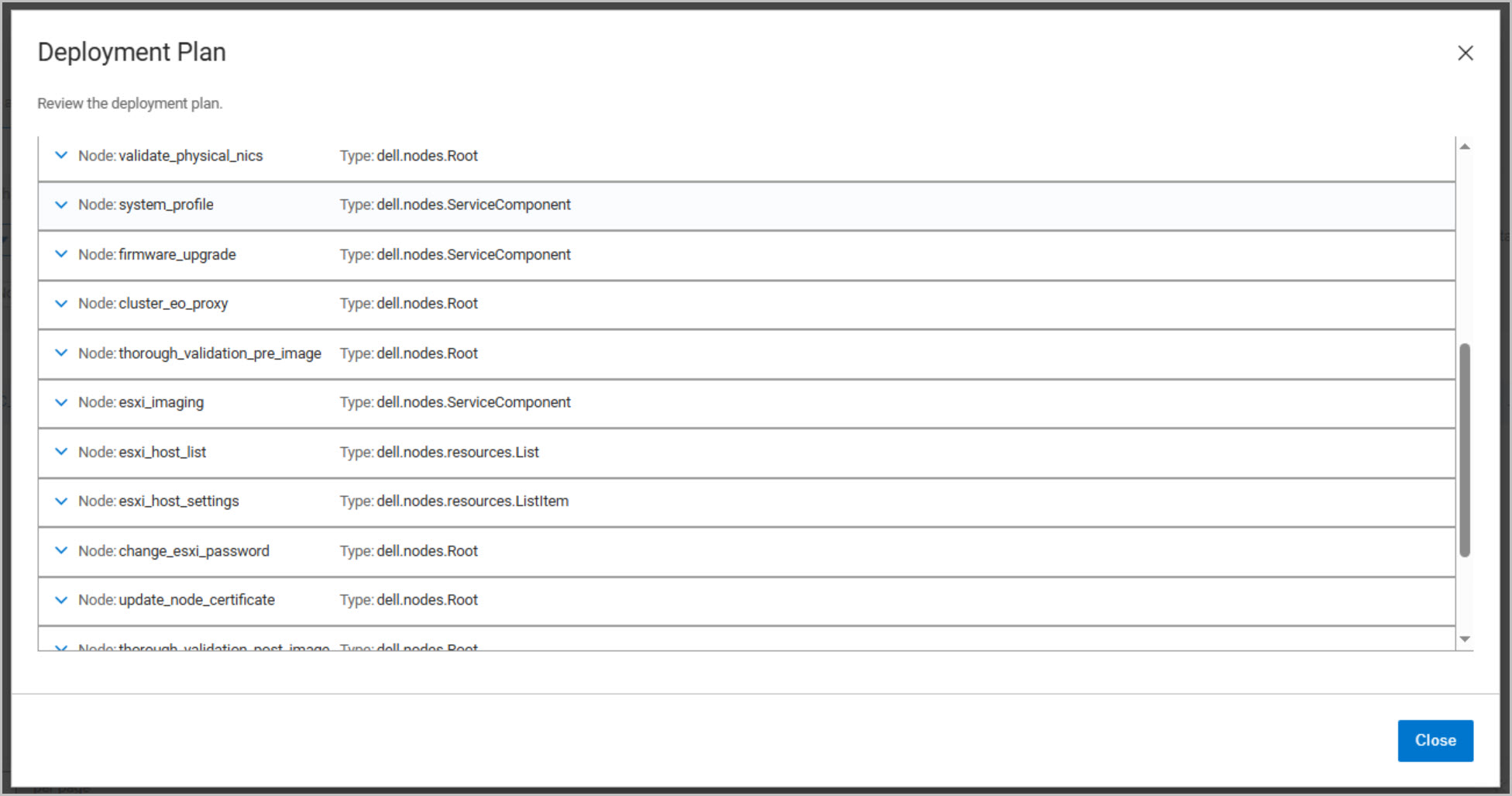
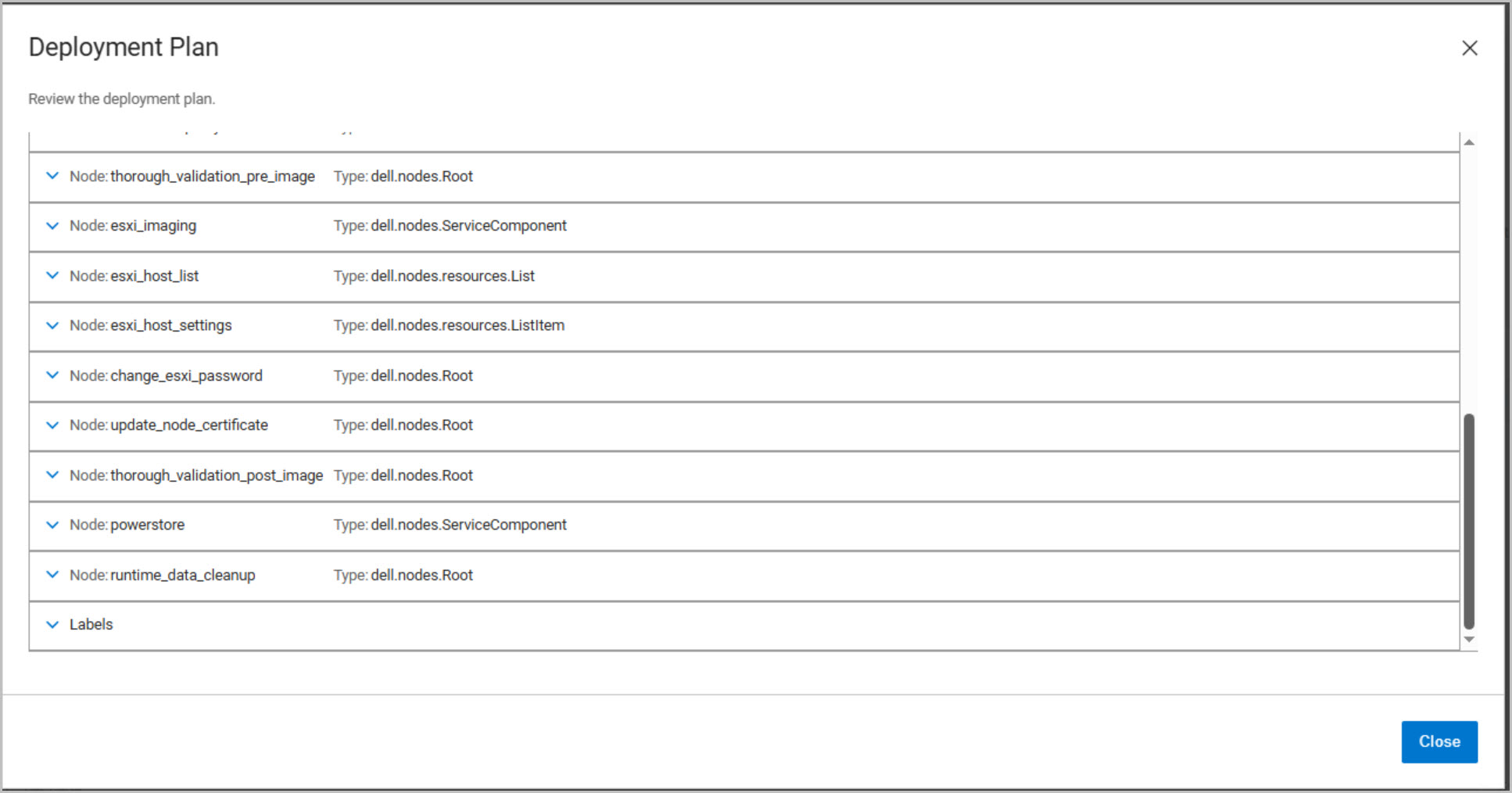
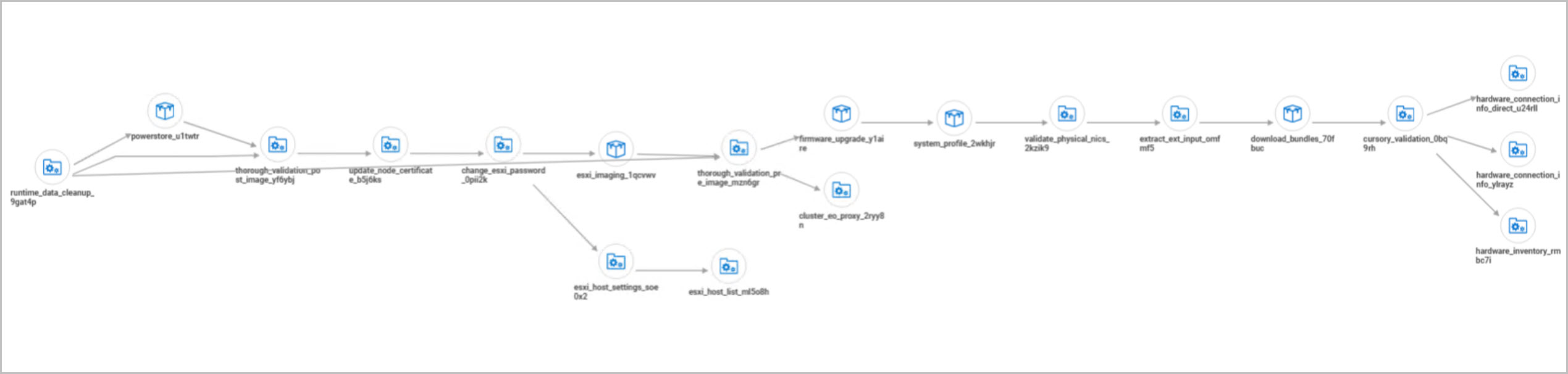
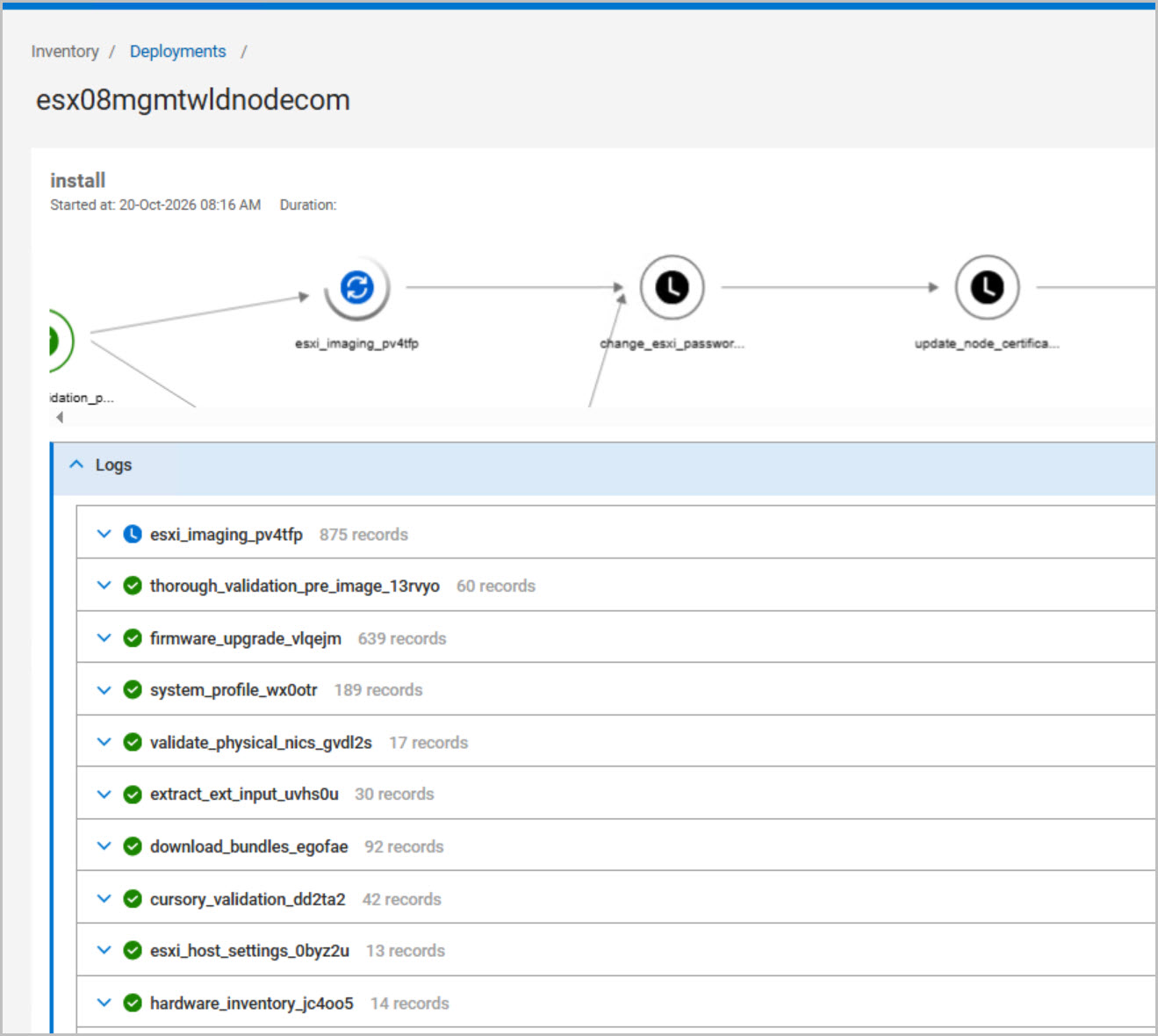
Reviewing the Execution Graph and Deployment Plan before deployment provides visibility into these workflow stages and can significantly simplify troubleshooting should any step fail during commissioning.
DAPO Host Commissioning Workflow Summary
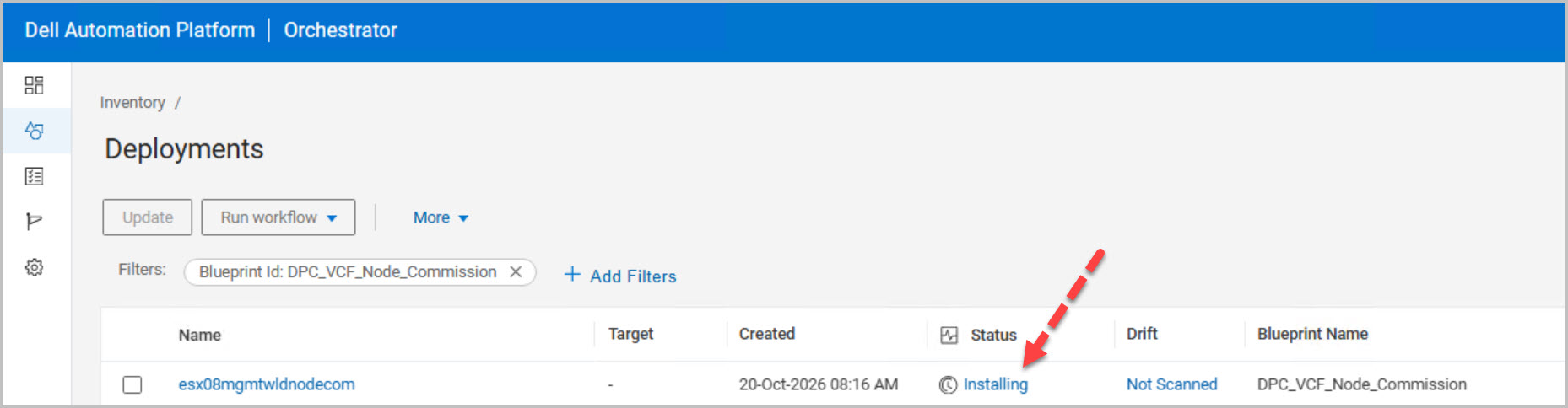
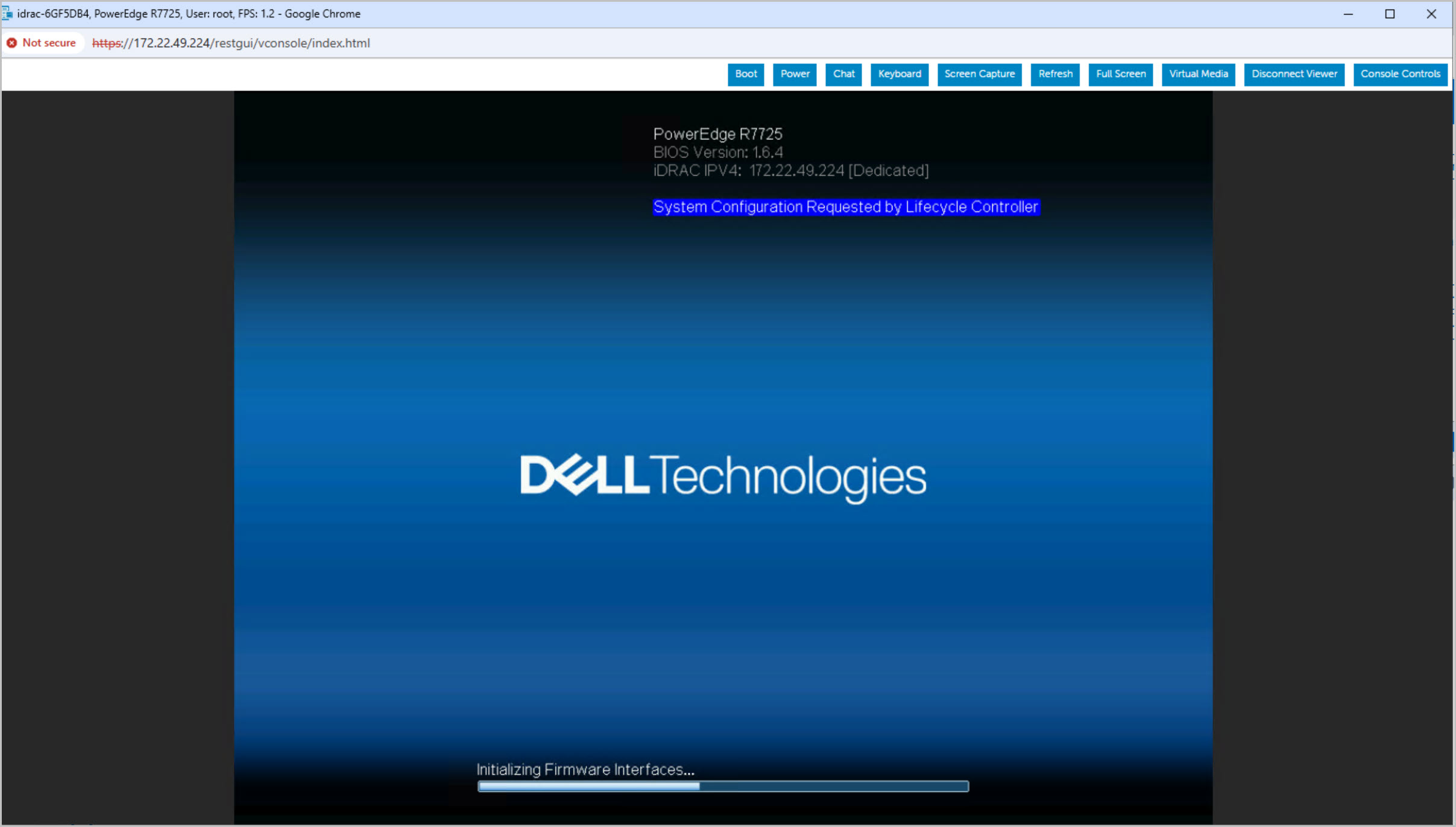
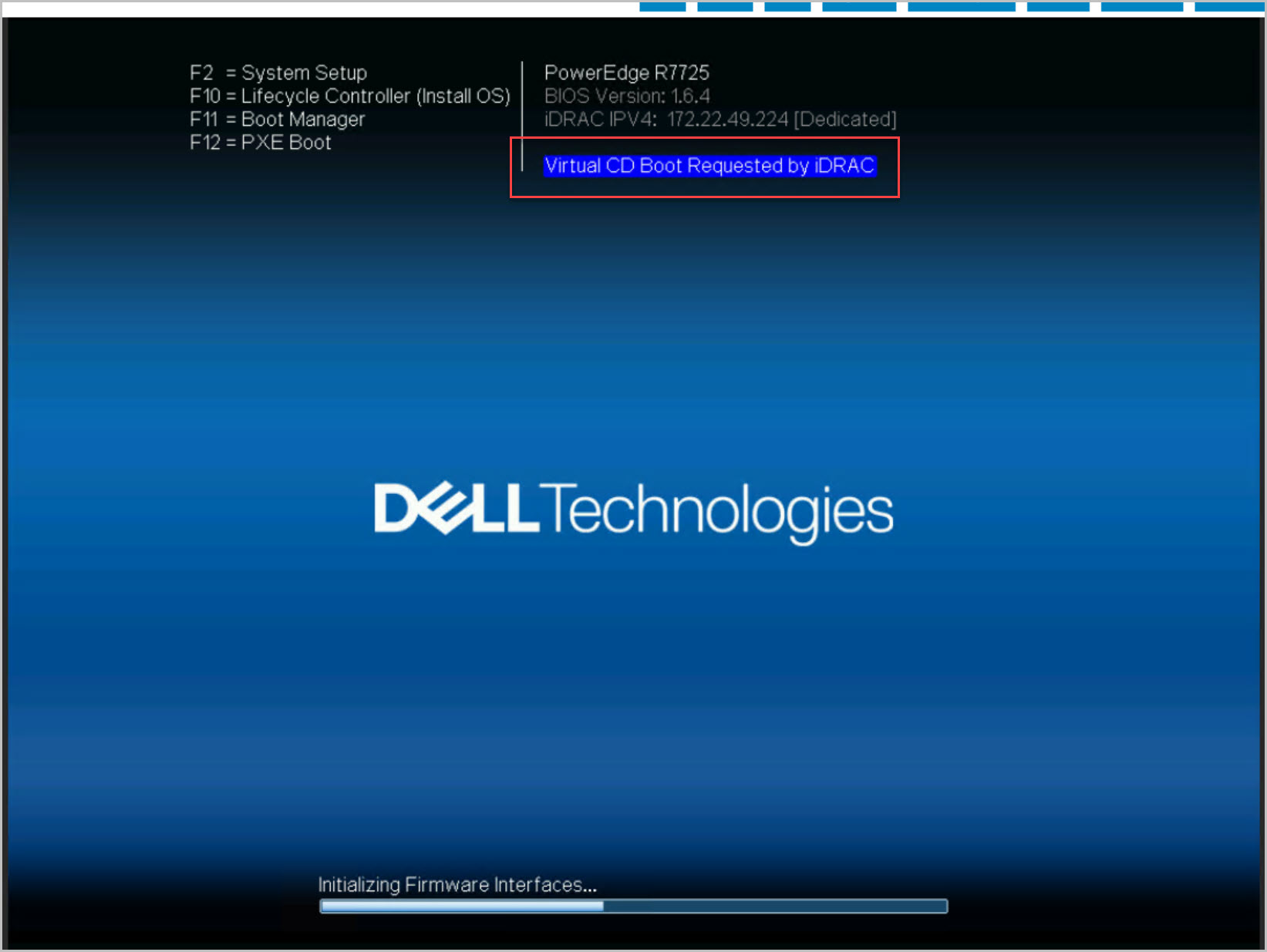
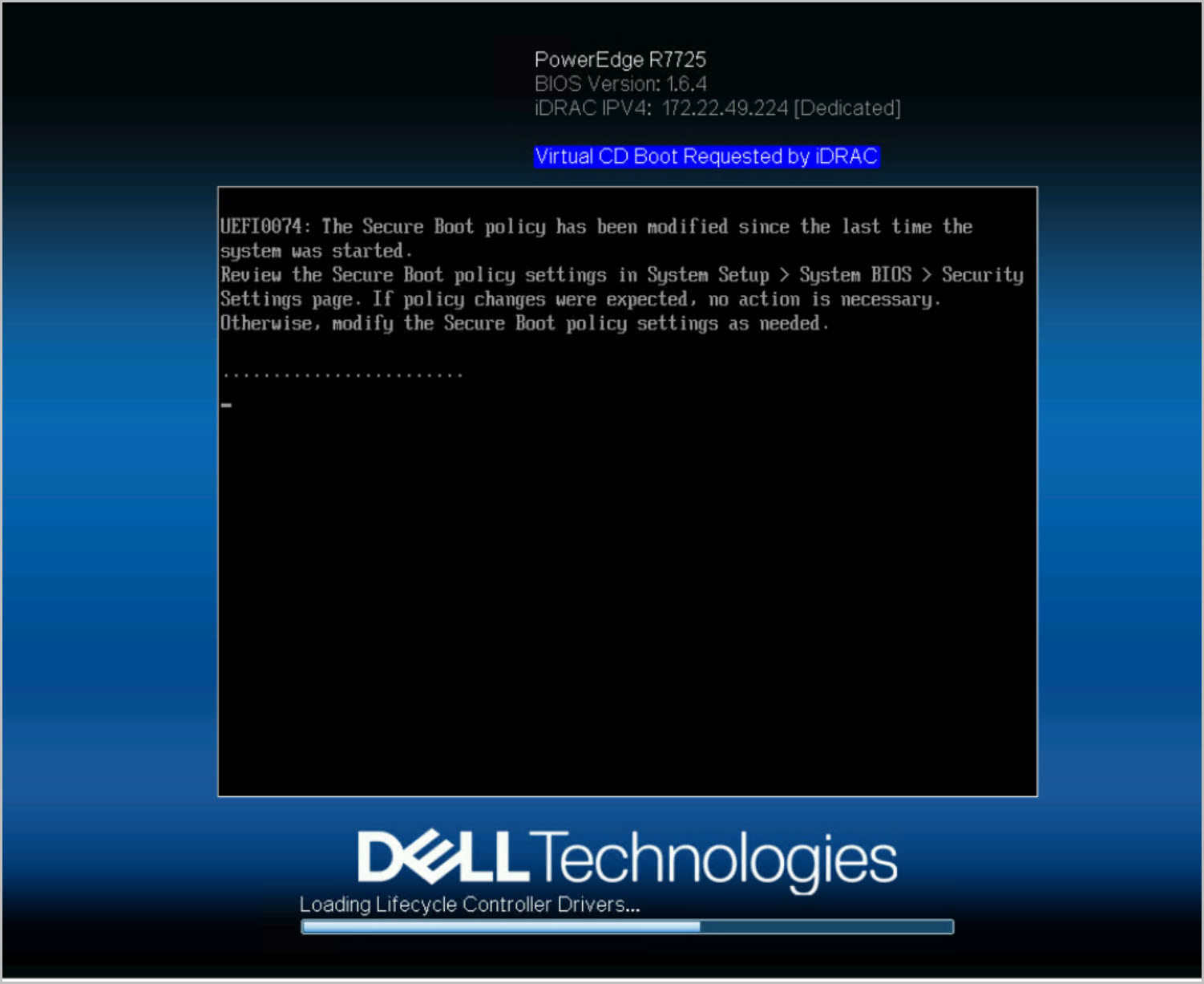
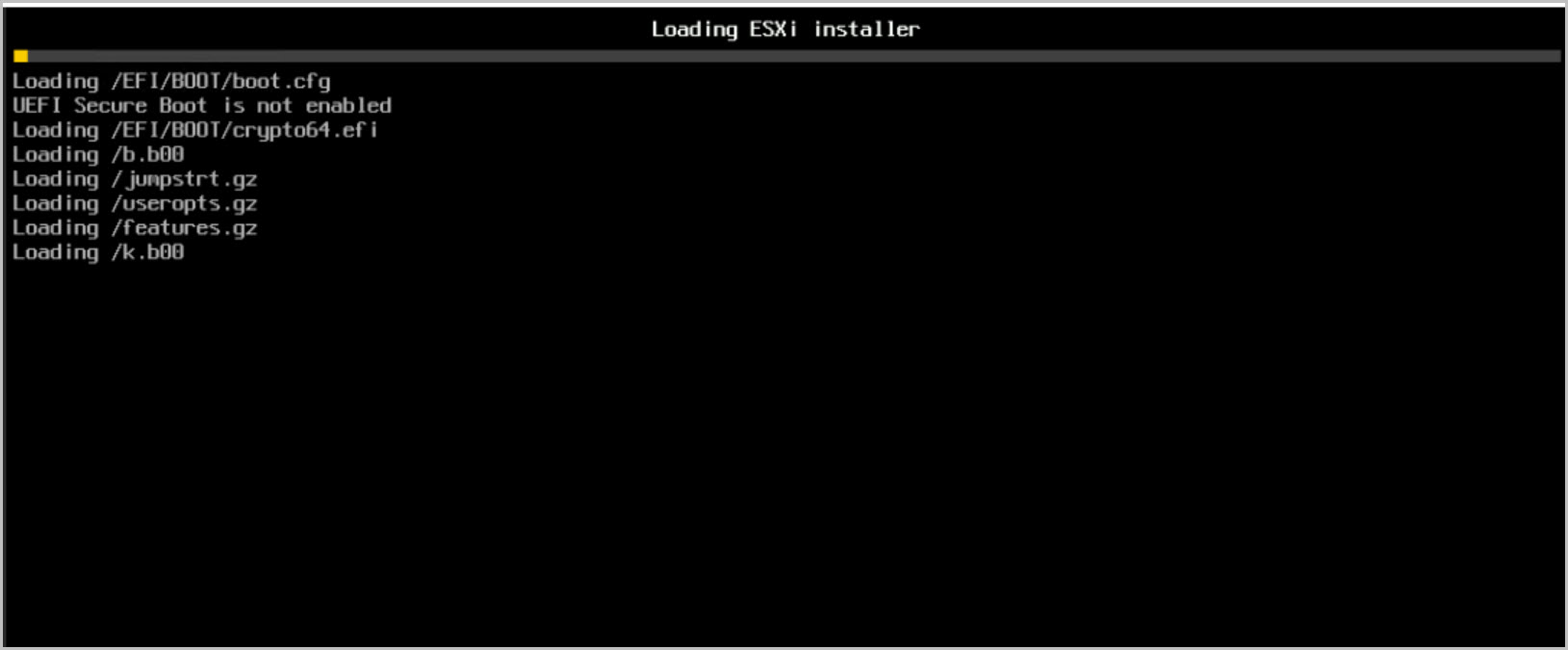
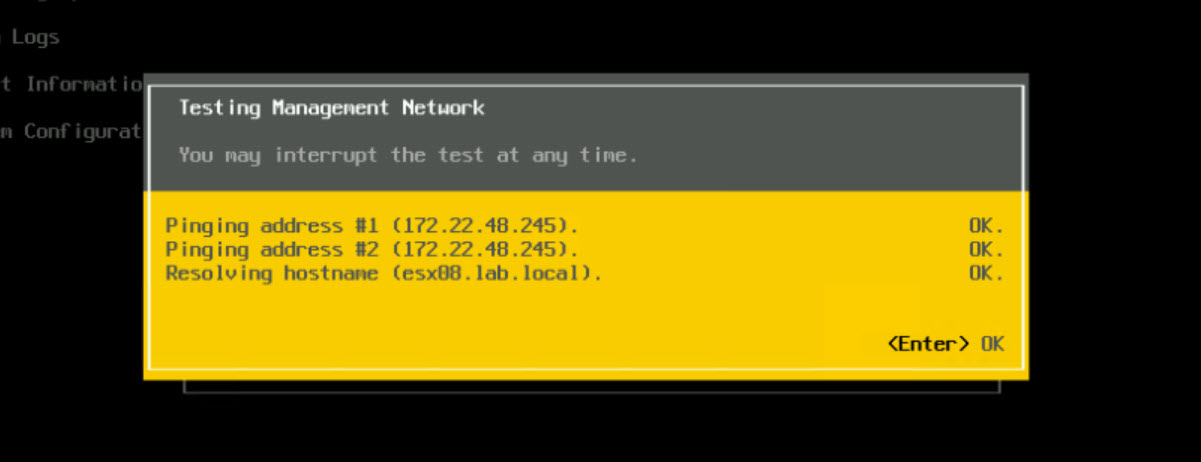
These screenshots show the DPC_VCF_Node_Commission workflow preparing a new PowerEdge host for VMware Cloud Foundation. DAPO automates hardware discovery, network validation, system profile application, firmware remediation, ESXi imaging, credential and certificate updates, storage validation, and post-deployment health checks.
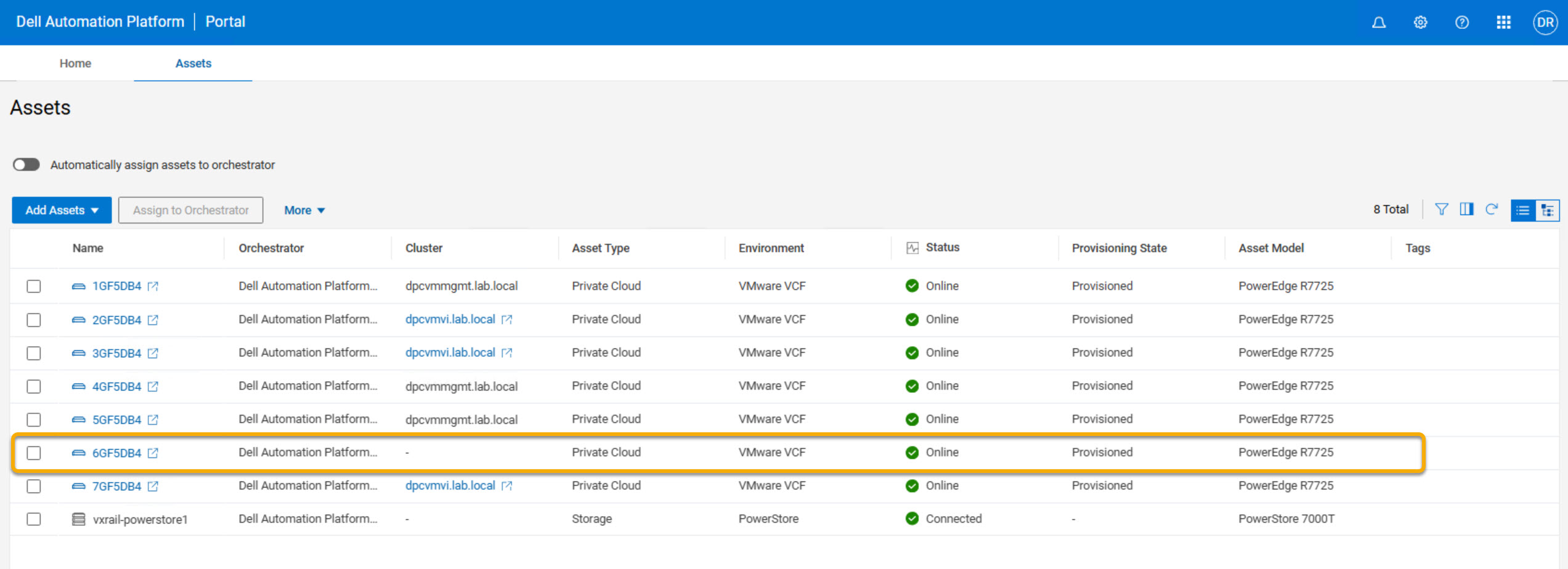
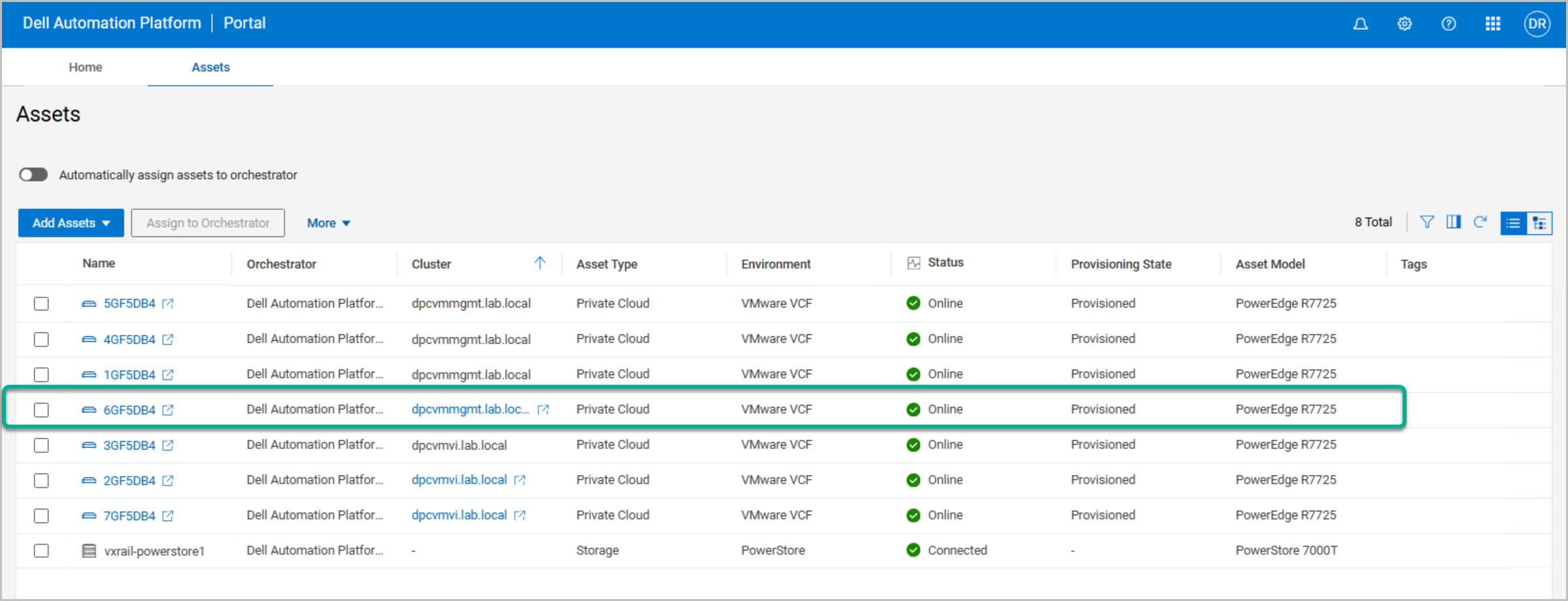
Upon successful completion, the host is marked Online and Provisioned in DAPO, making it ready for onboarding into VMware Cloud Foundation and use in the Management Workload Domain expansion.
Dell Private Cloud Extension Host Commissioning
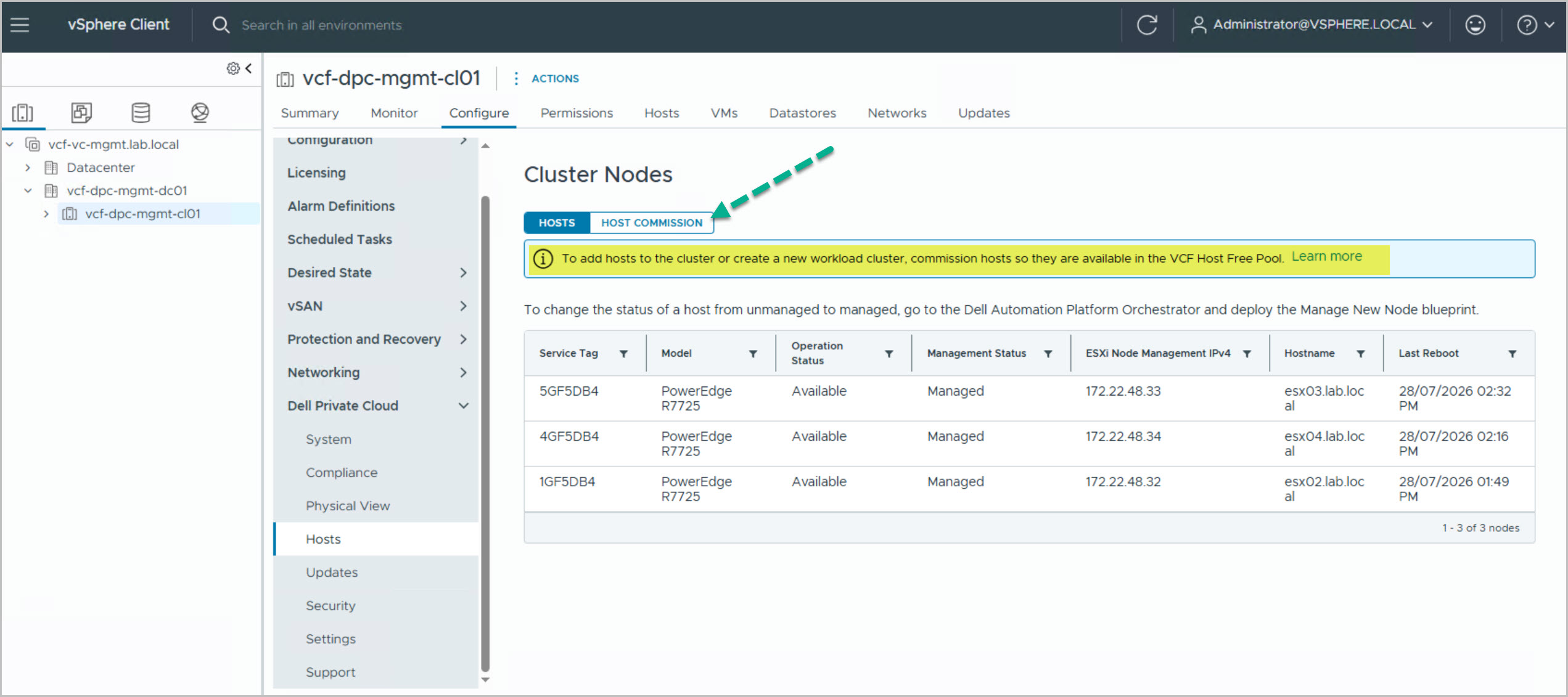
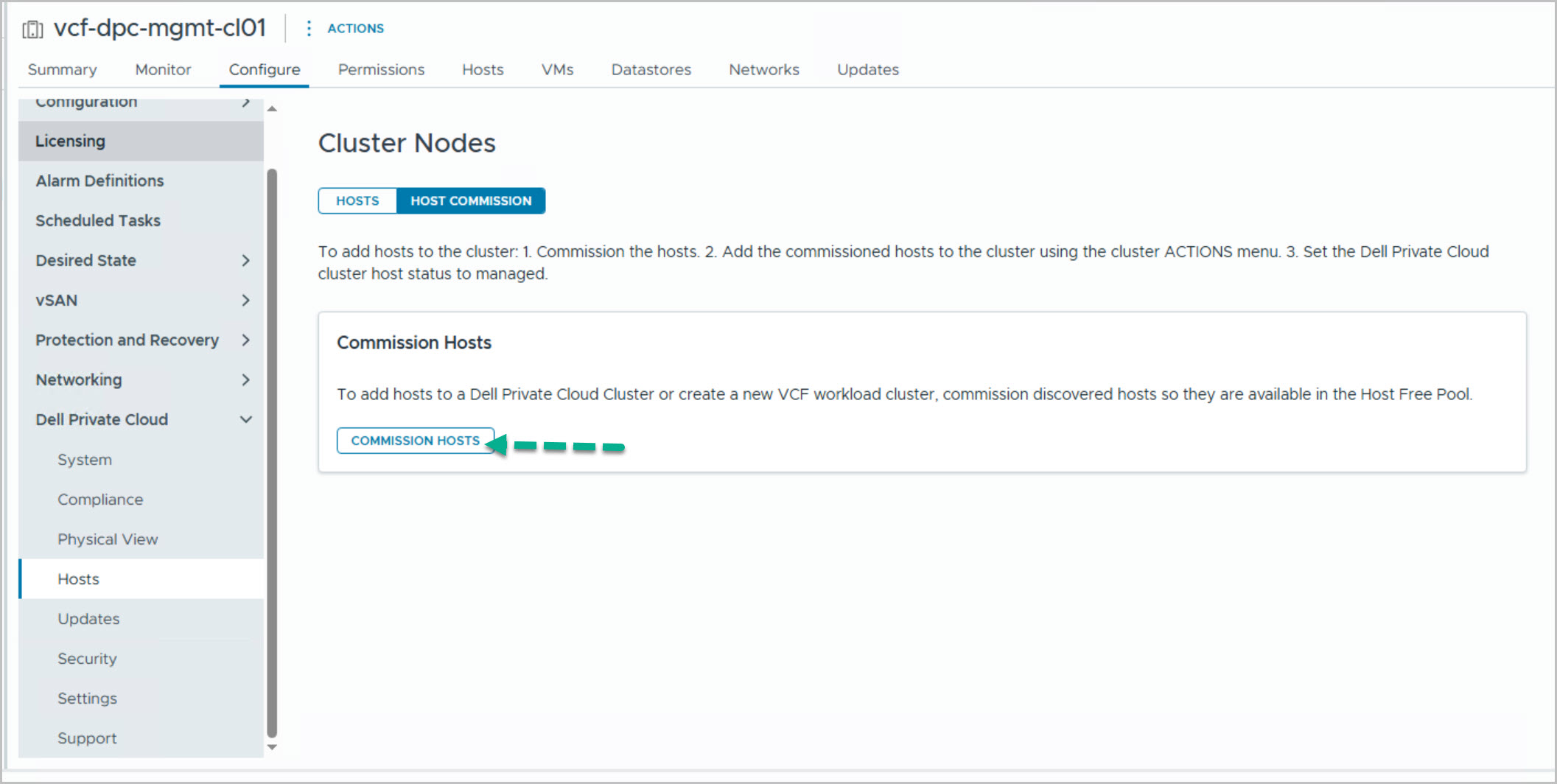
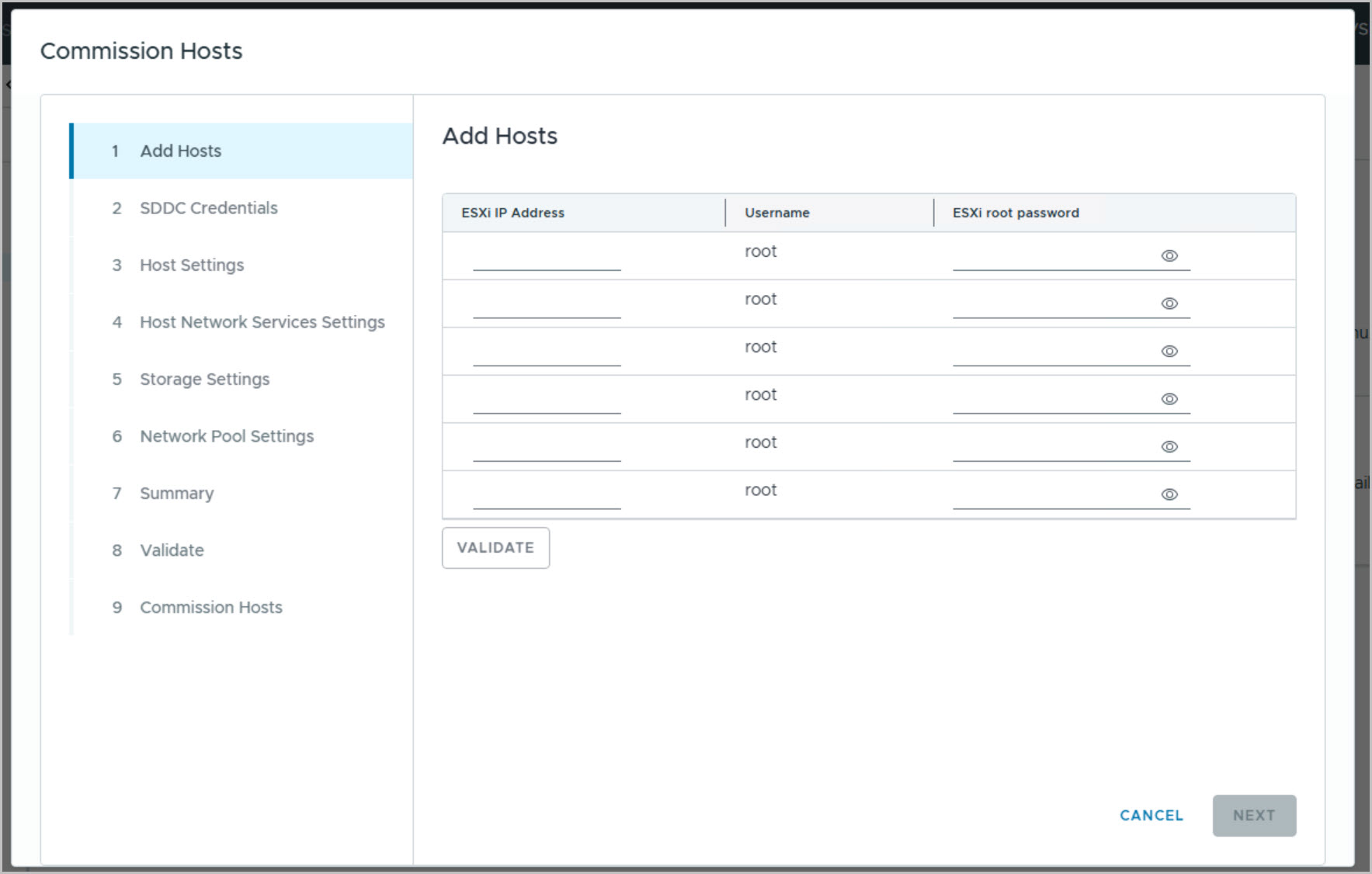
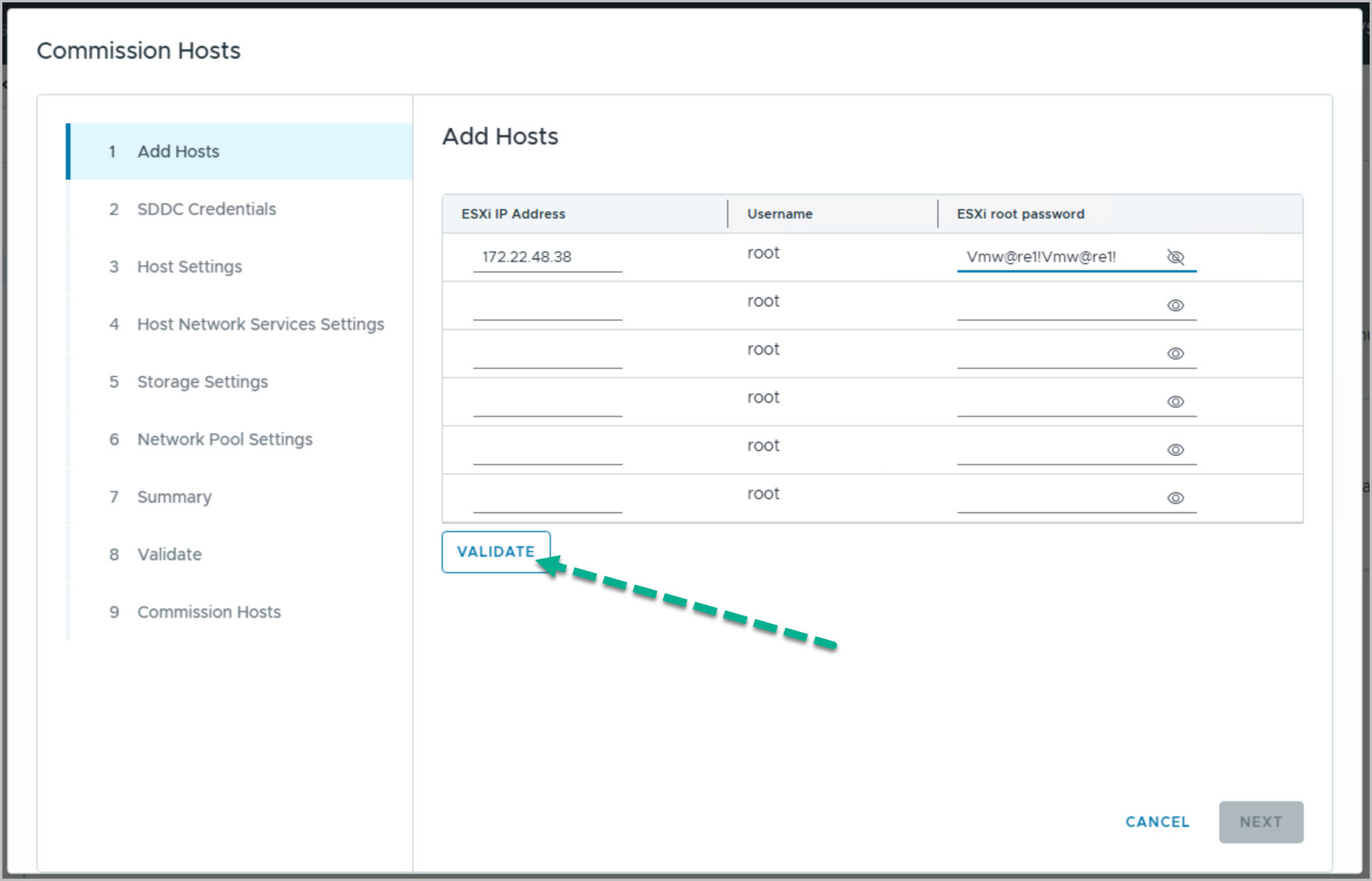
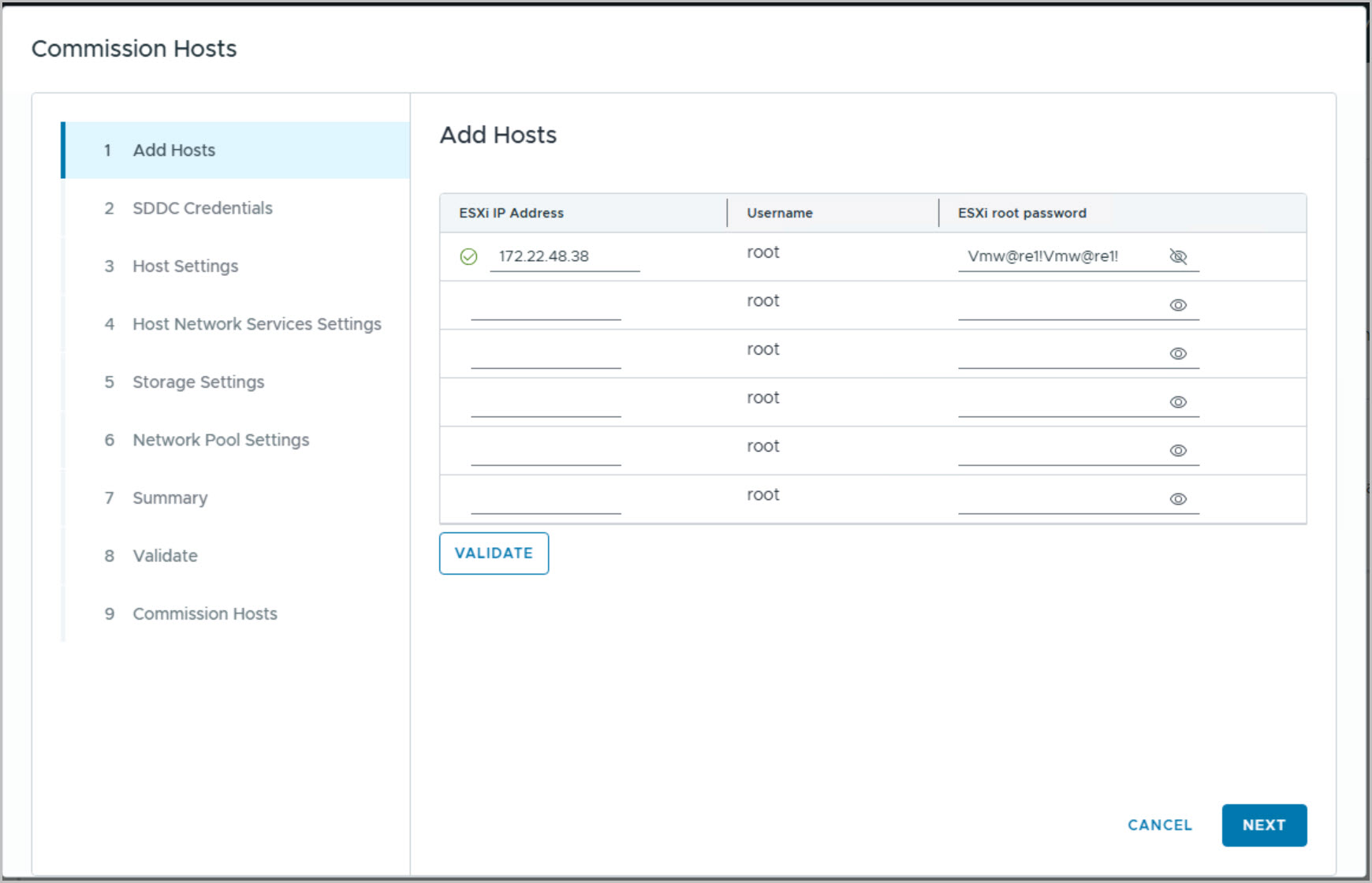
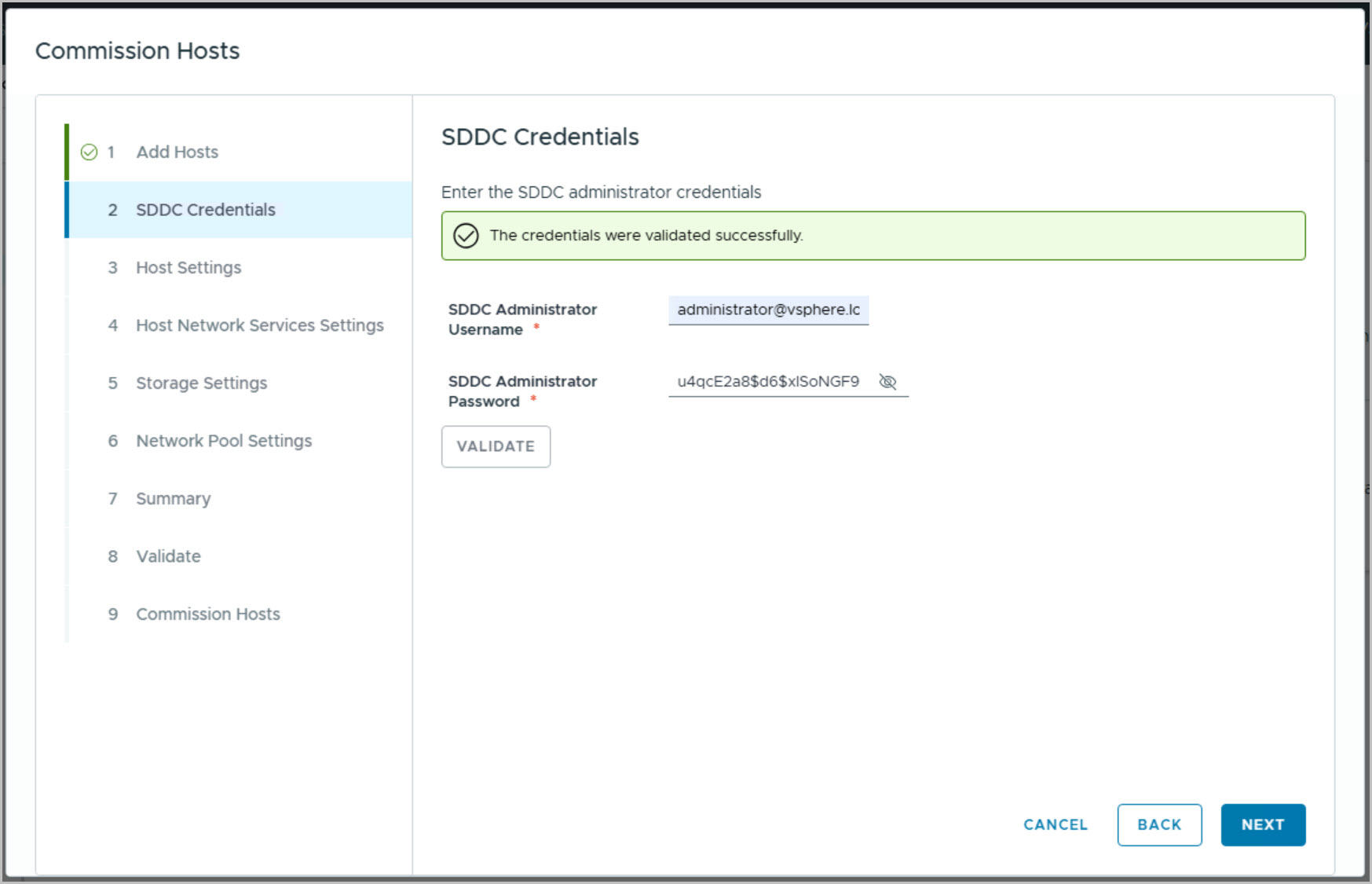
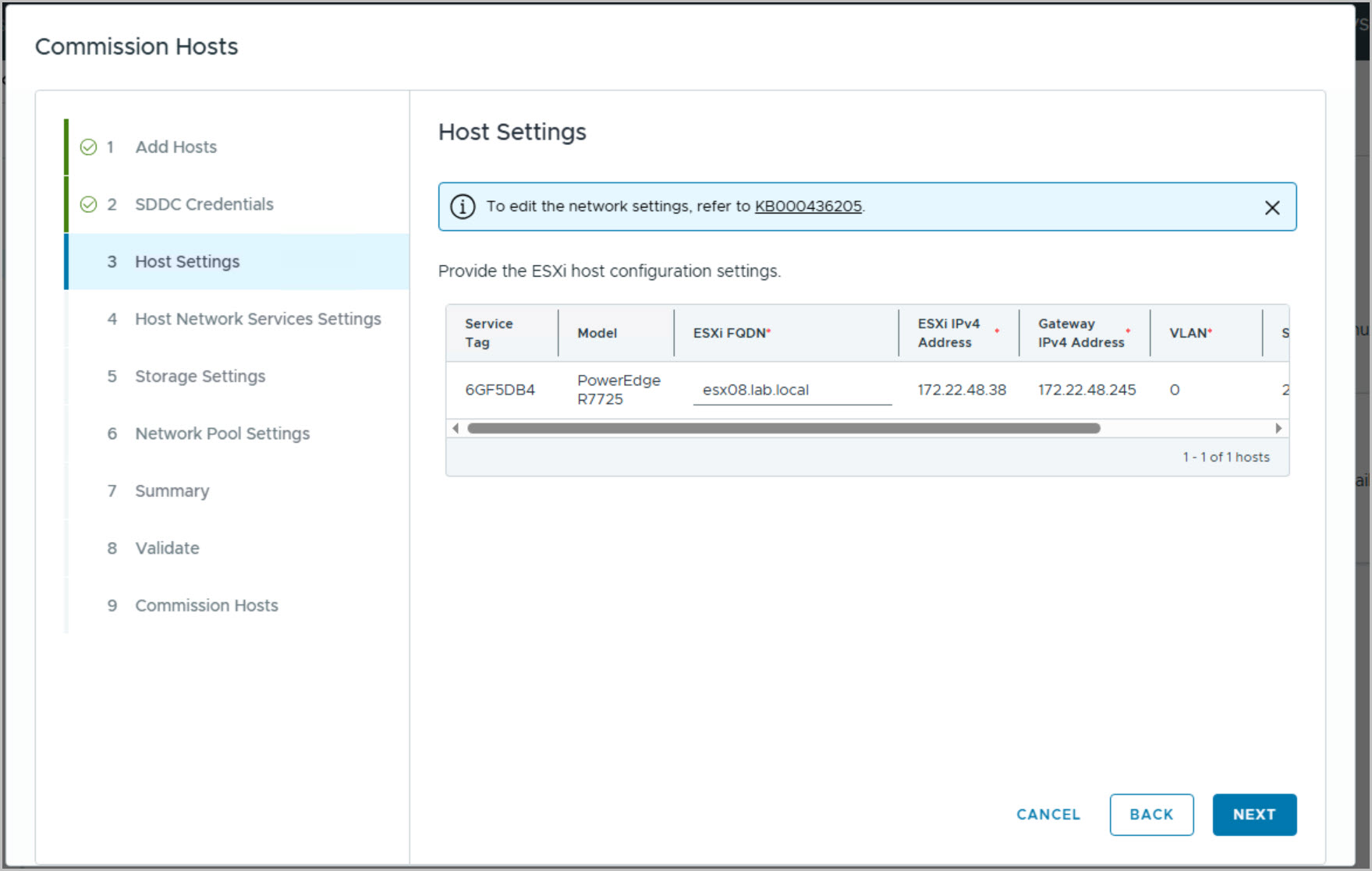
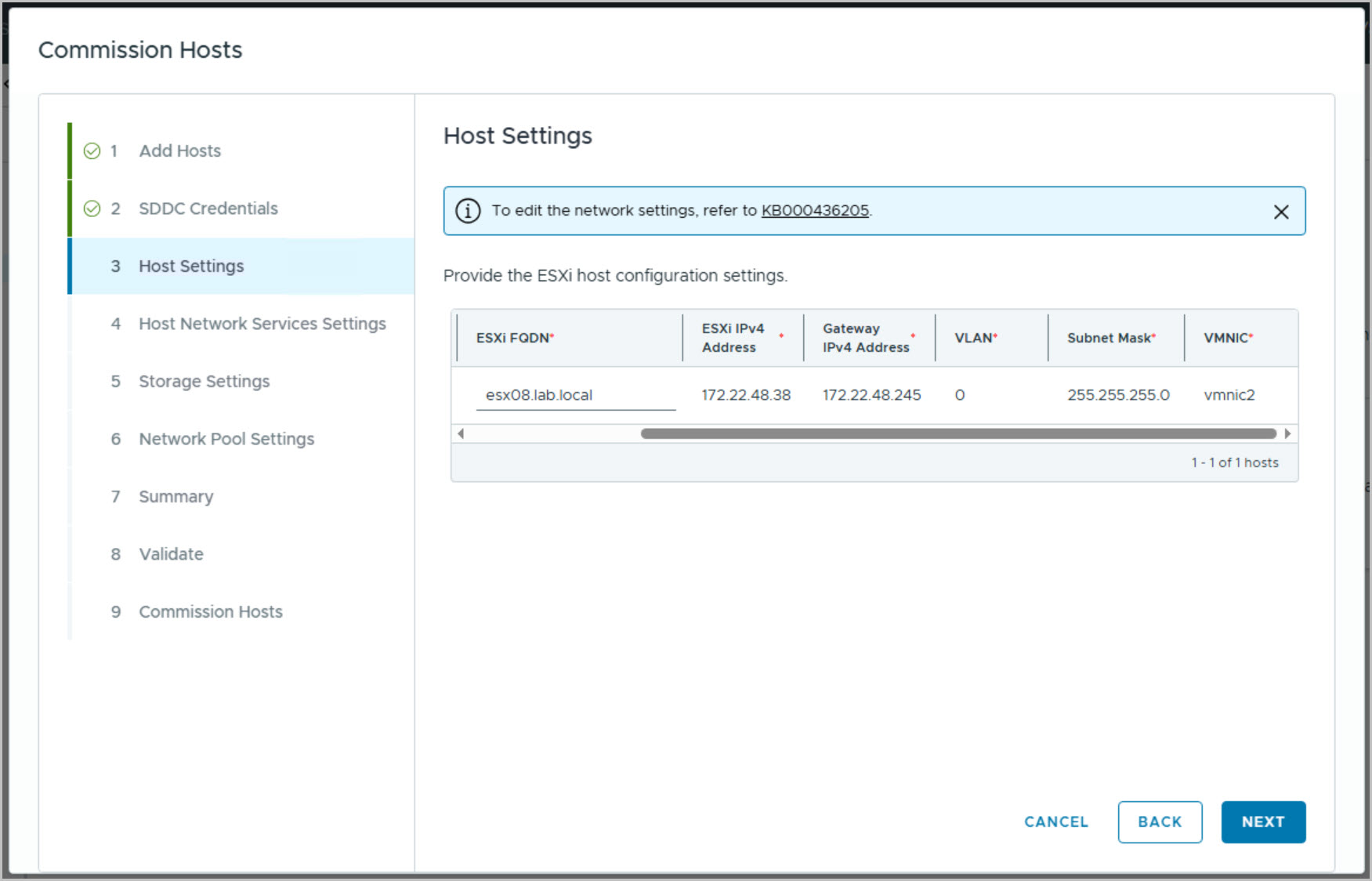
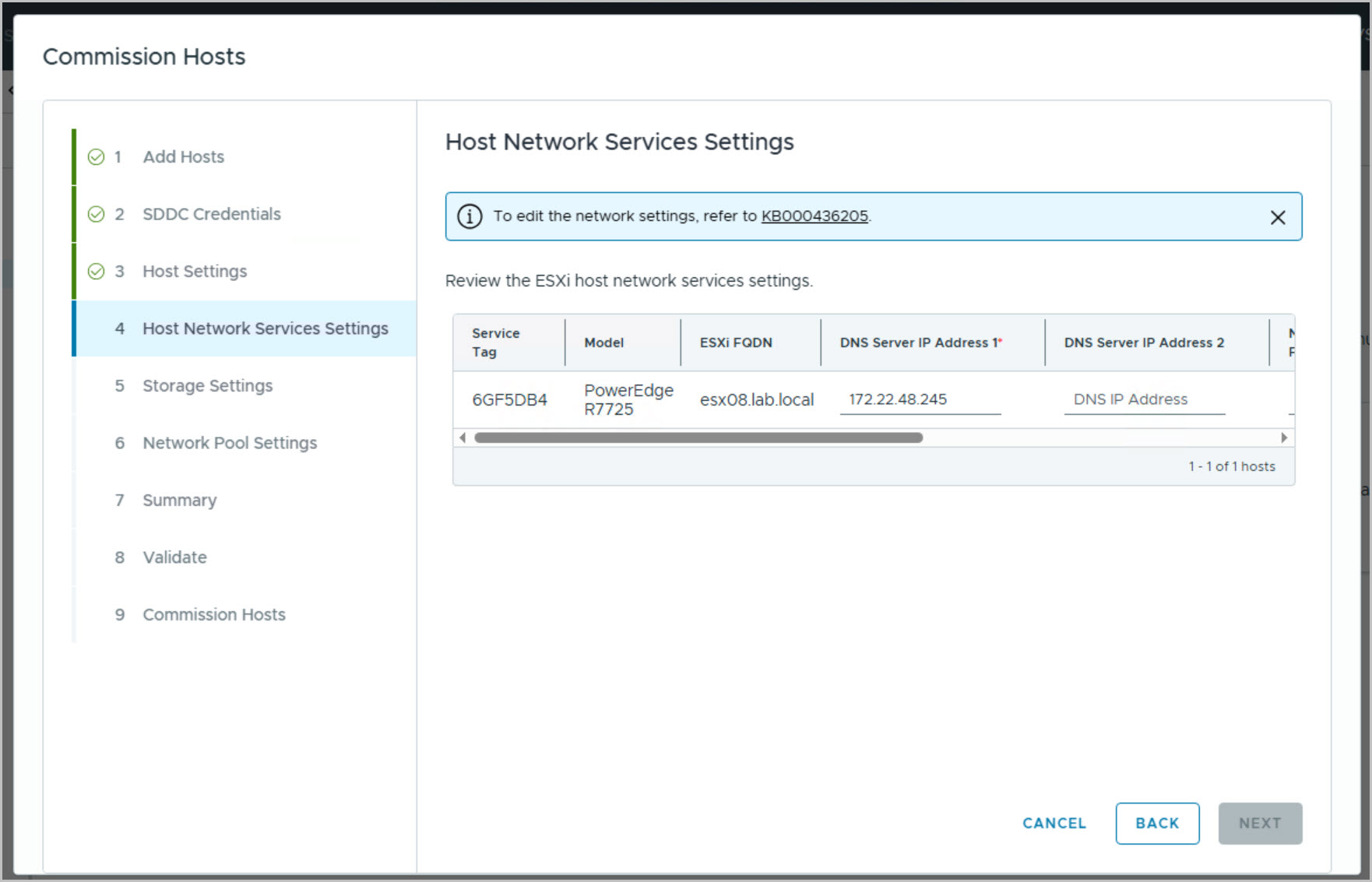
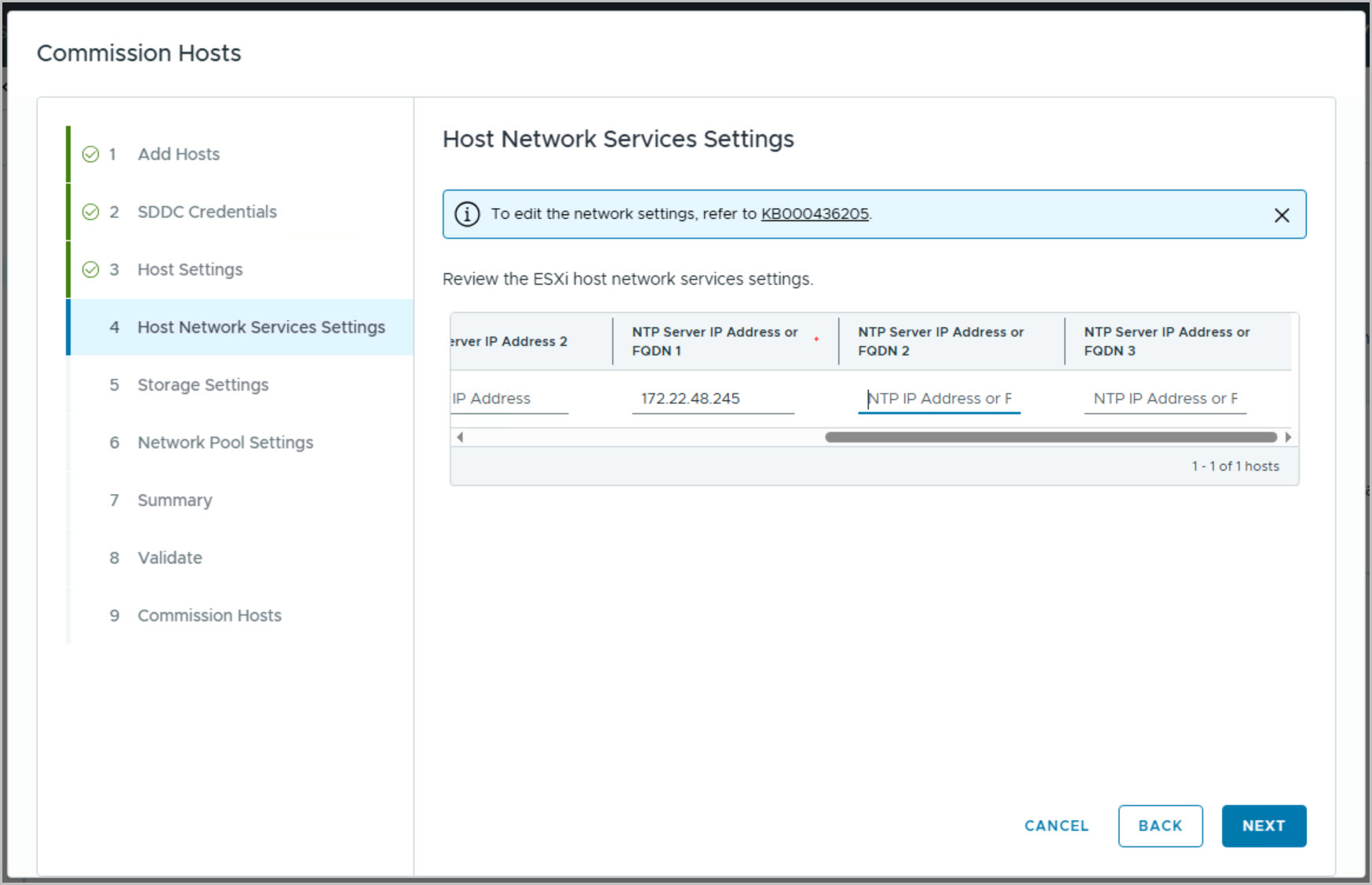
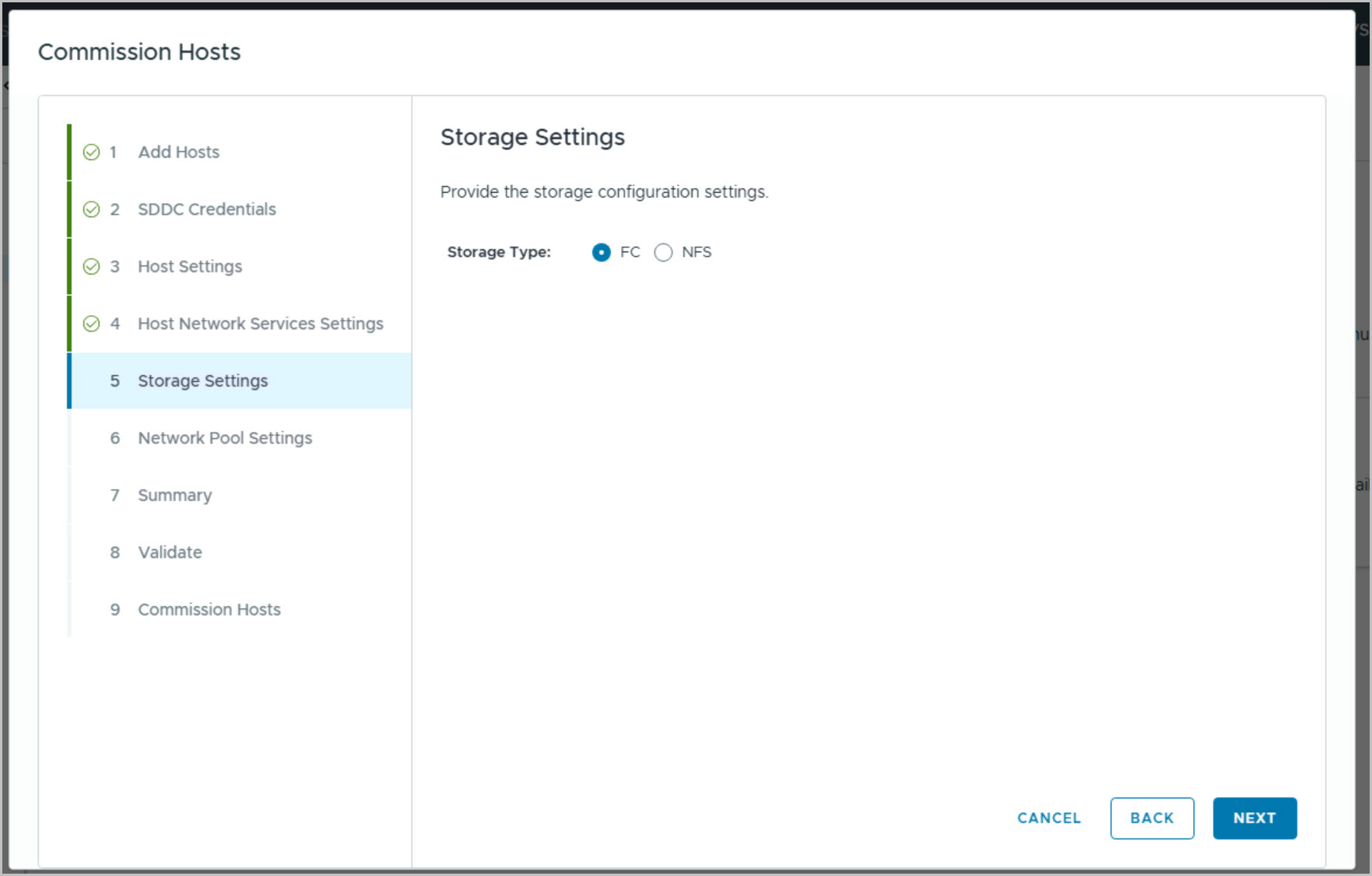
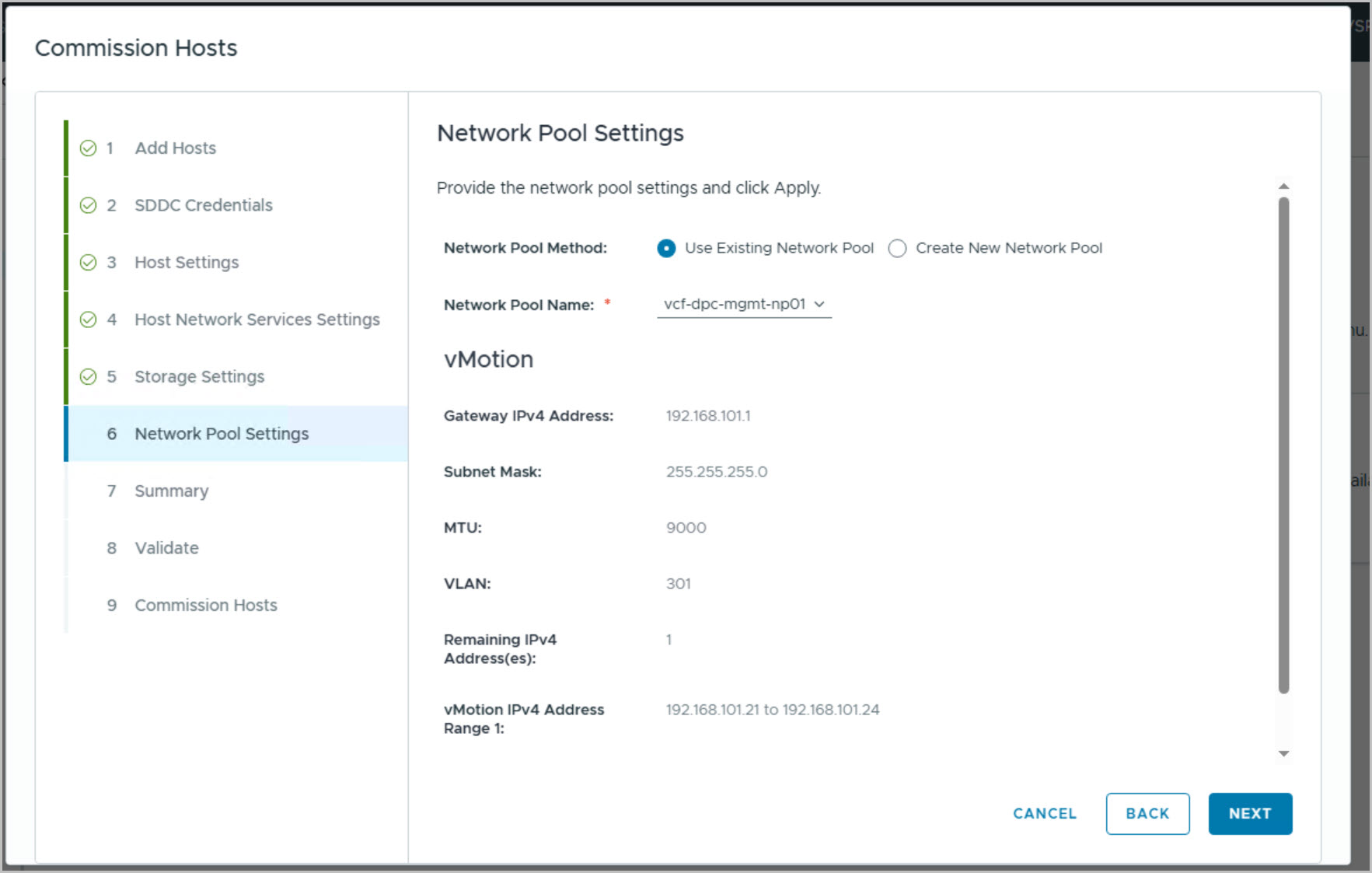
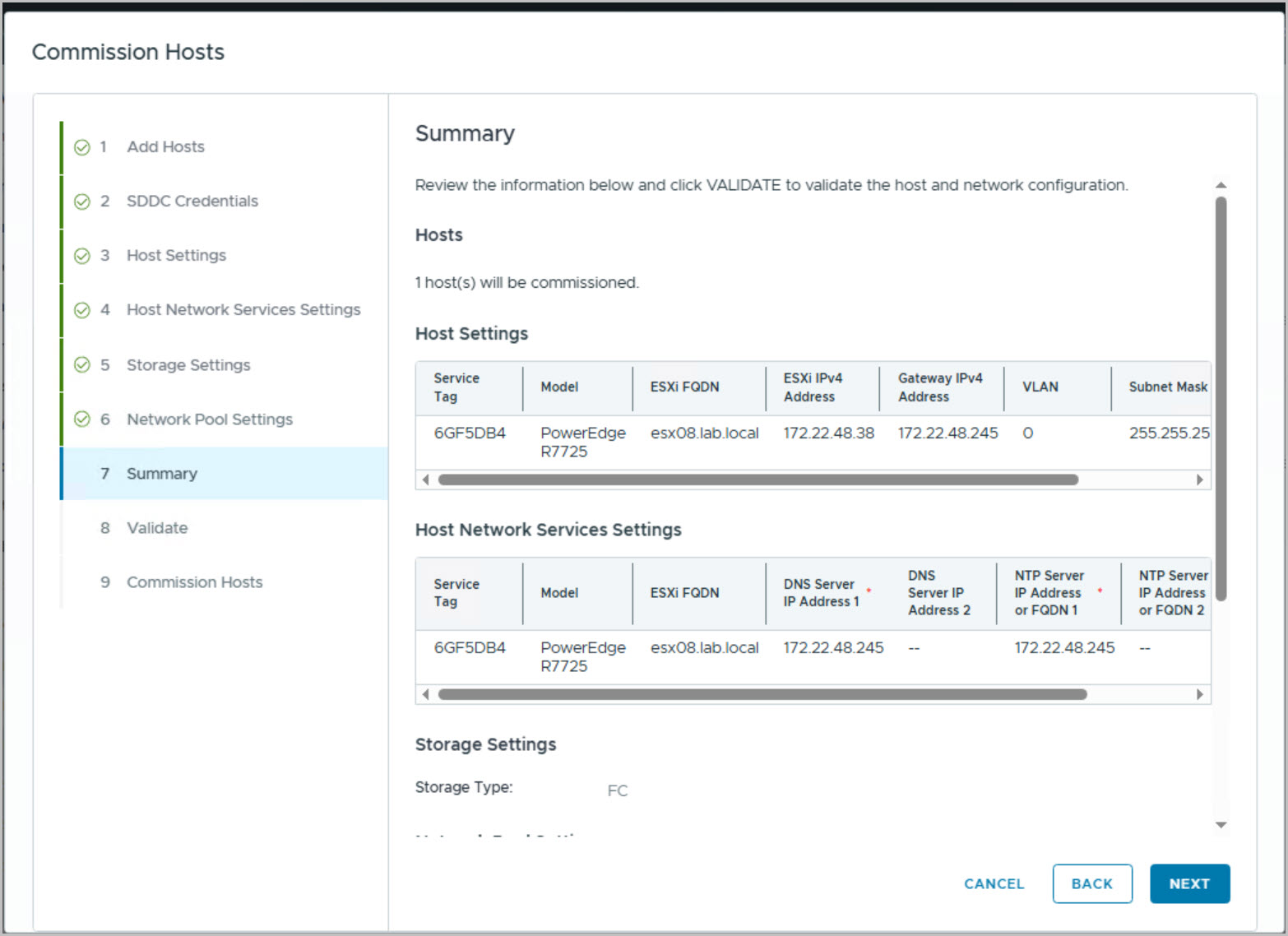
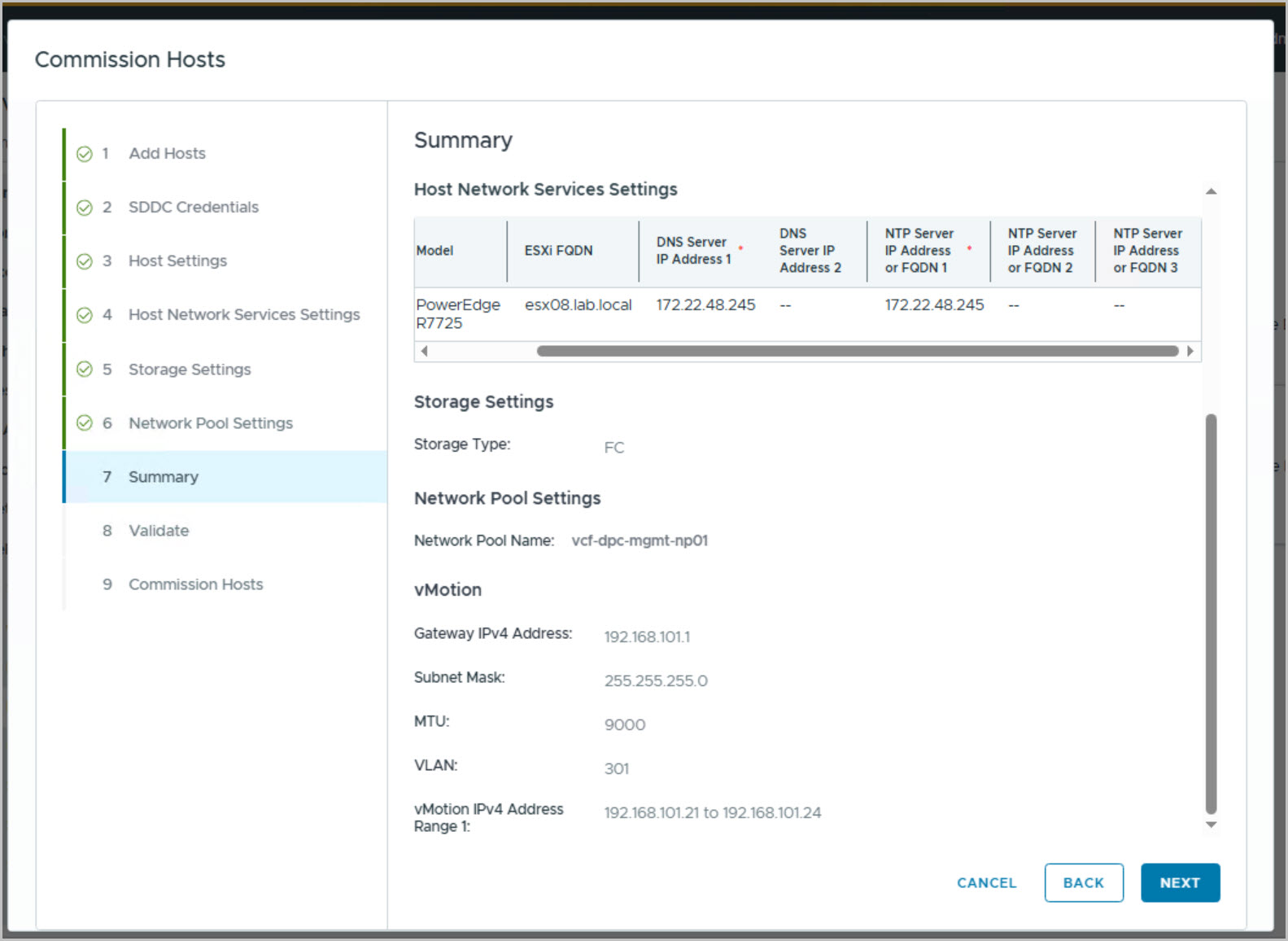
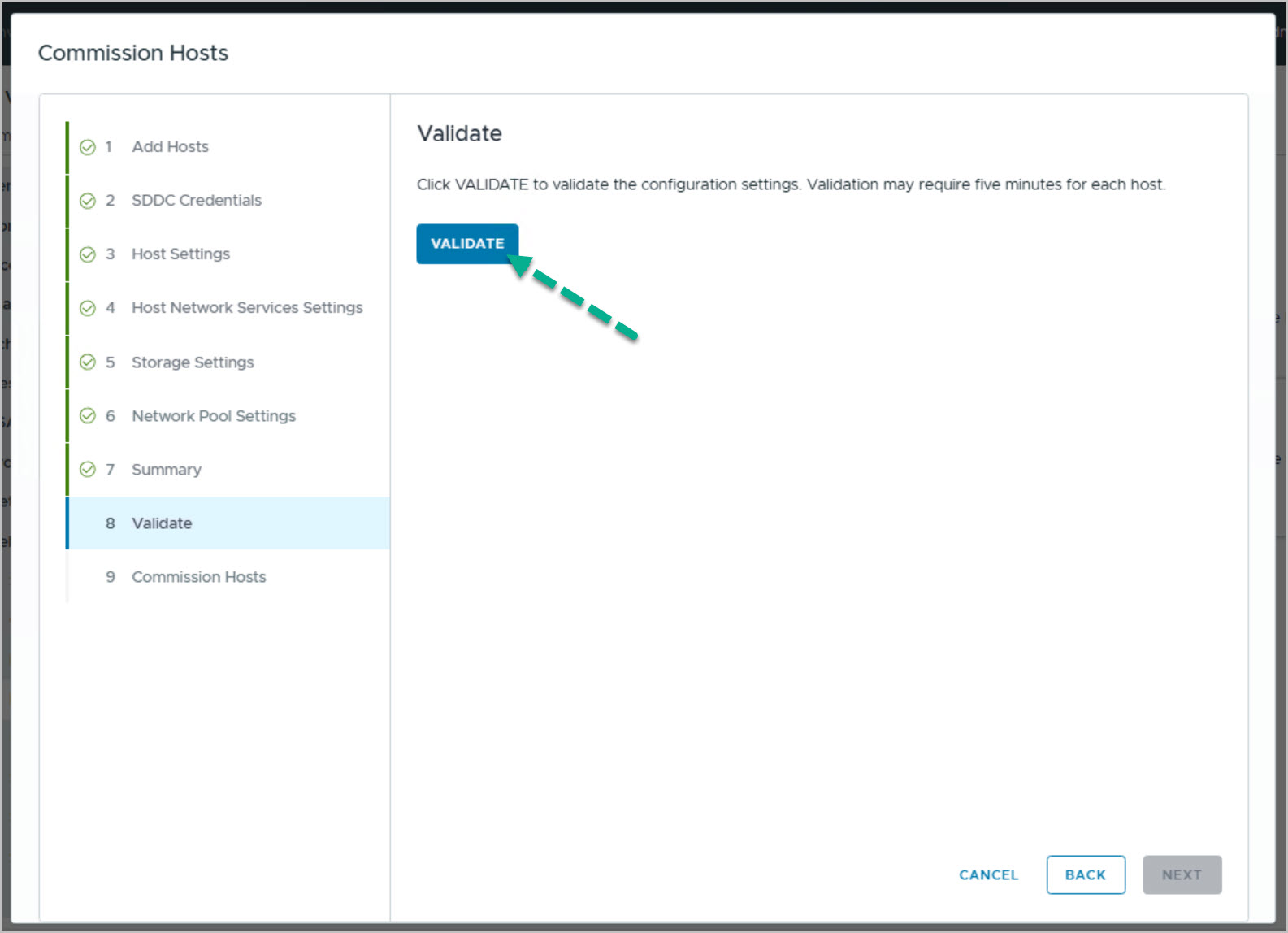
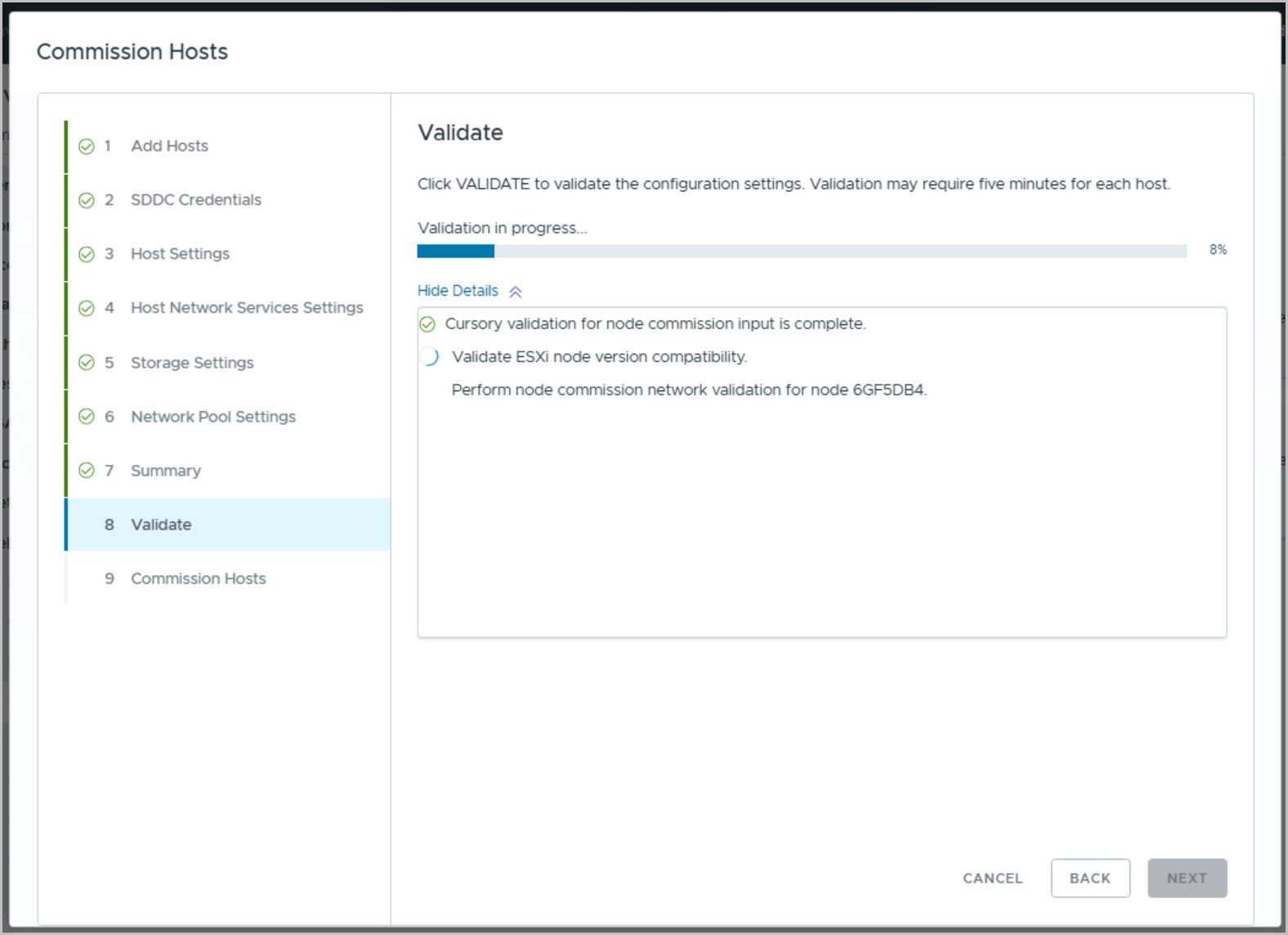
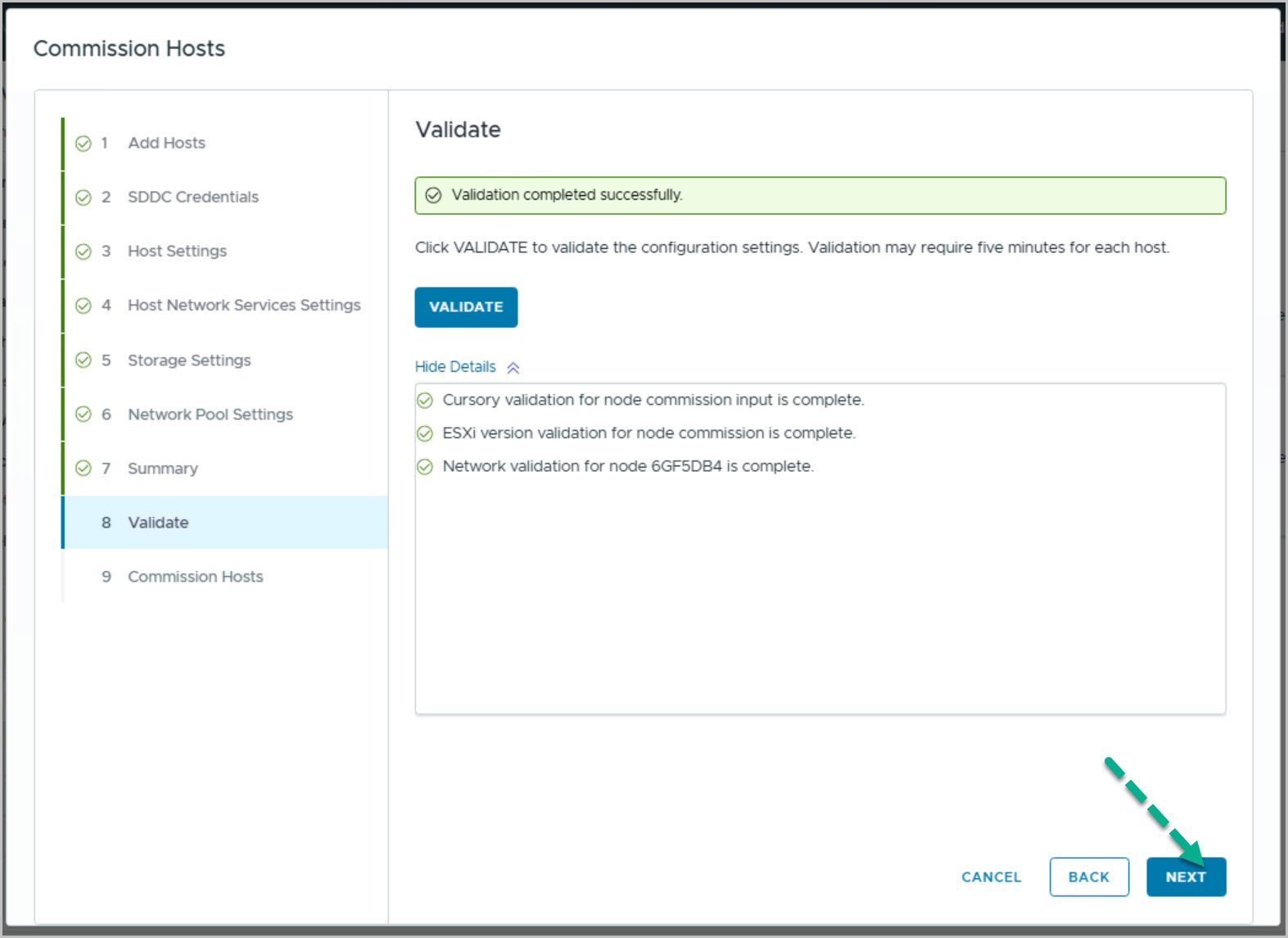
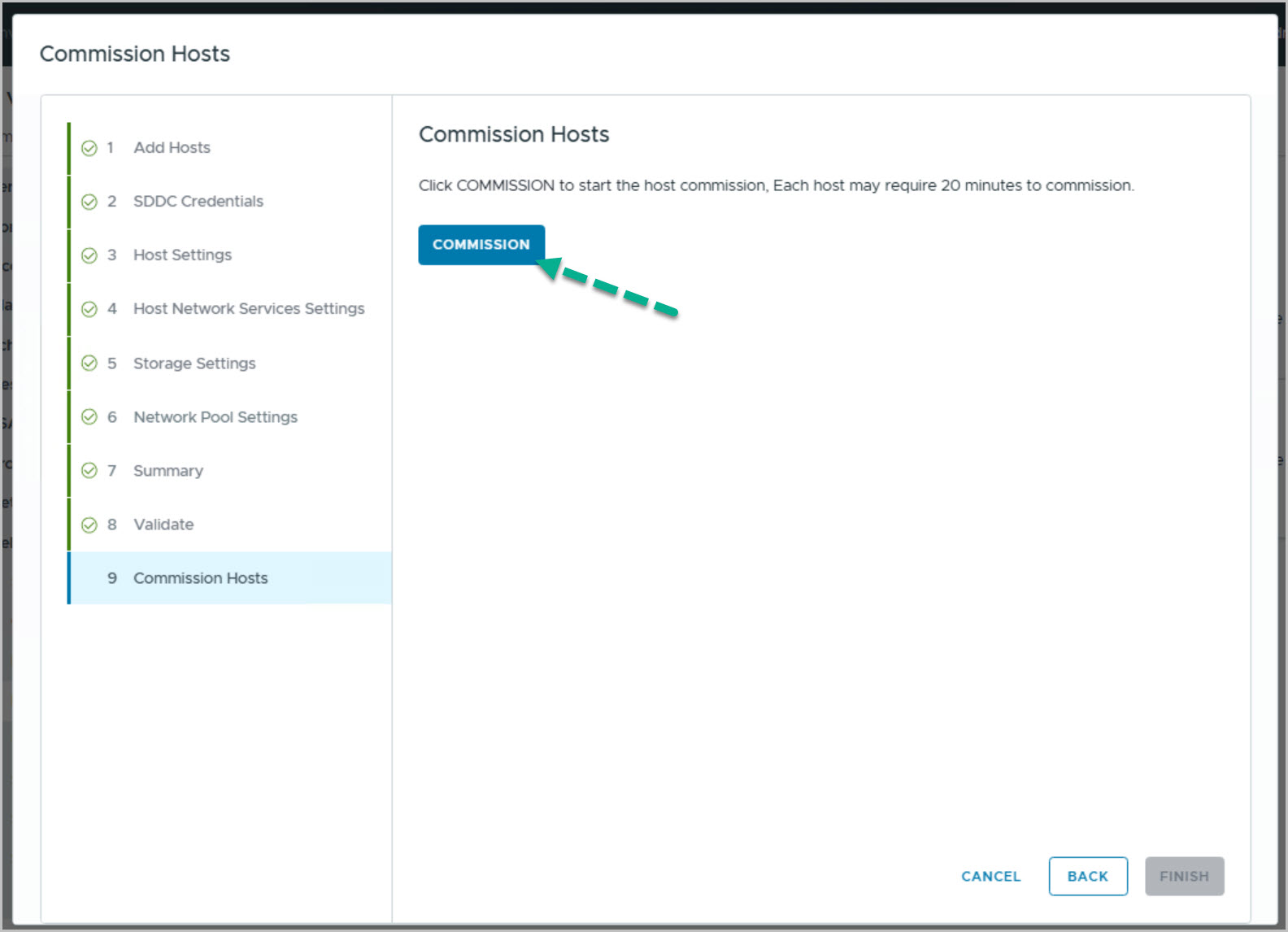
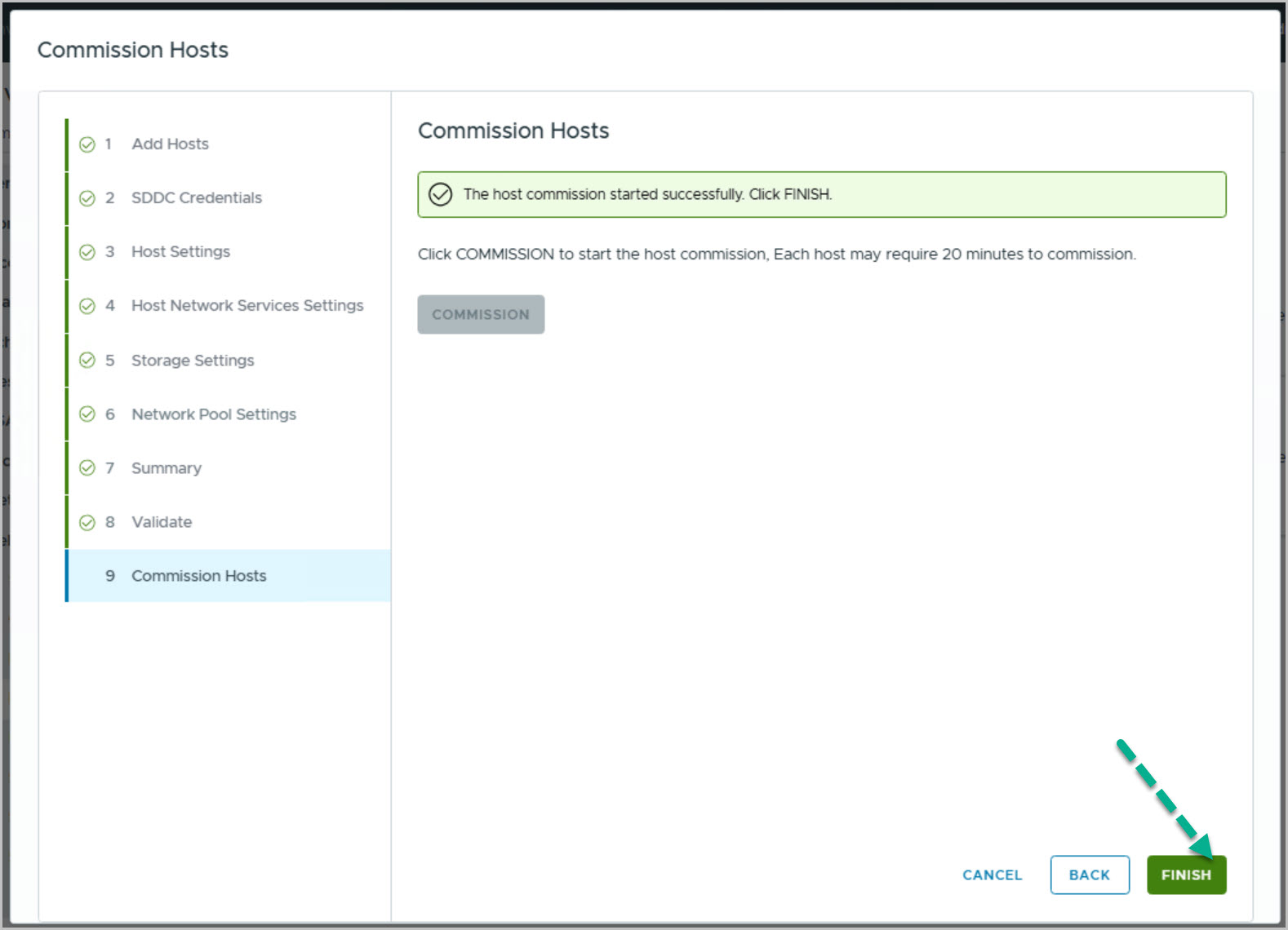
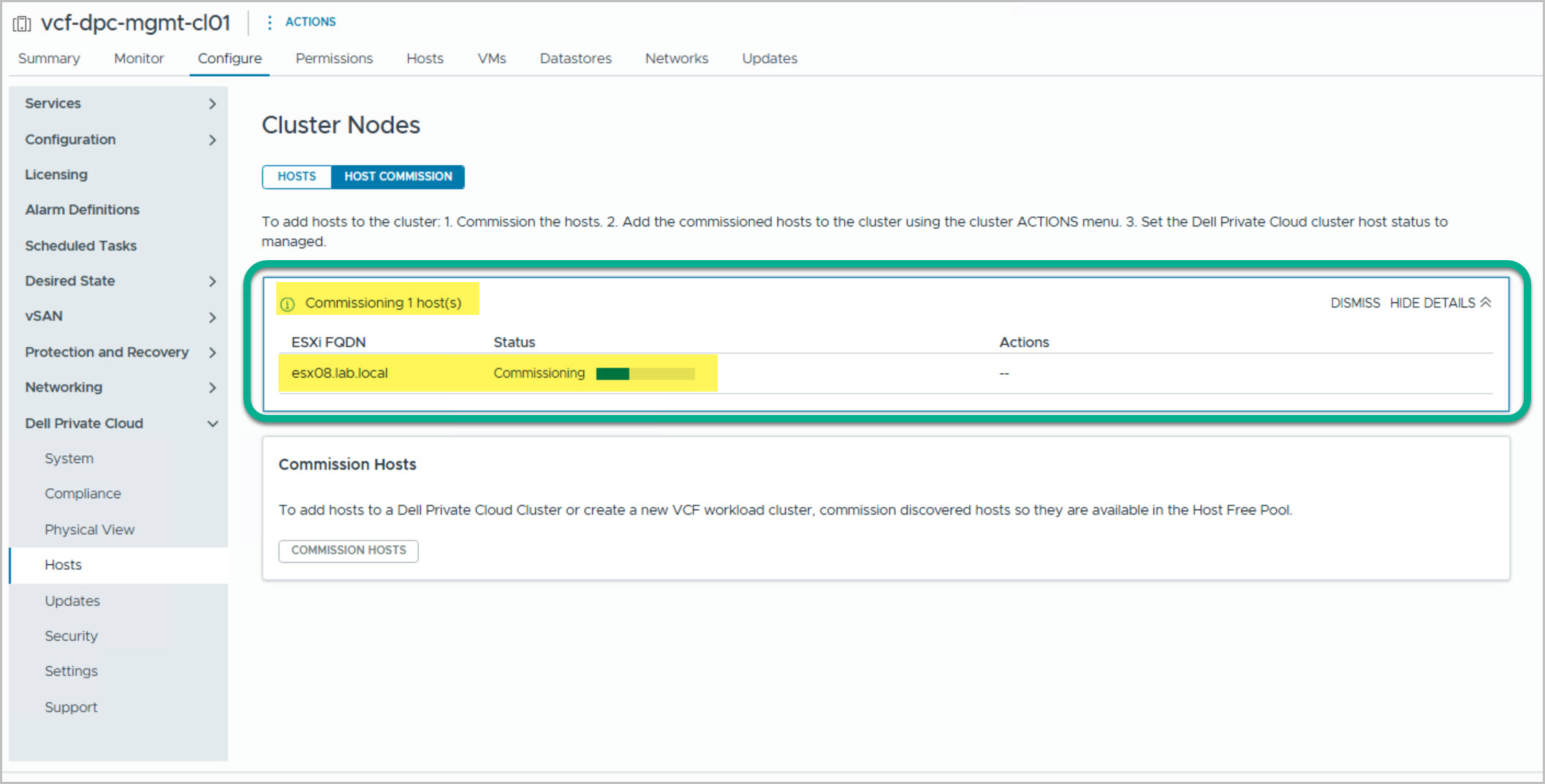
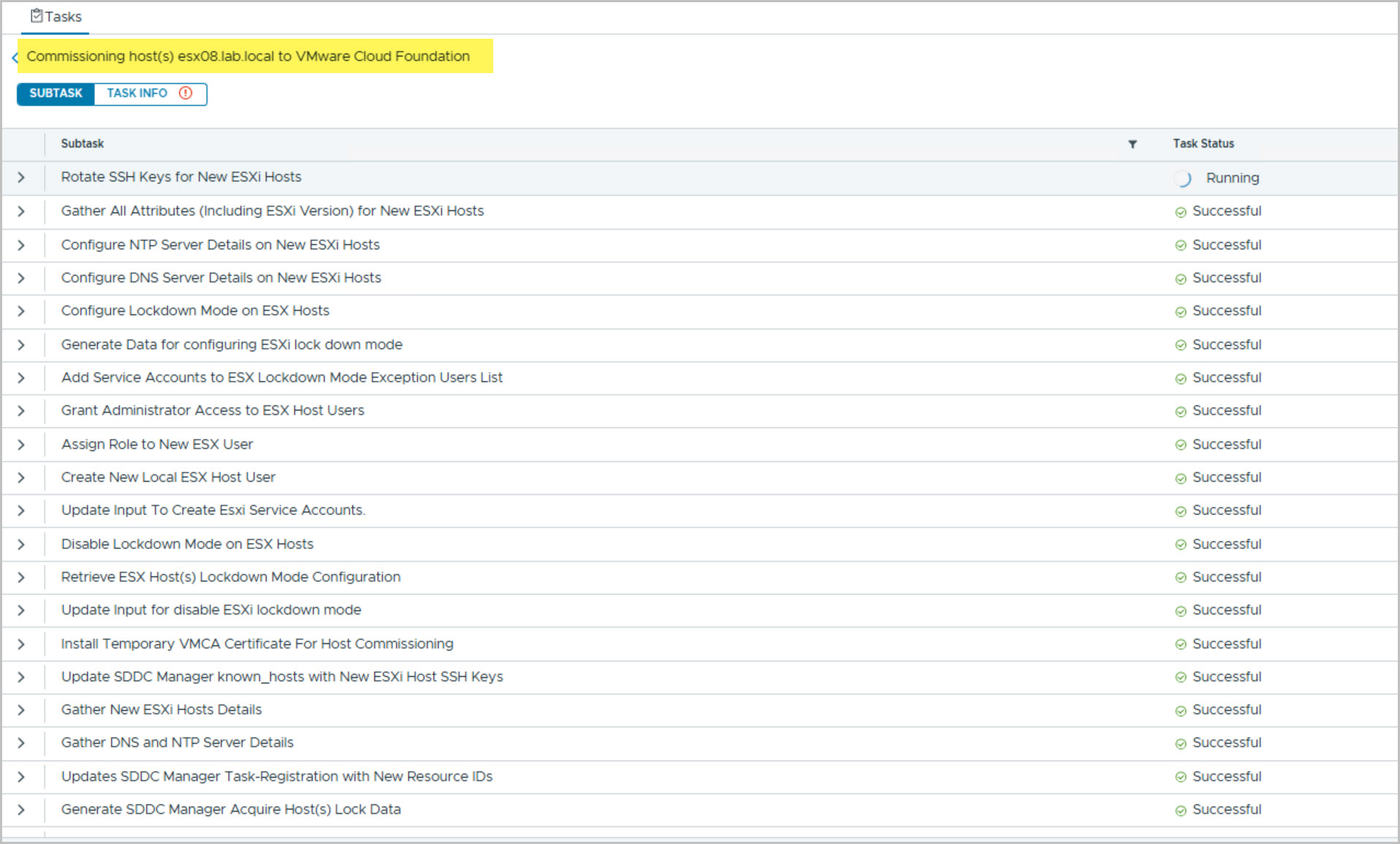
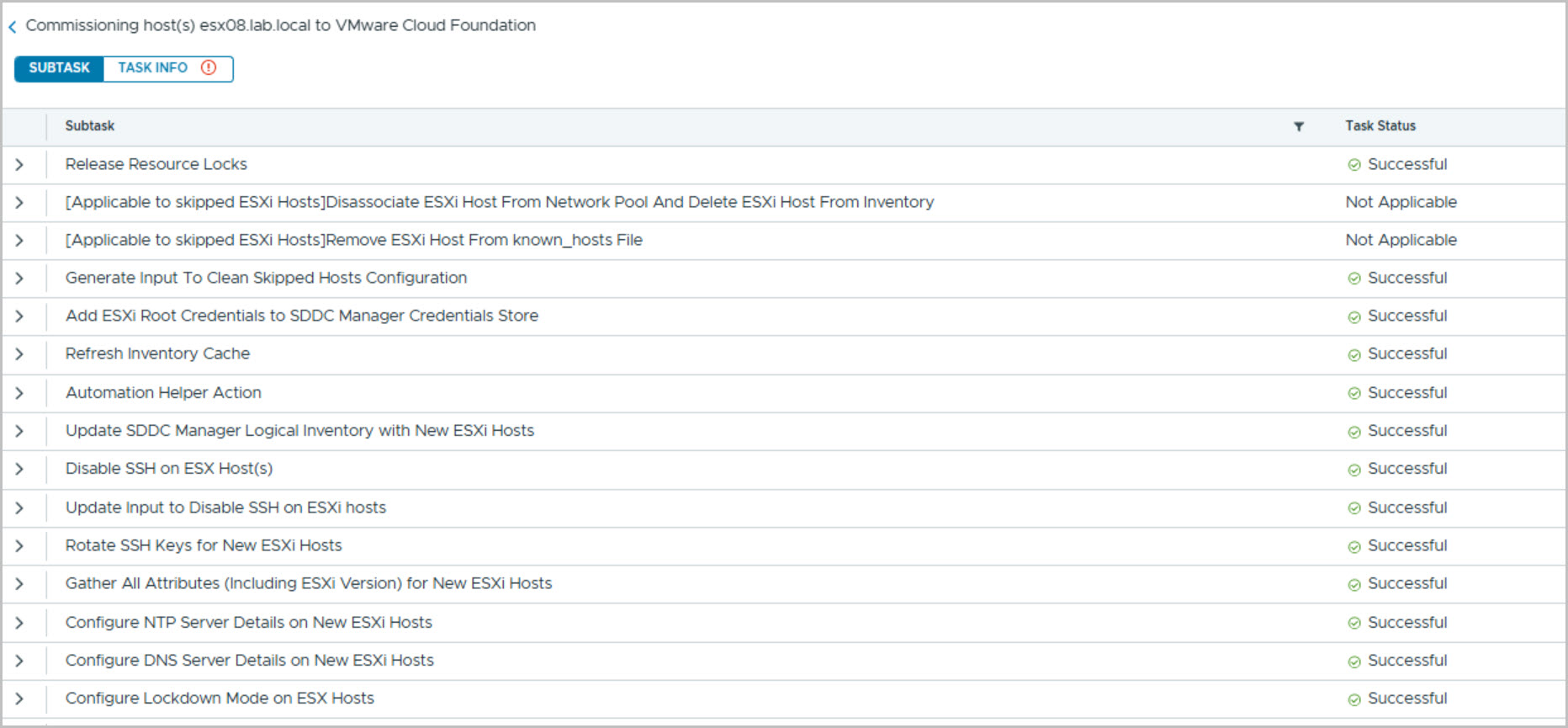
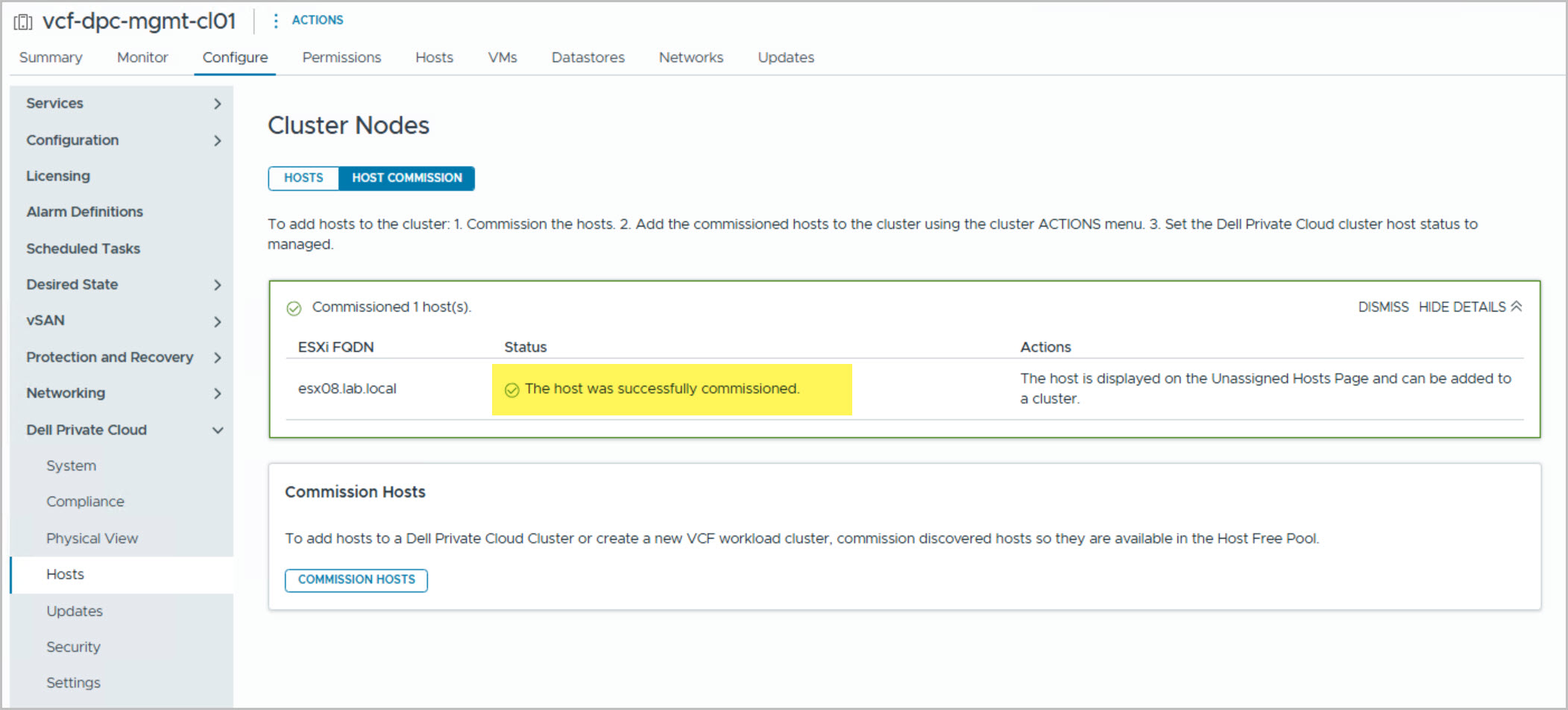
After DAPO commissioning, the host must be onboarded through the Dell Private Cloud Extension in the Management Domain vCenter. The onboarding wizard collects networking and storage details, performs validation checks, and registers the host with VMware Cloud Foundation.
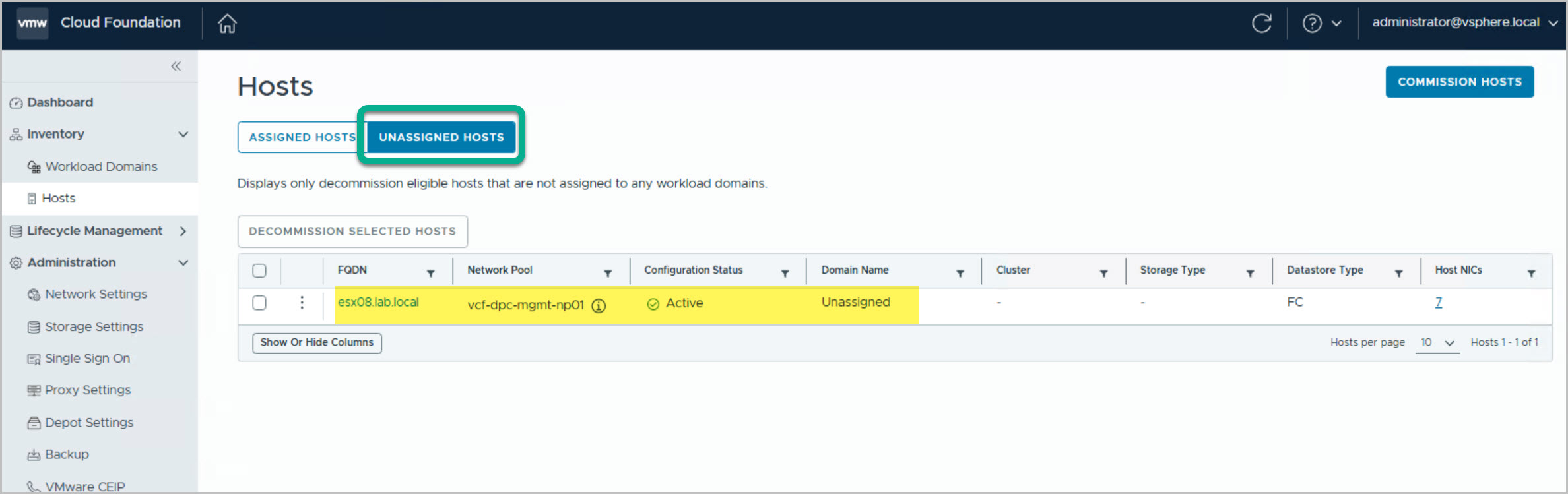
Once commissioning completes, the host appears in SDDC Manager as an Unassigned Host, making it available for Management Workload Domain expansion. This step is required because DAPO commissioning alone does not expose hosts to VMware Cloud Foundation.
Adding the Host to the Management Workload Domain
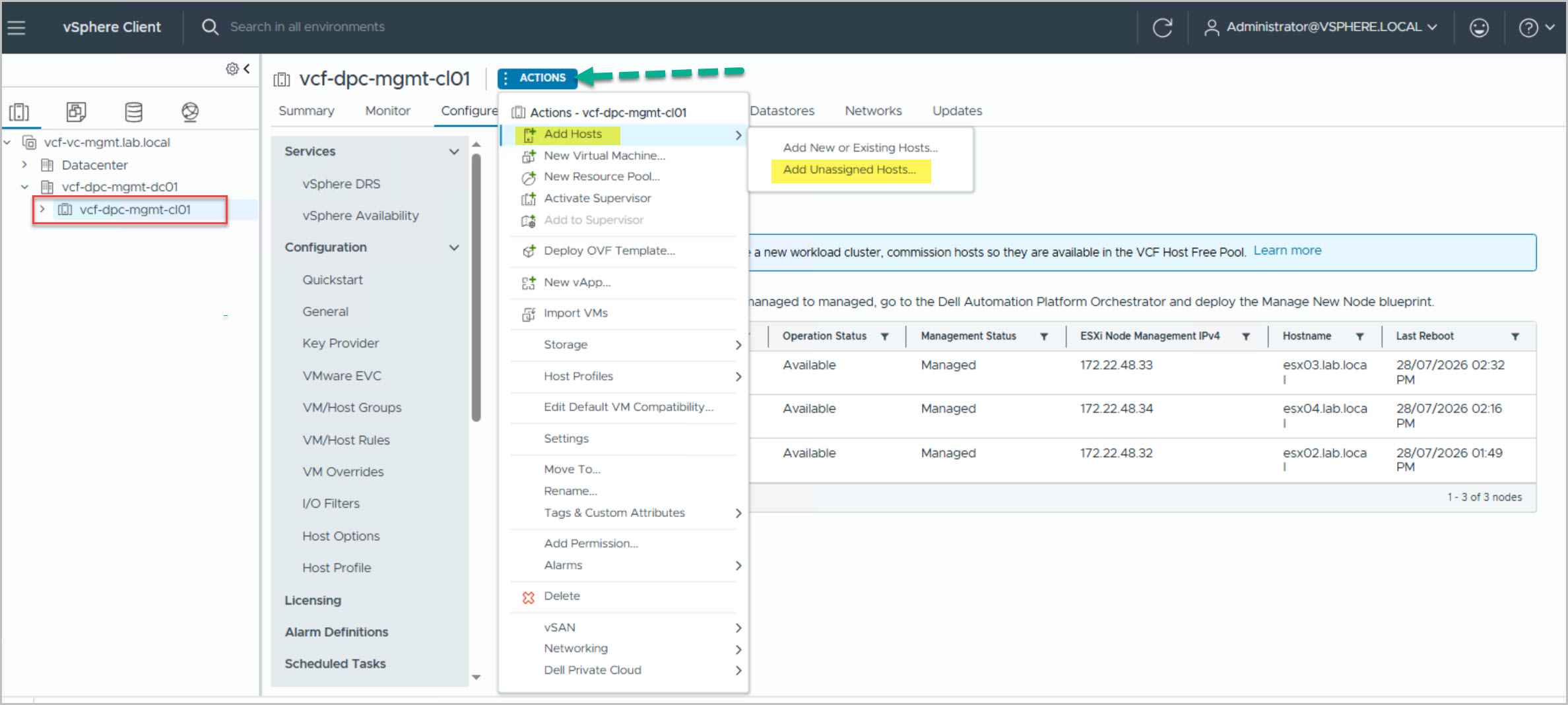
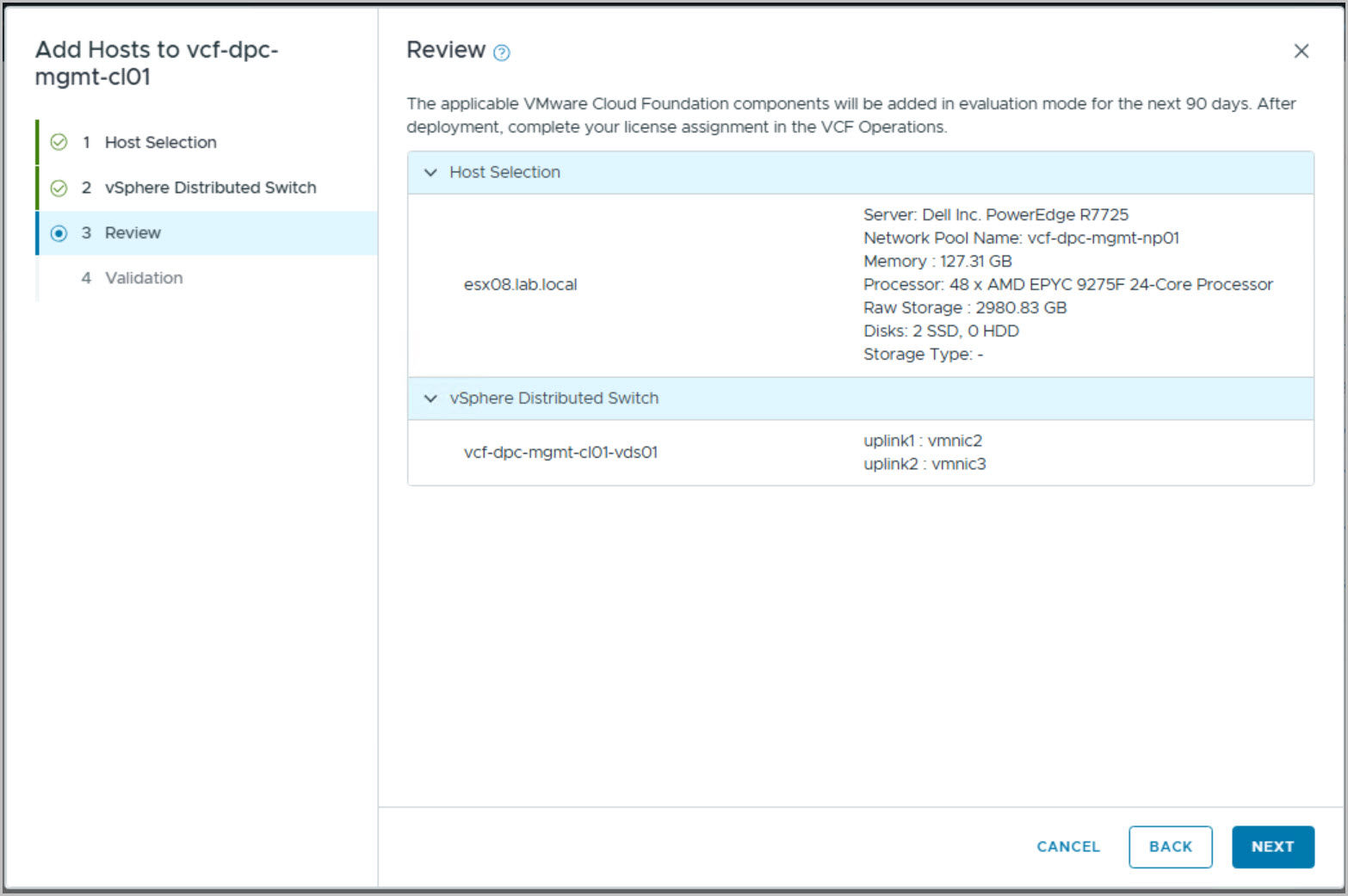
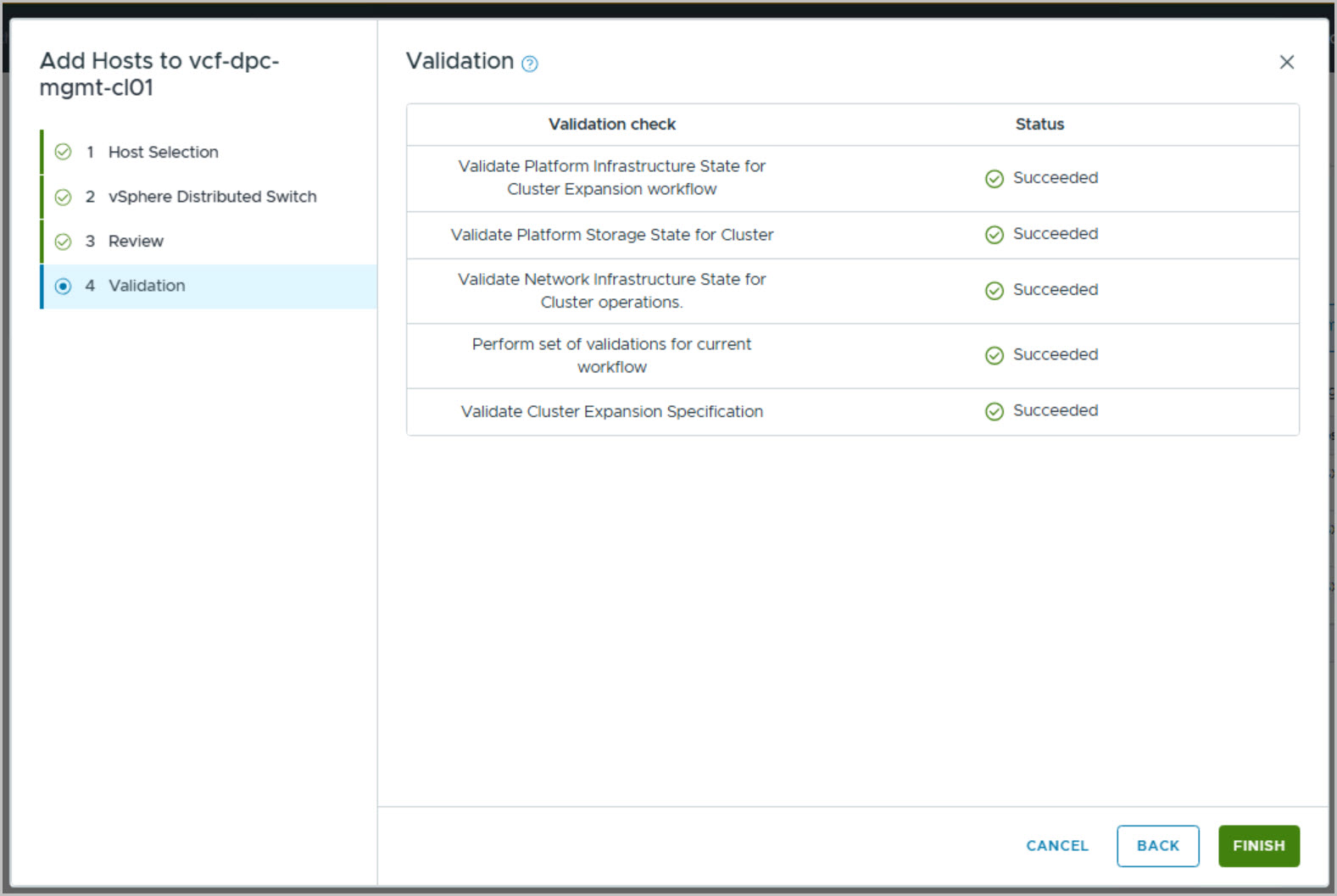
With the host commissioned and onboarded into VMware Cloud Foundation, the final step is to add it to the Management Workload Domain cluster. From the Management Domain vCenter, select the target cluster and choose:
Actions → Add Hosts → Add Unassigned Hosts
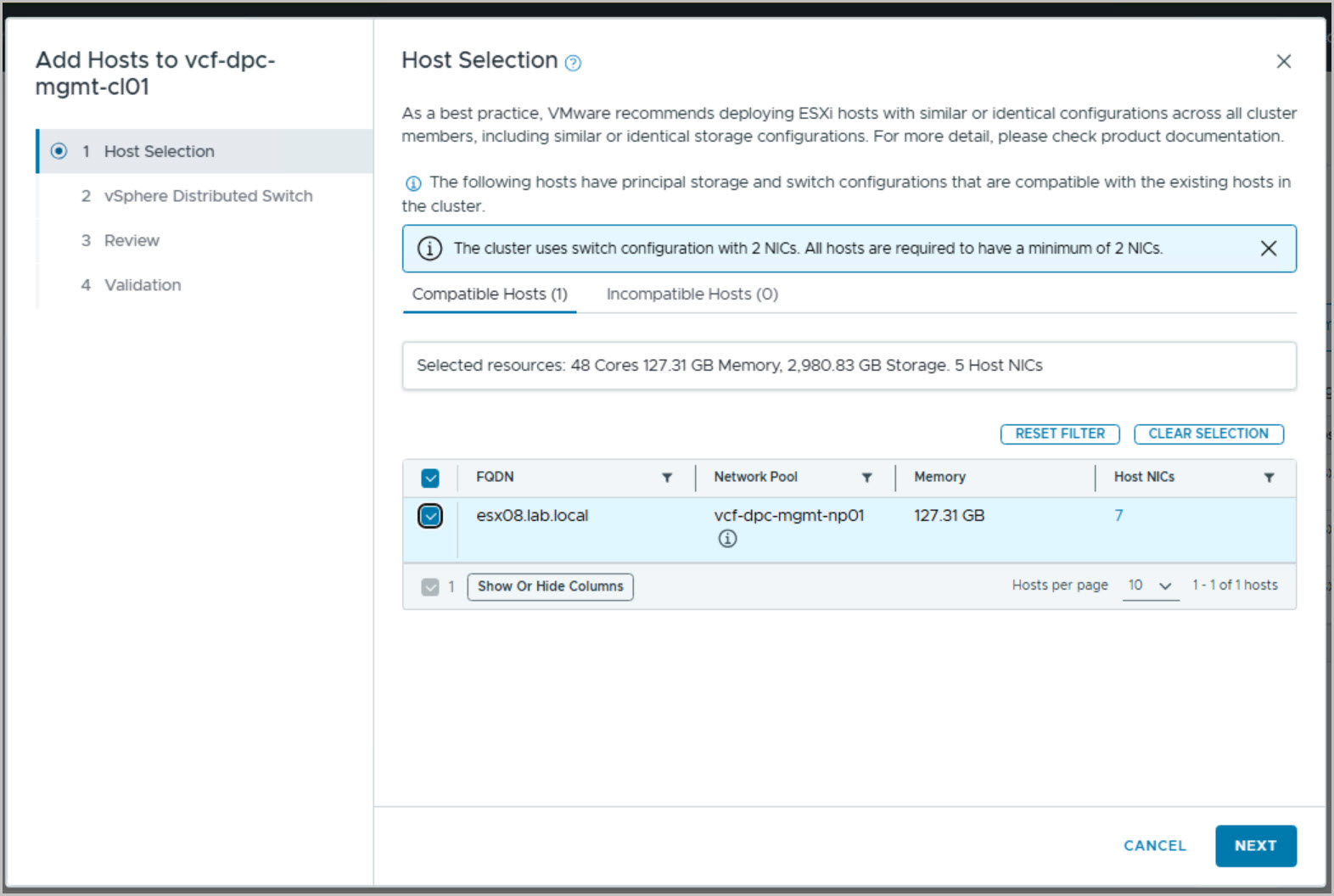
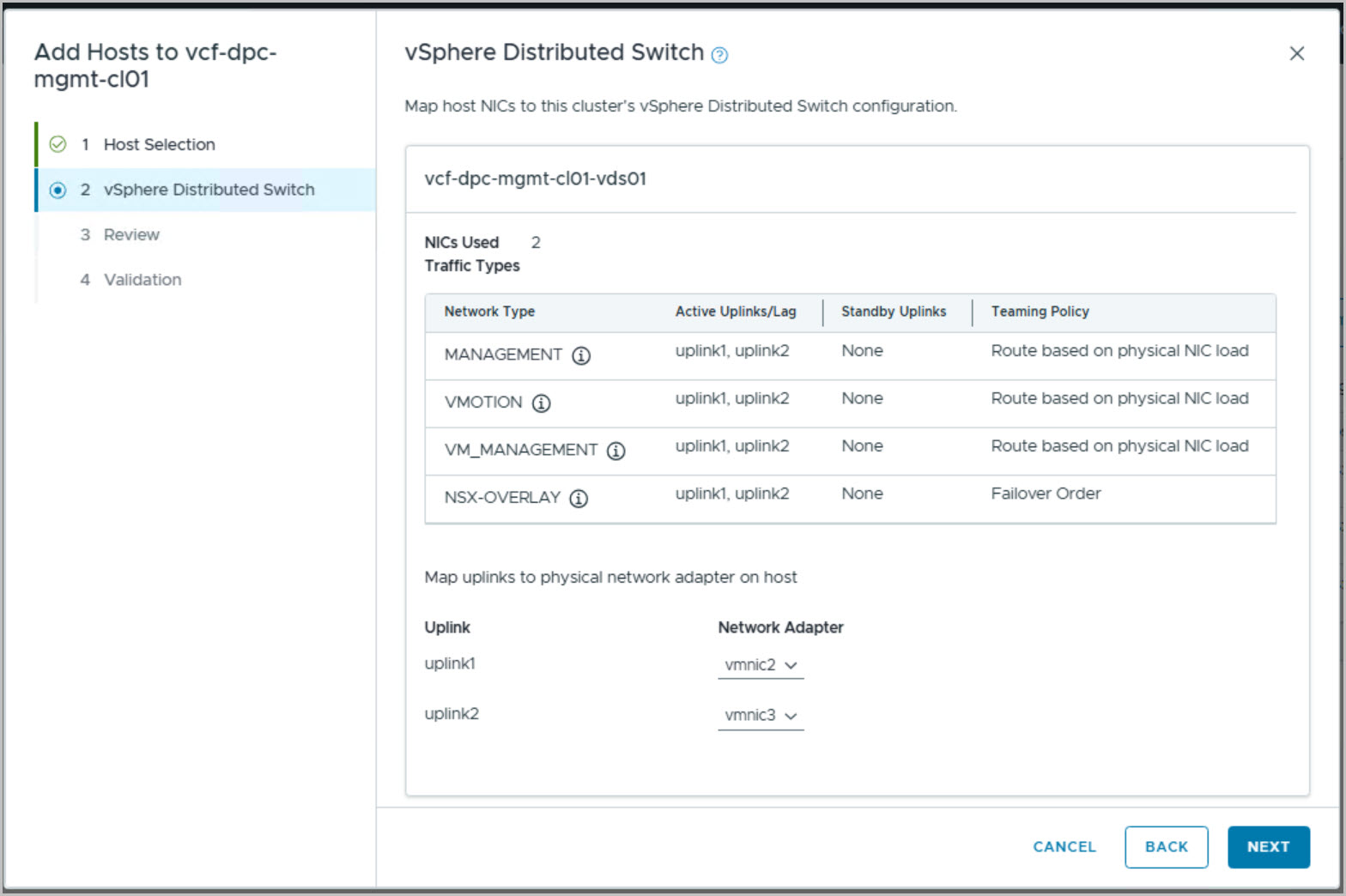
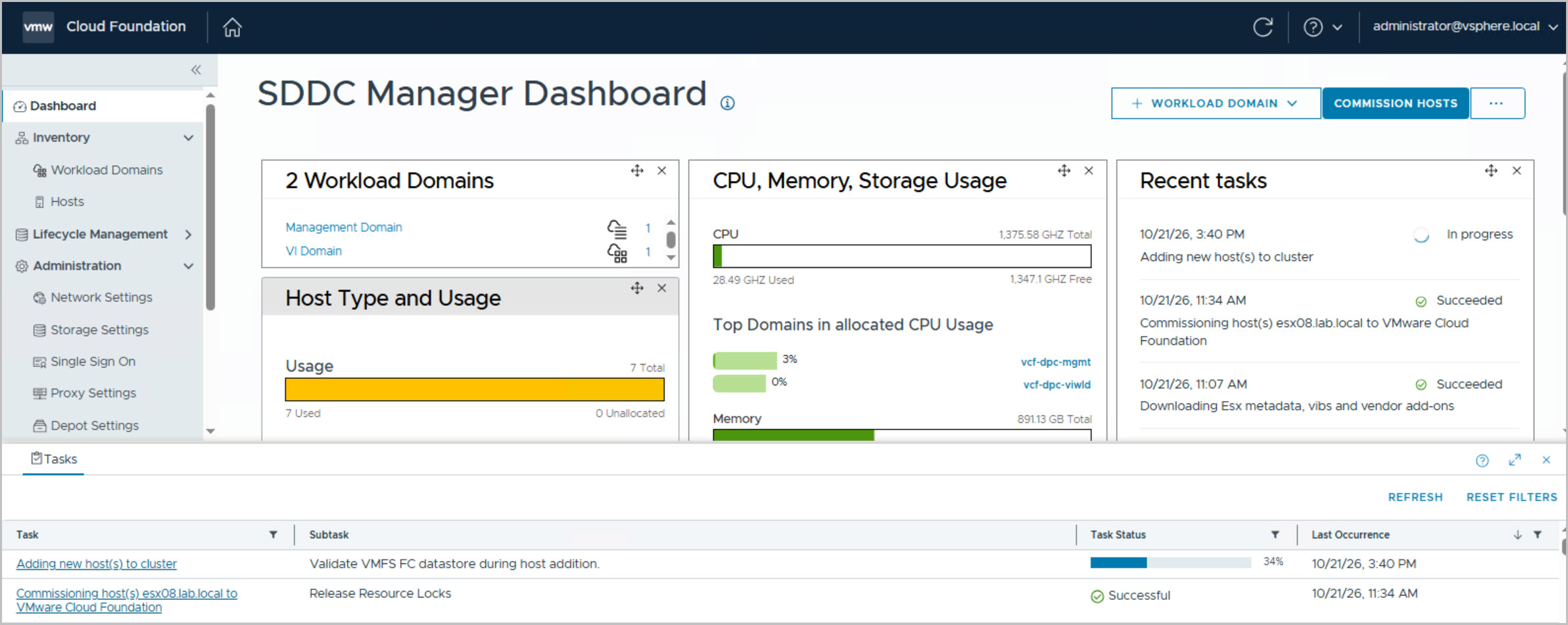
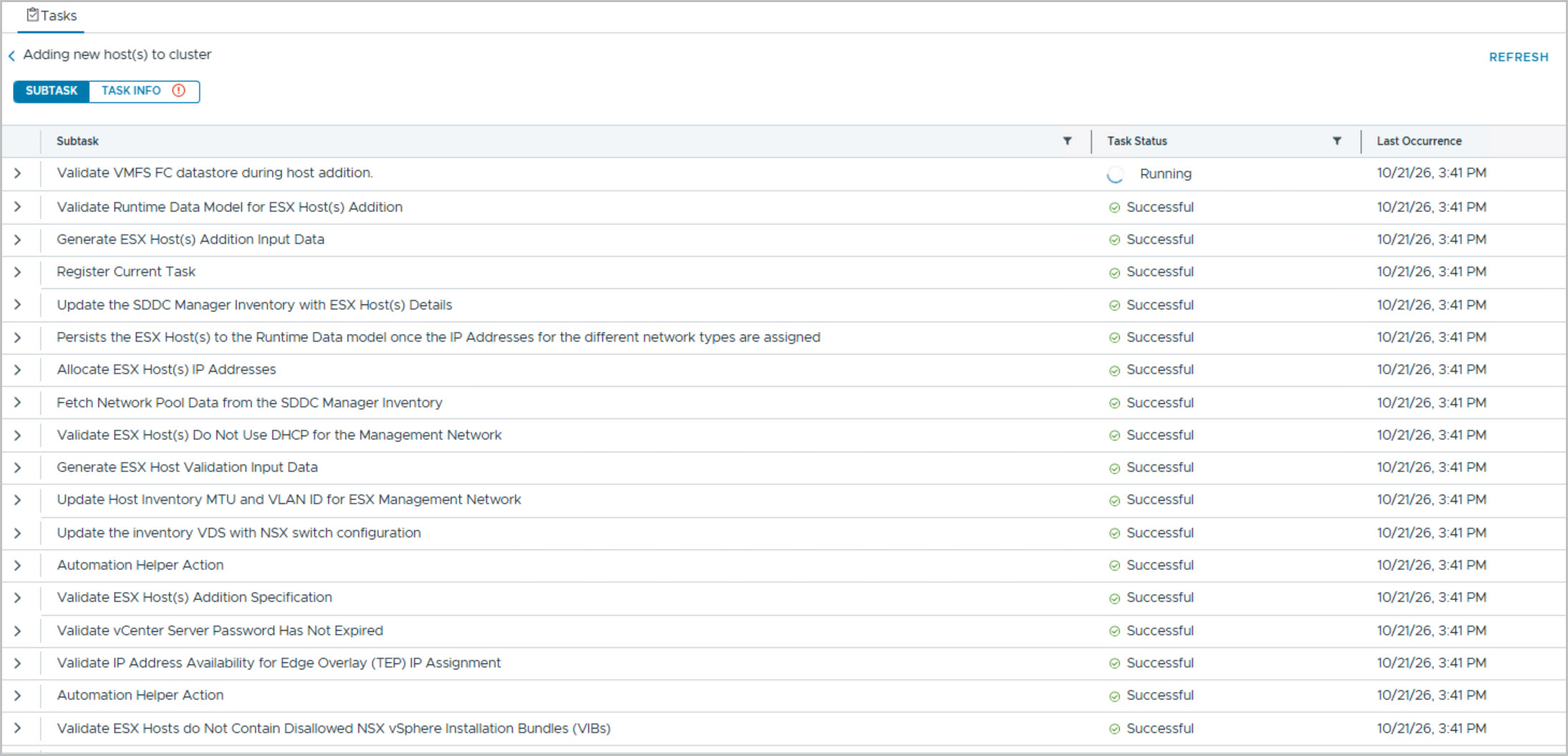
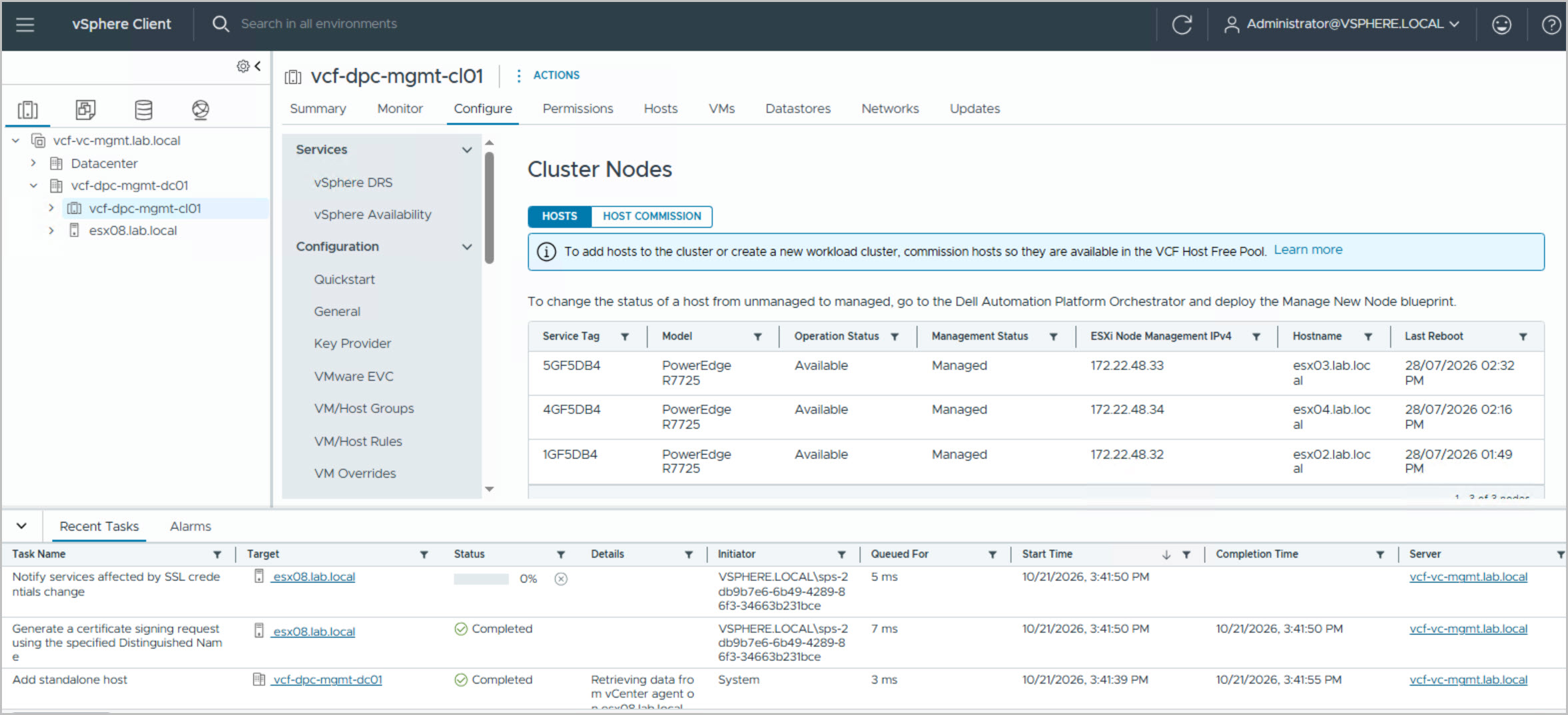
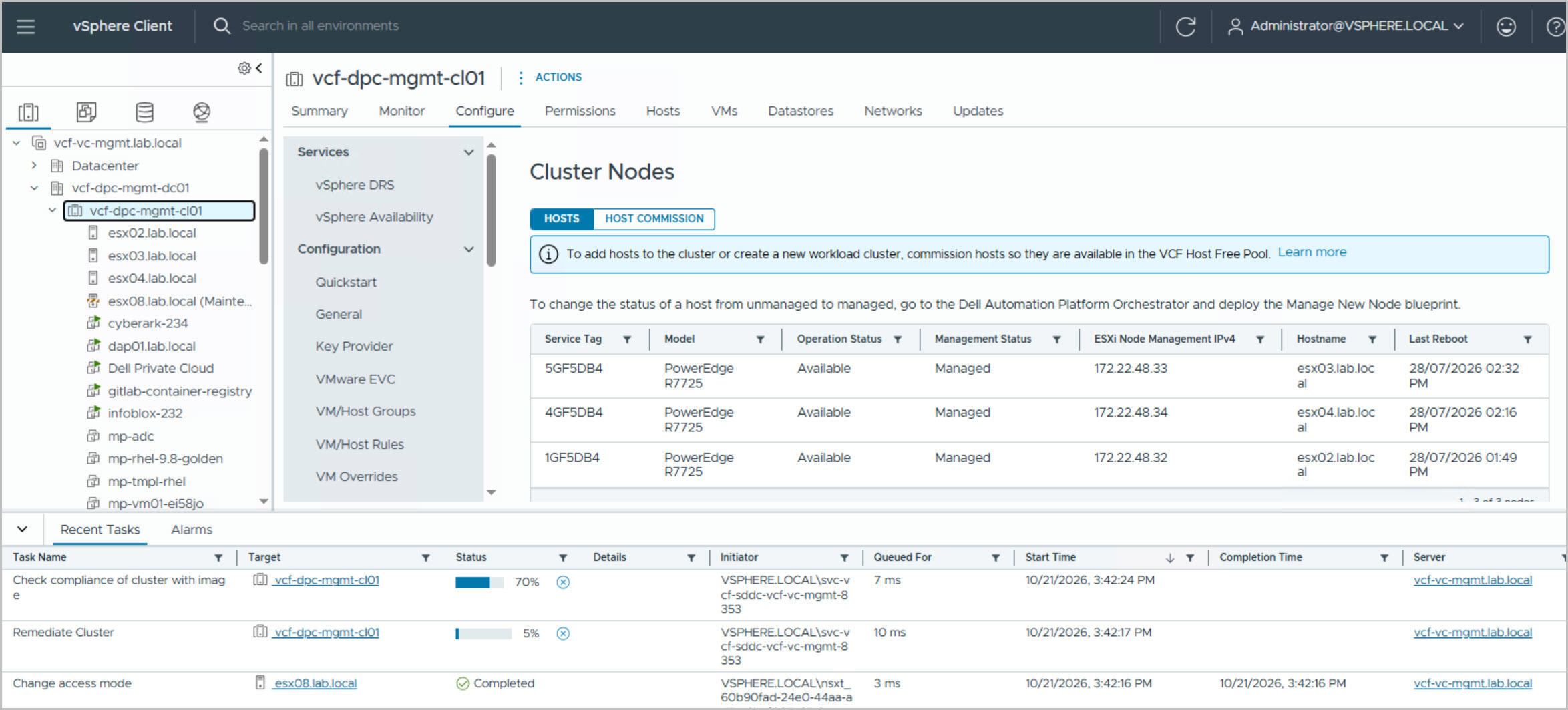
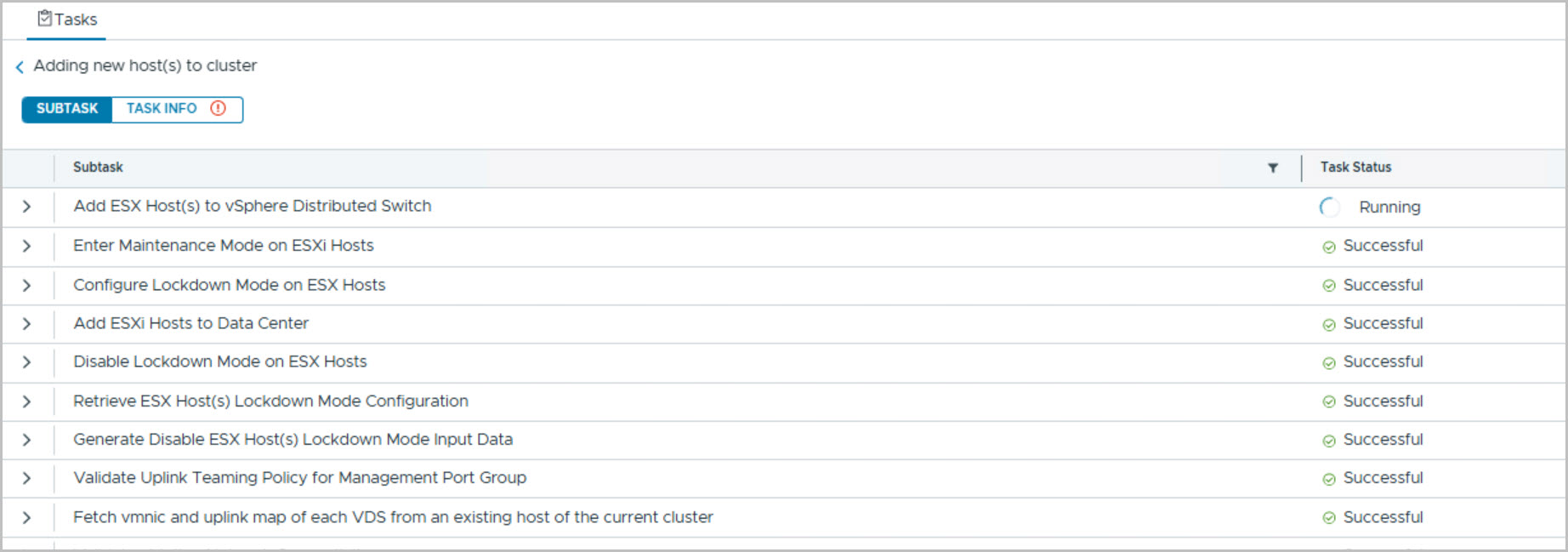
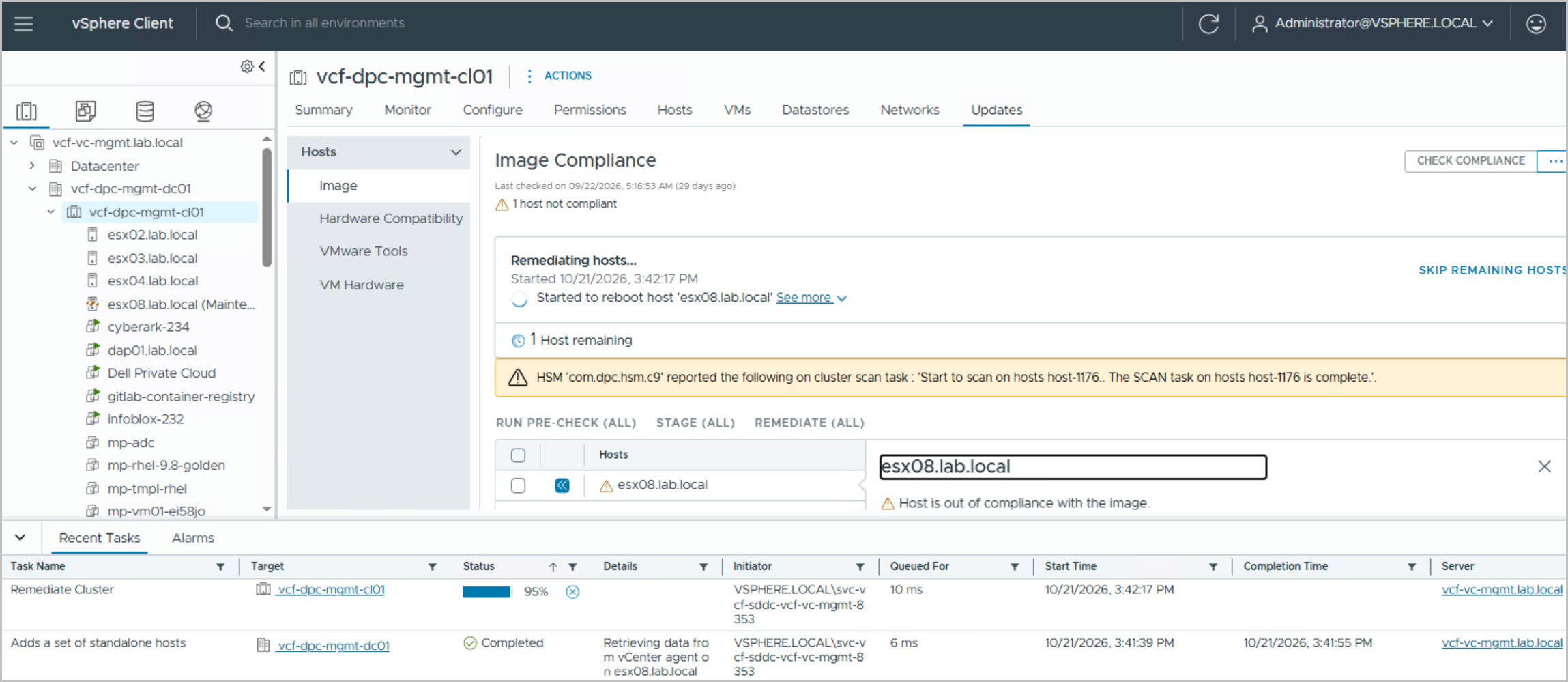
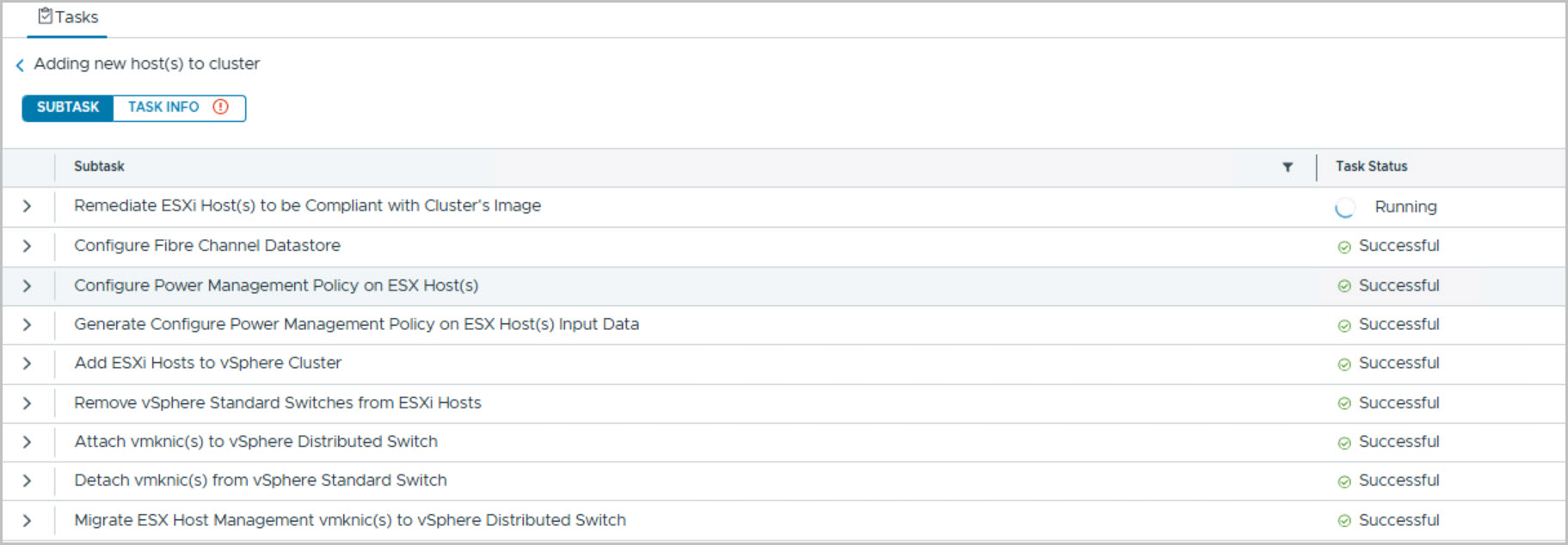
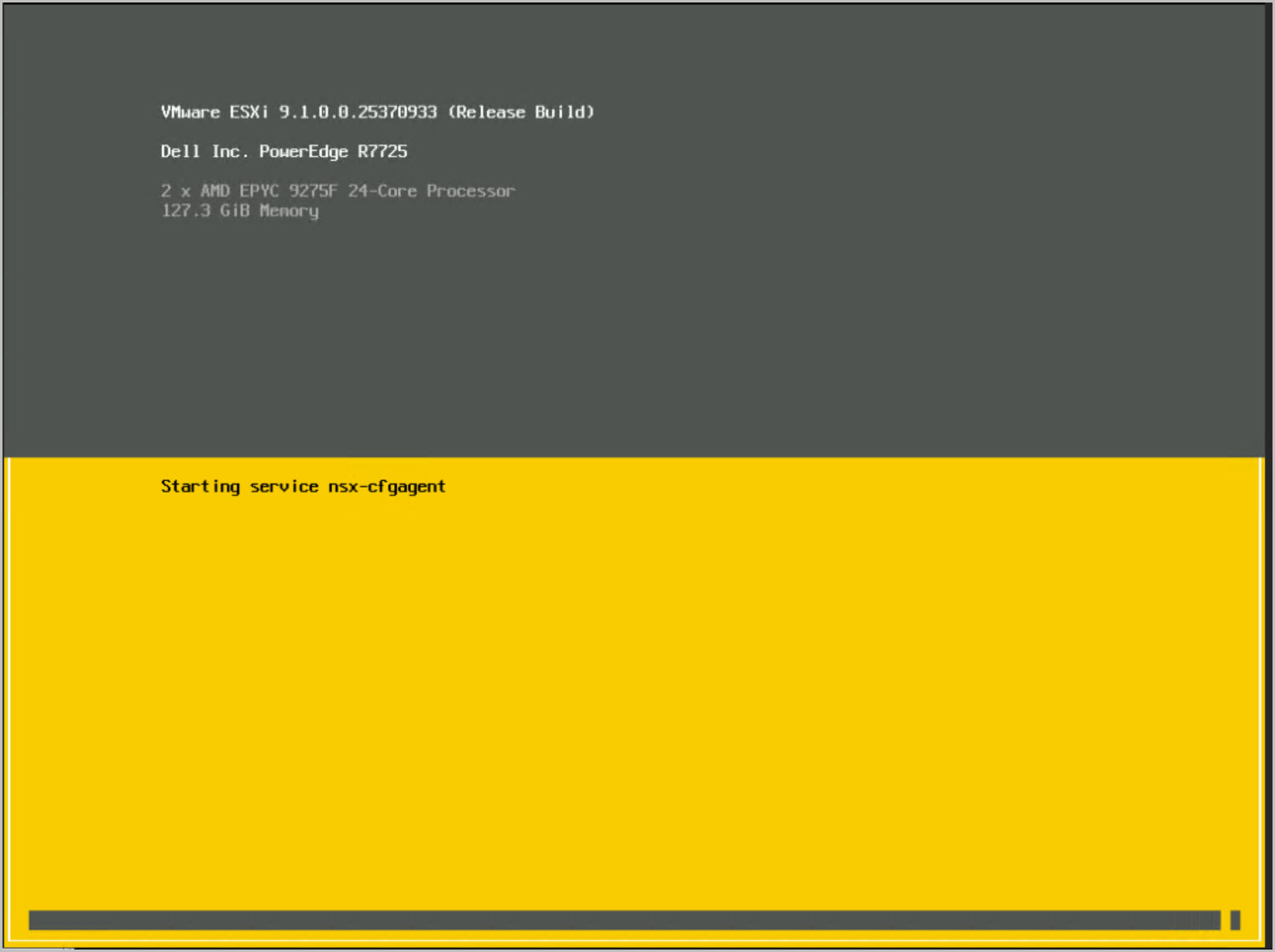
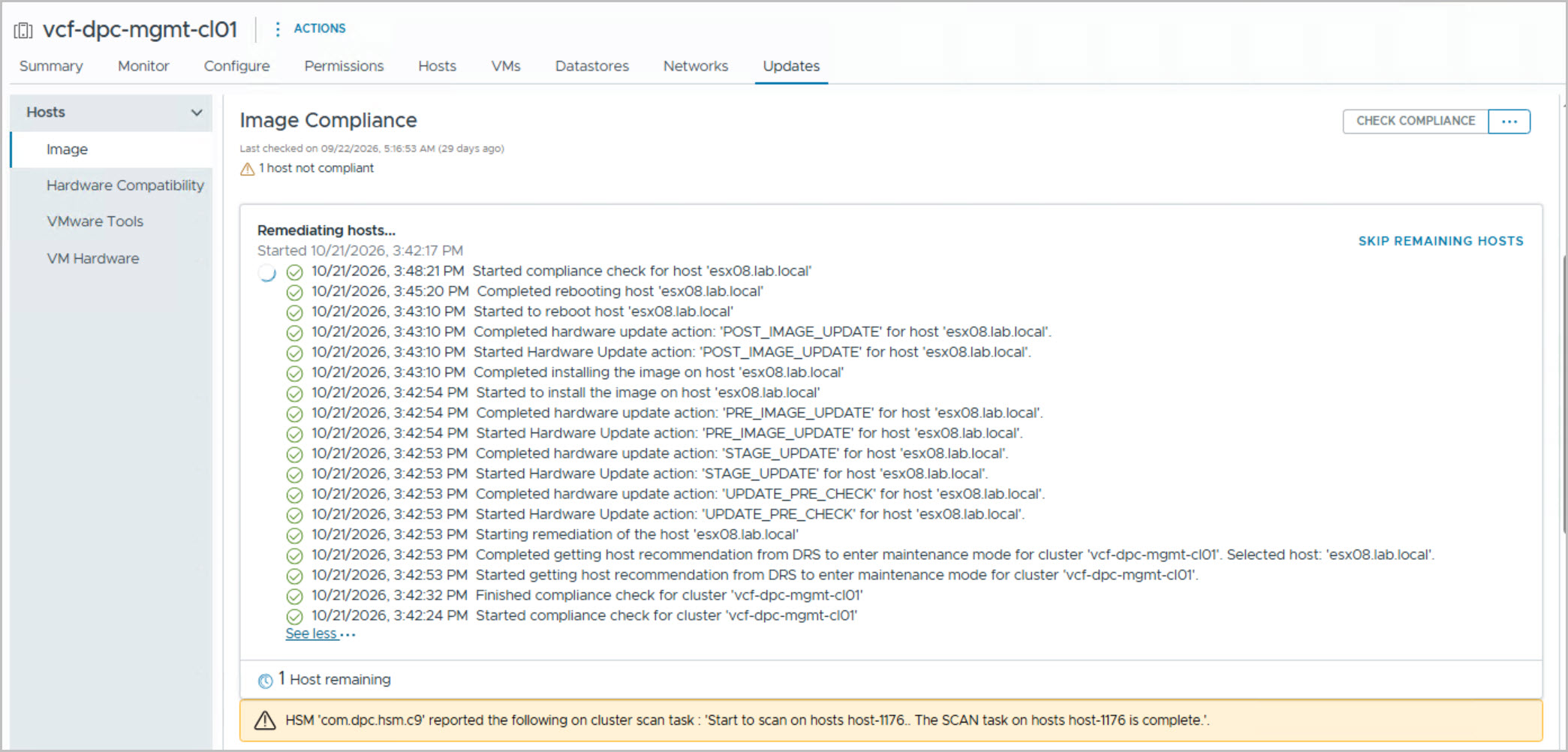
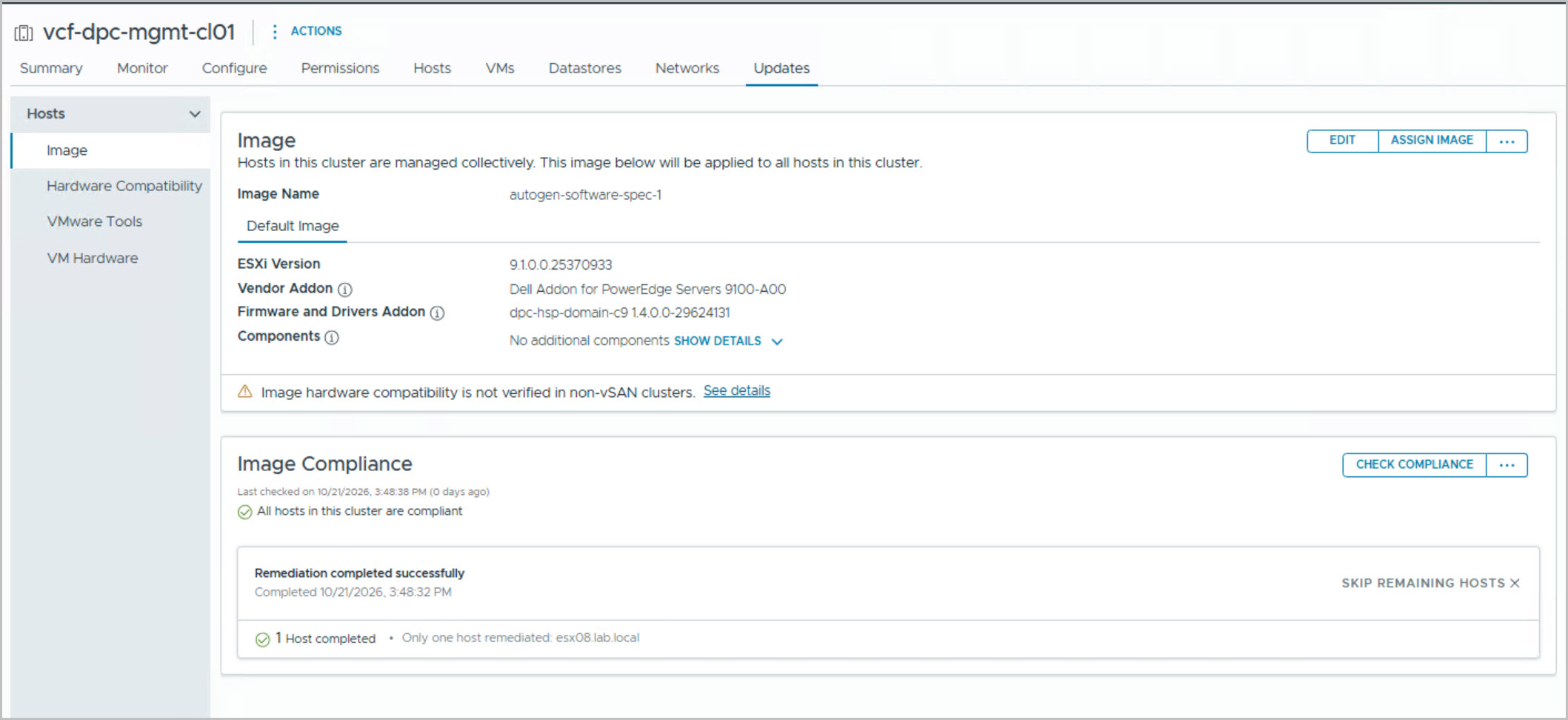
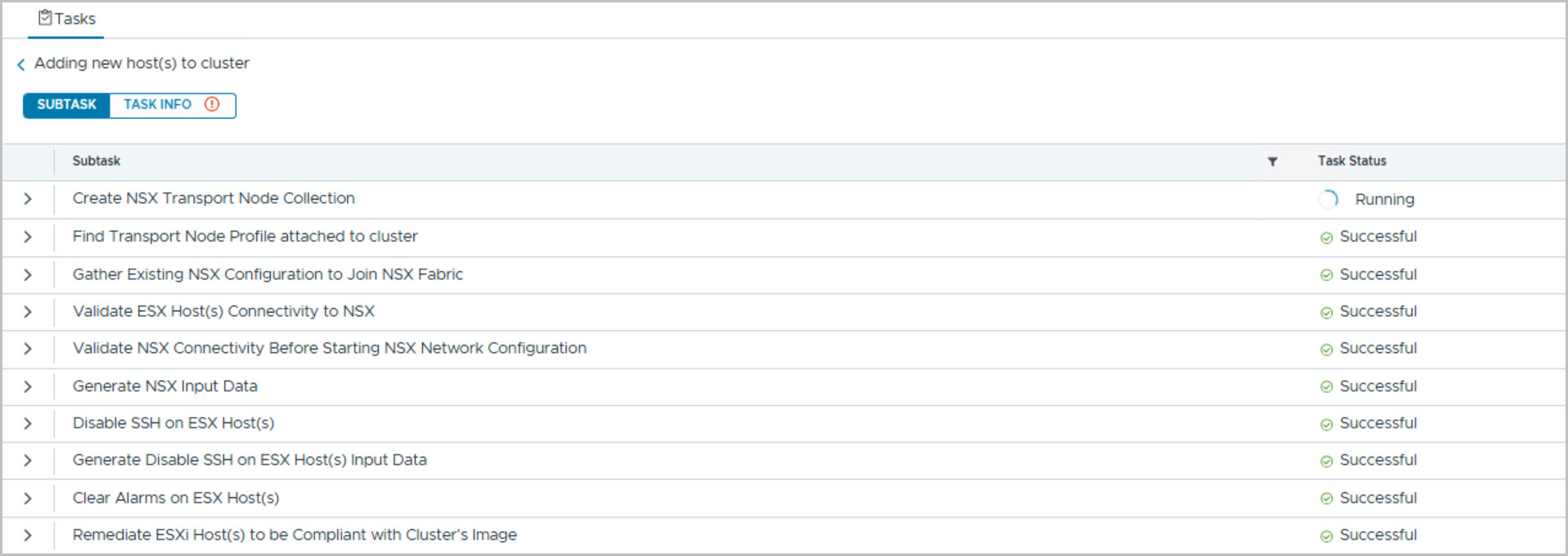
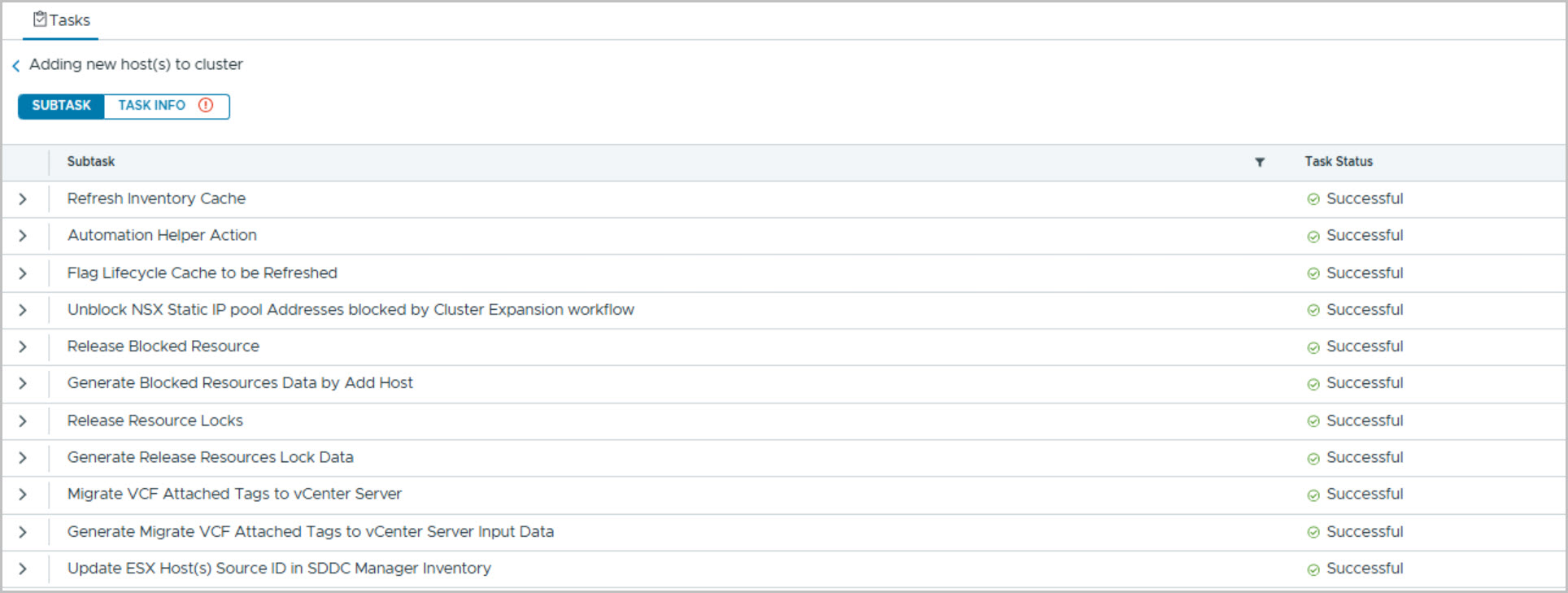
The wizard automatically discovers hosts that have been commissioned through the Dell Private Cloud Extension and are available in the VCF host pool. After validation, the selected host is added to the management cluster.
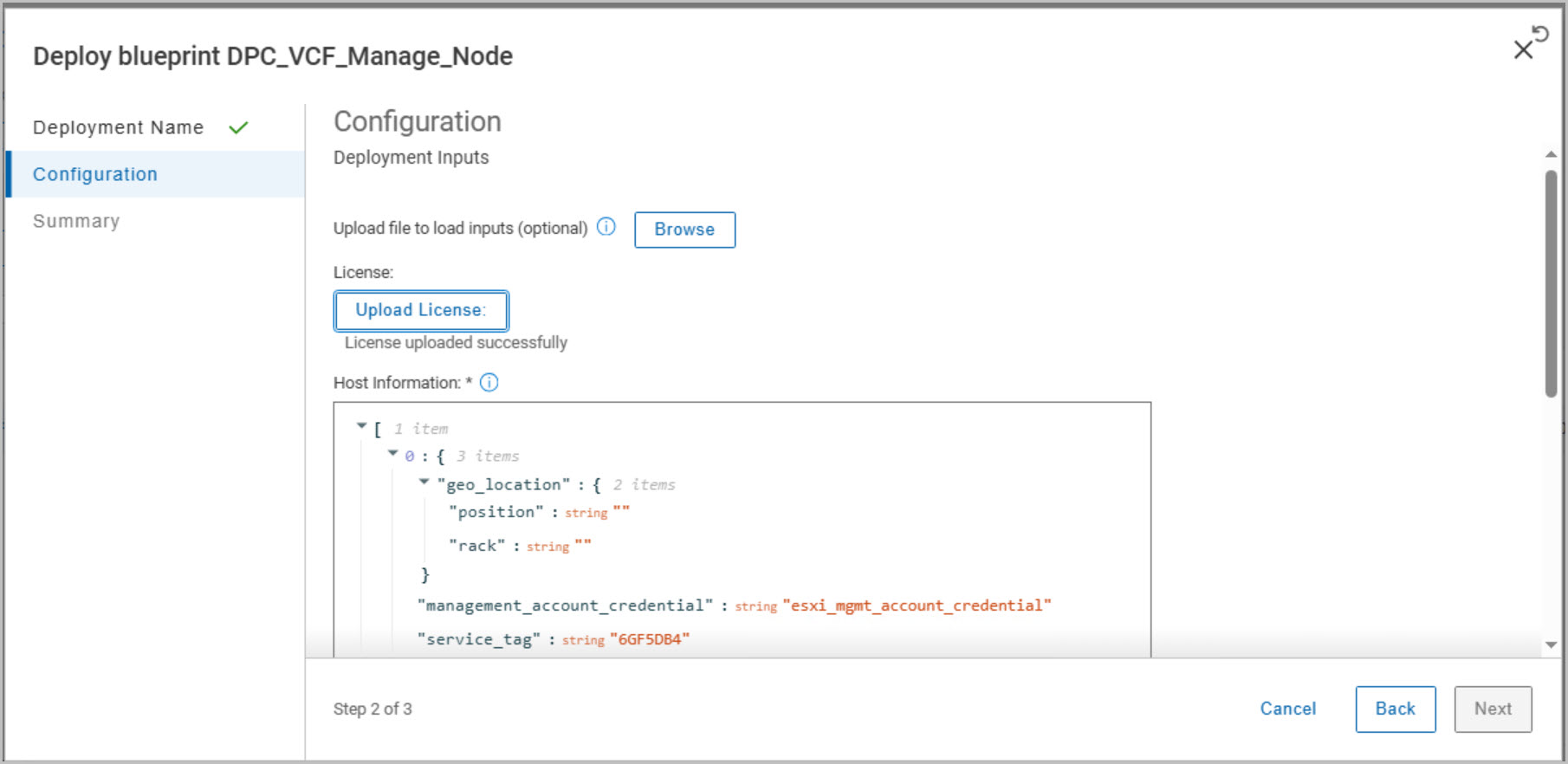
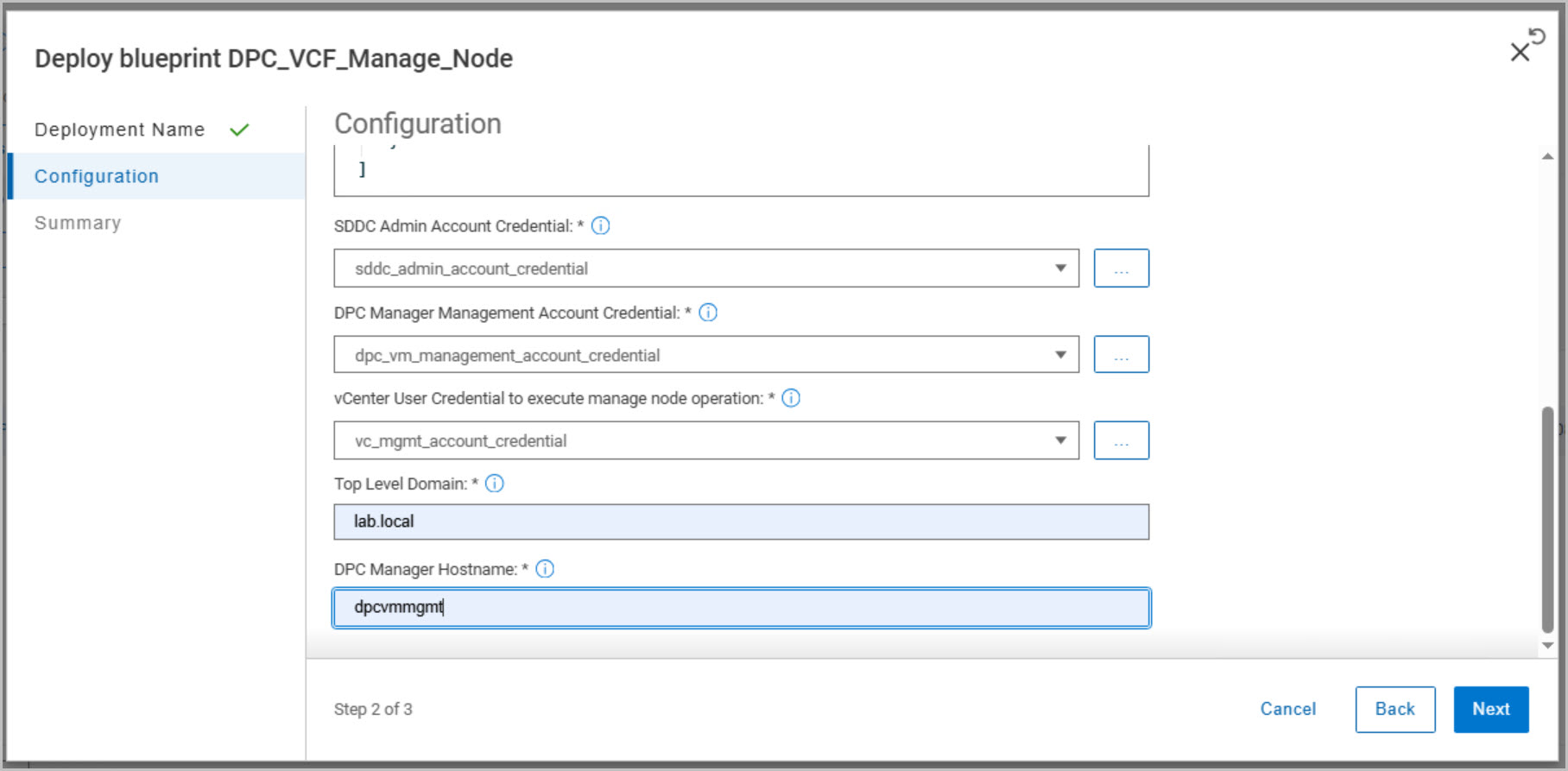
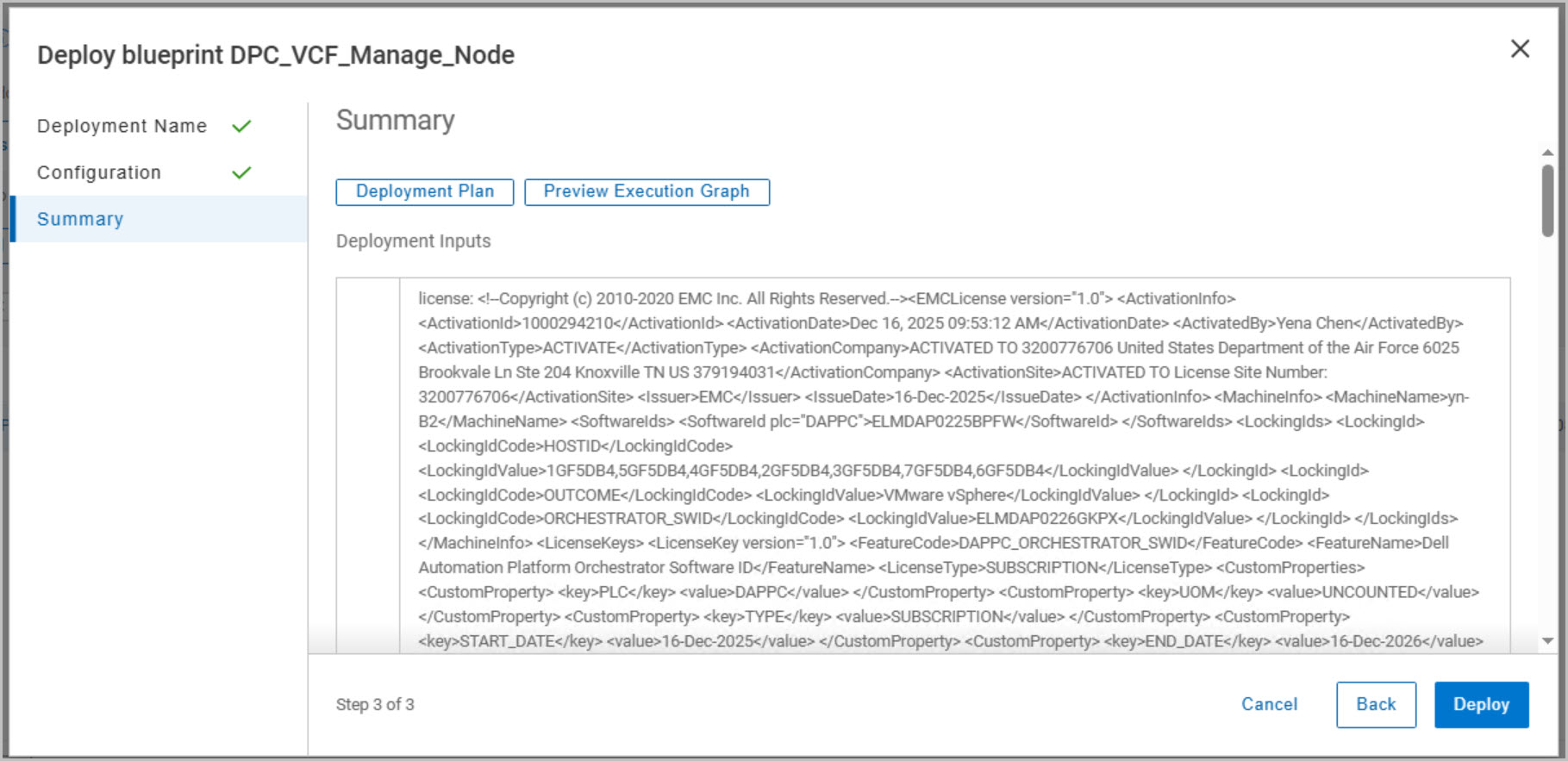
DAPO: DPC VCF Manage Host Blueprint
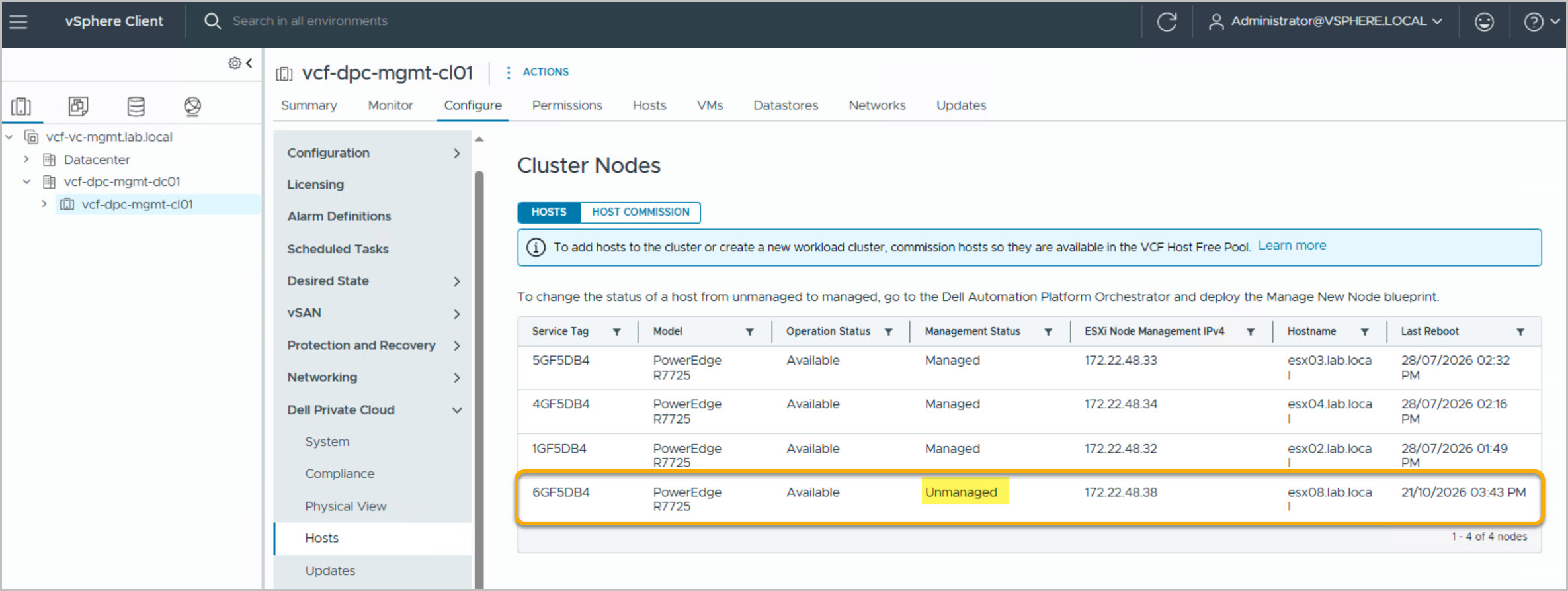
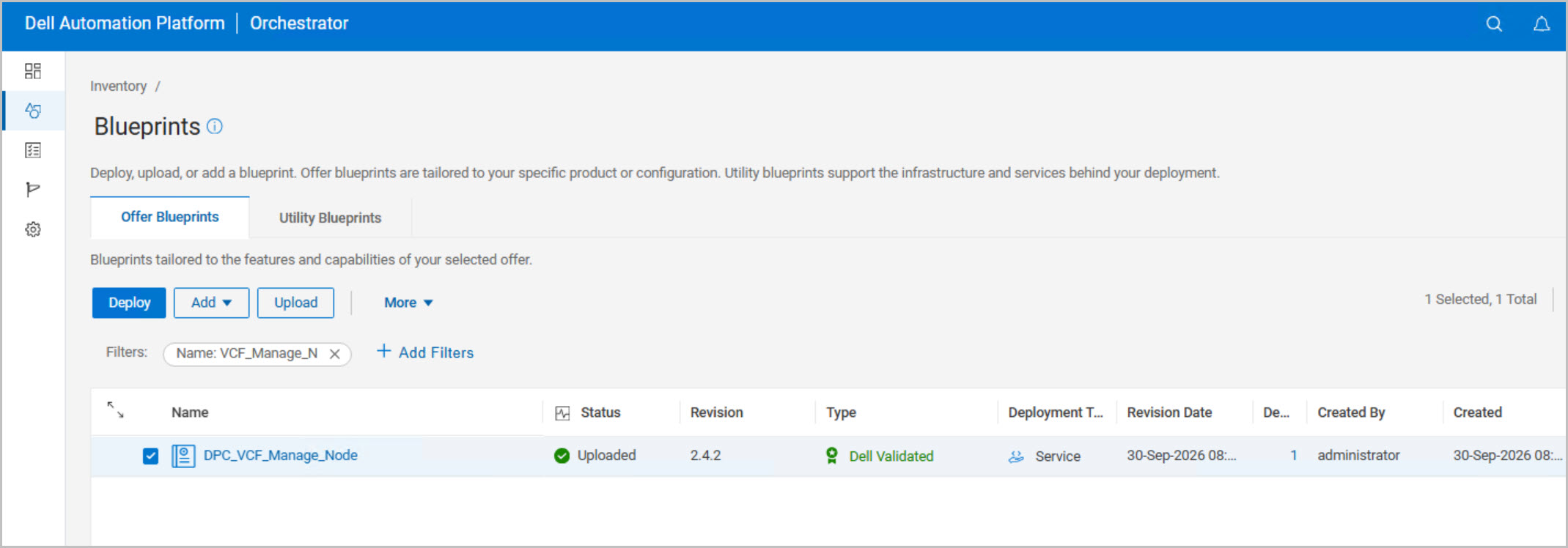
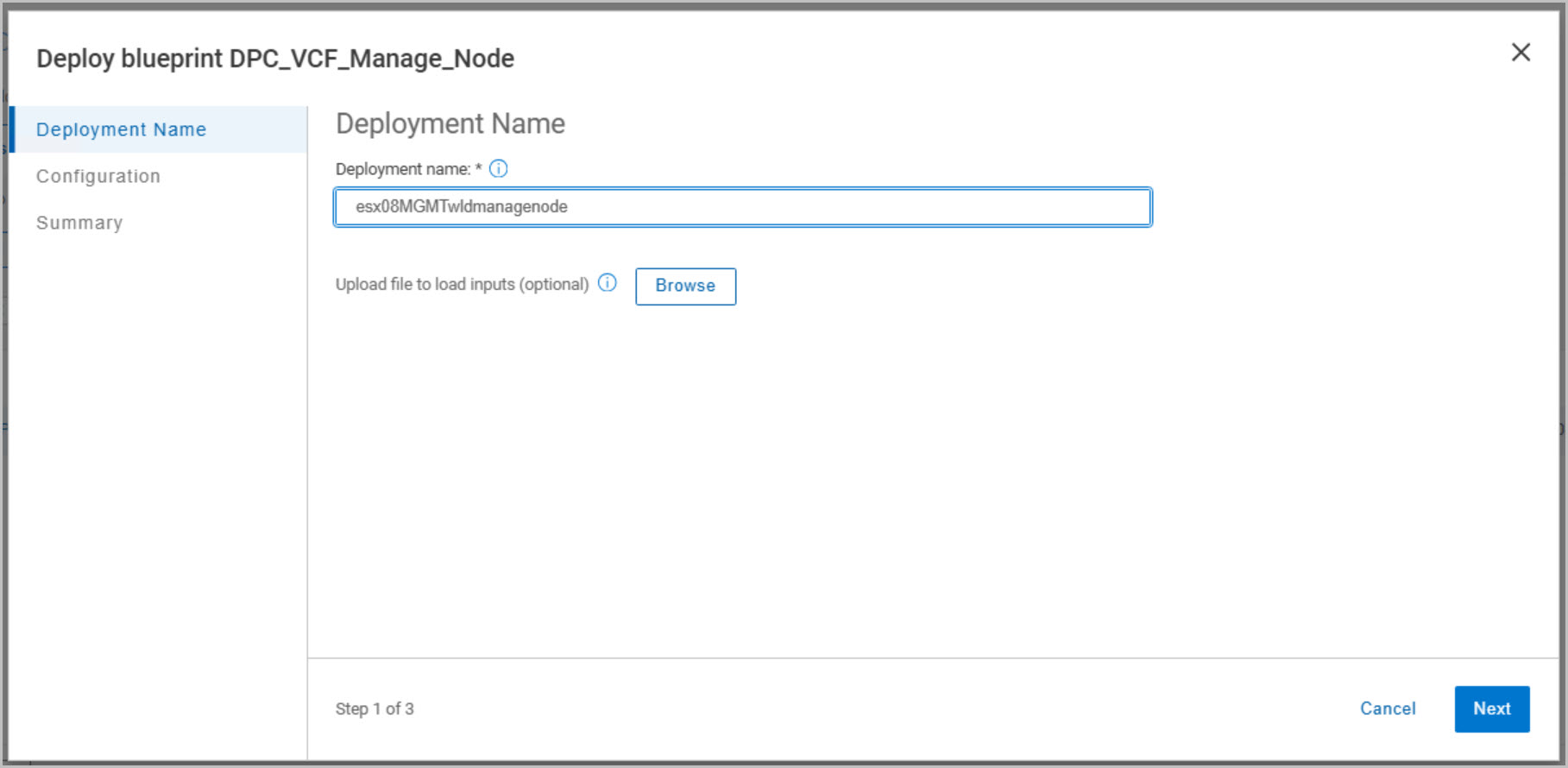
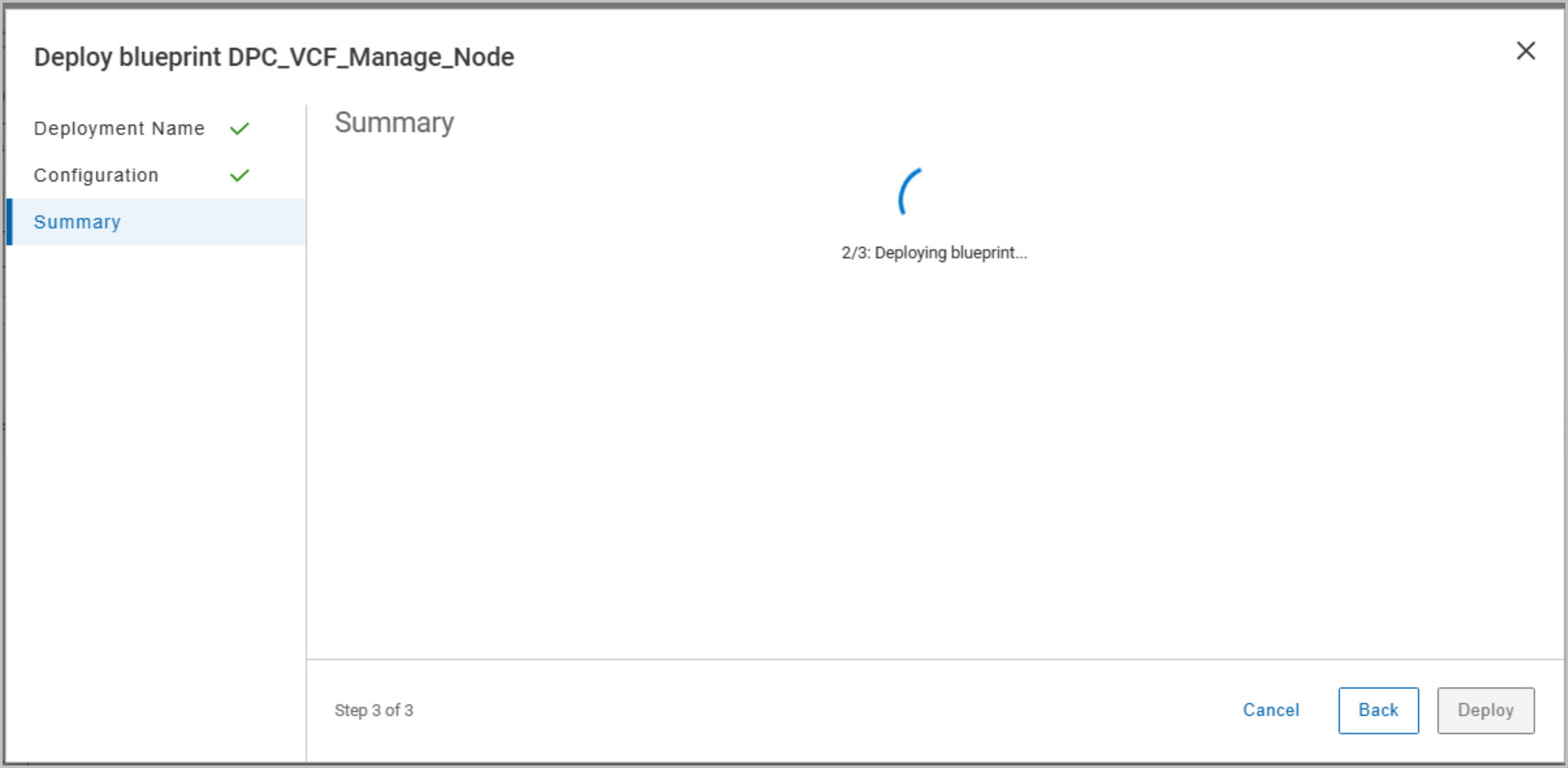
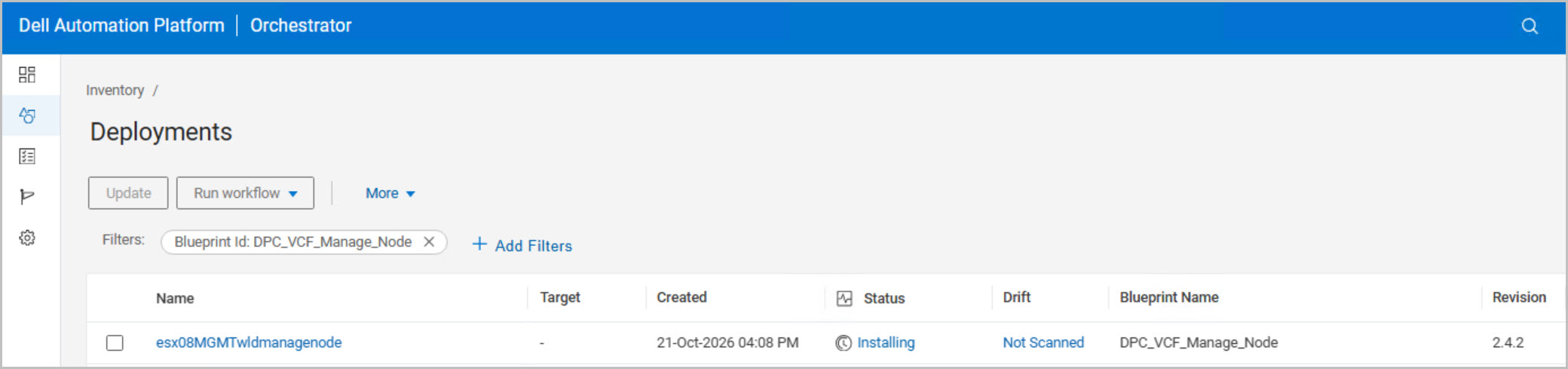
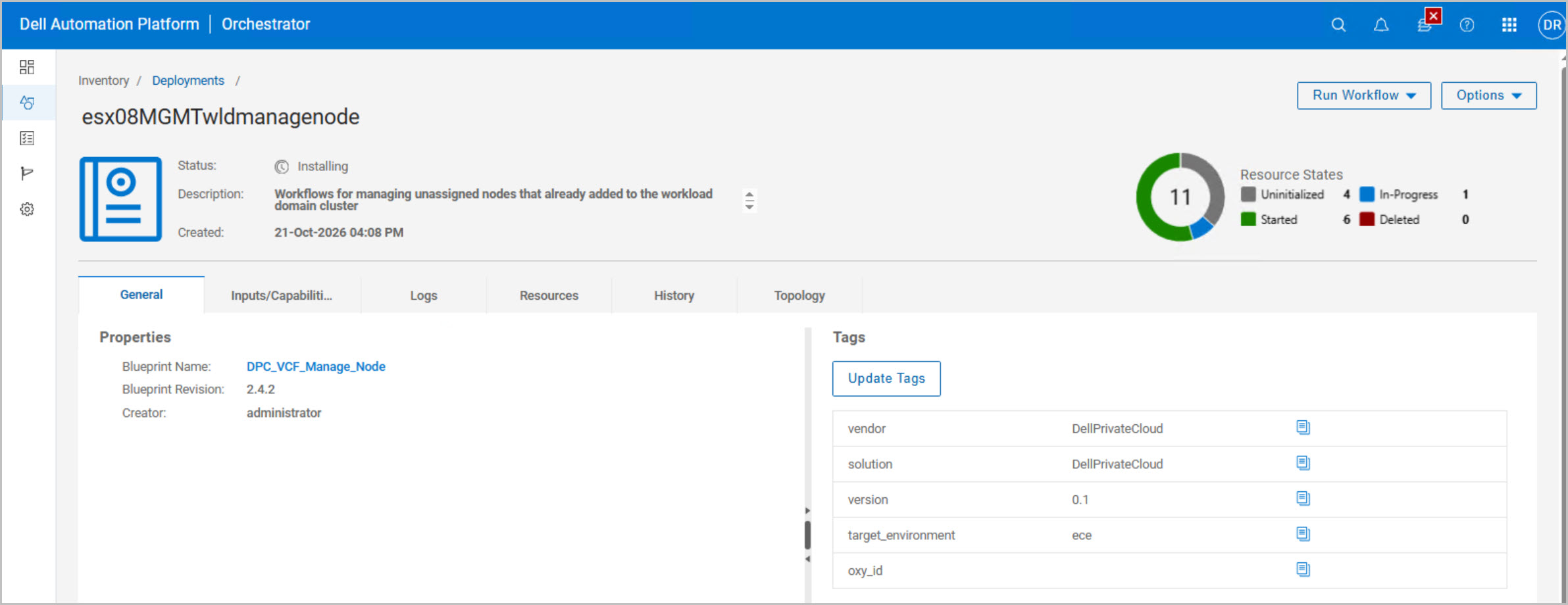
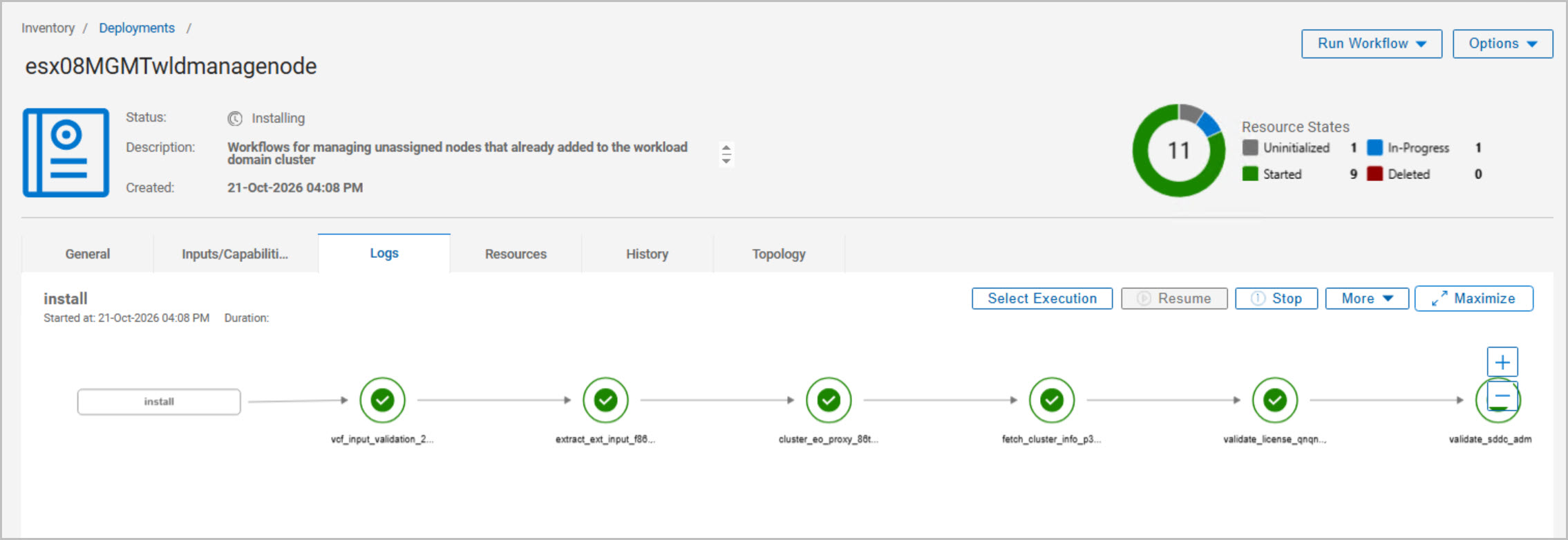
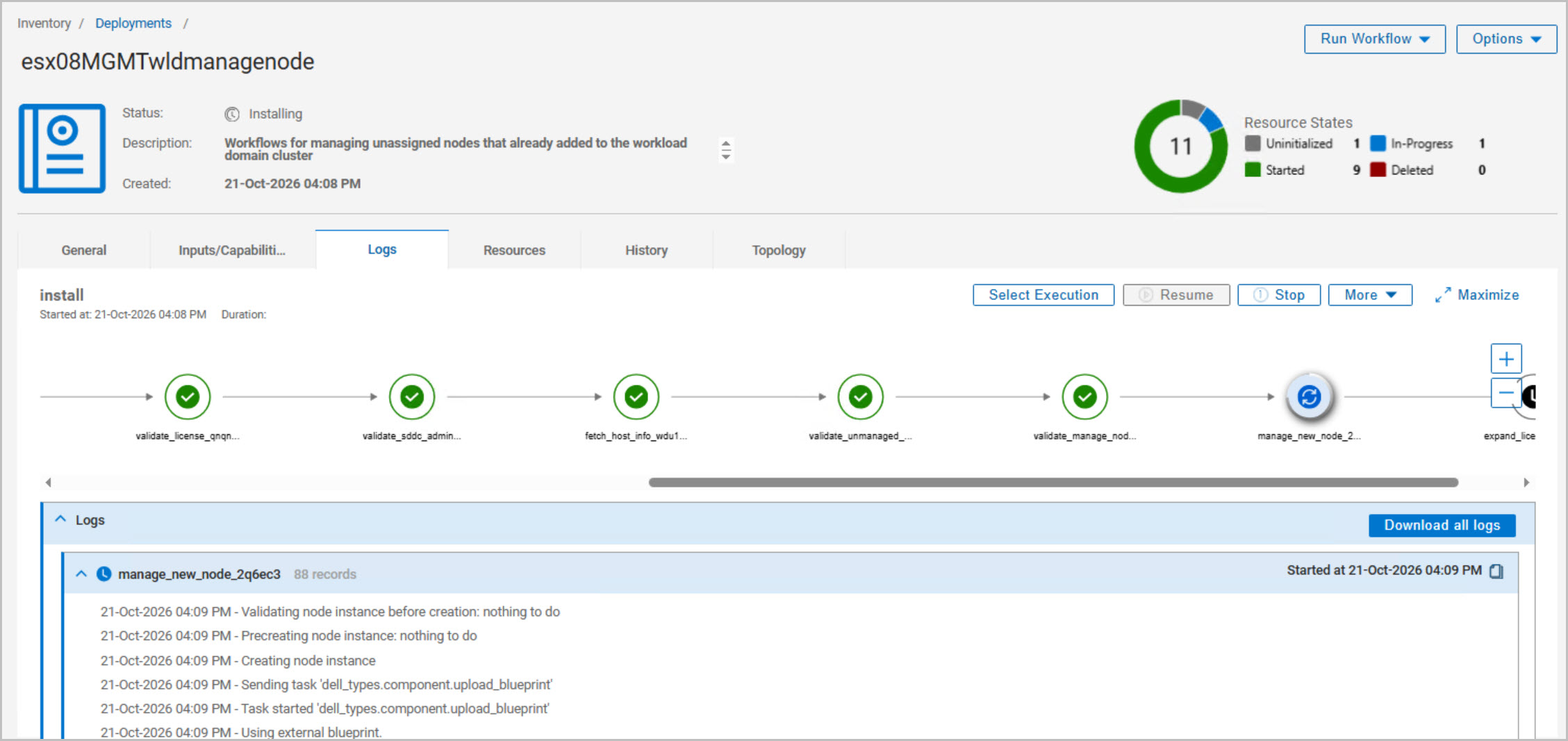
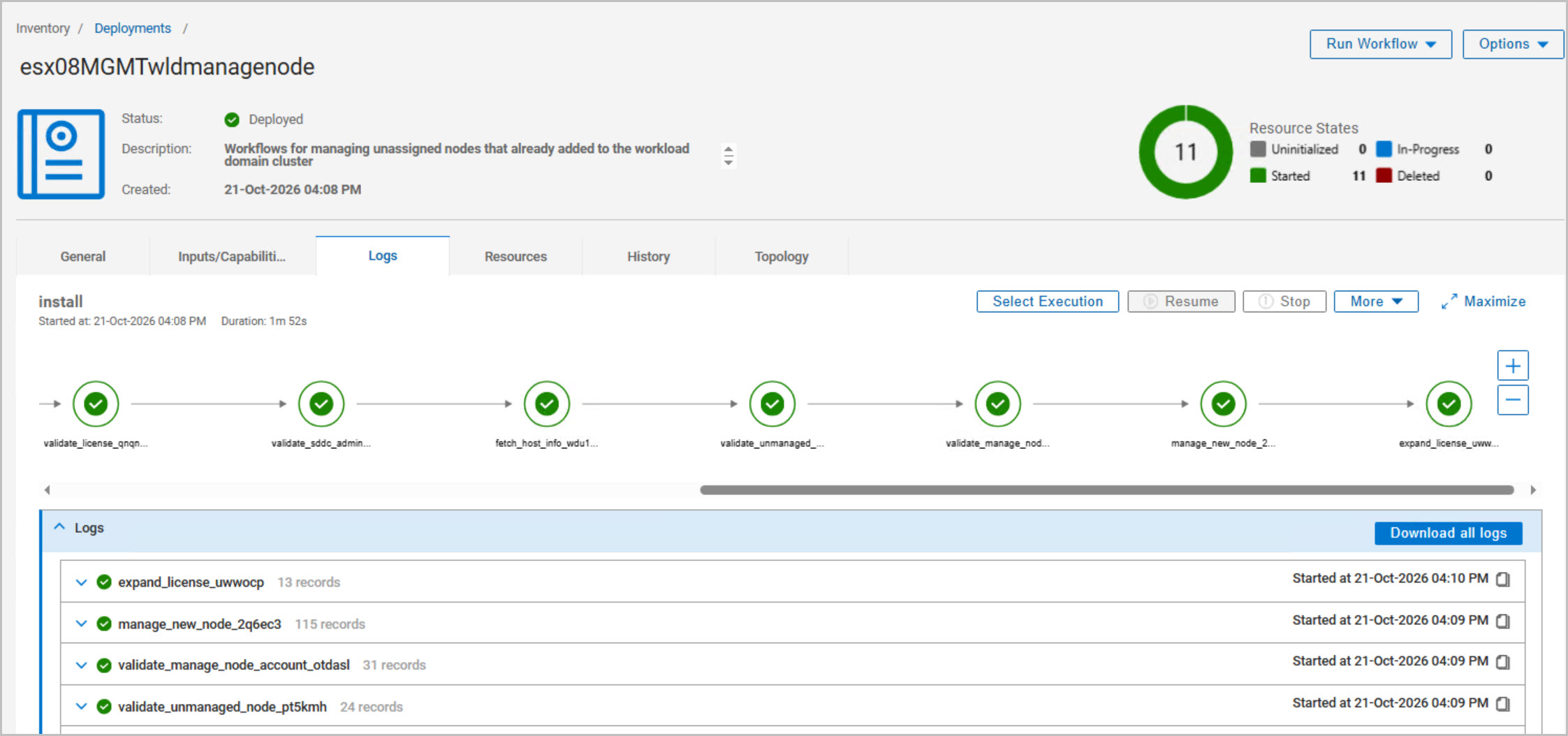
After the host is added to the Management Workload Domain cluster, the DPC Manage Host blueprint is executed in DAPO. The workflow validates the host, cluster, and connectivity requirements before onboarding the host as a managed cluster member and applying the required licensing updates.
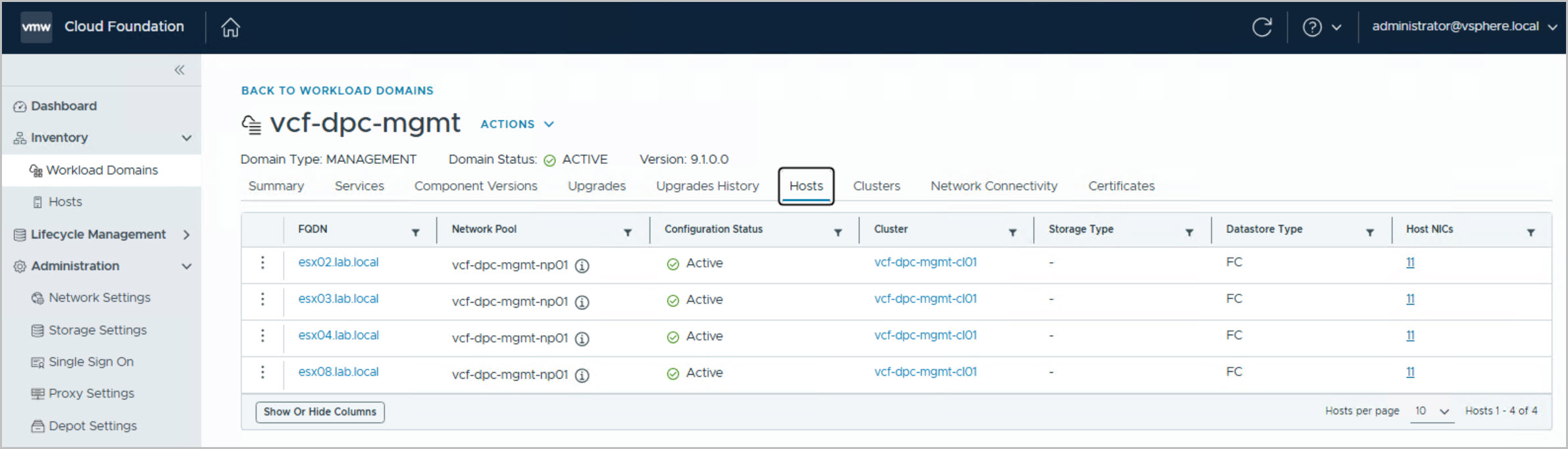
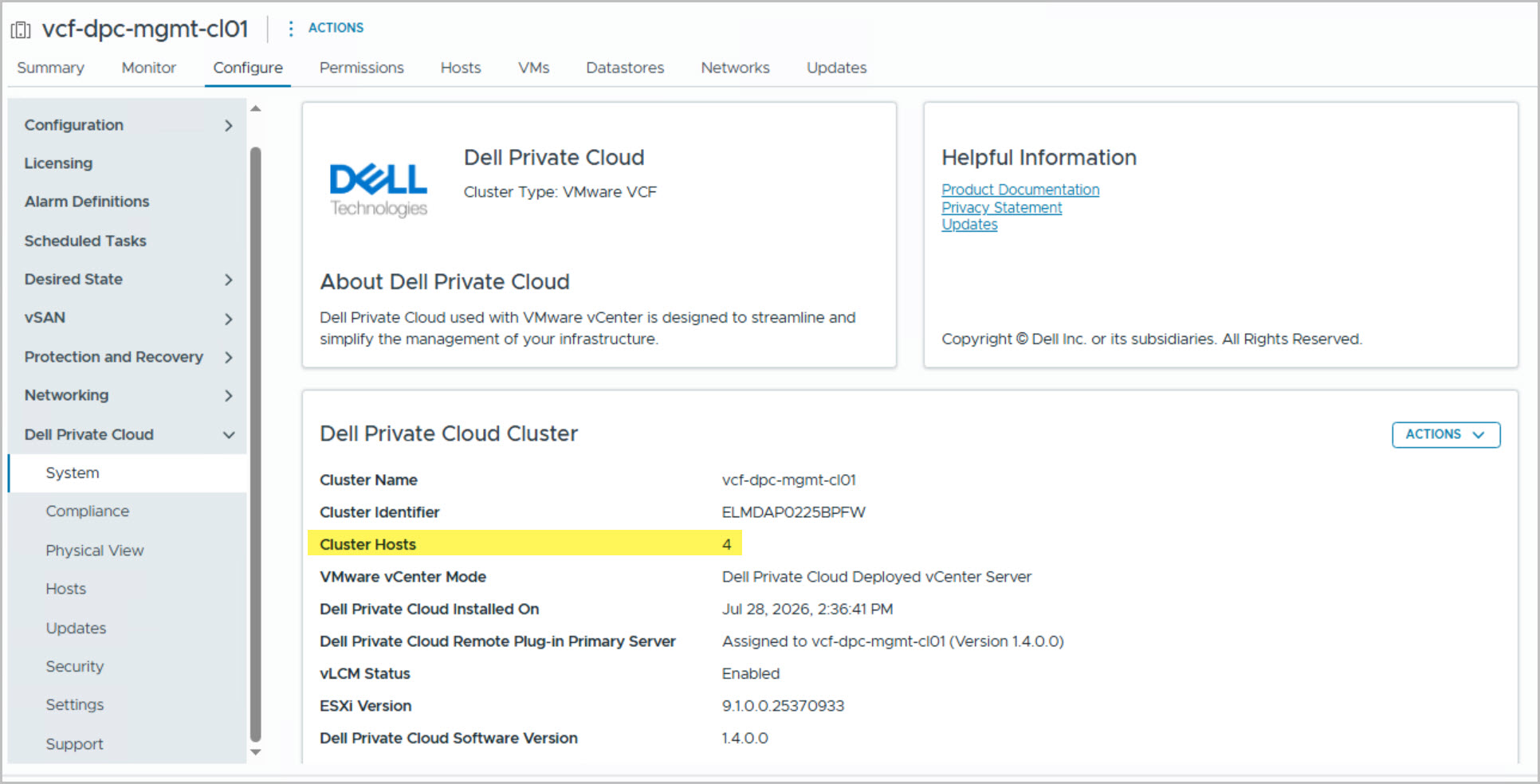
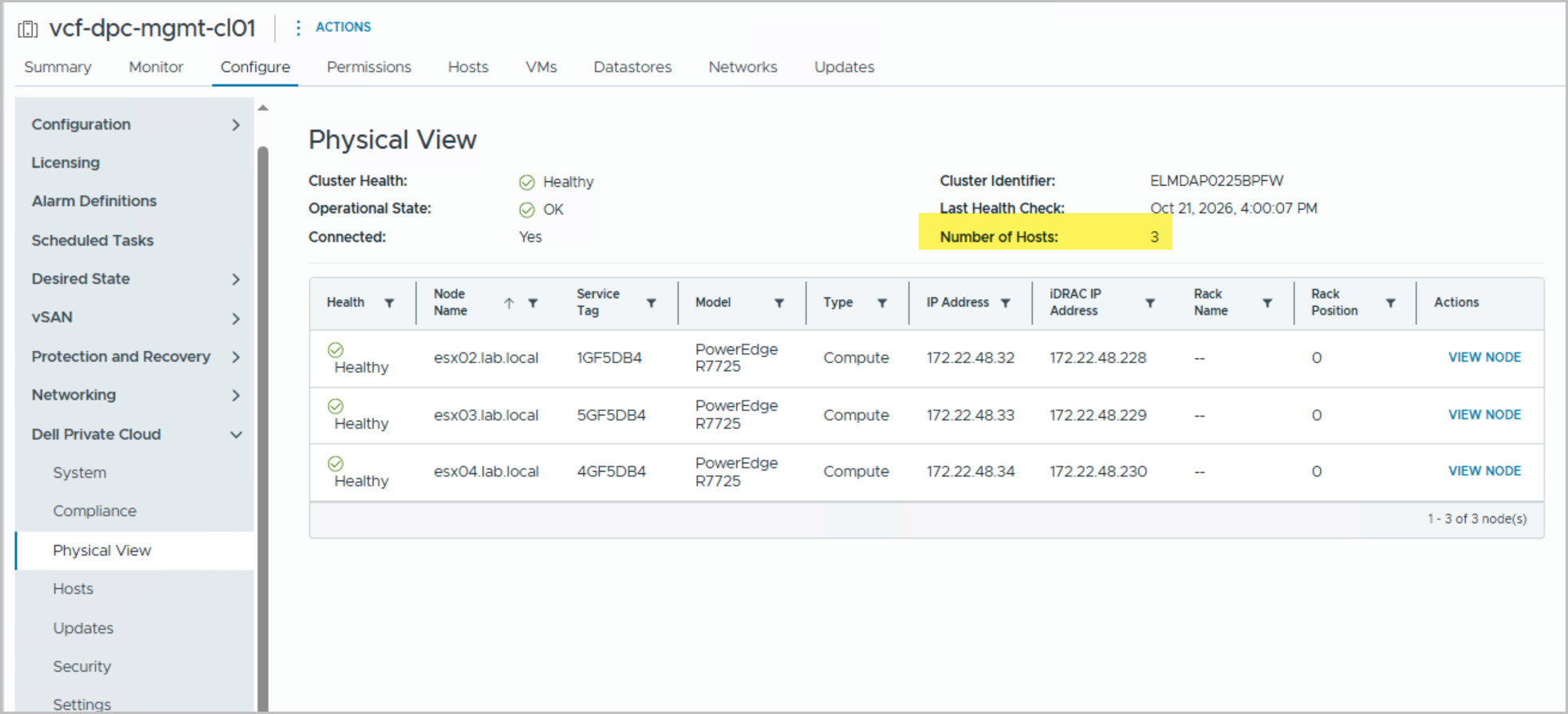
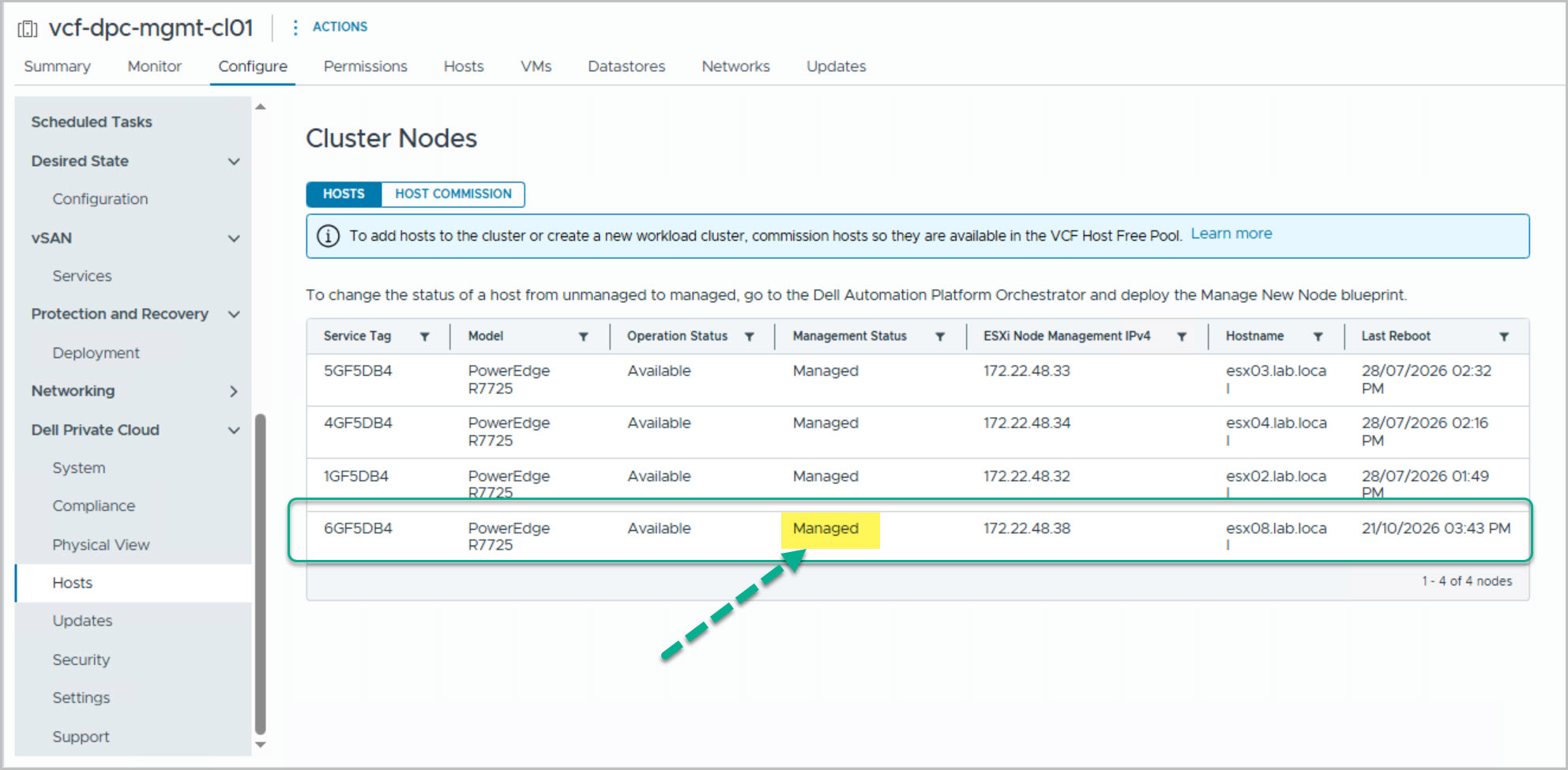
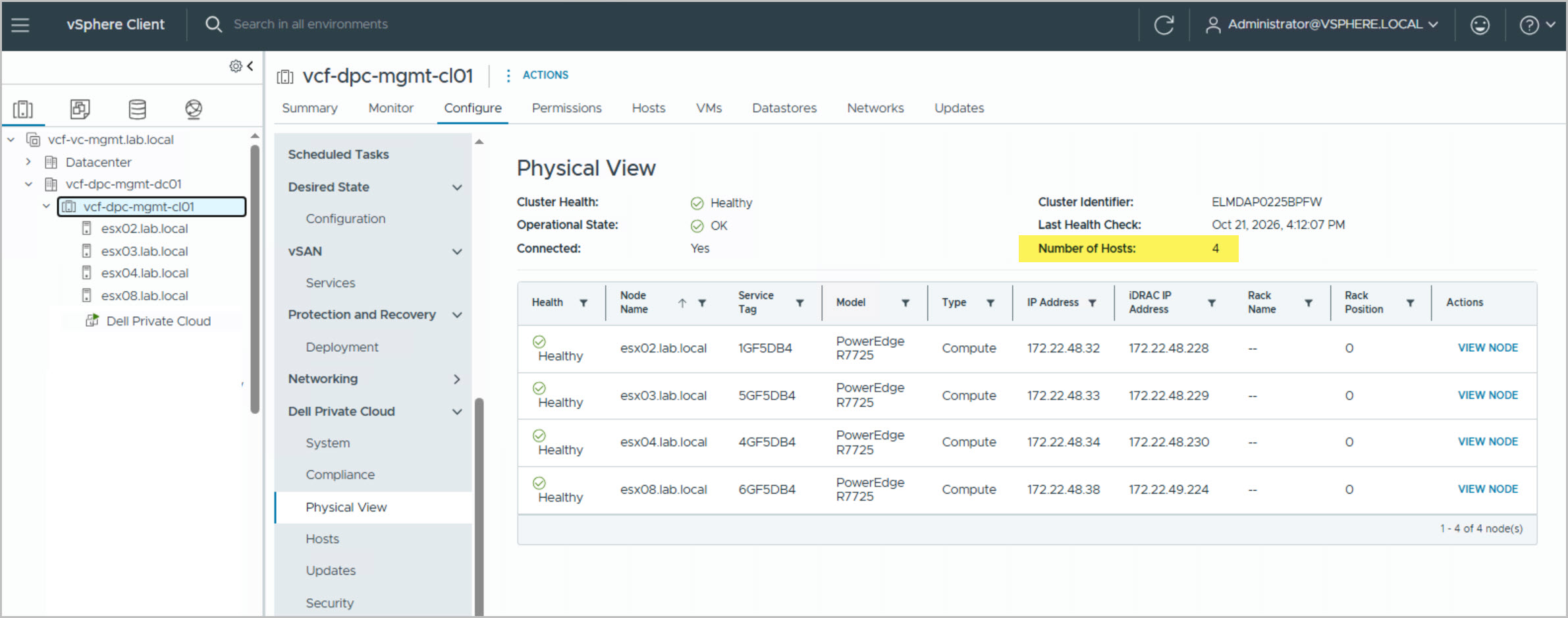
Once complete, the host is fully managed and available to the Management Workload Domain, increasing cluster capacity.
The successful onboarding of the new ESX host increased the cluster’s available compute capacity, demonstrating how VMware Cloud Foundation and DAPO provide a streamlined, automated approach to scaling Management Workload Domain infrastructure.




9 Comments »