PART1 PART2 PART3 PART4 PART5 PART6 PART7 PART8 PART9
Part 9: Onboarding a Commissioned Host into a VI Workload Domain
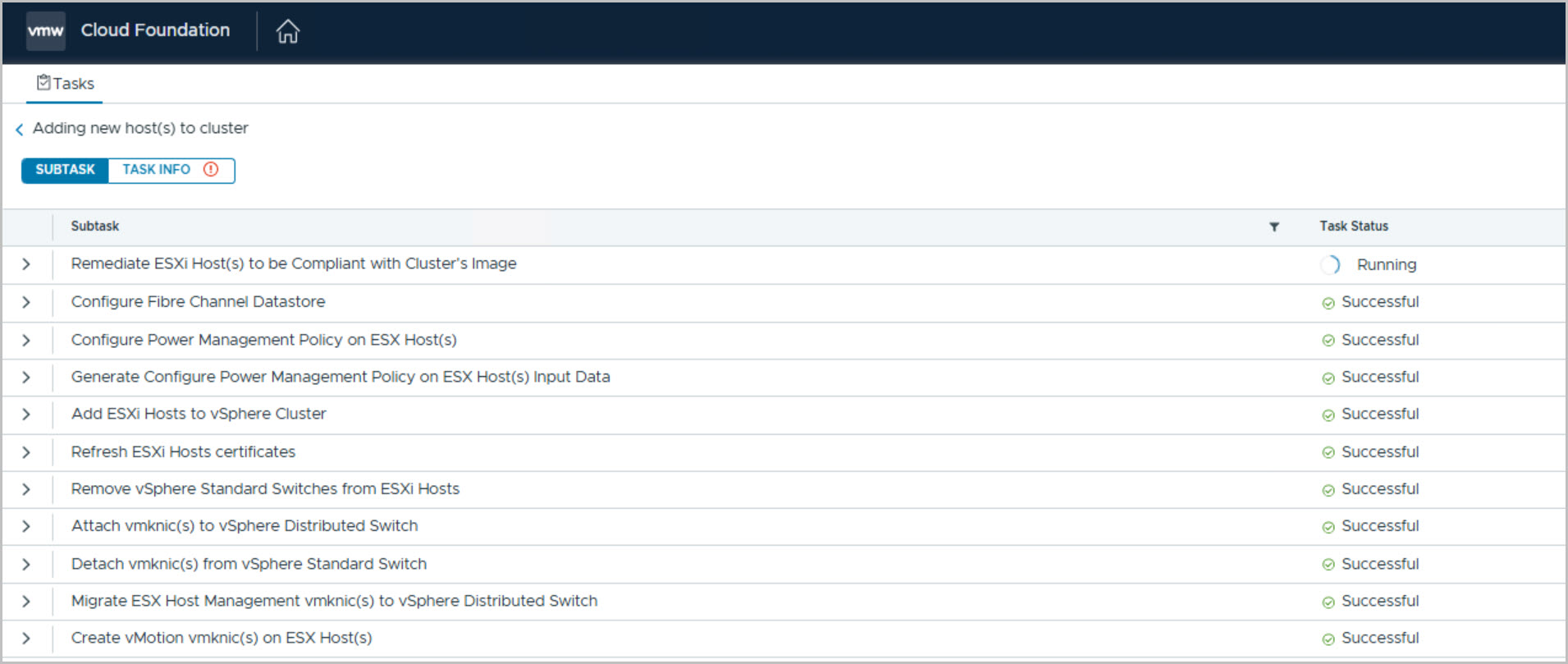
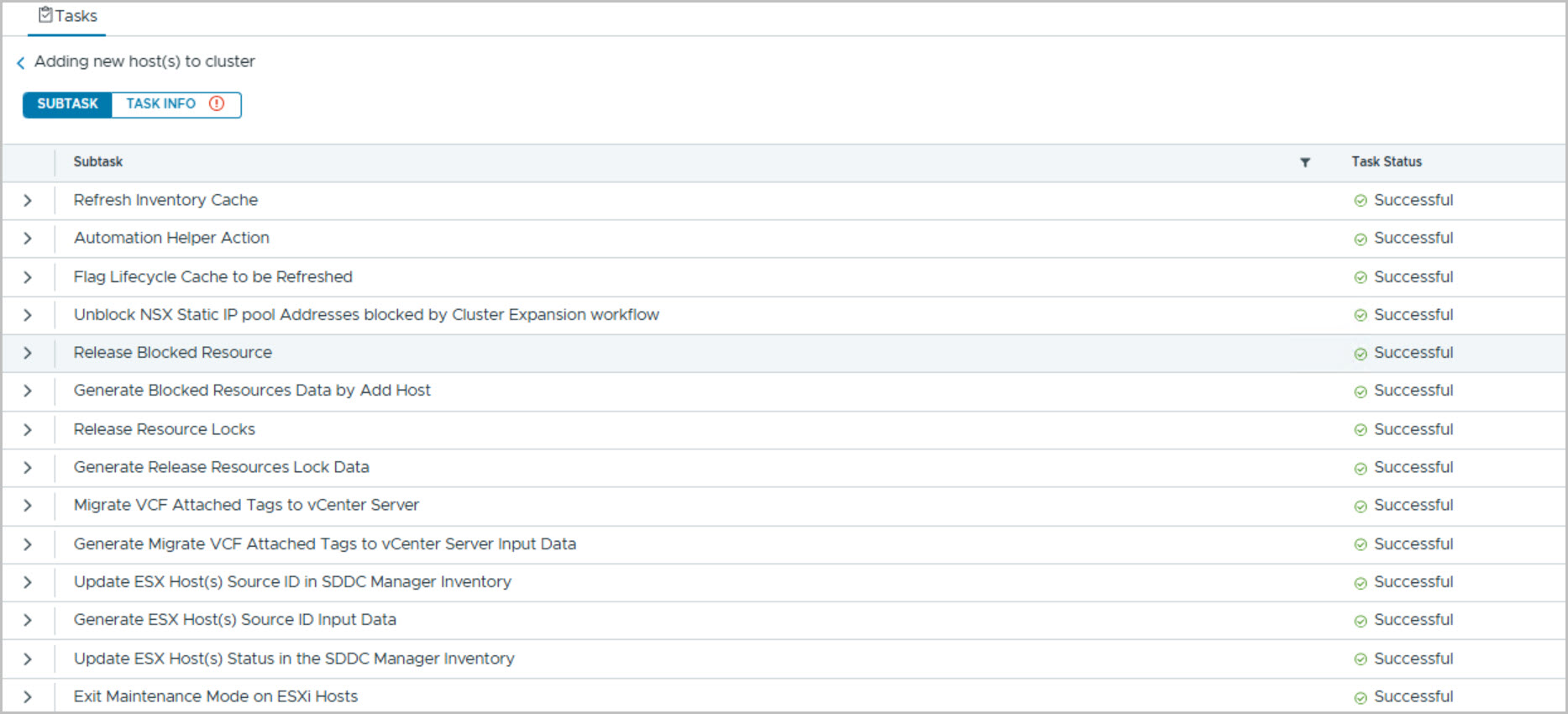
Having commissioned and validated the new PowerEdge host in the previous stages of the deployment, the final step is to integrate it into the VI Workload Domain. Using the Add Host workflow in SDDC Manager and the Manage Host blueprint in DAPO, the host is automatically validated, onboarded, licensed, and registered with the target cluster. This streamlined process demonstrates how Dell Private Cloud simplifies lifecycle operations and enables seamless expansion of VMware Cloud Foundation environments.
SDDC Manager – Adding a Host to a VI Workload Domain
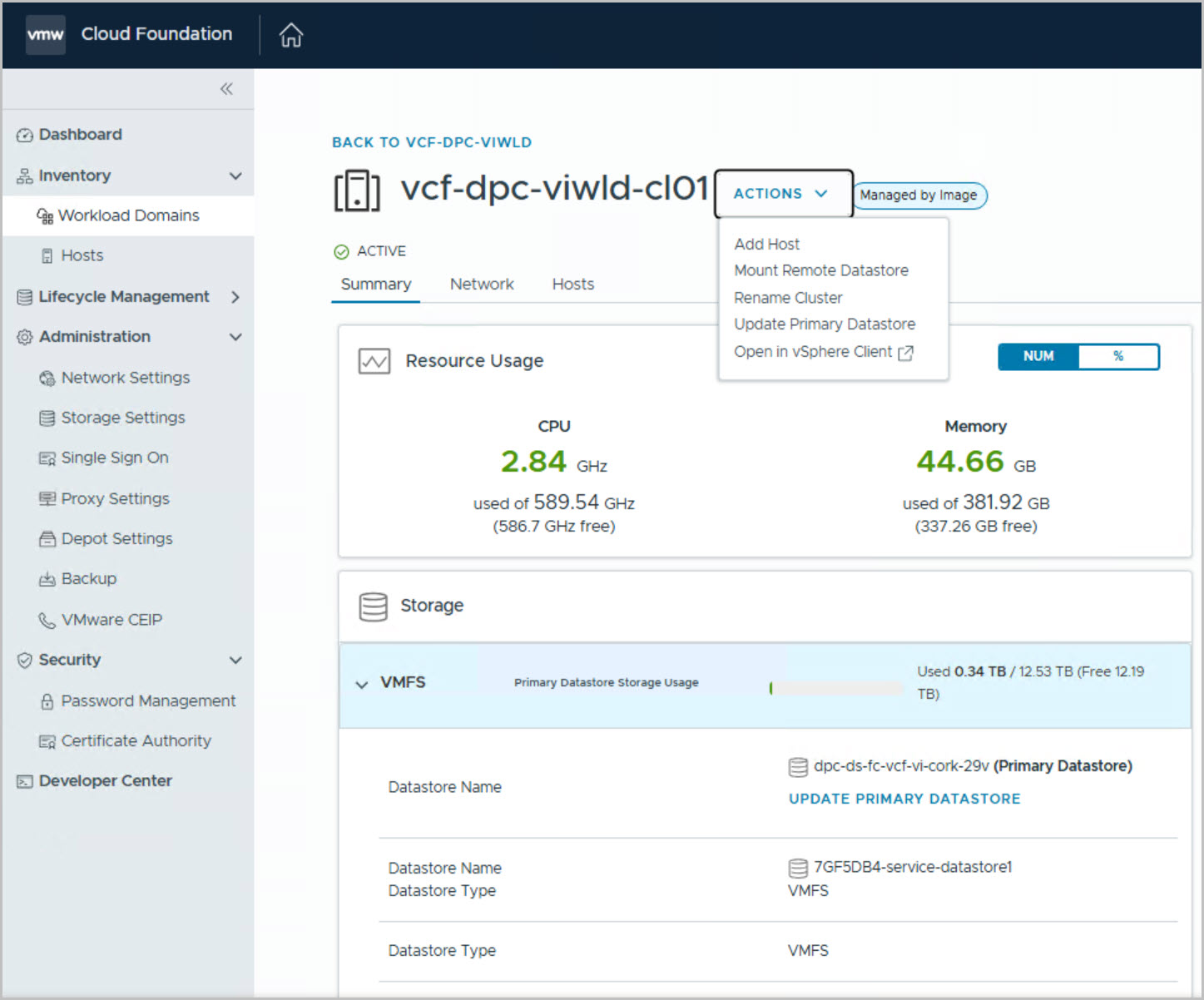
From the SDDC Manager UI, navigate to:
Workload Domains → Select the target VI Workload Domain → Clusters → Select the target cluster → Actions → Add Host
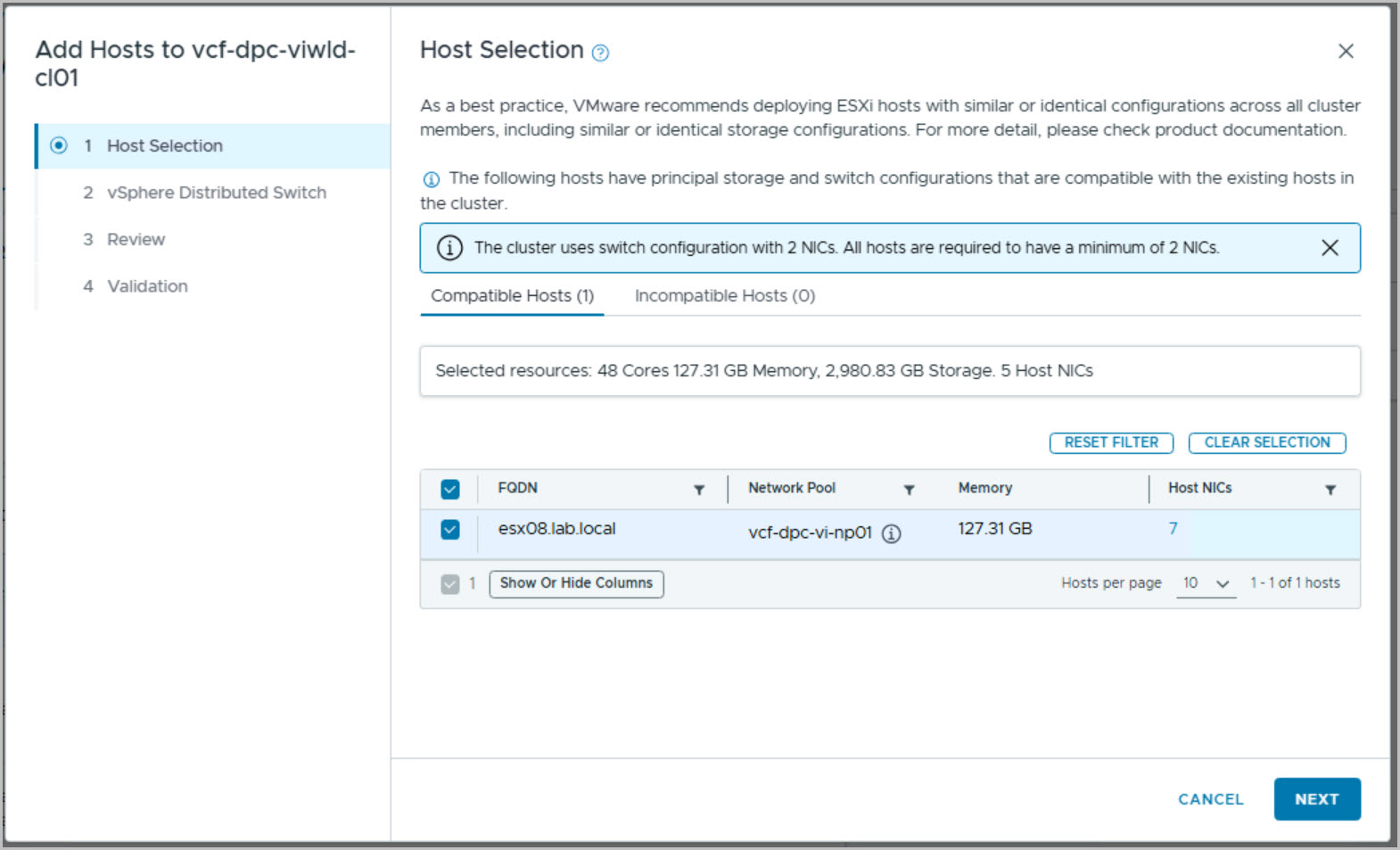
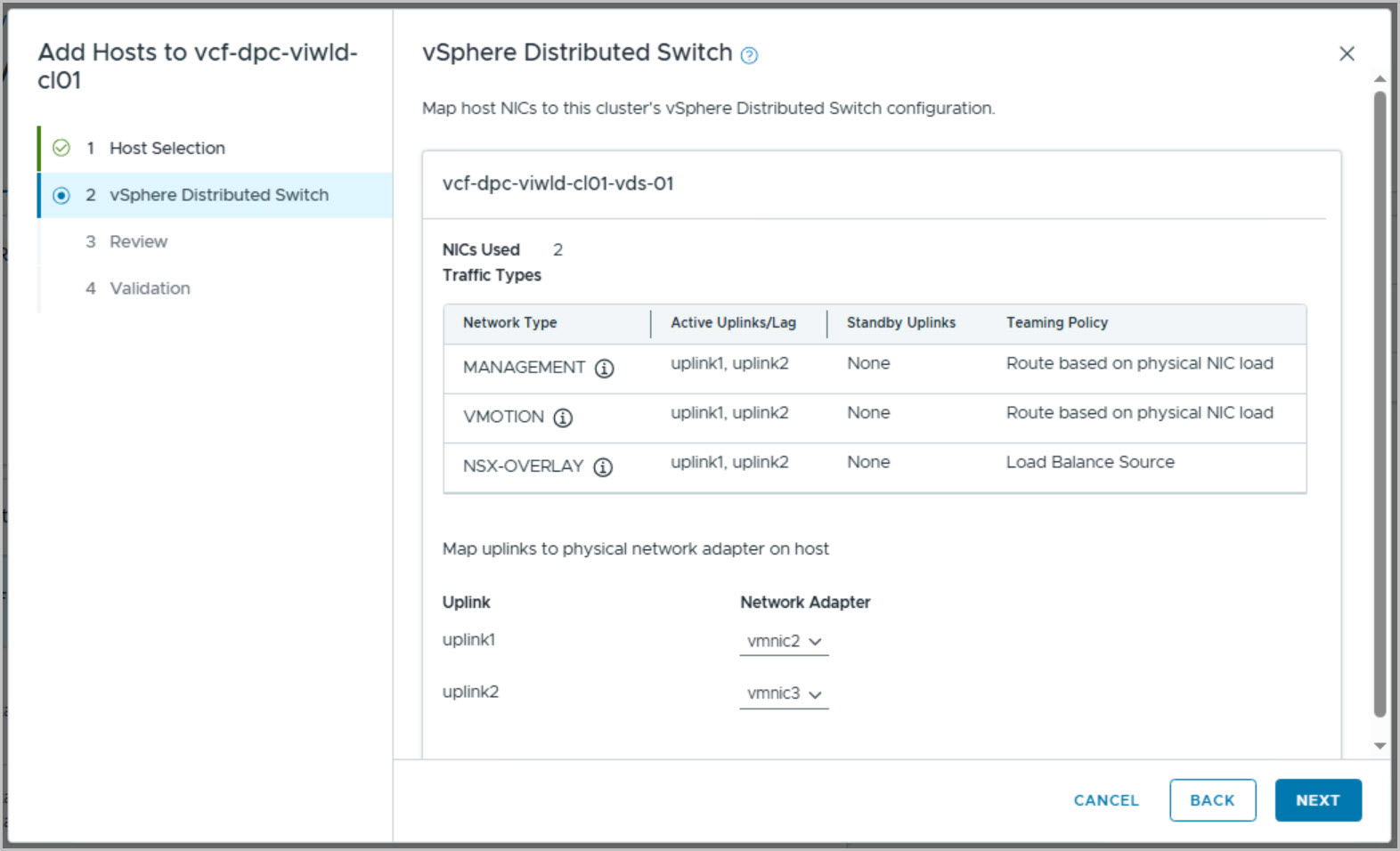
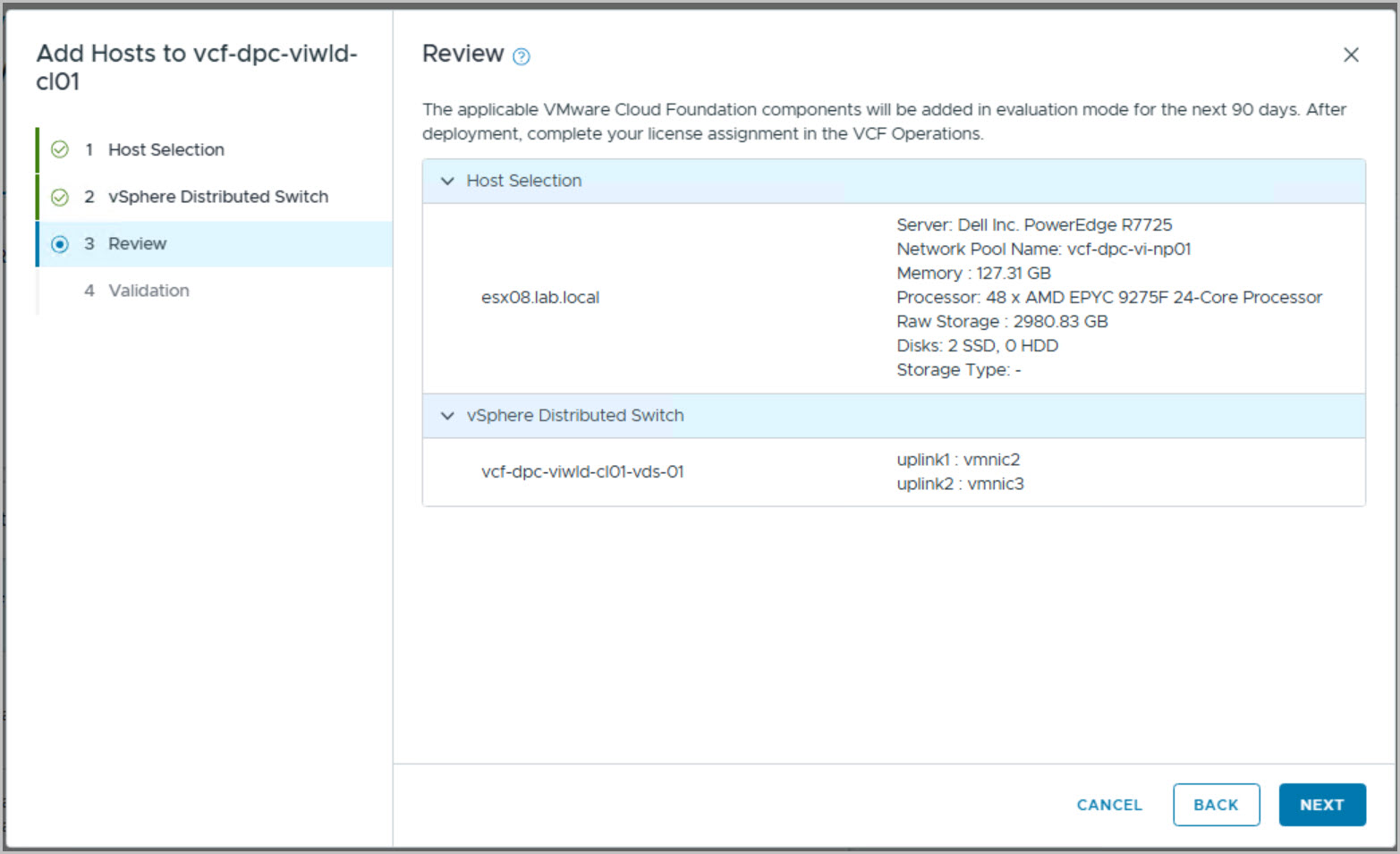
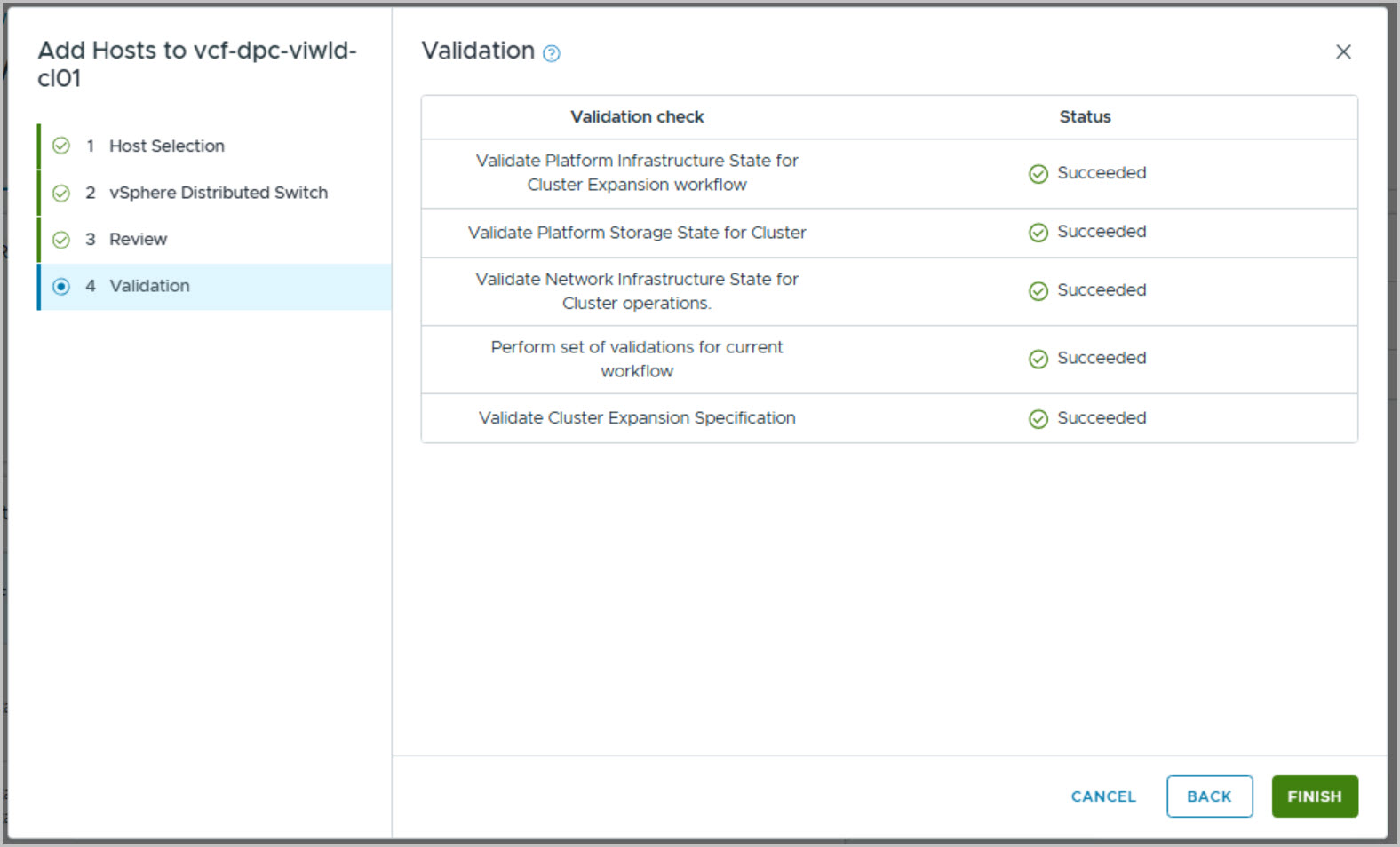
This launches the Add Host wizard, where the details of the newly commissioned ESX server are provided and validated before onboarding. The workflow performs a series of automated pre-checks, including host configuration, connectivity, credentials, and cluster compatibility, ensuring the server meets all requirements for integration into the workload domain.
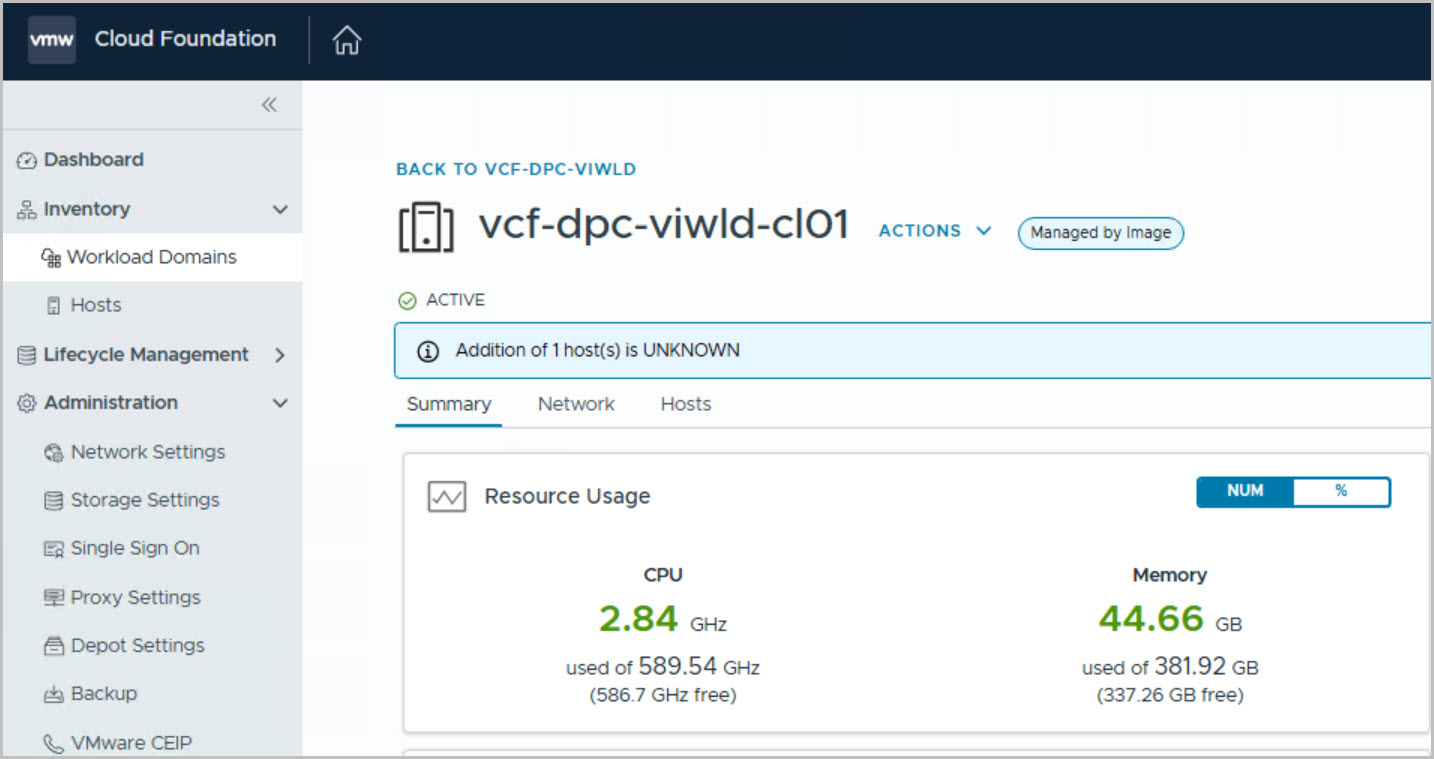
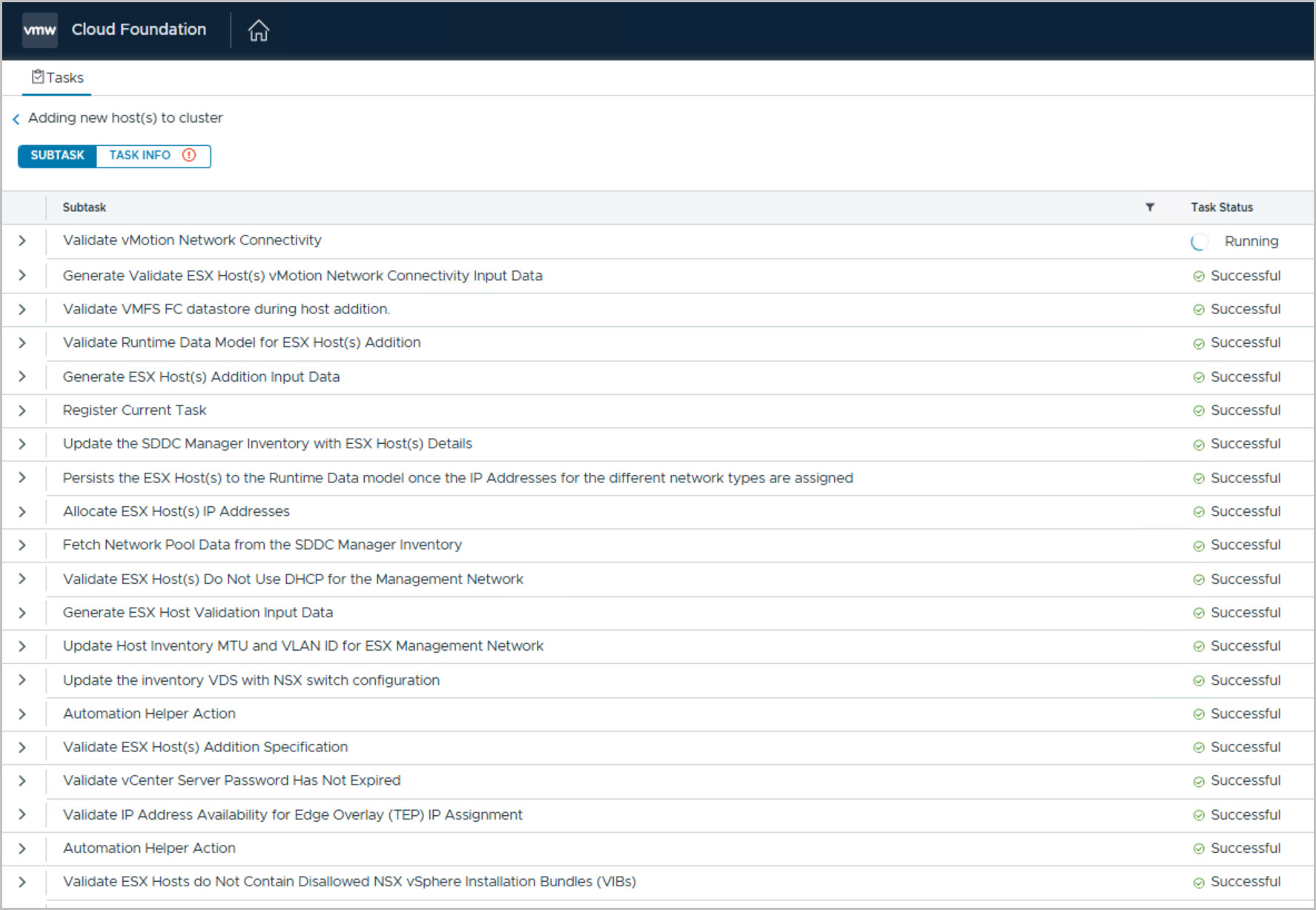
Any issues identified during validation are highlighted for remediation before the process continues. Once all checks pass, SDDC Manager automates the onboarding process, adds the server to the selected cluster, and updates the environment accordingly, increasing the available compute capacity of the VI Workload Domain.
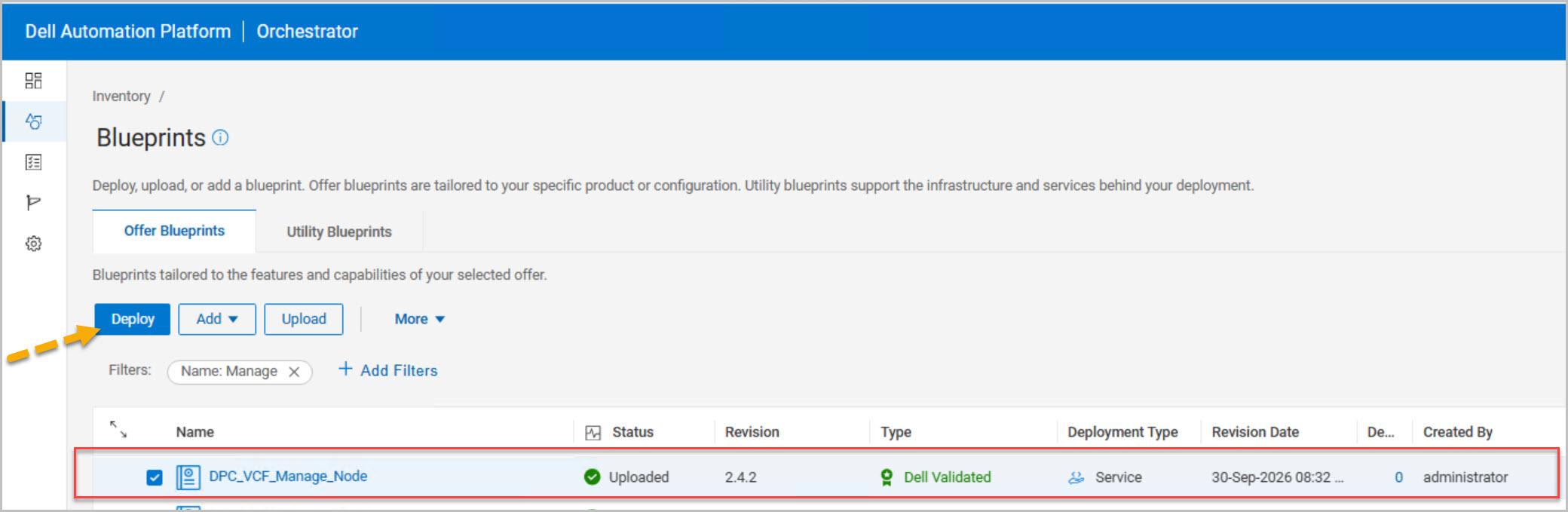
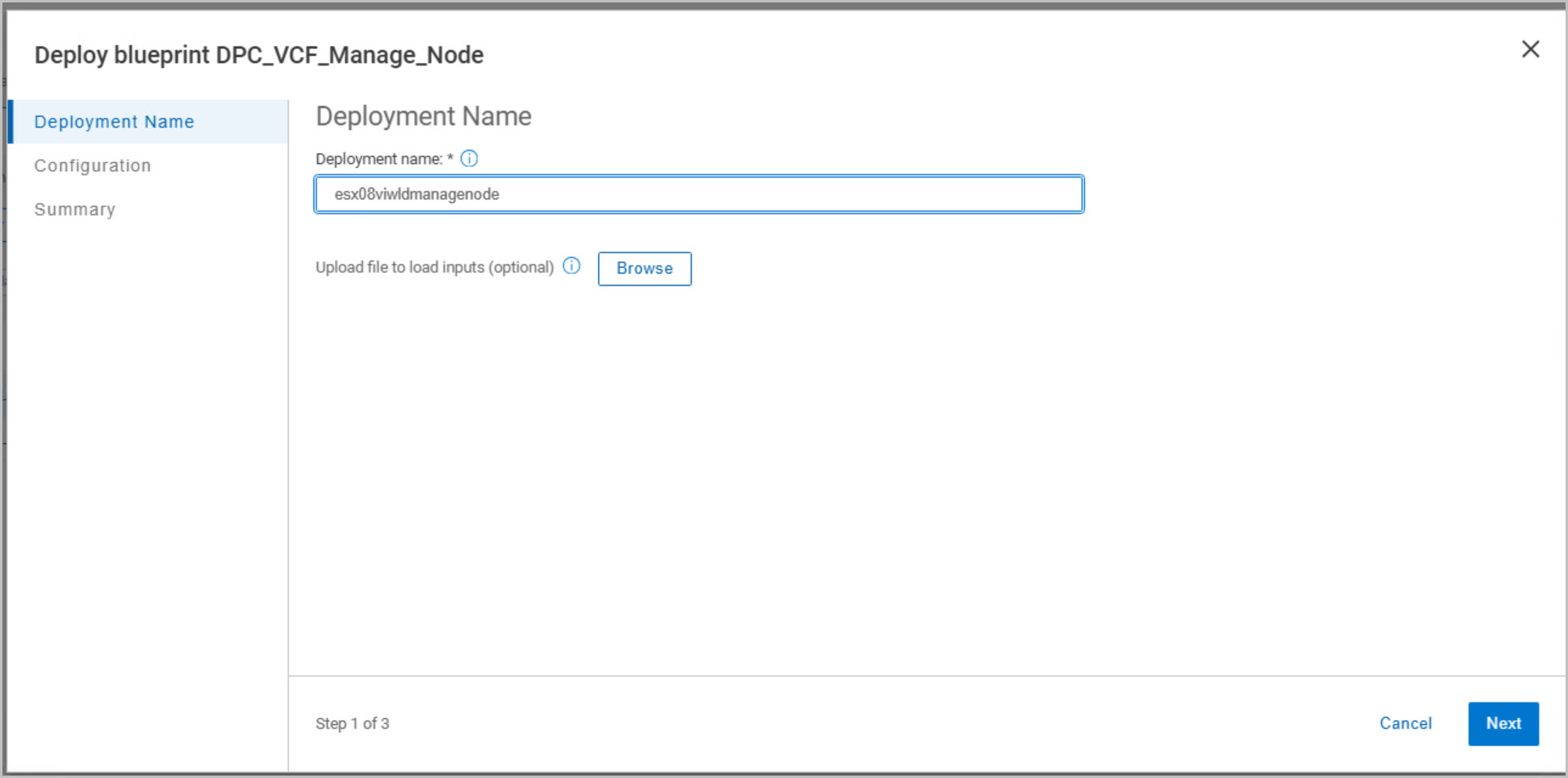
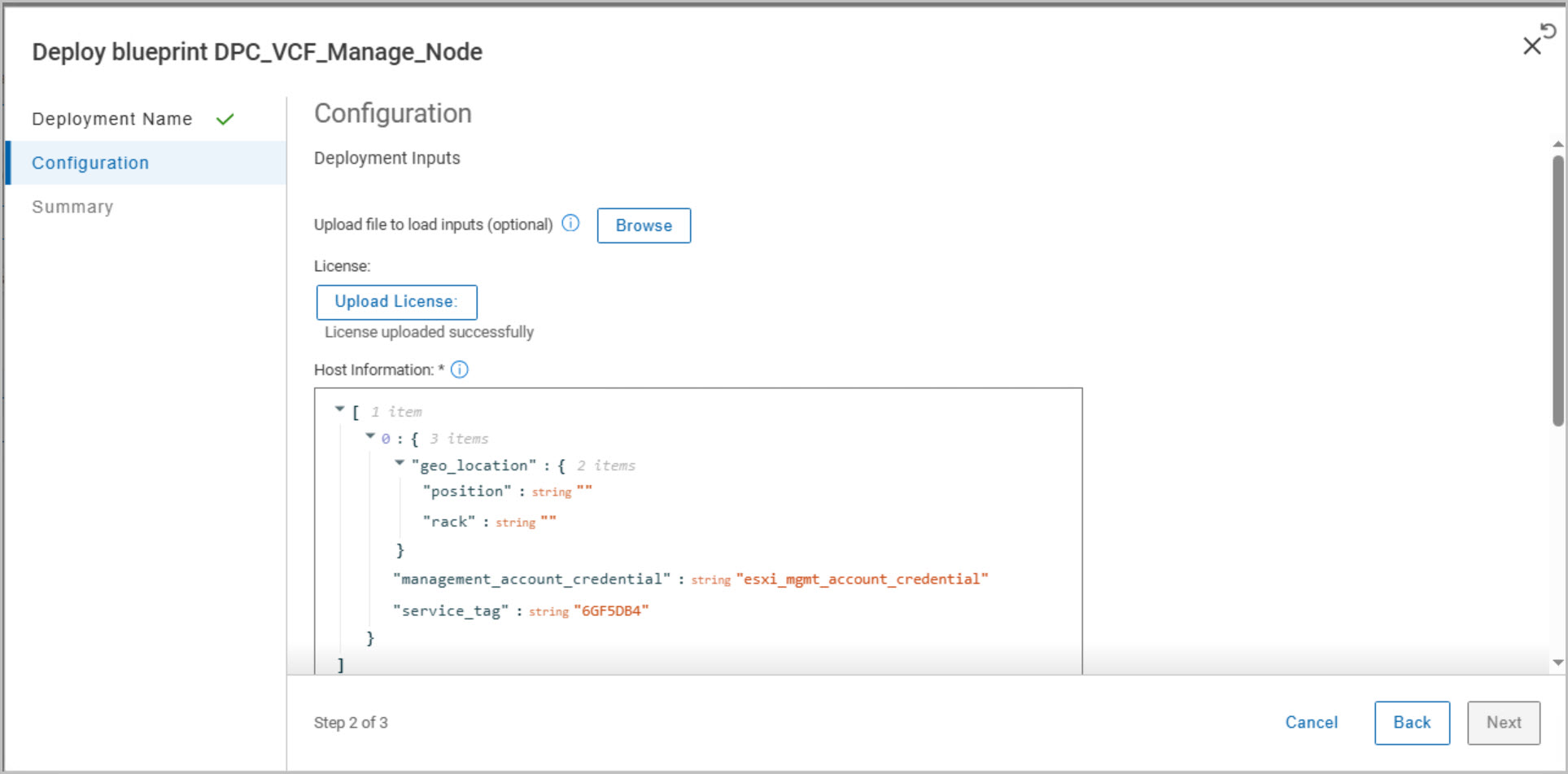
DAPO: DPC VCF Manage Host Blueprint
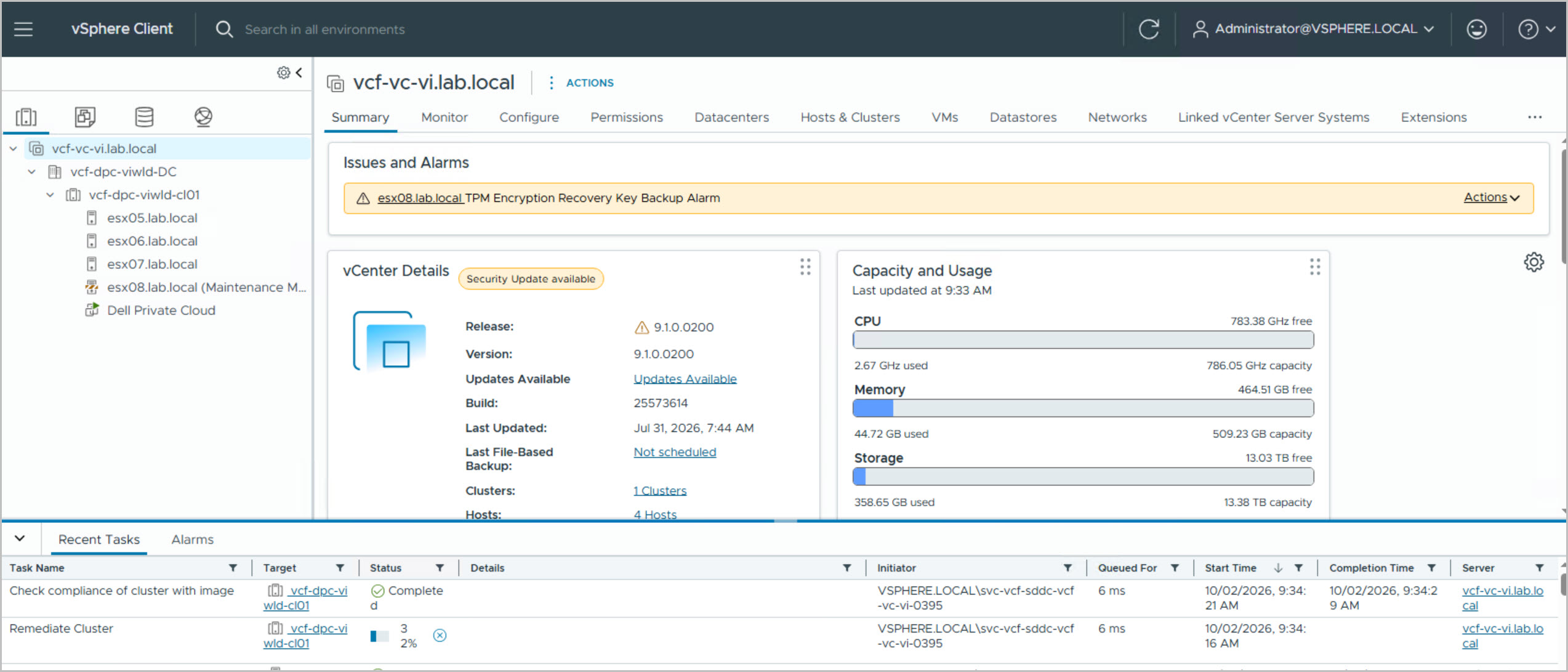
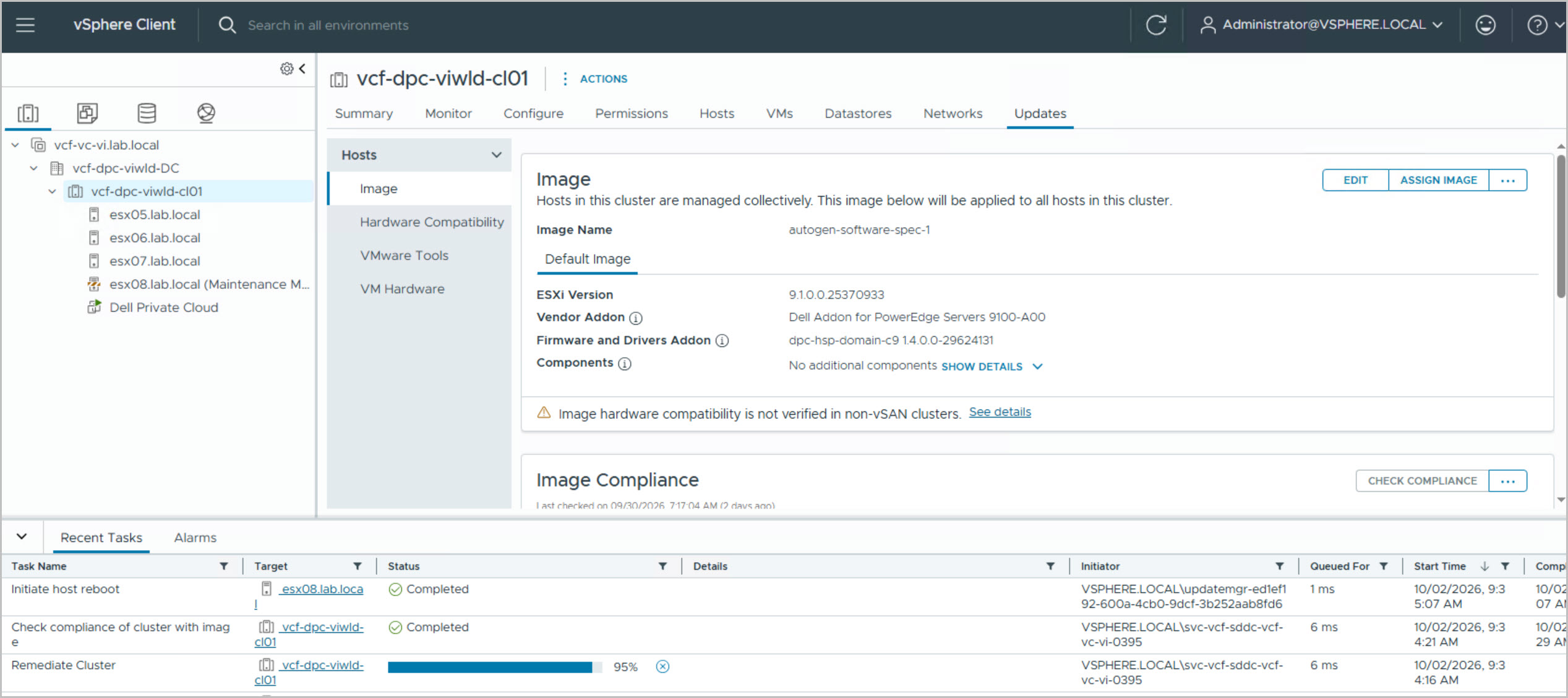
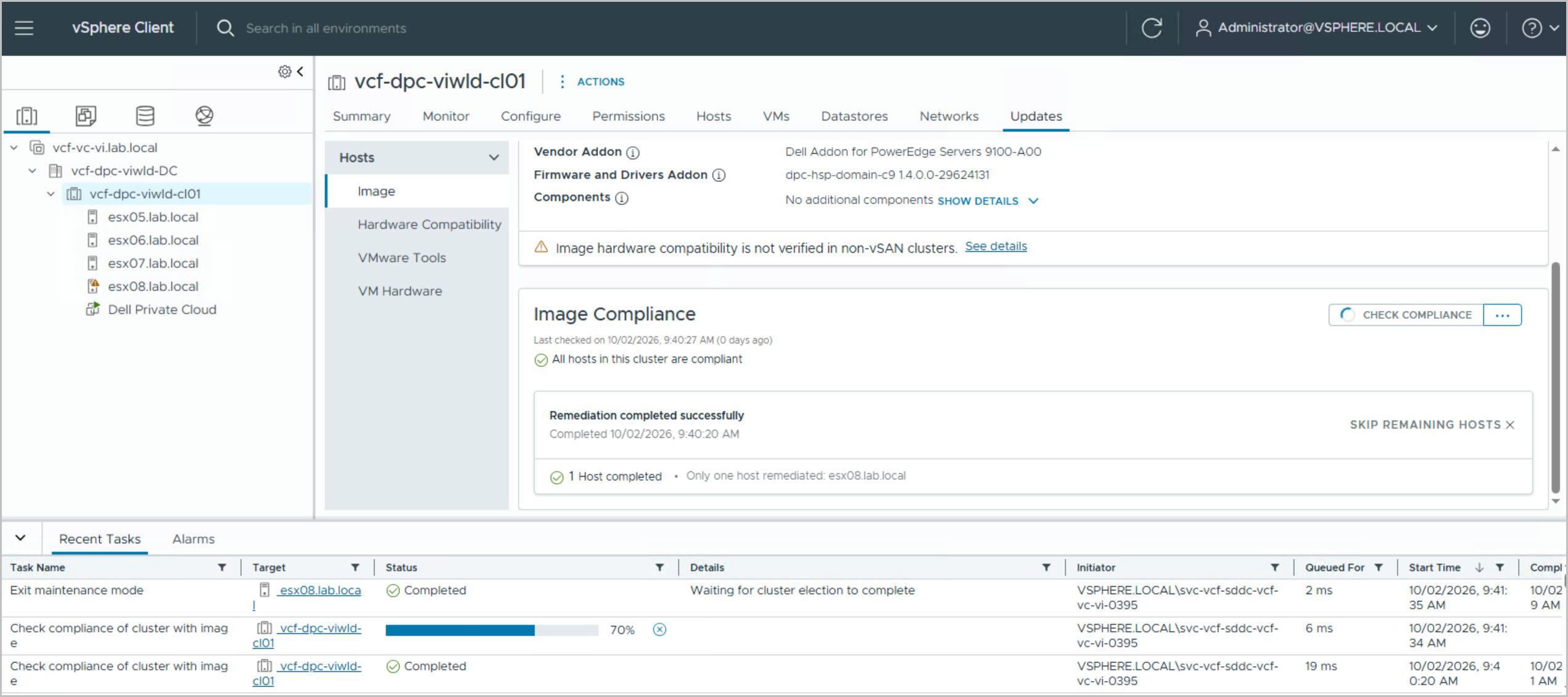
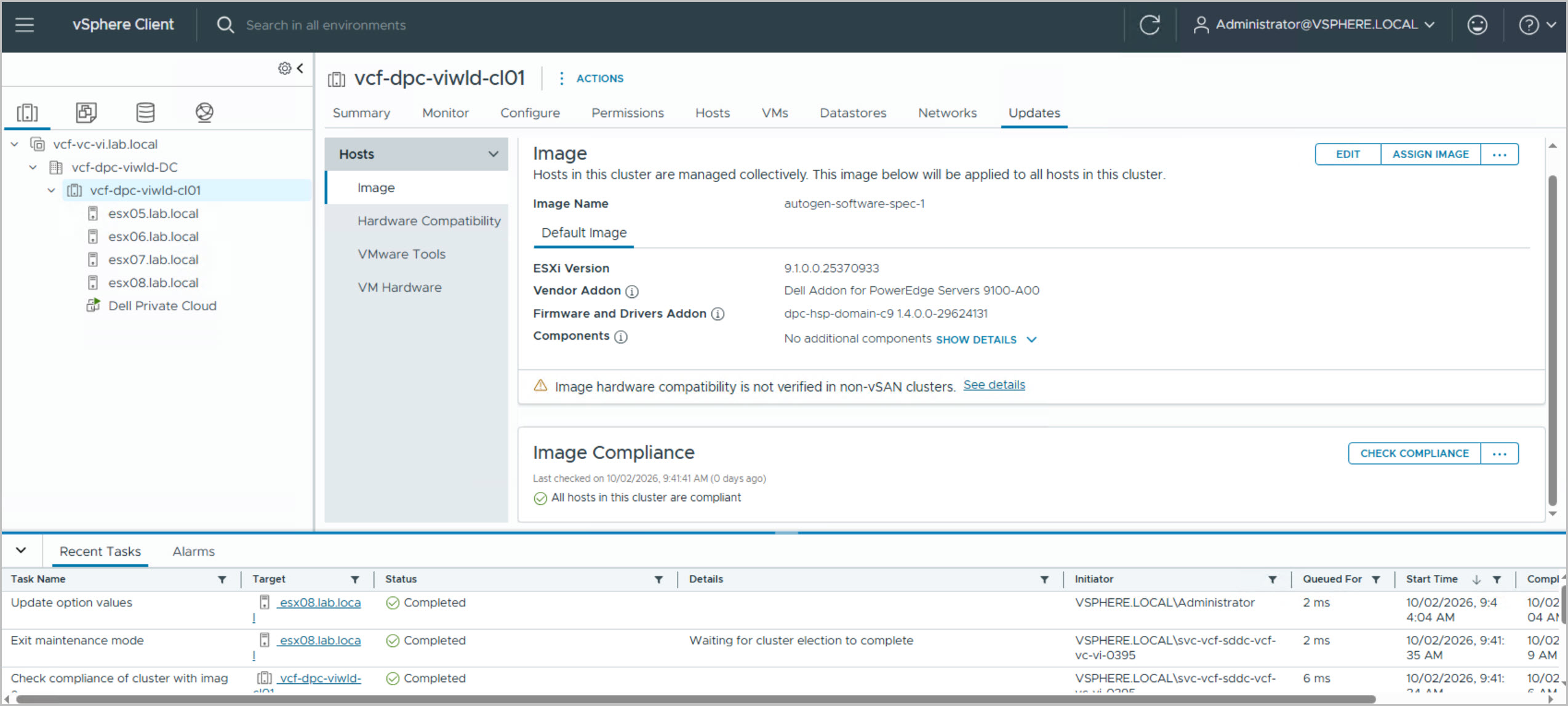
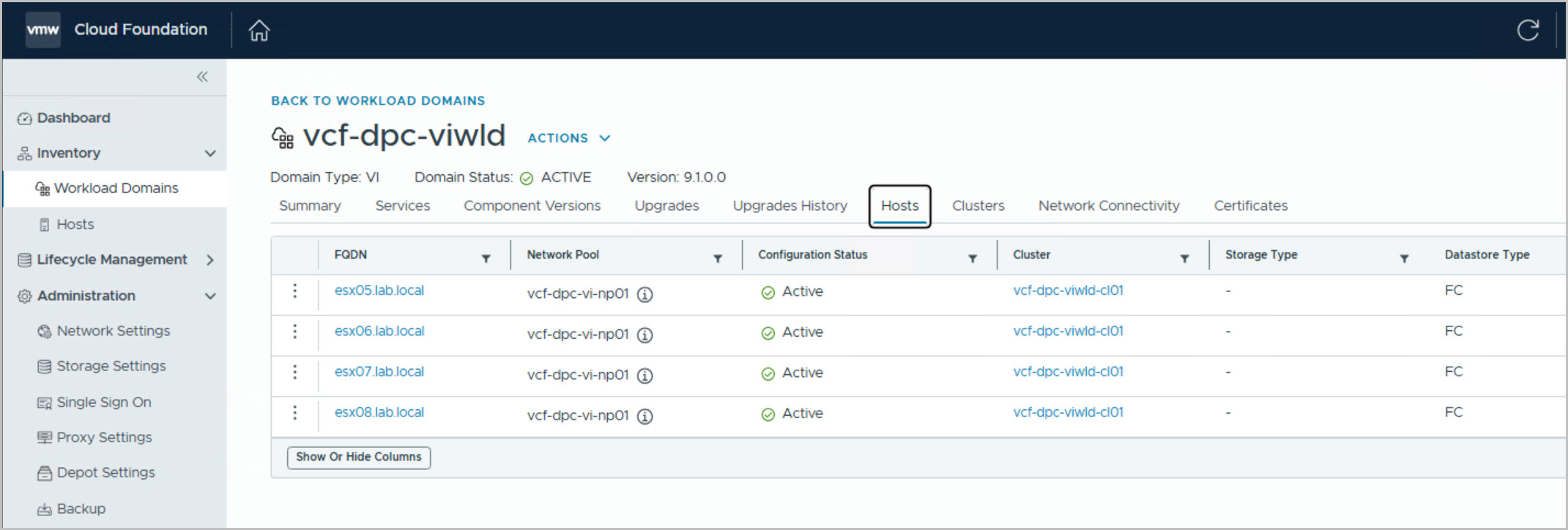
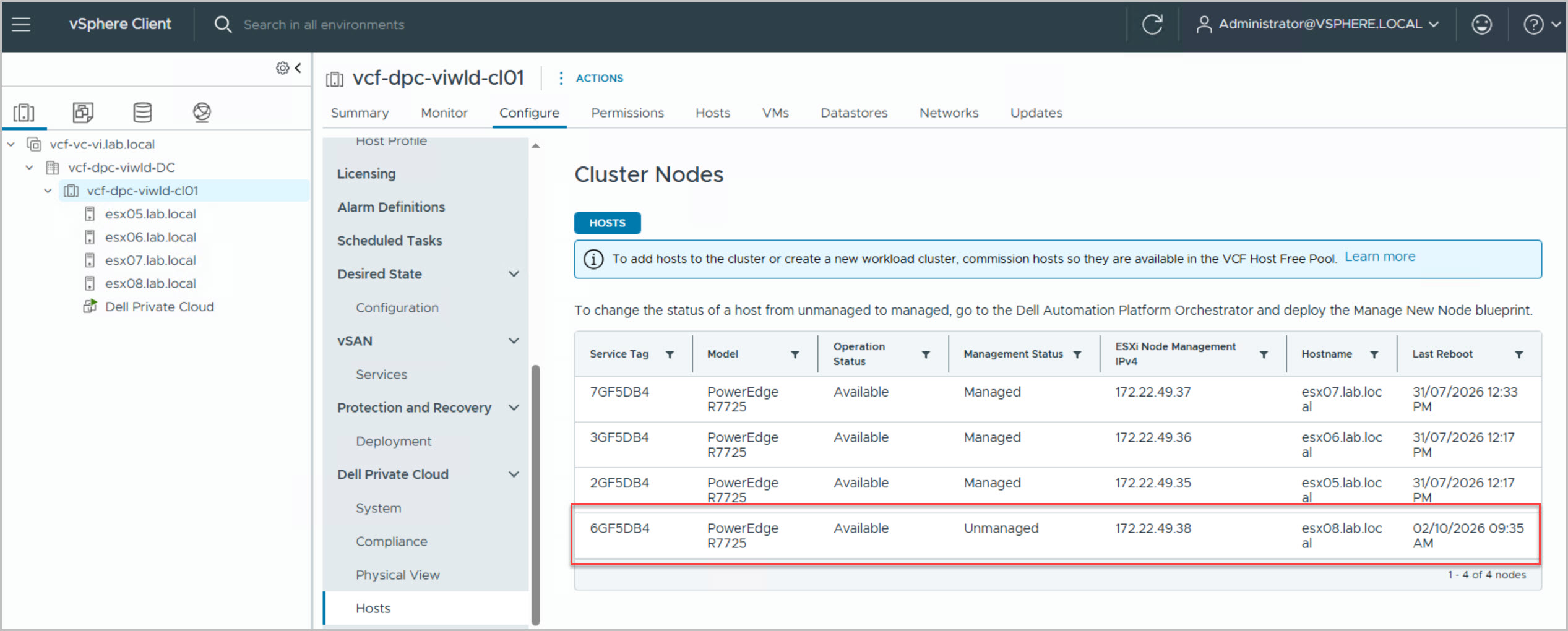
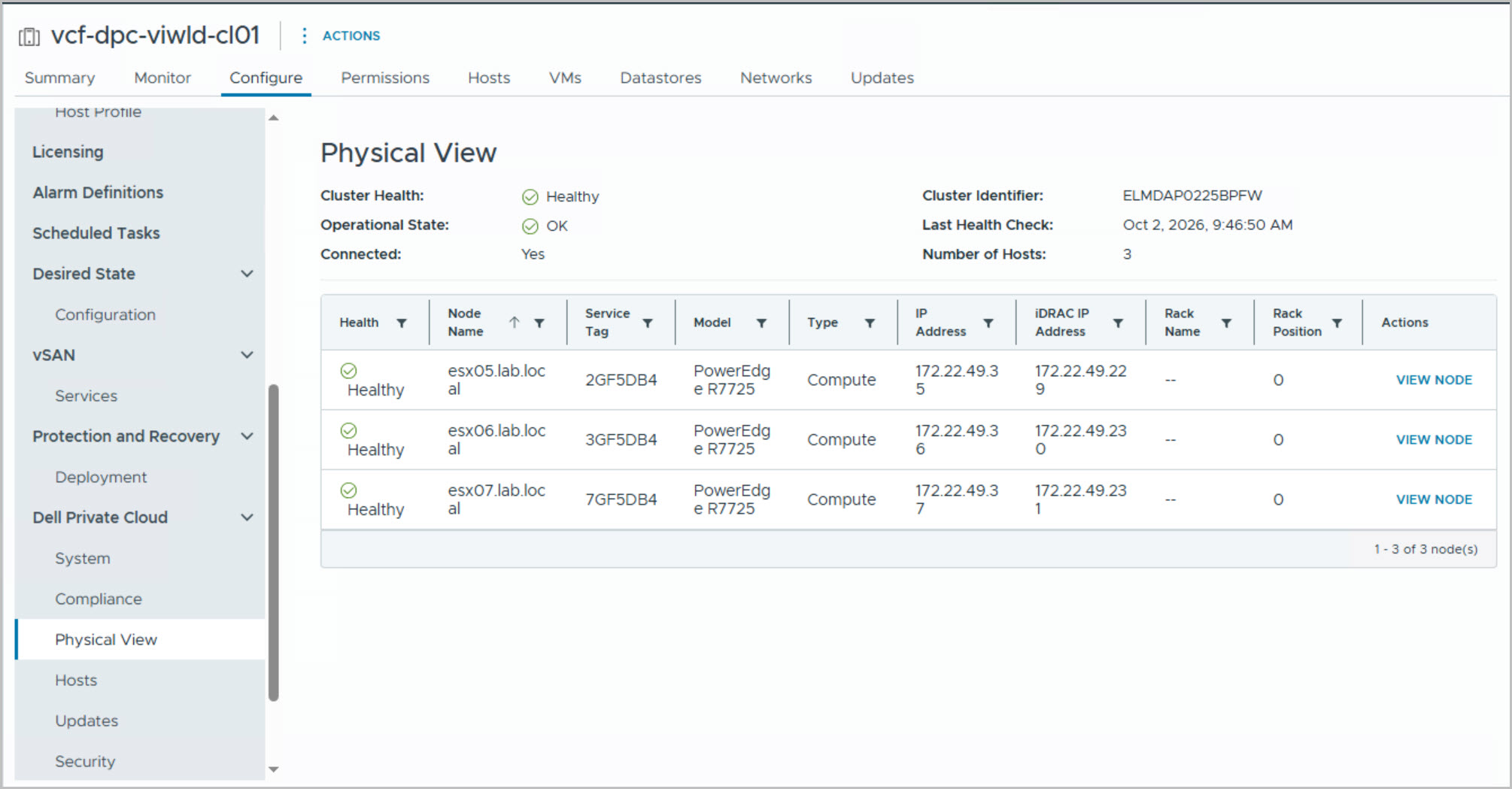
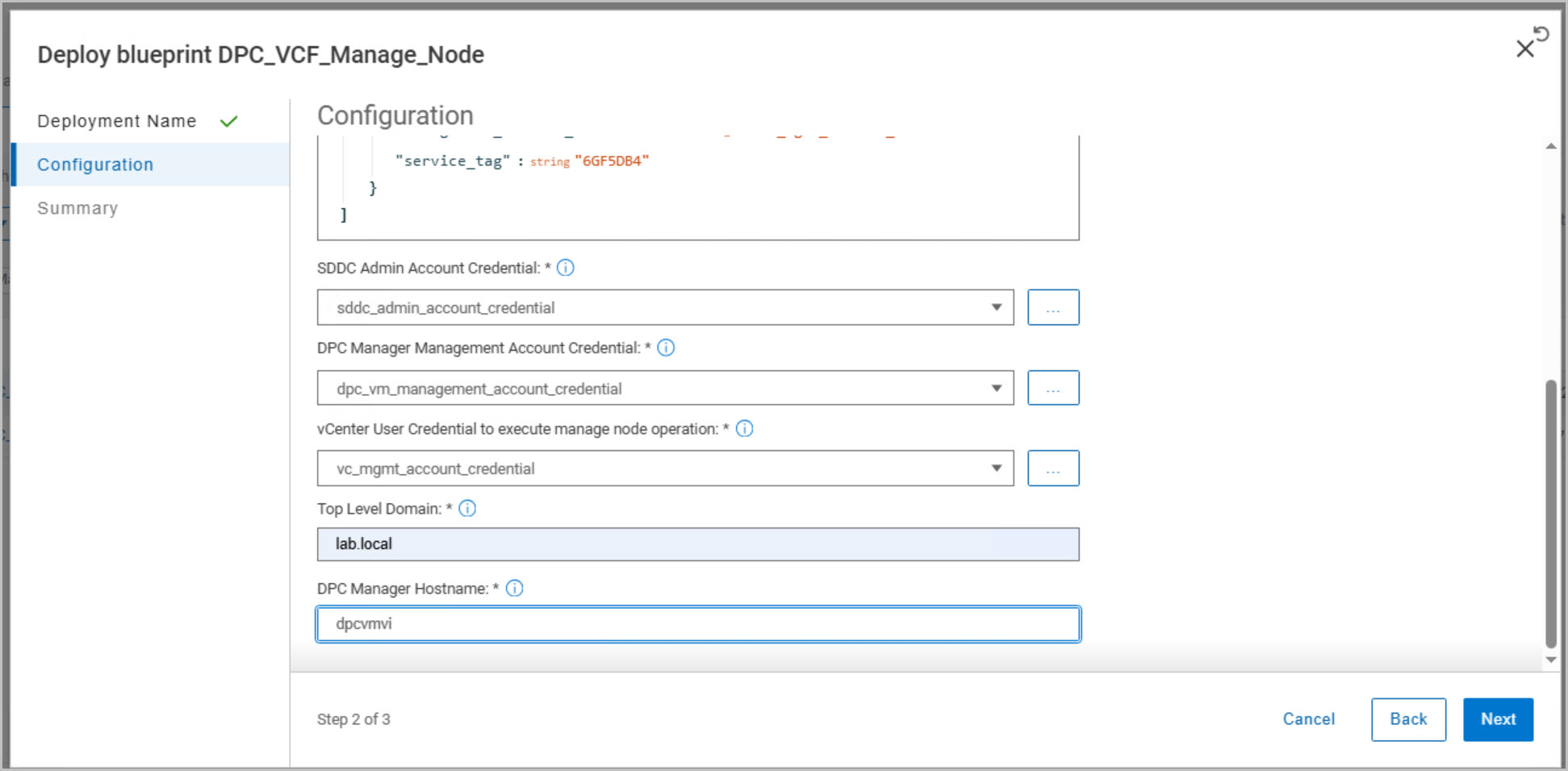
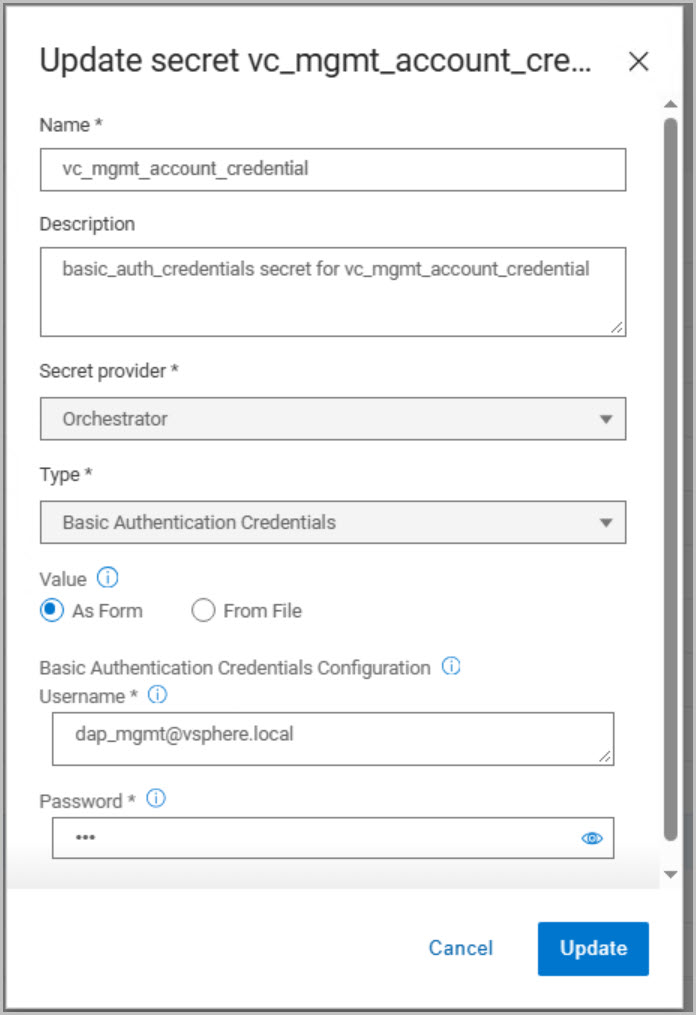
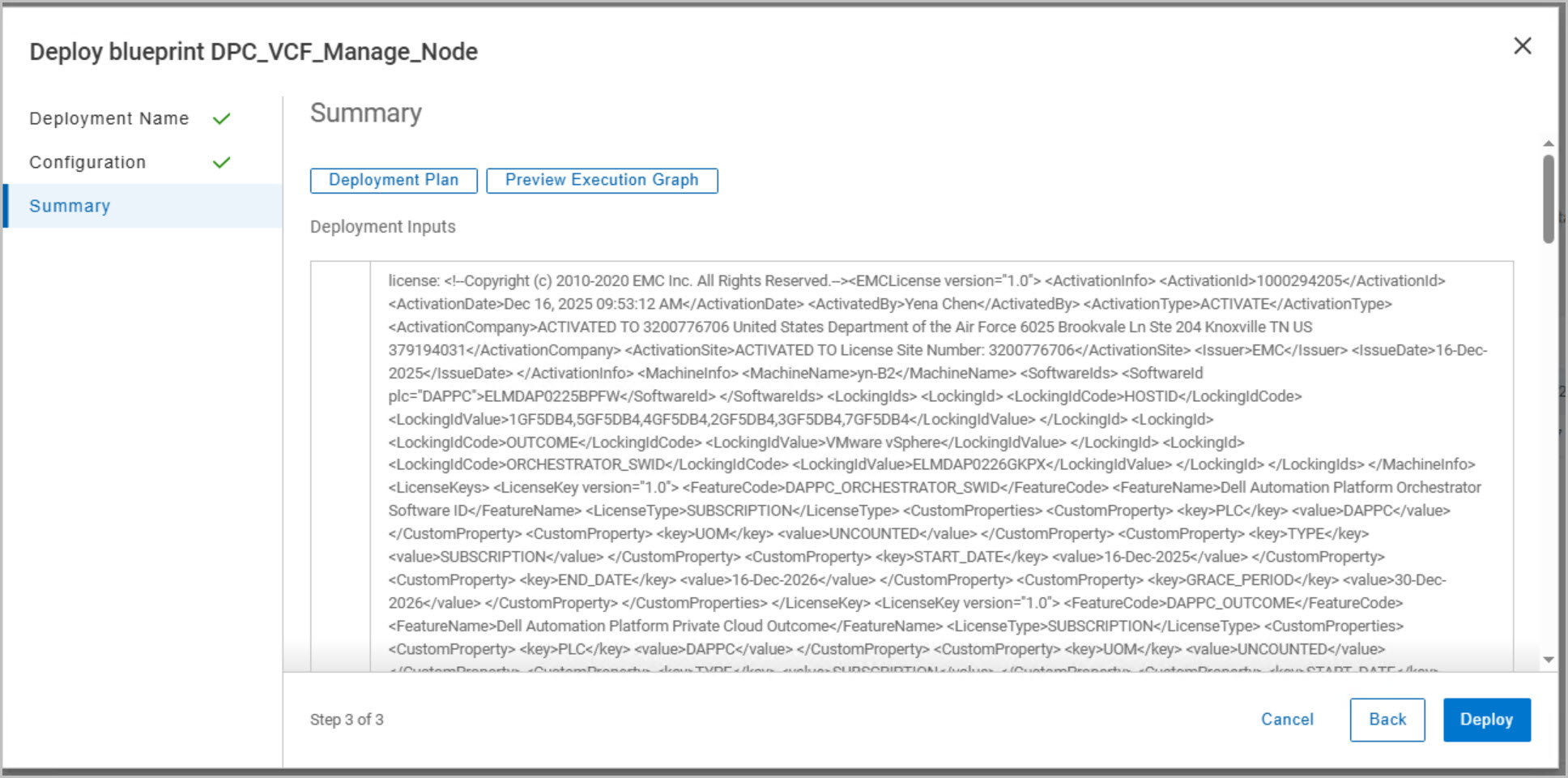
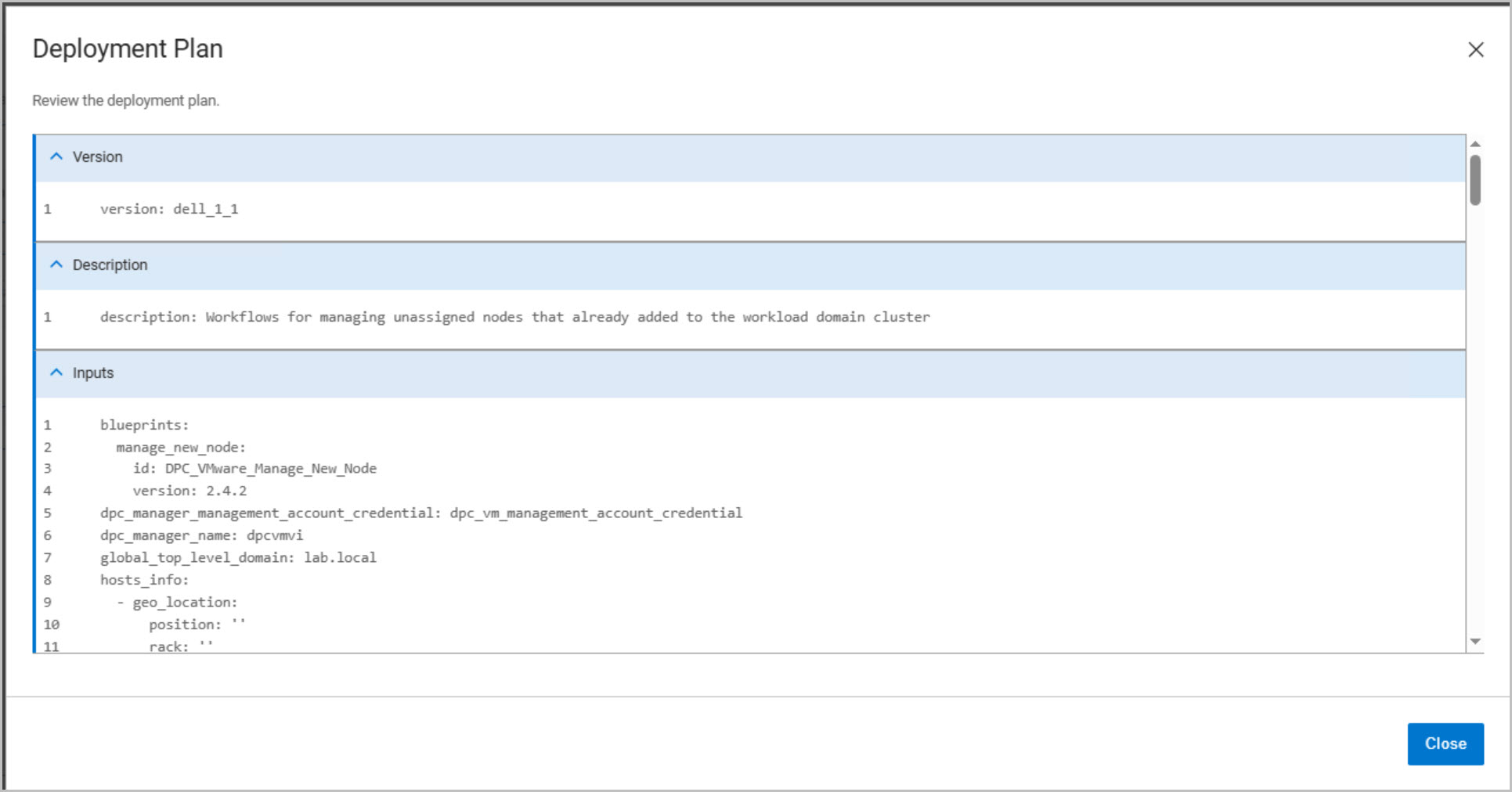
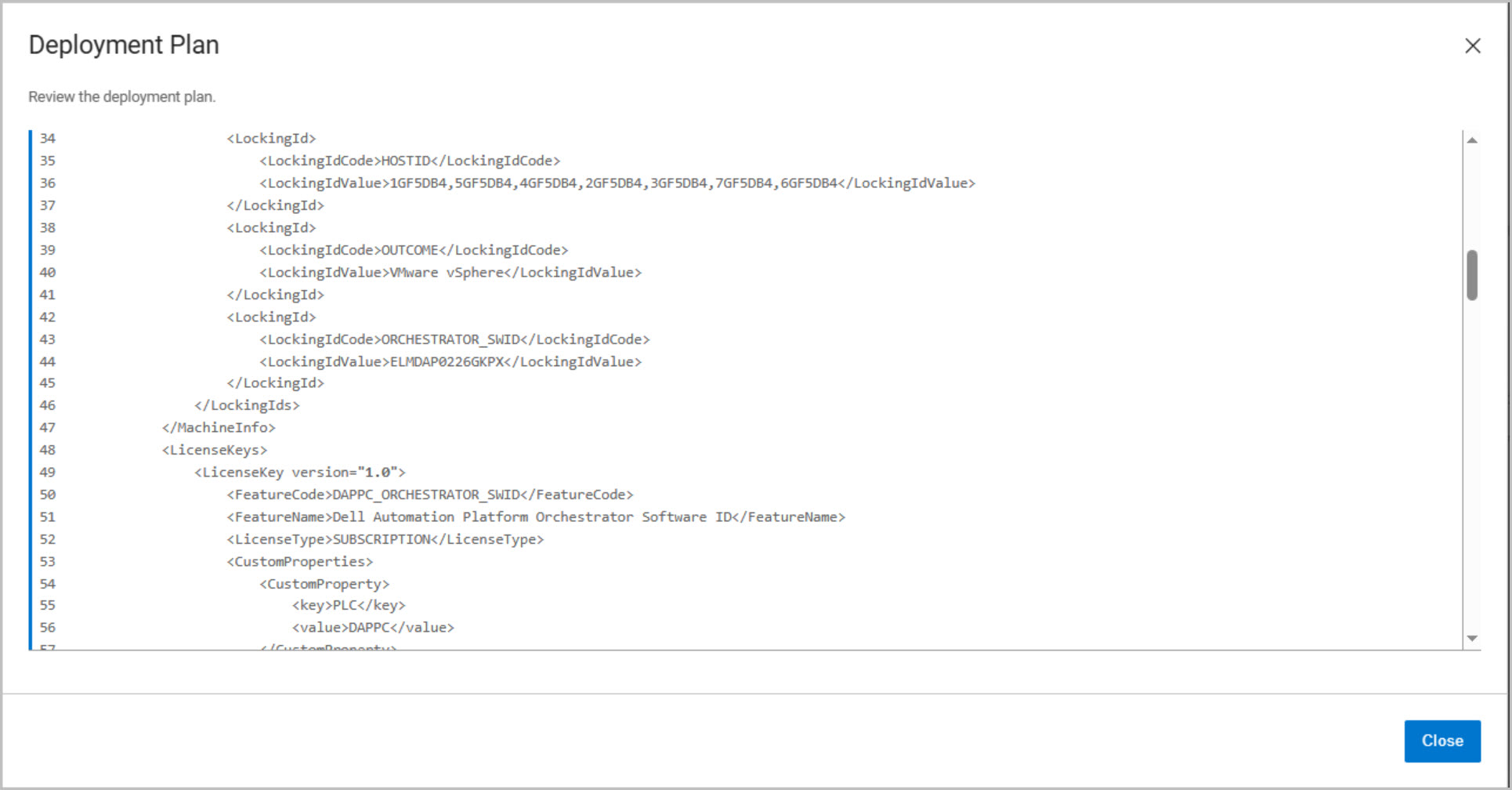
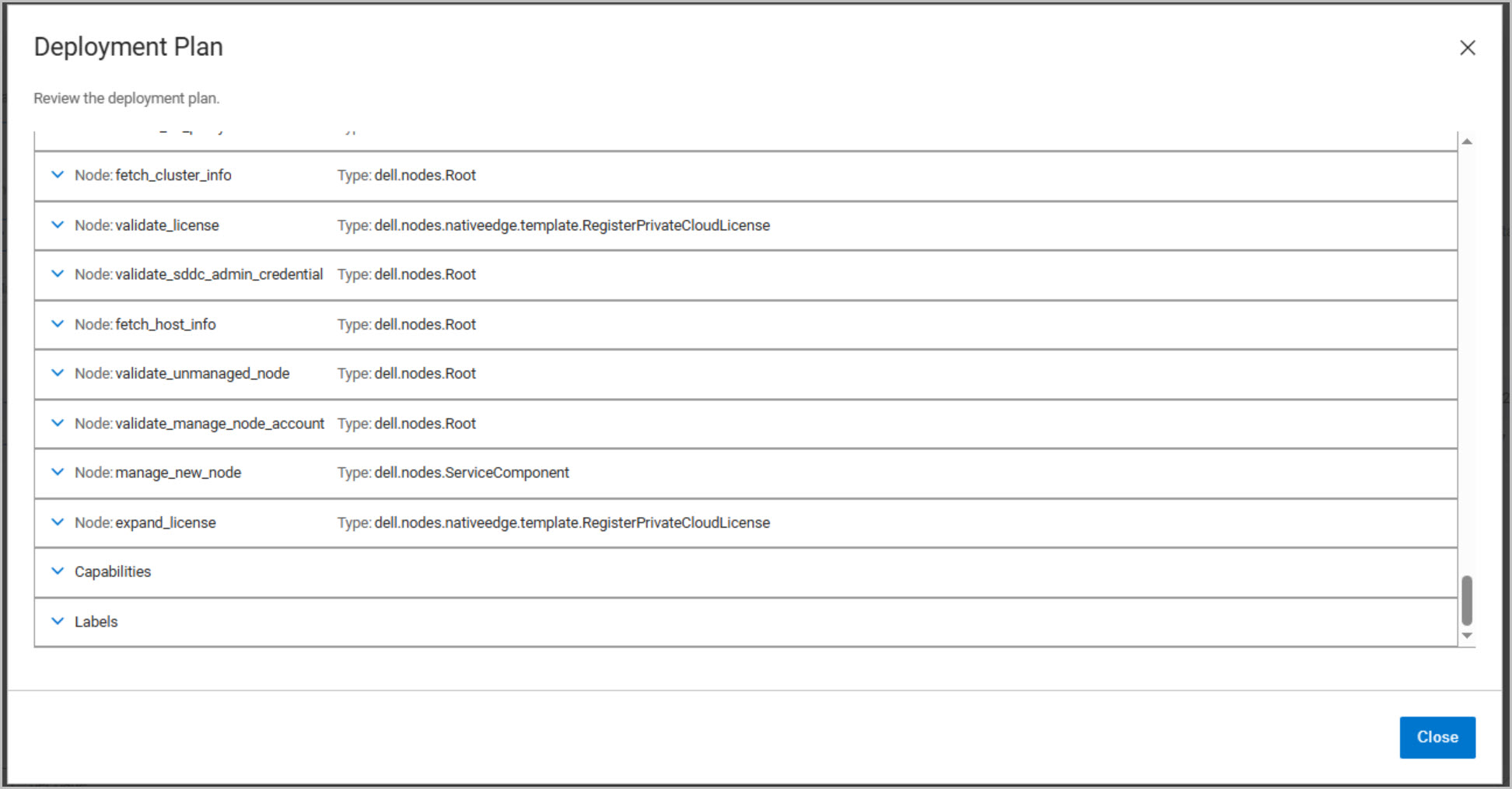
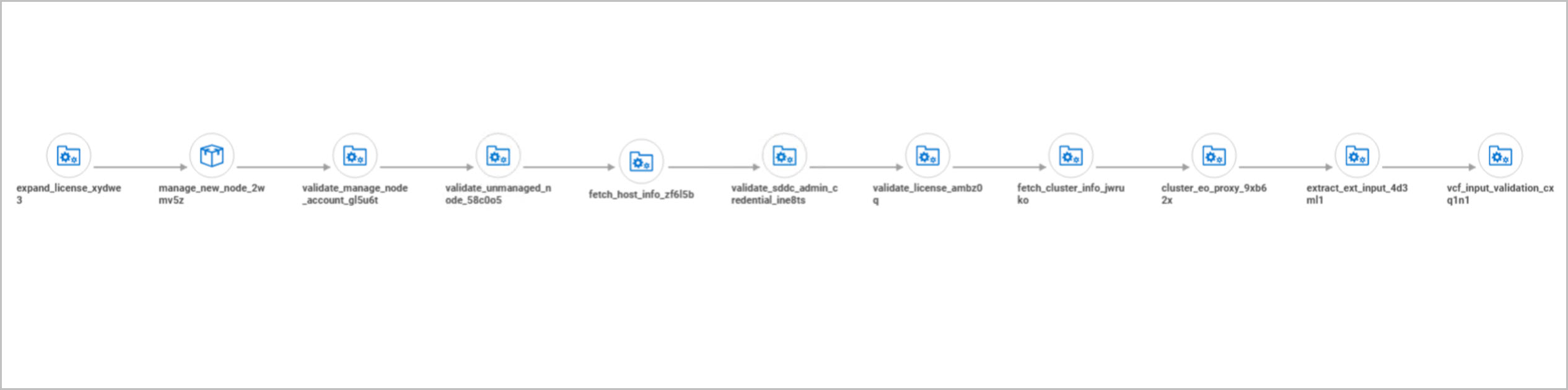
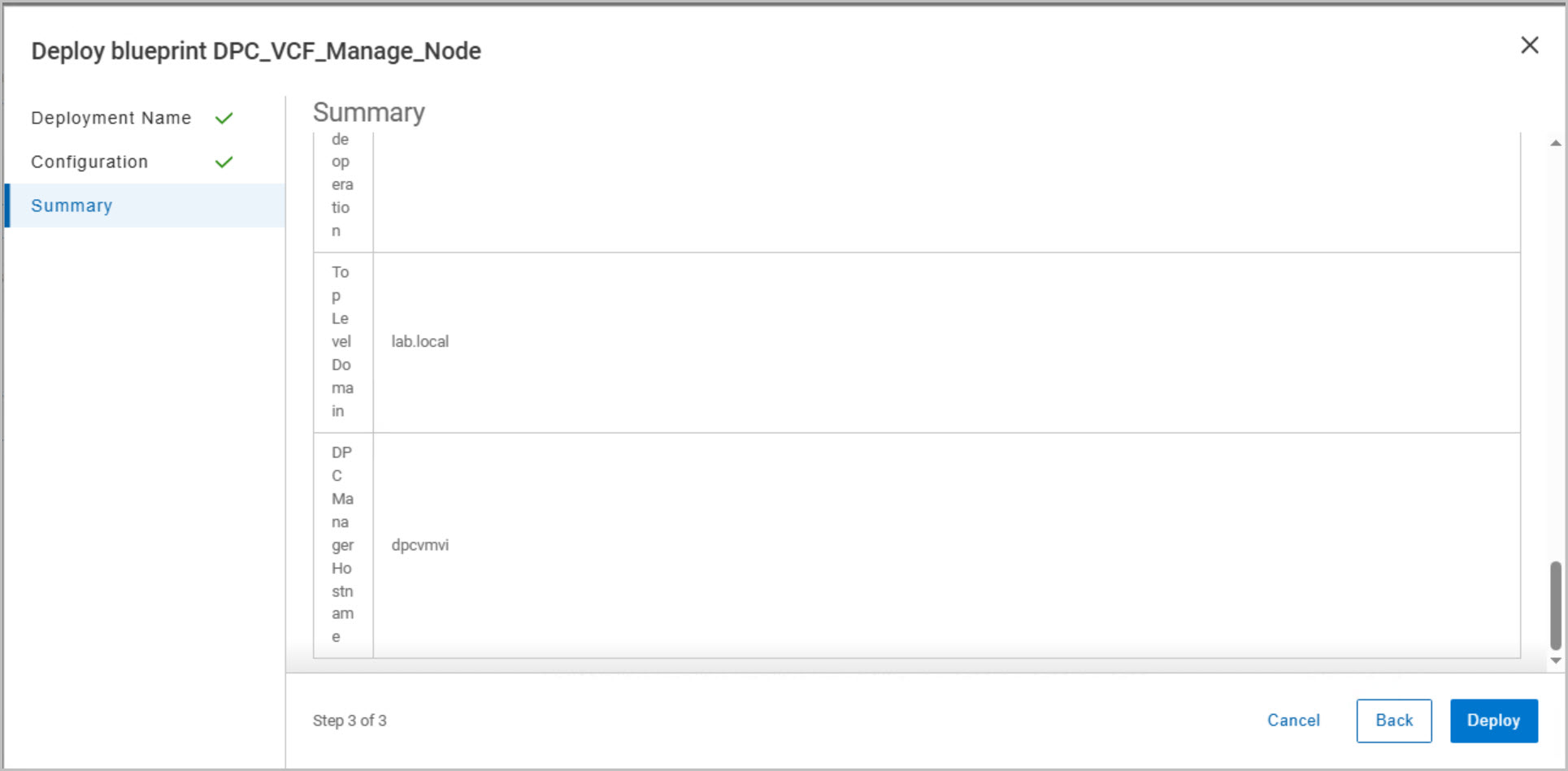
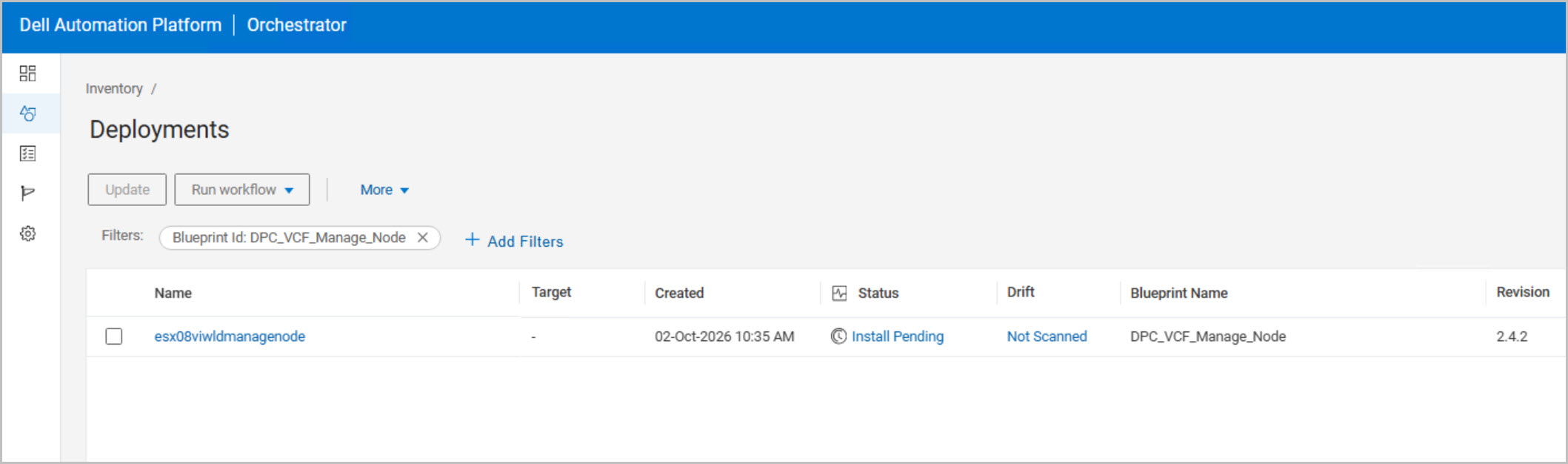
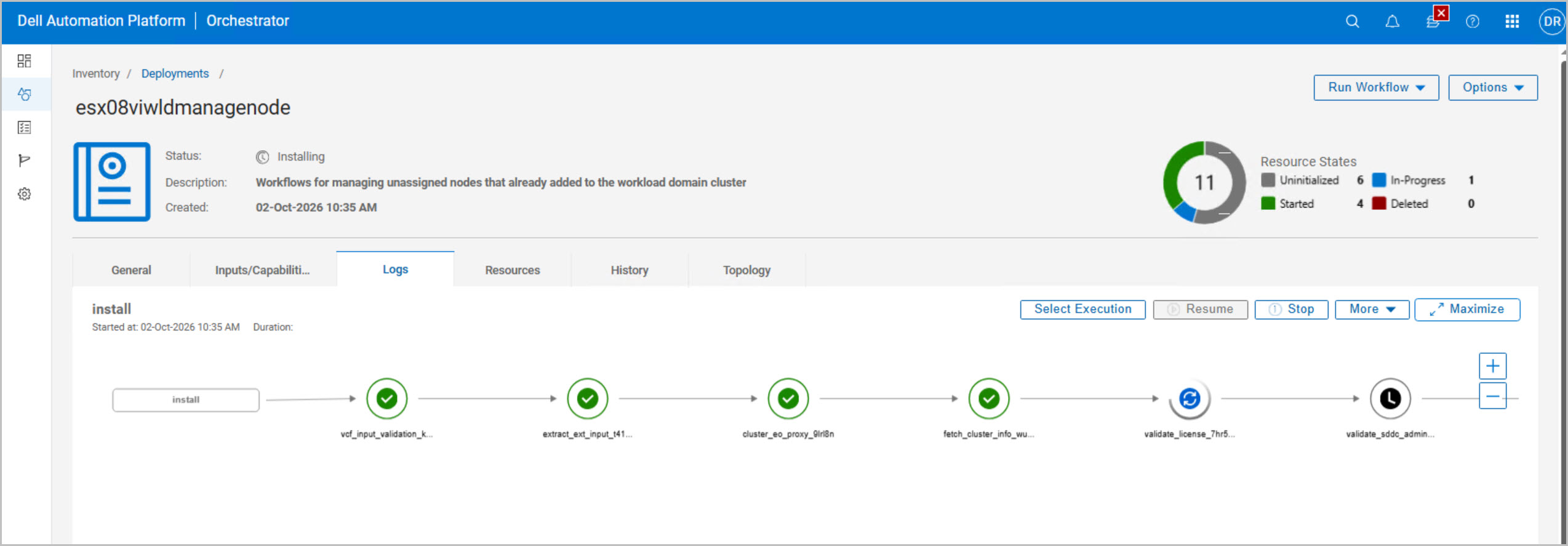
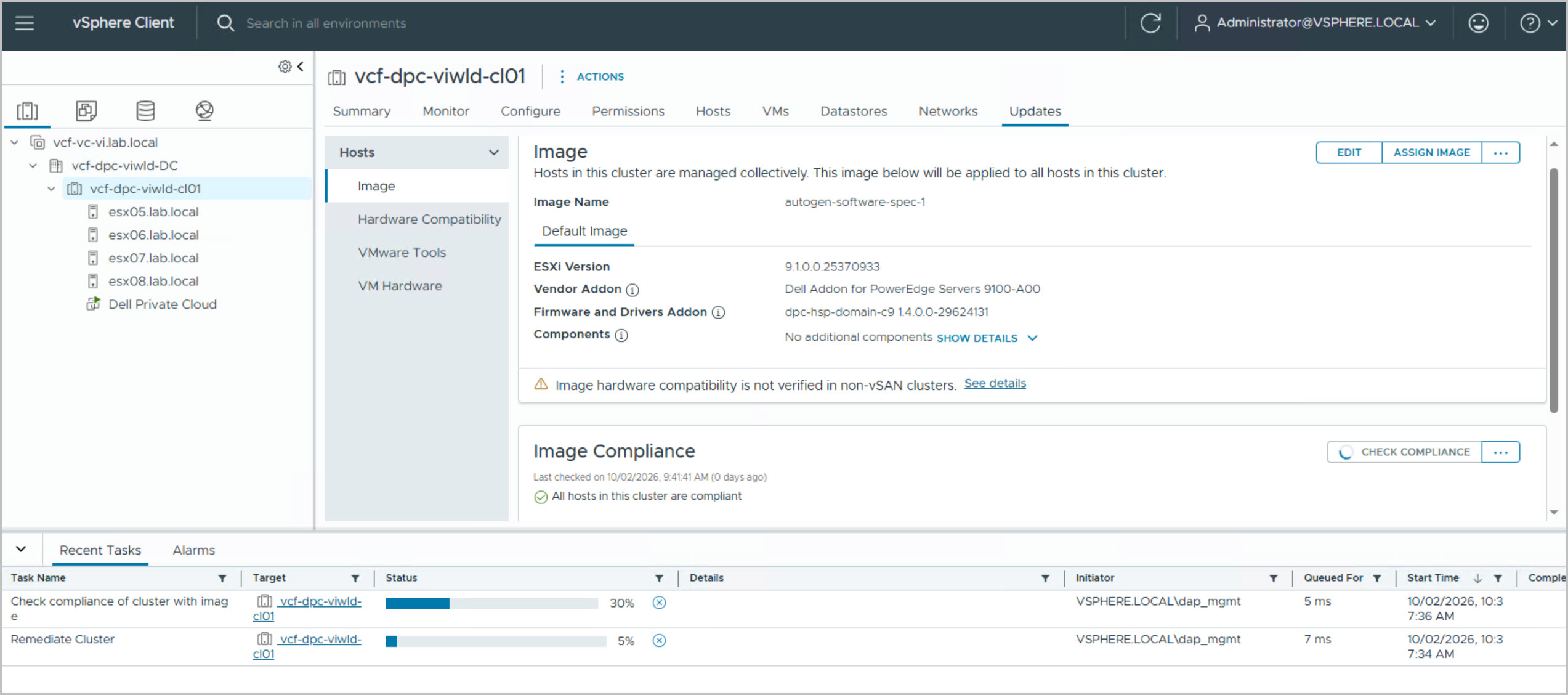
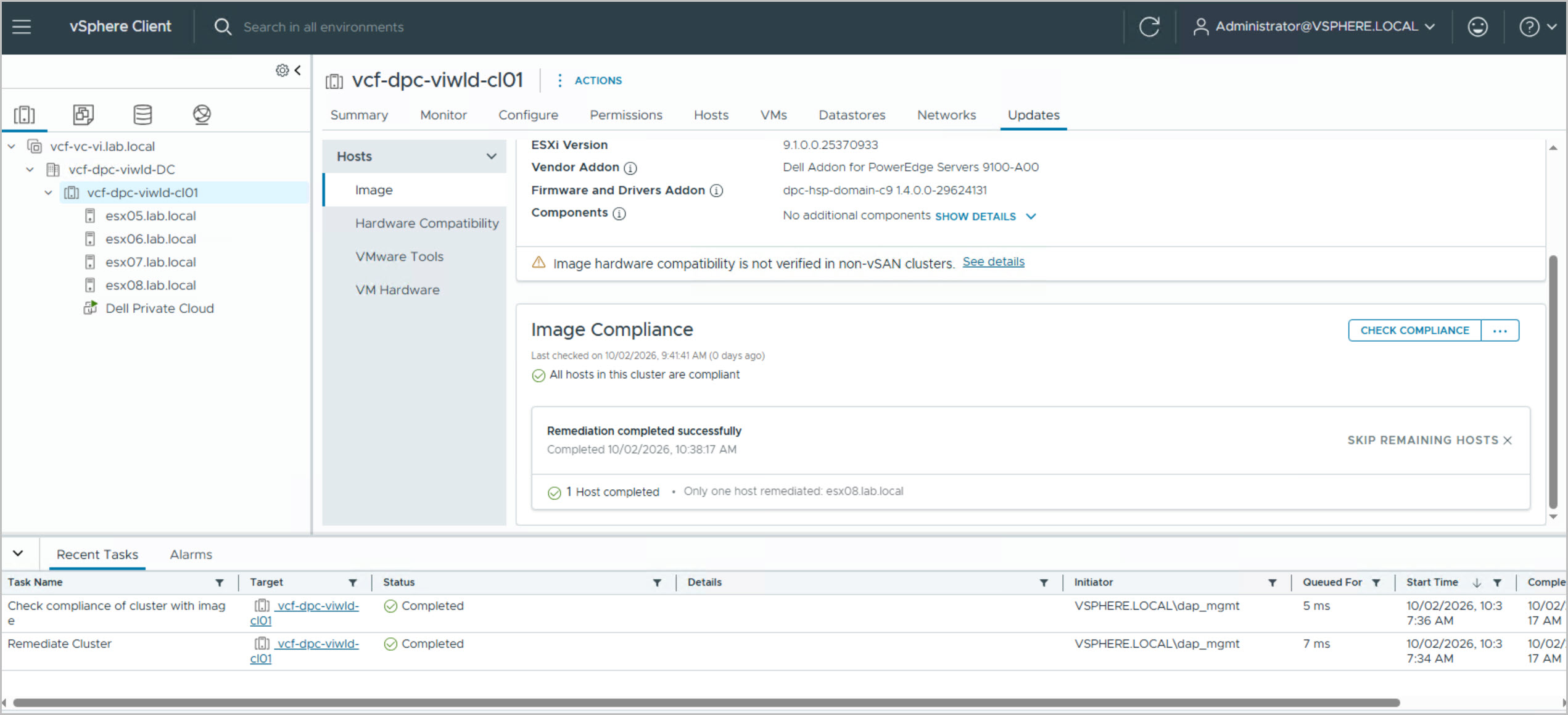
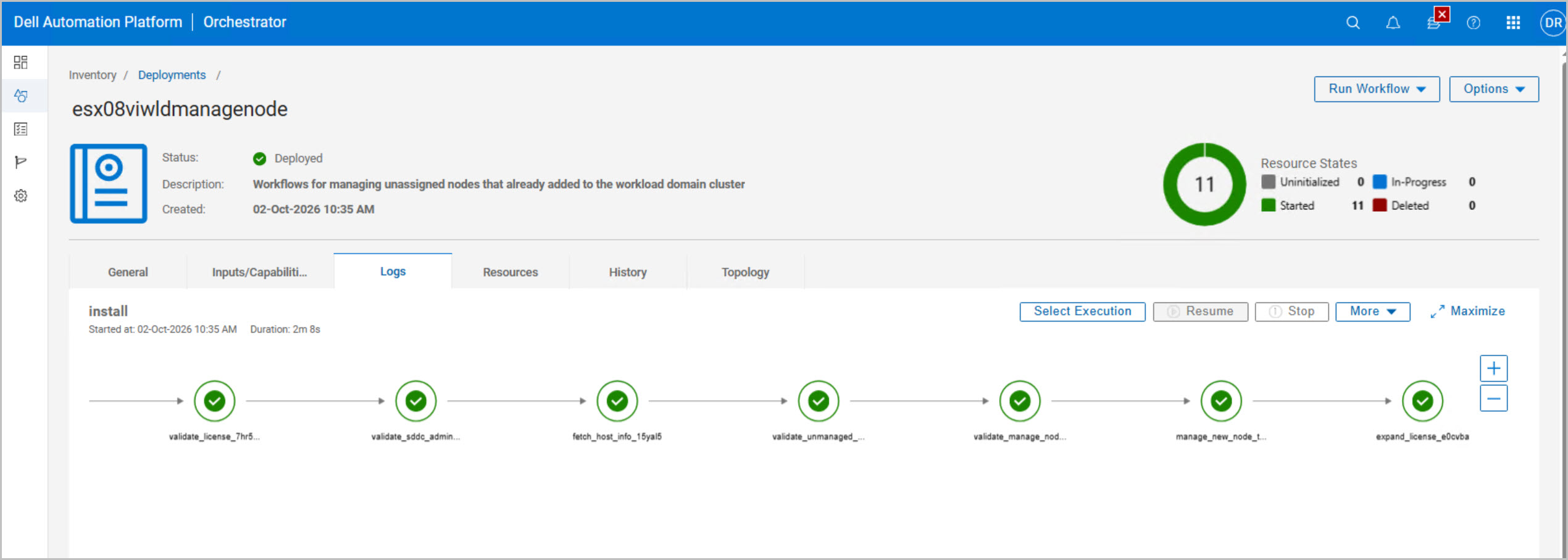
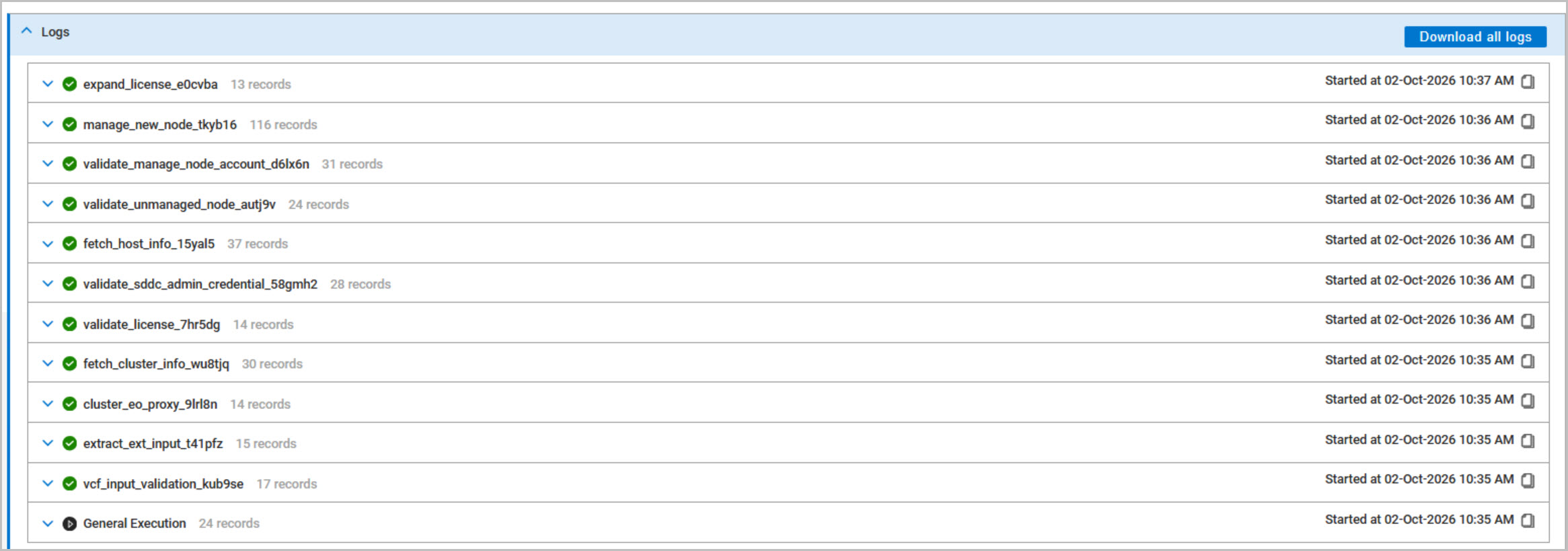
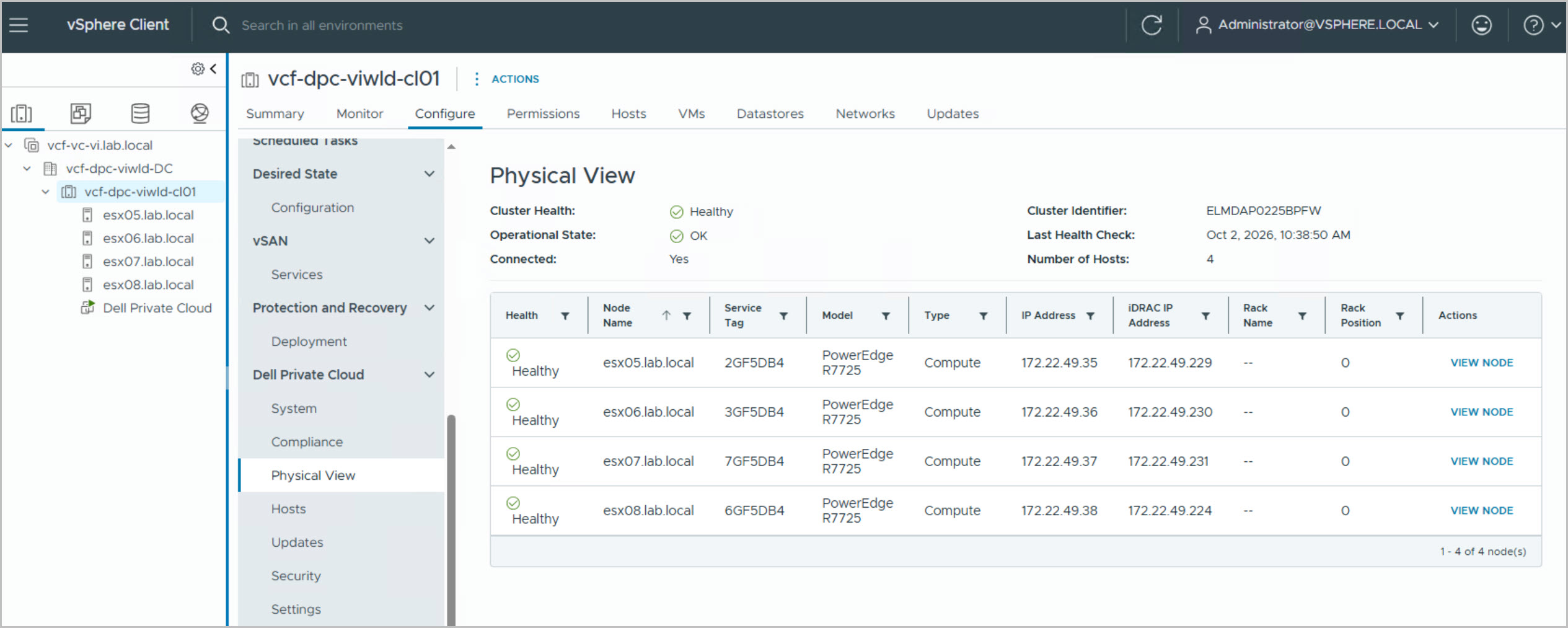
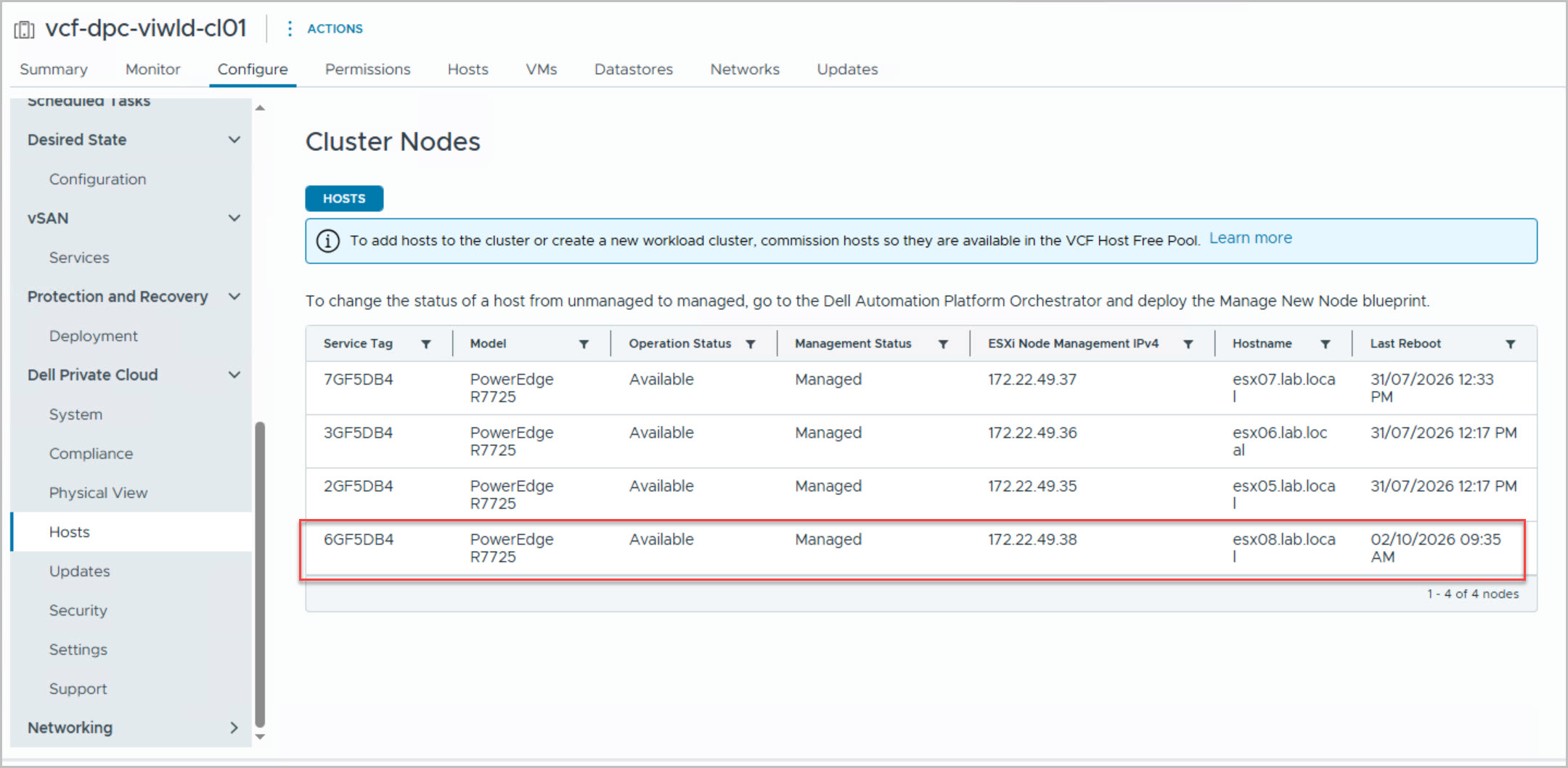
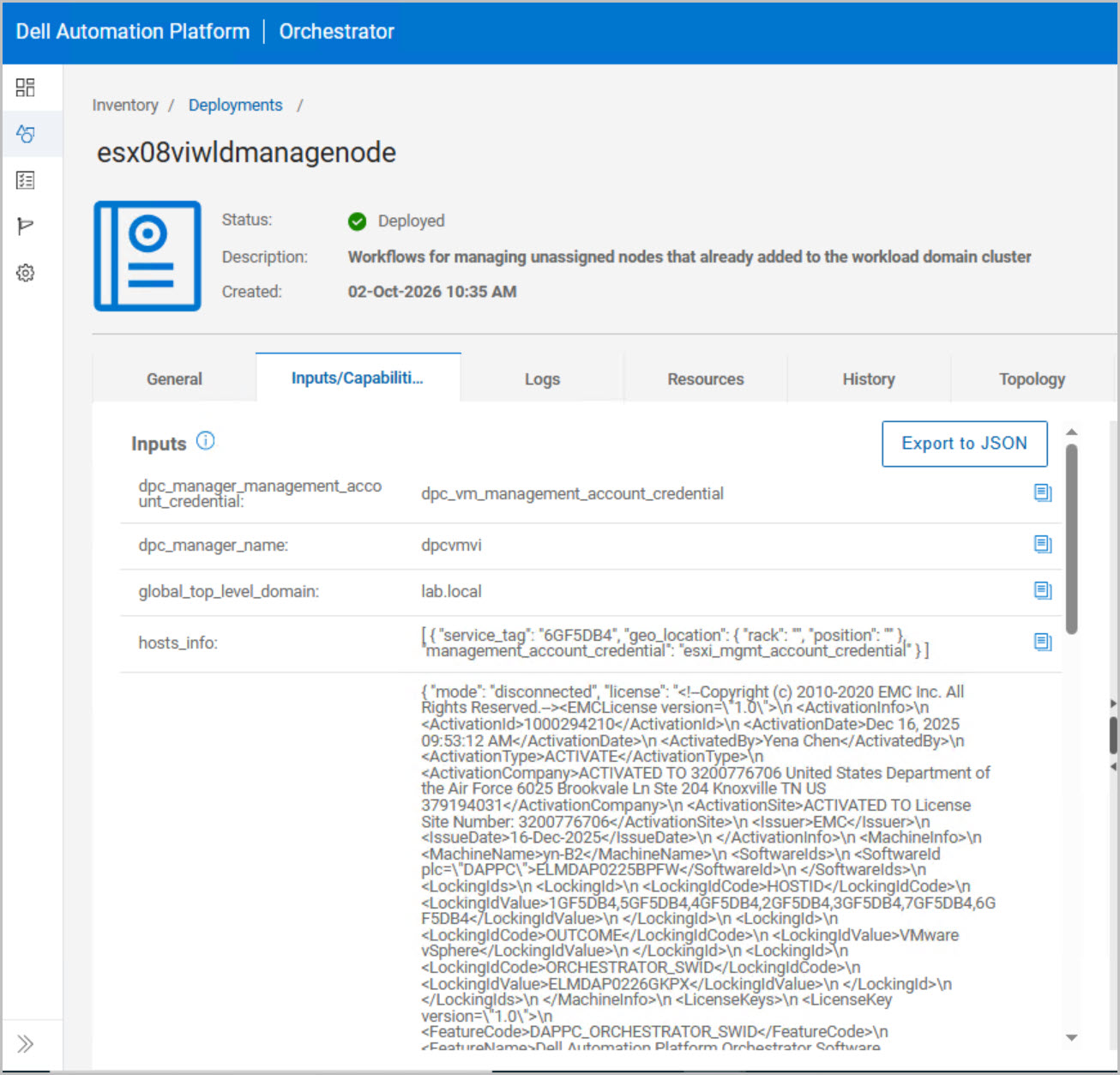
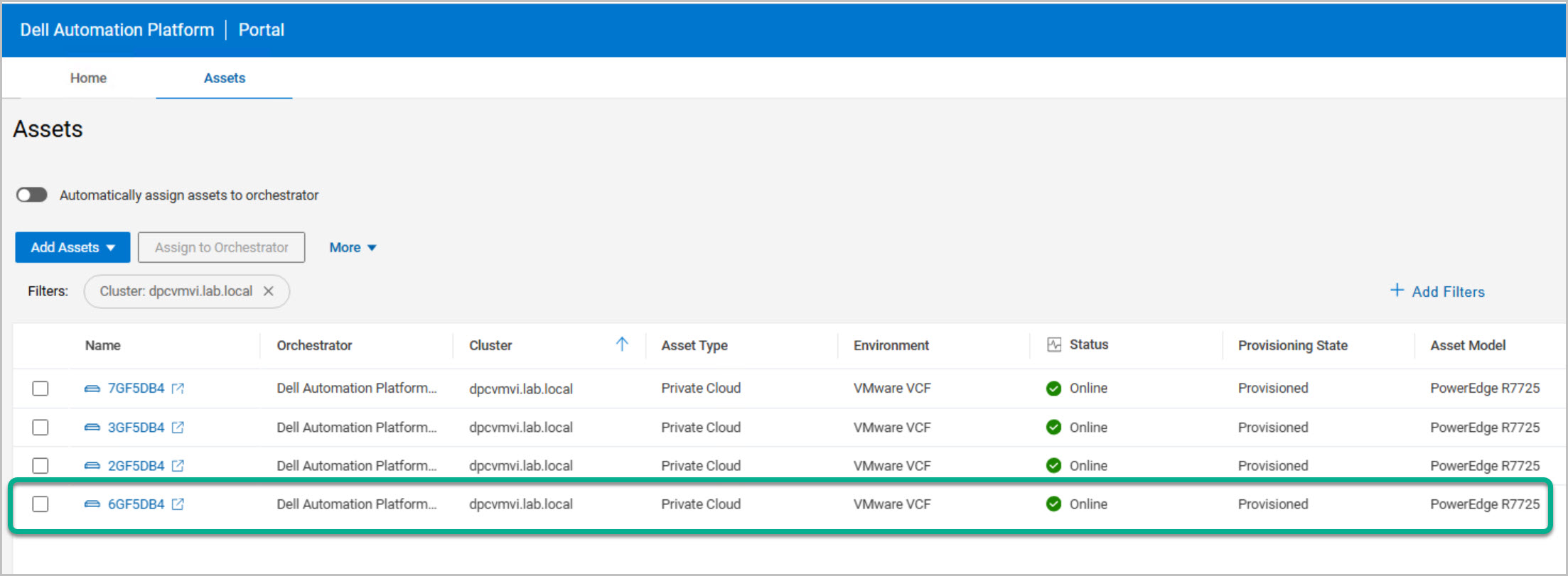
Following the successful completion of the Add Host workflow in SDDC Manager, the DPC Manage Host blueprint was executed in DAPO to onboard a new ESX host, esx08.lab.local (Service Tag: 6GF5DB4), into the existing VCF private cloud cluster. During execution, the workflow automatically validated cluster and licensing prerequisites, resolved infrastructure connectivity through the EO Proxy, verified SDDC Manager and ESXi management credentials, and confirmed that the target host was healthy, unmanaged, and eligible for onboarding. DAPO then integrated the host into the target cluster, vcf-dpc-viwld-cl01, and successfully completed the associated private cloud license expansion. The overall workflow completed successfully, resulting in the addition of the new host as a fully managed cluster member and increasing the available compute capacity of the VI Workload Domain.
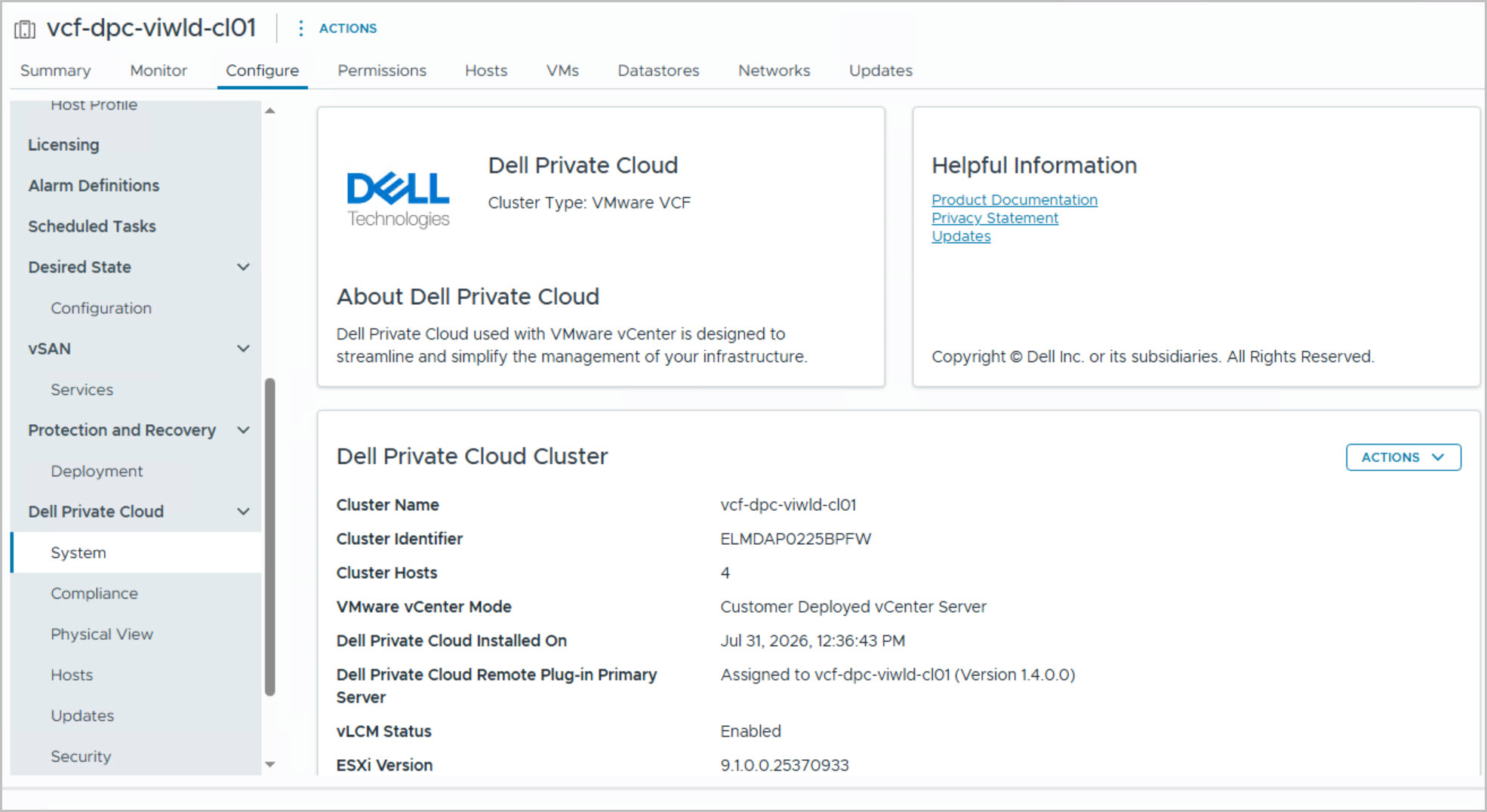
The successful onboarding of the new ESX host increased the cluster’s available compute capacity, demonstrating how the SDDC Manager Add Host workflow and DAPO DPC Manage Host blueprint provide a simple and automated approach to scaling VCF environments.




8 Comments »