PART1 PART2 PART3 PART4 PART5 PART6 PART7 PART8 PART9 Part 7: Manage Cluster Workflow The final phase of the deployment journey focuses on onboarding the newly deployed VI Workload Domain […]
The final phase of the deployment journey focuses on onboarding the newly deployed VI Workload Domain into the Dell Private Cloud (DPC) management framework using the DPC_VCF_Manage_Cluster blueprint. While the workload domain was fully operational after deployment from VMware Cloud Foundation, it was not yet managed by the Dell Private Cloud Extension and therefore could not take advantage of Dell lifecycle management, compliance validation, firmware management, or Day-2 automation workflows.
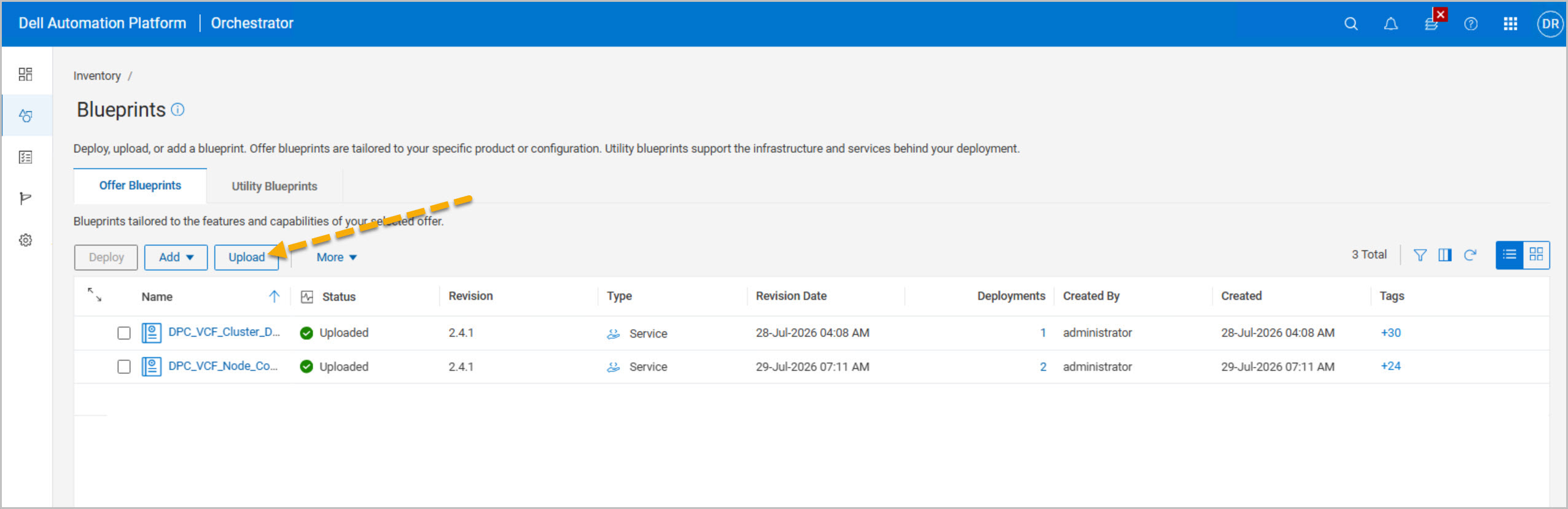
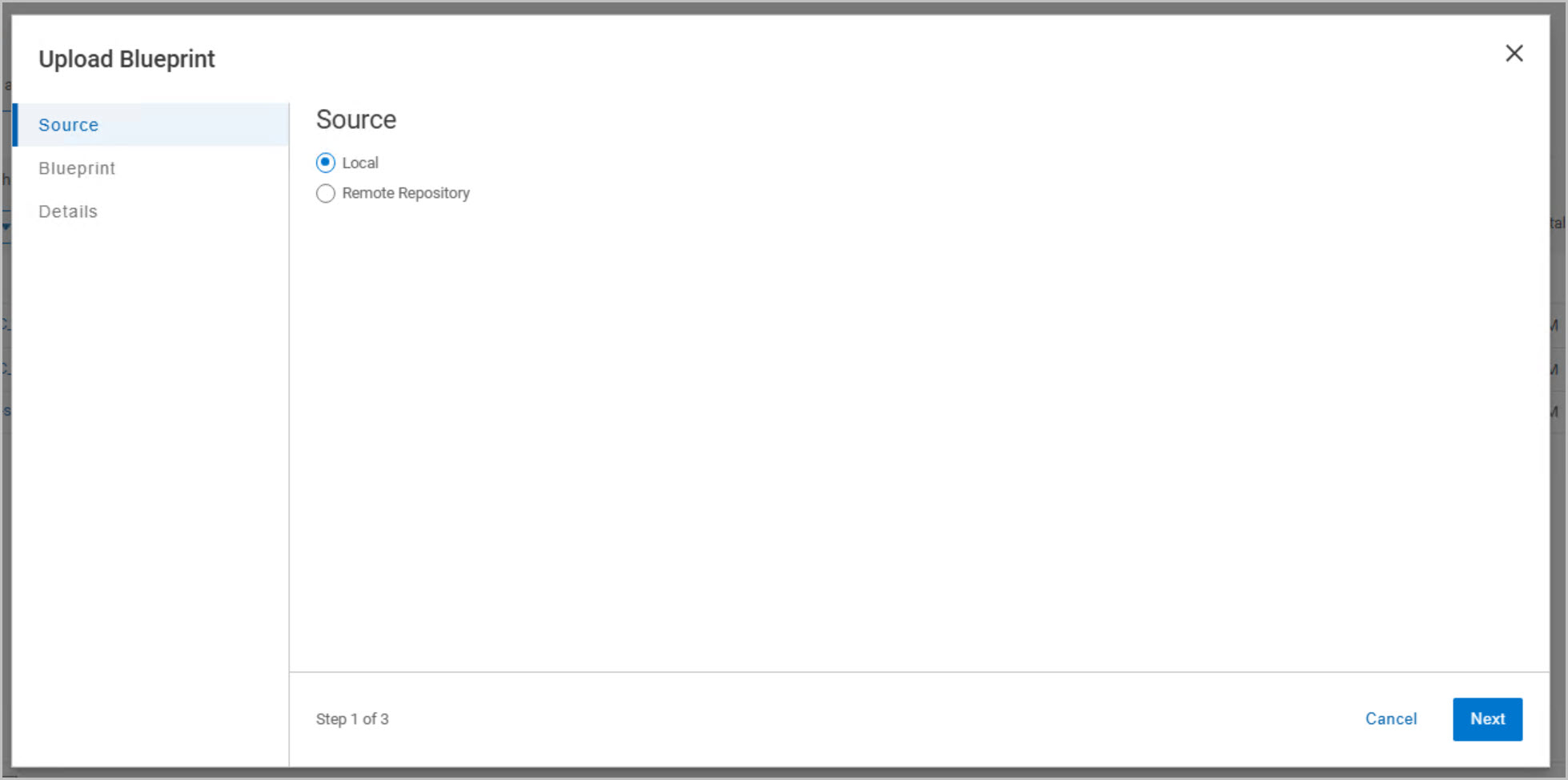
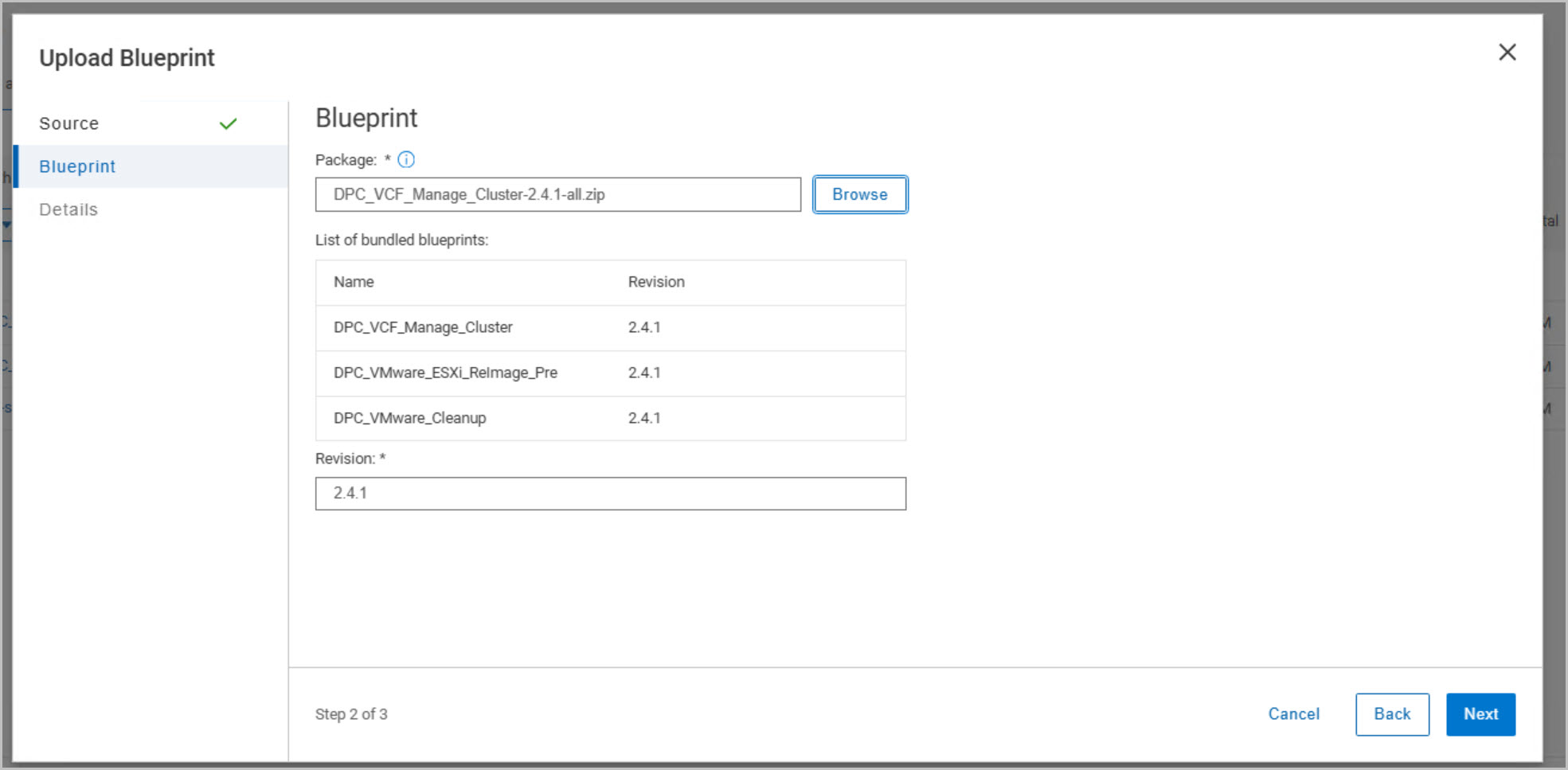
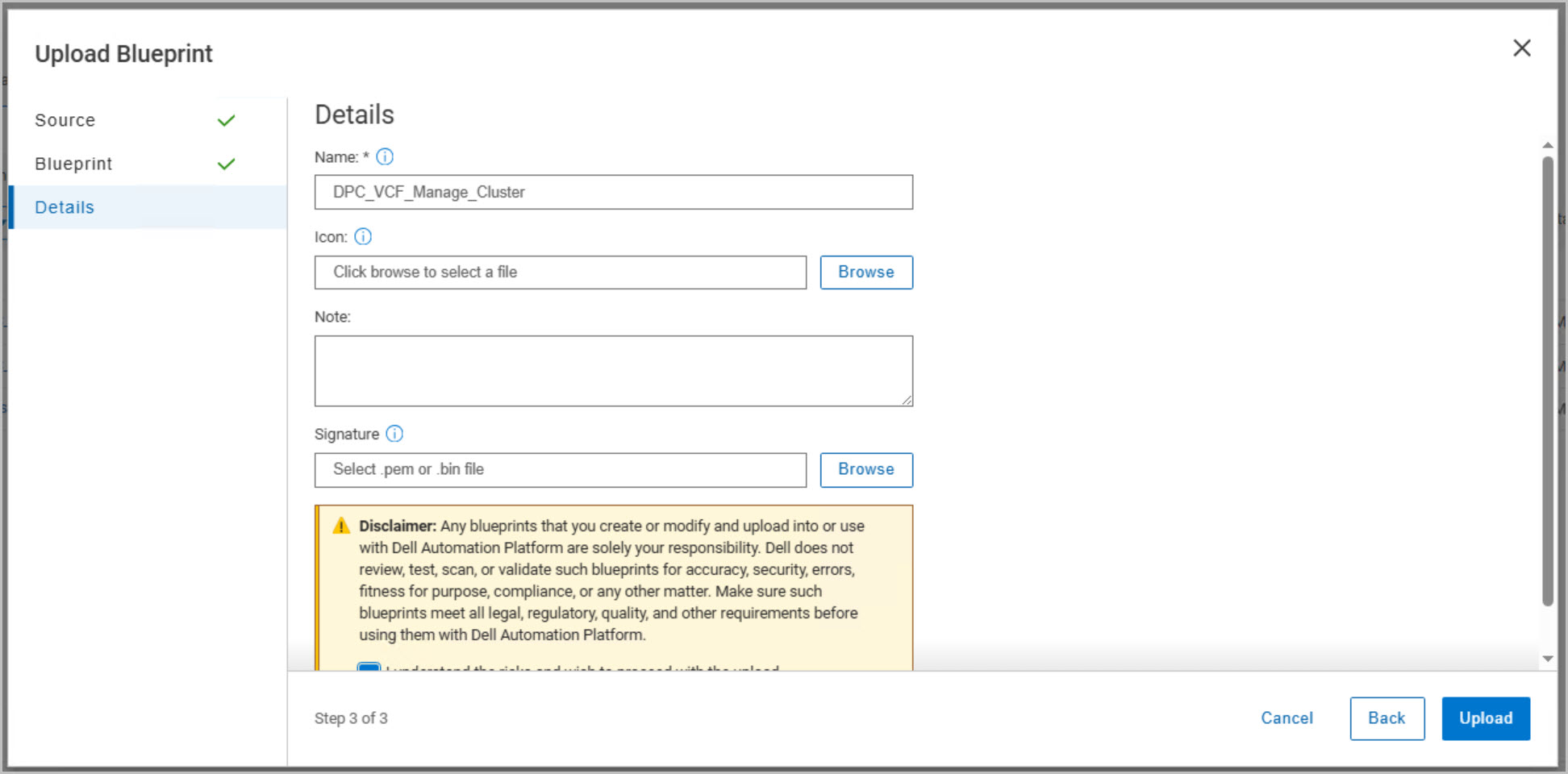
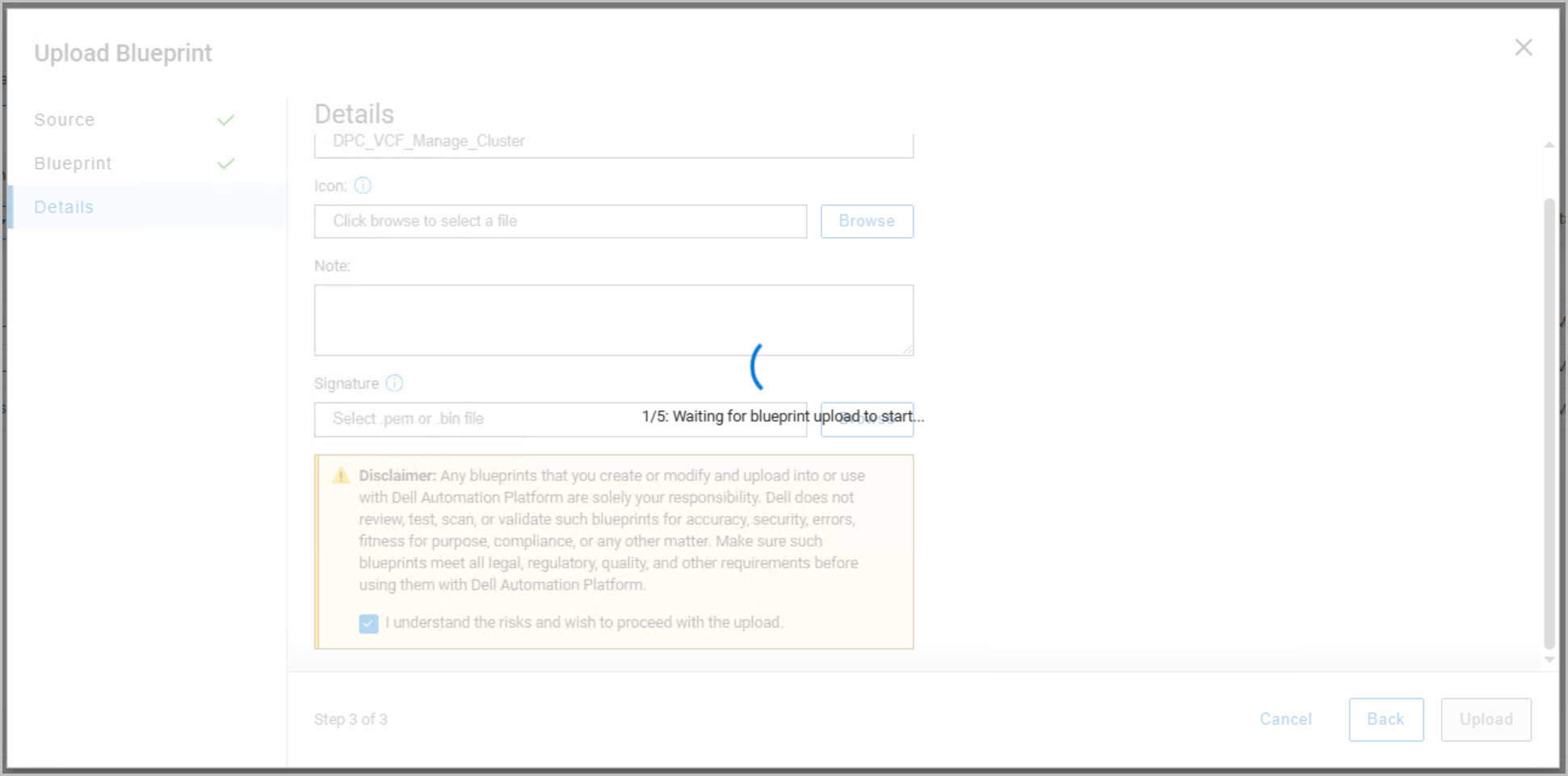
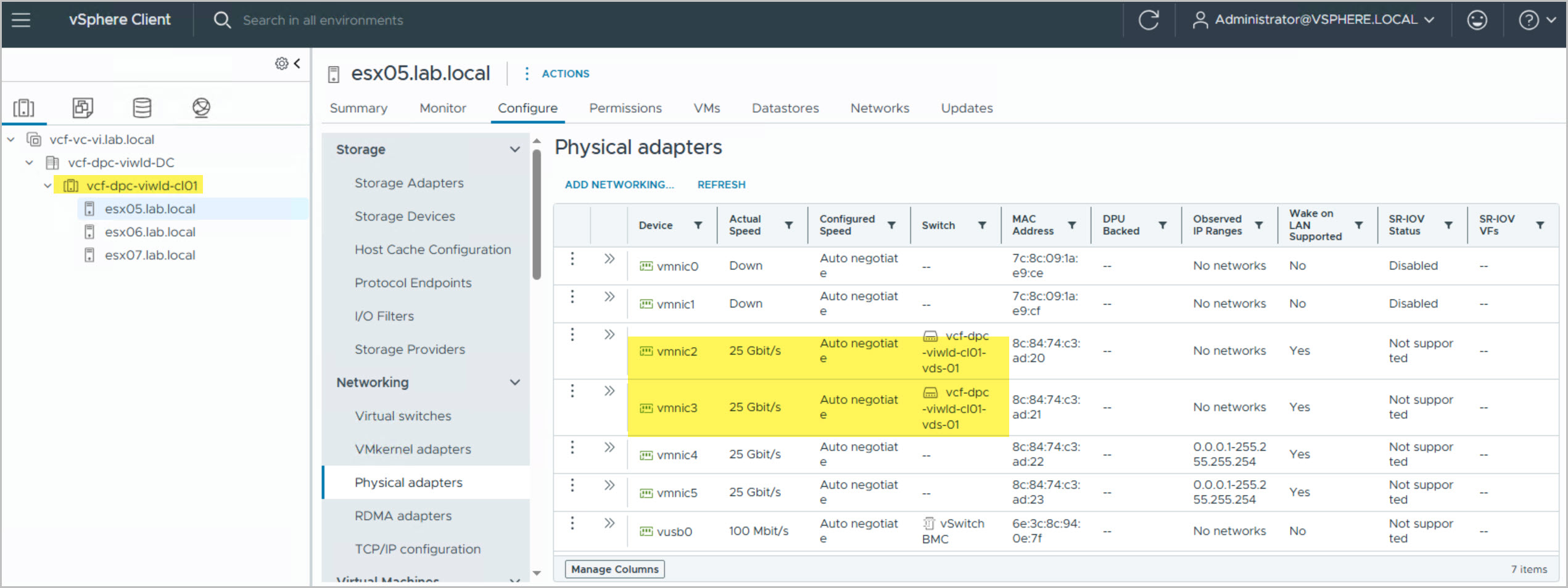
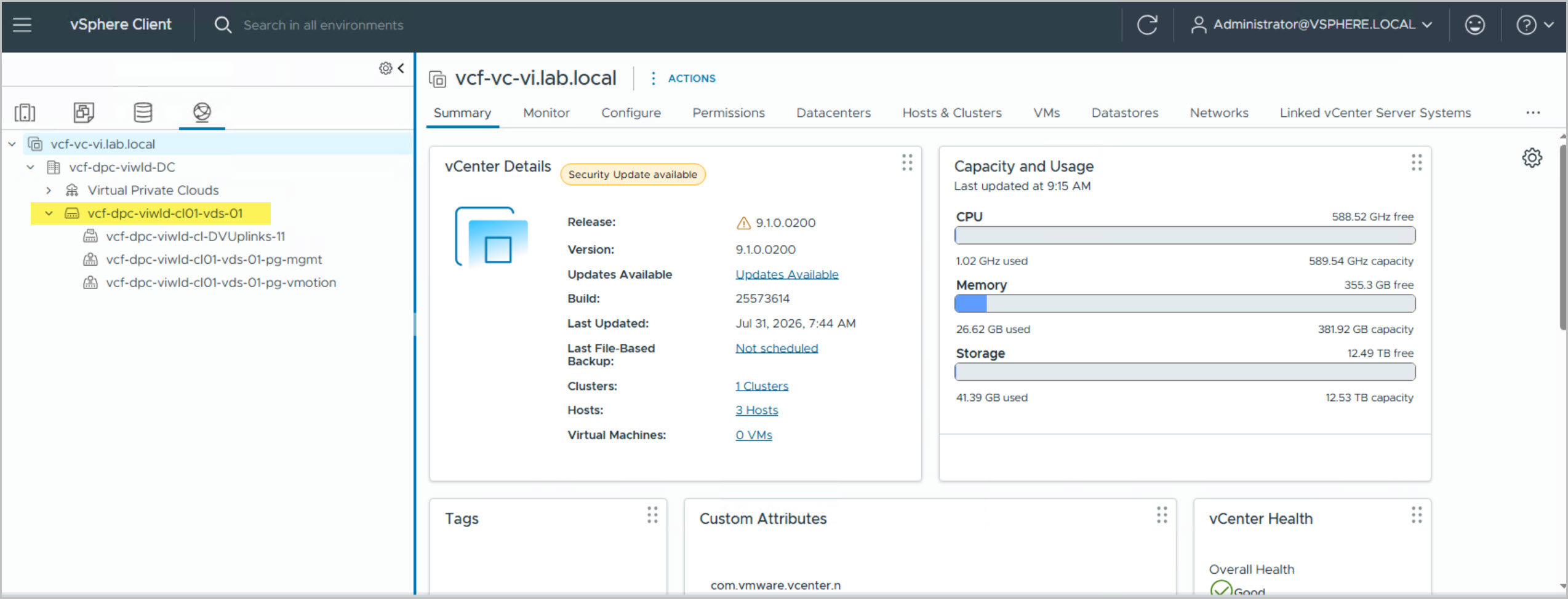
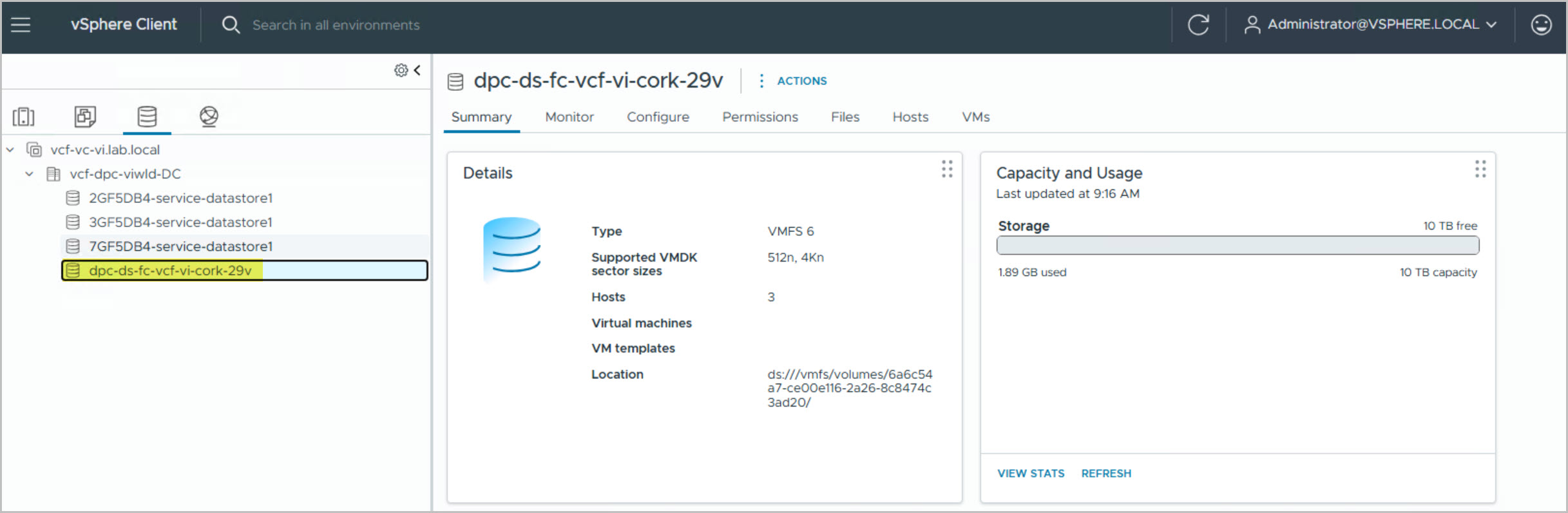
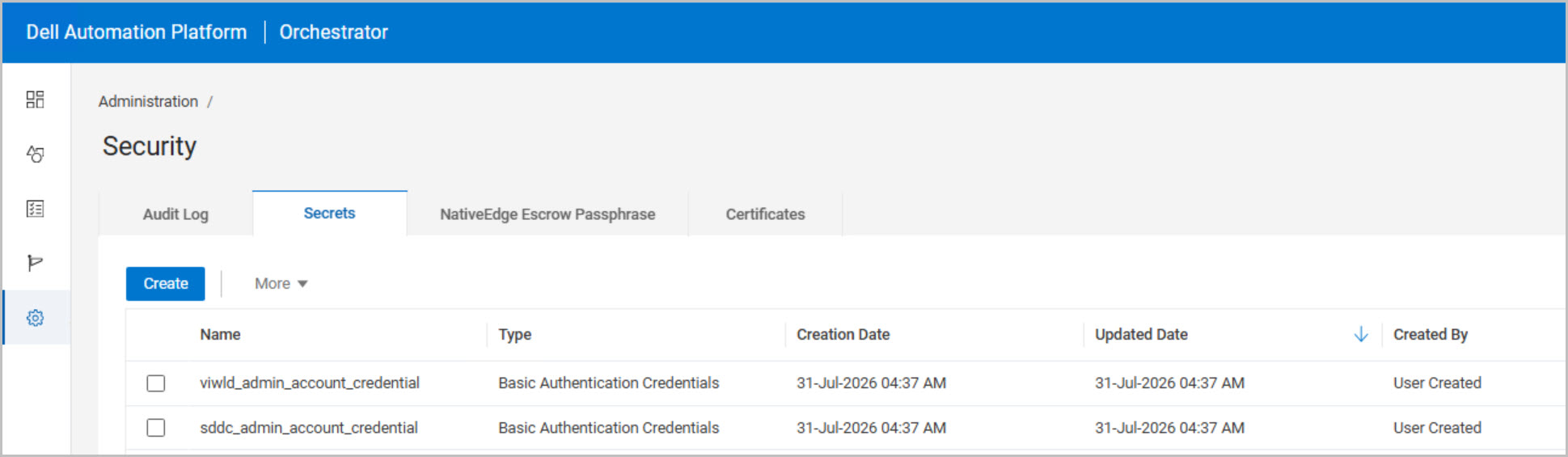
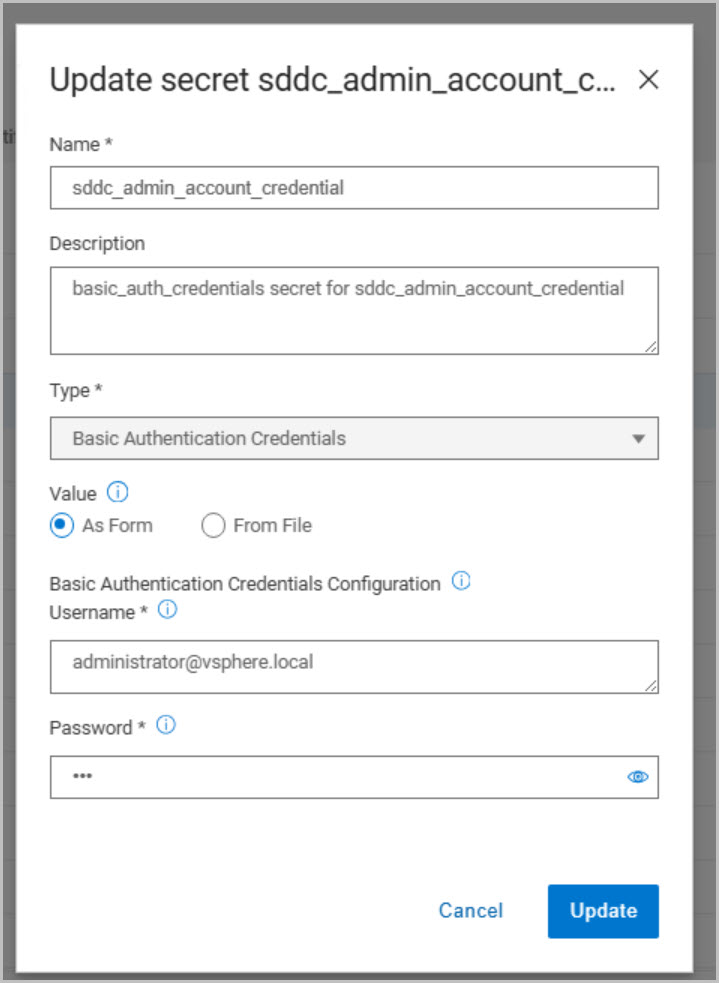
The process begins by importing the DPC_VCF_Manage_Cluster 2.4.1 blueprint into DAPO. Once uploaded, several prerequisite checks are performed against the workload domain to verify cluster health, confirm datastore visibility, validate distributed switch configuration, and ensure that all workload domain hosts are operating normally. The workload domain vCenter credentials generated during deployment are retrieved from the SDDC Manager Developer Center API and stored in DAPO secrets, alongside the required SDDC Manager administrative credentials (administrator@vsphere.local for both).
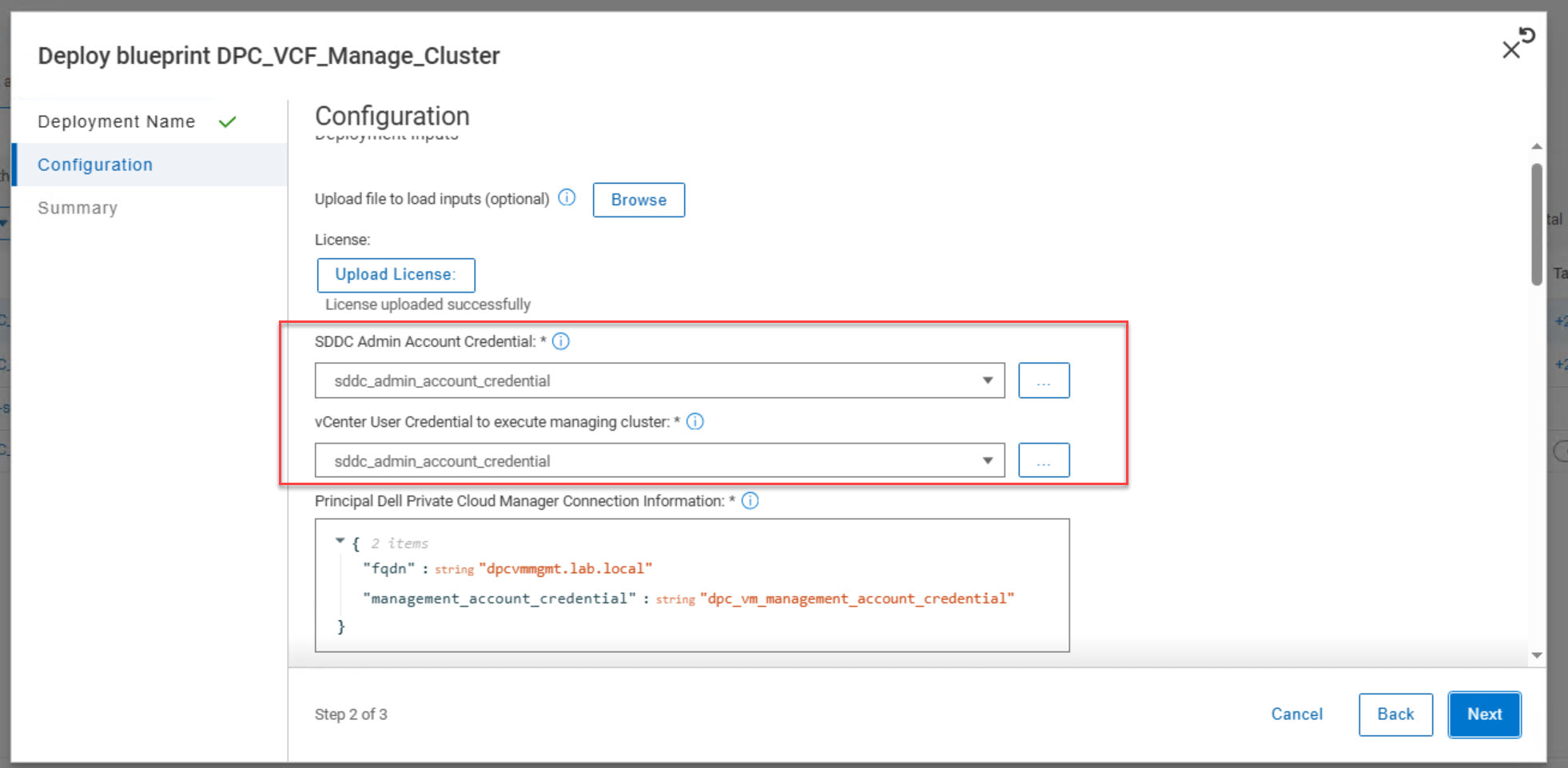
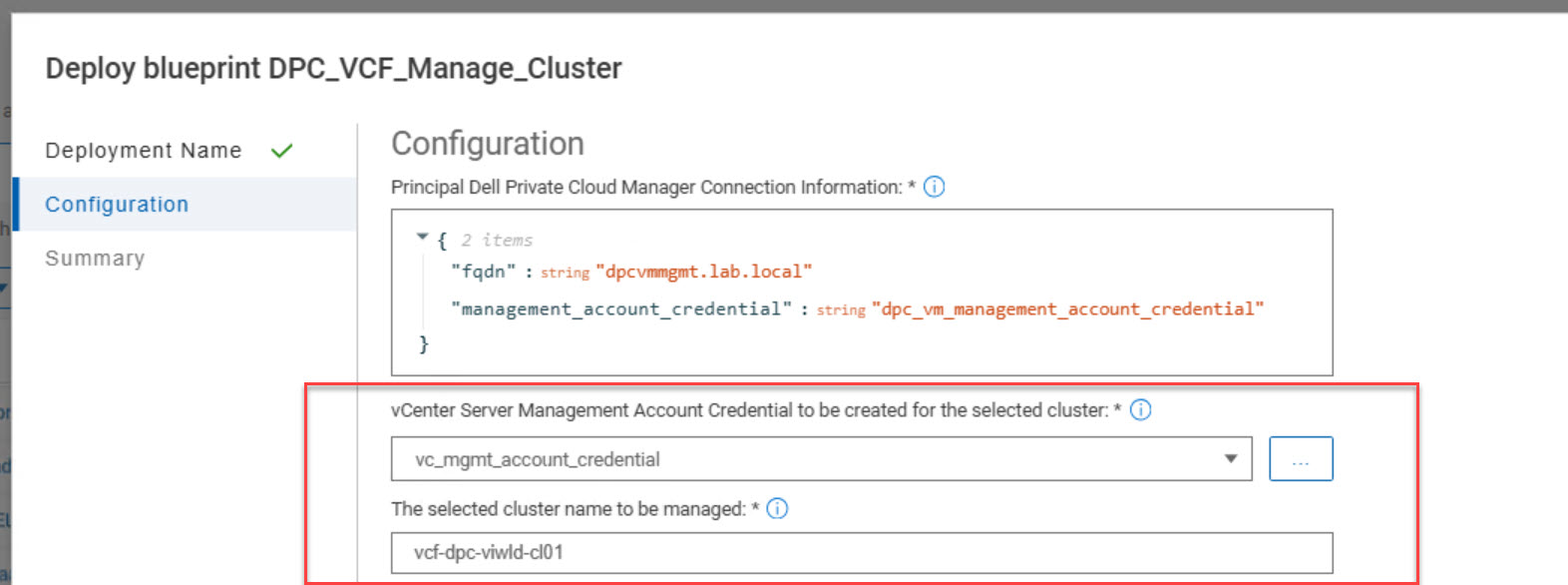
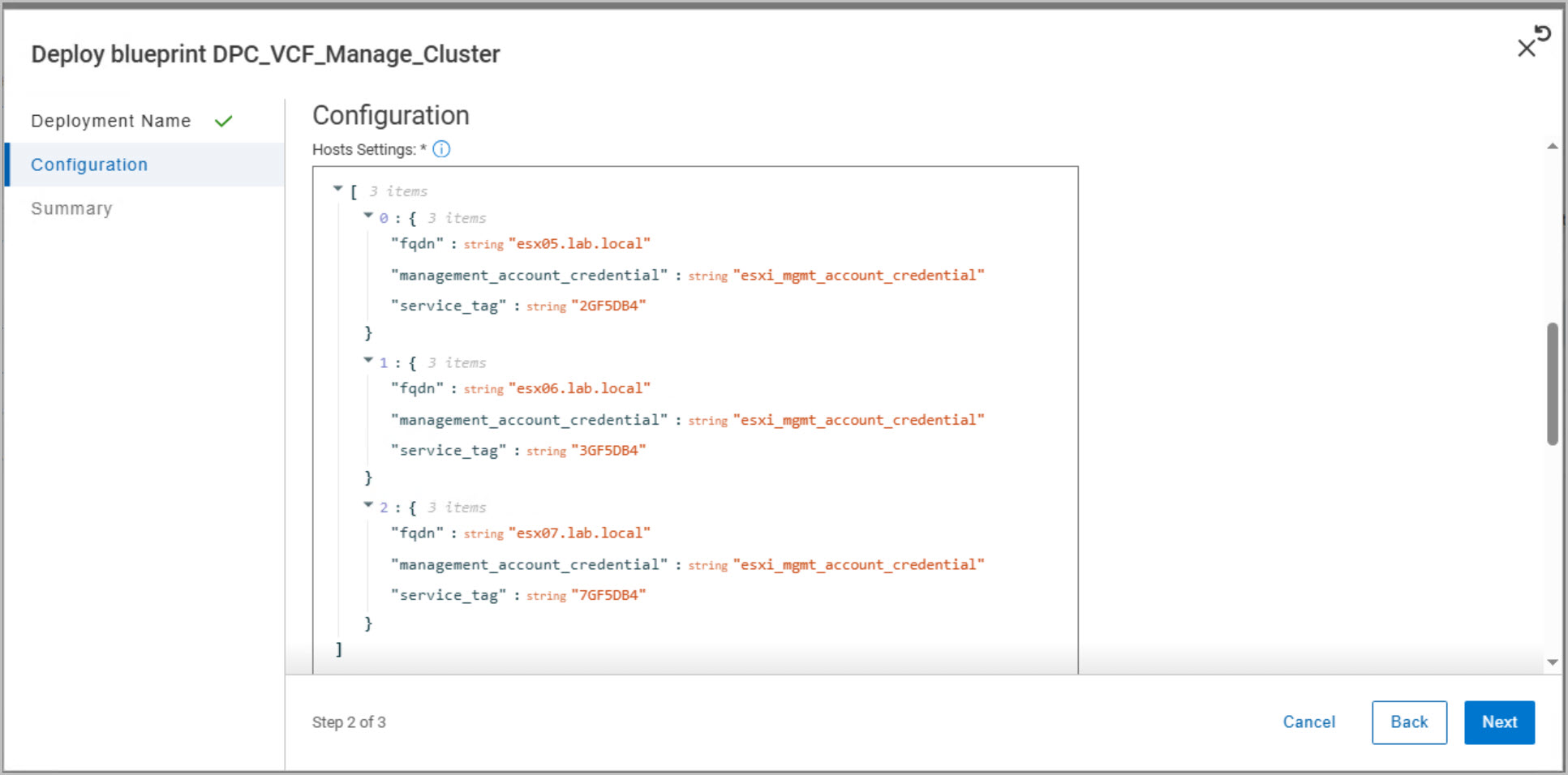
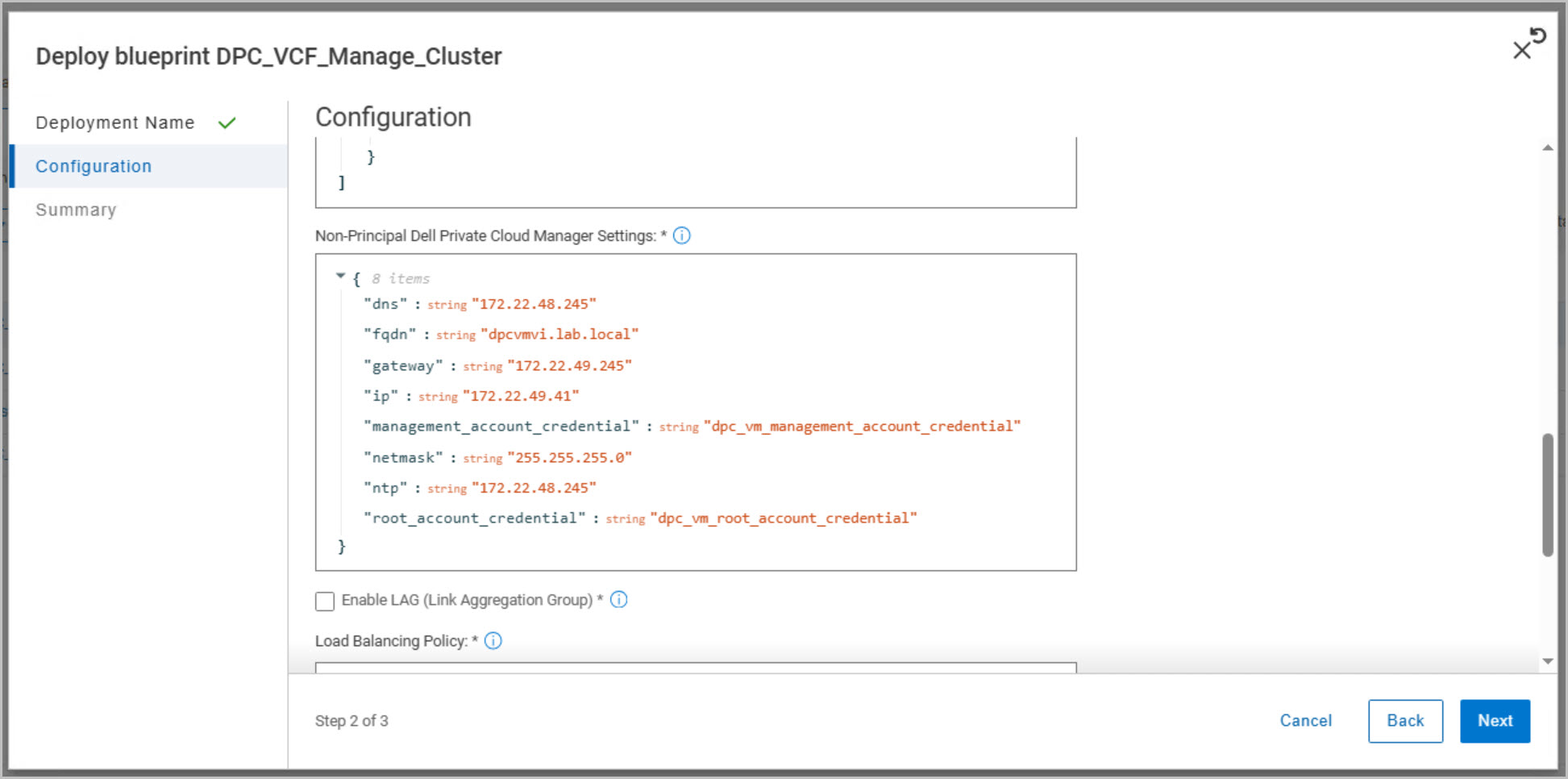
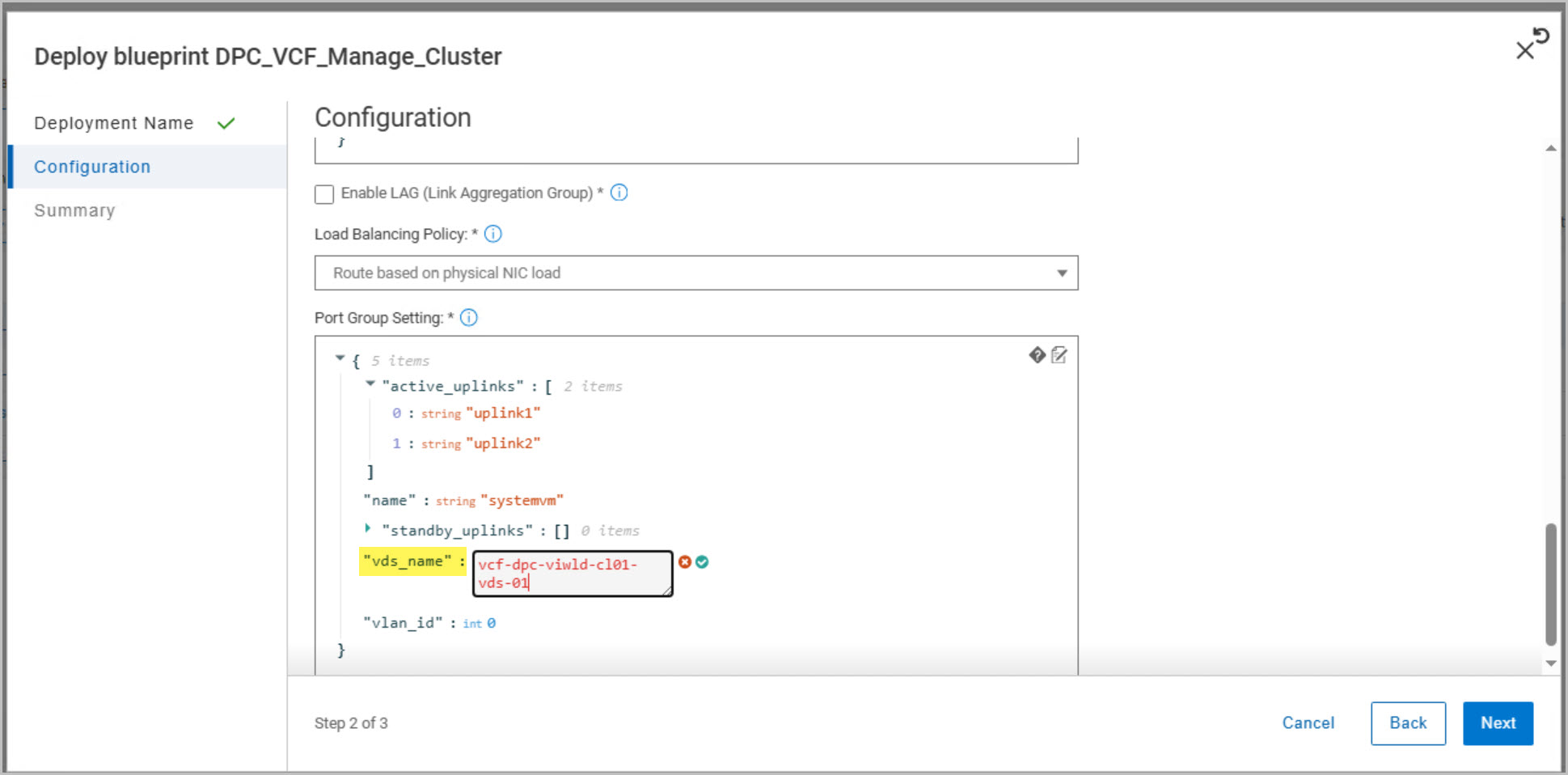
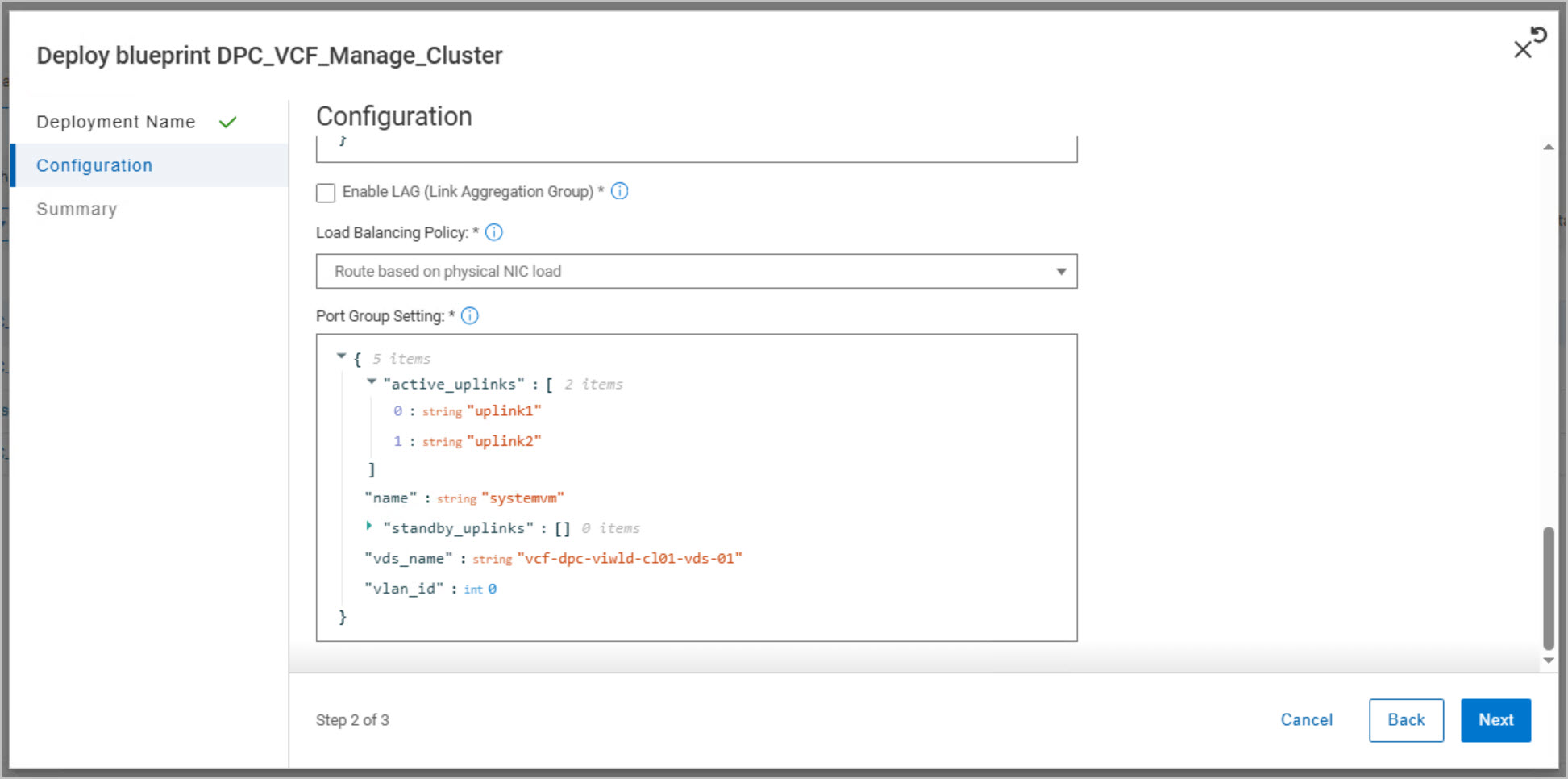
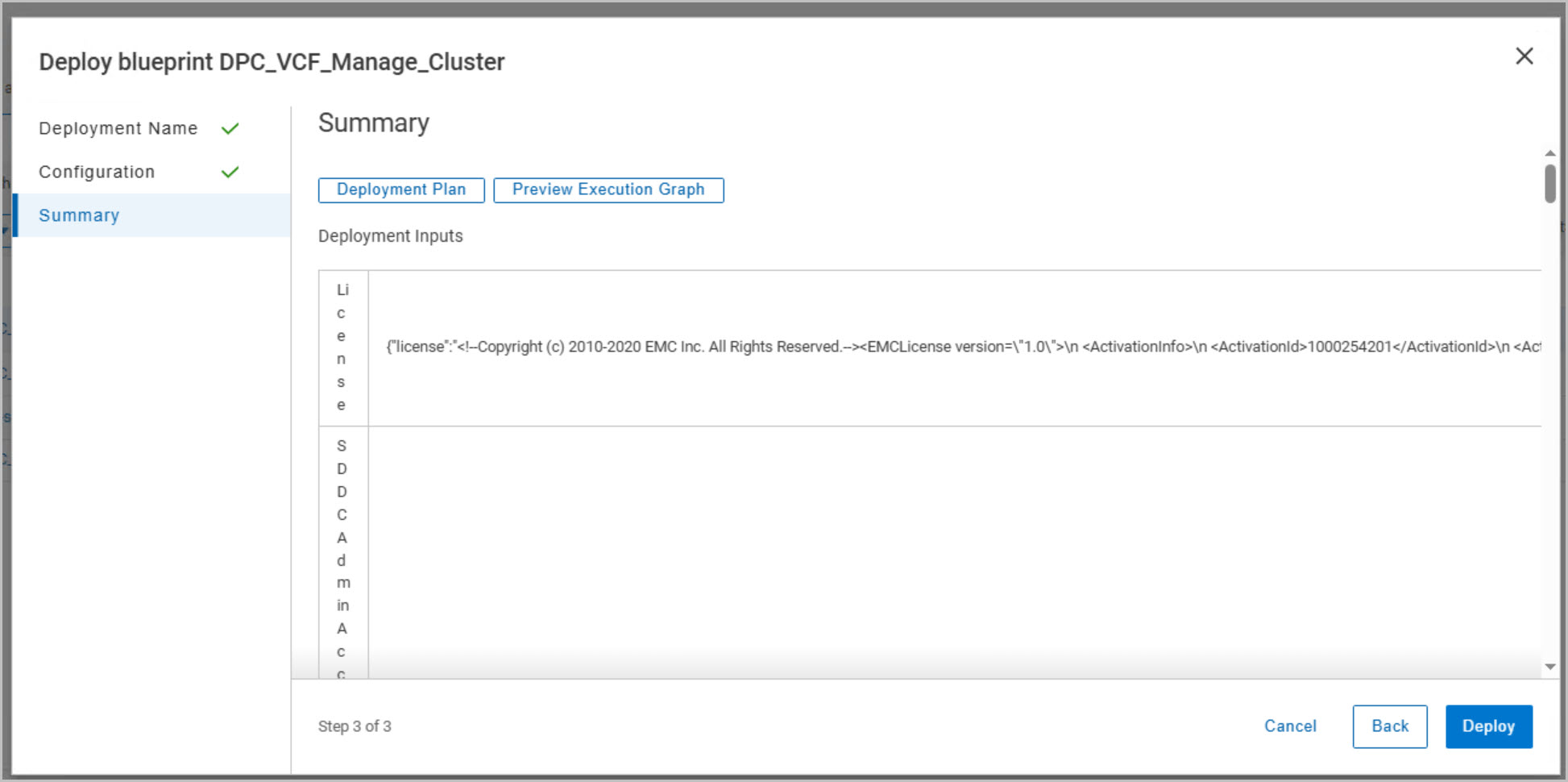
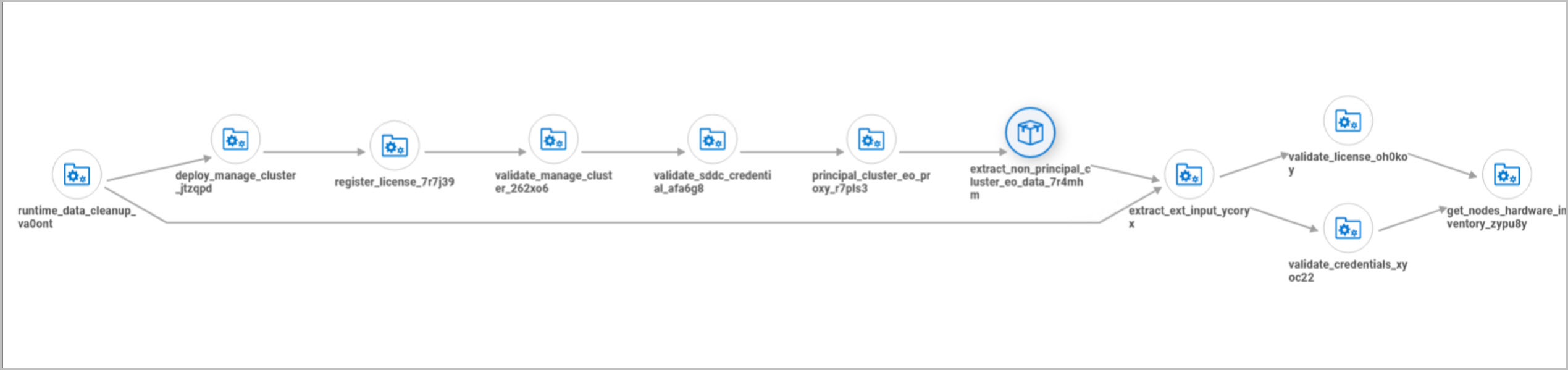
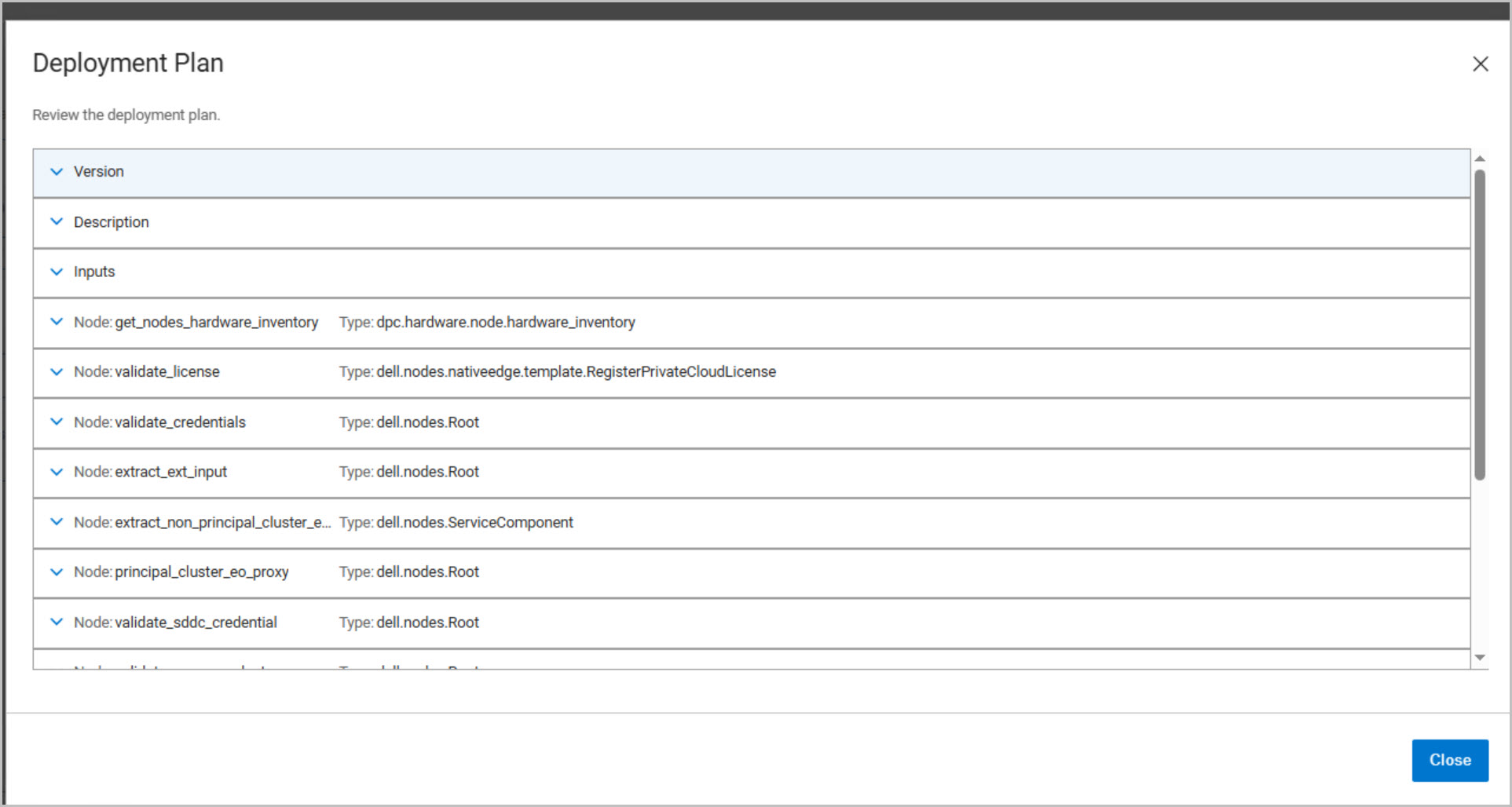
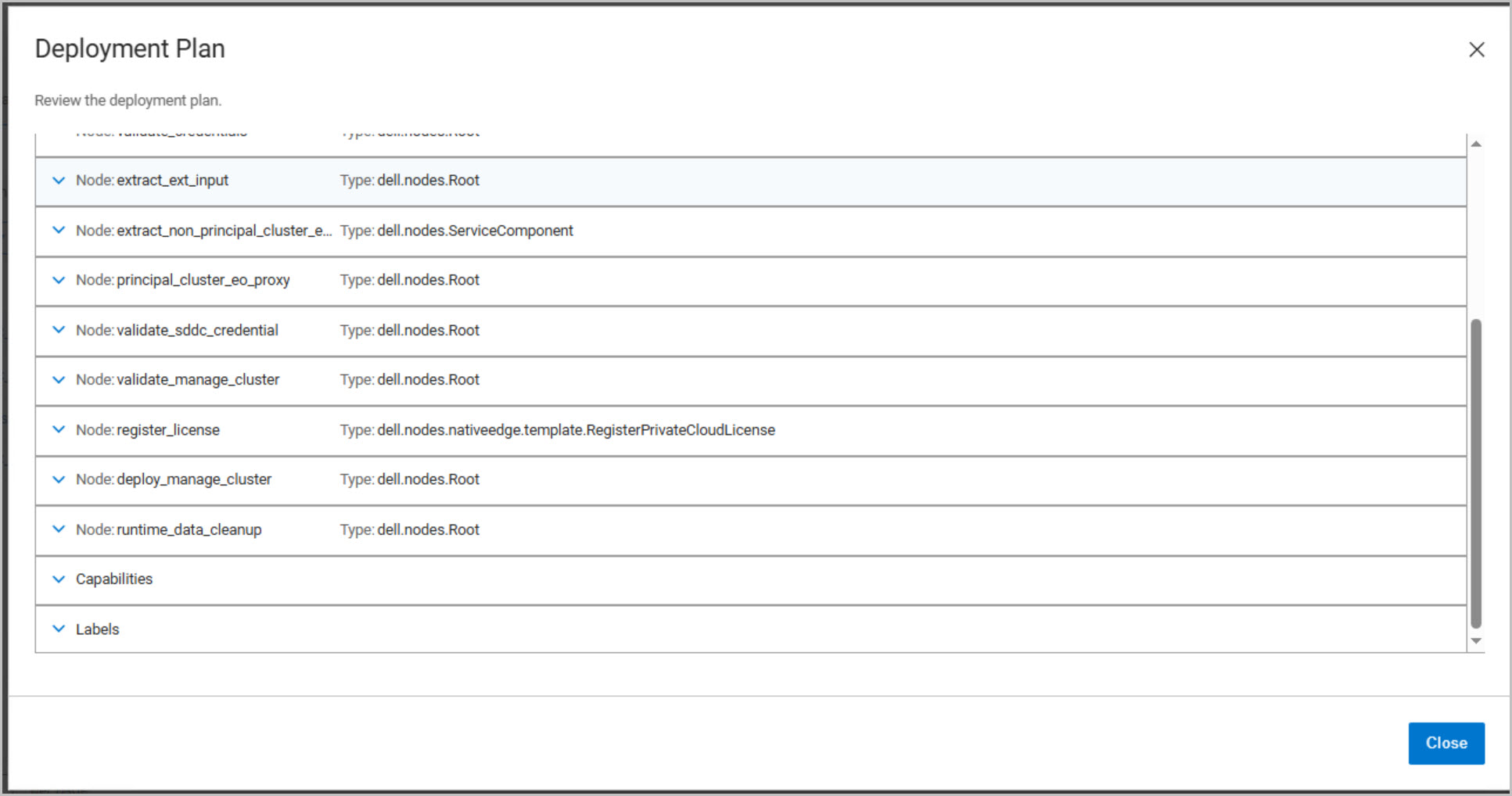
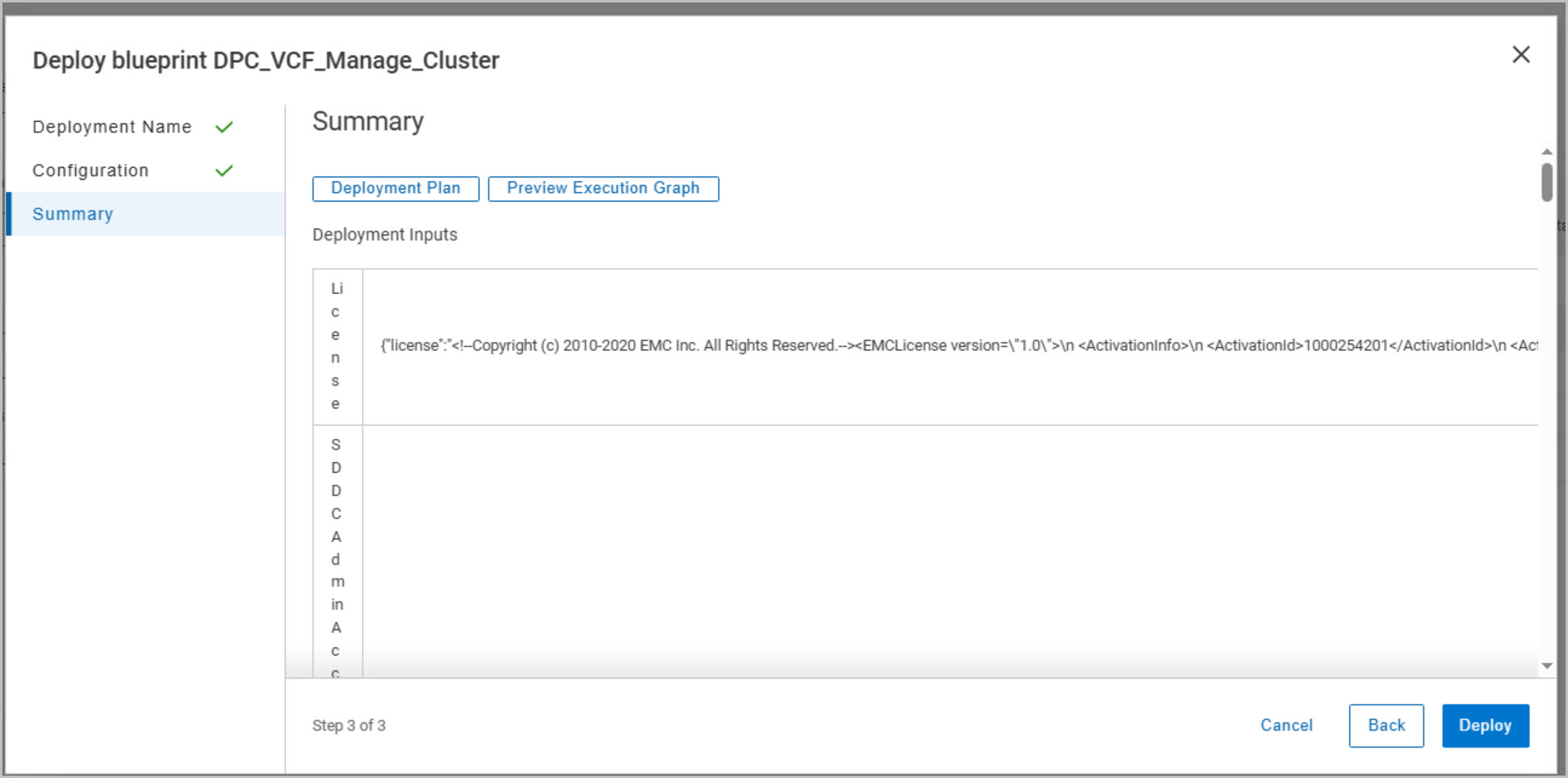
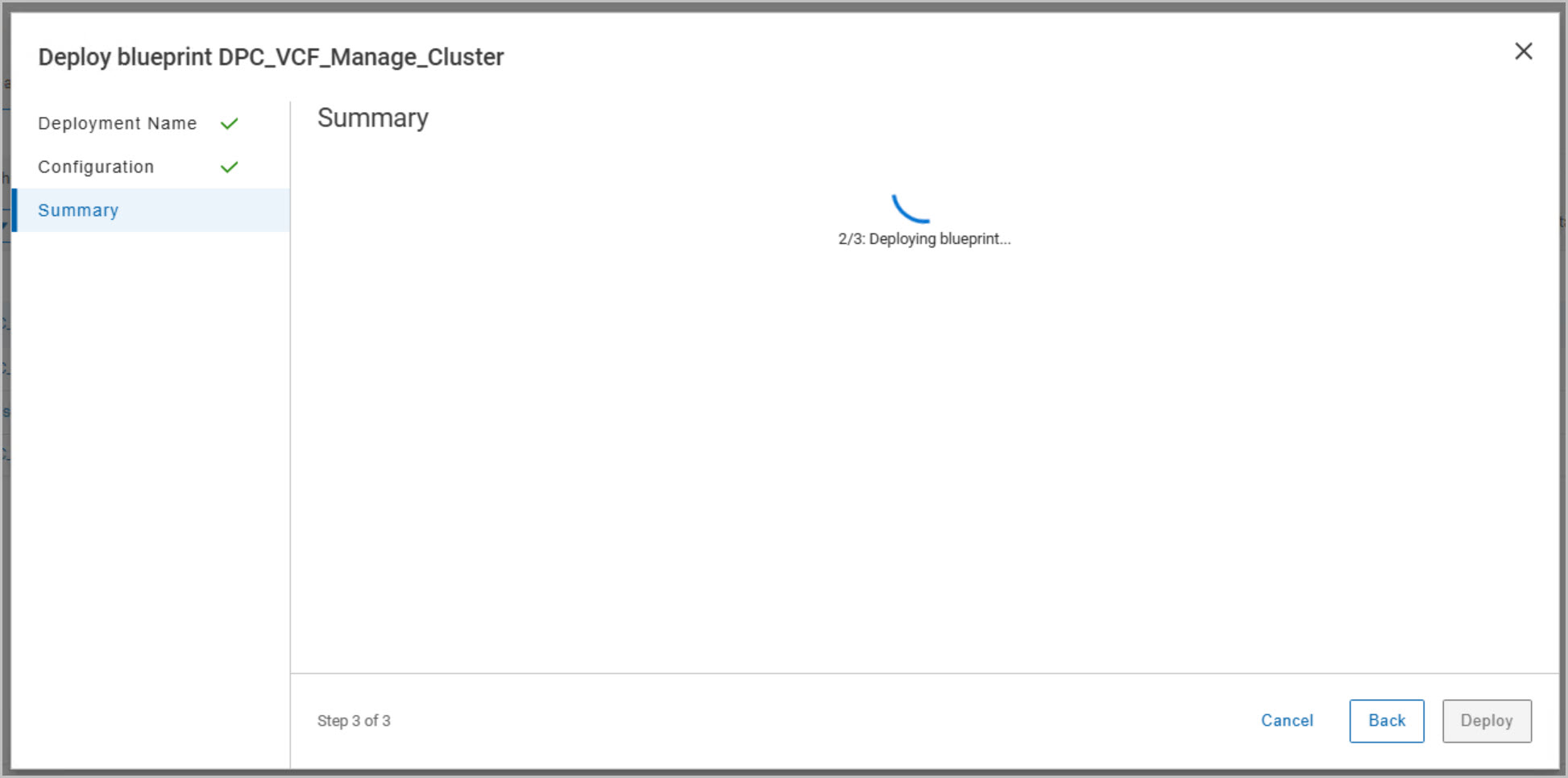
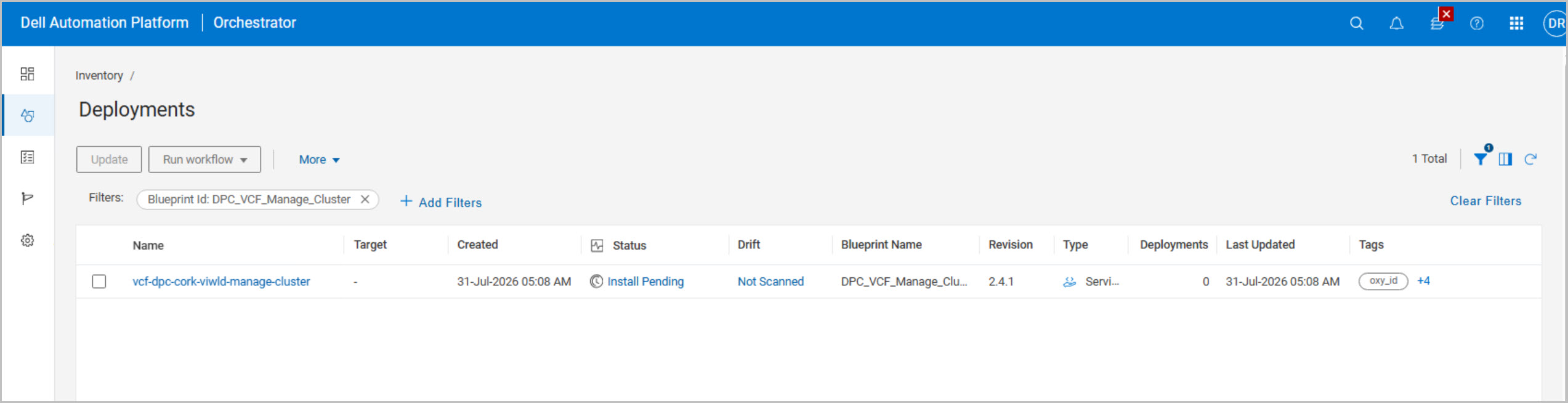
After the credentials are updated, the DPC_VCF_Manage_Cluster blueprint is deployed. During configuration, DAPO automatically discovers the workload domain cluster, workload domain hosts, datastore configuration, and distributed switch settings. The workflow validates credentials, cluster networking, and VMware Cloud Foundation connectivity before generating the deployment plan and execution graph. Reviewing these views provides visibility into the workflow stages before deployment begins.
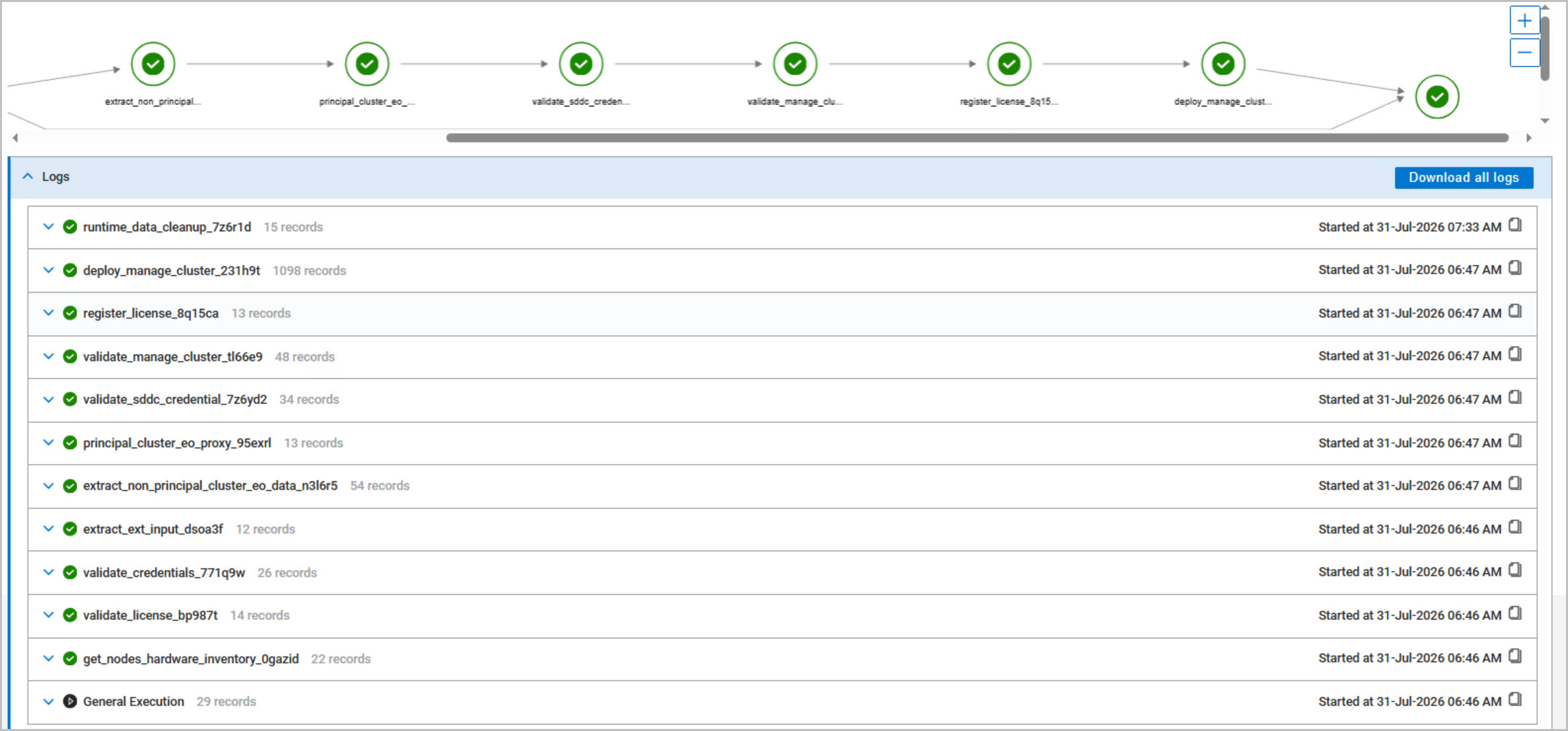
The workflow then proceeds through a structured lifecycle consisting of:
Hardware inventory collection
Dell Private Cloud license validation
Credential validation
Input extraction and processing
SDDC Manager validation
Workload domain validation
Cluster discovery
Dell Private Cloud Extension deployment
vCenter plug-in registration
Cluster initialization
Desired state configuration
Runtime cleanup
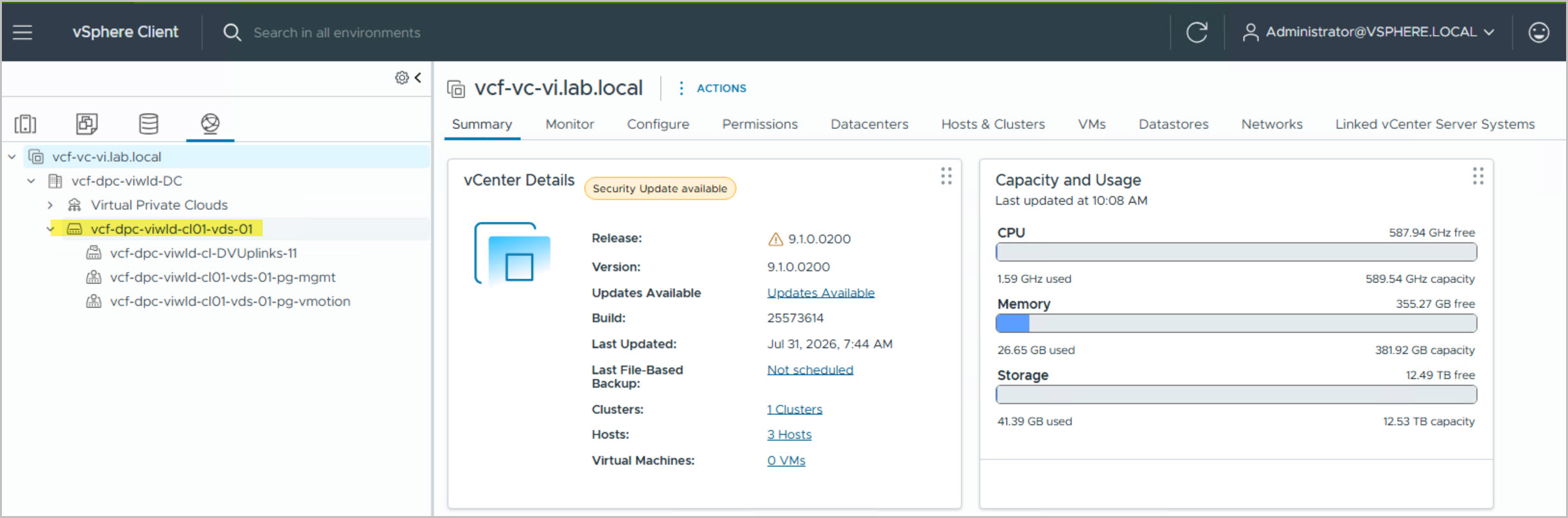
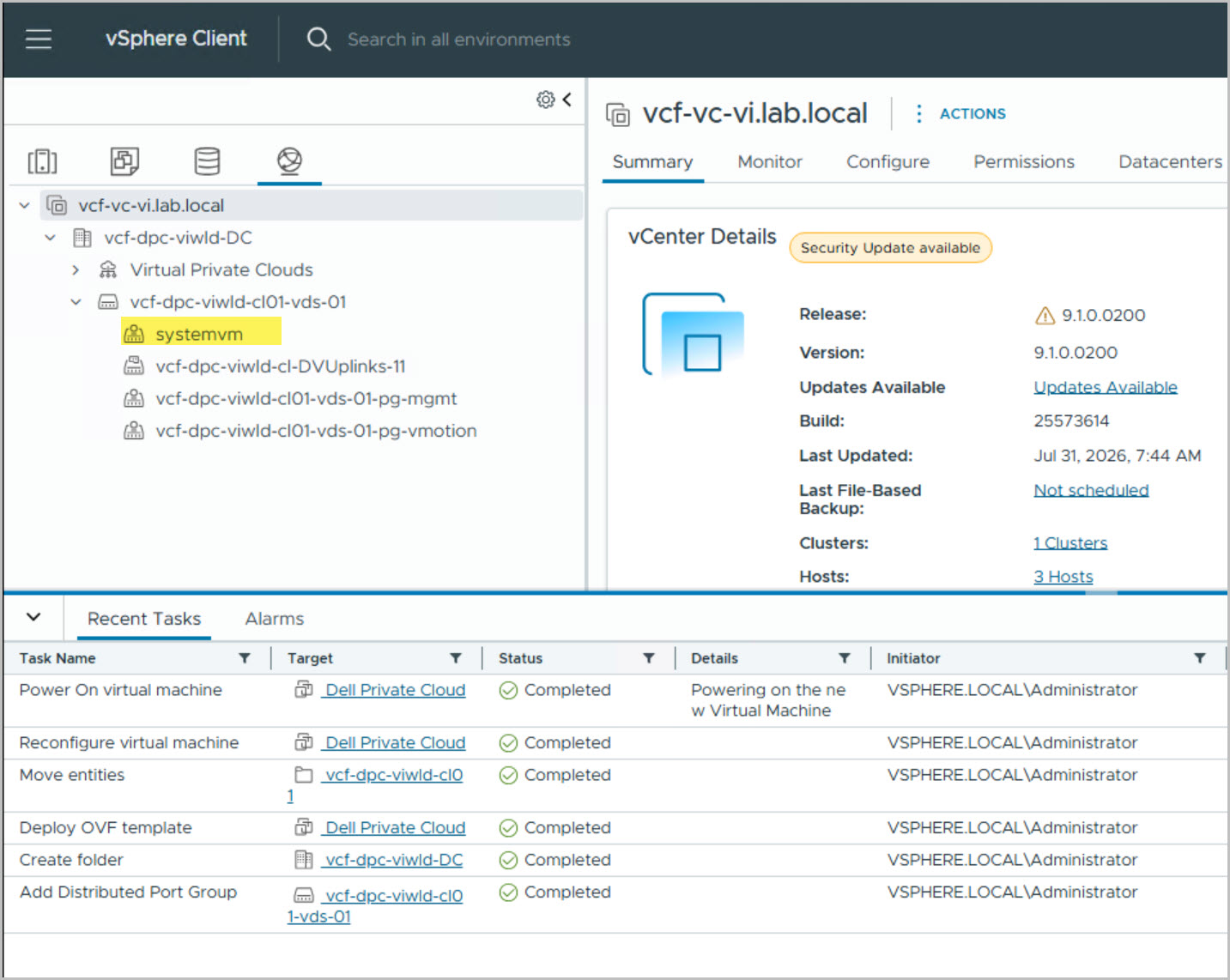
During execution, the workflow deploys a new Dell Private Cloud Extension virtual appliance directly into the workload domain vCenter. The appliance is automatically powered on, connected to the workload domain networking, and registered with vCenter. Successful deployment can be confirmed both from the workload domain inventory and through API connectivity testing against the workload domain vCenter.
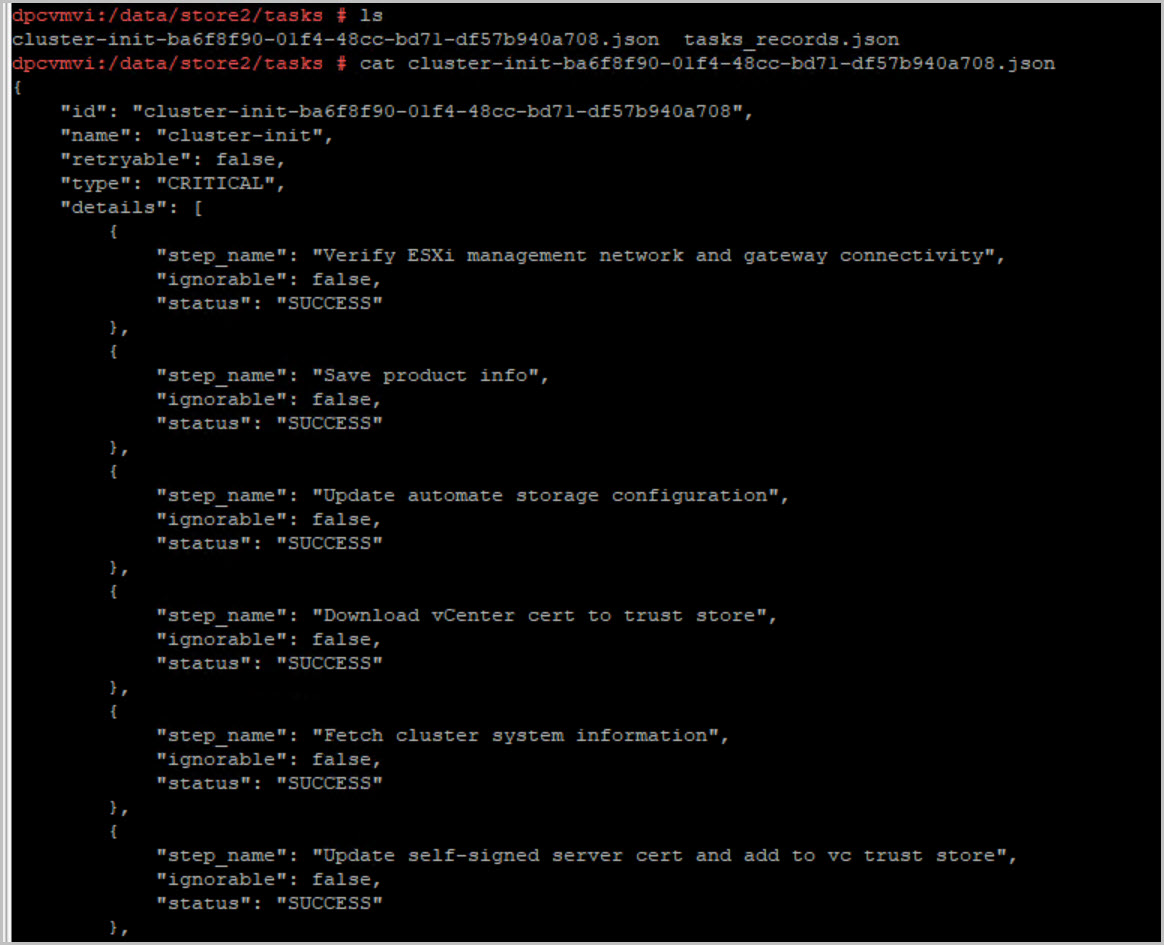
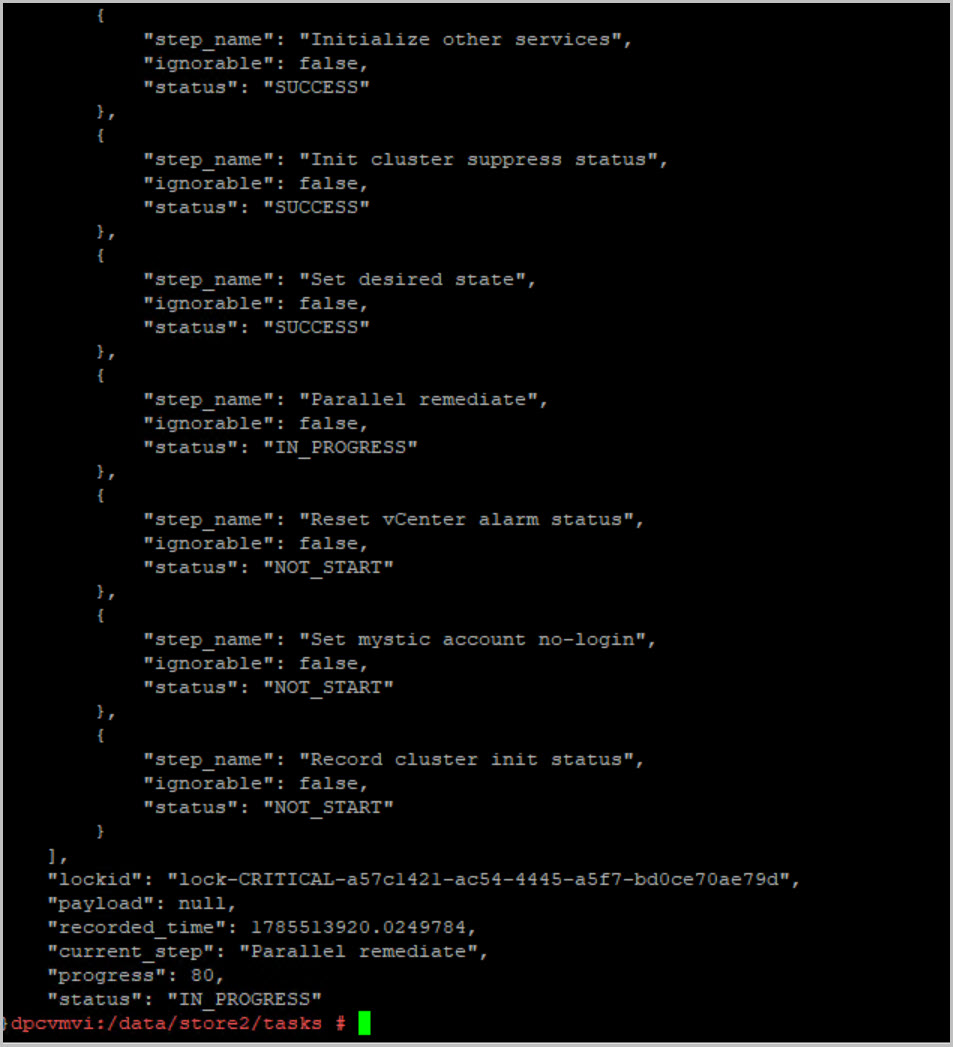
As the extension appliance initializes, detailed progress can be monitored from the appliance itself by reviewing the cluster initialization records stored under:
cd /data/store2/tasks
cat cluster-init-*.json
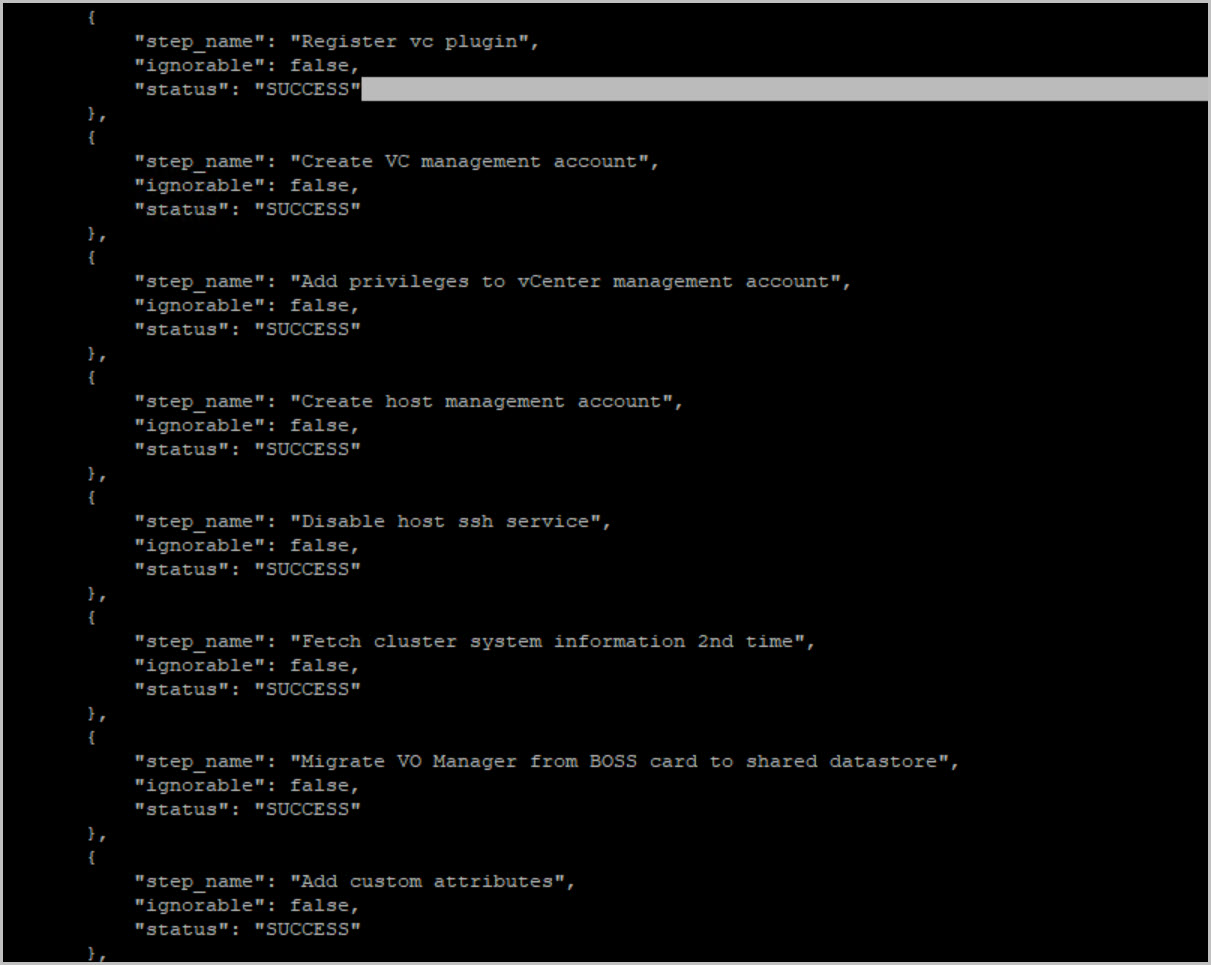
The initialization workflow performs a large number of onboarding activities including:
ESXi management network validation
Product information collection
Automated storage configuration
Downloading vCenter certificates into the trust store
Cluster discovery and inventory collection
Dell Private Cloud plug-in registration
Creation of Dell Private Cloud management accounts
Assignment of vCenter permissions
Host management account creation
Host SSH hardening
Migration of VO Manager to shared storage
Service initialization
Desired state creation
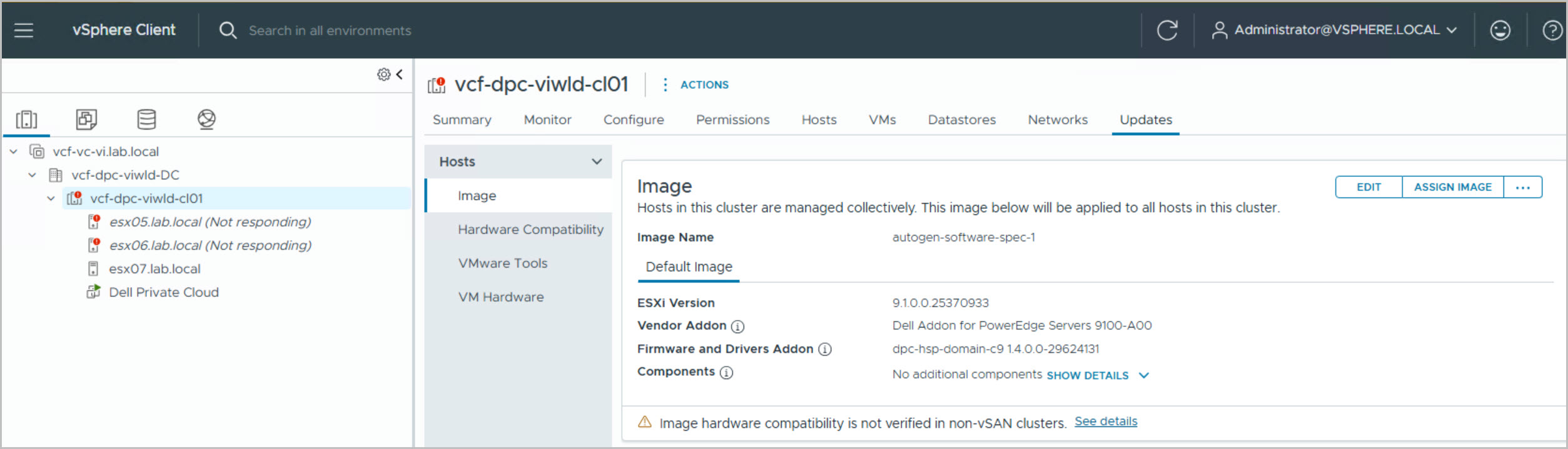
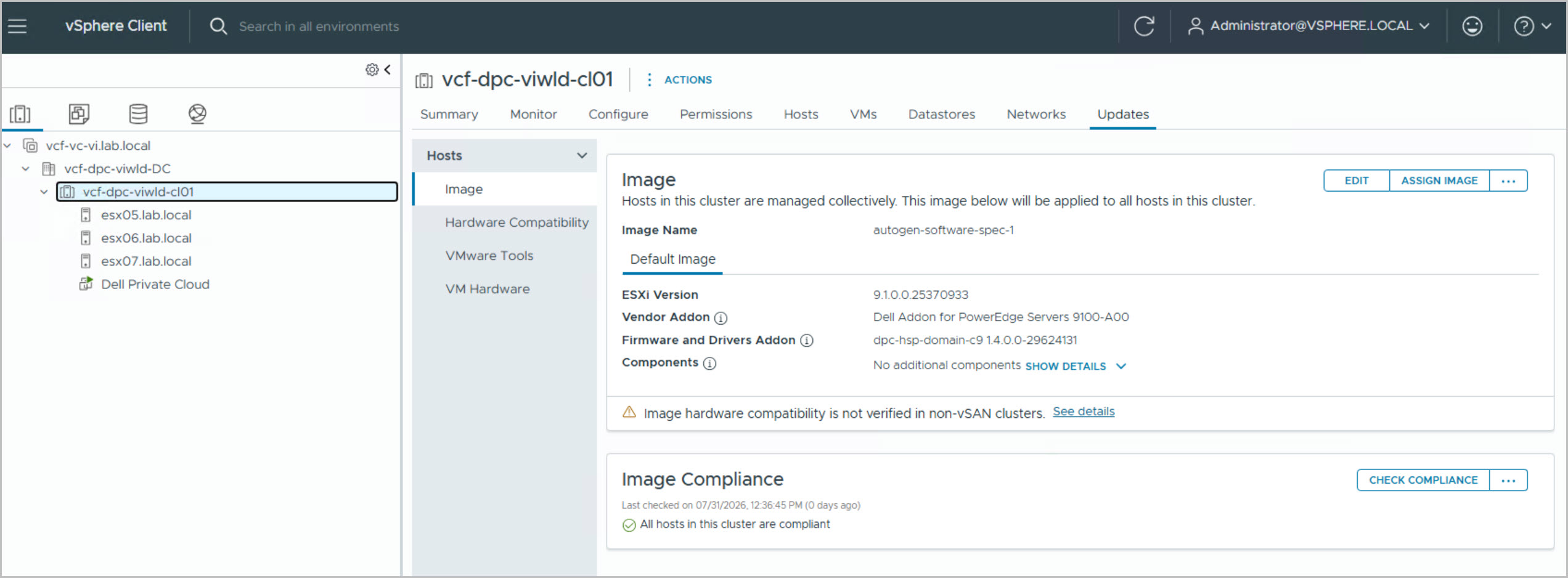
Once cluster initialization completes, the workflow transitions into the Parallel Remediate phase. During this stage, the Dell-defined desired state is applied to all workload domain hosts. The cluster is automatically assigned a Dell lifecycle-managed image consisting of:
ESXi 9.1
Dell Addon for PowerEdge Servers 9100-A00
DPC Hardware Support Package 1.4
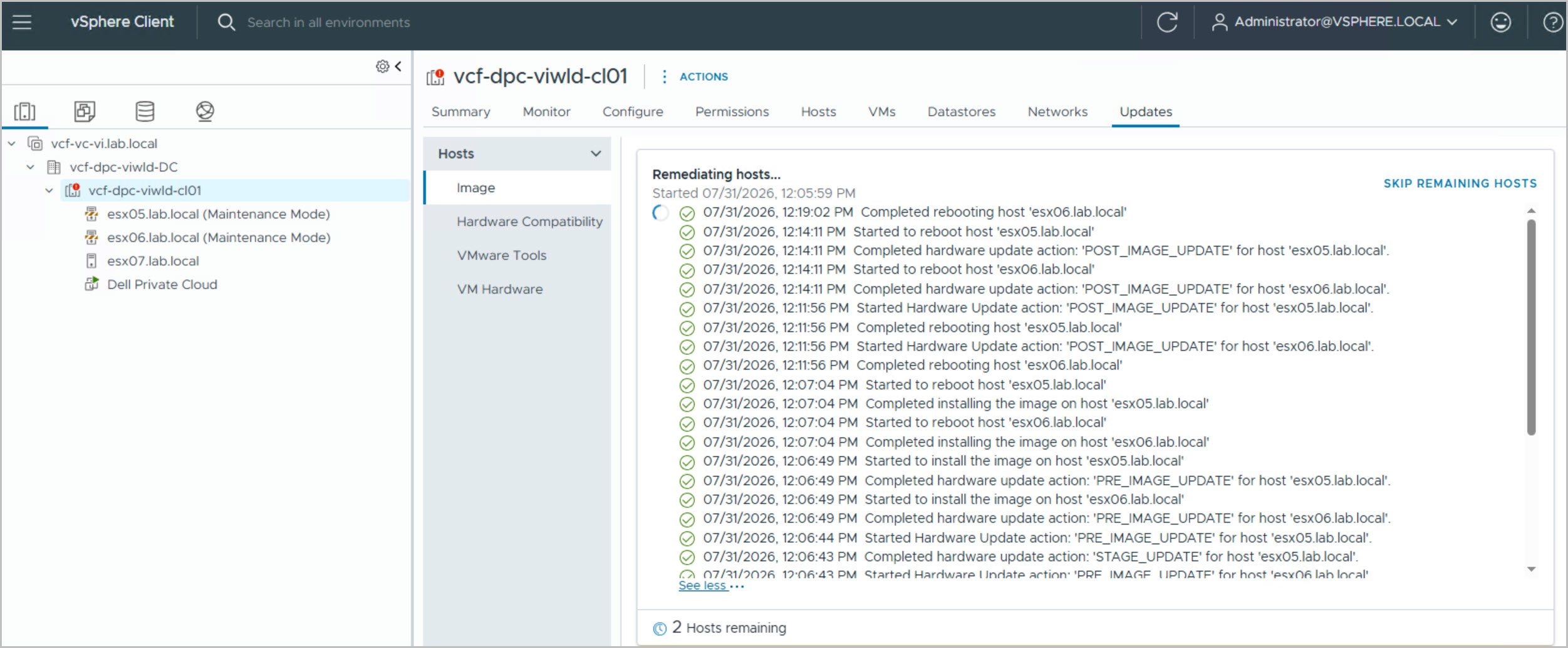
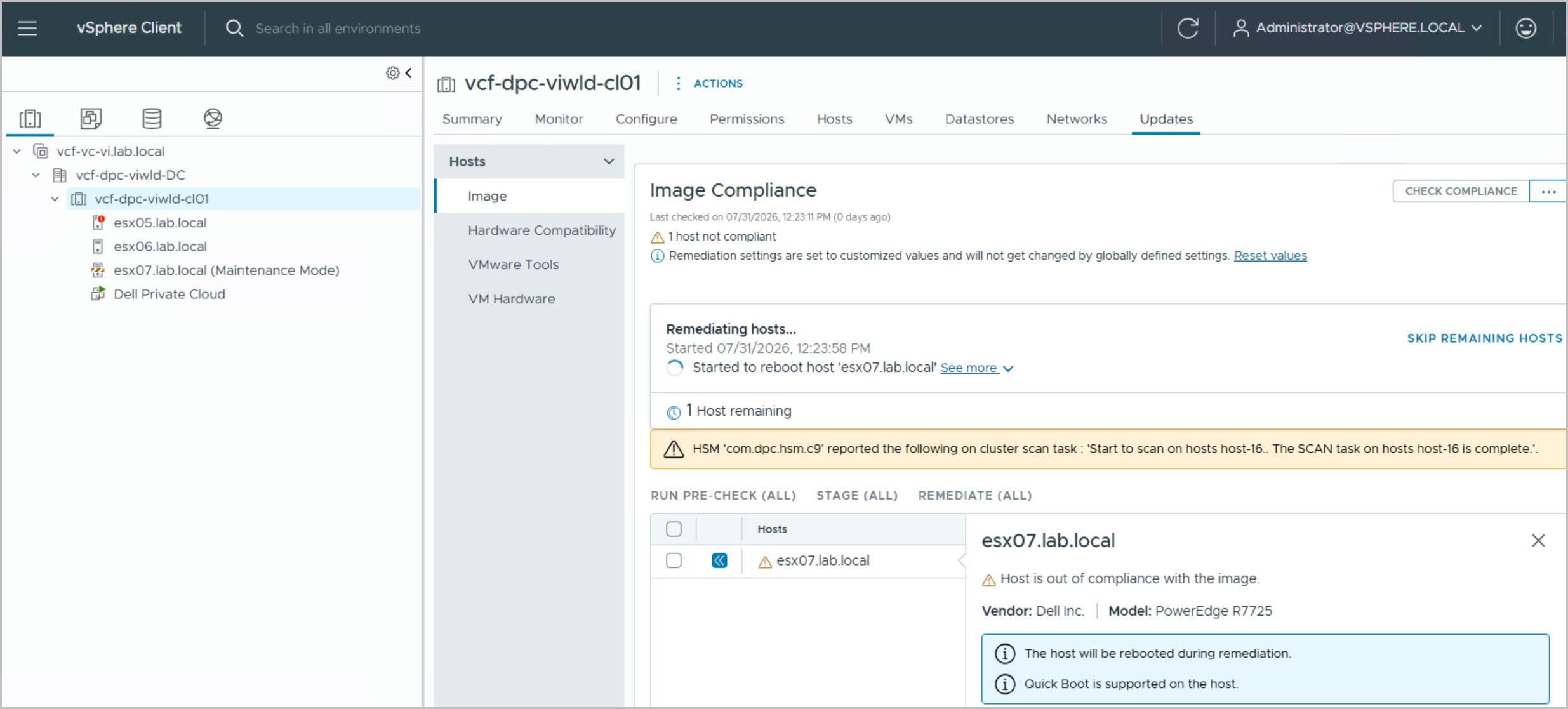
The hosts are sequentially placed into maintenance mode while firmware staging, driver validation, hardware compatibility checks, ESXi image installation, post-image firmware updates, and host reboots are performed. Throughout remediation, it is normal to observe hosts entering maintenance mode, rebooting, and occasionally showing as Not Responding while updates are applied.
The remediation history displayed in vSphere Lifecycle Manager provides visibility into operations such as:
UPDATE_PRE_CHECK
STAGE_UPDATE
PRE_IMAGE_UPDATE
ESXi image installation
POST_IMAGE_UPDATE
Host reboot operations
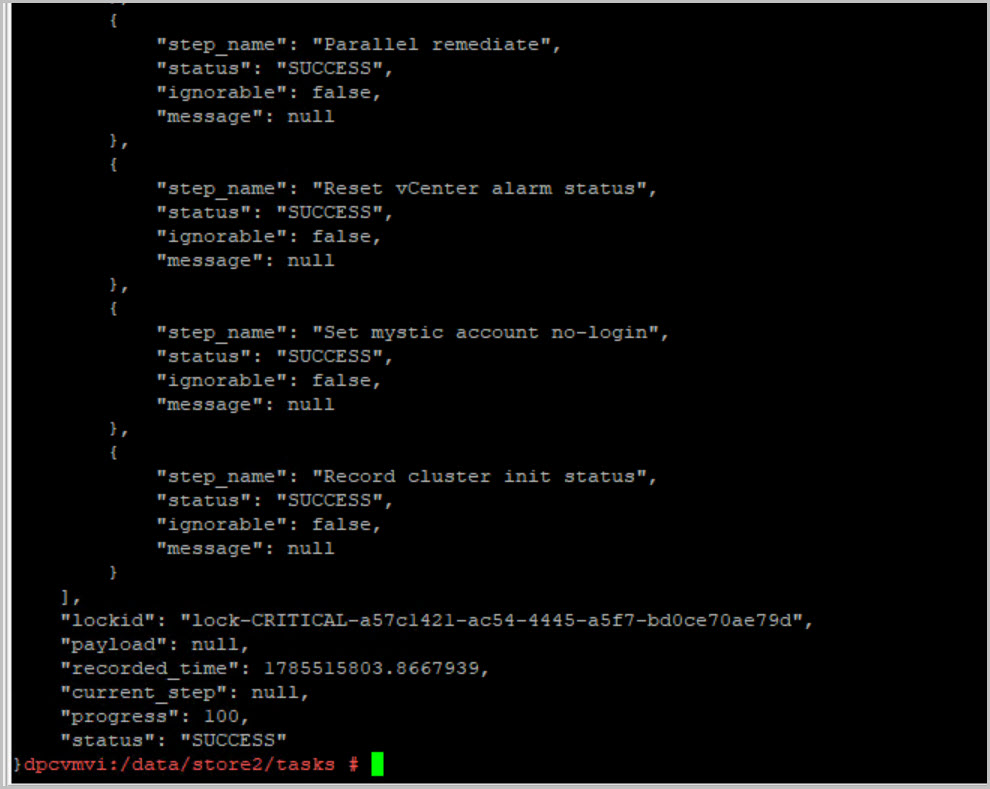
The cluster initialization logs continue tracking progress until remediation completes successfully. The cluster initialization record eventually reports:
“progress”: 100,
“status”: “SUCCESS”
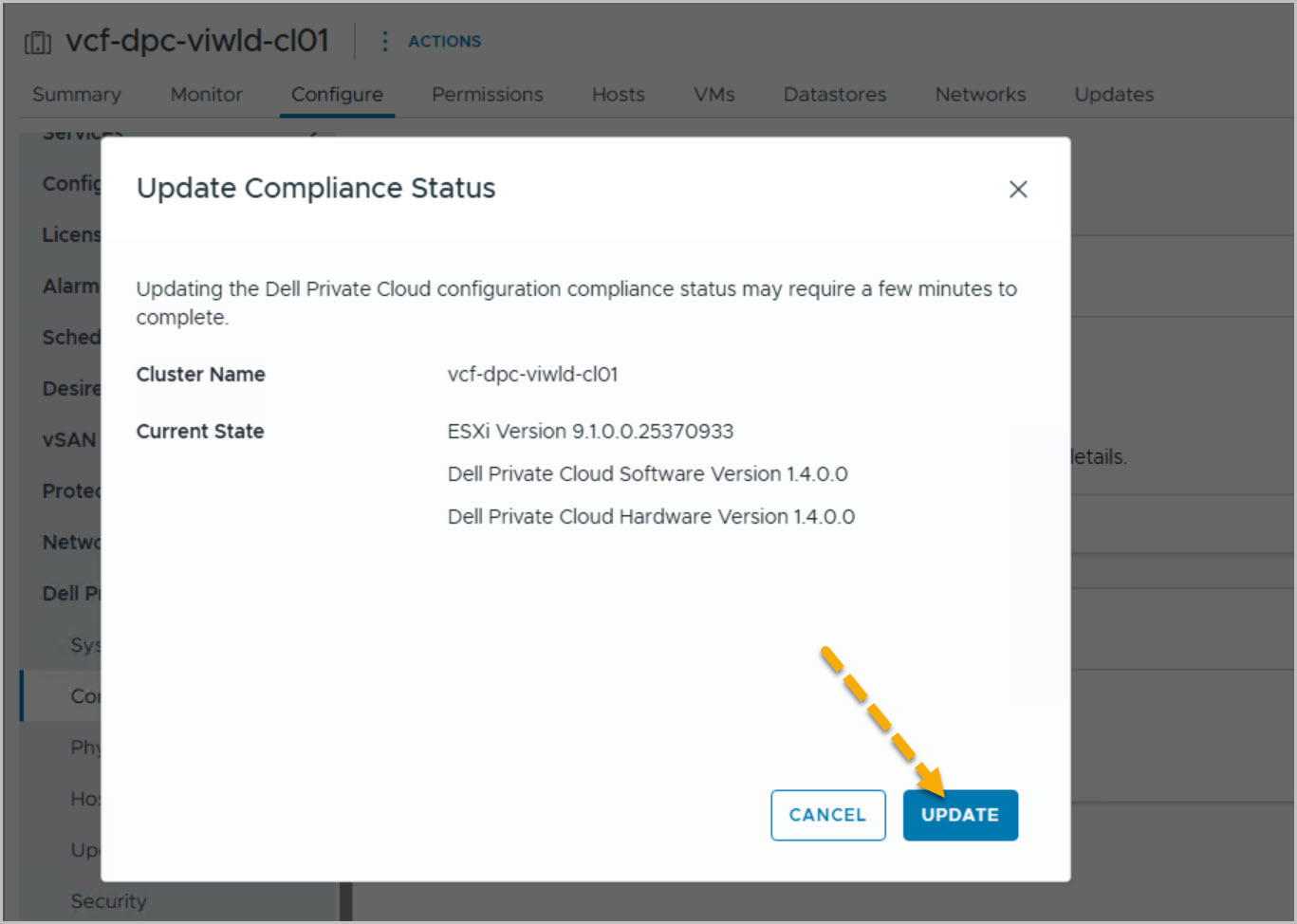
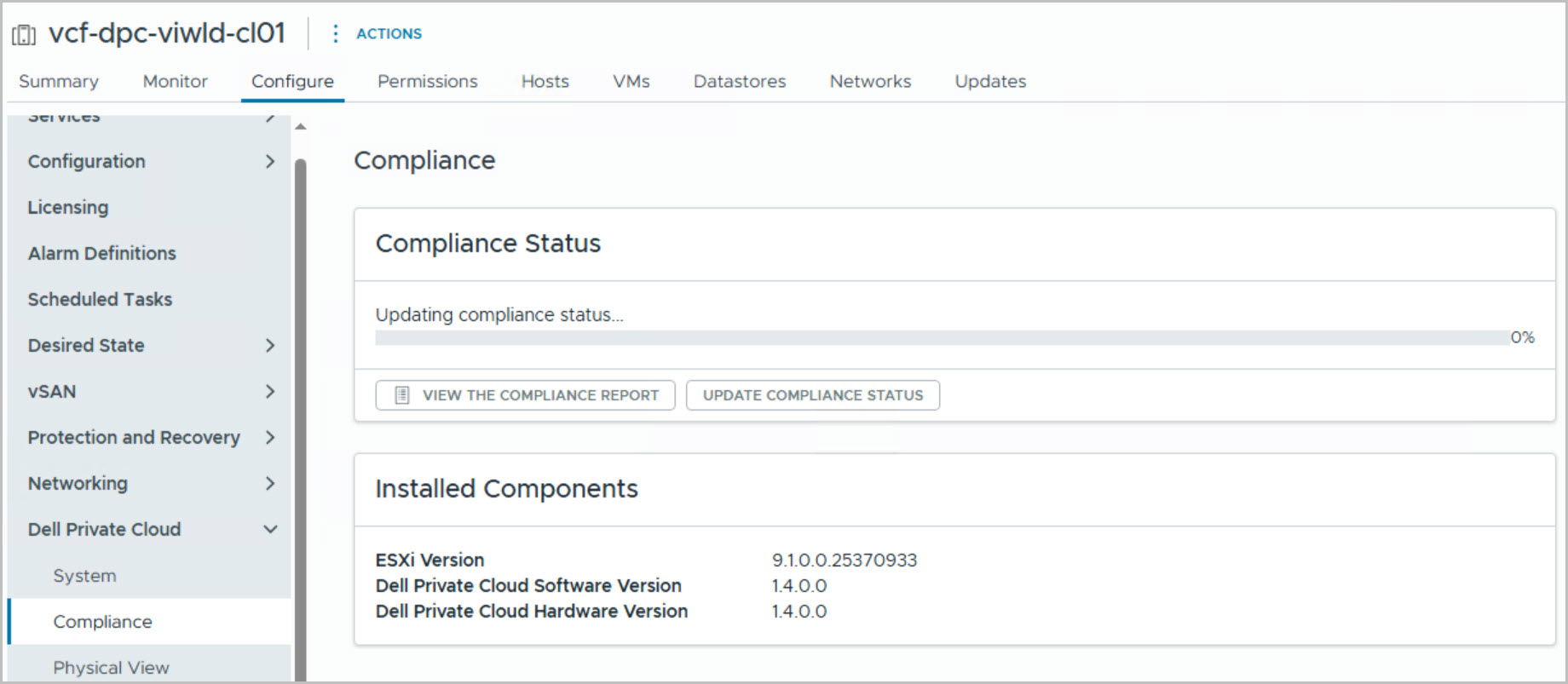
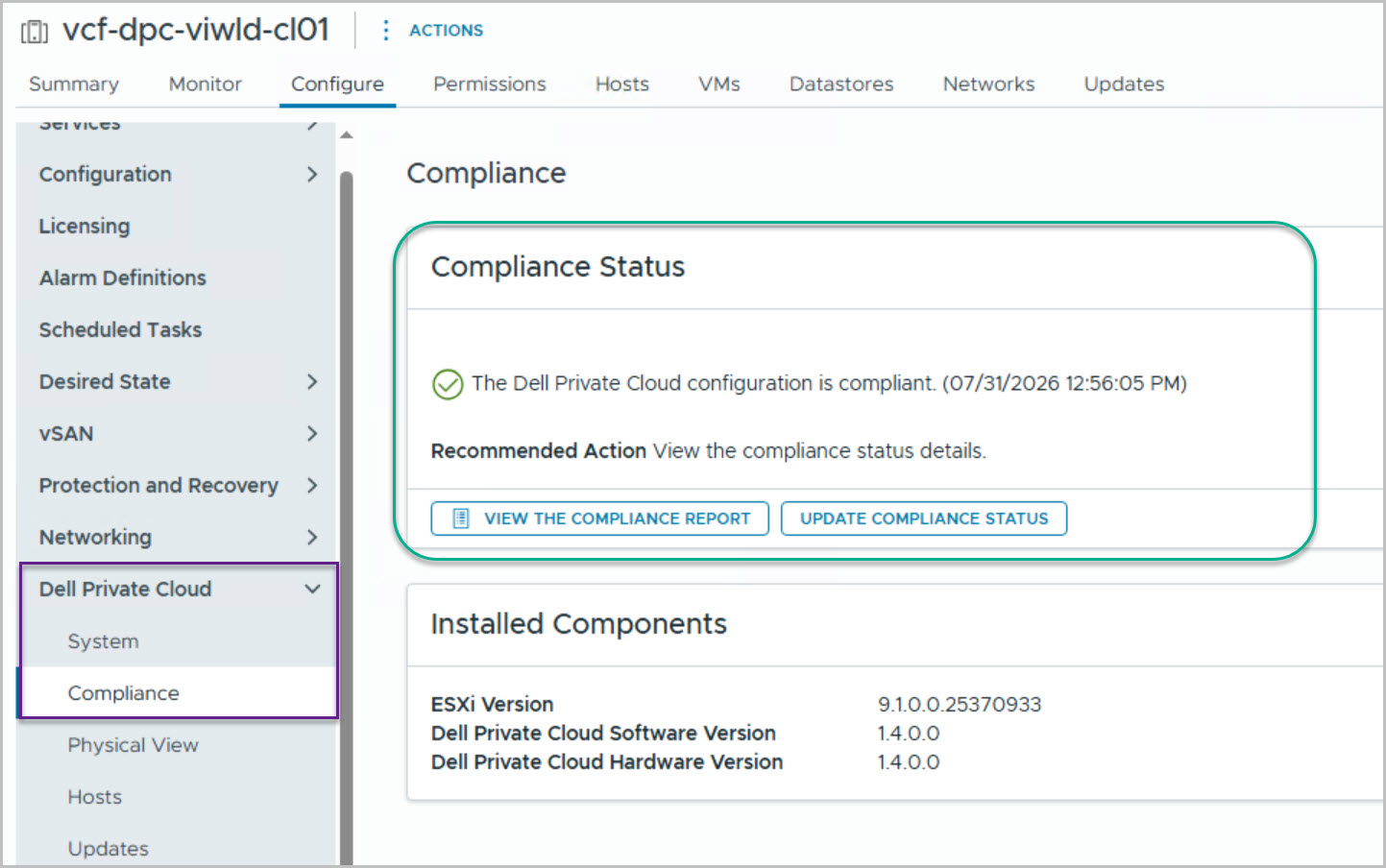
A final compliance check within vSphere Lifecycle Manager confirms: All hosts in this cluster are compliant. and all workload domain hosts now report compliance against the assigned Dell image.
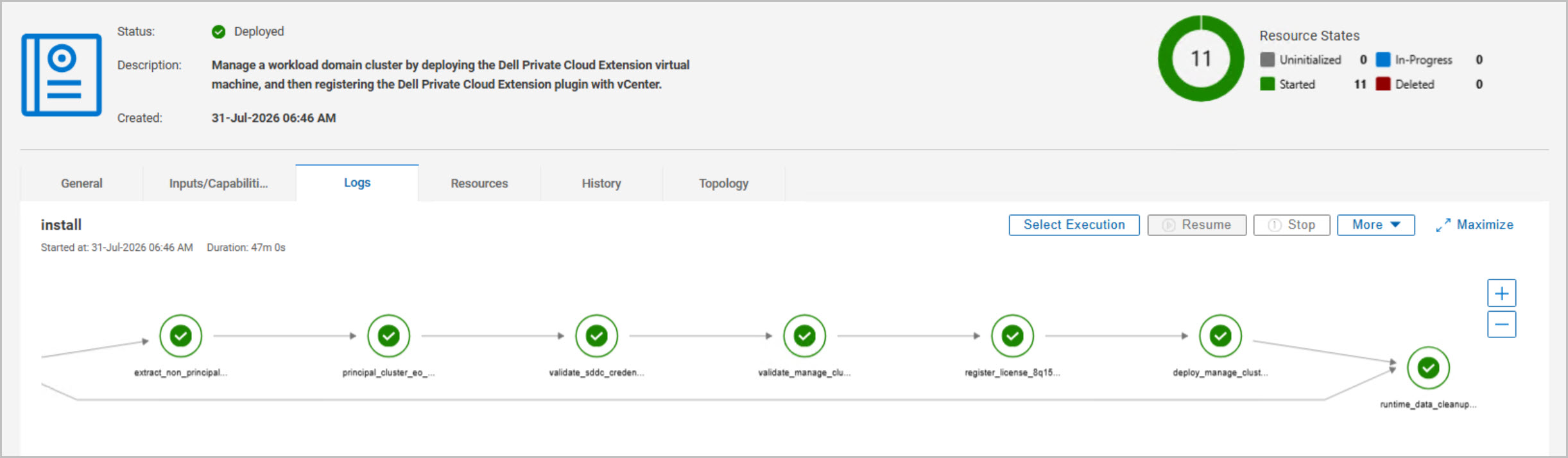
The DAPO execution graph ultimately shows every workflow stage completing successfully, the deployment transitions to Deployed, and runtime cleanup is performed. The Dell Private Cloud Extension is now fully registered within the workload domain vCenter and the cluster is visible as a managed Dell Private Cloud cluster.
At the completion of the workflow, the vcf-dpc-viwld-cl01 workload domain gains:
Dell Private Cloud Extension integration
Lifecycle-managed cluster images
Automated firmware and driver compliance
Host lifecycle management
Cluster expansion workflows
Compliance monitoring
Dell operational automation
VMware Cloud Foundation integration
Day-2 operational capabilities
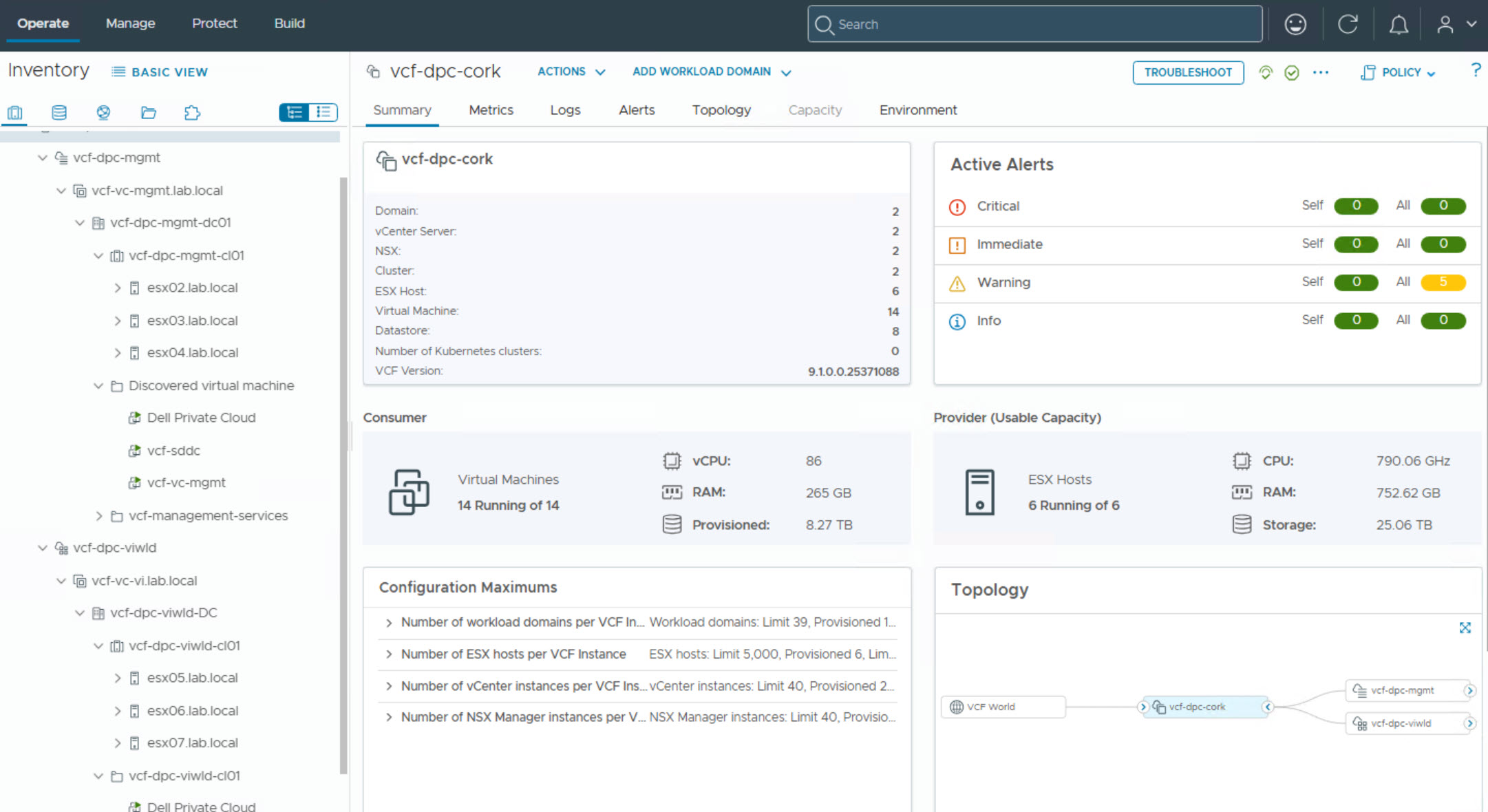
With the Manage Cluster workflow complete, the VI Workload Domain is fully onboarded into the Dell Private Cloud ecosystem and operating in a validated, compliant, and fully supported state. This marks the completion of the workload domain onboarding process and establishes the cluster as a Dell-managed environment ready for ongoing operations, lifecycle management, and future expansion.
















8 Comments »