Note: this is an example for reference only please use the DELL installation procedures provided by Dell and referenced below. PART1 PART2 PART3 PART4 PART5 PART6 PART7 PART8 PART9 This […]
Note: this is an example for reference only please use the DELL installation procedures provided by Dell and referenced below.
VMware Cloud Foundation on Dell Private Cloud 1.4 delivers a turnkey experience for deploying a fully integrated private cloud platform. Using Dell Automation Platform and Orchestrator (DAPO), much of the infrastructure provisioning and configuration is automated, helping administrators move from bare-metal infrastructure to a production-ready VCF environment with minimal manual effort. In this walkthrough, we’ll examine the key deployment stages, from platform preparation and orchestration setup through to the deployment of the VCF Management Workload Domain
Deploy & Configure: Dell Automation Platform and Orchestrator
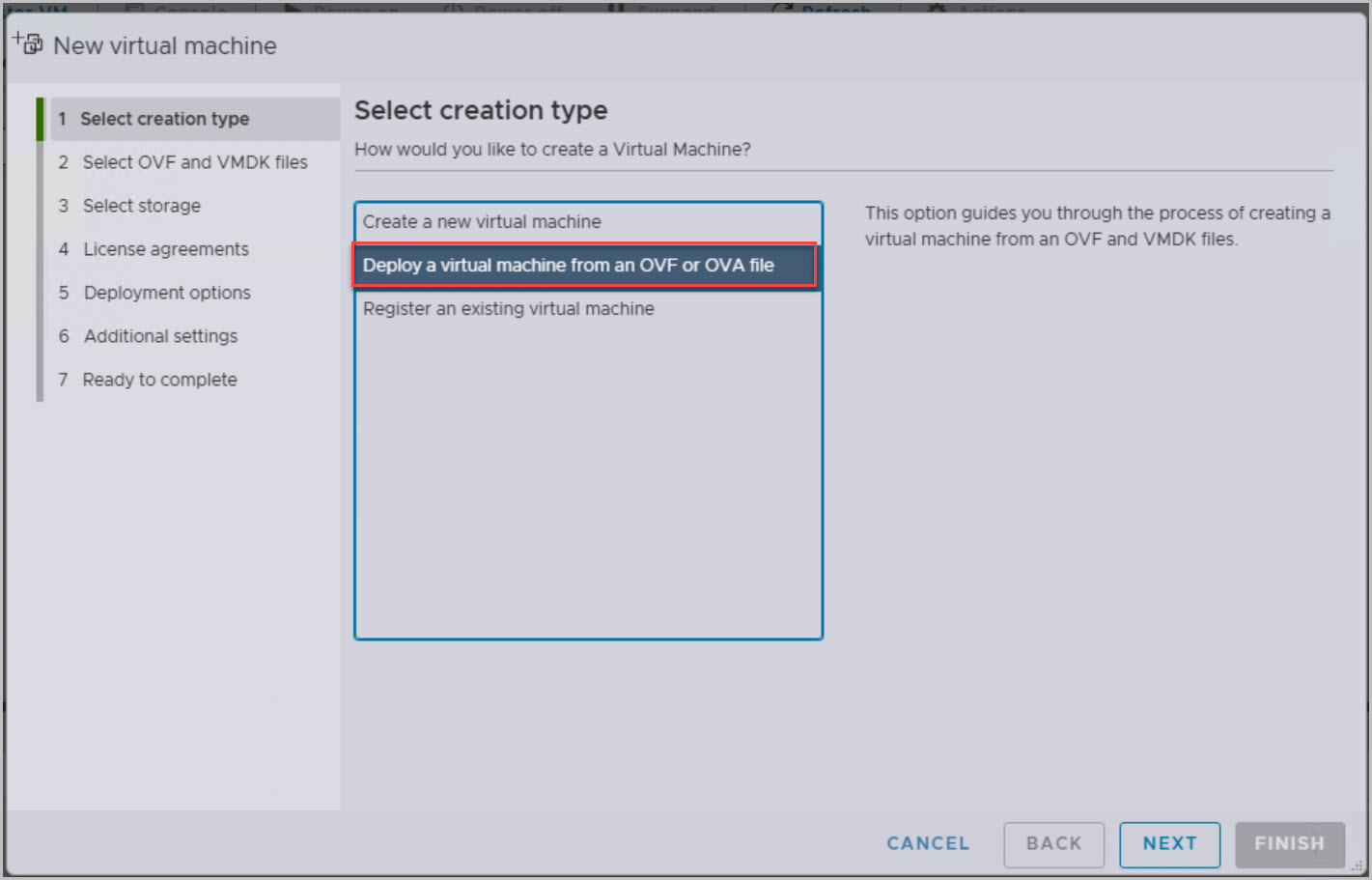
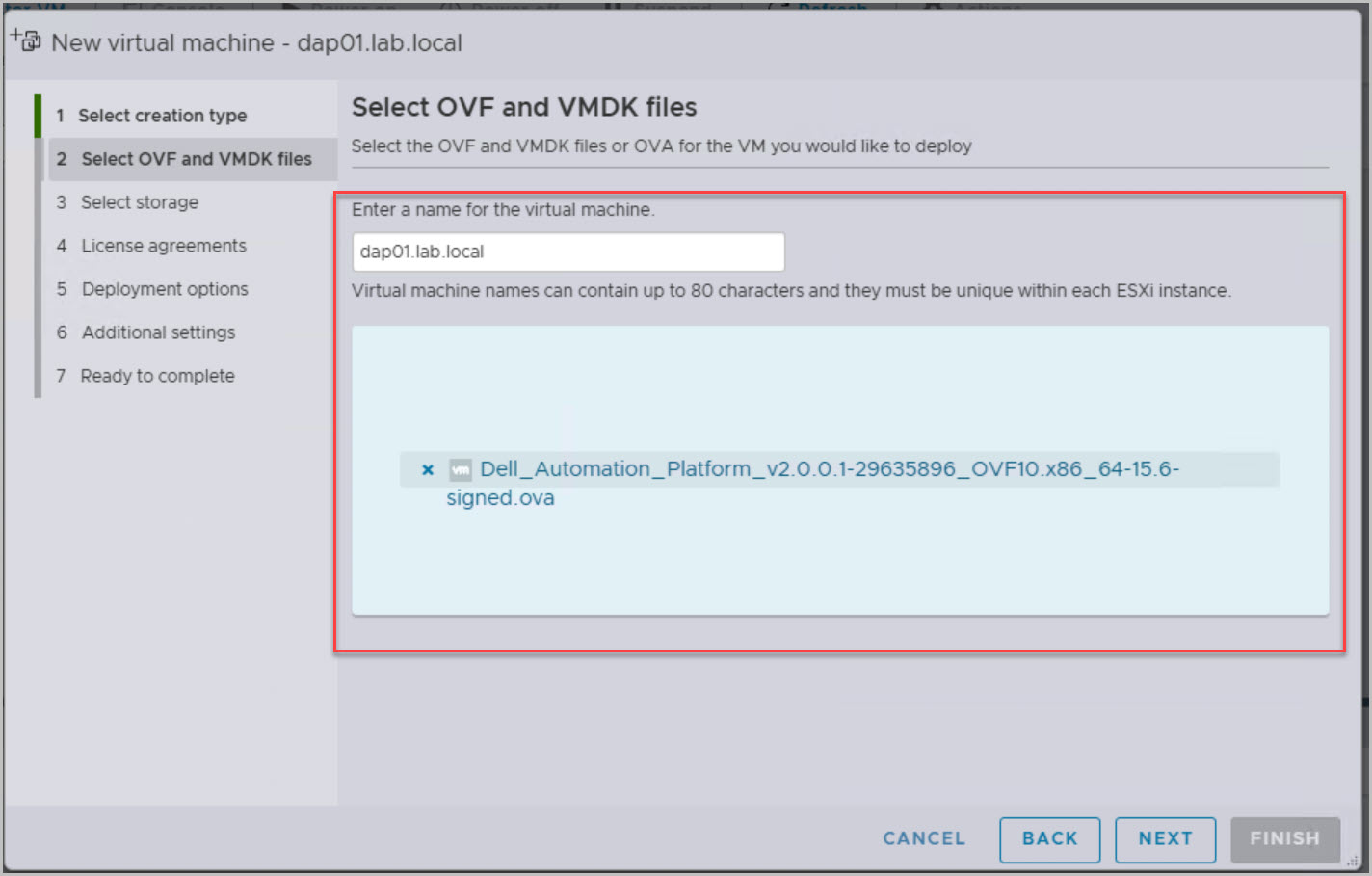
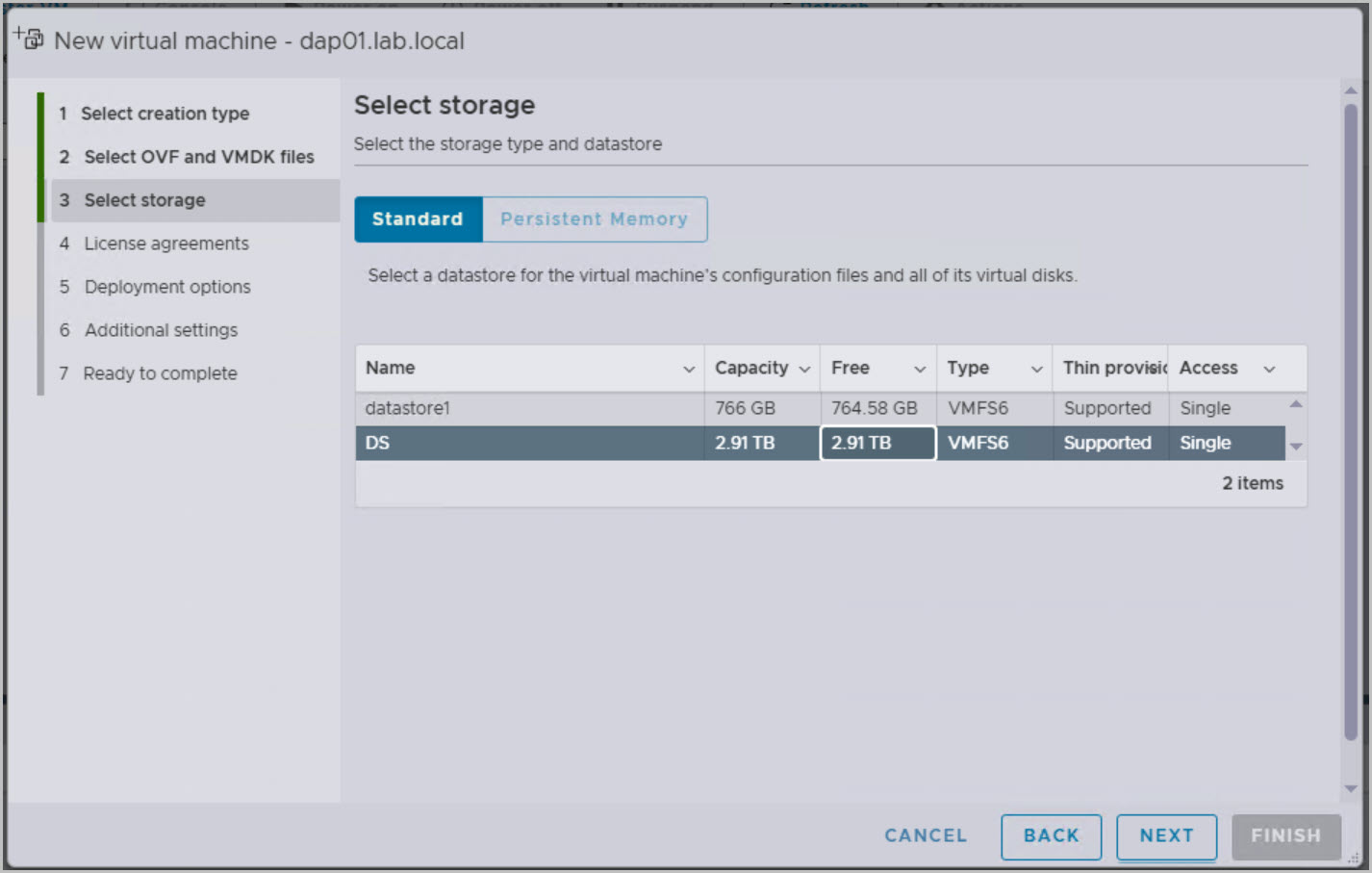
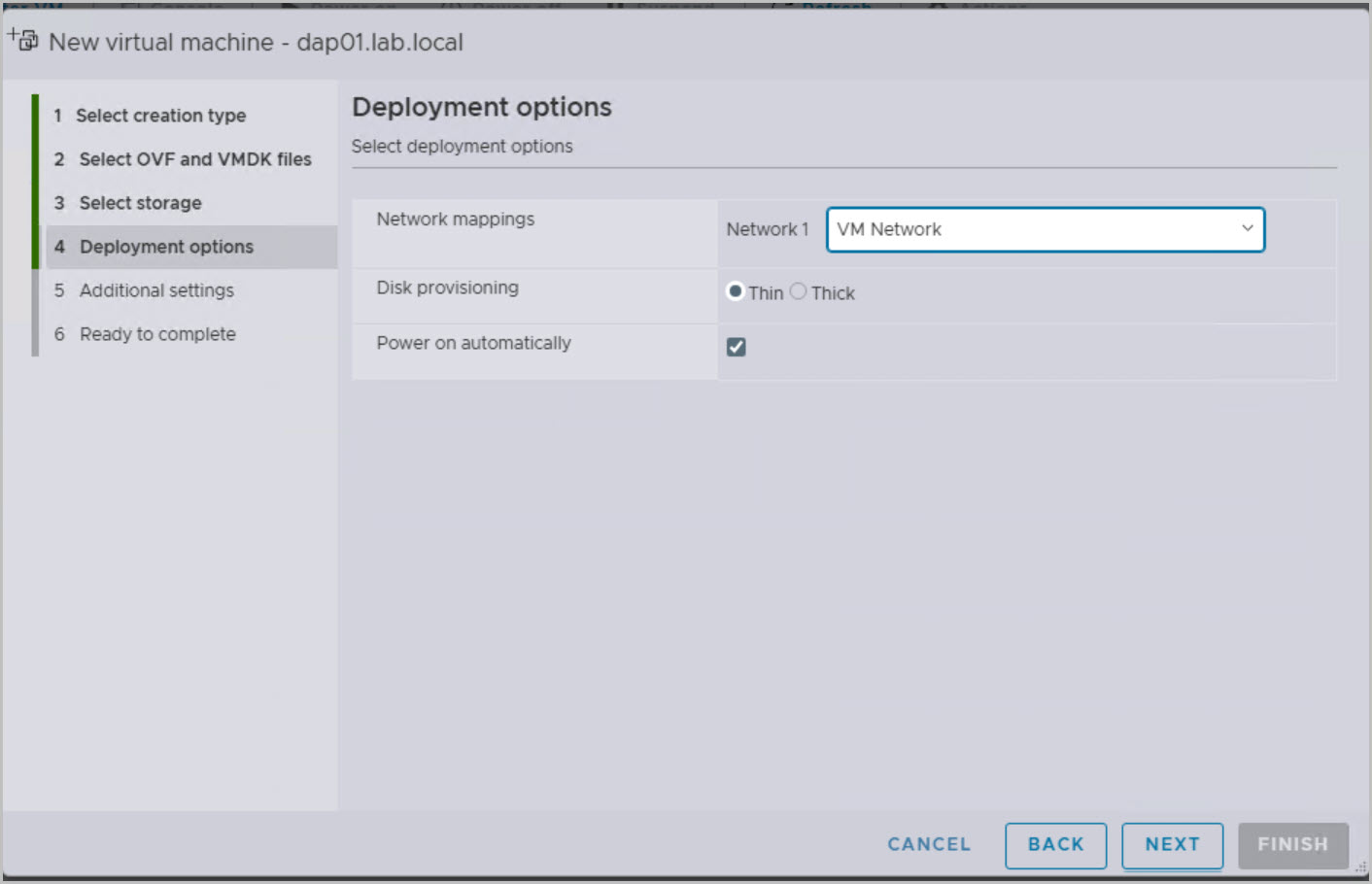
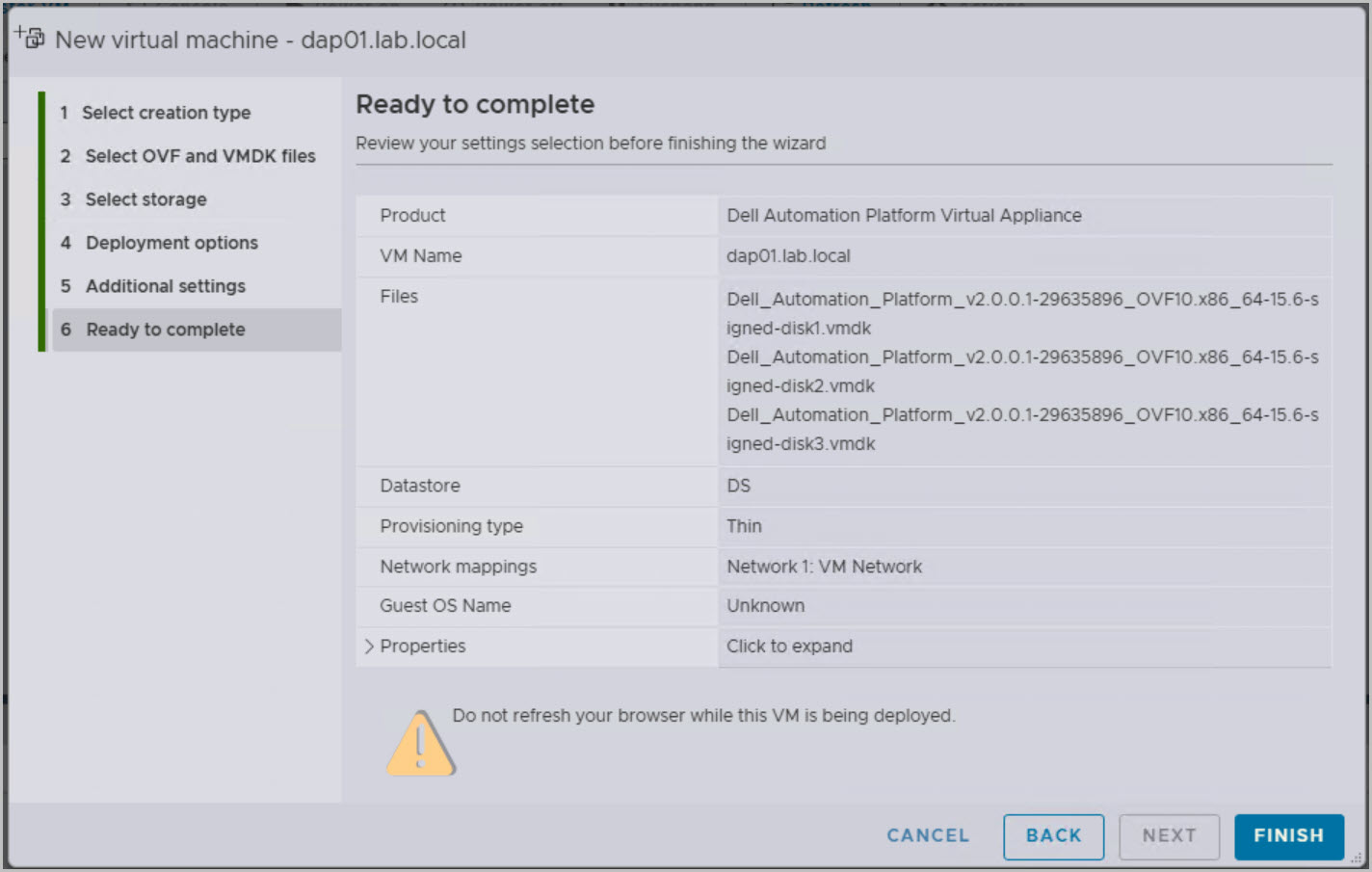
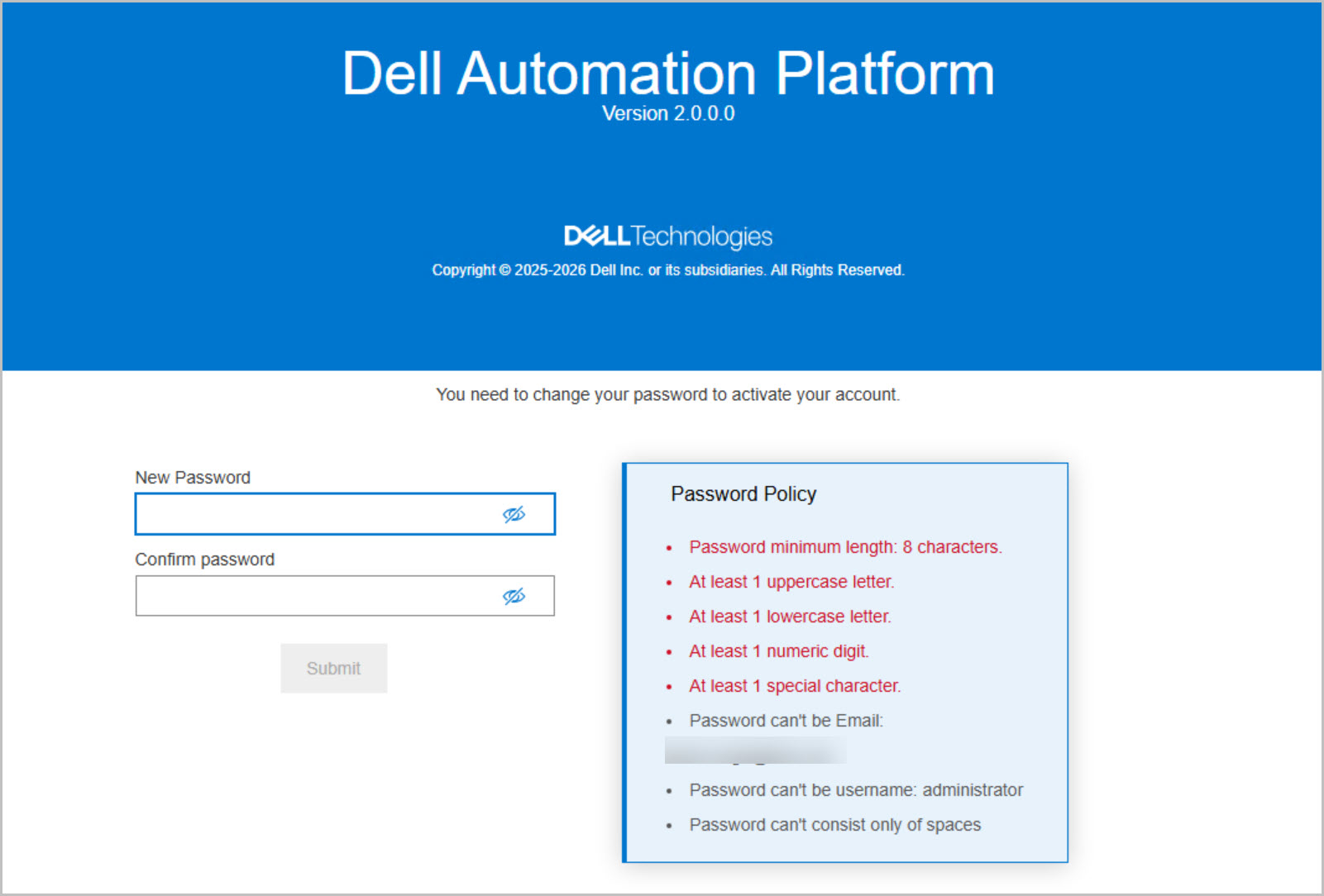
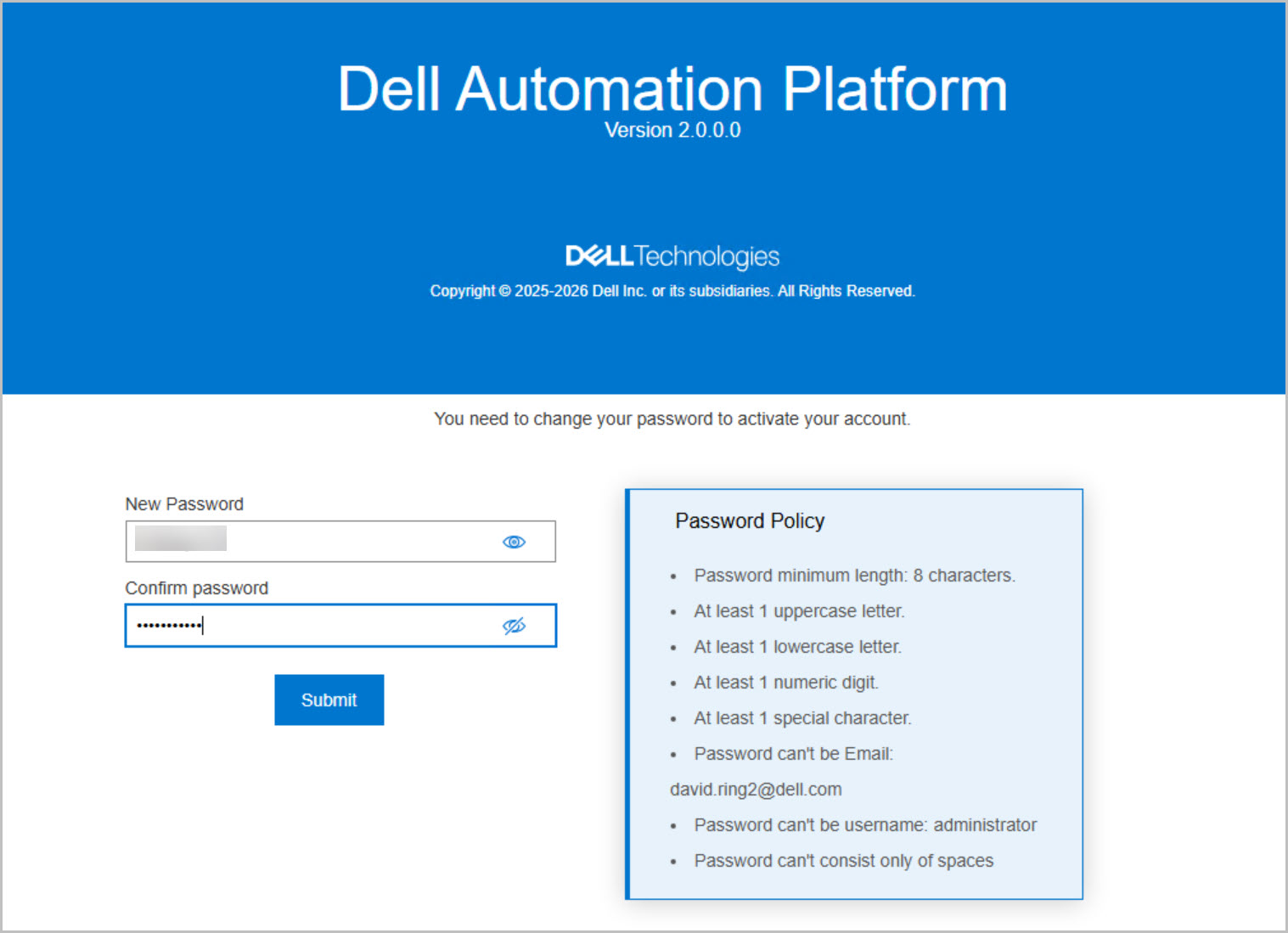
The first step in the VCF 9.1 on DPC 1.4 deployment is to deploy the Dell Automation Platform and Orchestrator (DAPO) OVA to a supported ESX or vCenter host (ESX in this example). DAPO provides the automation and orchestration services that will be used throughout the deployment, including infrastructure discovery, validation, and VCF deployment workflows.
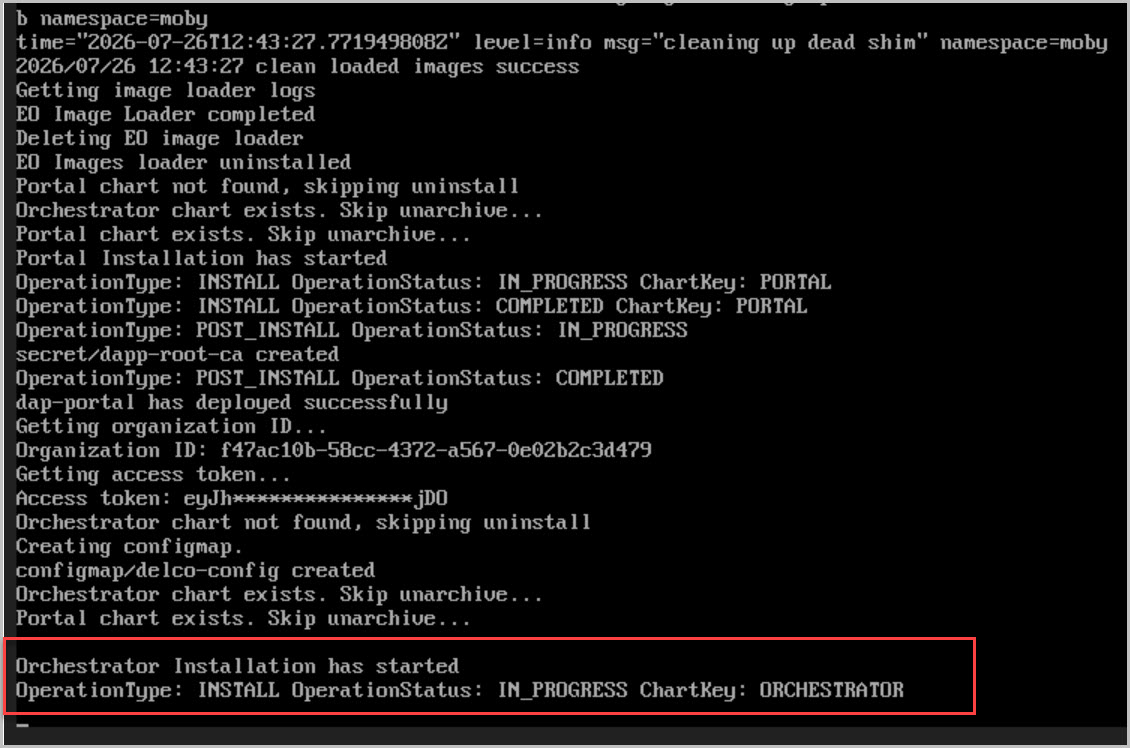
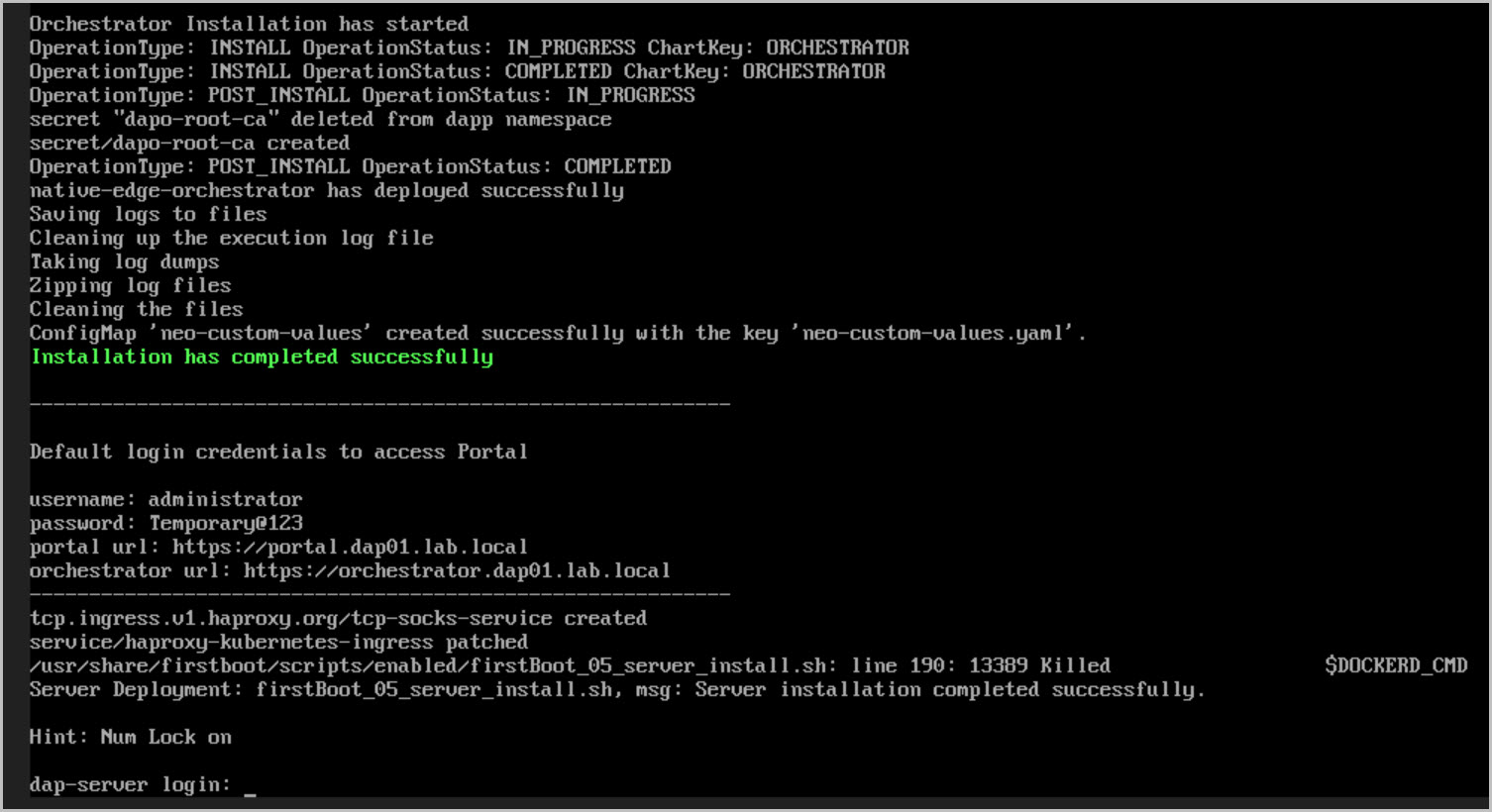
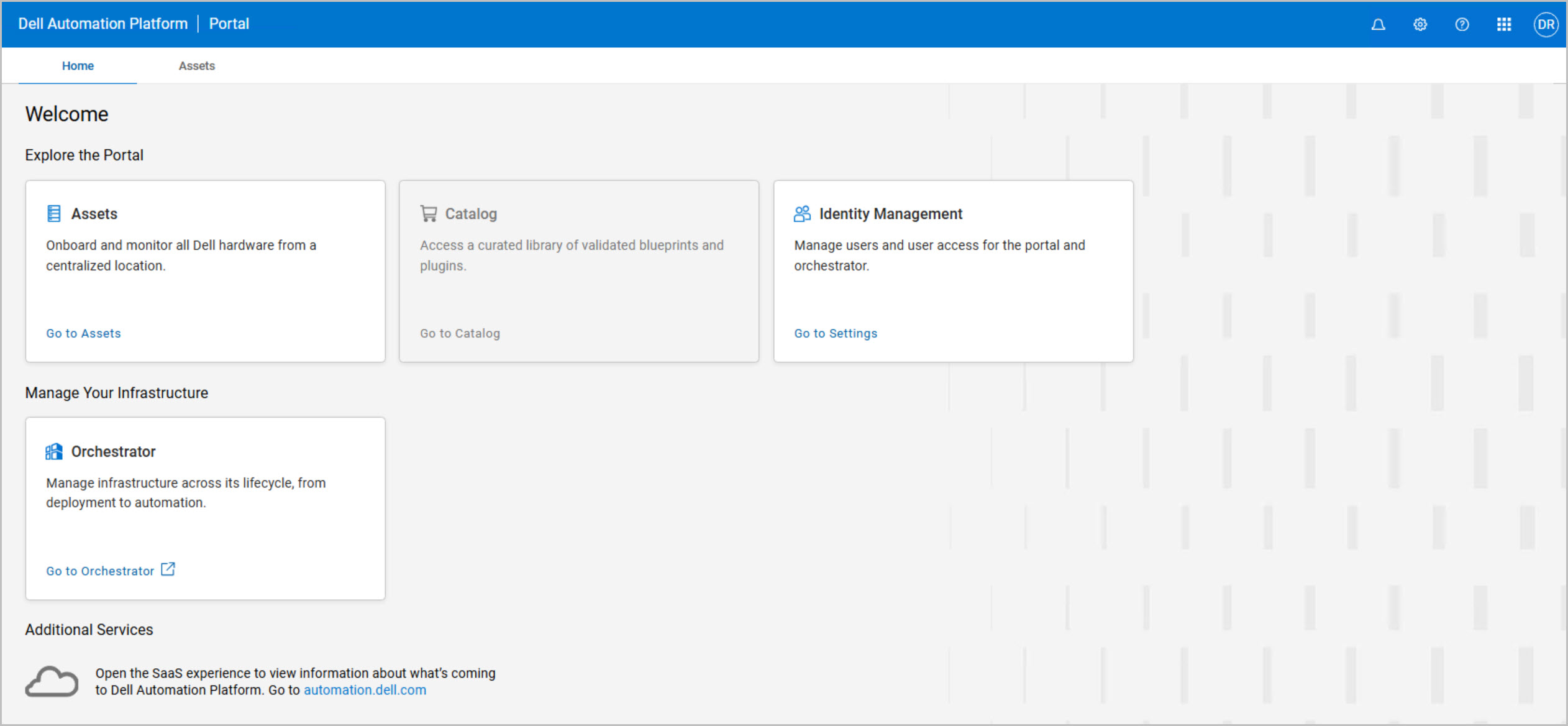
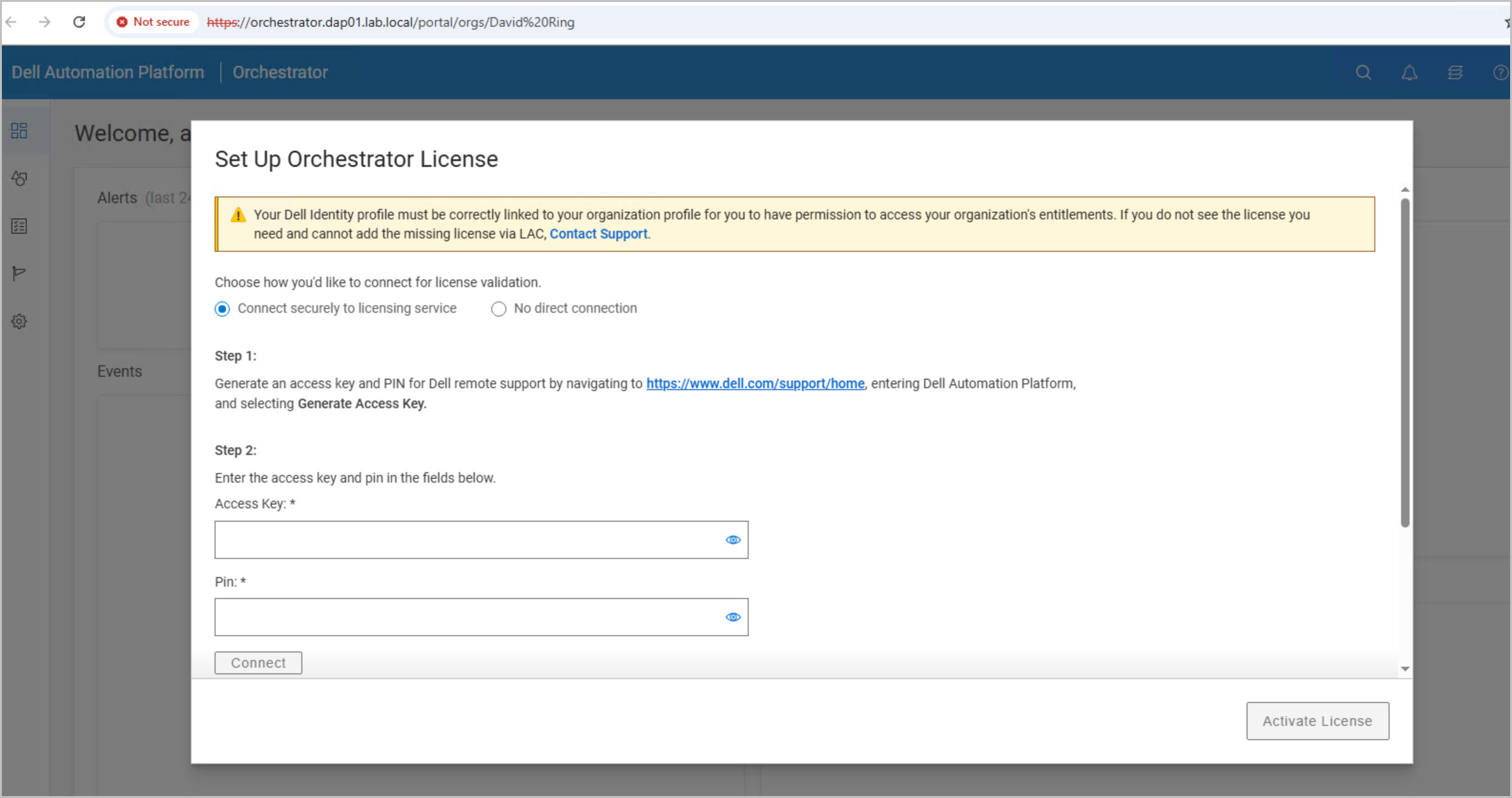
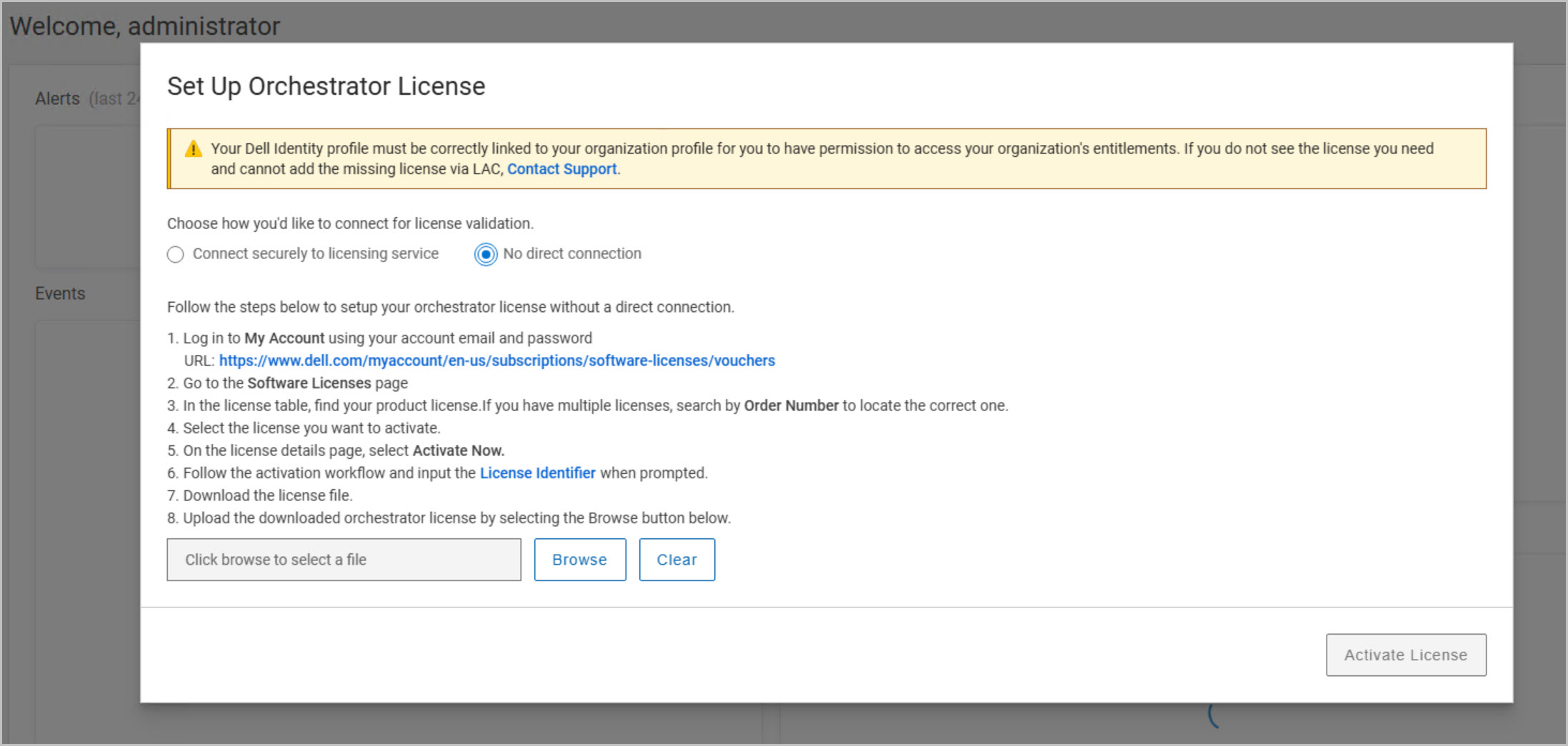
While the OVA deployment itself only takes a few minutes, the appliance requires additional time to initialize services and complete orchestrator configuration. Plan for approximately one hour before DAPO is fully operational and ready for use.
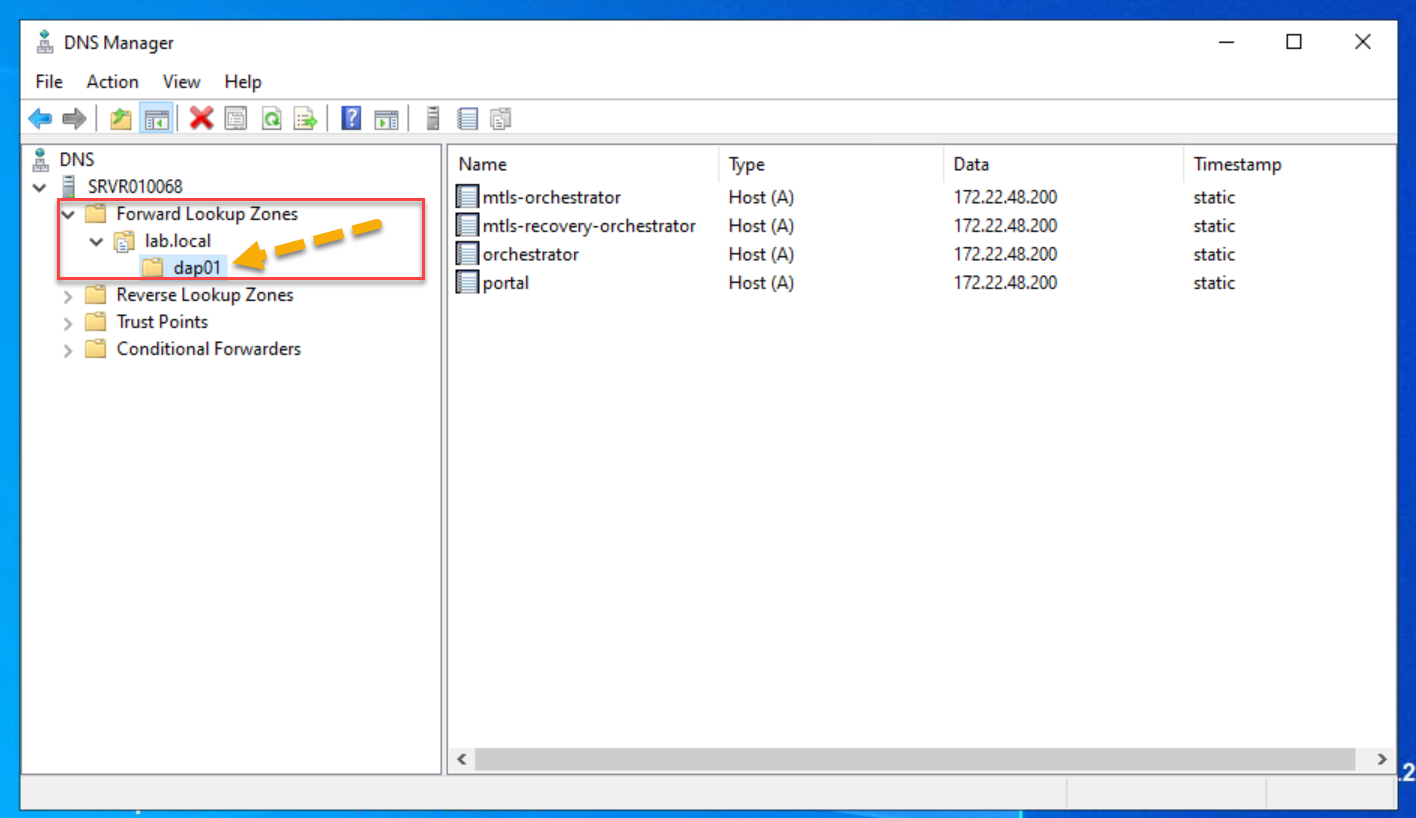
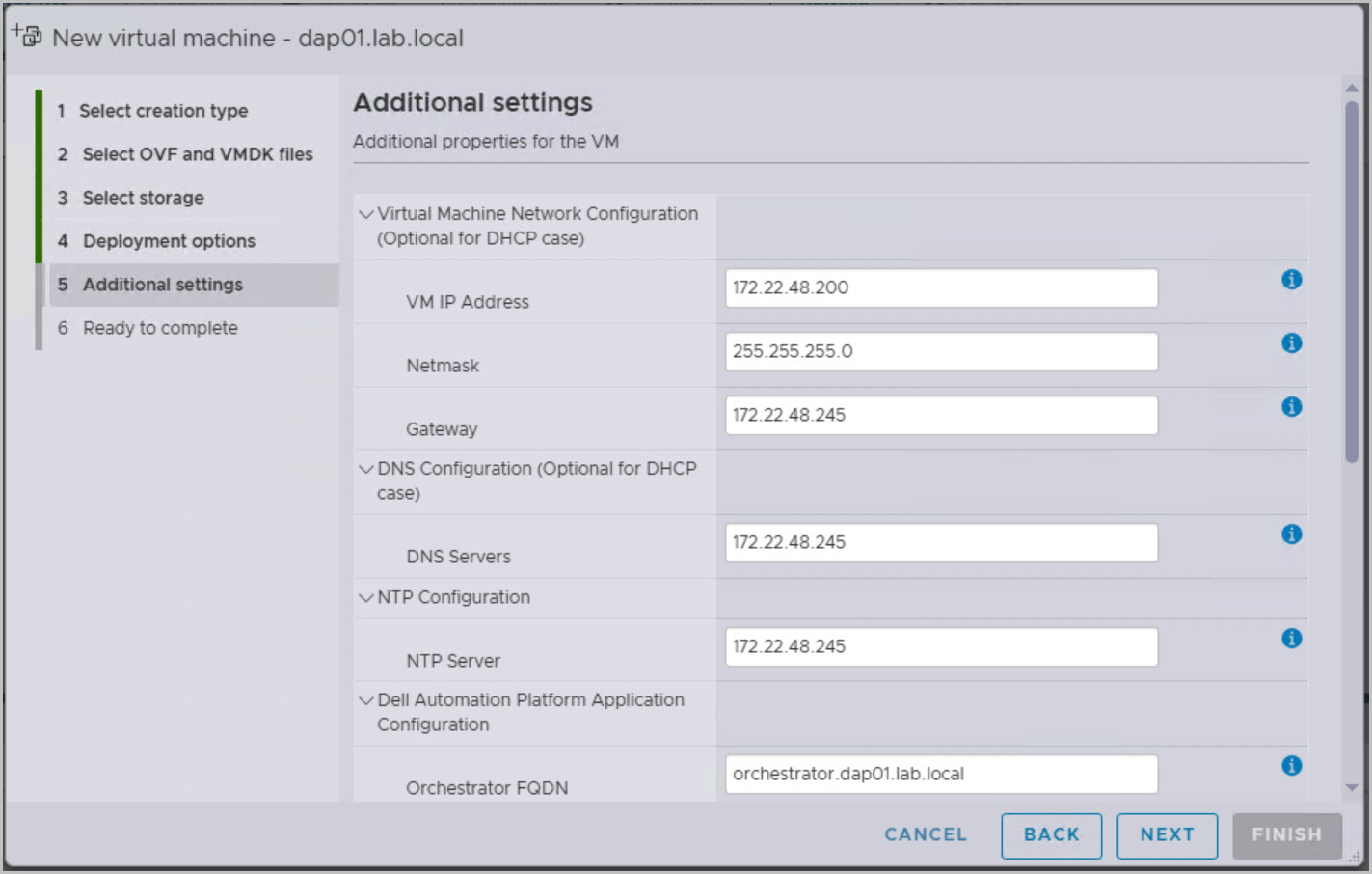
Pre-Deployment Validation Checklist: Before powering on the DAPO appliance, take a few minutes to verify that all prerequisite services and configuration details are correct. Confirm that the DNS server IP address is accurate and that the required DNS records have been created in advance of the DAPO deployment. In Microsoft DNS, dap01.lab.local typically exists as a Forward Lookup Zone. The Forward Lookup Zone in Microsoft DNS and is also used as the cookie domain by the Dell Automation Platform:
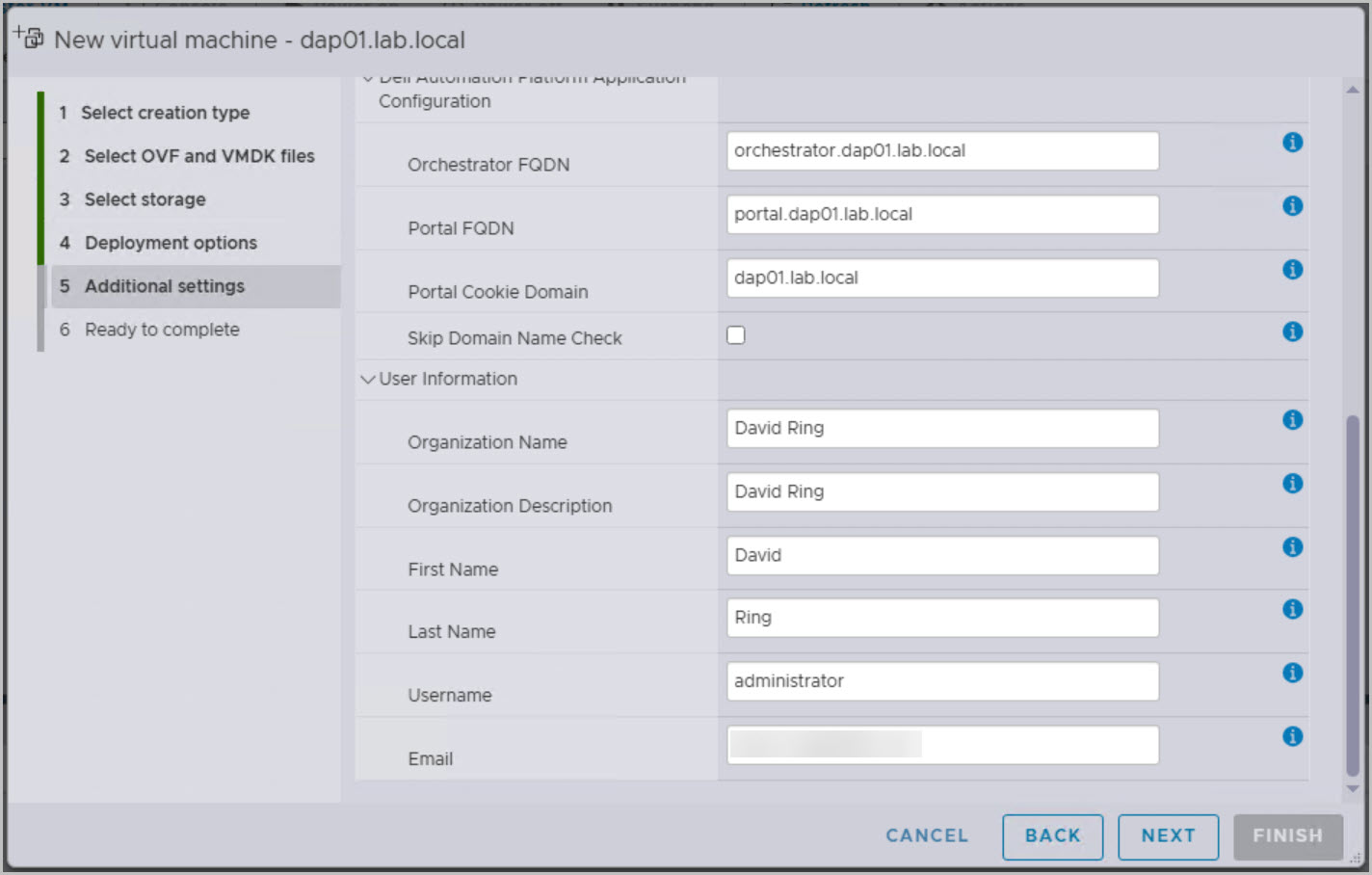
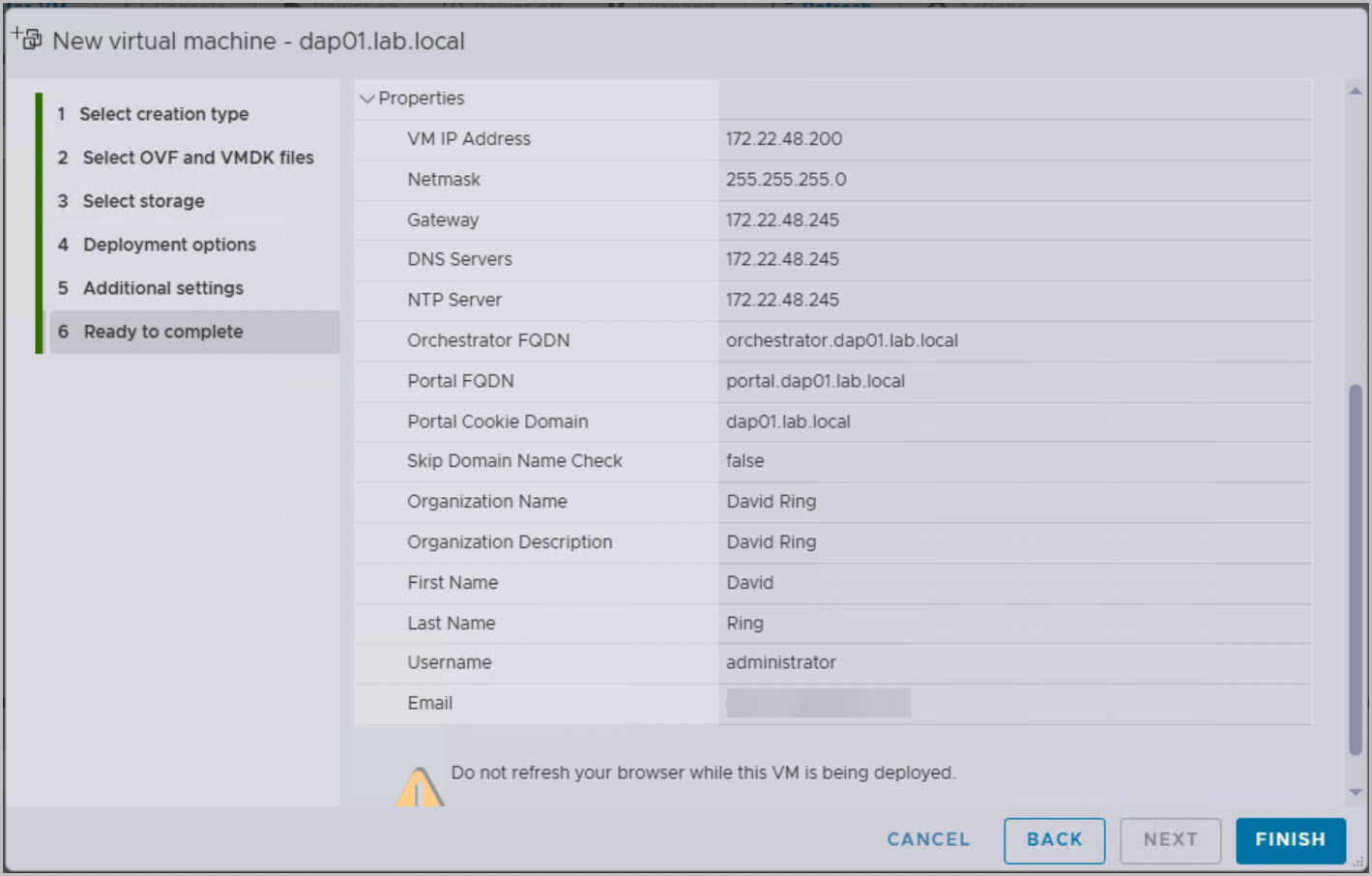
In a DAPO (Dell Automation Platform) deployment, the Portal Cookie Domain defines the DNS namespace used by the platform’s core services. The value specified during deployment becomes the domain suffix for all DAPO service FQDNs and is also used by the platform for cookie-based authentication and session management.
Correct DNS resolution is critical for a successful deployment. Failure to resolve the required service names can prevent deployment or disrupt communication between DAPO components. Internal services rely on predefined FQDNs within the configured domain for communication between the orchestrator, recovery orchestrator, MTLS services, and portal. Additionally, TLS certificates issued for DAPO components are tied to these FQDNs. The DNS records and certificate names must align to ensure secure communication and avoid certificate validation errors.
For example, if the Portal Cookie Domain specified during deployment is:
dap01.lab.local
DAPO expects the following DNS records to exist within that domain:
portal.dap01.lab.local
orchestrator.dap01.lab.local
mtls-orchestrator.dap01.lab.local
mtls-recovery-orchestrator.dap01.lab.local
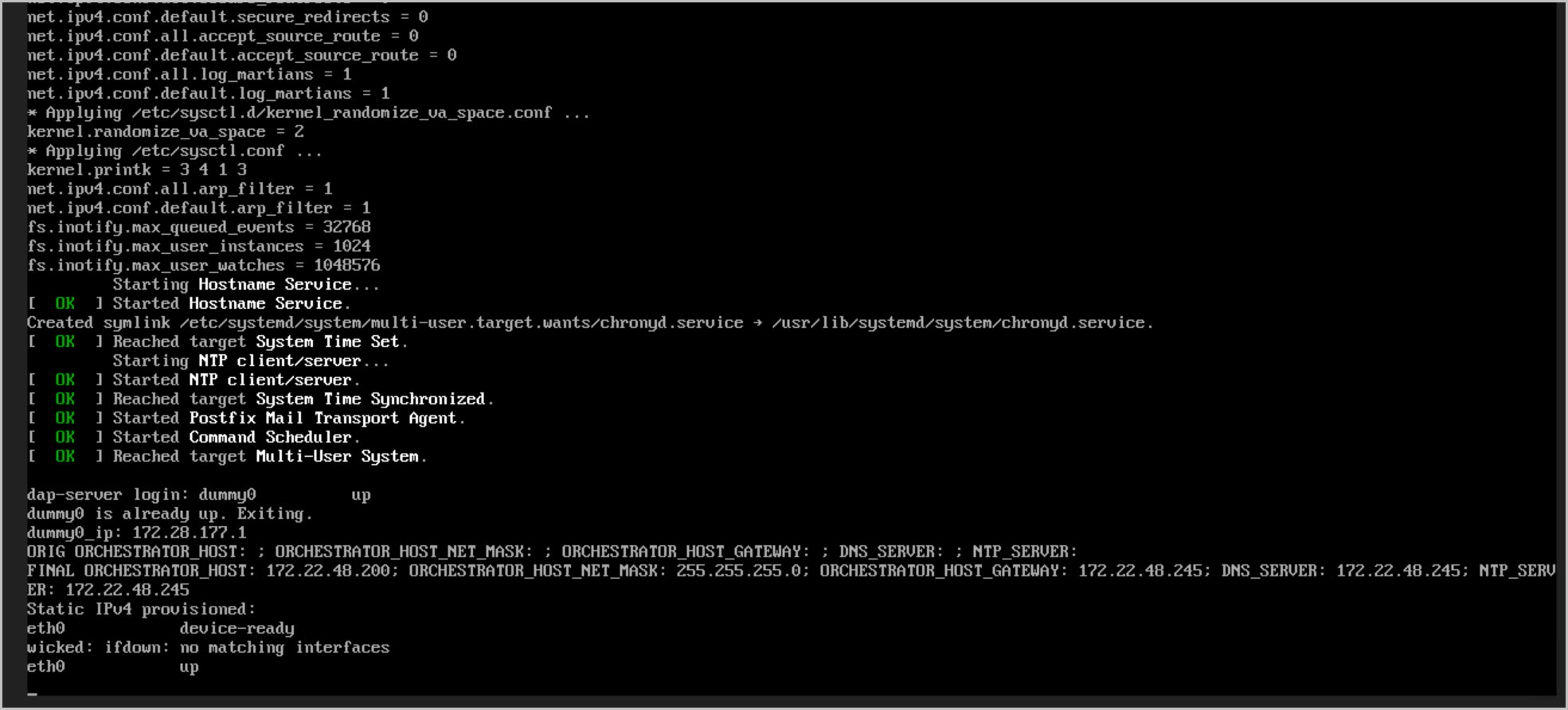
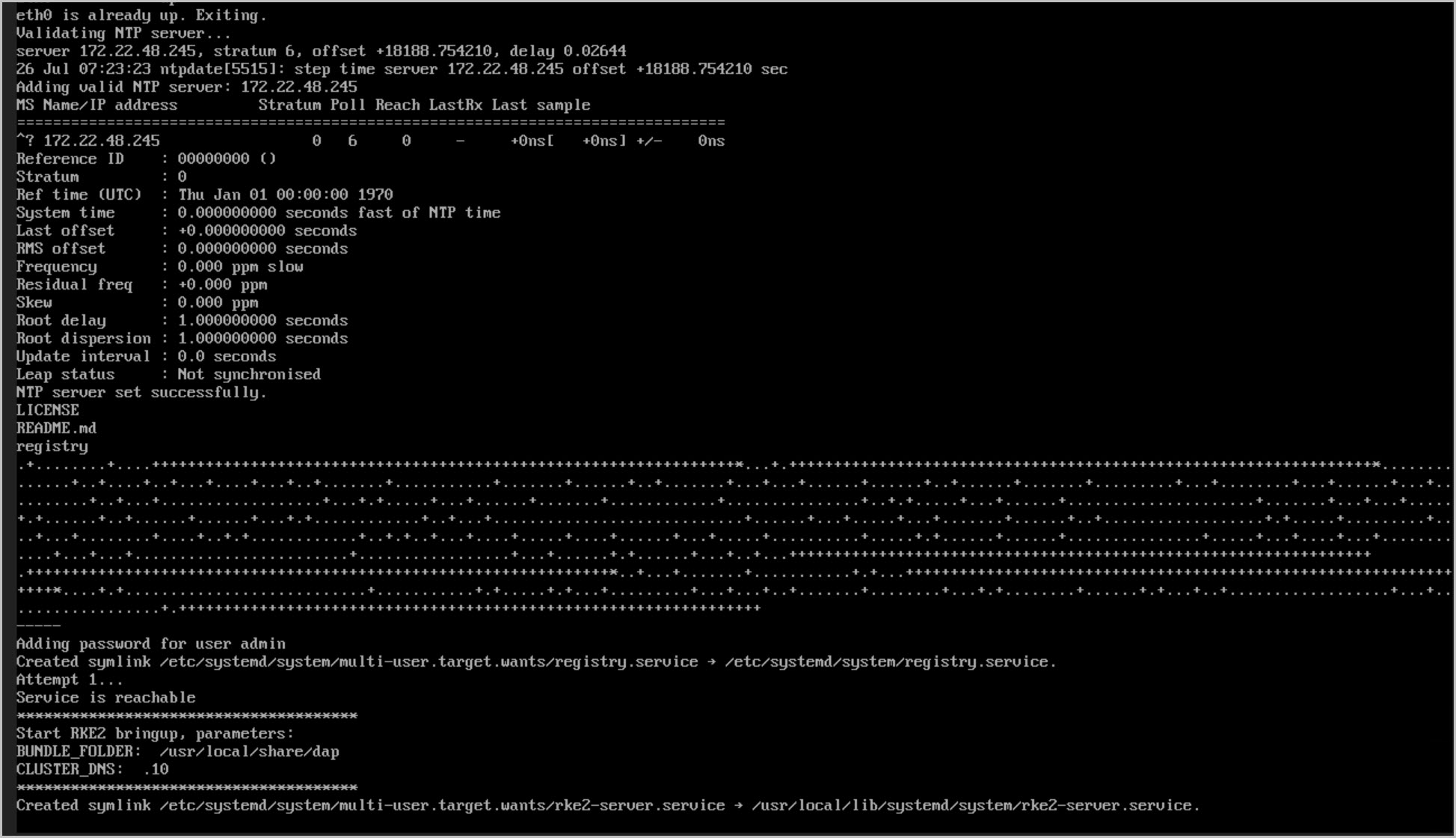
Verify that the configured NTP server is reachable and that time synchronization is functioning correctly. Review the DAPO deployment configuration and confirm that the cookie domain name, DNS settings, NTP settings, static IP address, gateway, subnet mask, first name, last name, email address, and organization details have all been entered correctly. Additionally, ensure that the port group assigned to the DAPO virtual machine is configured with the correct VLAN ID and, once the appliance is powered on, verify network connectivity by successfully pinging the DAPO management IP address. Finally, after the initial boot process completes, review the first boot log located at:
/var/log/firstboot.log
to confirm that the appliance initialization completed successfully and to identify any configuration issues before proceeding with the remainder of the deployment. Completing these checks before proceeding can help prevent many of the common DNS, networking, and initialization issues encountered during DAPO deployment.
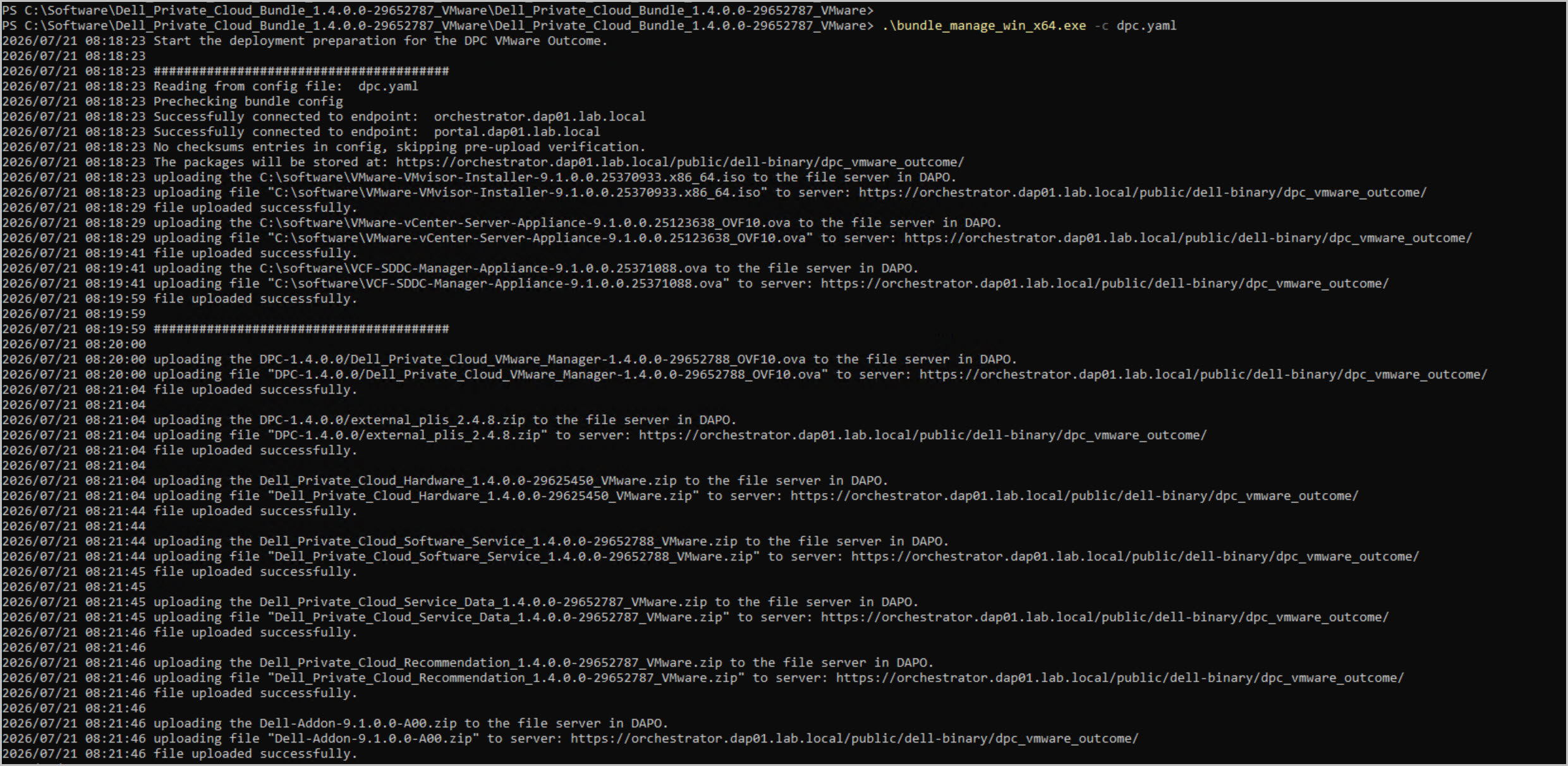
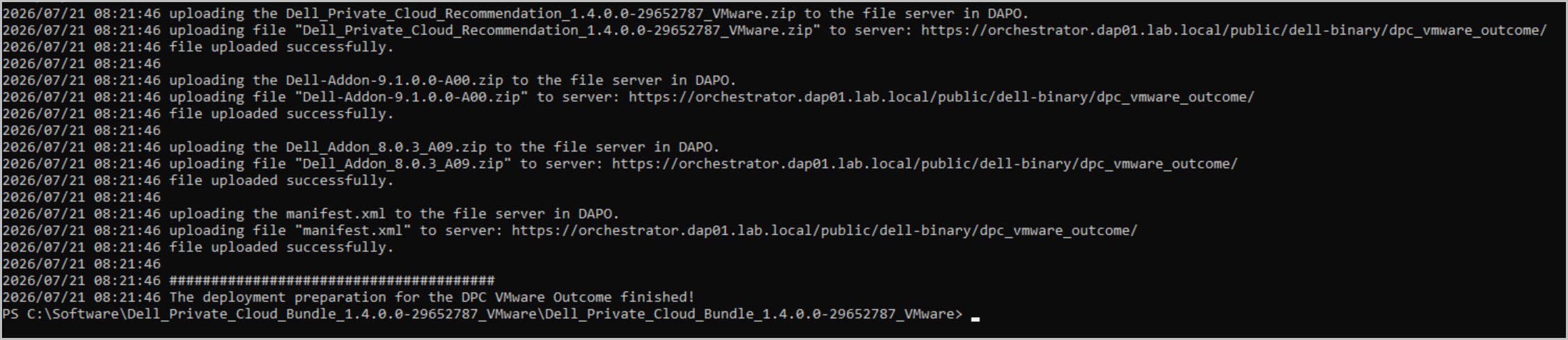
With the bundles uploaded, the next stage is to prepare and validate the infrastructure:
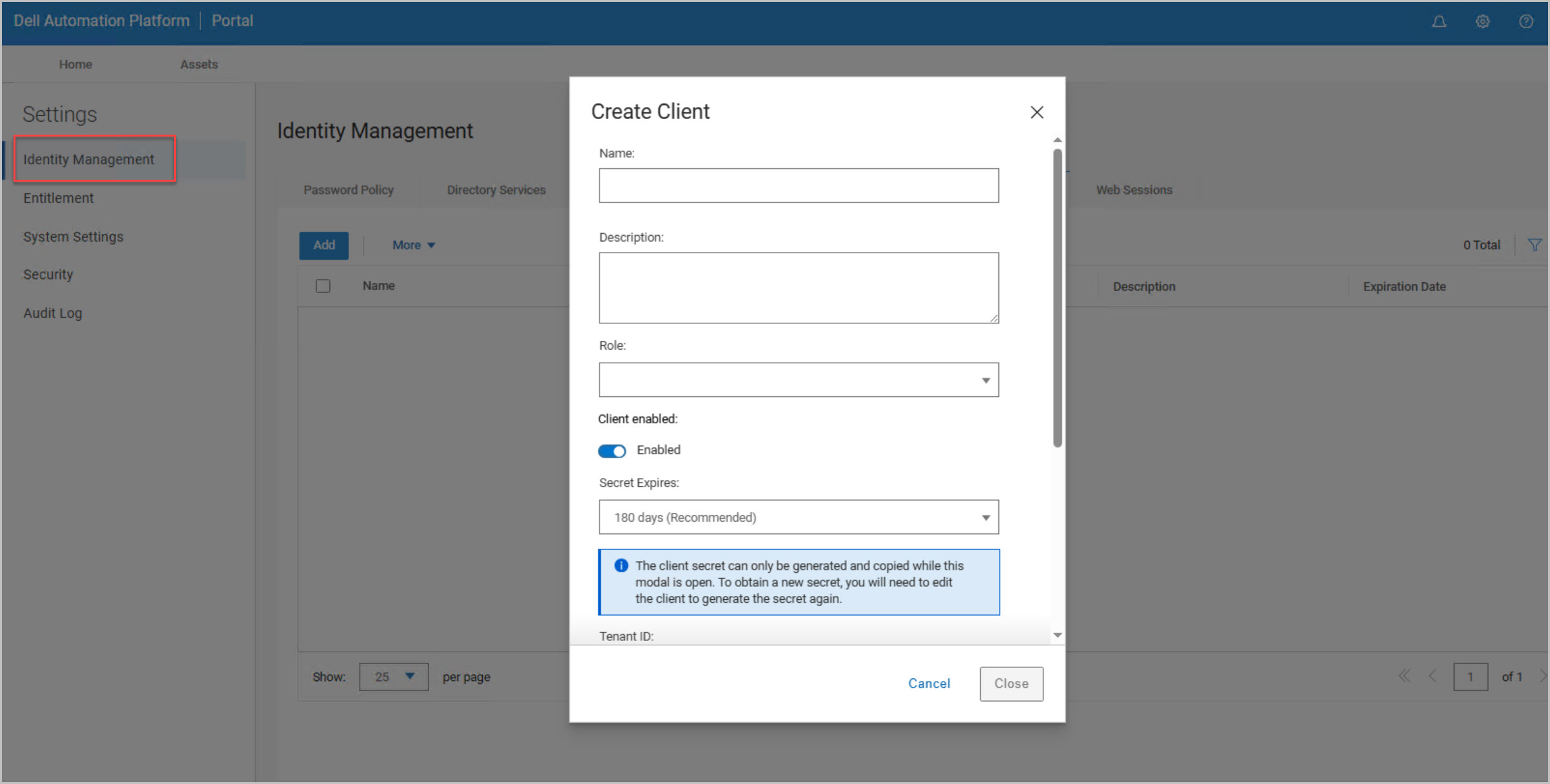
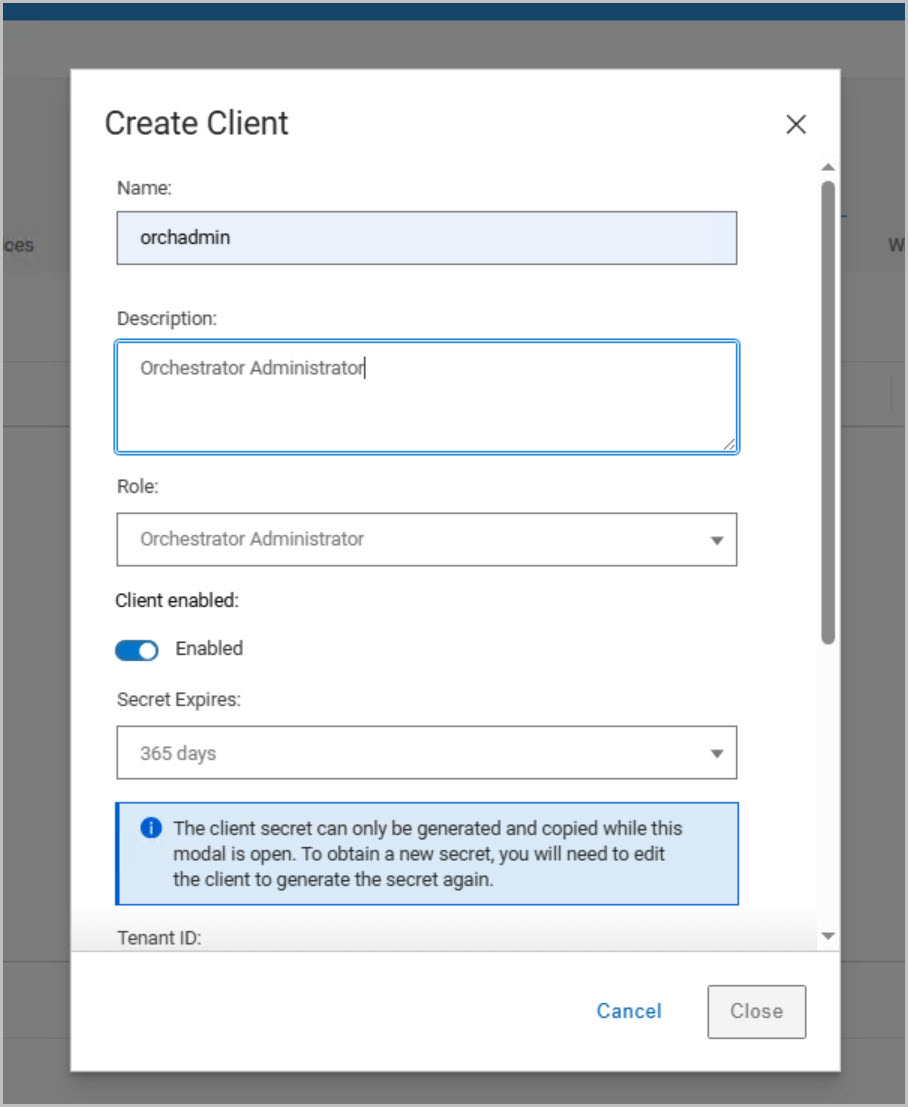
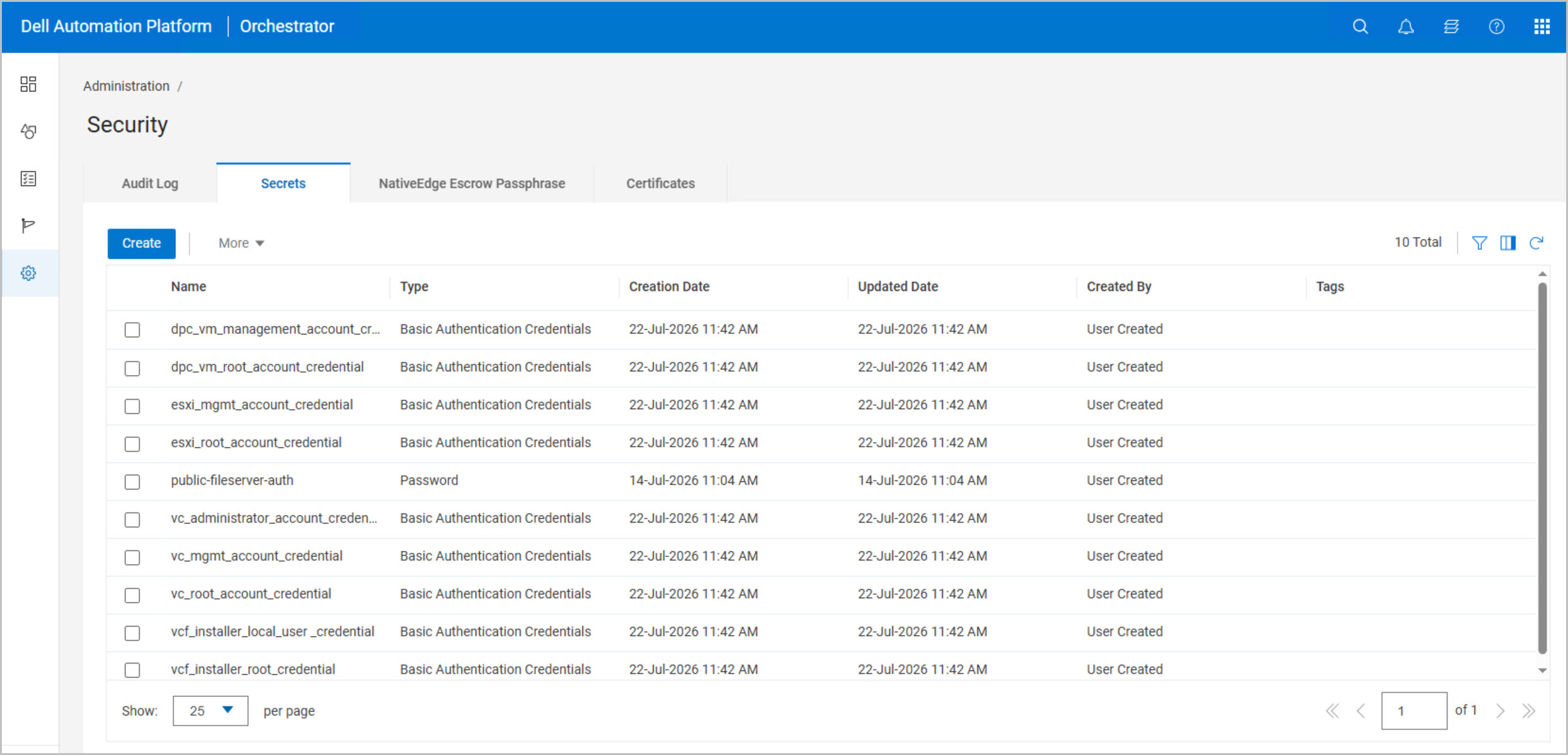
Create the required secrets for authentication and service integration.
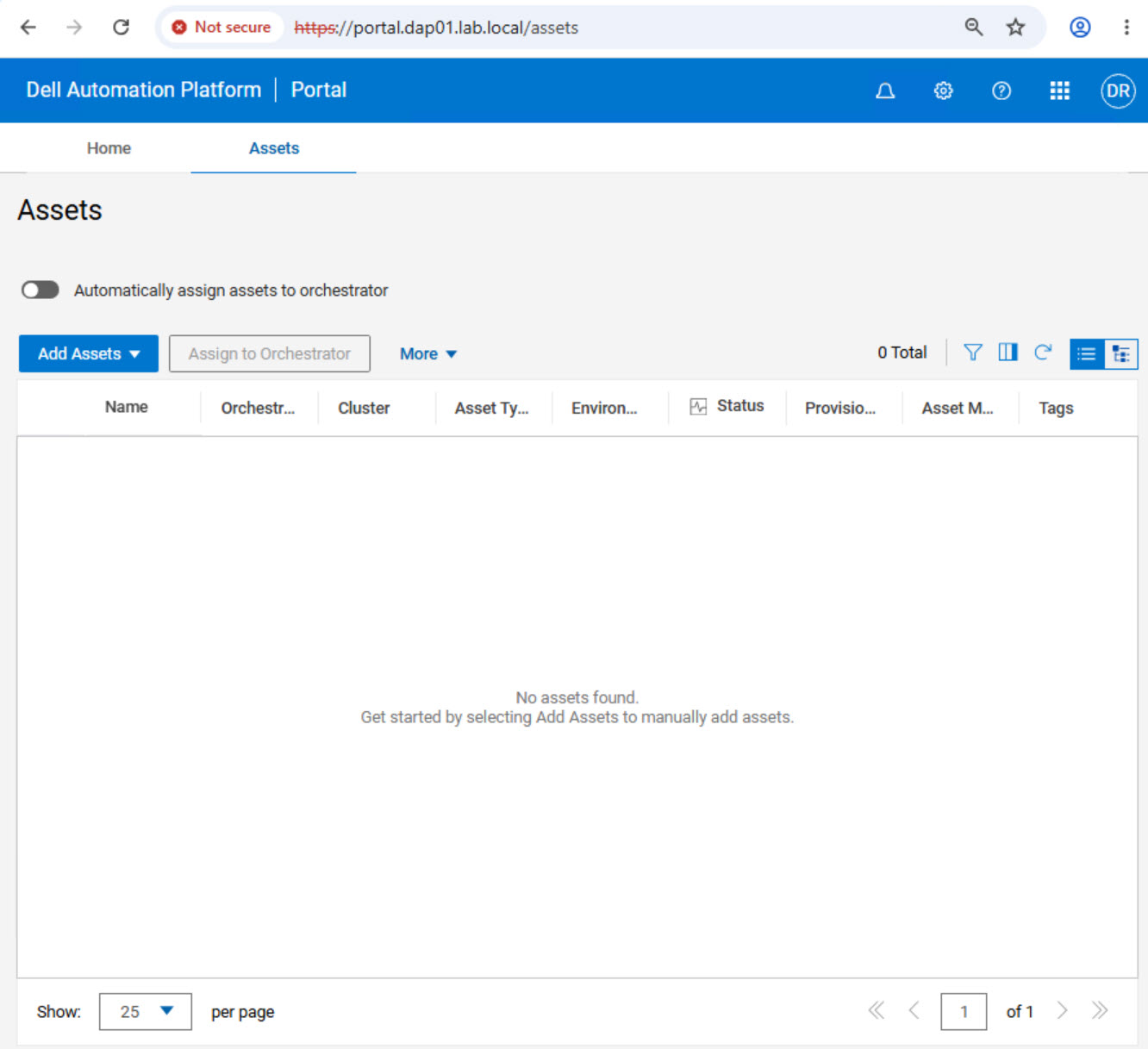
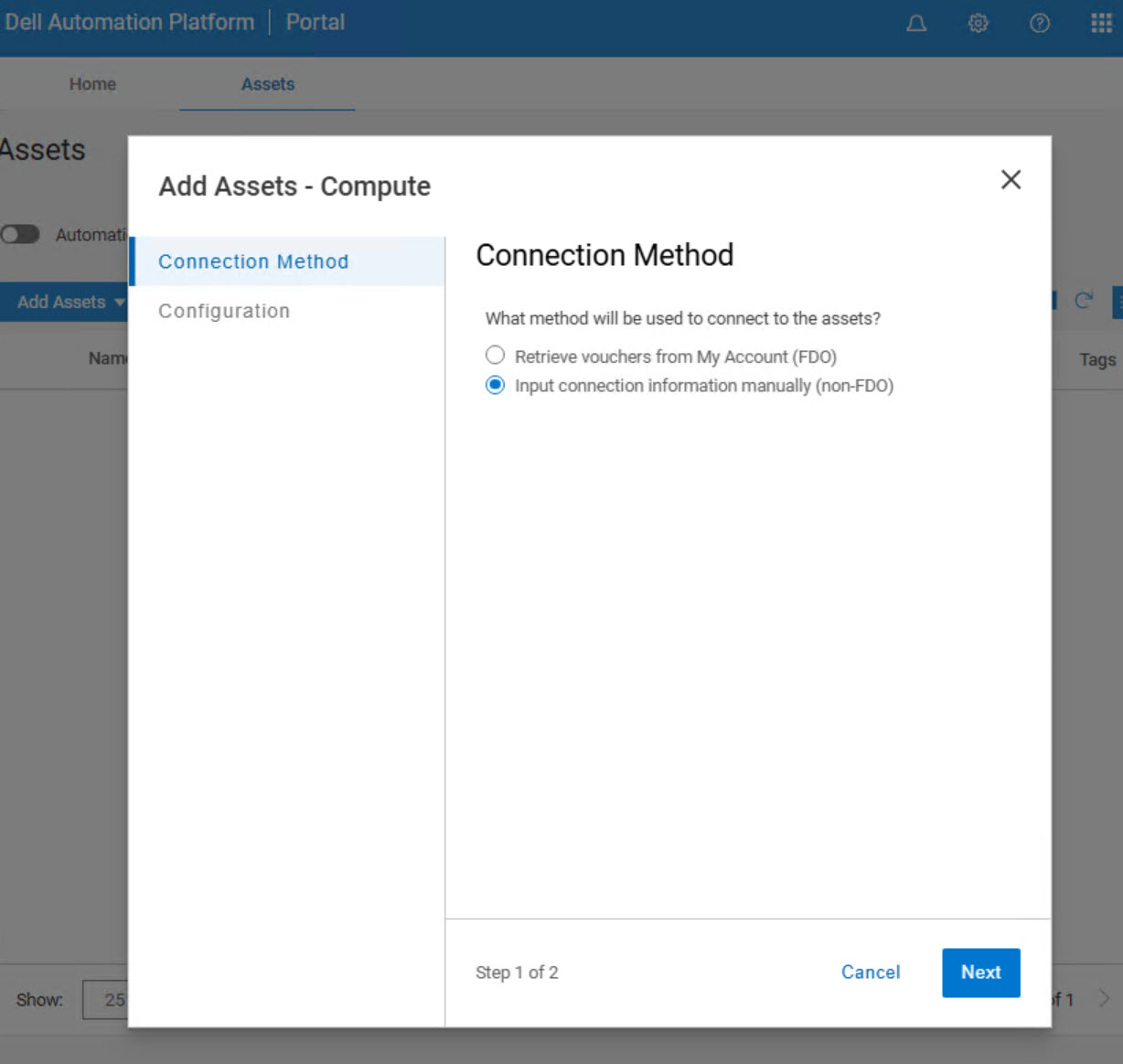
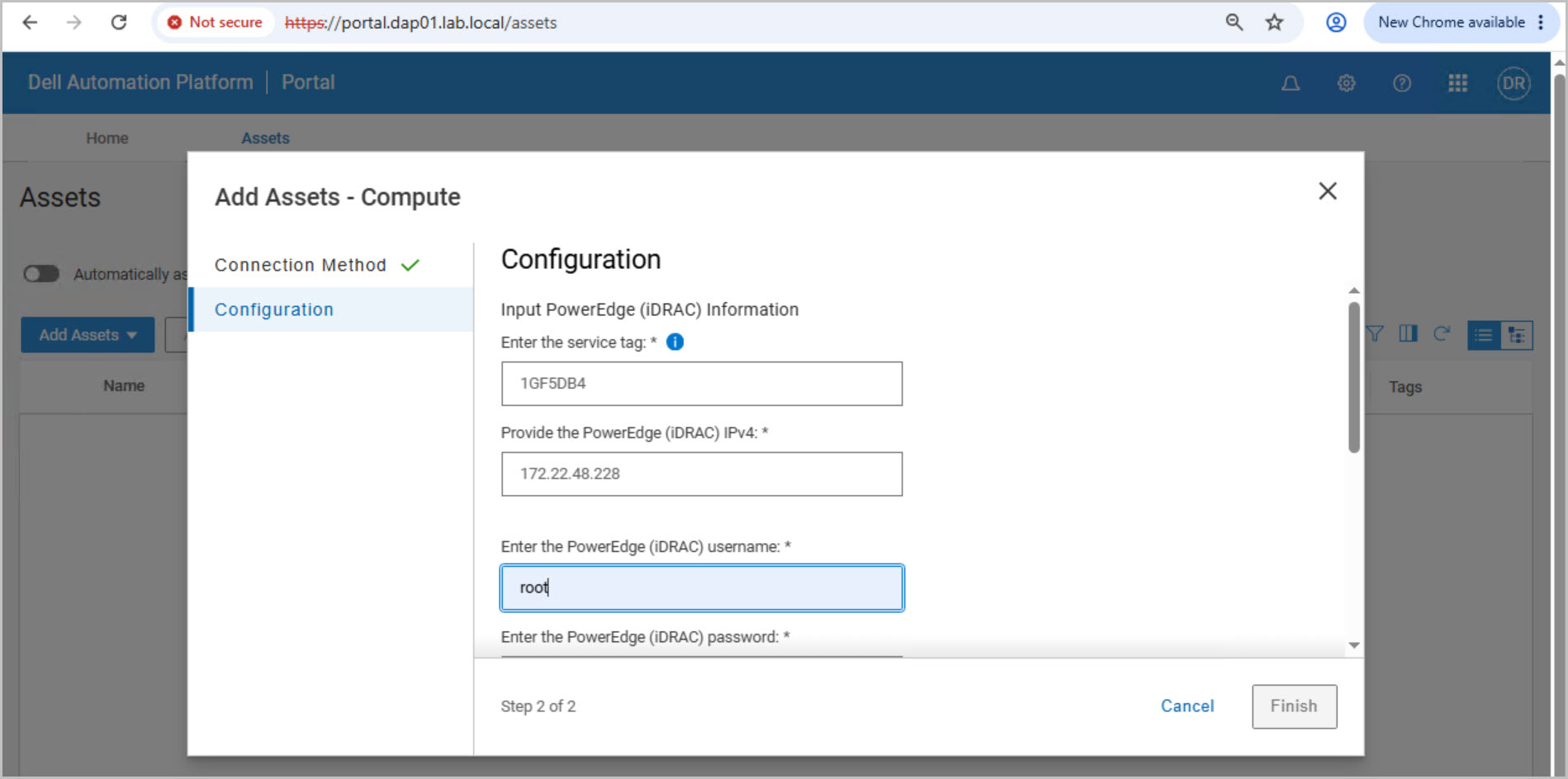
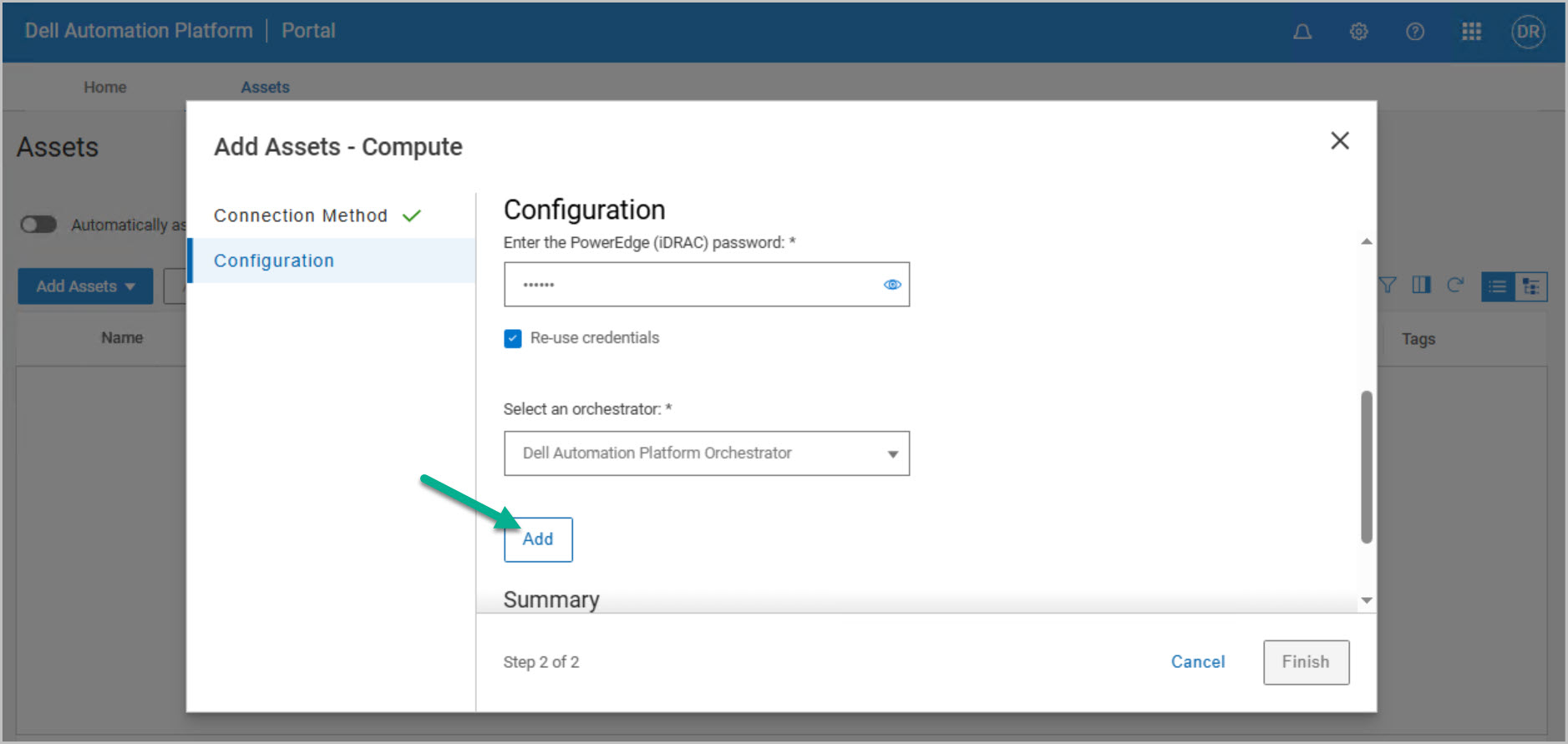
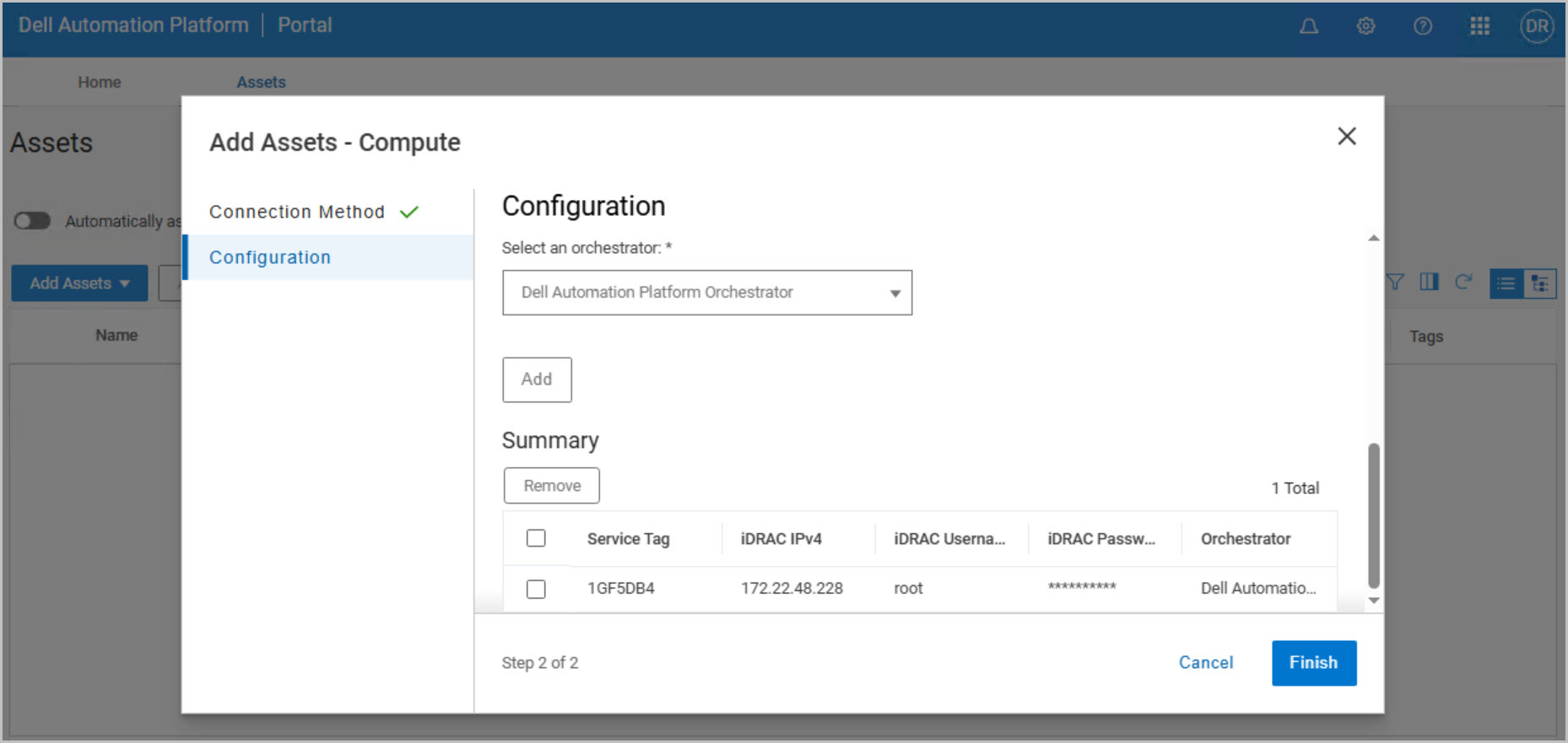
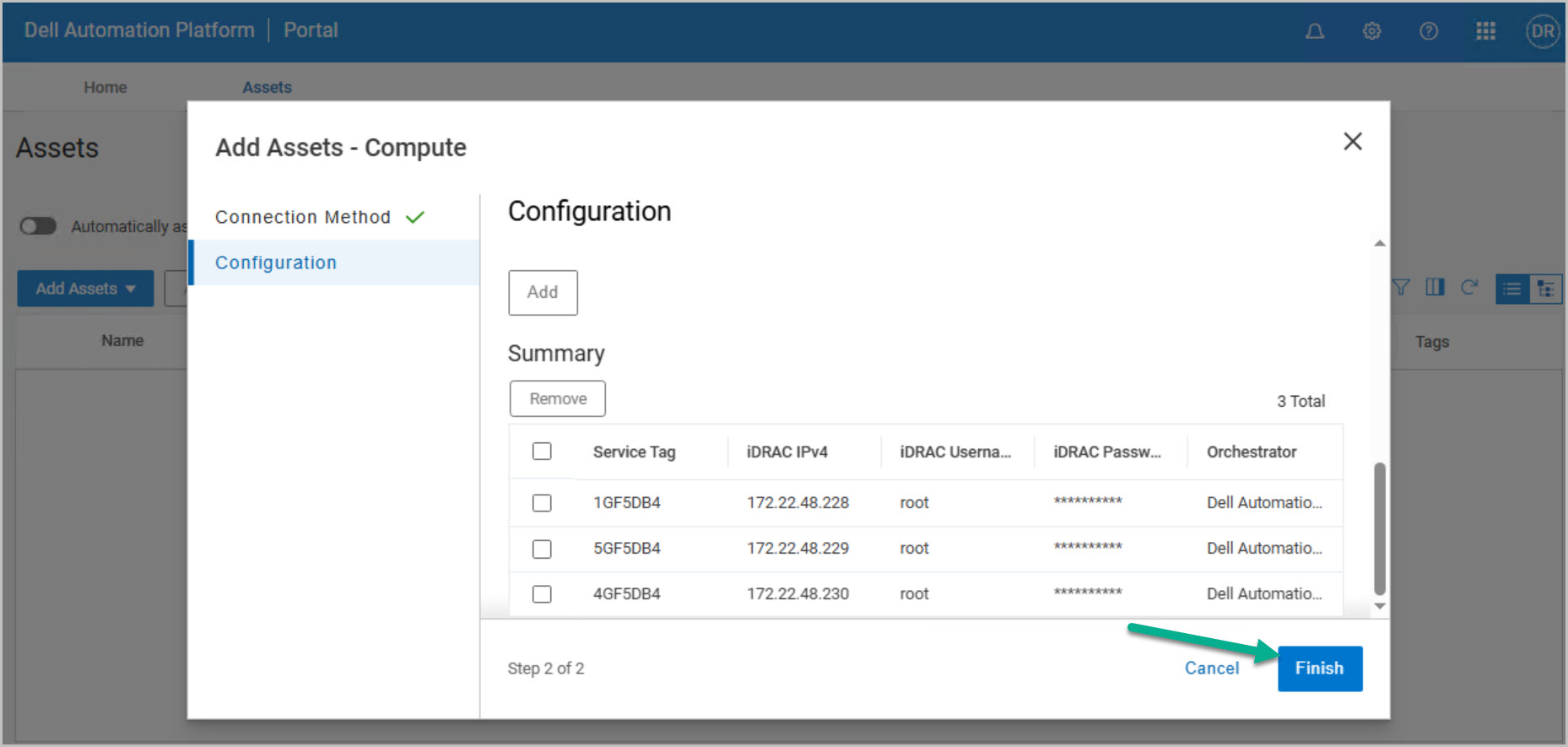
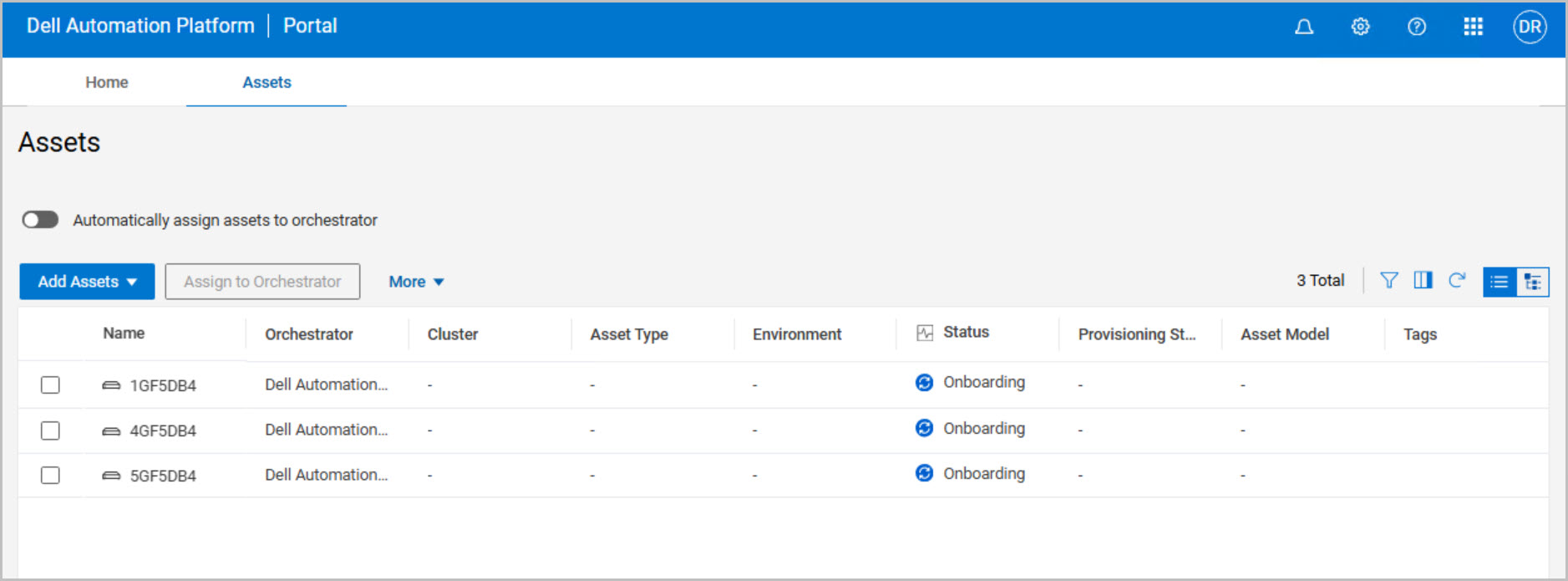
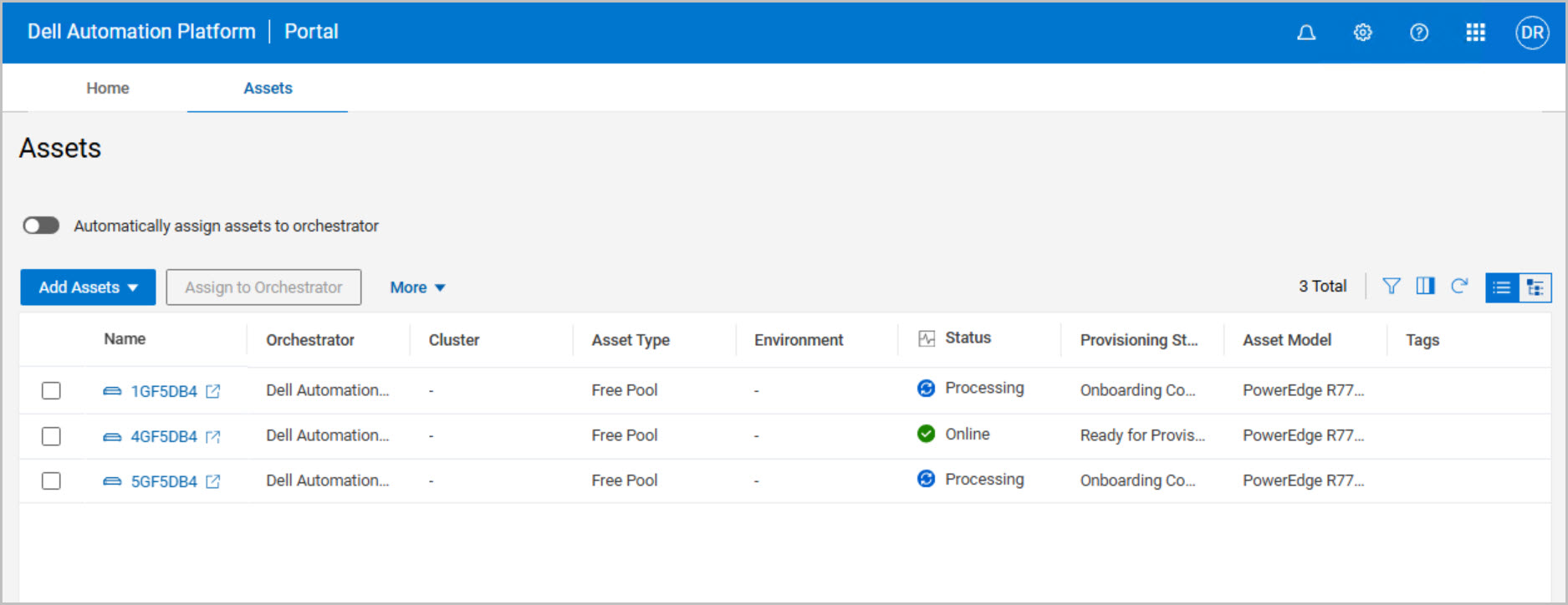
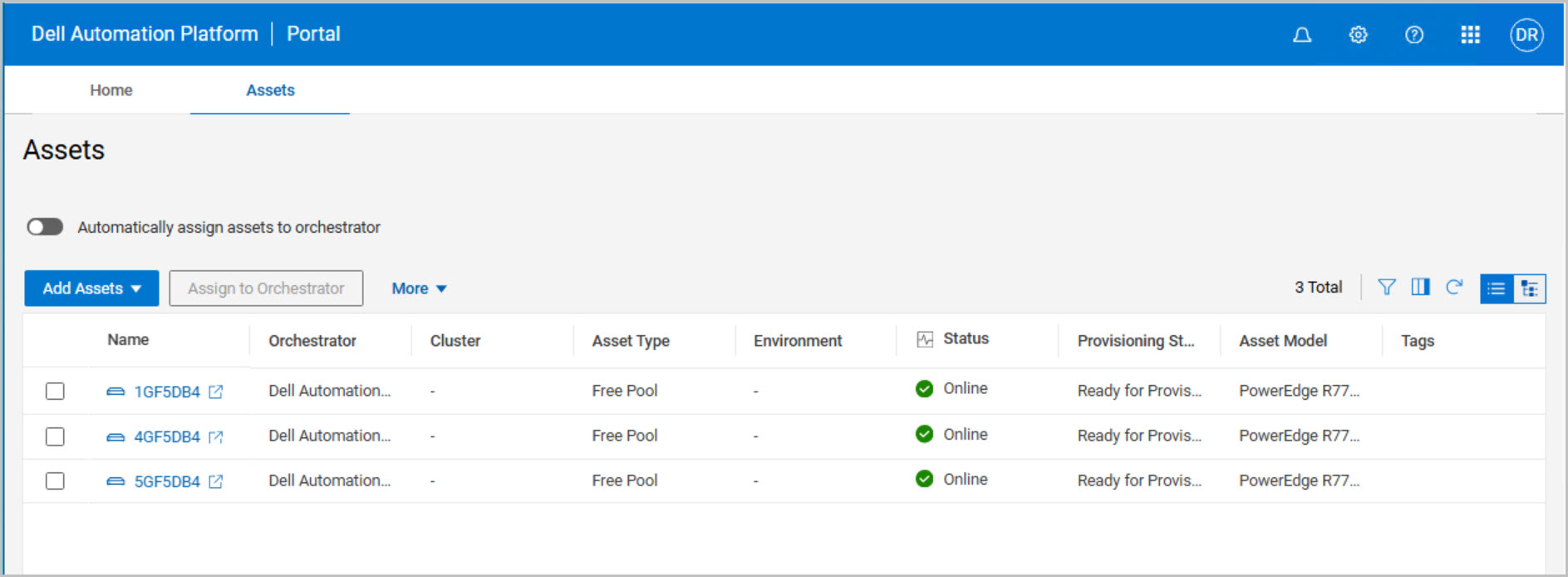
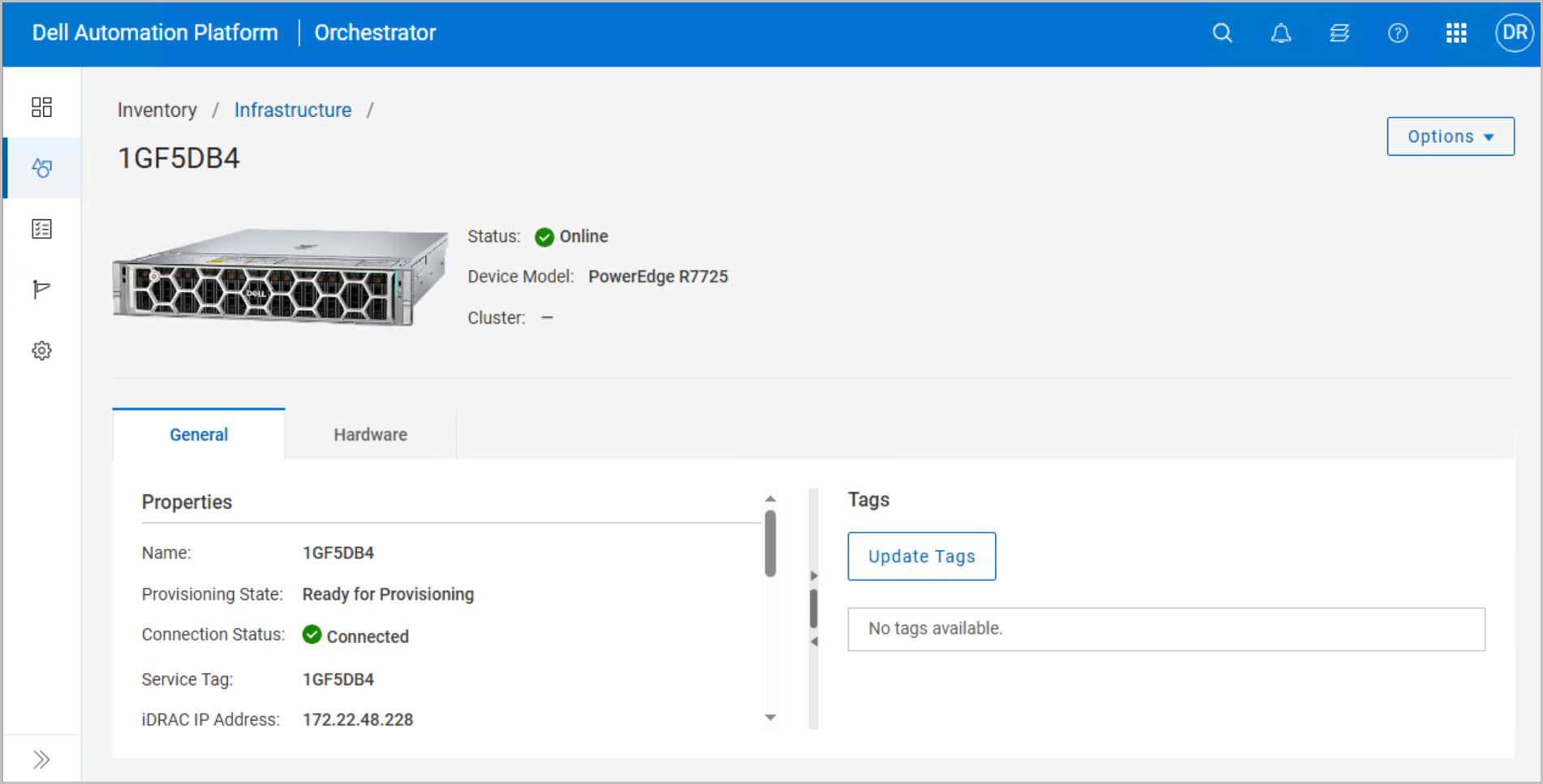
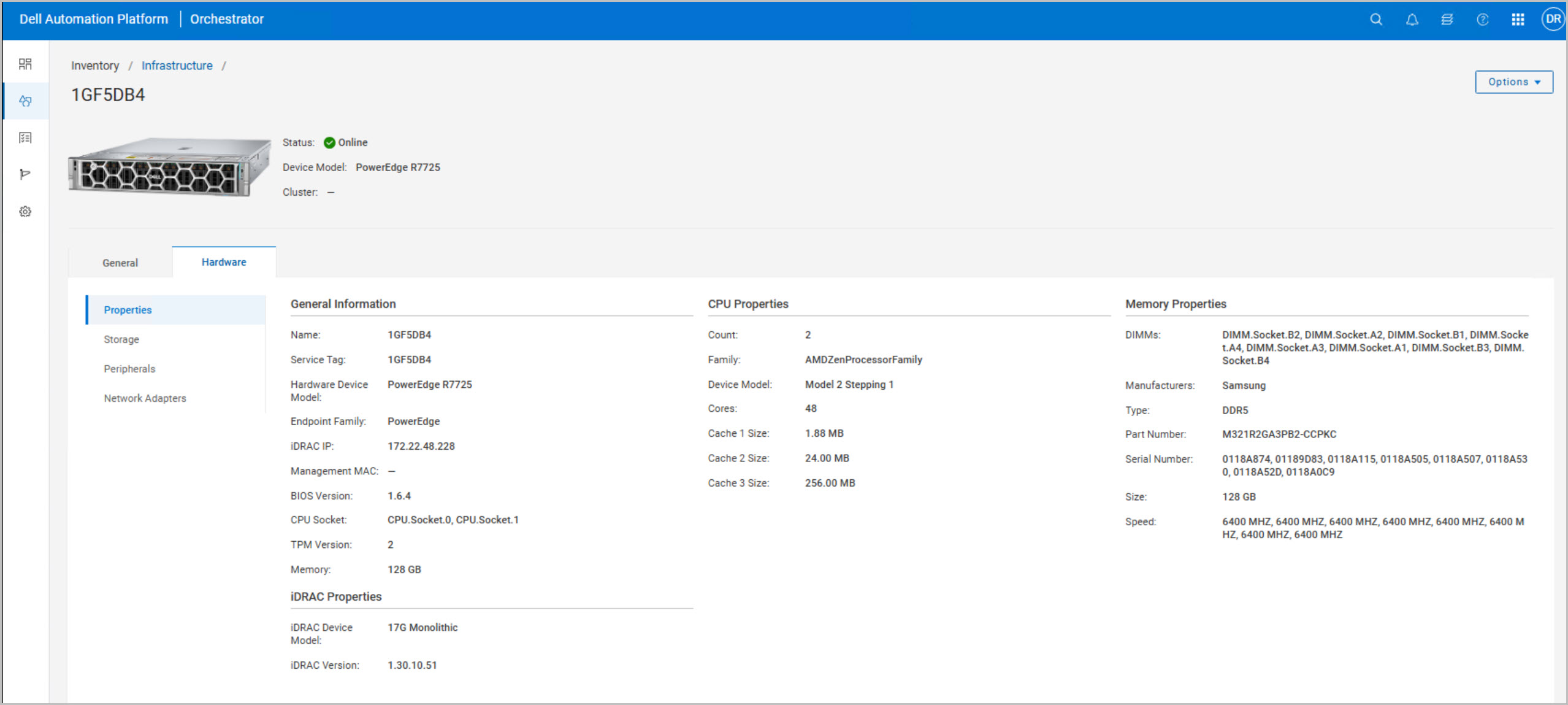
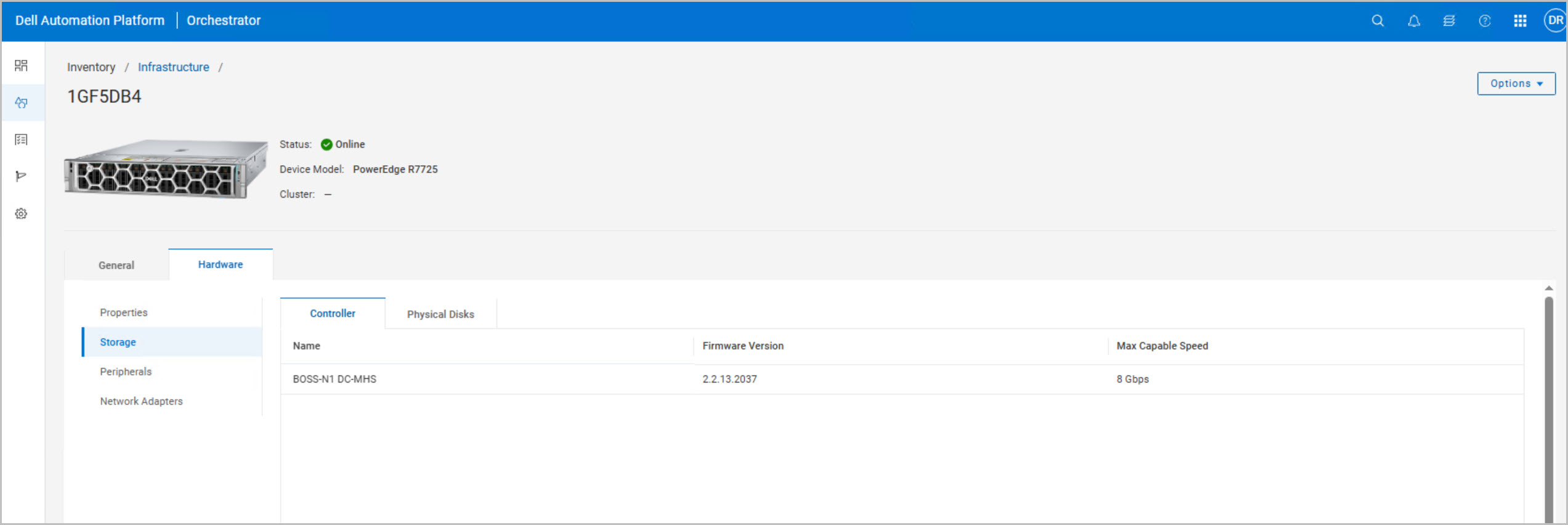
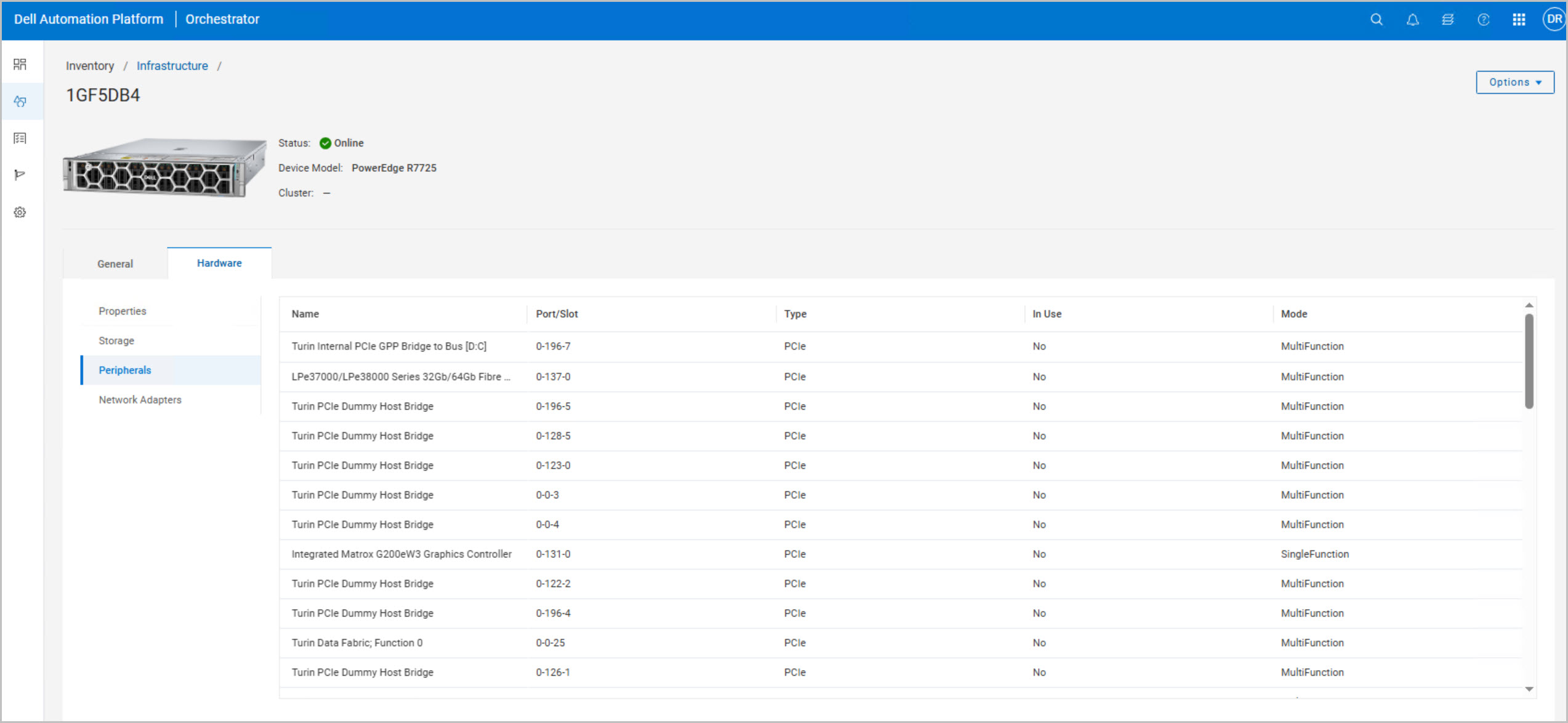
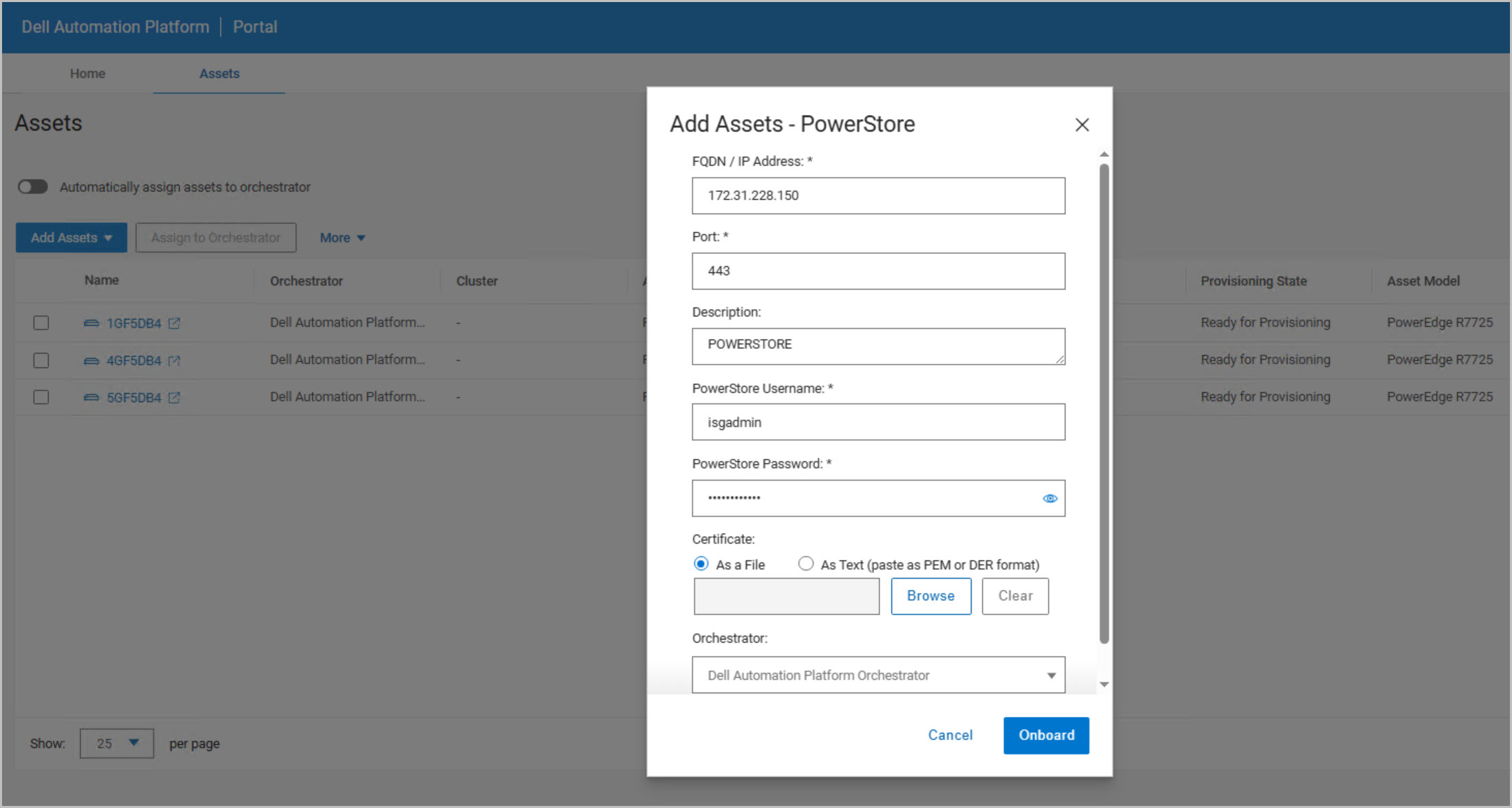
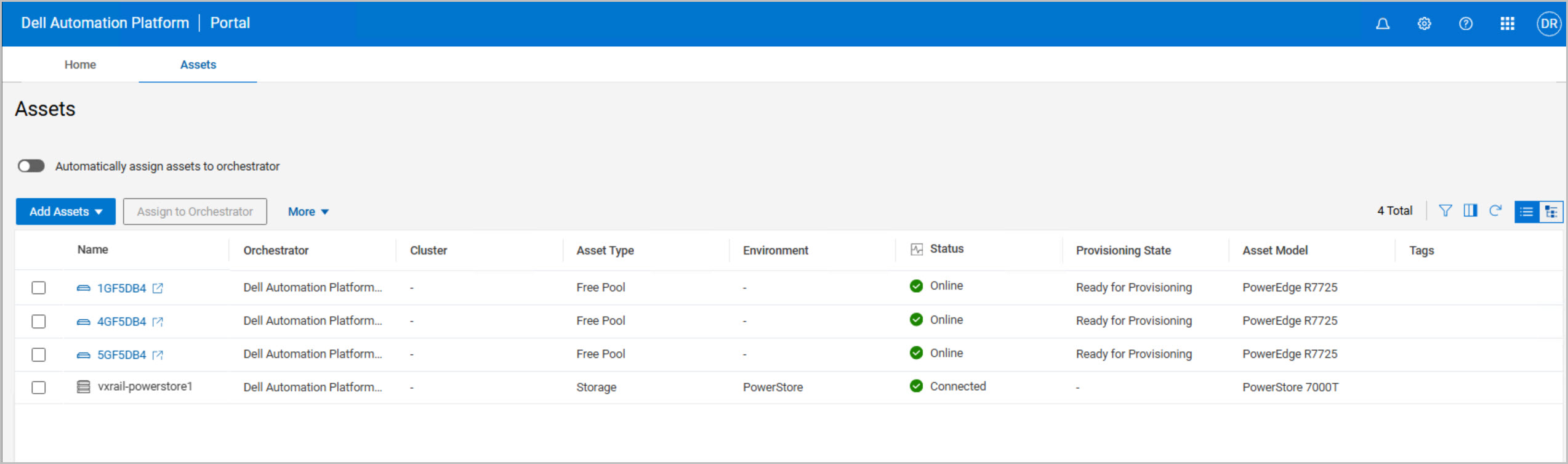
Add the compute assets (PowerEdge servers).
Add the storage assets (PowerStore arrays).
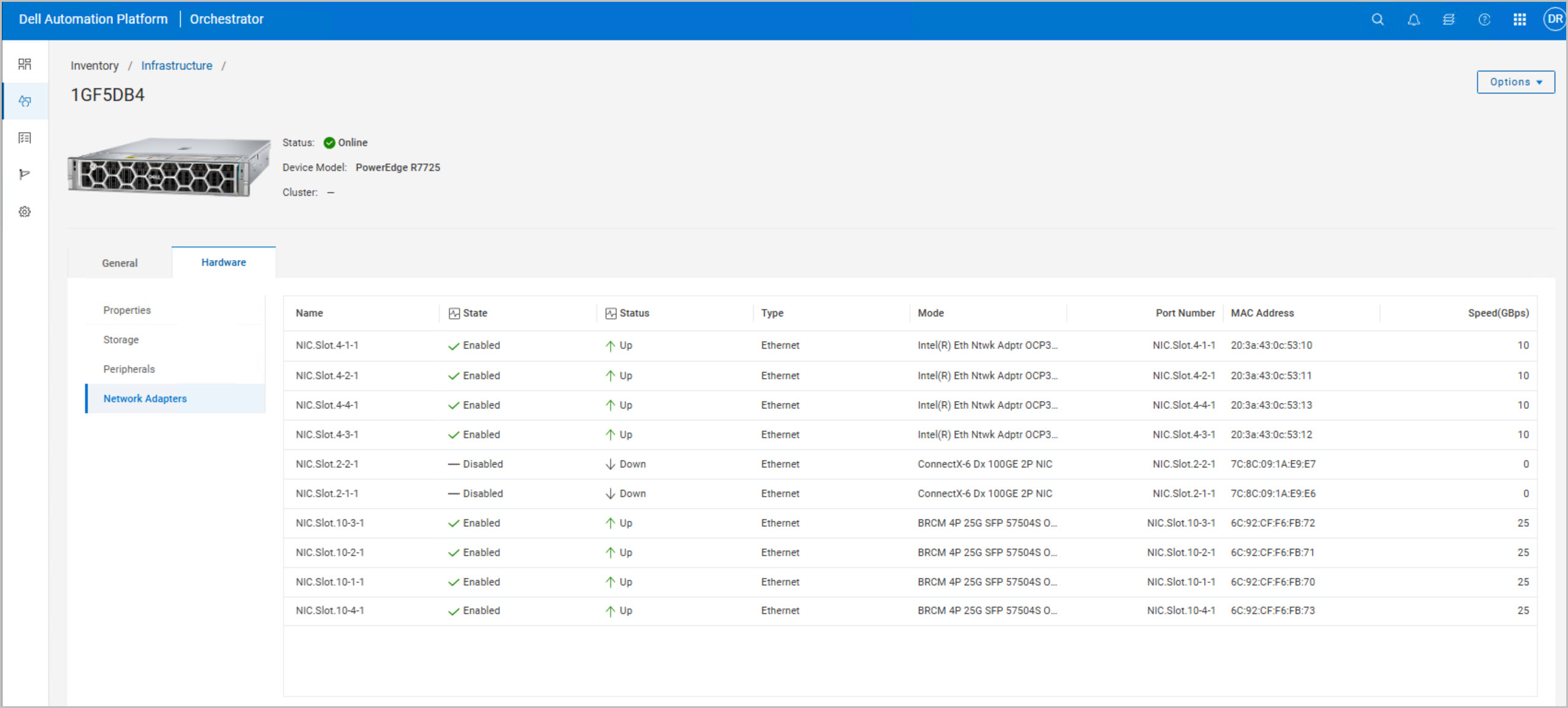
Verify all server NICs are up and correctly connected to the network infrastructure.
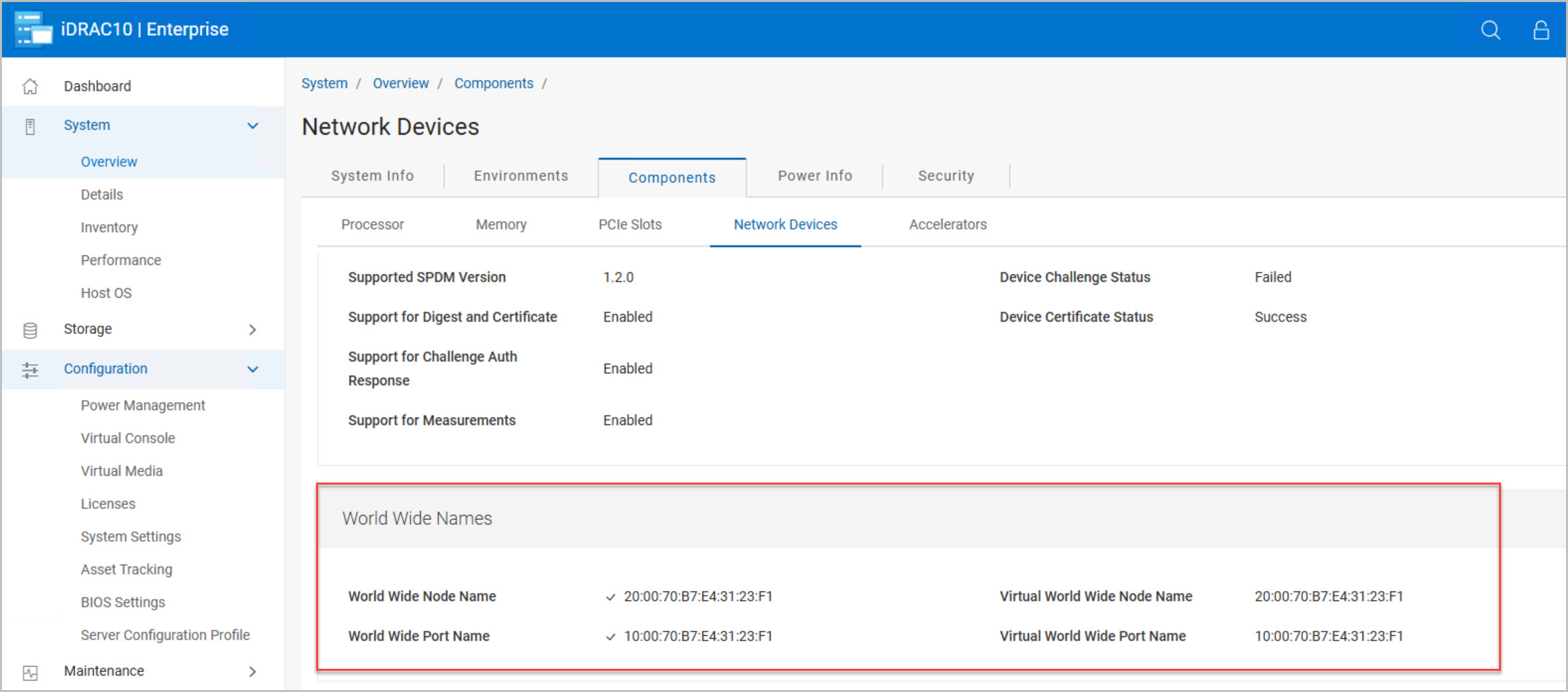
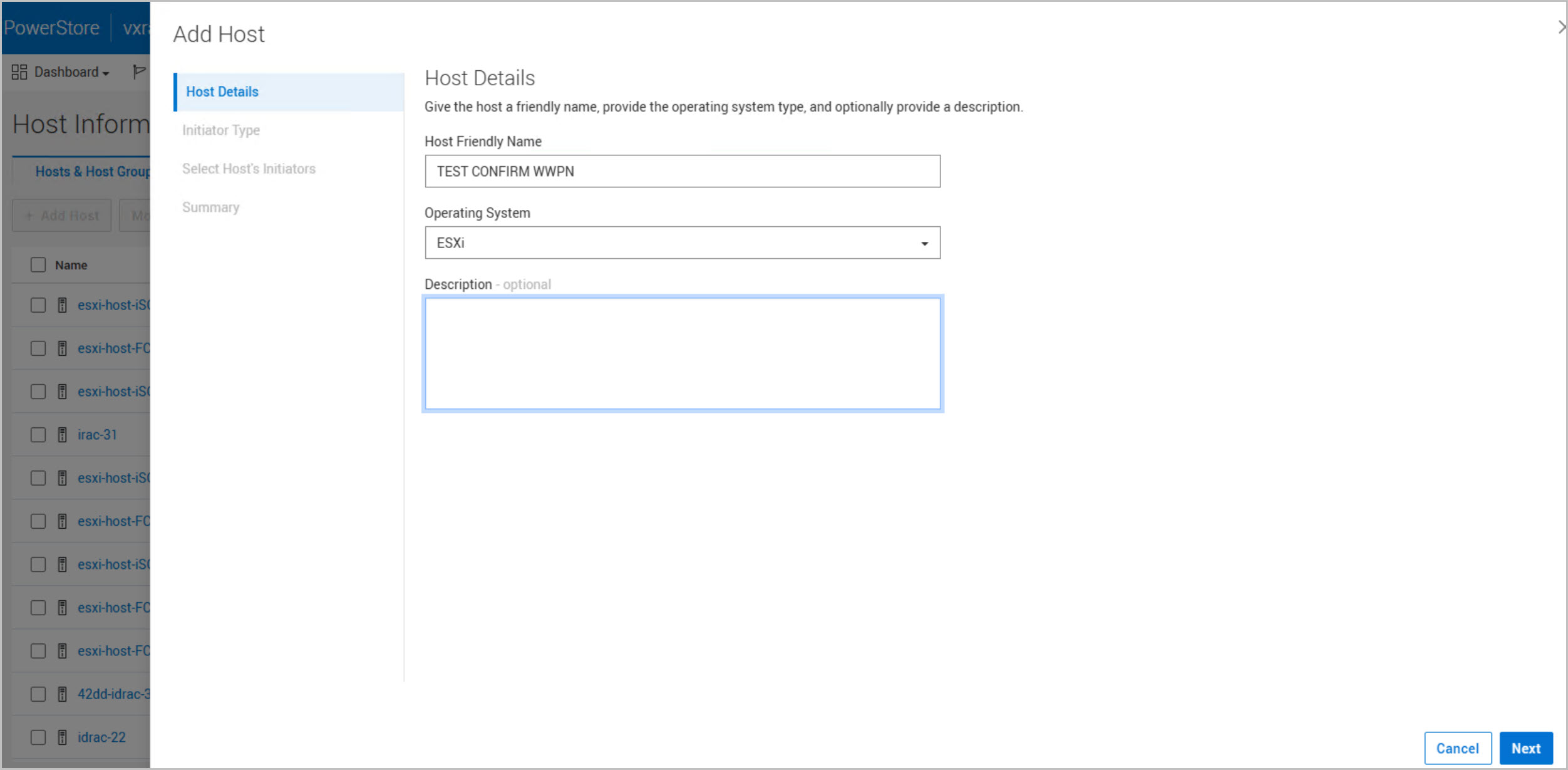
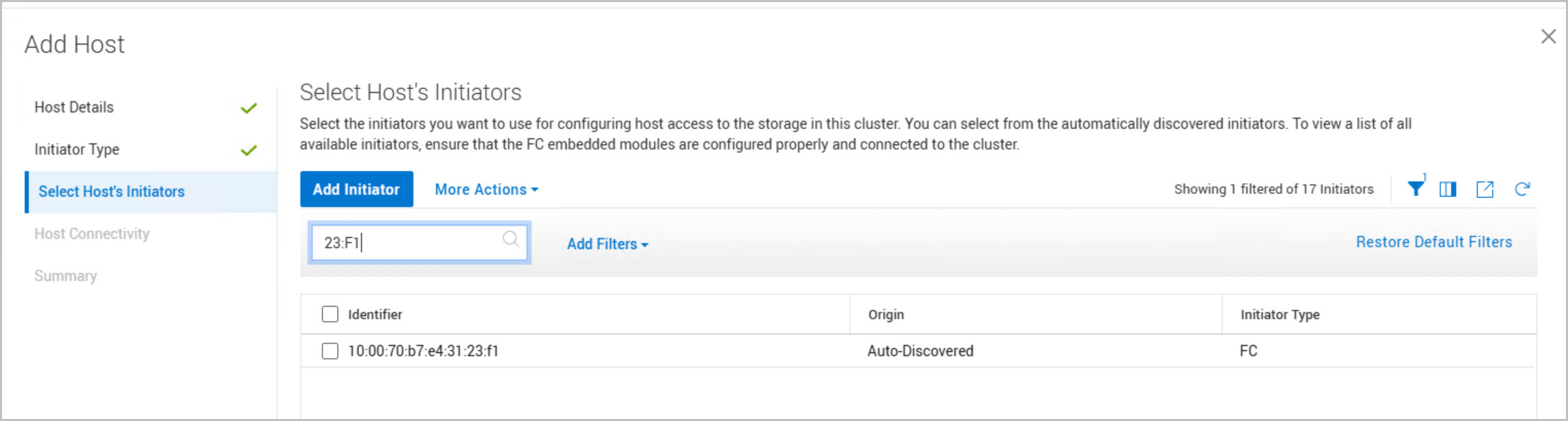
Confirm the WWNs are present on the PowerStore arrays and visible to the connected hosts.
Completing these checks early helps avoid connectivity and storage discovery issues during the deployment of the VCF Management Workload Domain Cluster.
Important: The VCF Installer root and VCF Installer Local User (admin@local) credentials must meet VMware Cloud Foundation password complexity requirements. Ensure both passwords are at least 15 characters in length and satisfy the required complexity rules before creating the secrets in DAPO. Additionally, the password configured for the admin@local account is also used for the vcf user account created during the deployment. The vcf account provides SSH access to the VCF Installer and later the SDDC Manager appliance for deployment monitoring and troubleshooting. Failure to meet these requirements will cause validation failures during the VCF Installer deployment phase and prevent the workflow from progressing successfully.
In Part 2, we’ll focus on the automation workflows that drive the Dell Private Cloud deployment. The walkthrough will cover importing the DPC blueprints into DAPO and configuring the VCF on DPC Deployment Blueprint. We’ll step through the blueprint workflow, review the required inputs, validate the environment, and kick off the automated deployment process that provisions the VCF Management Workload Domain.
References:
For deeper technical guidance and full validation details, consult the official documentation below:








9 Comments »