DPC
VCF 9.1 On DPC 1.4 – Walkthrough (Part6: VI WLD)
PART1 PART2 PART3 PART4 PART5 PART6 PART7 PART8 PART9 Part 6: Creating the First VI Workload Domain In this part of the series, we’ll use VMware Cloud Foundation to create […]
Virtualization & Storage

PART1 PART2 PART3 PART4 PART5 PART6 PART7 PART8 PART9 Part 6: Creating the First VI Workload Domain In this part of the series, we’ll use VMware Cloud Foundation to create […]
PART1 PART2 PART3 PART4 PART5 PART6 PART7 PART8 PART9
In this part of the series, we’ll use VMware Cloud Foundation to create a new VI Workload Domain using the infrastructure prepared in the previous posts. The deployment will include a dedicated vCenter Server, NSX Manager, workload domain cluster, distributed switch, and supporting networking services. We’ll also consume the newly commissioned hosts from the VCF Host Free Pool, integrate PowerStore-backed Fibre Channel storage, configure NSX overlay networking, and review the validation and deployment process that VMware Cloud Foundation performs before provisioning the new domain. By the end of this walkthrough, the first production-ready VI Workload Domain cluster will be deployed
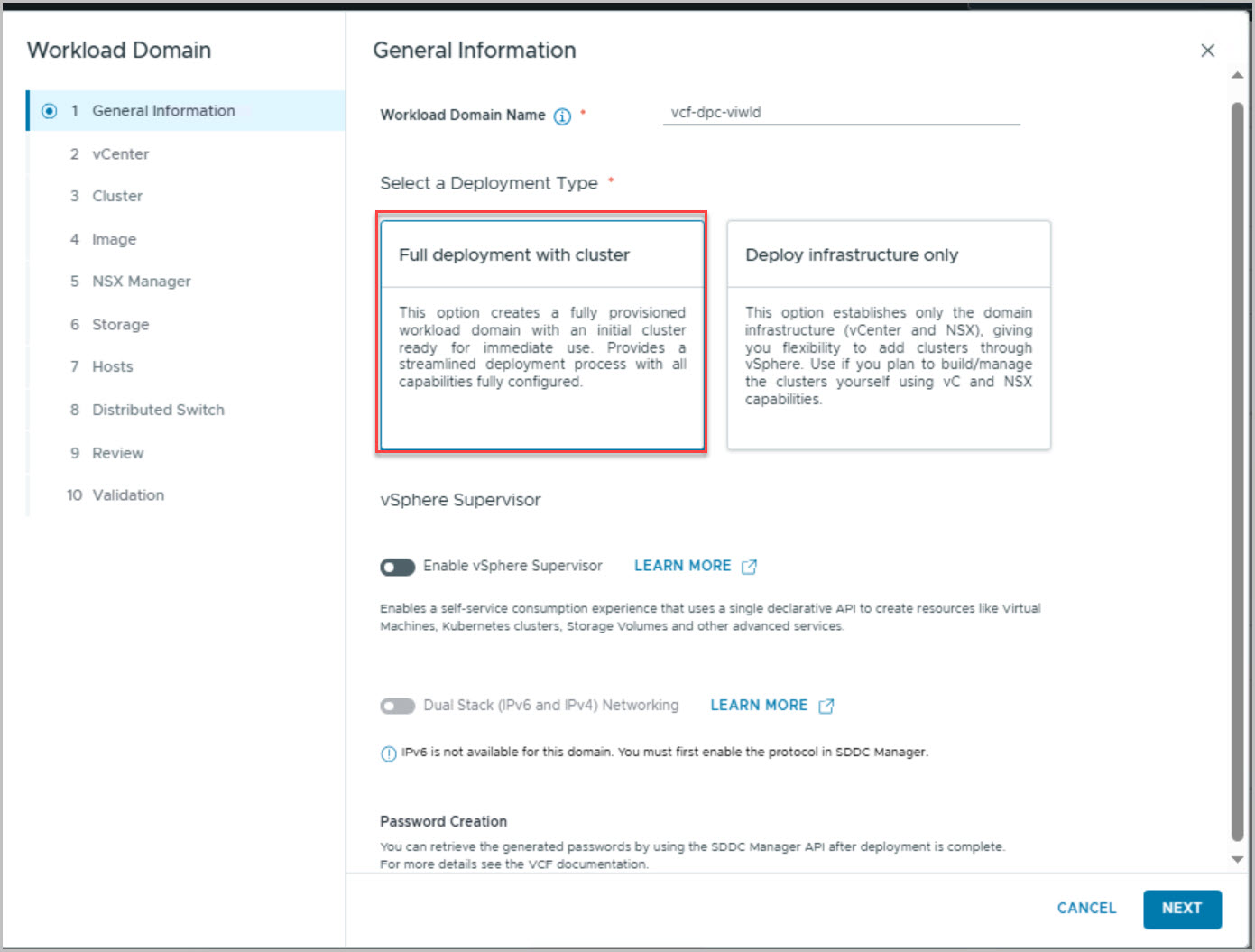
This section covers the end-to-end creation of the first Virtual Infrastructure (VI) Workload Domain using the hosts commissioned in Part 5. With the hosts now visible within the VCF Host Free Pool, the workload domain deployment wizard is launched from VMware Cloud Foundation and a new workload domain, vcf-dpc-viwld, is created using the Full Deployment with Cluster option.
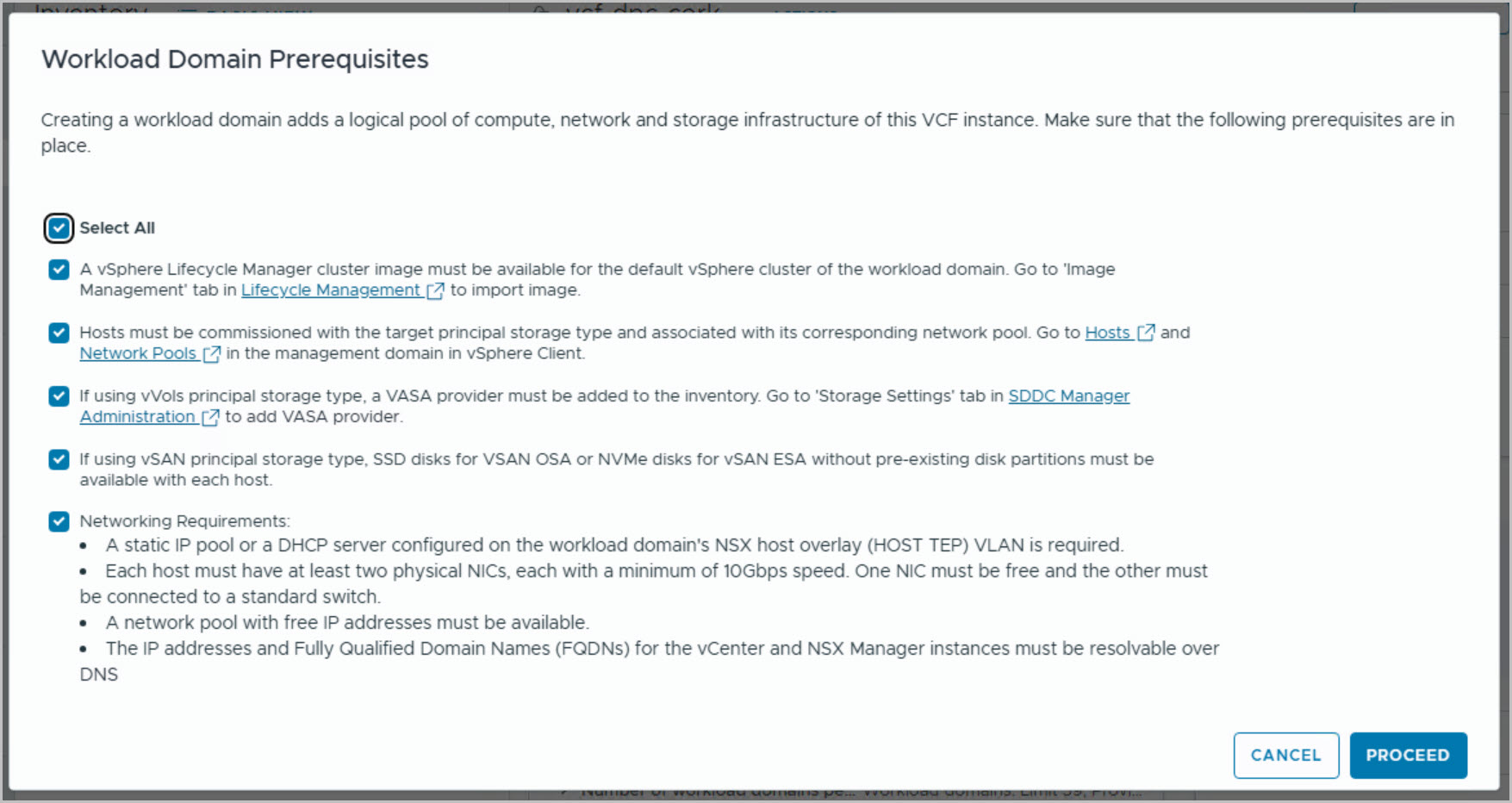
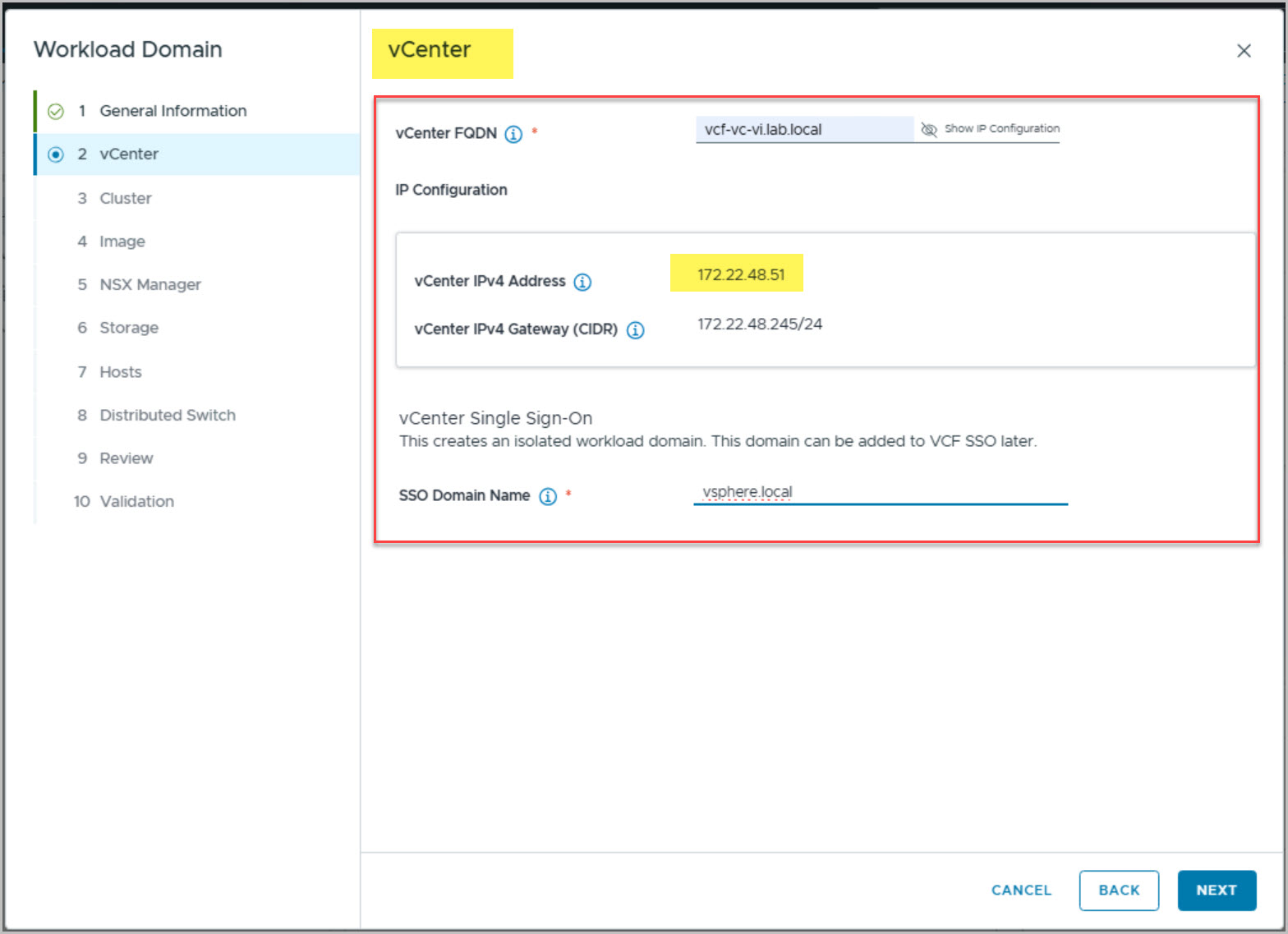
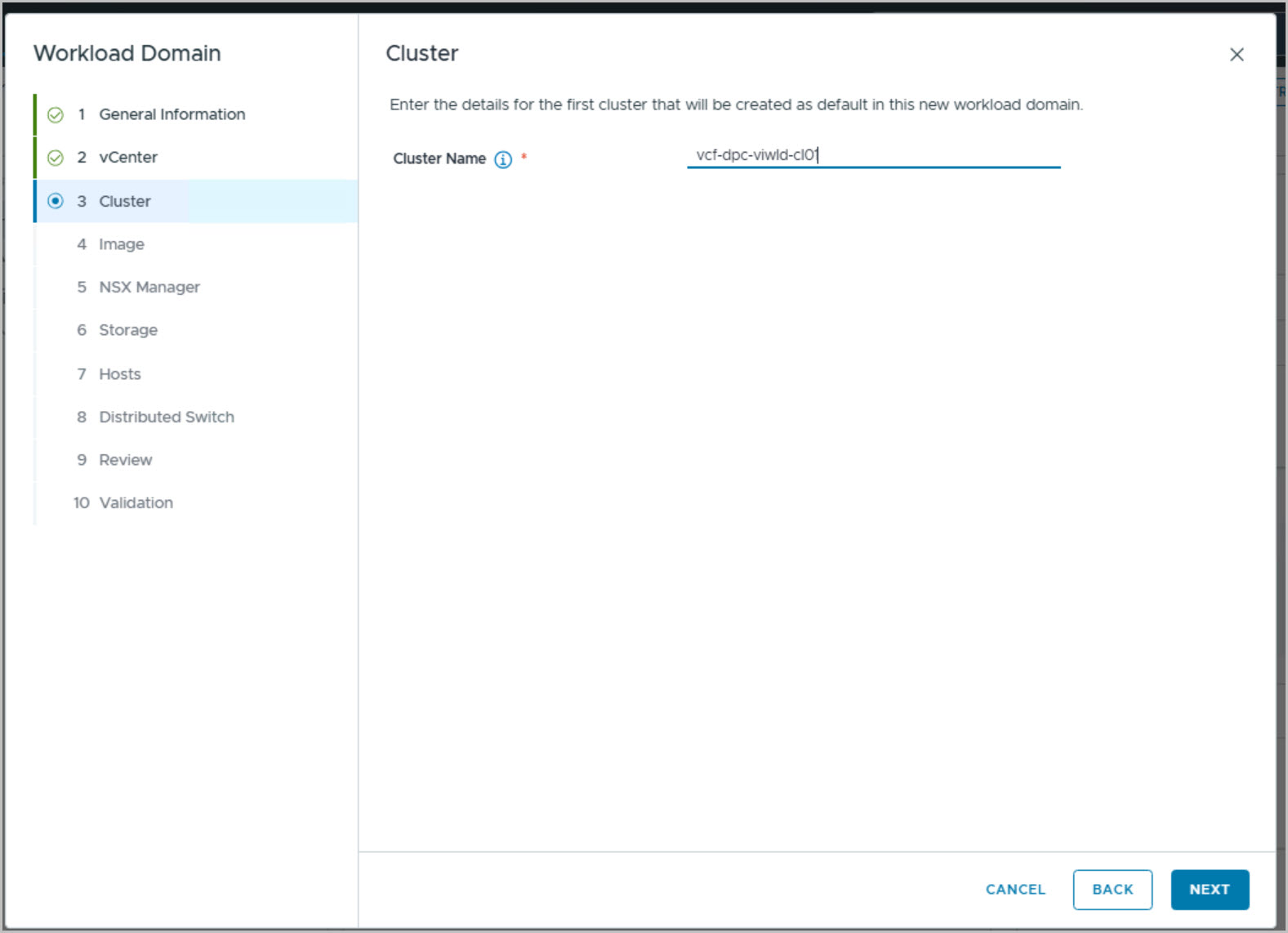
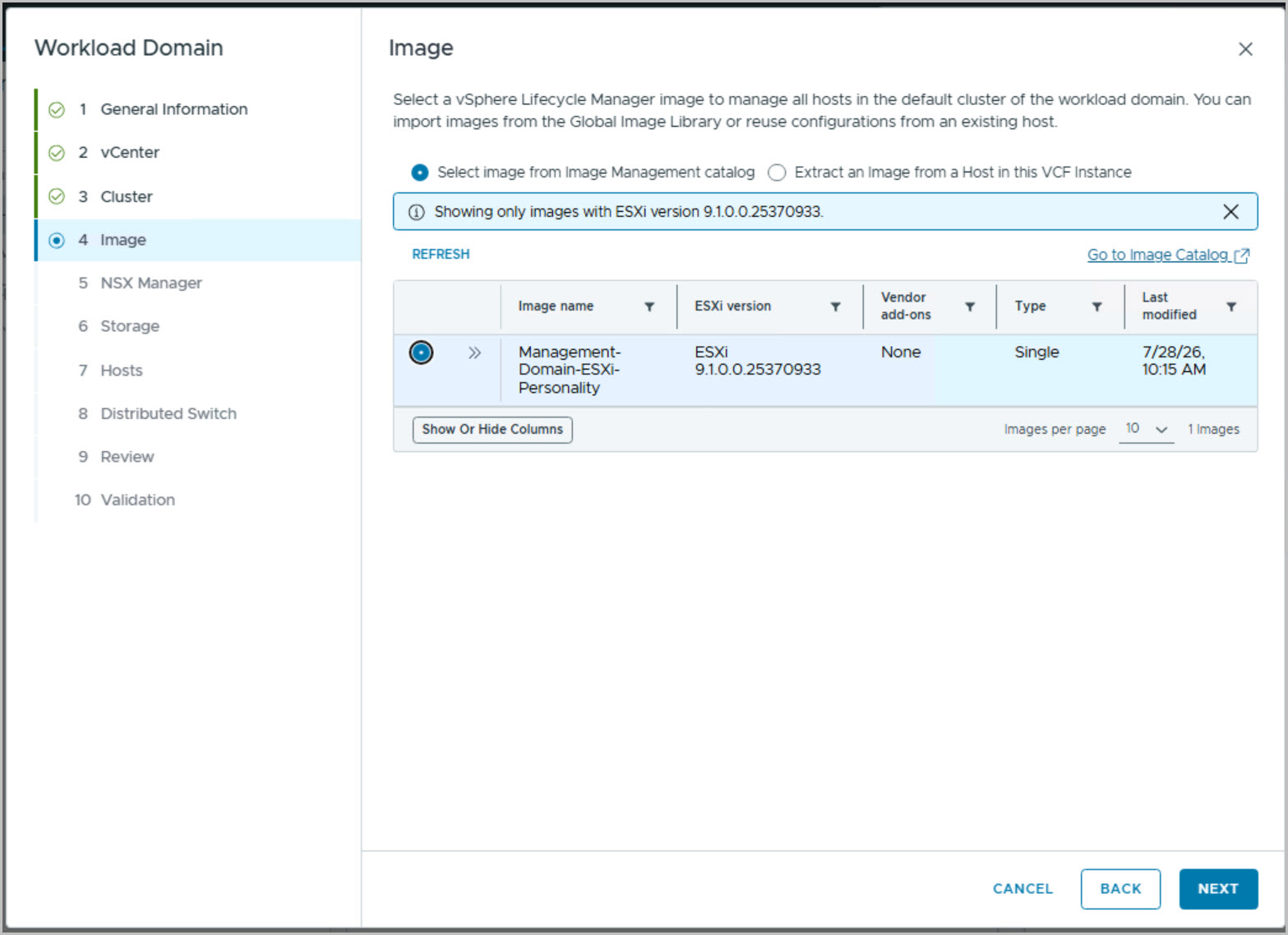
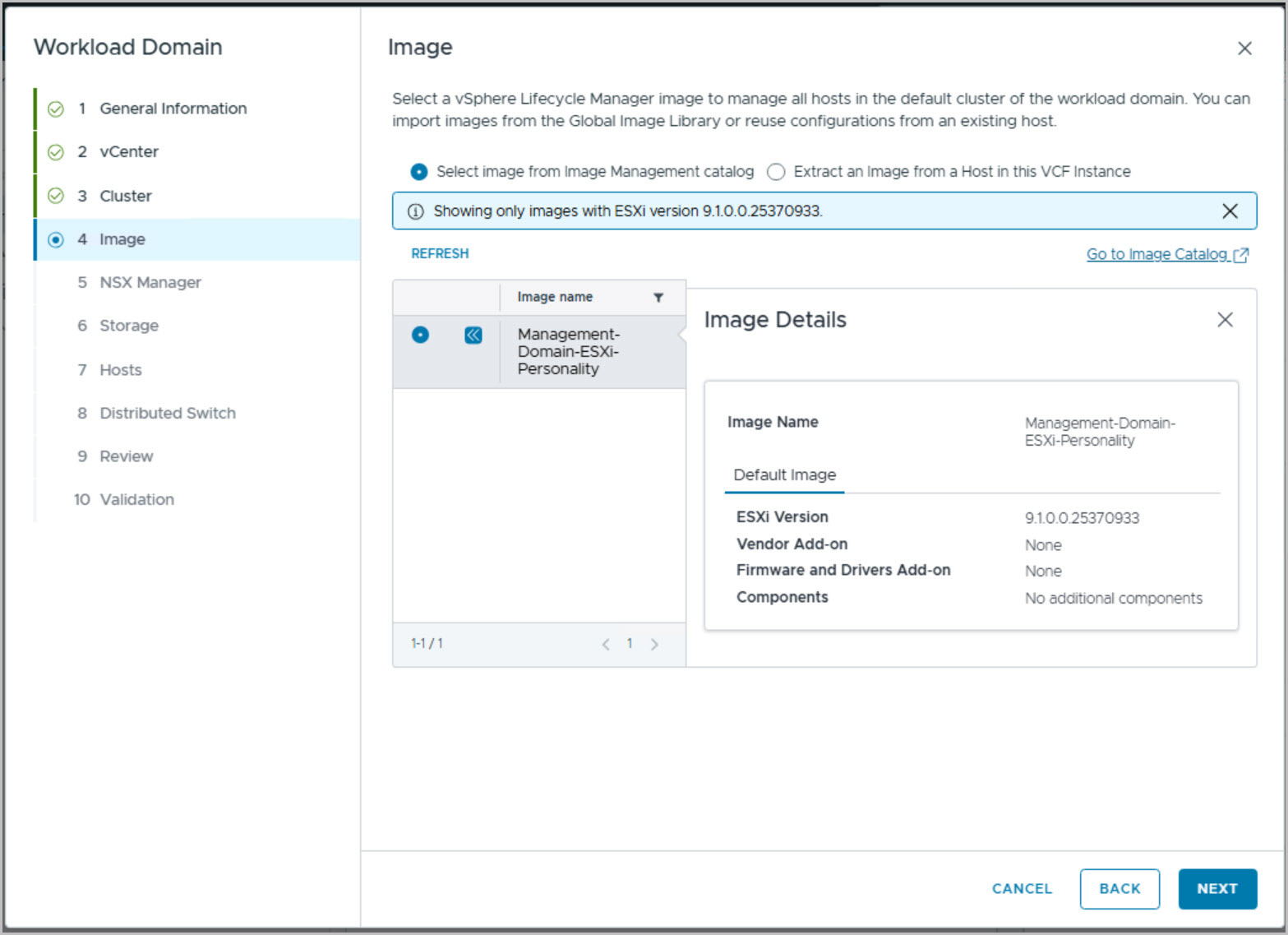
The wizard begins by validating the workload domain prerequisites, followed by the configuration of a dedicated workload domain vCenter Server, including its hostname, IP address, gateway, and SSO configuration. An initial cluster, vcf-dpc-viwld-cl01, is then defined and associated with the previously imported Management-Domain-ESXi-Personality image to provide a consistent lifecycle-managed ESXi baseline across the environment.
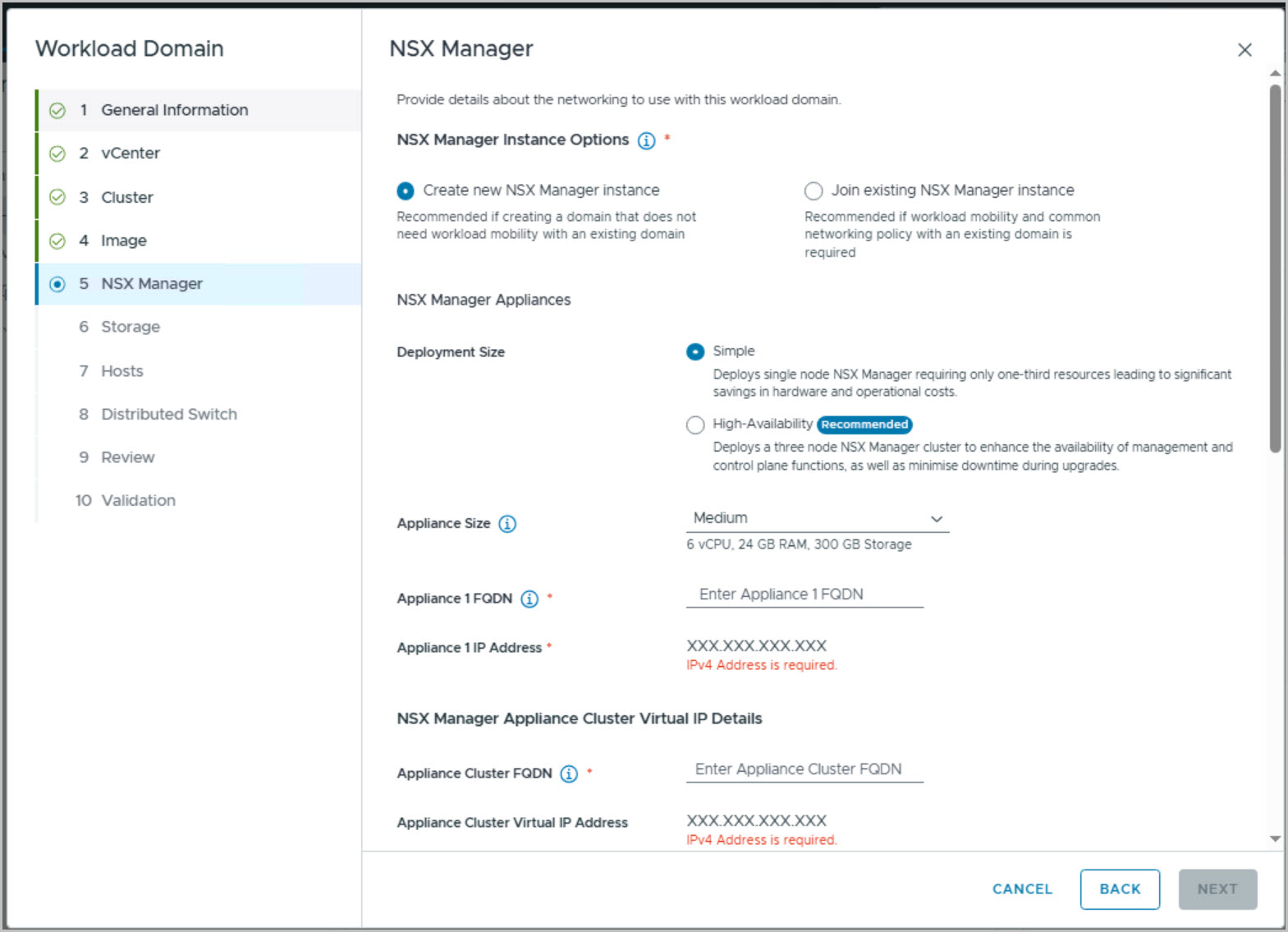
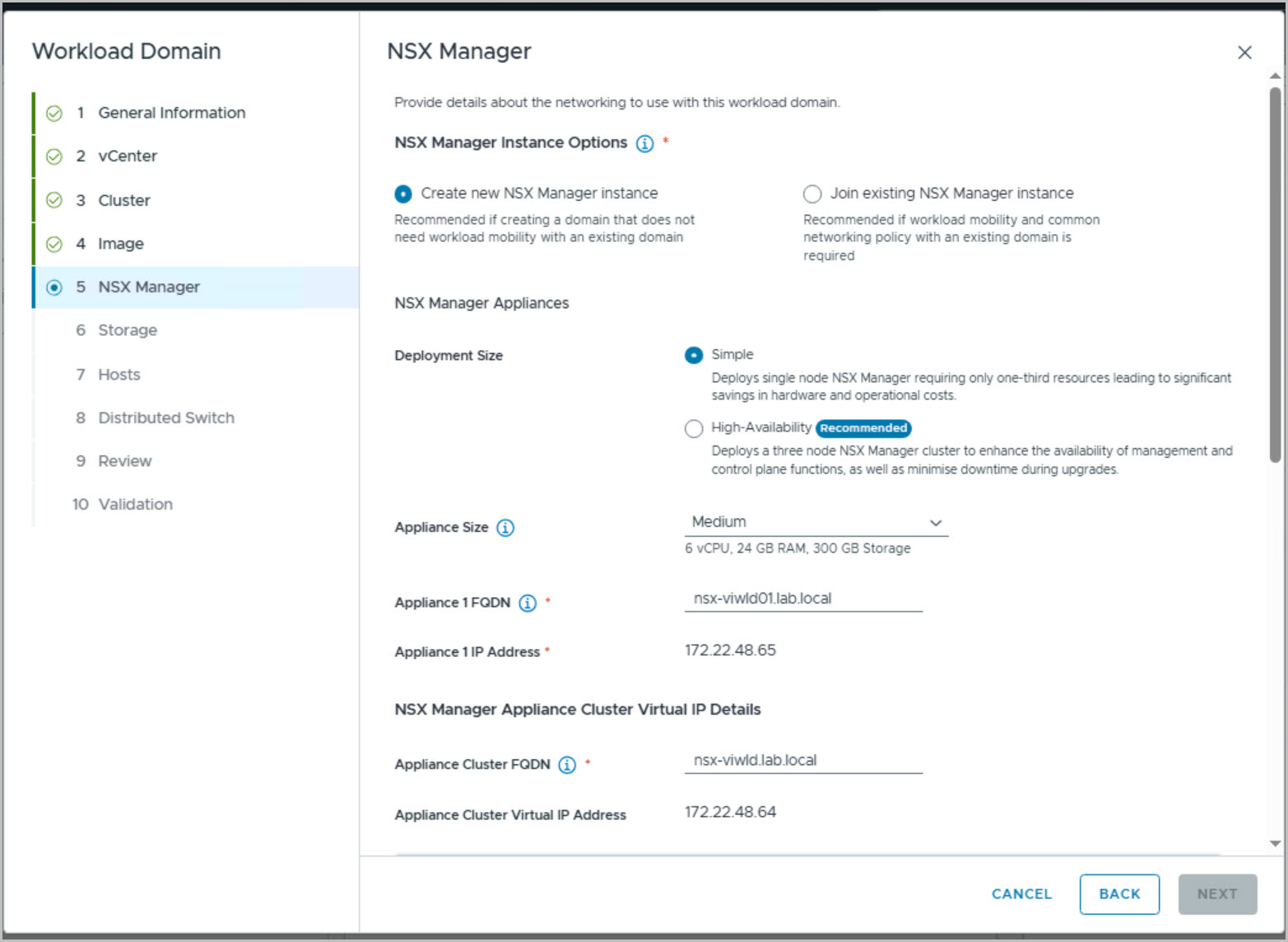
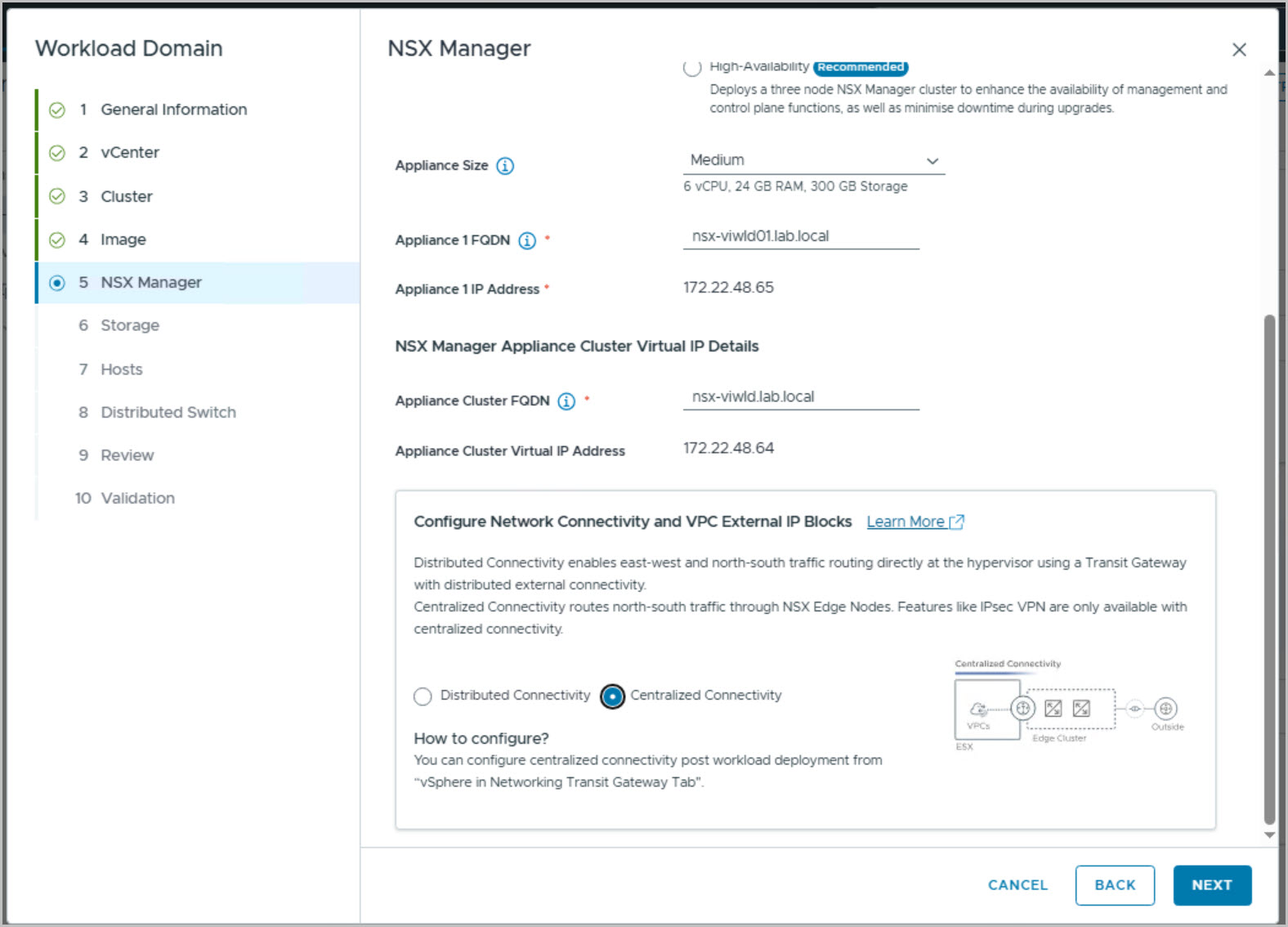
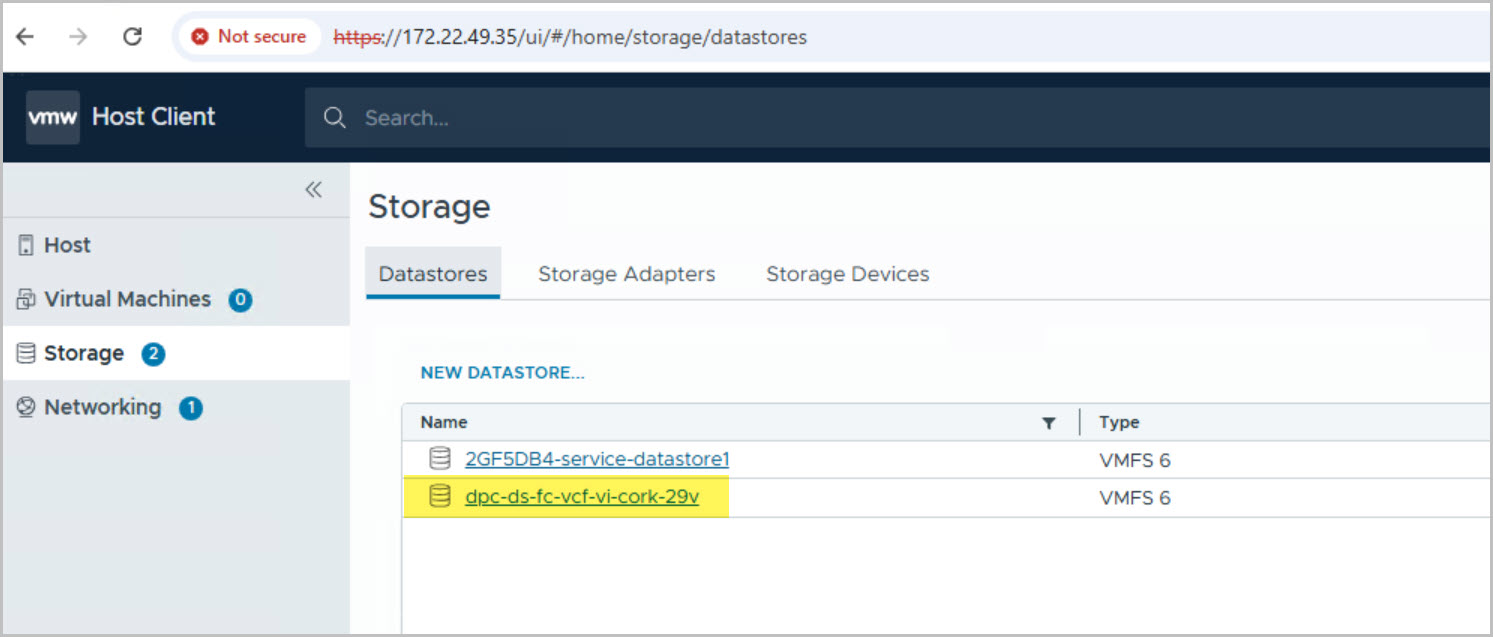
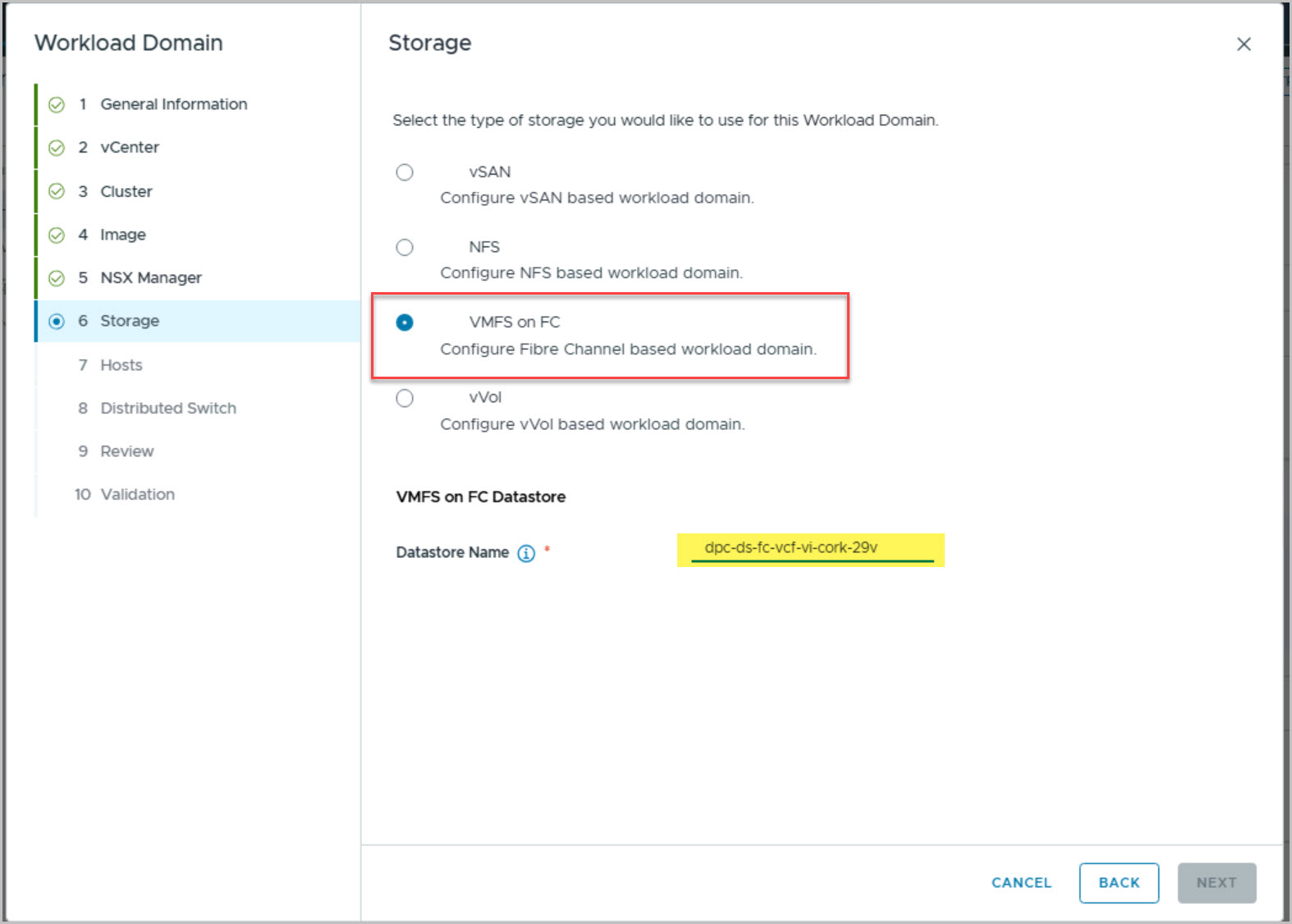
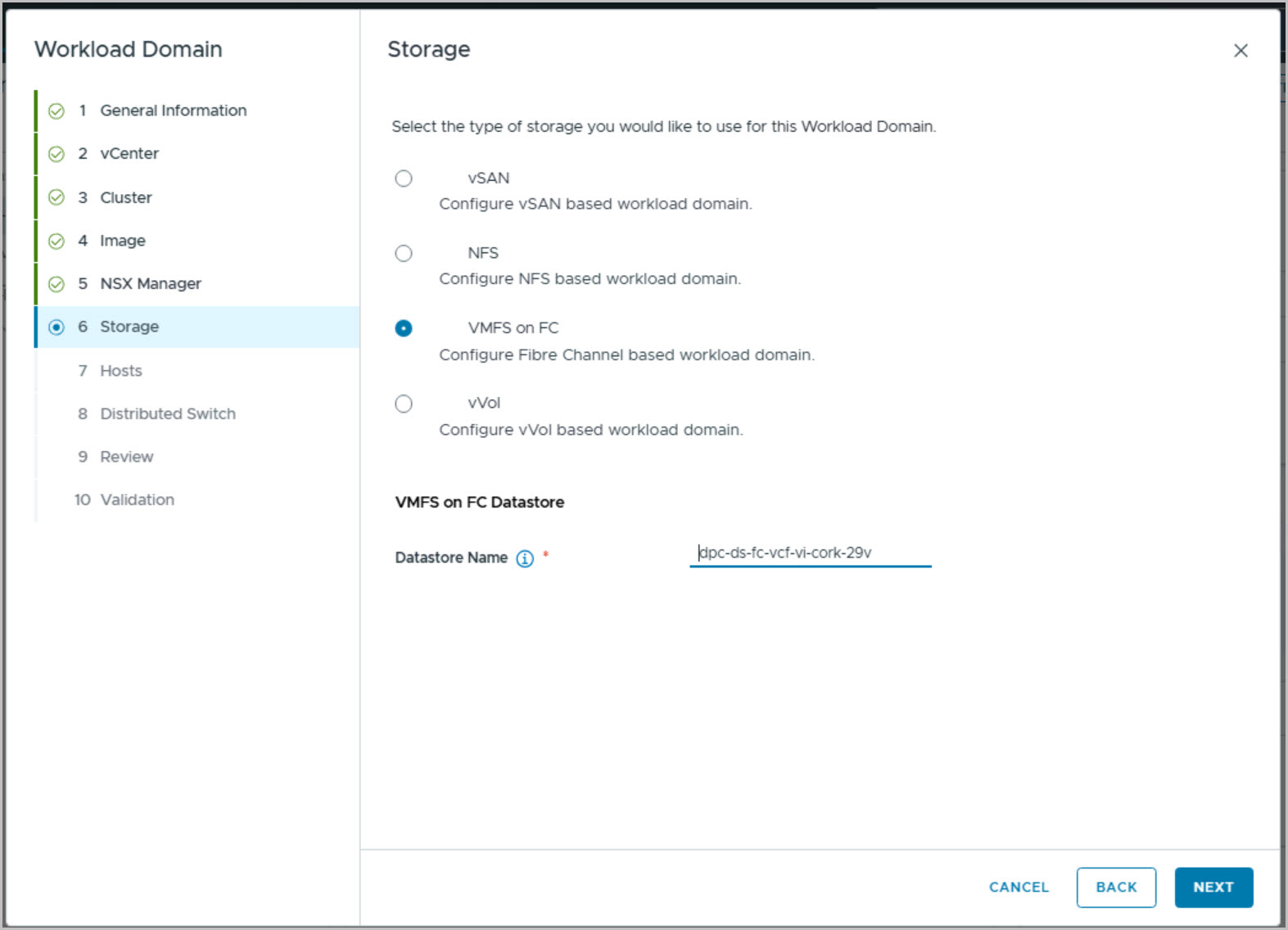
The networking platform for the workload domain is established by deploying a dedicated NSX Manager instance using the Simple deployment model. NSX-specific settings including the NSX Cluster FQDN, Virtual IP, and centralized connectivity model are configured to provide overlay networking and future workload connectivity. Storage is configured using VMFS on Fibre Channel, consuming the PowerStore-backed datastore previously created and presented to the commissioned hosts.
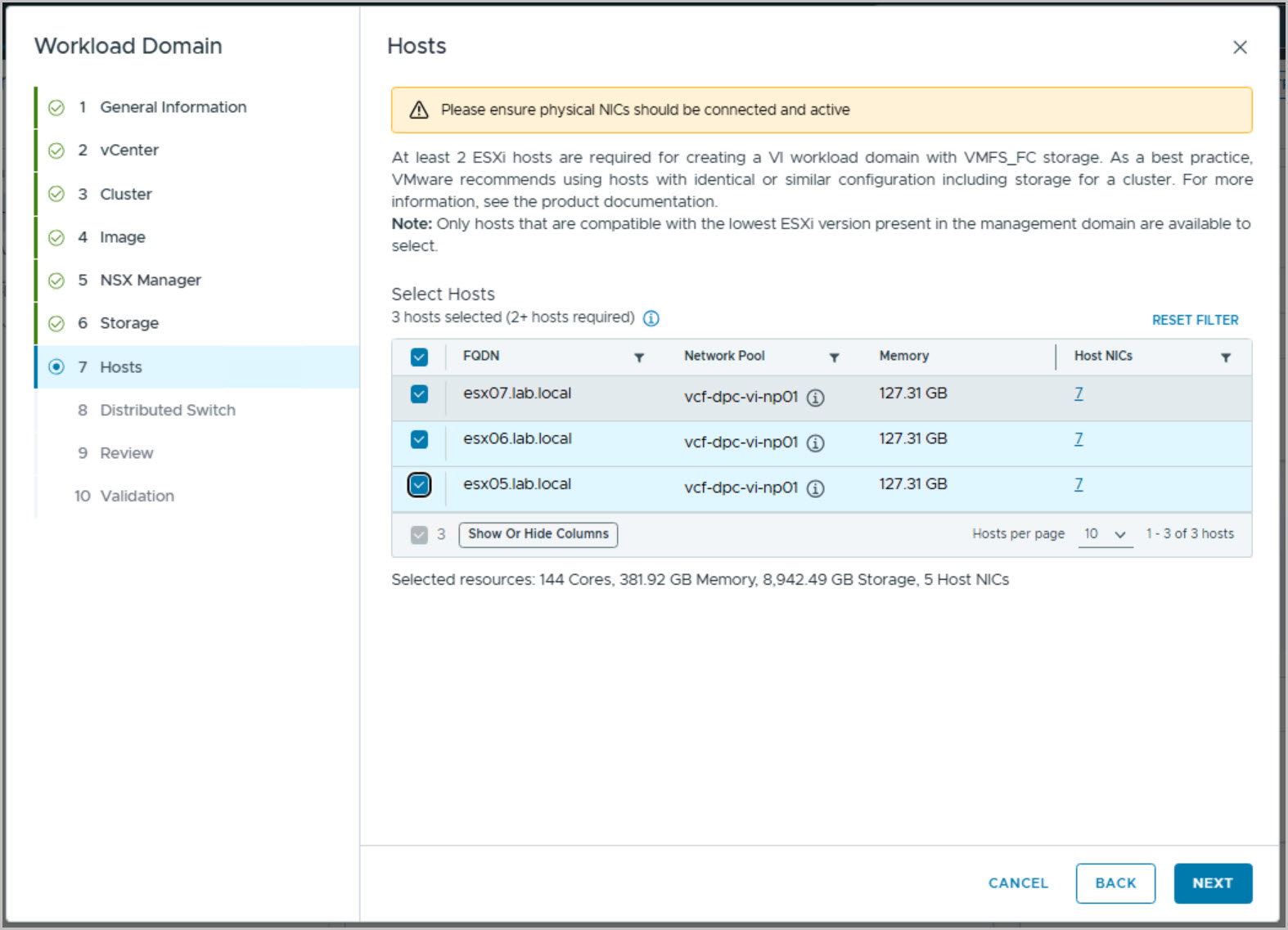
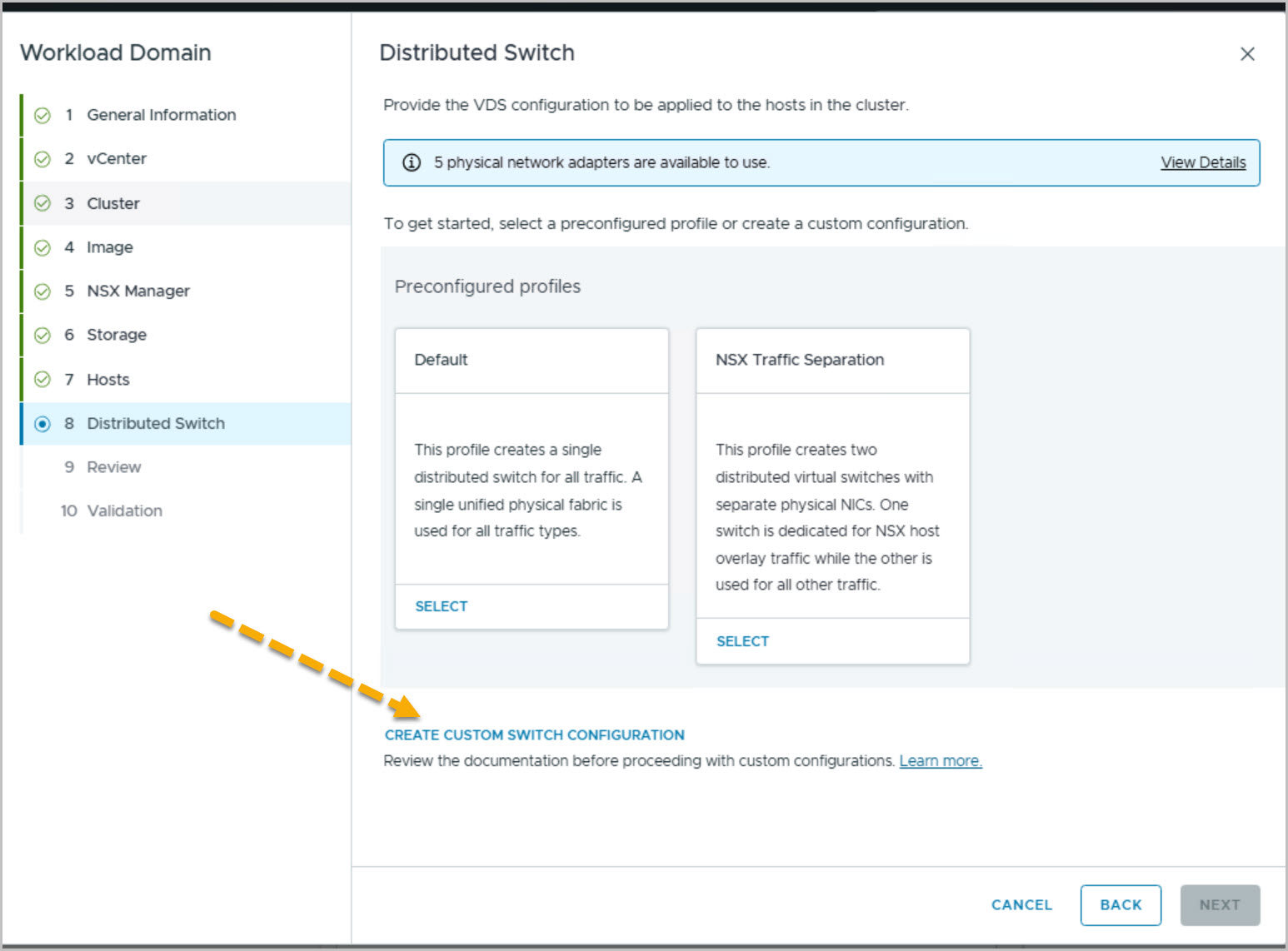
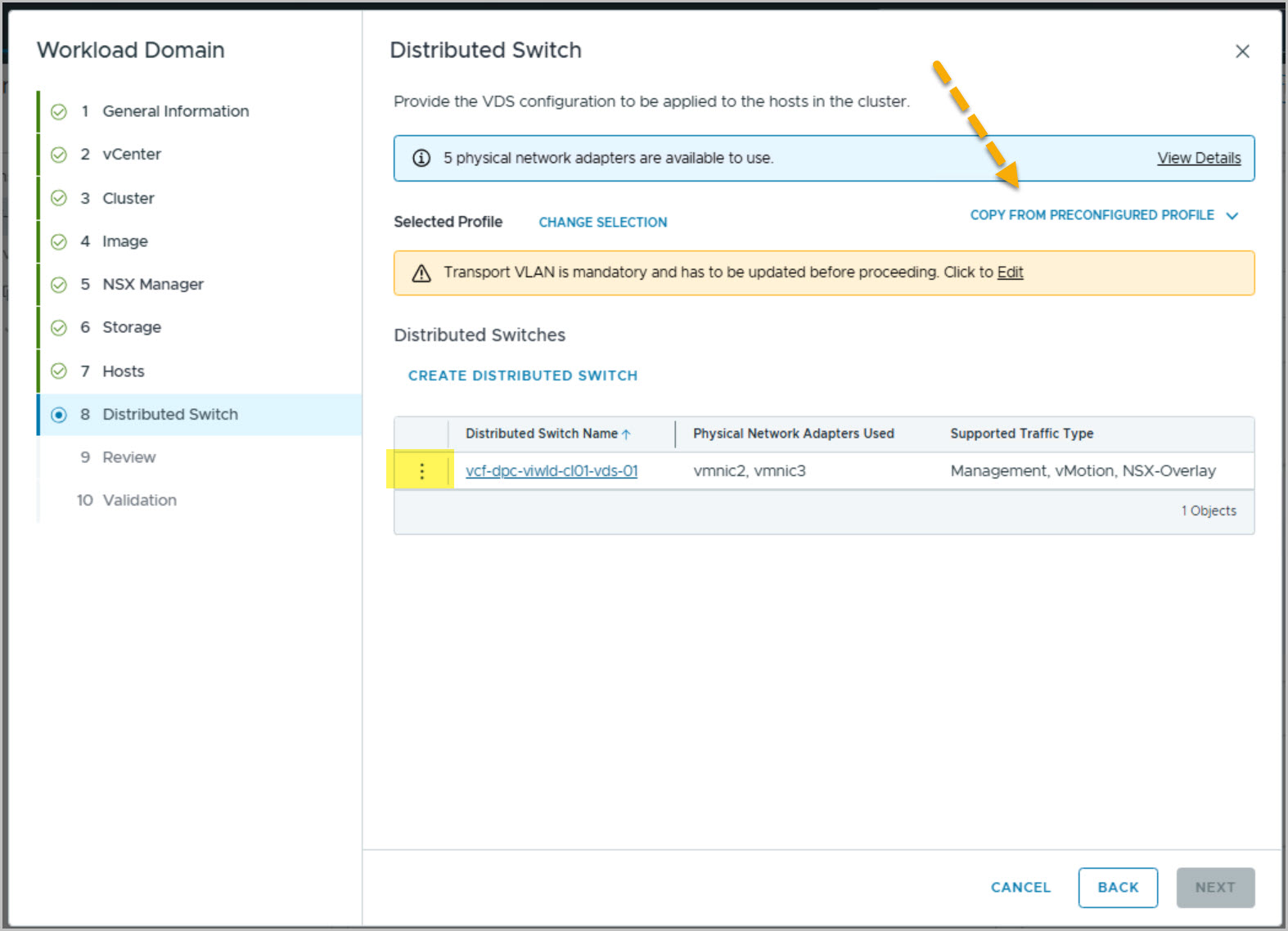
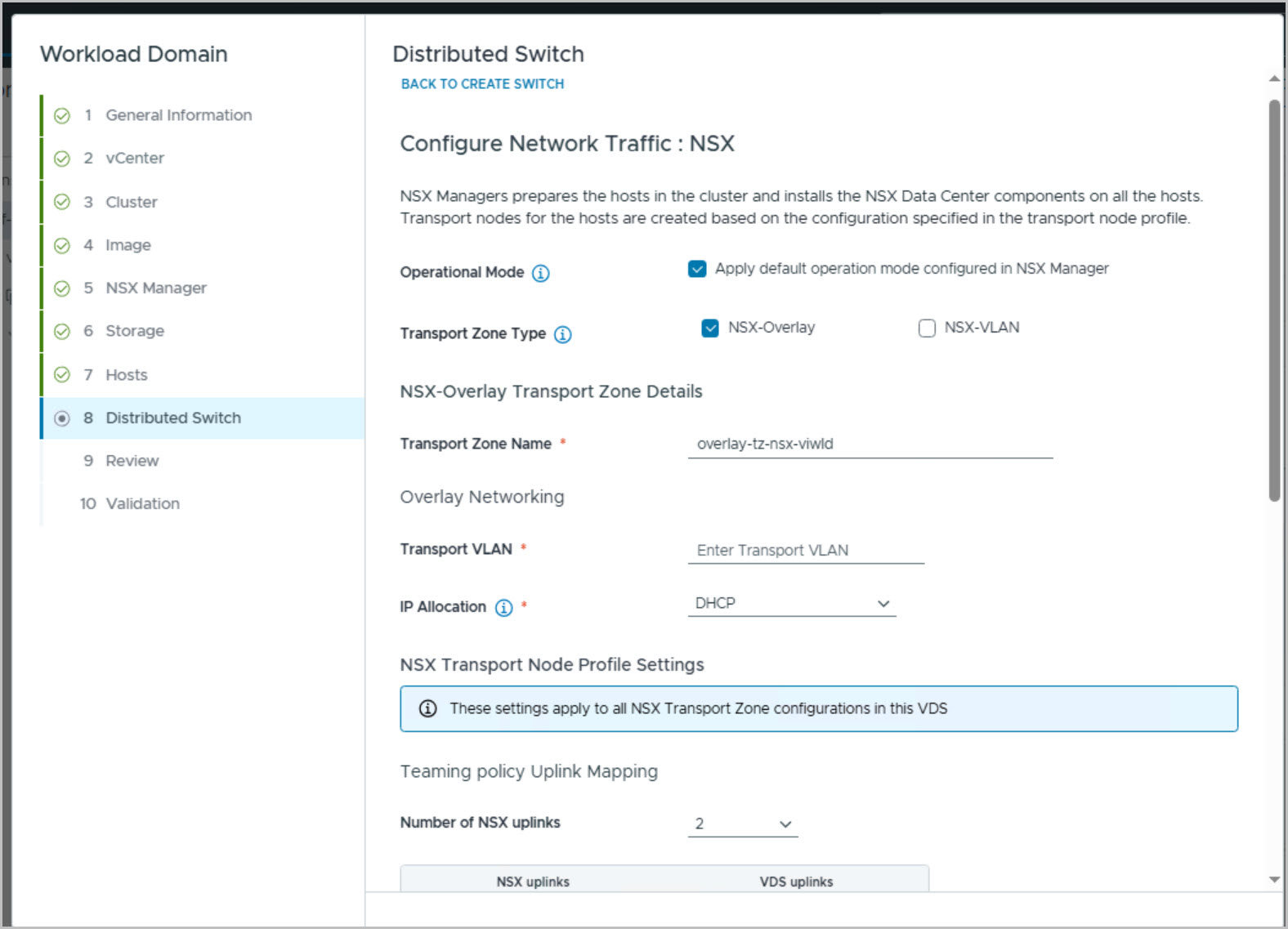
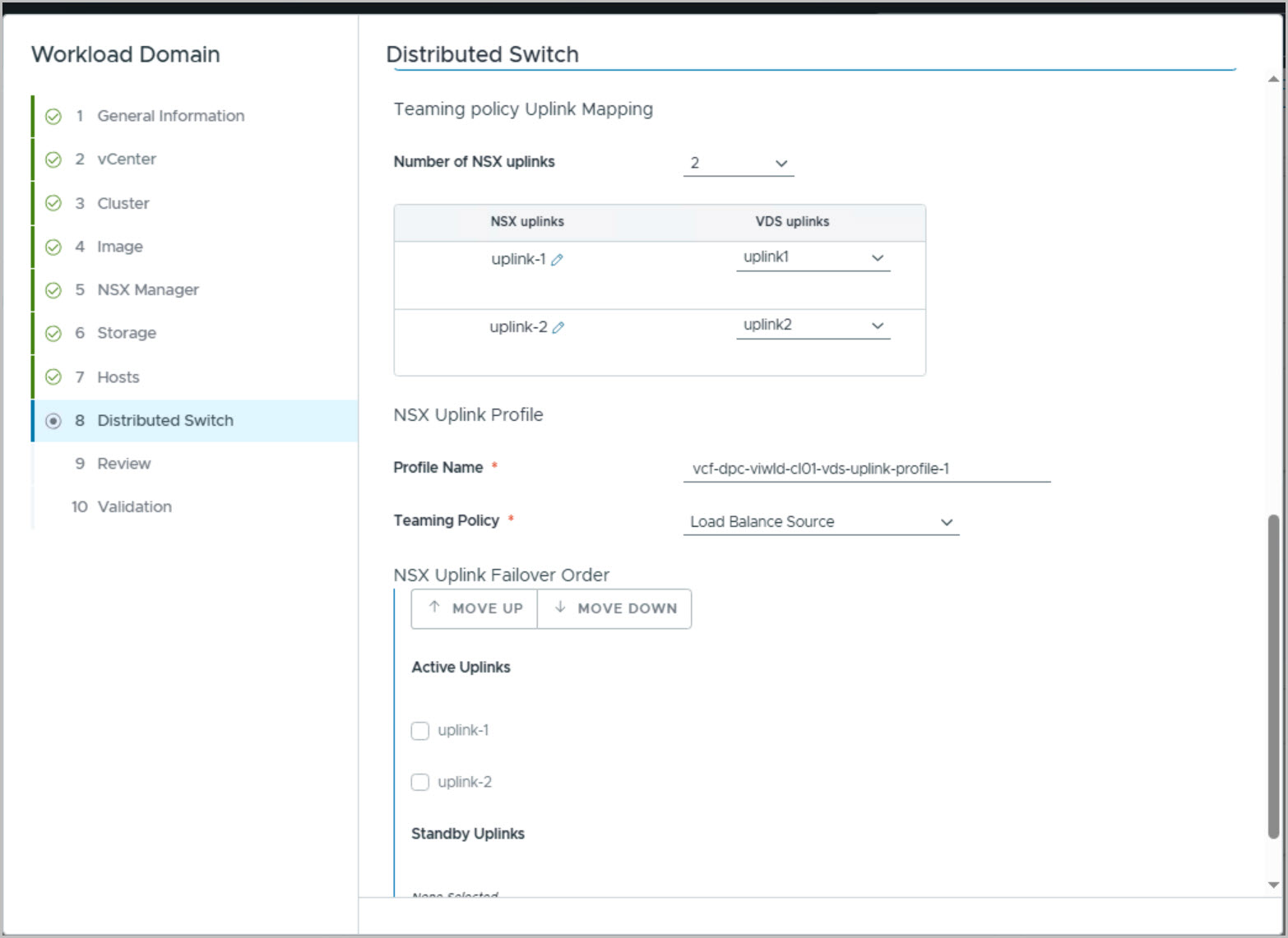
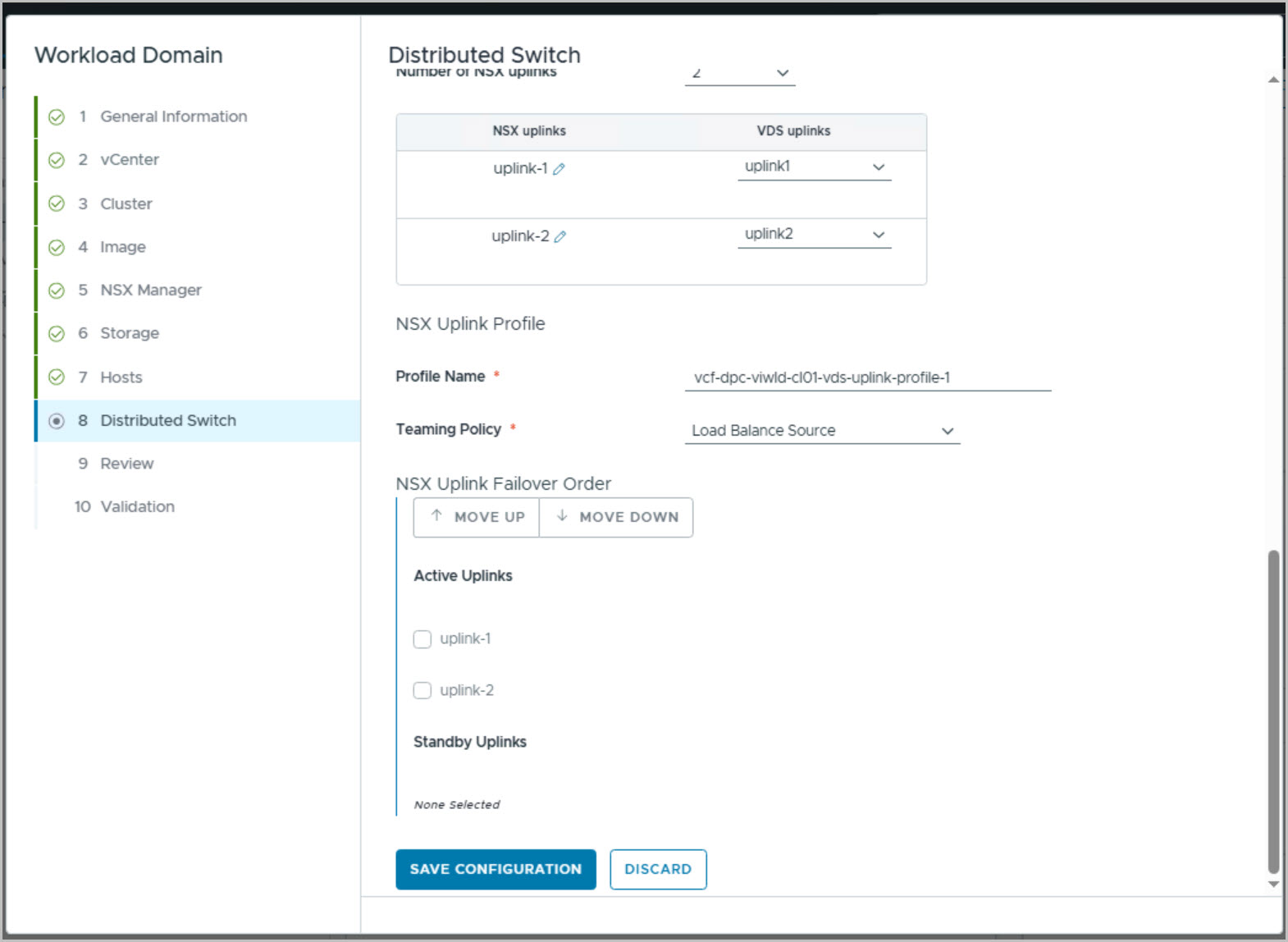
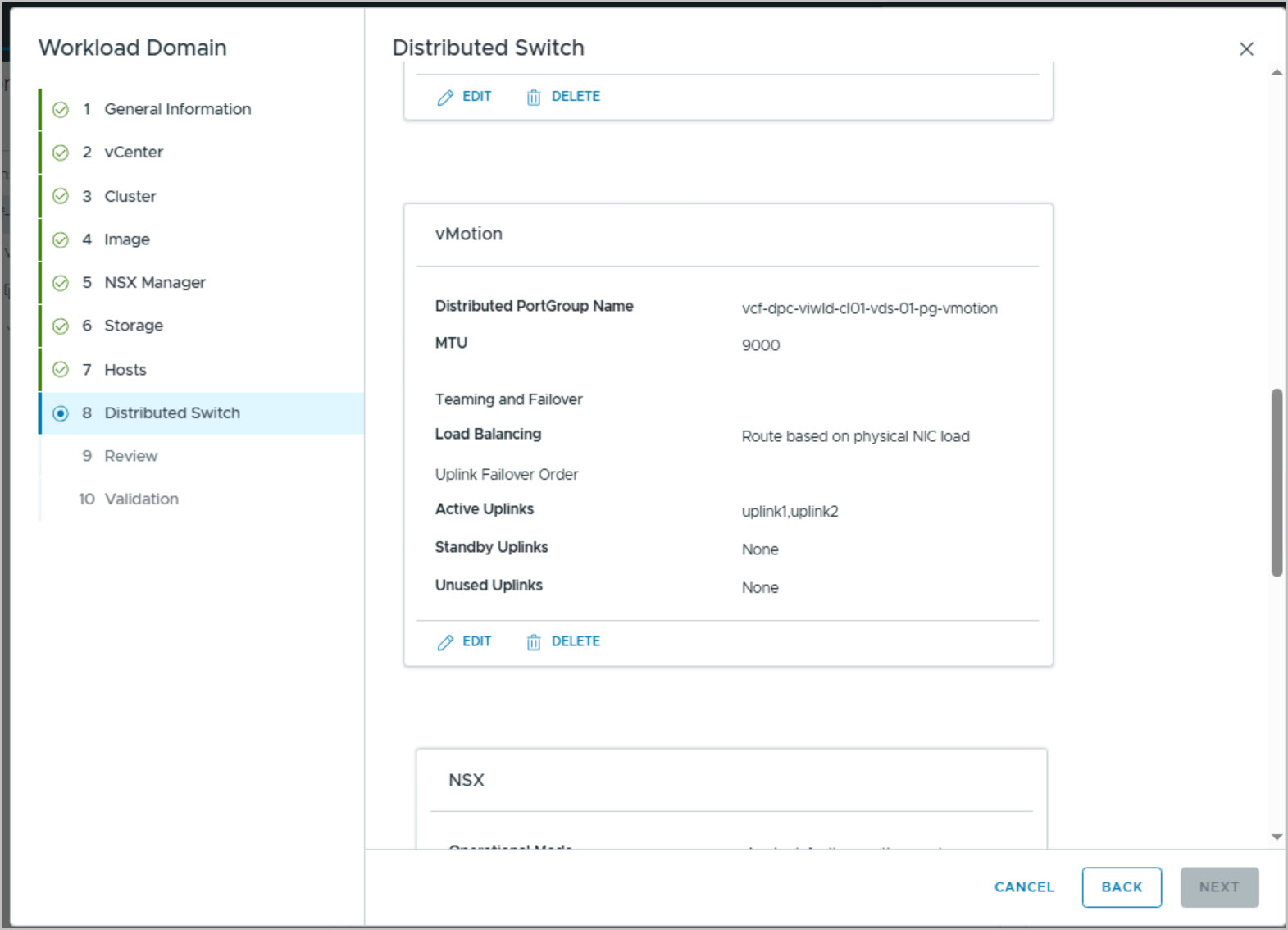
The workload domain then consumes the three hosts that were commissioned earlier in the series, esx05, esx06, and esx07, from the VCF Host Free Pool. These hosts are assigned to the new cluster and associated with the previously created network pool. A custom vSphere Distributed Switch is created using vmnic2 and vmnic3 as uplinks, supporting Management, vMotion, and NSX Overlay traffic. The distributed switch configuration includes a dedicated NSX Overlay Transport Zone, VLAN 303, a static NSX TEP IP pool, and a Load Balance Source teaming policy for transport traffic.
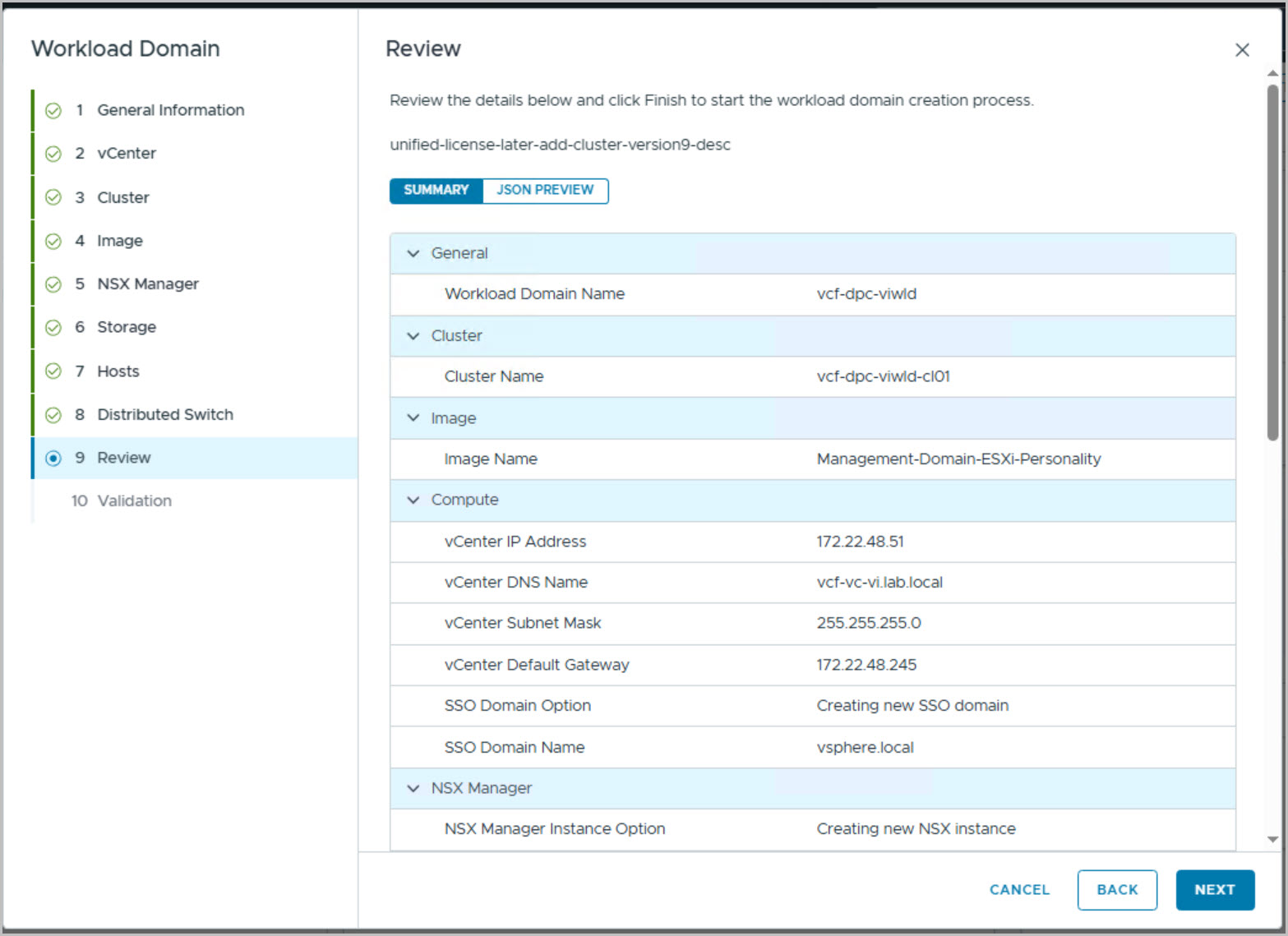
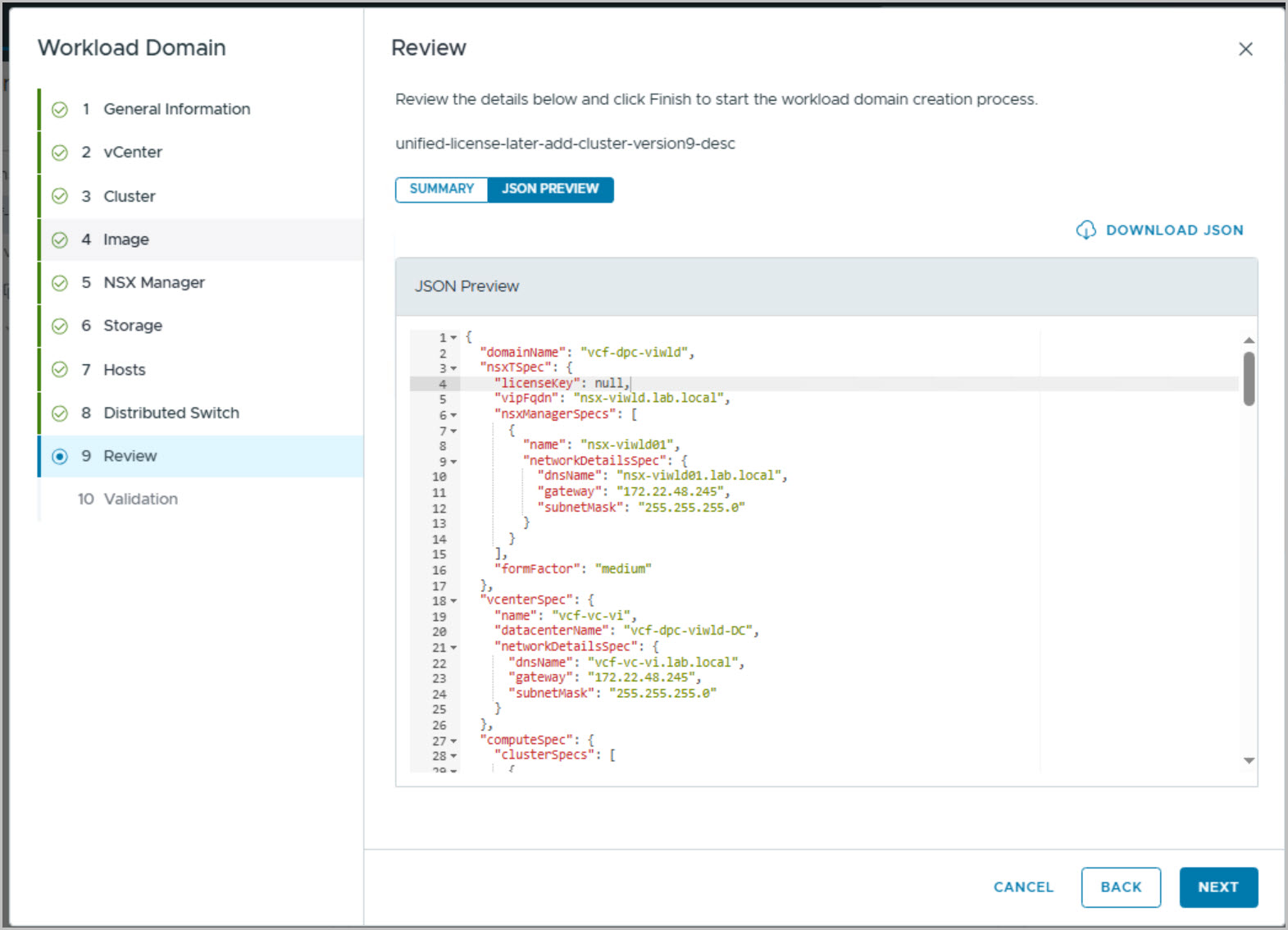
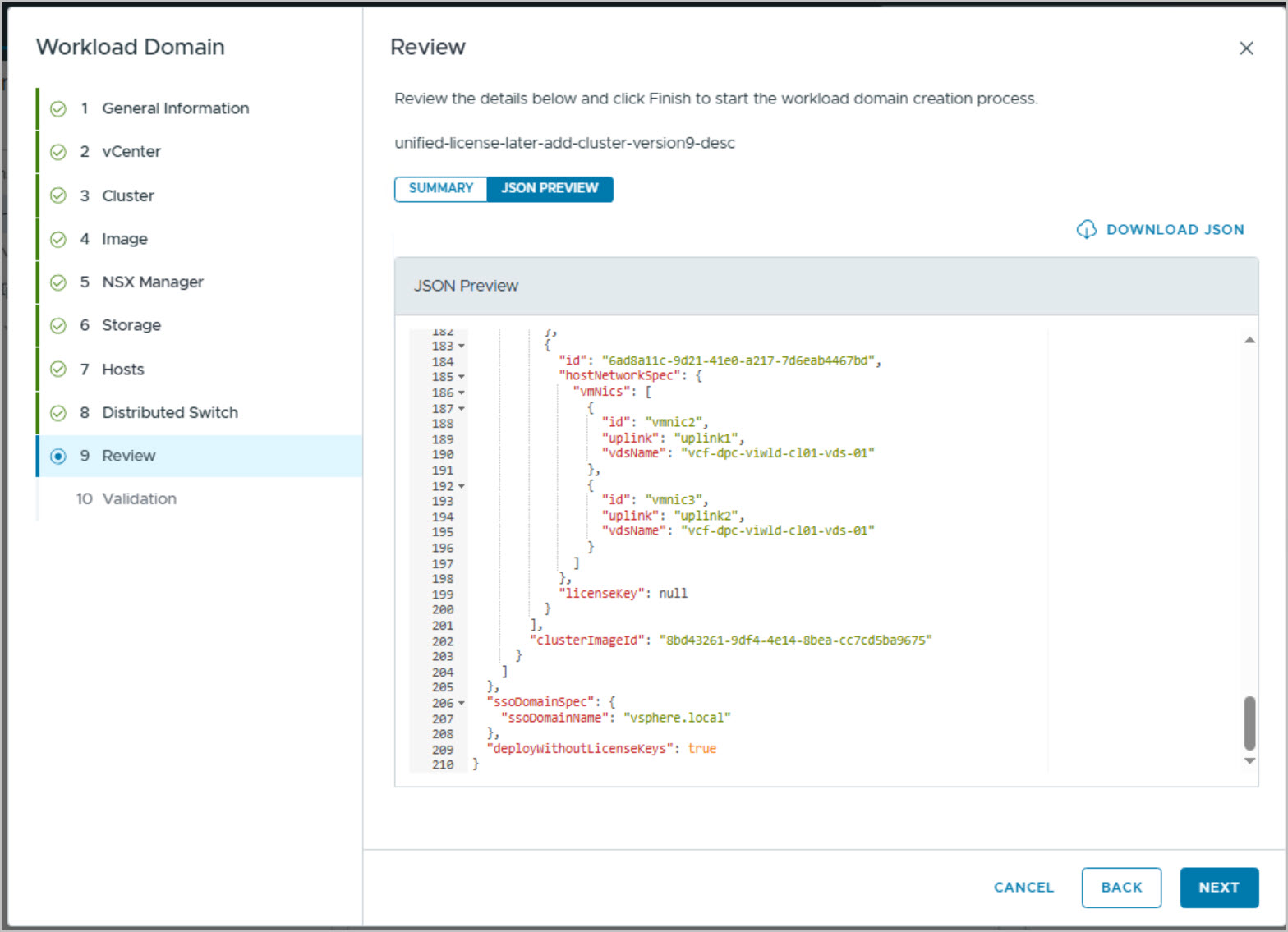
Before deployment begins, VMware Cloud Foundation automatically generates the required Management, vMotion, and NSX Overlay port groups and displays the complete configuration summary. The JSON Preview is reviewed and optionally downloaded, providing a complete deployment specification for documentation and future reference.
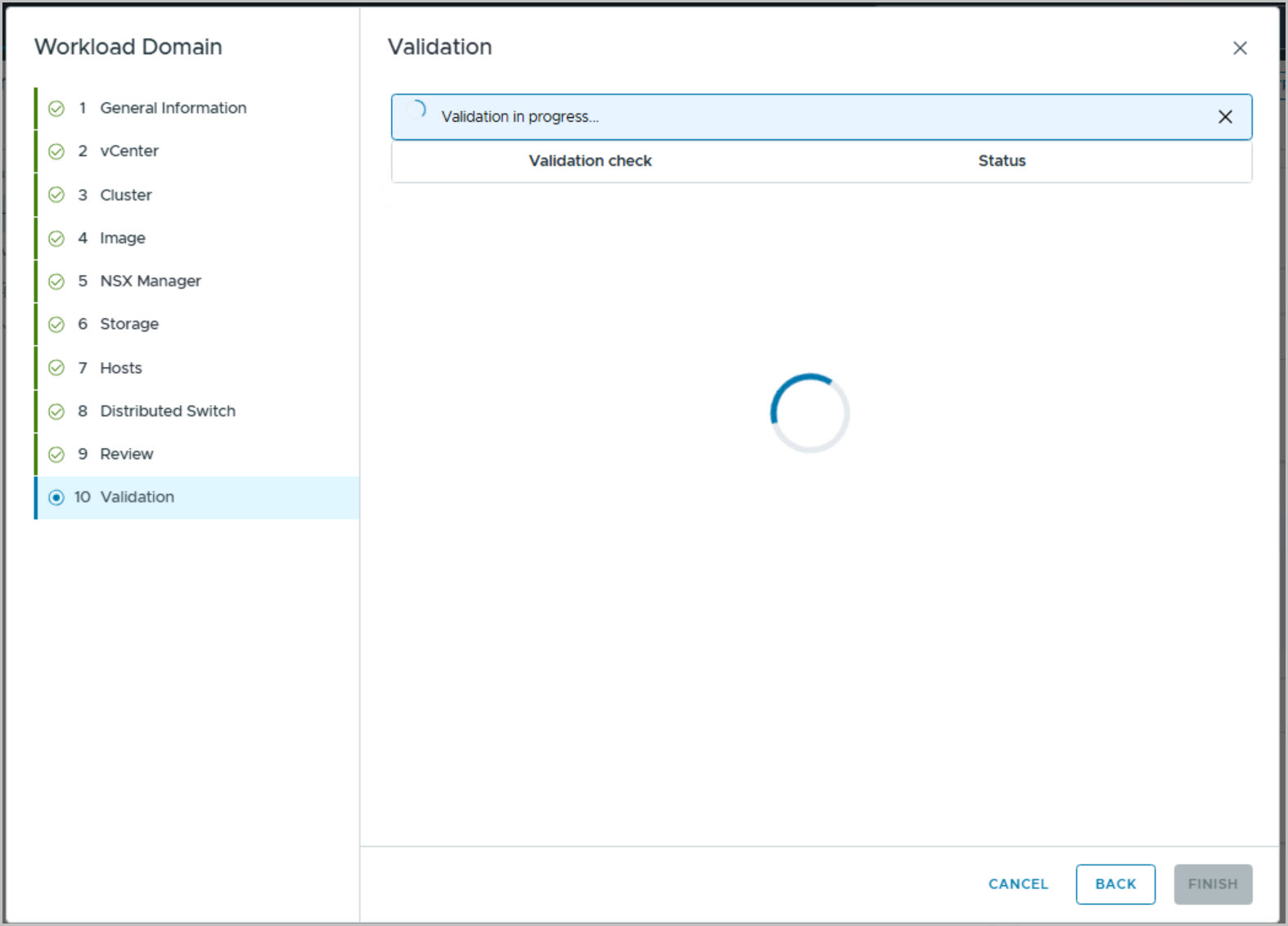
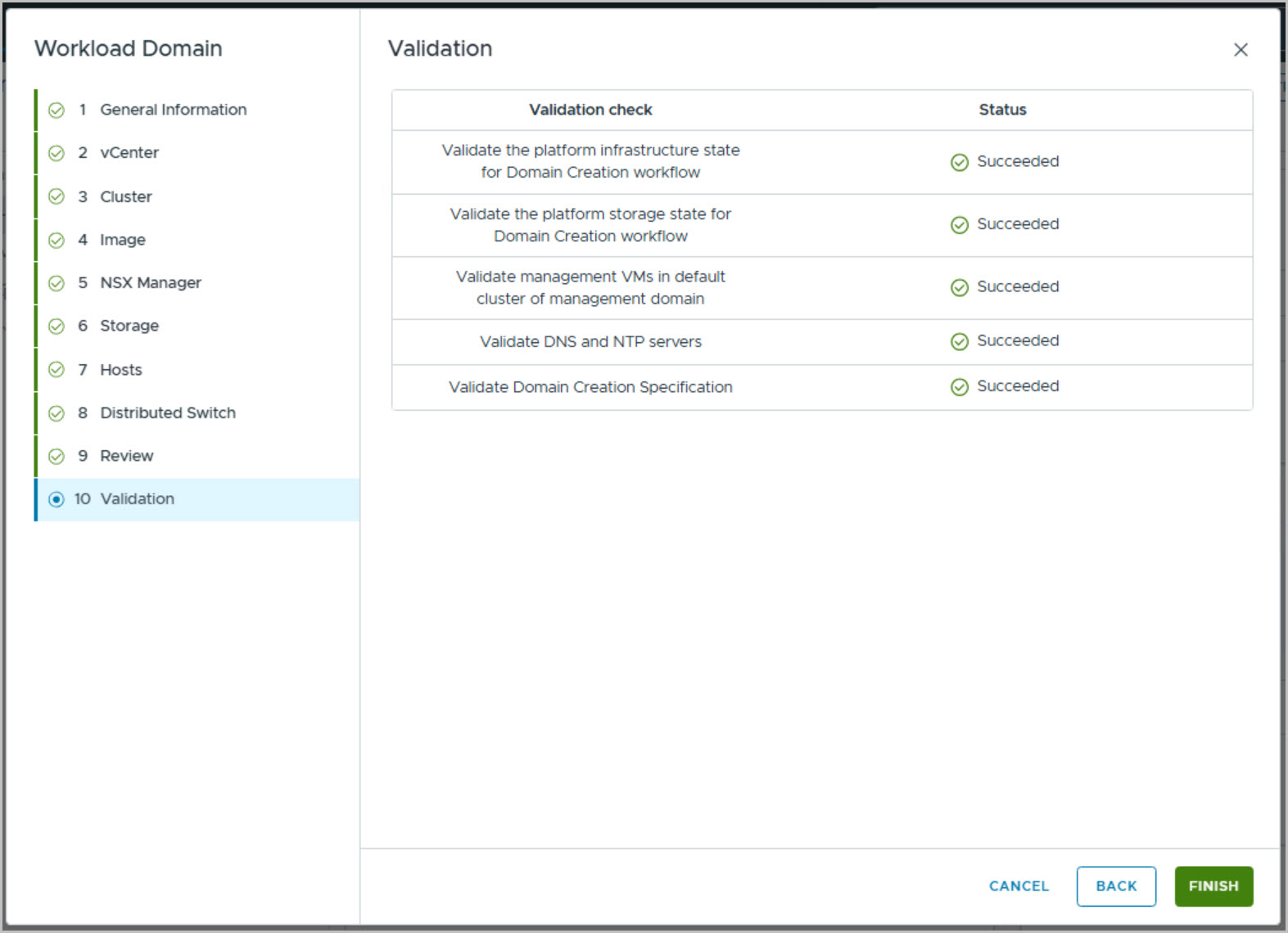
The final stage consists of VMware Cloud Foundation validation checks. These validations confirm infrastructure readiness, storage accessibility, management domain health, DNS and NTP configuration, and workload domain specification integrity. Once all validation checks report Succeeded, the workload domain deployment is started.
At this point, VMware Cloud Foundation takes over and begins the automated deployment of the new workload domain, including:
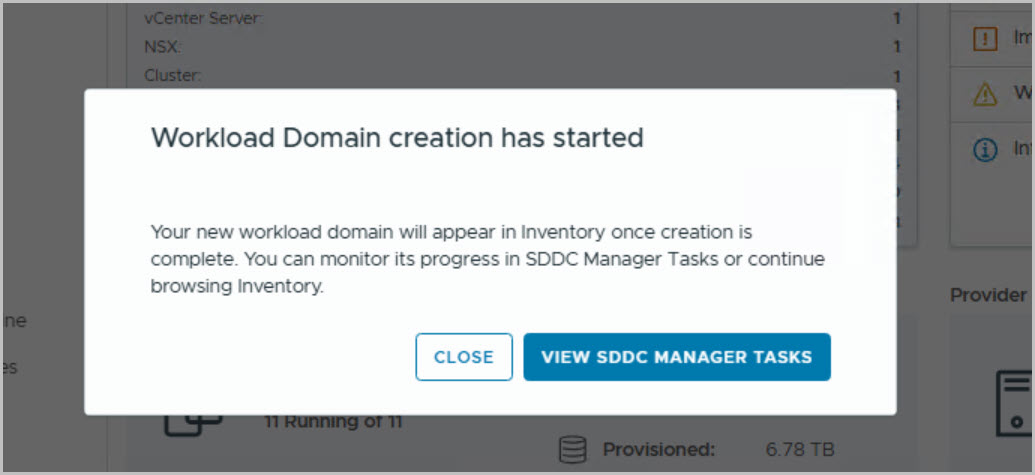
With deployment underway, the first VI Workload Domain is now being provisioned using the newly commissioned PowerEdge hosts, marking the transition from infrastructure preparation into full workload domain expansion within VMware Cloud Foundation on Dell Private Cloud 1.4.
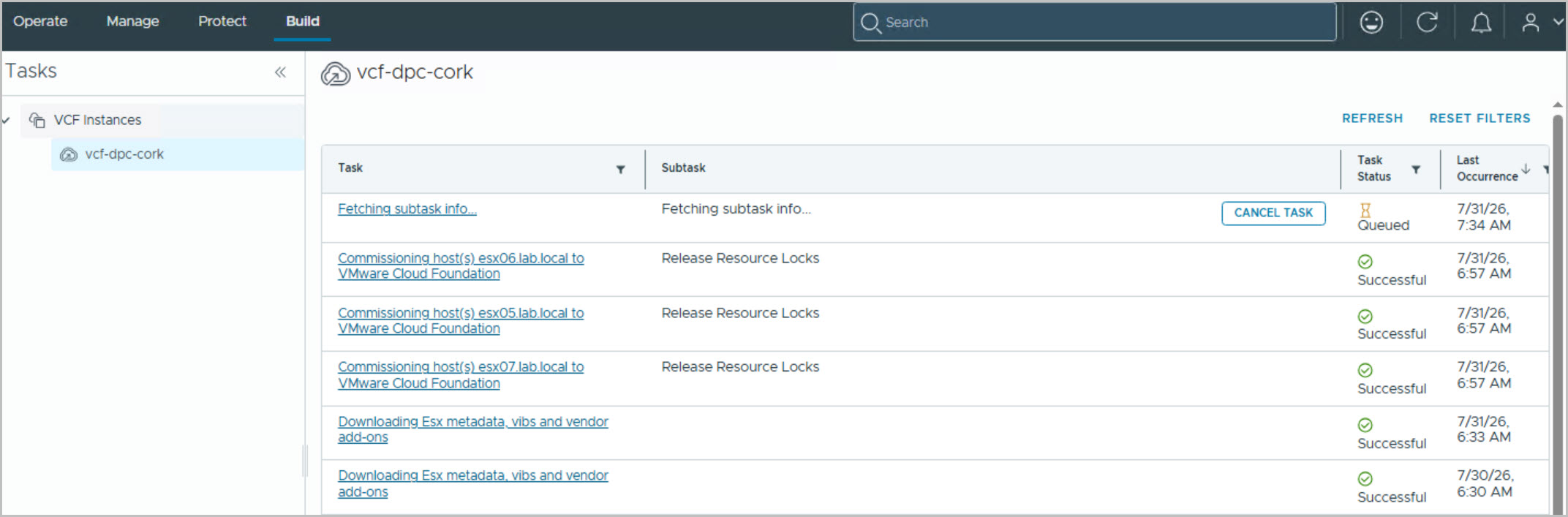
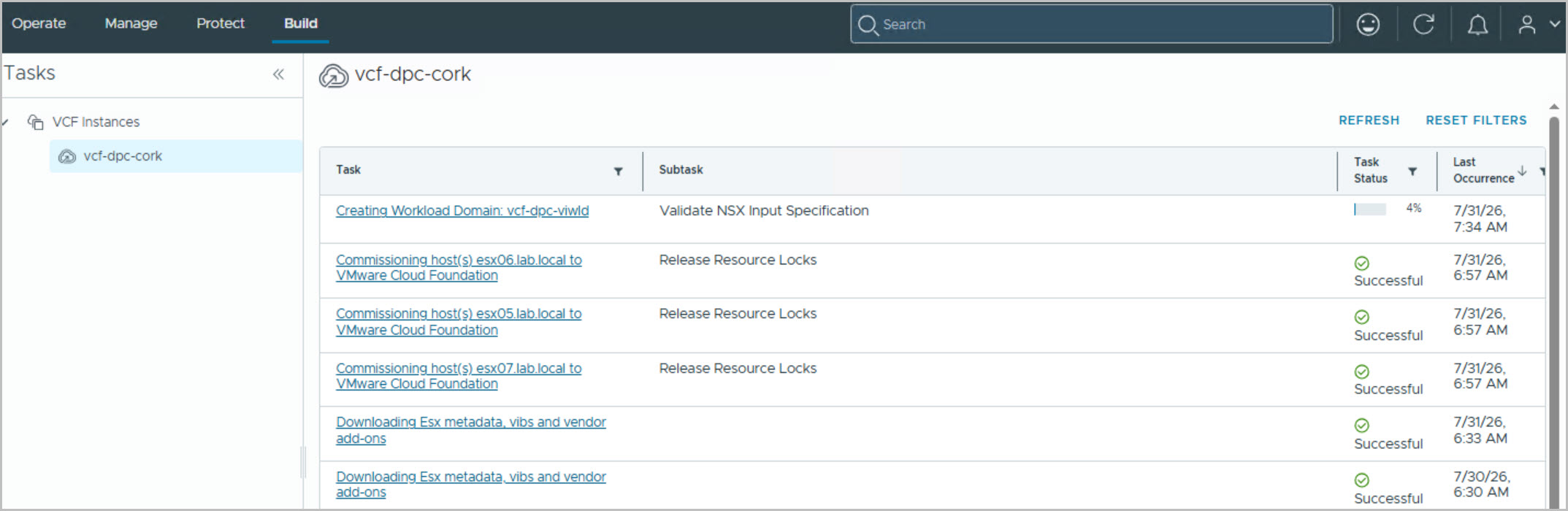
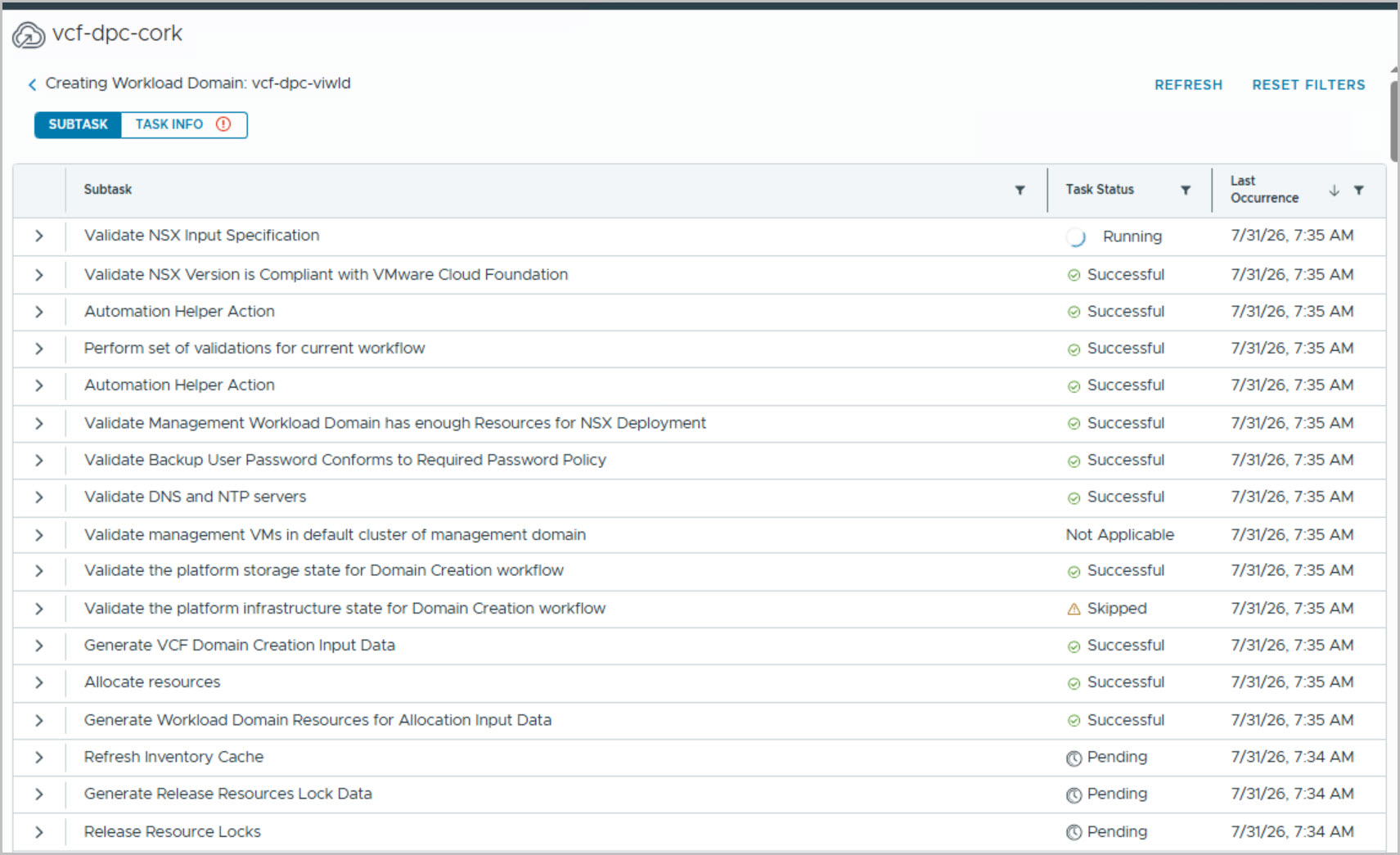
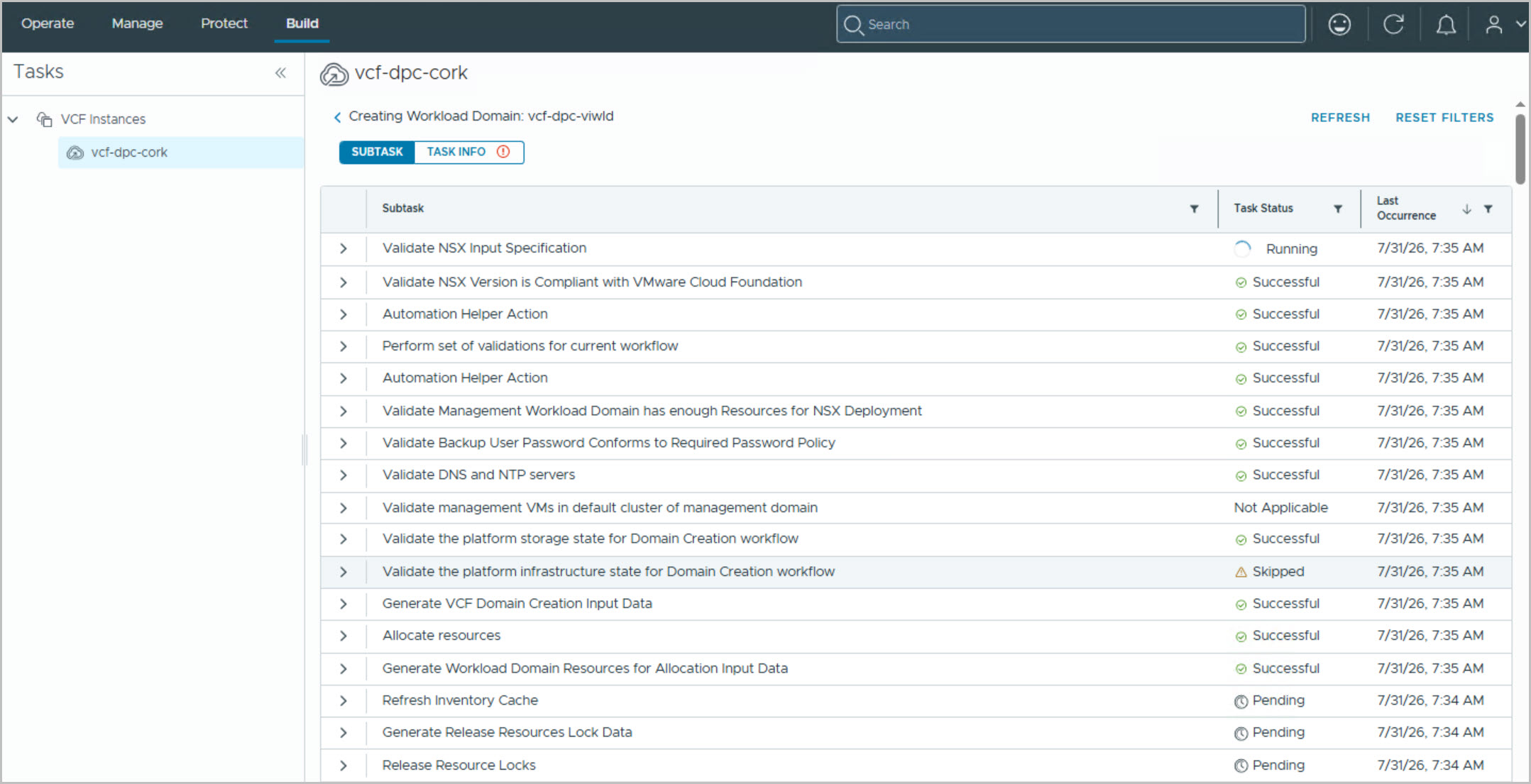
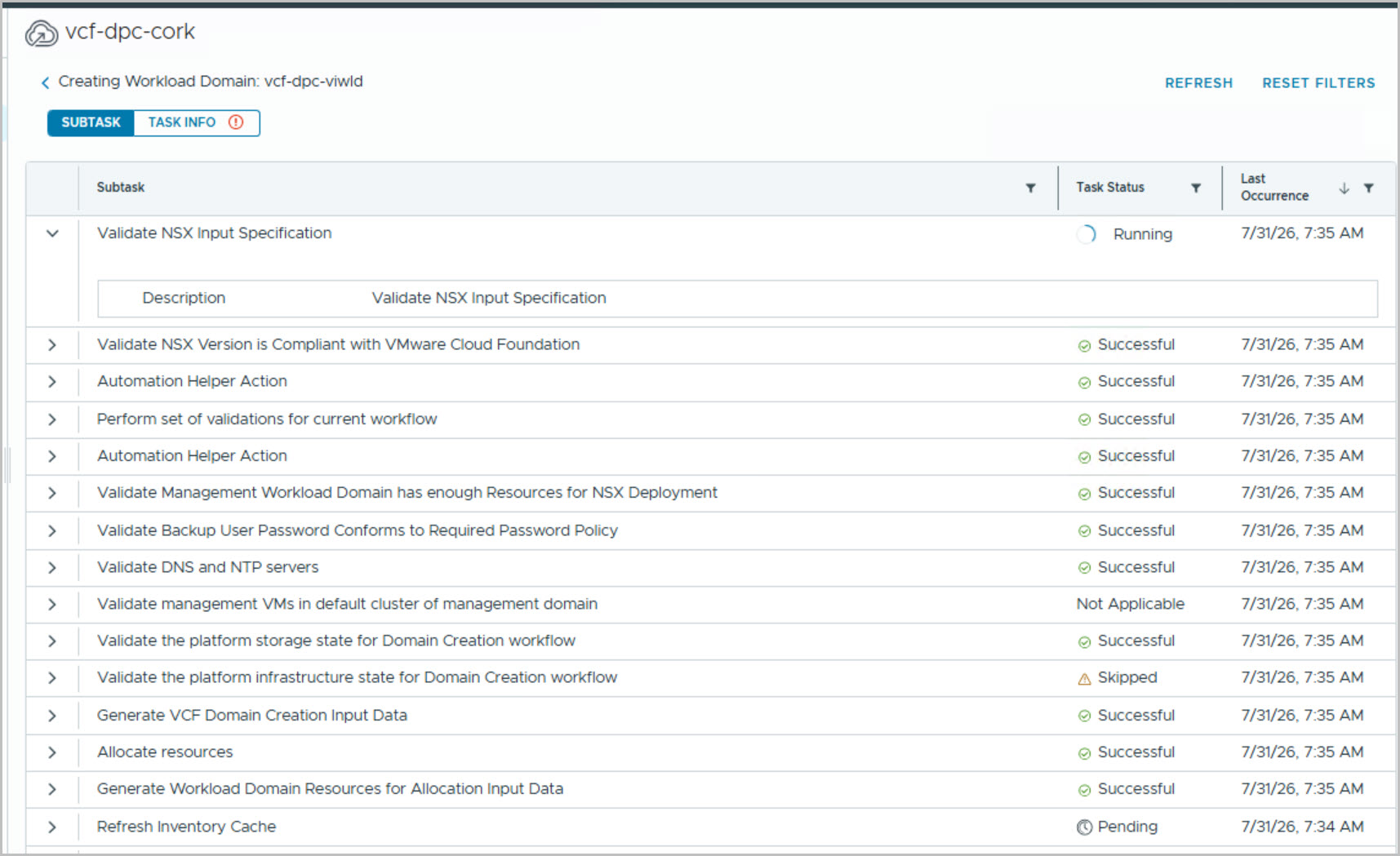
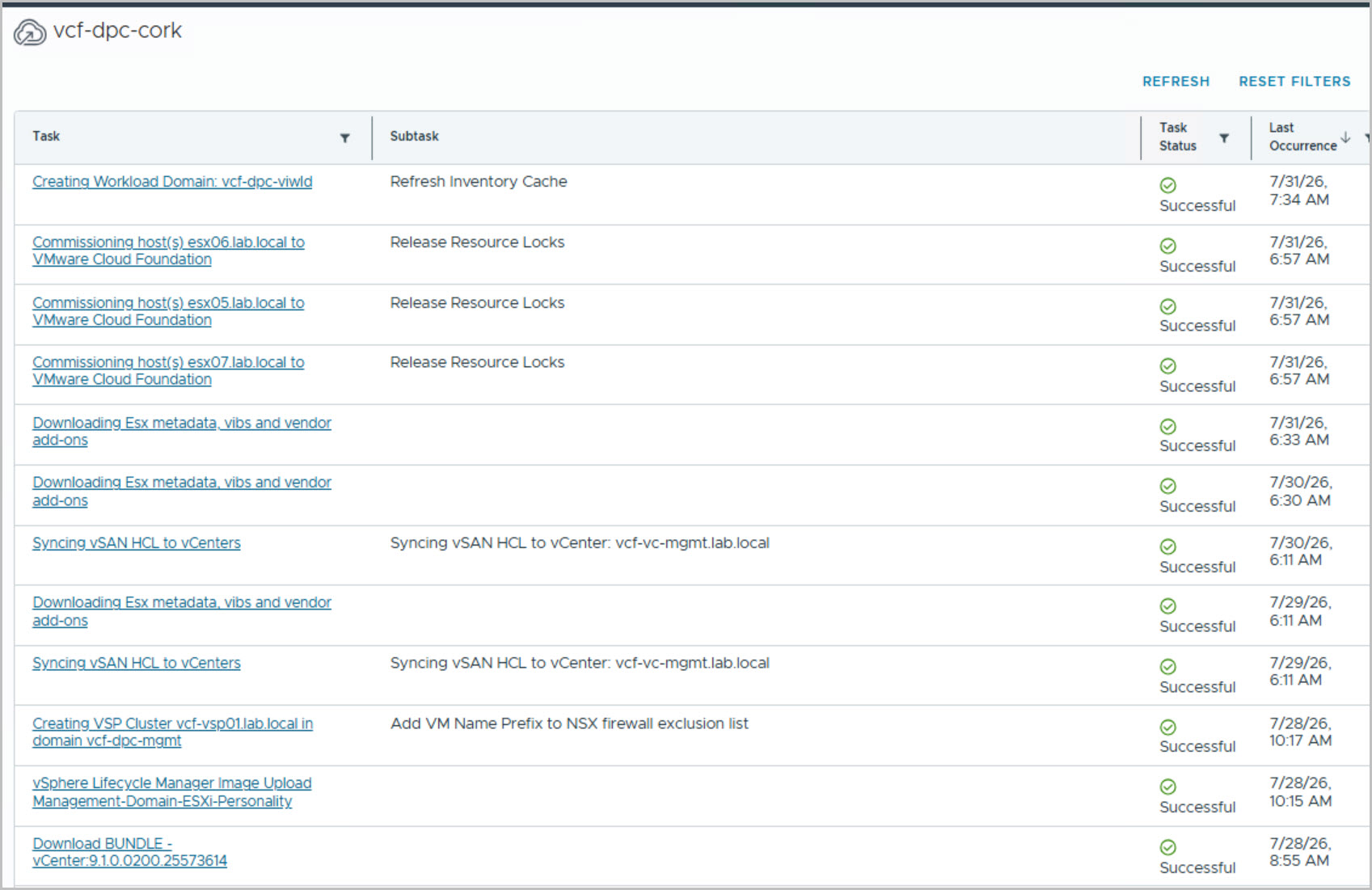
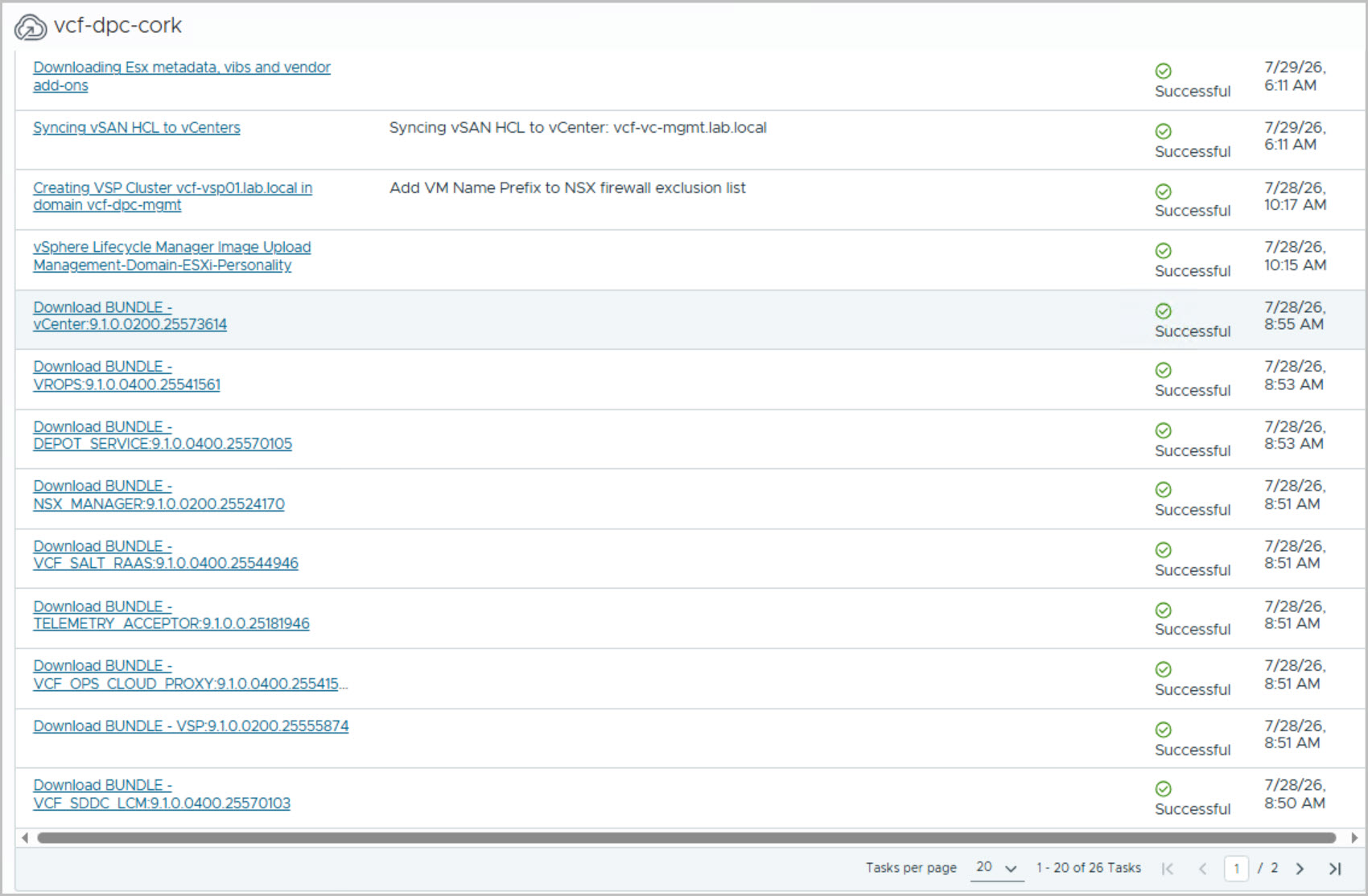
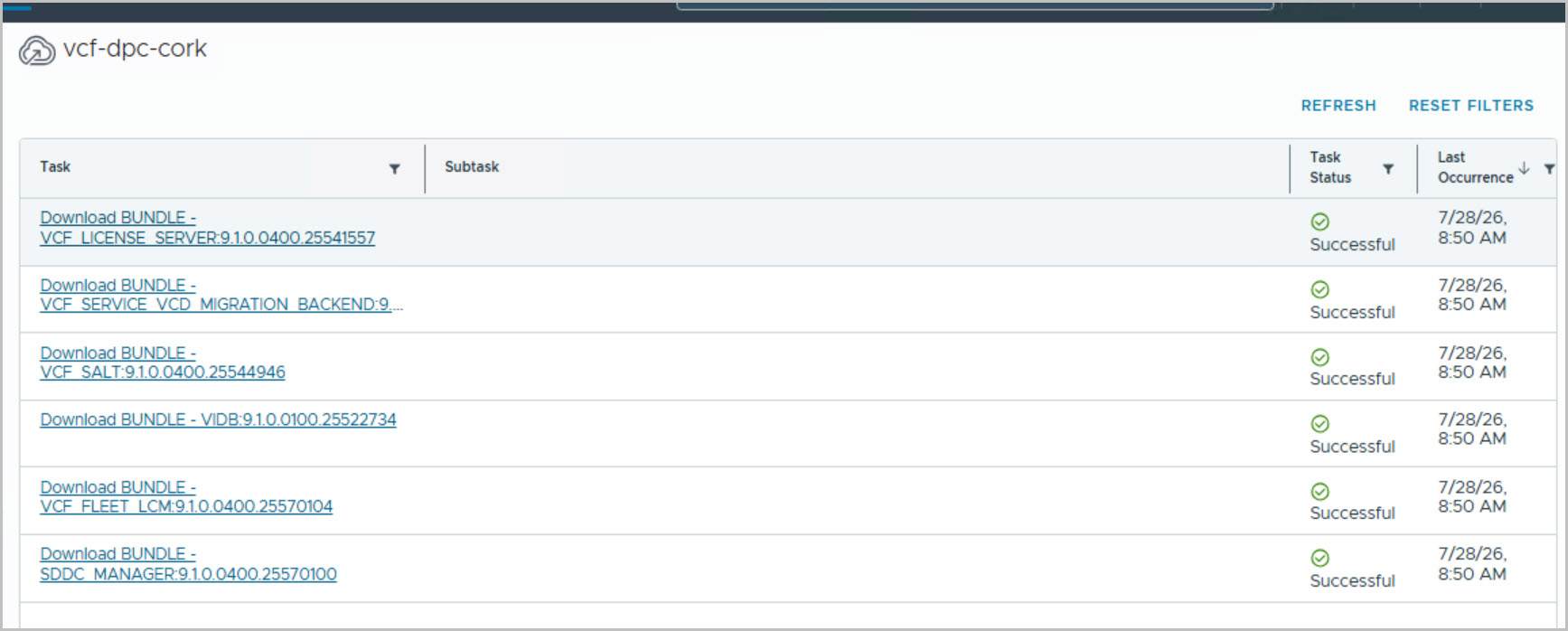
The final set of screenshots covers the successful completion of the first VI Workload Domain deployment and the associated post-deployment validation activities. After the workload domain creation workflow is launched, SDDC Manager becomes the primary interface for monitoring progress. The deployment progresses through a series of validation and preparation tasks, including NSX validation, DNS and NTP verification, storage validation, password policy checks, resource allocation, inventory updates, and generation of the workload domain deployment inputs. The detailed task and subtask views provide visibility into every stage of the deployment and can be used to troubleshoot issues should any arise.
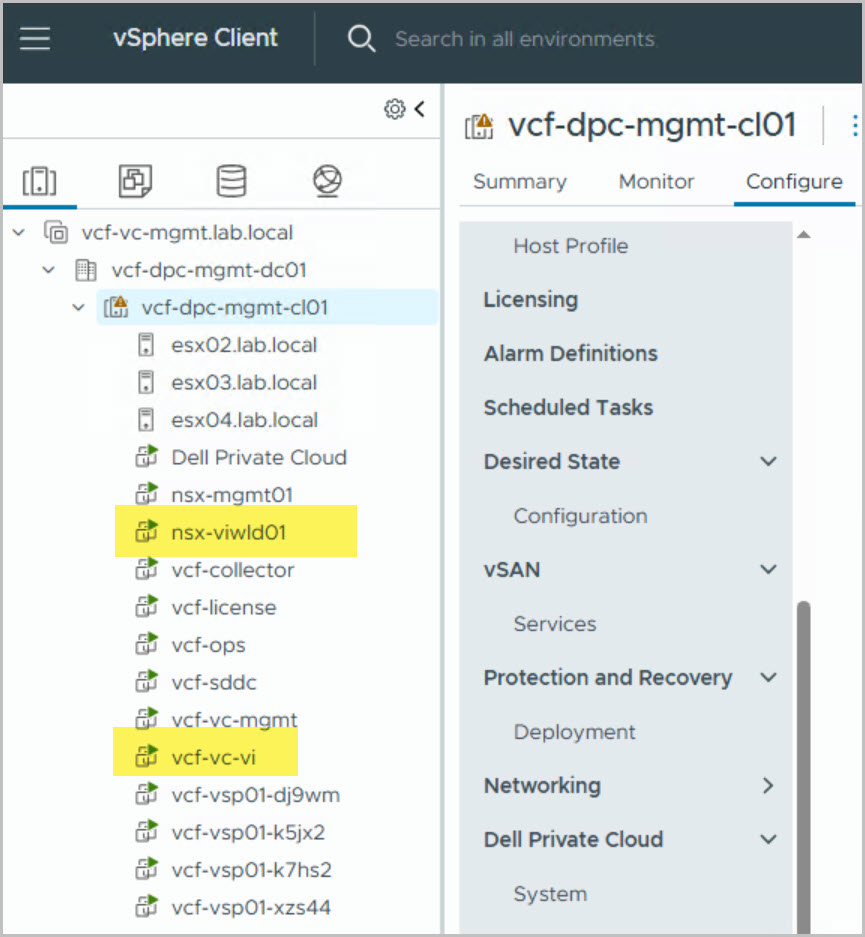
As the deployment progresses, the new workload domain components begin appearing within the Management Domain vCenter, providing a useful indication that provisioning is underway. In this example, the new Workload Domain vCenter Server (vcf-vc-vi) and NSX Manager (nsx-viwld01) are automatically deployed and become visible alongside the existing Management Domain infrastructure. VMware Cloud Foundation then continues with cluster creation, distributed switch deployment, networking configuration, storage integration, and host onboarding.
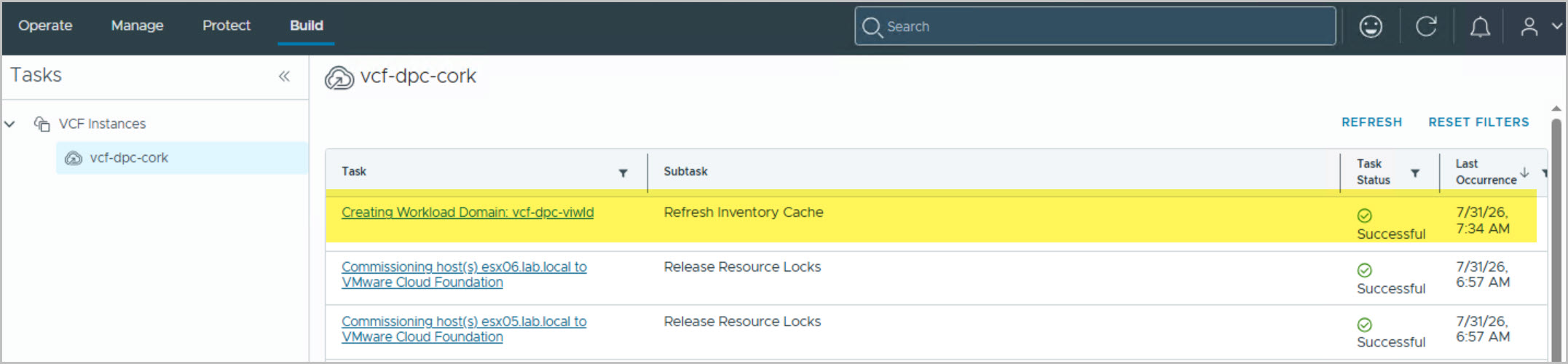
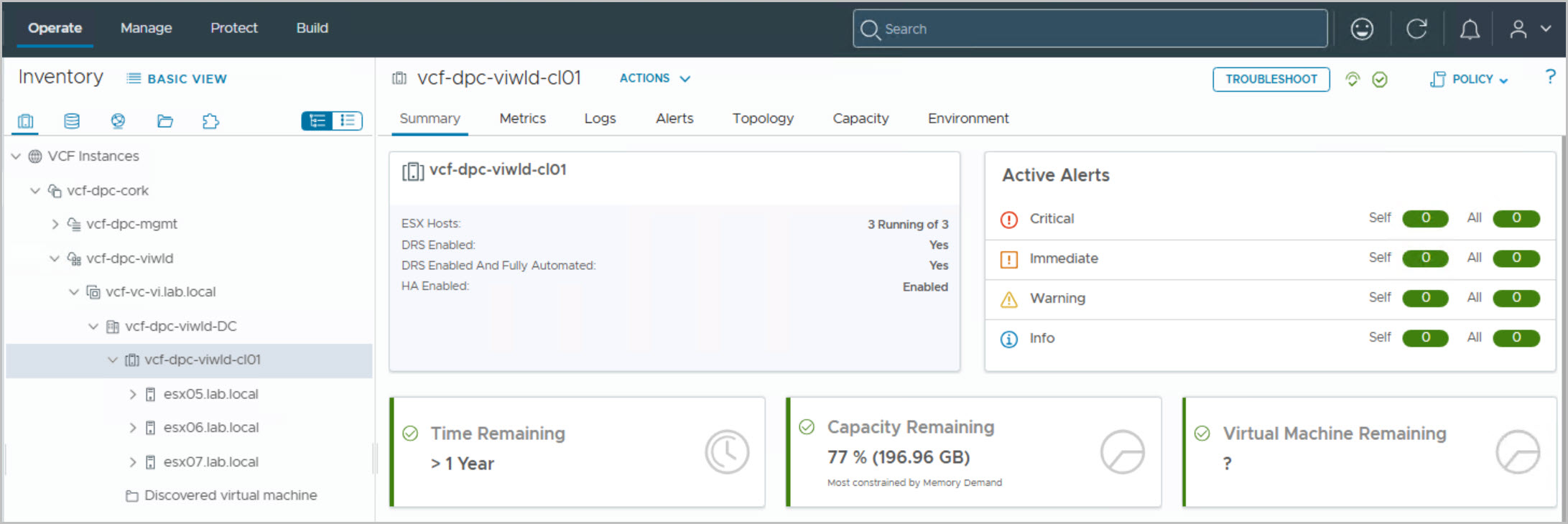
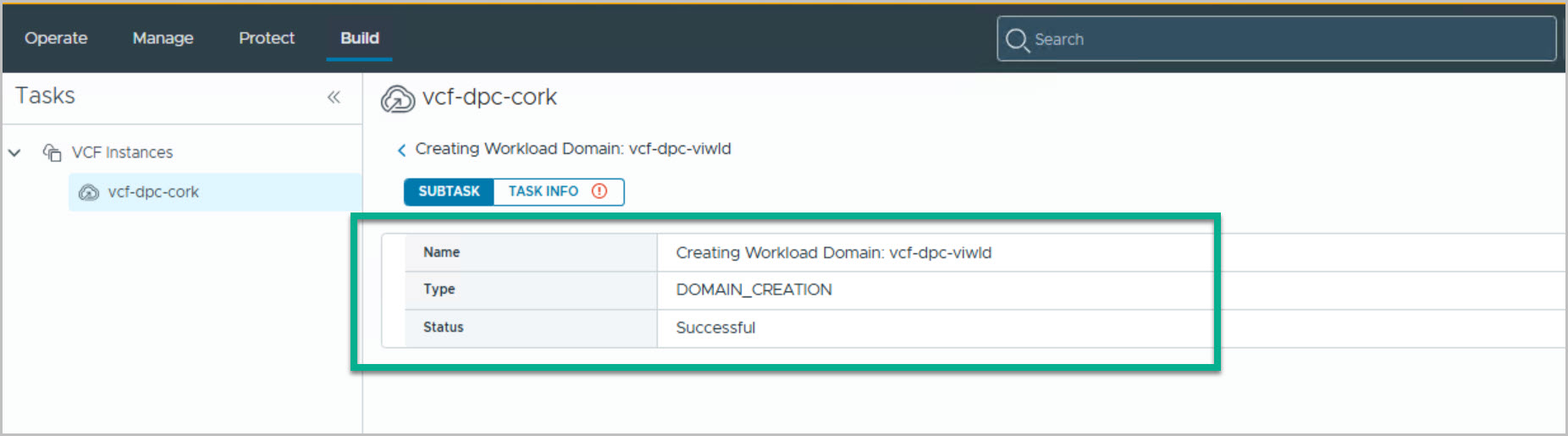
Following a successful deployment, the workload domain creation task transitions to Successful, confirming that all components have been deployed and configured correctly. The new workload domain, vcf-dpc-viwld, now contains a dedicated vCenter Server, NSX Manager, and a three-node cluster (vcf-dpc-viwld-cl01) consisting of esx05, esx06, and esx07. The cluster is fully operational, with HA and DRS Fully Automated enabled by default and no active health alerts reported.
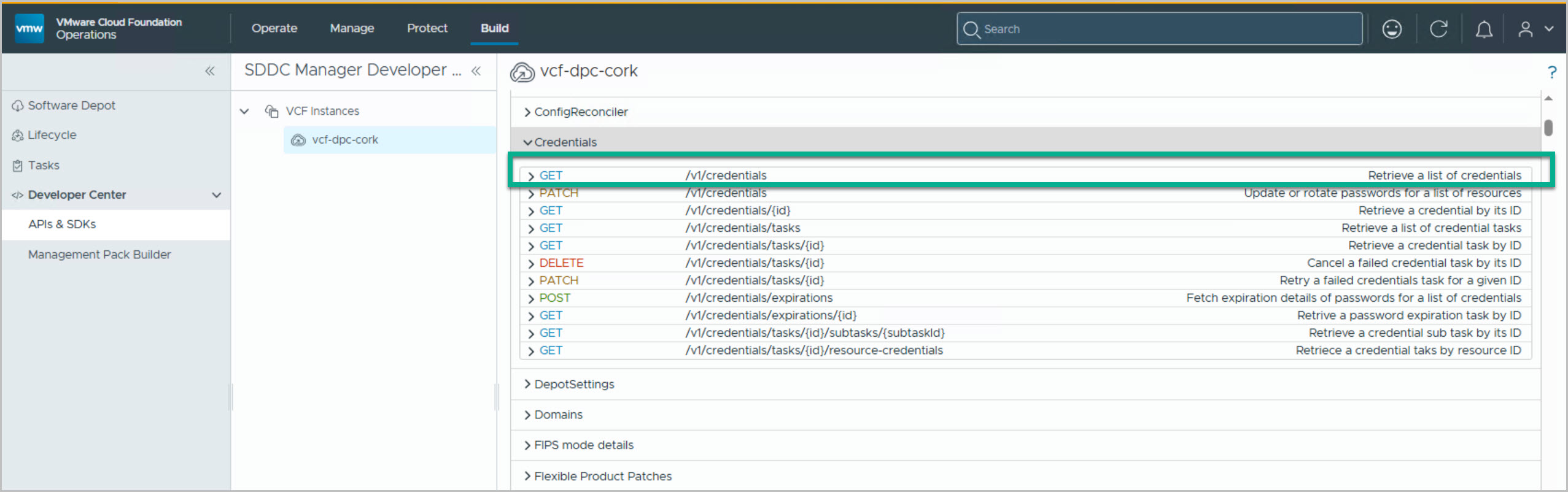
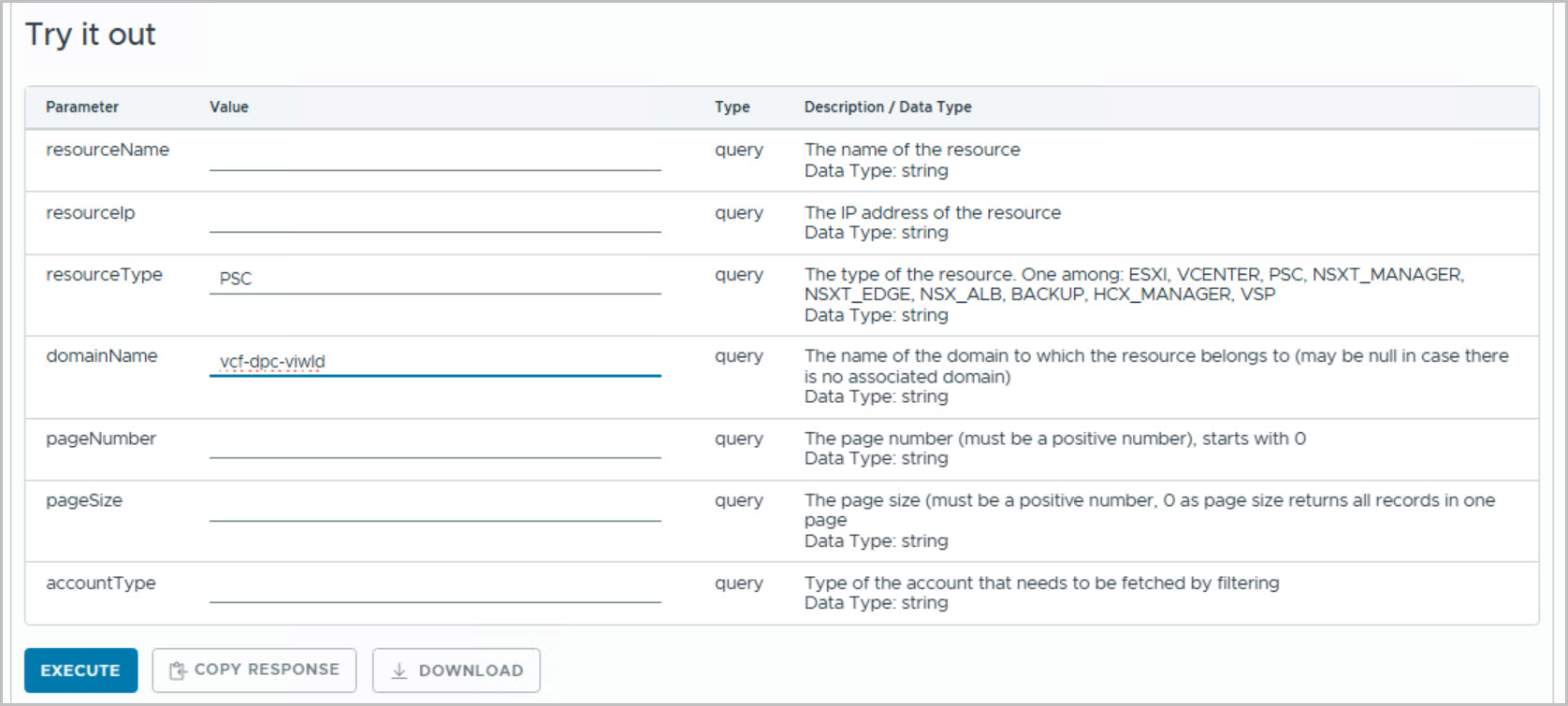
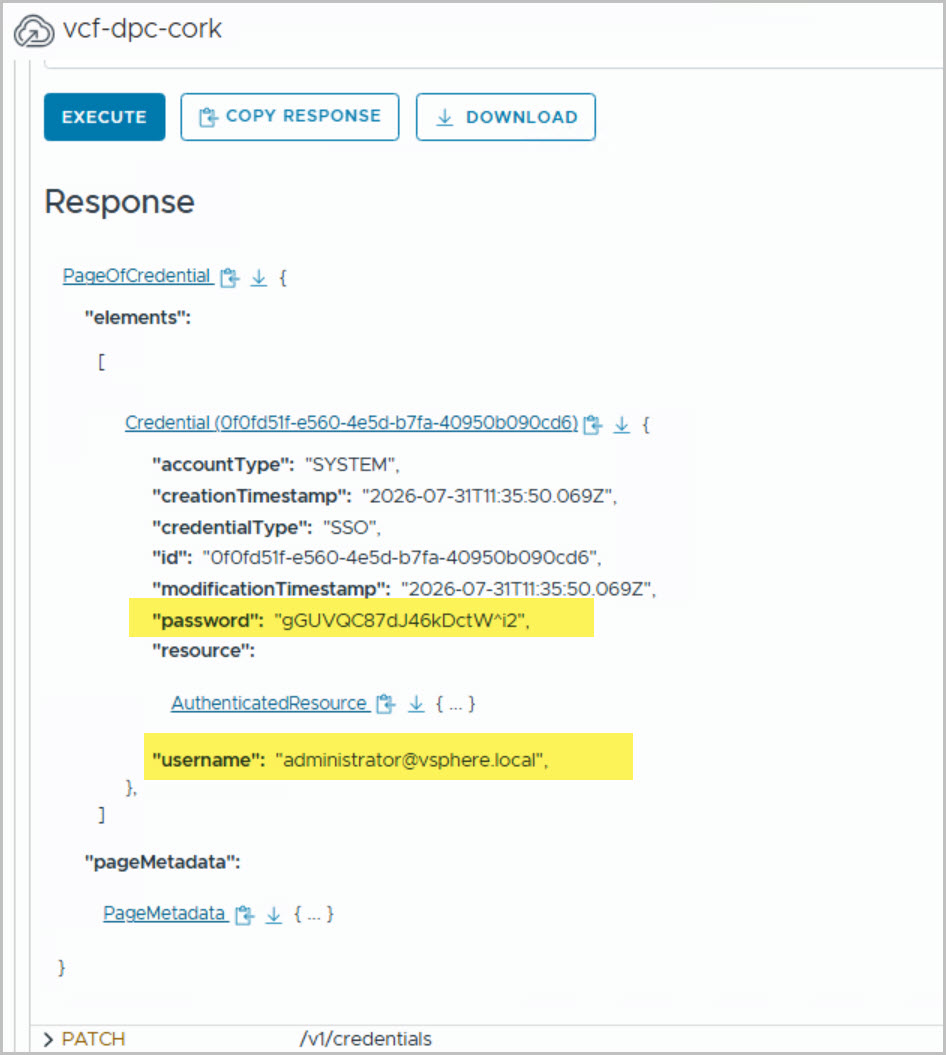
The final screenshots also demonstrate how to retrieve the auto-generated credentials created during workload domain deployment. Using the SDDC Manager Developer Center, administrators can query the GET /v1/credentials API and filter by the workload domain name to retrieve generated credentials, including the workload domain administrator@vsphere.local account. This is particularly useful when VMware Cloud Foundation generates passwords automatically and they were not captured during the deployment process.
In Part 7, we’ll deploy and execute the Manage Cluster blueprint, which installs the Dell Private Cloud Extension virtual appliance within the newly created workload domain and registers the plug-in with the workload domain vCenter Server. The workflow performs a series of automated validation and onboarding tasks, including hardware discovery, license validation, credential verification, SDDC Manager integration, cluster validation, and extension deployment.







8 Comments »