PART1 PART2 PART3 PART4 PART5 PART6 PART7 PART8 PART9 Part 3: Deploying VMware Cloud Foundation with VCF Installer In Part 2, we used DAPO to prepare the infrastructure, provision storage, […]
Part 3: Deploying VMware Cloud Foundation with VCF Installer
In Part 2, we used DAPO to prepare the infrastructure, provision storage, validate the environment, and complete the Day-1 deployment workflow. Once the deployment reaches the VCF deployment gate, control is handed over to the VCF Installer, which takes responsibility for deploying and configuring the VMware Cloud Foundation management domain. In this part of the series, we’ll walk through the VCF Installer workflow, review the deployment validation checks, and follow the automated deployment of SDDC Manager and the core management domain components that form the foundation of the VCF environment.
VMware Cloud Foundation 9.1 Installer Deployment Walkthrough
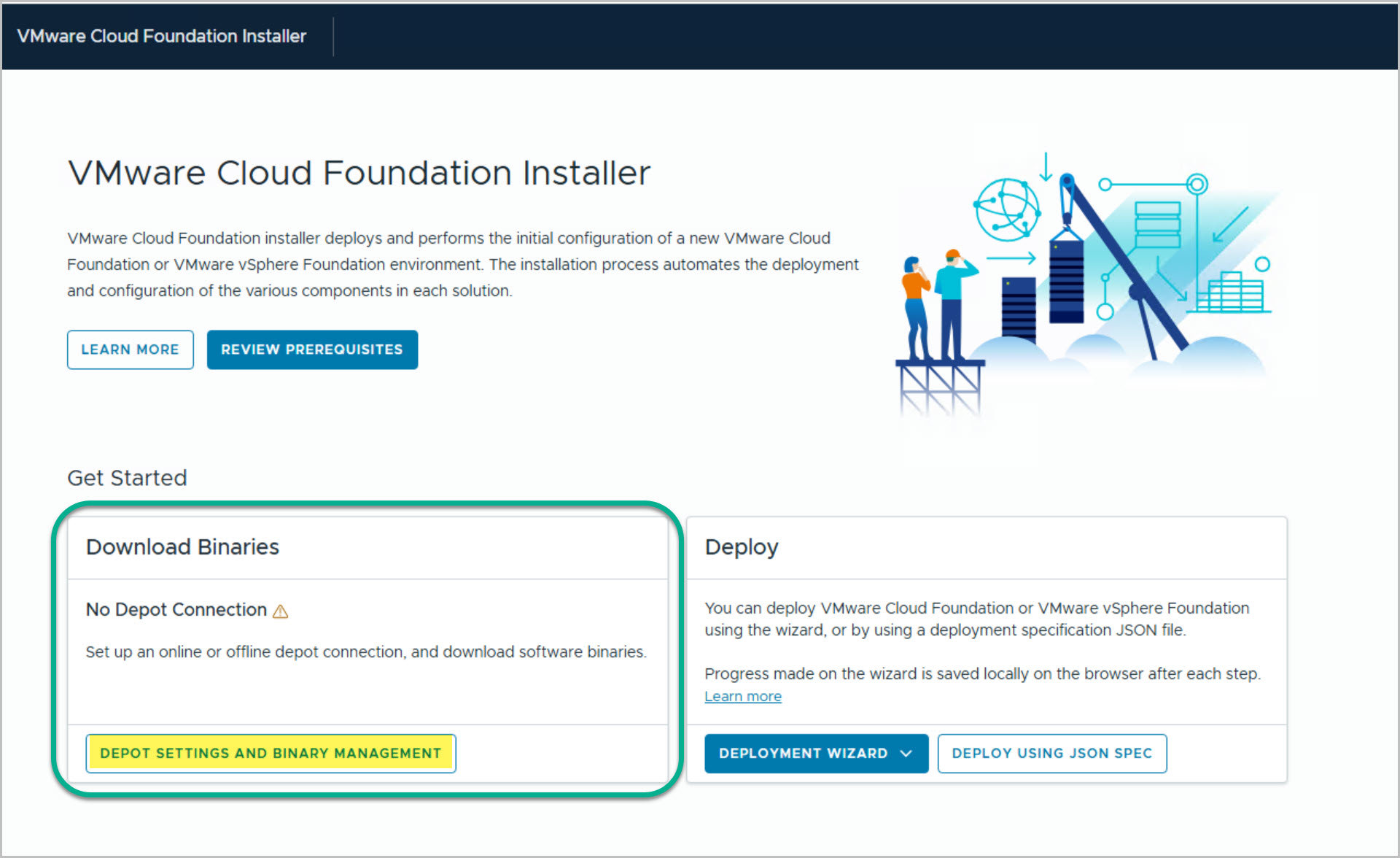
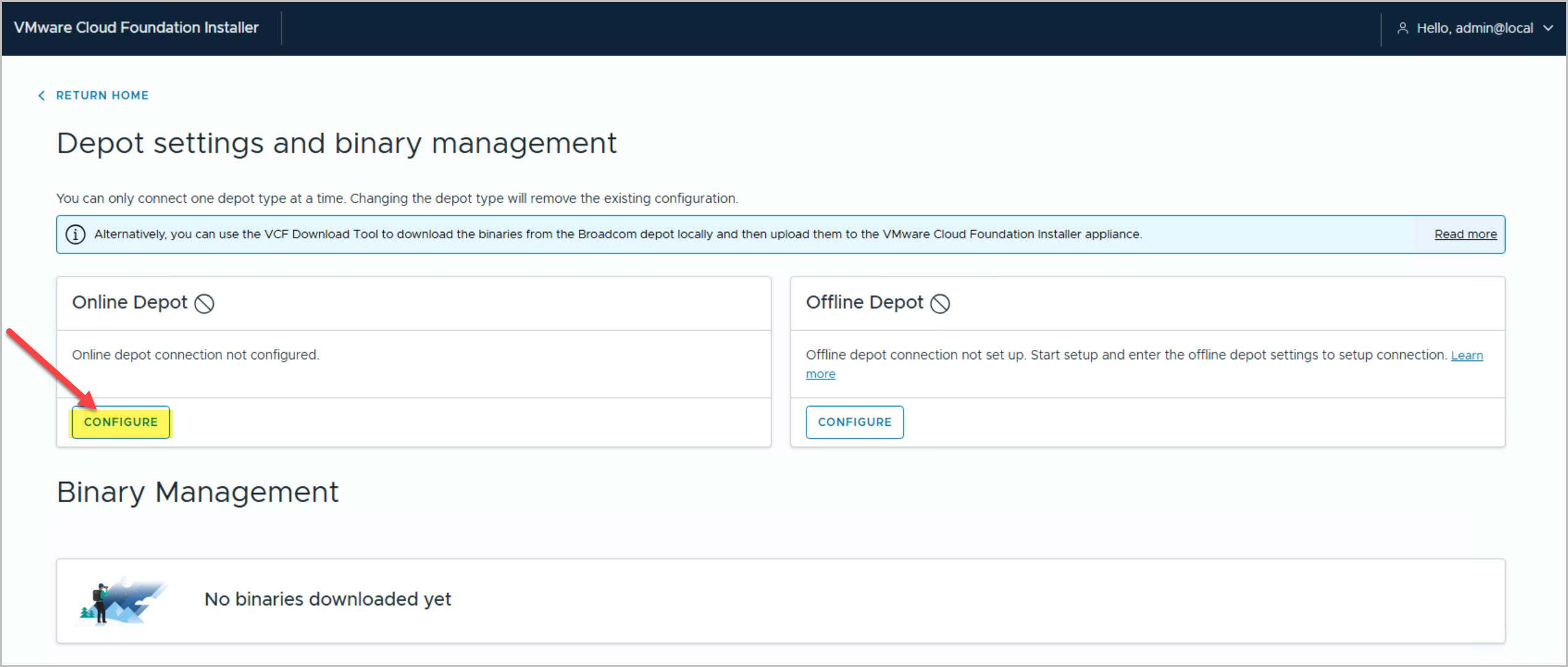
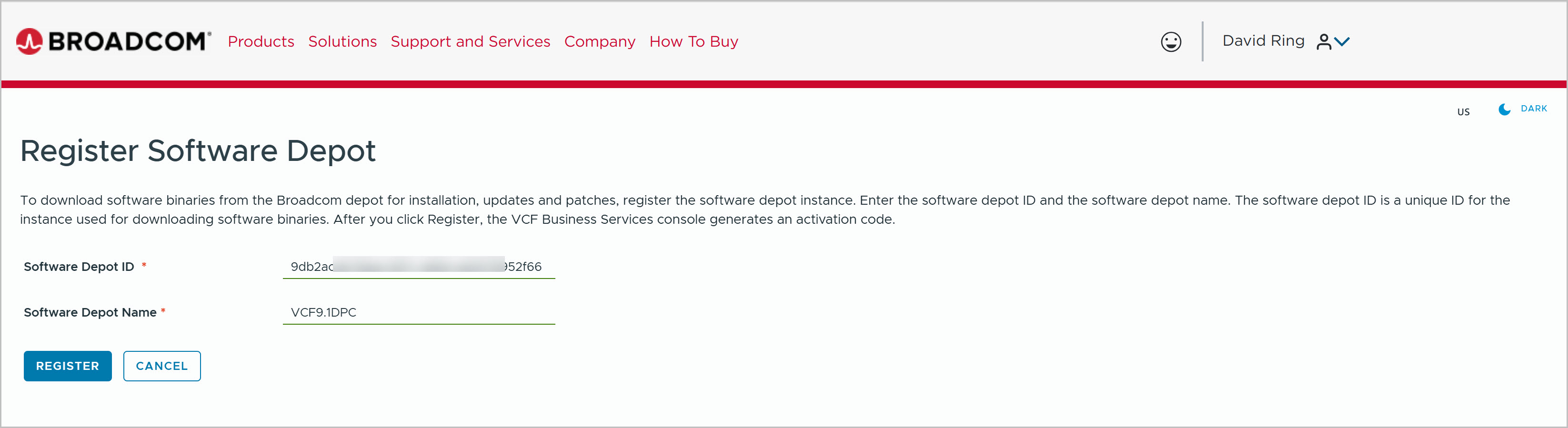
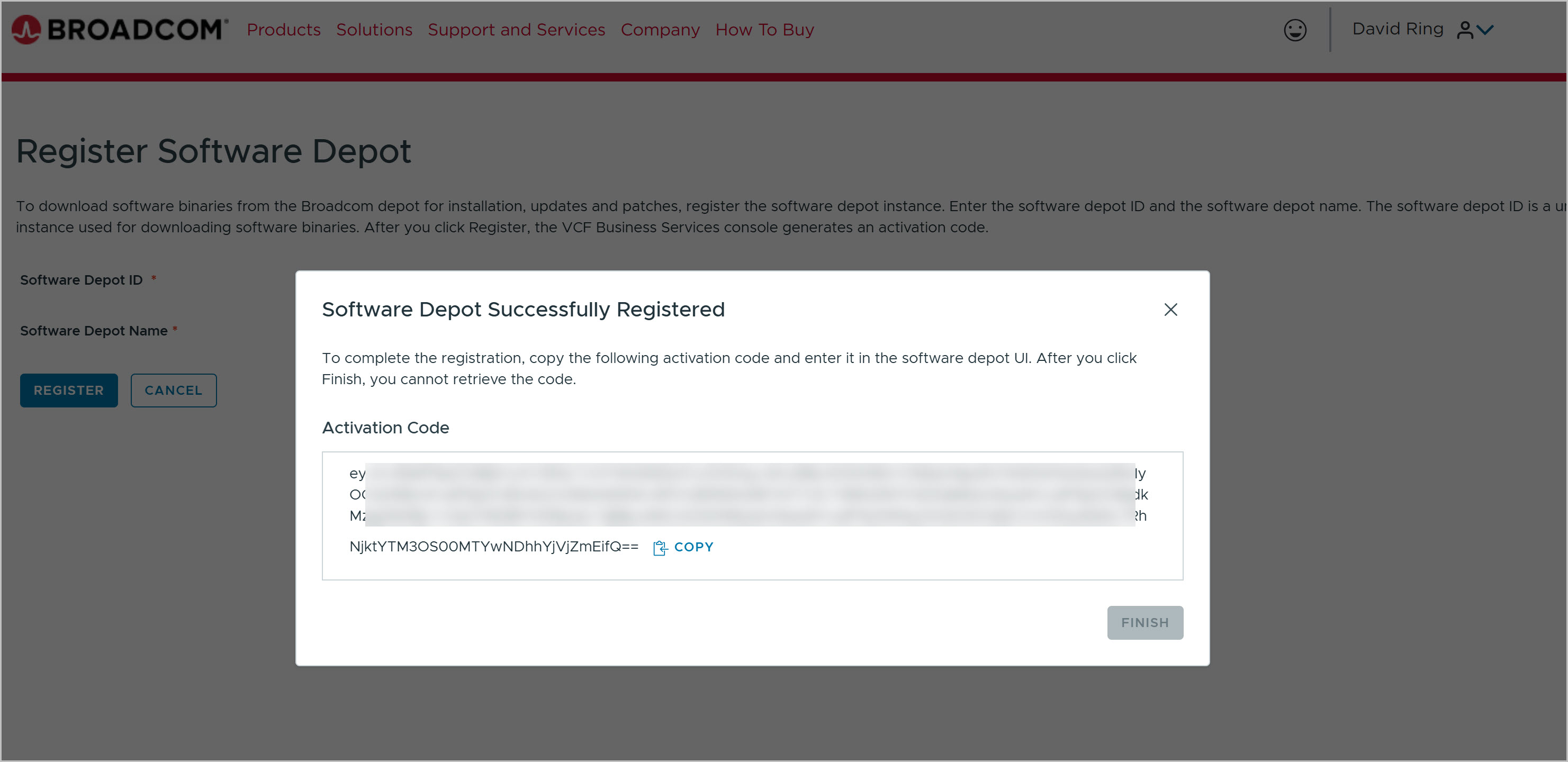
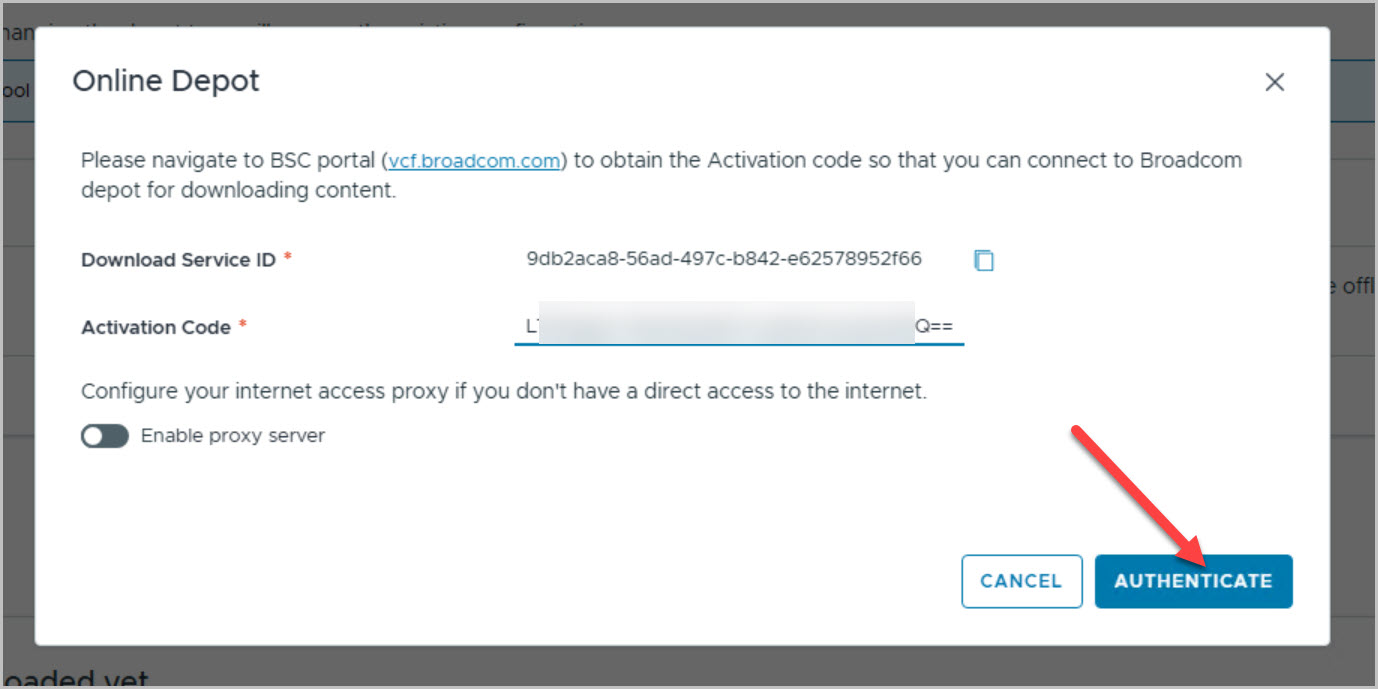
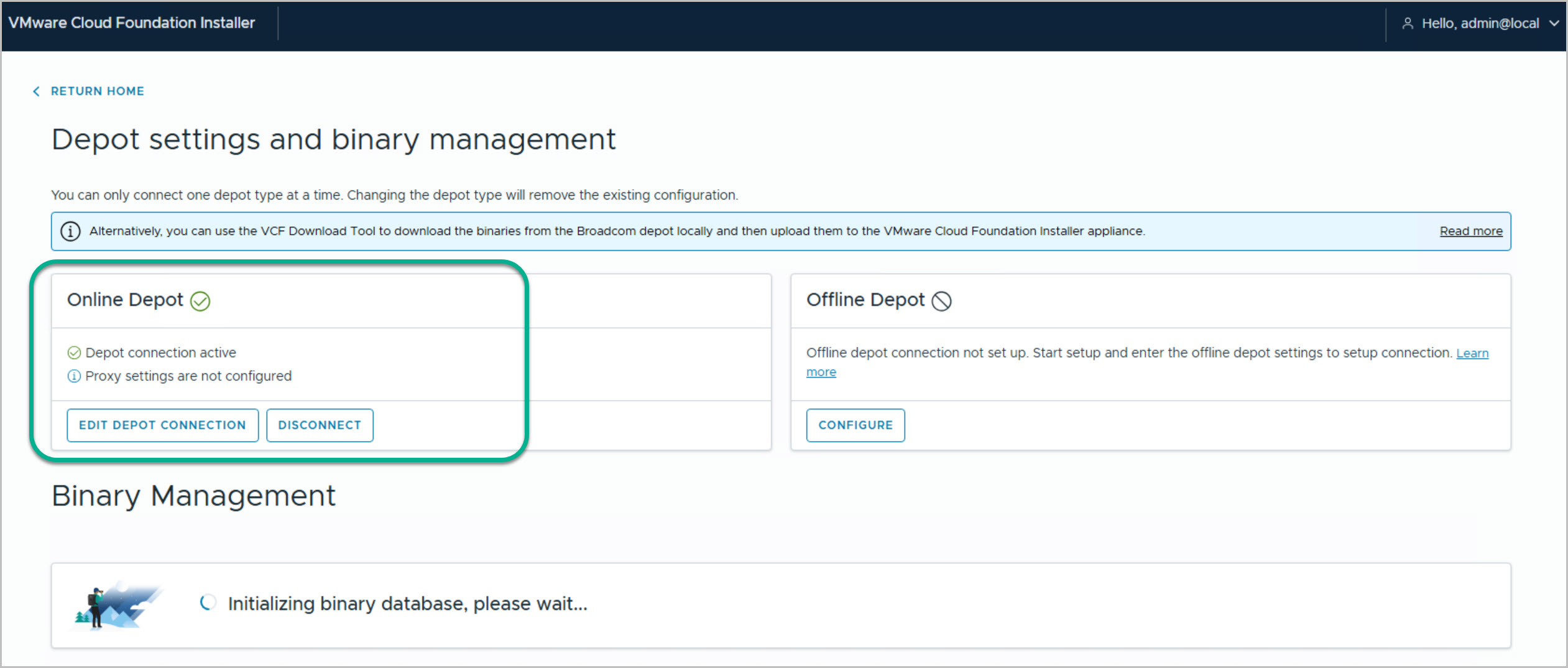
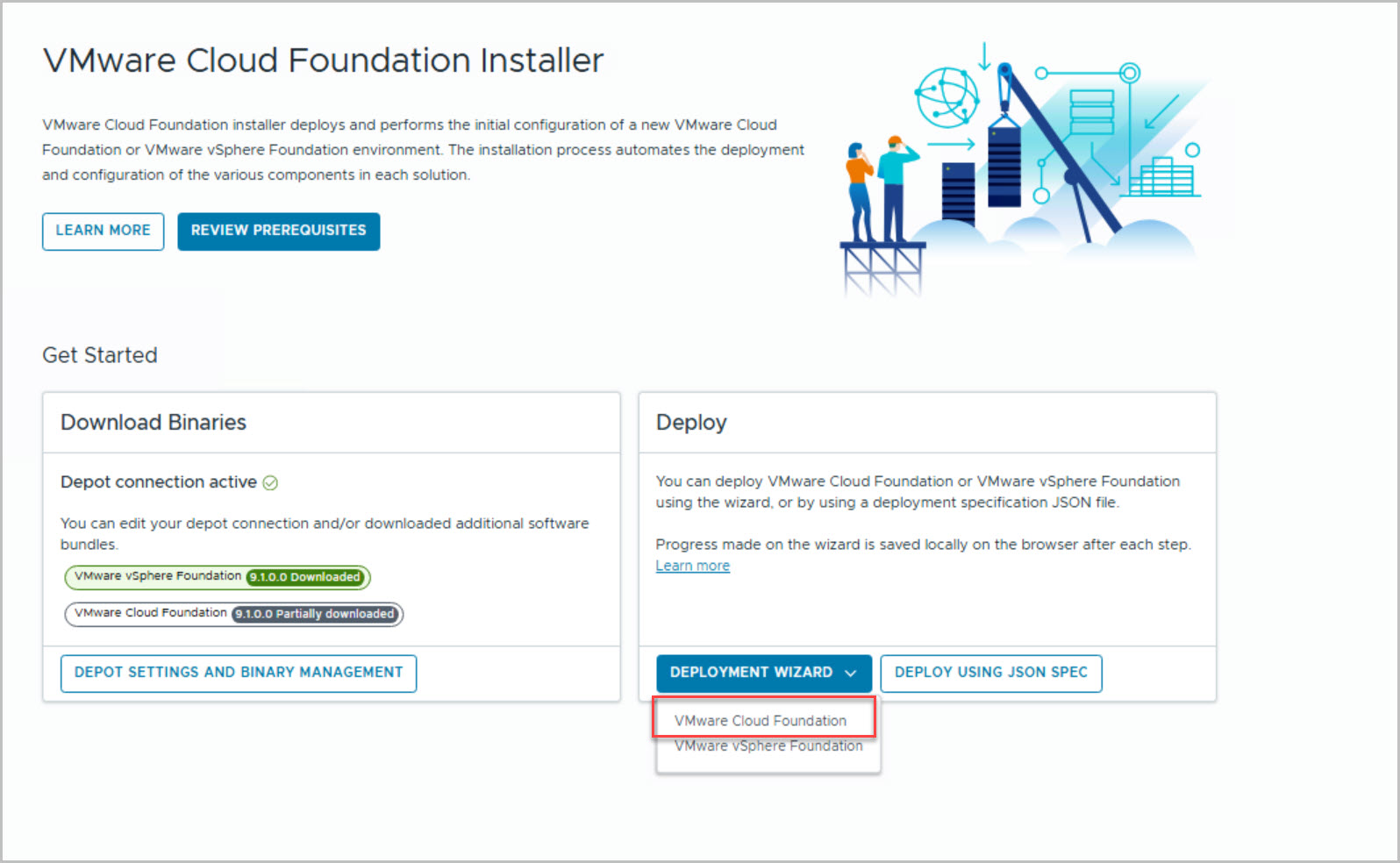
Before starting the deployment, configure an Online Depot in VCF Installer. Register a Software Depot in the Broadcom Business Services Console, generate an Activation Code, and use it to authenticate the depot connection. Once complete, the status should show Depot Connection Active.
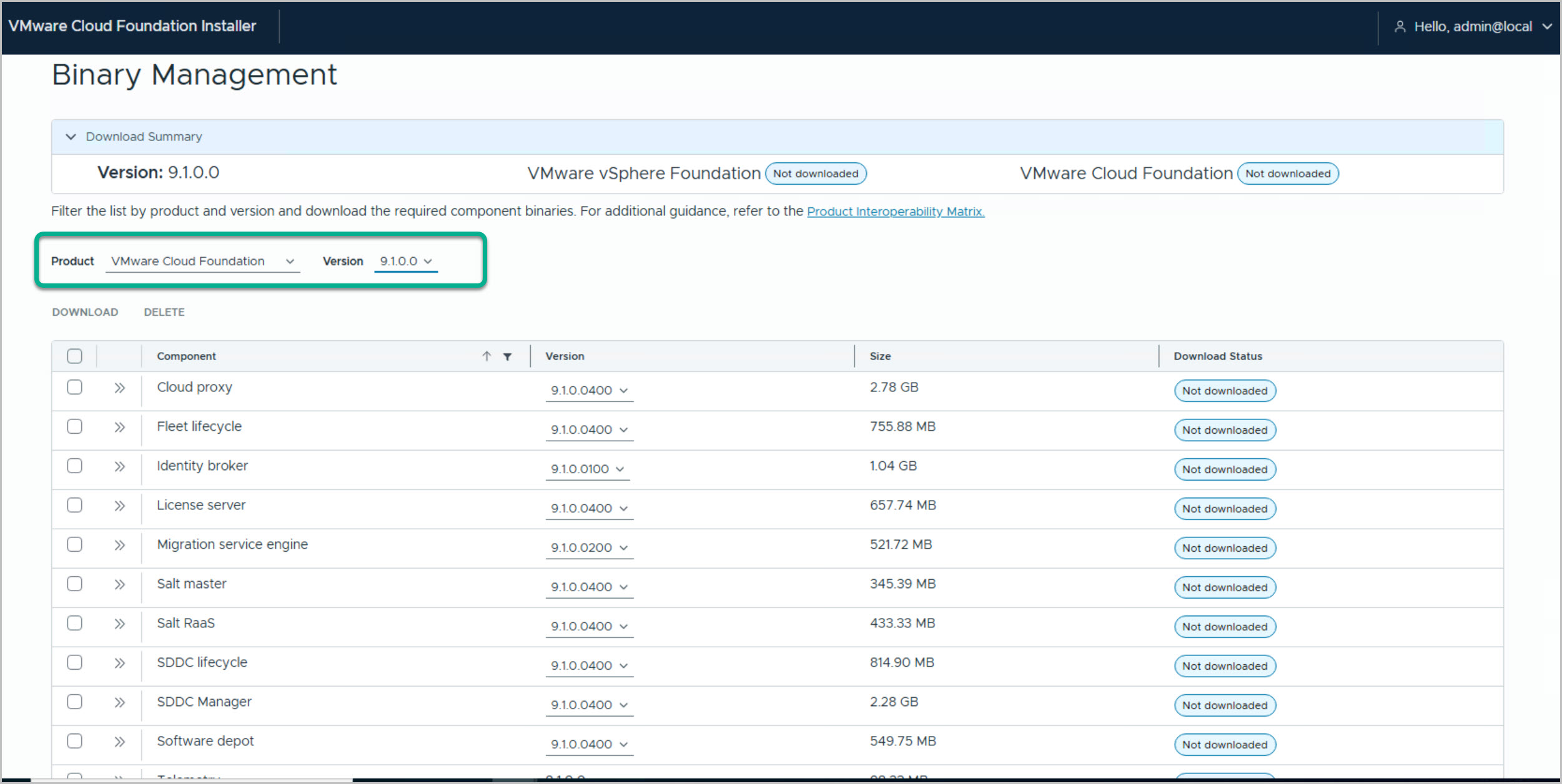
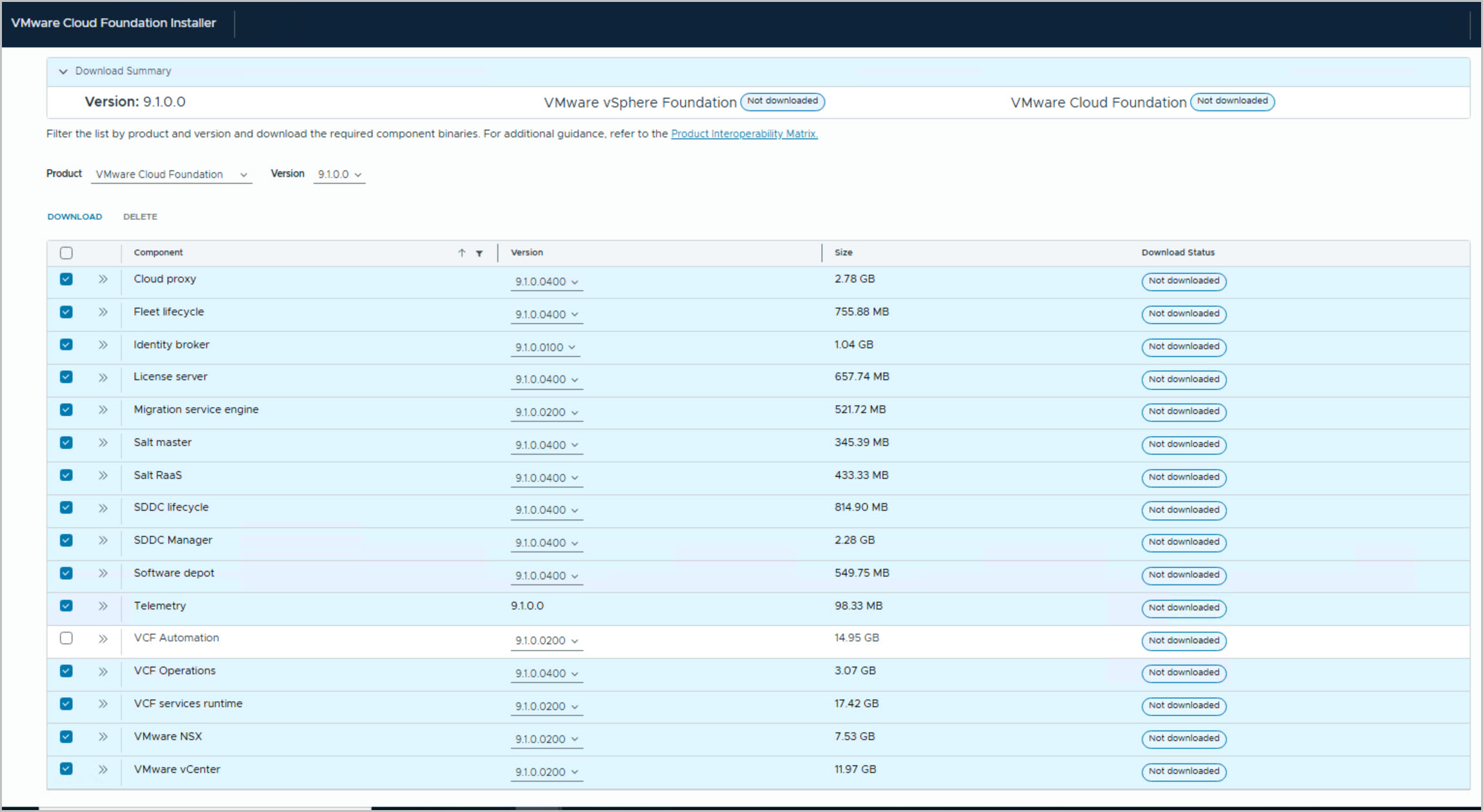
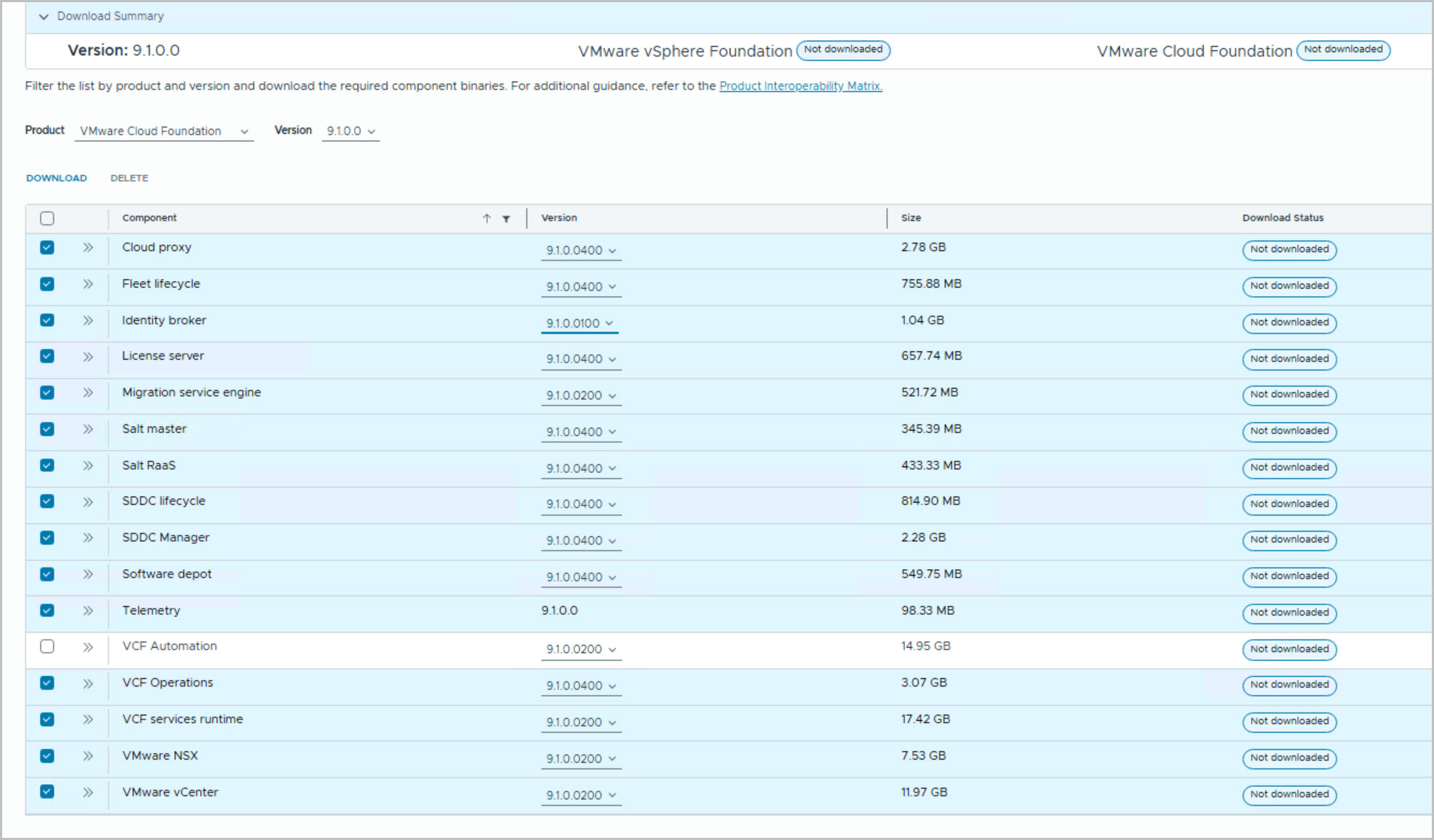
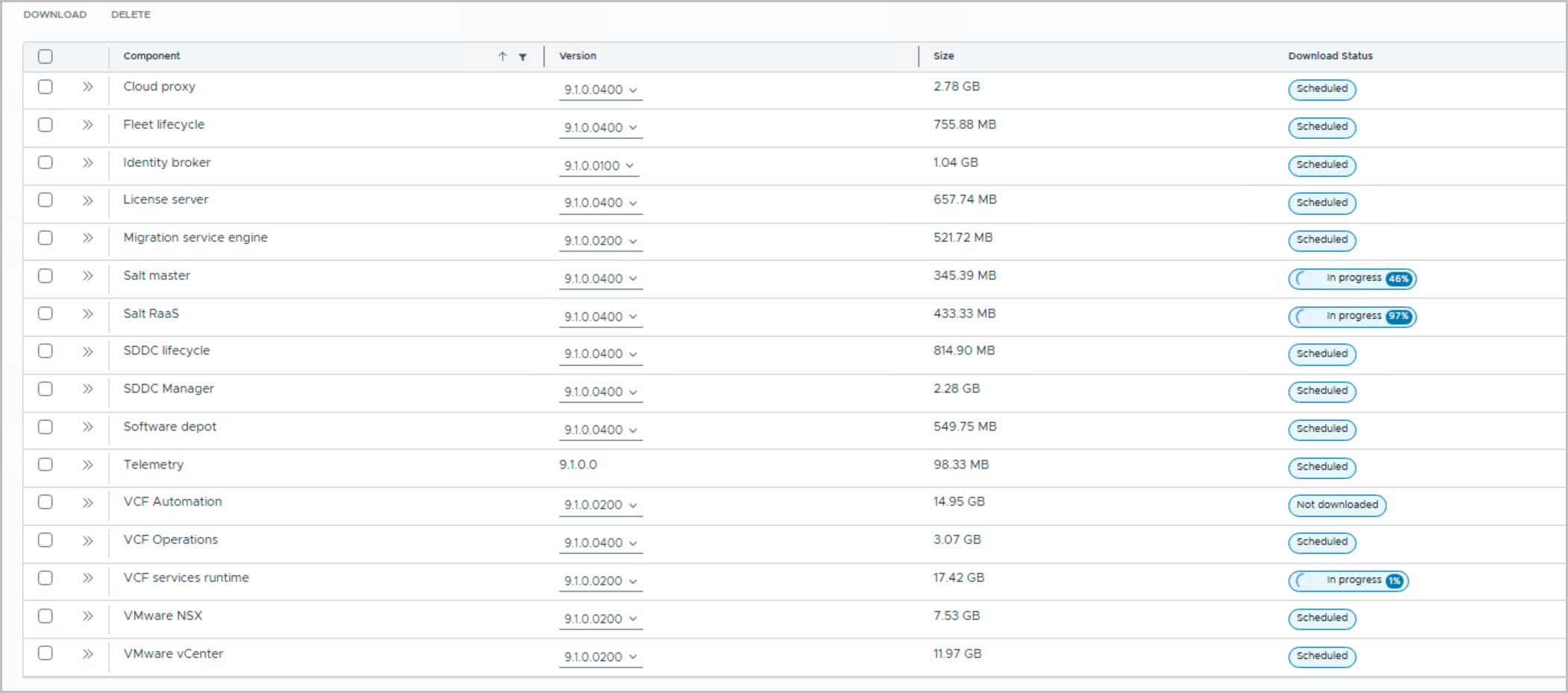
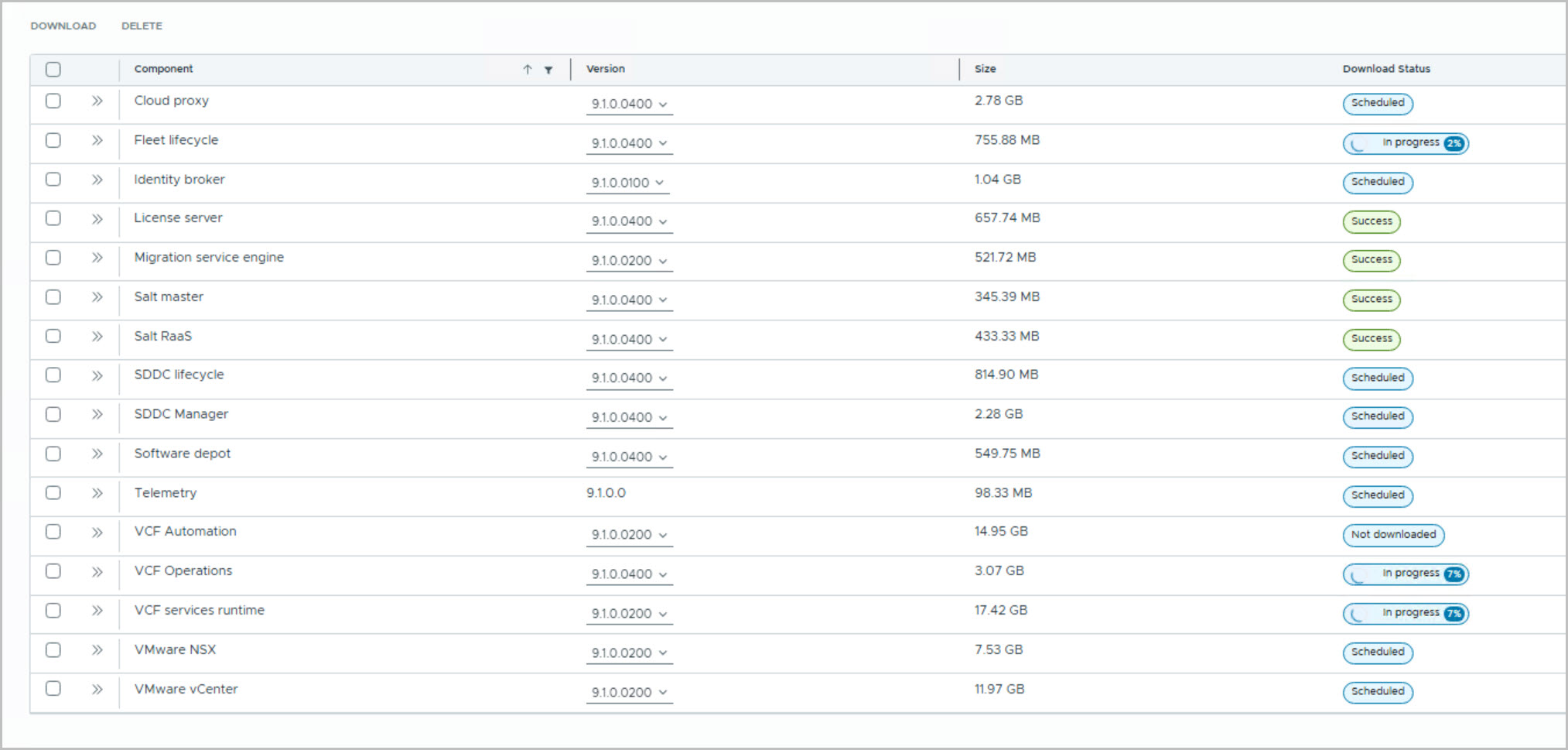
Navigate to Binary Management, select VMware Cloud Foundation 9.1.0.0, and download the required components, including vCenter, NSX, SDDC Manager, VCF Operations, and supporting services. In this example, VCF Automation was not selected. Wait for all binaries to download successfully before launching the deployment wizard, as this process can take some time depending on available bandwidth.
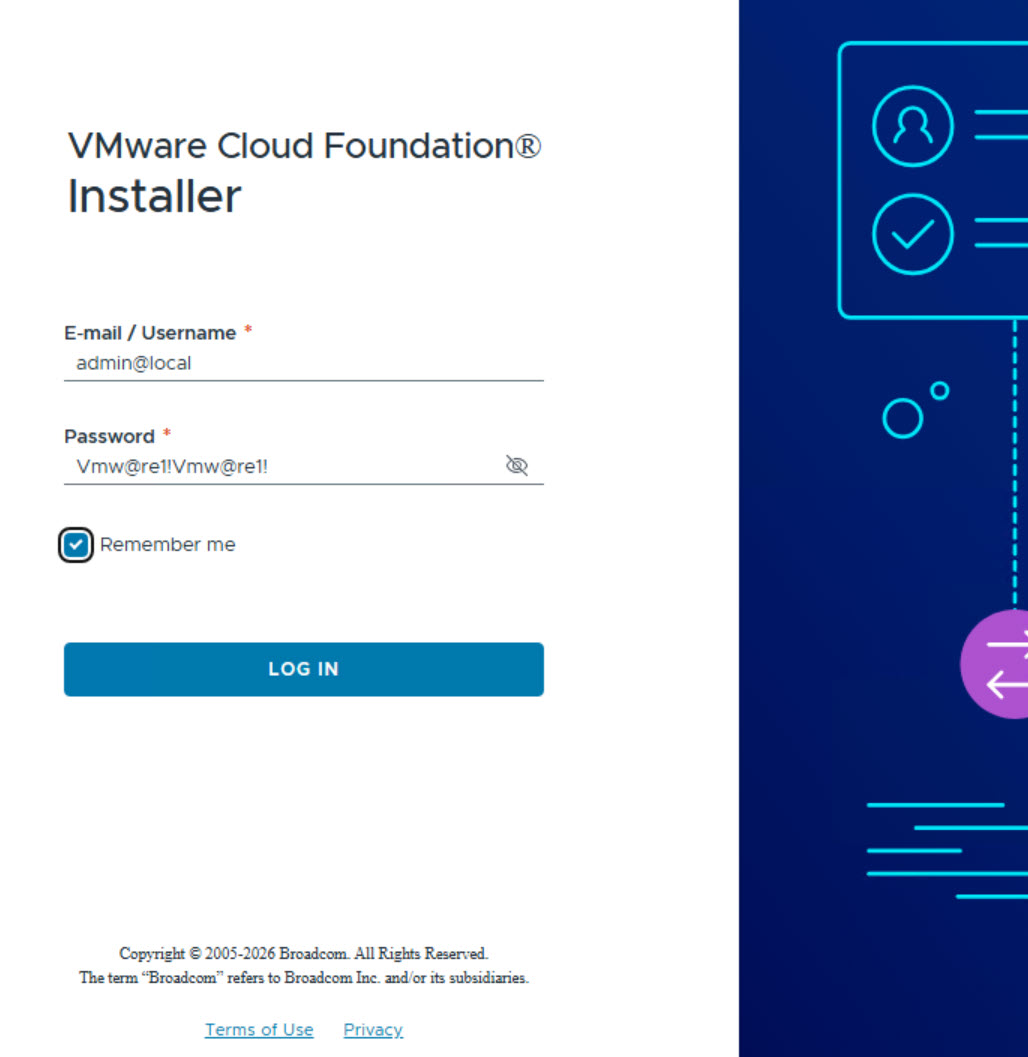
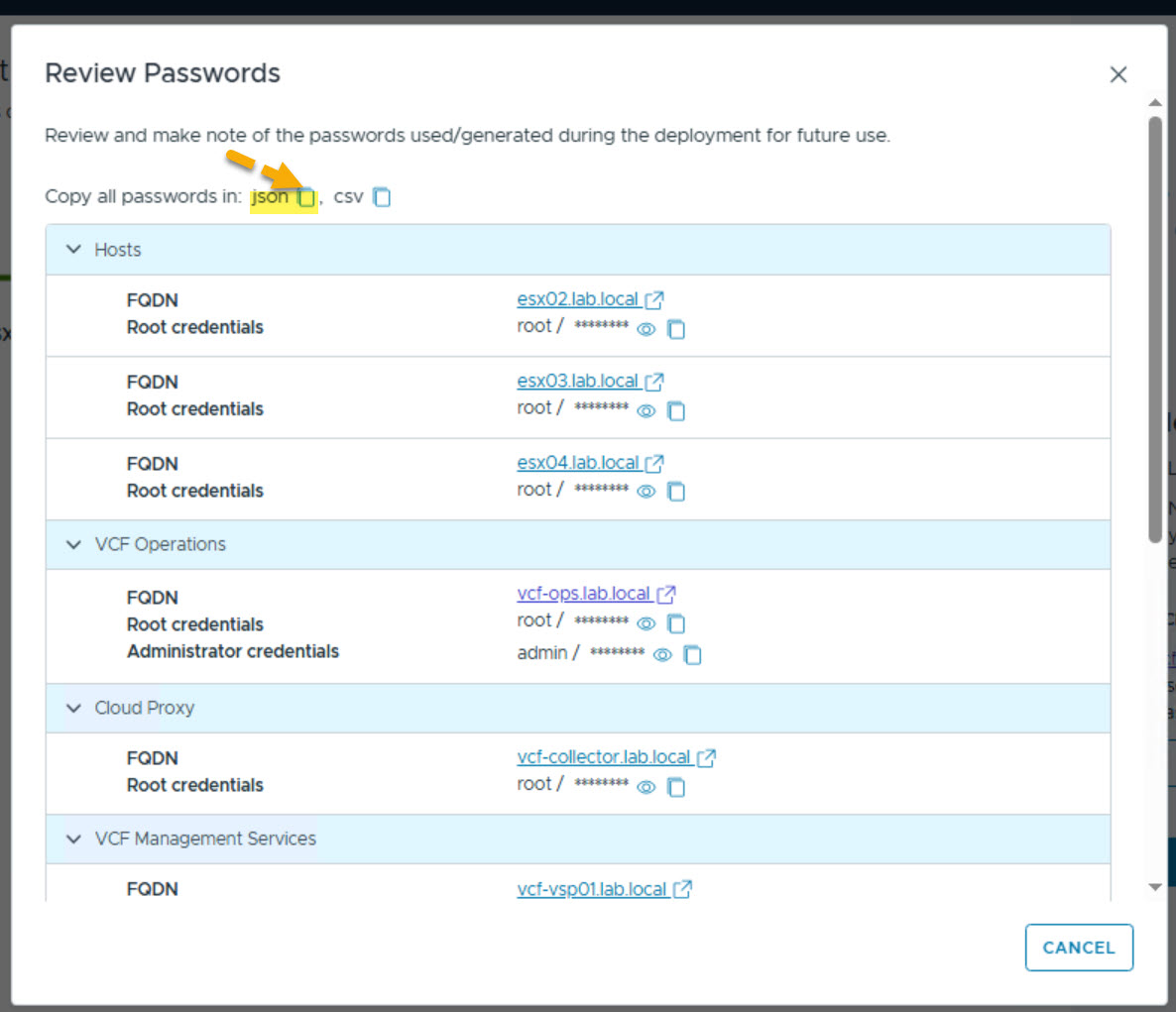
Note: Local Administrator Account (admin@local): Serves as the primary management account for the VCF installer UI. The same password is used for the local SSH user (vcf).
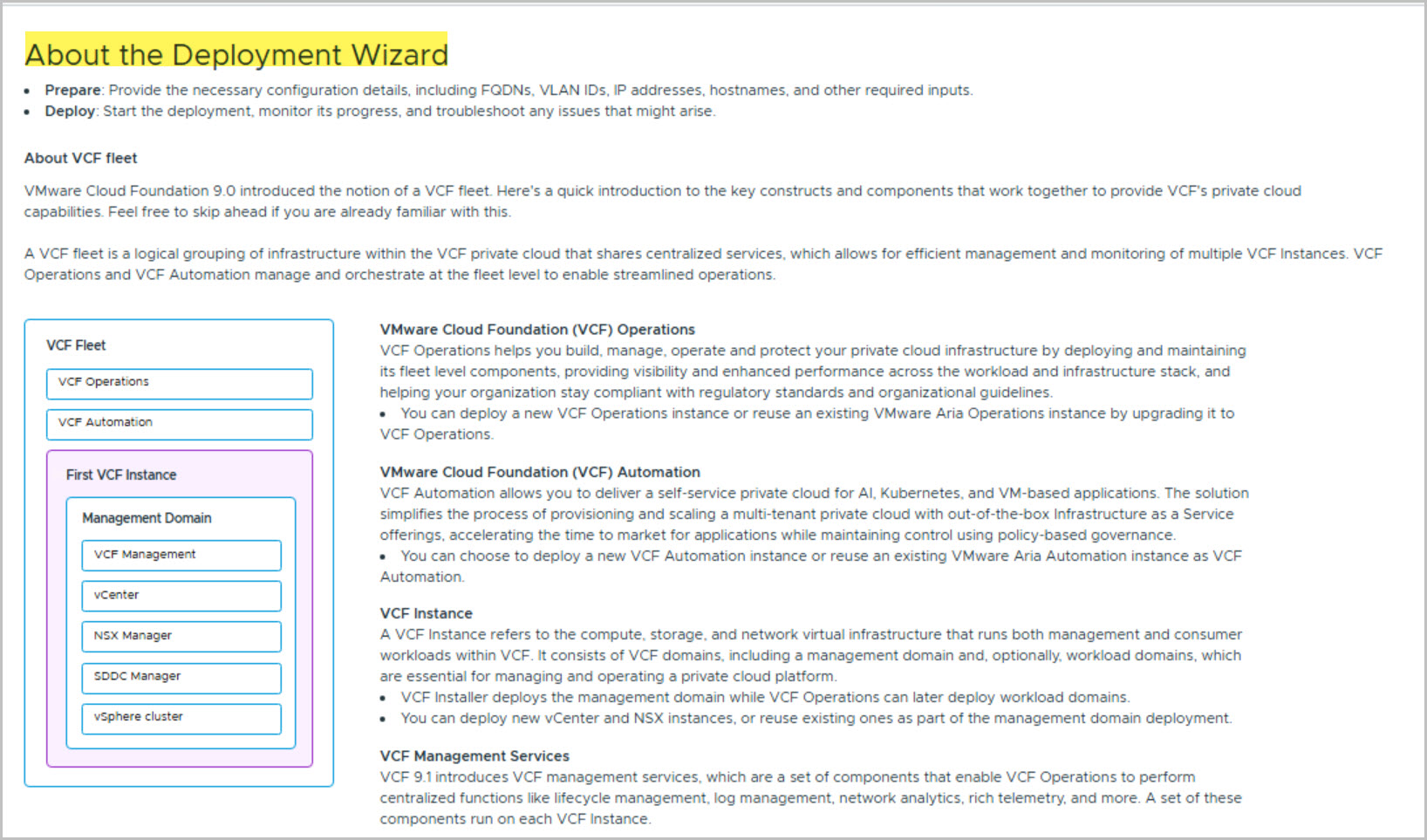
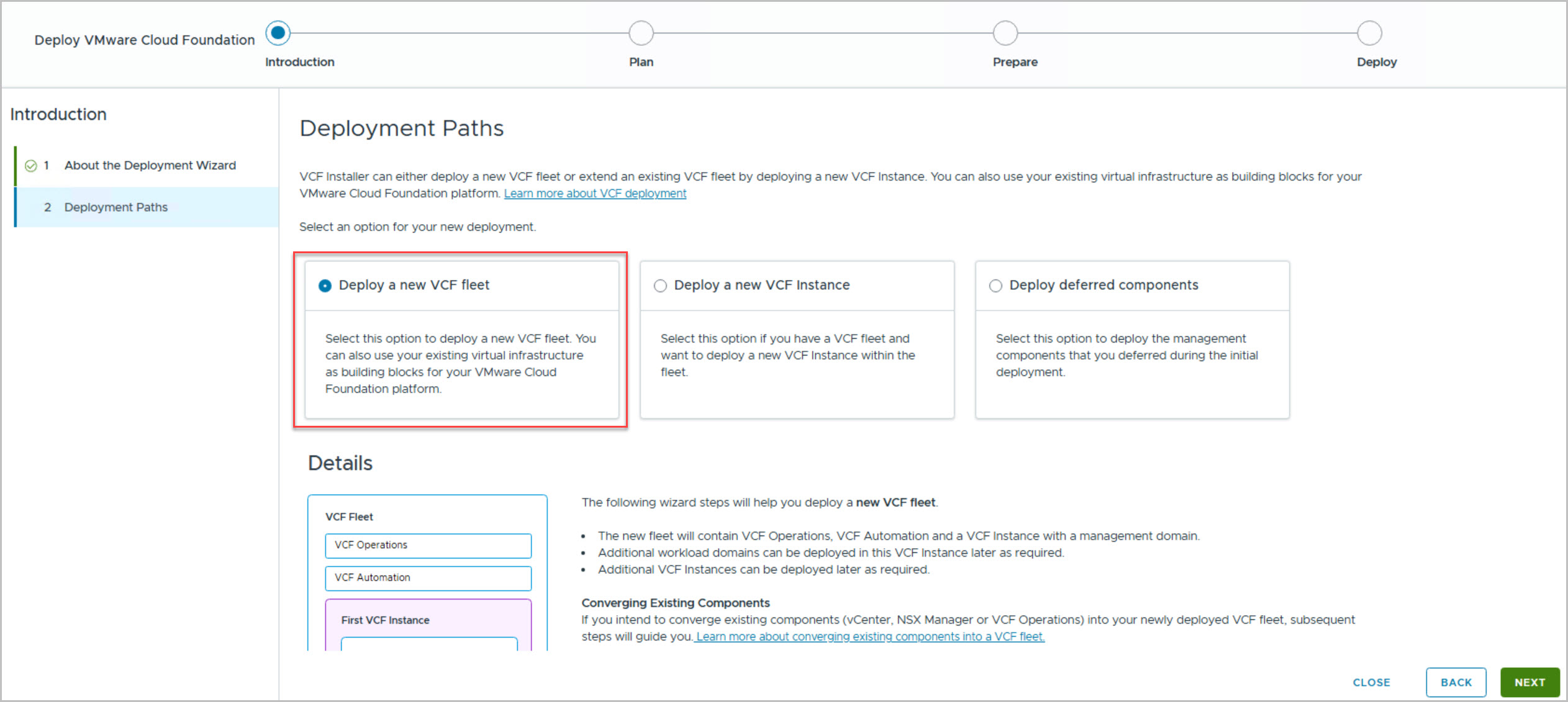
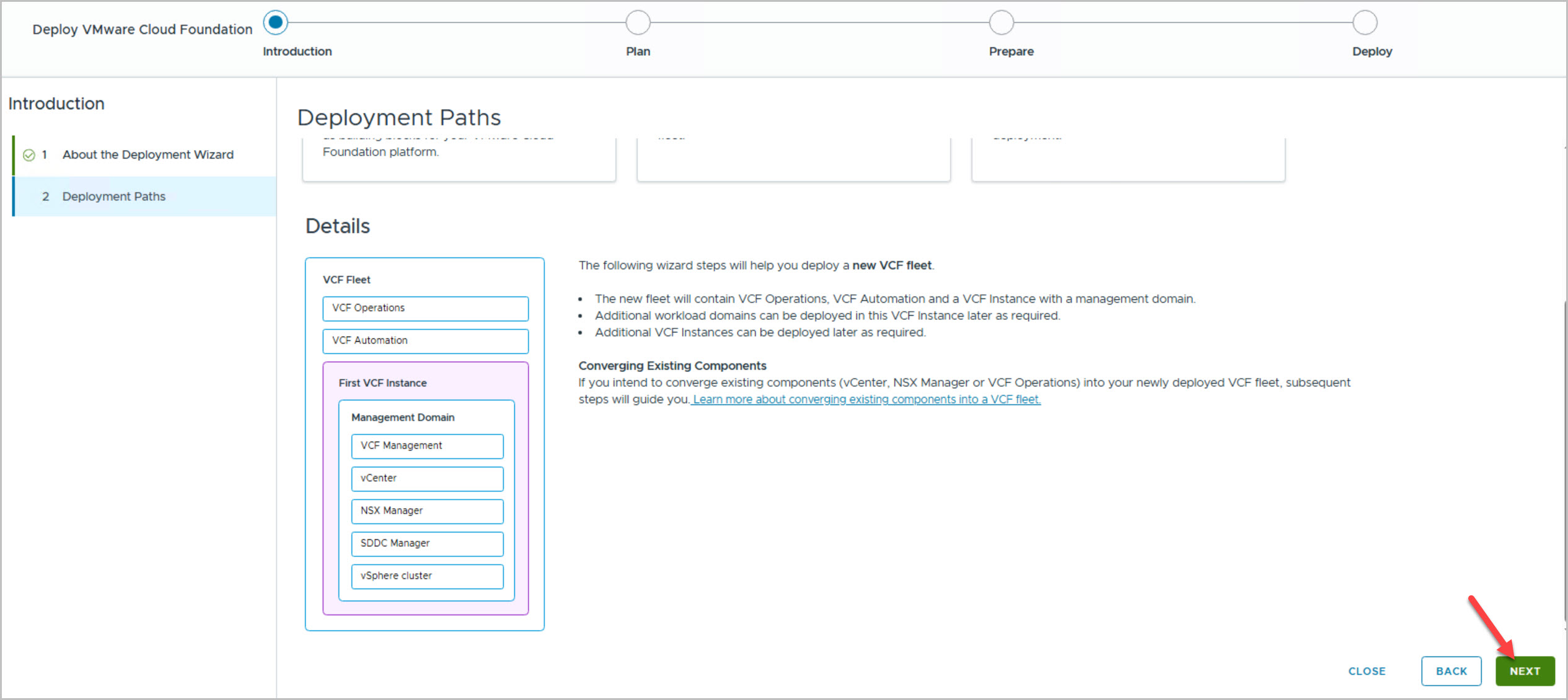
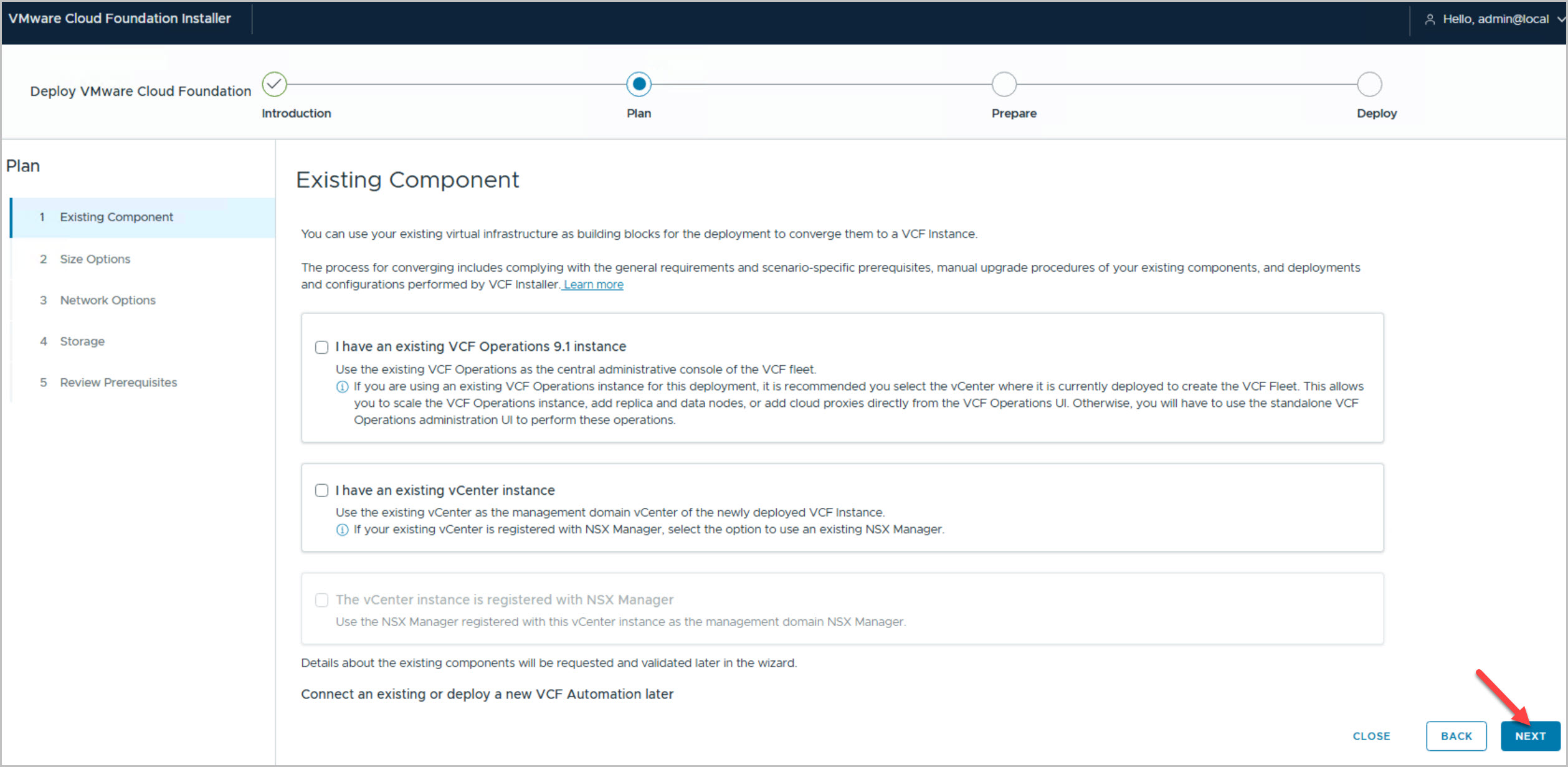
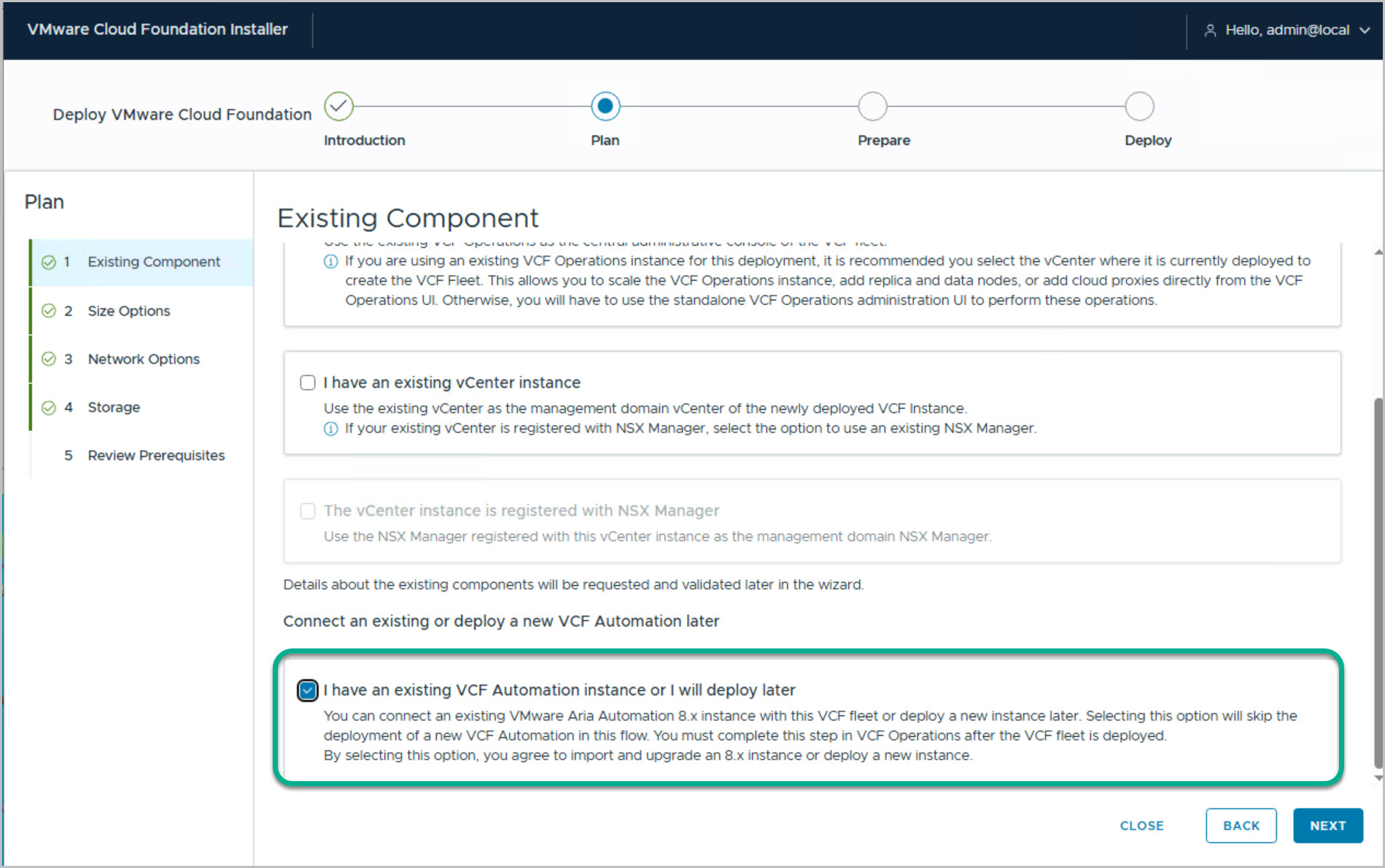
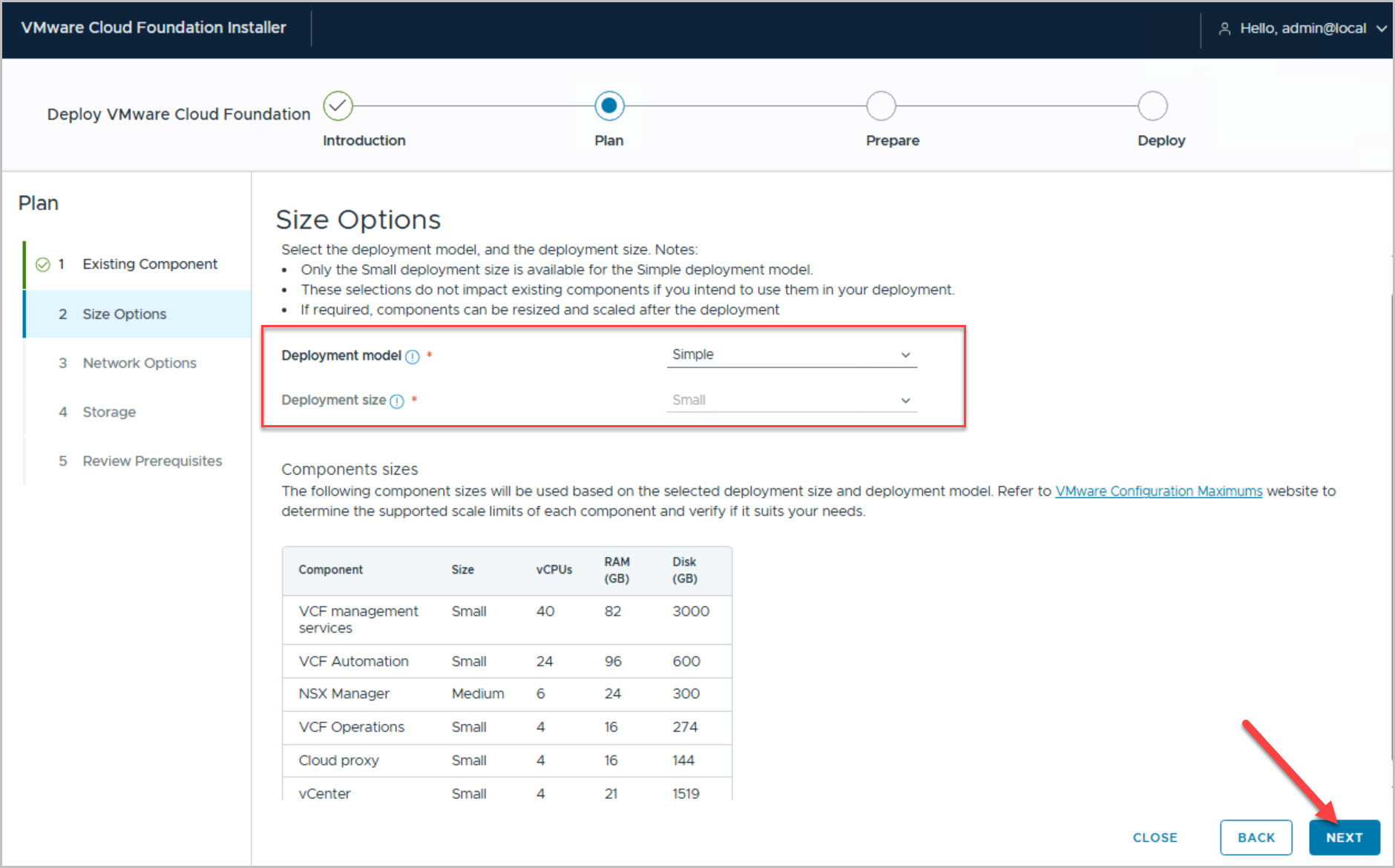
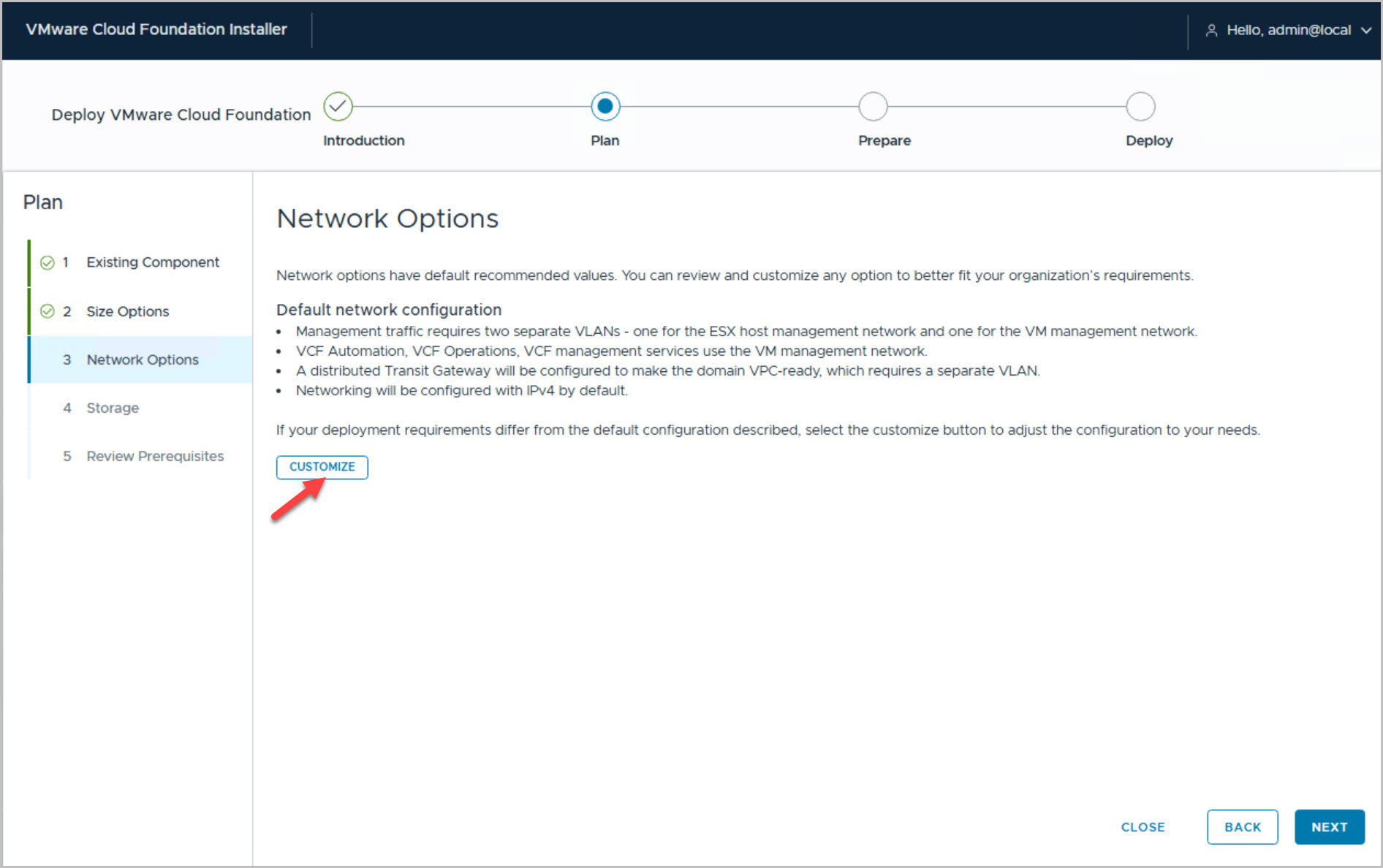
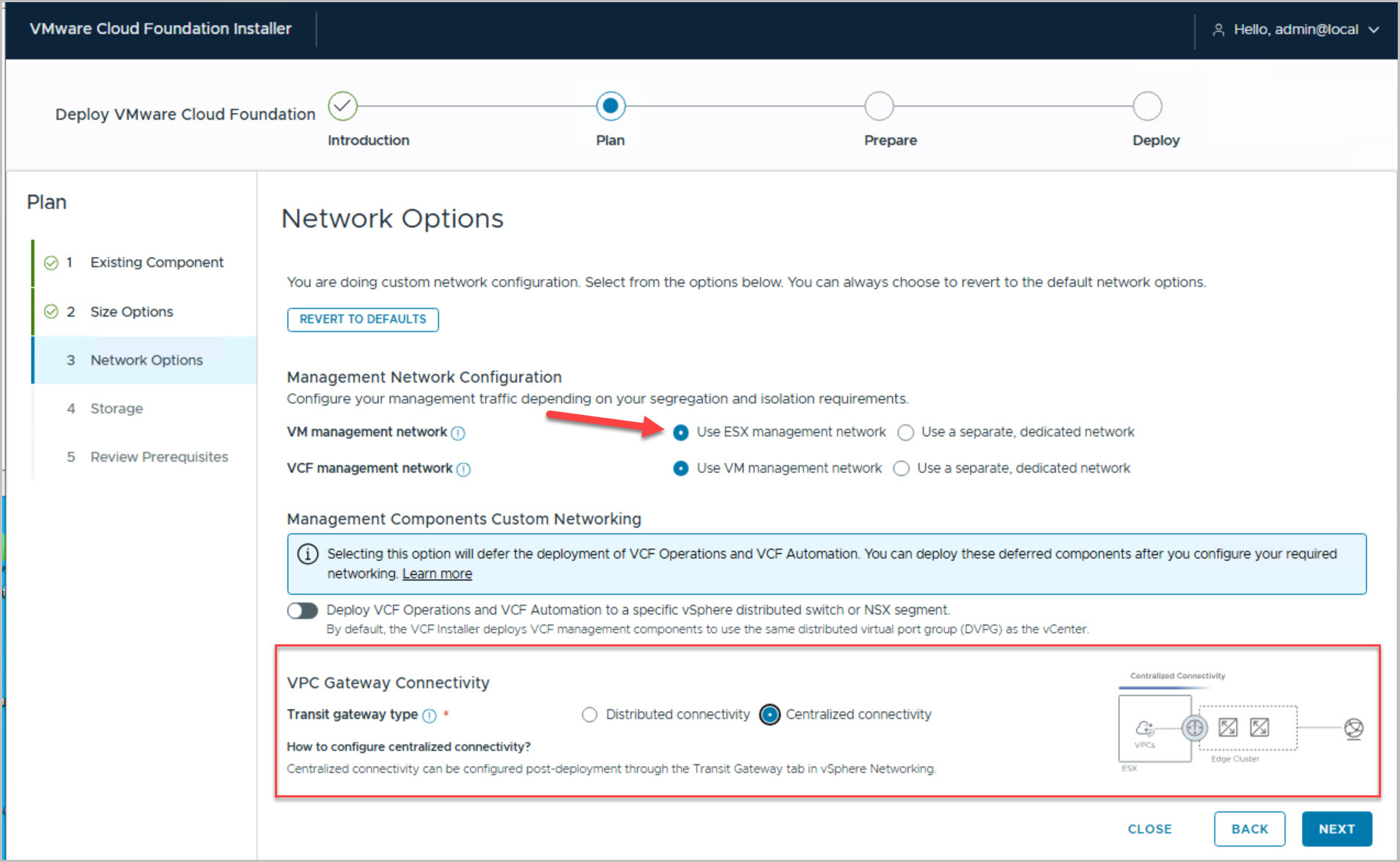
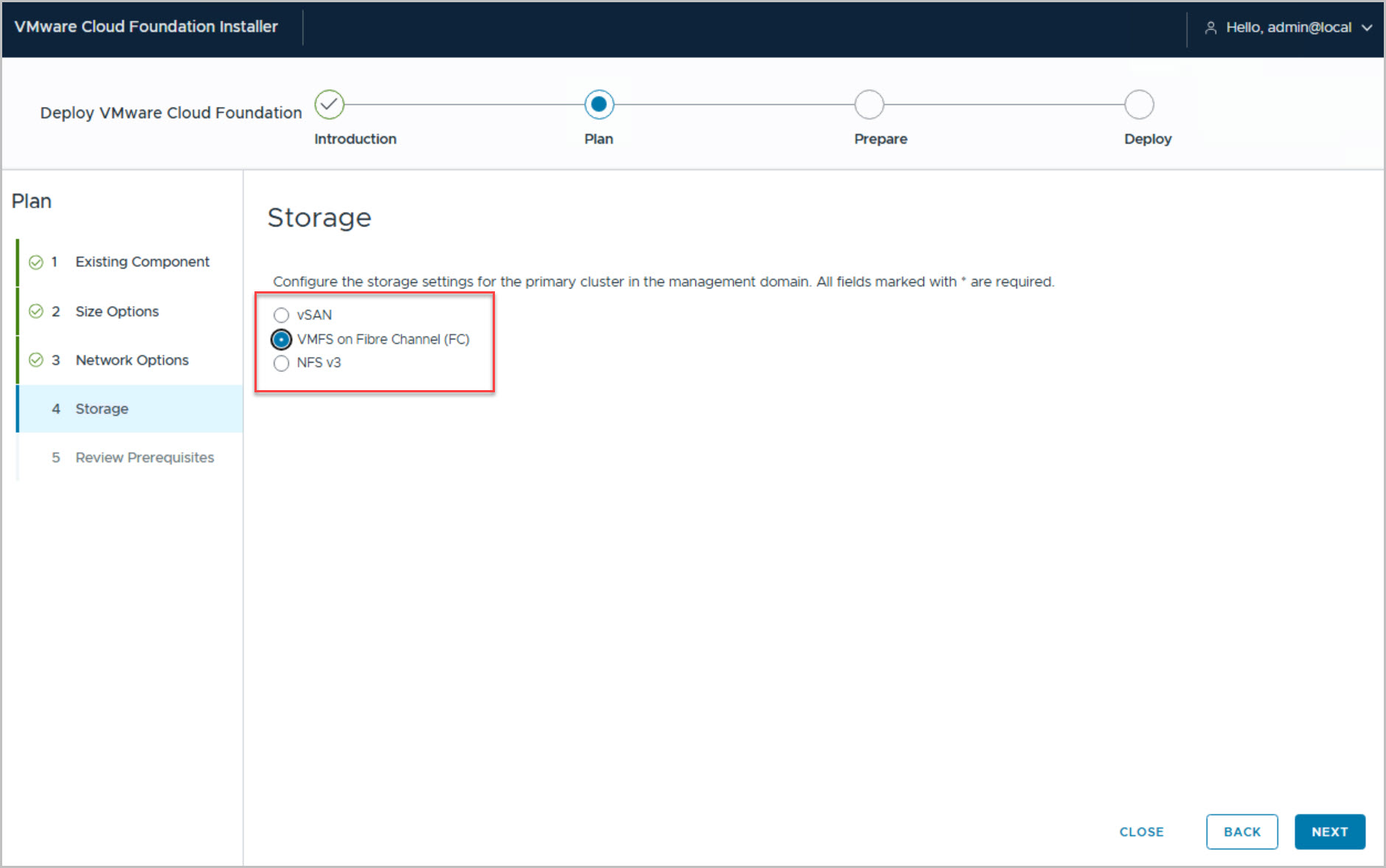
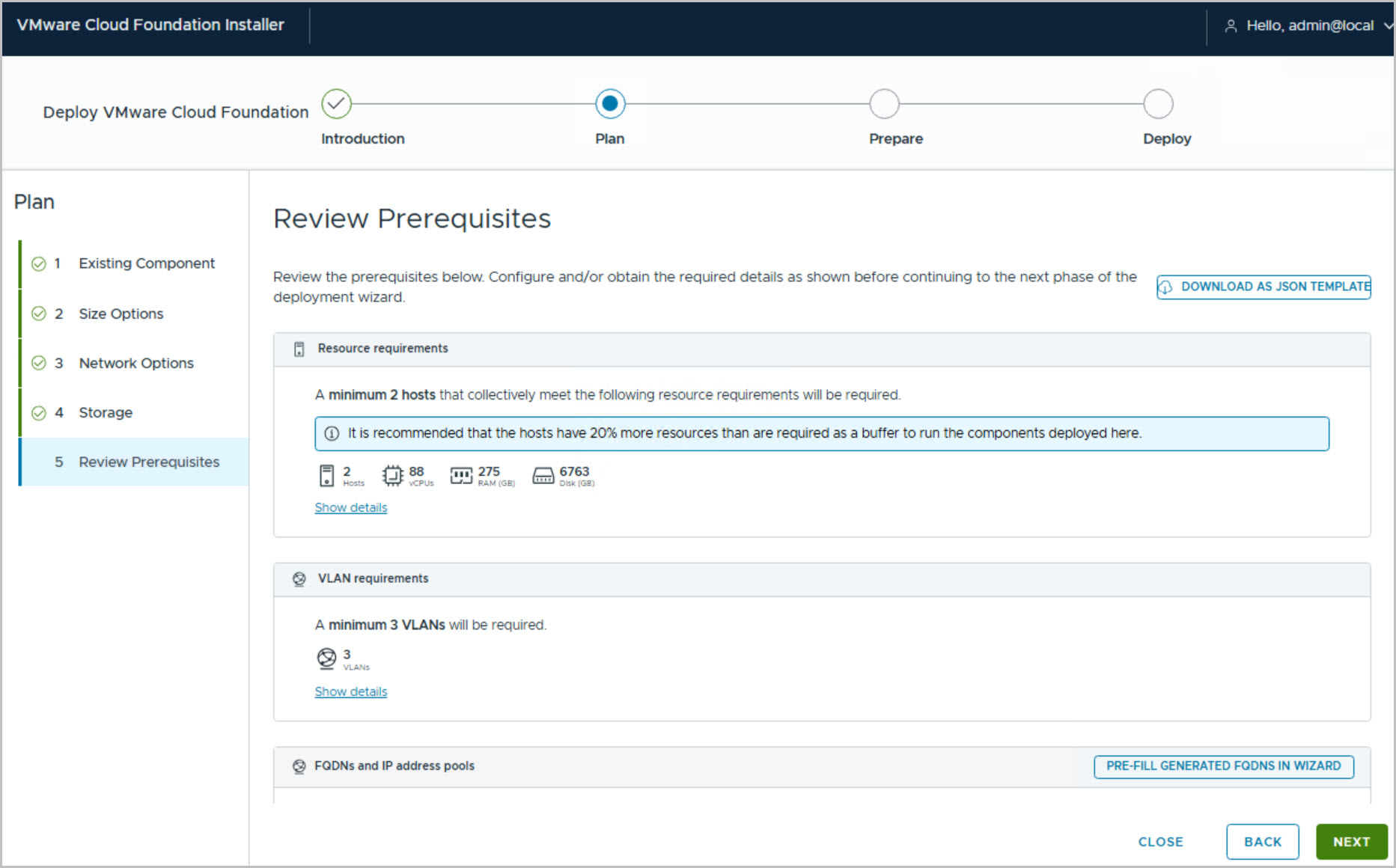
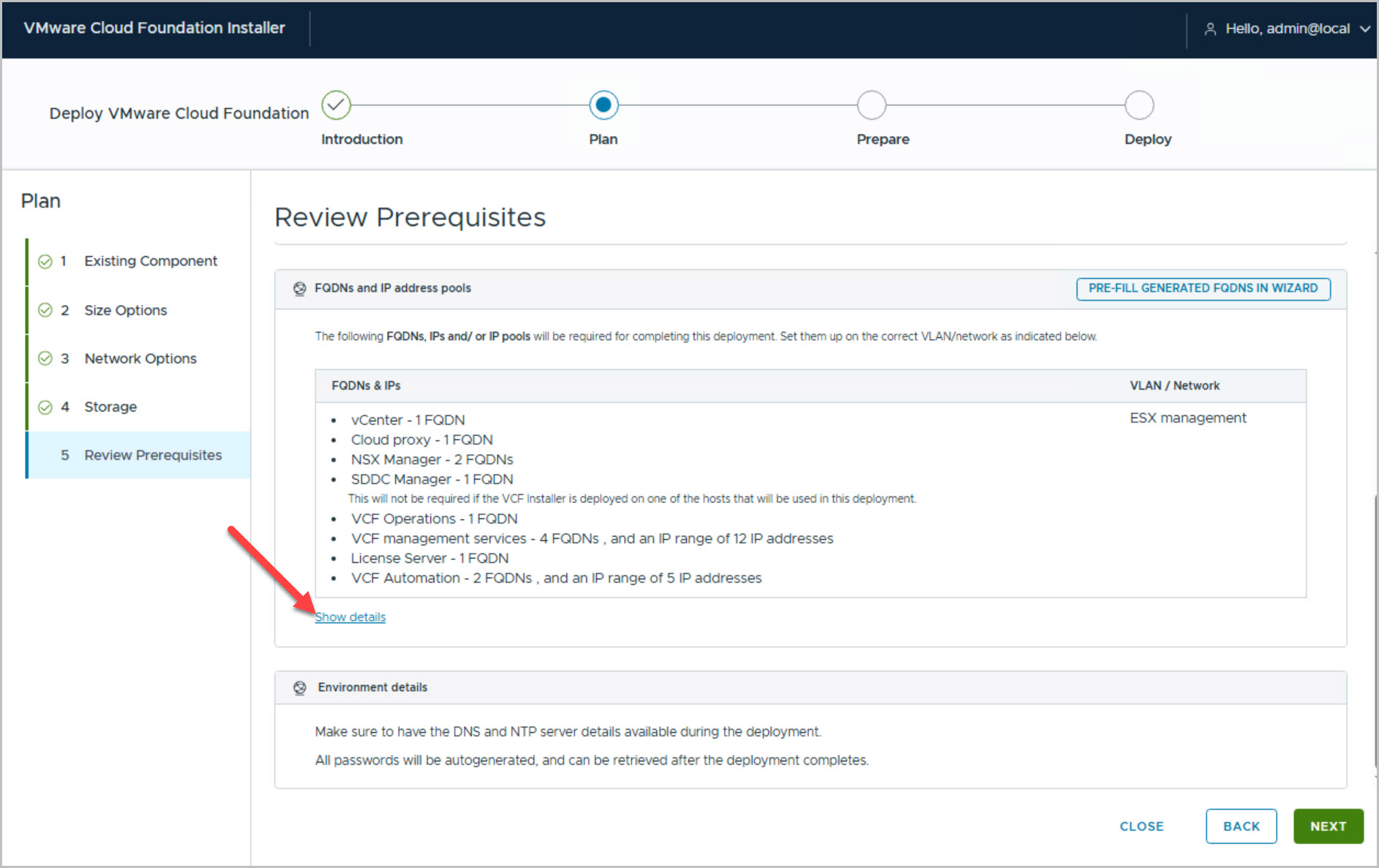
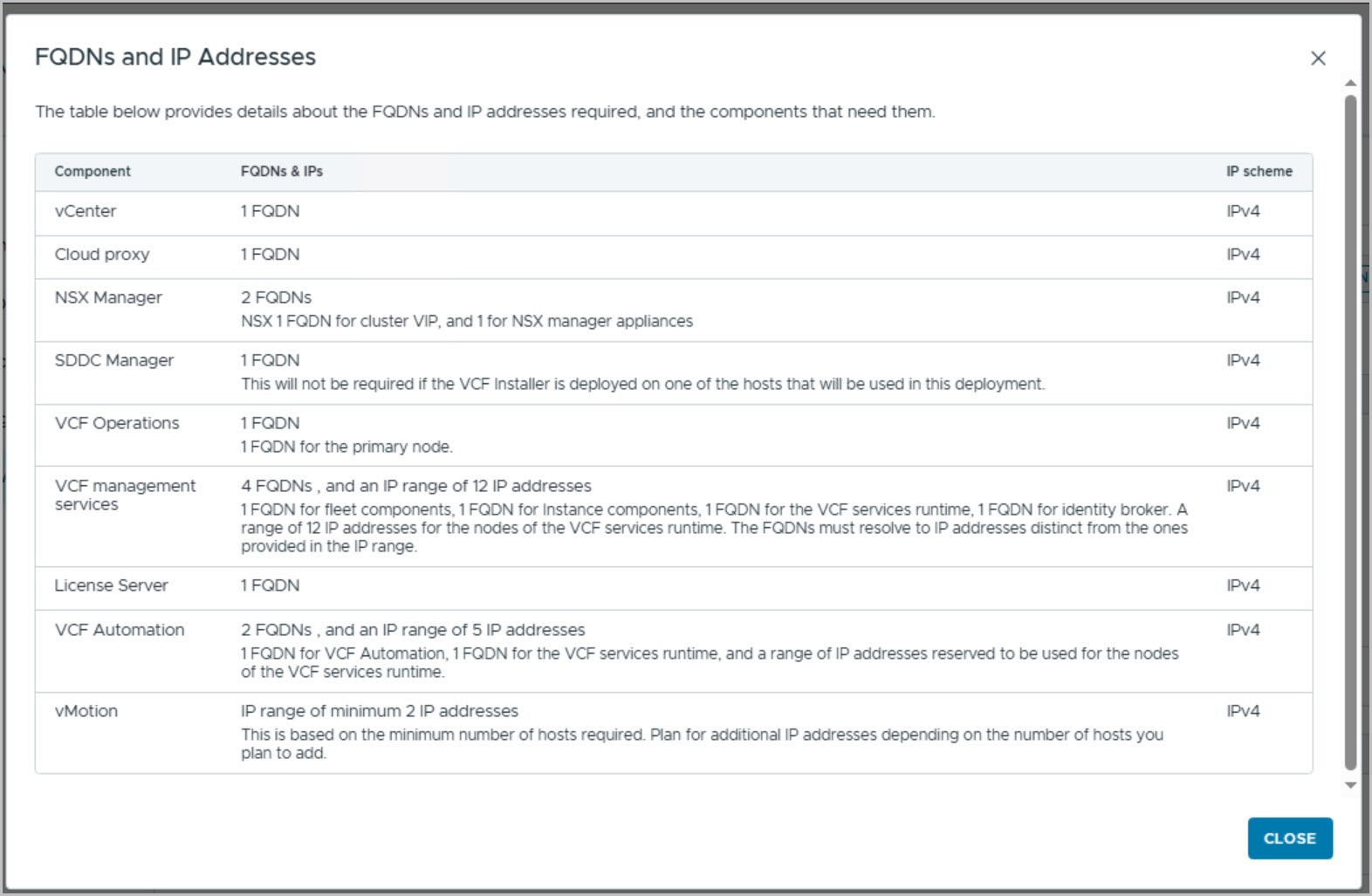
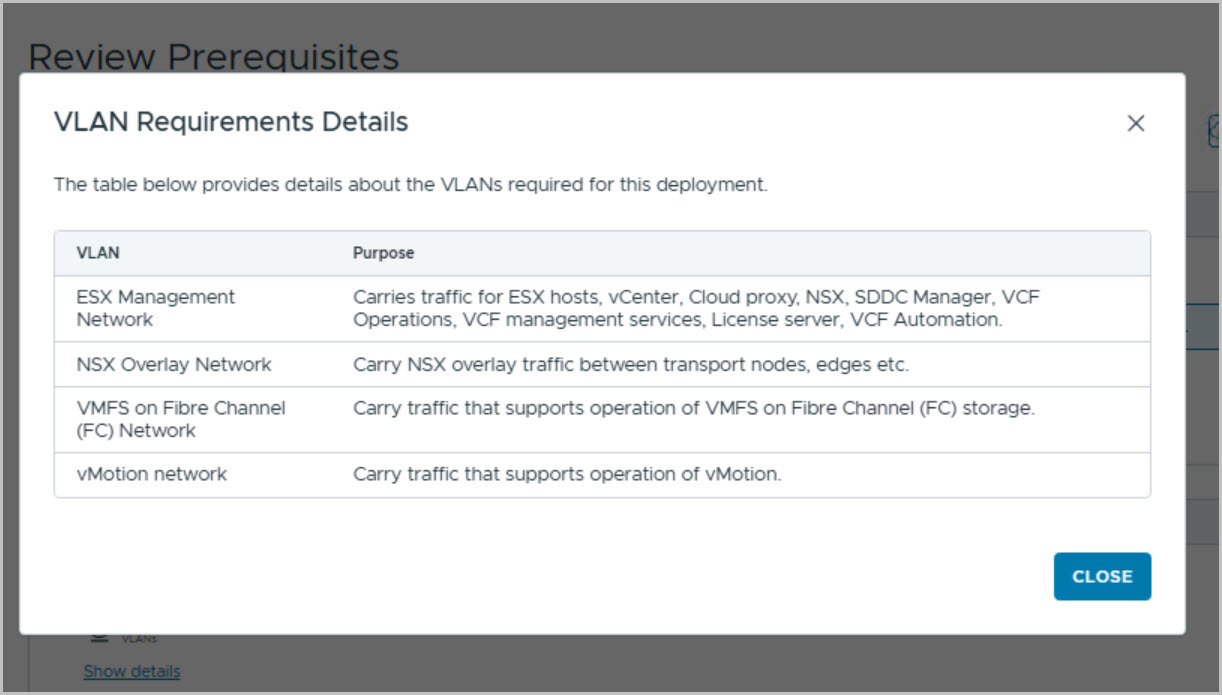
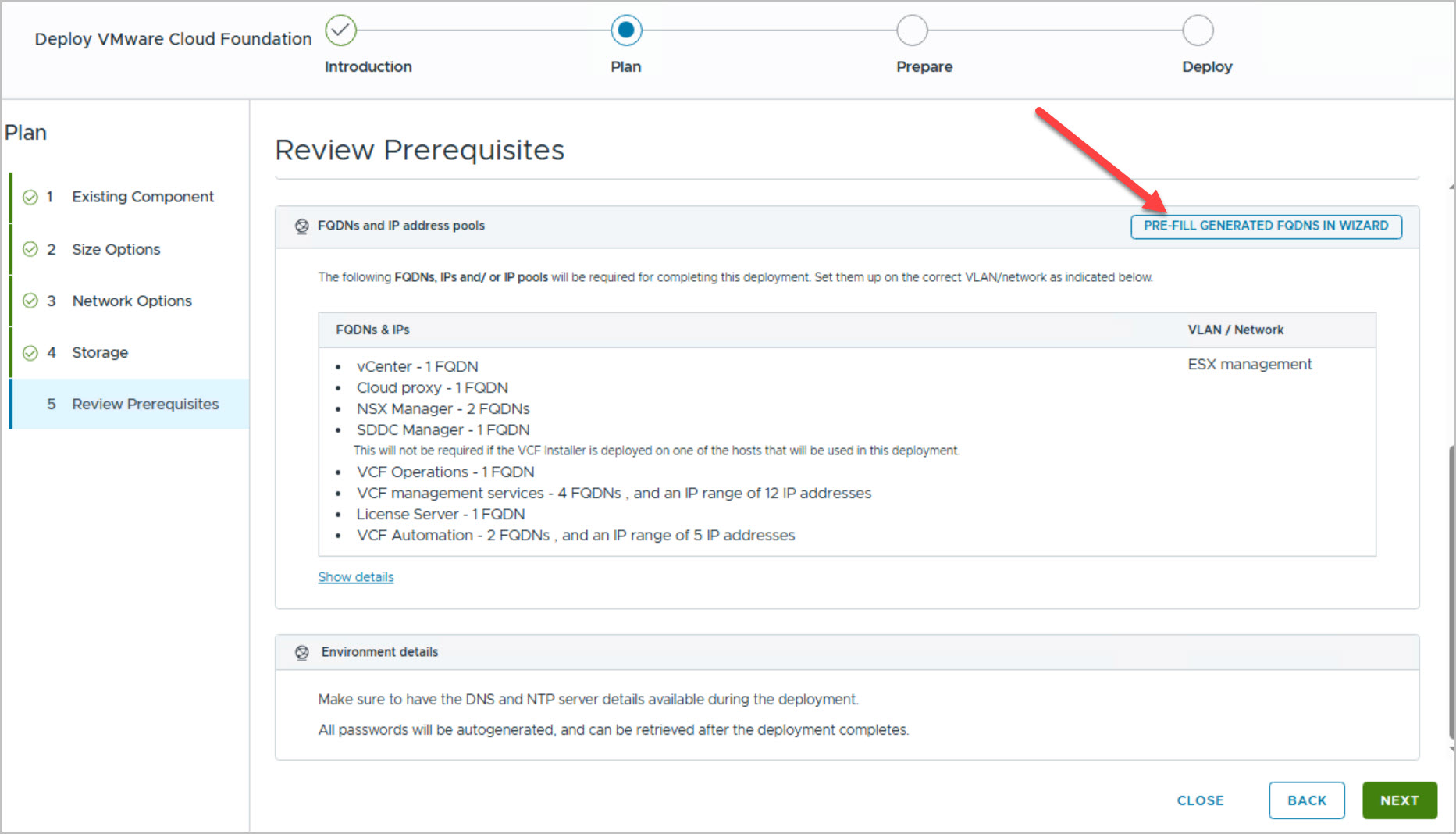
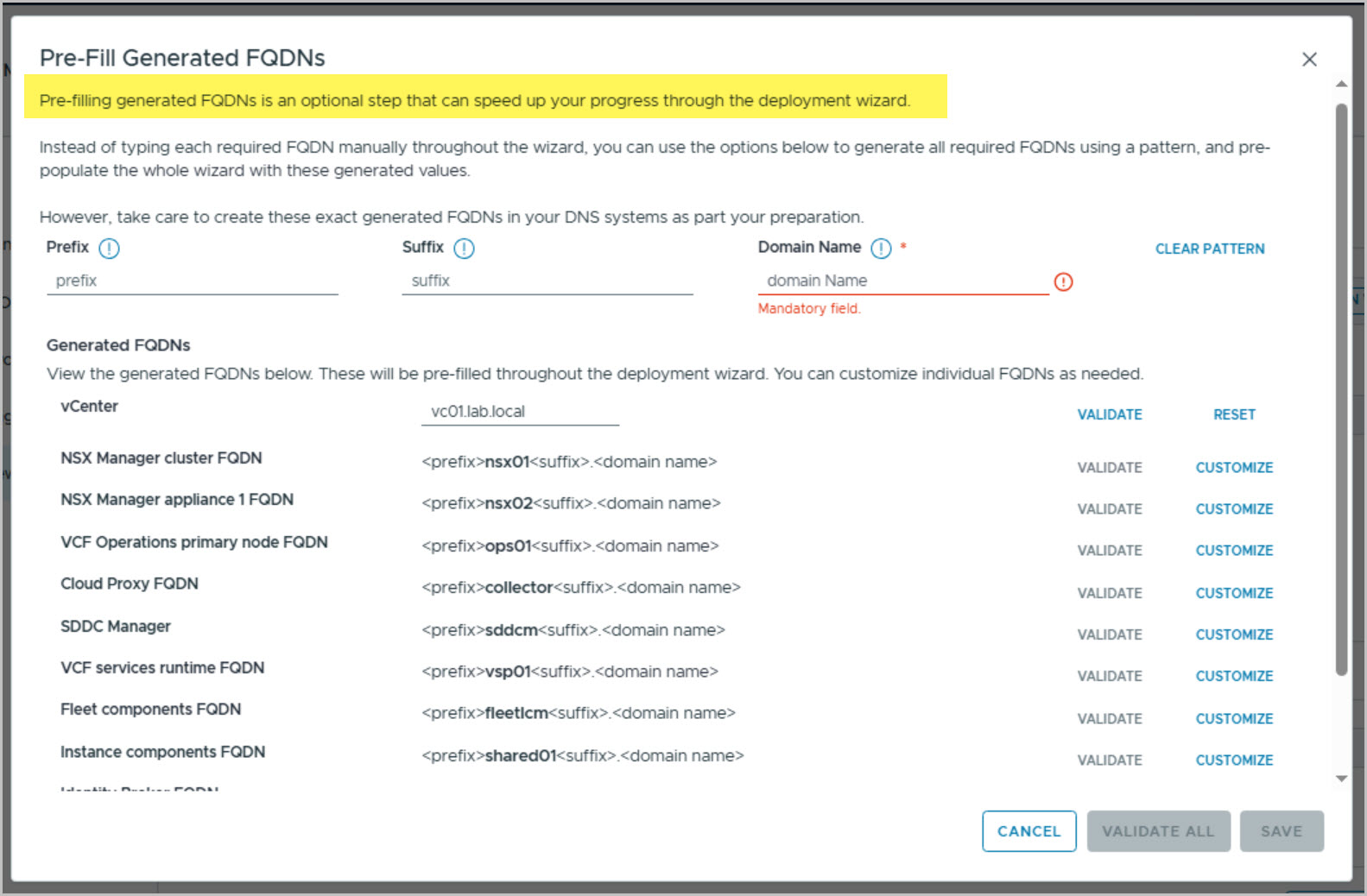
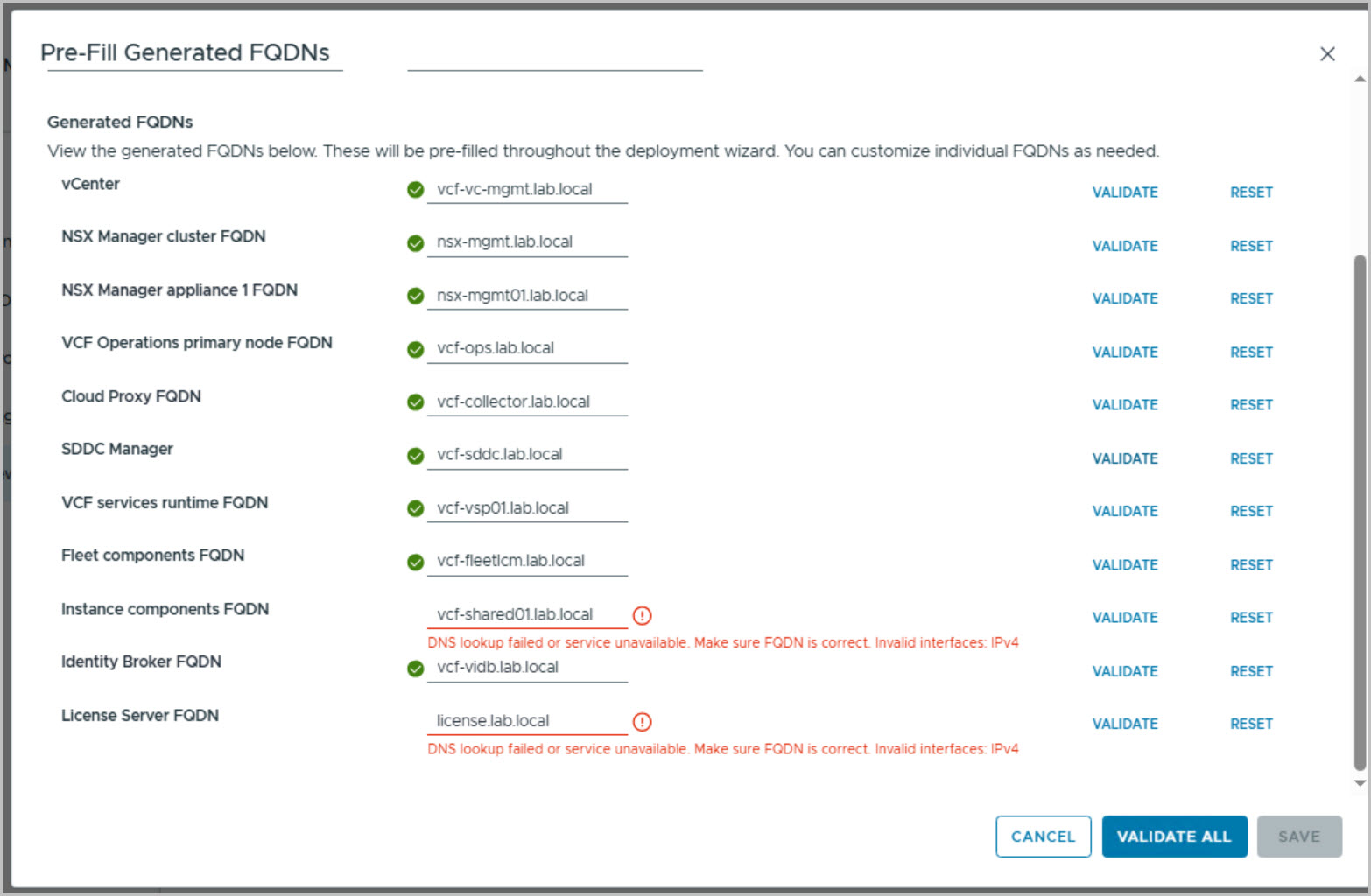
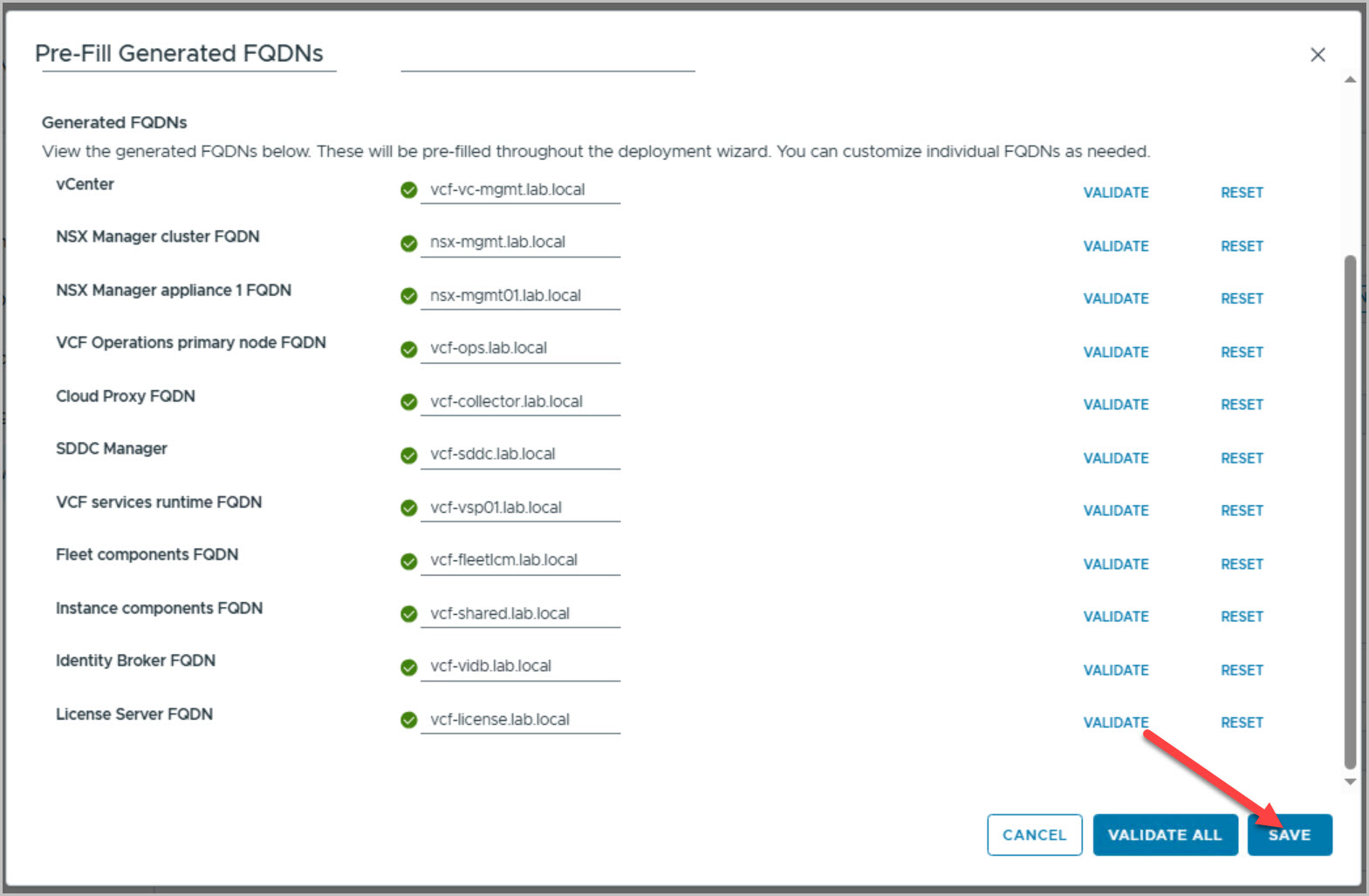
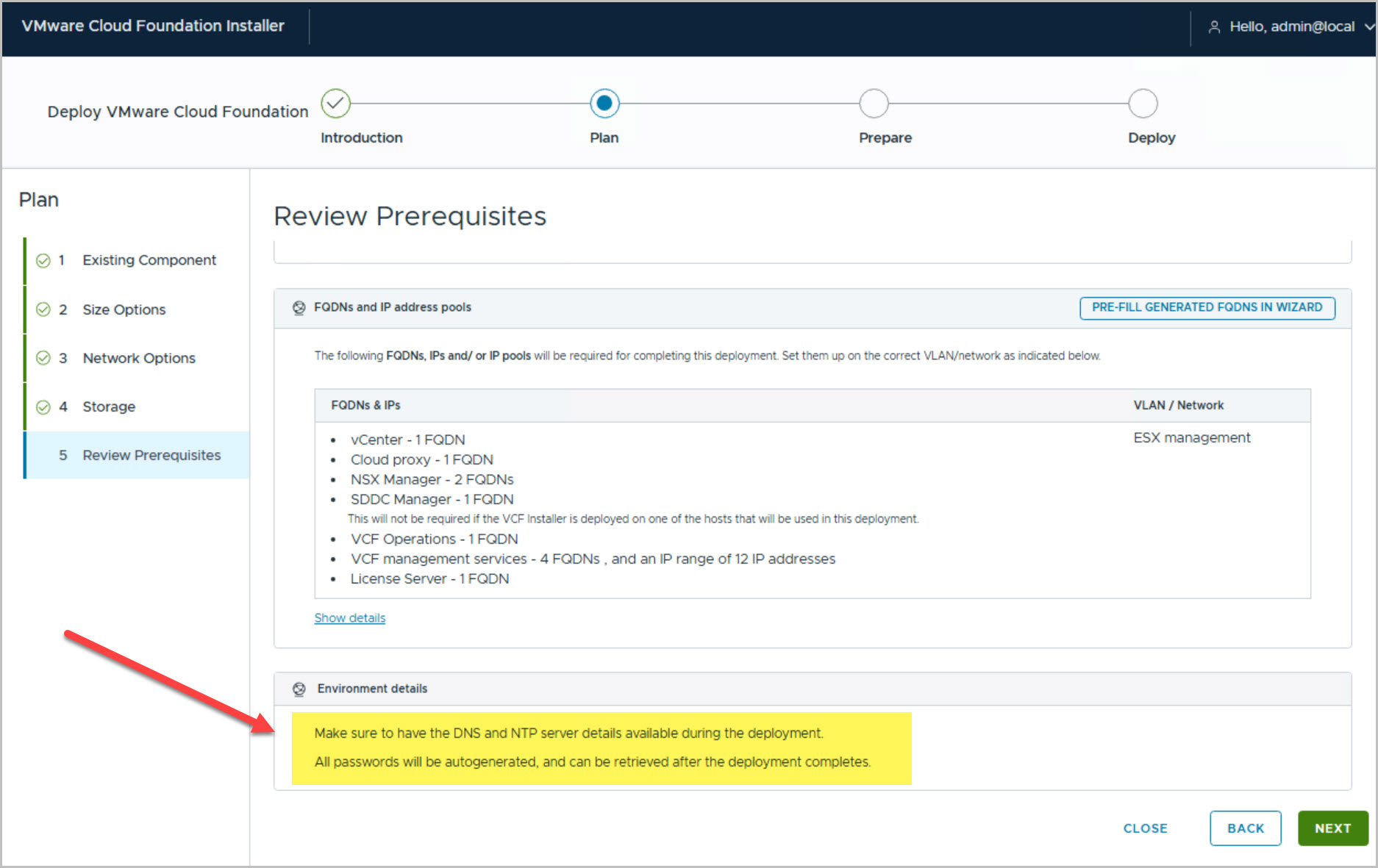
With the binaries downloaded, launch the VMware Cloud Foundation Deployment Wizard and choose Deploy a New VCF Fleet. This walkthrough uses the Simple Deployment Model with VMFS on Fibre Channel storage and Centralized Connectivity. During the planning phase, review the infrastructure prerequisites, networking requirements, VLAN allocations, and the FQDN/IP requirements generated by the installer. Use the Pre-Fill Generated FQDNs option to automatically populate component hostnames, then validate all DNS entries before continuing. Once DNS validation succeeds, save the generated values and proceed to the Prepare phase.
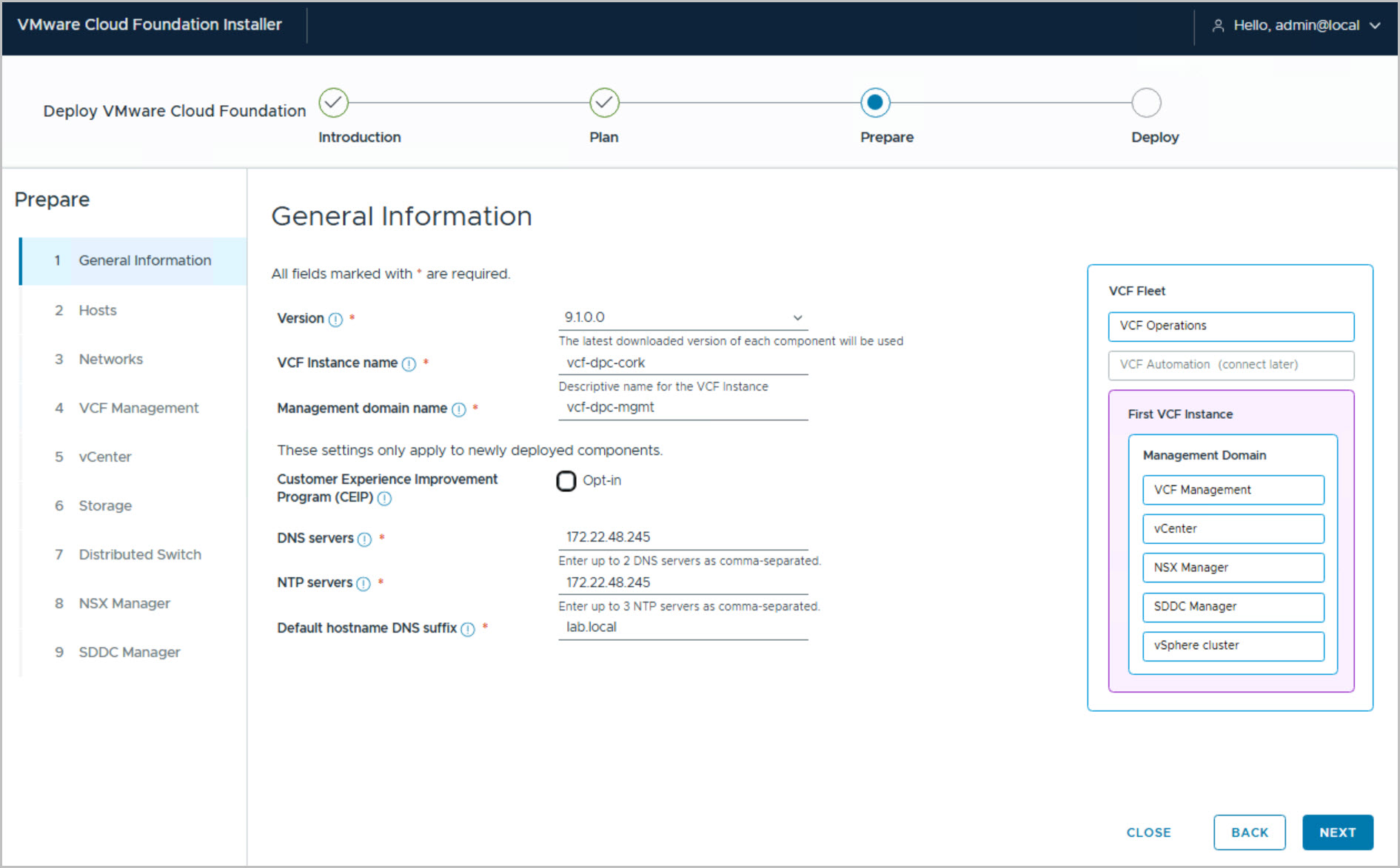
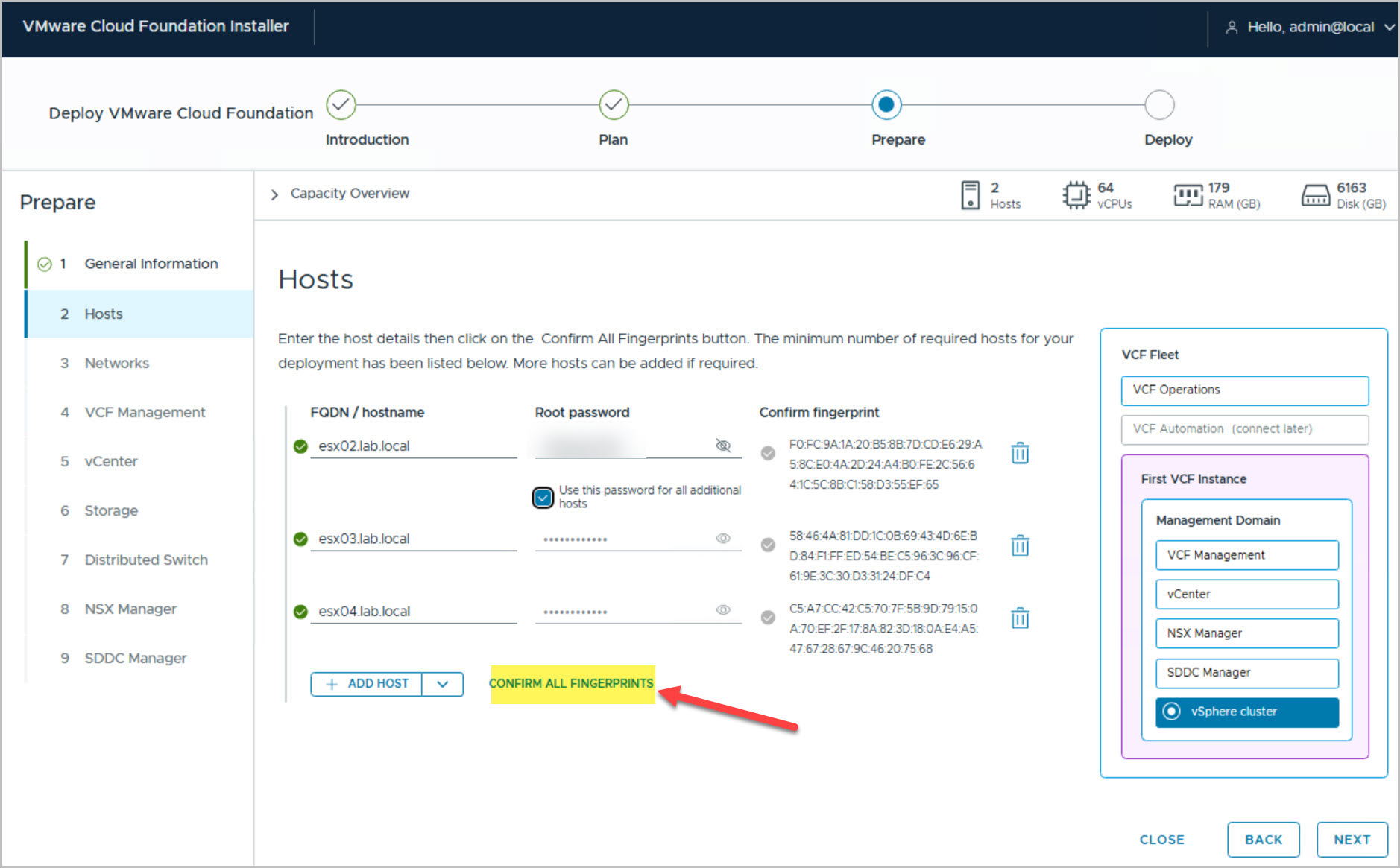
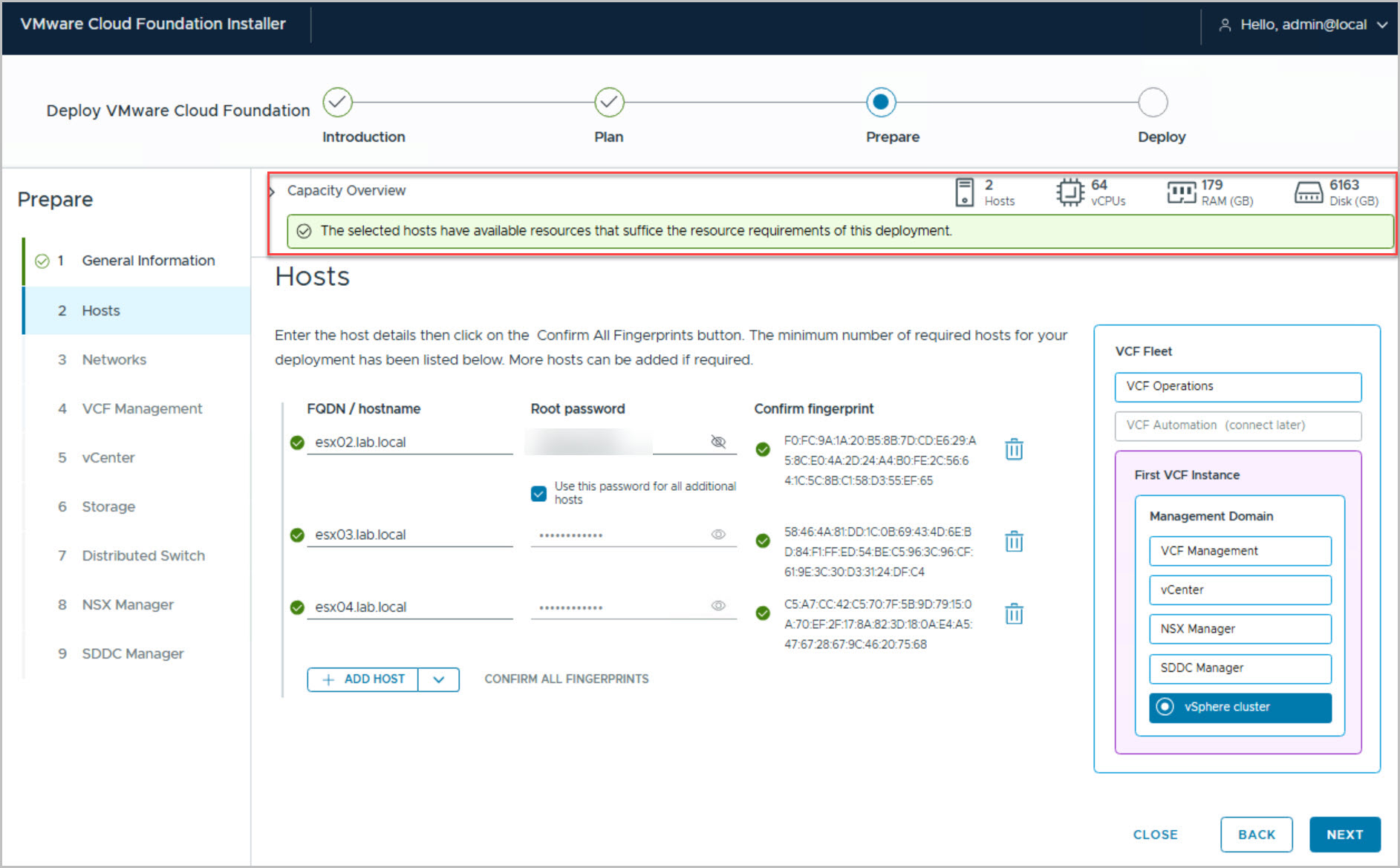
The Prepare phase collects the detailed configuration required to deploy the VCF Management Domain. Begin by entering the general deployment information, including the VCF Instance Name, Management Domain Name, DNS servers, NTP servers, and DNS suffix. Next, add the ESXi hosts that will form the management cluster, provide the root credentials, and confirm the host fingerprints. The installer then performs a capacity assessment to verify that the selected hosts meet the minimum CPU, memory, and storage requirements.
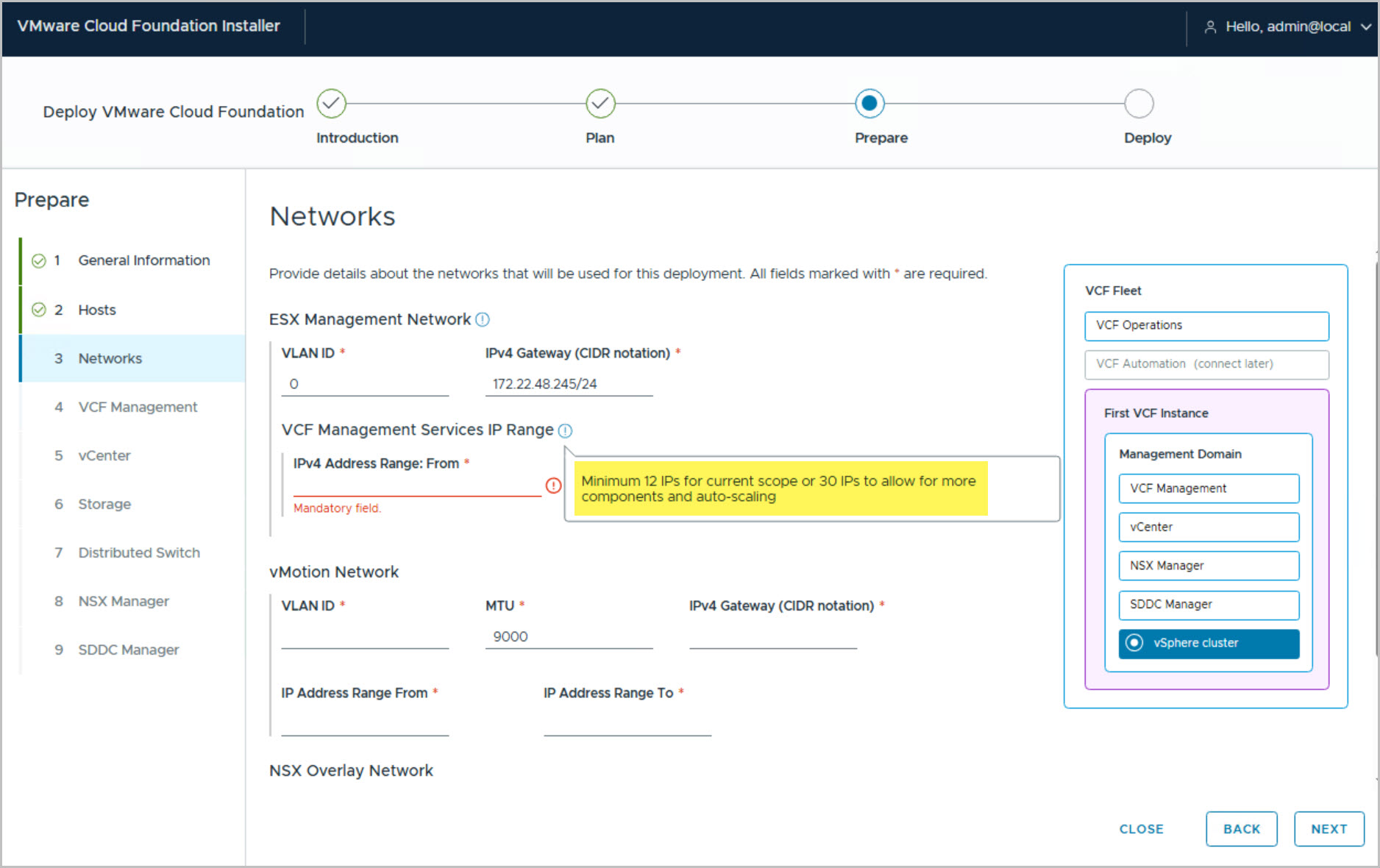
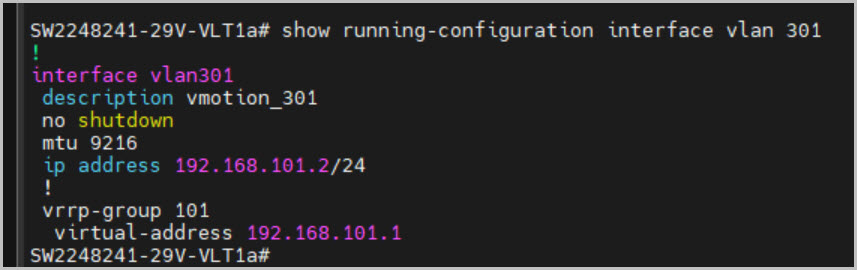
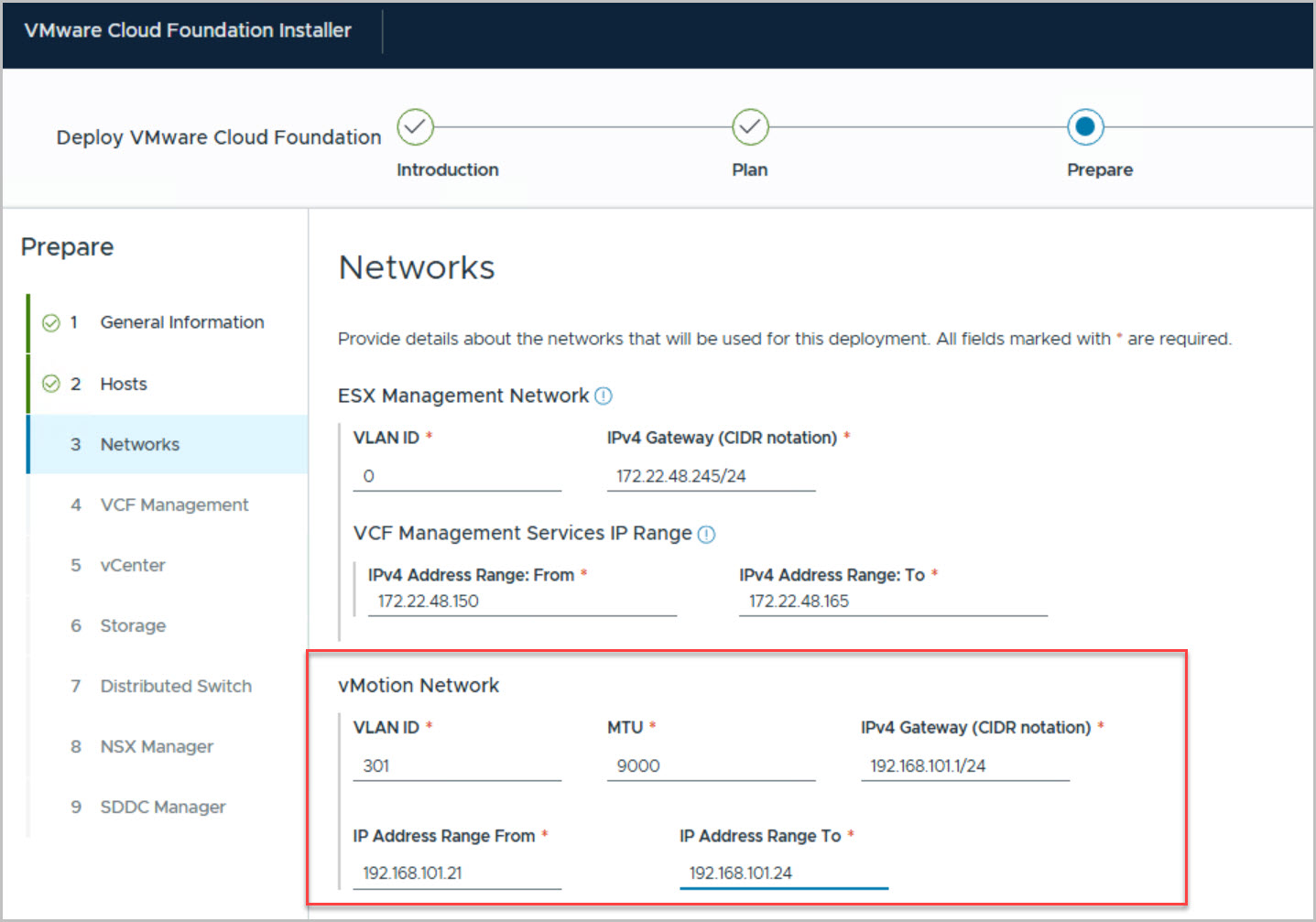
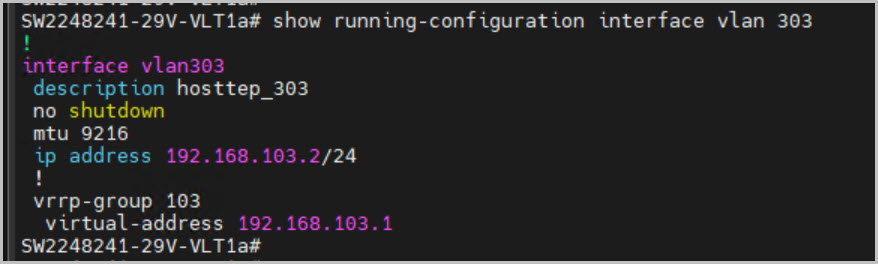
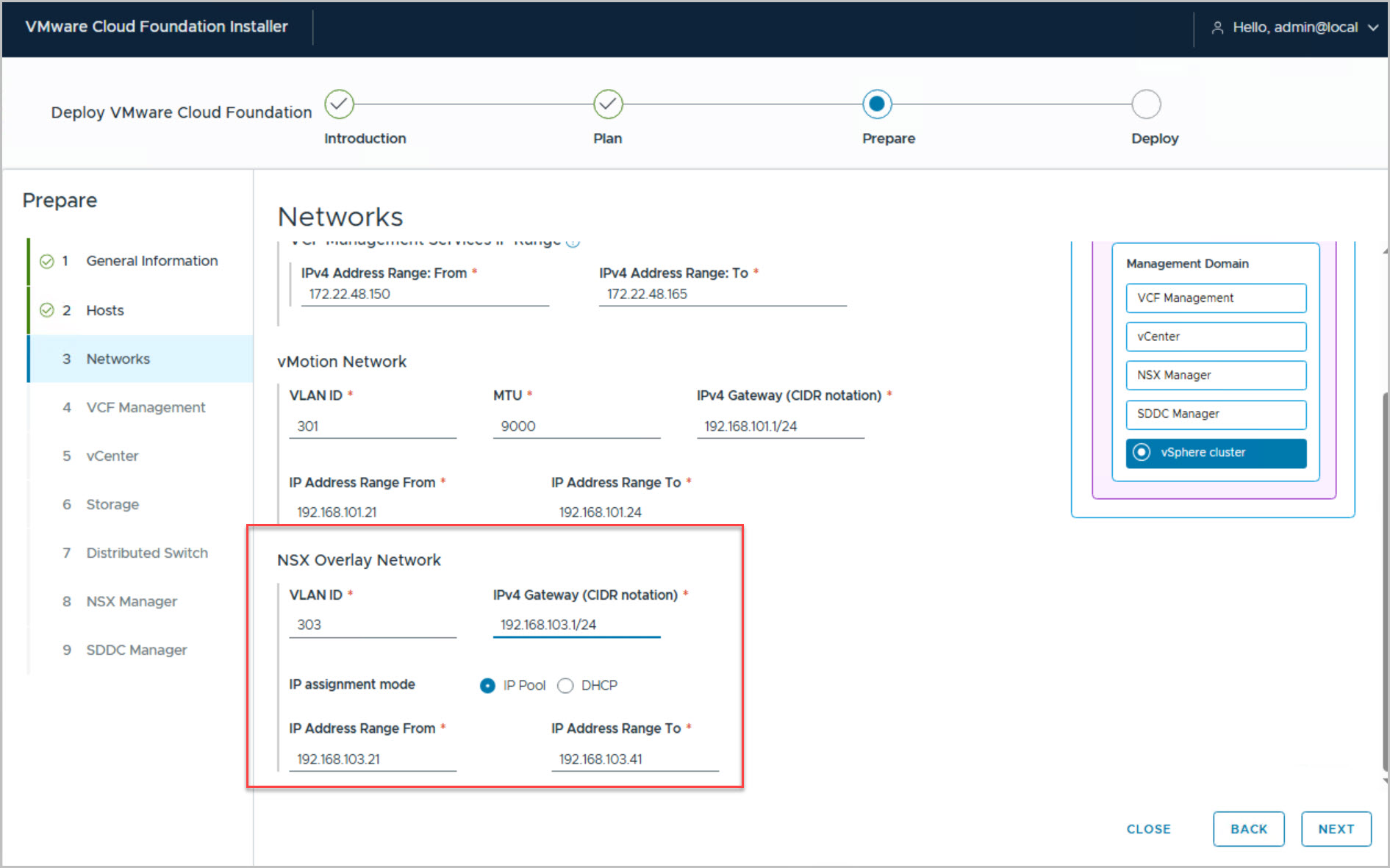
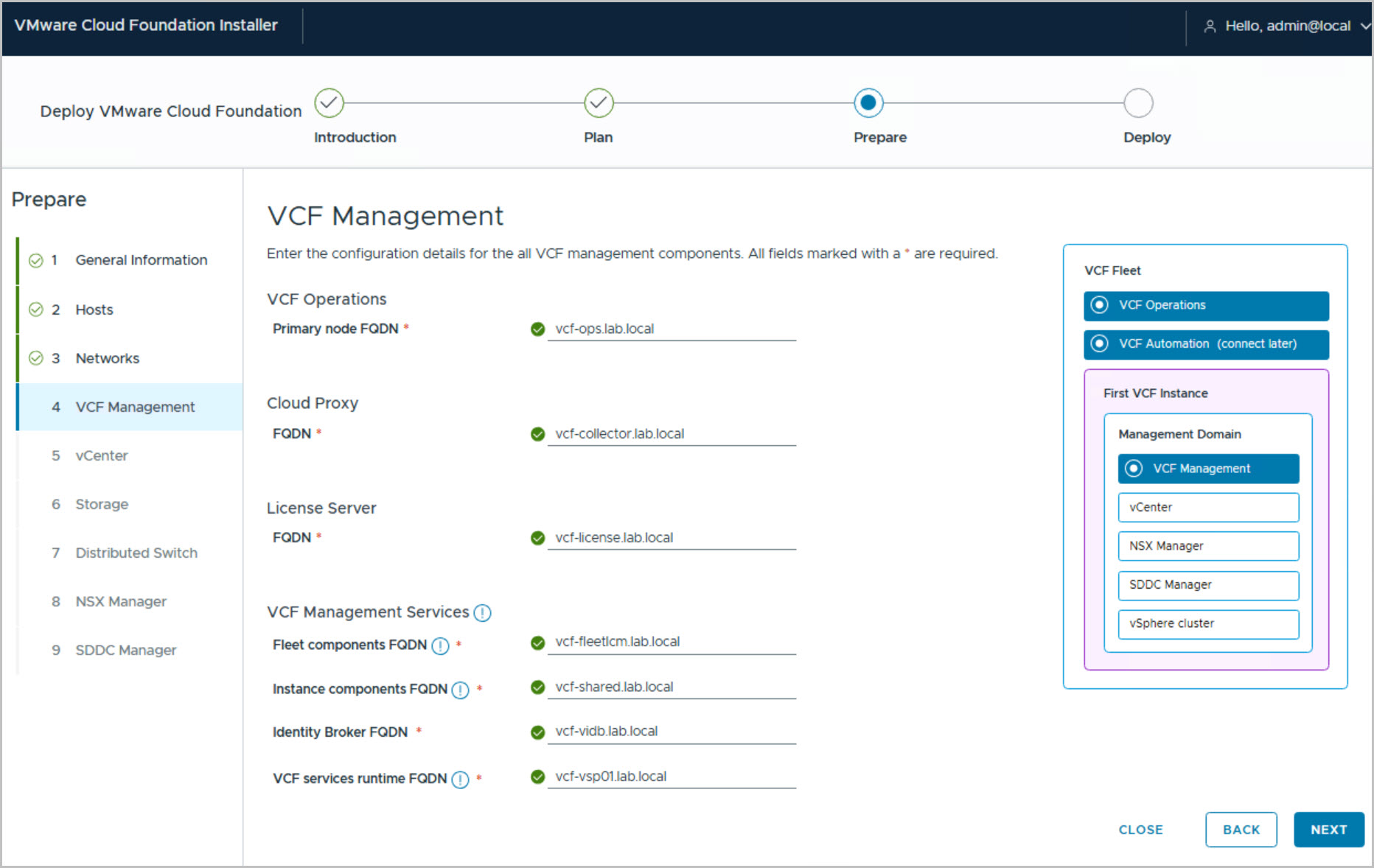
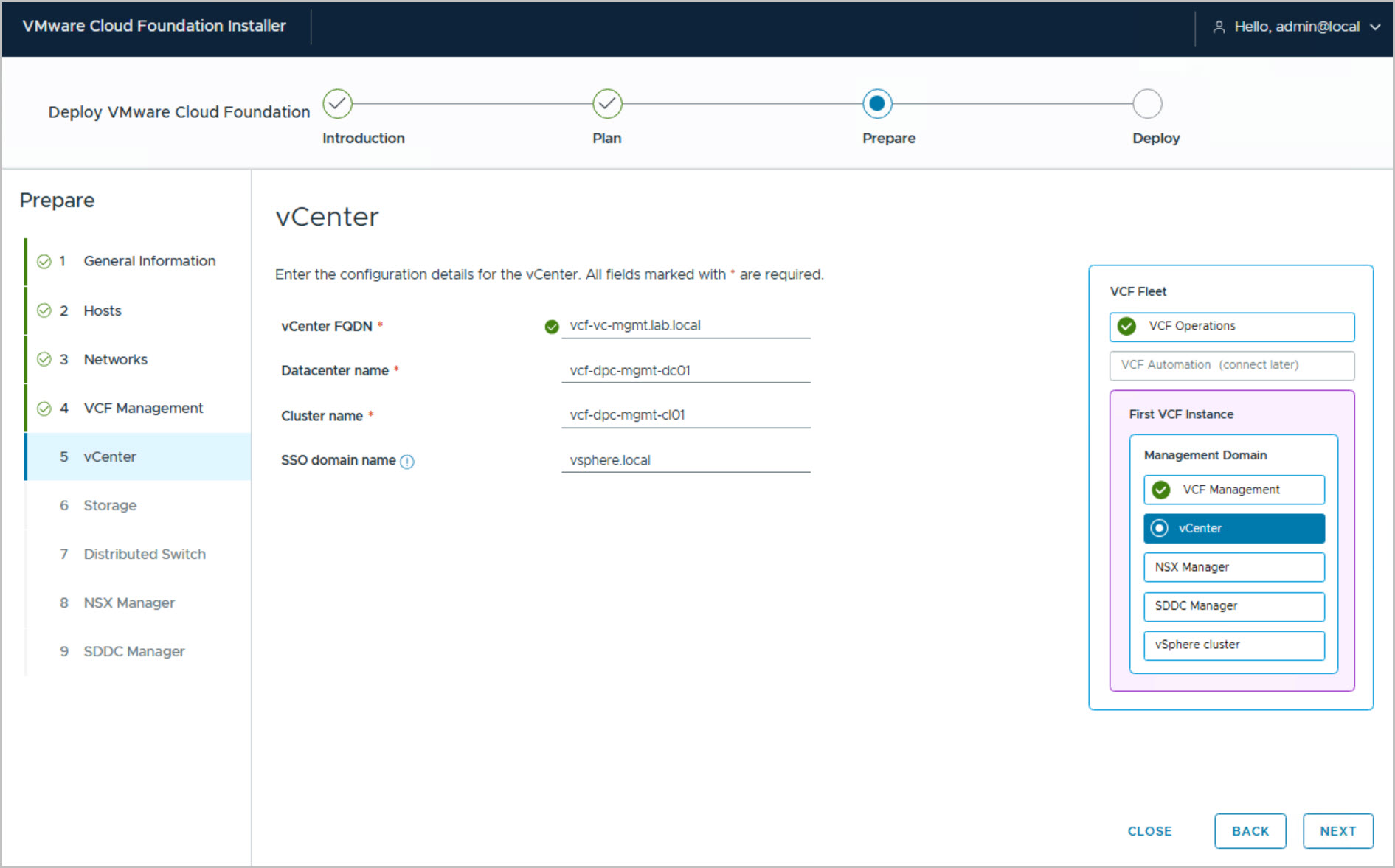
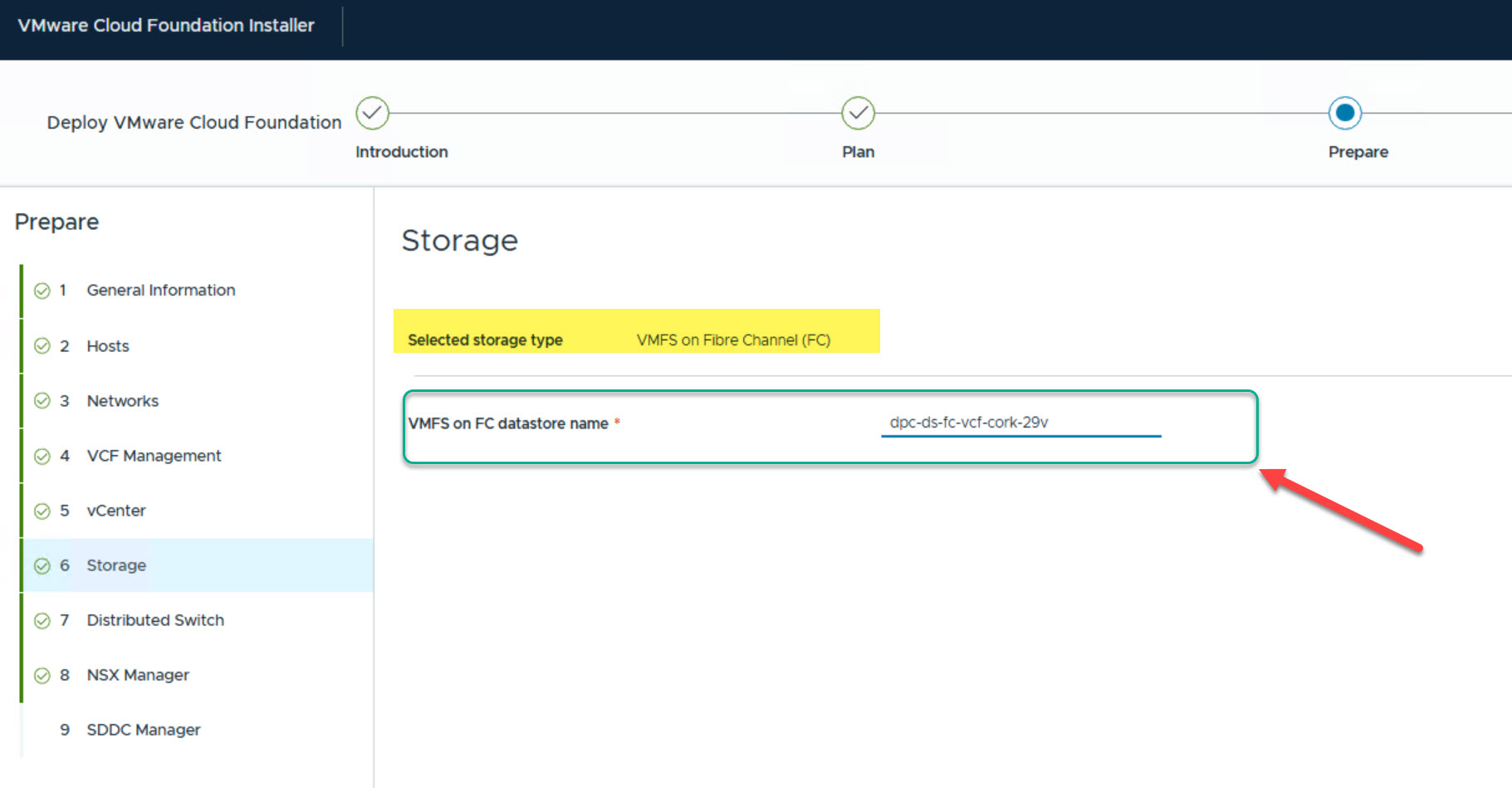
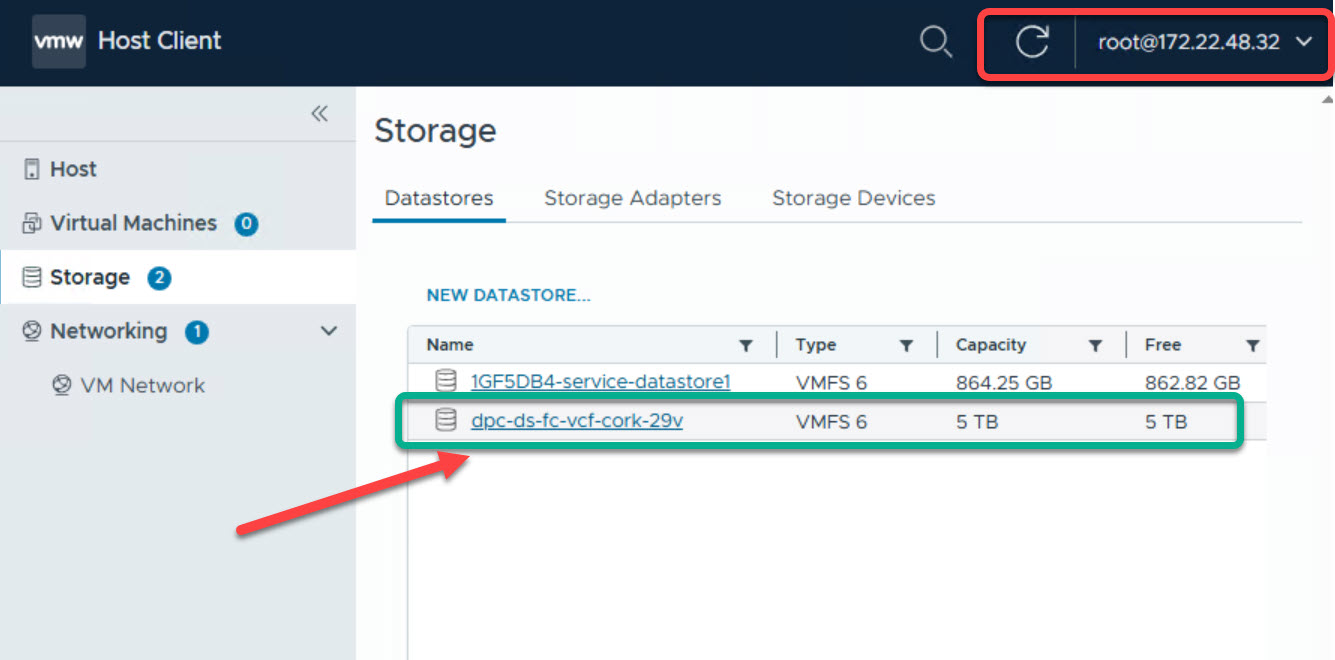
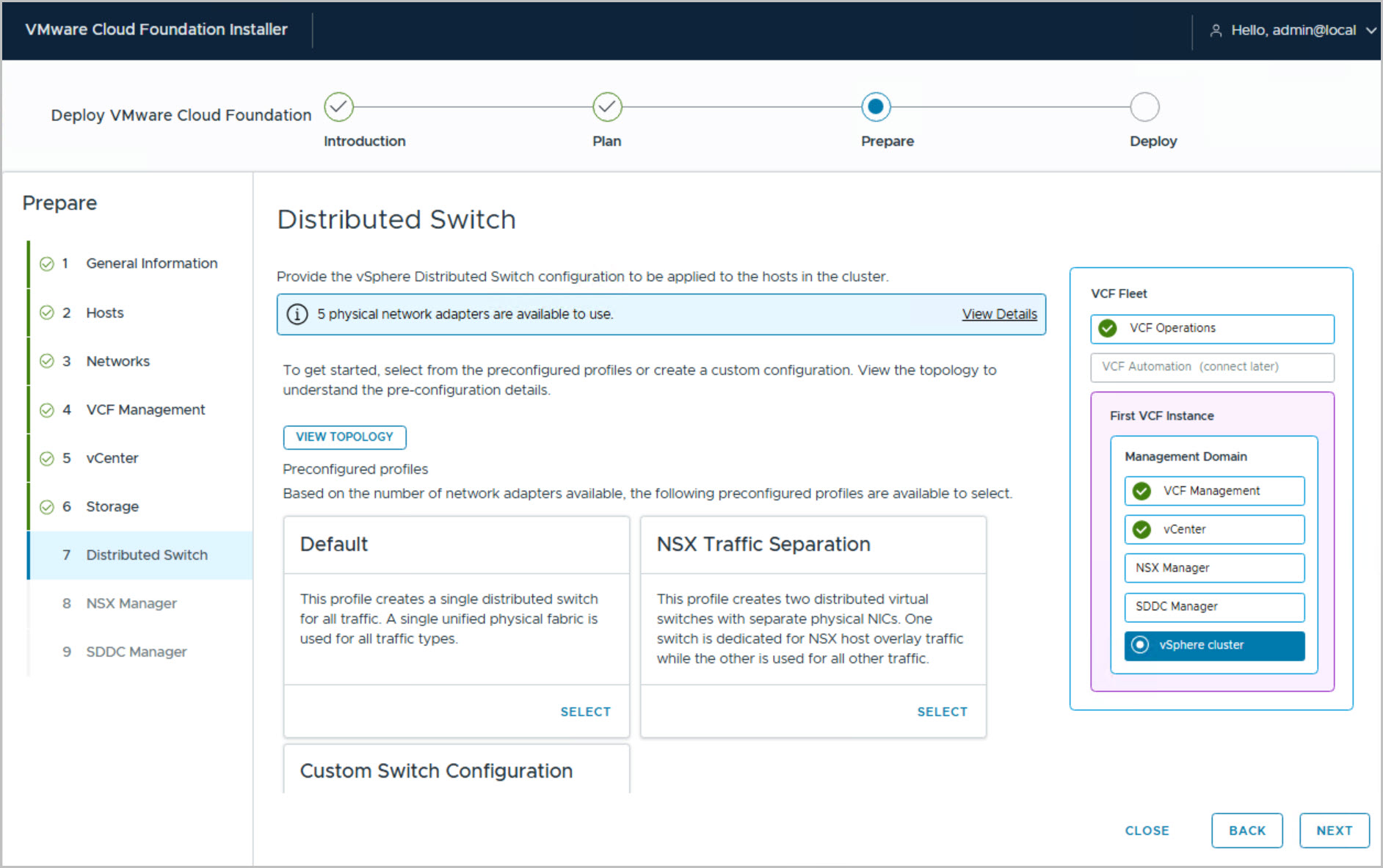
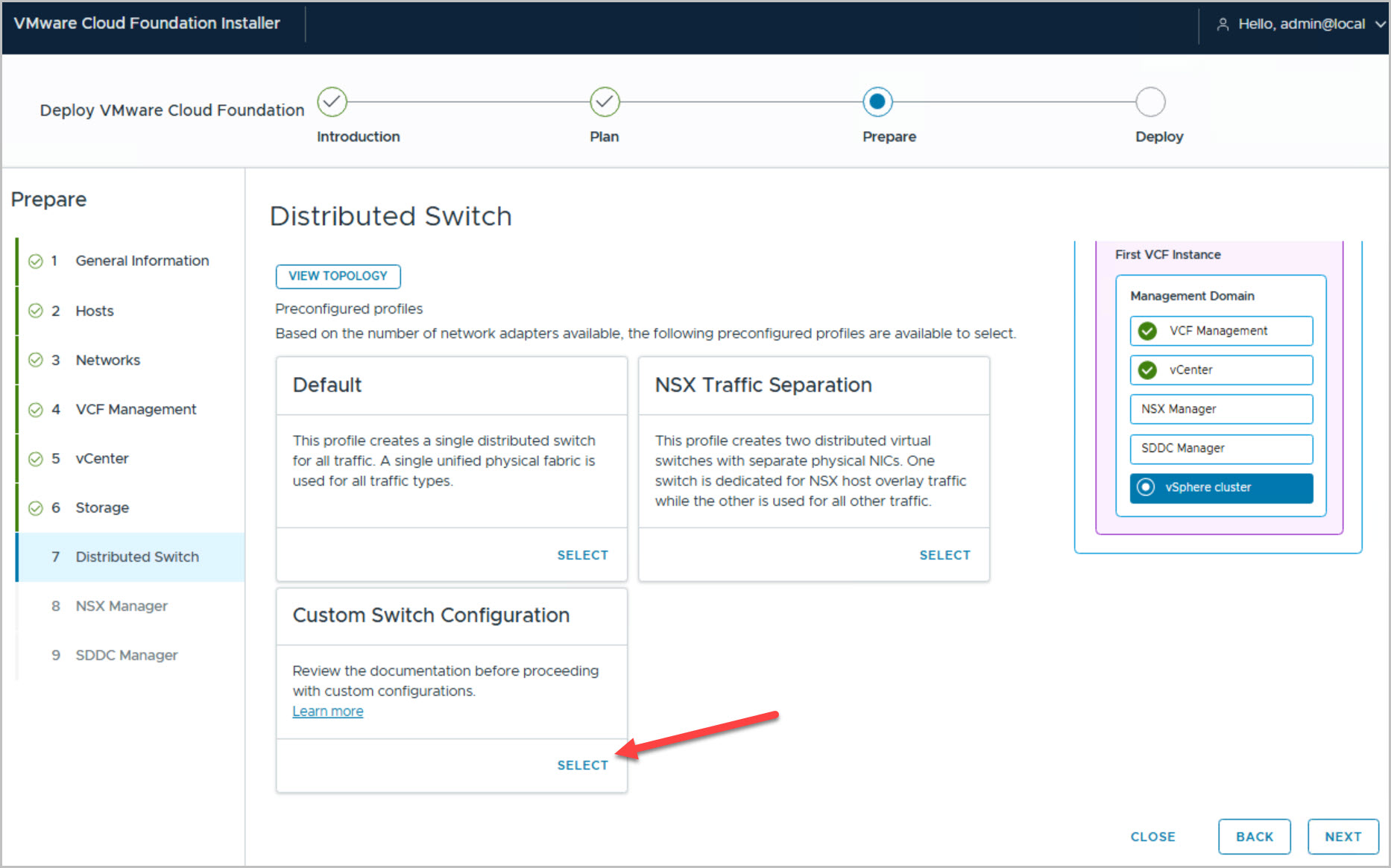
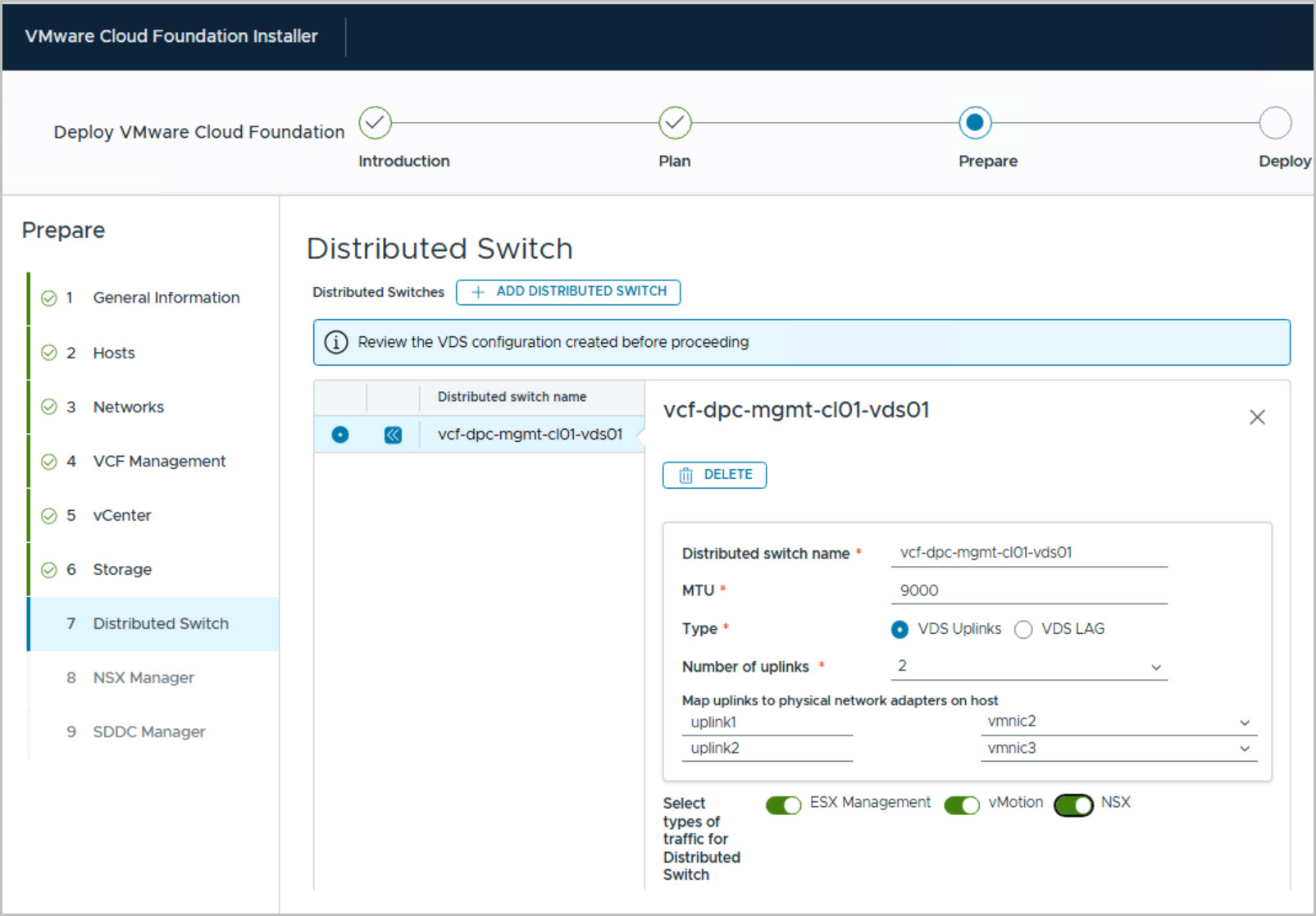
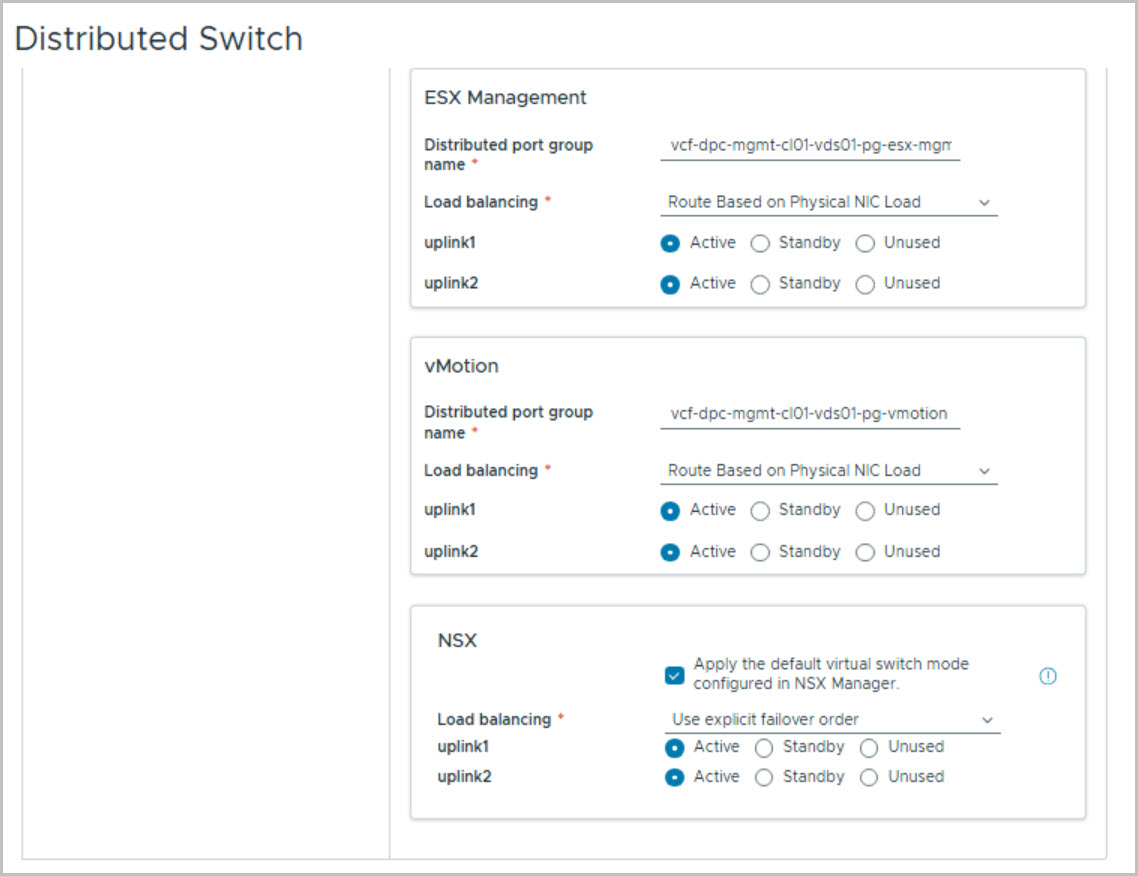
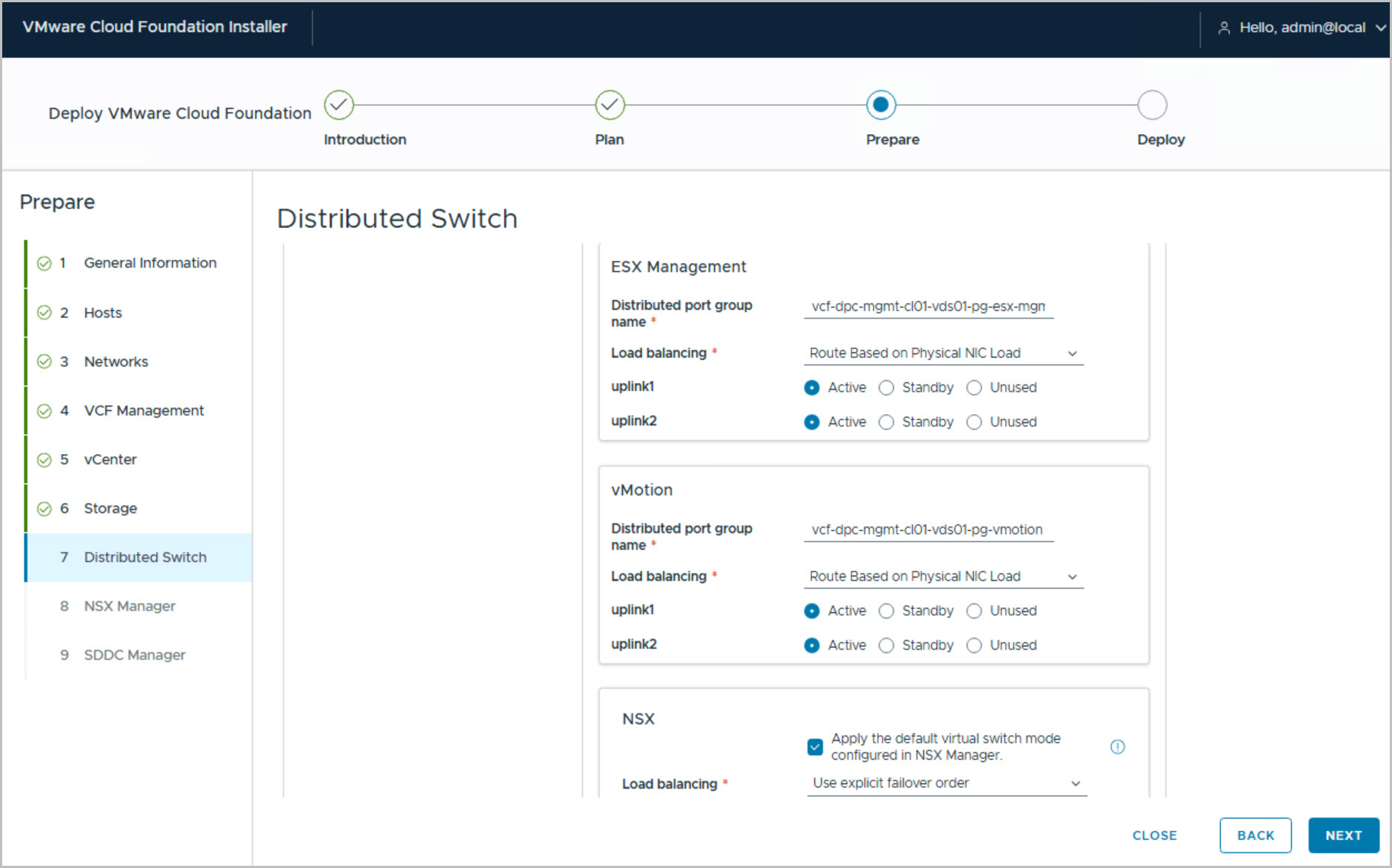
With the hosts validated, configure the networking required for the deployment. This includes the ESX Management Network, VCF Management Services IP pool, vMotion network, and NSX Overlay network, along with the associated VLANs, gateways, MTU settings, and IP ranges. Review the automatically generated VCF management component FQDNs, then configure the vCenter settings, including the vCenter hostname, datacenter name, cluster name, and SSO domain. Select the VMFS-FC datastore that was provisioned earlier by the DPC workflow and configure the vSphere Distributed Switch, including uplink mappings and port groups for management, vMotion, and NSX traffic.
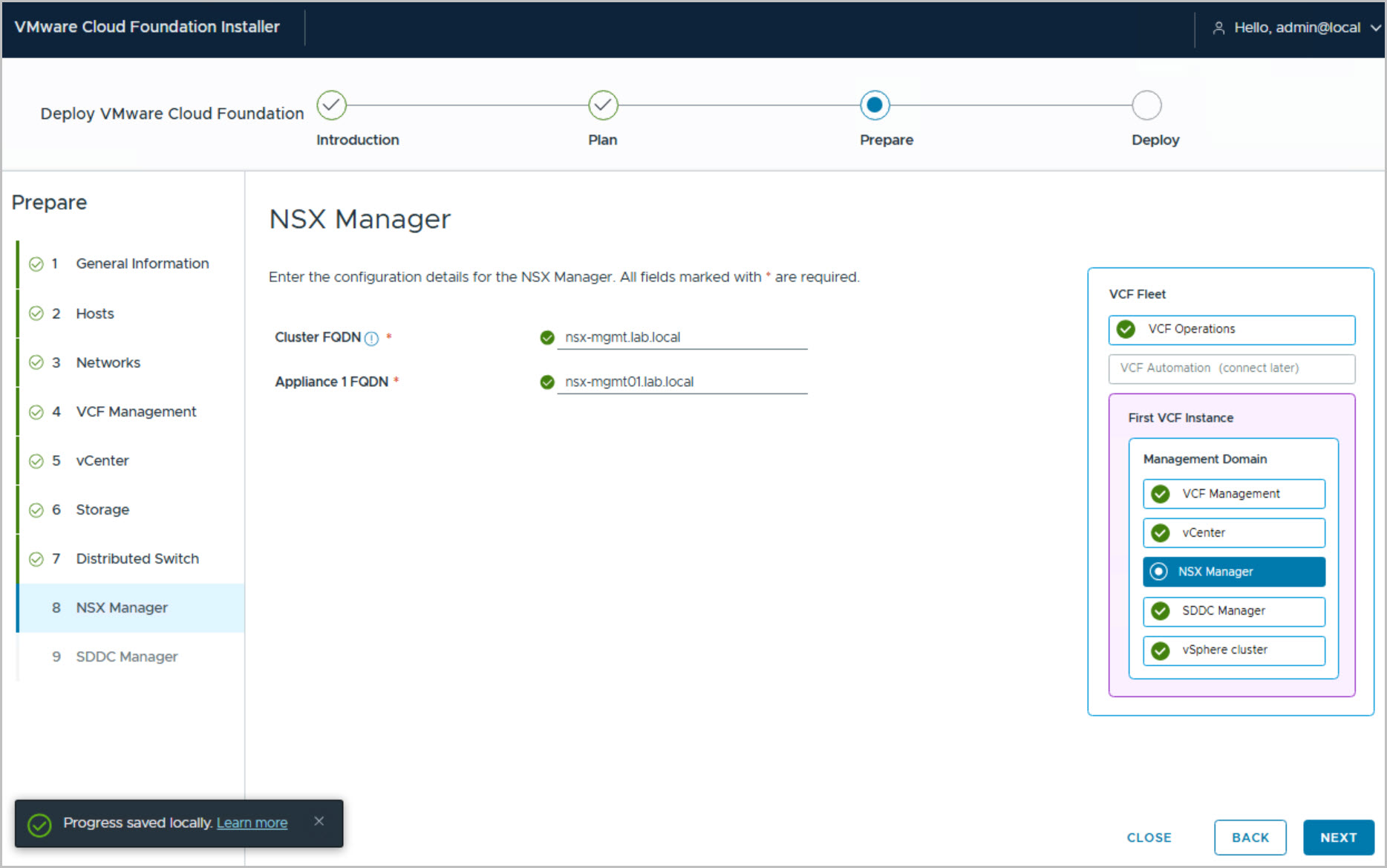
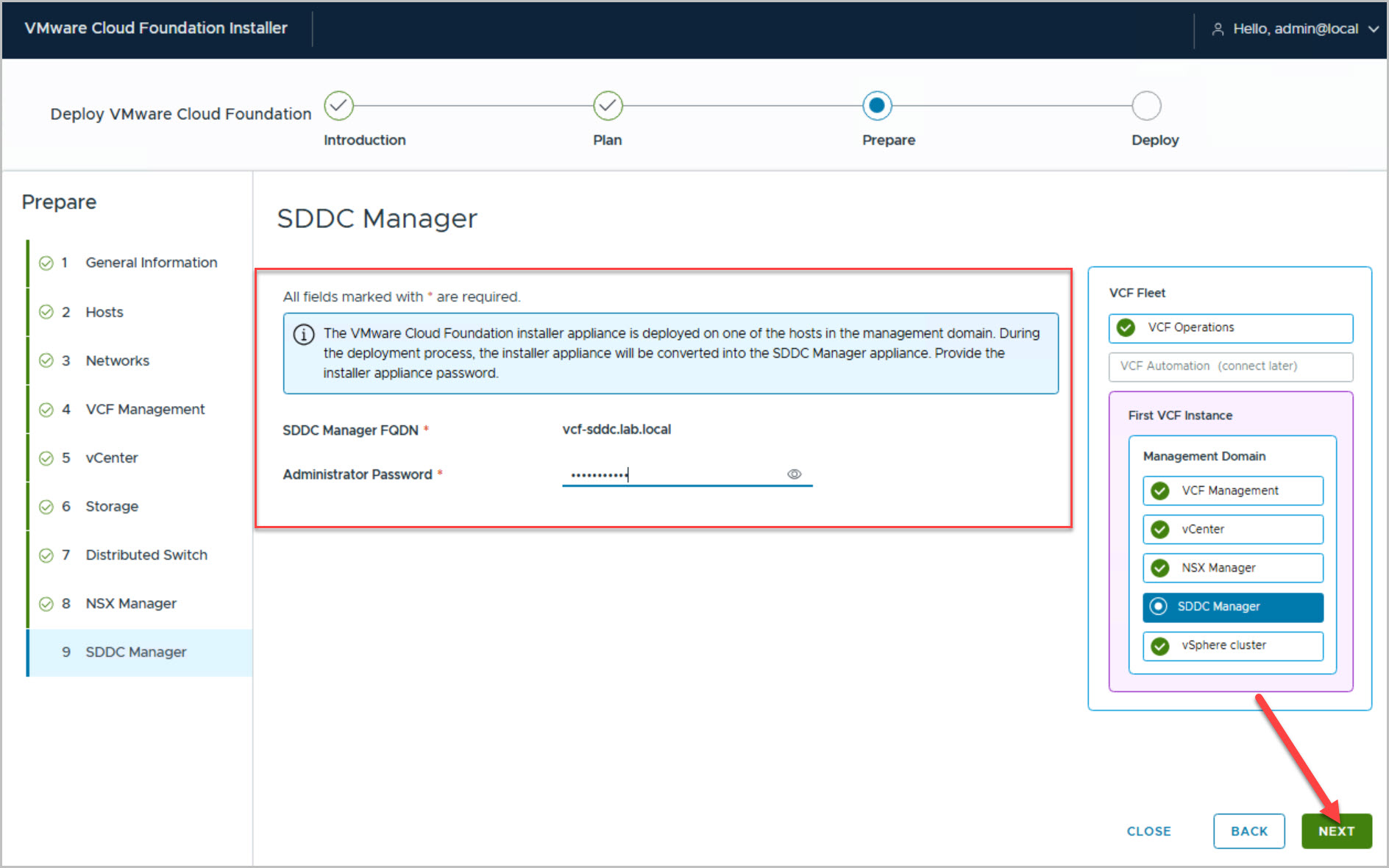
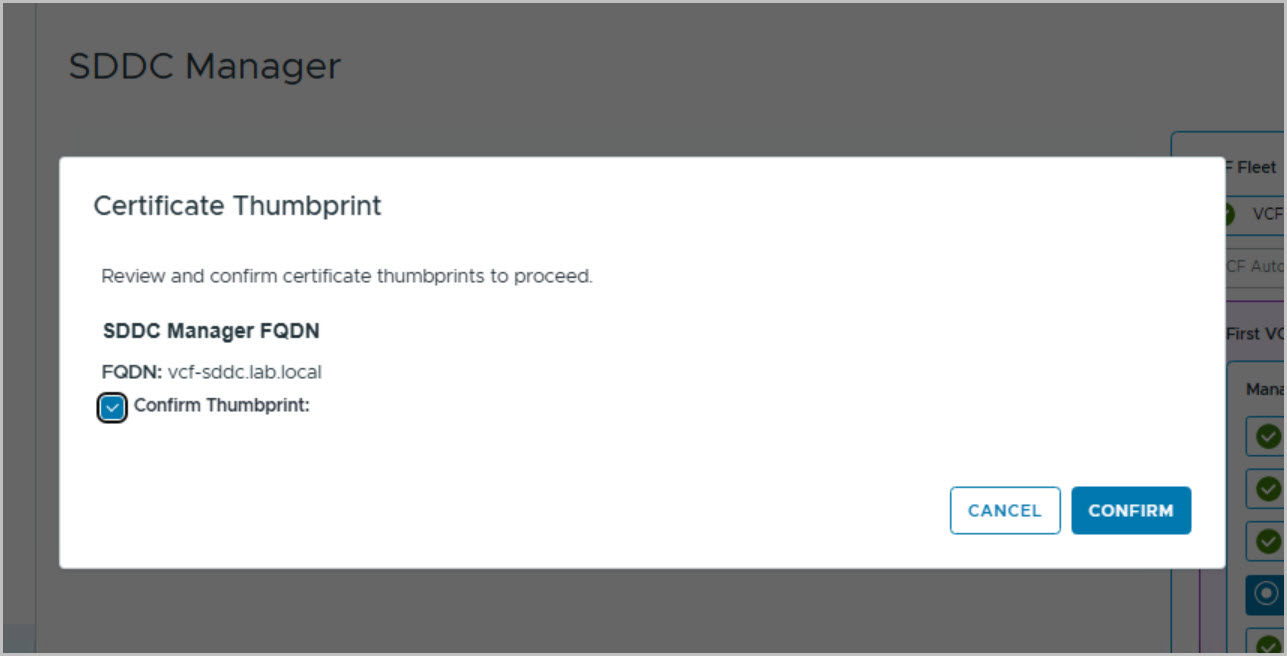
The final steps in the Prepare phase are the configuration of NSX Manager and SDDC Manager. Review the NSX Manager hostnames, enter the SDDC Manager FQDN, and supply the administrator password. In this deployment, the SDDC Manager password matches the password used for the VCF Installer appliance, as the installer is converted into SDDC Manager during deployment. Finally, confirm the certificate thumbprint and review the complete deployment configuration before moving to the validation and deployment phase.
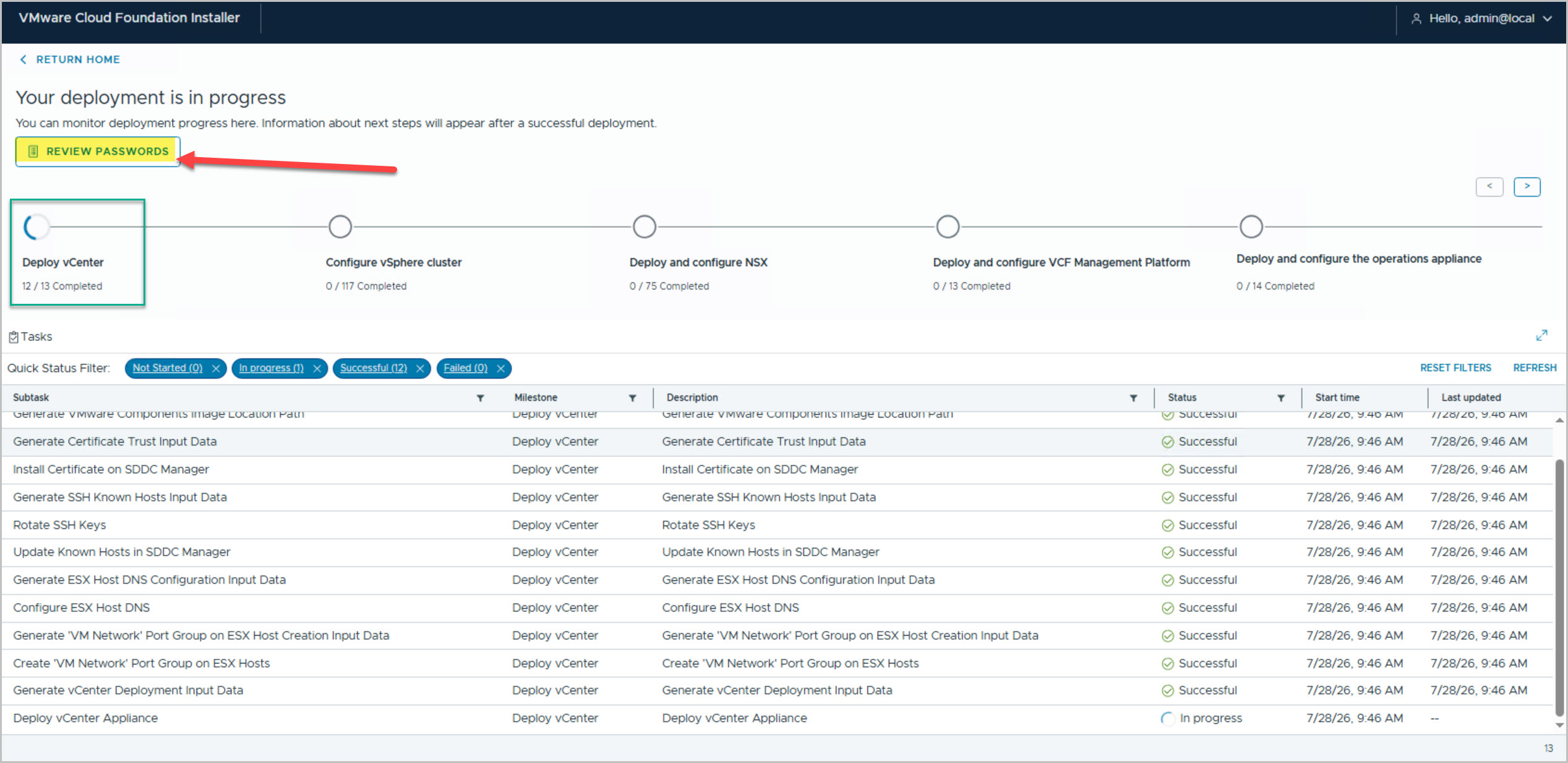
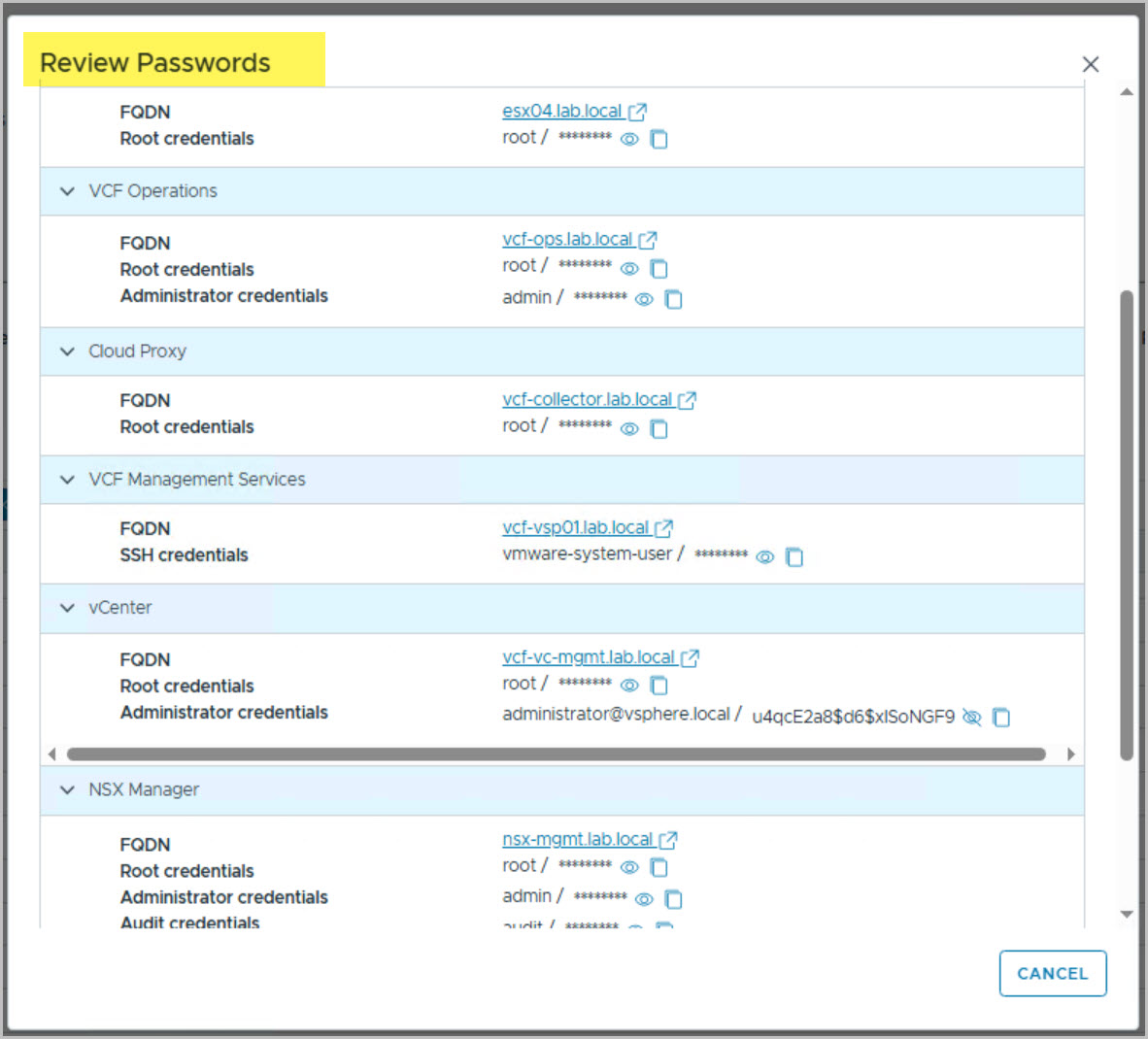
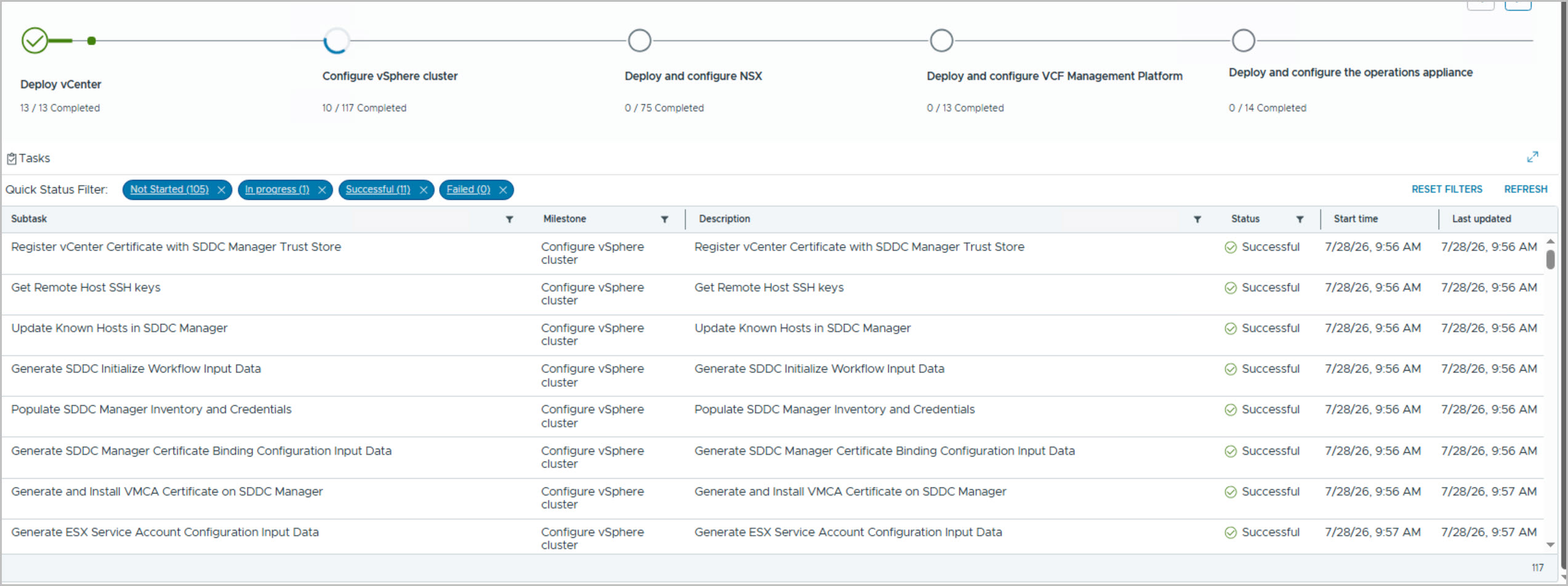
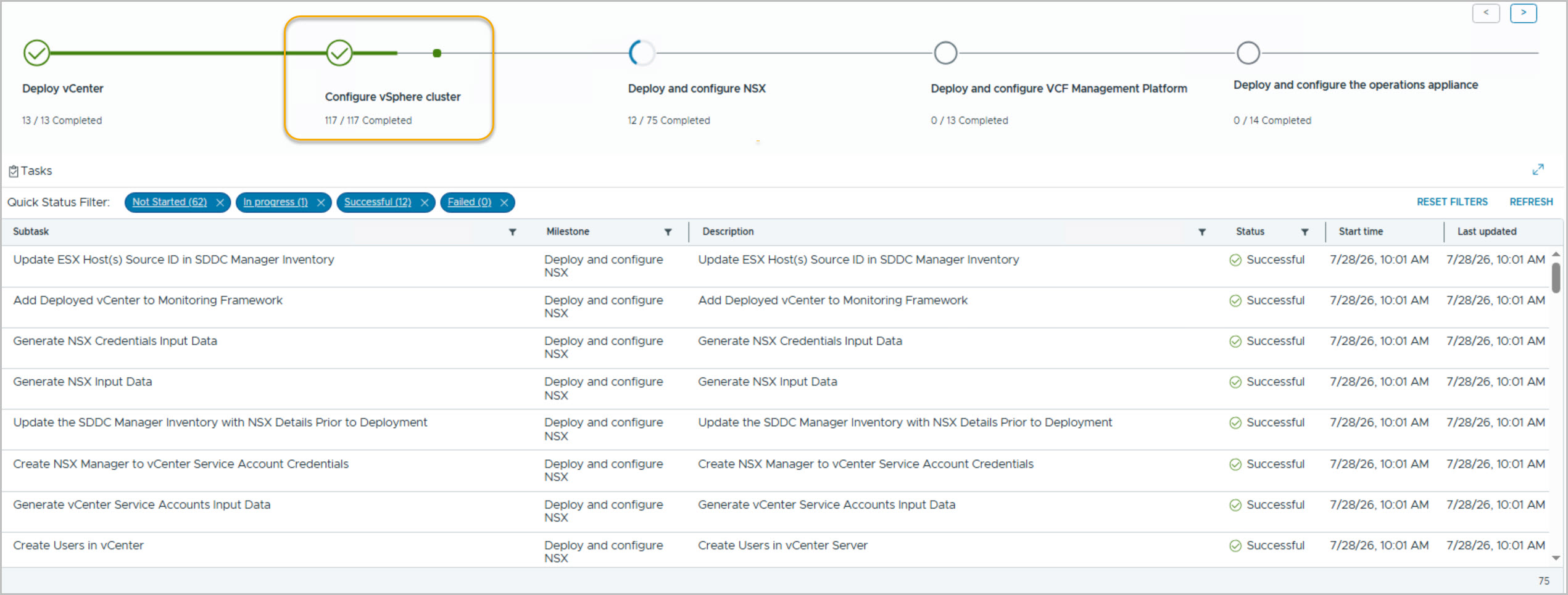
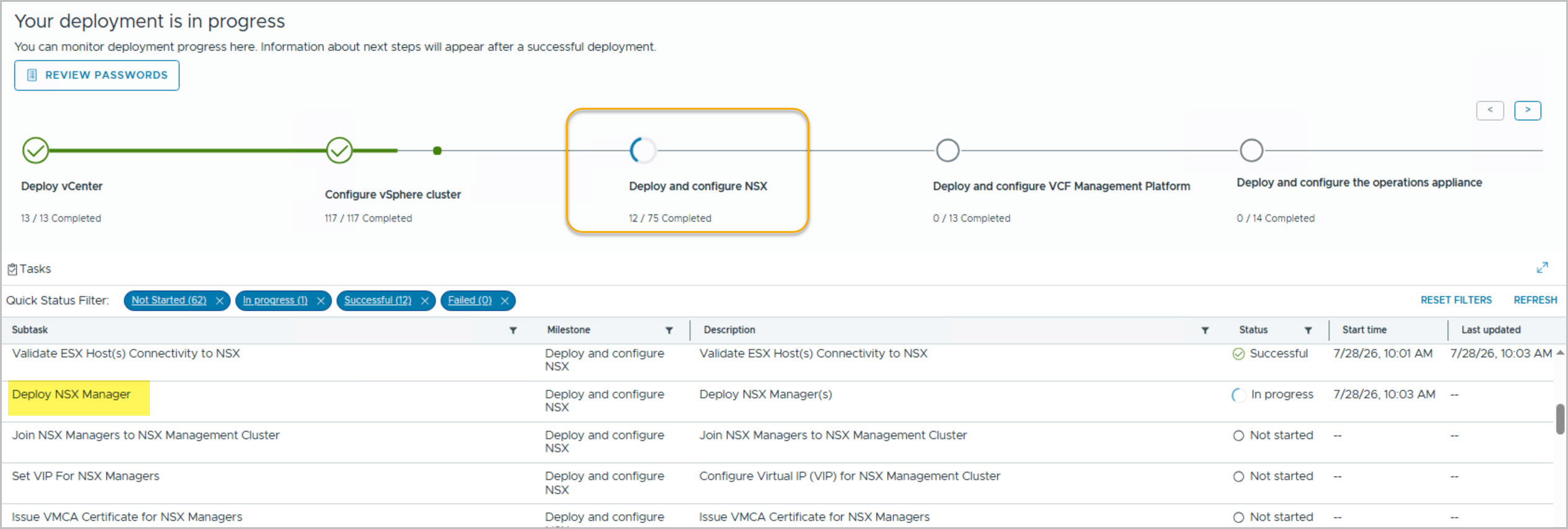
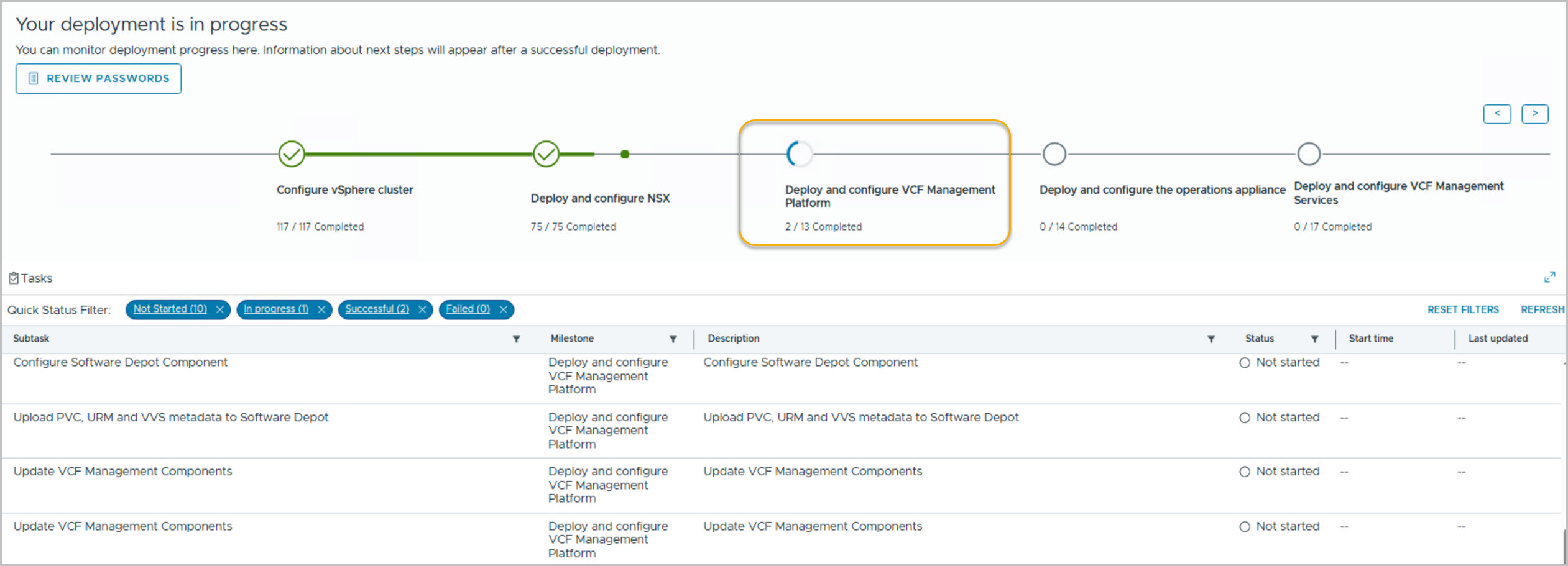
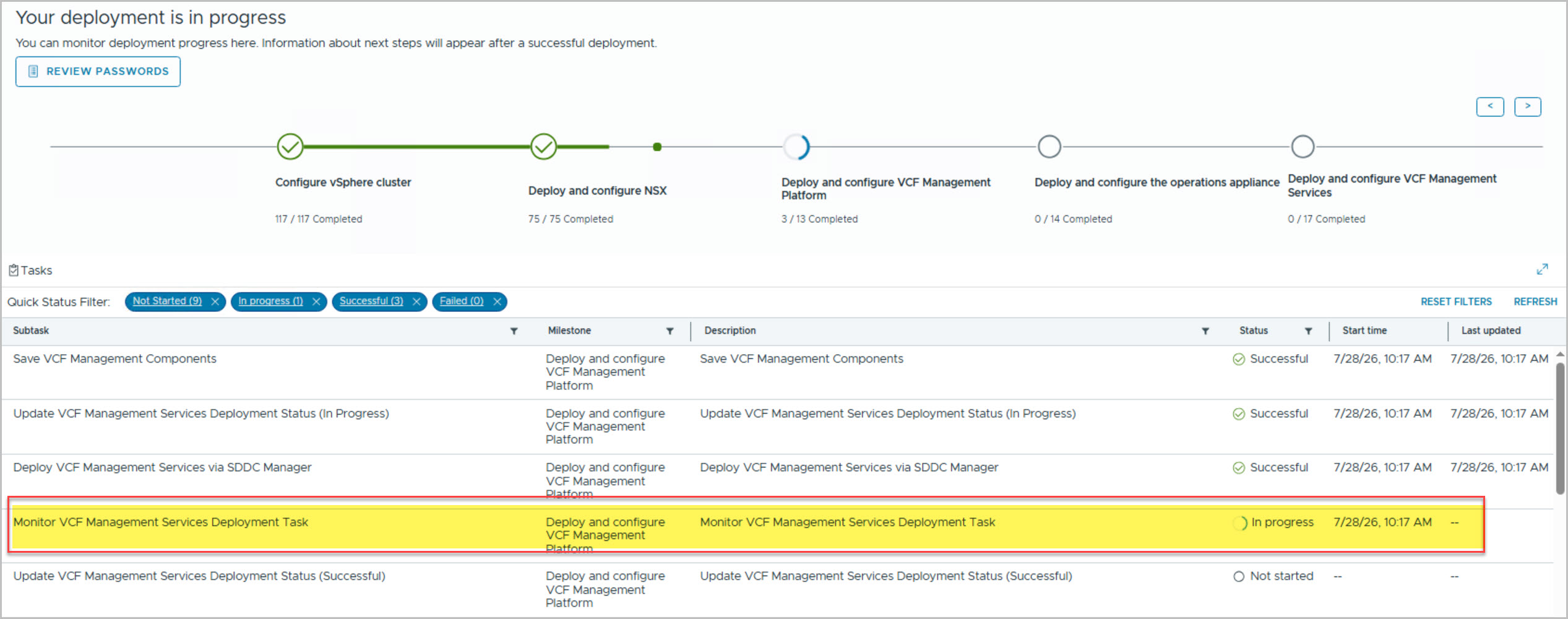
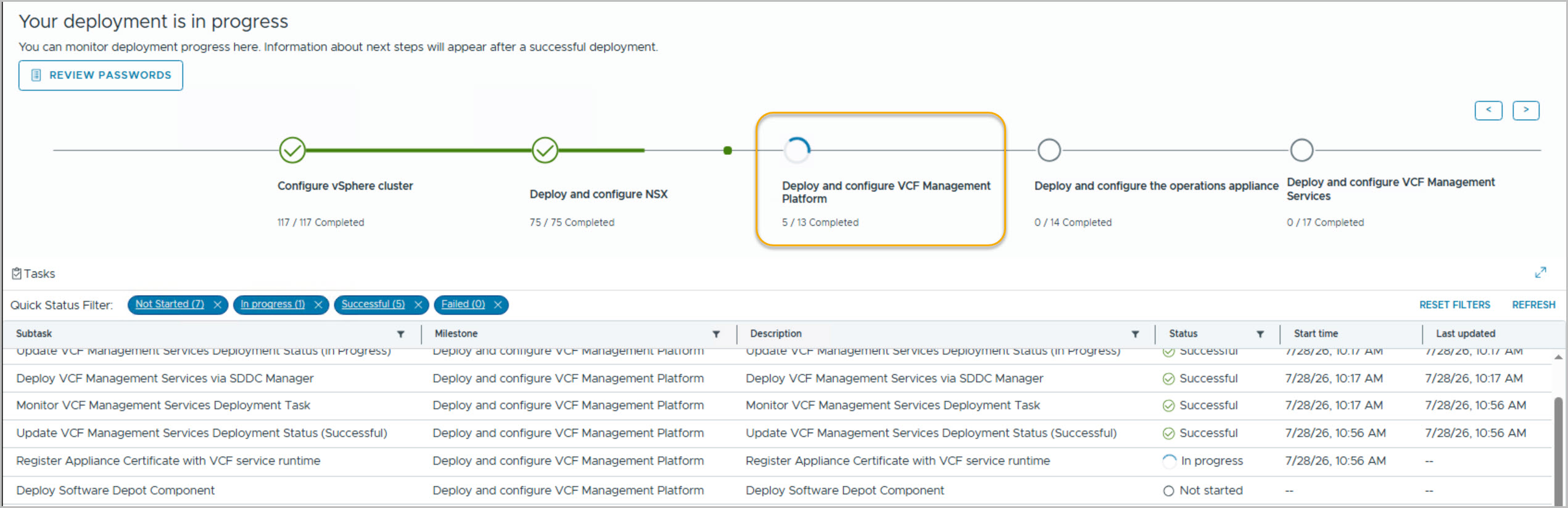
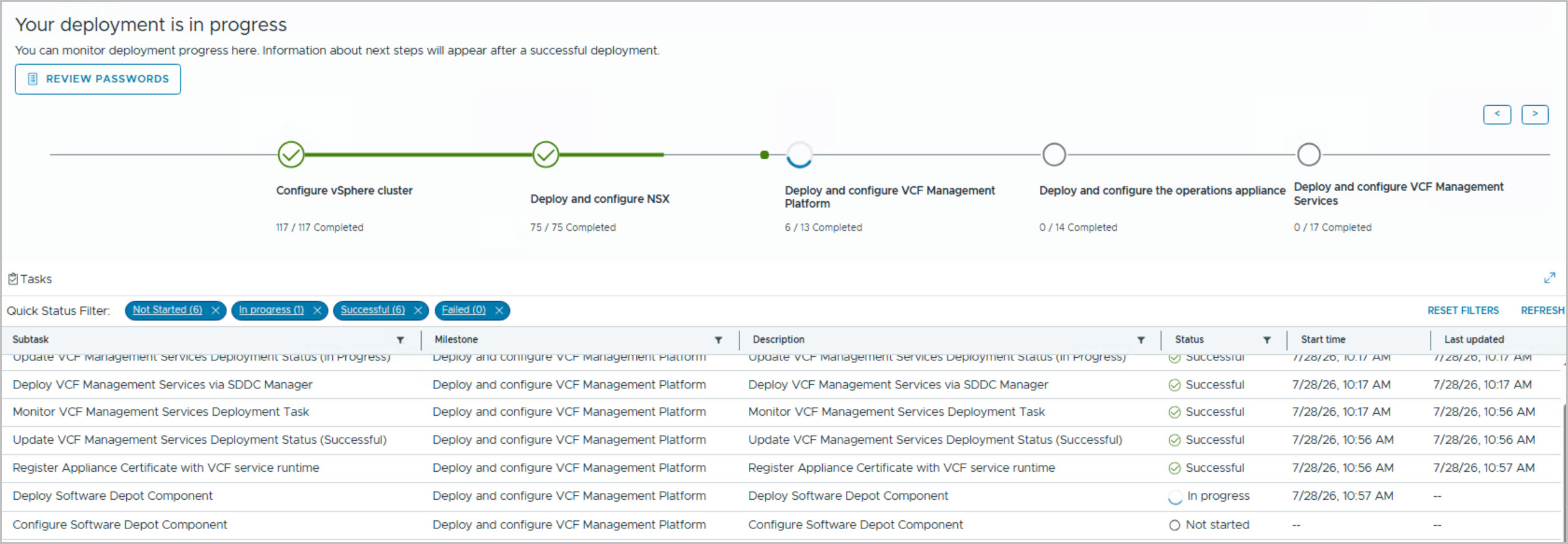
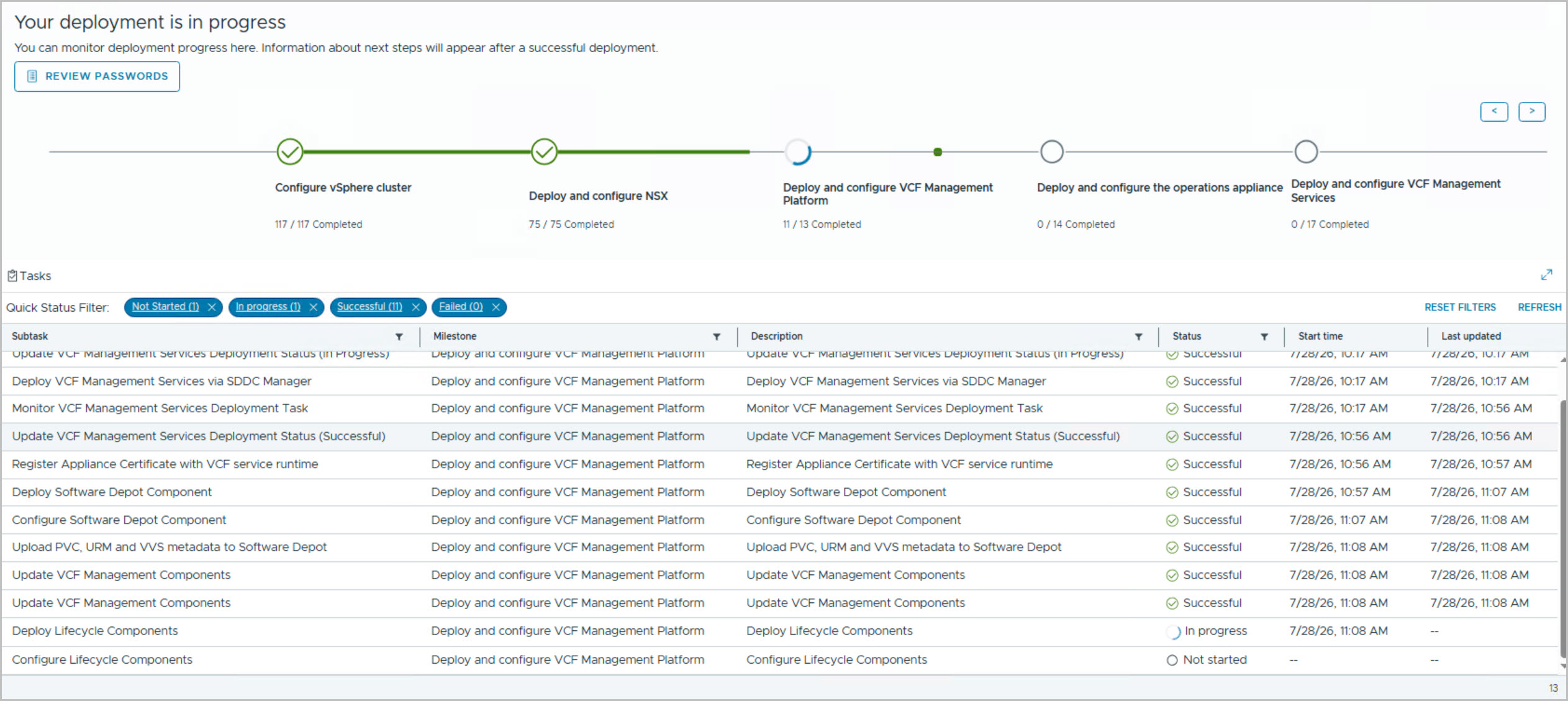
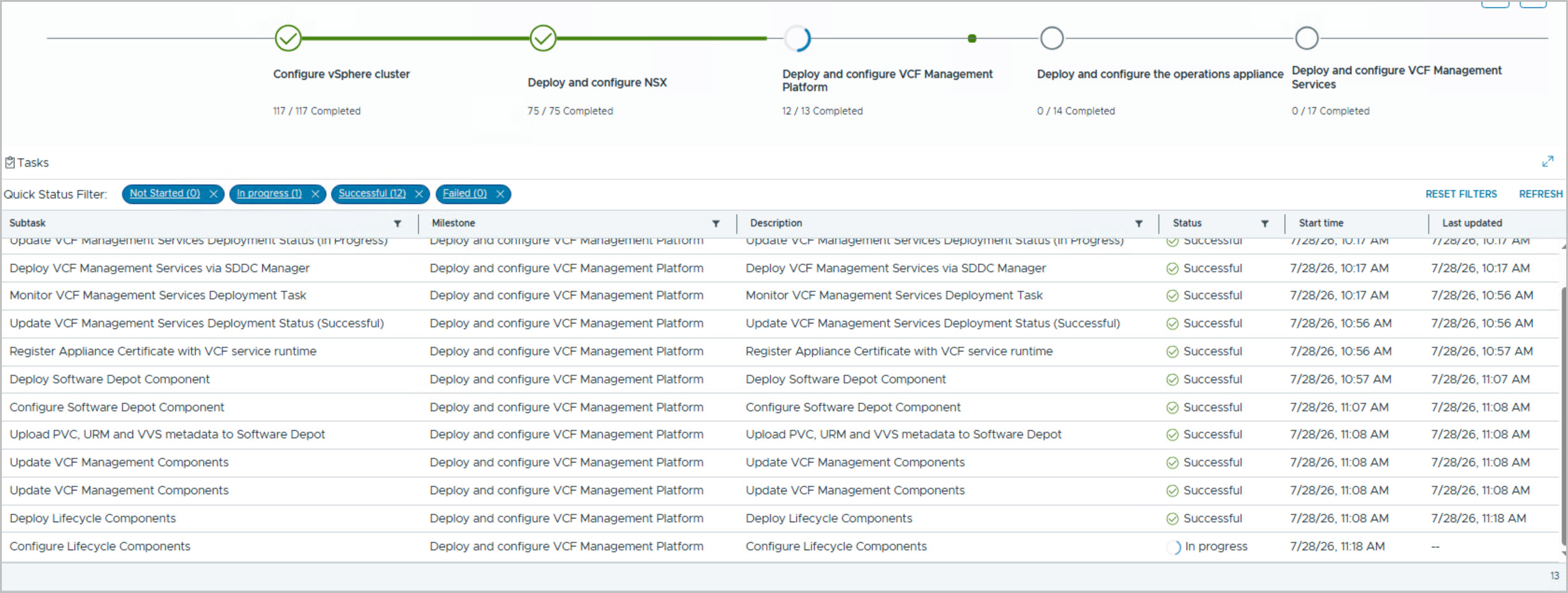
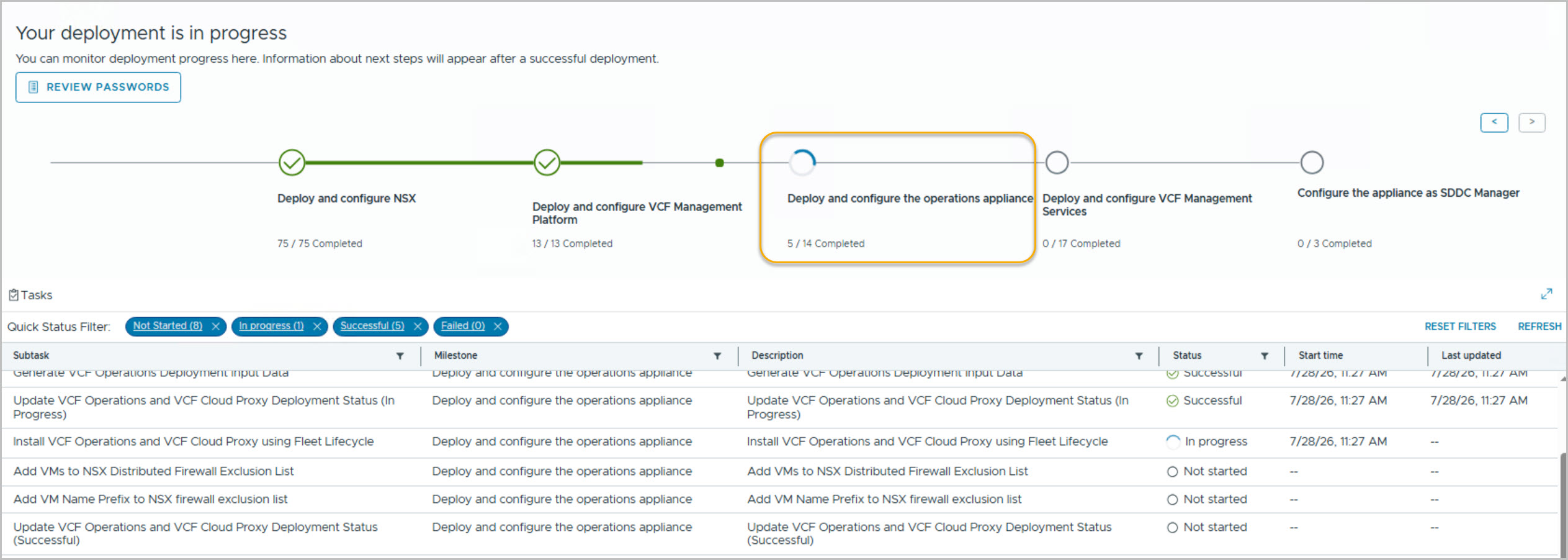
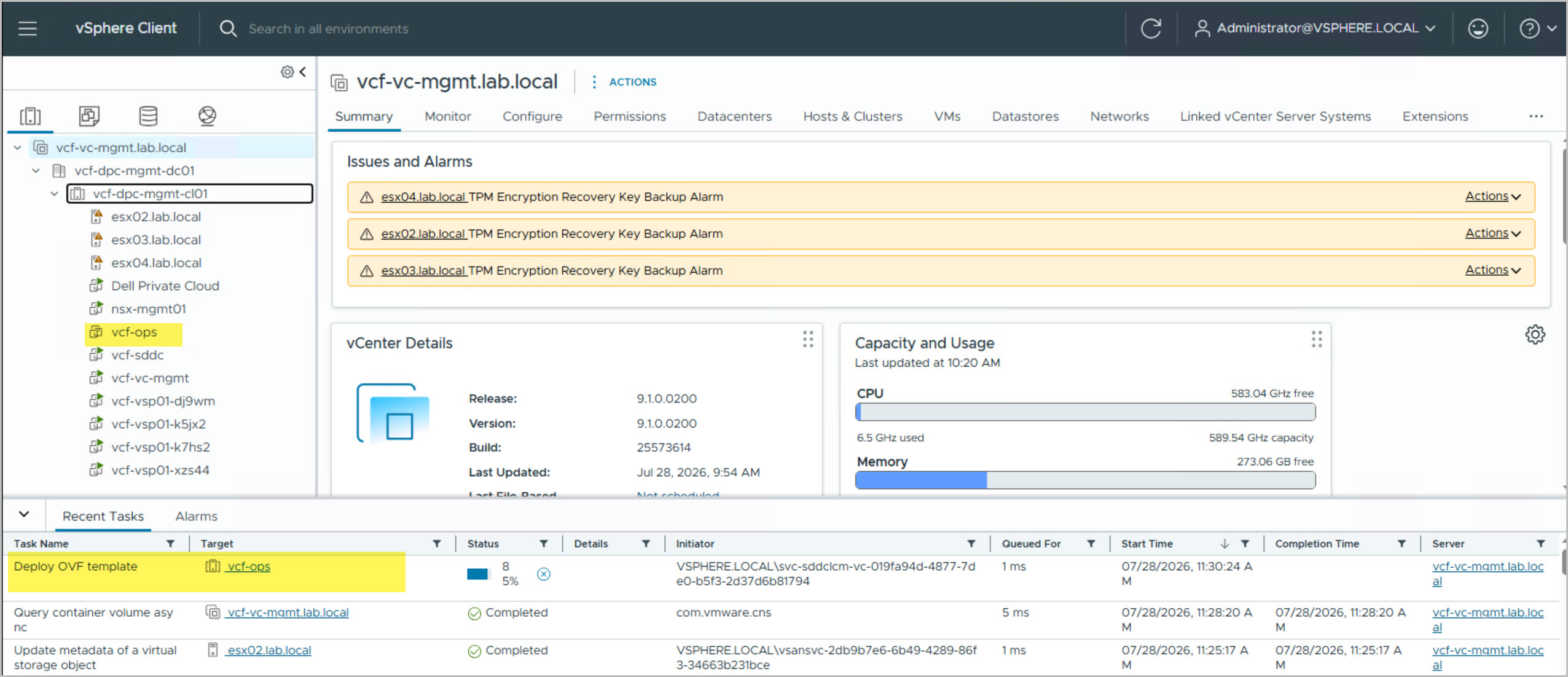
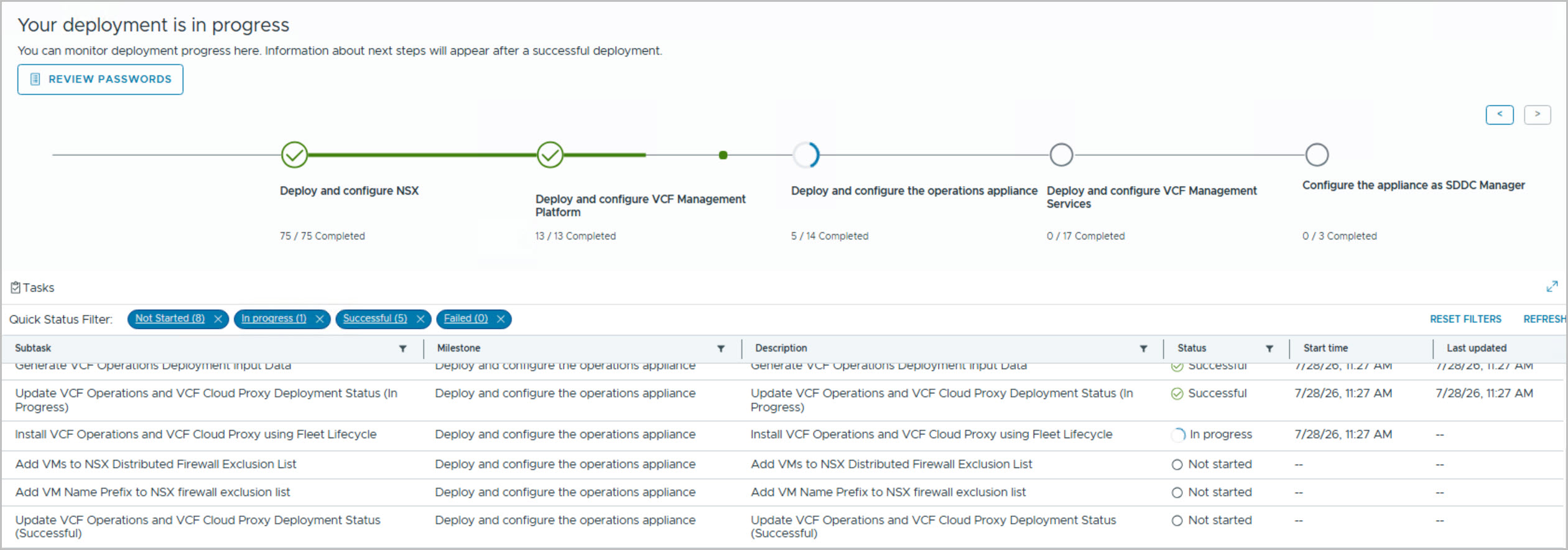
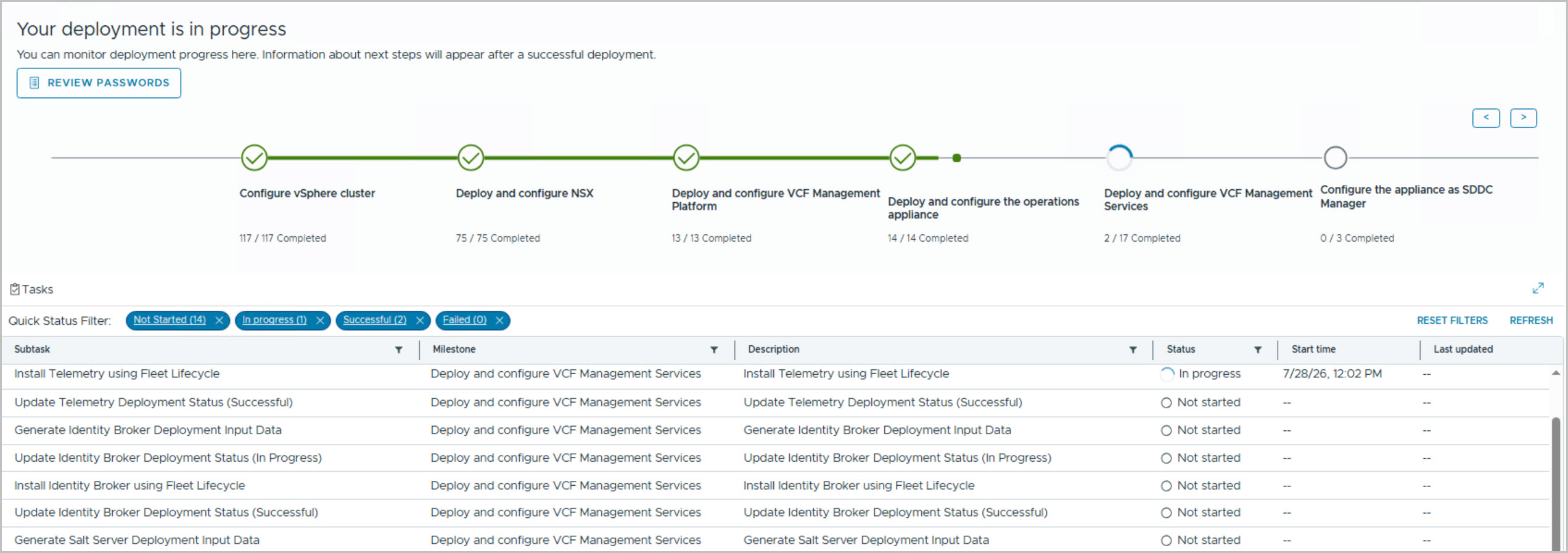
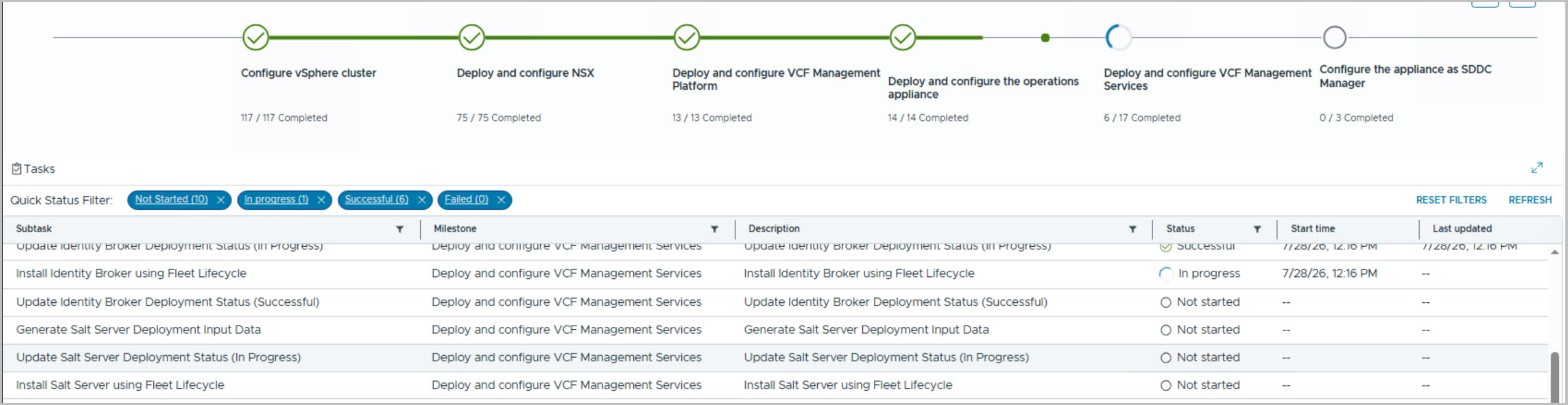
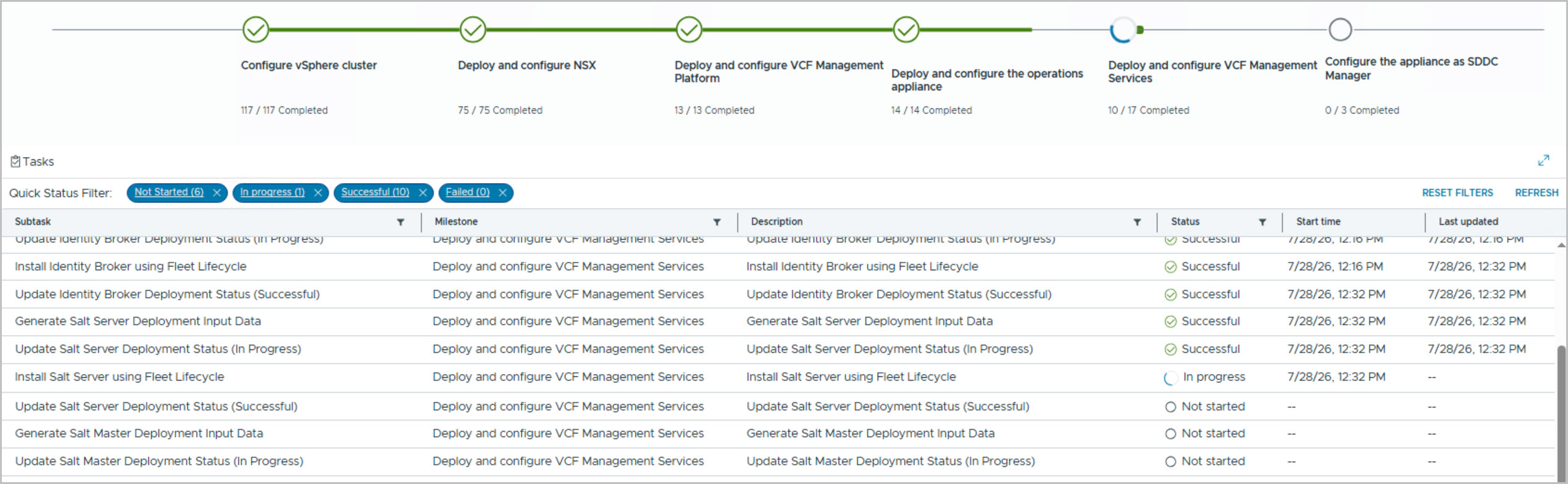
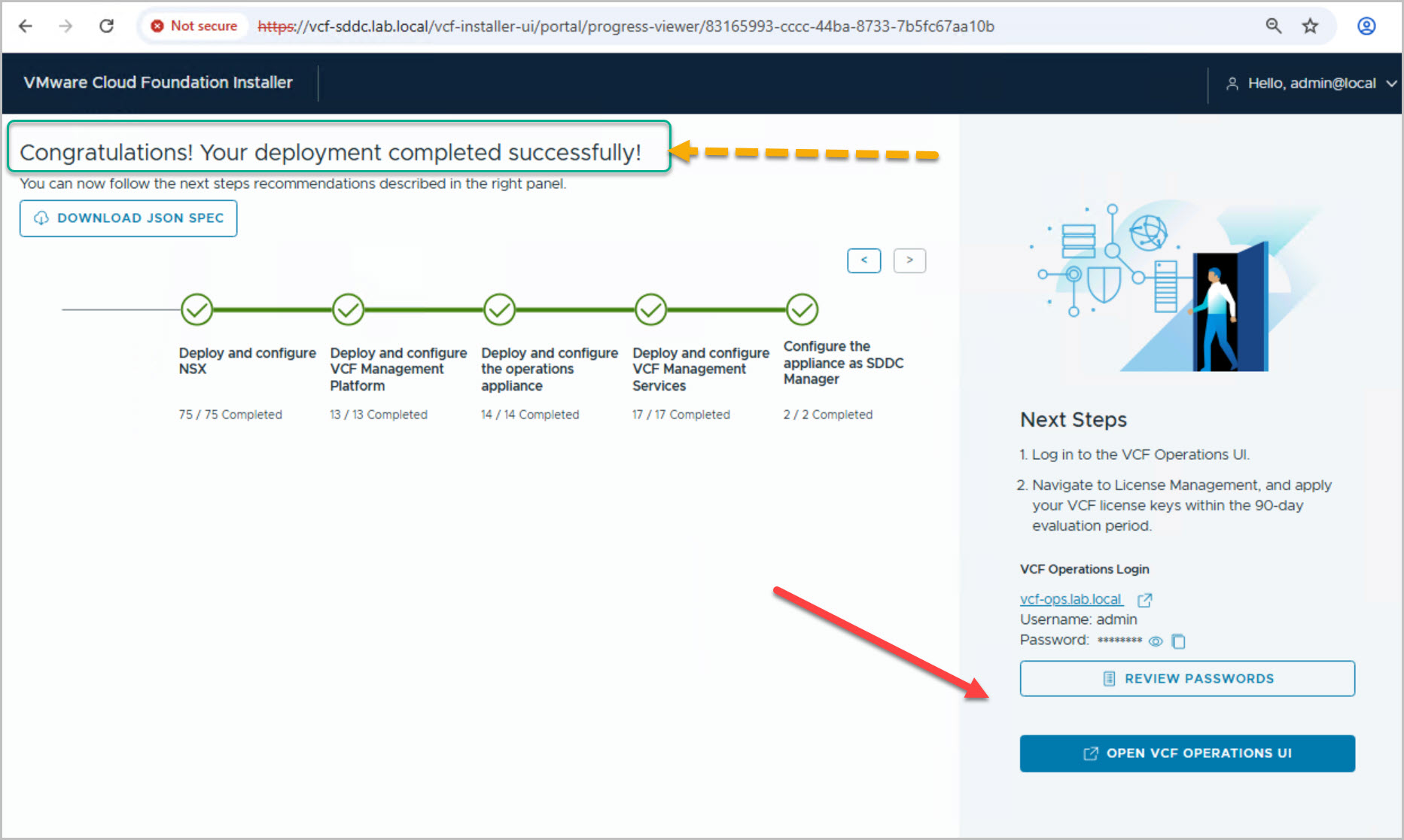
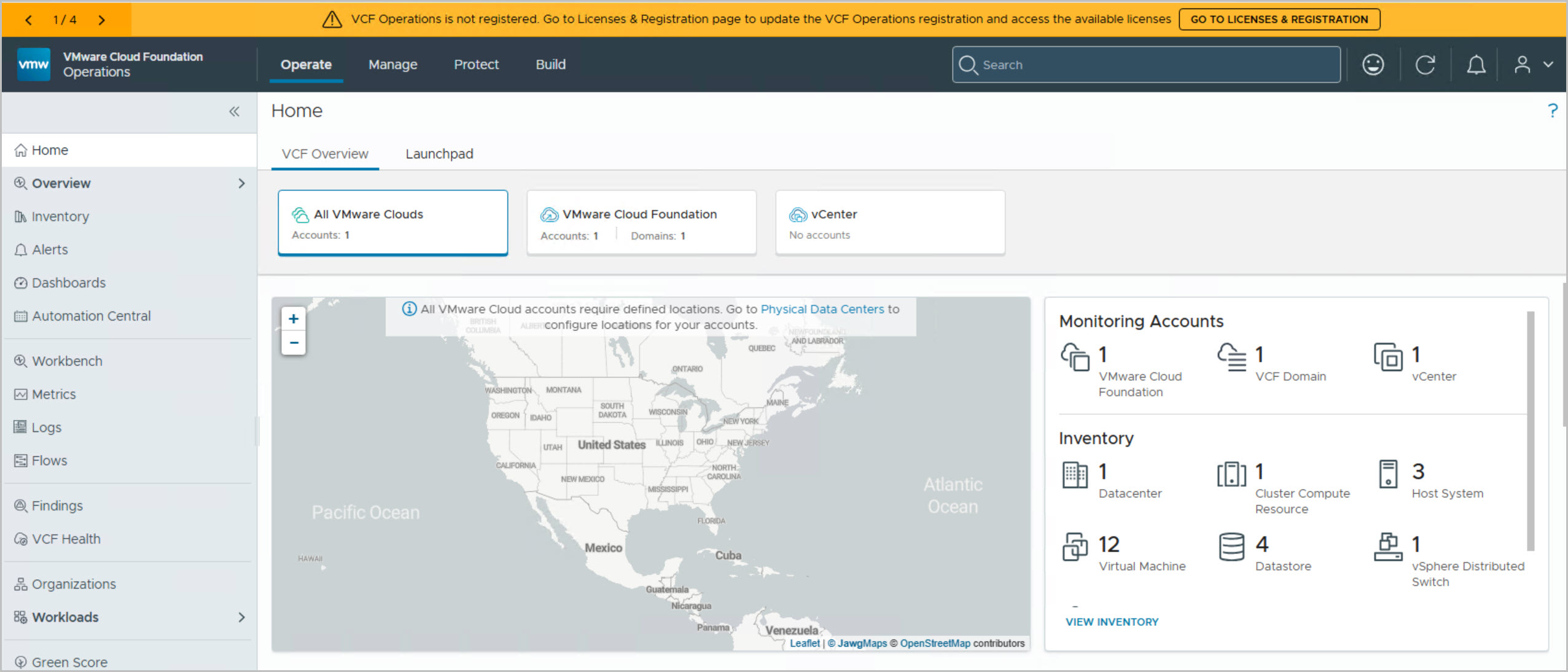
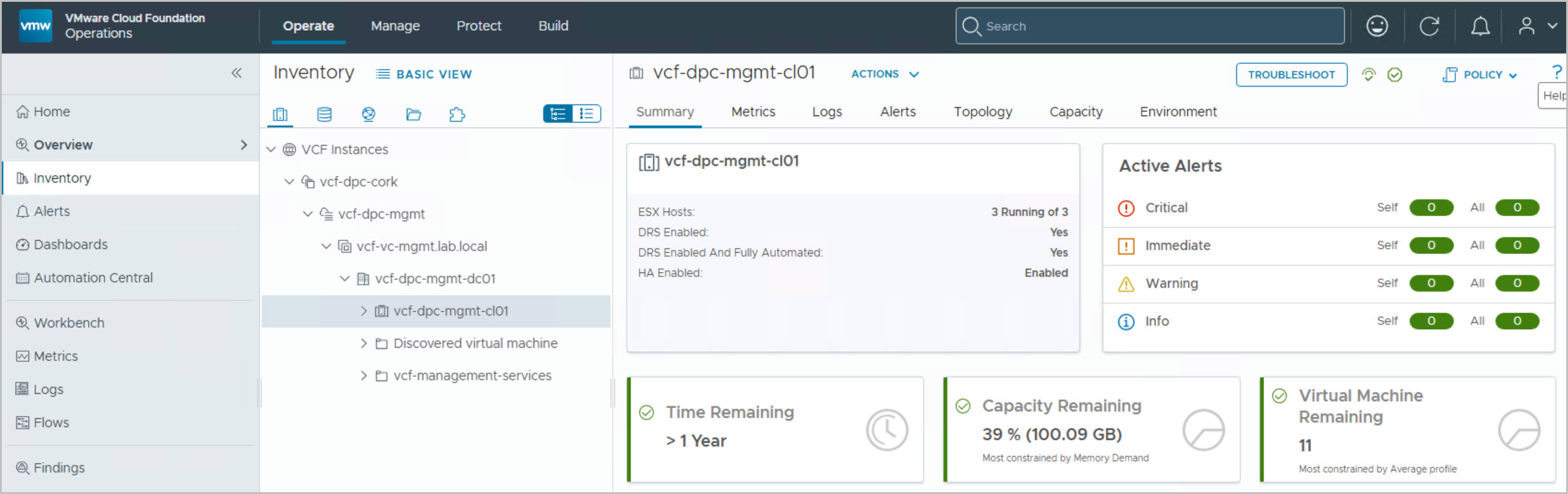
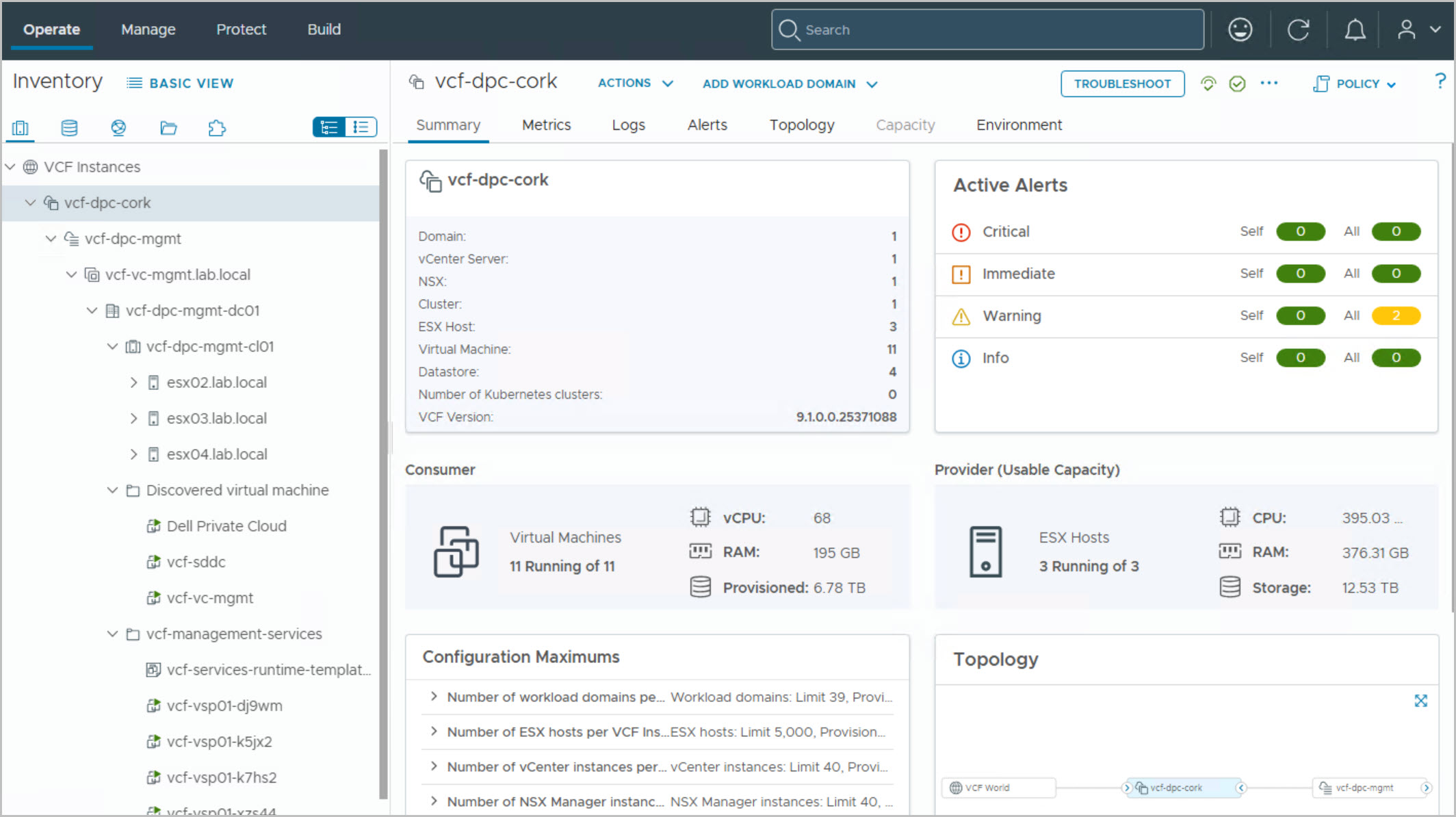
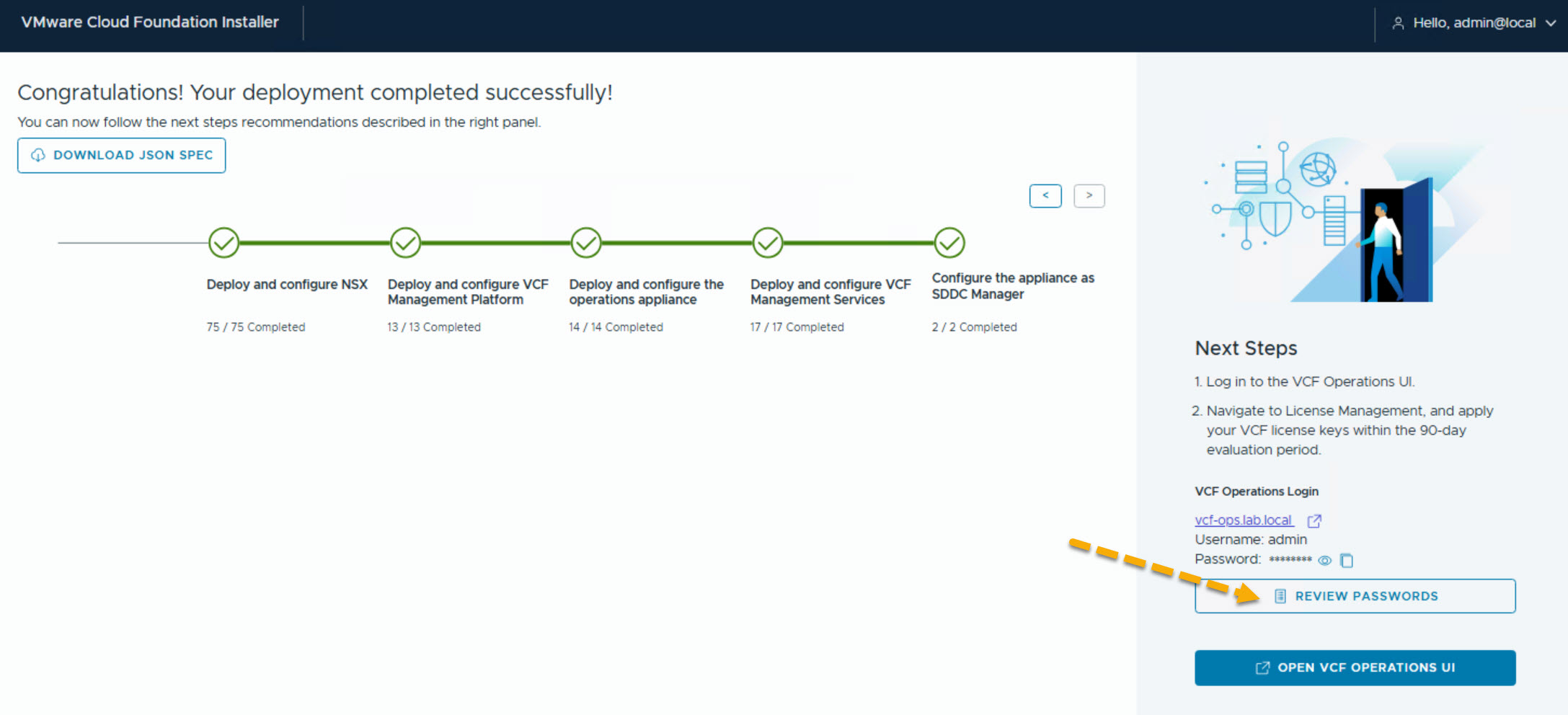
After reviewing the deployment summary and optionally downloading the generated JSON specification, VCF Installer runs a comprehensive validation of the deployment configuration, verifying DNS resolution, NTP, networking, storage, host connectivity, software versions, password policies, and overall environment readiness. Any issues identified at this stage should be resolved before proceeding. Once validation completes successfully, the deployment begins automatically, with VCF Installer provisioning vCenter, configuring the vSphere cluster and distributed switch, deploying NSX Manager, creating the required management, vMotion, and overlay networking, and converting the VCF Installer appliance into SDDC Manager. The workflow continues by deploying the supporting VCF management services, including VCF Operations and related platform components. Progress can be monitored in real time from the installer dashboard, which provides detailed visibility into each deployment task and milestone. Depending on the environment, the complete deployment can take several hours, after which a fully operational VMware Cloud Foundation 9.1 Management Domain is available and ready for workload domain expansion.
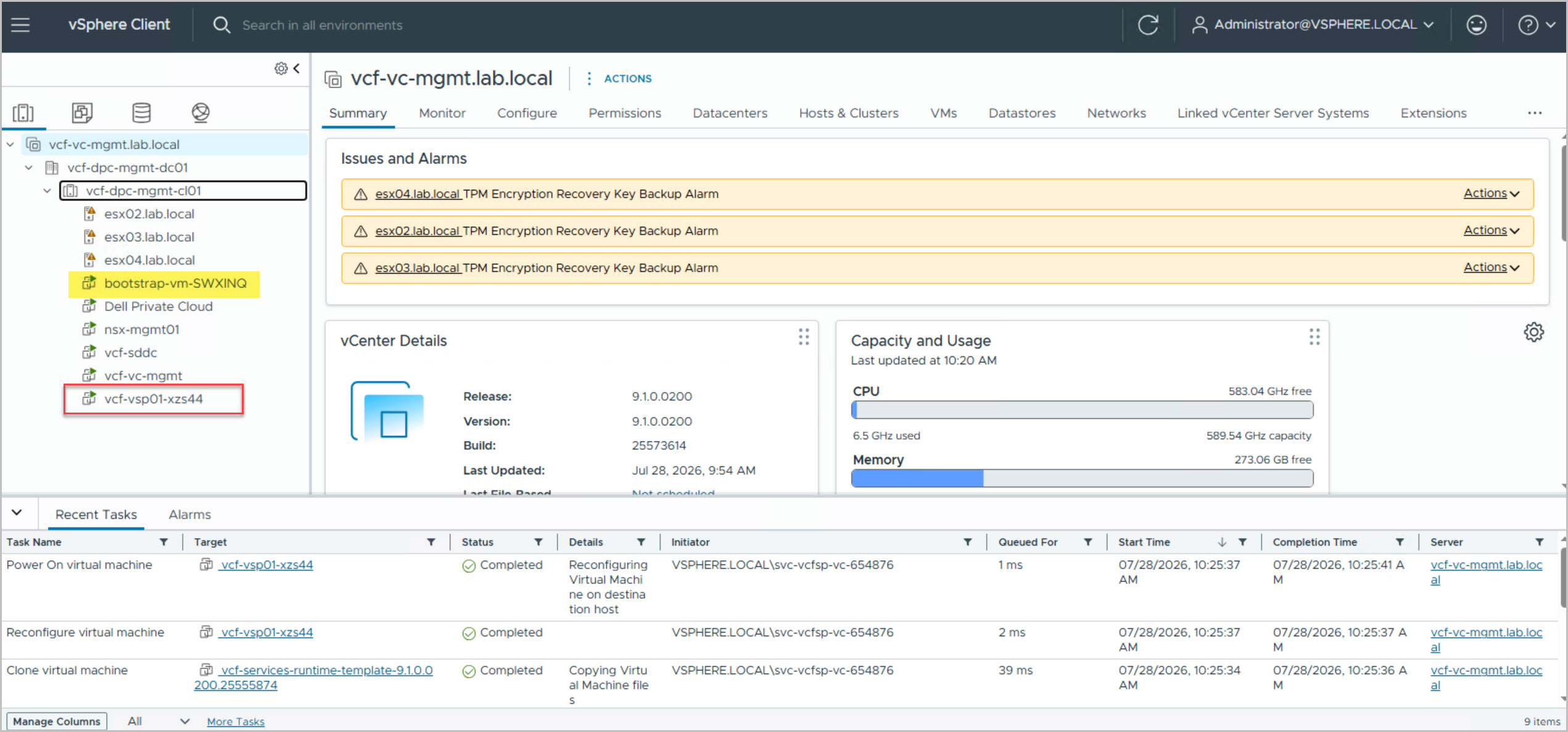
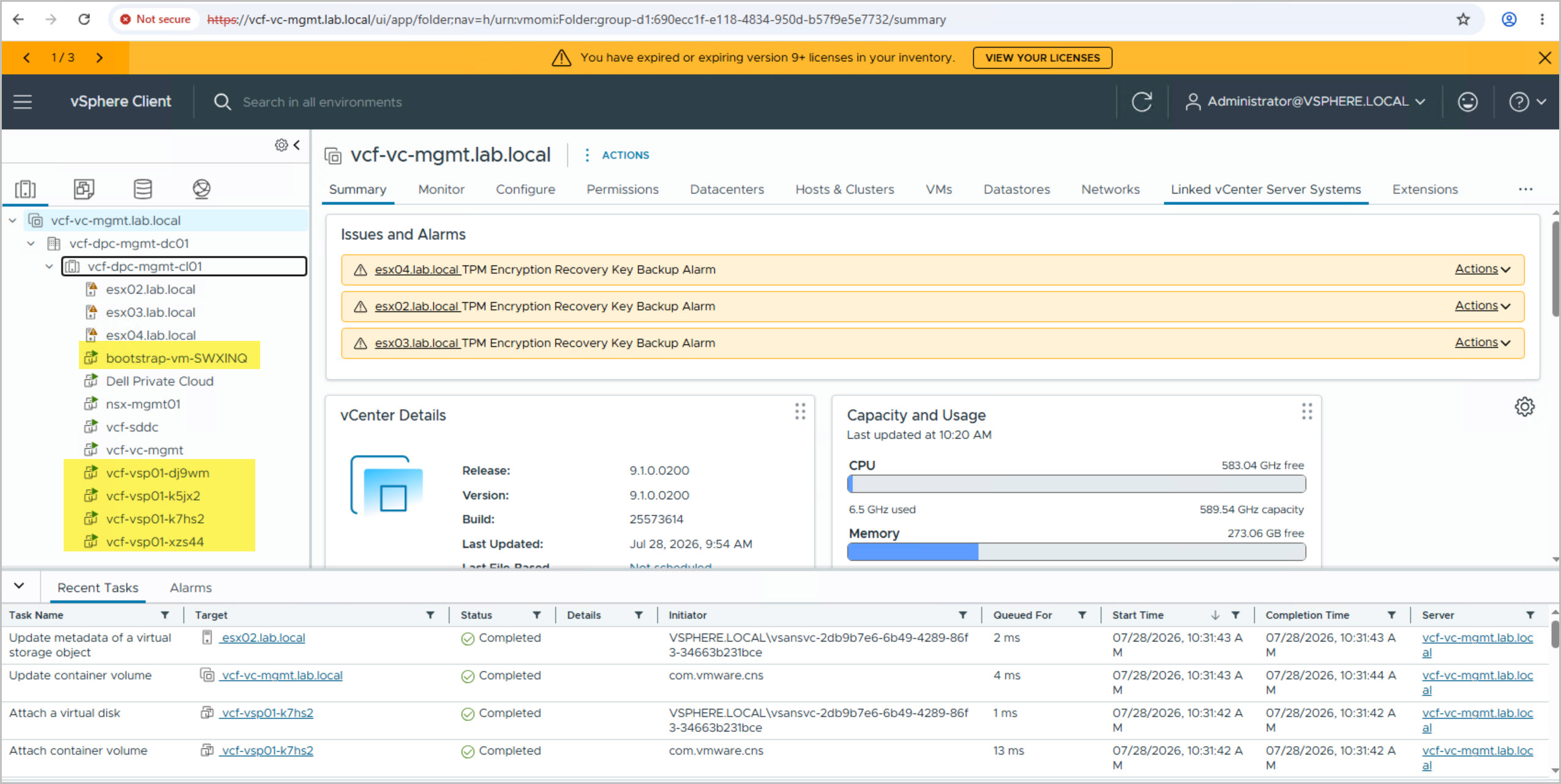
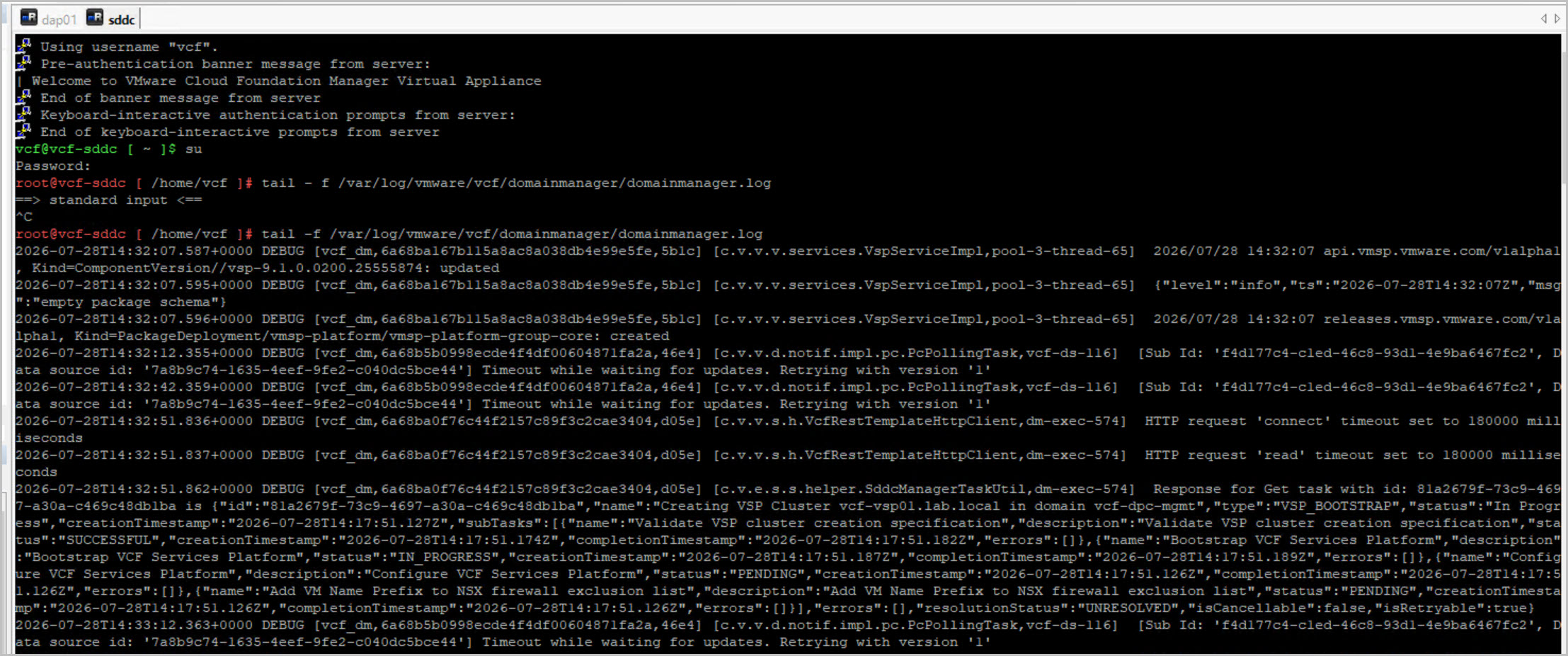
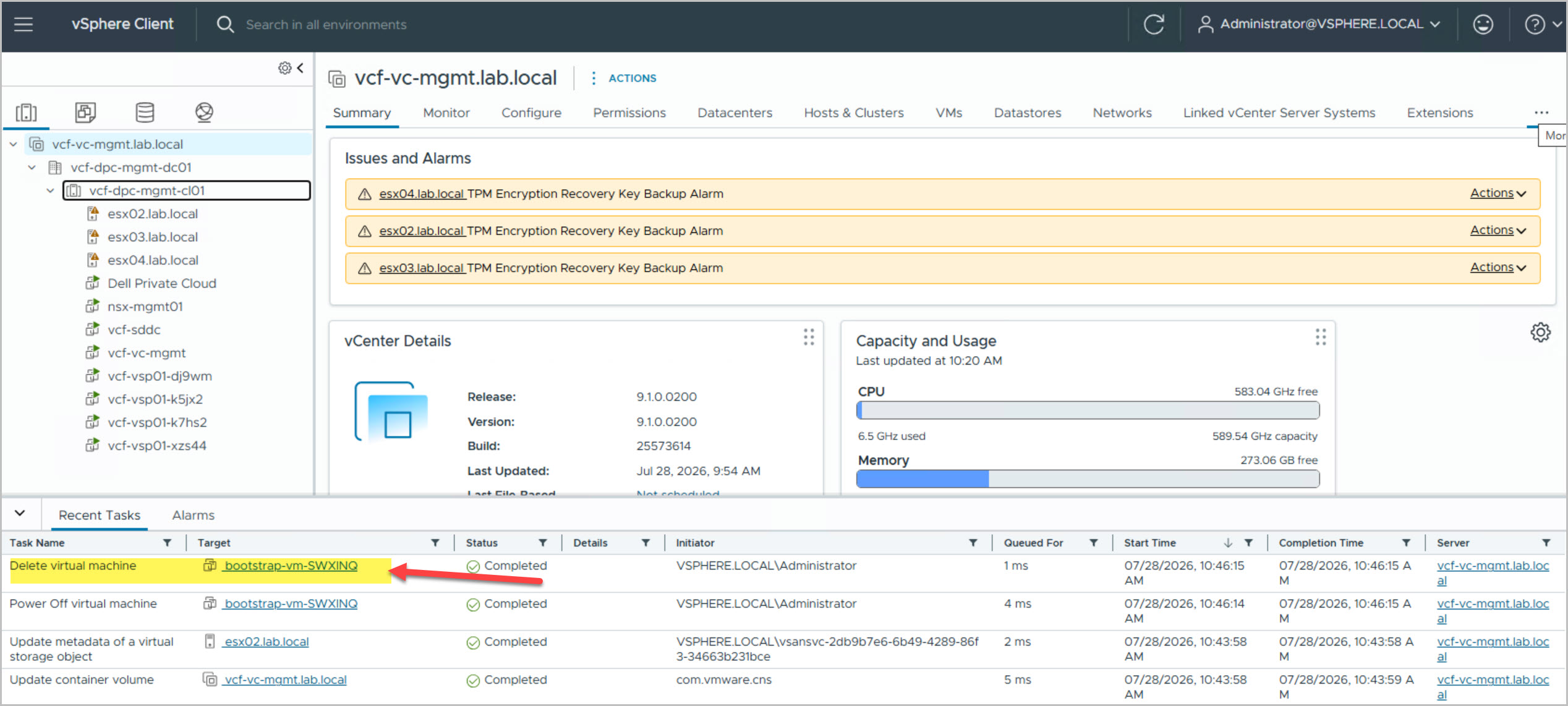
Note:Monitor VCF Management Services Deployment Task: The VCF Services Platform (VSP) deployment phase can easily take 30-60+ minutes. In my deployment, this task took approximately 40 minutes to complete, with little visible progress from the UI during parts of the process. This is normal, and the deployment may appear stalled while backend services are being deployed and configured. Before assuming the deployment has hung, connect to the SDDC Manager appliance and monitor the domainmanager.log to track progress and confirm tasks are continuing to run. If you encounter unexpected failures during the VCF Management Platform deployment stage, check this KB: https://knowledge.broadcom.com/external/article/440541/deploying-vcf-91-fails-at-deploy-and-con.html
Note: I encountered the known UNABLE_TO_UPDATE_SOFTWARE_INFO error during my VCF 9.1 deployment. If you see this error, refer to Broadcom KB 442993, which documents the issue and provides the recommended resolution. Reviewing this KB can save considerable troubleshooting time if the deployment fails during this stage.
During the deployment, I found it useful to monitor progress directly from the SDDC Manager appliance. Connecting via SSH and monitoring the Domain Manager logs provides near real-time visibility into the deployment workflow, making it easier to track progress and verify that key stages are completing successfully. The commands below were particularly helpful for monitoring the deployment:
With the VMware Cloud Foundation Management Domain successfully deployed, the focus shifts back to Dell Automation Platform and Orchestrator (DAPO) to complete the remaining Day-1 deployment tasks. In Part 4, I’ll return to the DPC deployment blueprint and resume the workflow from the VCF deployment gate. We’ll walk through the post-deployment stages, including host remediation, final infrastructure validation, and the remaining automated tasks required to bring the environment into a fully compliant and supported state. By the end of the process, the DPC deployment will be finalized, providing a complete VCF 9.1 on Dell Private Cloud 1.4 deployment ready for workload domain expansion and day-two operations.







9 Comments »