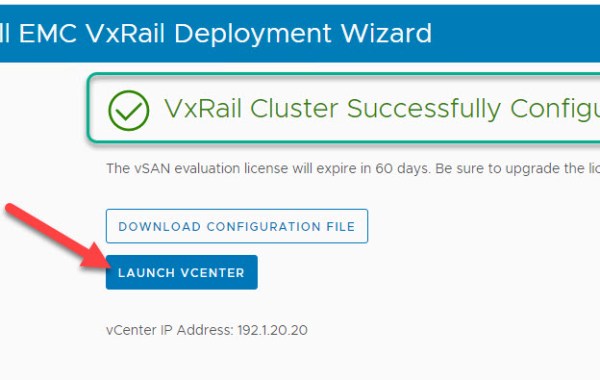
VxRail 7.0 – Install Notes
For VxRail 4.7 please see earlier post: VxRail 4.7 – Install Notes Note: this is an example for reference only please use the VxRail installation procedures provided by Dell EMC. […]
Virtualization & Storage

For VxRail 4.7 please see earlier post: VxRail 4.7 – Install Notes Note: this is an example for reference only please use the VxRail installation procedures provided by Dell EMC. […]
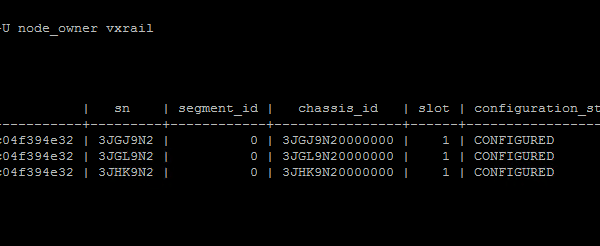
In this post I will provide an example walk-through of the process for adding a new VxRail node to an existing VCF on VxRail ‘VI Workload Domain (WLD)’. At a high level there are […]
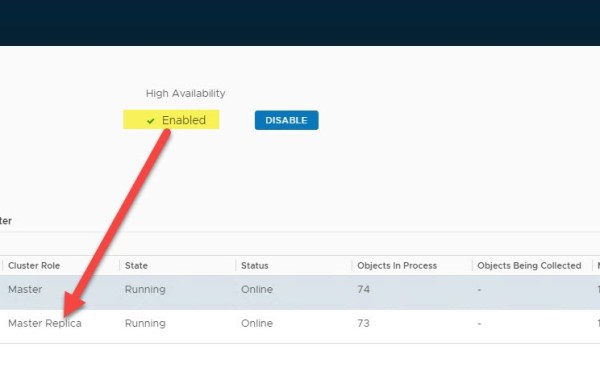
VMware VCF version: 3.9.1 In this post we detail how to Expand a VCF deployed instance of vRealize Operations Manager (vROps) leveraging automation that is built-in to VMware SDDC Manager. […]
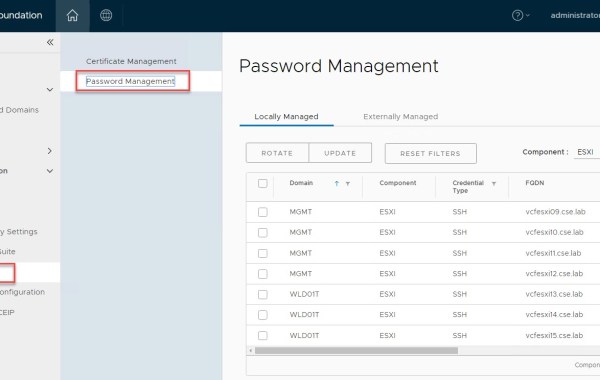
SDDC Manager provides a centralized mechanism for password management from within the manager UI. As of code releases VxRail 4.7.410 & VCF 3.9.1; SDDC Manager now includes the ability to […]
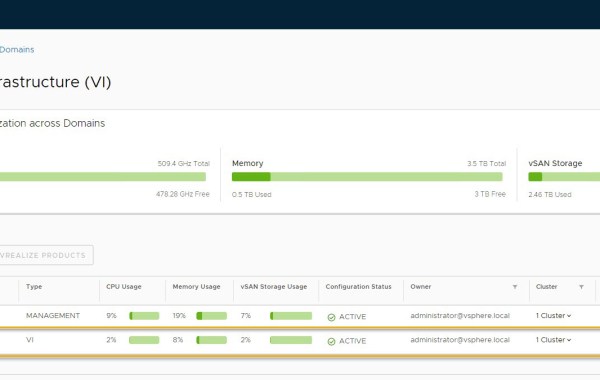
Note: this is an example for reference only please use the VxRail installation procedures & services provided by Dell. The following detailed post provides an example walkthrough covering the process […]
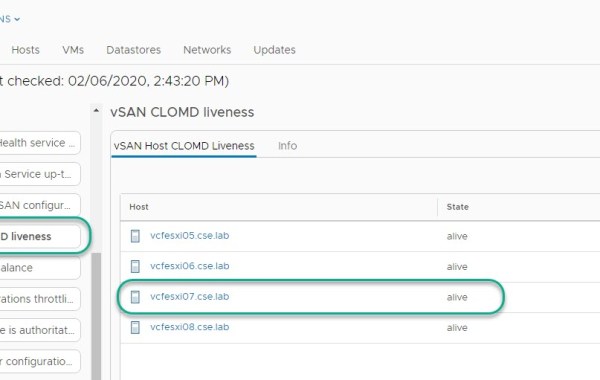
CLOMD (Cluster Level Object Manager Daemon) runs on every ESXi host that makes up a vSAN Cluster, some of the functions CLOMD is responsible for within a vSAN cluster include: […]

On the rare occasion you may encounter a scenario where VxRail ‘Physical View’ displays missing/lost components incorrectly for a specific host. All other hosts in the cluster may display a […]
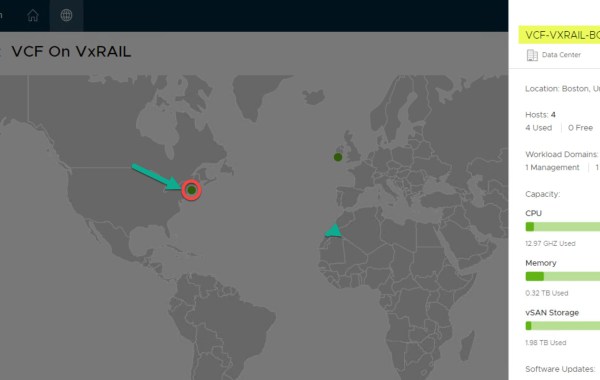
IMPORTANT FEATURE UPDATE: JULY 2022 As of VCF 4.4 Multi-Instance Management is deprecated. VMware Cloud Foundation 3.9 on Dell EMC VxRail 4.7.300 Multi-Instance Management code named ‘Pantheon’ is a new […]

Loudmouth requires IPv6 multicast in order for VxRail Manager to perform a successful VxRail node discovery. IPv6 multicast is required only on the ‘Private Management Network’, this is an isolated […]
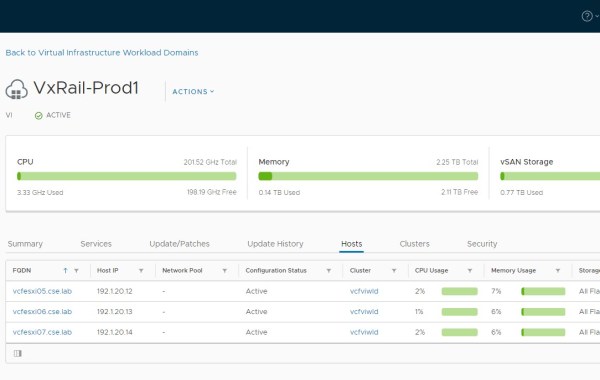
Note: this is an example for reference only please use the VxRail installation procedures & services provided by Dell. The following provides an example walkthrough covering the process of: Deploying […]
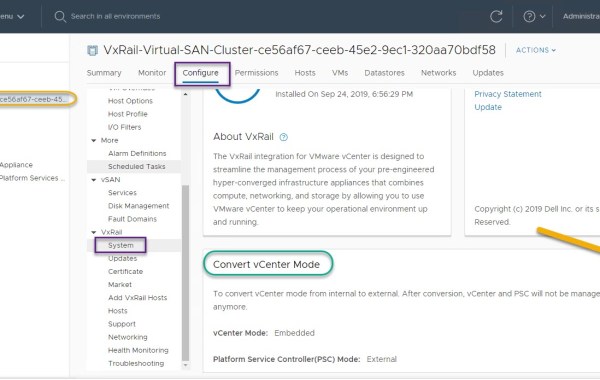
Previous to 4.7.300 we used the following python script /mystic/util/vvd_vc_conversion.pyc in order to perform a conversion of vCenter and its associated PSC from internal mode (which implies control of vCenter & […]

In addition to the physical tag at the front of the VxRail appliance you may also leverage the VxRail Manager, ESXi console or vCenter GUI to pull the PSNT and […]
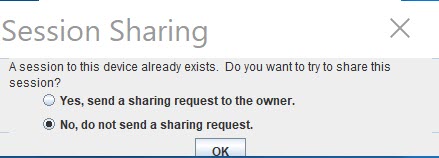
Error attempting to connect over iDRAC Virtual Console due to another session still running: SSH to the VxRAIL iDRAC IP. List open sessions: racadm getssninfo Close the VC session with […]

In this post I will provide an example walk-through of the process for adding a new Disk Group to an existing VxRail cluster node. The VxRail code version is 4.7.001 and […]
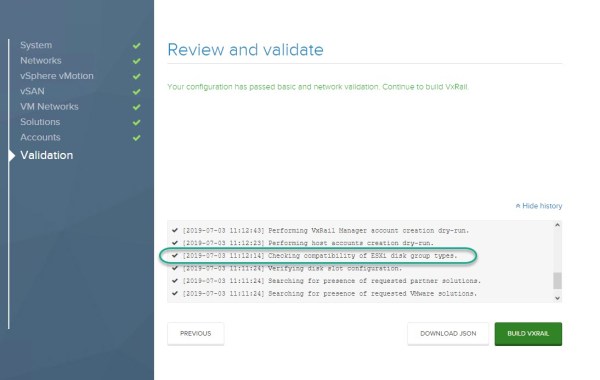
While performing the Validation during a VxRail install we hit the following error: Unable to complete configuration: Mixing hybrid and all flash hosts is not supported By examining the logs […]
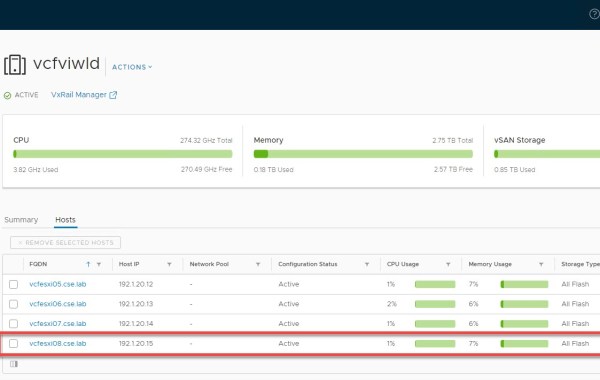
In this post I will provide an example walk-through of the process for adding a new host to an existing VCF on VxRail ‘VI Workload Domain (WLD)’. At a high level […]
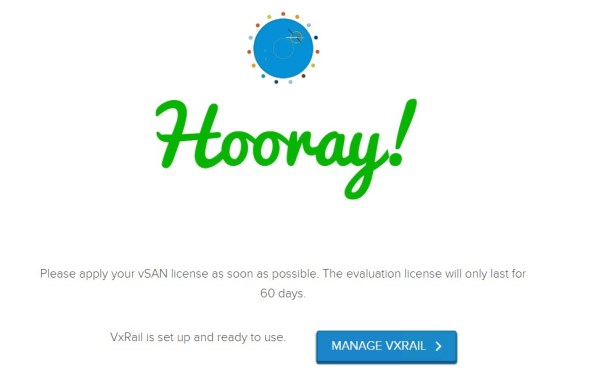
Note: this is an example for reference only please use the VxRail installation procedures provided by Dell EMC. Prerequisites for installation include: Create all relevant ESXi, VC and VxRAIL manager […]
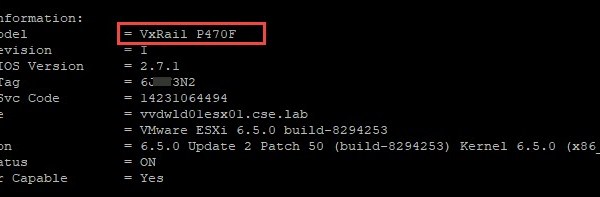
One method of pulling useful VxRail node details such as: VxRail Model Hostname ESXi version Service tag details NIC MAC Addresses VMkernel interfaces Firmware details Is via connecting directly to […]
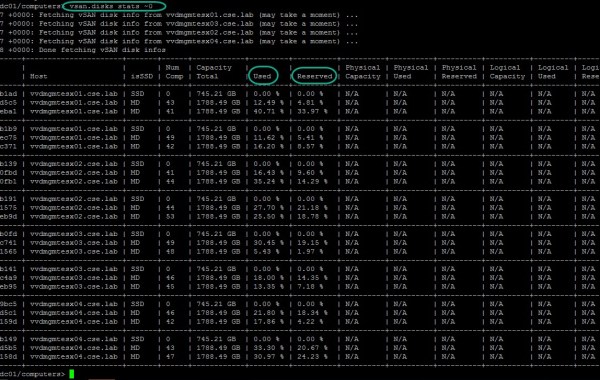
There are multiple ways to skin this cat, in this example I will show how to view % disk capacity utilization leveraging the Ruby vSphere Console (RVC). Begin by logging […]

Thanks to our prod marketing team for creating these VxRail stencils which can be used in Microsoft Visio. The zip download below contains images of all VxRail series appliances both […]

