
VxRail – How to Check ‘PTAgent’ Status
VxRail manager utilizes the PTAgent running on the ESXi hosts as part of a VxRail cluster in order to pull hardware related information from the host. If you are experiencing […]
Virtualization & Storage

VxRail manager utilizes the PTAgent running on the ESXi hosts as part of a VxRail cluster in order to pull hardware related information from the host. If you are experiencing […]

For a detailed overview of the VxRail Management Pack for vROps please refer to the excellent post by Steve Hegarty: VxRail Management Pack for vROps This post provides an example use case […]
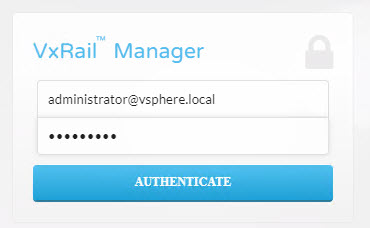
Quick ‘How to’ on looking up the current running version of VxRail Manager. Login to VxRail Manager UI: Navigate to ‘Config’, click on the ‘General’ tab: From CLI, ssh […]

Note: Please refer to the DELL EMC Solve procedures before performing this task, this is for example purposes only, running VxRail code 4.5.210. This is an example of a manual […]

Access the VCSA shell and log in as a user who has a super administrator role such as ‘root’. Begin by creating a group for the user in this example […]
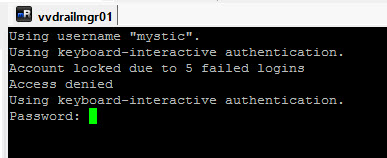
Due to repeated failed login attempts via SSH a user account may get locked out. The following provides steps on how to reset the VxRail Manager ‘mystic’ account (SUSE Linux). […]
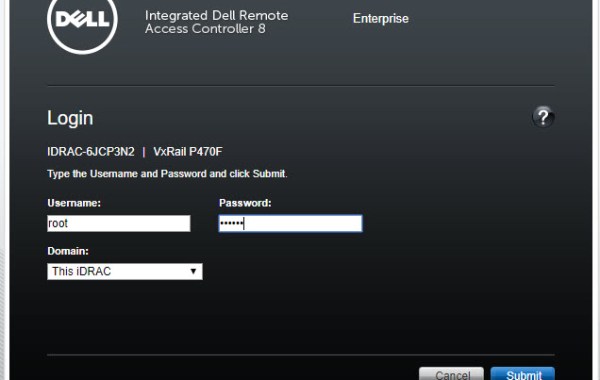
A very useful benefit of iDRAC Console is that it allows you access to ESXi DCUI thus providing access to the ESXi Shell. The following steps provide detail on how […]
VMware Validated Design (VVD) for SDDC on Dell EMC VxRail Accelerating the path to the VMware Software Defined Data Center (SDDC). Offering VVD with complete vSAN, NSX and vRealize capabilities […]
The following is a list of all the components and their versions as per VMware Validated Design 4.3 This new VVD 4.3 release includes for example vSphere 6.5 U2, NSX 6.4.1, vSAN 6.6.1 U2, vRealize Log Insight 4.6, vRealize Business 7.4, vRealize Operations 6.7 and vRealize Automation 7.4. Note: the list below can be officially found @VMware VVD 4.3 Release […]
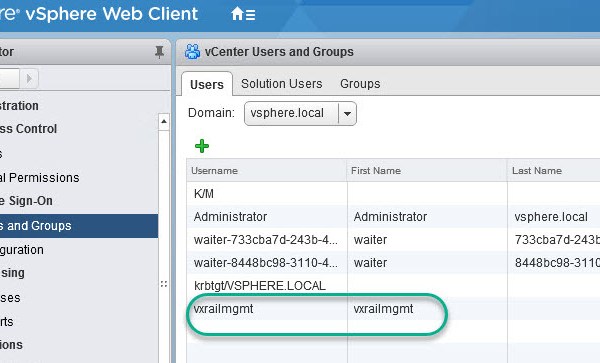
Note: this is an example for reference only please use the VxRail ‘External vCenter’ installation procedures provided by Dell EMC. The following will require an understanding of the VVD on […]

I have encountered this error on several systems over the past couple of months while attempting to create an RDP session to a Windows remote machine: I found adding the […]
The following is a list of all the components and their versions as per VMware Validated Design 4.2. Note the list below can be officially found @VMware VVD 4.2 Release Notes
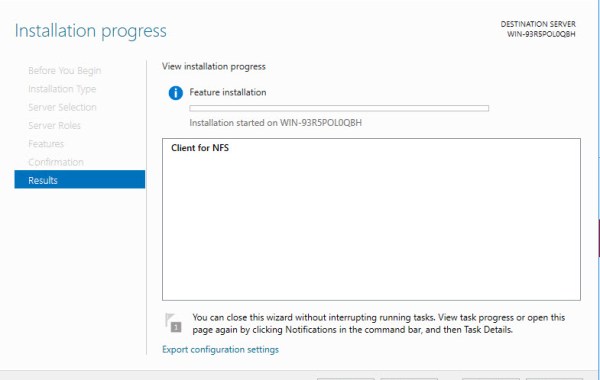
Following steps detail how to mount an NFS share in Windows 2016. Note: The method uses mapping a network drive to Mount the NFS share. Begin by installing the NFS […]
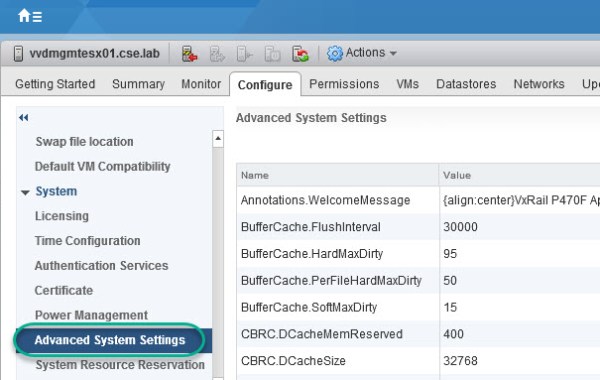
The following steps detail how to enable vSAN to provision the Virtual Machine Swap files as thin. vSAN Sparse Swap Files allow you to conserve space in the vSAN datastore […]
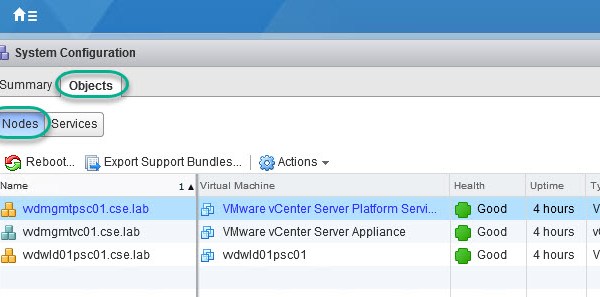
Please also see related post: VCSA 6.0U2 Lookup SSO Domain Name & Site Name The following details how to repoint a vCenter VCSA using an external PSC within the same […]

The following describes how to leverage the $ENV:PATH syntax within powershell to add a value to the Path environment variable, please note changing the environment variables using this method only […]

One quick method to discover your VCSA build number is to run the following command from an ssh console: vpxd -v You can then lookup your vCenter version from the […]
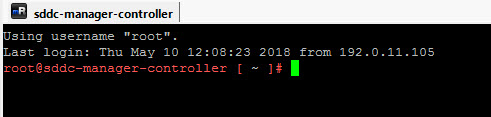
The following post details how to lookup the credentials for accounts that are managed by SDDC Manager. SSH using root credentials to the SDDC Manager VM: In order to utilize […]
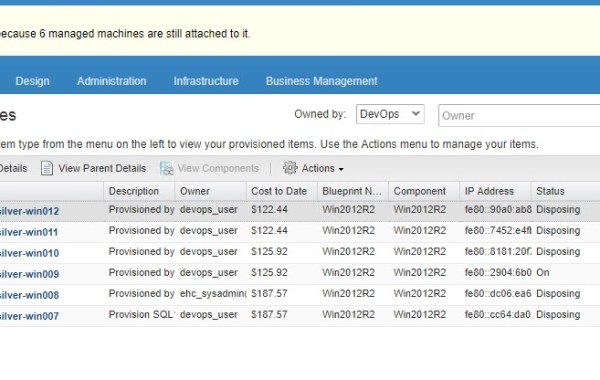
There are different scenarios for taking this course of action as detailed in VMware KB2144269 in my case this was a result of losing my lab vCenter which resulted in a […]

The error ‘Unable to authenticate’ may be because the root password has expired. The root account password by default is set to expire after 365 days and if the password is not […]



 DavidRing.ie