VVD on VxRail – Sizing
VMware Validated Design (VVD) for SDDC on Dell EMC VxRail Accelerating the path to the VMware Software Defined Data Center (SDDC). Offering VVD with complete vSAN, NSX and vRealize capabilities […]
Virtualization & Storage

VMware Validated Design (VVD) for SDDC on Dell EMC VxRail Accelerating the path to the VMware Software Defined Data Center (SDDC). Offering VVD with complete vSAN, NSX and vRealize capabilities […]
The following is a list of all the components and their versions as per VMware Validated Design 4.3 This new VVD 4.3 release includes for example vSphere 6.5 U2, NSX 6.4.1, vSAN 6.6.1 U2, vRealize Log Insight 4.6, vRealize Business 7.4, vRealize Operations 6.7 and vRealize Automation 7.4. Note: the list below can be officially found @VMware VVD 4.3 Release […]
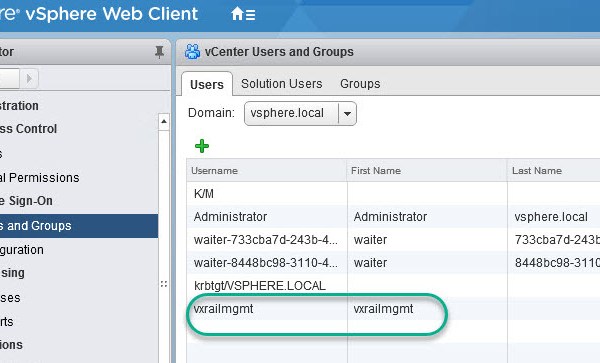
Note: this is an example for reference only please use the VxRail ‘External vCenter’ installation procedures provided by Dell EMC. The following will require an understanding of the VVD on […]
The following is a list of all the components and their versions as per VMware Validated Design 4.2. Note the list below can be officially found @VMware VVD 4.2 Release Notes
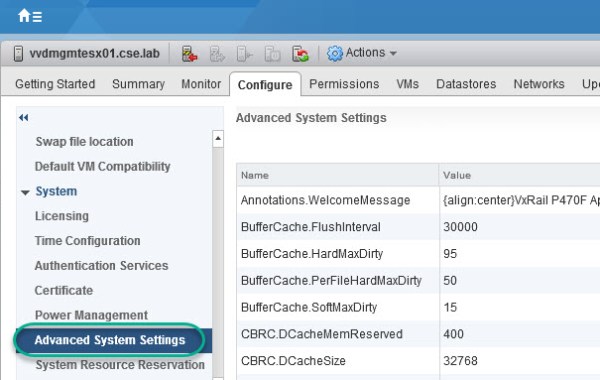
The following steps detail how to enable vSAN to provision the Virtual Machine Swap files as thin. vSAN Sparse Swap Files allow you to conserve space in the vSAN datastore […]
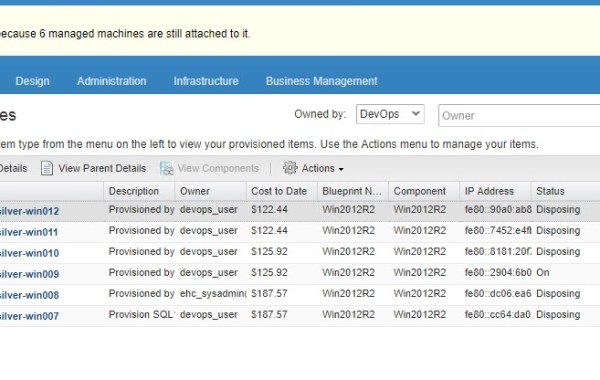
There are different scenarios for taking this course of action as detailed in VMware KB2144269 in my case this was a result of losing my lab vCenter which resulted in a […]
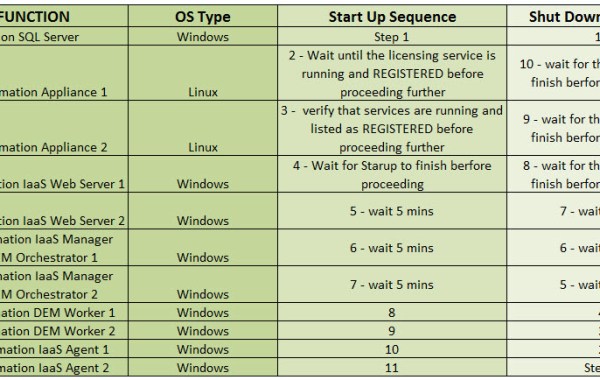
In order to verify that the services are REGISTERED log into the VAMI (Virtual Appliance Management Infrastructure): https://vra01.domain.local:5480 as root and click on Services:
VMware Validated Designs (VVD) are prescriptive SDDC blueprints with comprehensive deployment and operational practices. Standard SDDC Architecture This VMware Validated Design SDDC ‘Standard Architecture’ is Based on the ‘two-pod’ design where the management workloads & compute and edge workloads are segregated. The management workloads have their own dedicated vSphere cluster while the compute and edge reside on a separate vSphere cluster […]
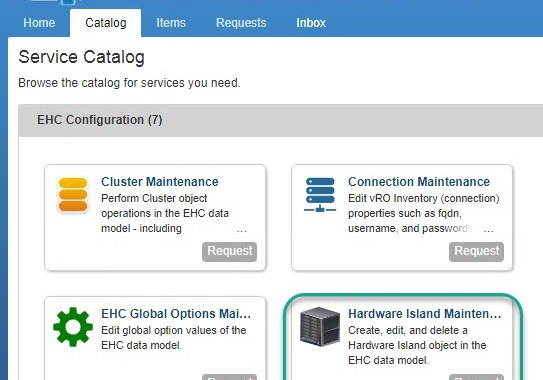
The following two-part post details how to add an Enterprise Hybrid Cloud (EHC) vSphere Local Cluster, in EHC terms we refer to this cluster type as LC1S (Local Copy on One Site). There […]
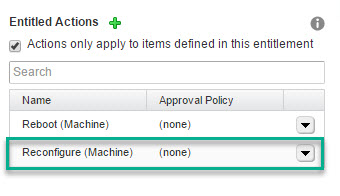
The following post details how to reconfigure both the CPU & Memory of a specific VM from within a vRealize Automation console. Enable The Reconfigure Entitlement Begin by enabling the […]
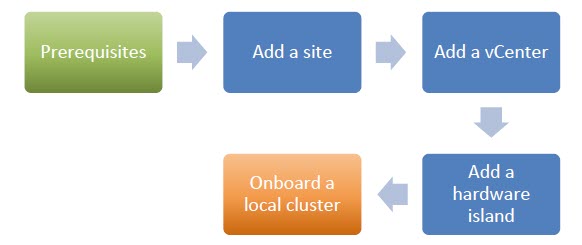
The following two-part post details how to add an Enterprise Hybrid Cloud (EHC) vSphere Local Cluster, in EHC terms we refer to this cluster type as LC1S (Local Copy on […]
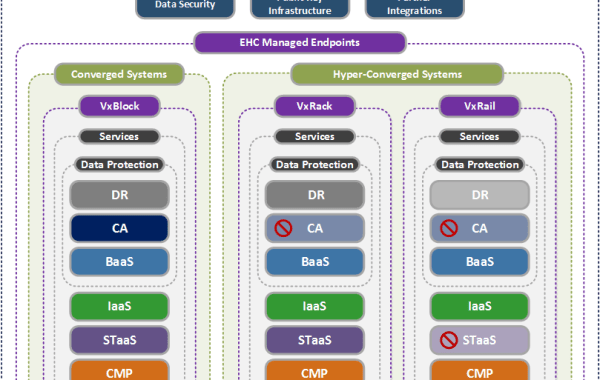
EHC (Enterprise Hybrid Cloud) which is the DellEMC turnkey VMware (vRealize Suite) based cloud offering has made great strides in recent releases transforming the cloud strategy for CPSD CI/HCI, namely […]
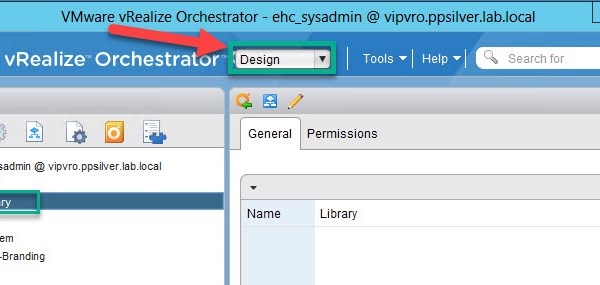
The following steps detail how to configure the vCenter plugin by running the ‘Add a vCenter Server instance’ workflow from the Orchestrator client in order to create the connection between […]
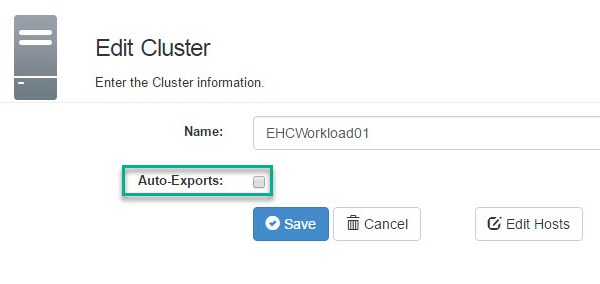
This procedure details the steps to execute in order to remove an ESXi host from a source ViPR Export Group and add to an existing target Export Group. Note: this […]
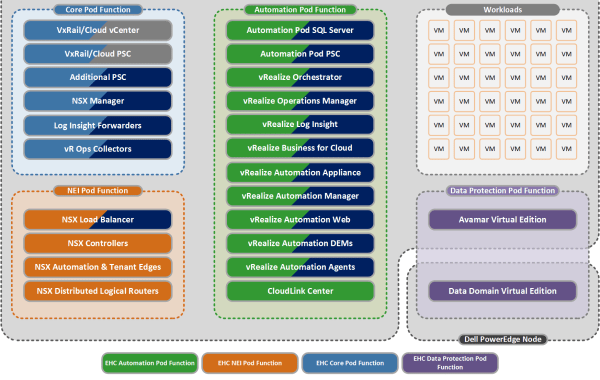
Introducing ‘EHC on VxRail’! Introduced as part of the EHC 4.1.1 release (Code named “Challenger”) – GA March ’17 Simple, Easy, Start Small, Scalable! VxRAIL HCI Appliance now has the […]
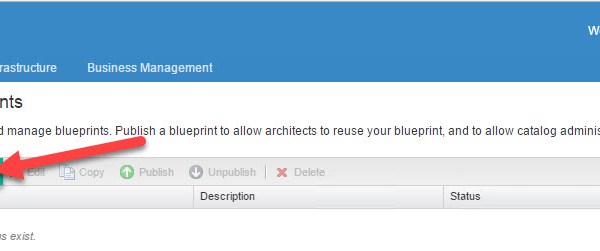
vRealize Automation 7.1 – Create a Service & Entitlement (Part 5) 1. Create a ‘vSphere’ Machine Blueprint VMware Machine Blueprint Definition: A blueprint that contains a machine component specifies the workflow used […]
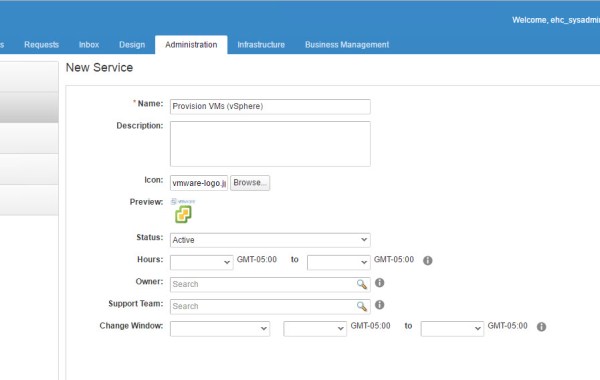
vRealize Automation 7.1 – Create Machine Prefix, Business Group & Add Reservation (Part 4) 1. Create a Service VMware Services Definition: Services are used to organize catalog items into related offerings to […]
vRealize Automation 7.1 – Create Endpoints & Fabric Groups (Part 3) Before creating the Business Group we firstly need to create a Machine Prefix which can be used by the Business […]
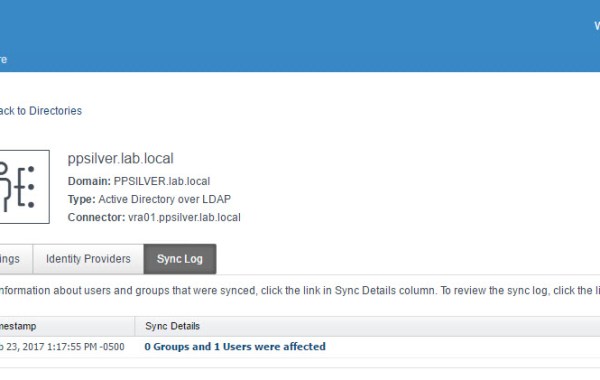
Reference KB: Directory sync is running endlessly in vRealize Automation 7.x (2146237) While the above Kb refers to a known issue affecting VMware vRealize Automation 7.0.x, I also encountered this issue […]
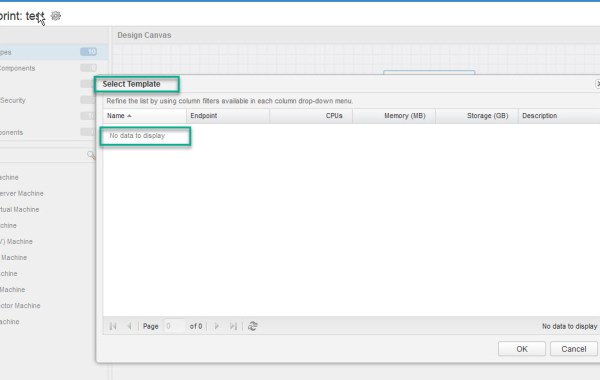
While in the process of creating a vRA blueprint, none of my vSphere templates were displaying as an option for selection. This led me to verify some of my previous […]

