Begin by connecting to the cluster IP over SSH and checking which FI is Primary/Subordinate: FI-A# show cluster state A: UP, PRIMARY B: UP, SUBORDINATE Note: show cluster extended-state will provide more detailed information. Having confirmed the ‘B’ fabric switch is the subordinate connect to FI-B mgmt cli interface: FI-A# connect local-mgmt B From FI-B local-mgmt interface issue the reboot […]
In this post I will detail how to increase an XtremIO volume and extend the associated VMware VMFS volume. As can be seen form the XtremIO management interface the existing […]
Please begin by downloading the attached PDF here. As you can see this is a fully compiled listing of all 256 possible FC WWPN’s available on a VMAX³ system. A […]
Nexus 5000 series UP switches have the option of either enabling individual ports as Ethernet or Fibre Channel ports. One of the strict guidelines is to begin enabling ethernet ports […]
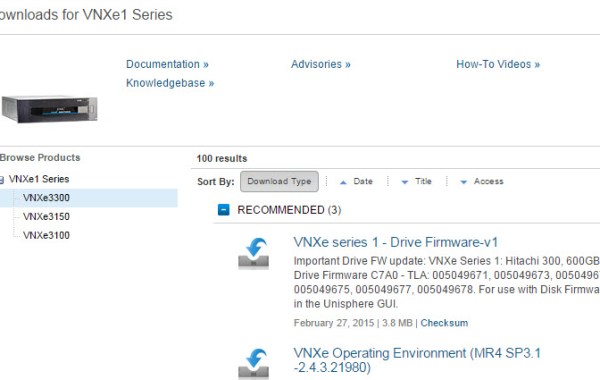
Before proceeding with any upgrade of code on the VNXe please reference the target code release notes on https://support.emc.com/. The VNXe landing page: http://emc.com/vnxesupport will provide you with all the […]
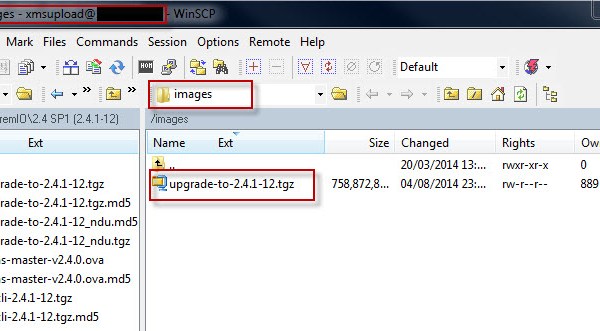
If the situation ever arises where you have lost your XtremIO Management Server (XMS) – do not worry as you can quite easily recover the XMS to its previous state. […]
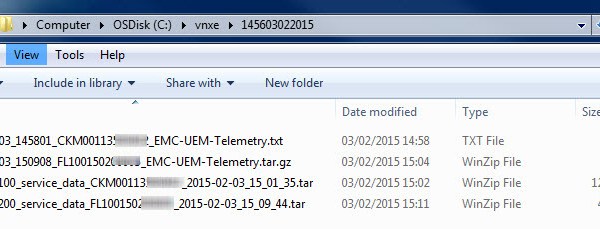
——————————————————————- Reference:: EMC® VNXe® Unisphere® Command Line Interface User Guide: Collect -Config: Create a snapshot of the current system configuration and save it to a file. It captures all of […]
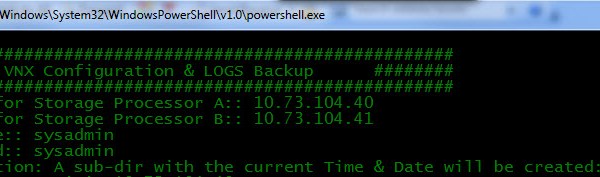
——————————————————————- Reference: VNX® Command Line Interface Reference for Block: SPCollect : The naviseccli spcollect command selects a collection of system log files and places them in a single .zip file […]
The VMware vSphere Host storage path limit as of vSphere 5.5 is 1024 and the maximum LUNs per host is 256. Maximum LUNS PER ESXi HOST = 256 Maximum FC […]
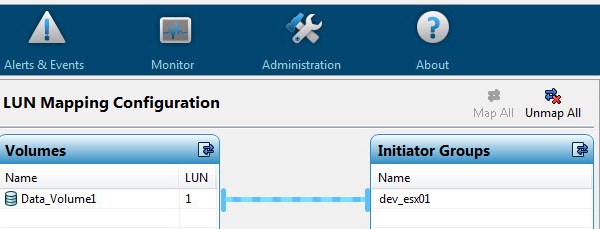
Part 1 Part 2 This is the third part in the series on configuring the VNXe via command line. Here I will detail the Steps involved in adding VMware ESXi […]
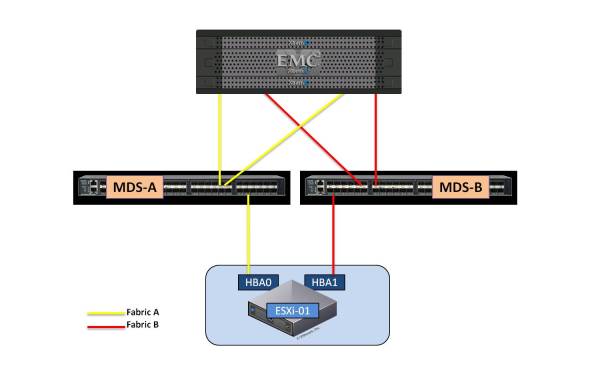
This post will cover the Masking and Zoning scripts for a VG when using Cisco MDS fabric switches. This post will not cover the creation or rules around the Control […]
NSLOOKUP At the command prompt type “NSLOOKUP “. This will give you a “>” prompt. Type “set type=MX “. Type “microsoft.com “. You should now get the MX records for “microsoft.com”: Non-authoritative answer: microsoft.com MX preference = 10, mail exchanger = microsoft-com.mail.protection.outlook.com microsoft-com.mail.protection.outlook.com internet address = 207.46.163.215 microsoft-com.mail.protection.outlook.com internet address = 207.46.163.247 microsoft-com.mail.protection.outlook.com internet address = 207.46.163.138 Or Use who.is: […]
For every Pool LUN regardless of whether the LUN is thick or thinly provisioned there are 3 owner types assigned to each LUN: ♦ Allocation Owner ♦ Default Owner ♦ […]
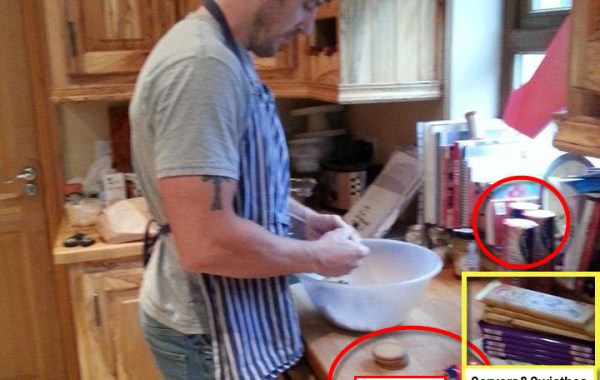
Created by Cliff Cahill @CliffCahill In conjunction with the announcement of the ‘Vblock 740’ @VCE’s latest addition to the Vblock range Cliff kindly put his creative and baking skills to […]
See also: VMware PowerCLI – Adding VMFS Datastore’s After creating the required LUN’s on your storage array and mapped the LUN’s to your ESXi hosts then you may use PowerCLI […]
MDS 9000 Series Firmware Upgrade It is always good practice to read the software ‘release notes’ before proceeding with an upgrade. The ‘Cisco MDS 9000 NX-OS and SAN-OS Software’ release […]
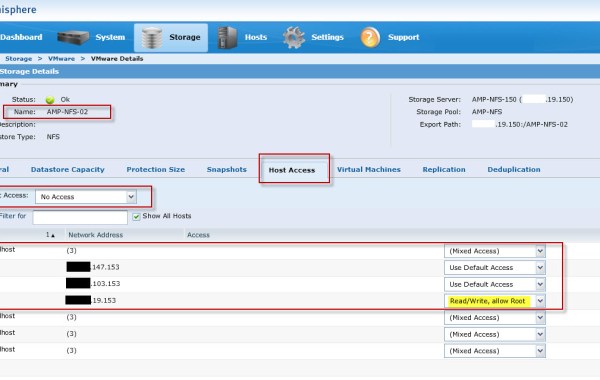
The ‘EMC NAS Plug-in’ is required in order to enable VAAI (vSphere APIs for Array Integration) operations on ‘NFS Datastores’ on an ESXi 5.x host. If you are not familiar […]
In order to understand this Post fully, I would advise you read “EMC VMAX – 20/40K Back-End Connectivity” first. Having completed a VMAX ‘Health Check’ through ‘Unisphere’ it has been […]





 DavidRing.ie