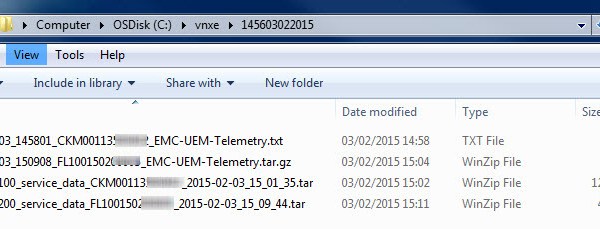
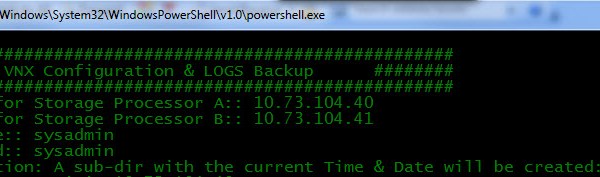
——————————————————————- Reference:: EMC® VNXe® Unisphere® Command Line Interface User Guide: Collect -Config: Create a snapshot of the current system configuration and save it to a file. It captures all of […]
——————————————————————- Reference: VNX® Command Line Interface Reference for Block: SPCollect : The naviseccli spcollect command selects a collection of system log files and places them in a single .zip file […]
The VMware vSphere Host storage path limit as of vSphere 5.5 is 1024 and the maximum LUNs per host is 256. Maximum LUNS PER ESXi HOST = 256 Maximum FC […]
Part 1 Part 2 This is the third part in the series on configuring the VNXe via command line. Here I will detail the Steps involved in adding VMware ESXi […]
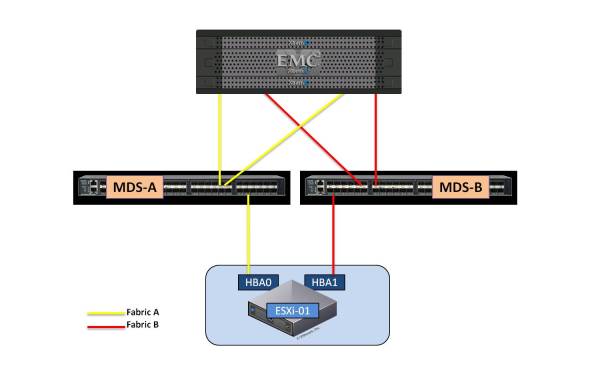
This post will cover the Masking and Zoning scripts for a VG when using Cisco MDS fabric switches. This post will not cover the creation or rules around the Control […]
For every Pool LUN regardless of whether the LUN is thick or thinly provisioned there are 3 owner types assigned to each LUN: ♦ Allocation Owner ♦ Default Owner ♦ […]
See also: VMware PowerCLI – Adding VMFS Datastore’s After creating the required LUN’s on your storage array and mapped the LUN’s to your ESXi hosts then you may use PowerCLI […]
MDS 9000 Series Firmware Upgrade It is always good practice to read the software ‘release notes’ before proceeding with an upgrade. The ‘Cisco MDS 9000 NX-OS and SAN-OS Software’ release […]
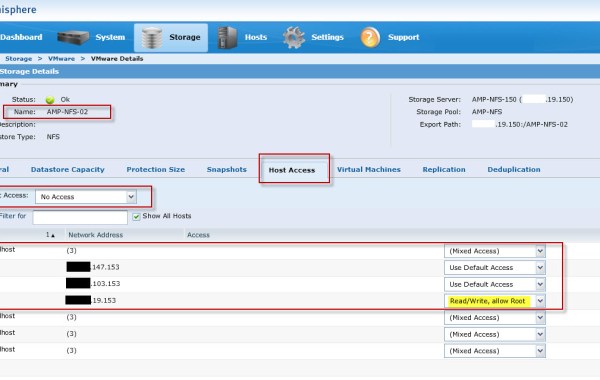
The ‘EMC NAS Plug-in’ is required in order to enable VAAI (vSphere APIs for Array Integration) operations on ‘NFS Datastores’ on an ESXi 5.x host. If you are not familiar […]
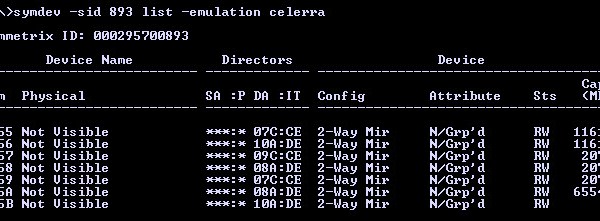
In order to understand this Post fully, I would advise you read “EMC VMAX – 20/40K Back-End Connectivity” first. Having completed a VMAX ‘Health Check’ through ‘Unisphere’ it has been […]
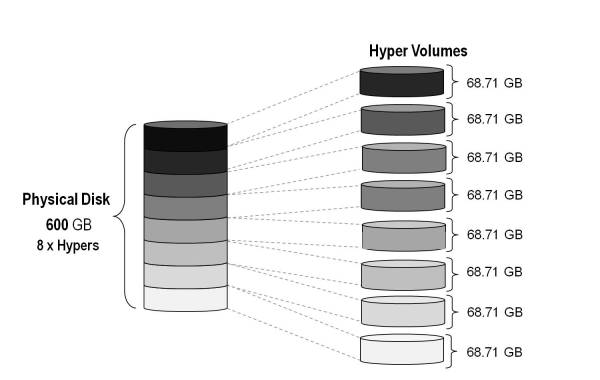
In order to expand a VMAX Thin Pool we must first create the additional Data Devices (TDATs) on the underlying physical Disk Group. This example outlines how to calculate and […]
The below steps outline how to perform a clean shutdown of an XtremIO array and thus help prevent any case of data corruption or loss. Before proceeding with the shutdown […]
PowerCLI Download Disk.SchedNumReqOutstanding (DSNRO) – Determines the maximum number of active storage commands (I/Os) allowed at any given time at the VMkernel. The default value is 32 and the maximum value is 256. For XtremIO storage with VMware vSphere it is recommended to set the DSNRO parameter to the maximum value of 256. When using vSphere 5.5 the Disk.SchedNumReqOutstanding parameter […]
Thank you Cliff, Steve and Luc for helping me out with this task. After you have created the required LUN’s on your storage array and mapped the LUN’s to your ESXi hosts, at this stage you may use PowerCLI to add these new LUNs as VMFS datastore’s. 1. Connect to vCenter: Connect-VIServer -Server “vcenter_IP” -User UserName -Password Password If you […]
The steps below detail the process of clearing all zoning configurations on an MDS switch. Including: fcaliases, zonesets and zones. If you wish to remove individual zones from a zoneset then please see post here: How To Remove Zones from an Active Zoneset Note: Ensure this is a standalone switch; if it is connected to other switches in the fabric […]
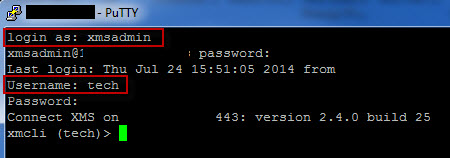
1. Open an SSH session to the XtremIO Management Station Firstly we need to open an SSH connection to the XtremIO Management Station (XMS), in this case I used putty […]
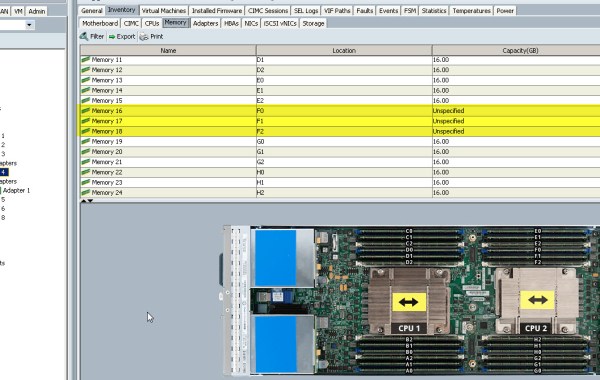
This is a guest blog post kindly contributed by Eric Daly @daly_eric. In an effort to pin point specific DIMMs within UCS that are throwing an error, please follow these […]
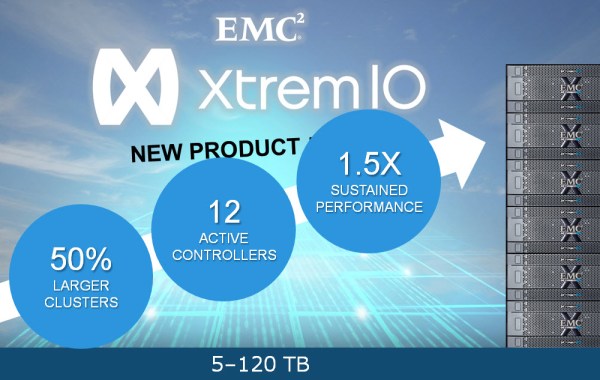
Since XtremIO first became Generally Available back in November 2013 the momentum of the product has been incredible. Becoming the ‘Number 1’ All Flash Array (AFA) on the market in […]




 DavidRing.ie