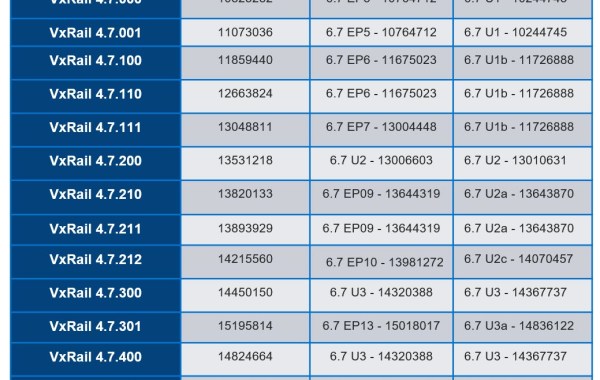
VxRAIL 4.7 – Versions And Build Numbers For ESXi & vCenter
VxRail Support Matrix: https://support.emc.com/docu82227_VxRail-Support-Matrix.pdf?language=en_US Useful shell lookup commands: vCenter# vpxd -v ESXi# vmware -v
Virtualization & Storage

VxRail Support Matrix: https://support.emc.com/docu82227_VxRail-Support-Matrix.pdf?language=en_US Useful shell lookup commands: vCenter# vpxd -v ESXi# vmware -v

As of VCF 3.9.0 (VxRail 4.7.300) there is a requirement for dual authentication in the form of a privileged user. The task described here requires this privileged user to perform […]
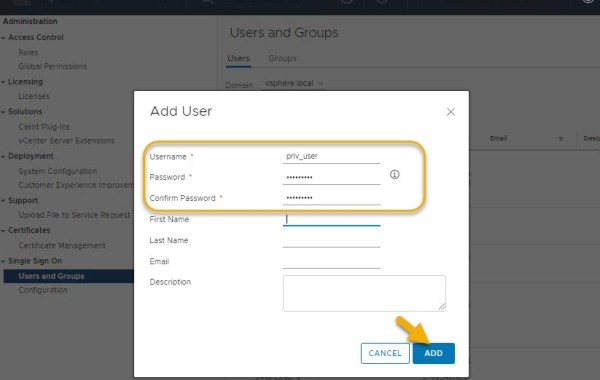
As of VCF 3.9.0 (VxRail 4.7.300) there is a requirement for dual authentication in the form of a privileged user. In addition to configuring NSX Manager backups this privileged user […]
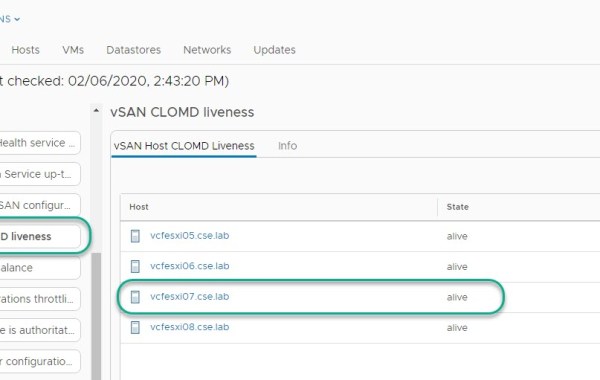
CLOMD (Cluster Level Object Manager Daemon) runs on every ESXi host that makes up a vSAN Cluster, some of the functions CLOMD is responsible for within a vSAN cluster include: […]

On the rare occasion you may encounter a scenario where VxRail ‘Physical View’ displays missing/lost components incorrectly for a specific host. All other hosts in the cluster may display a […]
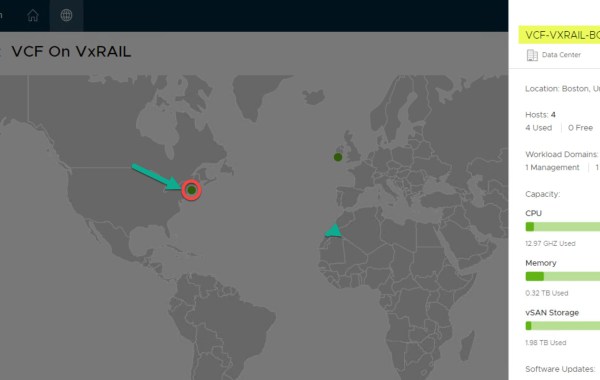
IMPORTANT FEATURE UPDATE: JULY 2022 As of VCF 4.4 Multi-Instance Management is deprecated. VMware Cloud Foundation 3.9 on Dell EMC VxRail 4.7.300 Multi-Instance Management code named ‘Pantheon’ is a new […]
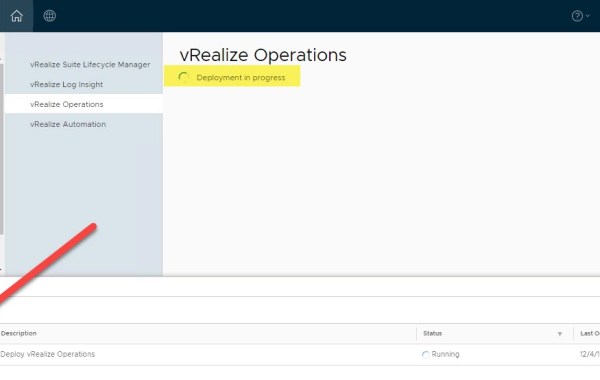
VMware VCF Version: 3.9.0 Part 1: VCF On VxRAIL – Deploying vRealize Suite (Part1 – vRSLCM) In Part2 of this series we detail how to deploy vRealize Operations Manager (vROps) […]
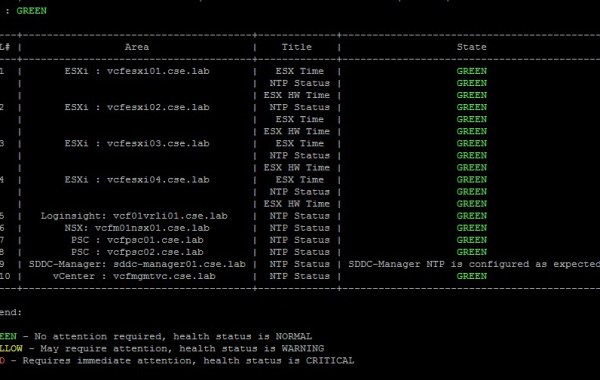
The SDDC Manager inbuilt Python tool referred to as Supportability and Serviceability utility (SOS) is a very useful method for performing system checks on your VCF environment and help to […]
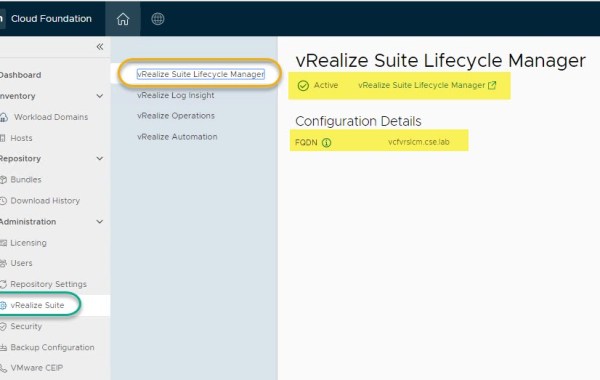
VCF Version: 3.9.0 Note: ensure ‘My VMware’ creds are entered successfully in the SDDC Manager repository settings and the list of available products are being displayed in the SDDC Manager […]
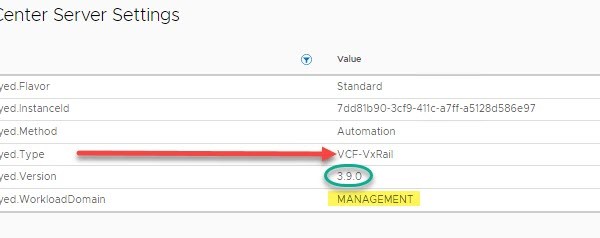
Useful tip to identify quickly if vCenter is part of a VMware Cloud Foundation on VxRail solution and whether it is used for a Management or a VI Workload Domain. […]

Loudmouth requires IPv6 multicast in order for VxRail Manager to perform a successful VxRail node discovery. IPv6 multicast is required only on the ‘Private Management Network’, this is an isolated […]

The following details the steps involved when performing a shutdown of a VxRail Cluster. This task can easily be performed from within the vSphere HTML client through the VxRail plugin. […]

Previous post: VxRail 4.5 – View version vCenter HTML Client: From the vSphere client navigate to Cluster->Configure->VxRail->System ESXi SHELL: You can check the installed VxRail code from the ESXi host SHELL […]
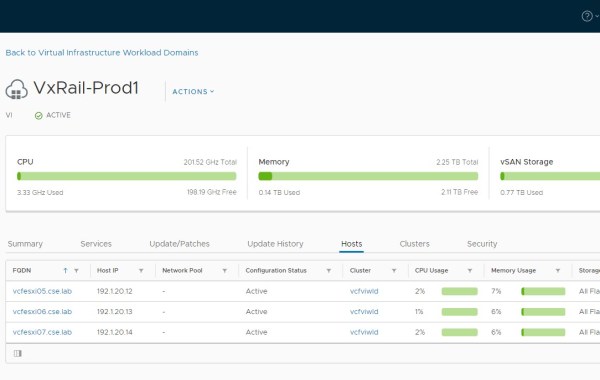
Note: this is an example for reference only please use the VxRail installation procedures & services provided by Dell. The following provides an example walkthrough covering the process of: Deploying […]
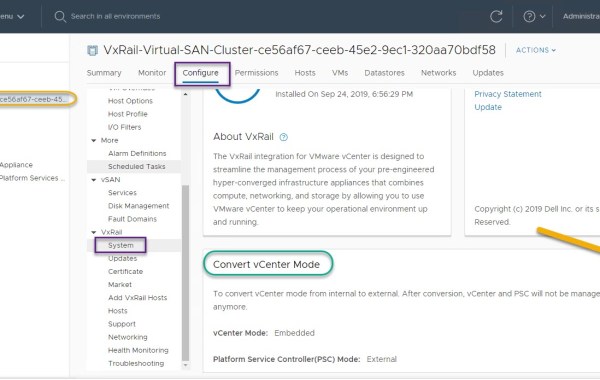
Previous to 4.7.300 we used the following python script /mystic/util/vvd_vc_conversion.pyc in order to perform a conversion of vCenter and its associated PSC from internal mode (which implies control of vCenter & […]

In addition to the physical tag at the front of the VxRail appliance you may also leverage the VxRail Manager, ESXi console or vCenter GUI to pull the PSNT and […]
The following log file info is especially useful during the implementation stage, VI WLD create/delete/expand or LCM related tasks. The log files for the VCF photon based appliances can be accessed either via console or SSH. VxRail /var/log/vmware/marvin/tomcat/logs/marvin.log/var/log/vmware/loudmouth/loudmouth.log VC Conversion log:cat /mystic/vxrail_vvd_vc_conversion.logcat /var/lib/vmware-marvin/runtime.properties JSON:cat /var/lib/vmware-marvin/config-journal.json | json_pp ###Useful Log analysis commands### # cat marvin.log# tail -f marvin.log# tail -f marvin.log […]
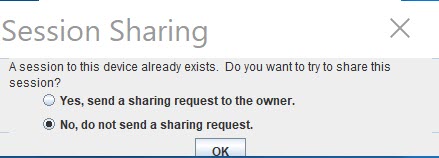
Error attempting to connect over iDRAC Virtual Console due to another session still running: SSH to the VxRAIL iDRAC IP. List open sessions: racadm getssninfo Close the VC session with […]

In this post I will provide an example walk-through of the process for adding a new Disk Group to an existing VxRail cluster node. The VxRail code version is 4.7.001 and […]
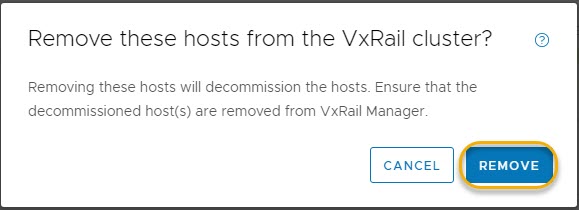
In a previous post I provided an example walk-through of the process for adding a new host to an existing VCF on VxRail ‘VI Workload Domain (WLD)’: VCF on VxRail – Expand […]

