
VxRail – Enable LLDP On vDS
Link Layer Data Protocol (LLDP) can be enabled from the vSphere Distributed Switch in vCenter as follows: Log in to vCenter and select the Networking tab and right-click the vDS. Navigate to Settings and […]
Virtualization & Storage

Link Layer Data Protocol (LLDP) can be enabled from the vSphere Distributed Switch in vCenter as follows: Log in to vCenter and select the Networking tab and right-click the vDS. Navigate to Settings and […]
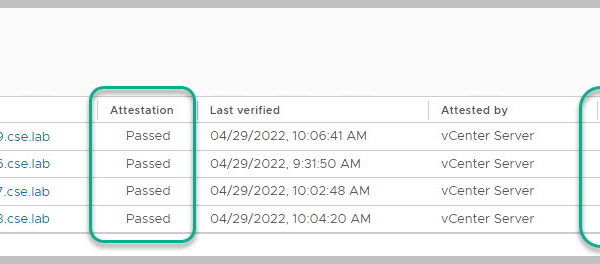
If you receive the following alert in vCenter then some BIOS Security settings may need to be configured which I will detail below: Detailed information from VMware in relation to […]
PART1 PART2 PART3 This is the fourth in a series of posts covering VCF On VxRail 4.4. The following detailed post provides an example walkthrough covering the process of deploying a NSX-T Edge nodes into the VI Workload Domain using the SDDC automation. The end result of this example build is that of a single site VCF on VxRail solution including a single NSX-T VI Workload Domain (thanks to @HeagaSteve for the architectural […]
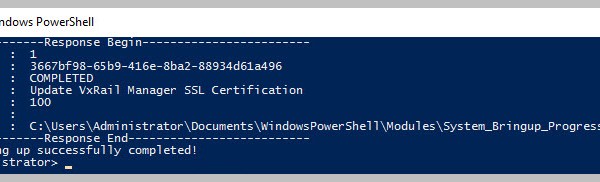
One method of consuming the available VxRail APIs is by leveraging the VxRail API PowerShell Modules Package from within your Windows OS using PowerShell. Each public API has a corresponding […]
See also related Post: https://davidring.ie/2019/09/18/vxrail-lookup-model-psnt/ In addition to the physical tag at the front of the VxRail appliance you may also leverage PowerCLI, ESXi console or vCenter GUI to pull the ST/SN of each VxRail appliance. PowerCLI Get-Hosts -Server VxRailManager_IP -Username administrator@vsphere.local -Password PW |ft sn, hostname ESXi Console Per individual host: /opt/vxrail/tools/ipmitool fru print 17 vCenter UI With the […]
One method of consuming the available VxRail APIs is by leveraging the VxRail API PowerShell Modules Package from within your Windows OS using PowerShell. Each public API has a corresponding PowerShell cmdlet included in the VxRail PowerShell modules starting with VxRail 4.7.300. The API User Guide can be found here: https://support.emc.com/docu91468_VxRail-Appliance-4.5.x,-4.7.x,-and-7.0.x-API-Guide.pdf?language=en_US Steps to install the VxRail API PowerShell Modules Package […]
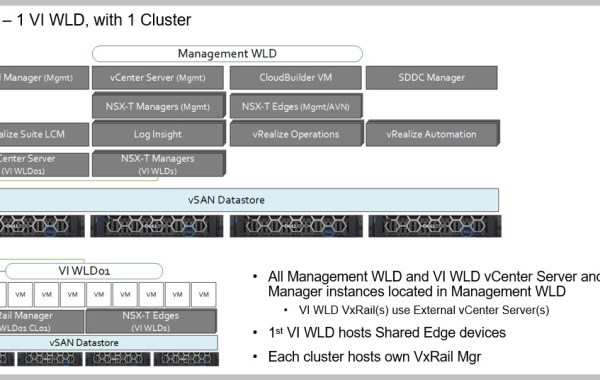
Note: this is an example for reference only please use the VxRail installation procedures & services provided by Dell. This is the second in a series of posts covering VCF On […]
Note: this is an example for reference only please use the VxRail installation procedures & services provided by Dell. This is the first in a series of posts covering VCF […]
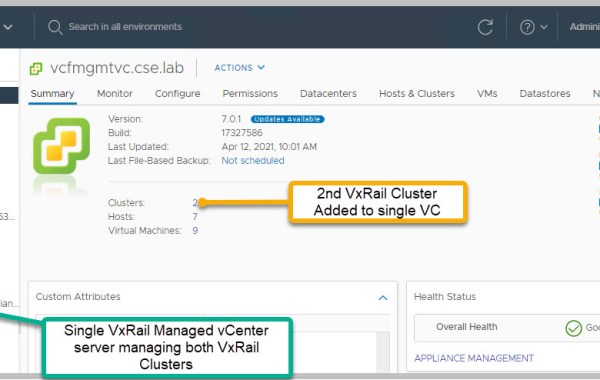
‘Can a single vCenter server support/manage multiple VxRail clusters?’ Let me first explain the two methods of deploying a vCenter server to support a VxRail cluster: VxRail Managed vCenter Server […]
The following log files can be accessed either via console or SSH to VxRail Manager. Useful VxRail Manager 7.0.010+ Log Files Note: SLES15 is the OS used for VxRail Manager. cat /etc/os-release Monitor VxRail bring-up logs: dayone.log , short.term.log & firstboot.log: cd /var/log/microservice_log/ # cat dayone.log# tail -f dayone.log# tail -f dayone.log | grep ERROR# tail -n 100 dayone.log# more dayone.log Note: […]
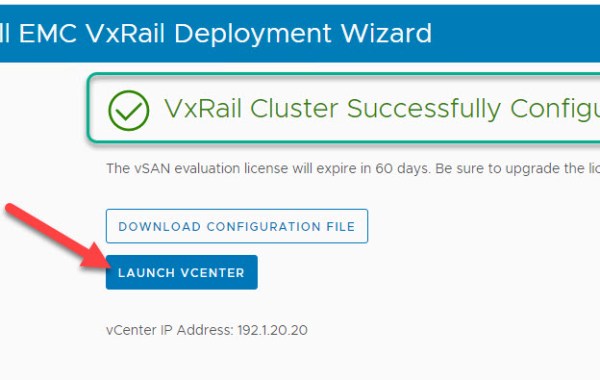
For VxRail 4.7 please see earlier post: VxRail 4.7 – Install Notes Note: this is an example for reference only please use the VxRail installation procedures provided by Dell EMC. […]
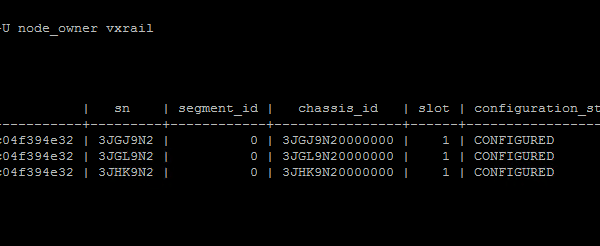
In this post I will provide an example walk-through of the process for adding a new VxRail node to an existing VCF on VxRail ‘VI Workload Domain (WLD)’. At a high level there are […]
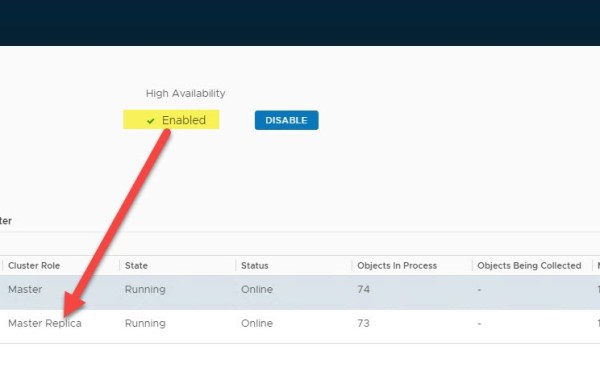
VMware VCF version: 3.9.1 In this post we detail how to Expand a VCF deployed instance of vRealize Operations Manager (vROps) leveraging automation that is built-in to VMware SDDC Manager. […]
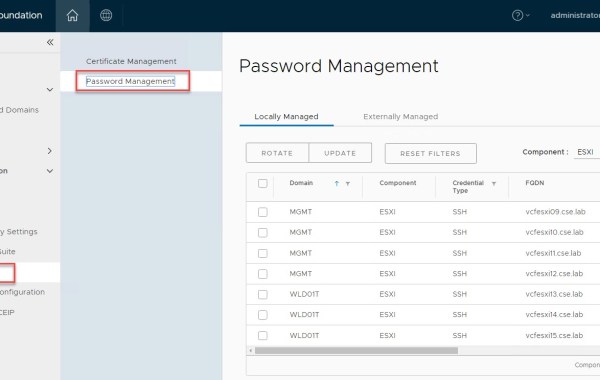
SDDC Manager provides a centralized mechanism for password management from within the manager UI. As of code releases VxRail 4.7.410 & VCF 3.9.1; SDDC Manager now includes the ability to […]
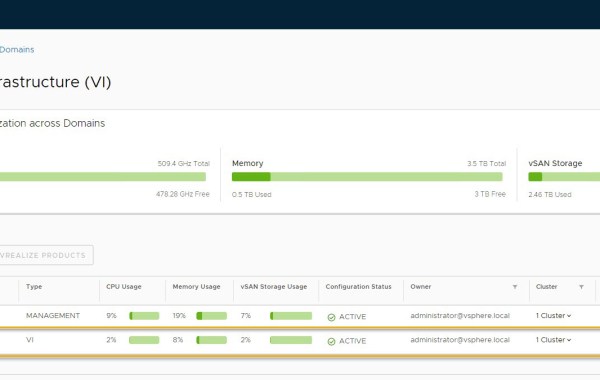
Note: this is an example for reference only please use the VxRail installation procedures & services provided by Dell. The following detailed post provides an example walkthrough covering the process […]
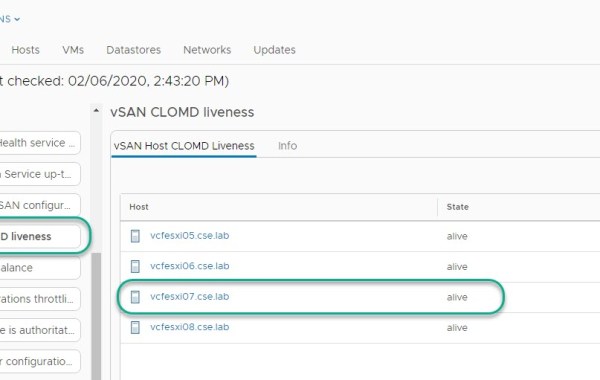
CLOMD (Cluster Level Object Manager Daemon) runs on every ESXi host that makes up a vSAN Cluster, some of the functions CLOMD is responsible for within a vSAN cluster include: […]

On the rare occasion you may encounter a scenario where VxRail ‘Physical View’ displays missing/lost components incorrectly for a specific host. All other hosts in the cluster may display a […]
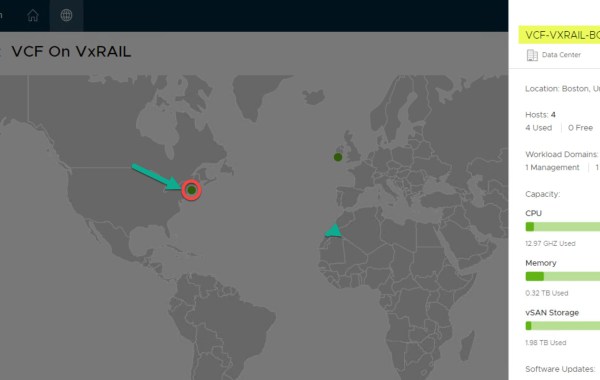
IMPORTANT FEATURE UPDATE: JULY 2022 As of VCF 4.4 Multi-Instance Management is deprecated. VMware Cloud Foundation 3.9 on Dell EMC VxRail 4.7.300 Multi-Instance Management code named ‘Pantheon’ is a new […]

Loudmouth requires IPv6 multicast in order for VxRail Manager to perform a successful VxRail node discovery. IPv6 multicast is required only on the ‘Private Management Network’, this is an isolated […]
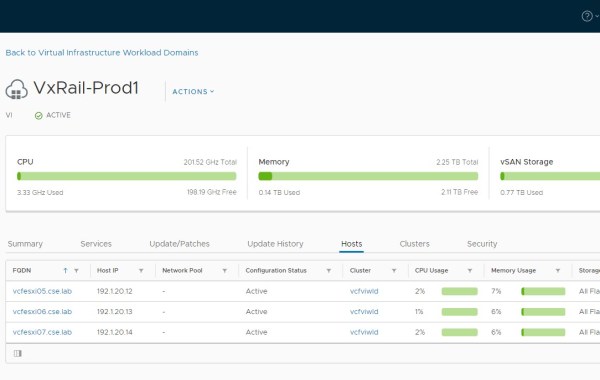
Note: this is an example for reference only please use the VxRail installation procedures & services provided by Dell. The following provides an example walkthrough covering the process of: Deploying […]
 DavidRing.ie