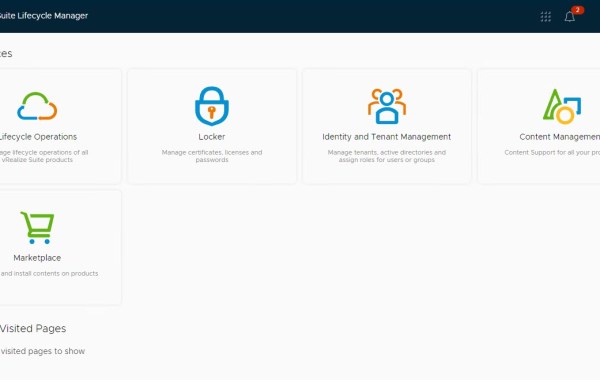
VCF Version: 4.0.1.1 Note: ensure ‘My VMware’ creds are entered successfully in the SDDC Manager repository settings and the list of available products are being displayed in the SDDC Manager […]
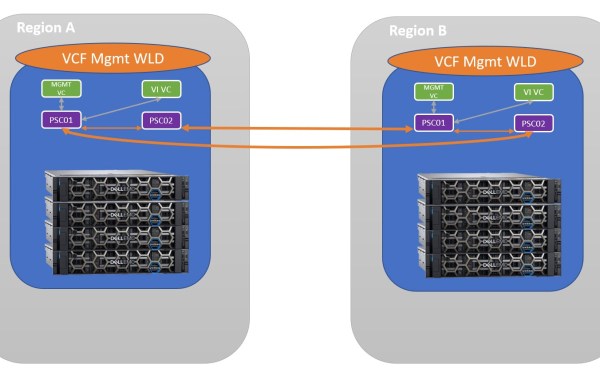
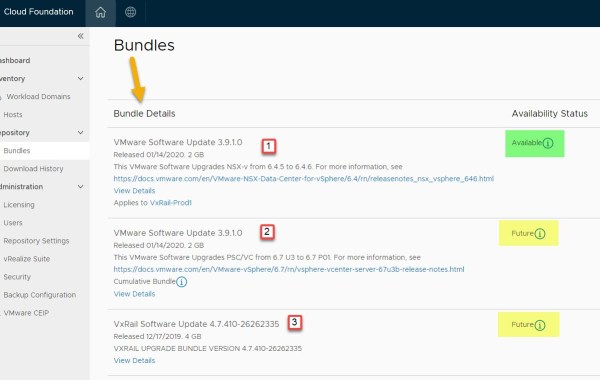
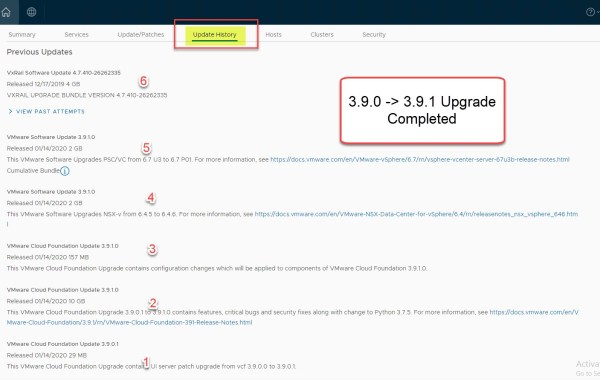
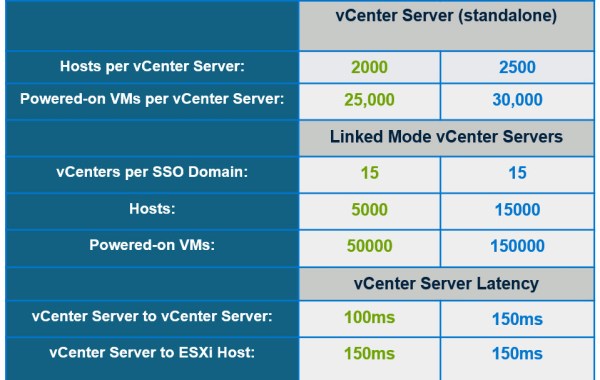
The ability to link multiple VCF Management Domains to the same SSO Domain was introduced as part of the VCF 3.9.1 / VxRail 4.7.410 release. This is especially desirable where […]
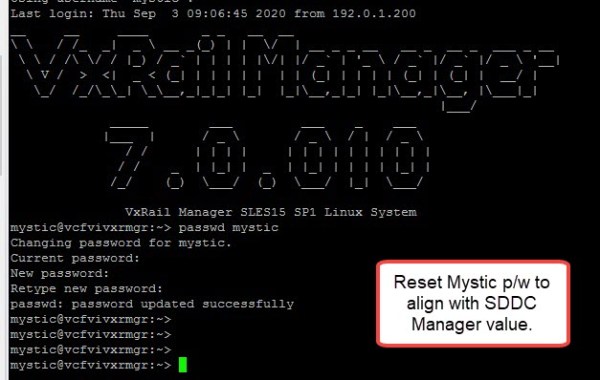
Please also refer to the Release Notes for this known issue: Upgrading VxRail Manager to 7.0.010 fails with message VxRail component upgrade failed with error Auth Fail VMware Cloud Foundation 4.0.1 […]
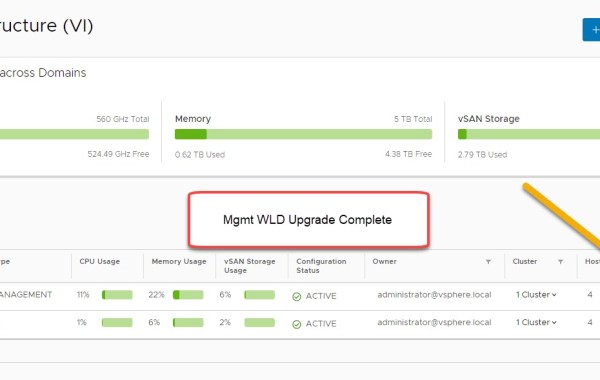
Part 1: Walk-thru upgrade of a VCF MGMT Workload Domain In the 2nd part of this series I will provide an example walk-thru upgrade of a VCF VI Workload Domain: VCF […]
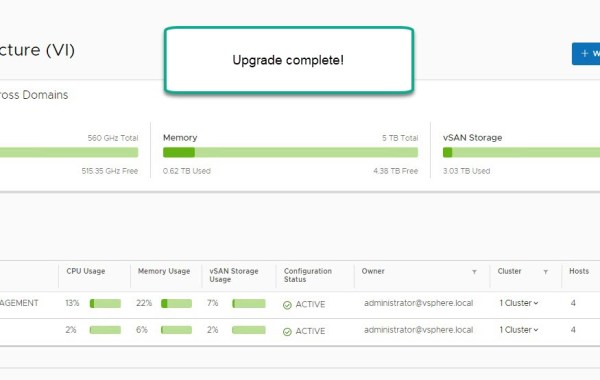
Part 2: Walk-thru upgrade of a VCF VI Workload Domain In this 2 part series I will provide an example walk-thru upgrade of: VCF 4.0.1.0 (VxRail 7.0.000) -> 4.0.1.1 upgrade […]
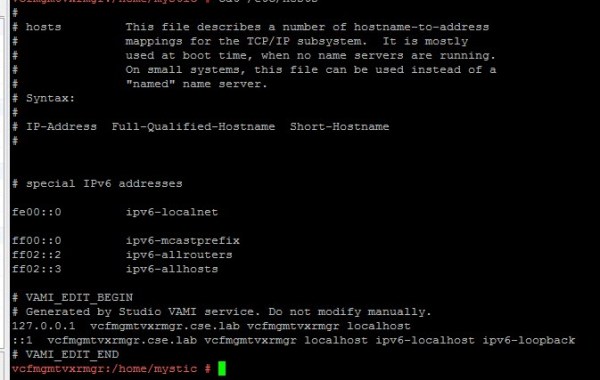
If modifying ESXi hostnames or management IP addresses a flush of both vCenter and VxRail cache services are needed, or if for some reason you are experiencing name resolution issues […]
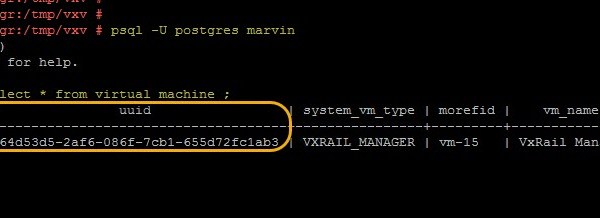
On a rare occasion you may be required to reference the VxRail Manager UUID; for example during a support call or to just confirm the UUID is in sync between […]
Part 1: Walk-thru upgrade of a VCF MGMT Workload Domain In this post I will provide an example walk-thru upgrade of a VCF VI Workload Domain: VCF 3.9.0 (VxRail 4.7.300) […]
Dell EMC VxRail – Introducing VMware Cloud Foundation 4.0 VMware Cloud Foundation 4.0 software is now generally available (GA) as a jointly-engineered & integrated system
Part 2: Walk-thru upgrade of a VCF VI Workload Domain In this 2 part series I will provide an example walk-thru upgrade of: VCF 3.9.0 (VxRail 4.7.300) -> 3.9.1 upgrade […]
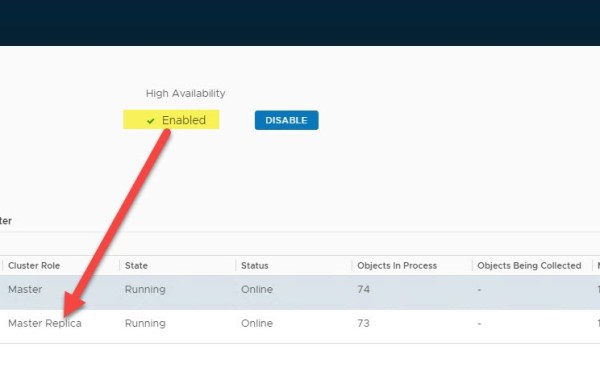
VMware VCF version: 3.9.1 In this post we detail how to Expand a VCF deployed instance of vRealize Operations Manager (vROps) leveraging automation that is built-in to VMware SDDC Manager. […]
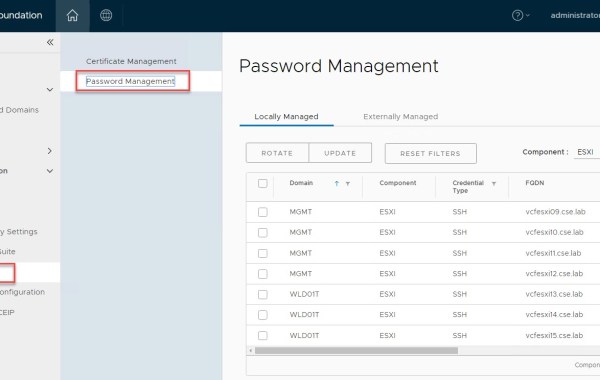
SDDC Manager provides a centralized mechanism for password management from within the manager UI. As of code releases VxRail 4.7.410 & VCF 3.9.1; SDDC Manager now includes the ability to […]
Note: this is an example for reference only please use the VxRail installation procedures & services provided by Dell. The following detailed post provides an example walkthrough covering the process […]
In this post I will step through the process of upgrading to 4.7.410 from 4.7.300 using the VxRail Manager plugin Local Update method, this method allows the user to upload […]
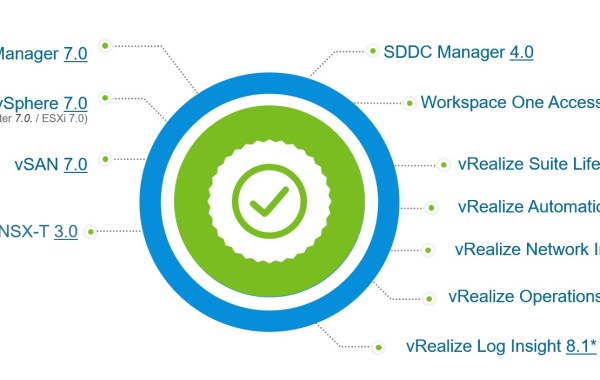
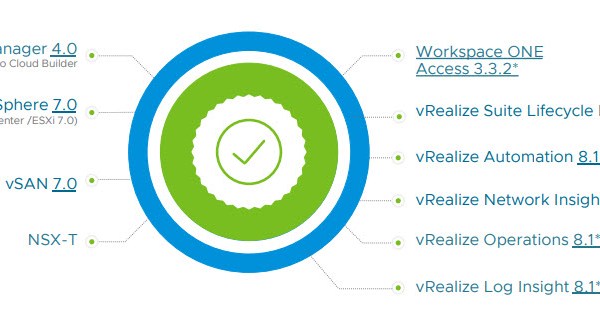
Introducing – VMware Cloud Foundation 4.0 Here I will highlight some key points from this new release of VMware Cloud Foundation 4.0 which is powered by vSphere 7.0, vSAN 7.0 […]
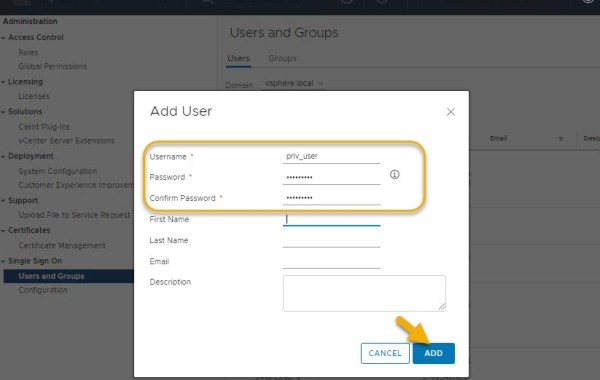
As of VCF 3.9.0 (VxRail 4.7.300) there is a requirement for dual authentication in the form of a privileged user. The task described here requires this privileged user to perform […]
As of VCF 3.9.0 (VxRail 4.7.300) there is a requirement for dual authentication in the form of a privileged user. In addition to configuring NSX Manager backups this privileged user […]