Note: this is an example for reference only please use the VxRail installation procedures & services provided by Dell. This is the first in a series of posts covering VCF 9.1 […]
Note: this is an example for reference only please use the VxRail installation procedures & services provided by Dell.
This is the first in a series of posts coveringVCF 9.1 On VxRail 9.1.000. The following post provides an example walkthrough covering the process of:
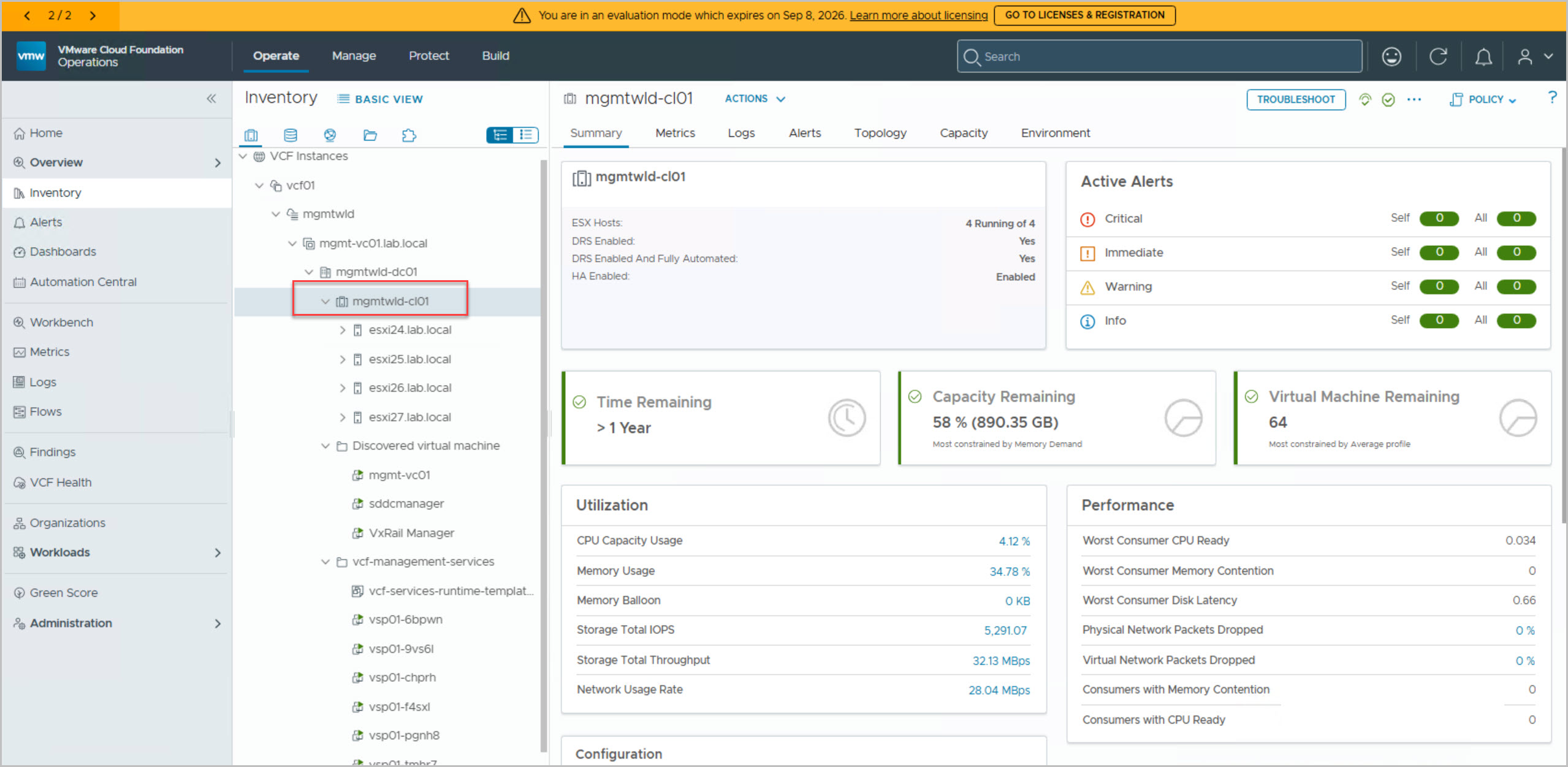
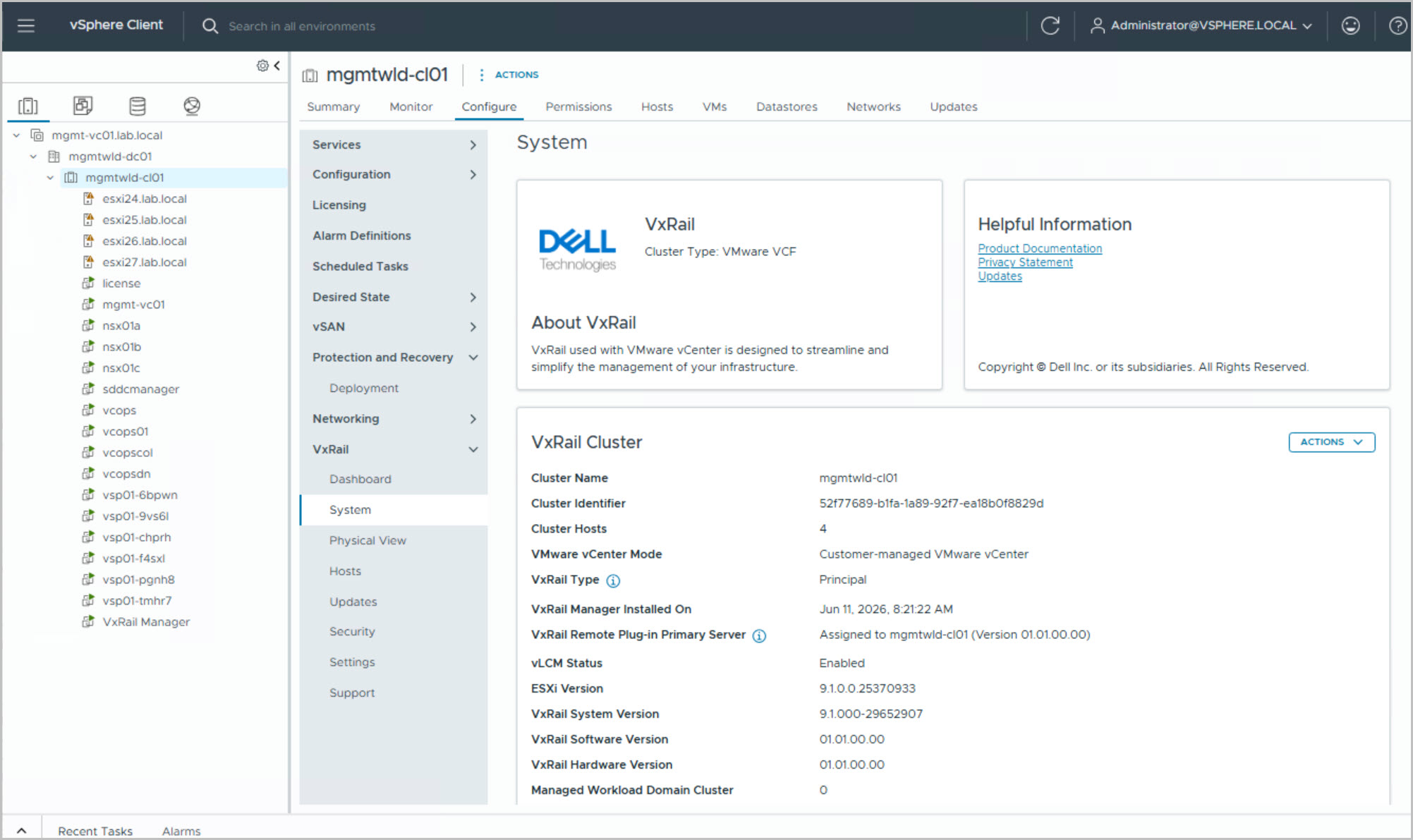
Deploying the VxRail Management Workload Domain Cluster
Versions used in this example are VCF 9.1 On VxRail 9.1.000. Release Information:
In VMware Cloud Foundation (VCF) 9.1 on VxRail, the deployment of the Management Workload Domain (Management WLD) has evolved significantly from earlier releases. While the foundational goal remains the same (delivering a fully operational management cluster hosting core SDDC services) the process is now deeply aligned with a modular driven architecture.
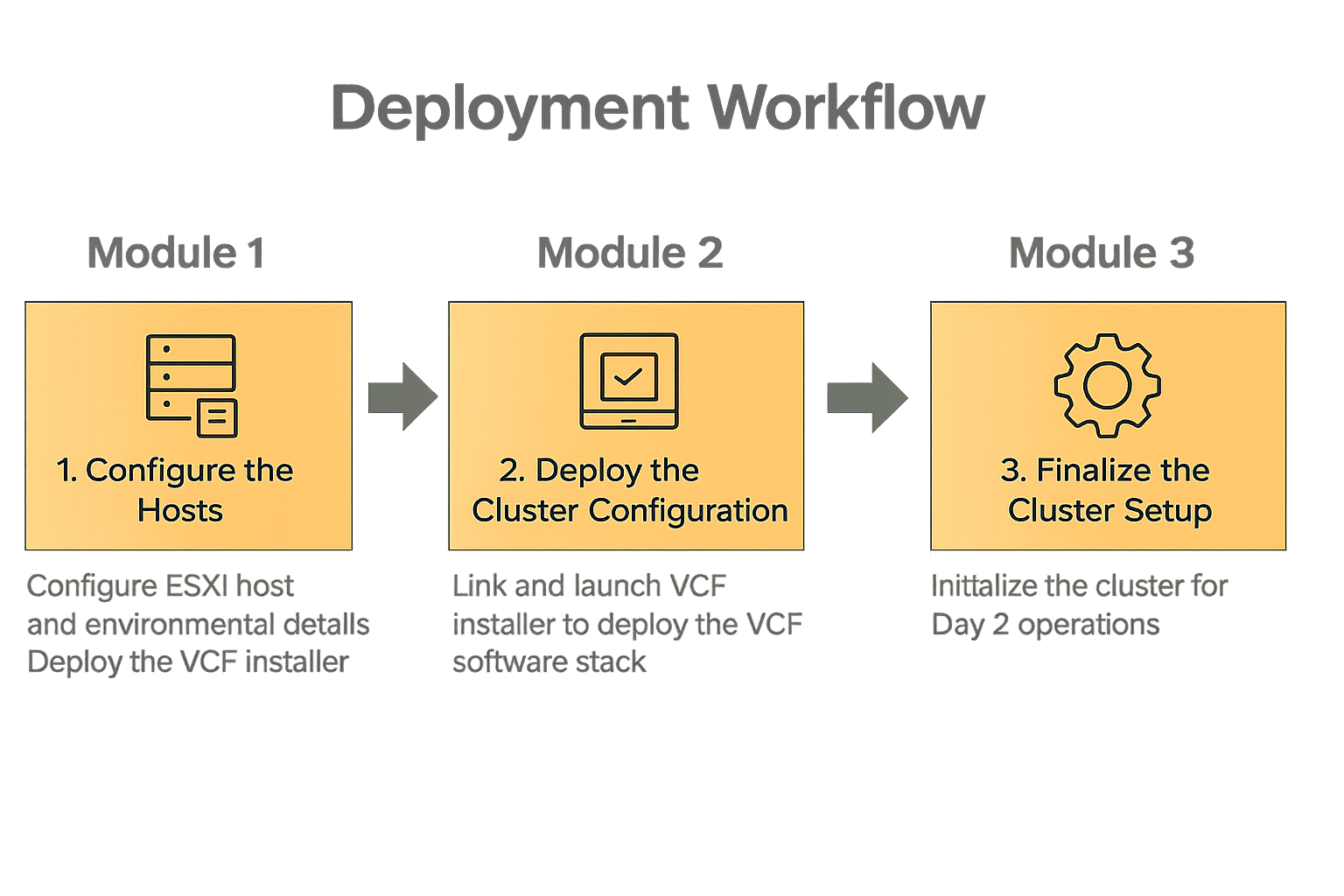
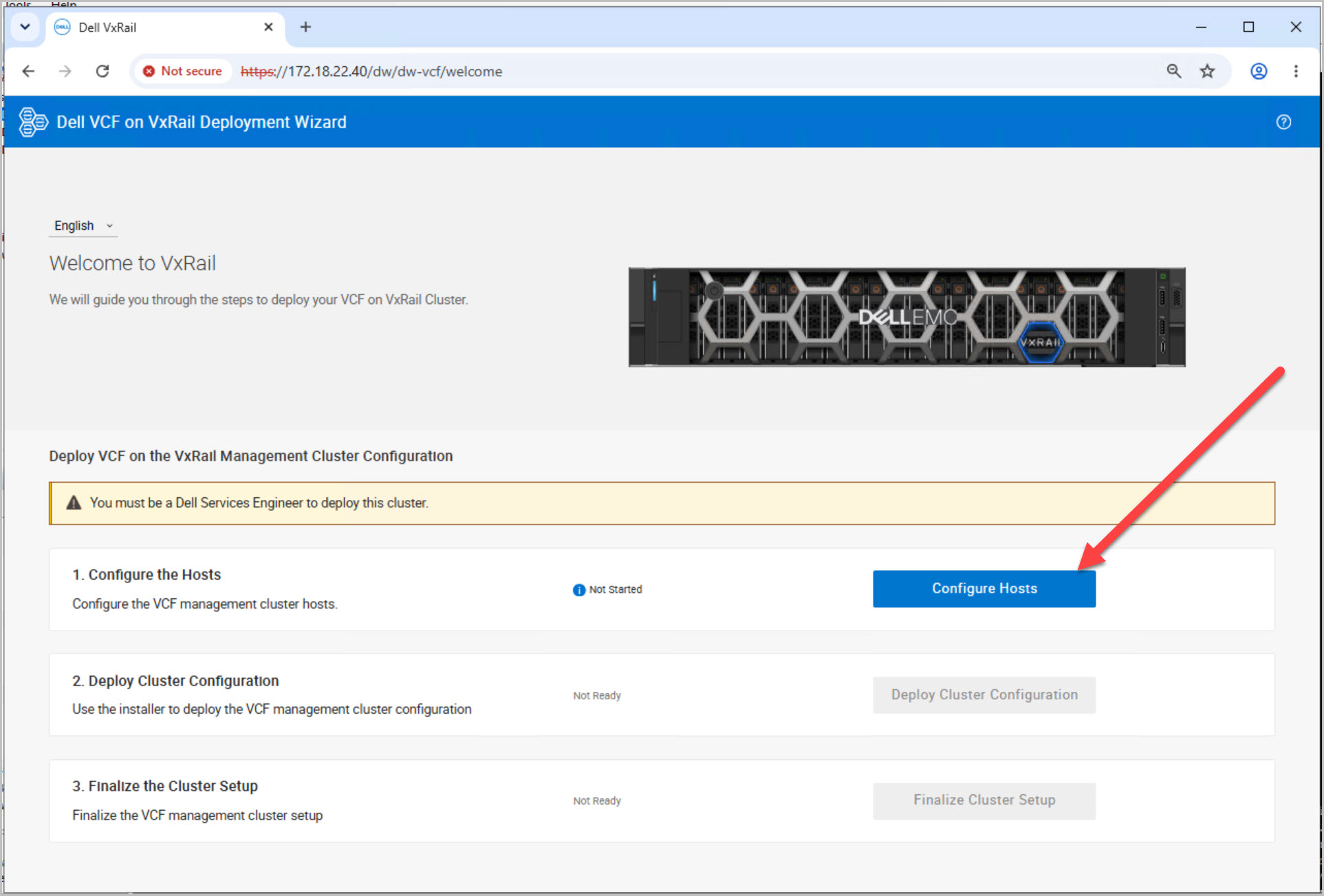
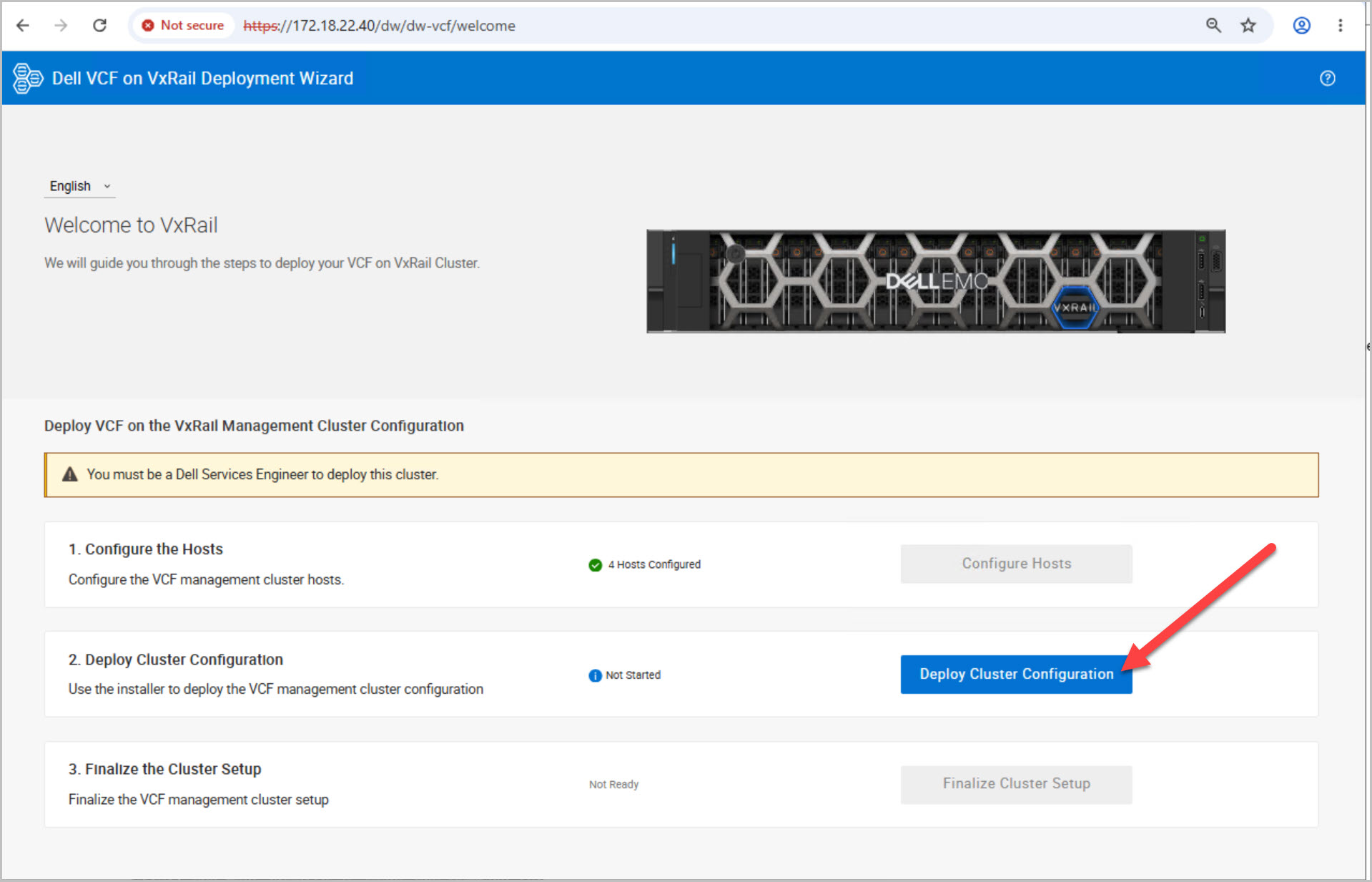
Deployment of VCF on VxRail is orchestrated through the VxRail Manager using a structured, three-module workflow. Each module represents a distinct phase of the deployment lifecycle, progressing from infrastructure initialization to full-cluster readiness.
Module 1: Infrastructure Initialization
This phase prepares the underlying physical and management infrastructure:
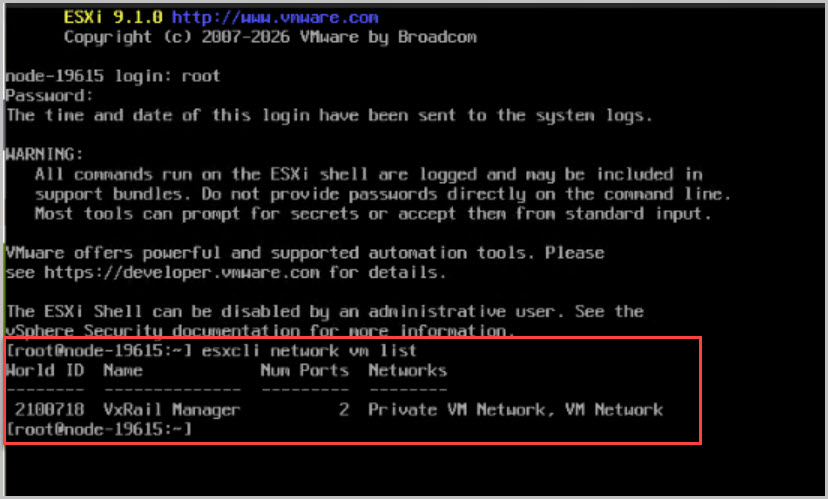
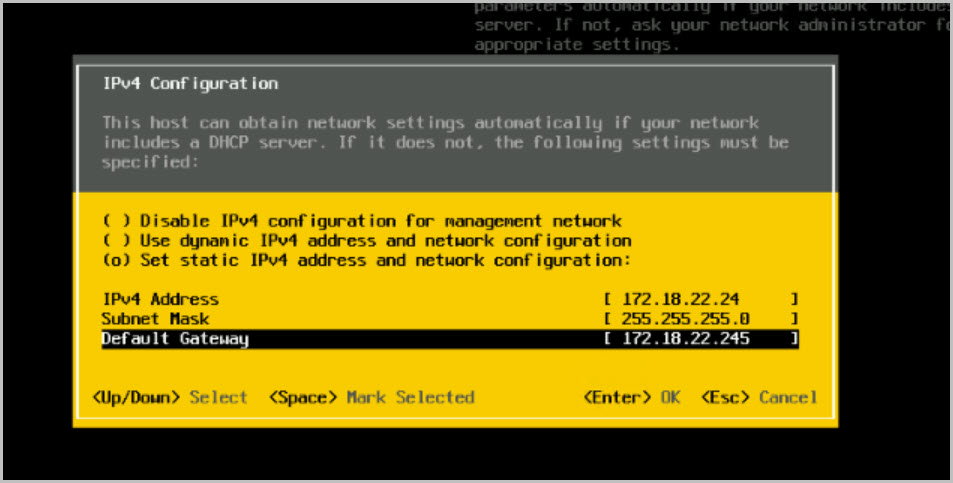
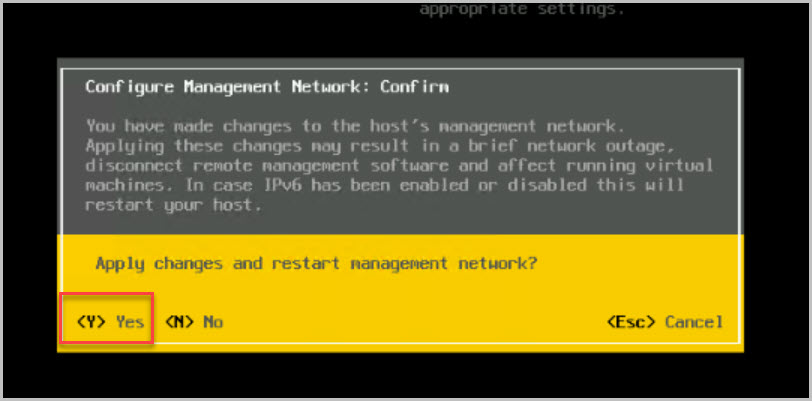
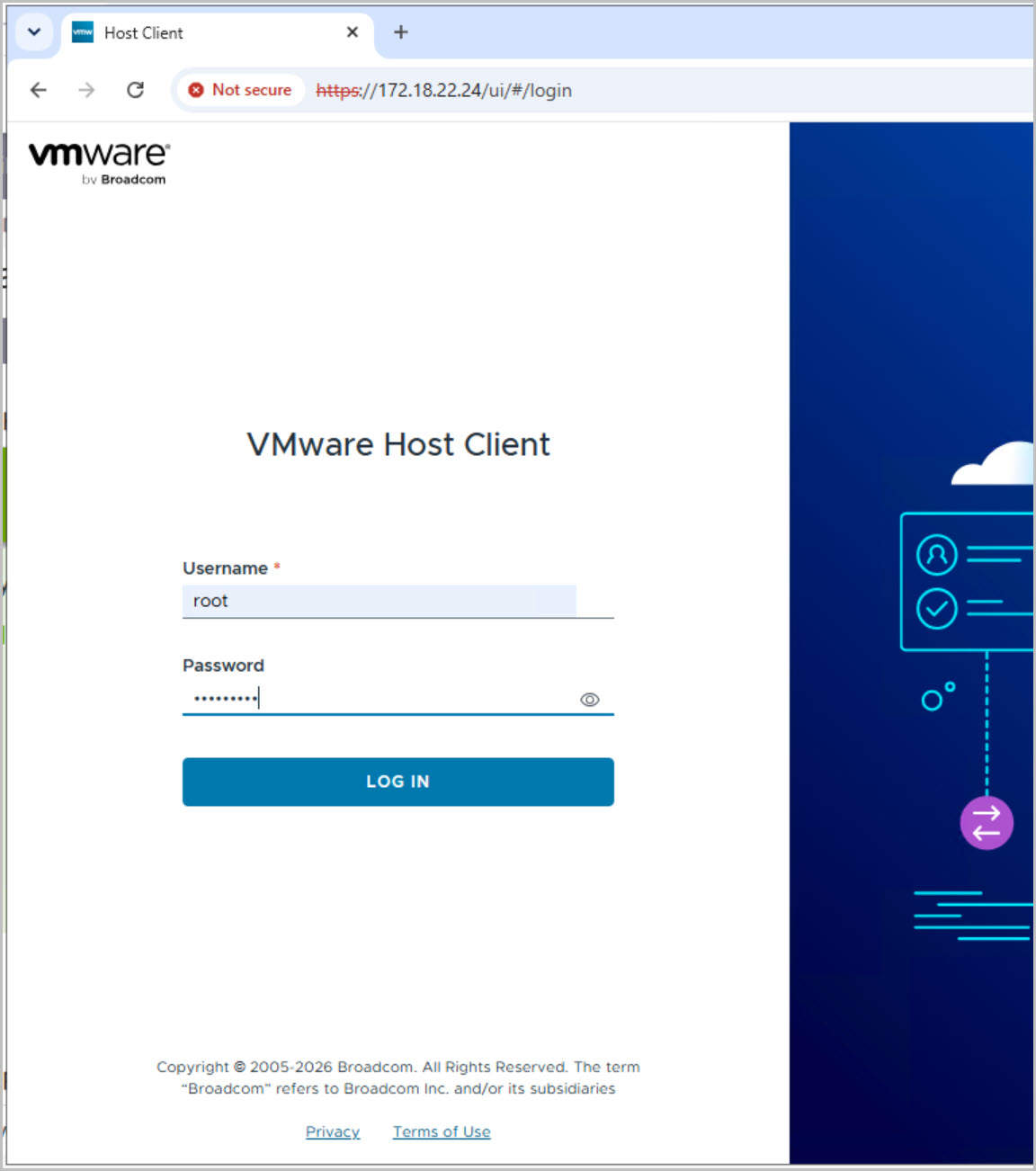
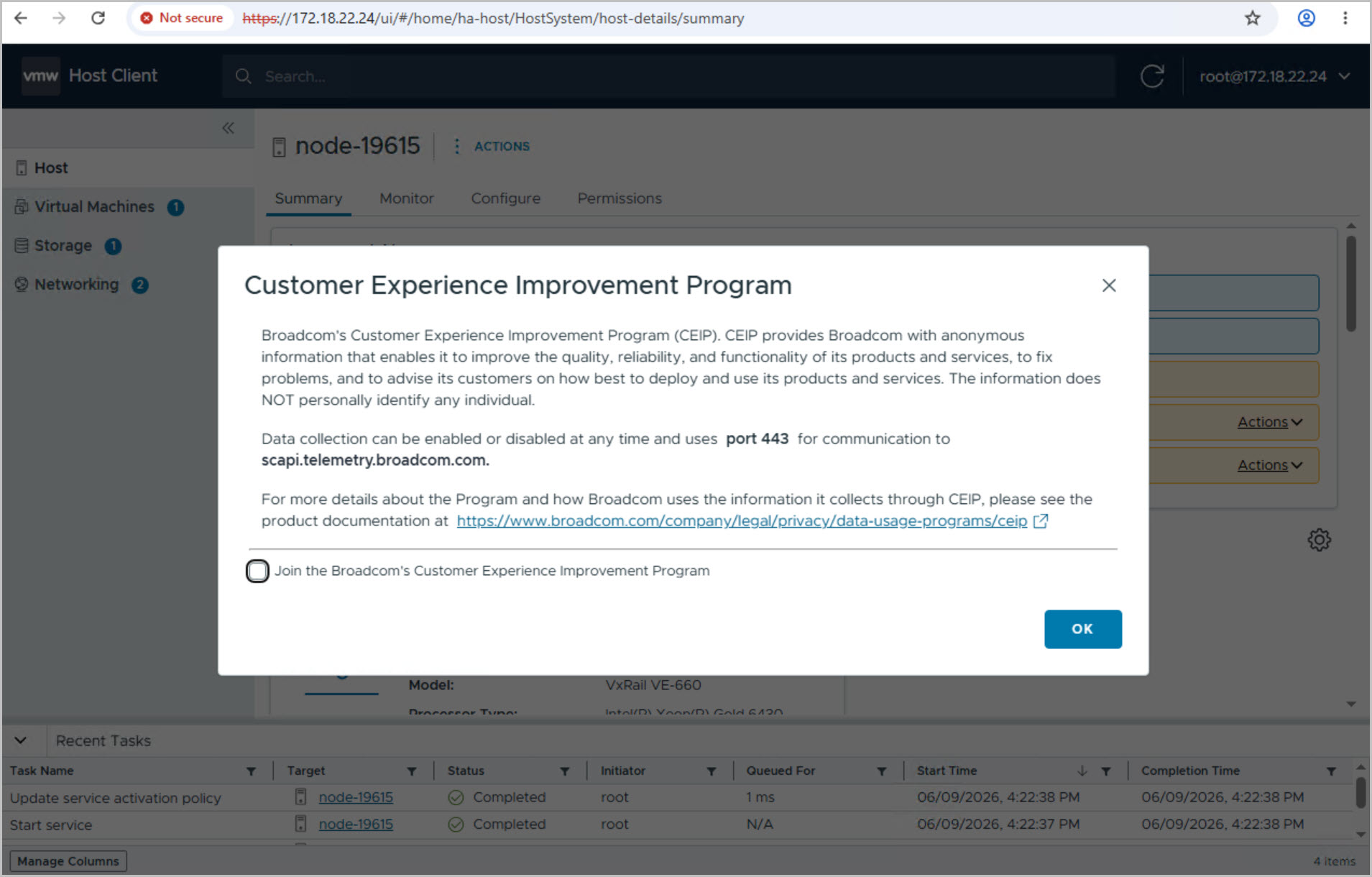
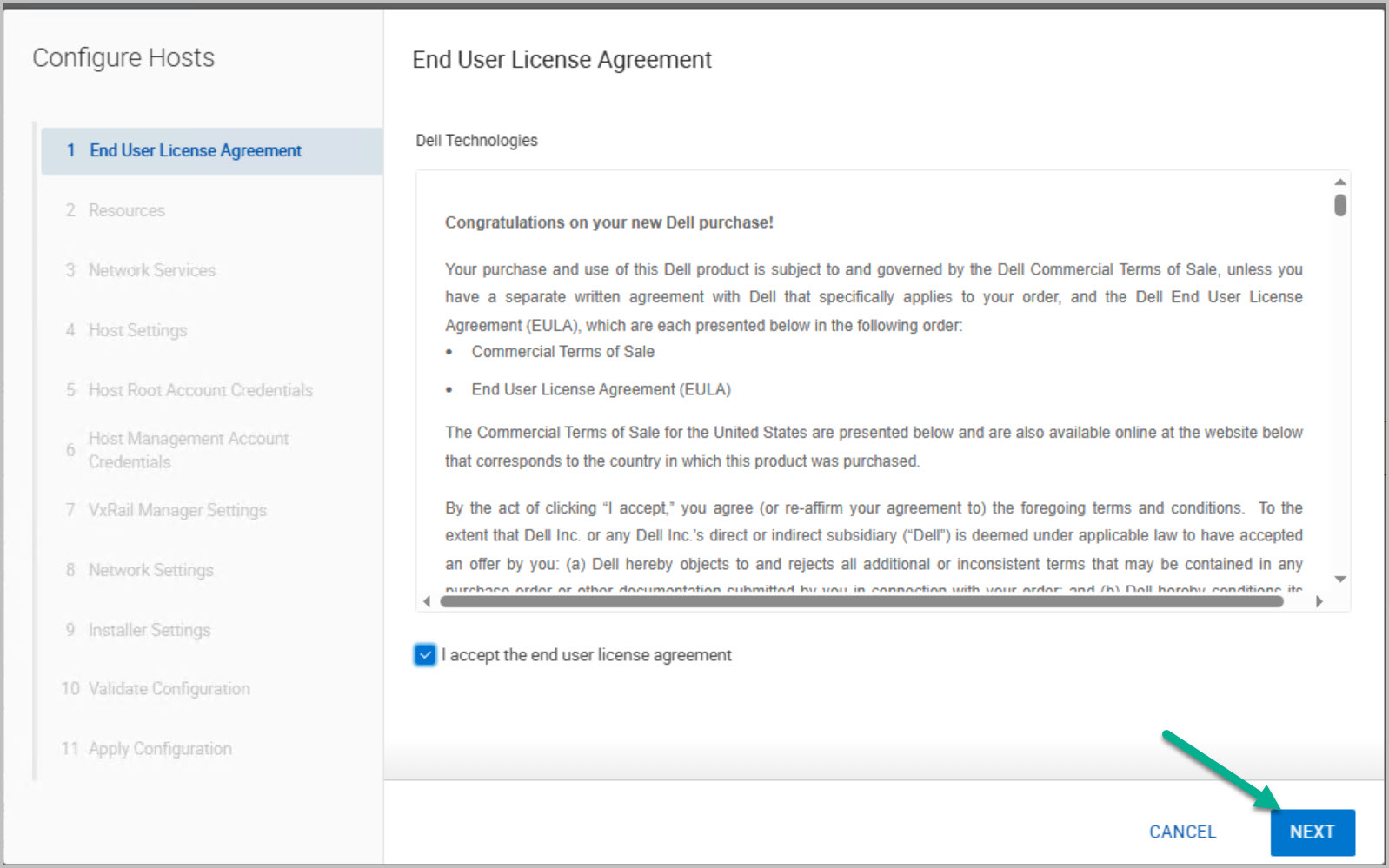
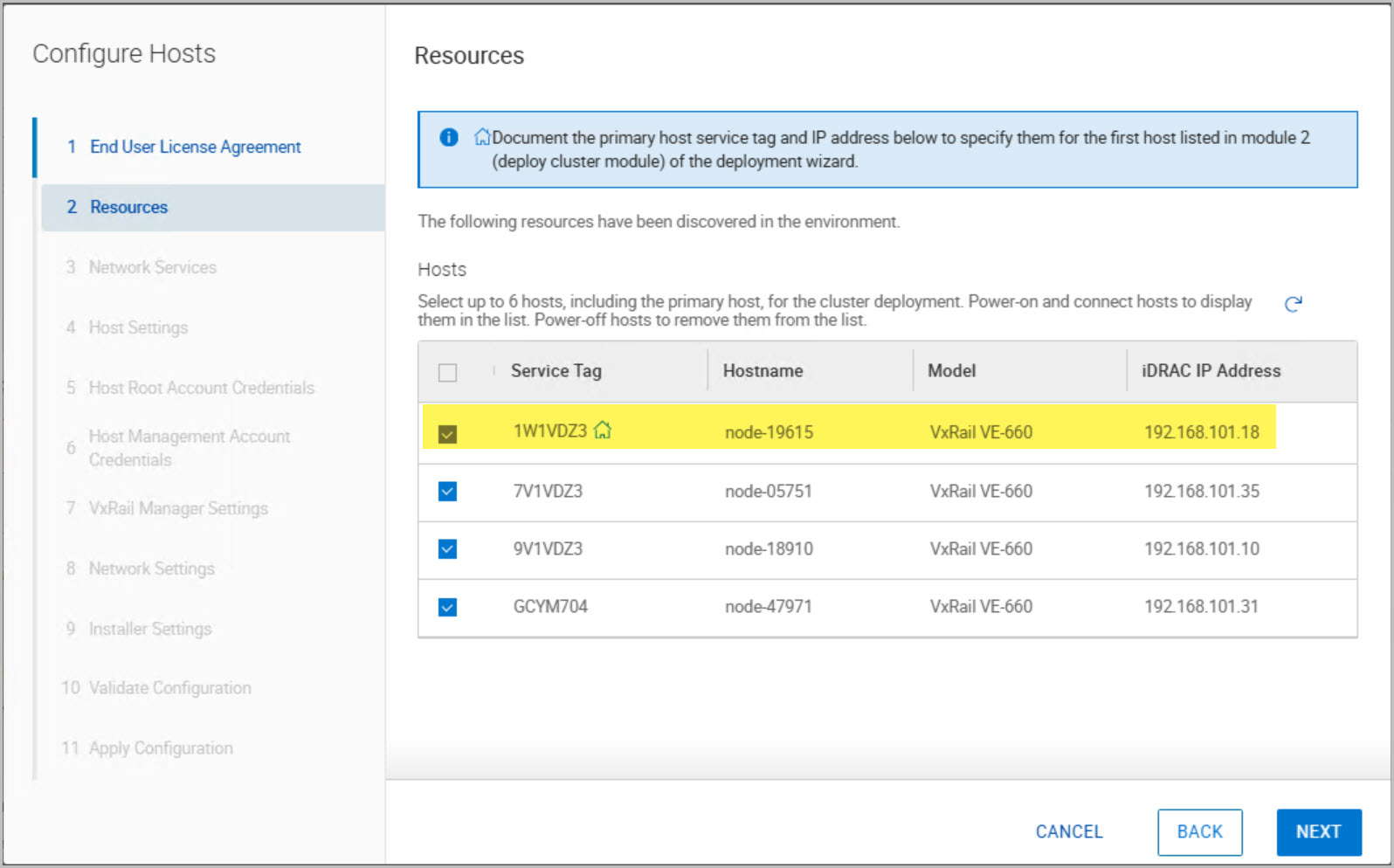
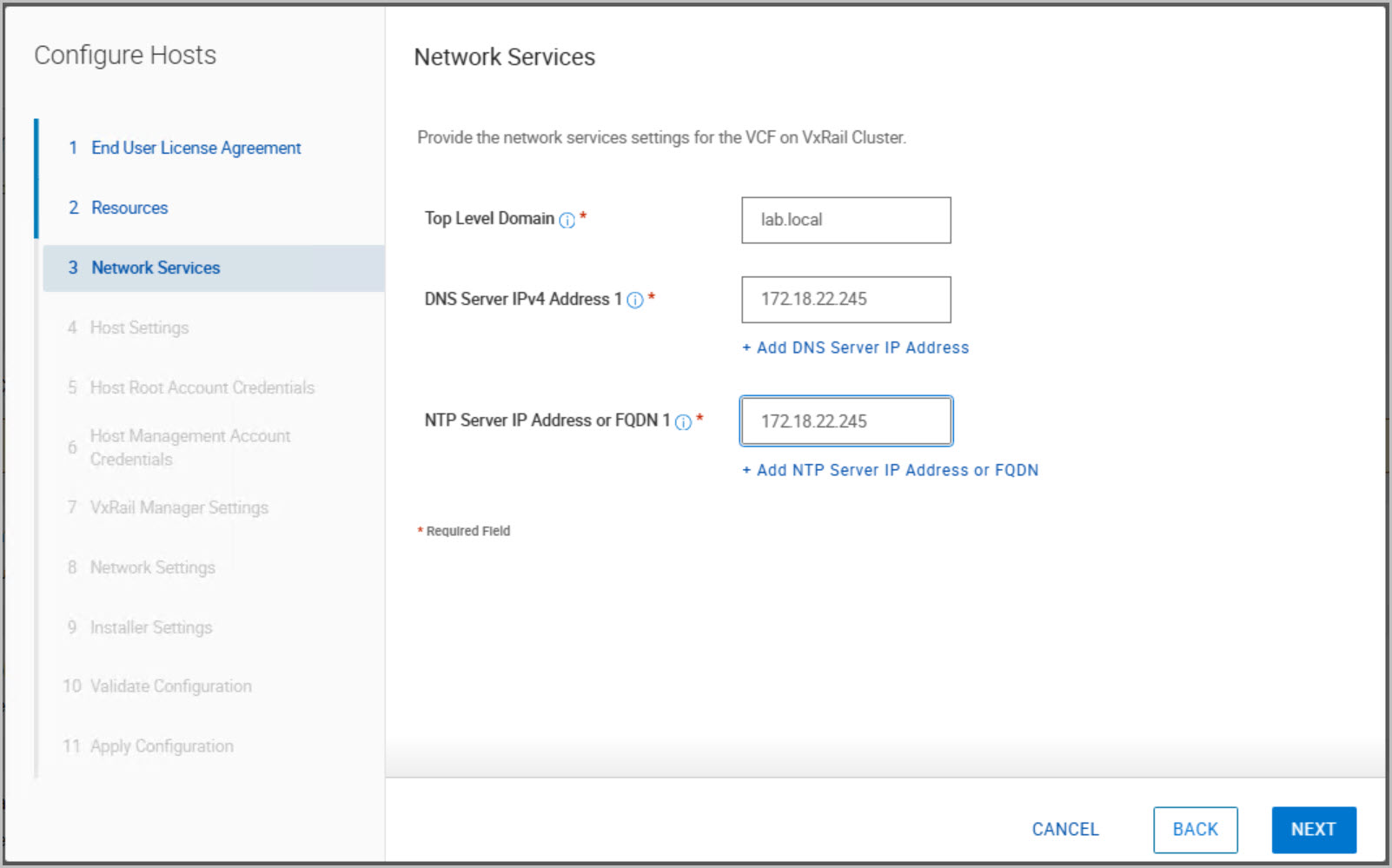
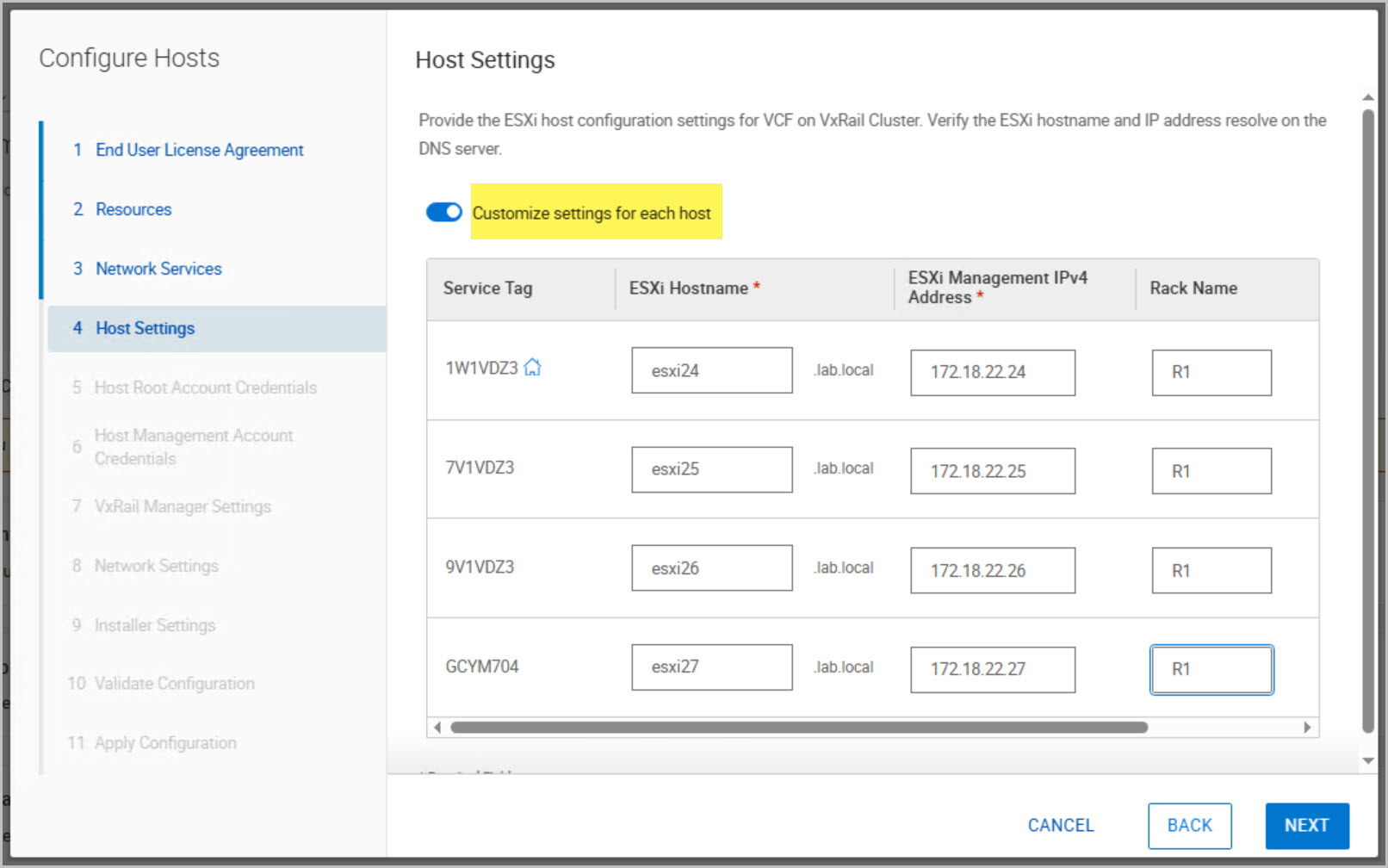
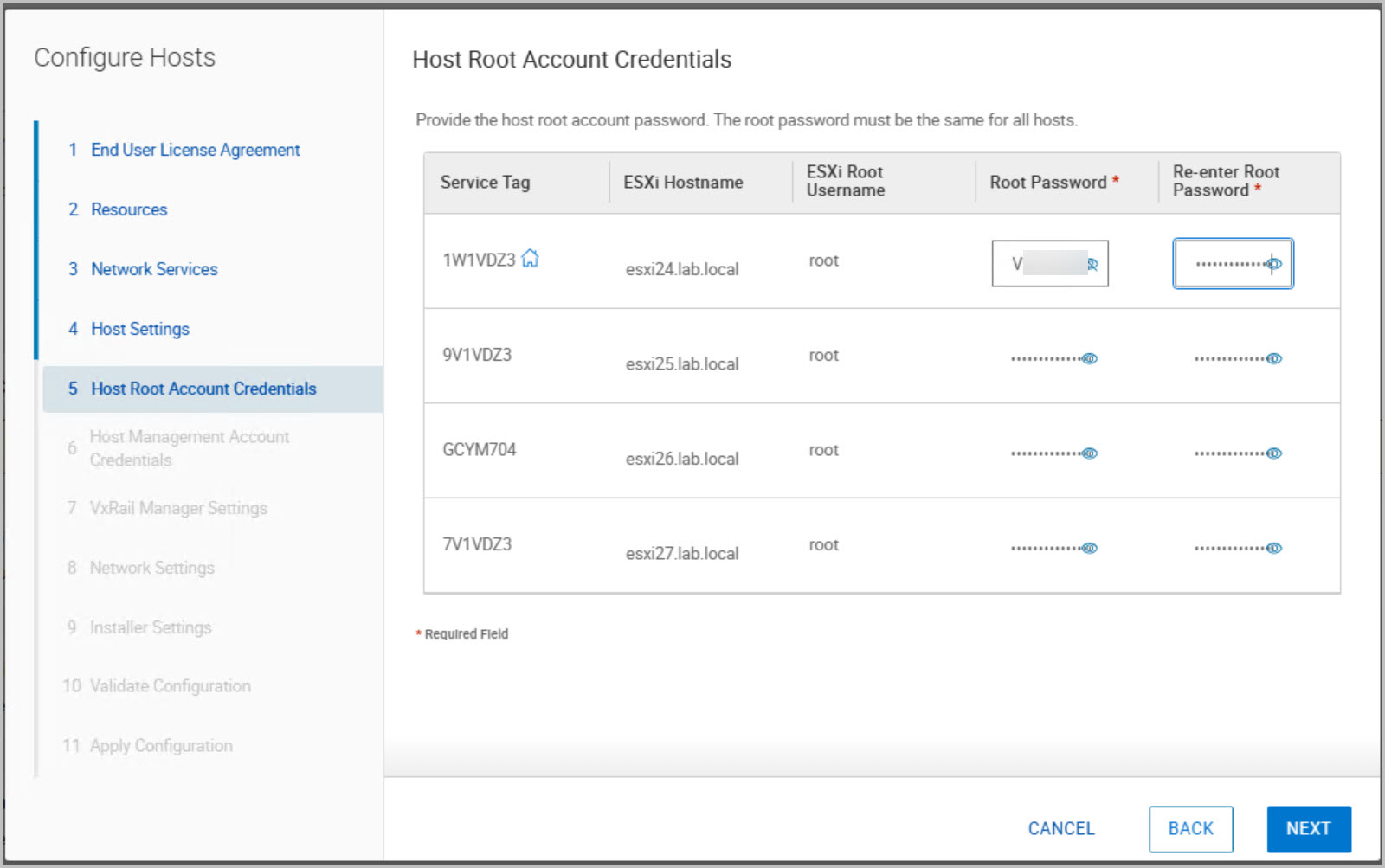
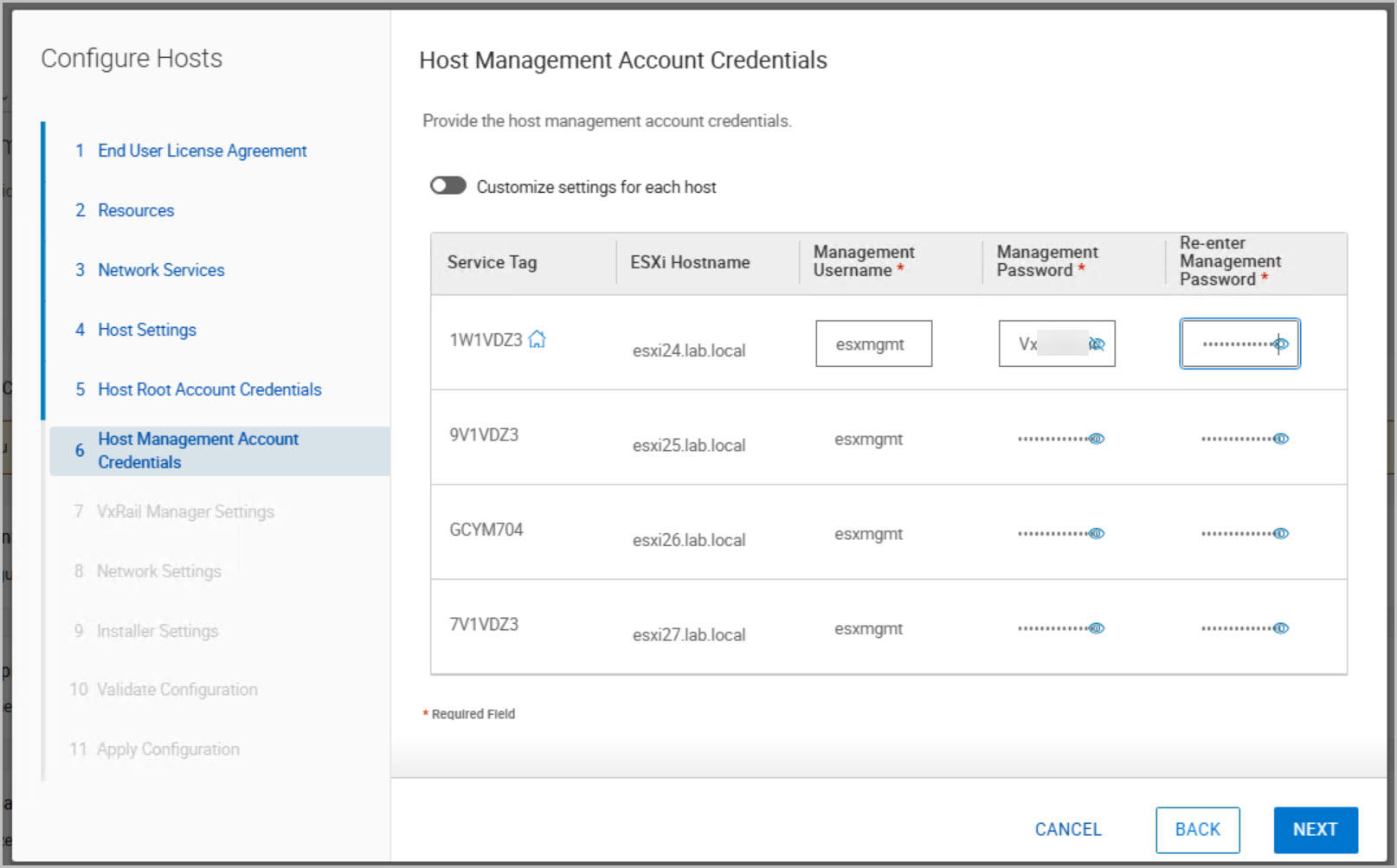
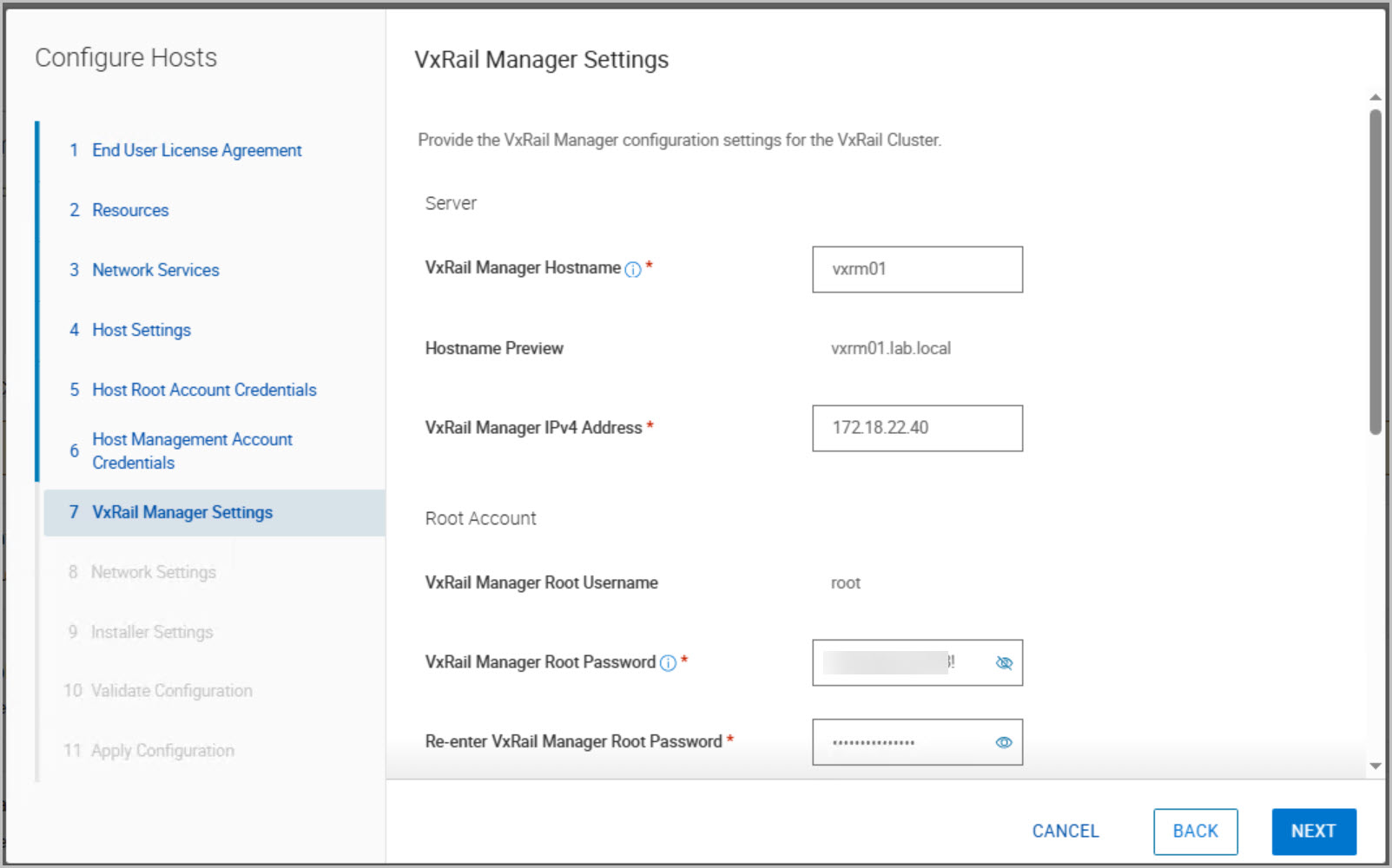
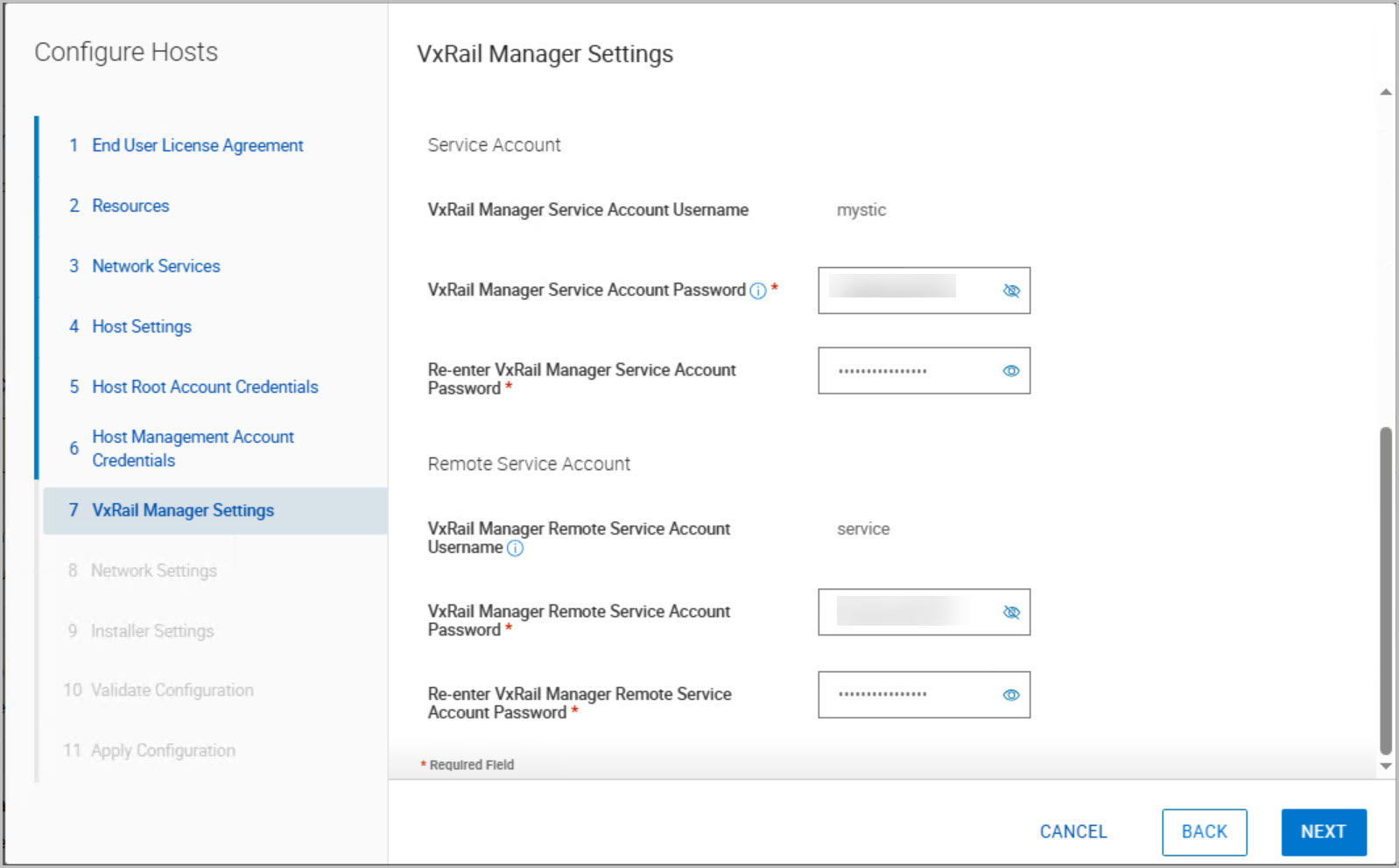
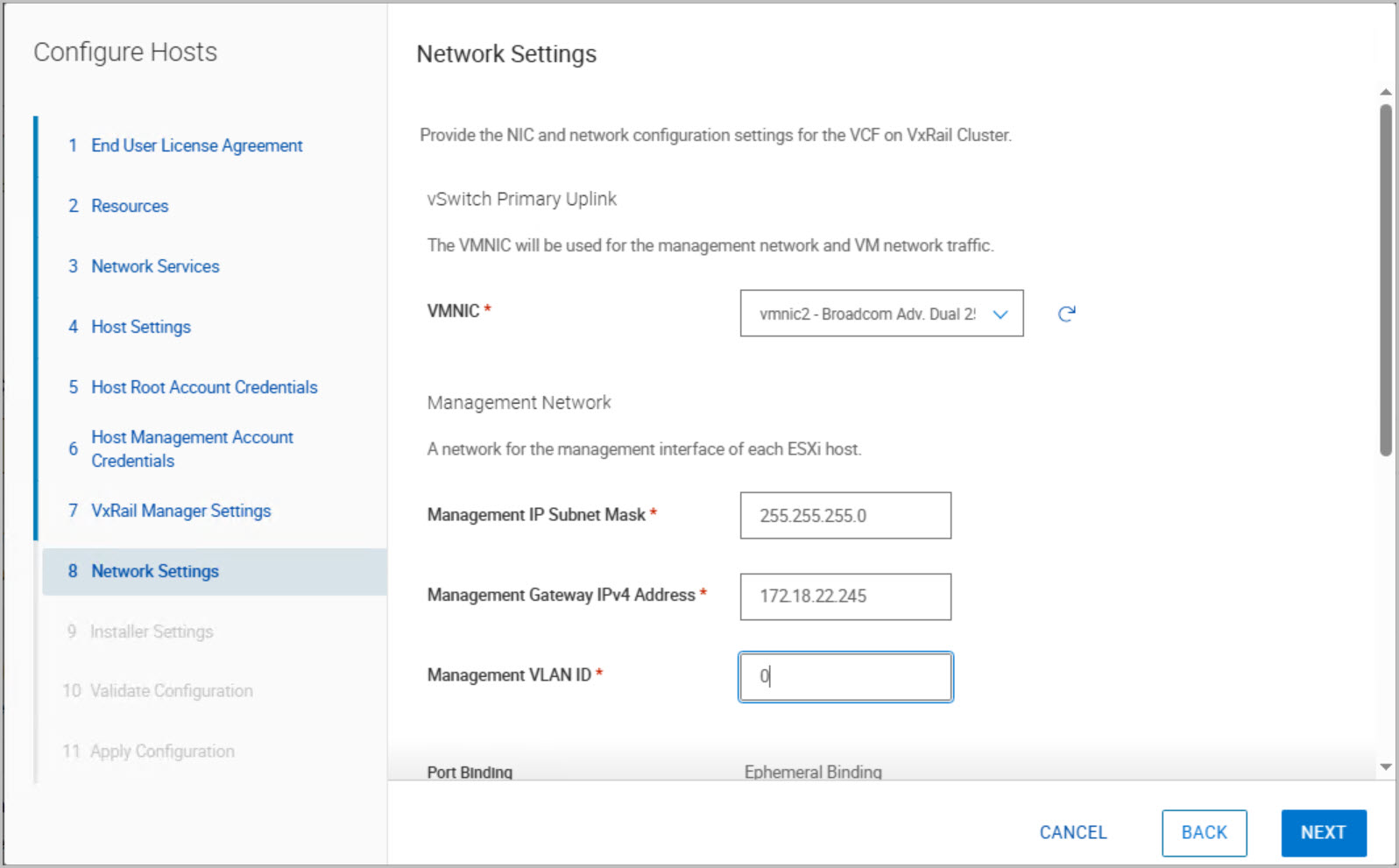
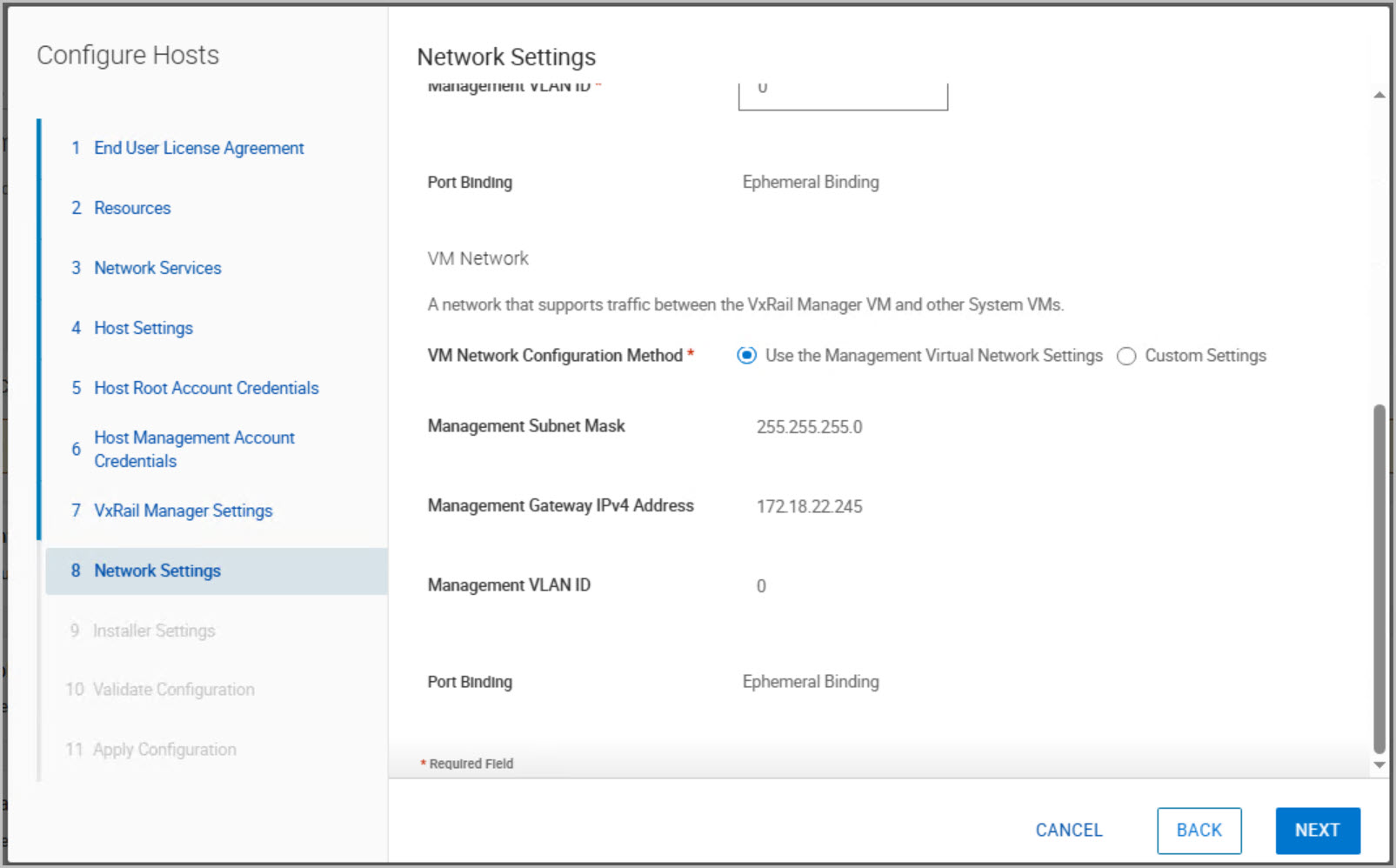
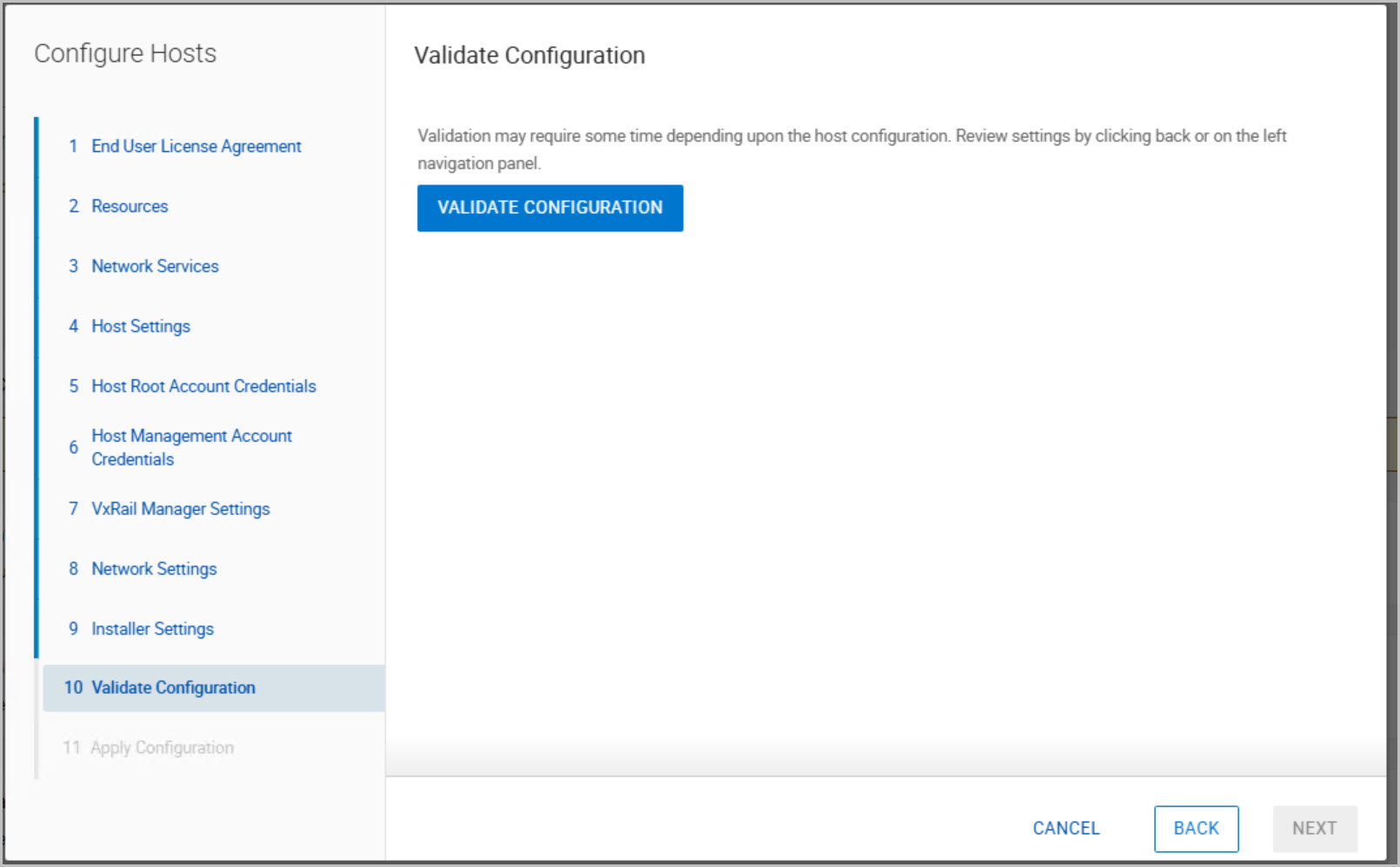
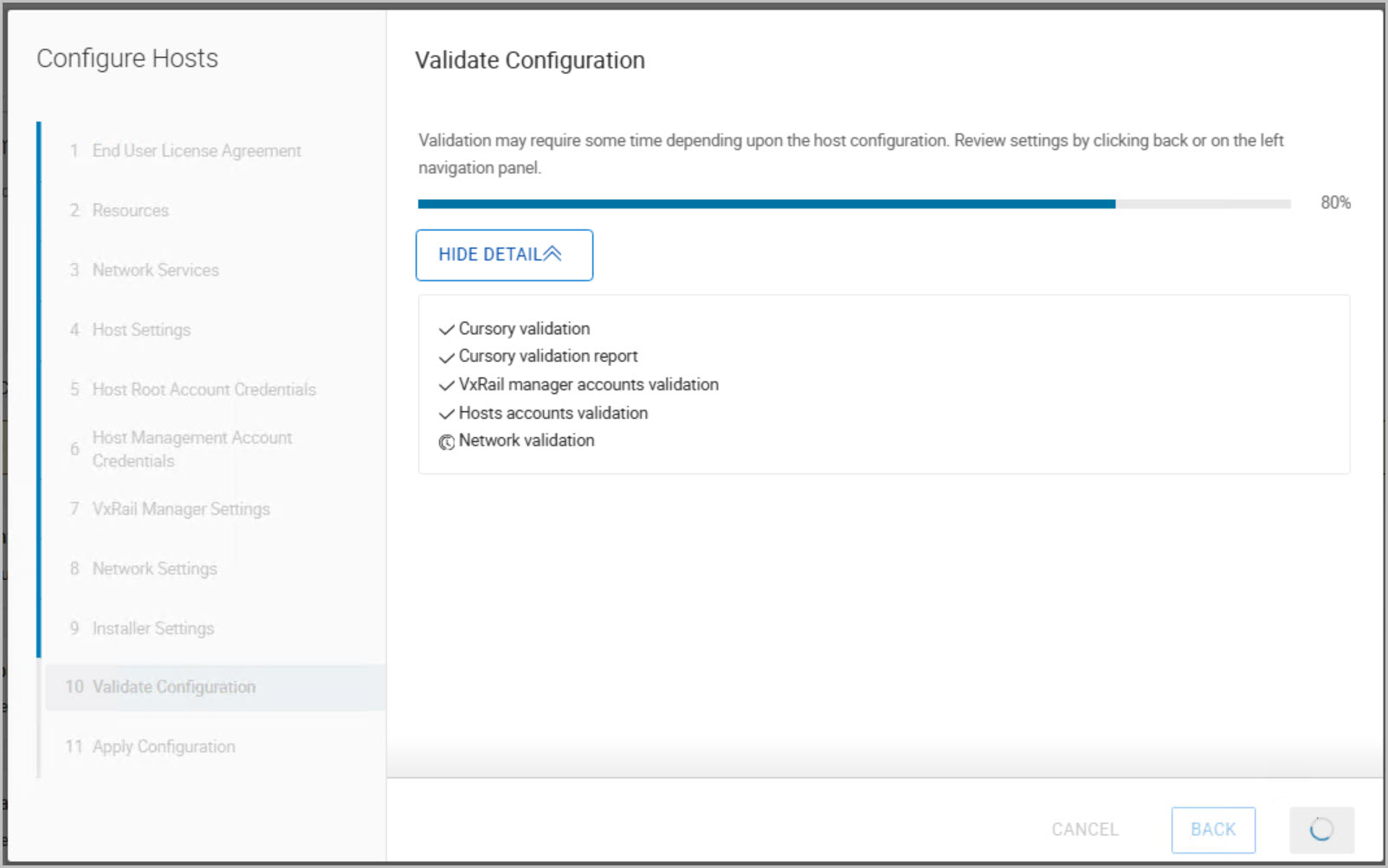
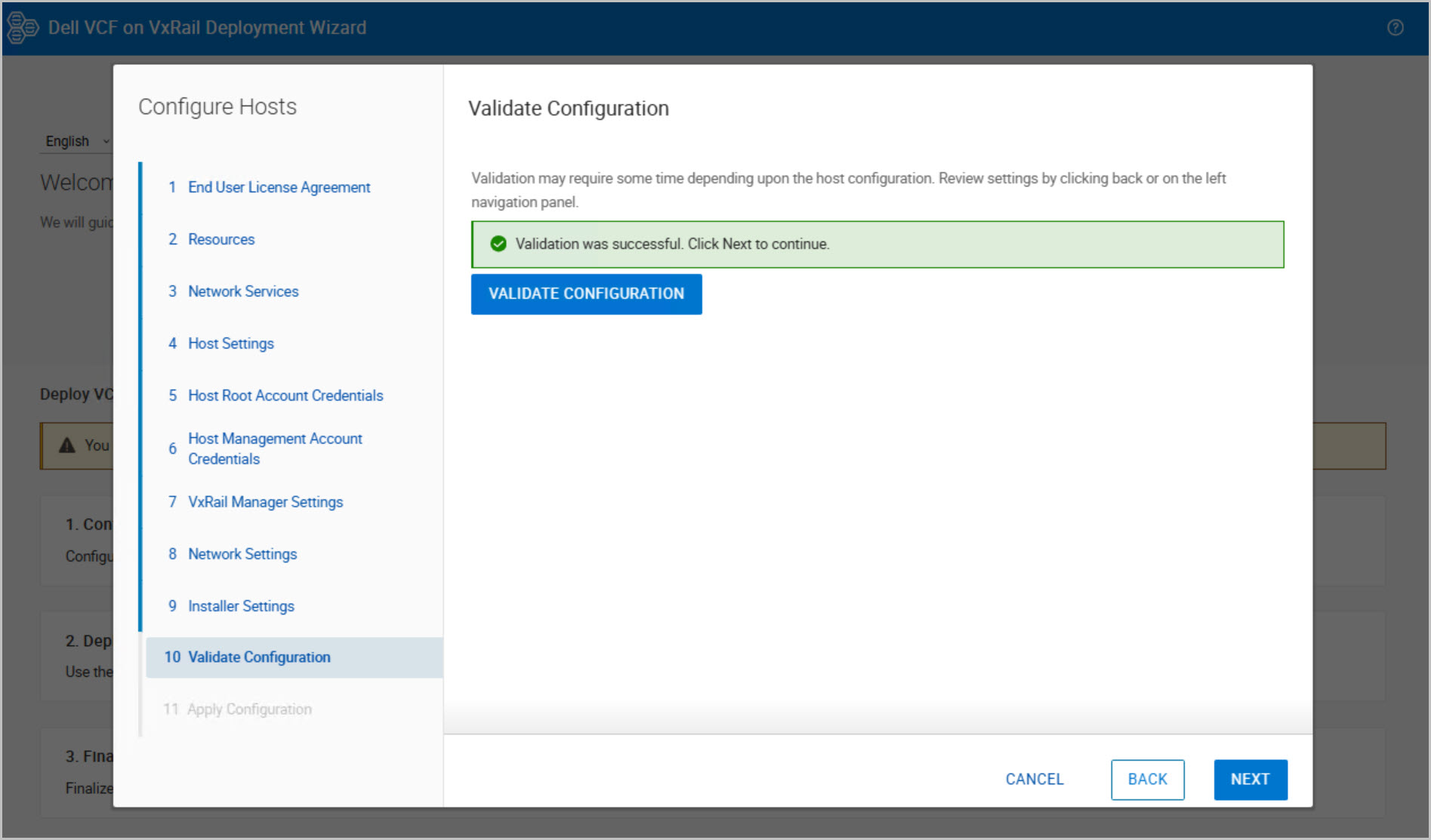
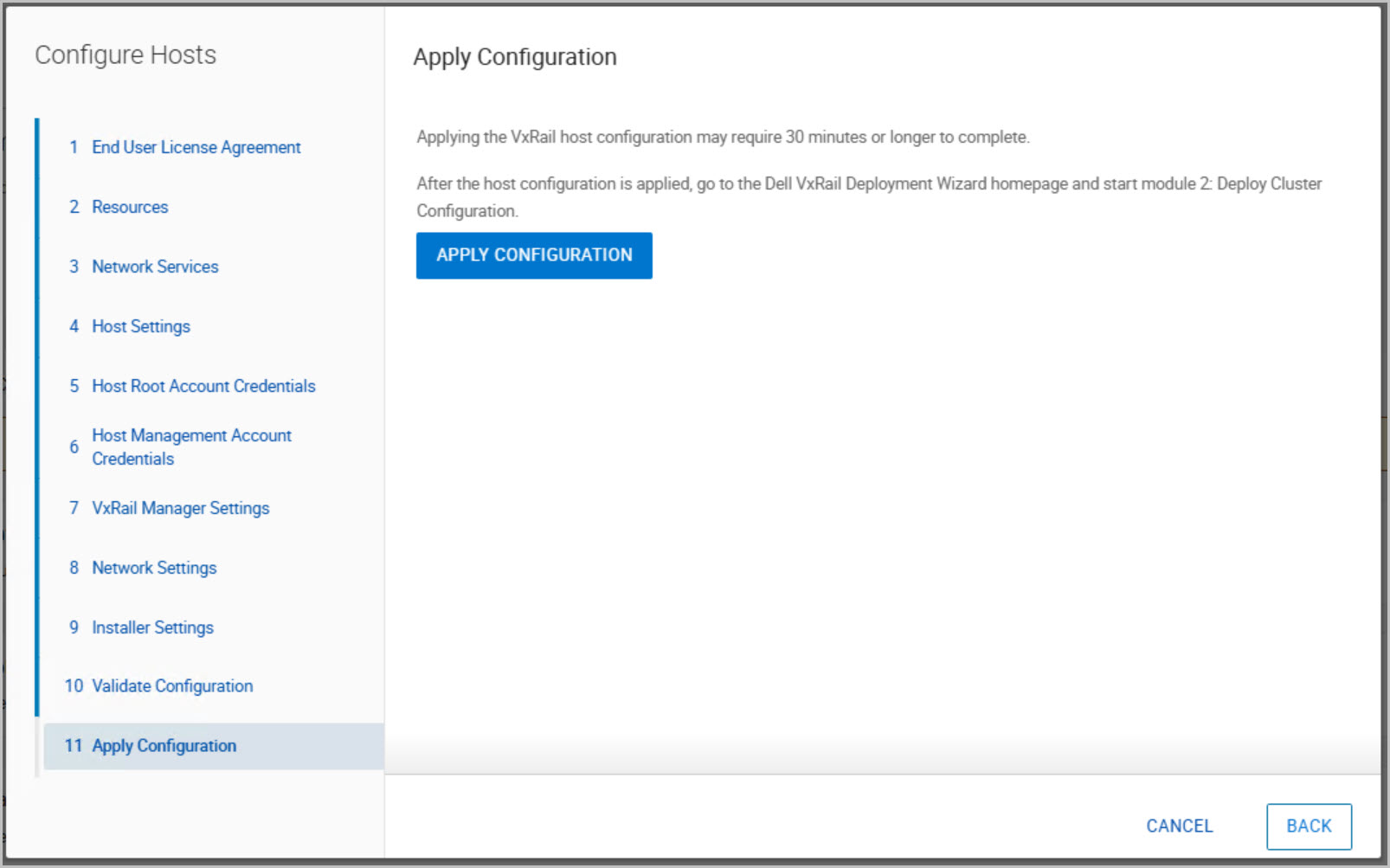
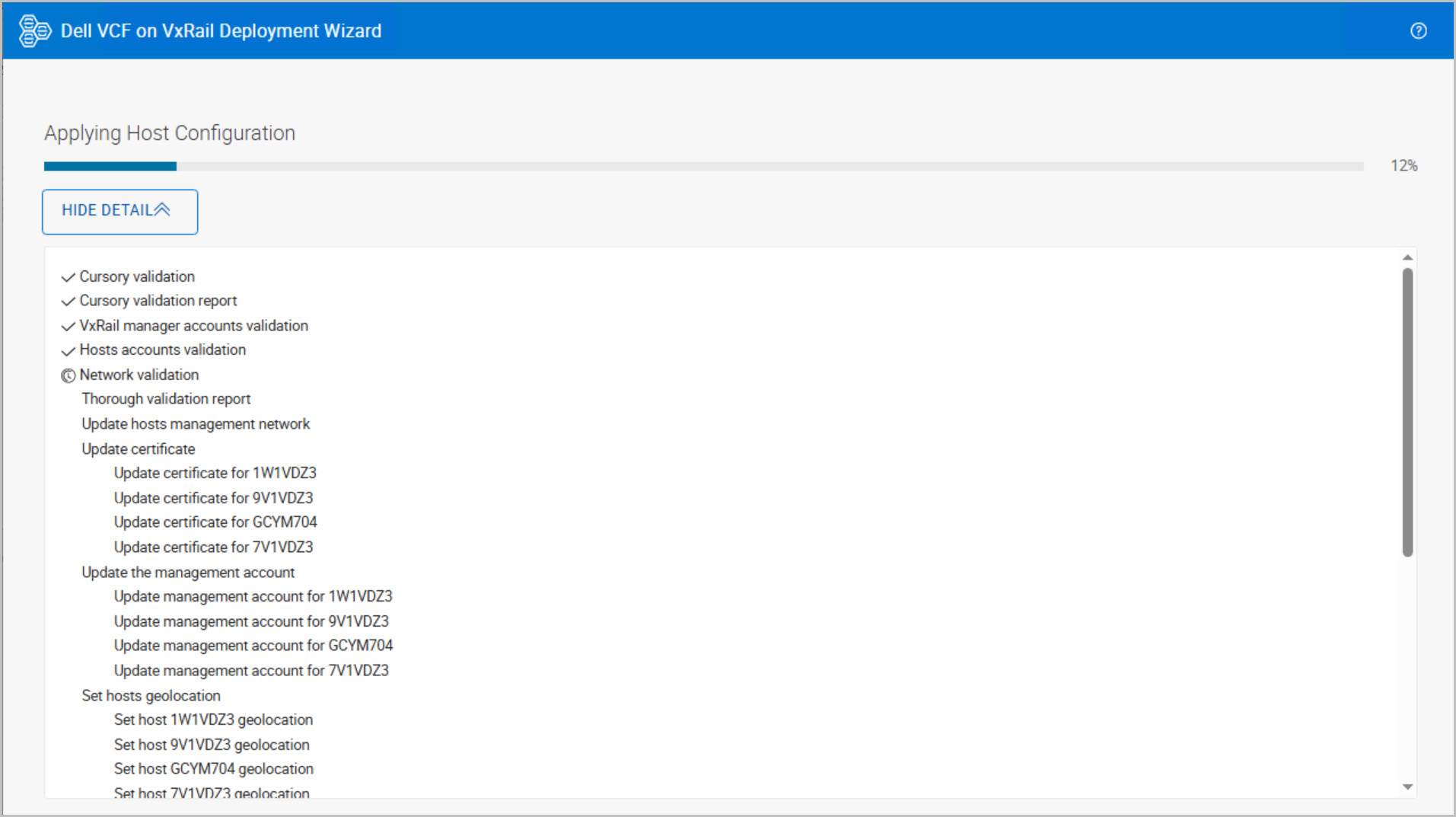
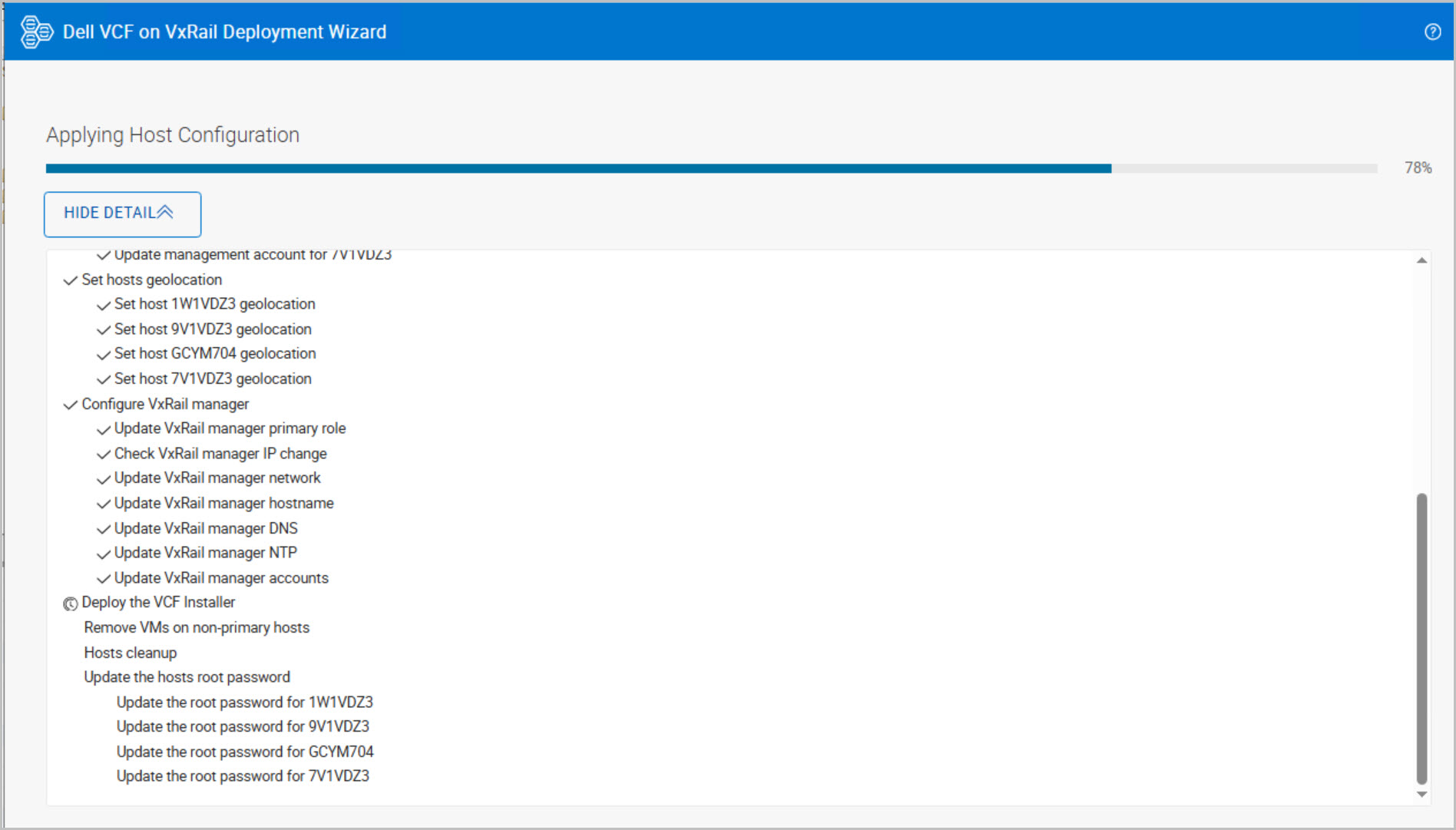
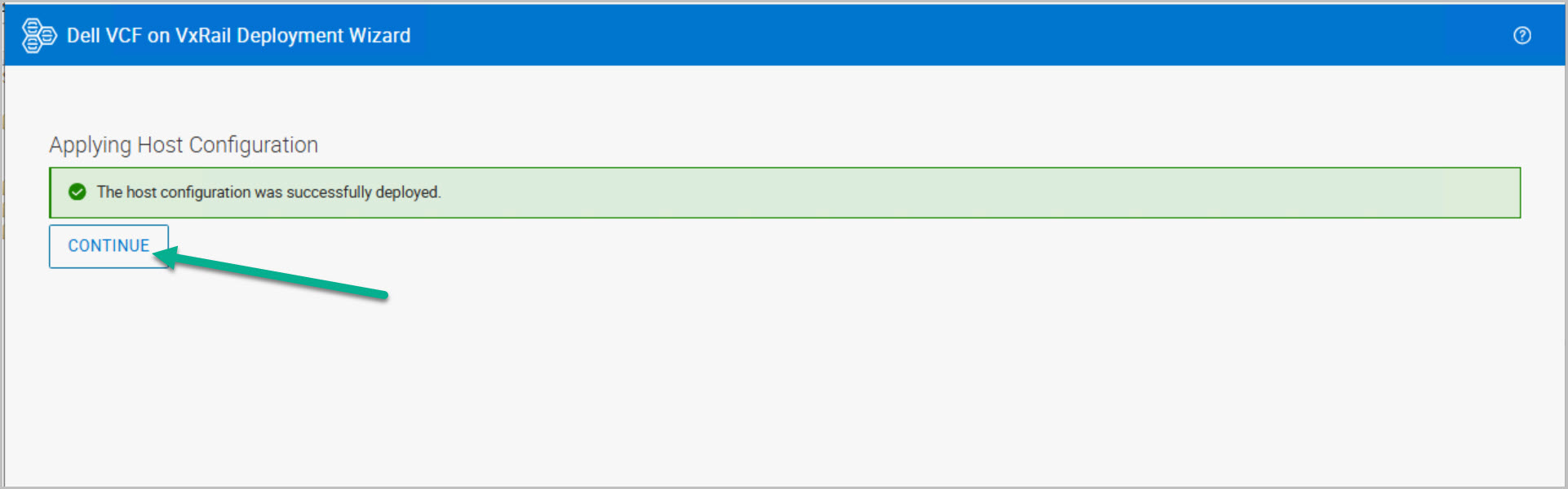
Configure ESX hosts
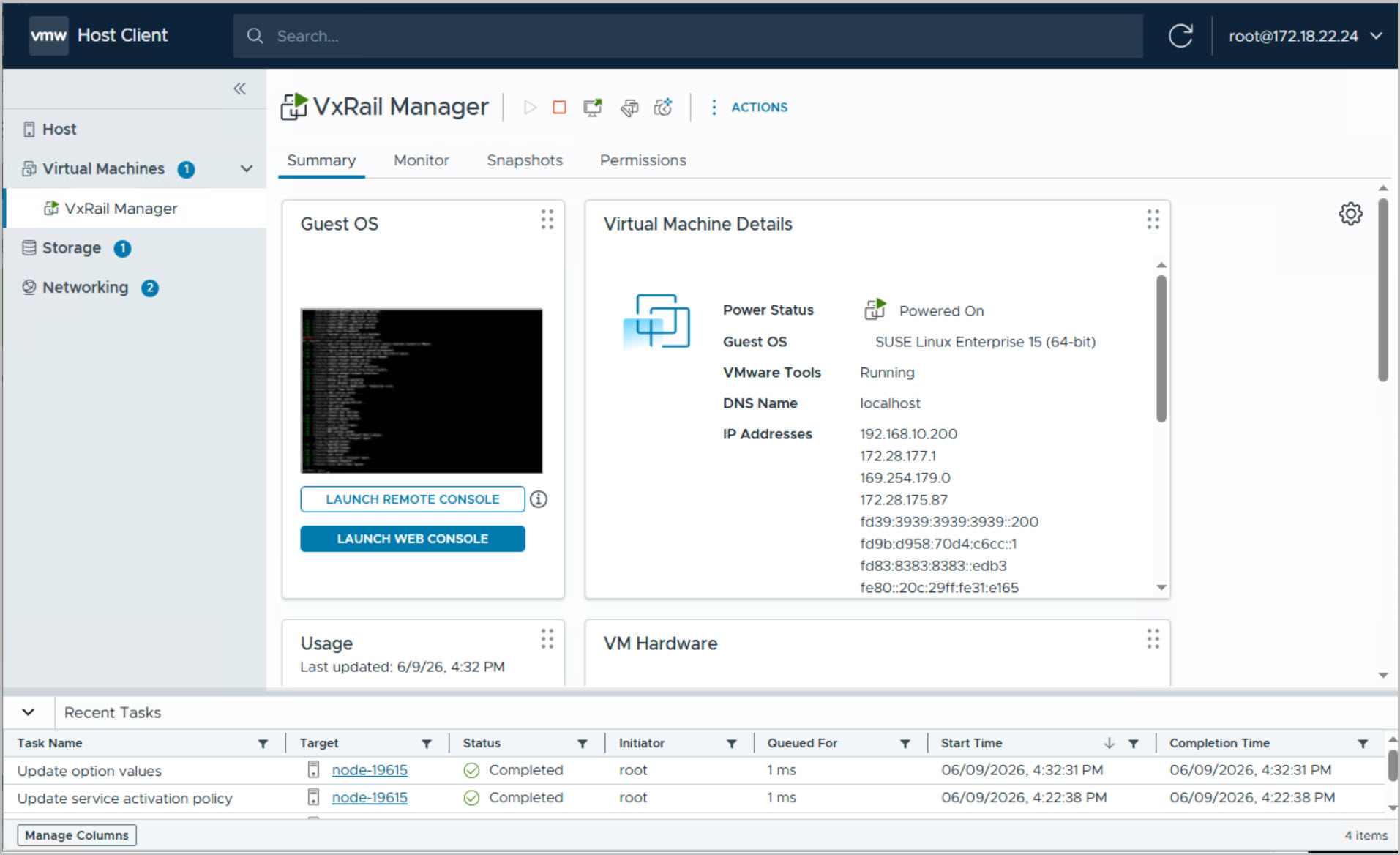
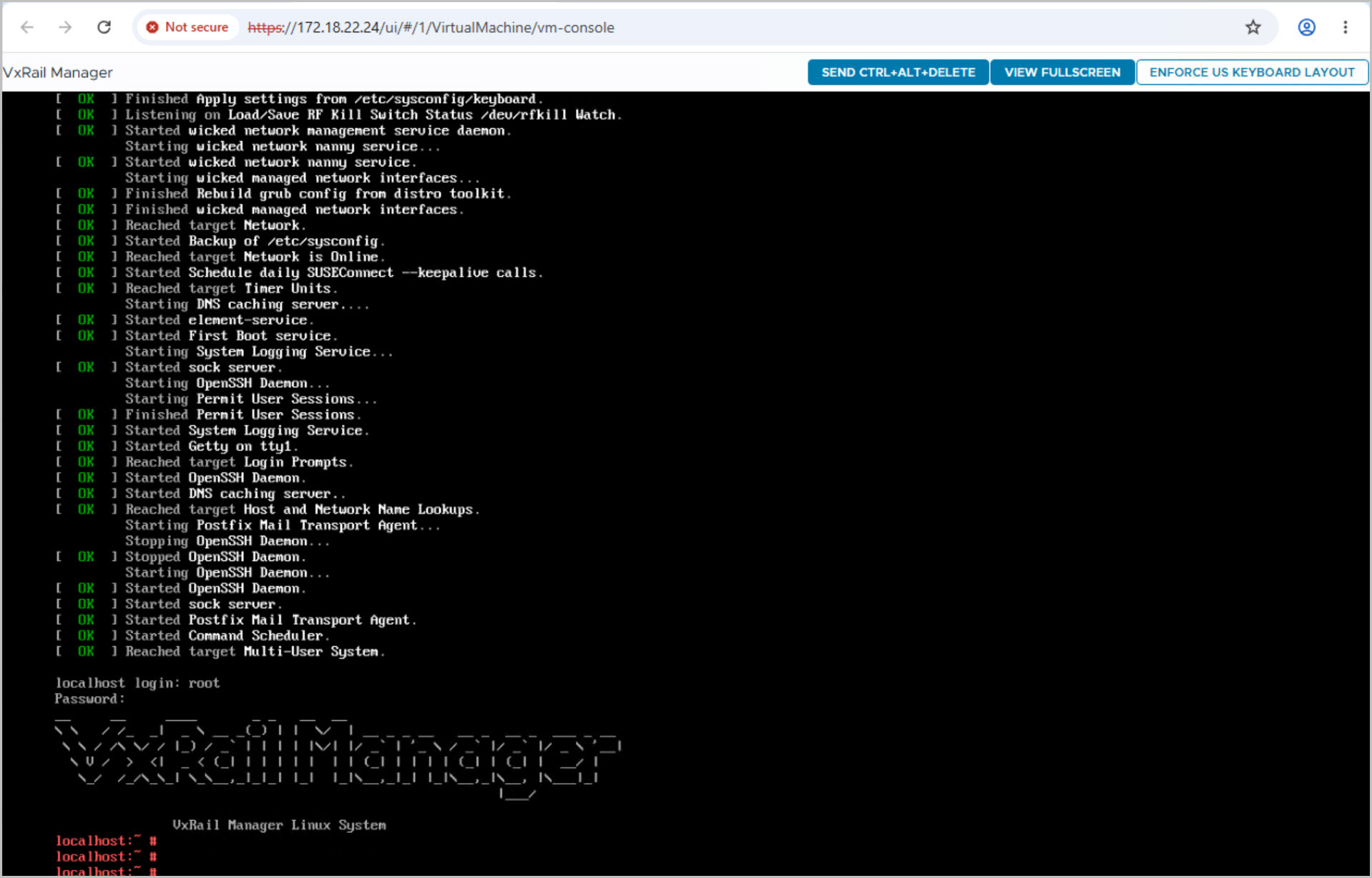
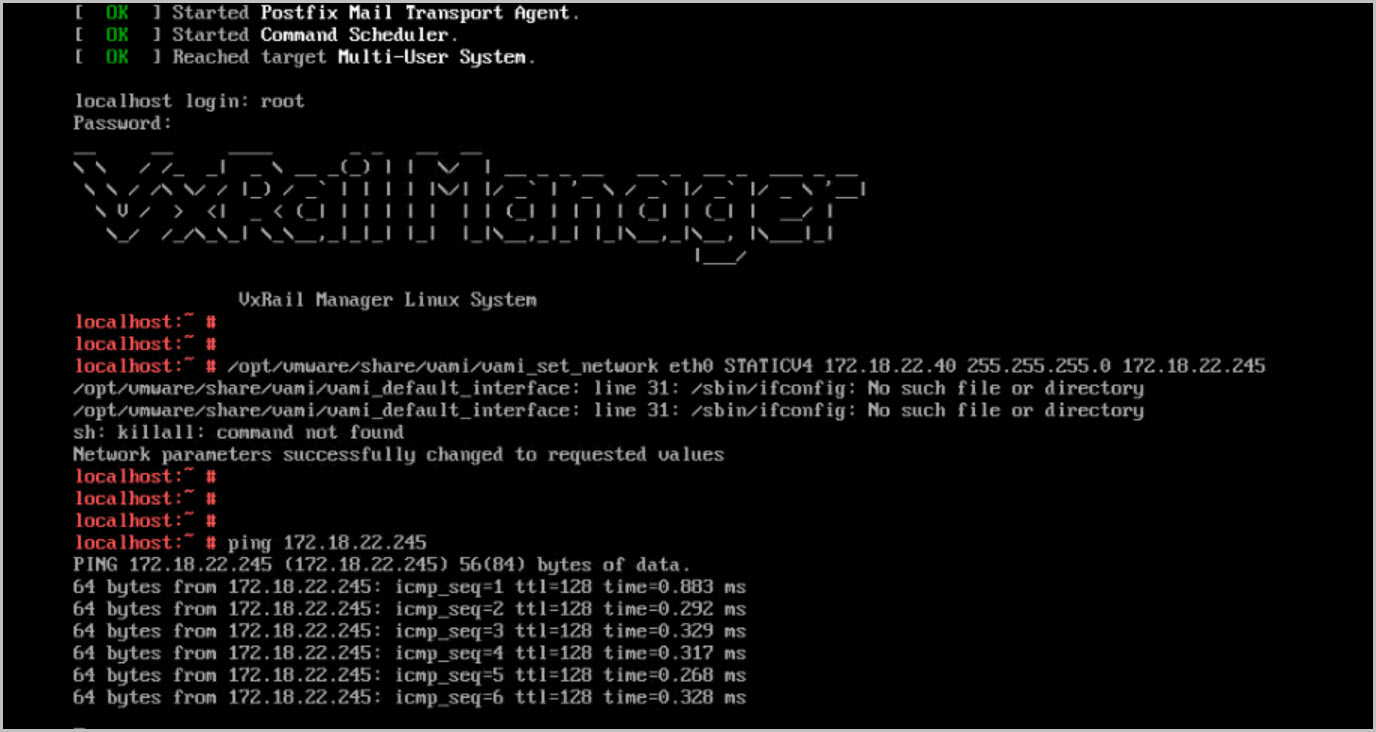
Initialize the VxRail Manager
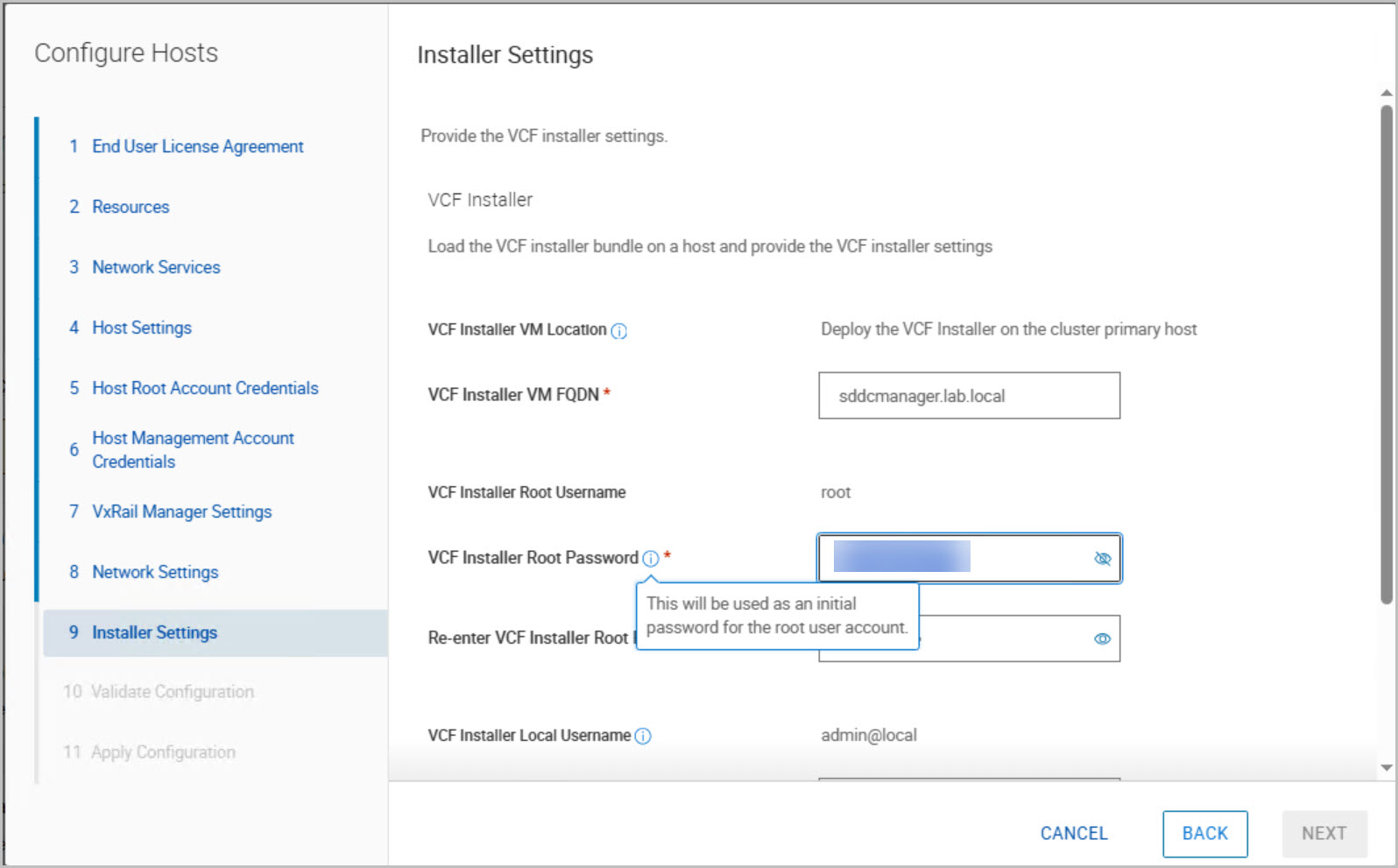
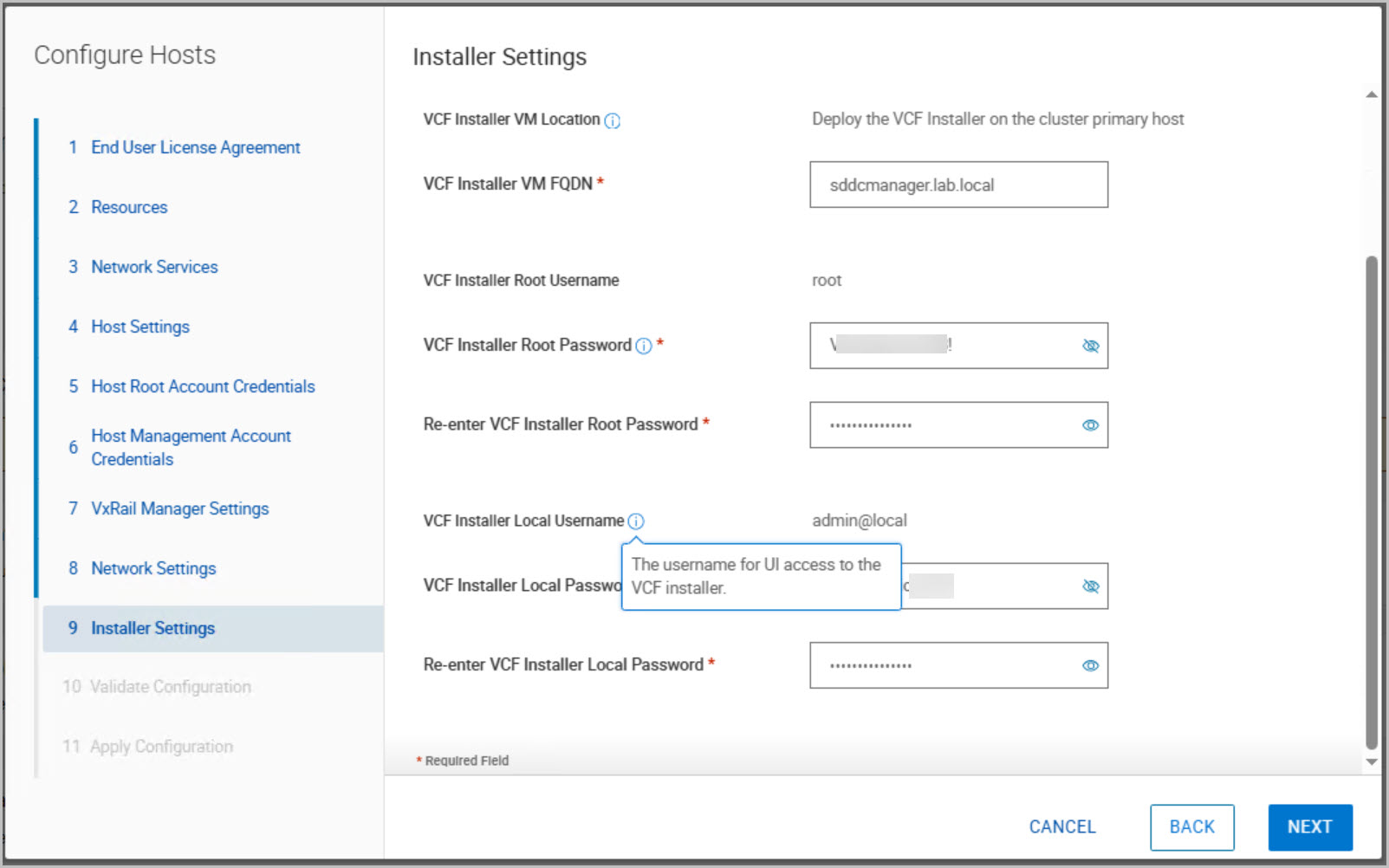
Deploy the VCF Installer appliance
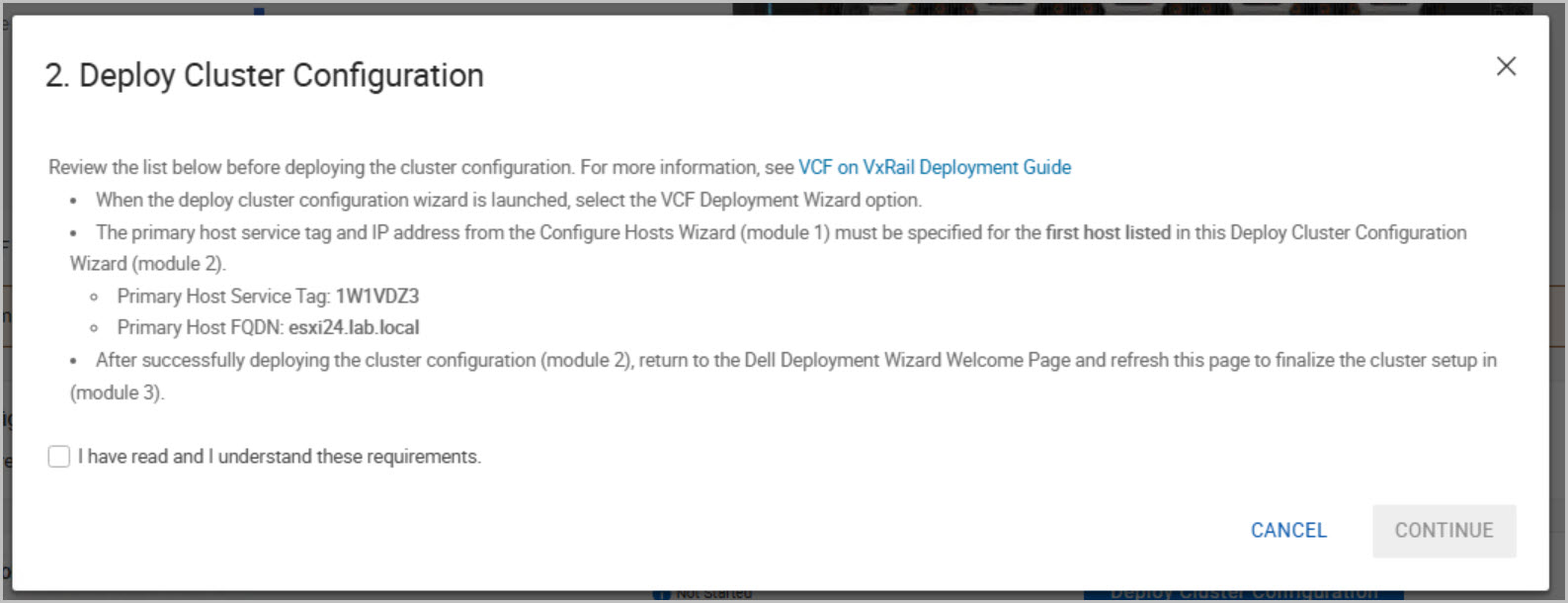
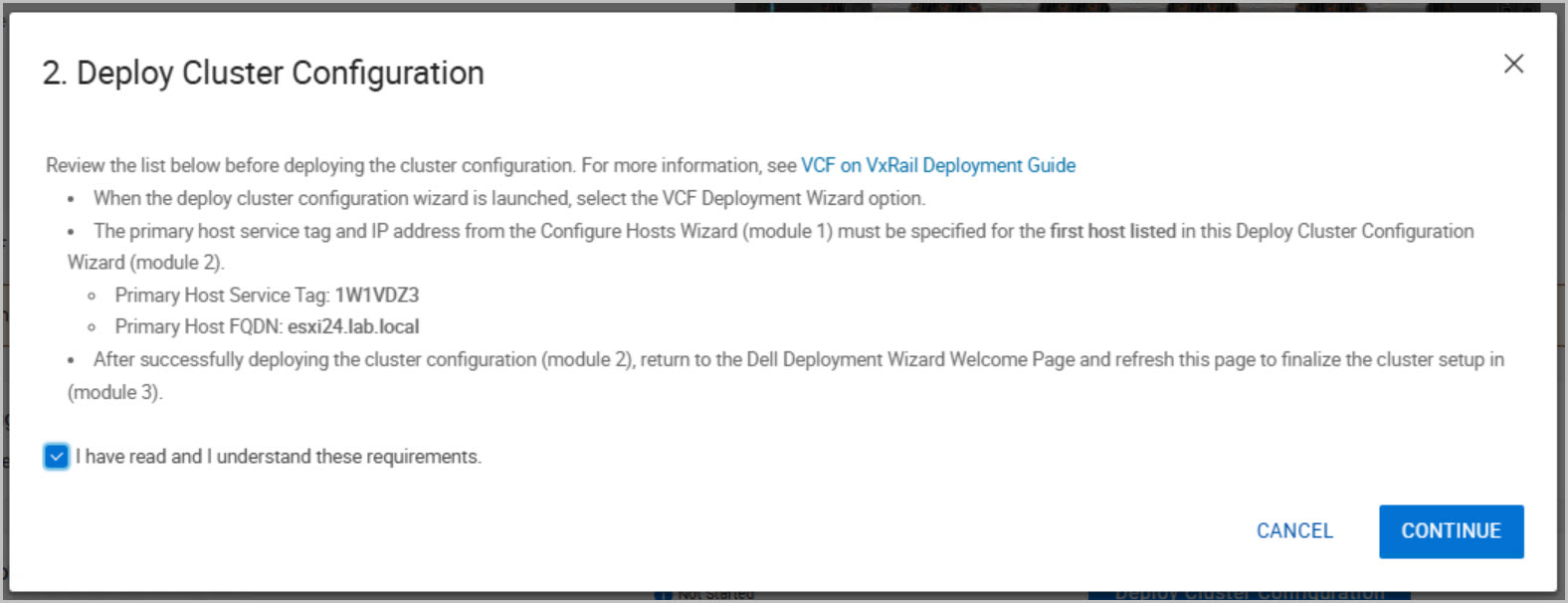
Module 2: VCF Bring-Up
This phase performs the automated deployment of the VCF management domain:
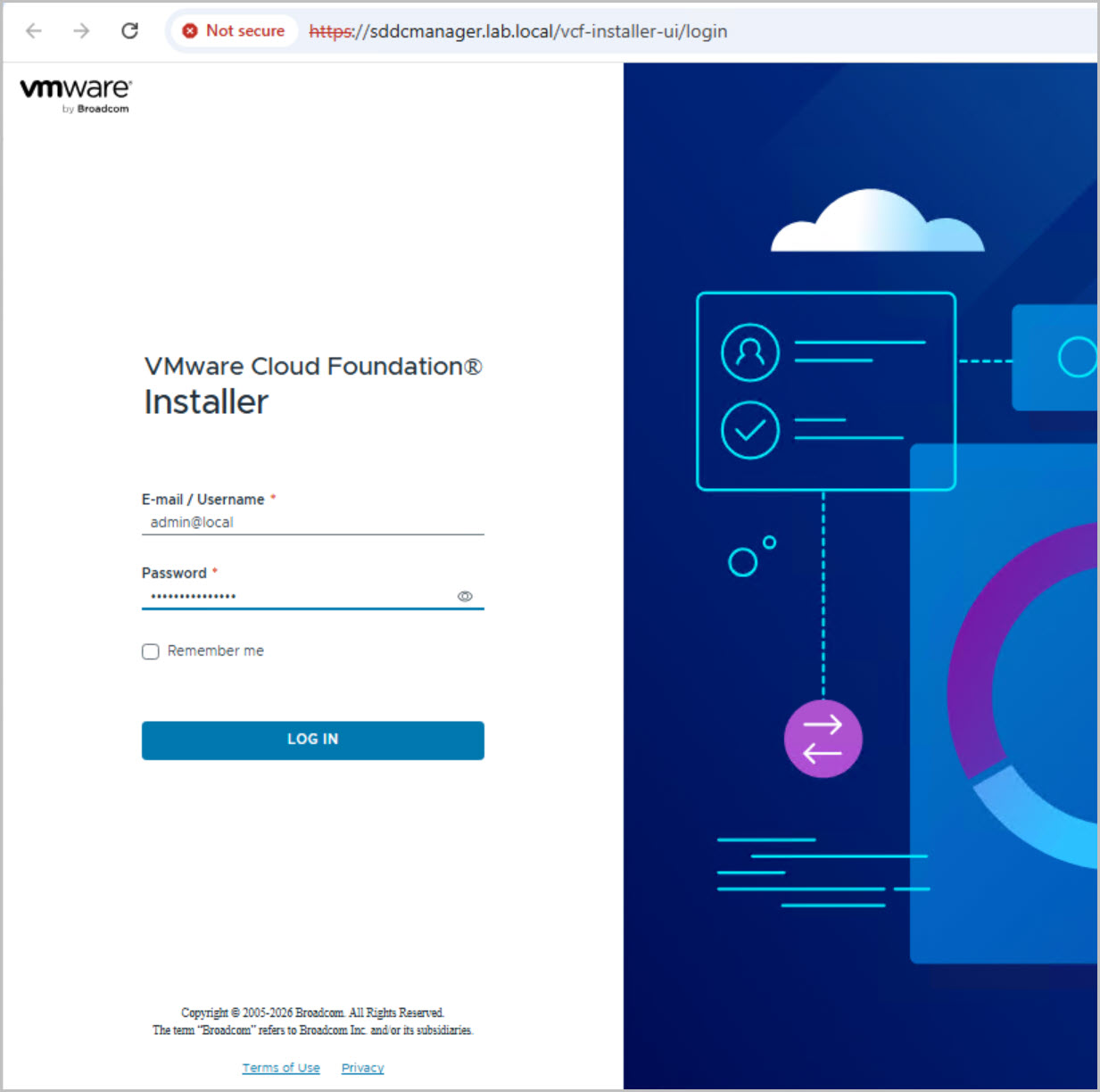
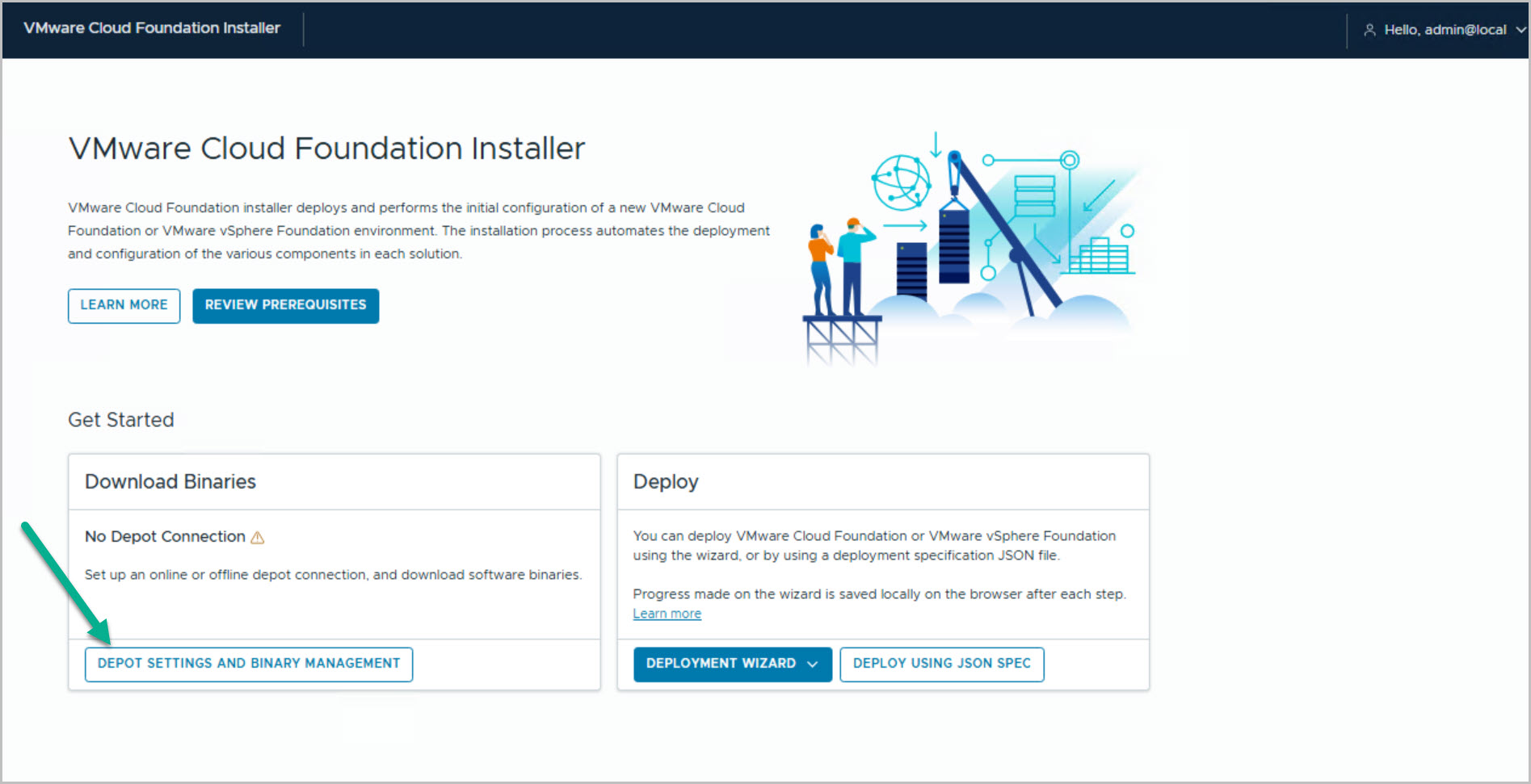
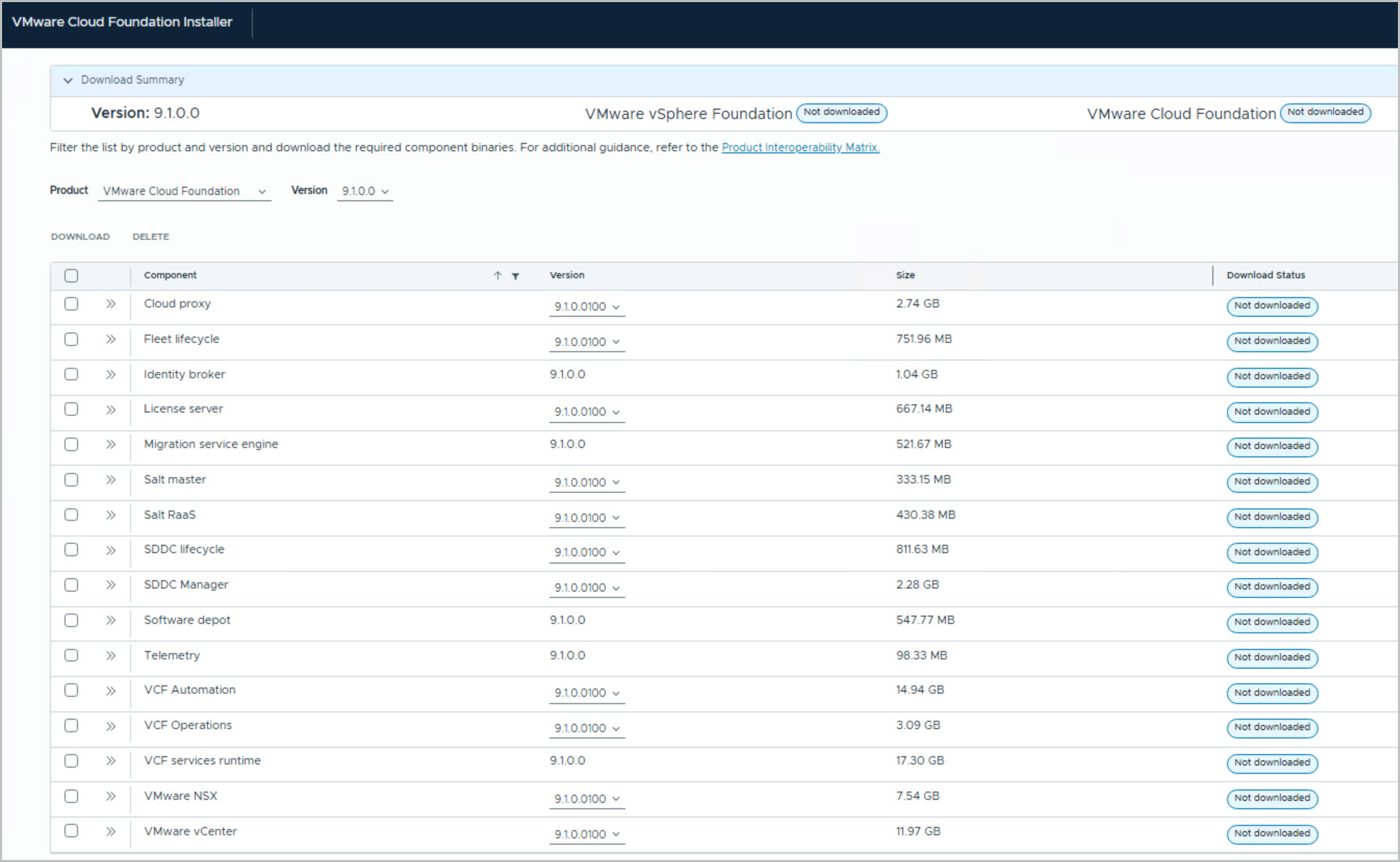
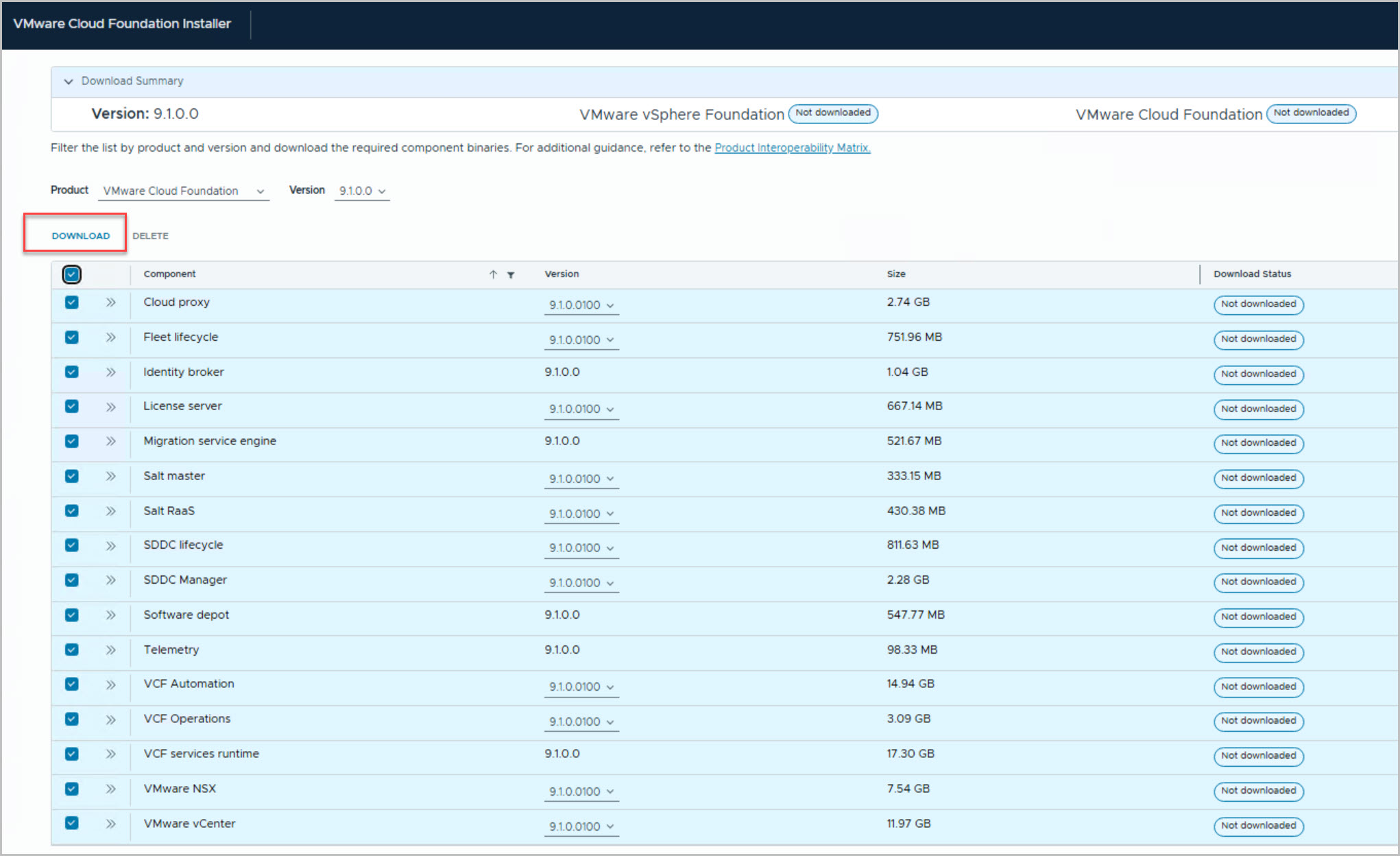
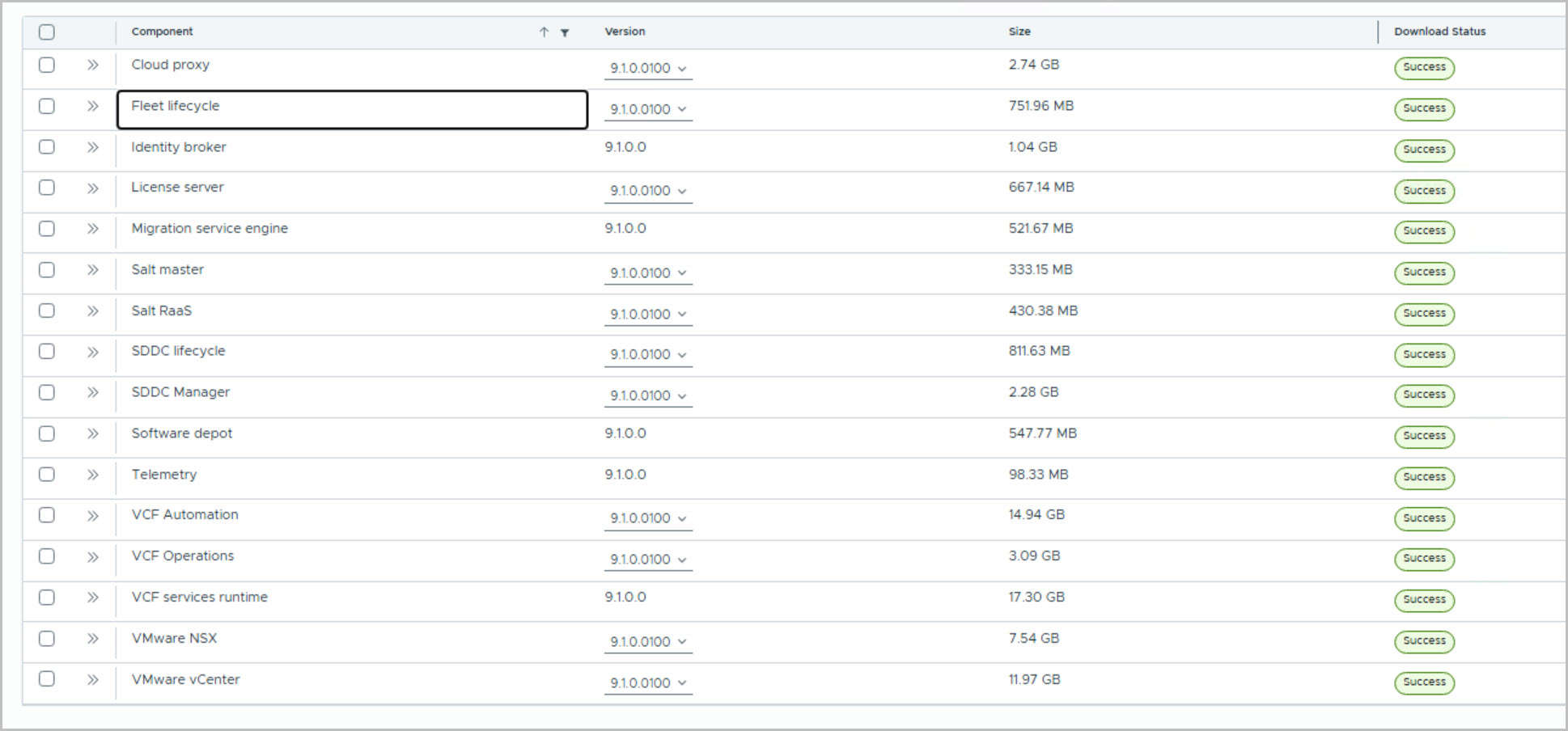
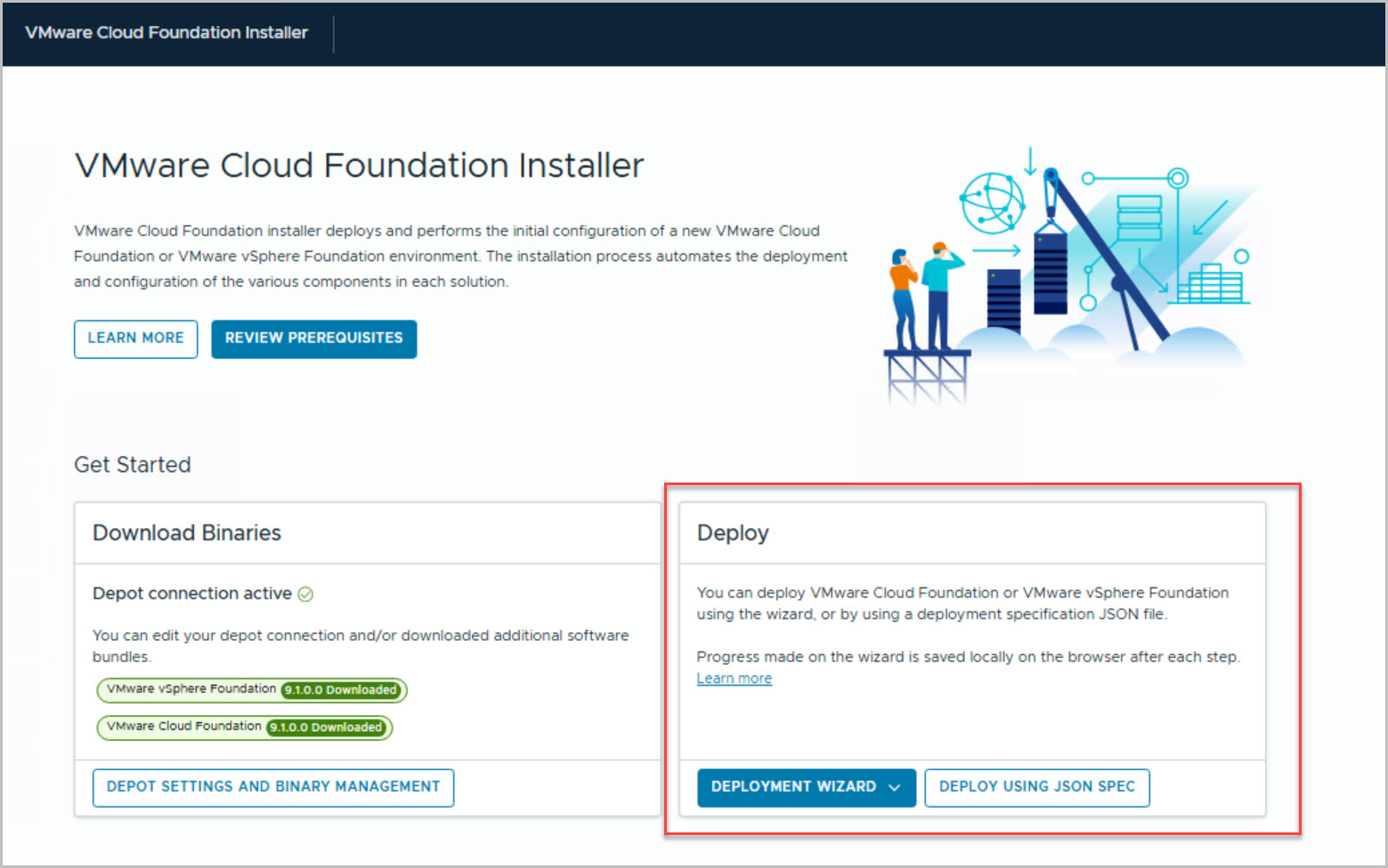
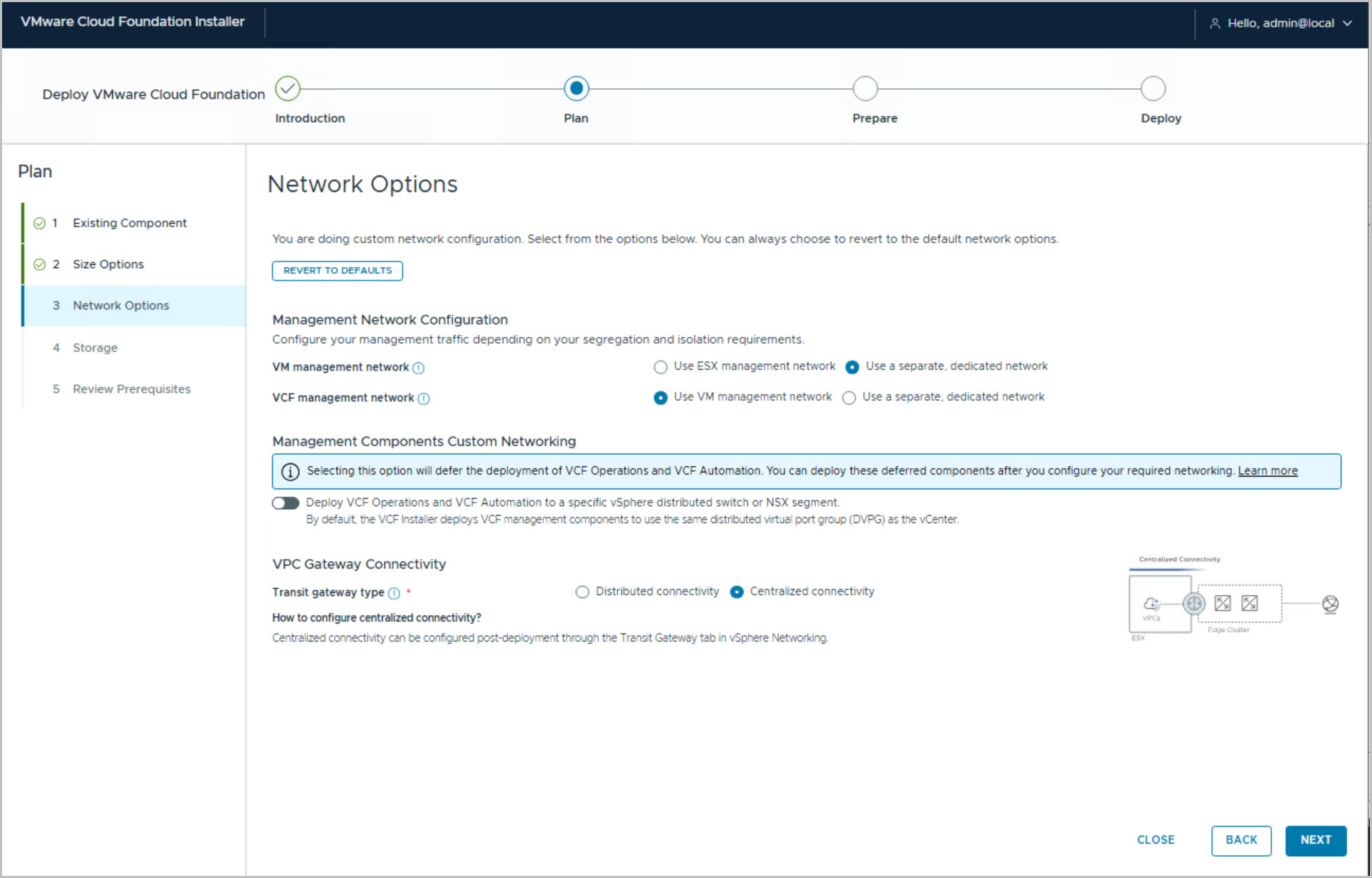
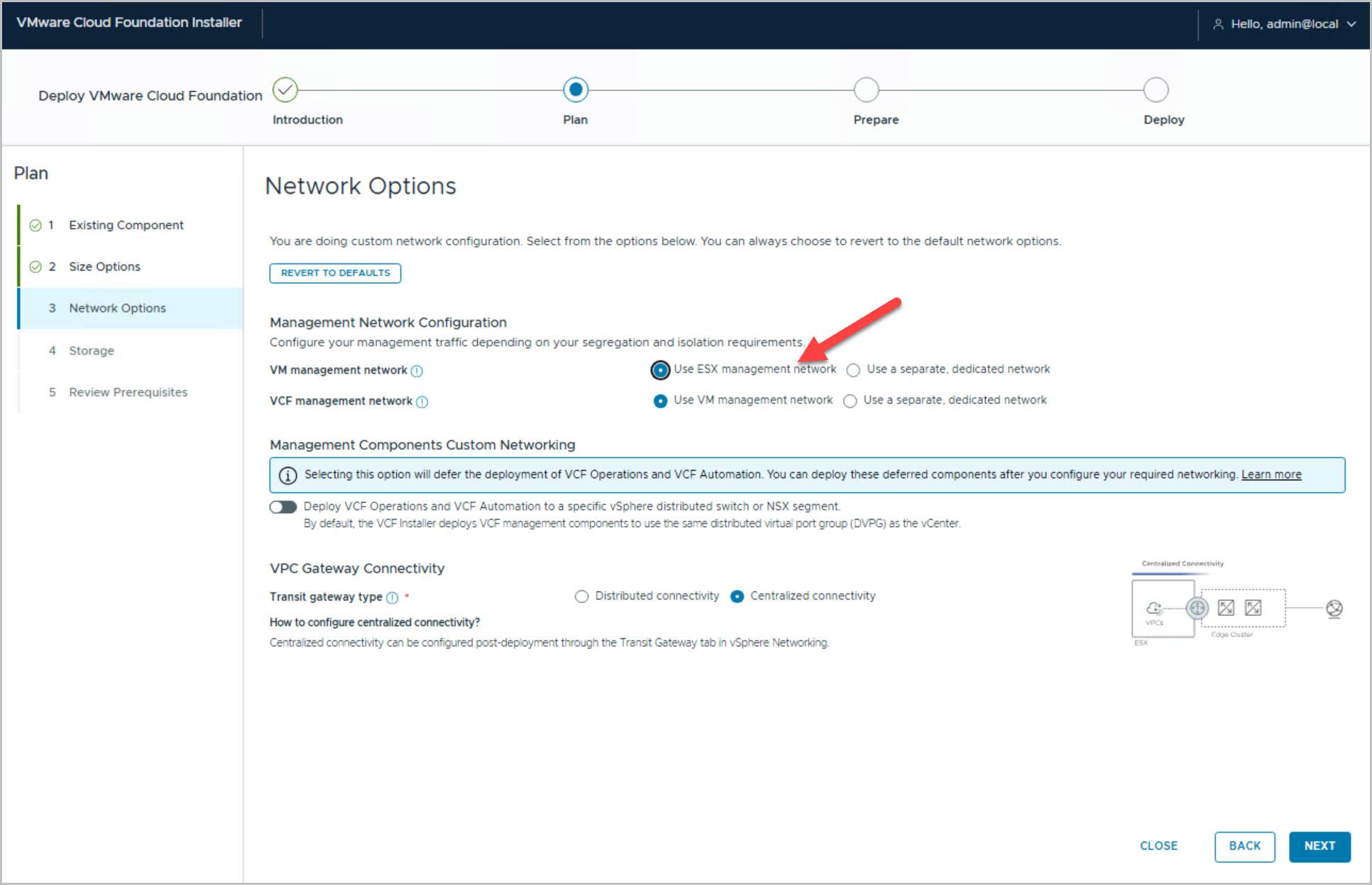
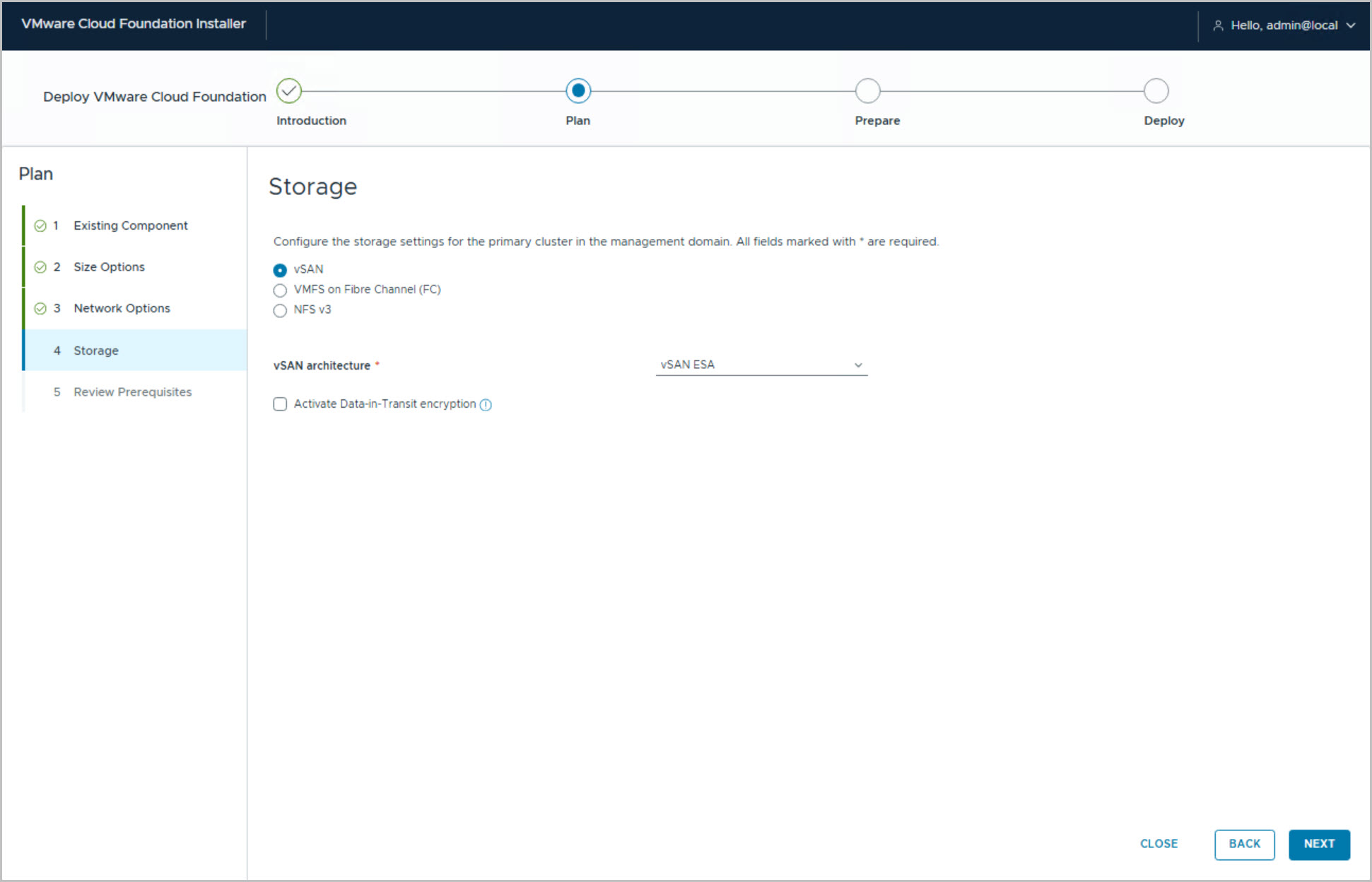
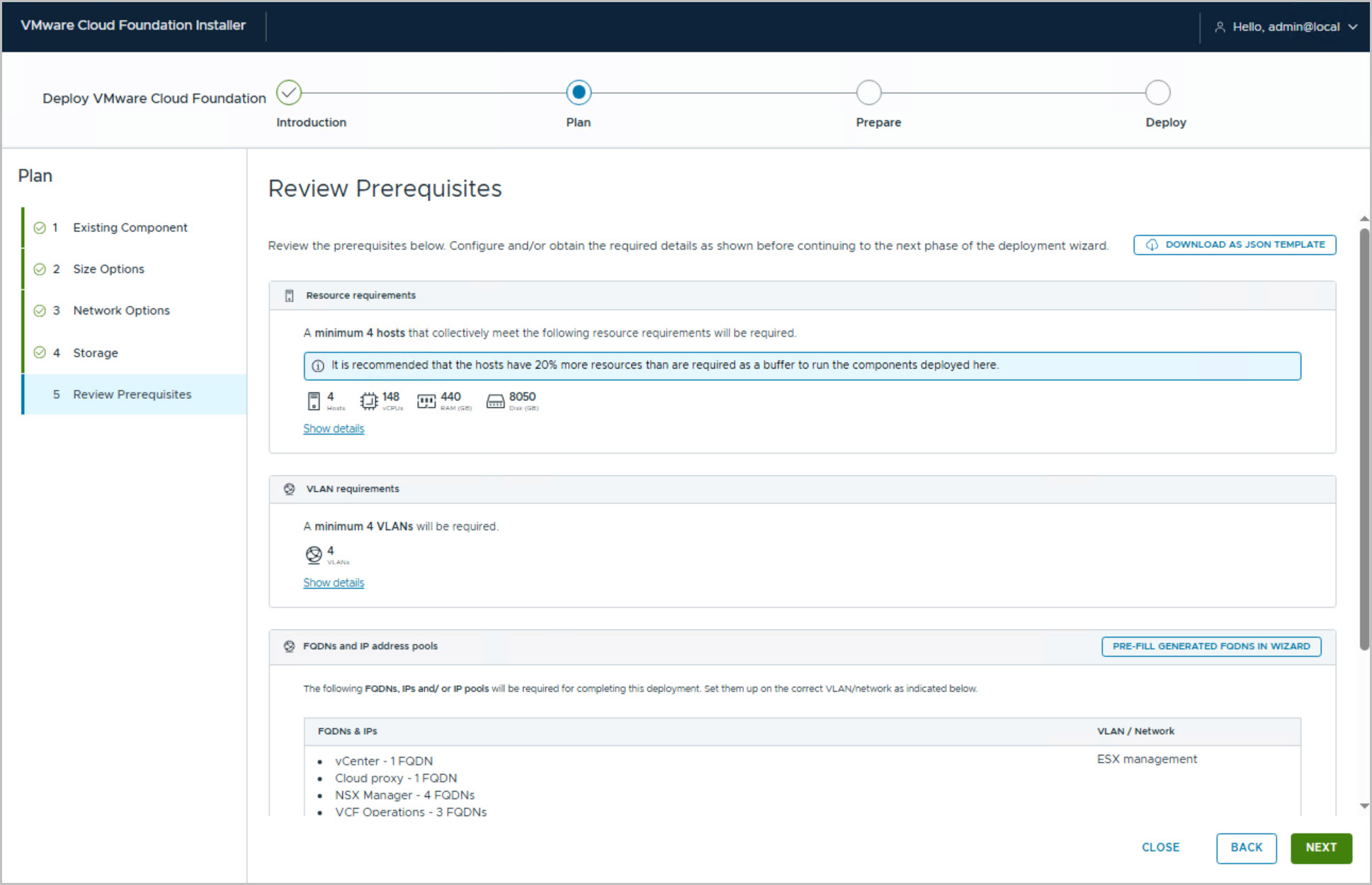
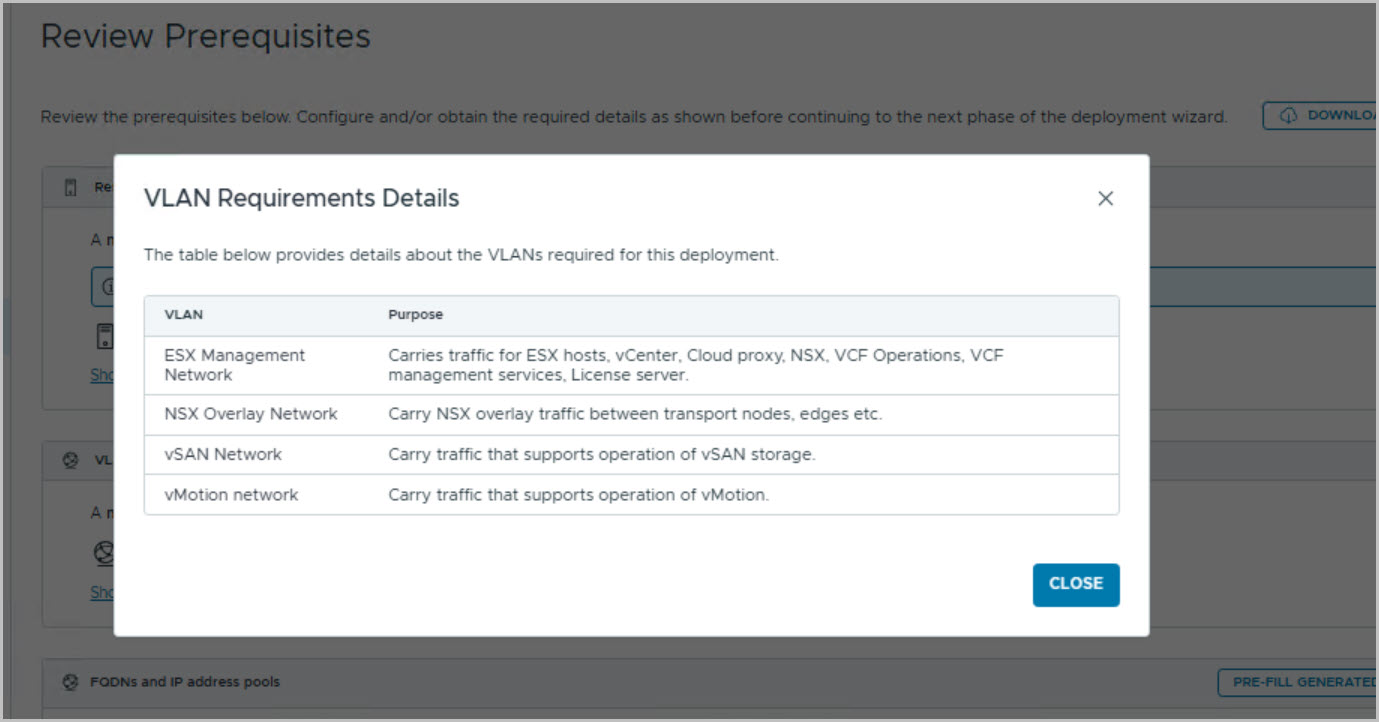
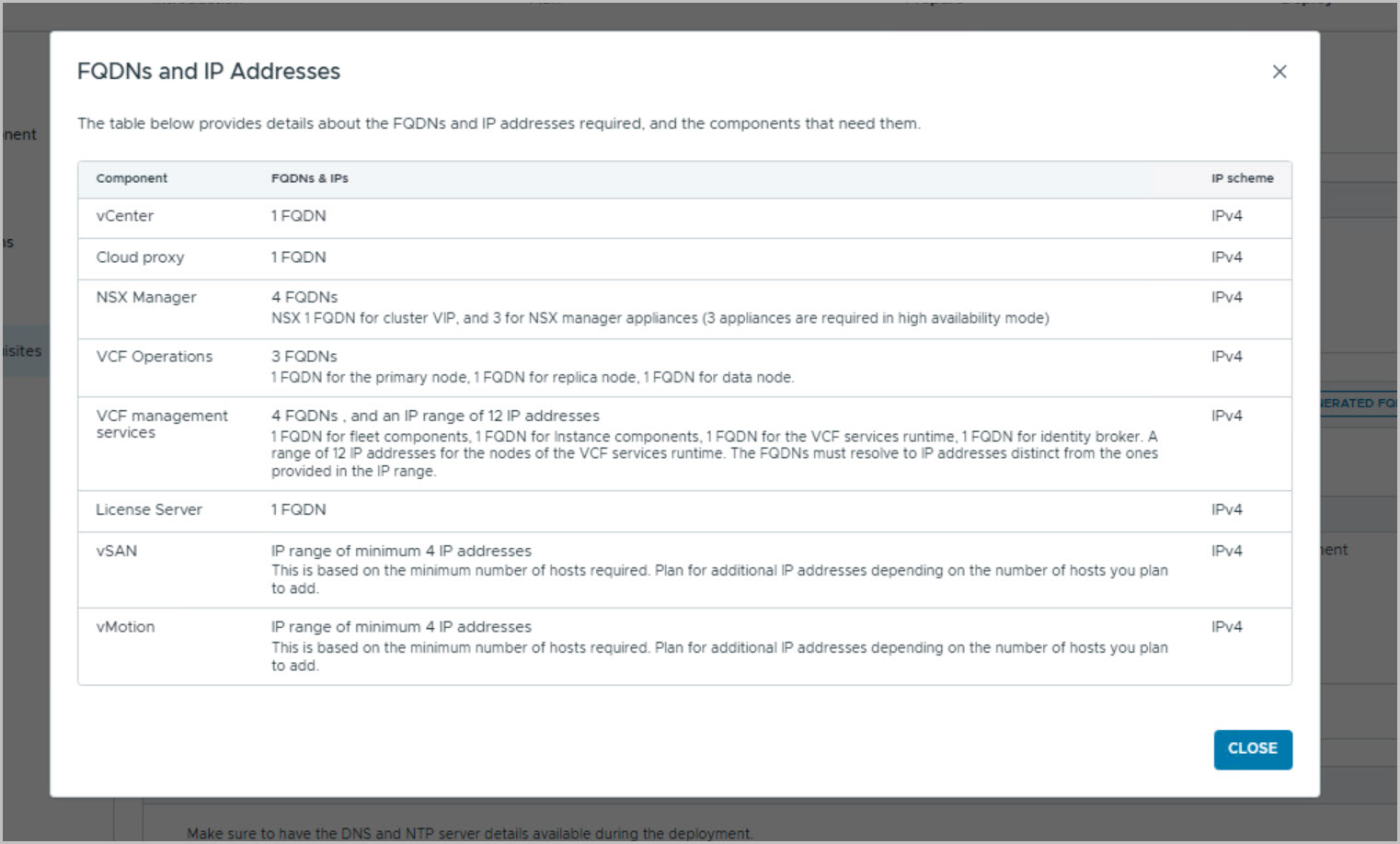
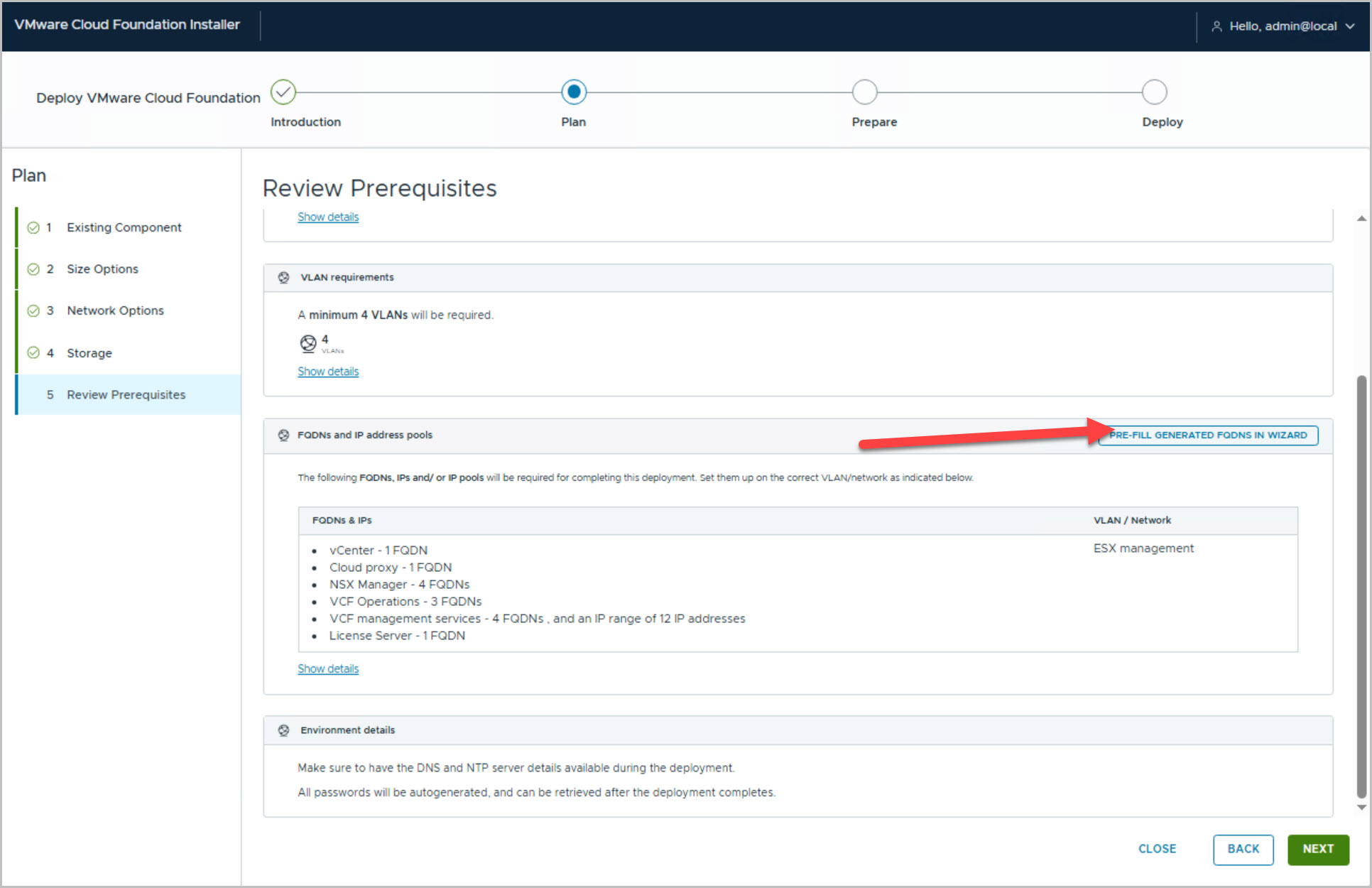
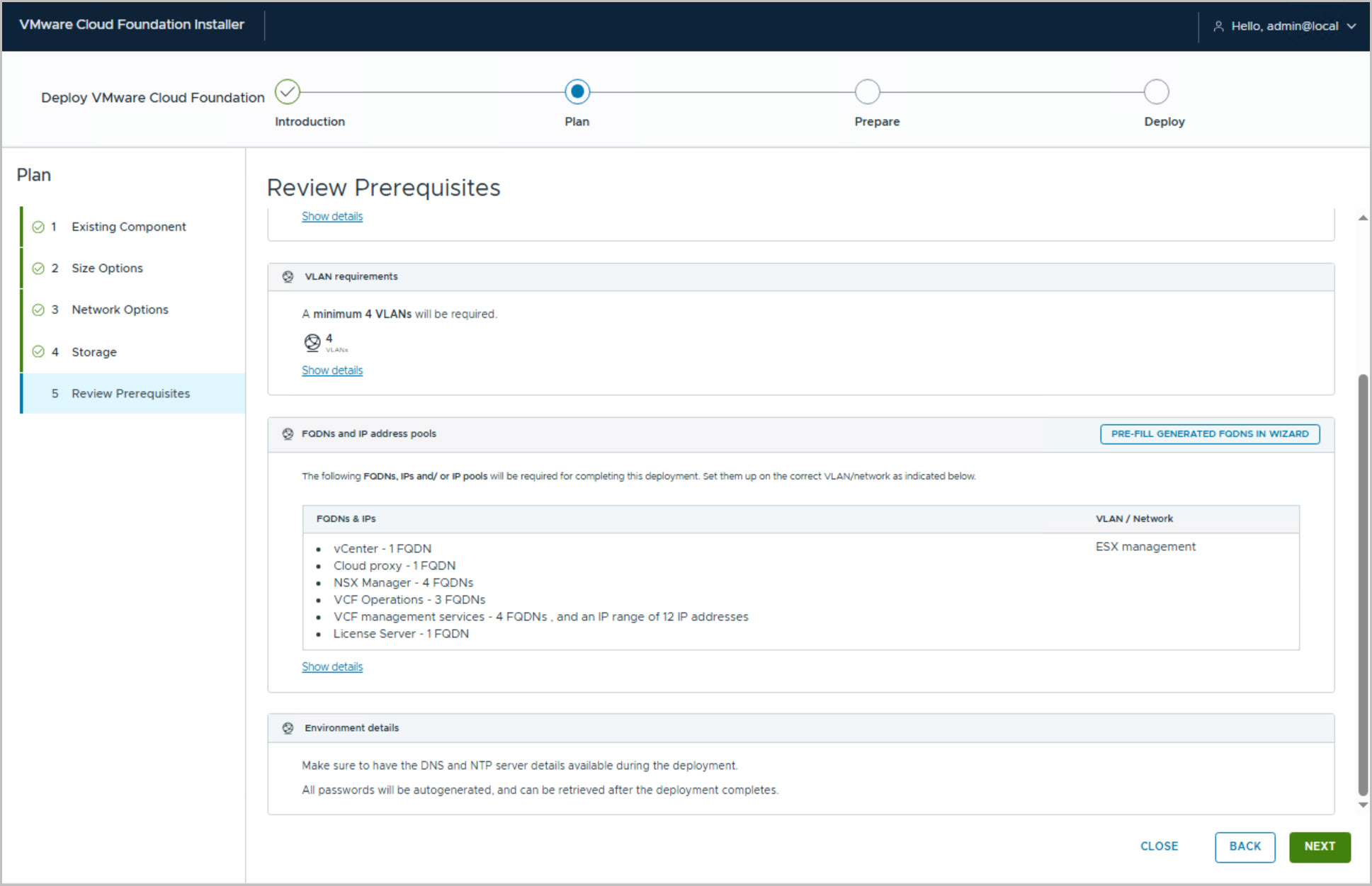
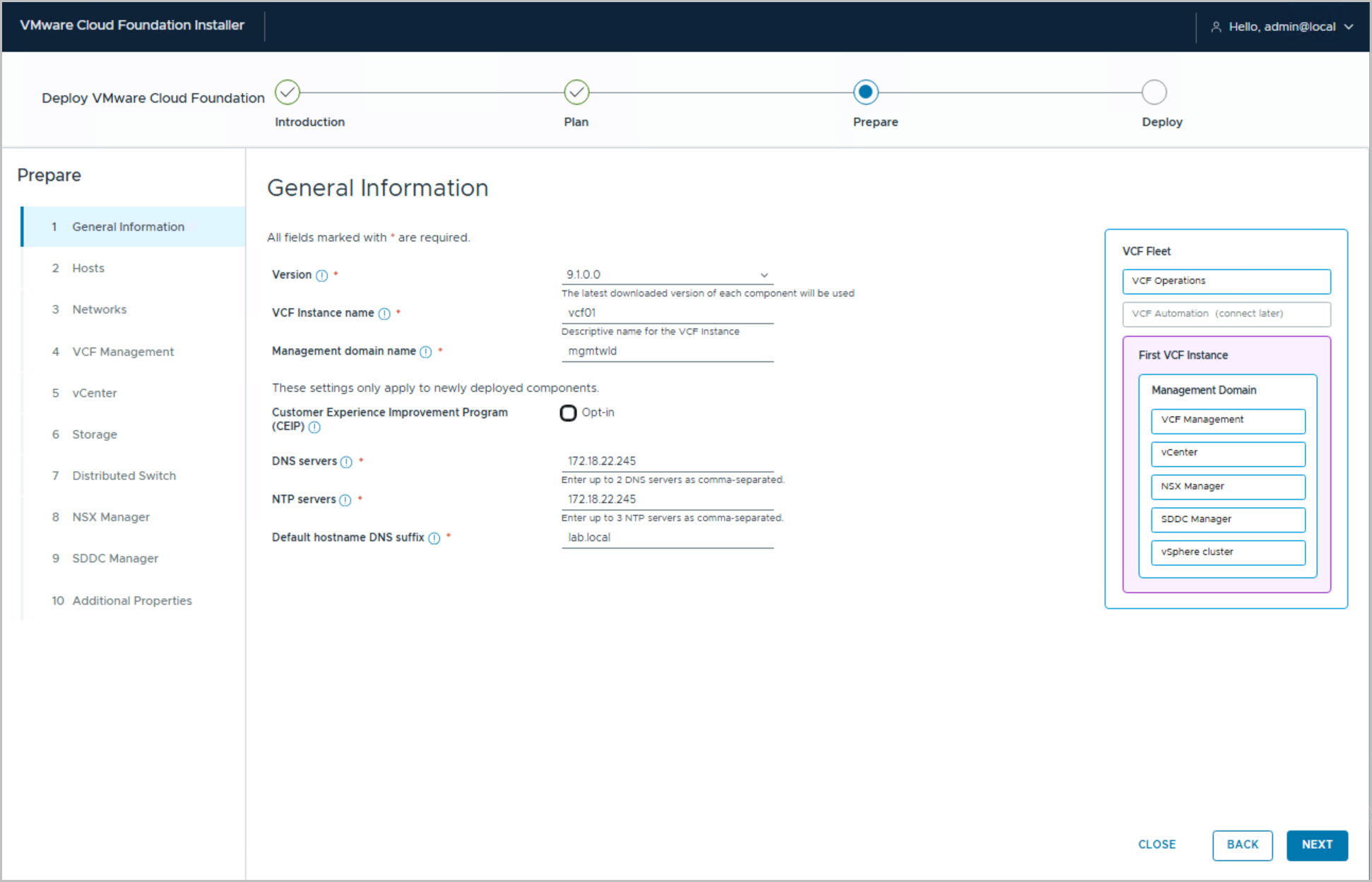
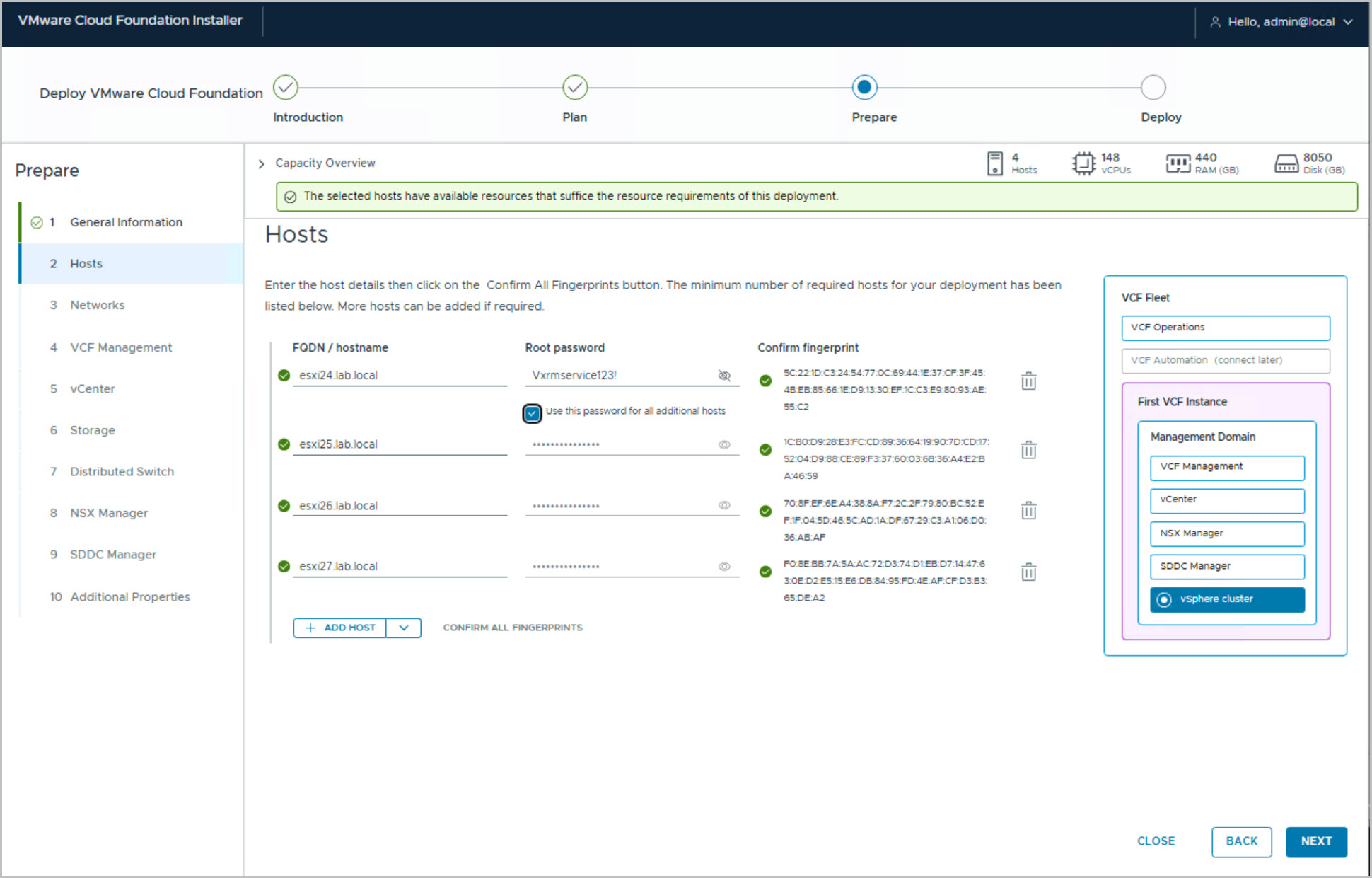
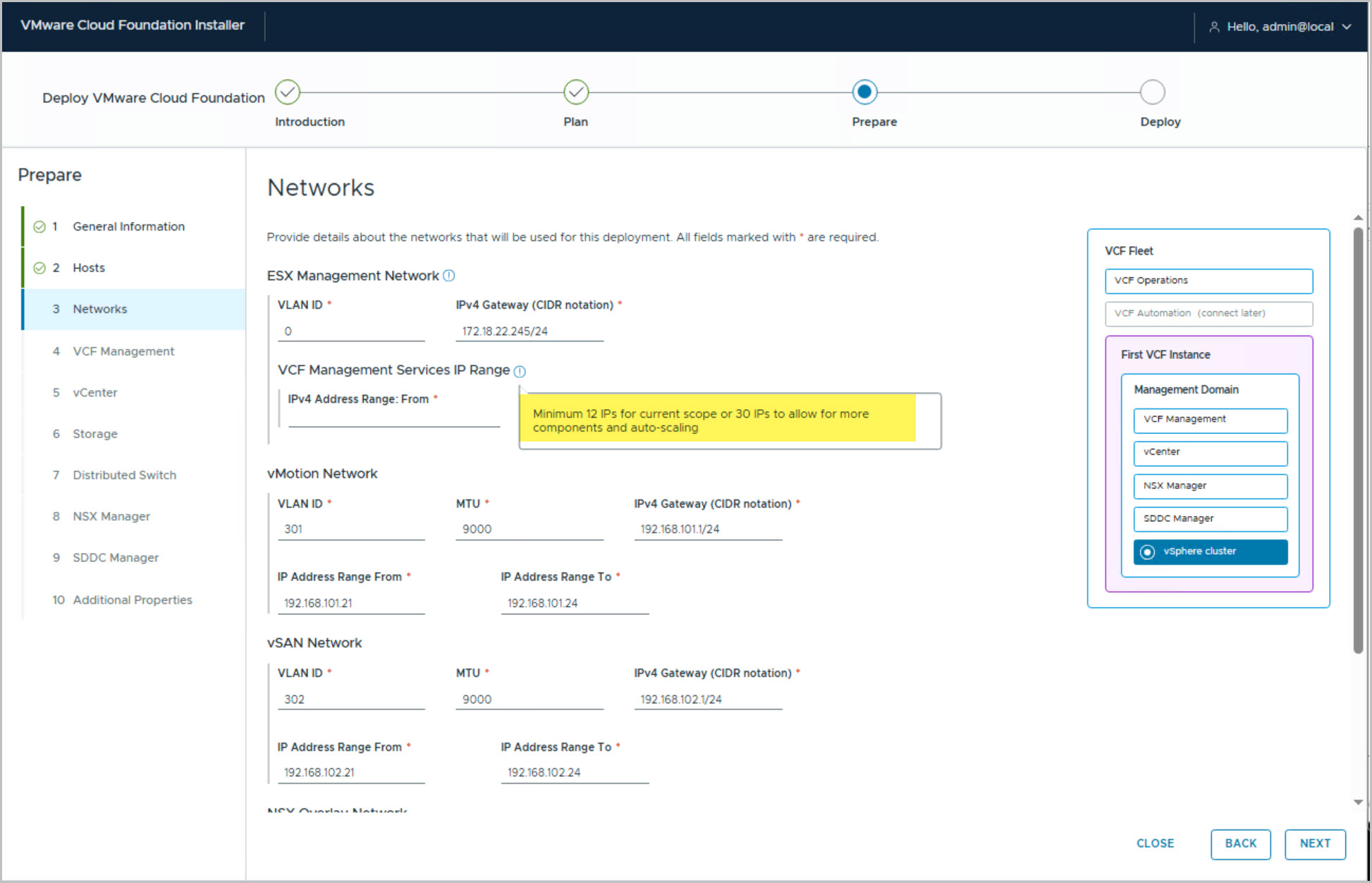
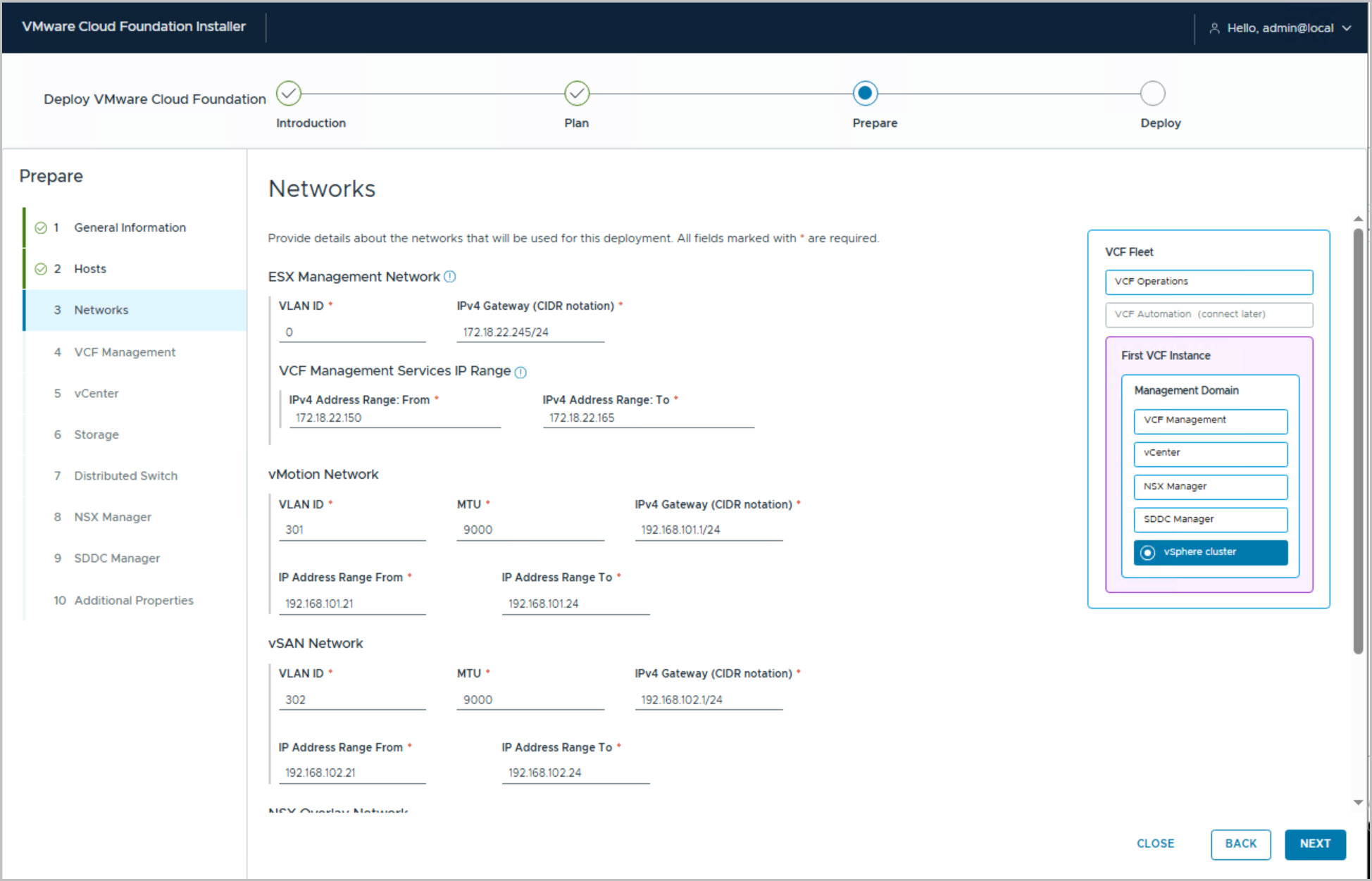
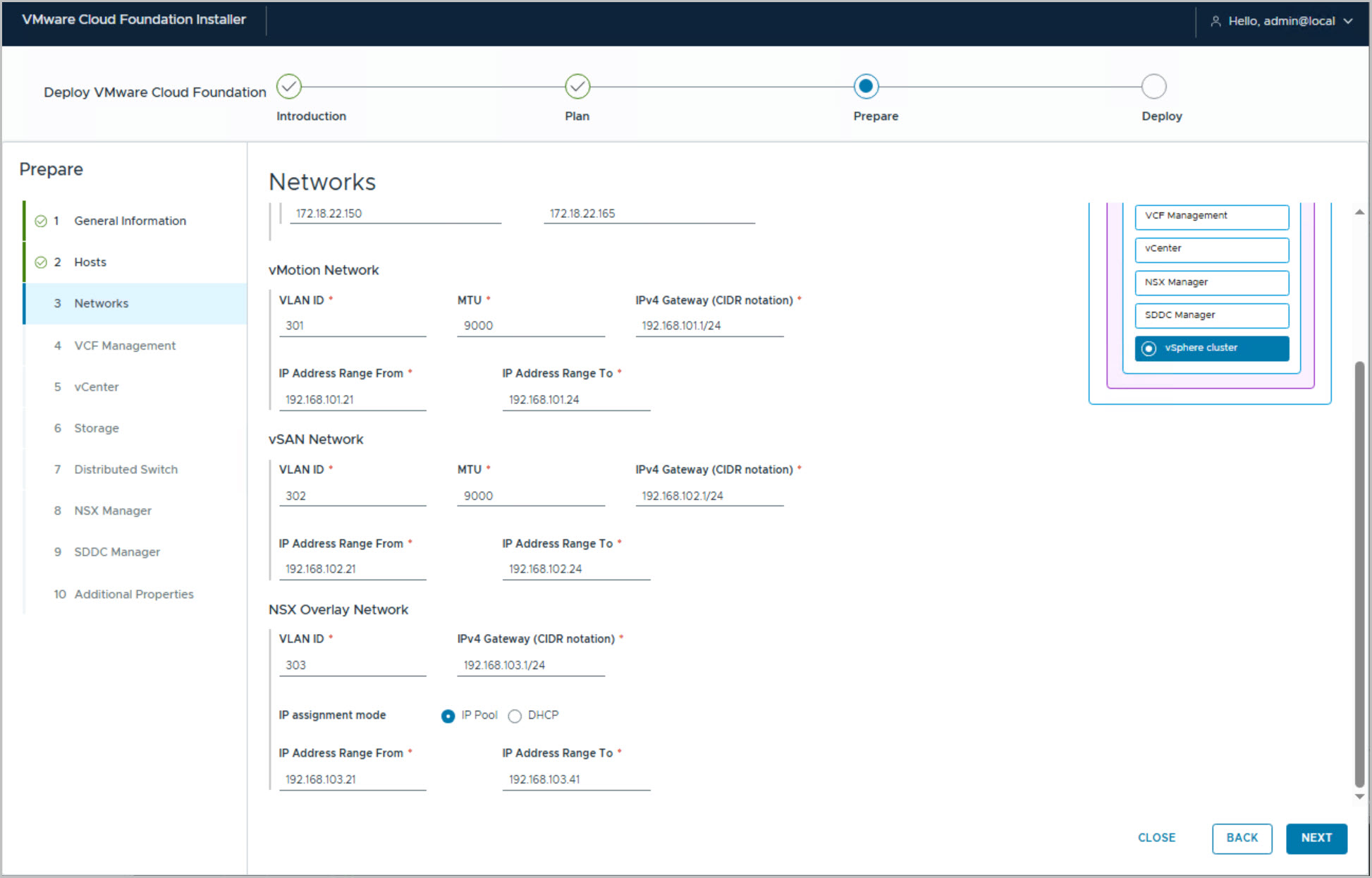
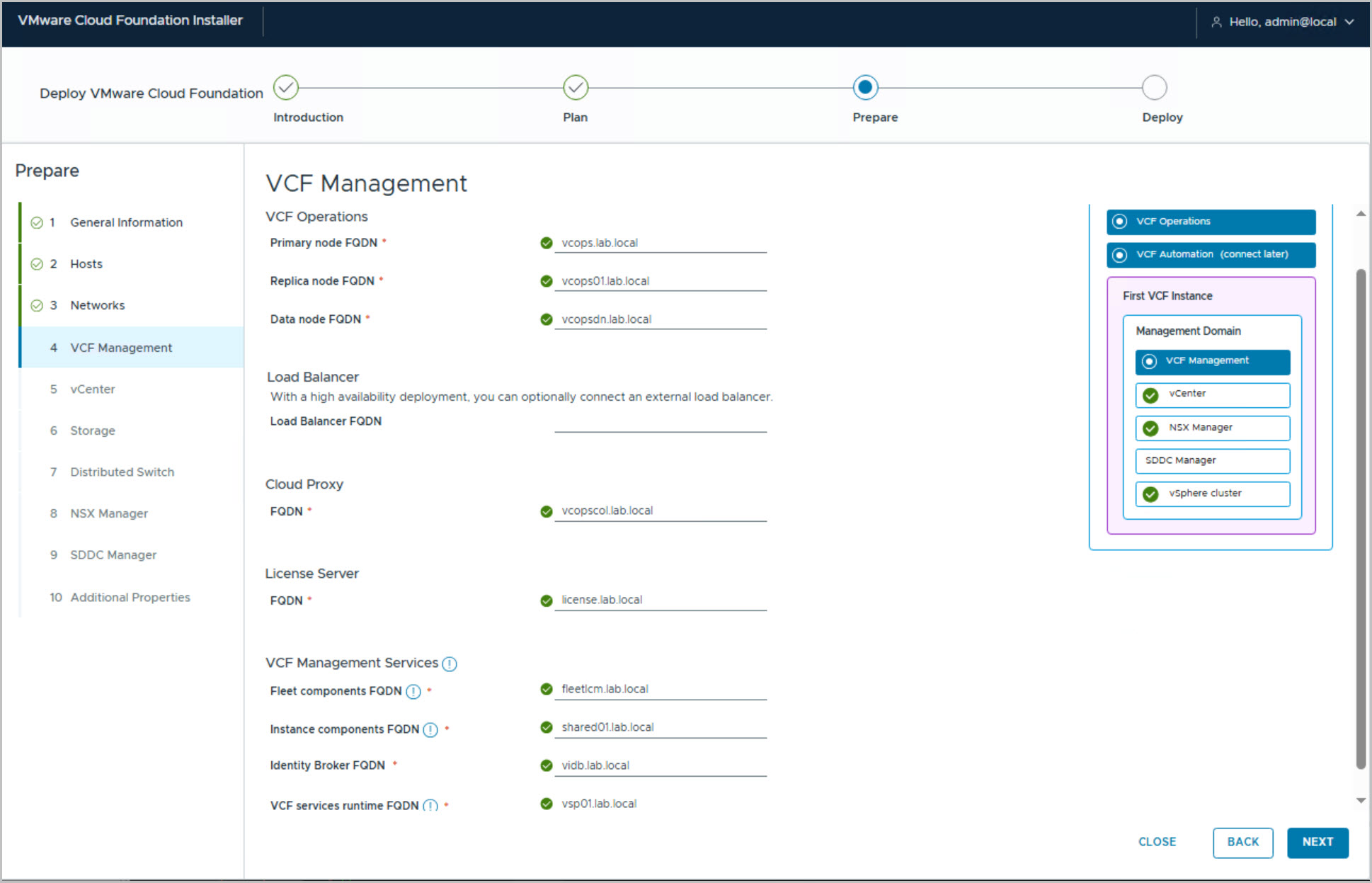
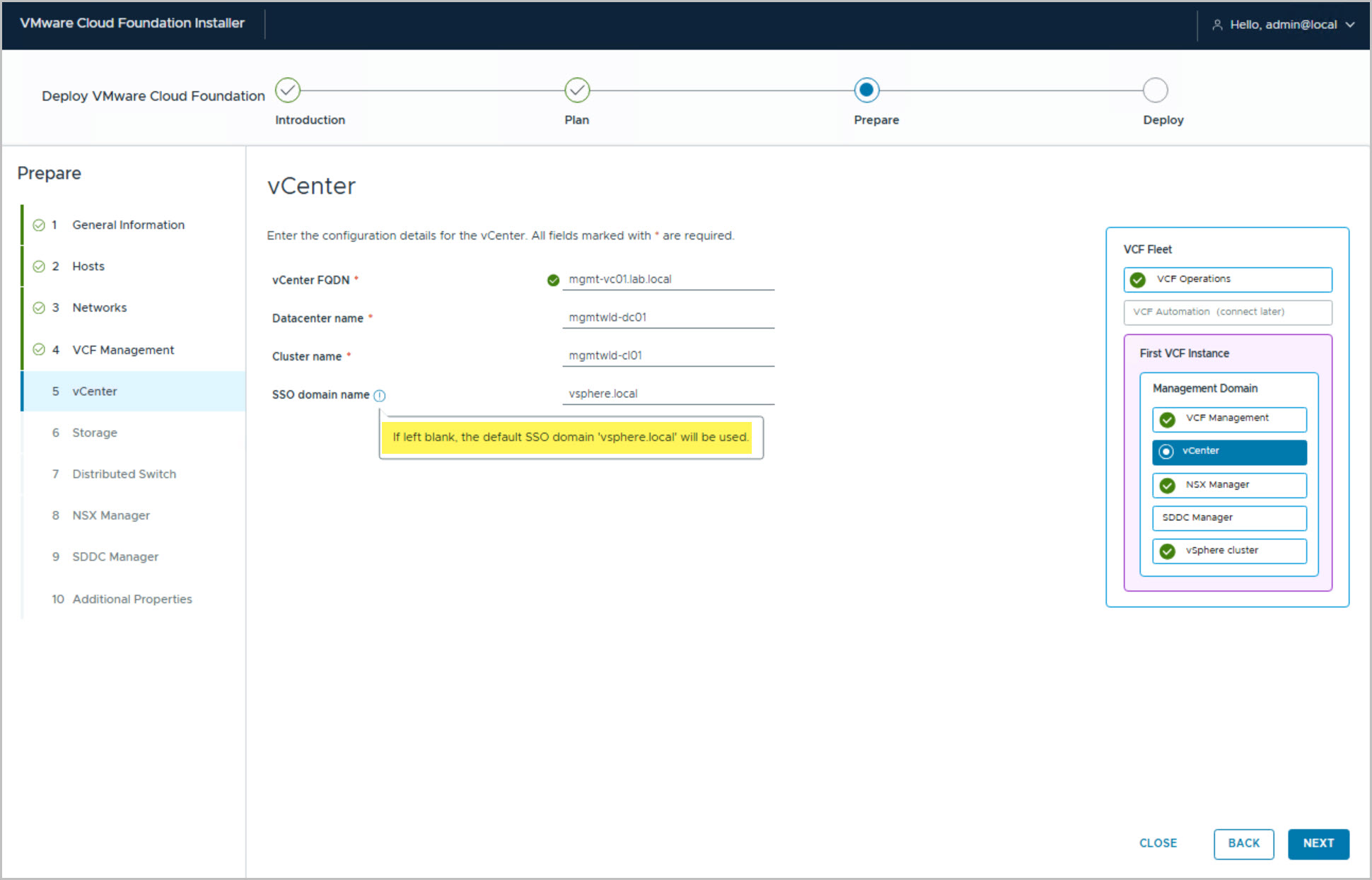
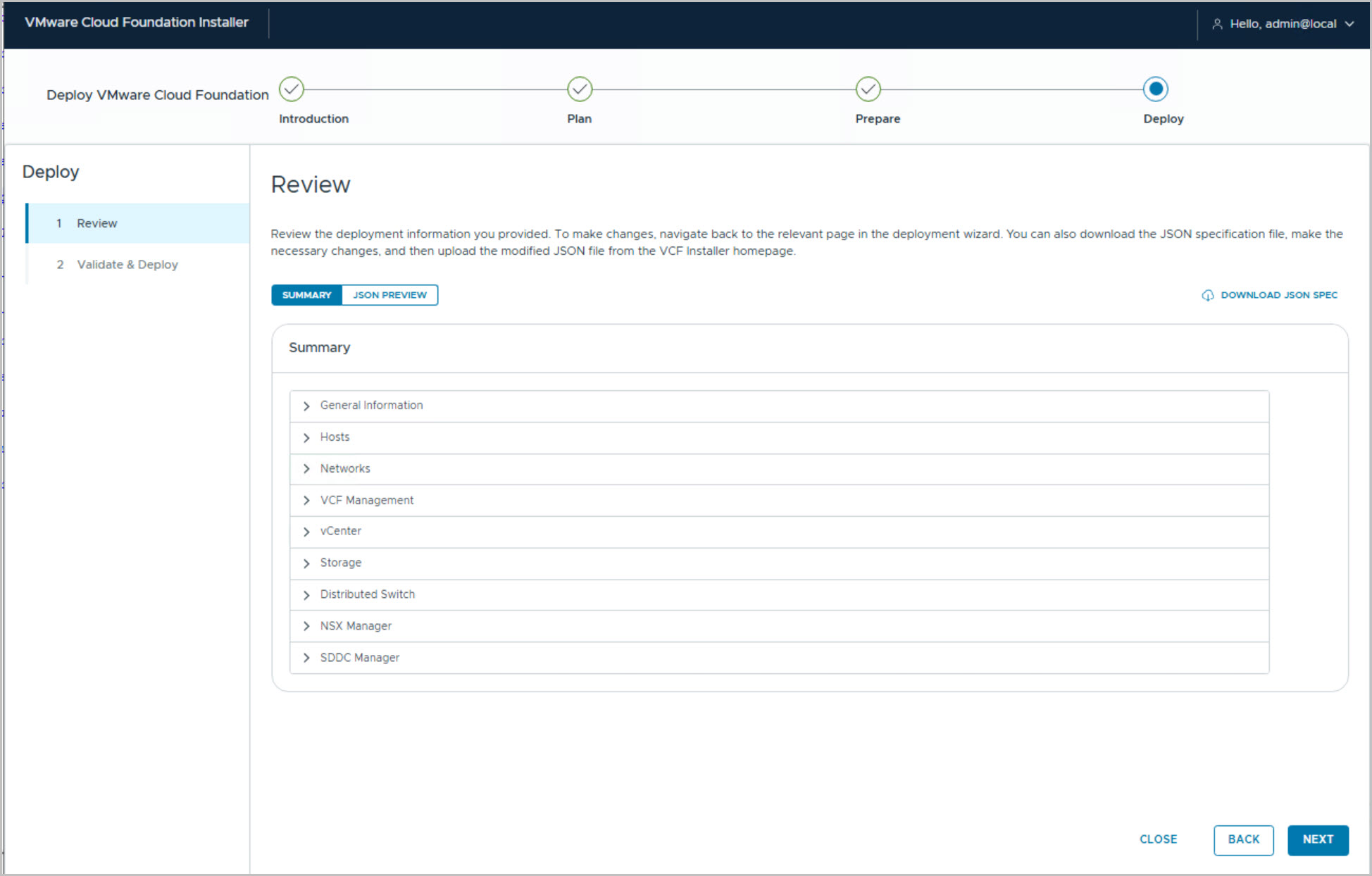
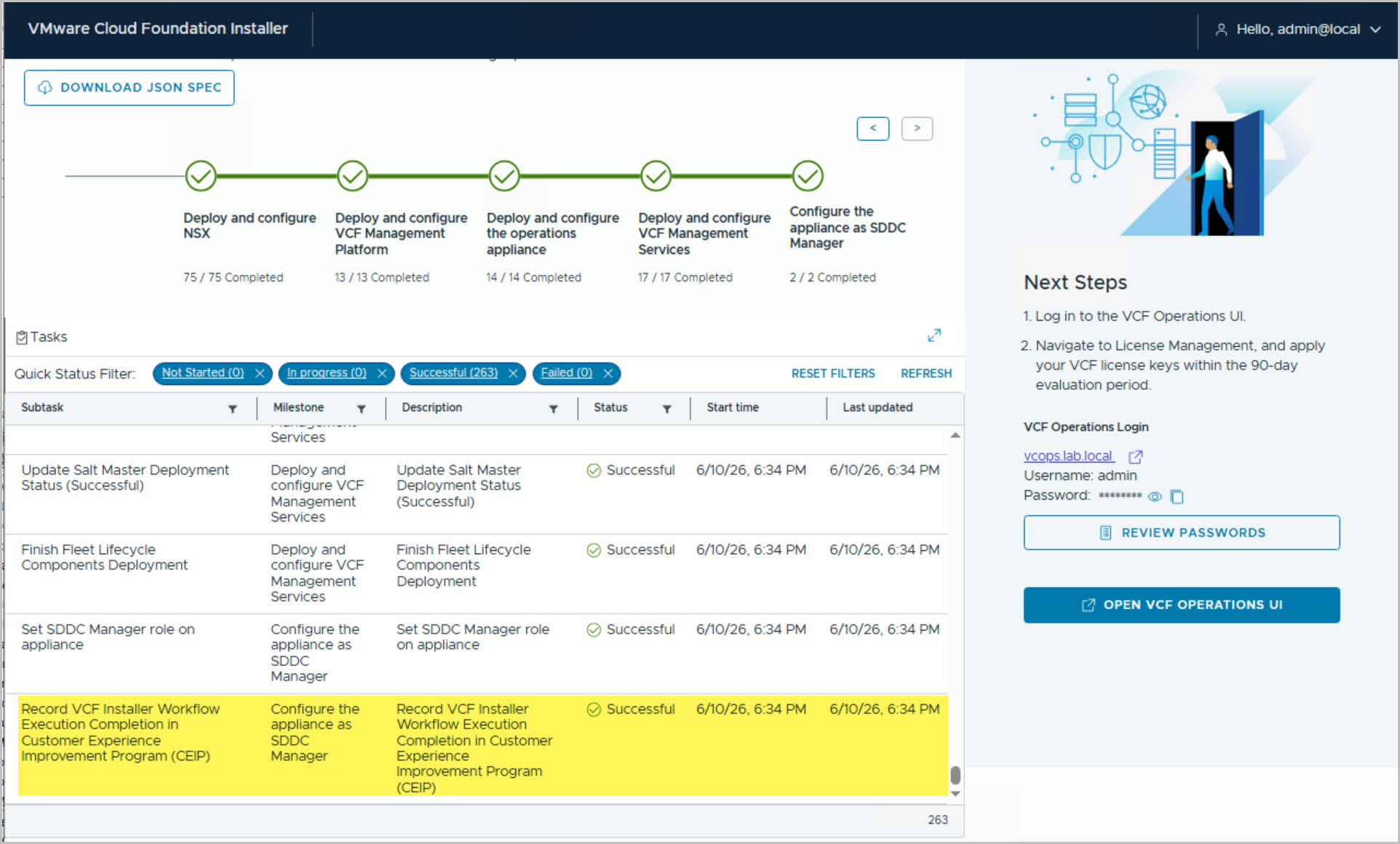
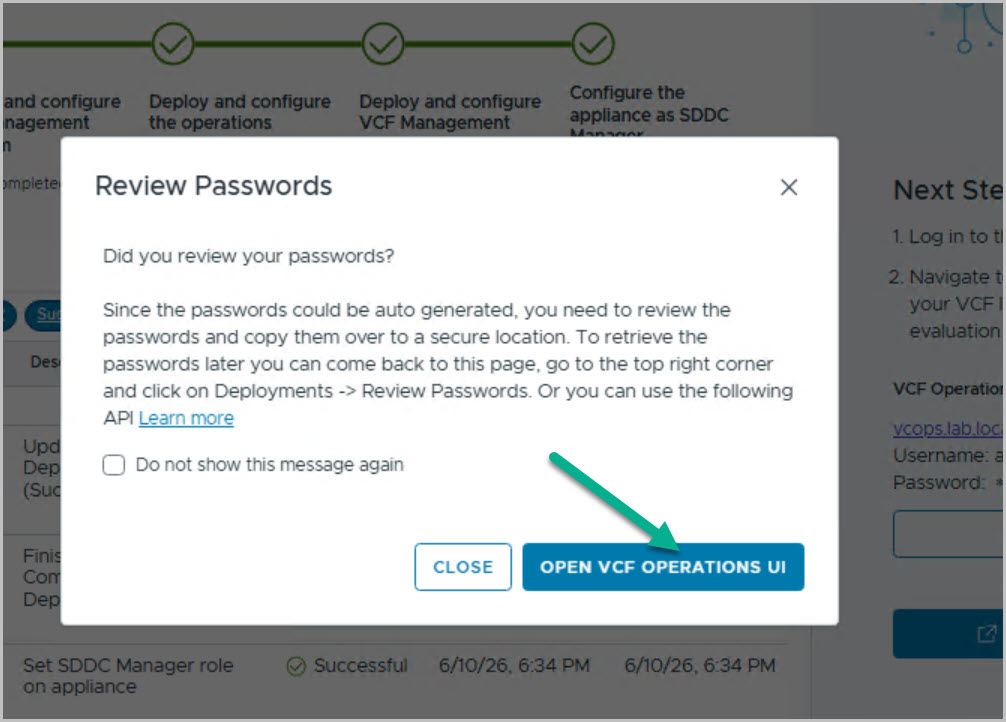
Launch the VCF Installer
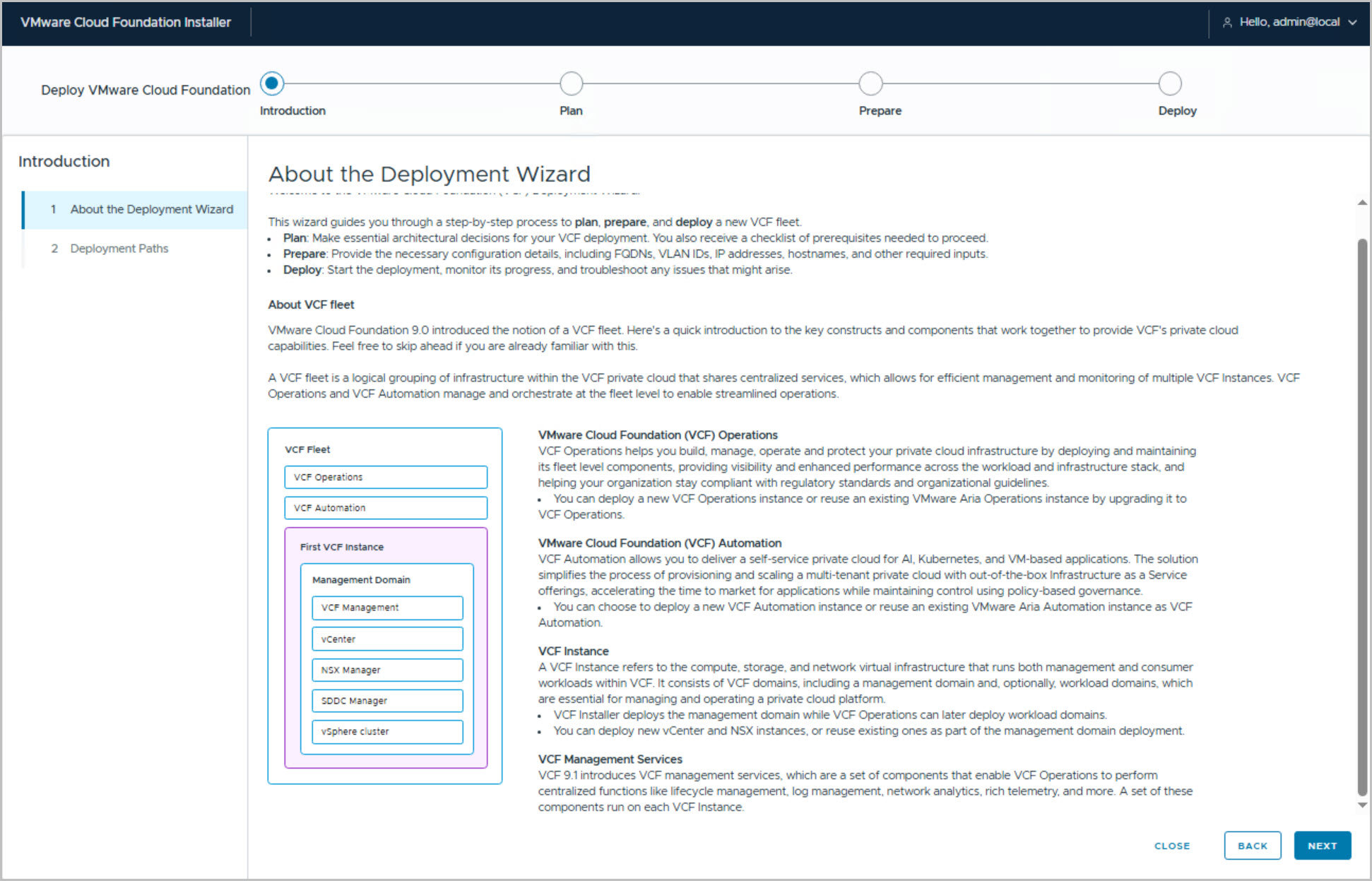
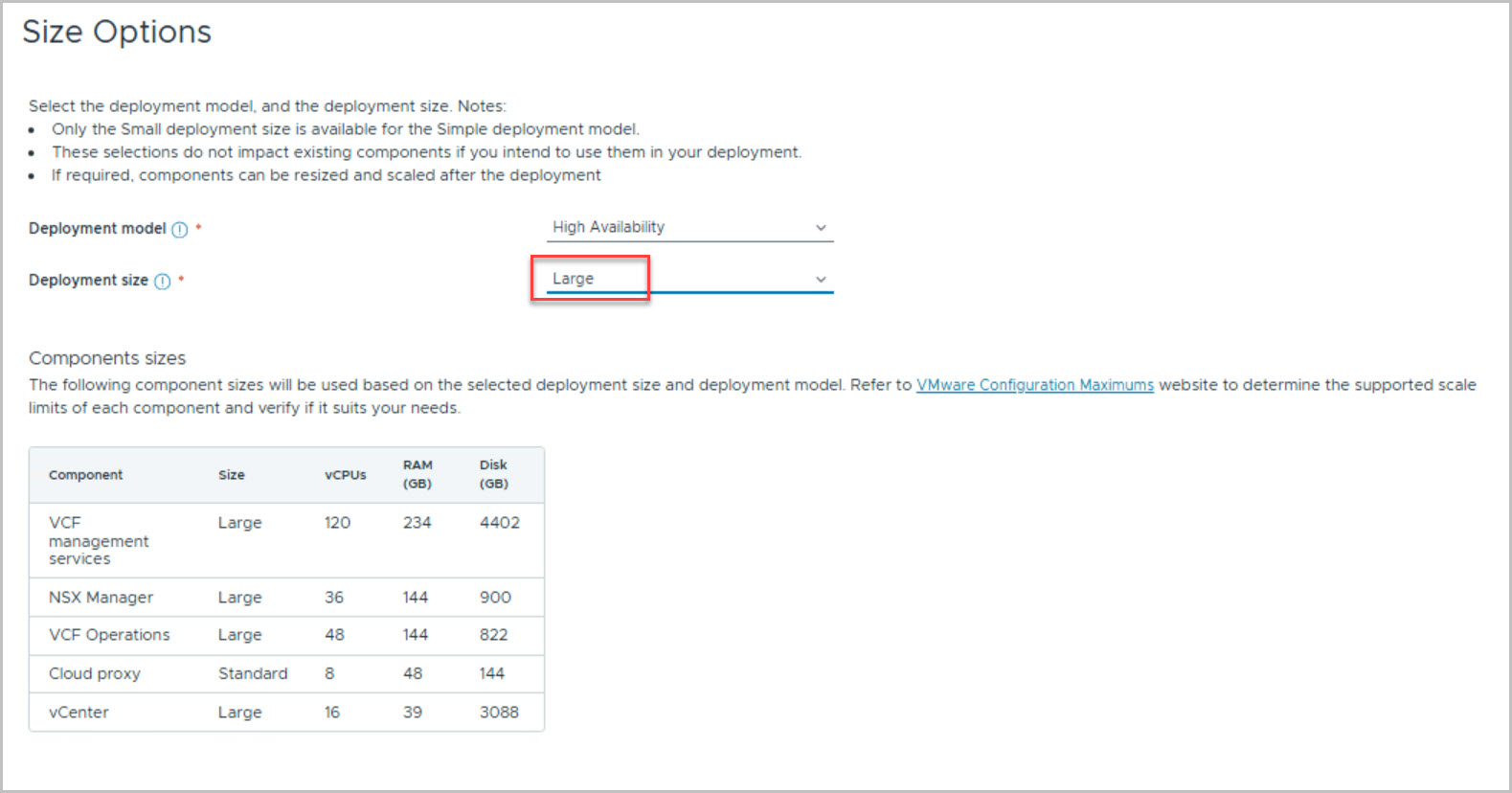
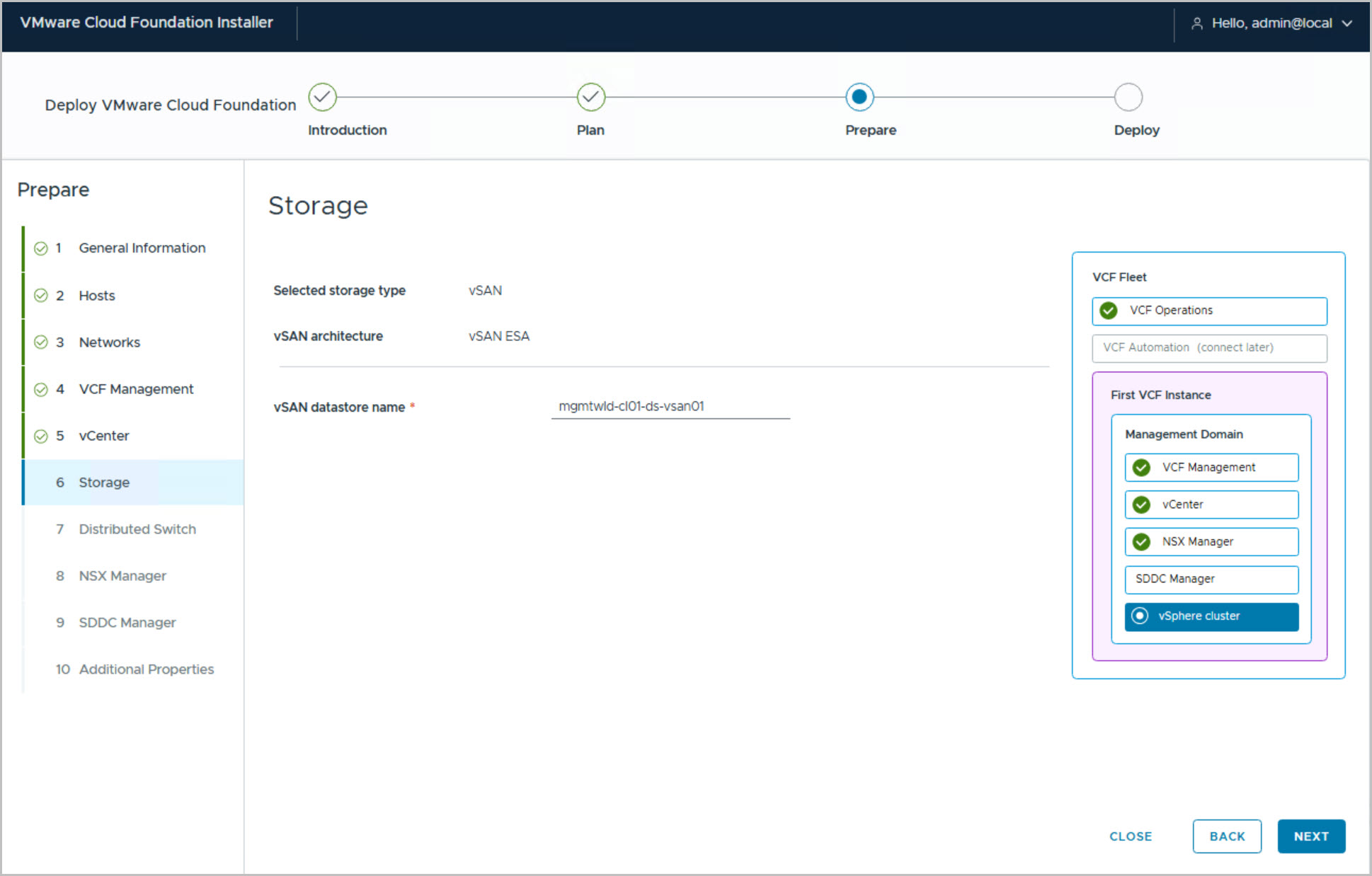
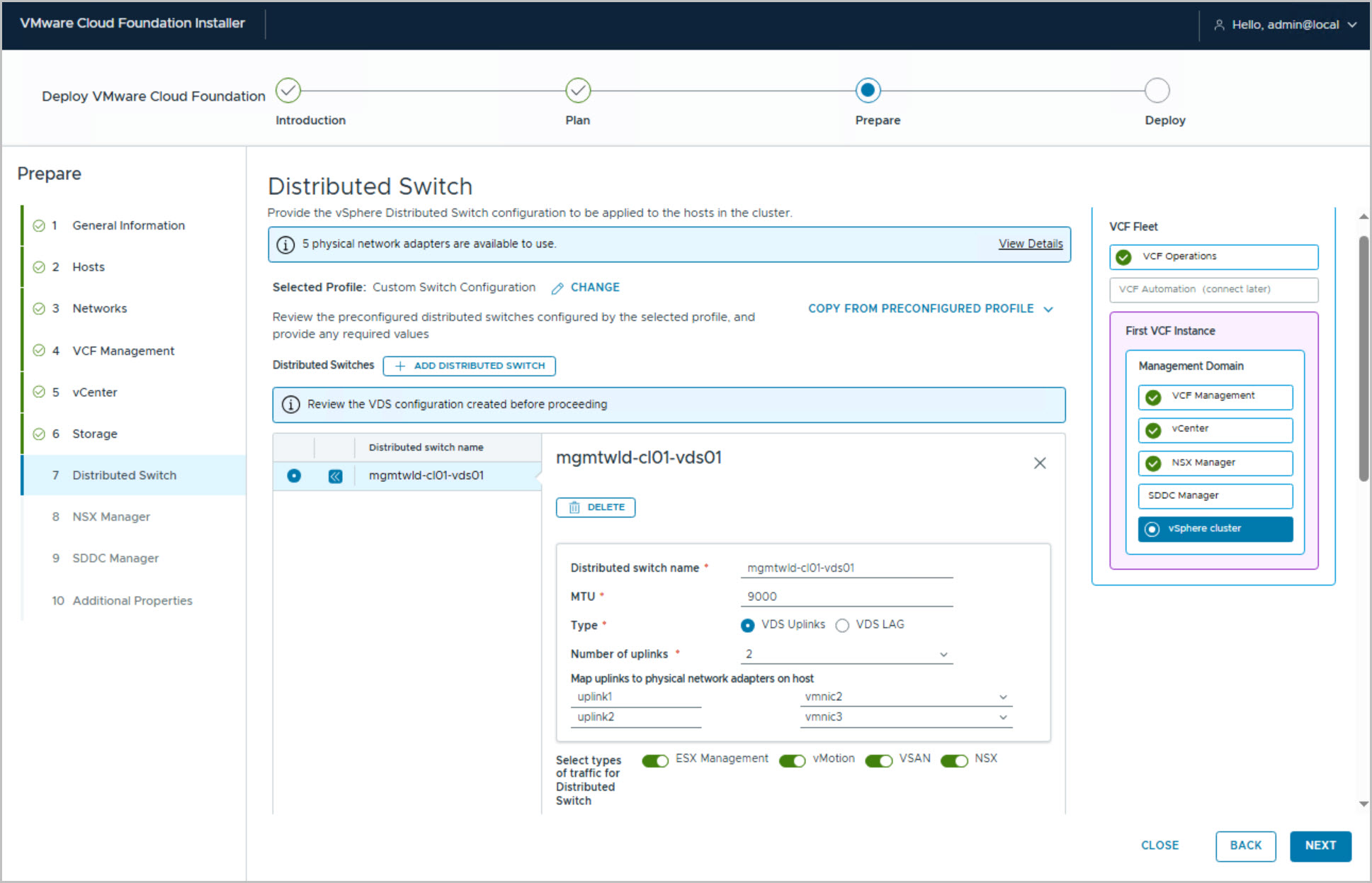
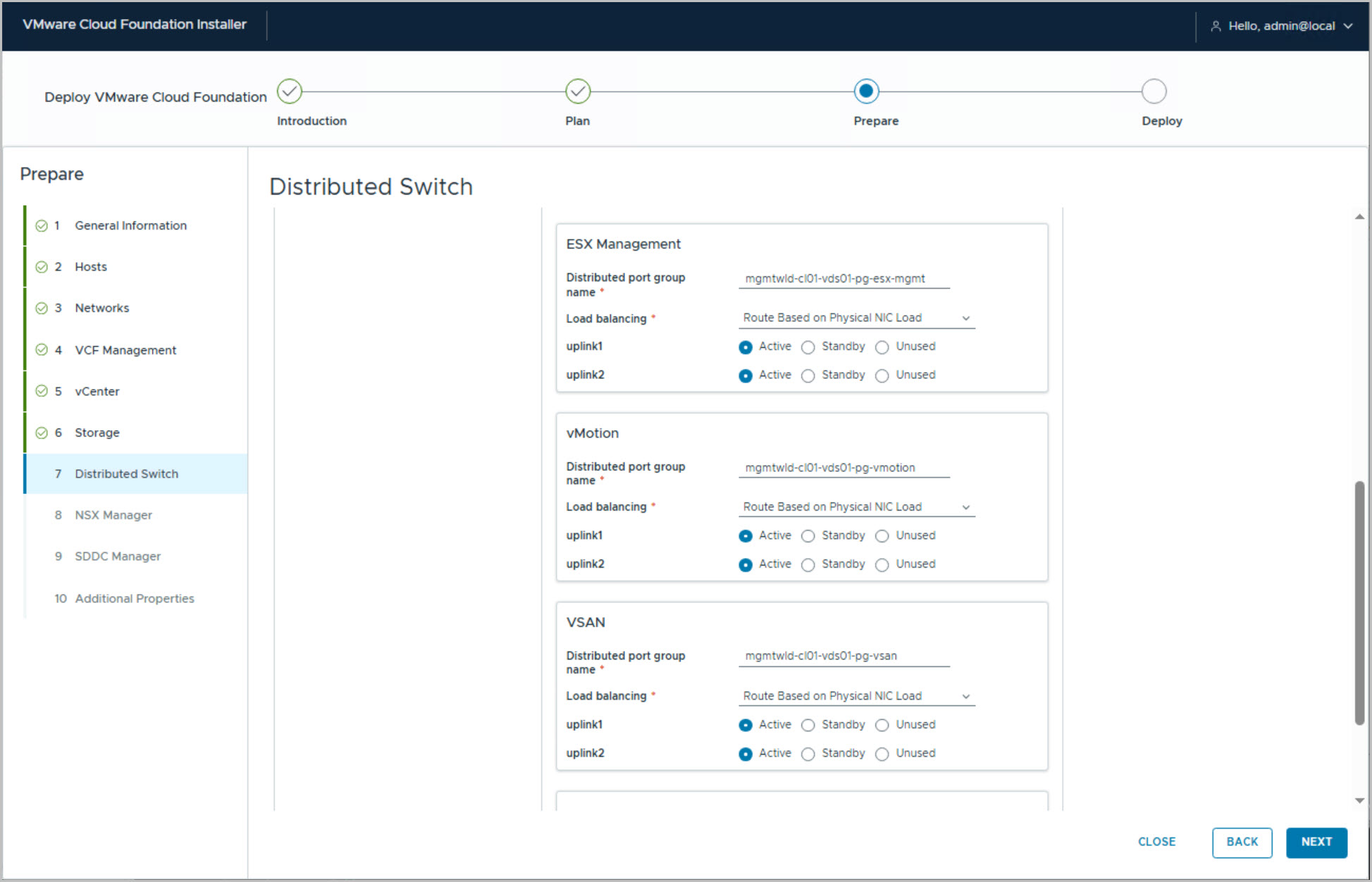
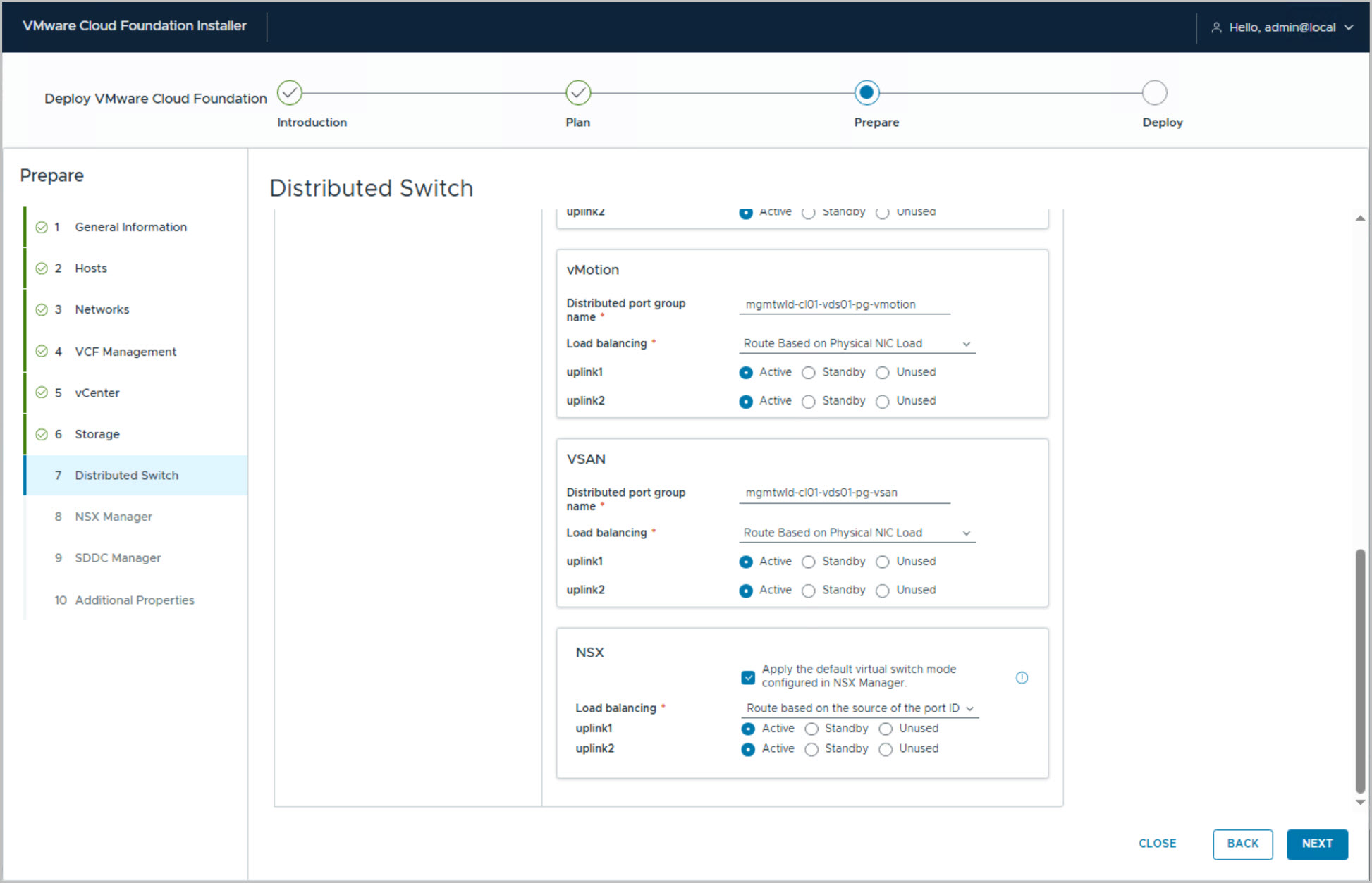
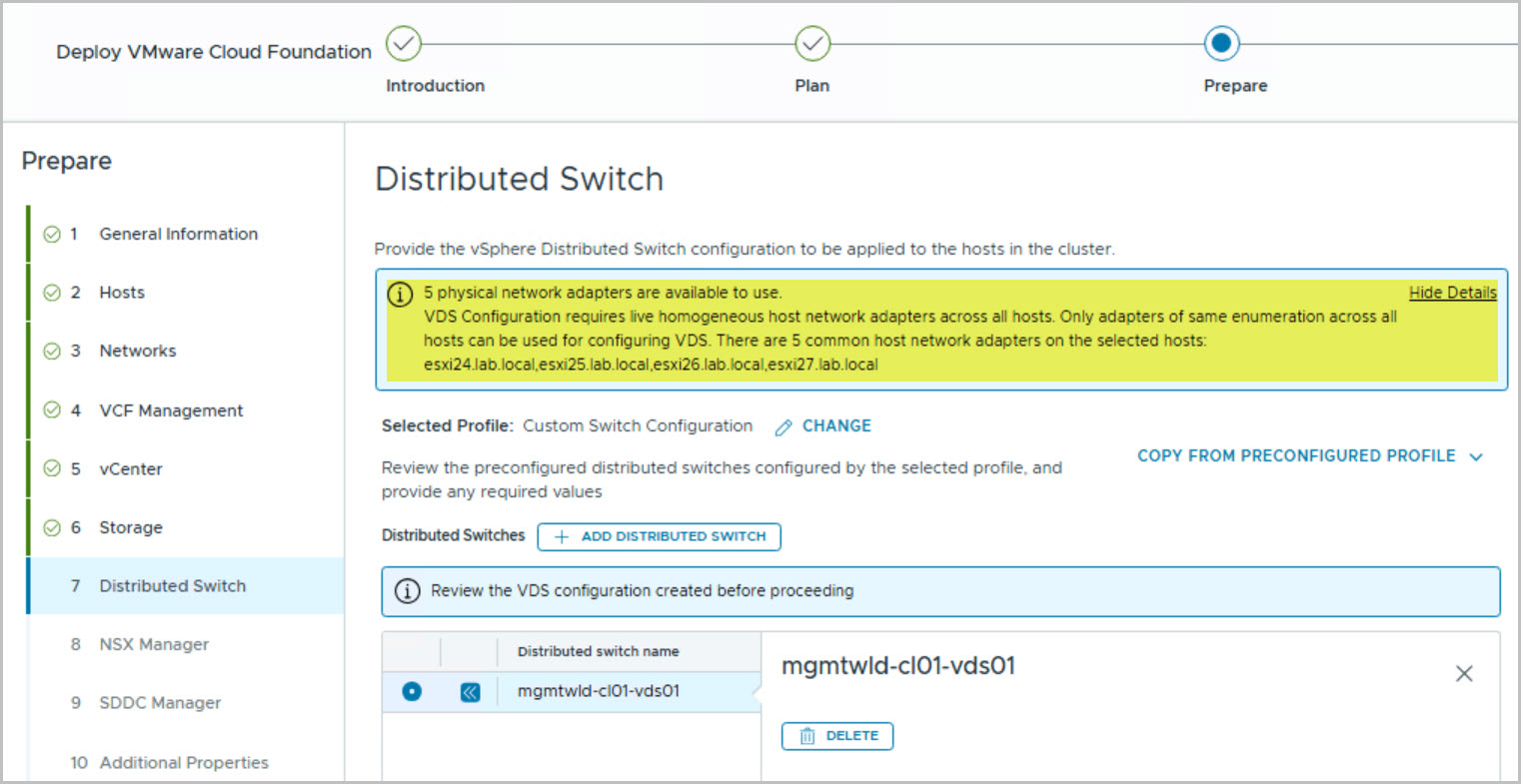
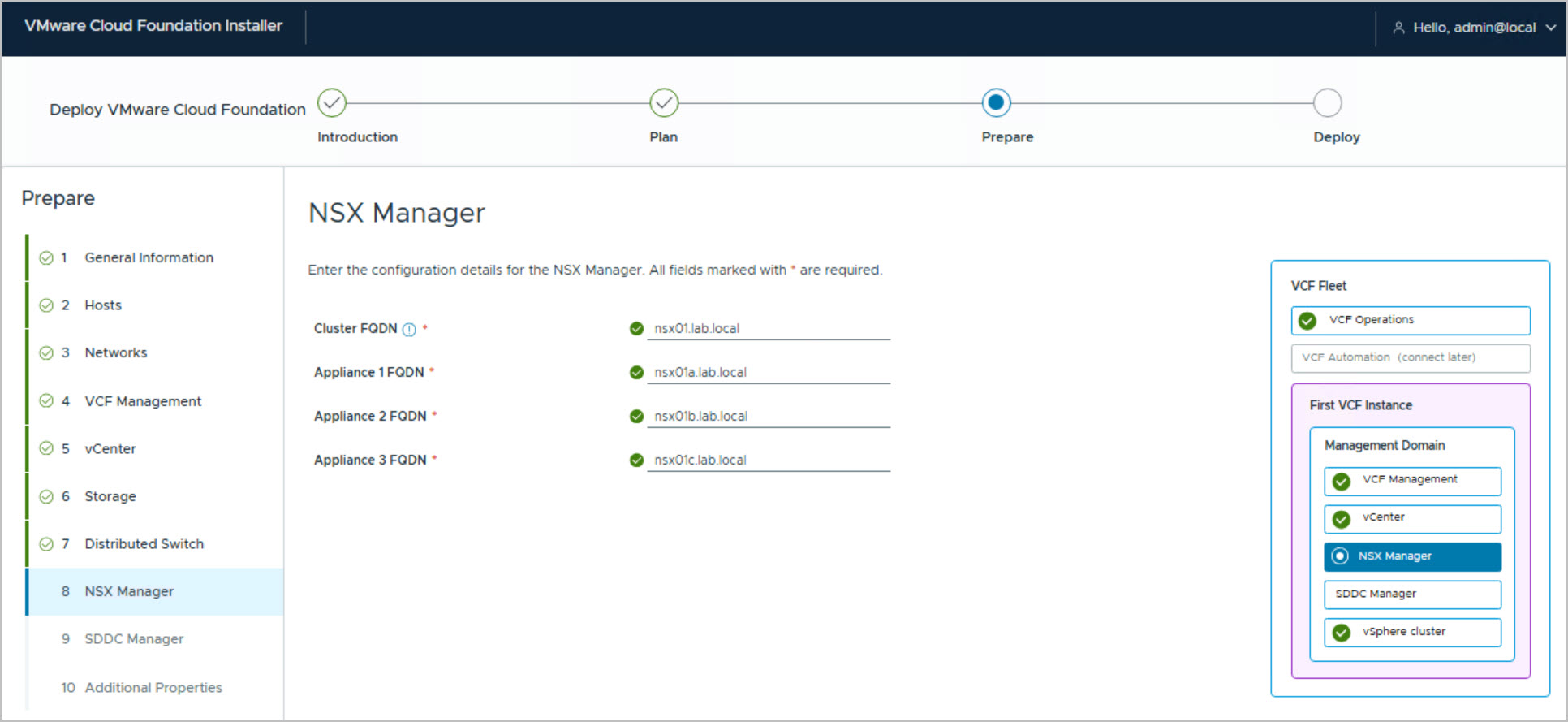
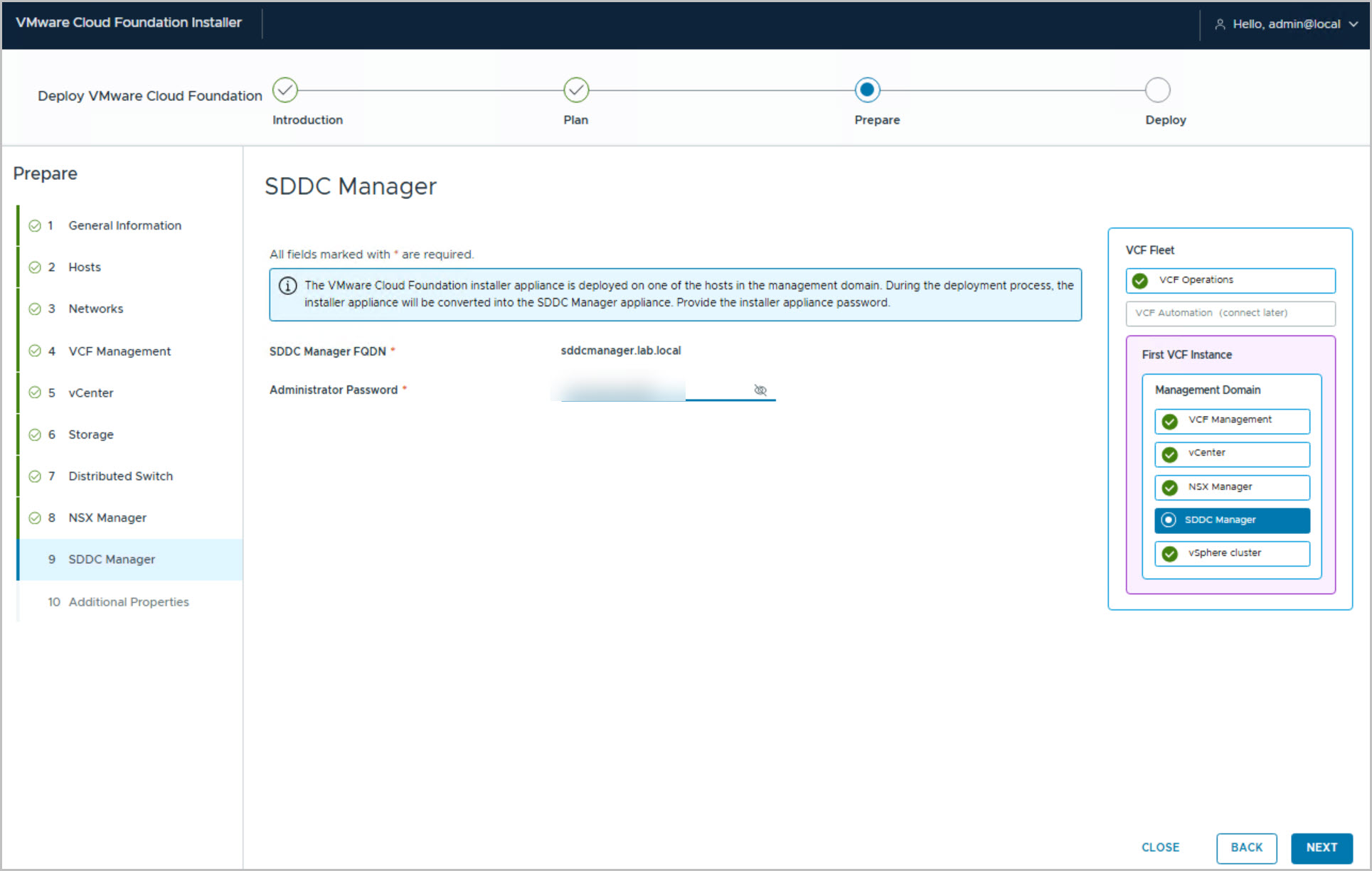
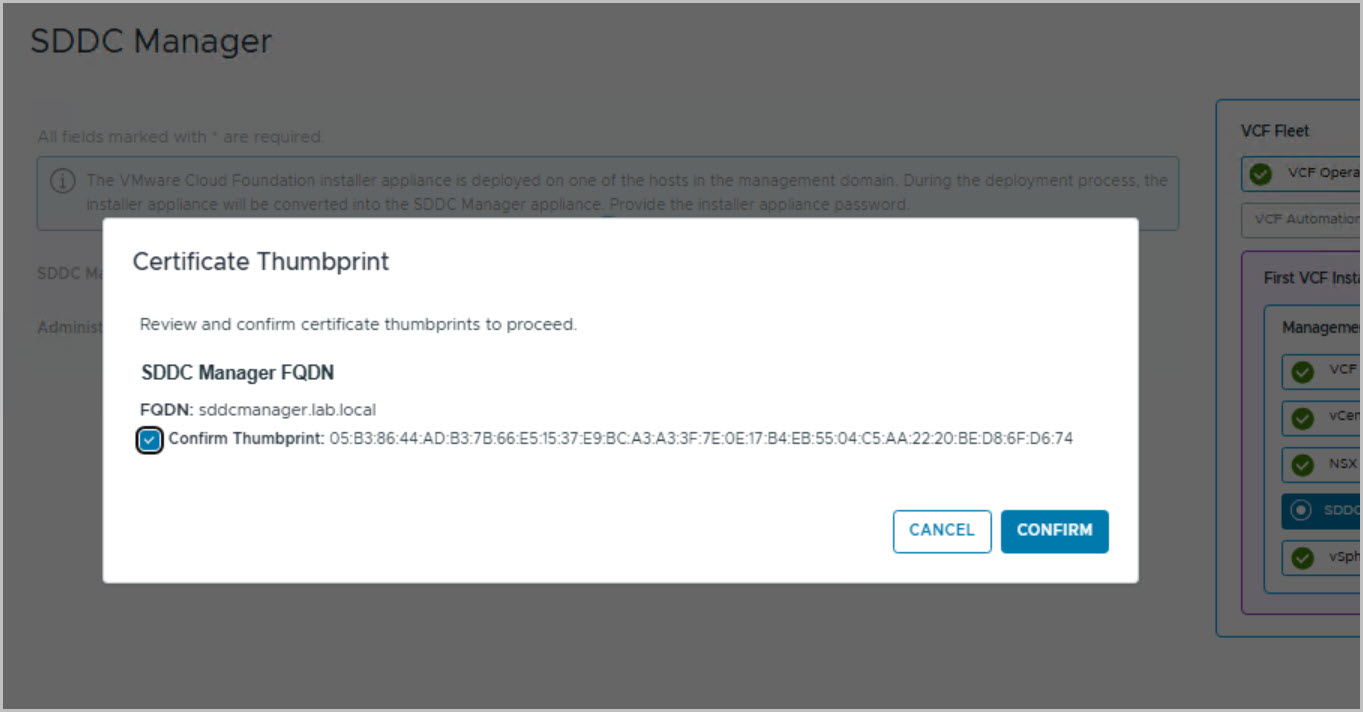
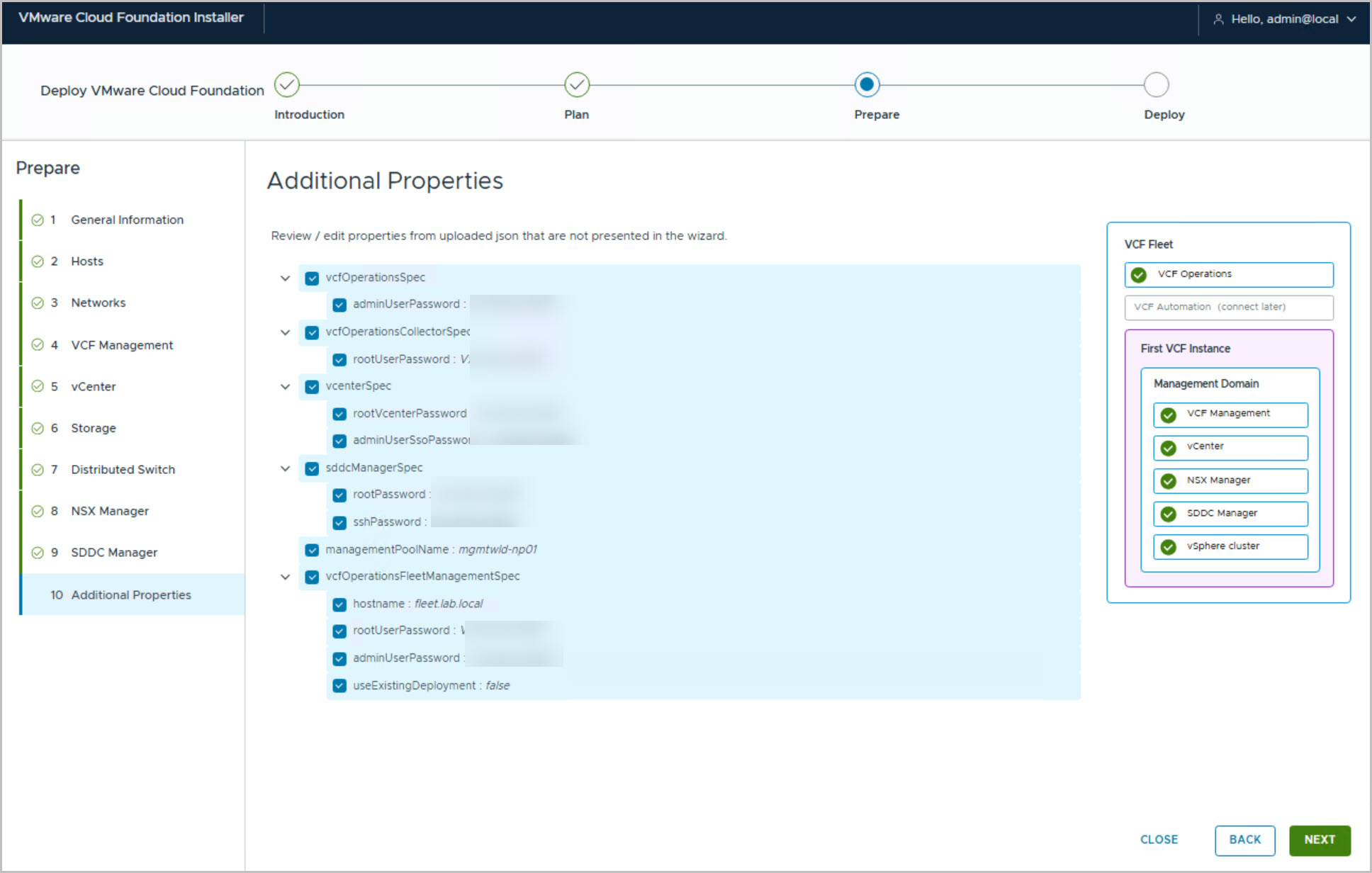
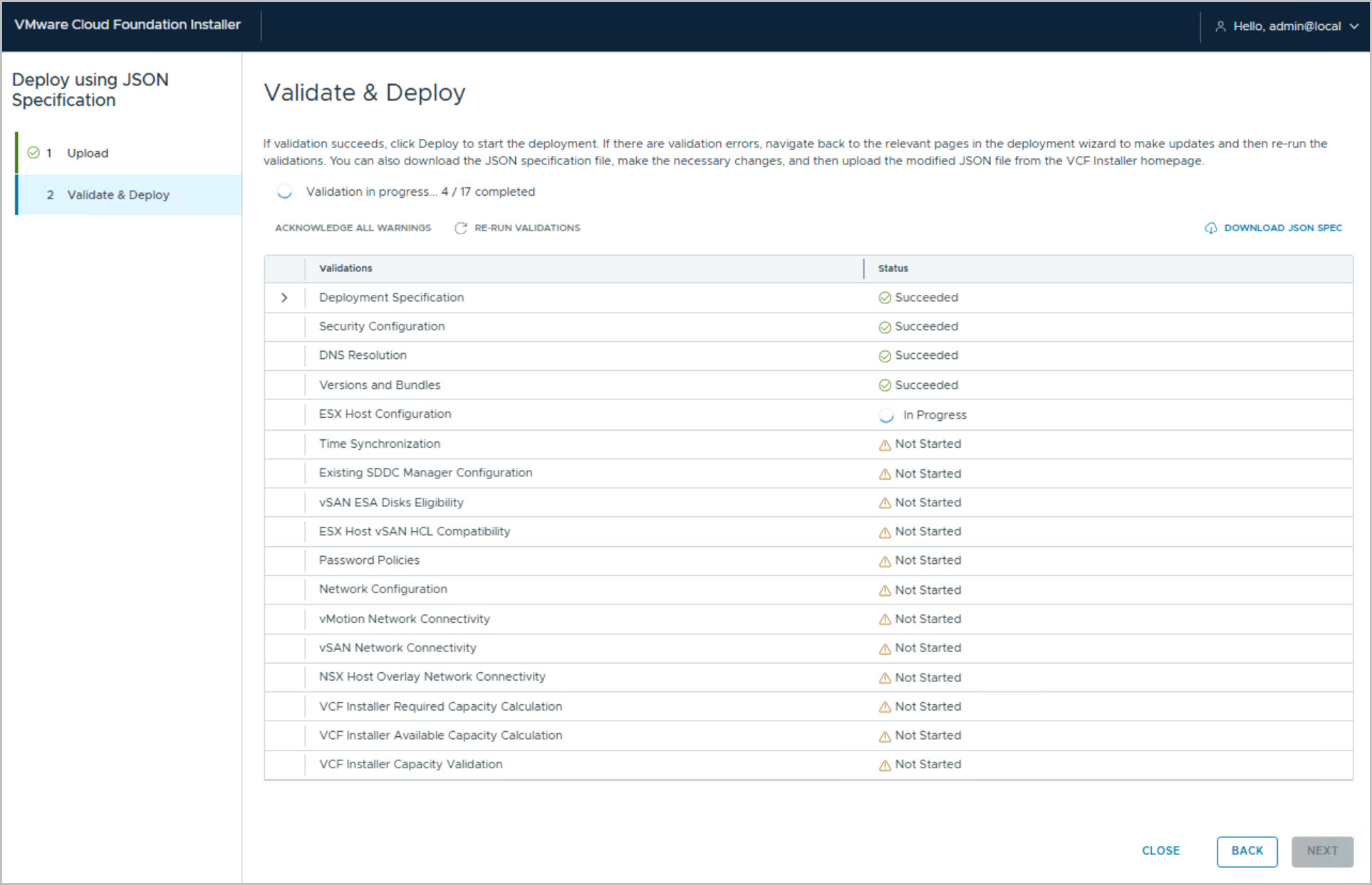
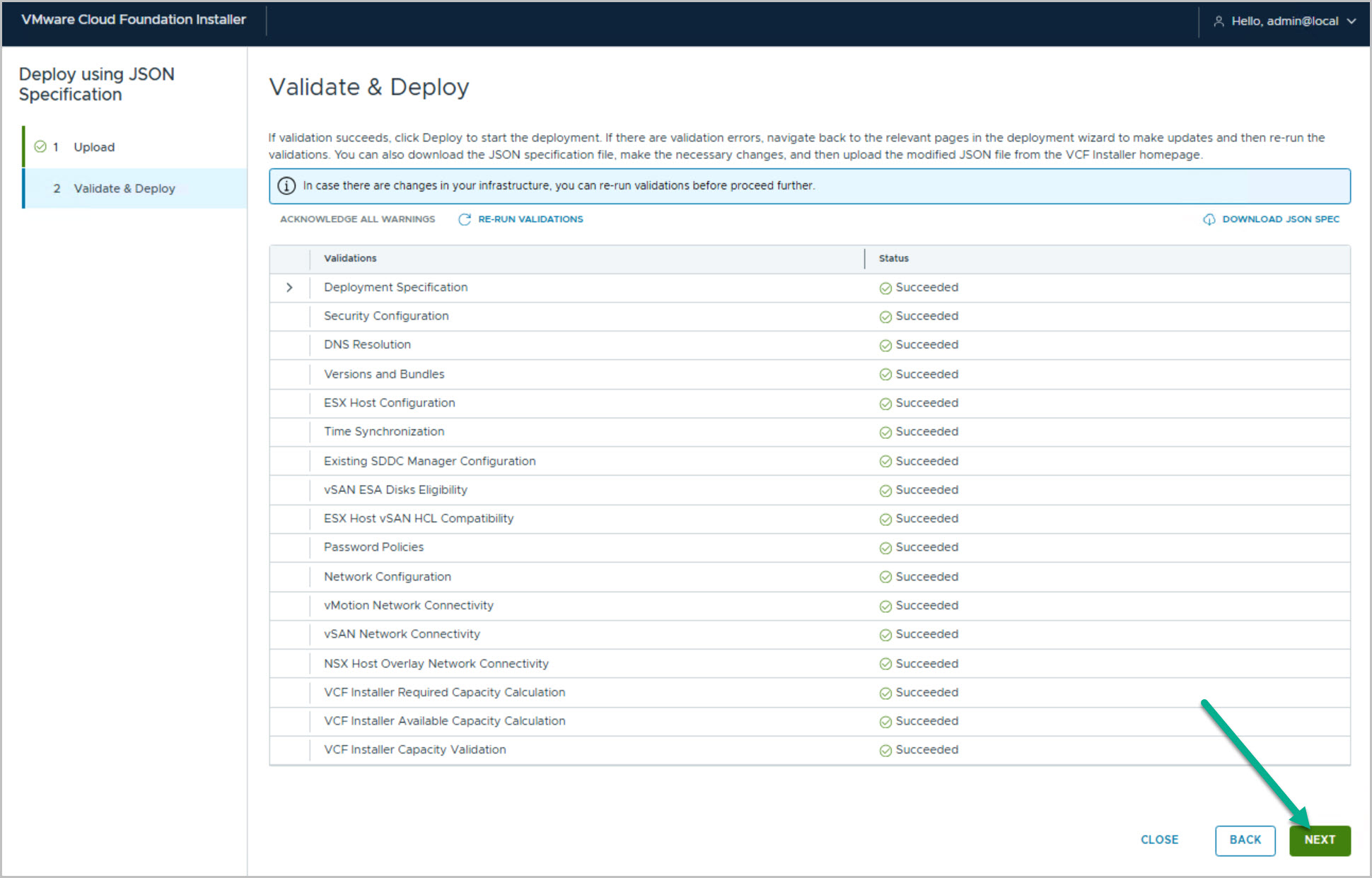
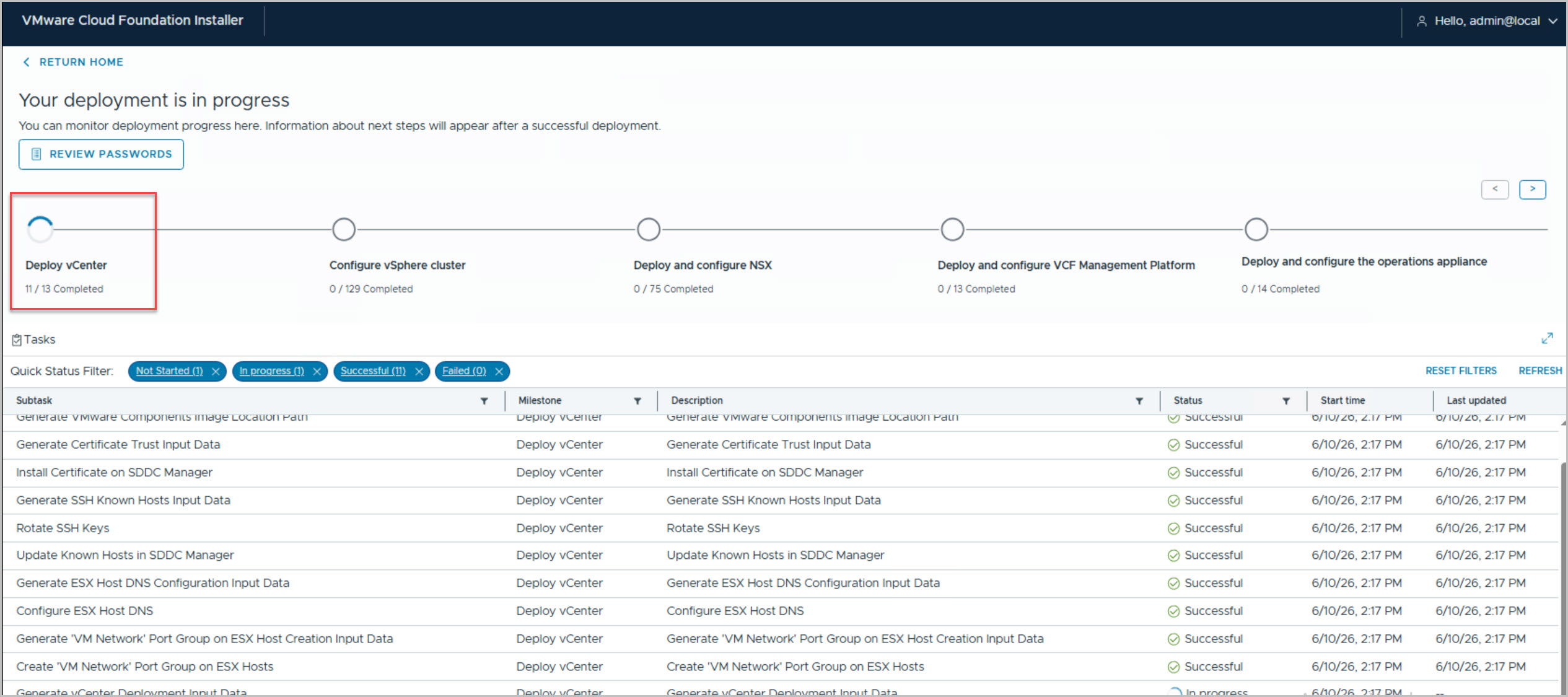
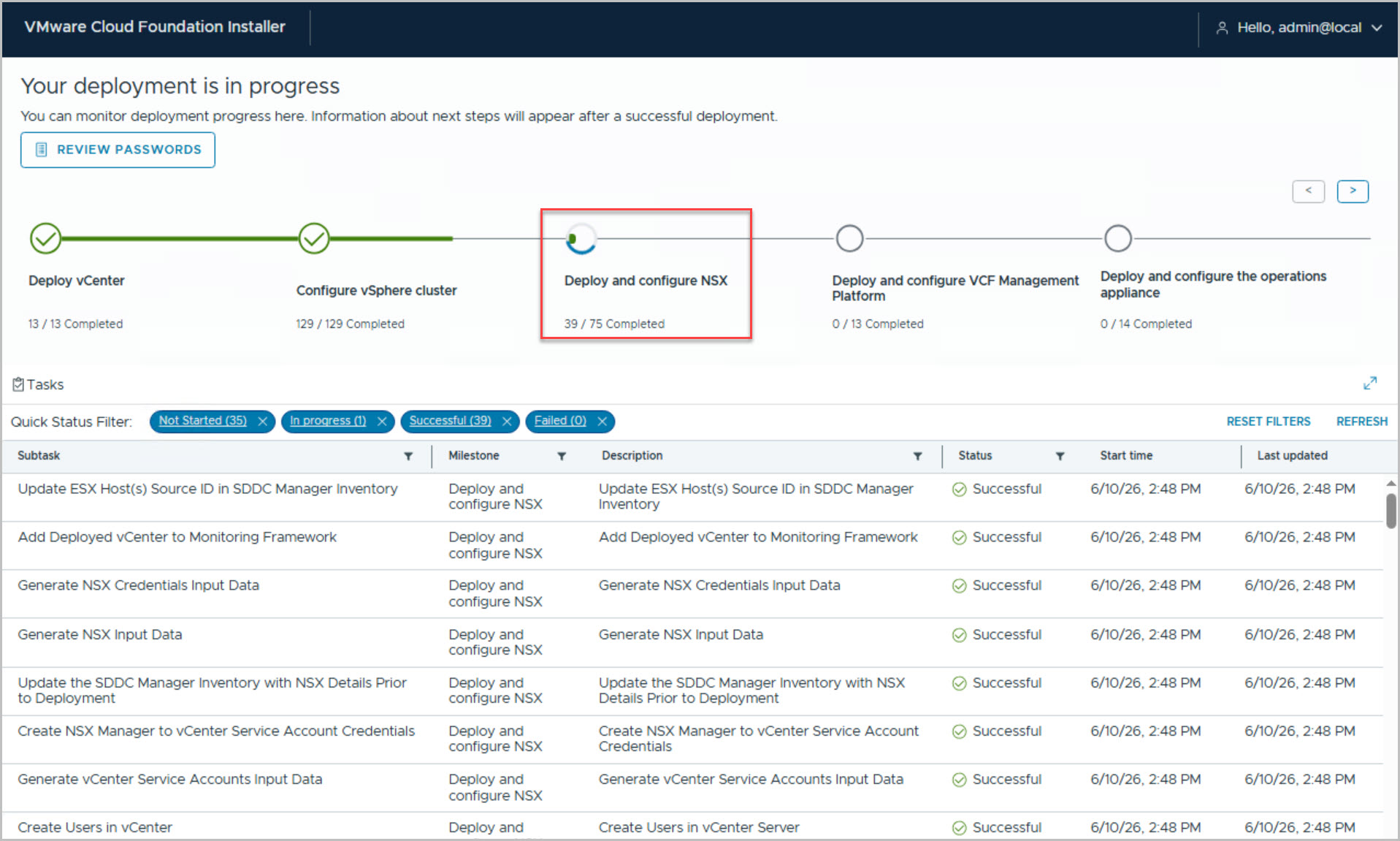
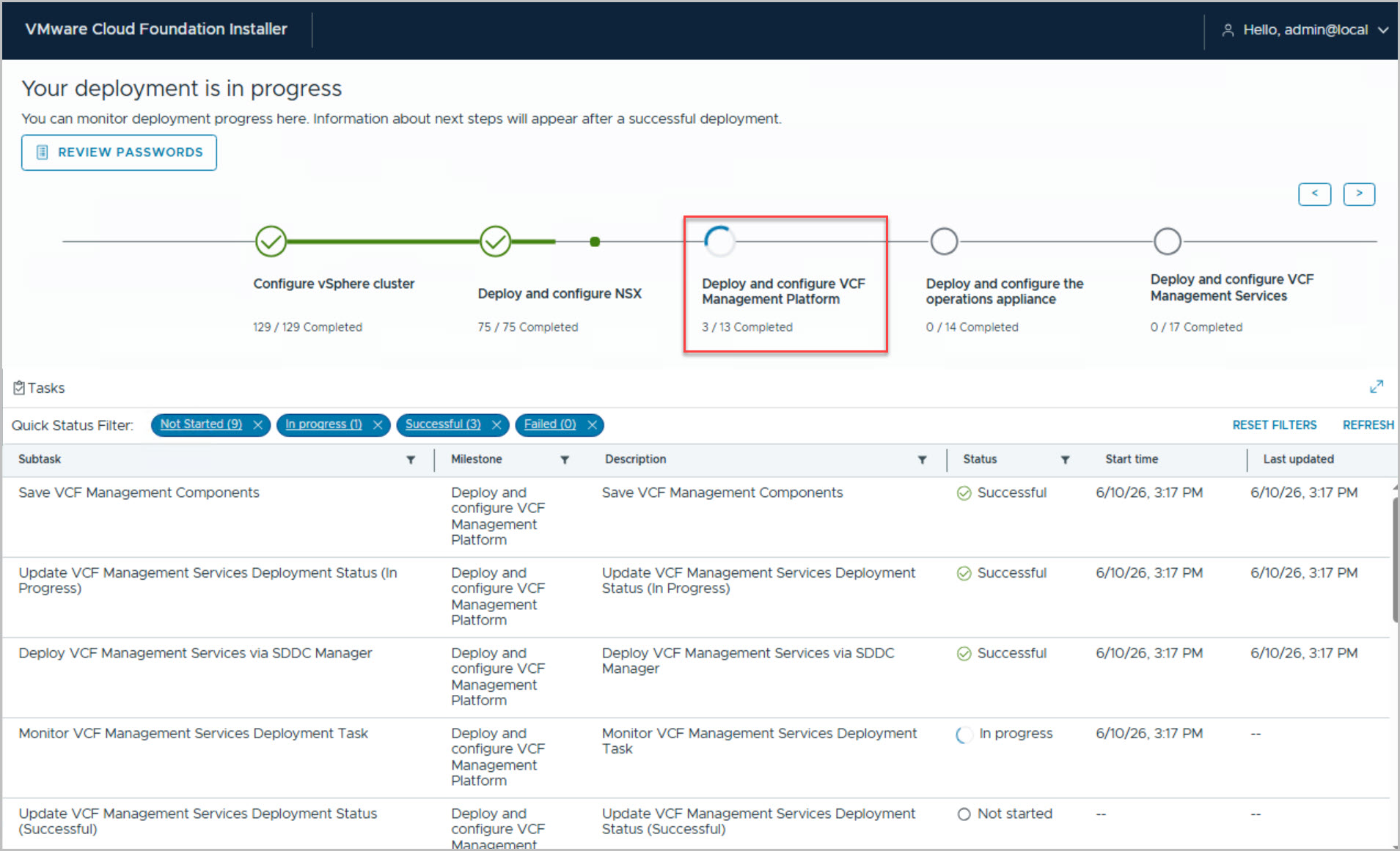
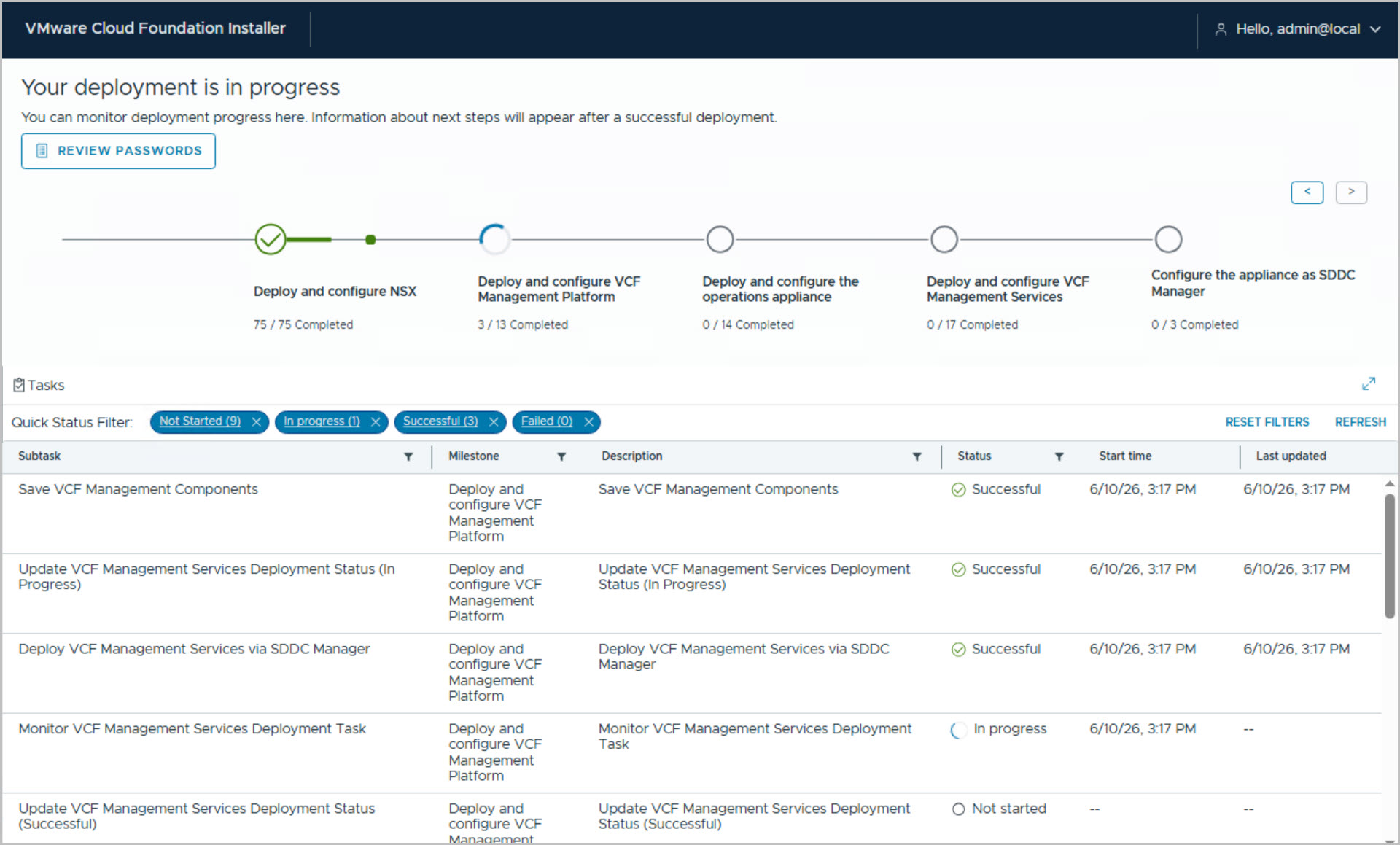
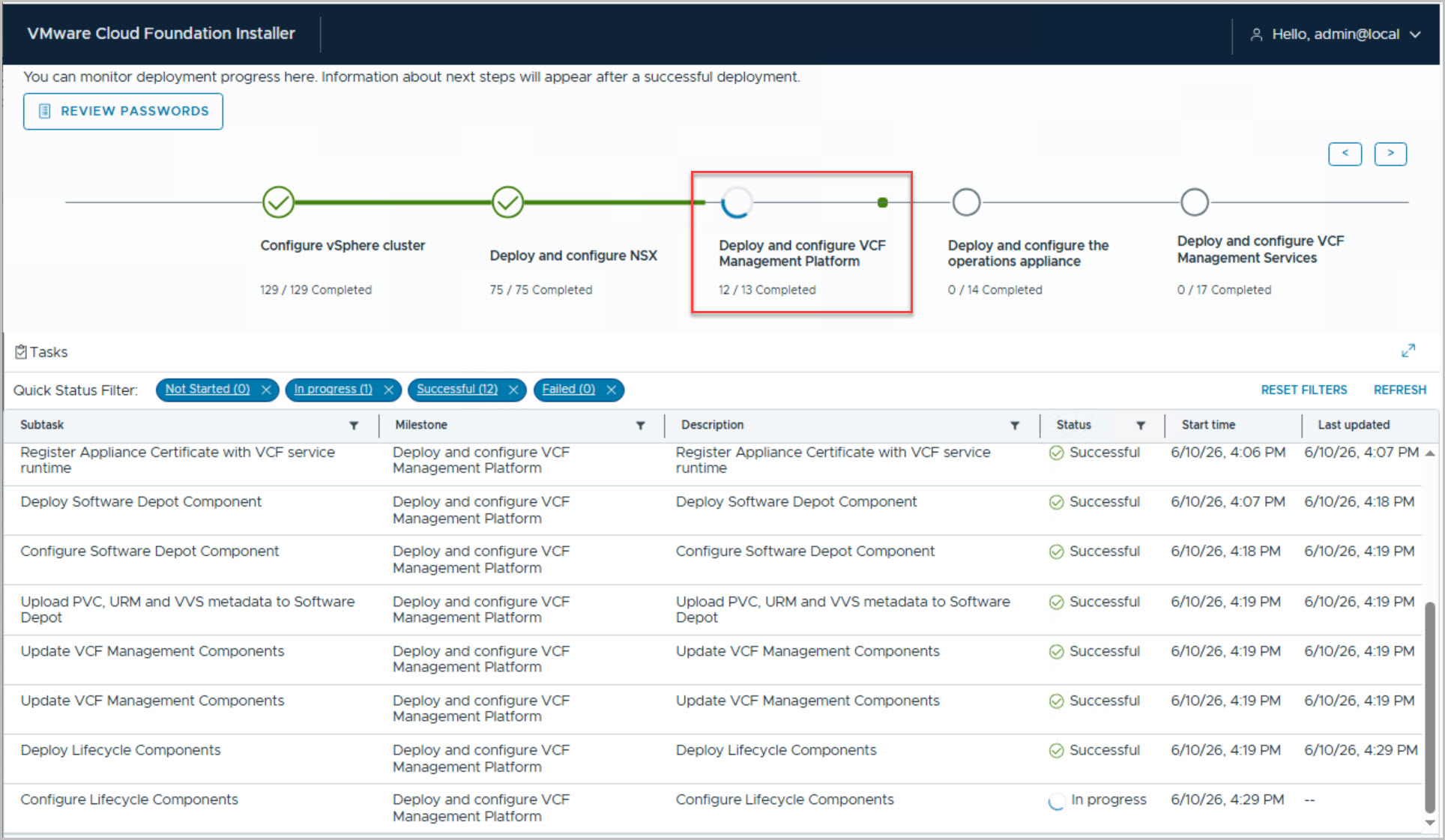
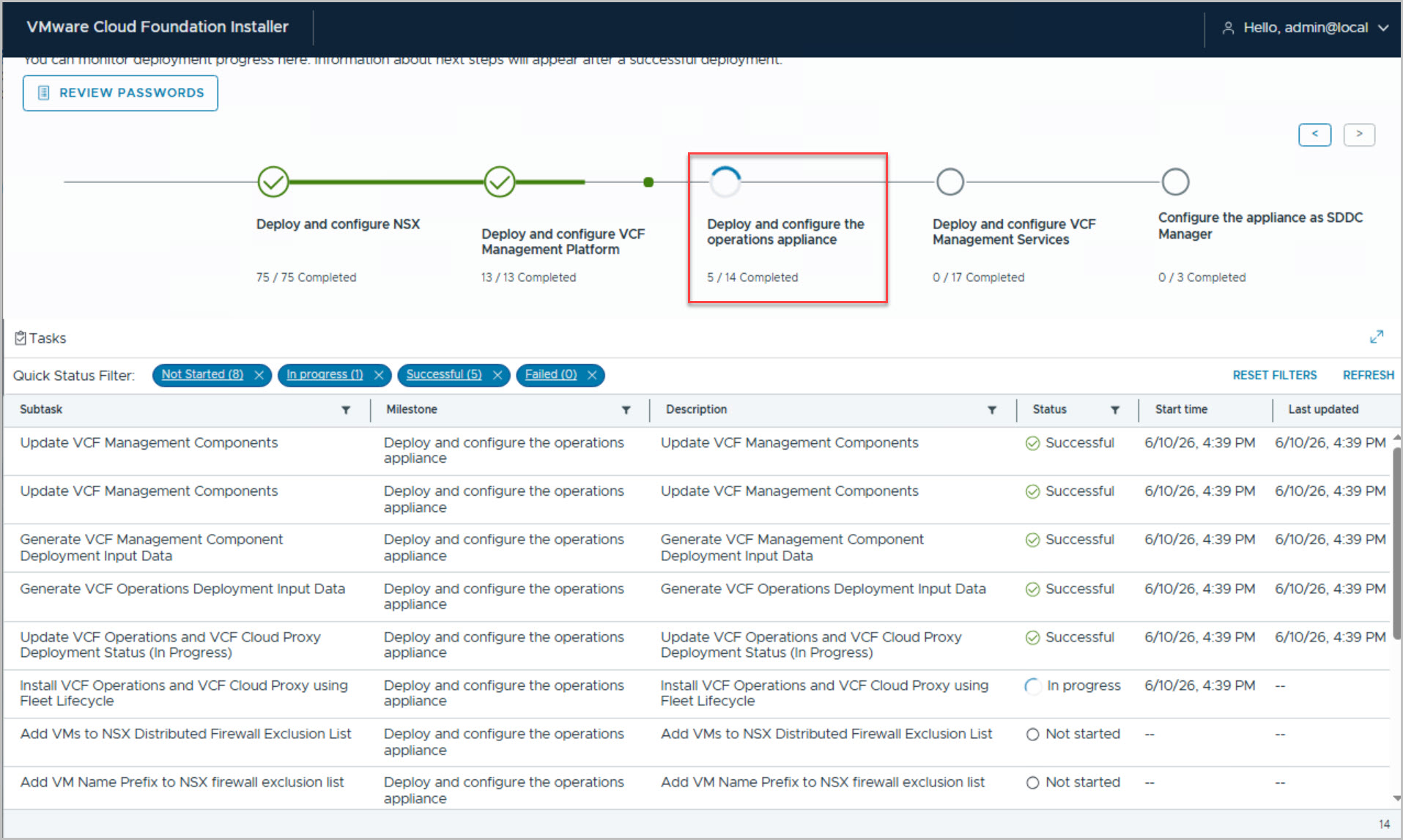
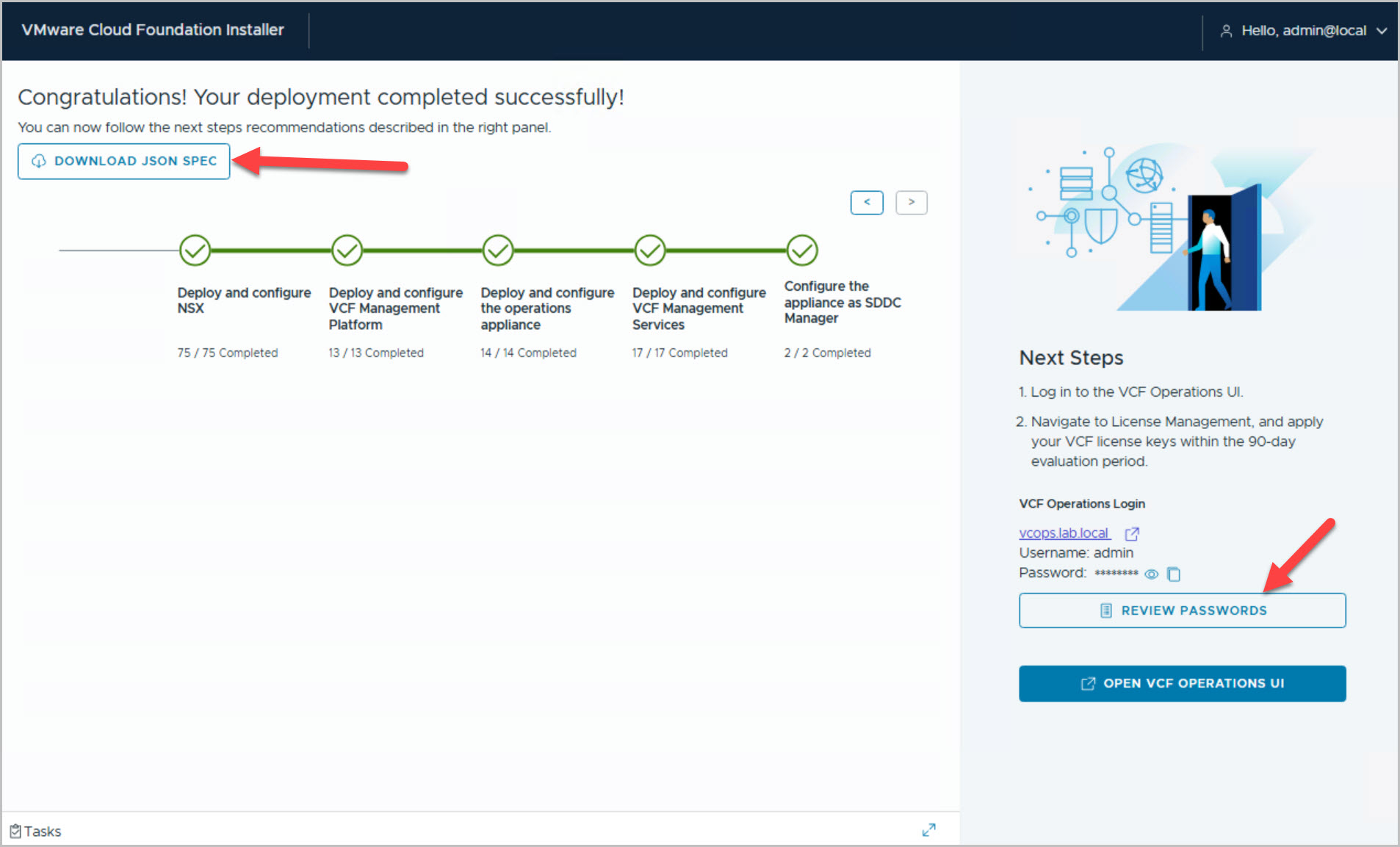
Execute the VCF bring-up process, which deploys core components (vCenter, NSX, SDDC Manager, VCF OPs etc.)
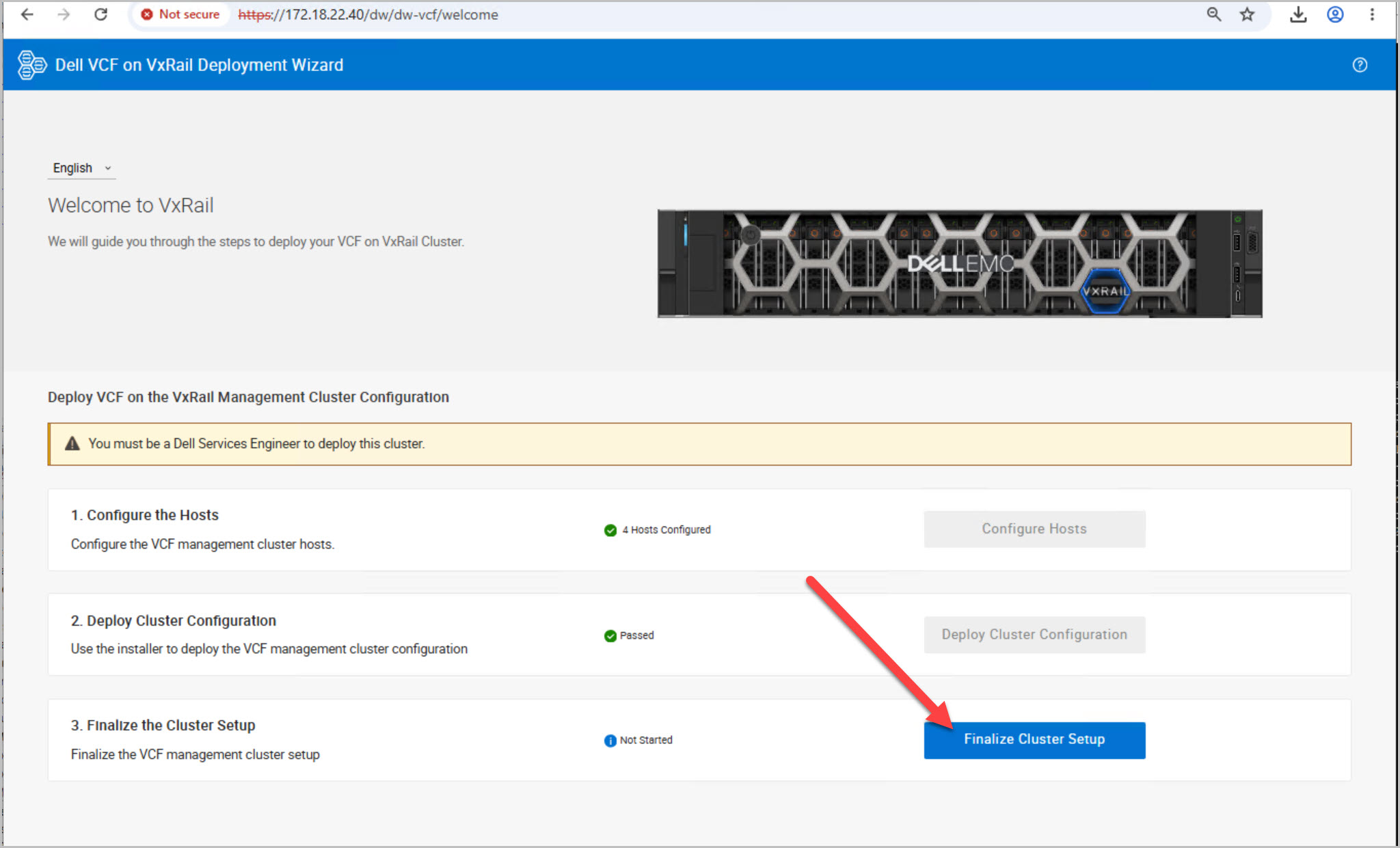
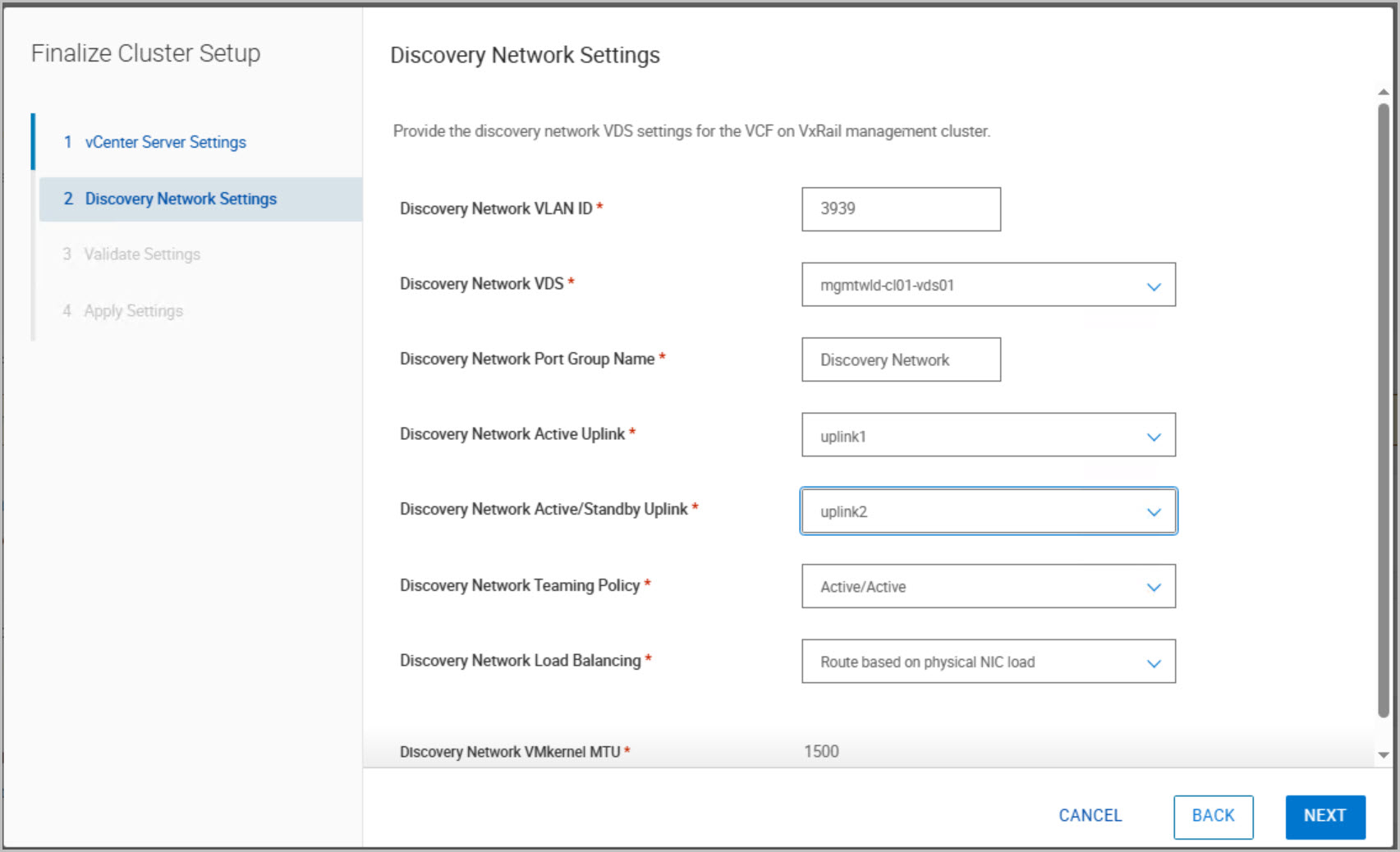
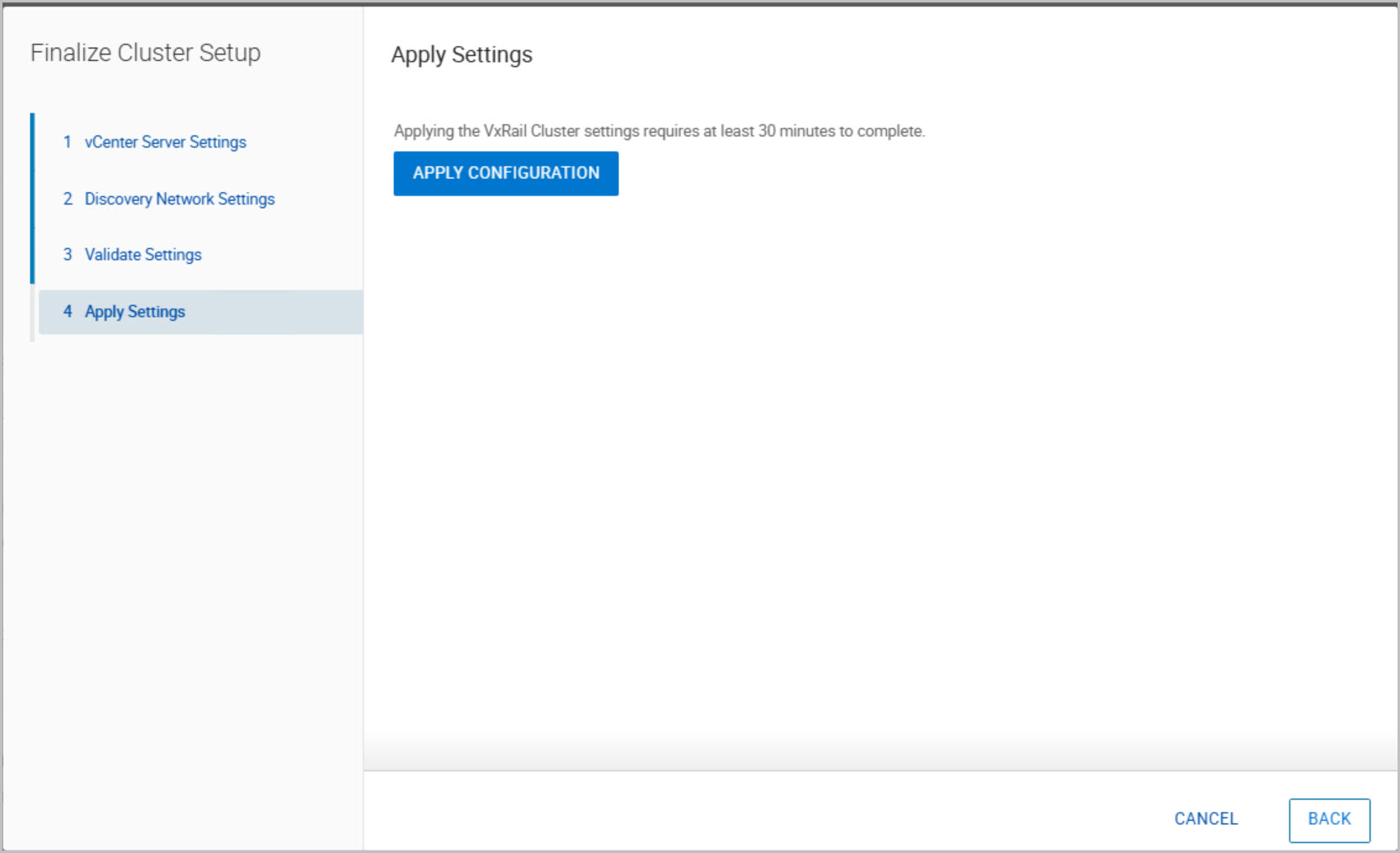
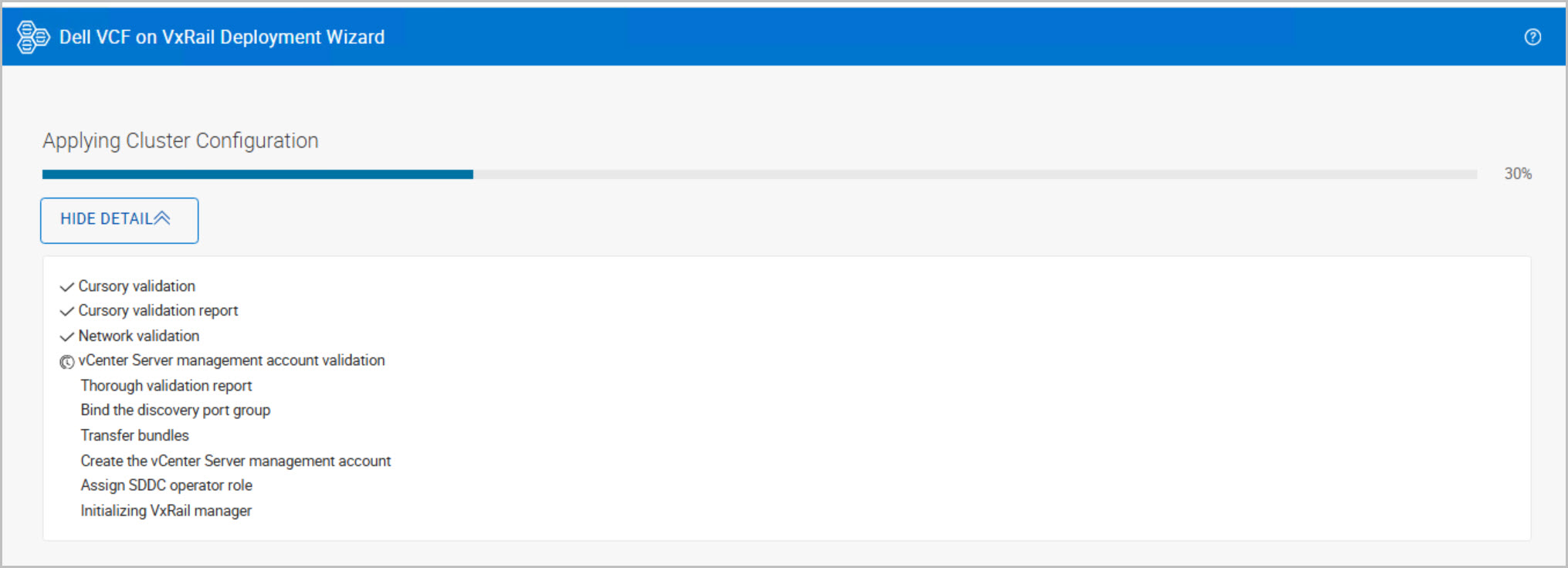
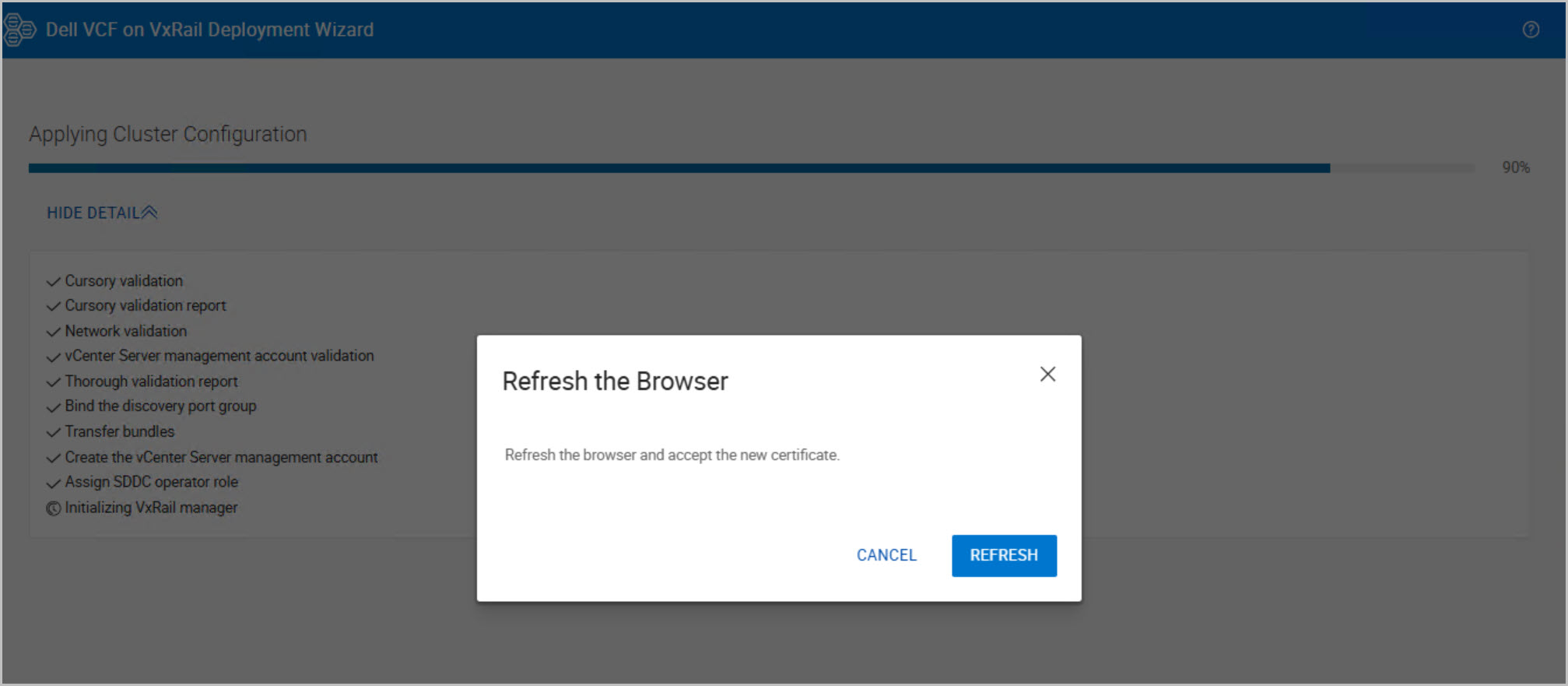
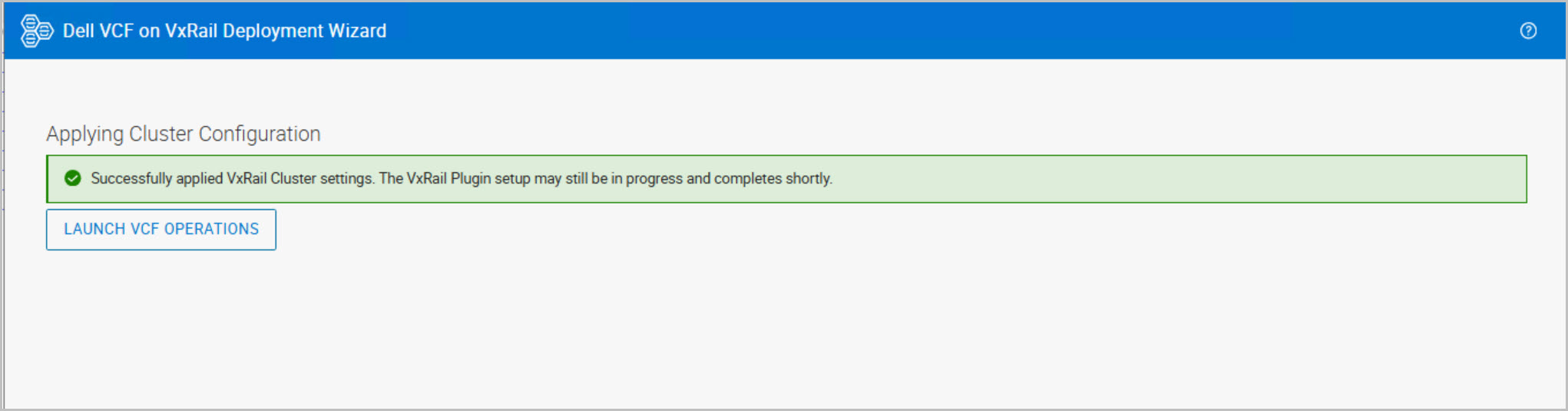
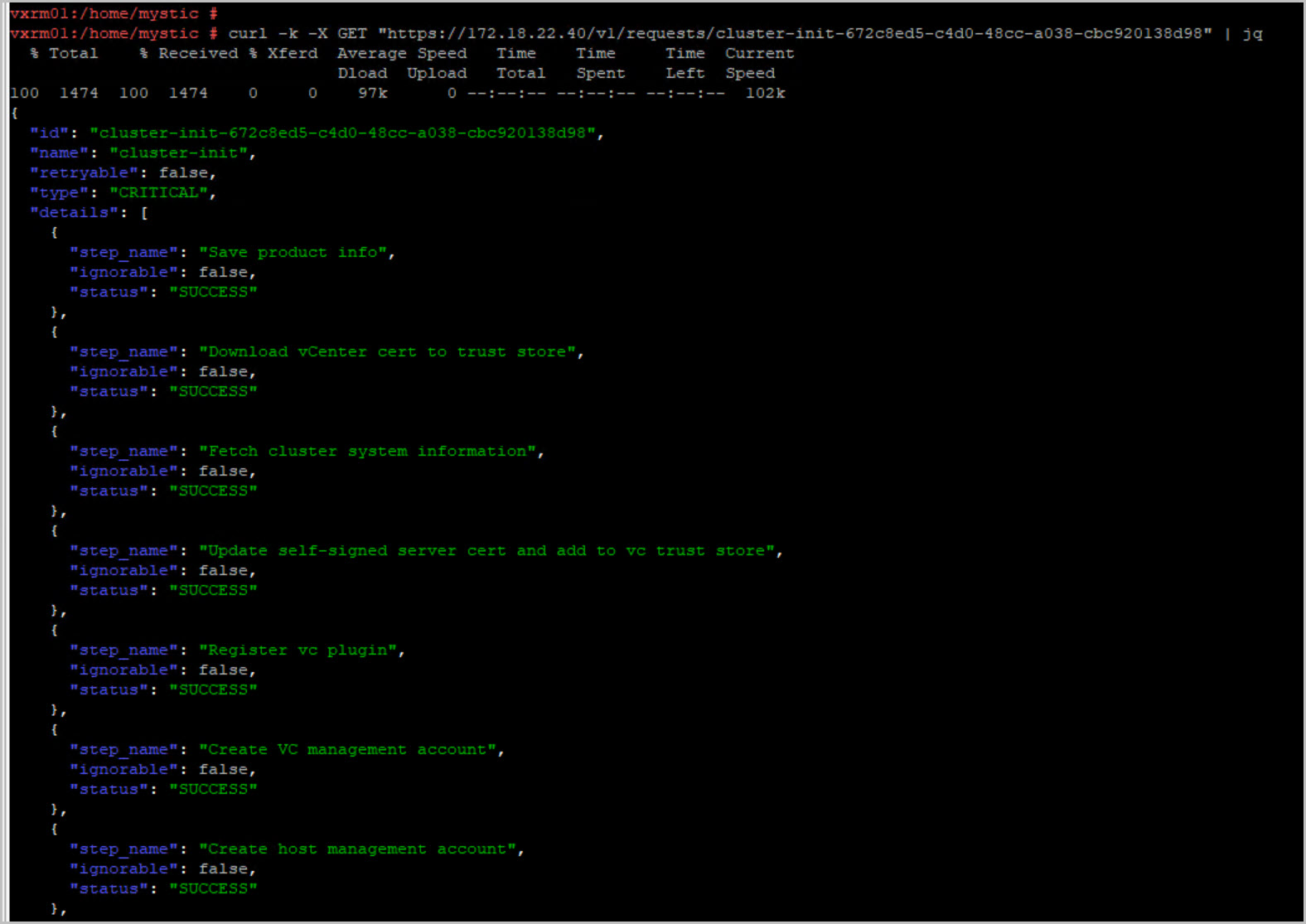
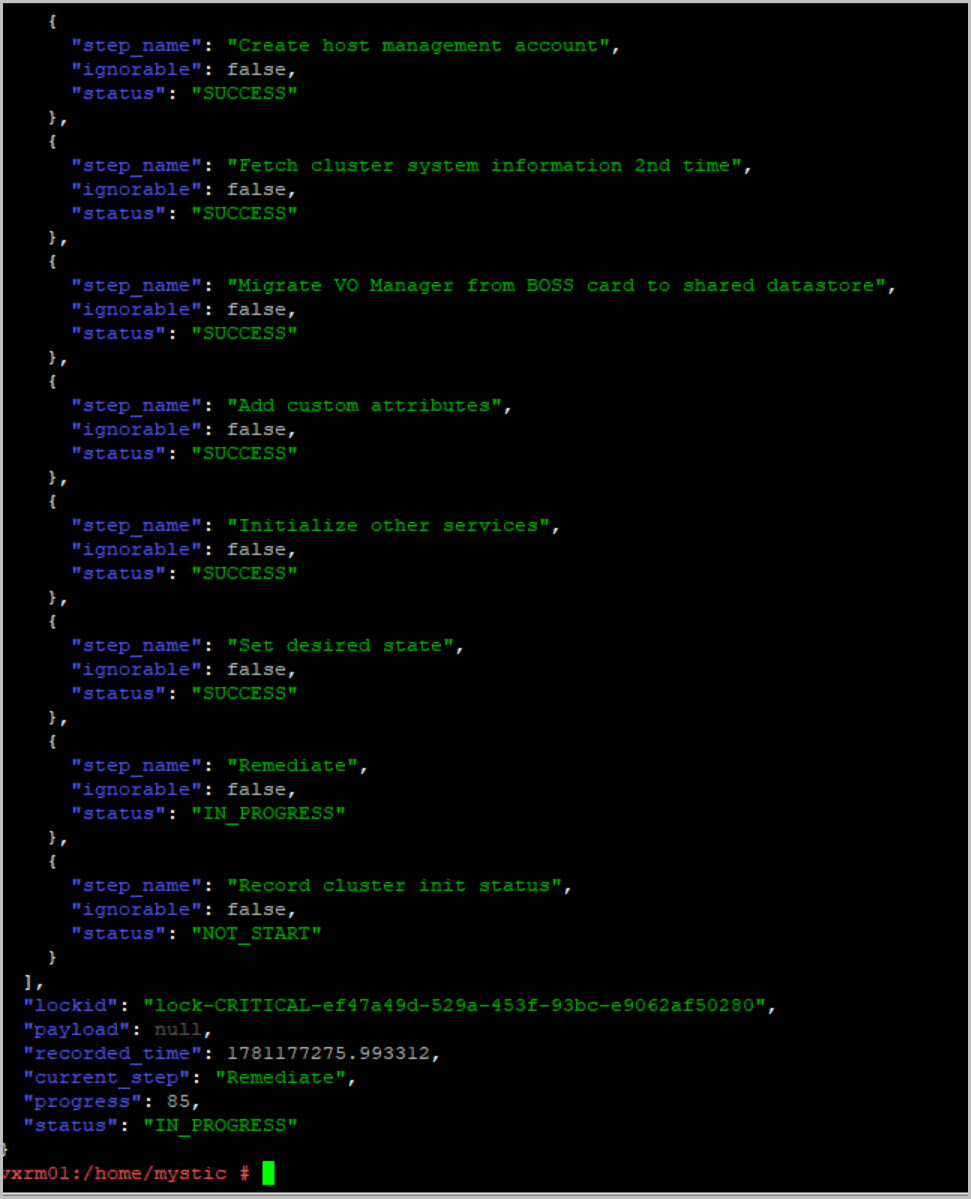
Module 3: Cluster Finalization
This phase completes the configuration of the environment:
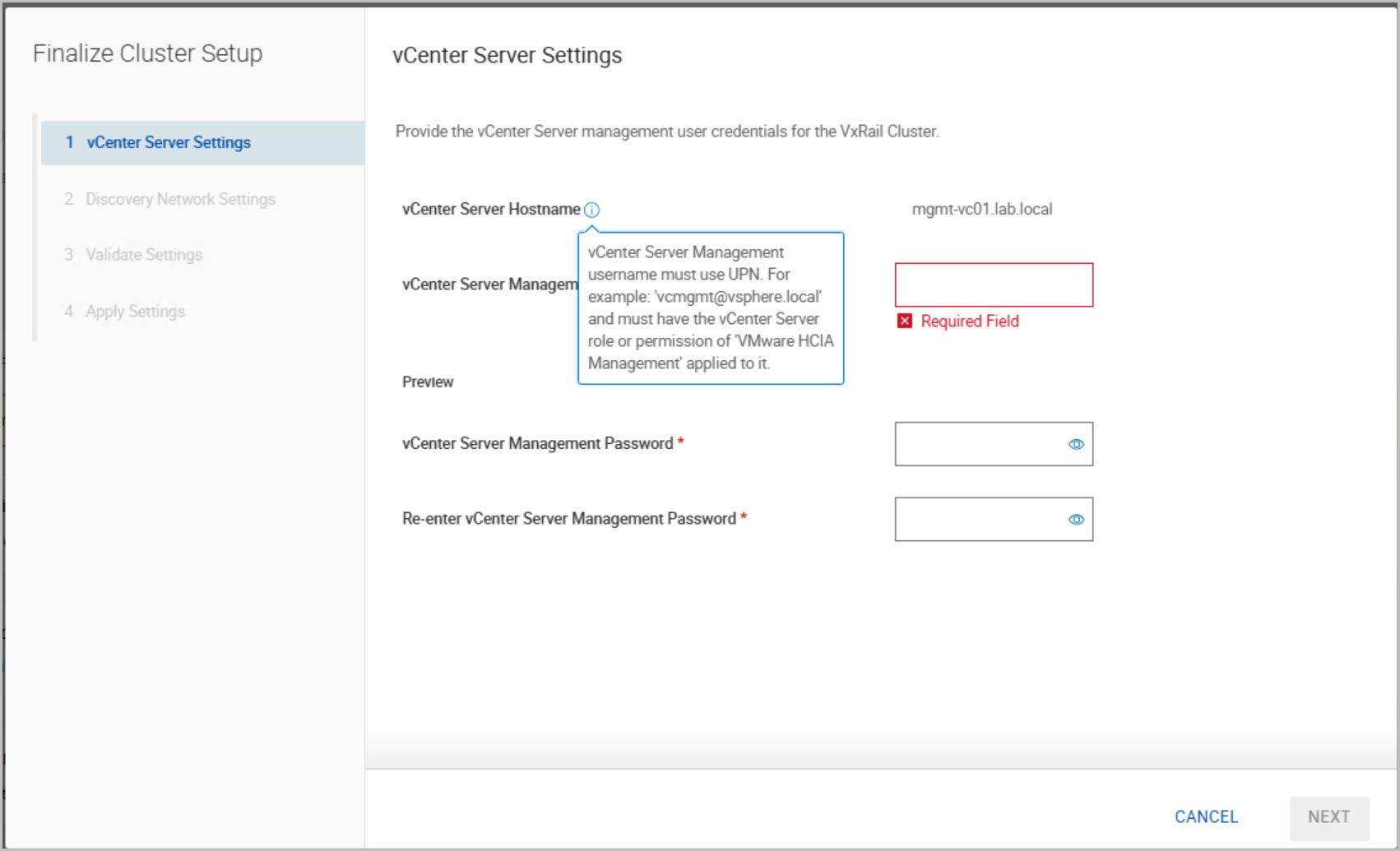
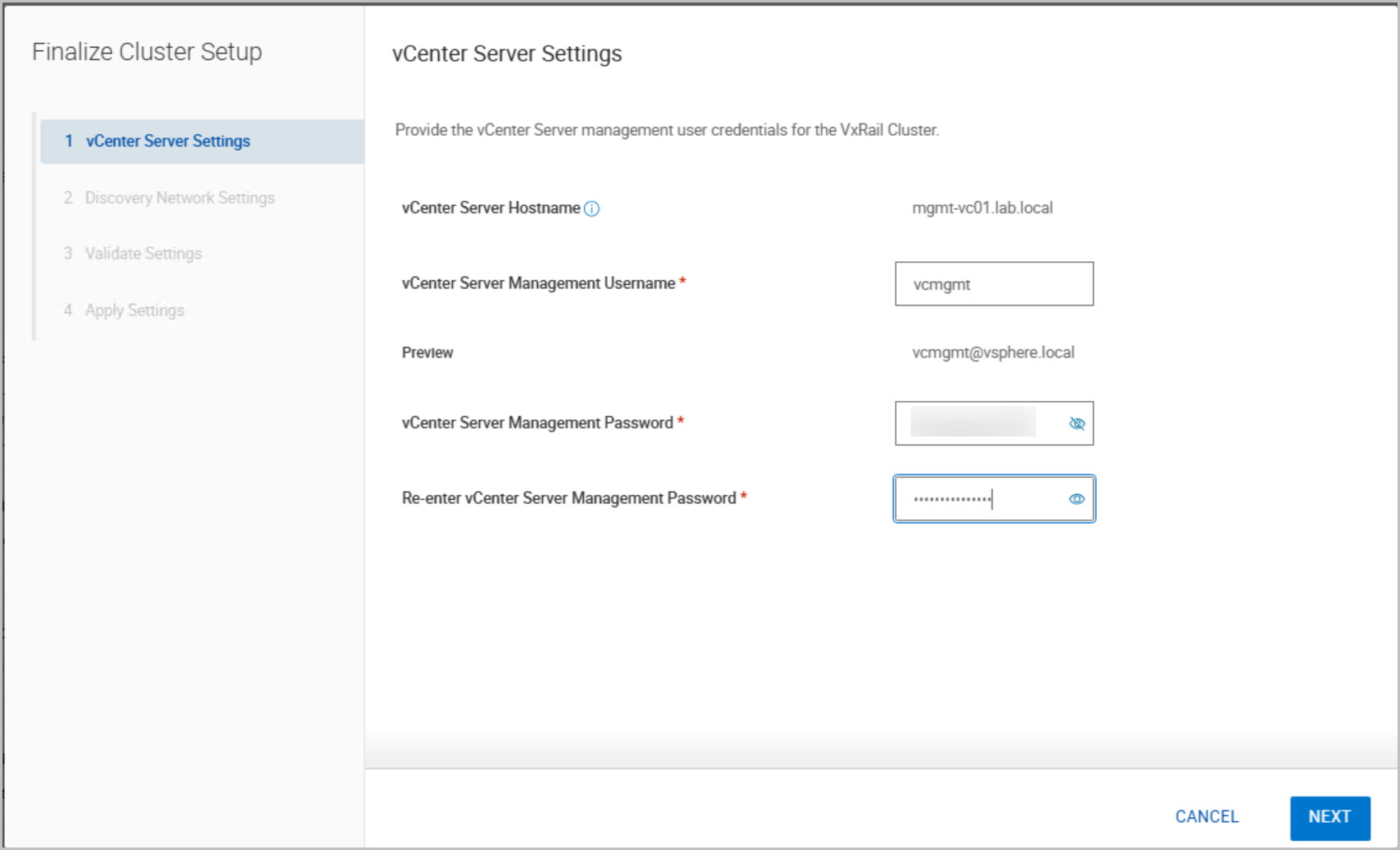
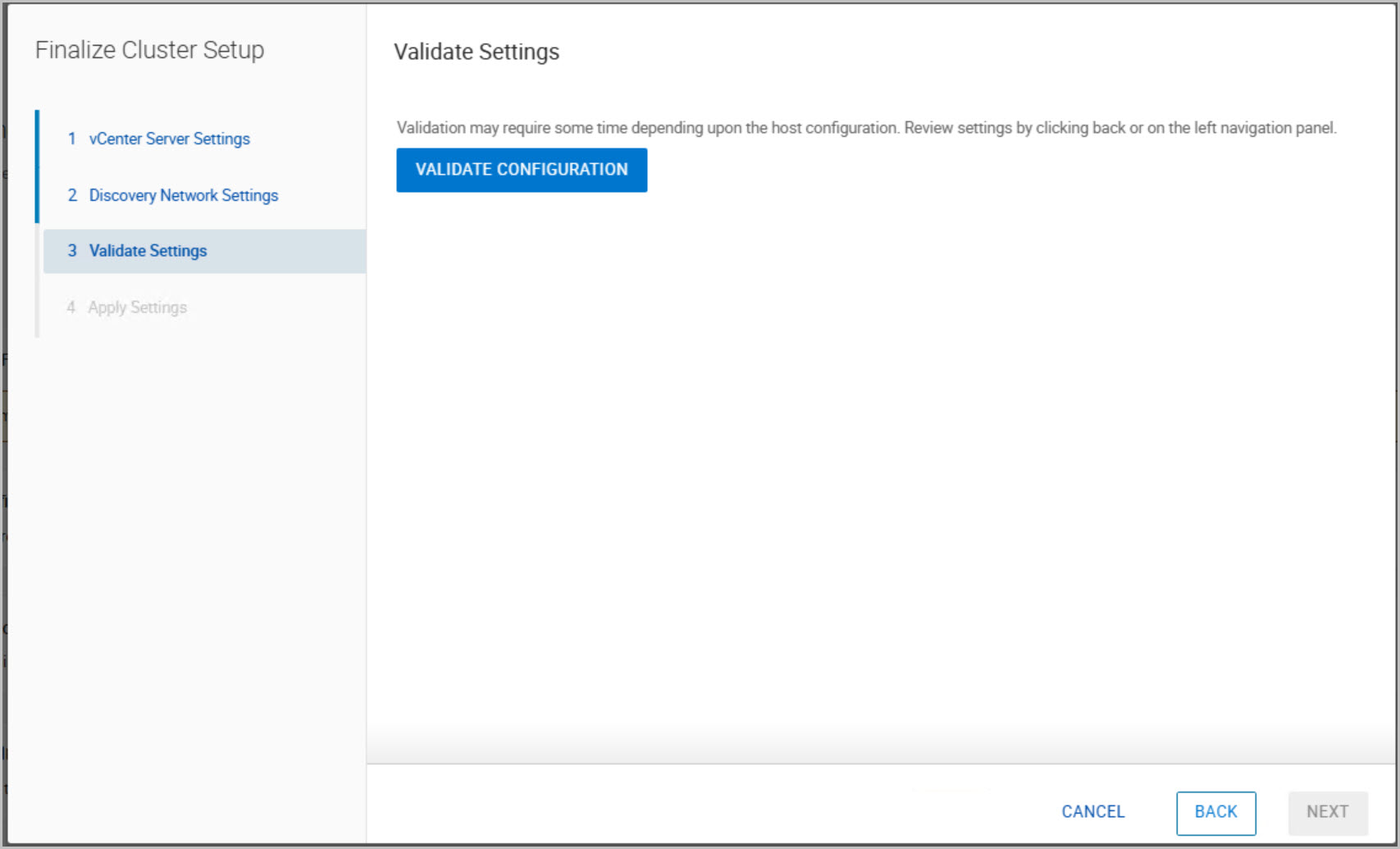
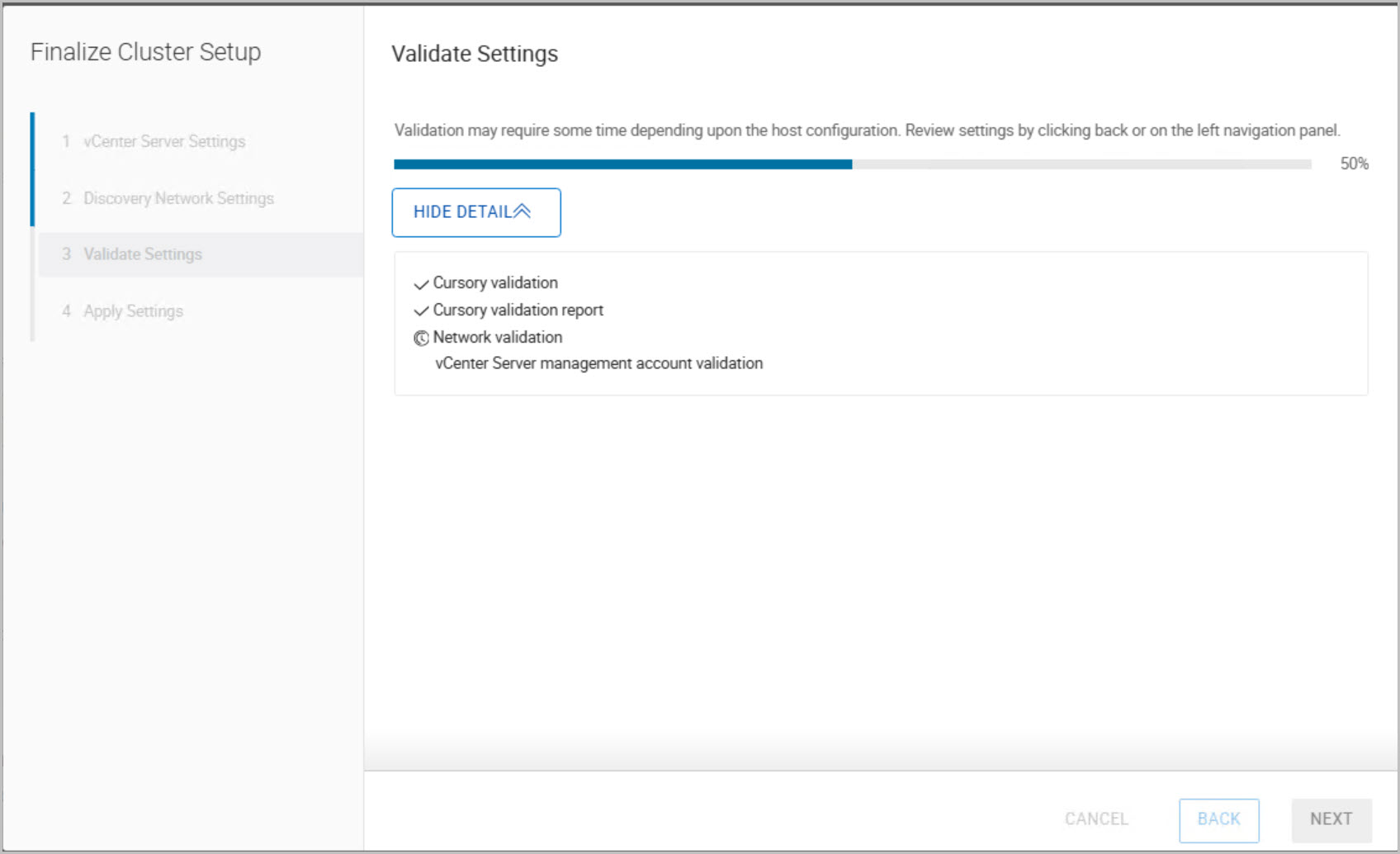
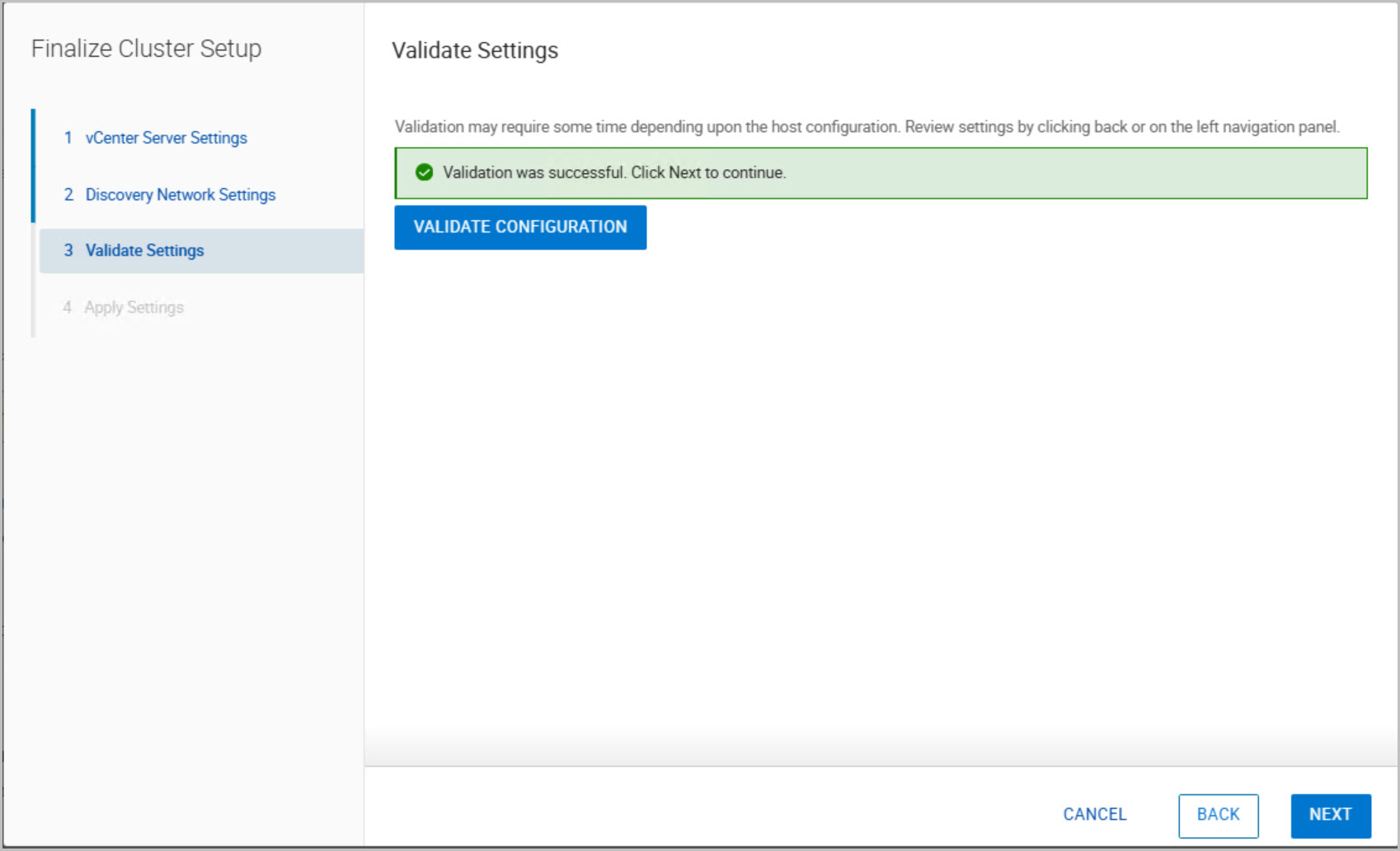
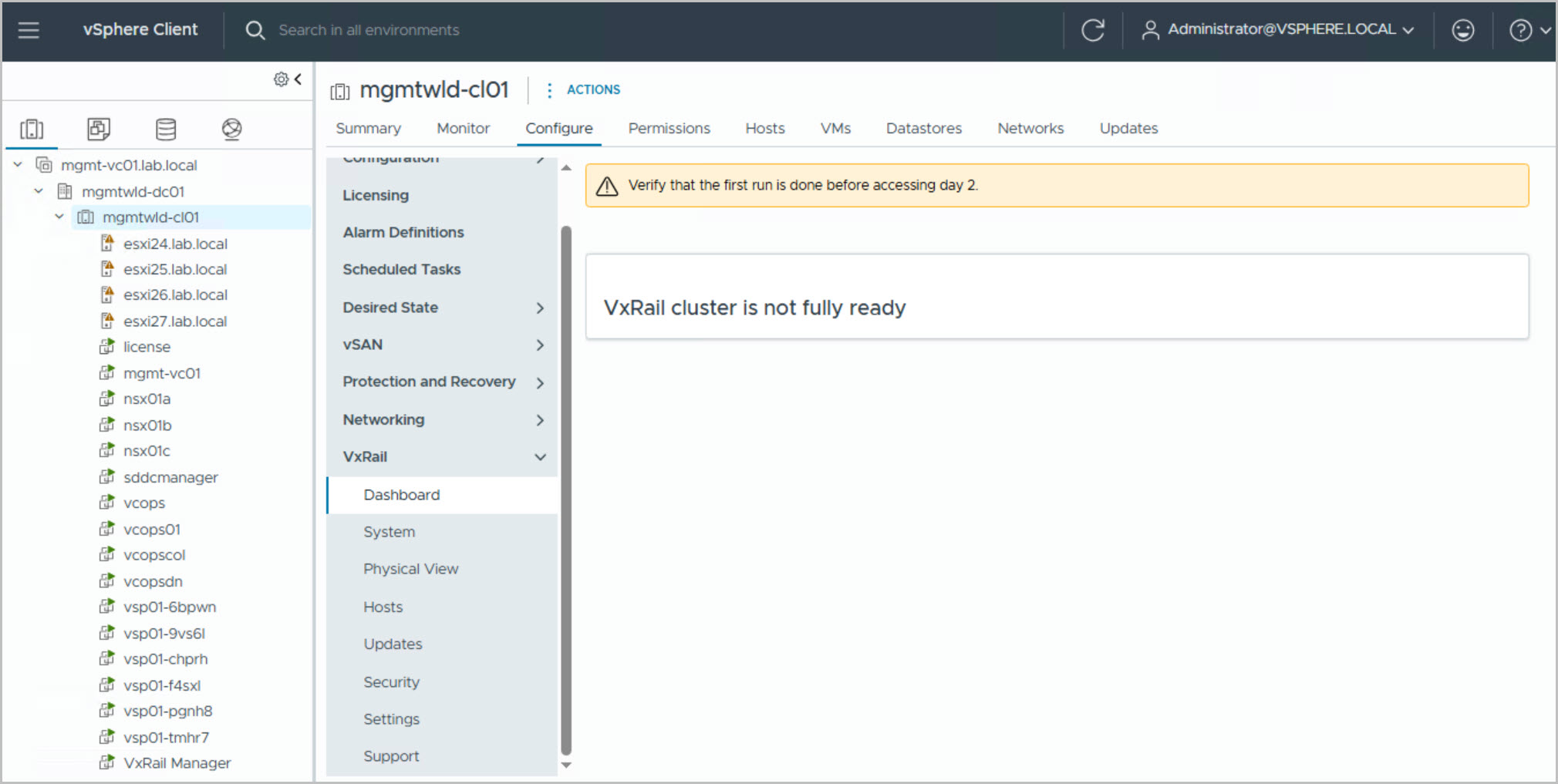
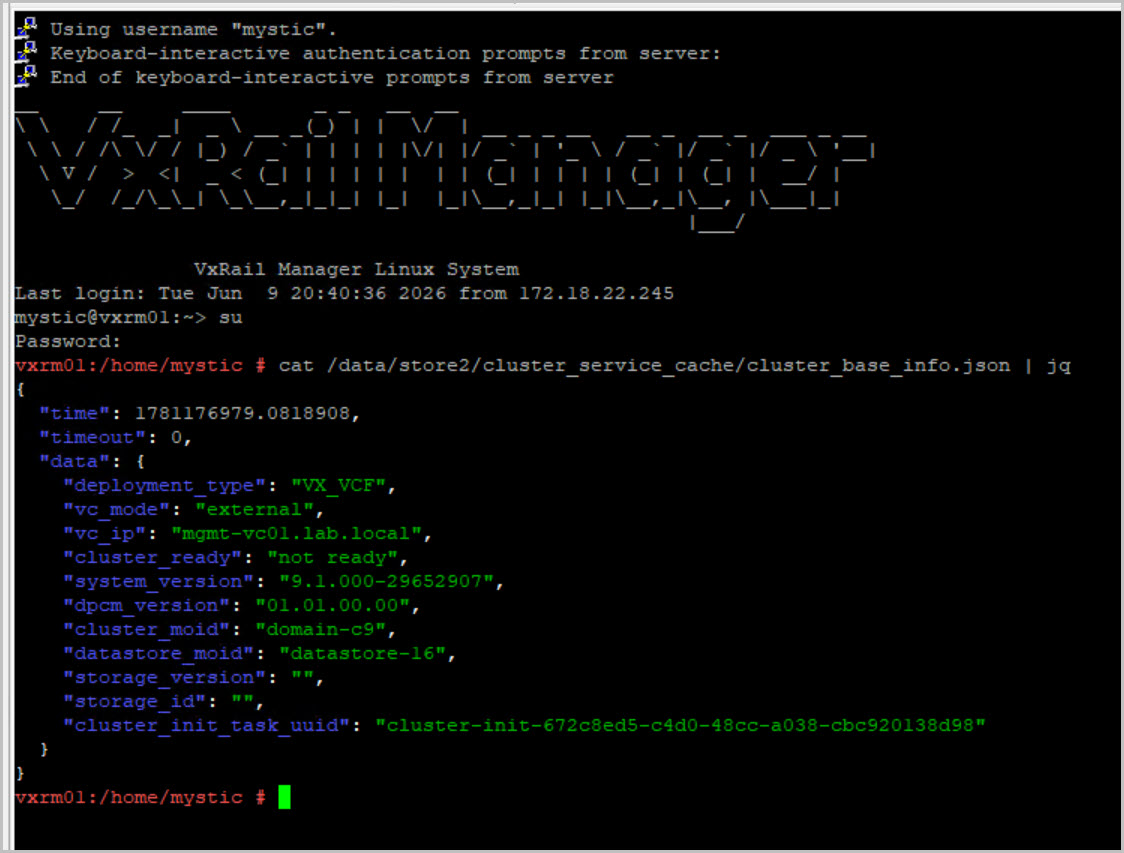
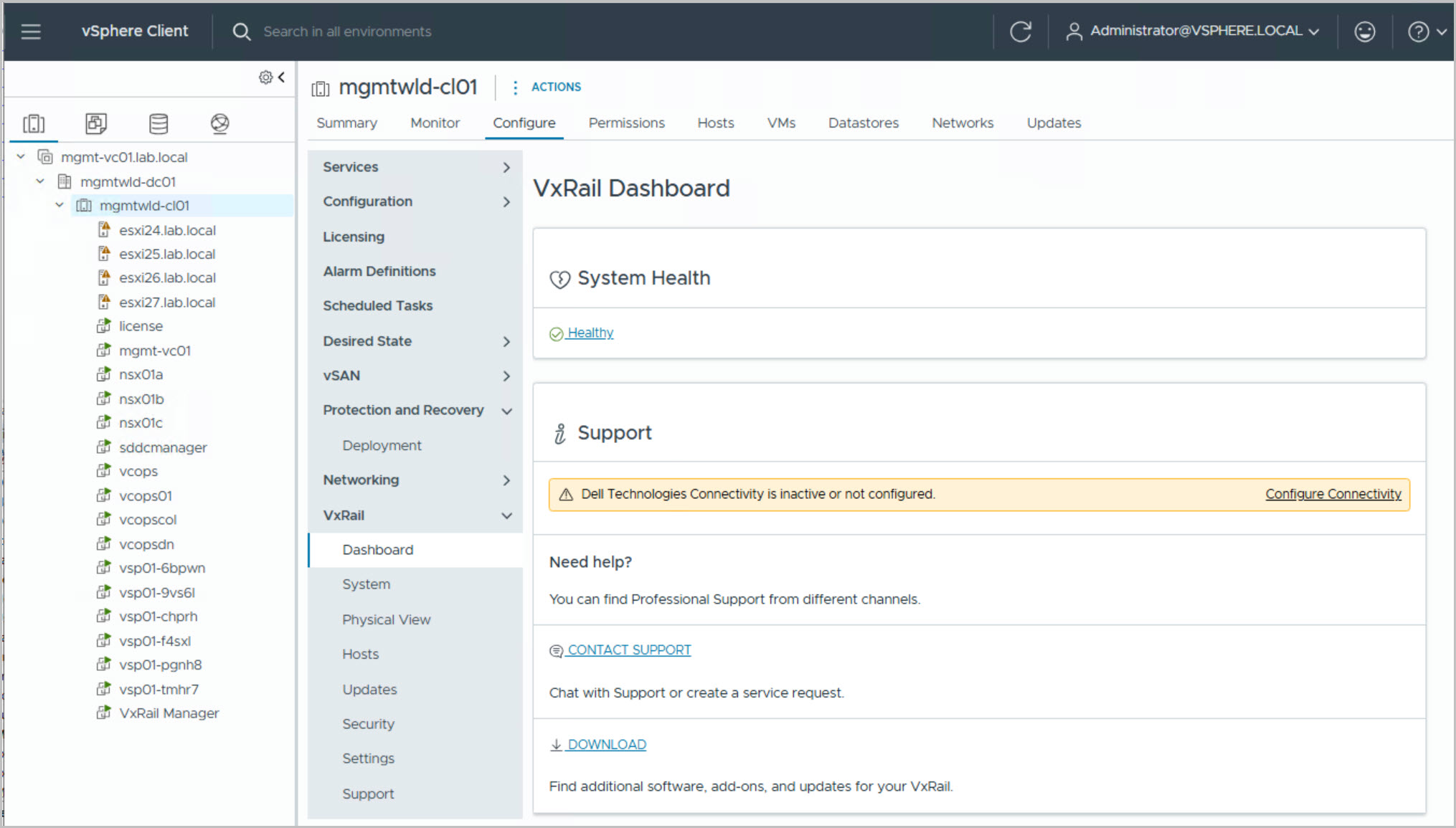
Finalize cluster and management domain setup
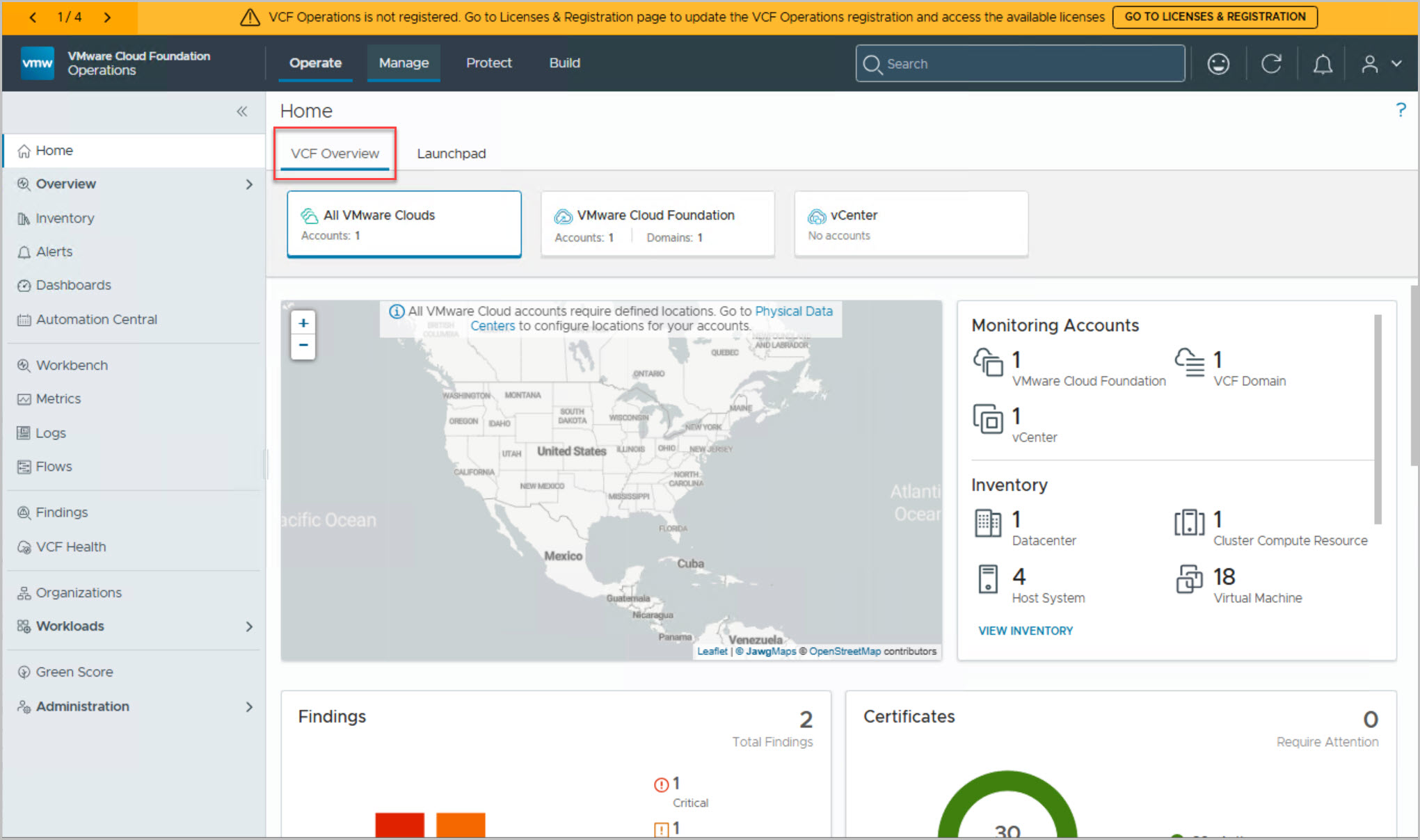
Validate system readiness for workload onboarding
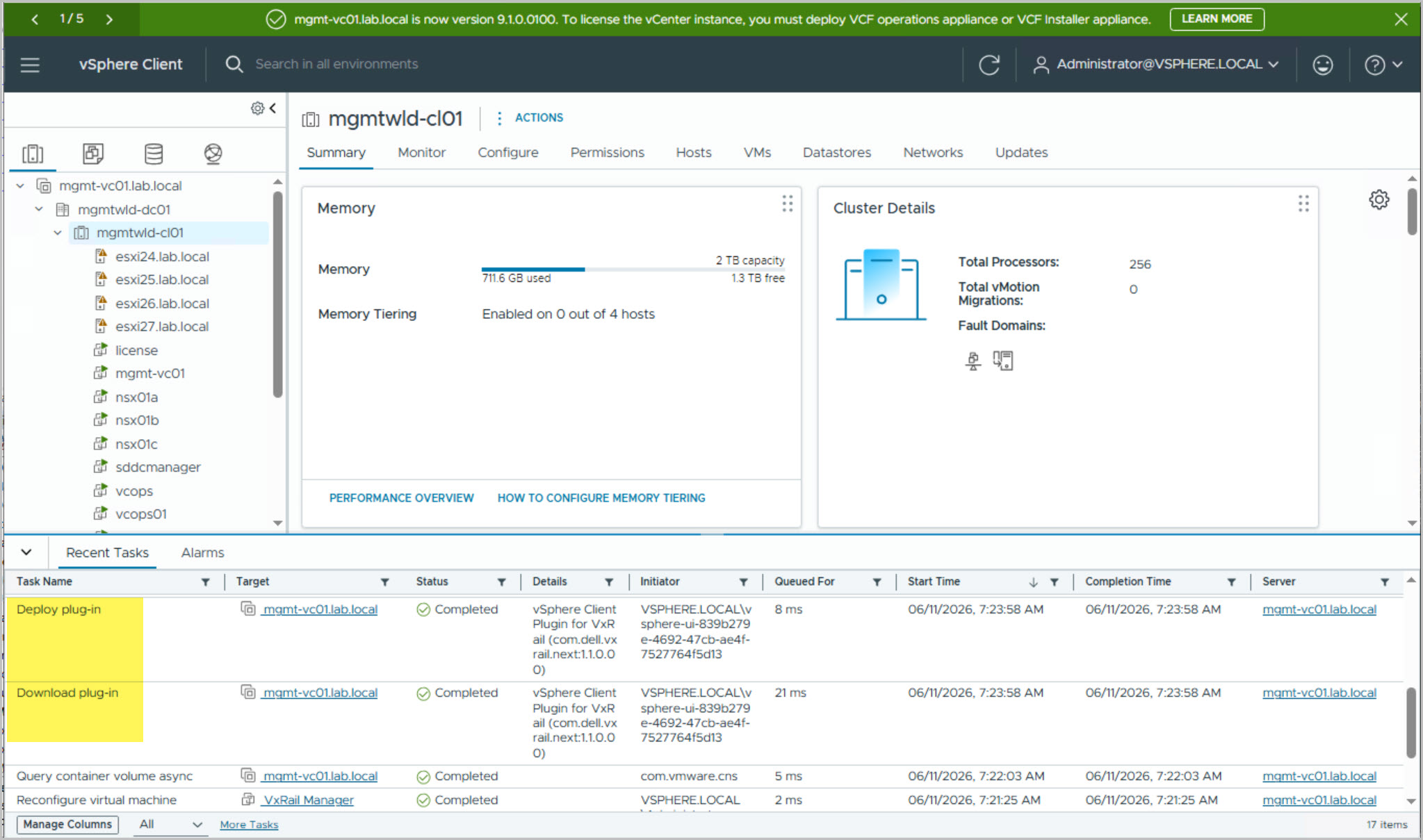
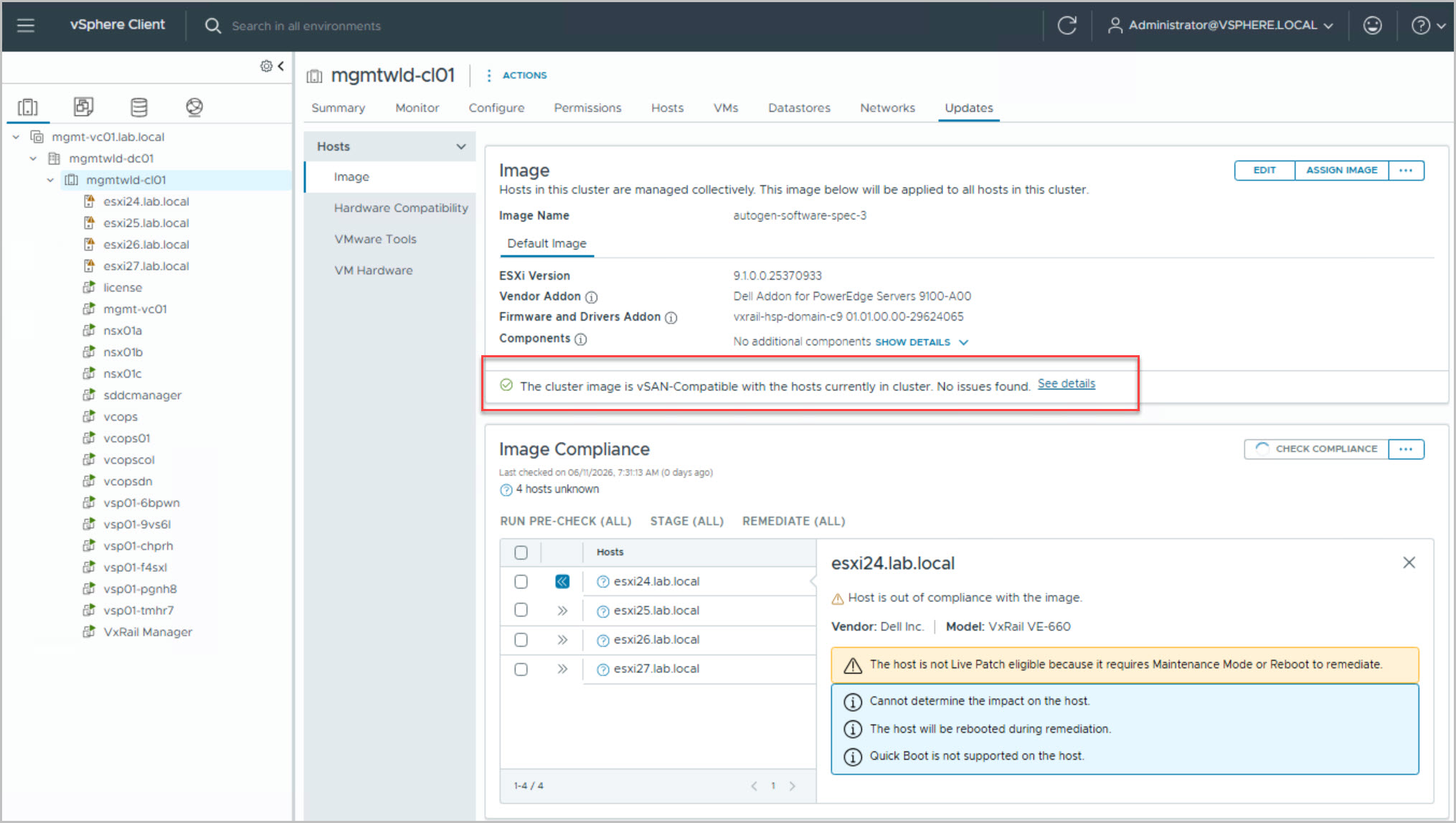
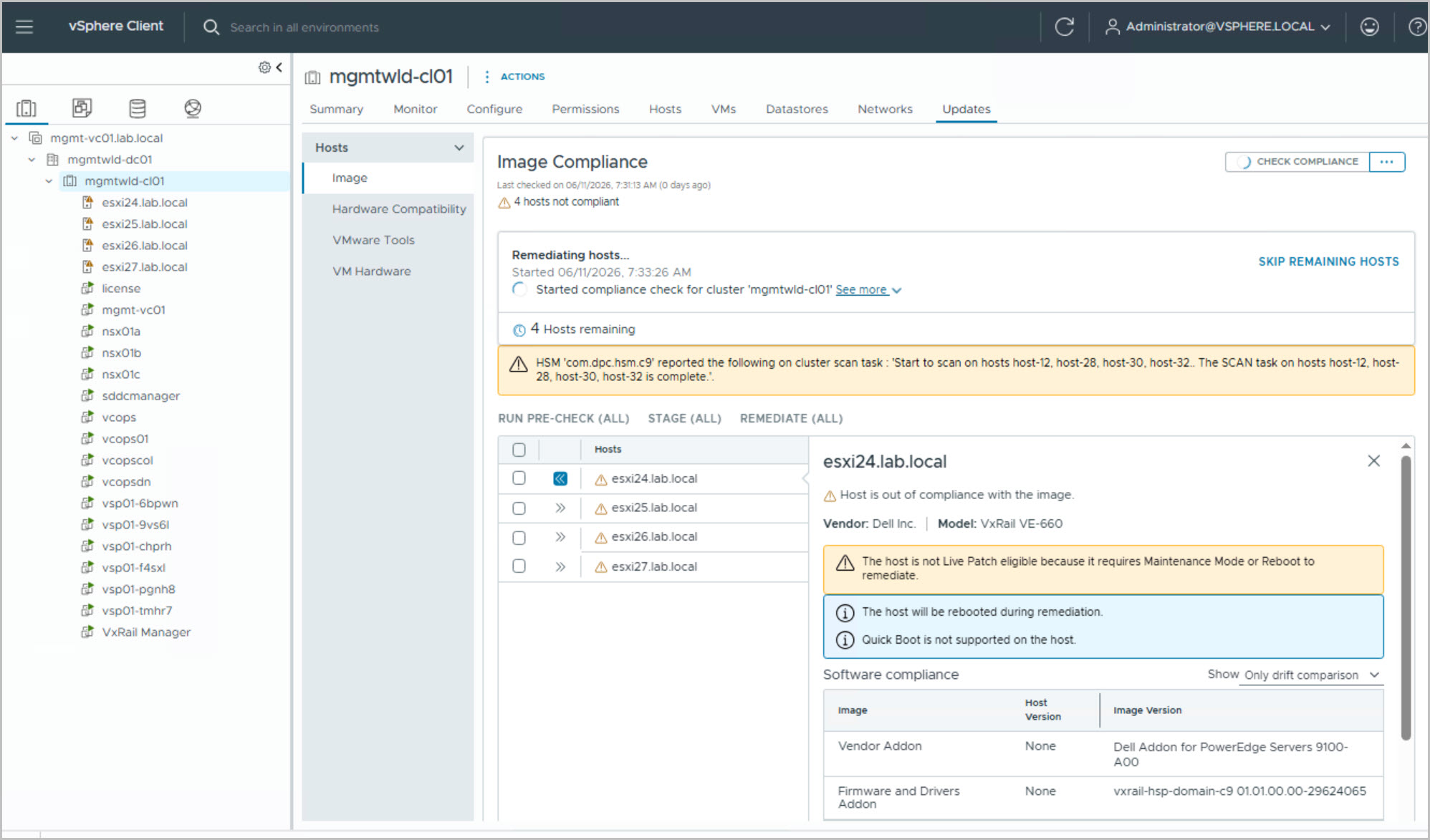
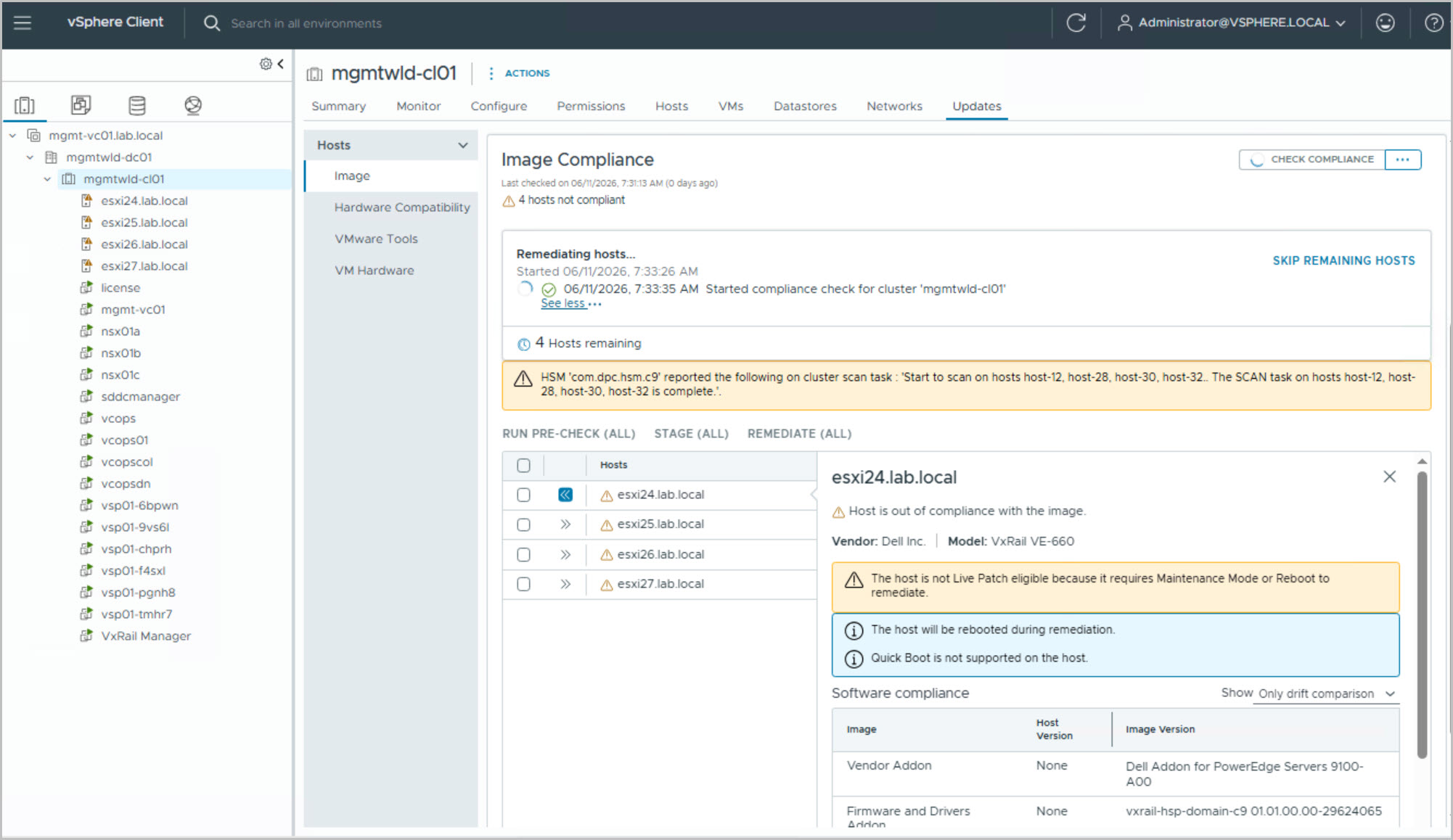
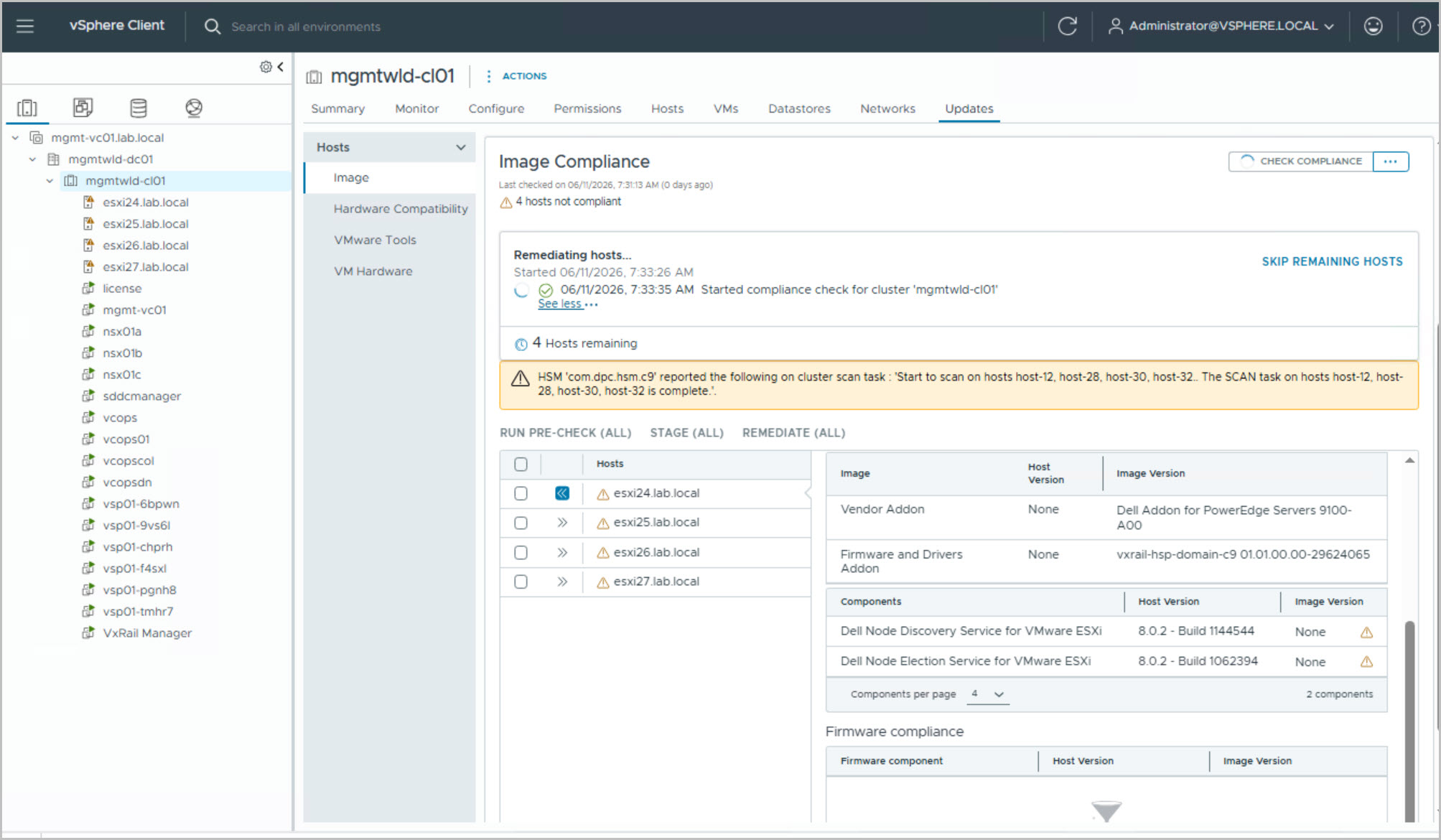
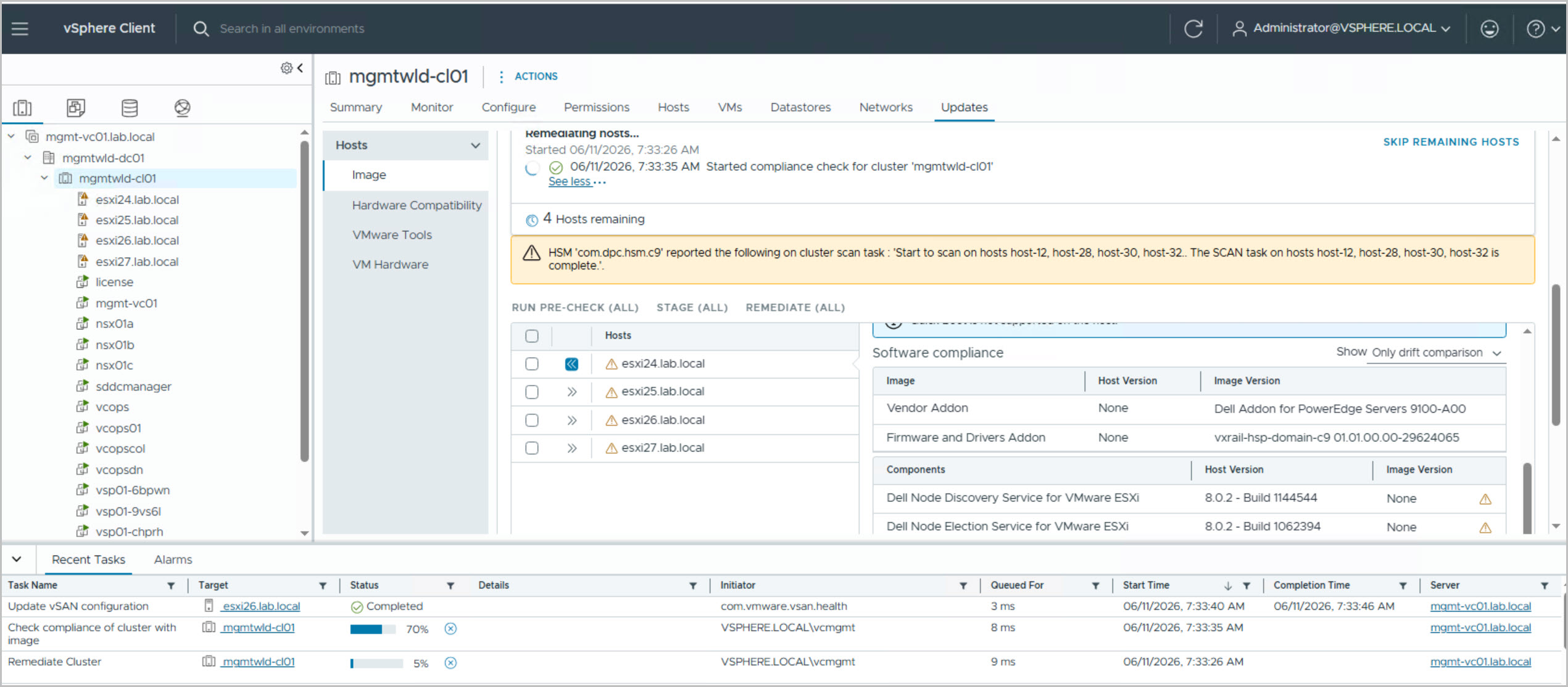
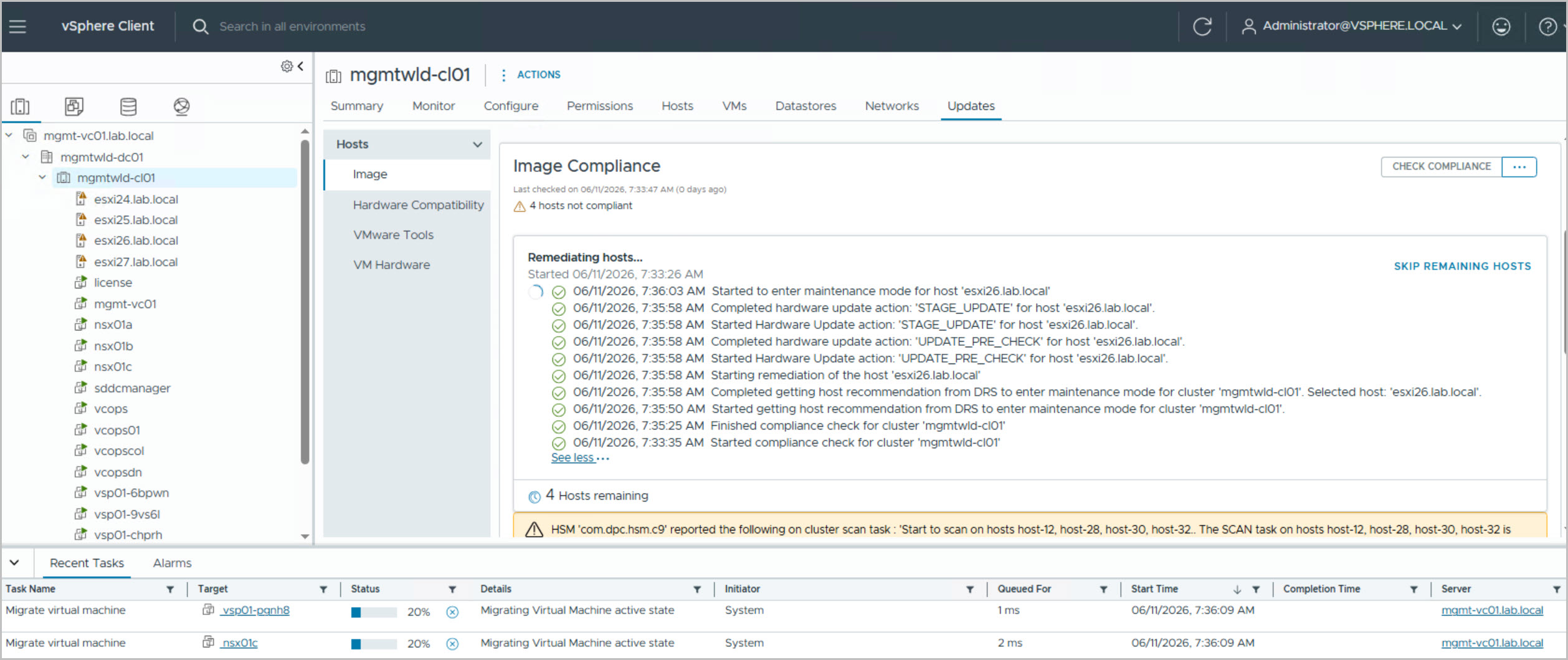
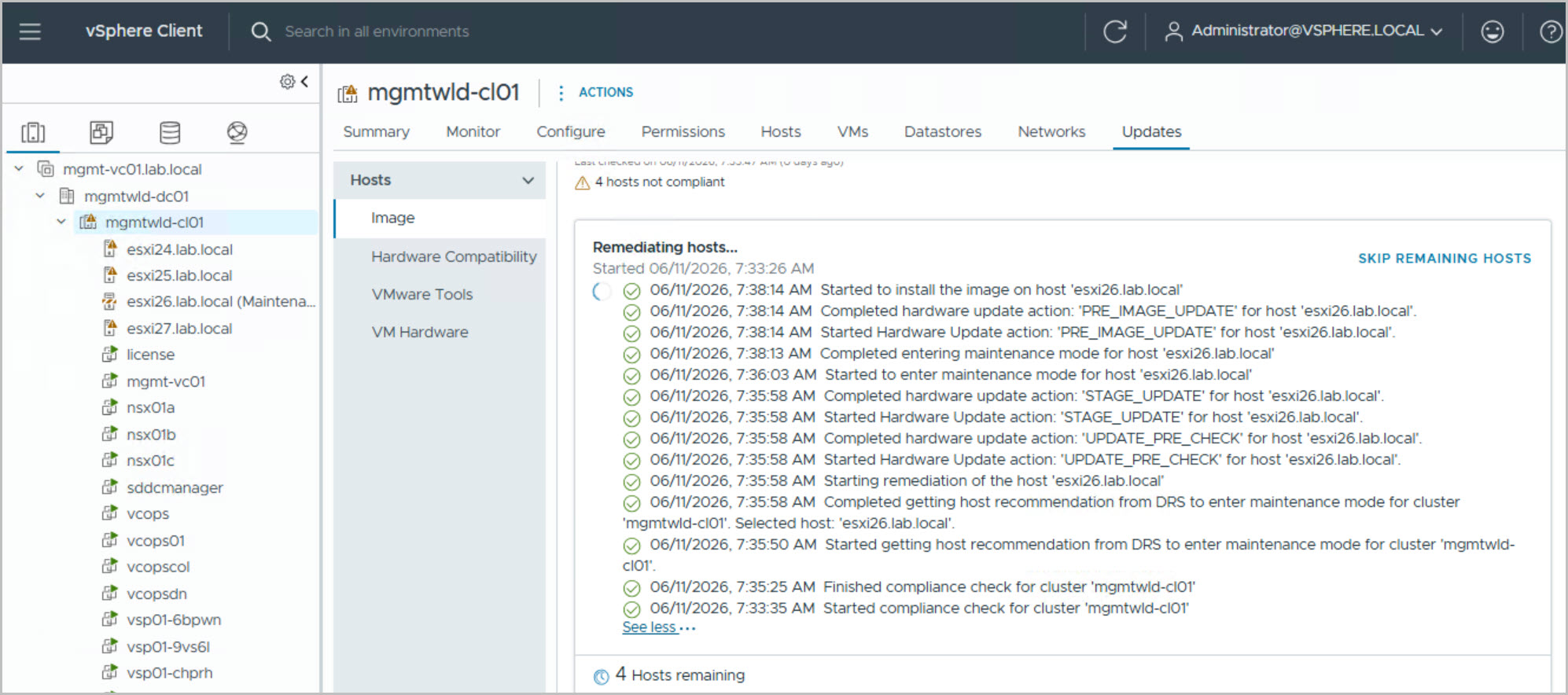
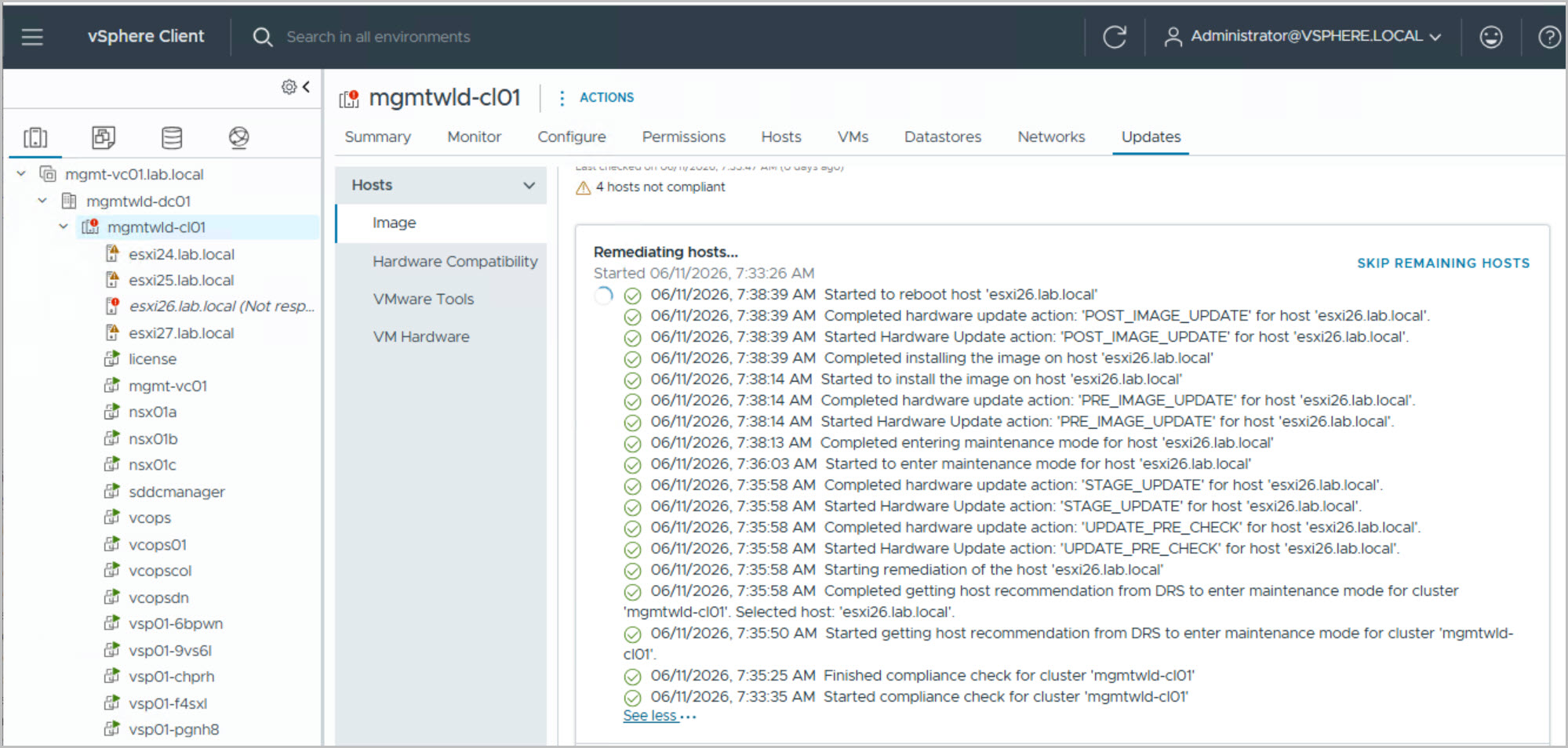
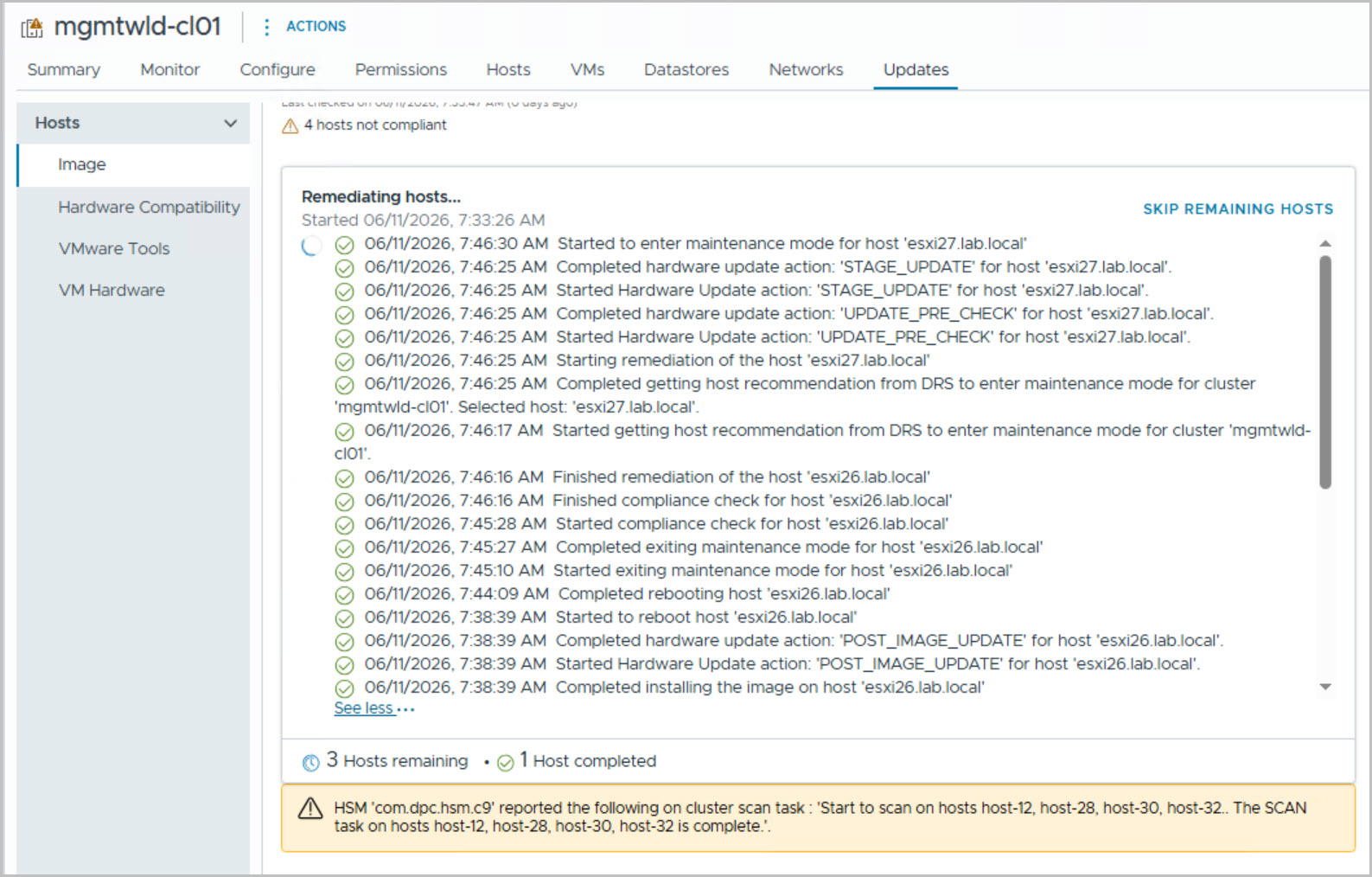
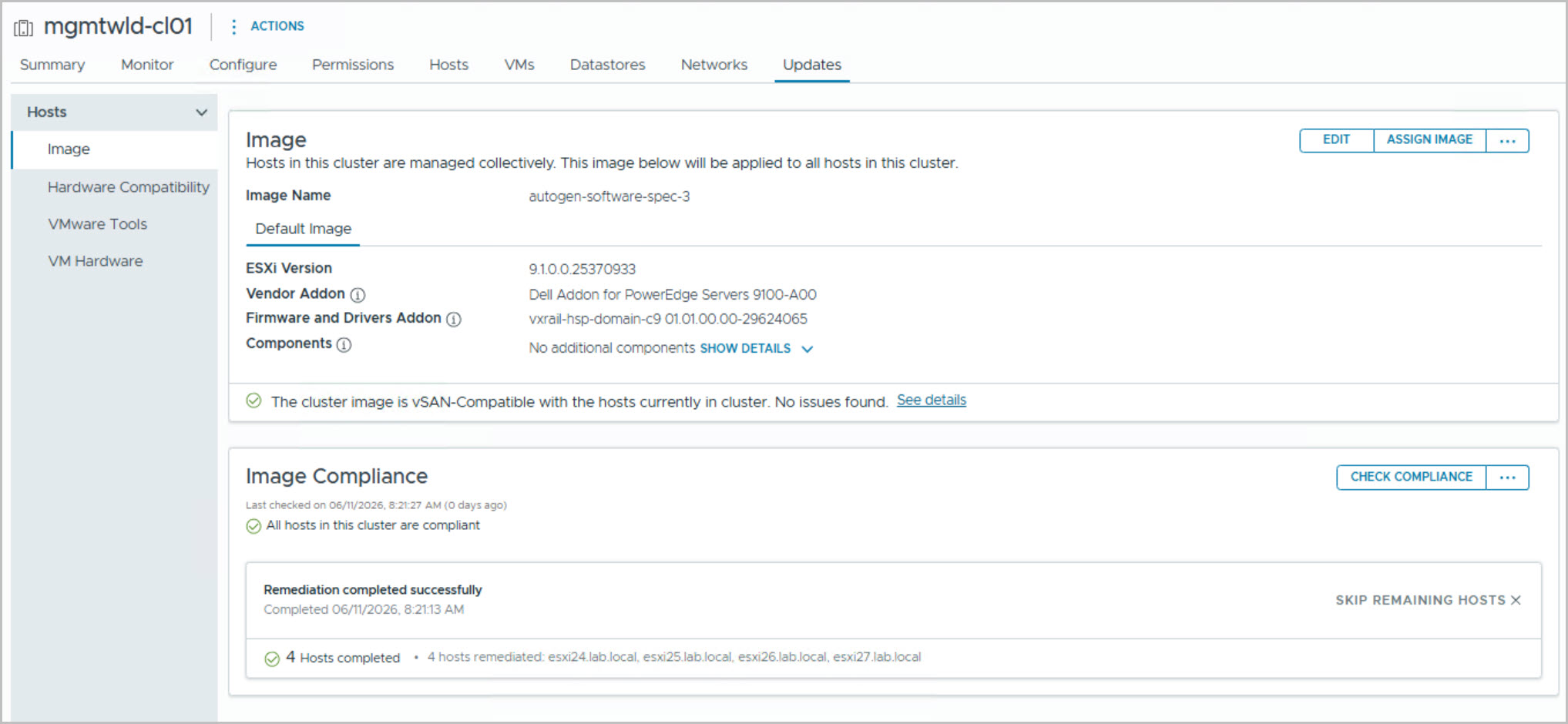
Cluster compliance remediation
This modular workflow provides a structured and repeatable approach to deploying a fully integrated VCF on VxRail environment, ensuring consistency, automation, and alignment with VMware best practices.