Note: this is an example for reference only please use the VxRail installation procedures & services provided by Dell. This is the second in a series of posts covering VCF 9.1 […]
Note: this is an example for reference only please use the VxRail installation procedures & services provided by Dell.
This is the second in a series of posts coveringVCF 9.1 On VxRail 9.1.000. The following post provides an example walkthrough covering the process of:
Deploying the VxRail VI Workload Domain Cluster
VI Workload Domain Creation
Creating a new VCF workload domain follows a process that can be described in the following three steps, all of which must be completed in order:
Commission nodes.
Create new workload.
Manage new cluster.
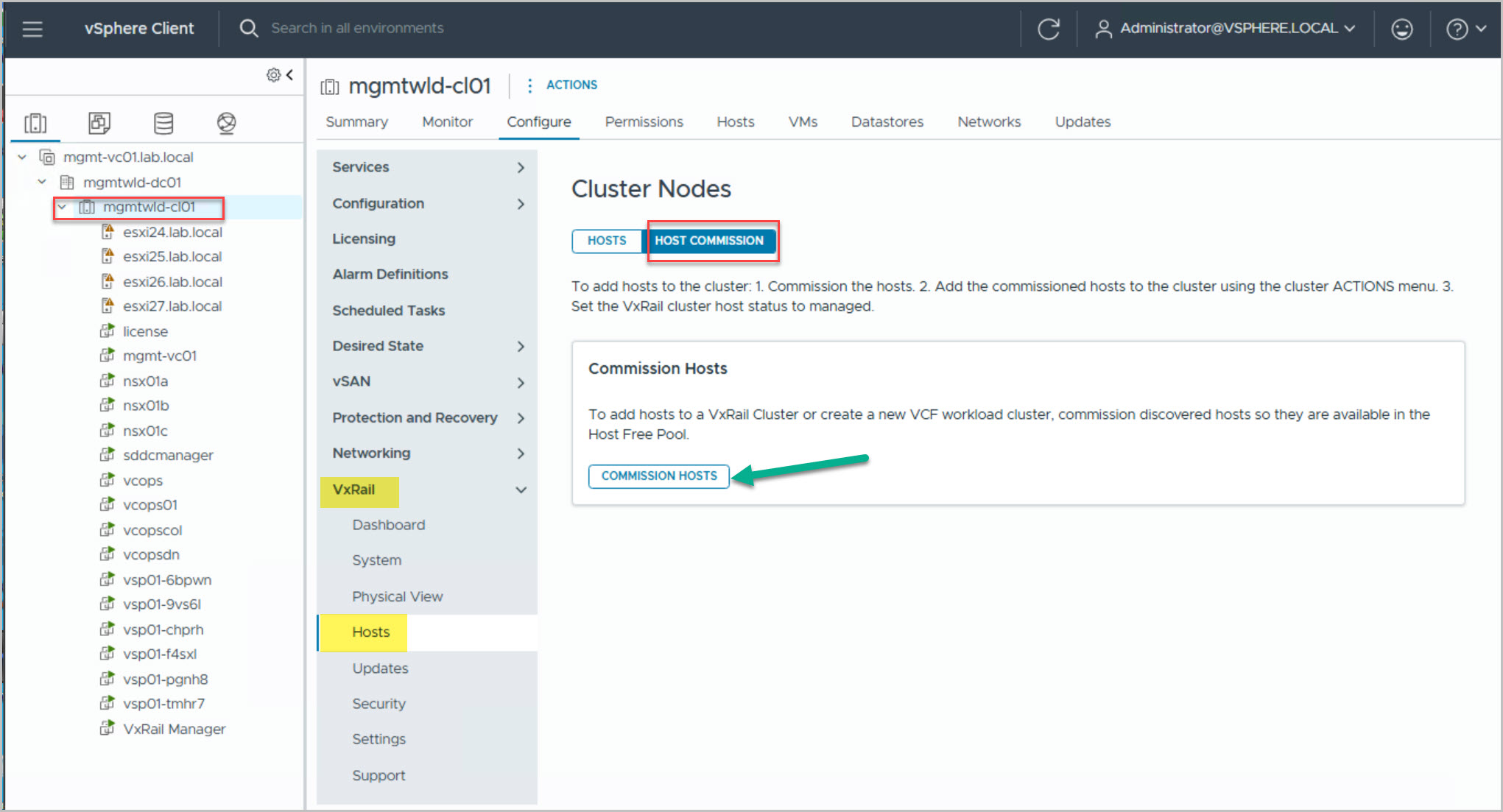
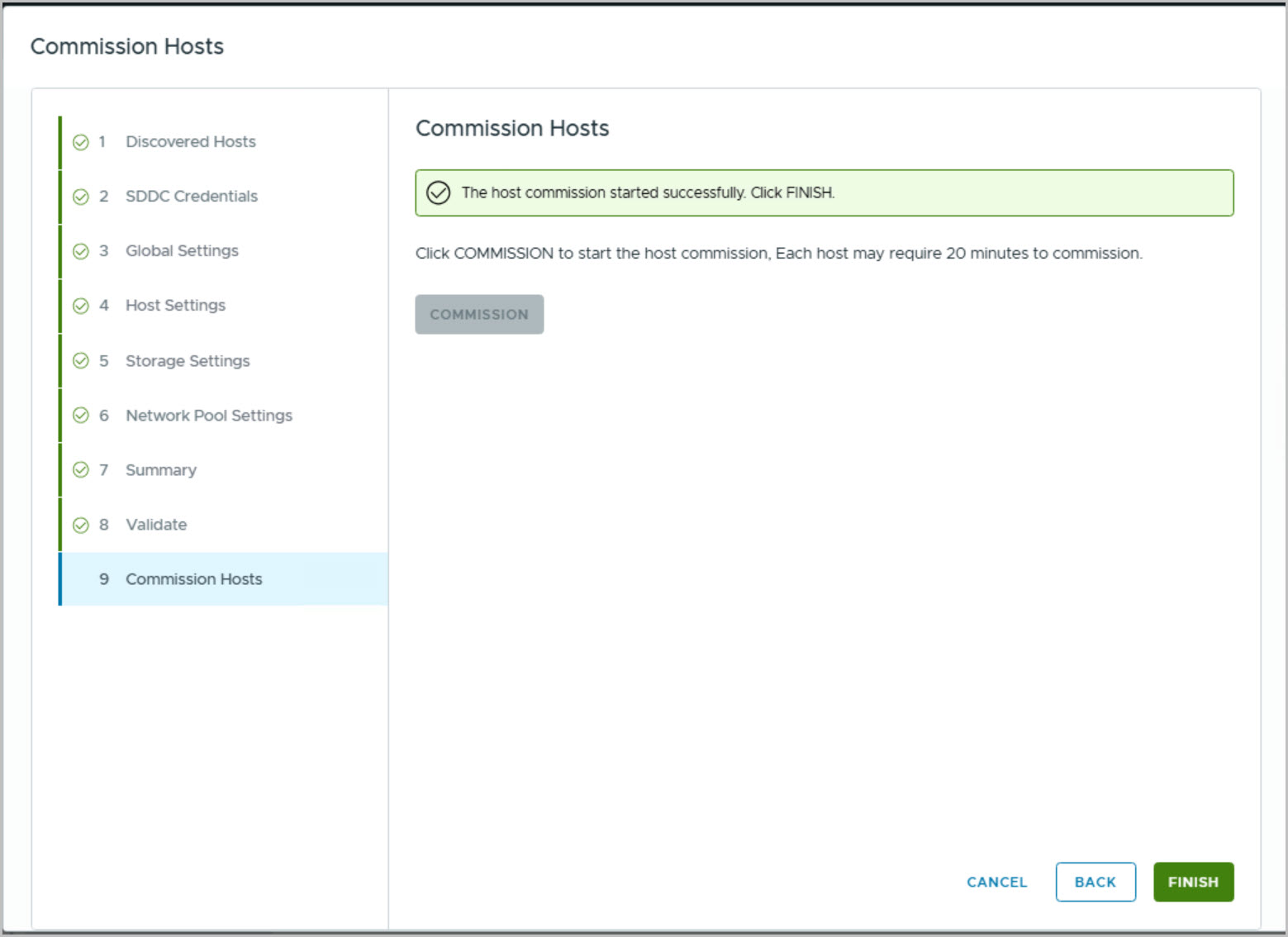
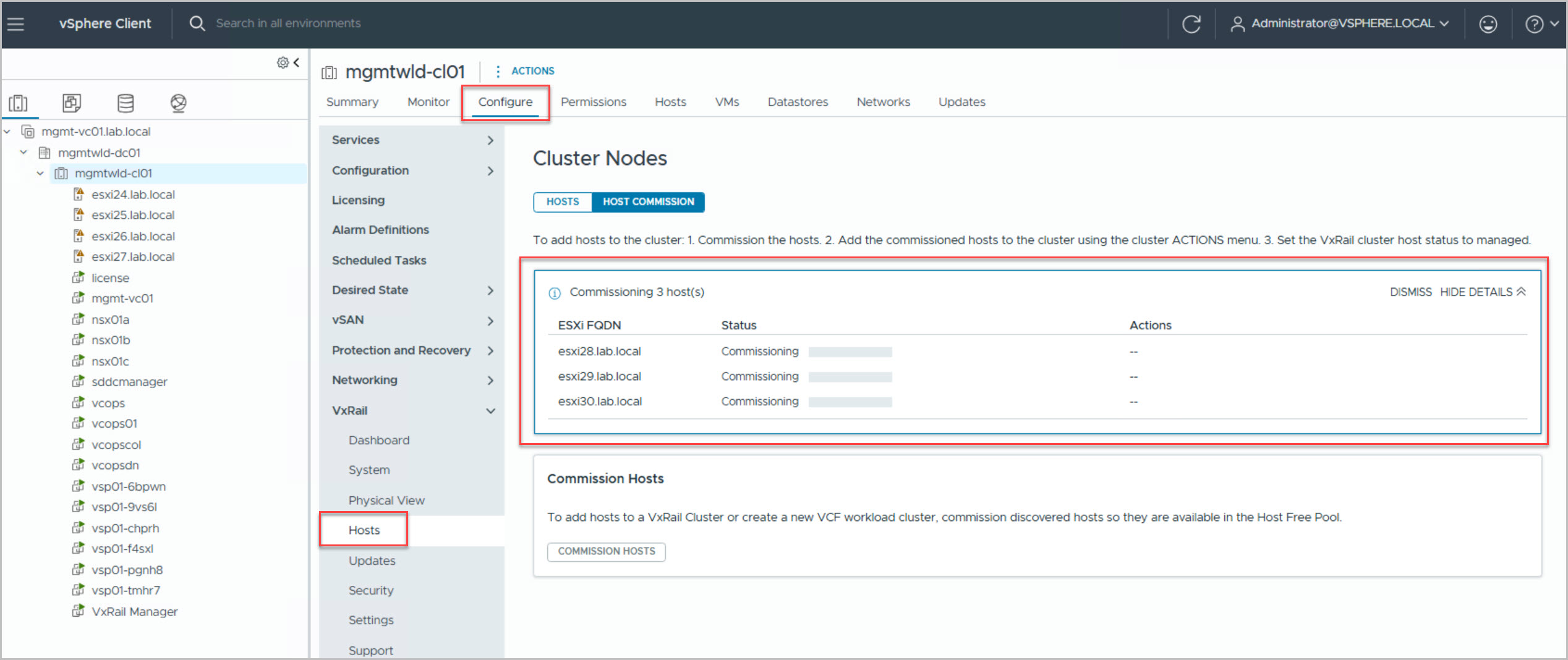
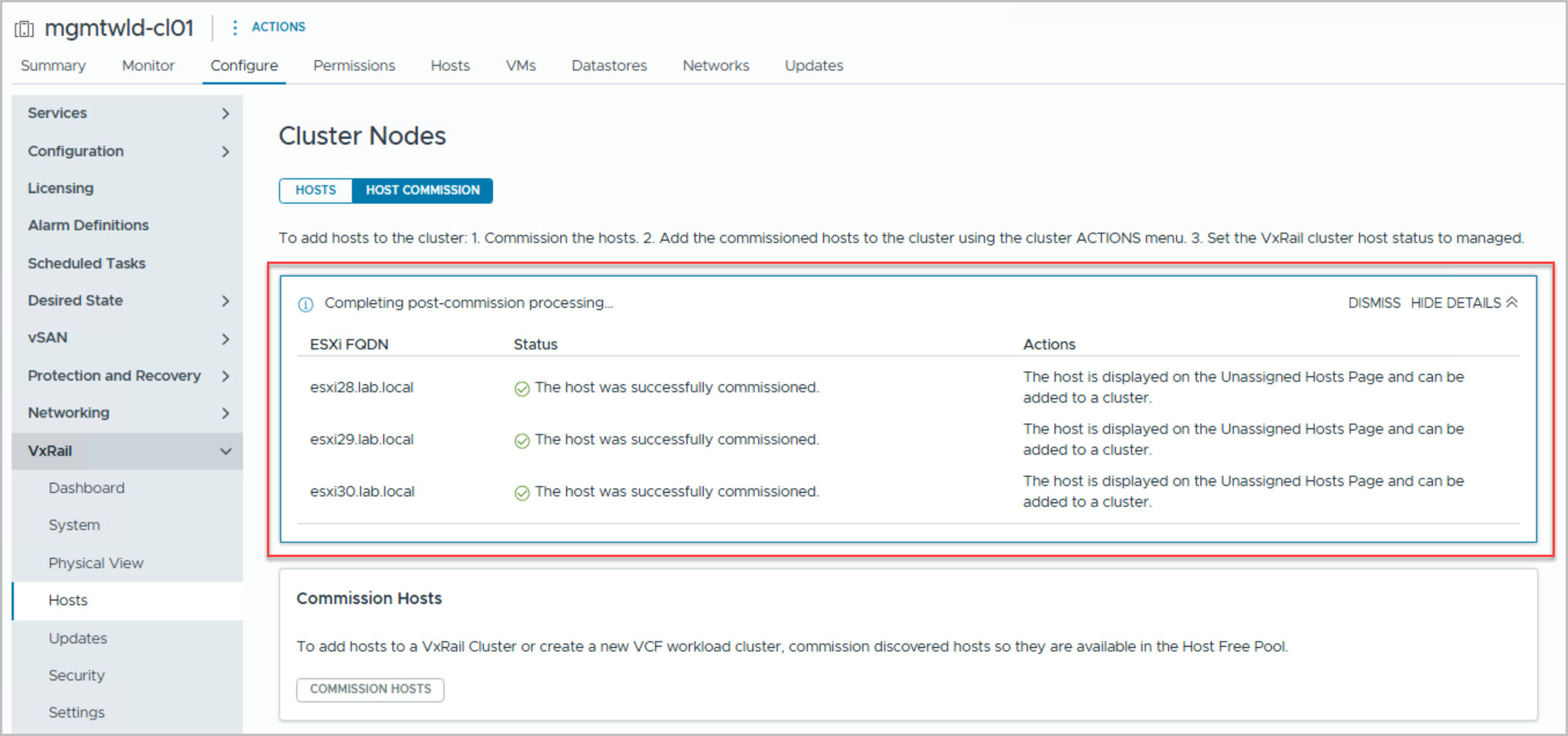
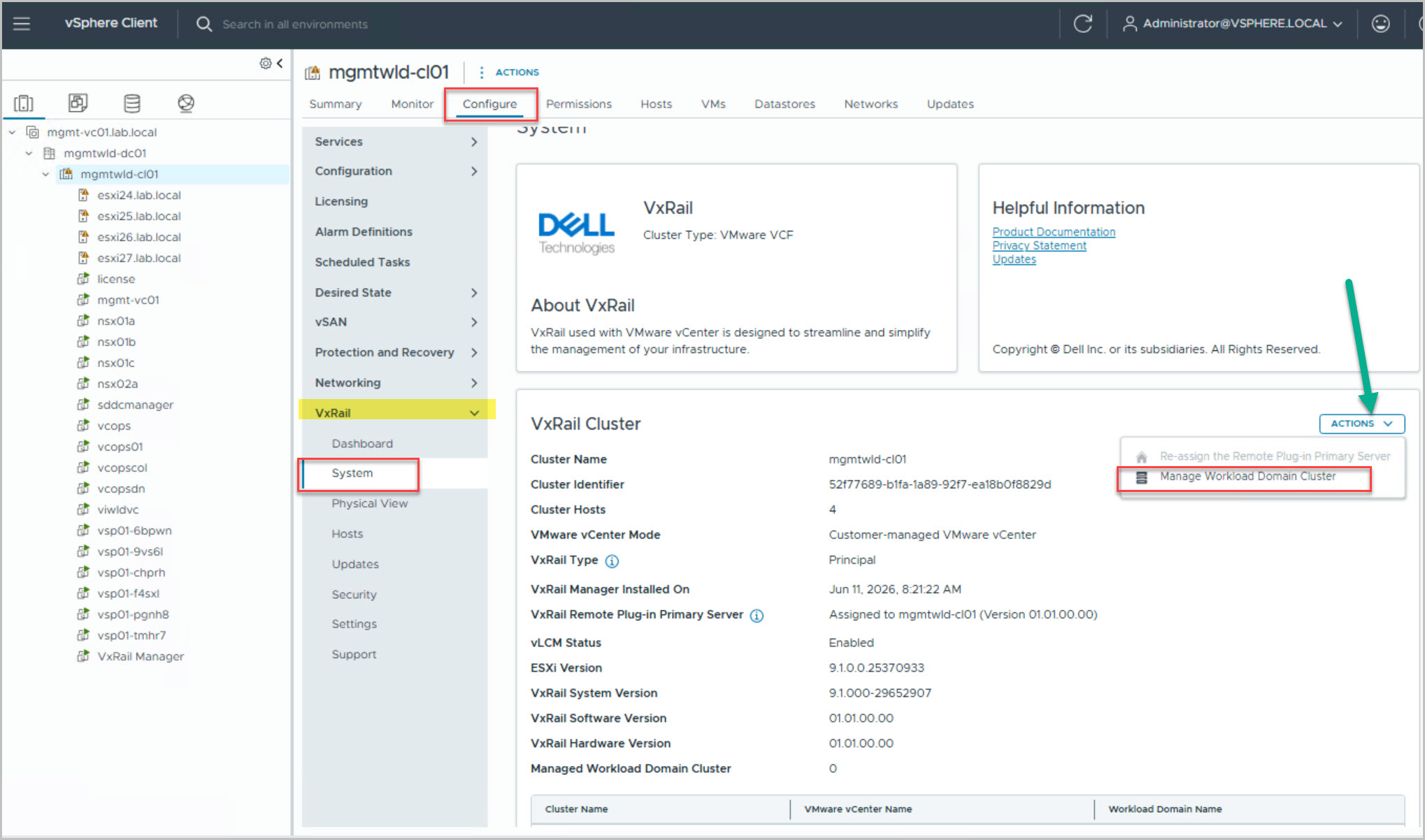
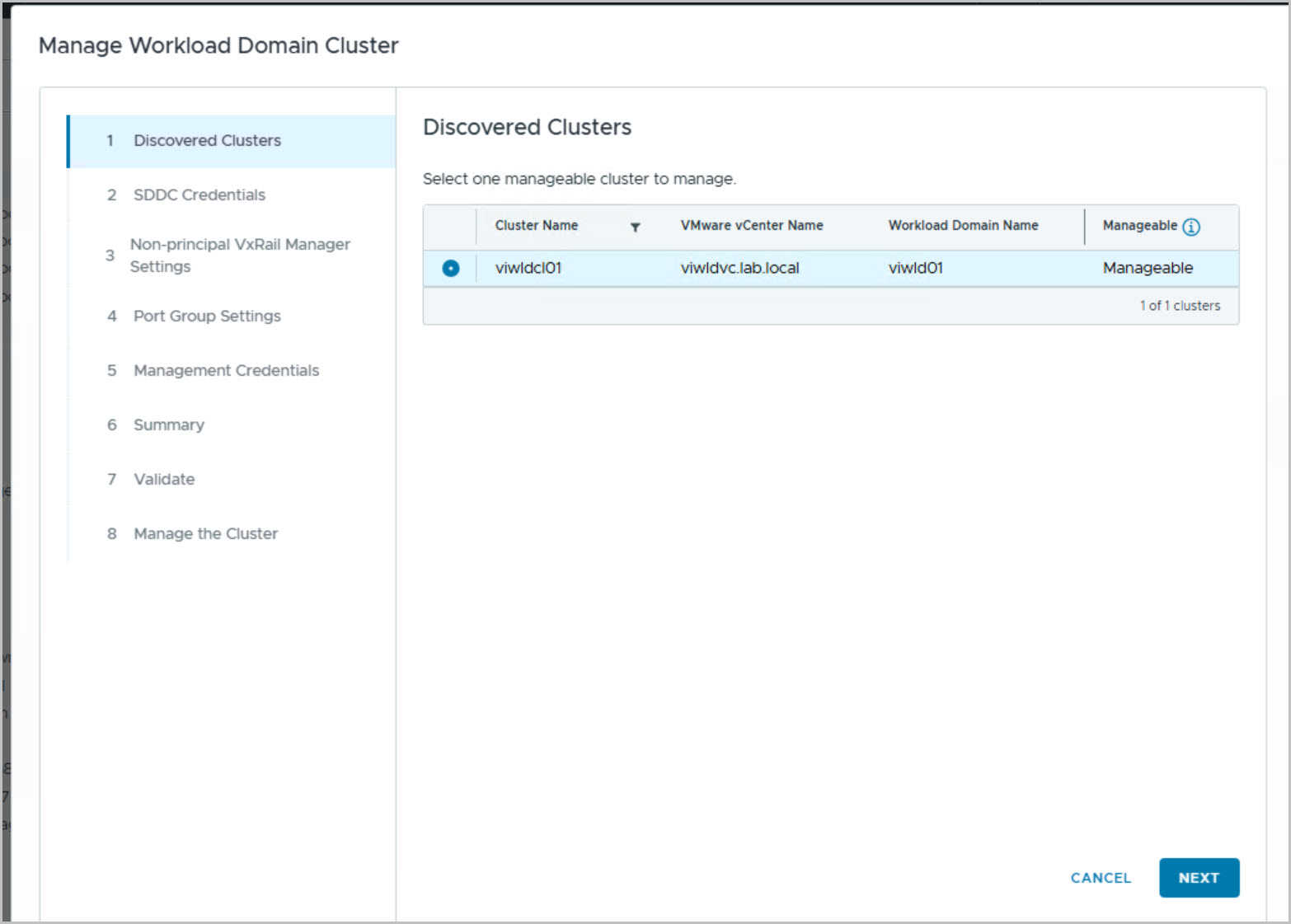
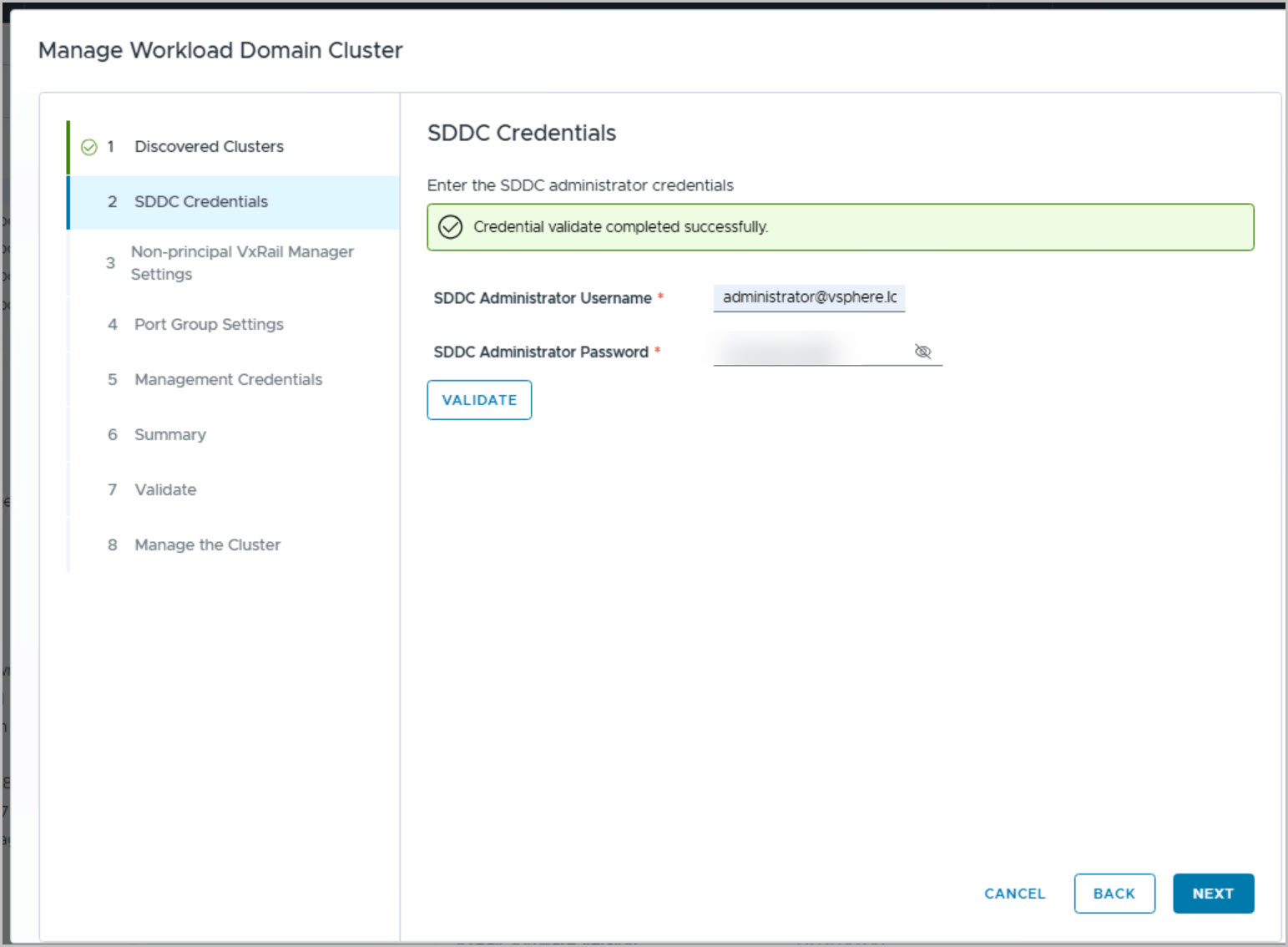
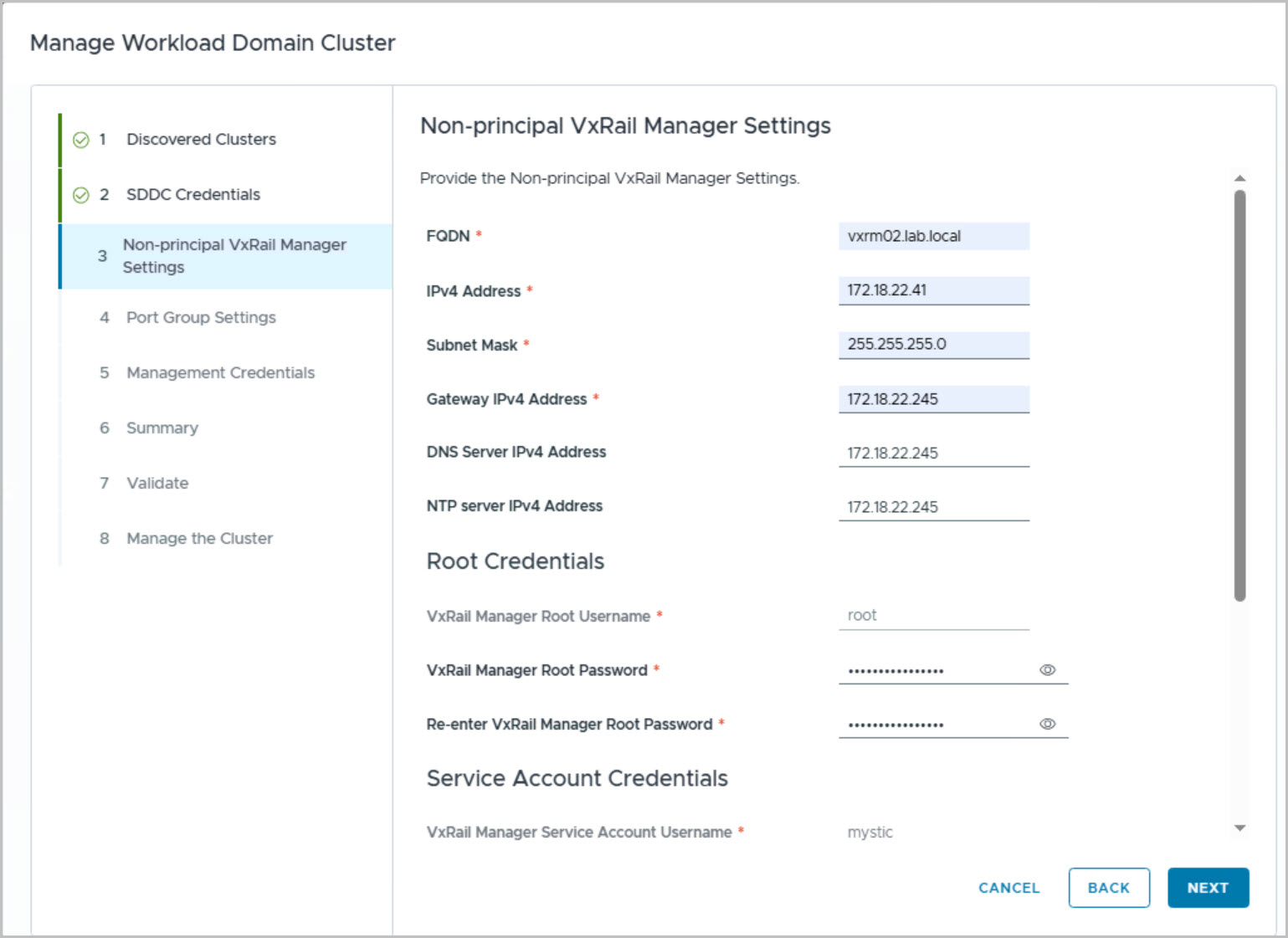
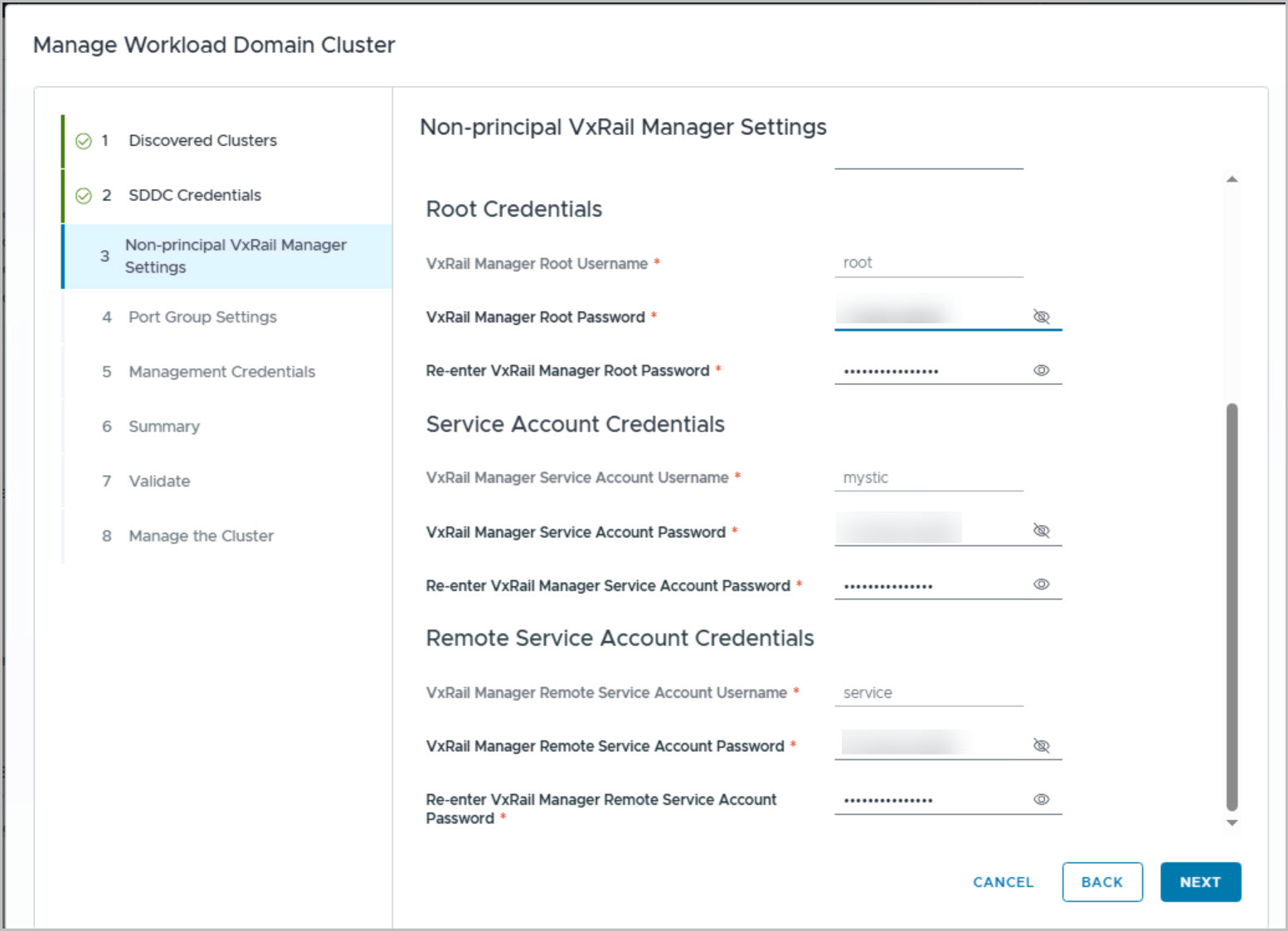
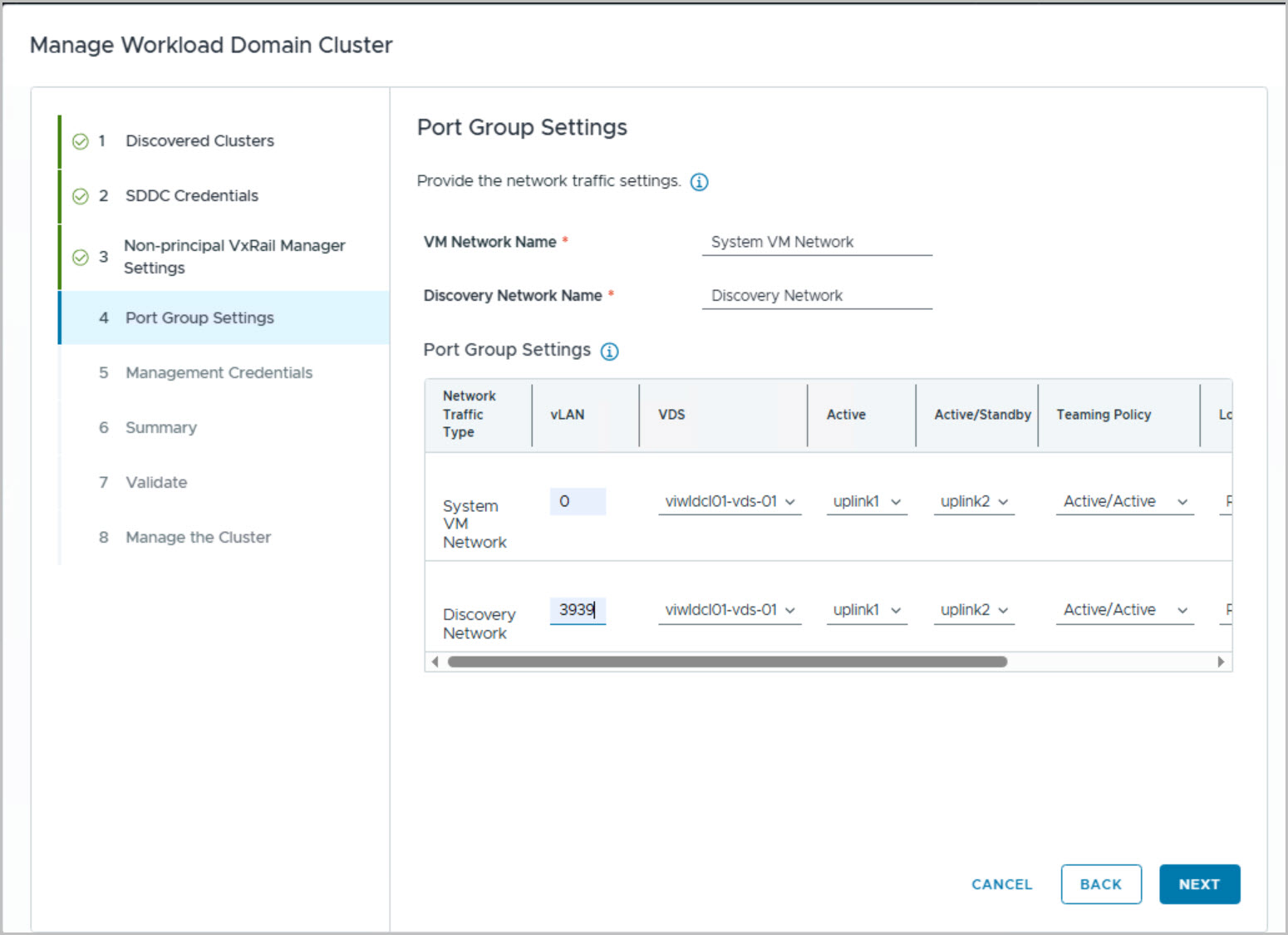
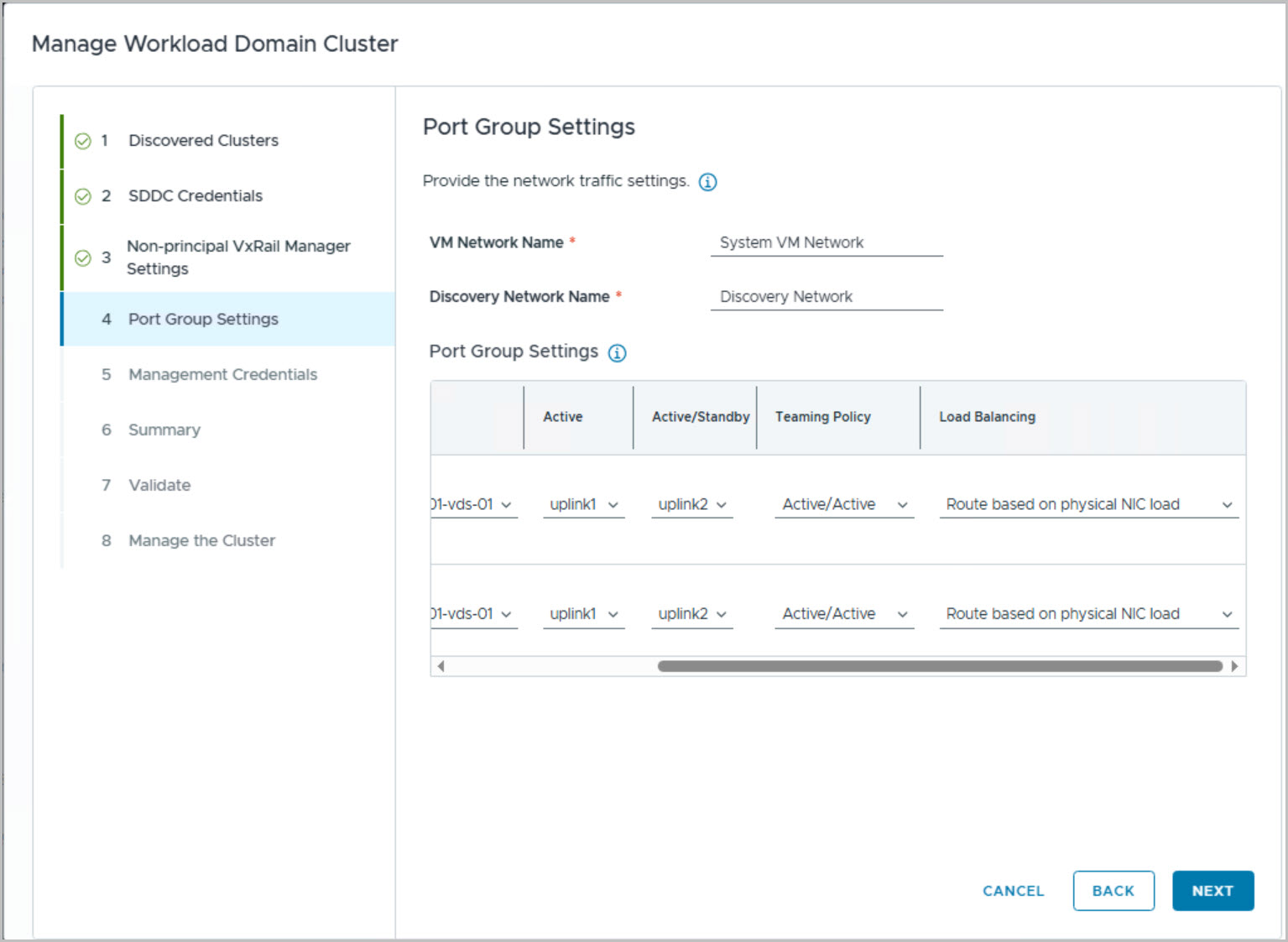
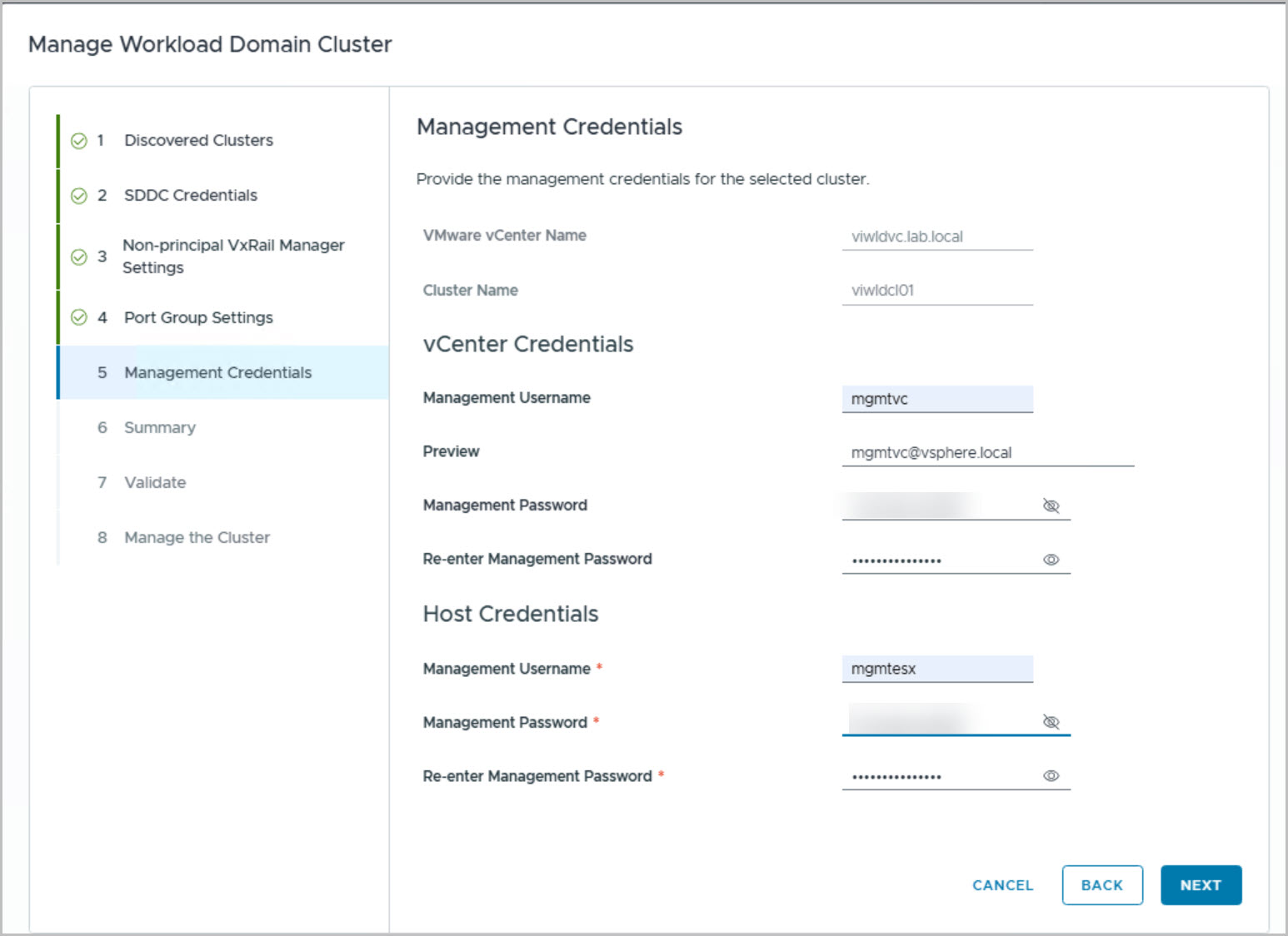
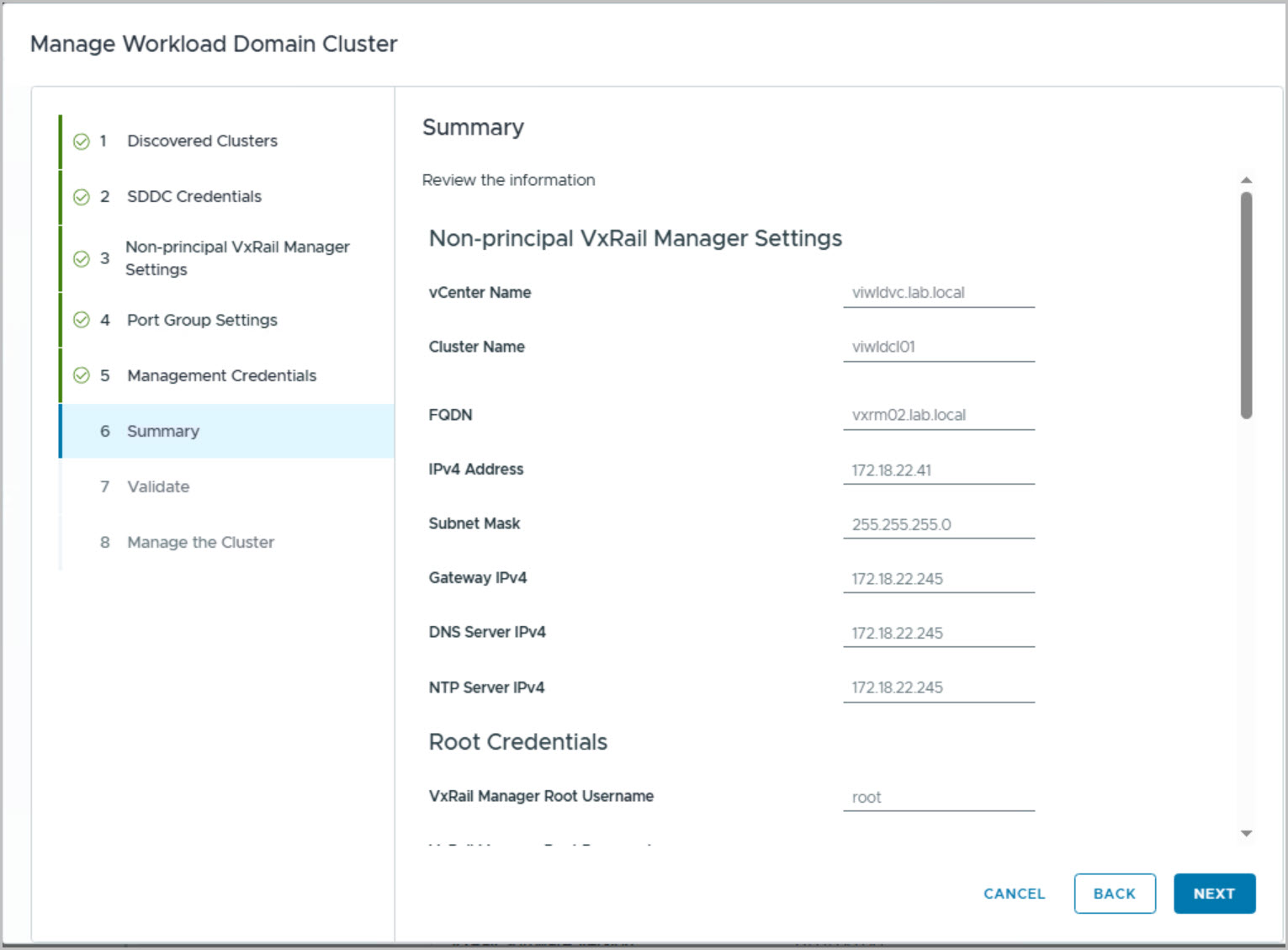
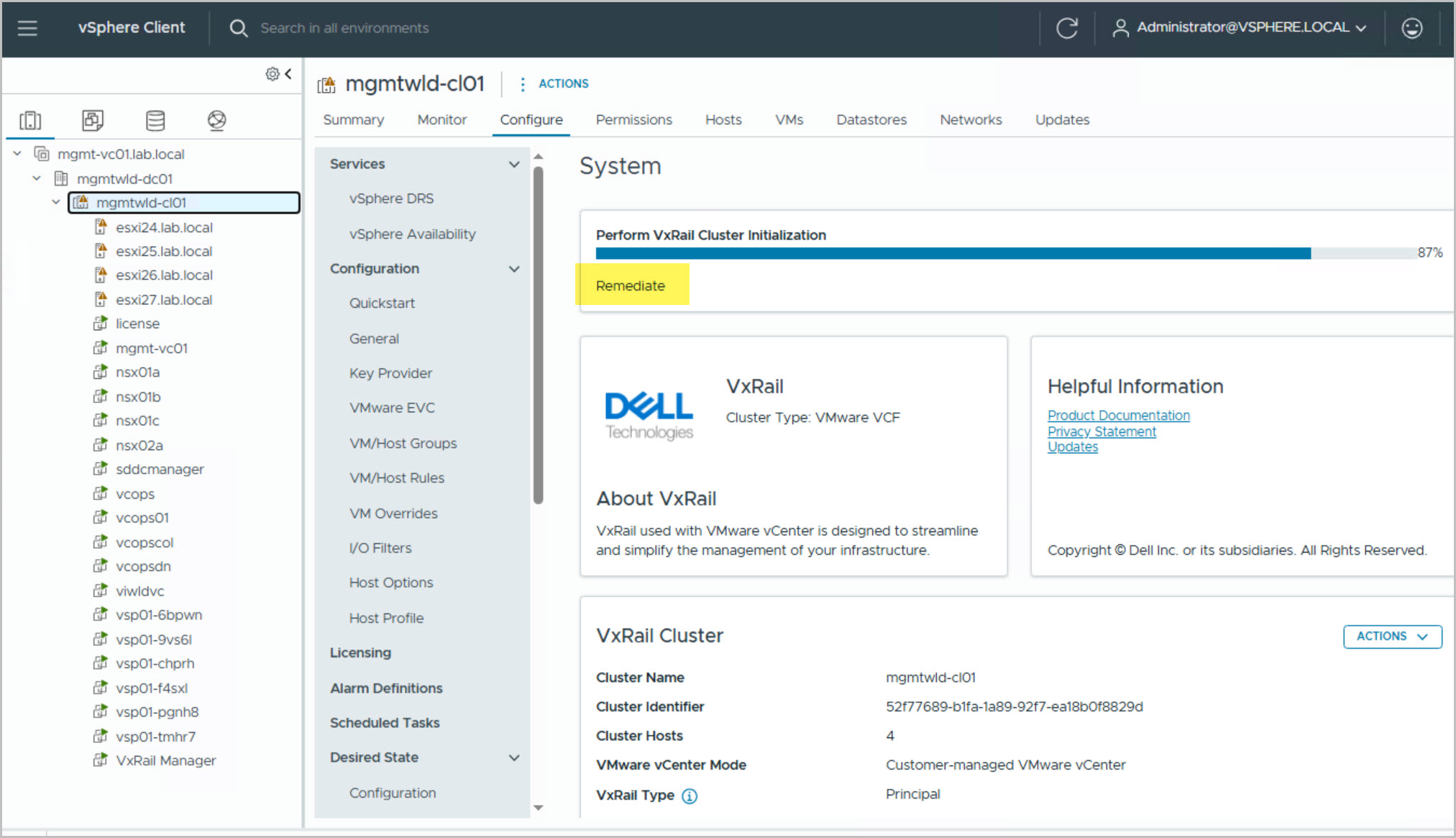
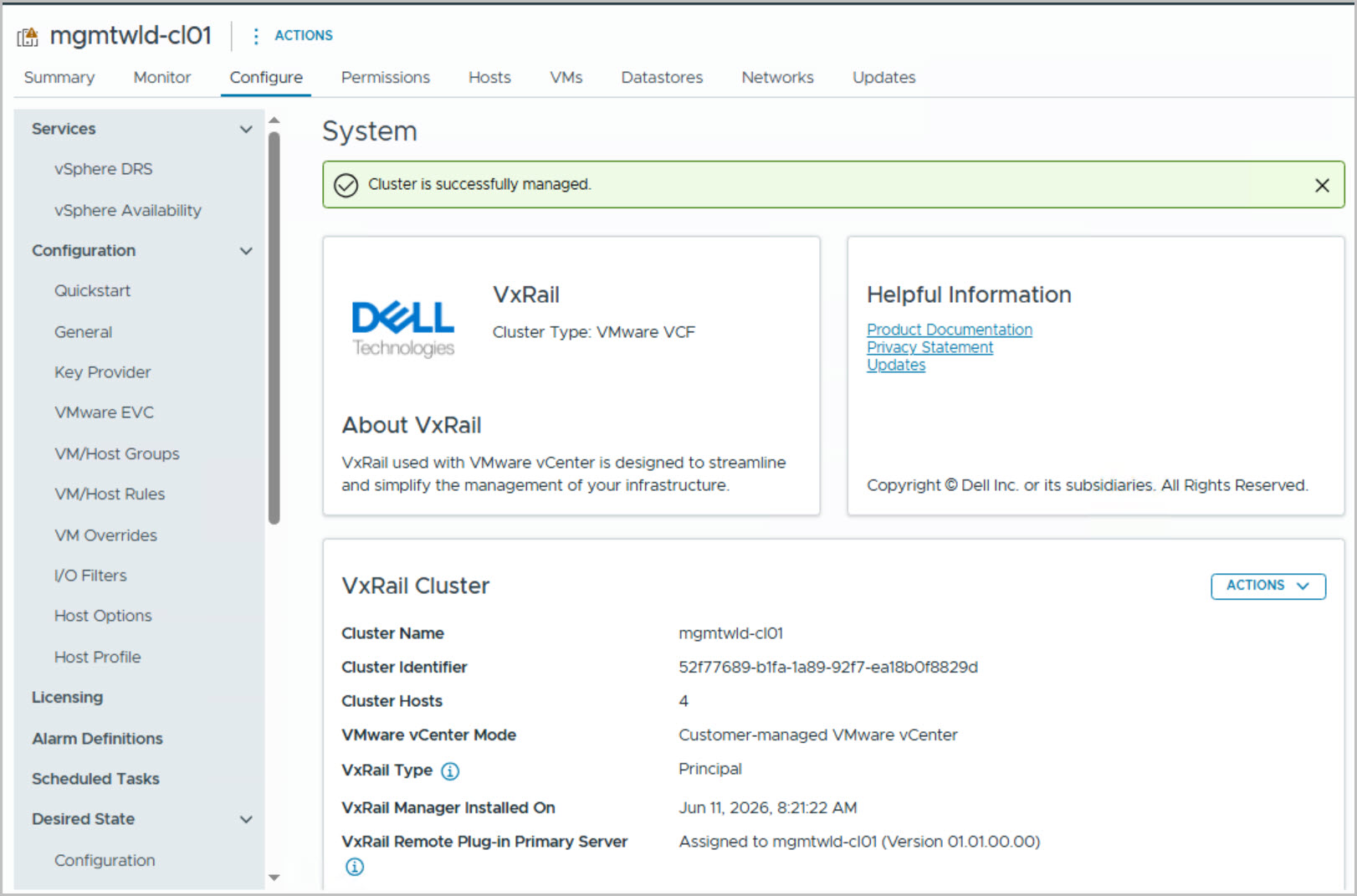
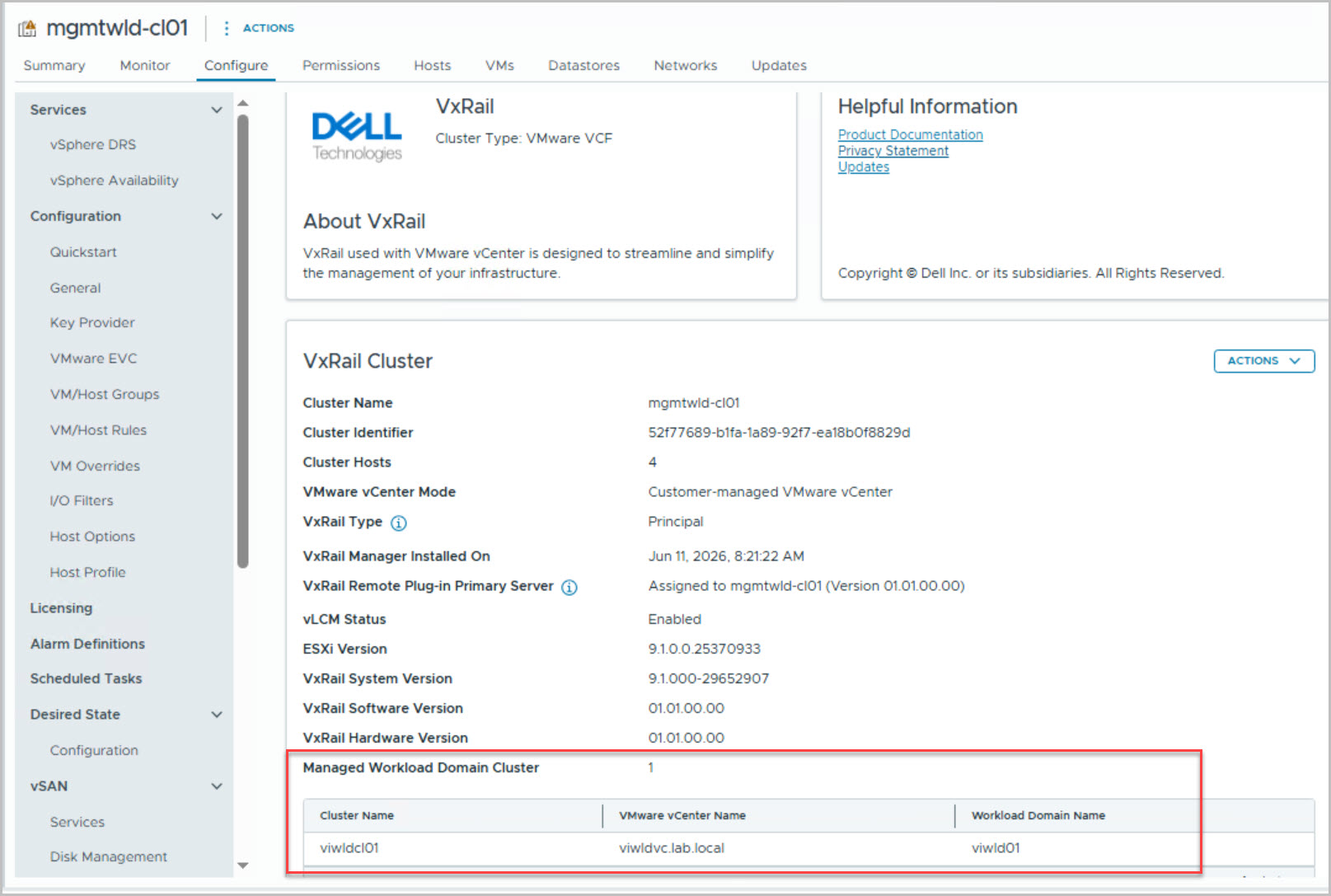
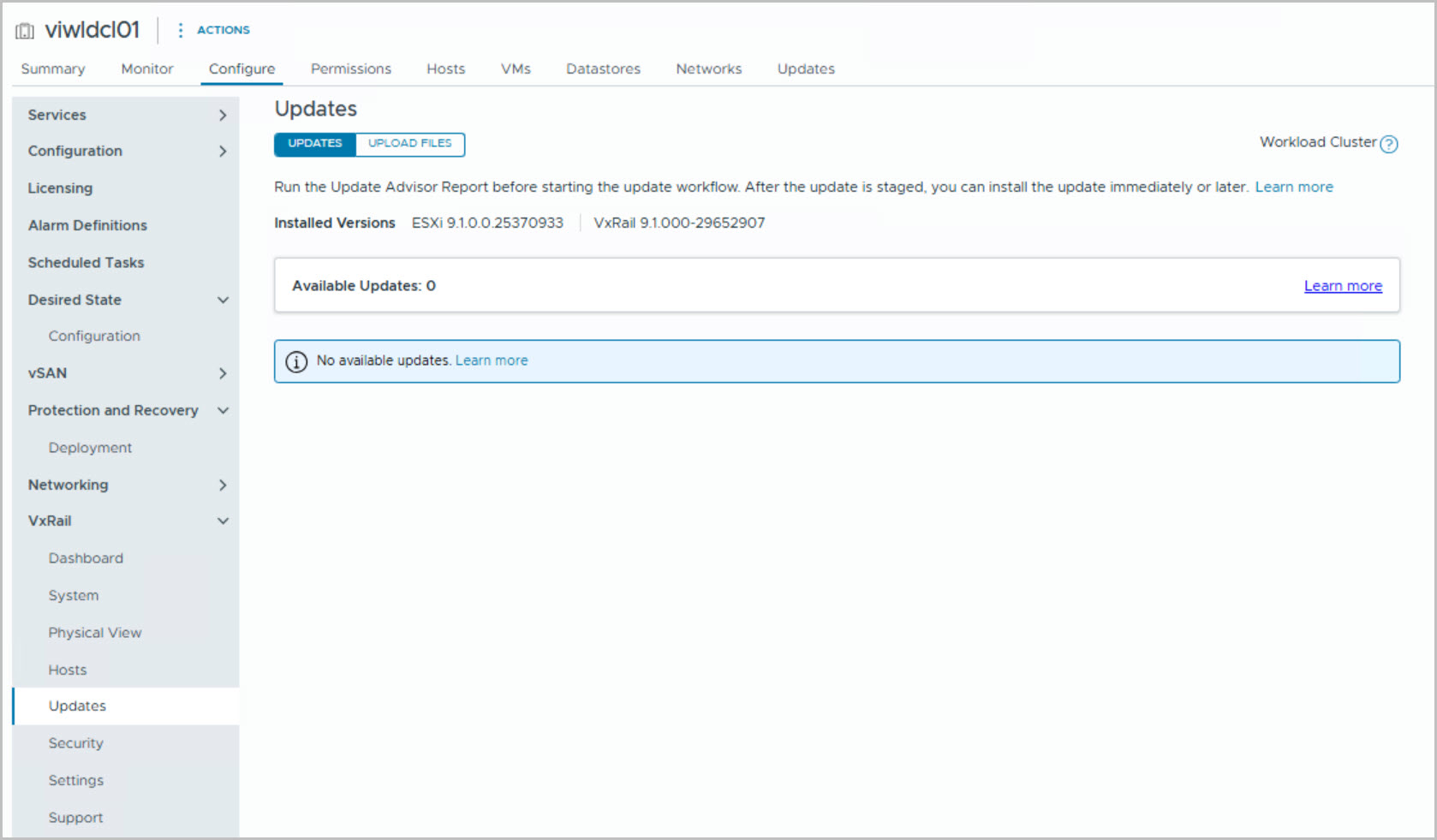
To provision and manage a workload domain cluster, first commission the hosts into the VCF free pool using the VxRail Node Commission process. Once the hosts are available, create a new cluster through the VCF native UI, choosing whether to deploy it within an existing domain or as part of a new workload domain. After the cluster is successfully created, an alarm notification will appear in vCenter for the management cluster indicating that the new cluster is ready for management. Navigate to Cluster > Configure > VxRail > System > Actions in vCenter to begin managing the workload domain cluster.
Commission nodes
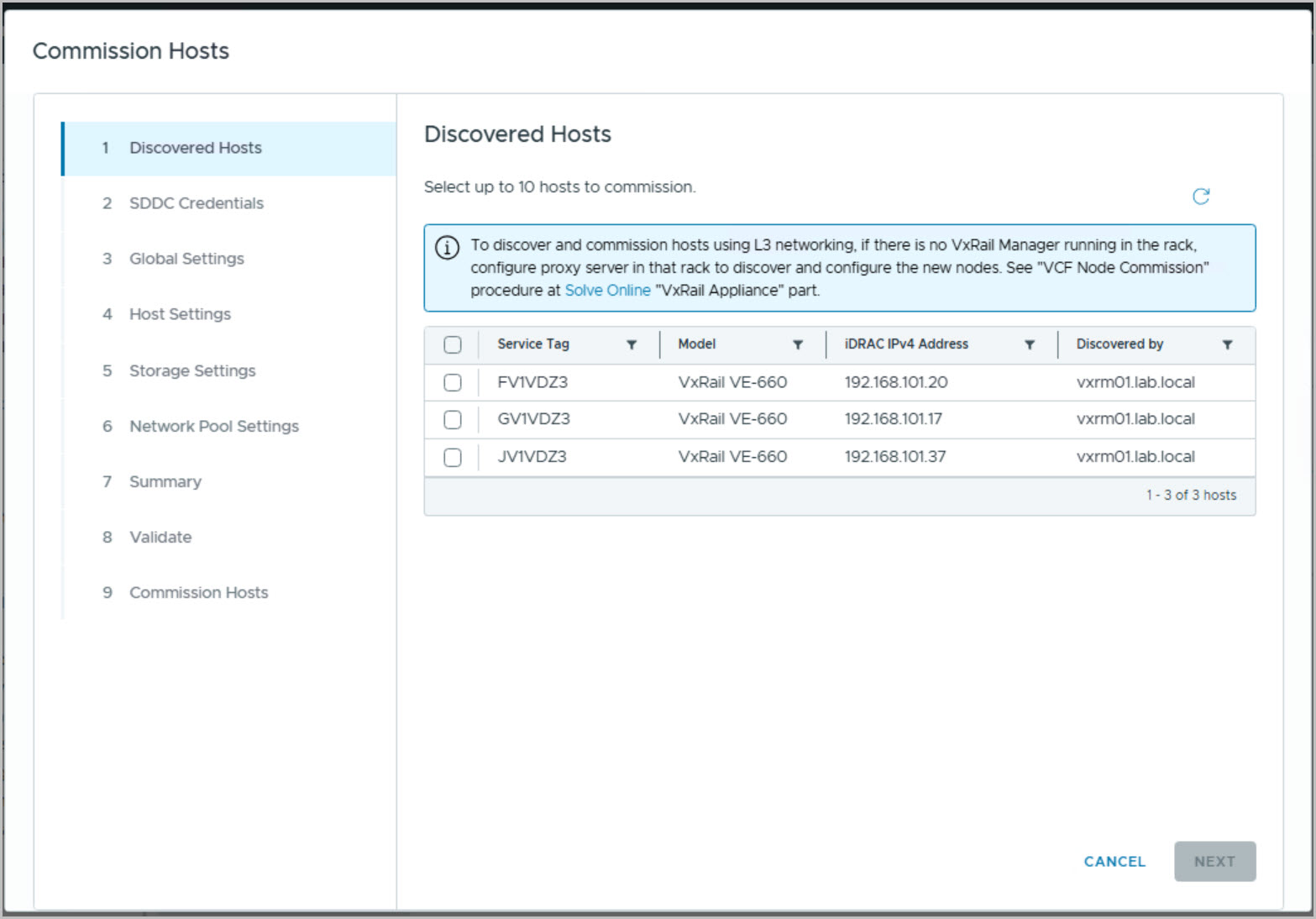
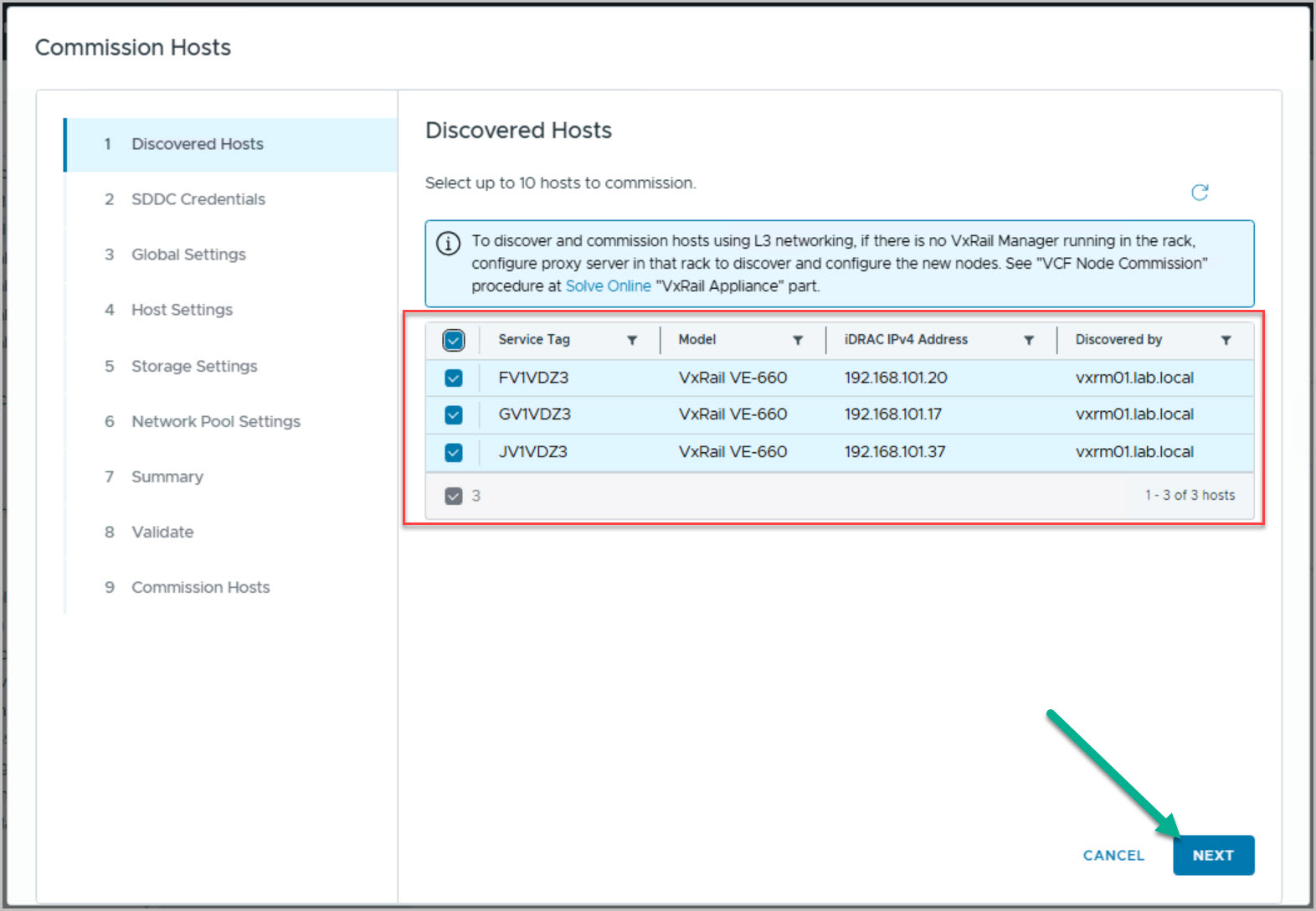
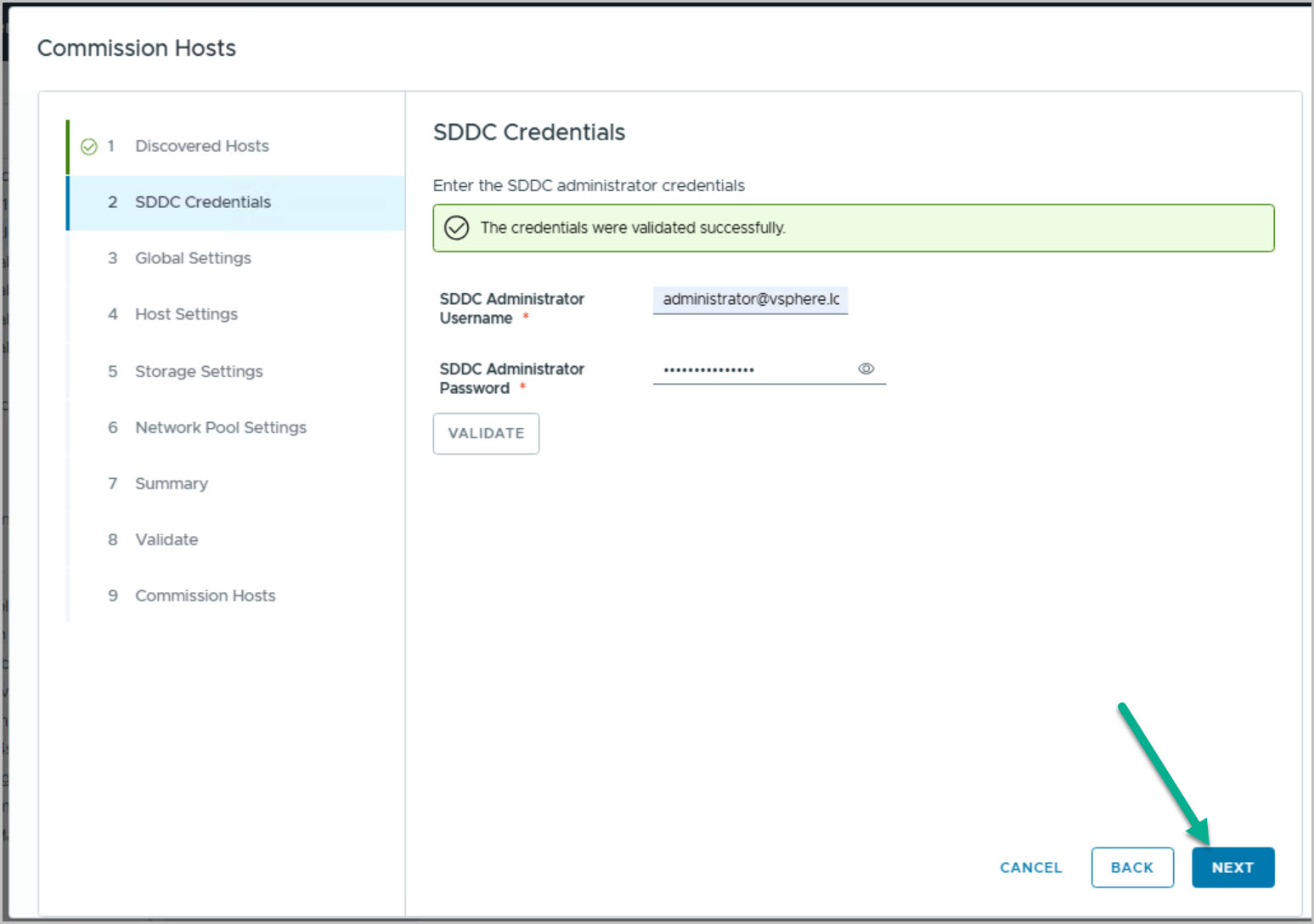
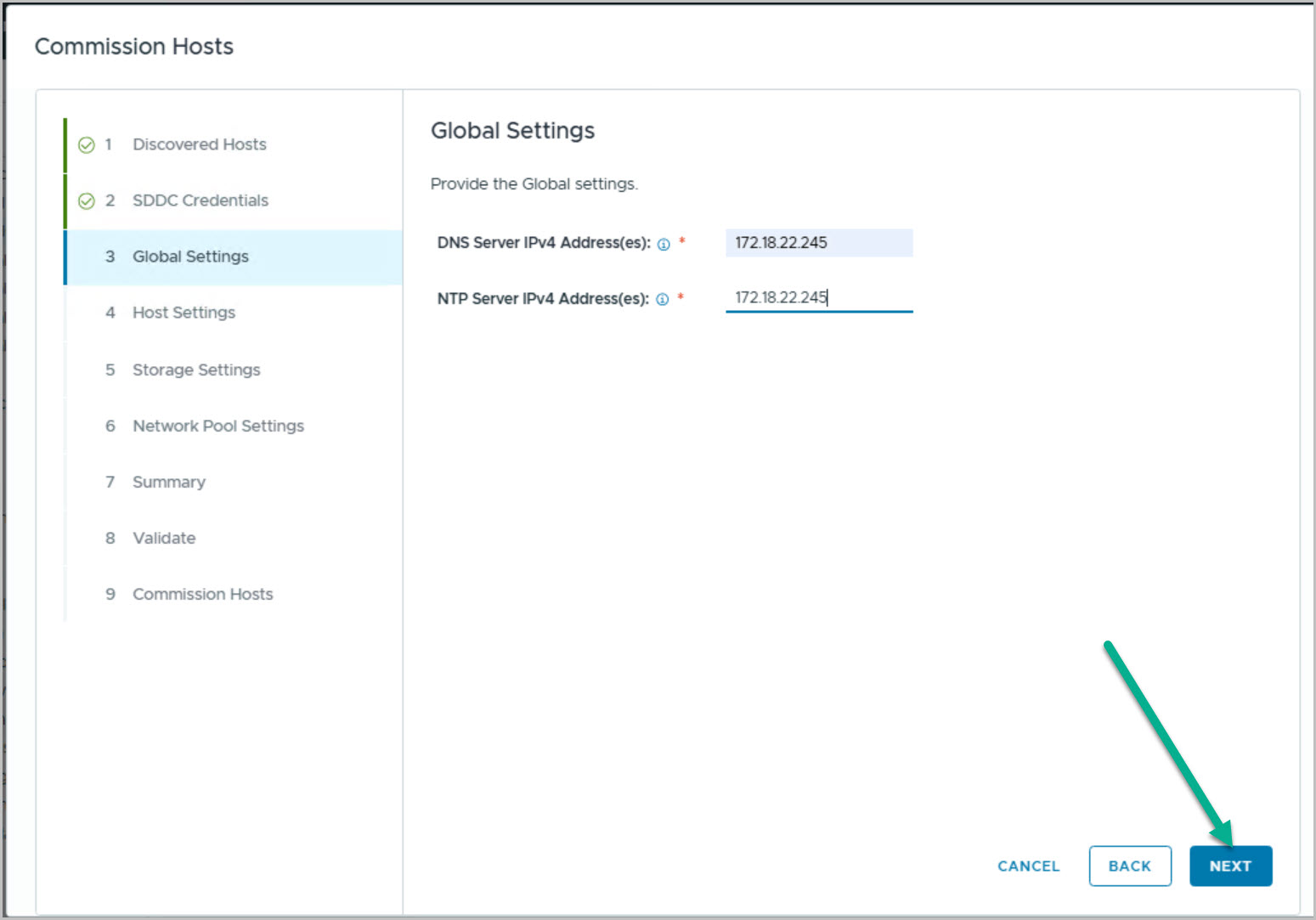
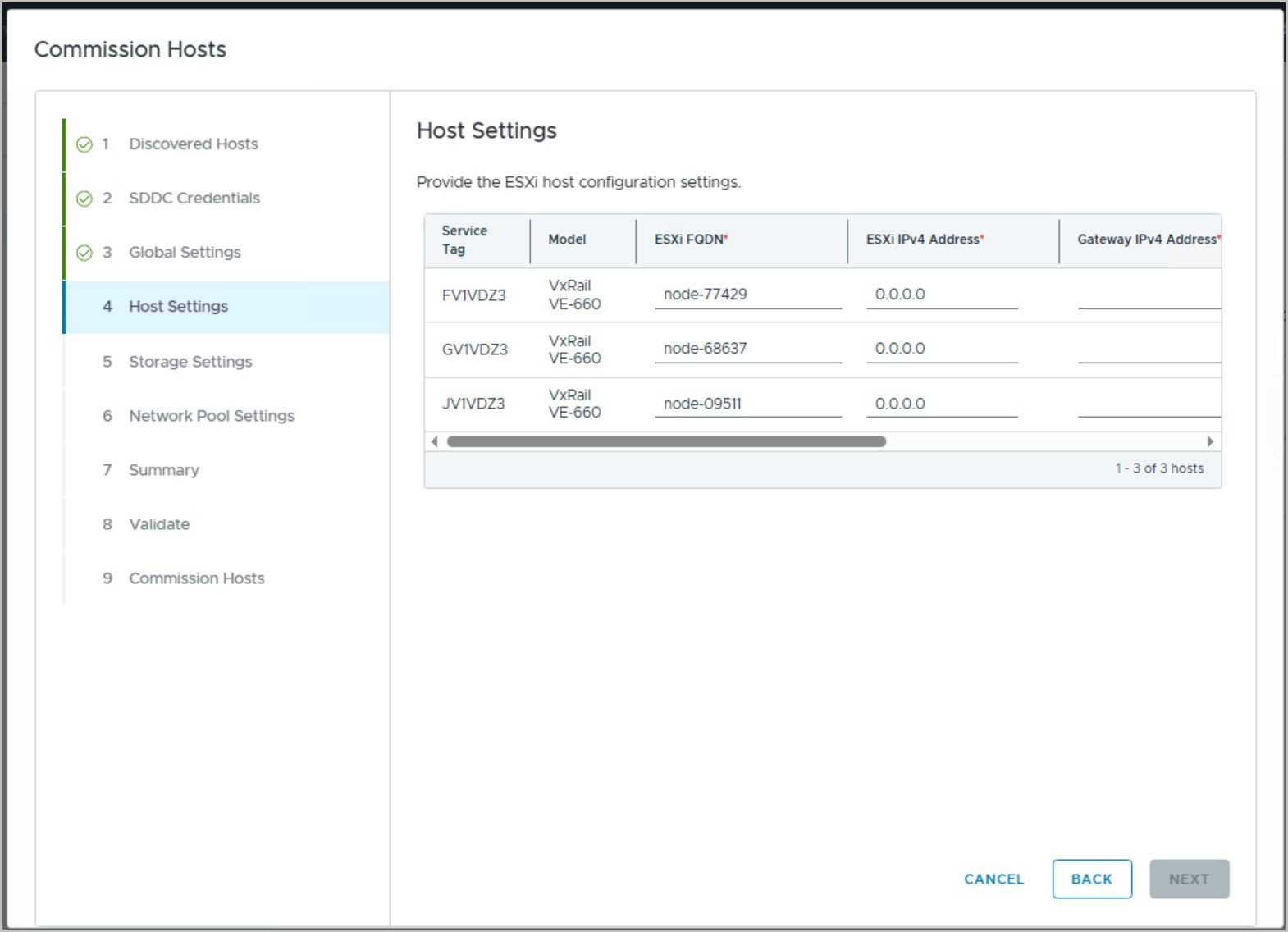
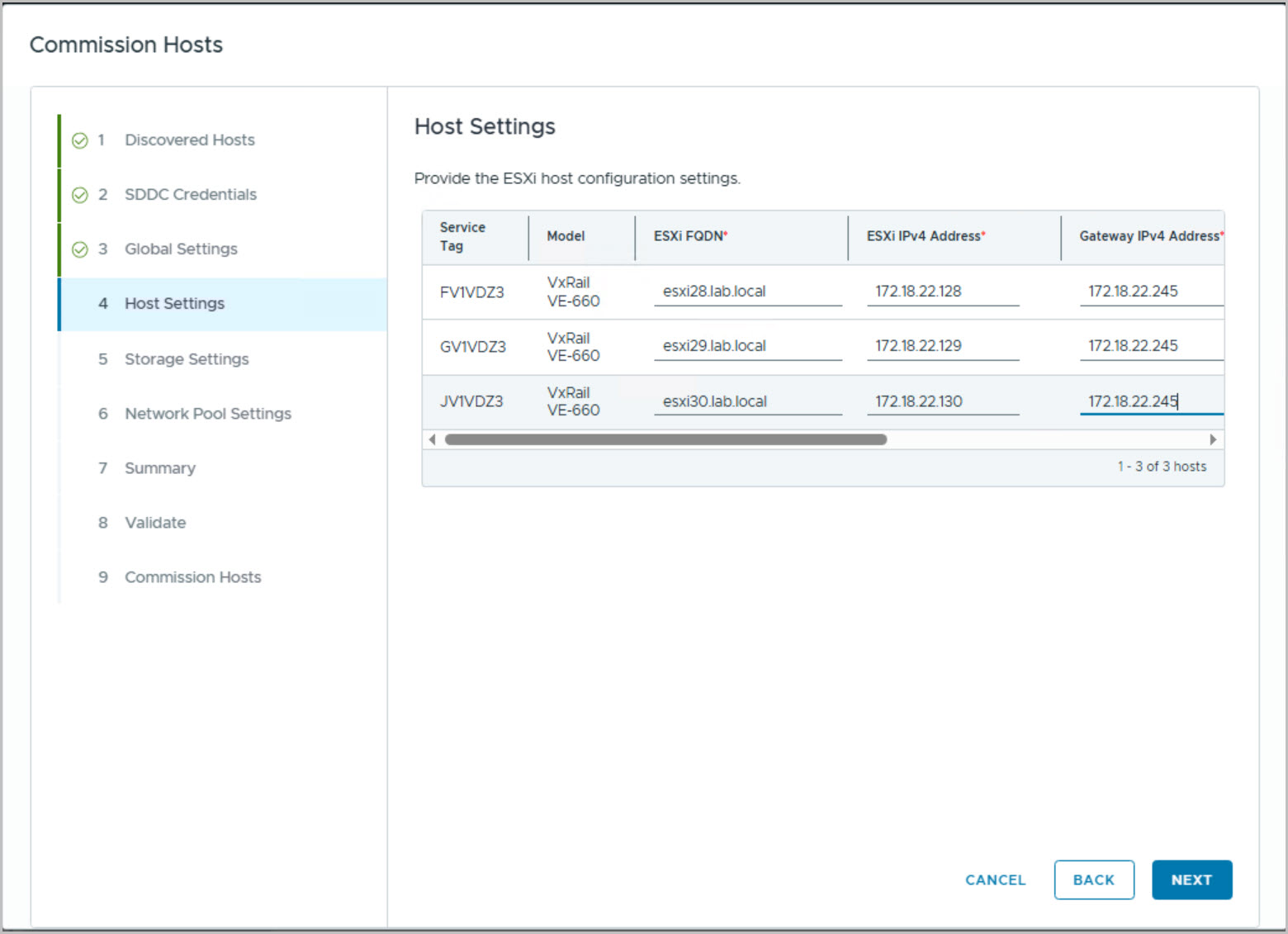
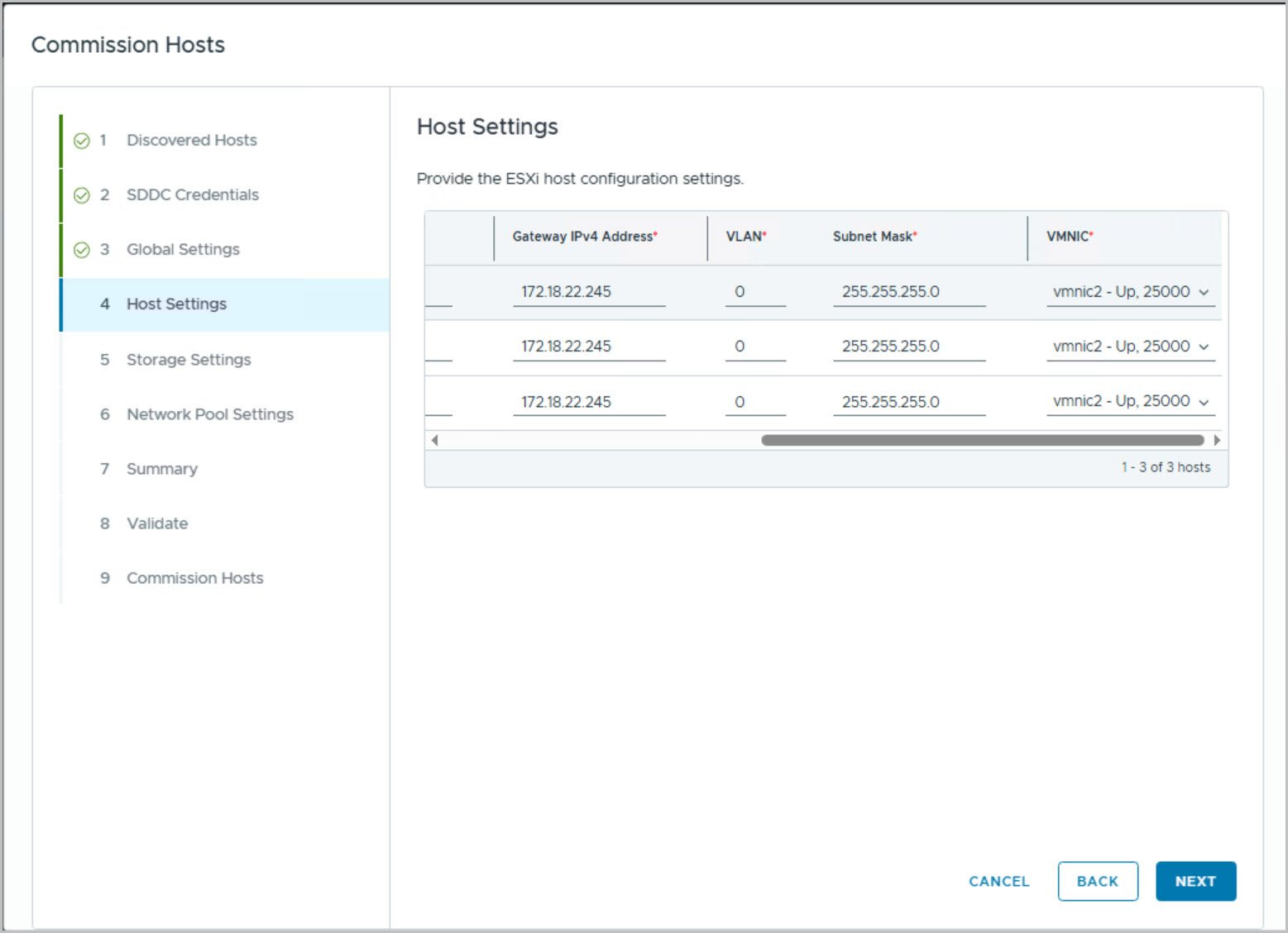
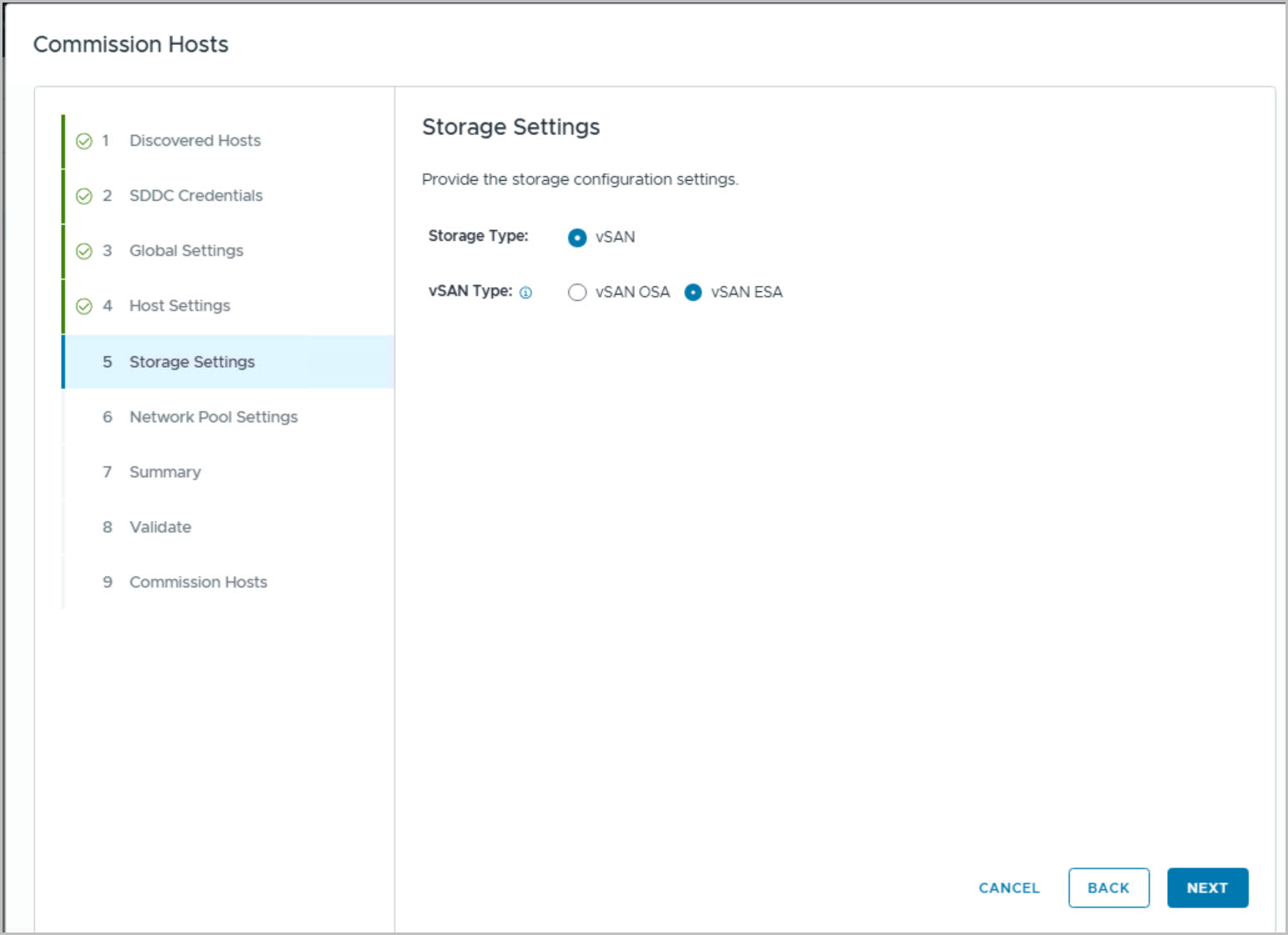
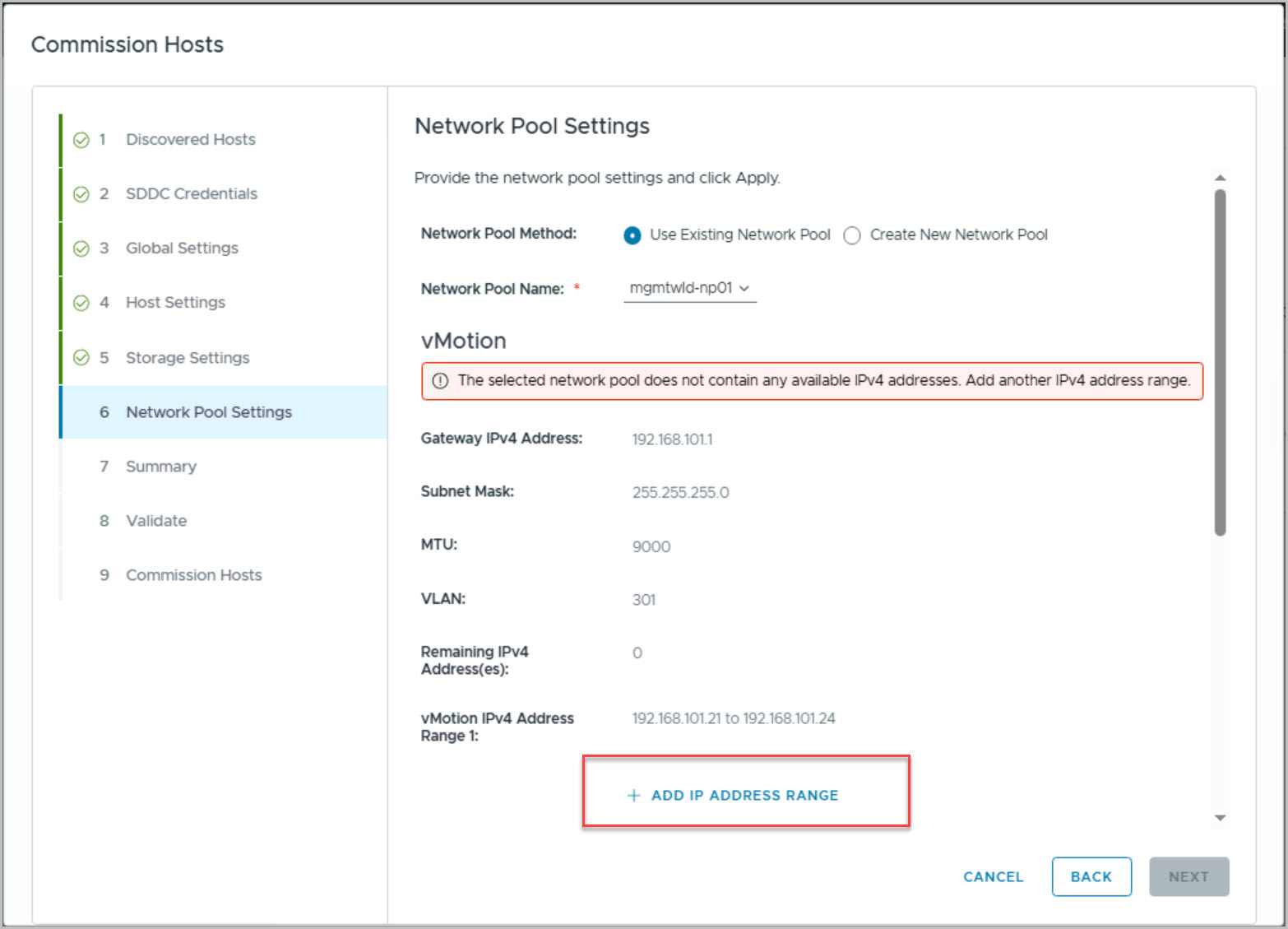
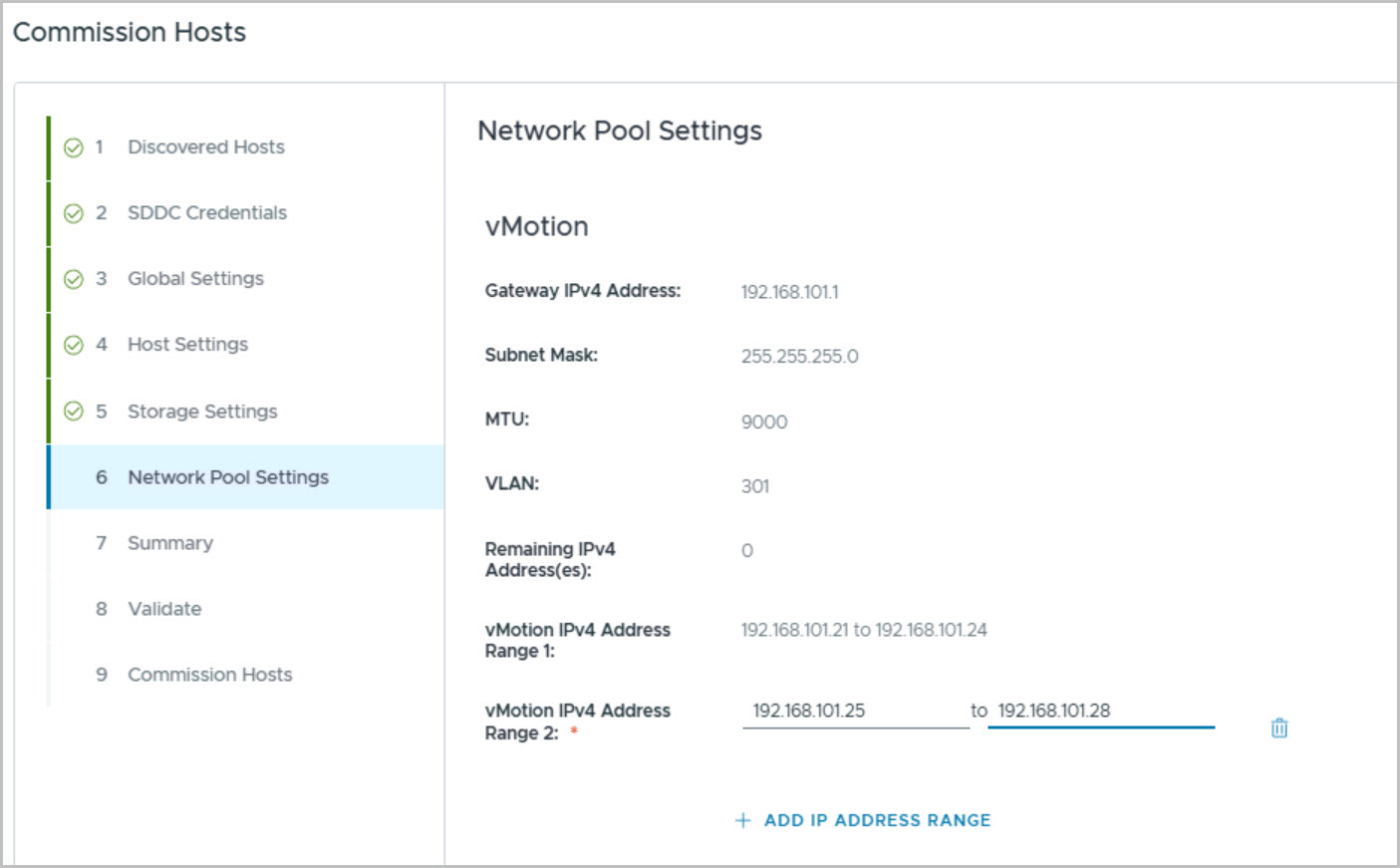
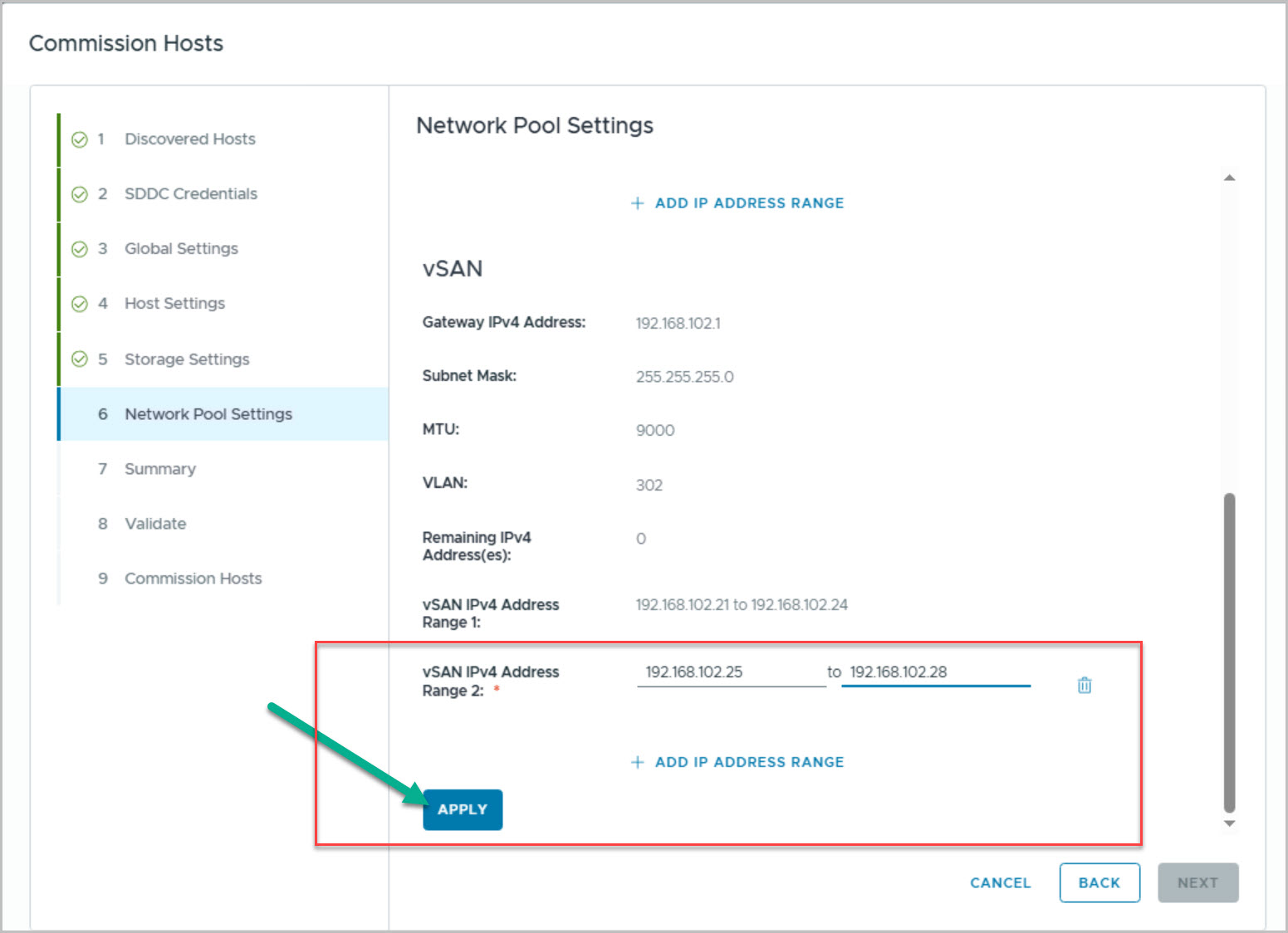
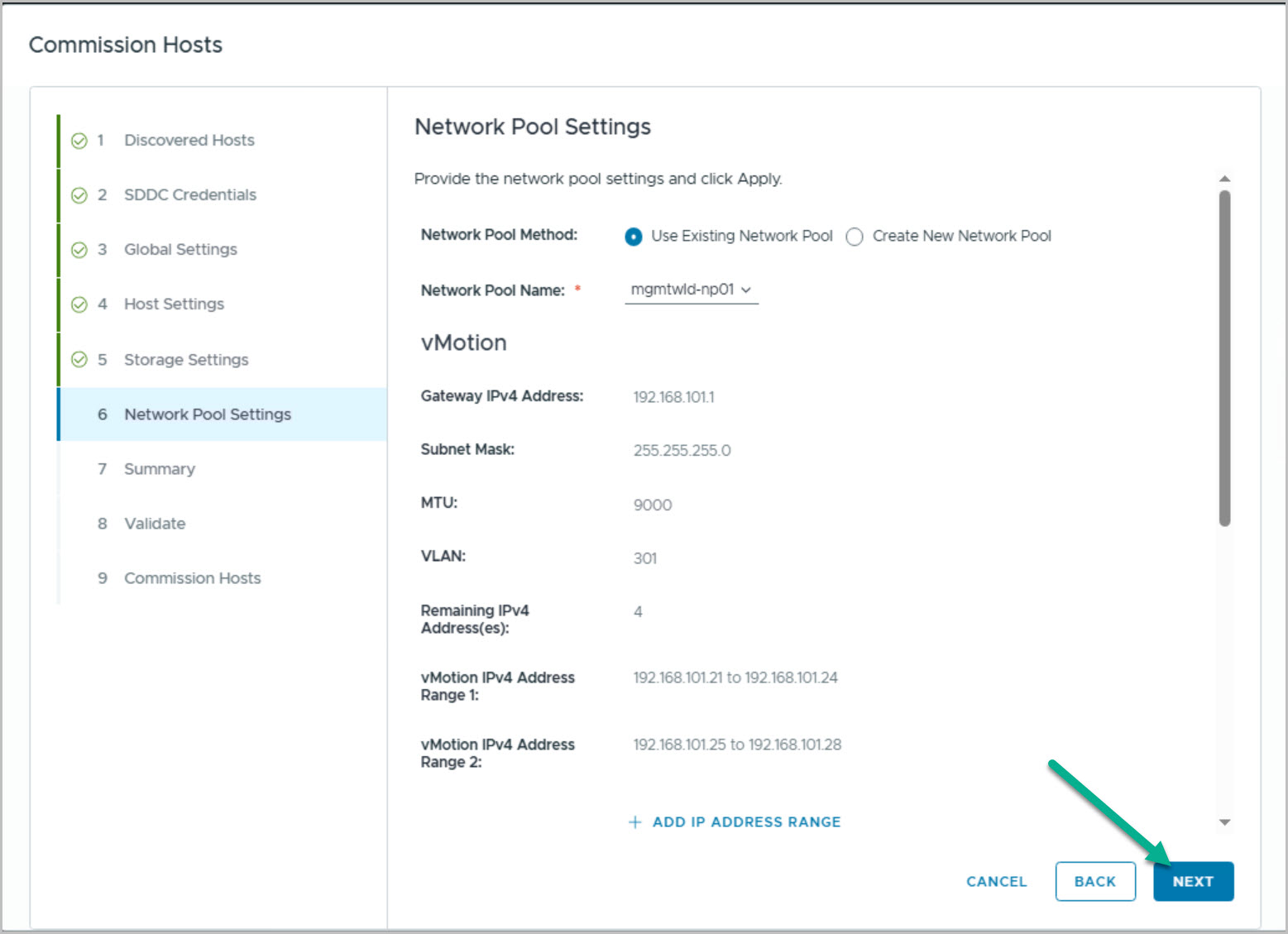
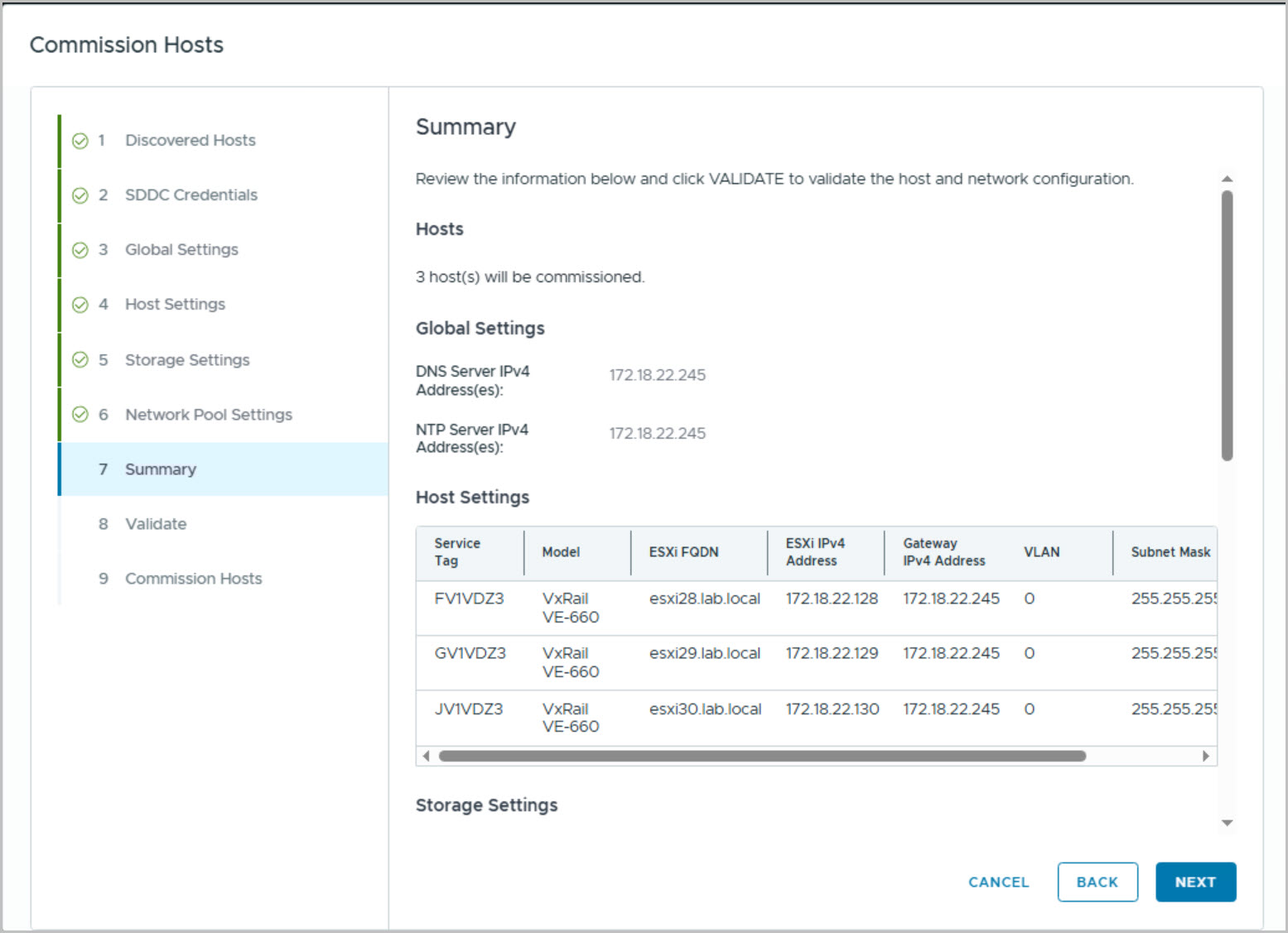
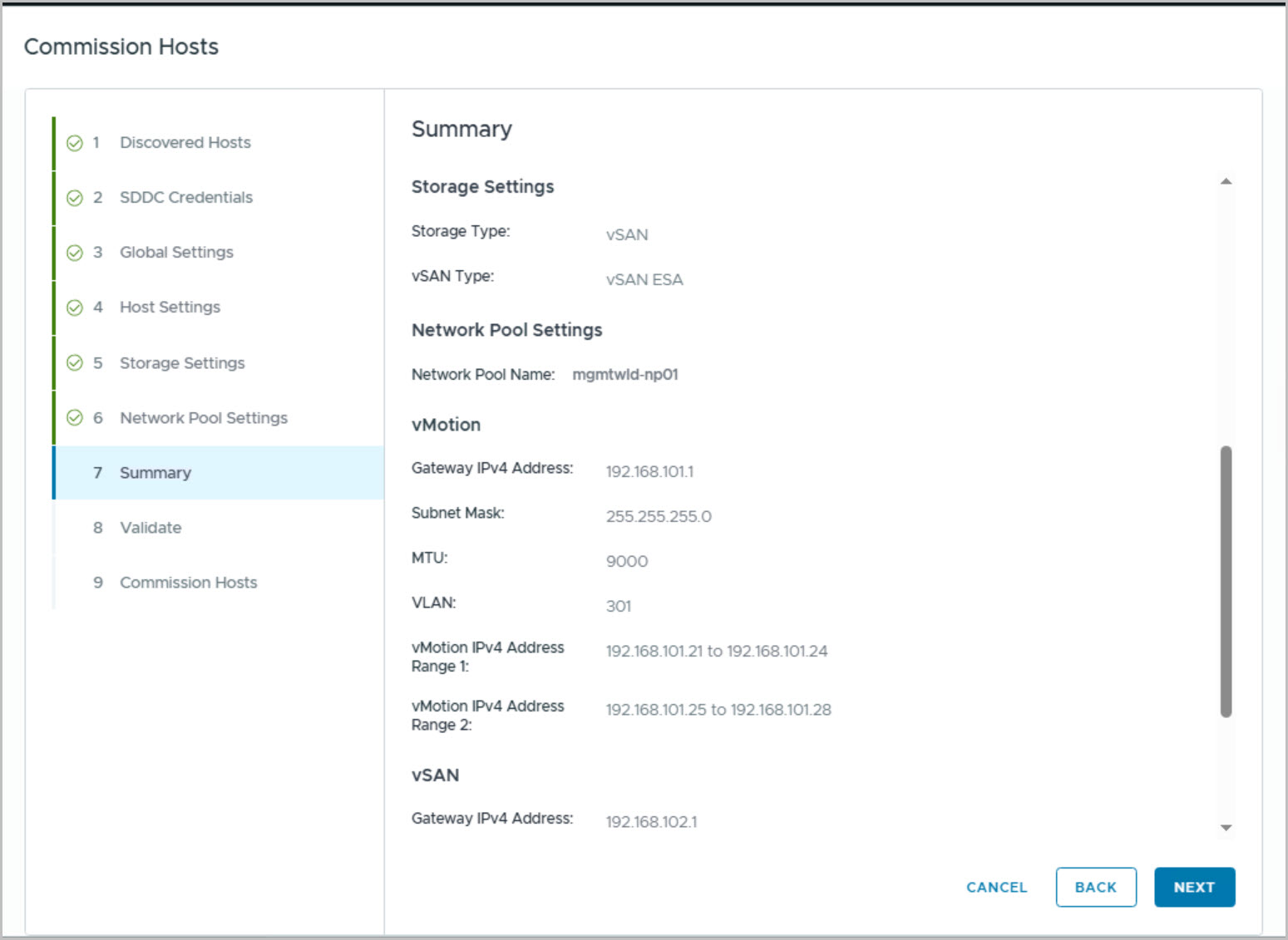
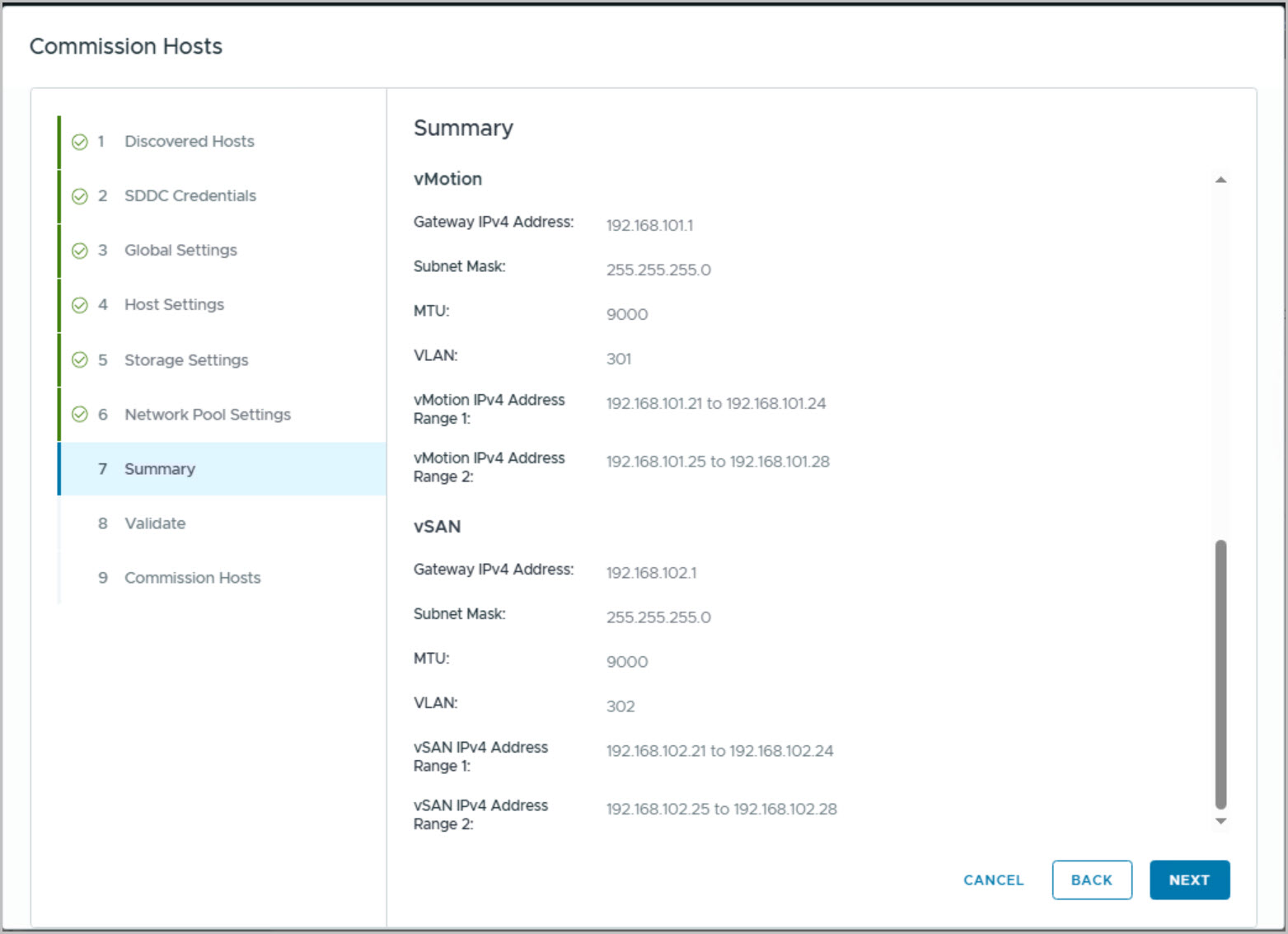
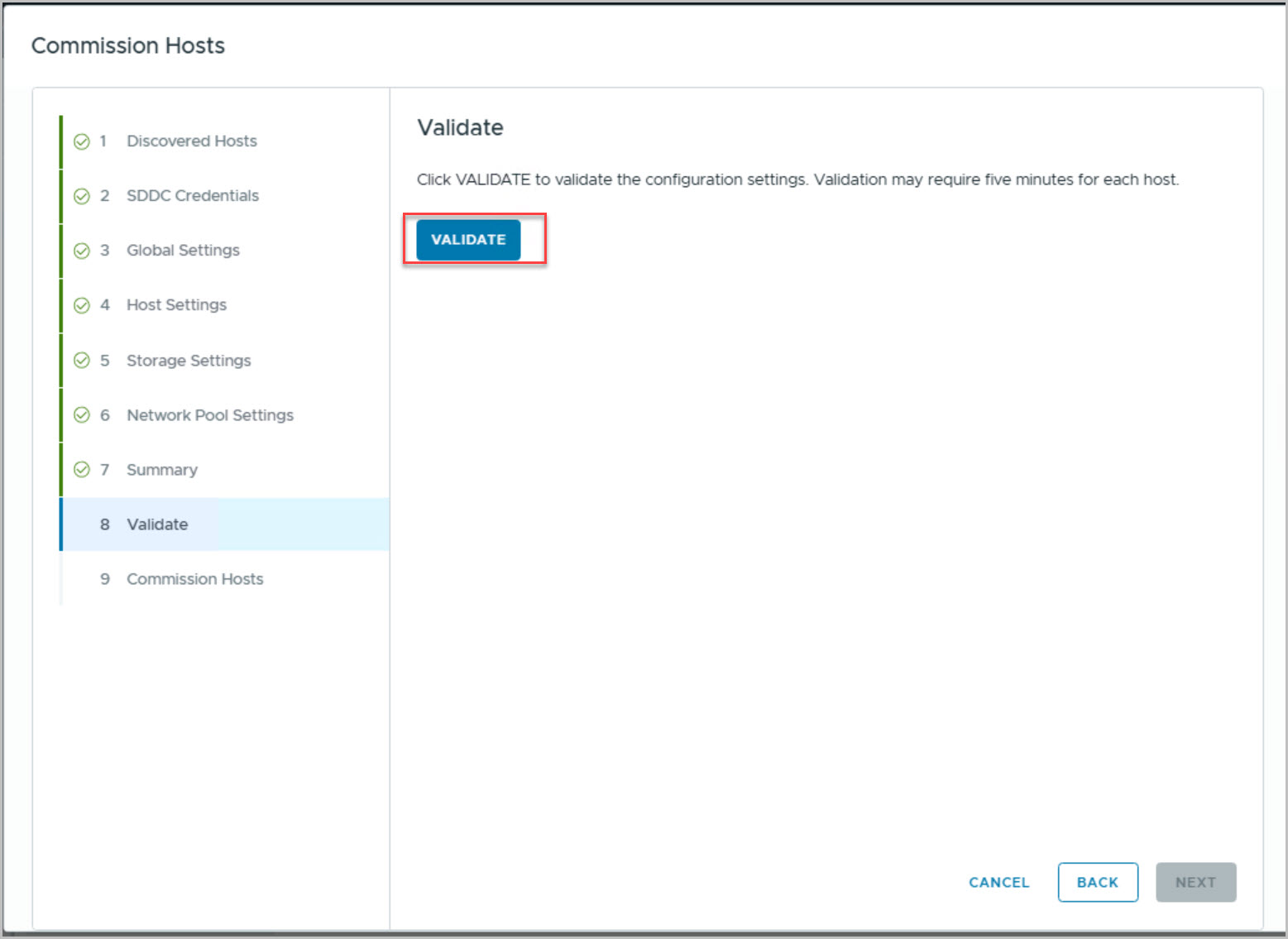
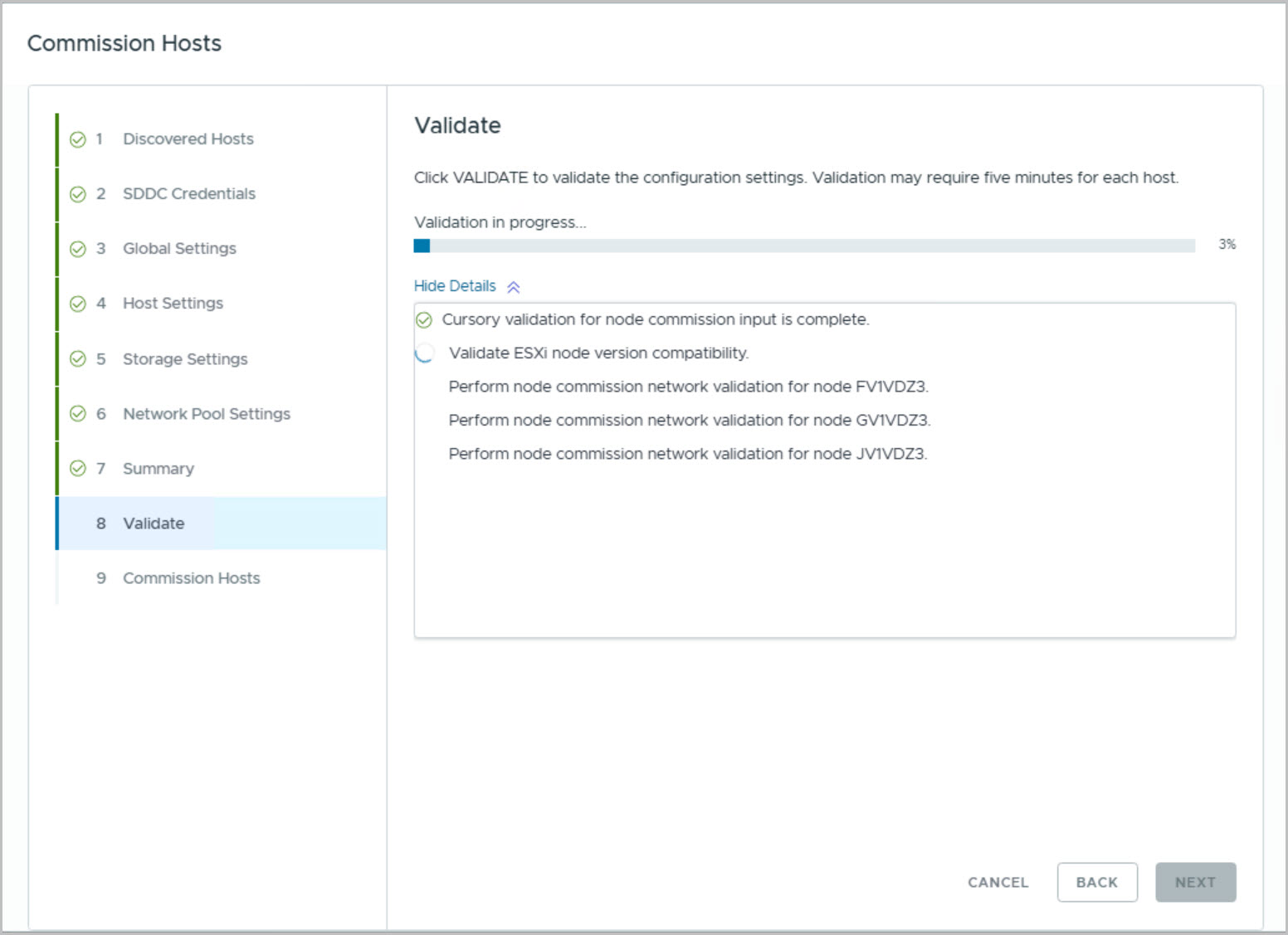
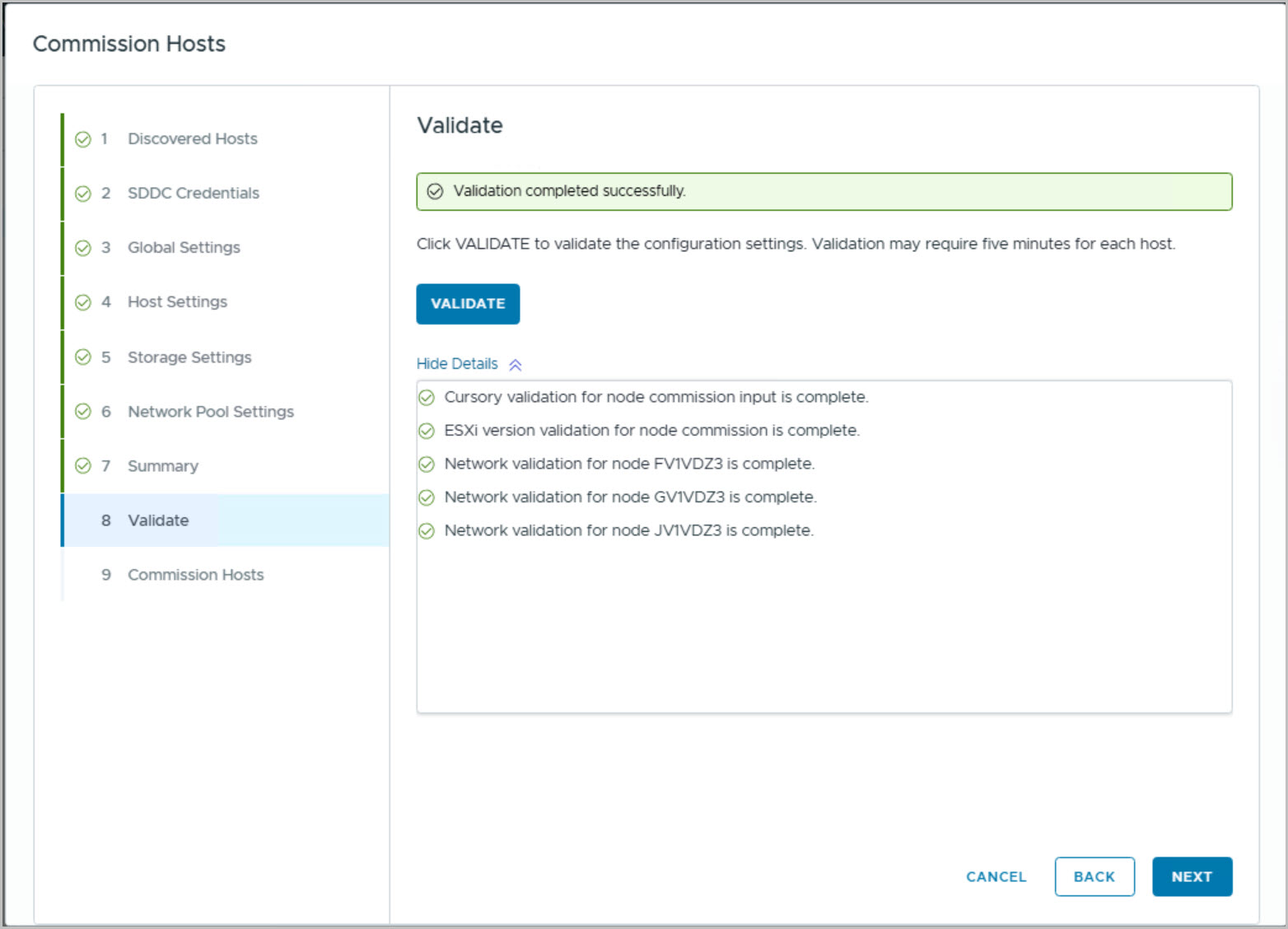
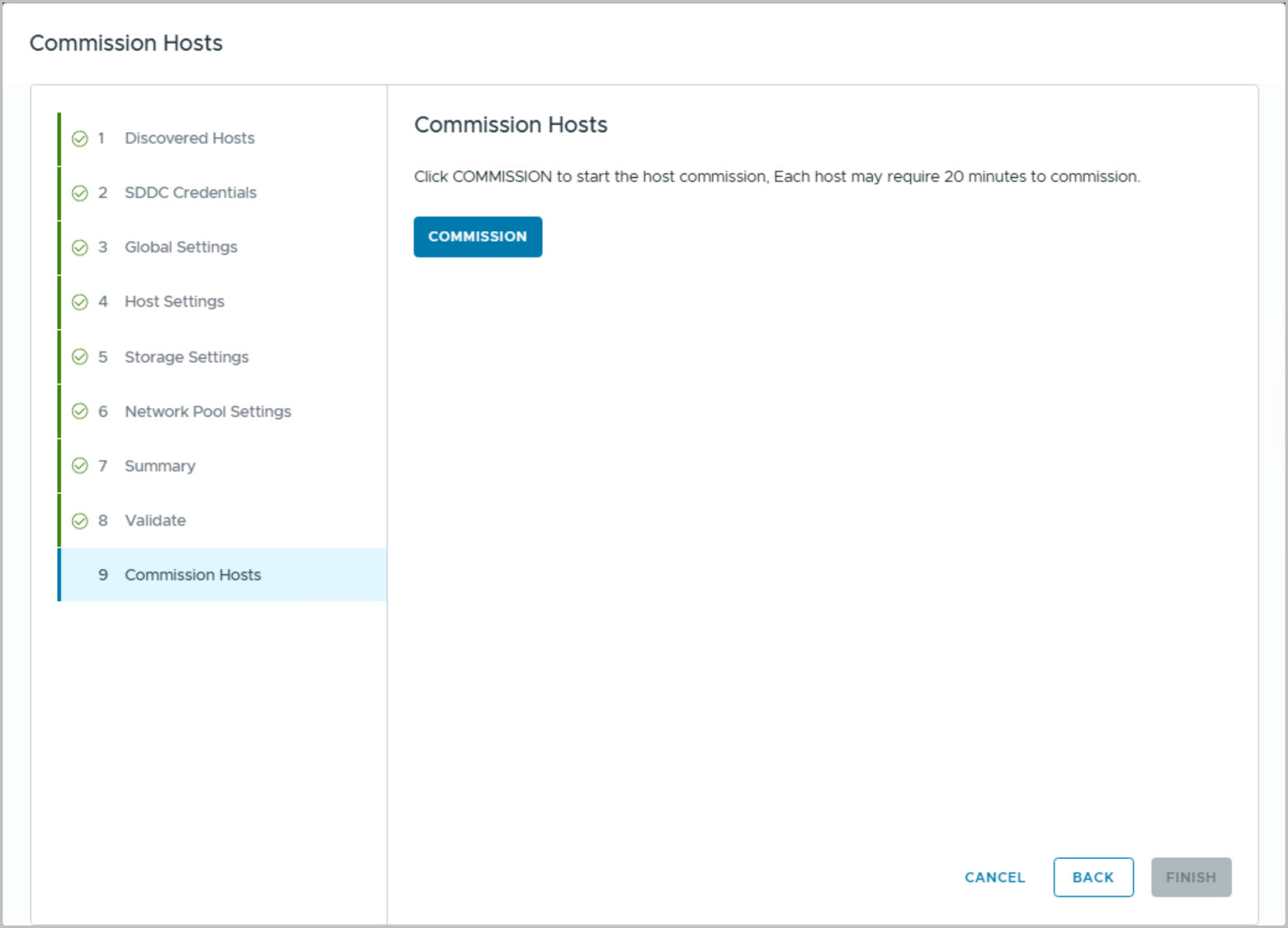
These steps walk thru how to commission new nodes to be used to create a new cluster. Commissioning nodes to SDDC free host pool (from Management cluster):
Create New Workload Domain
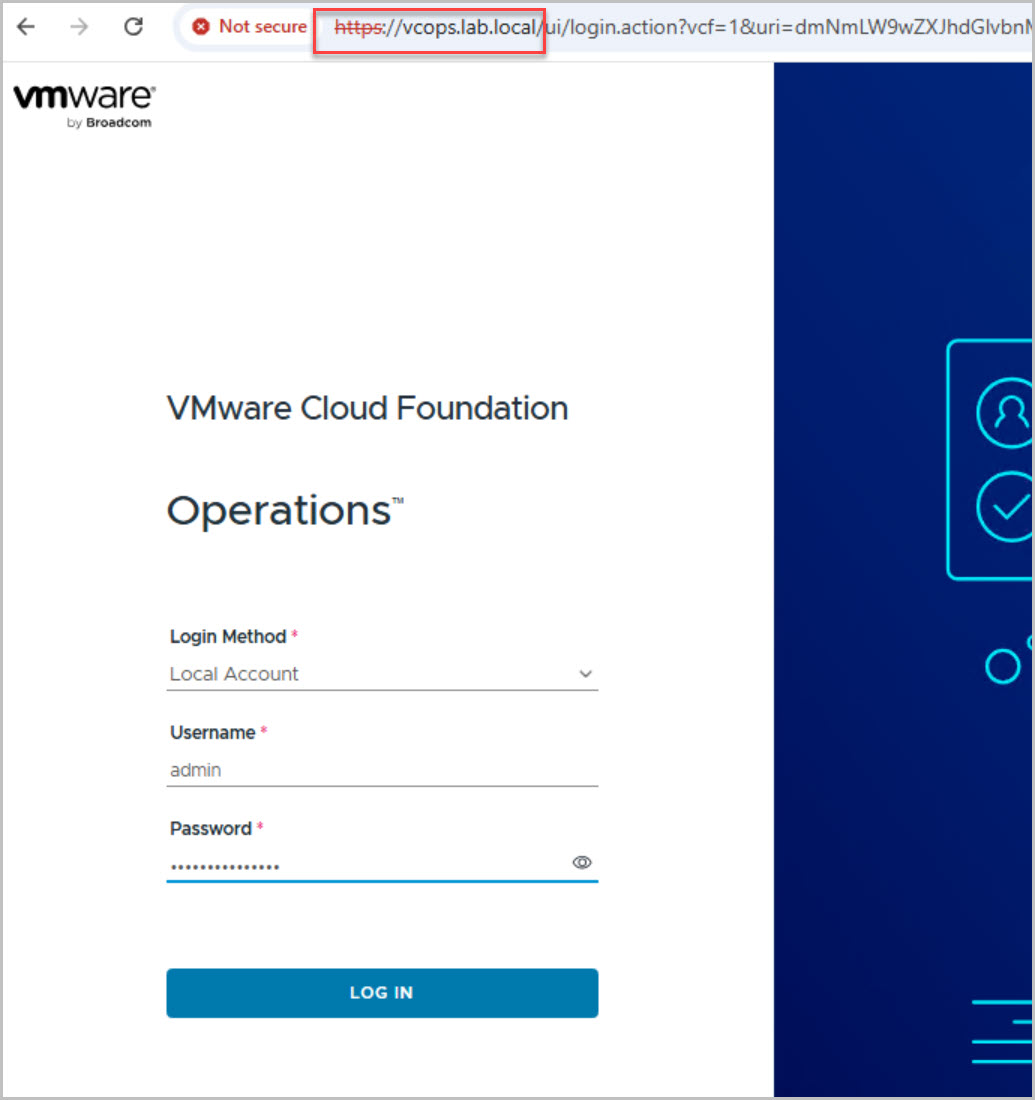
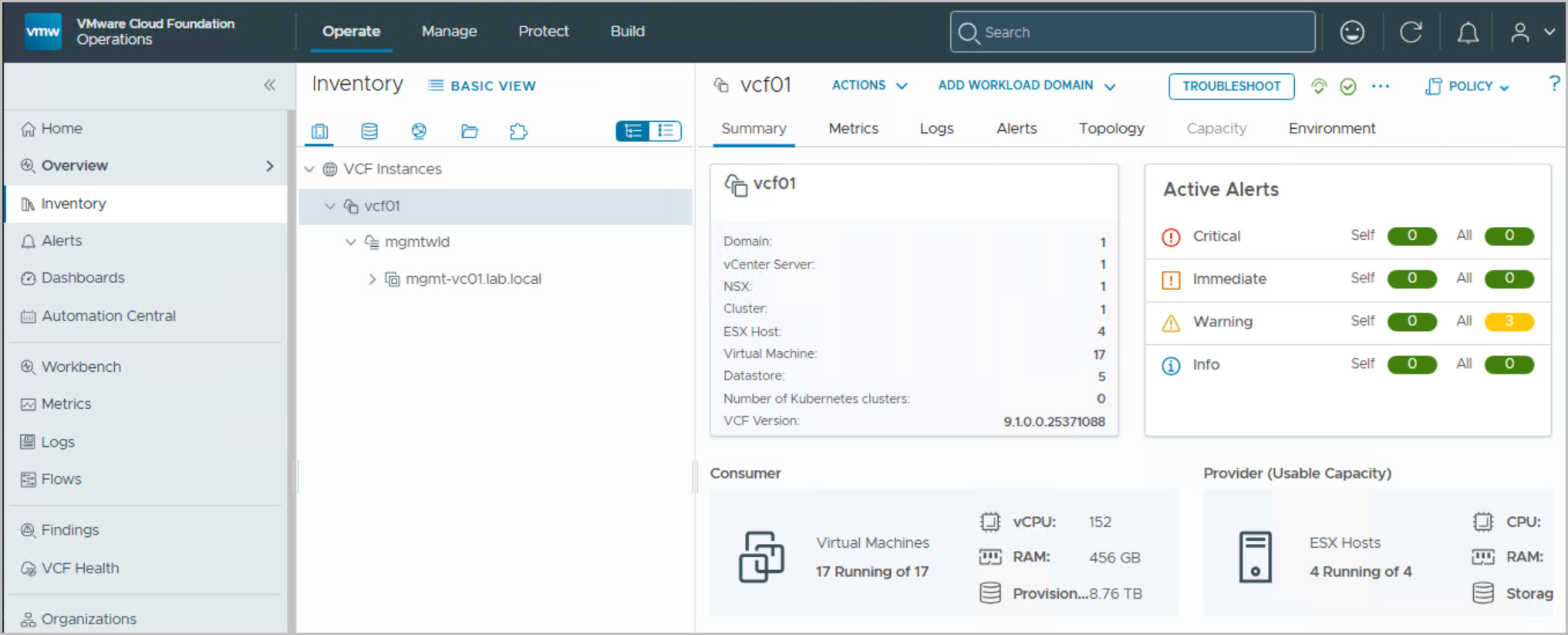
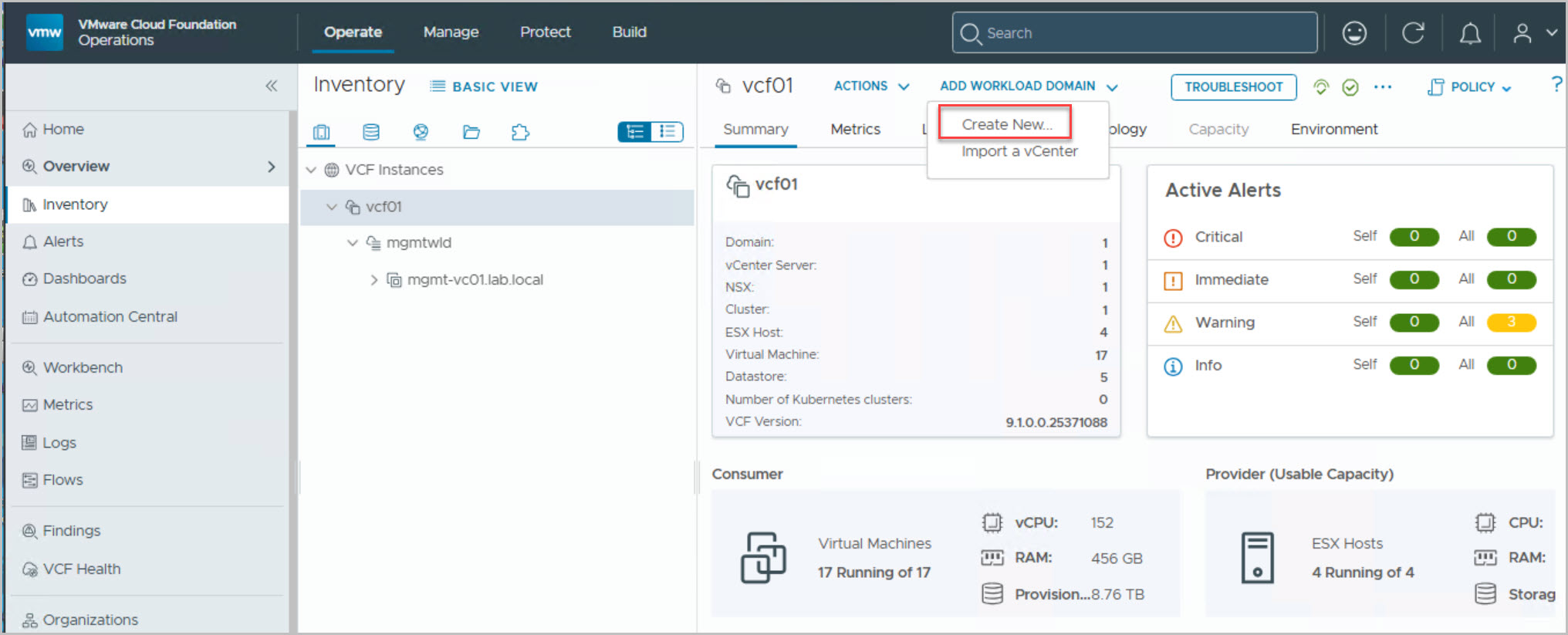
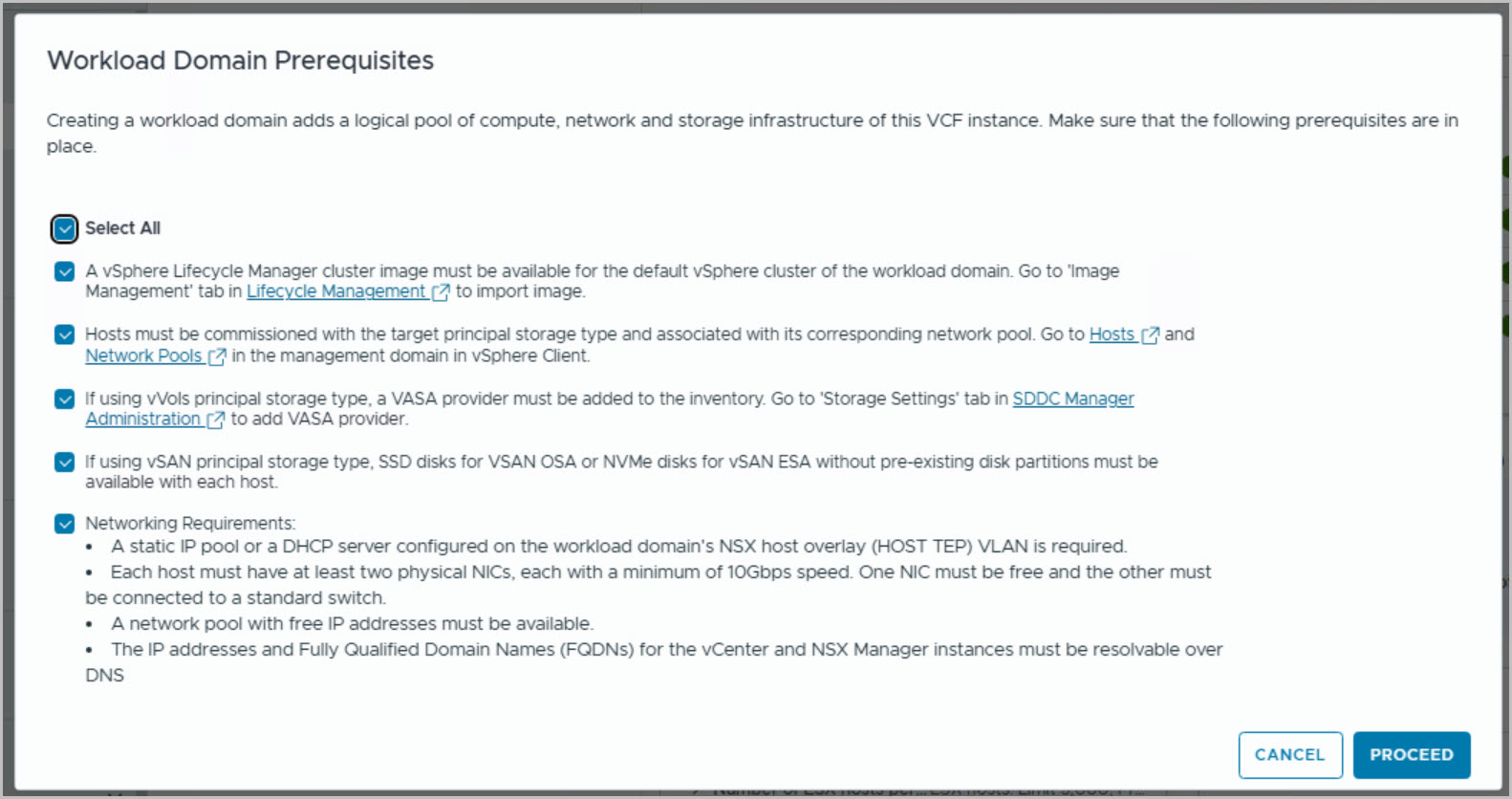
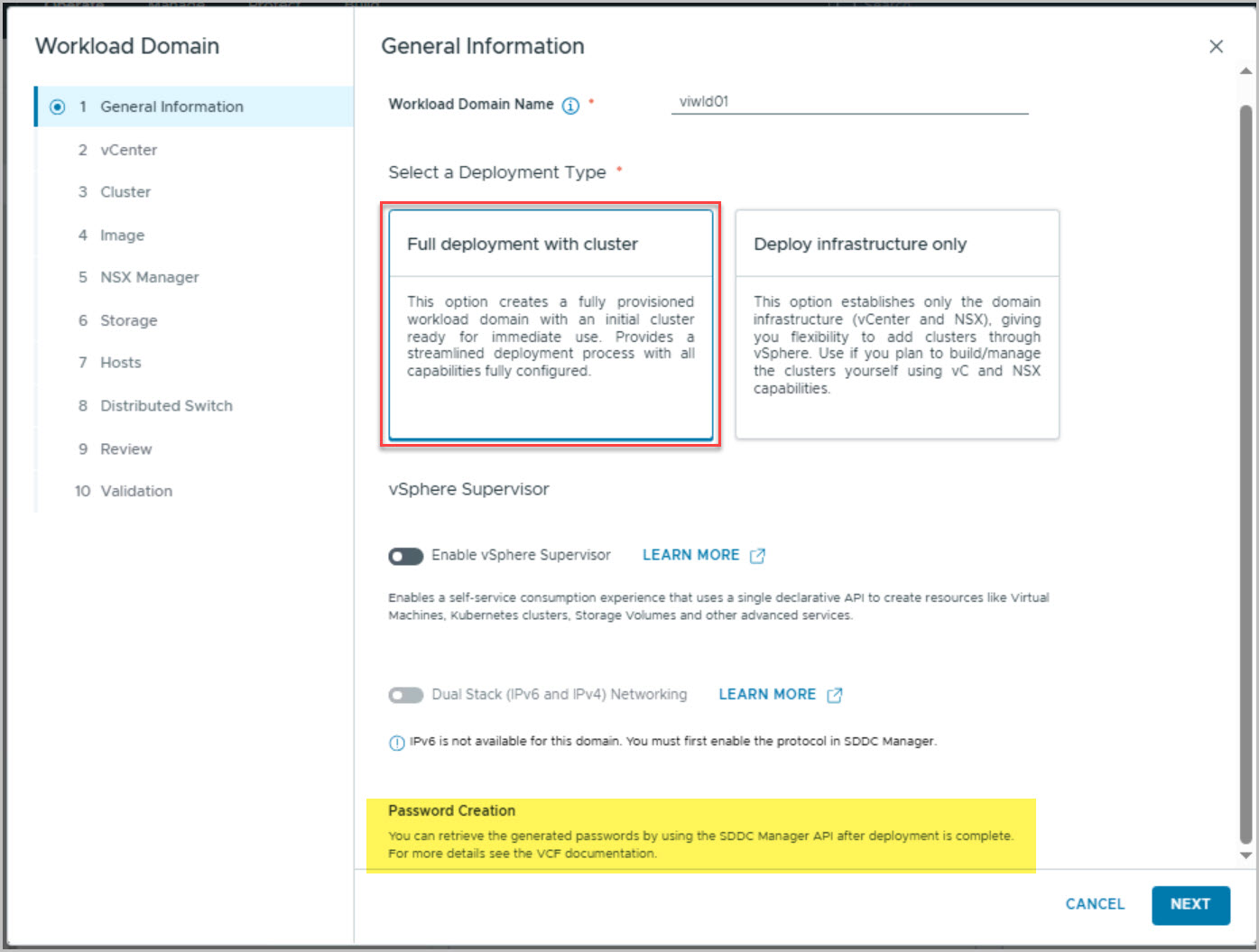
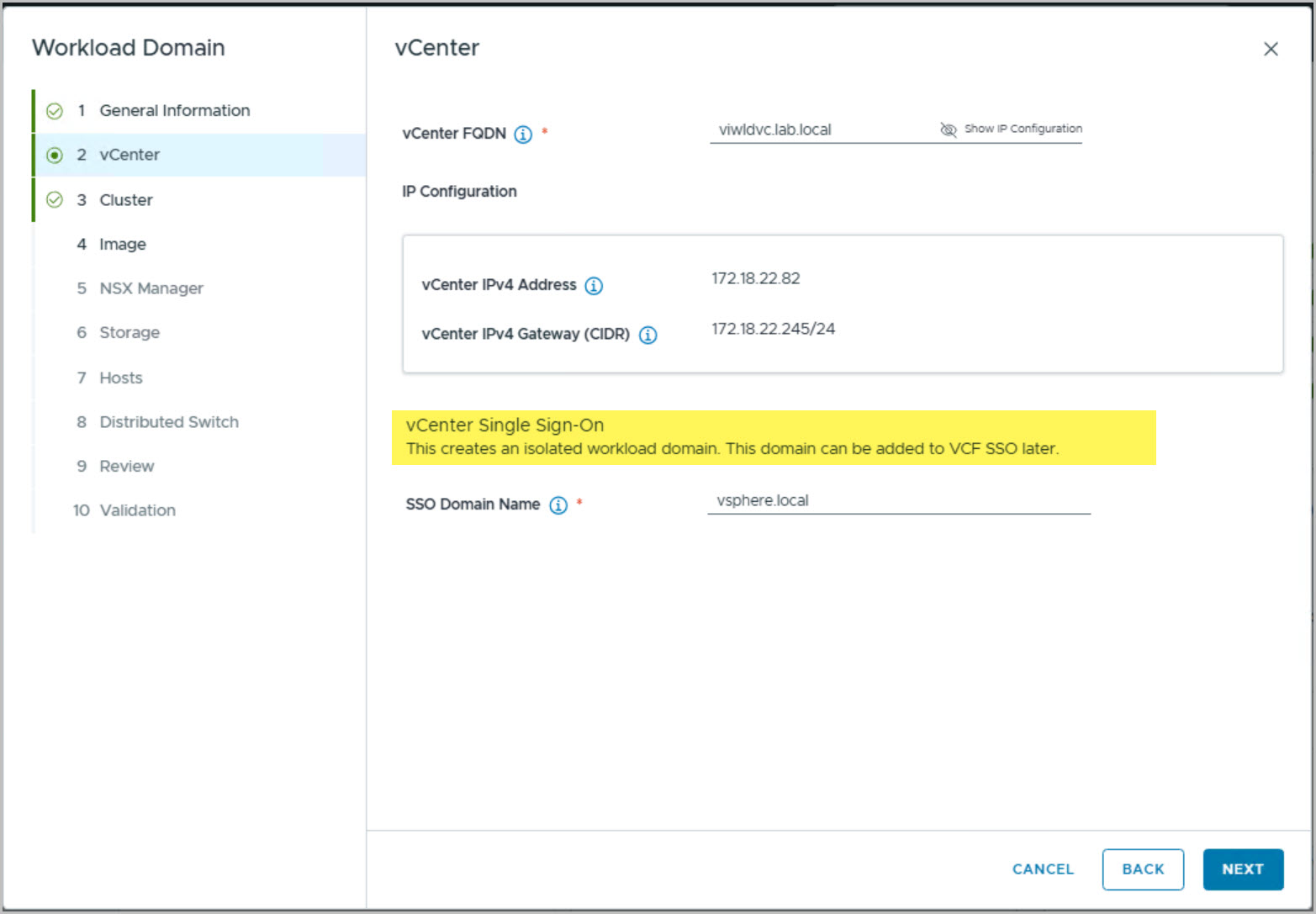
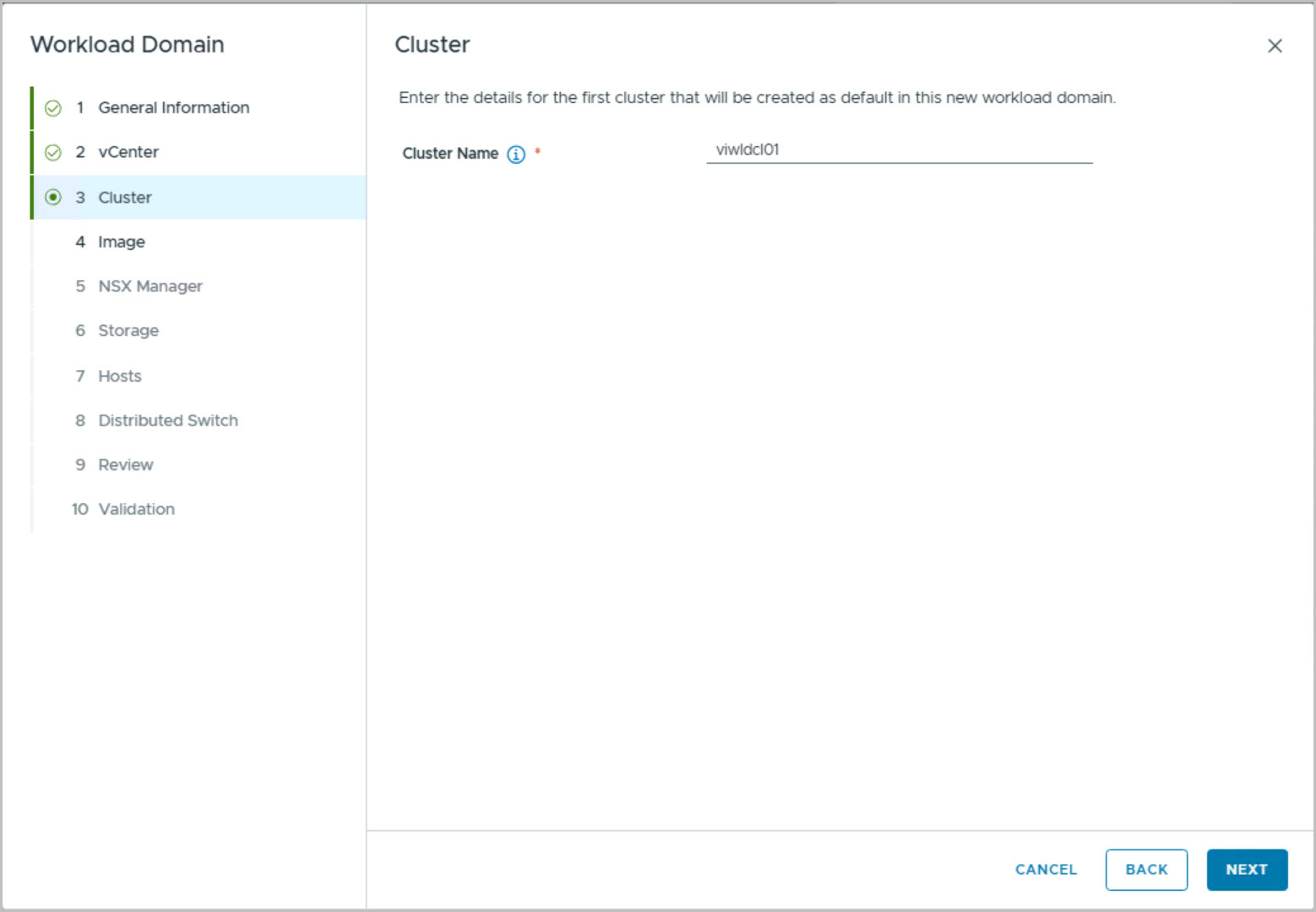
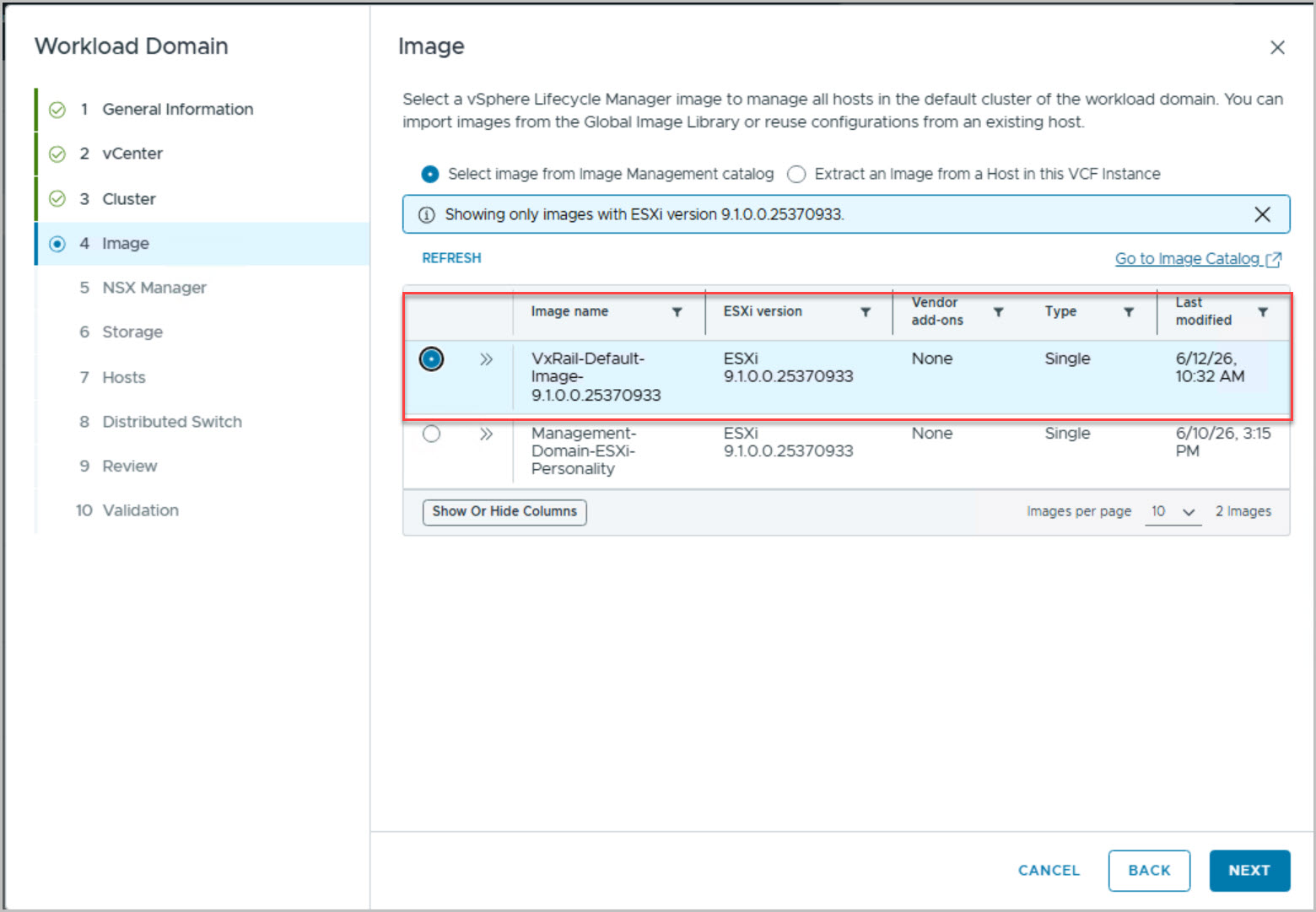
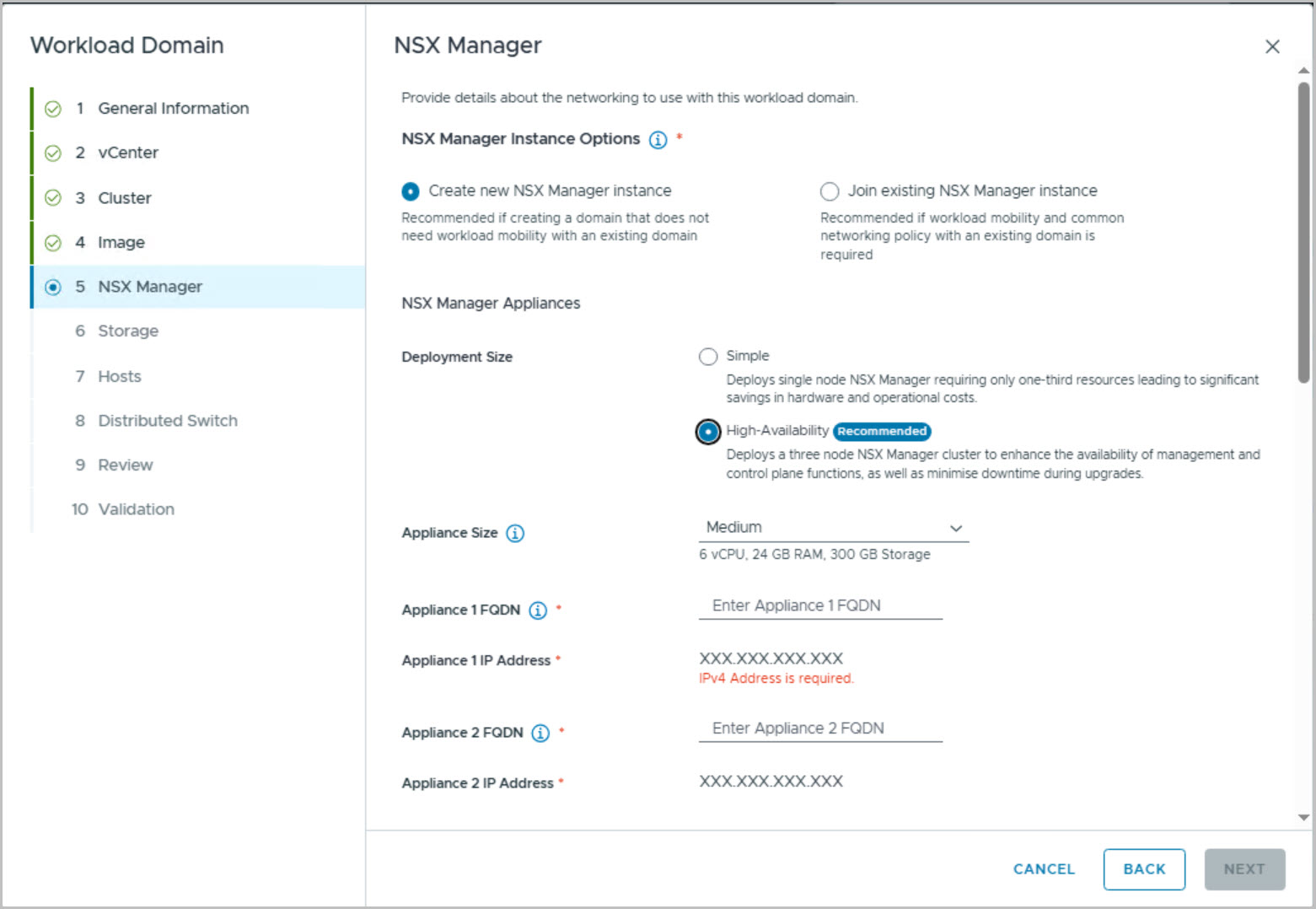
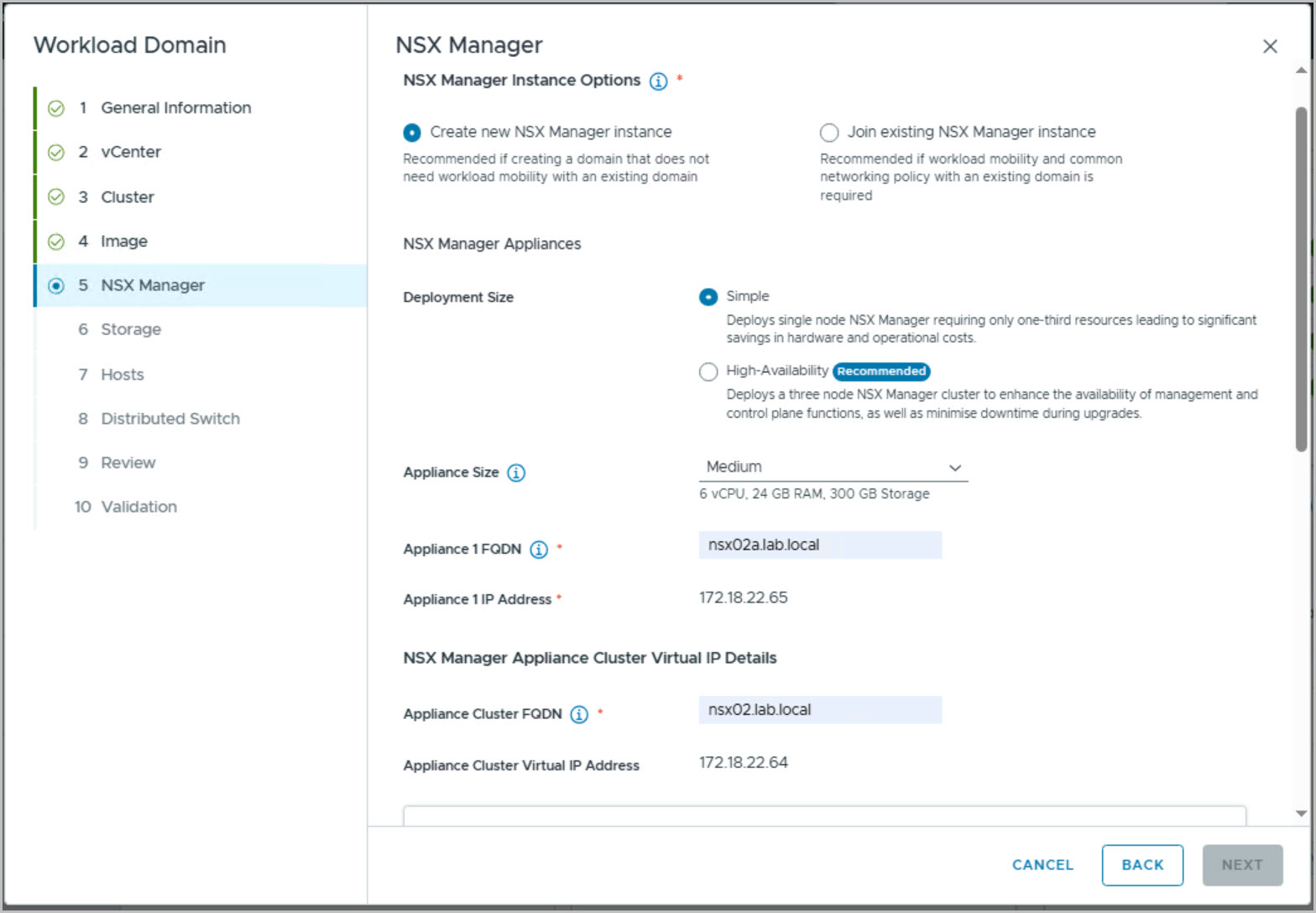
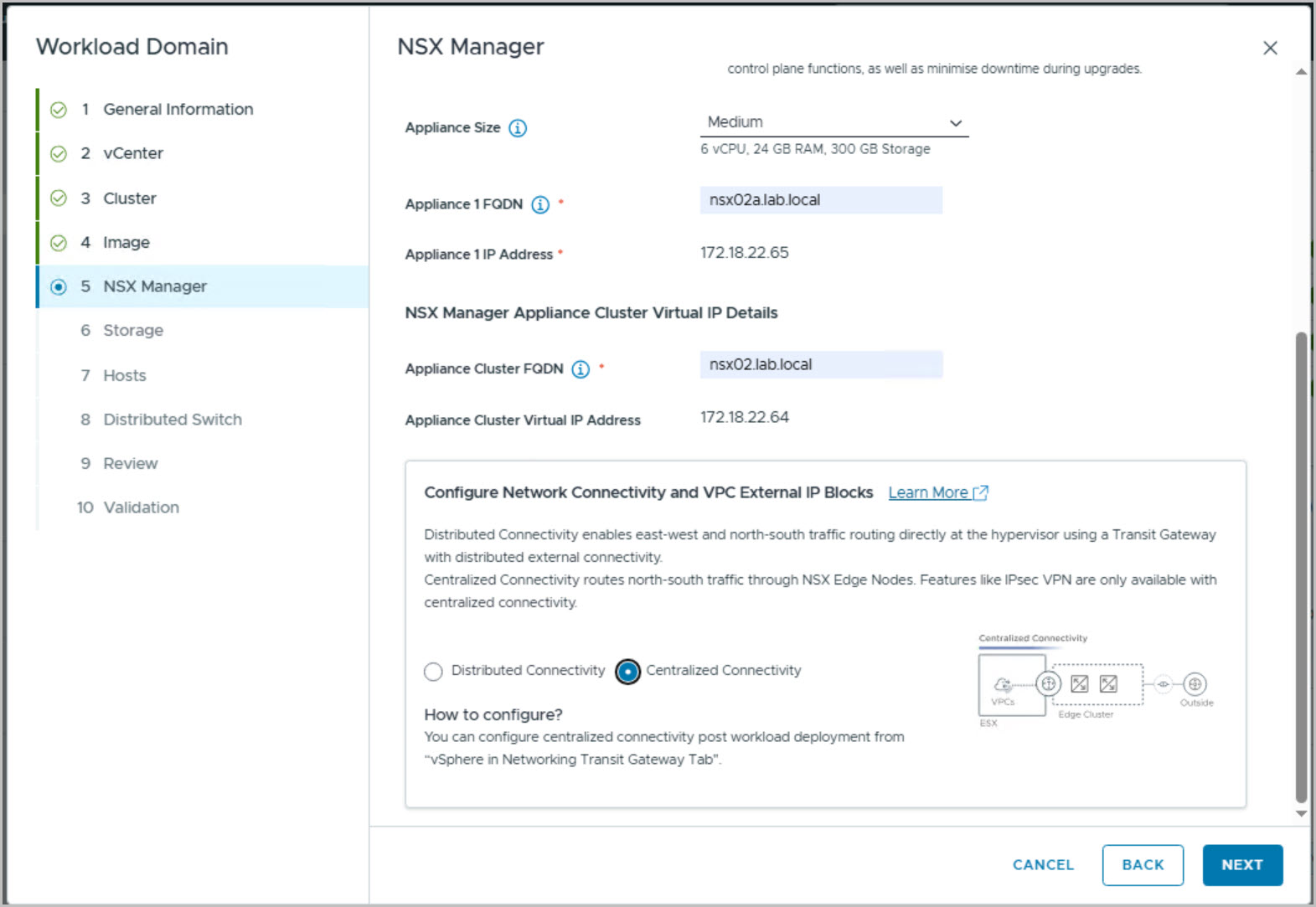
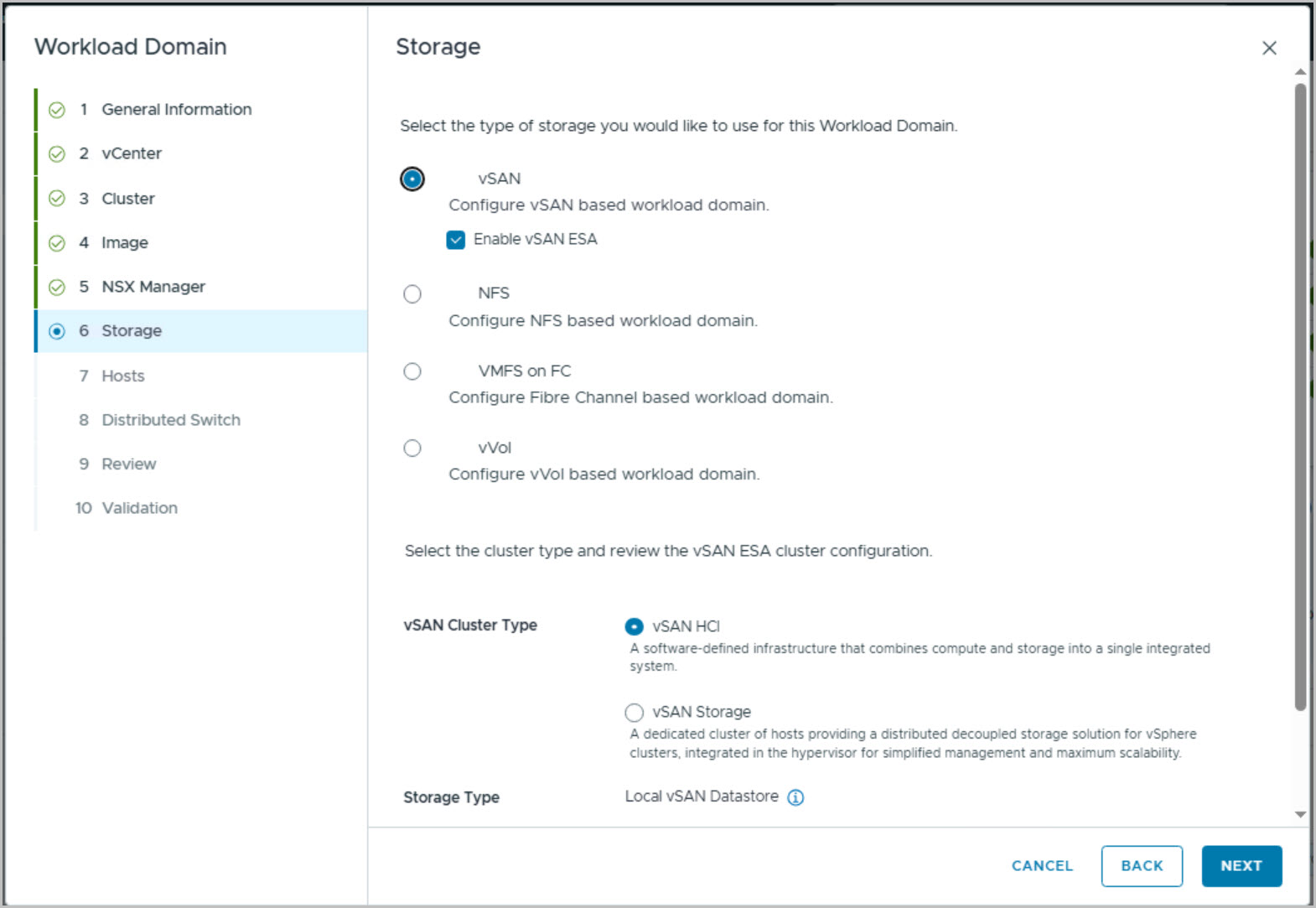
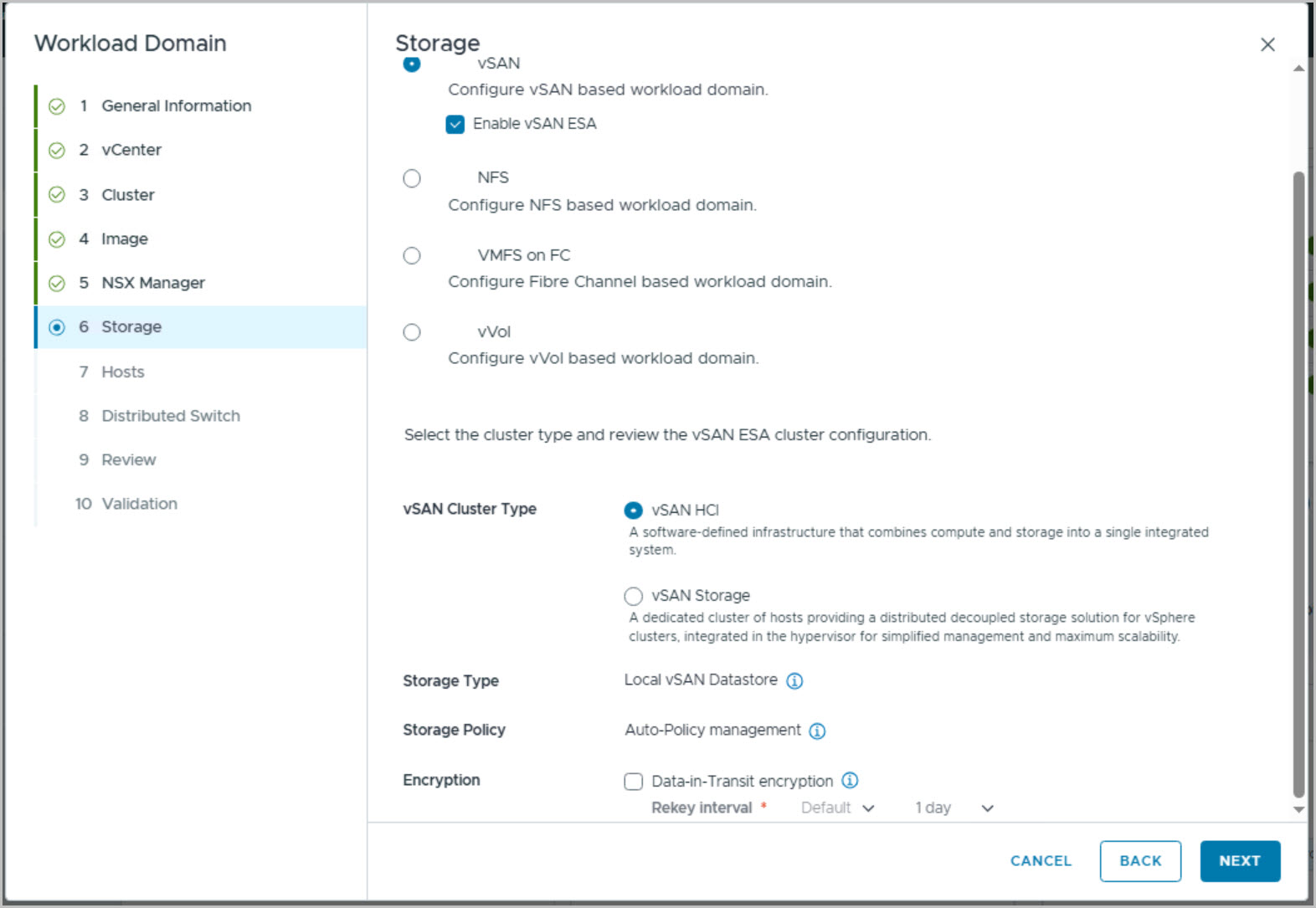
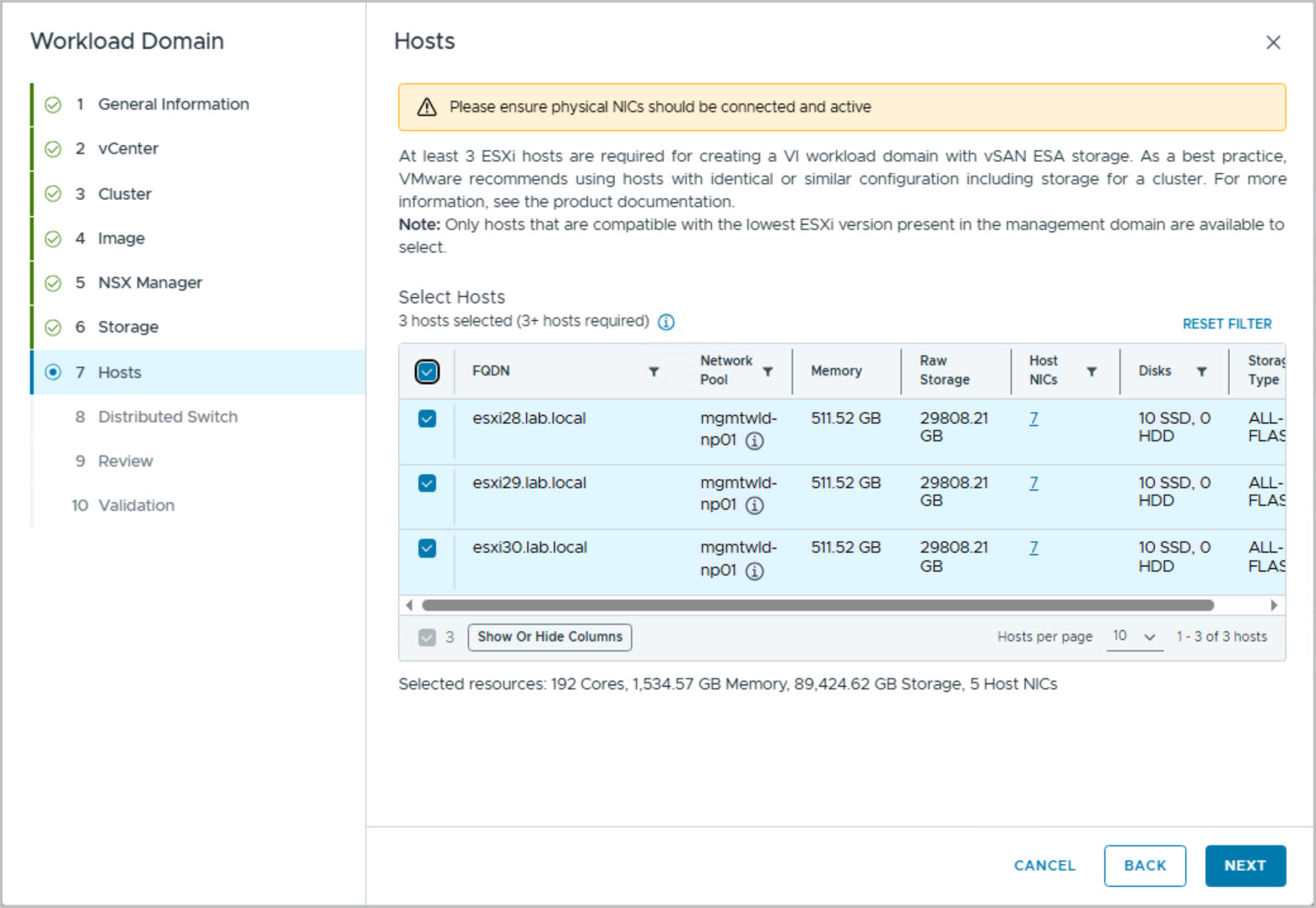
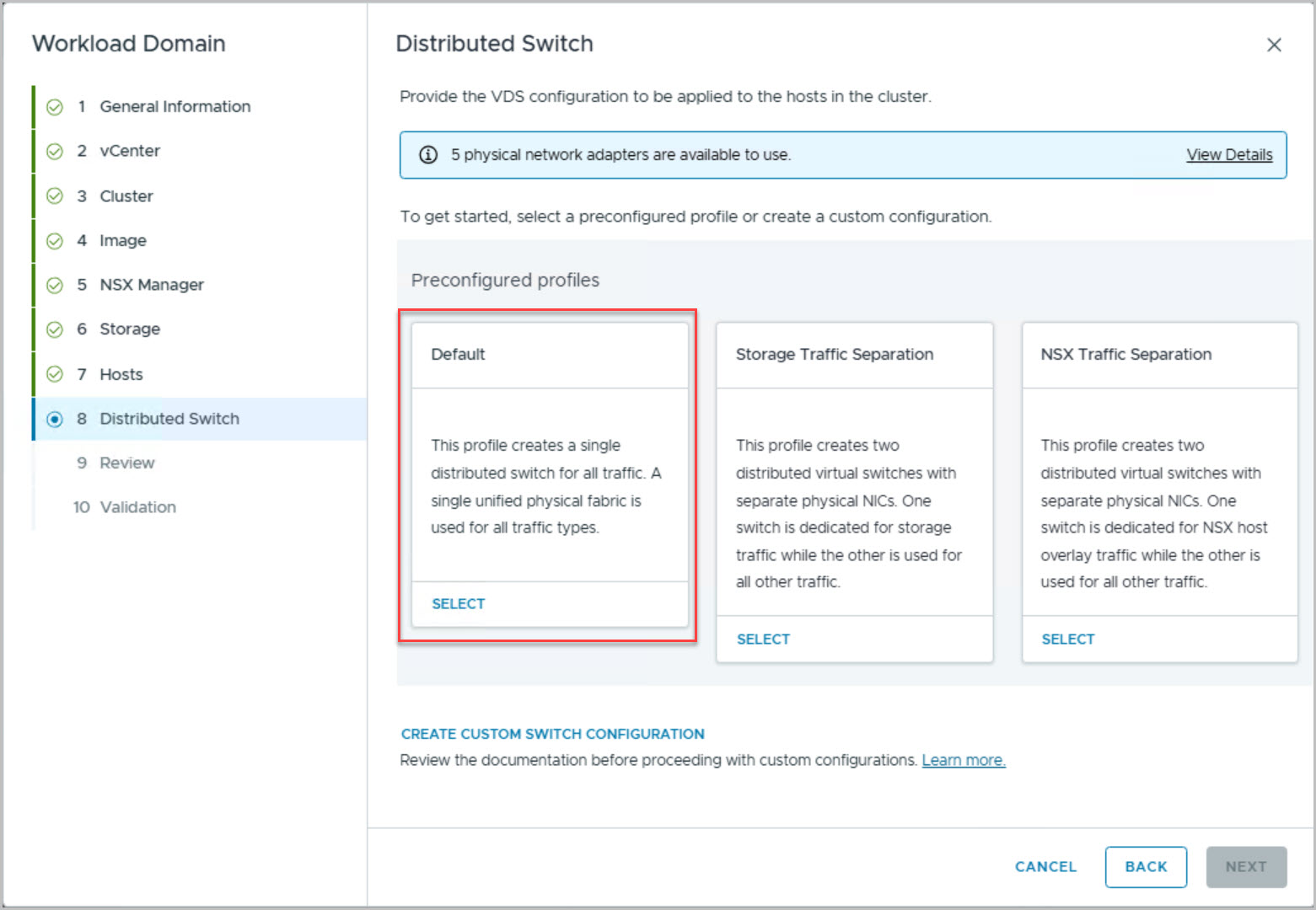
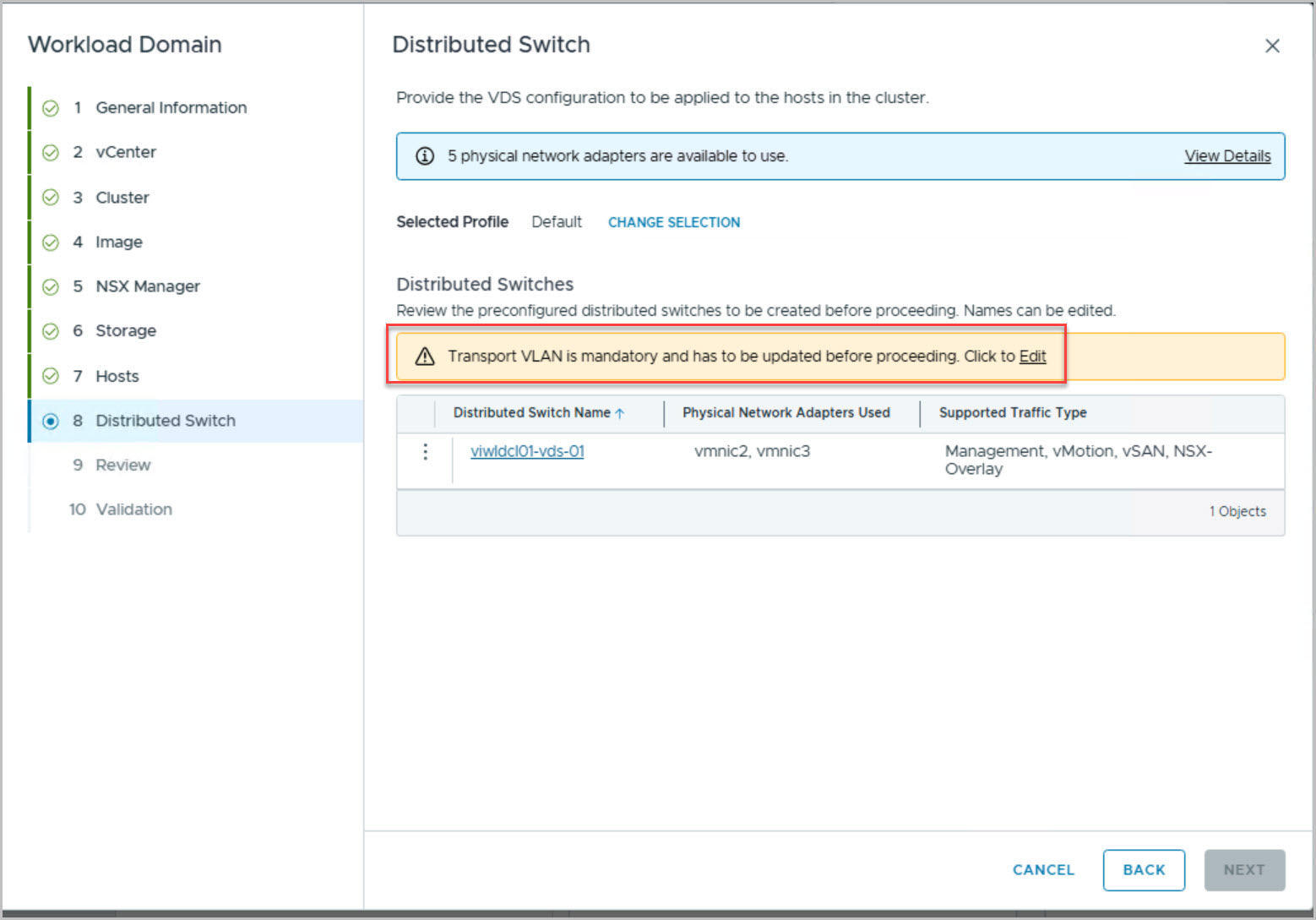
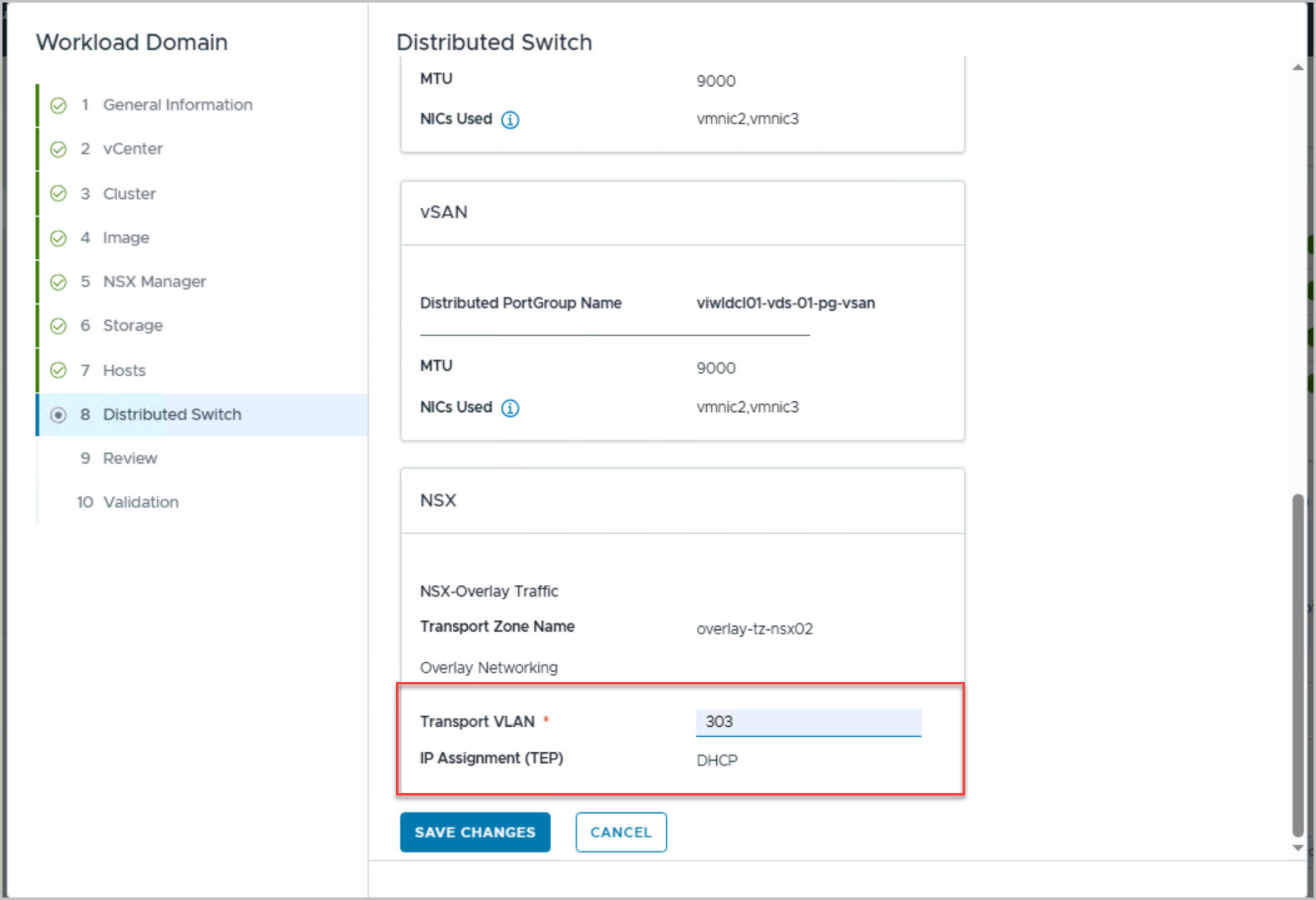
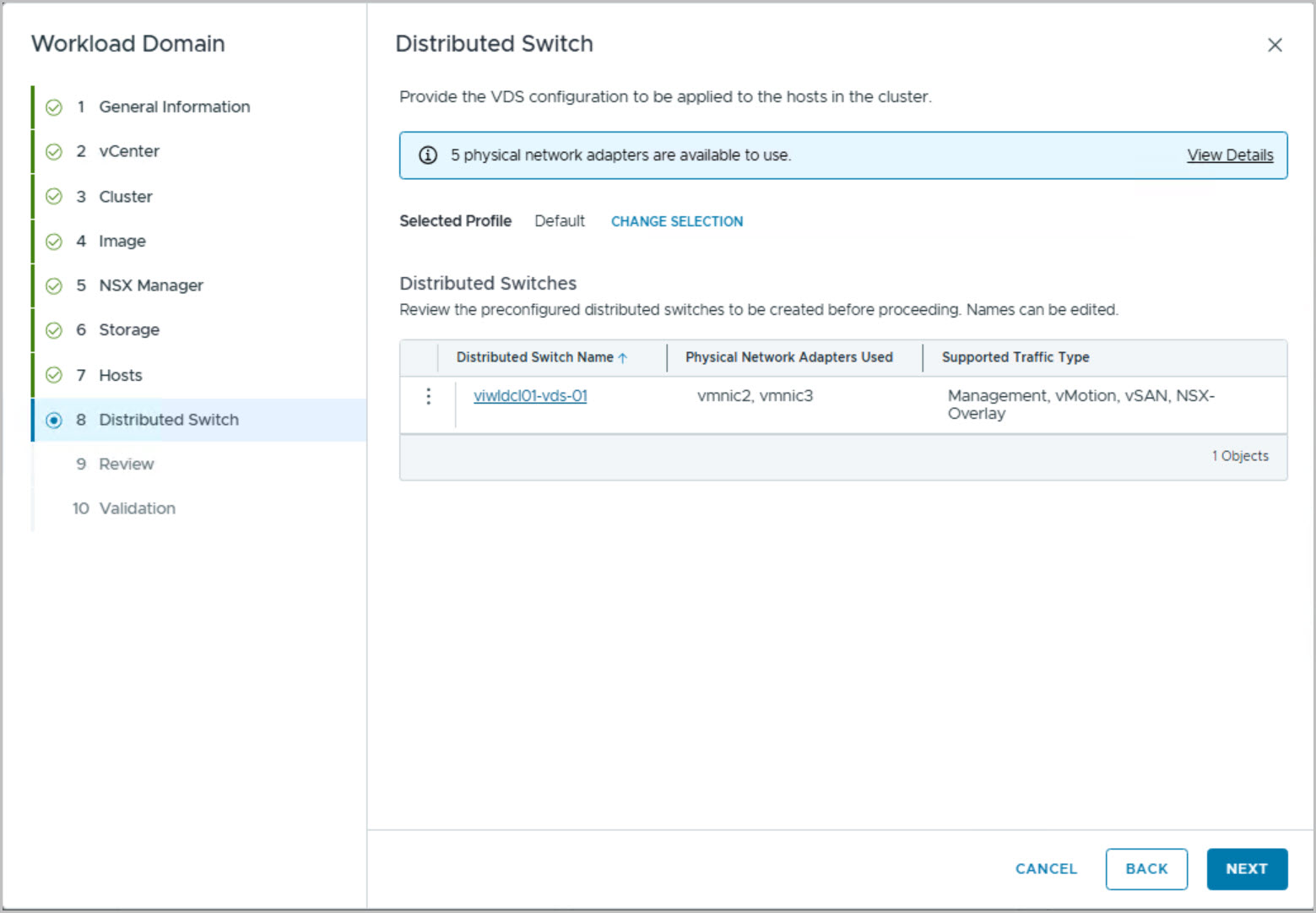
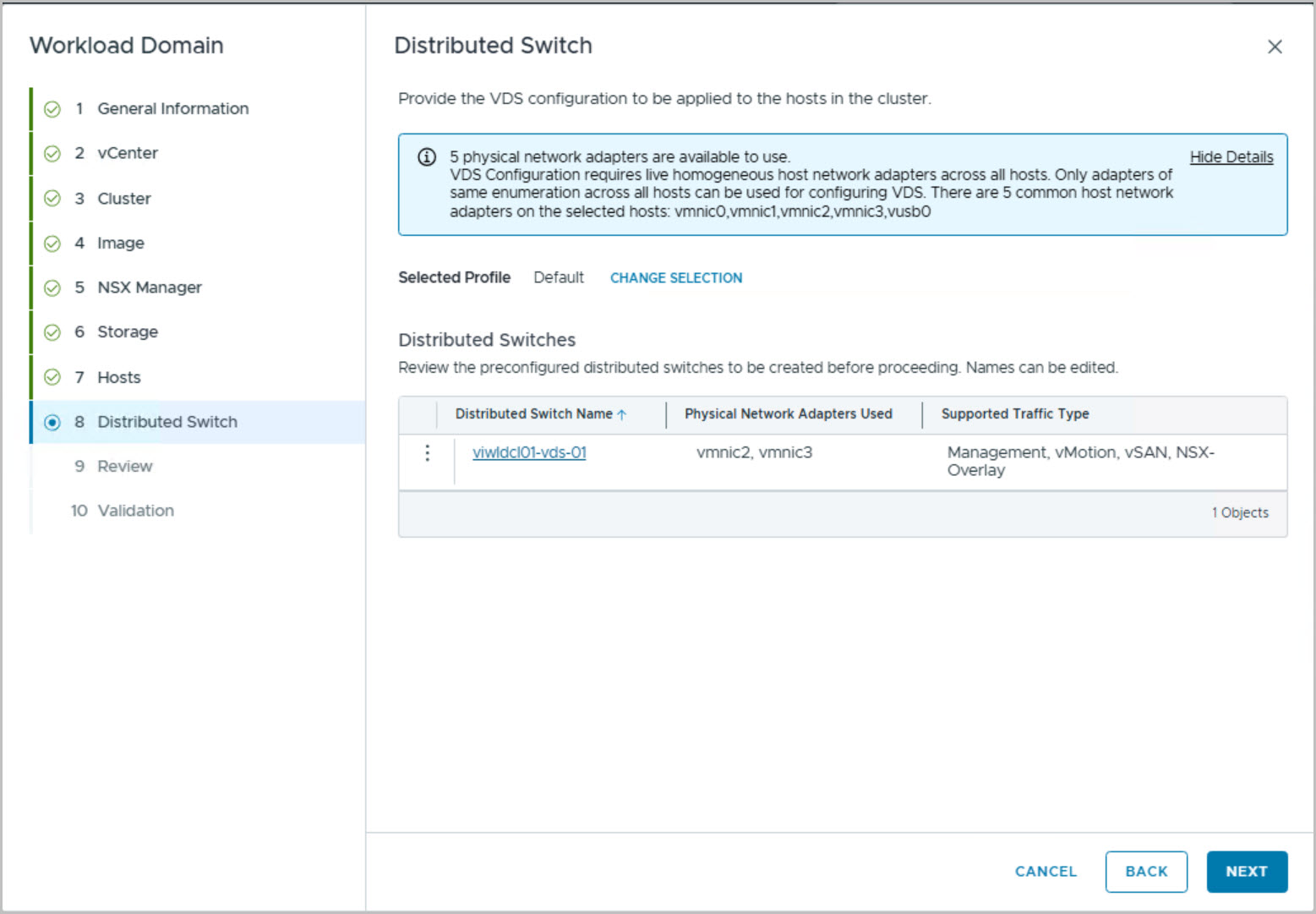
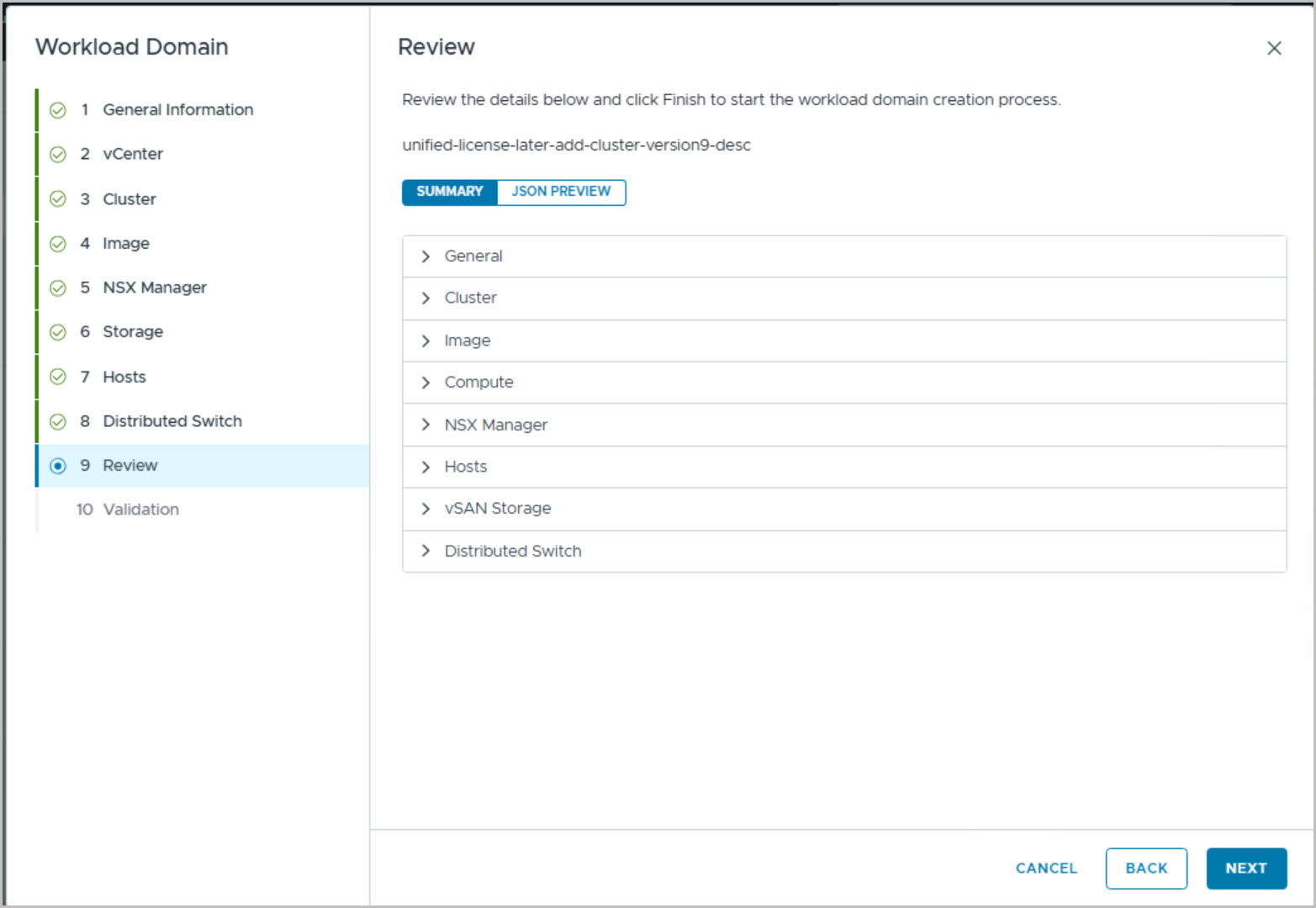
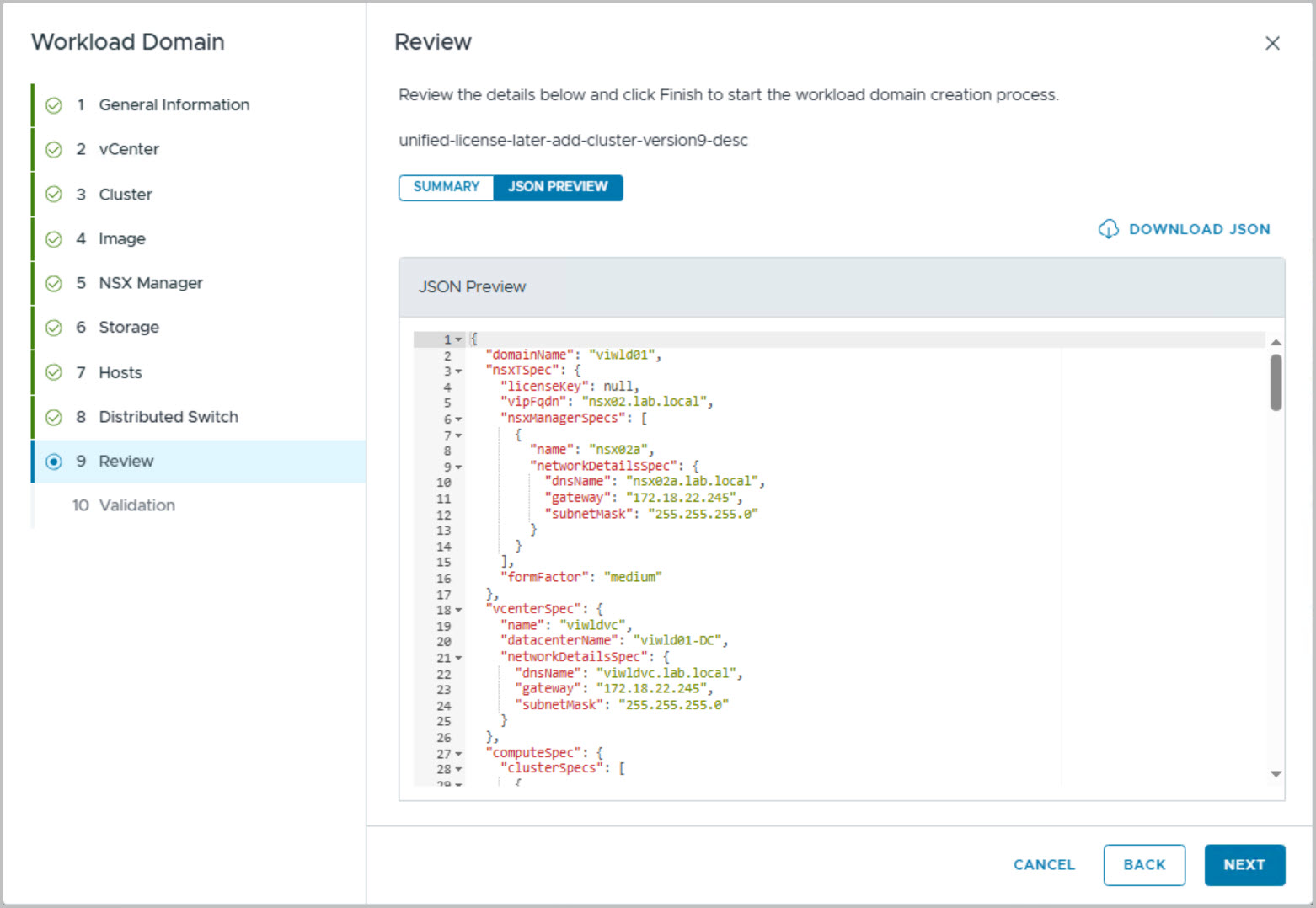
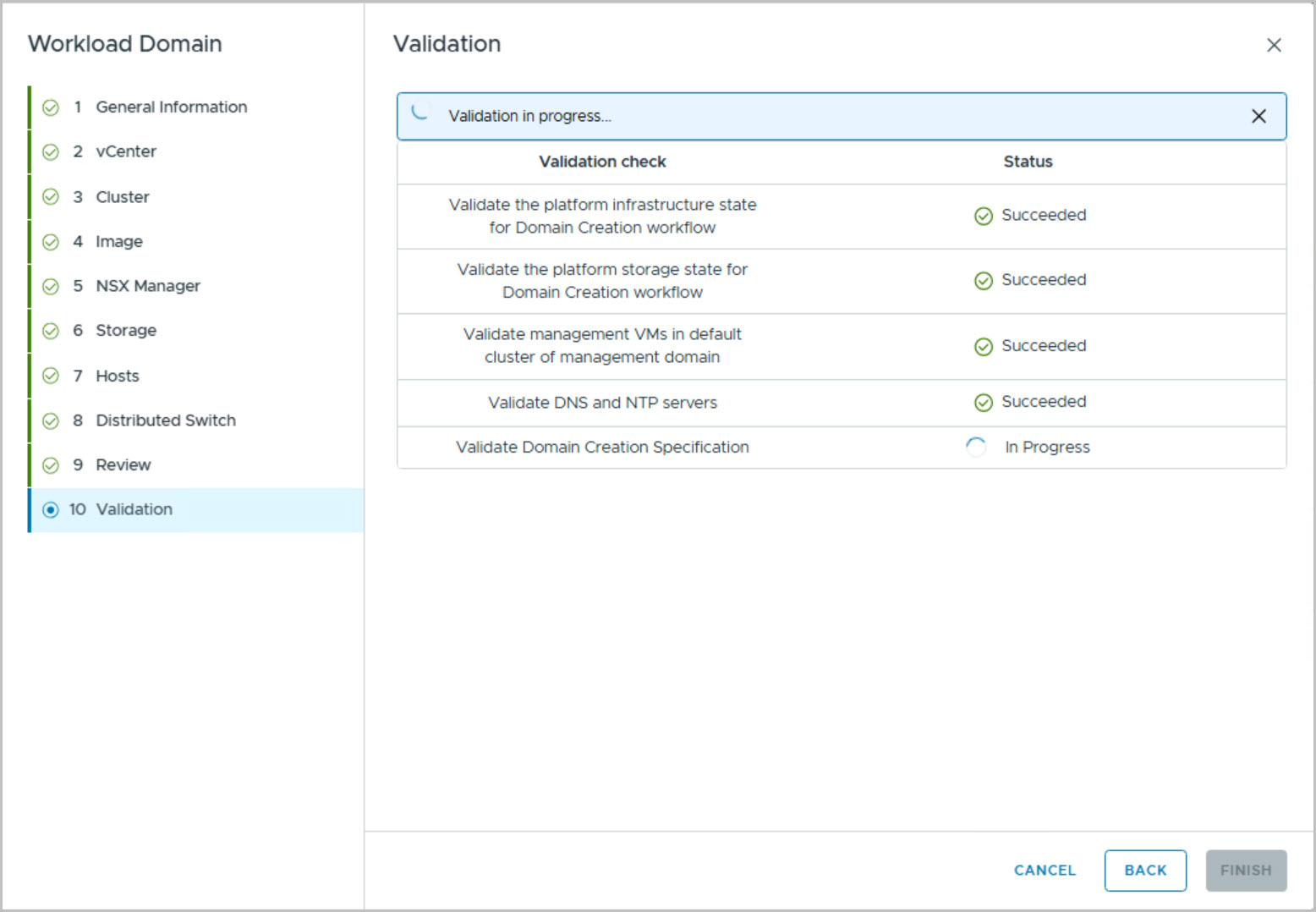
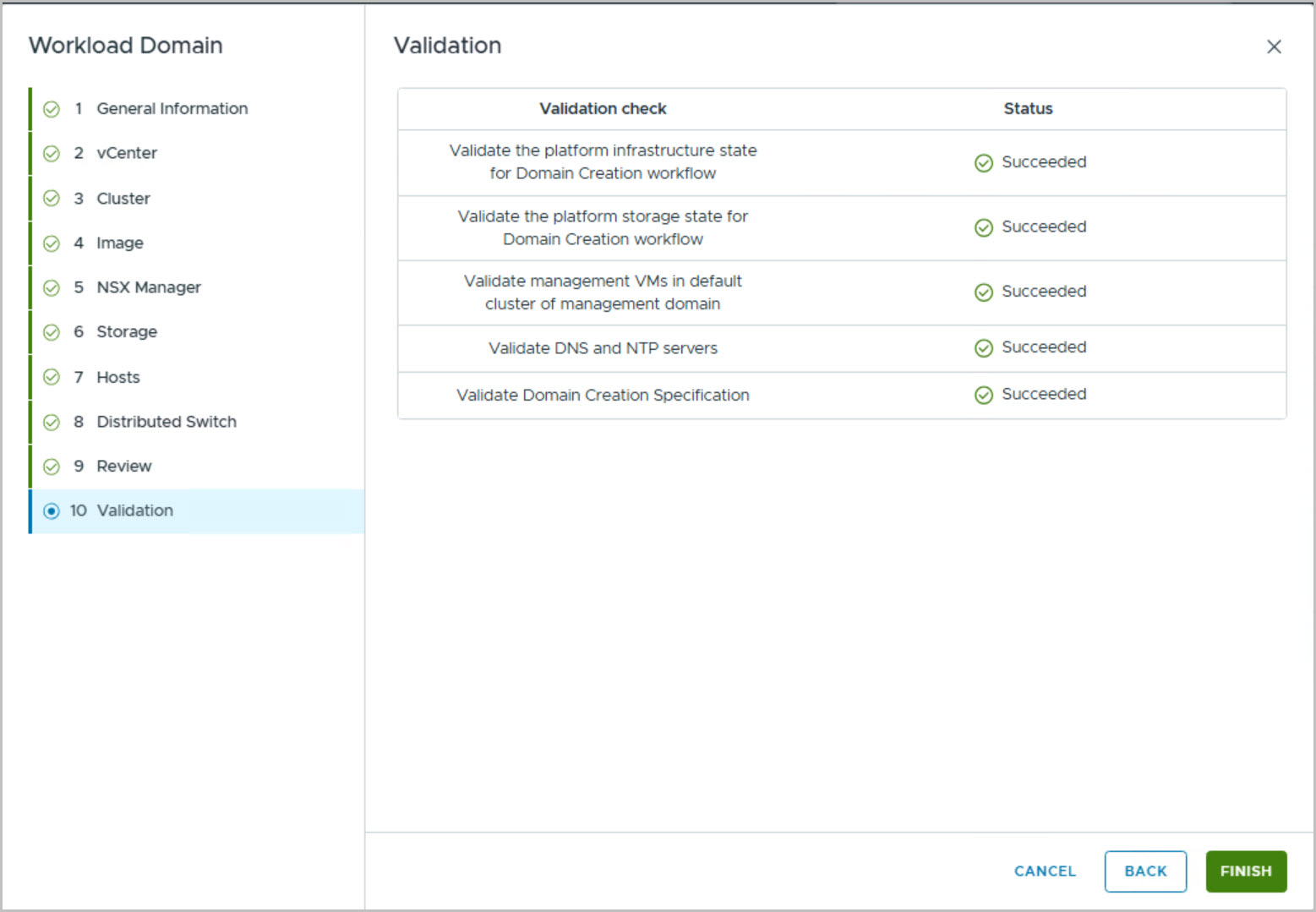
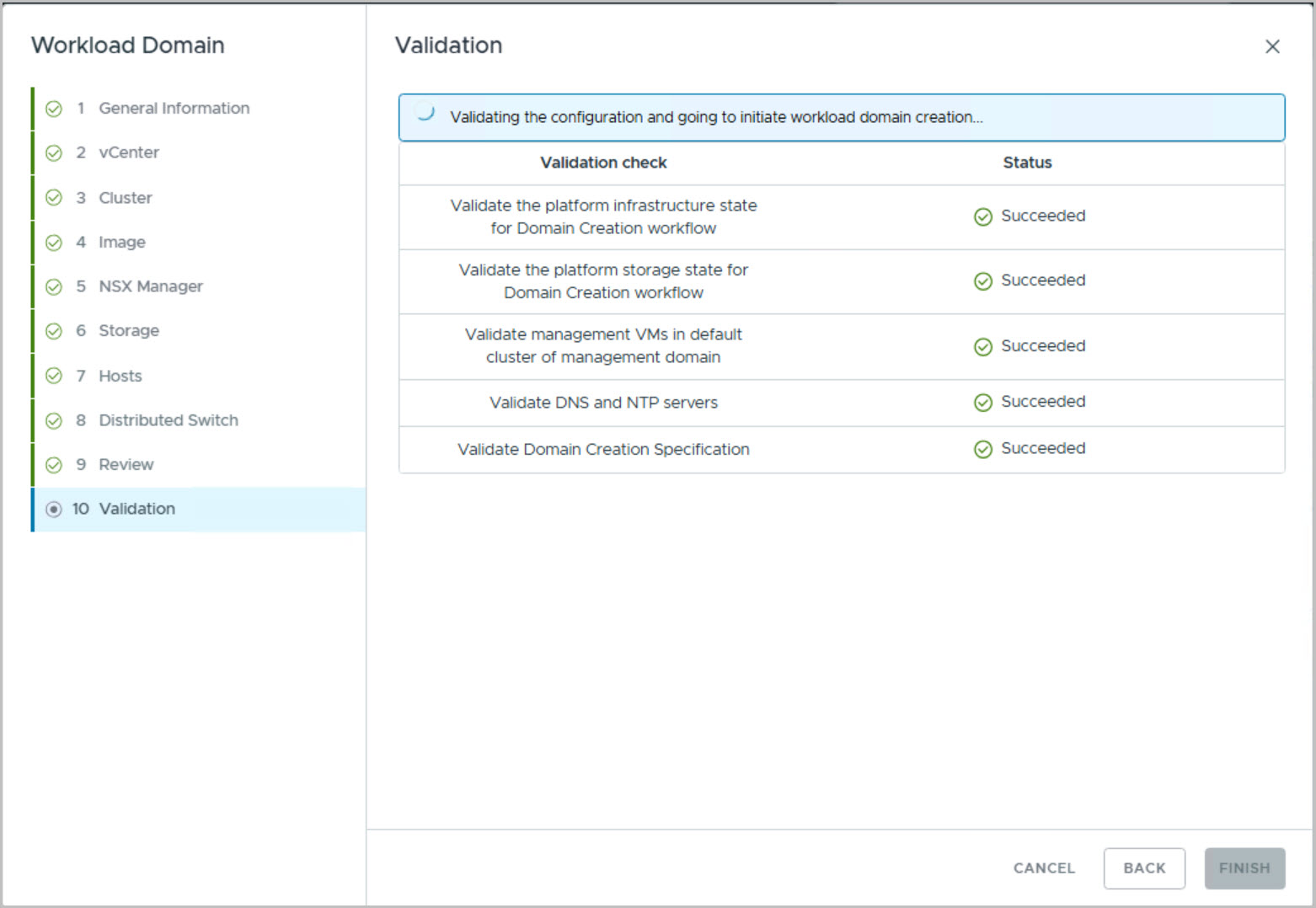
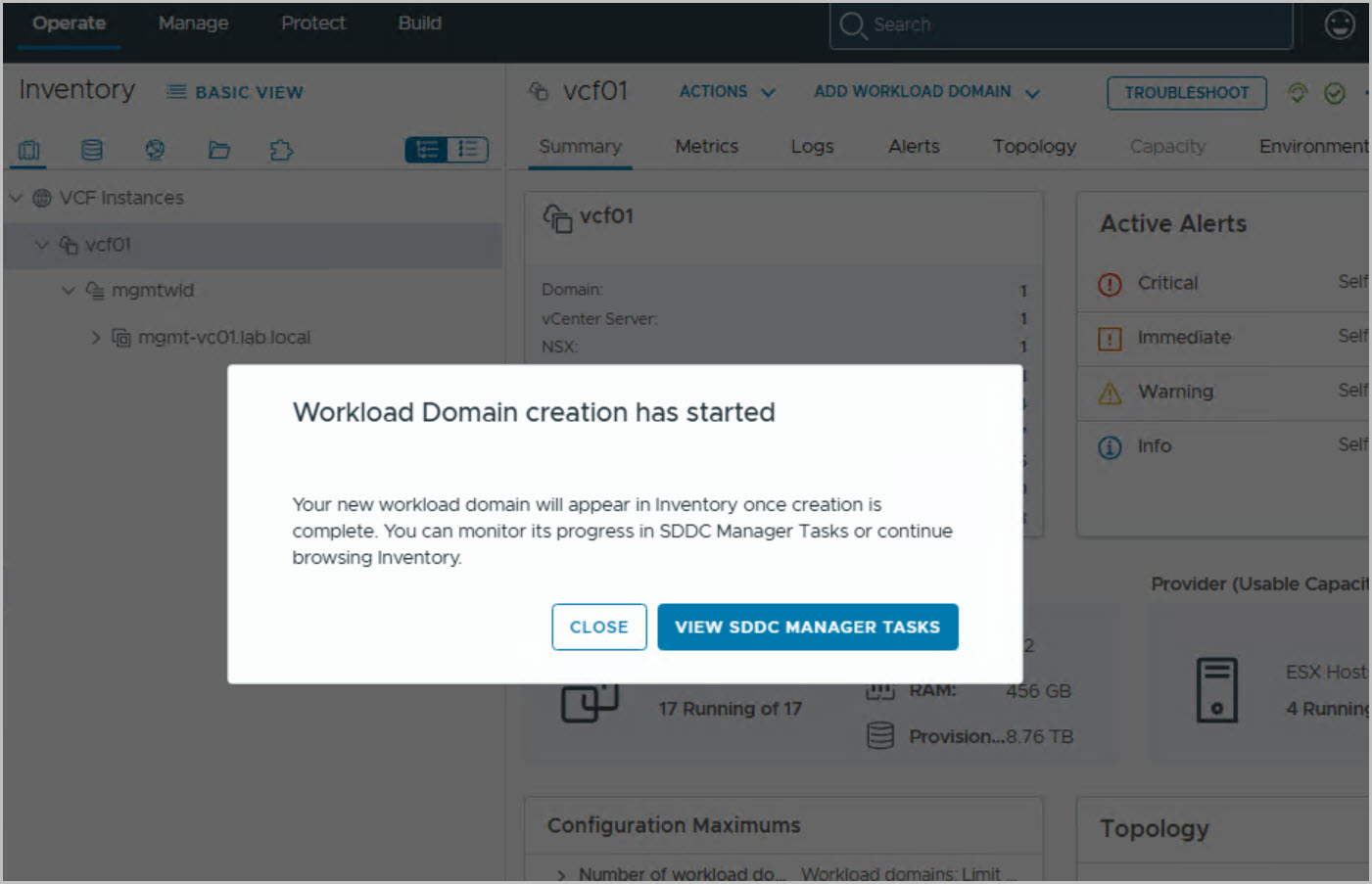
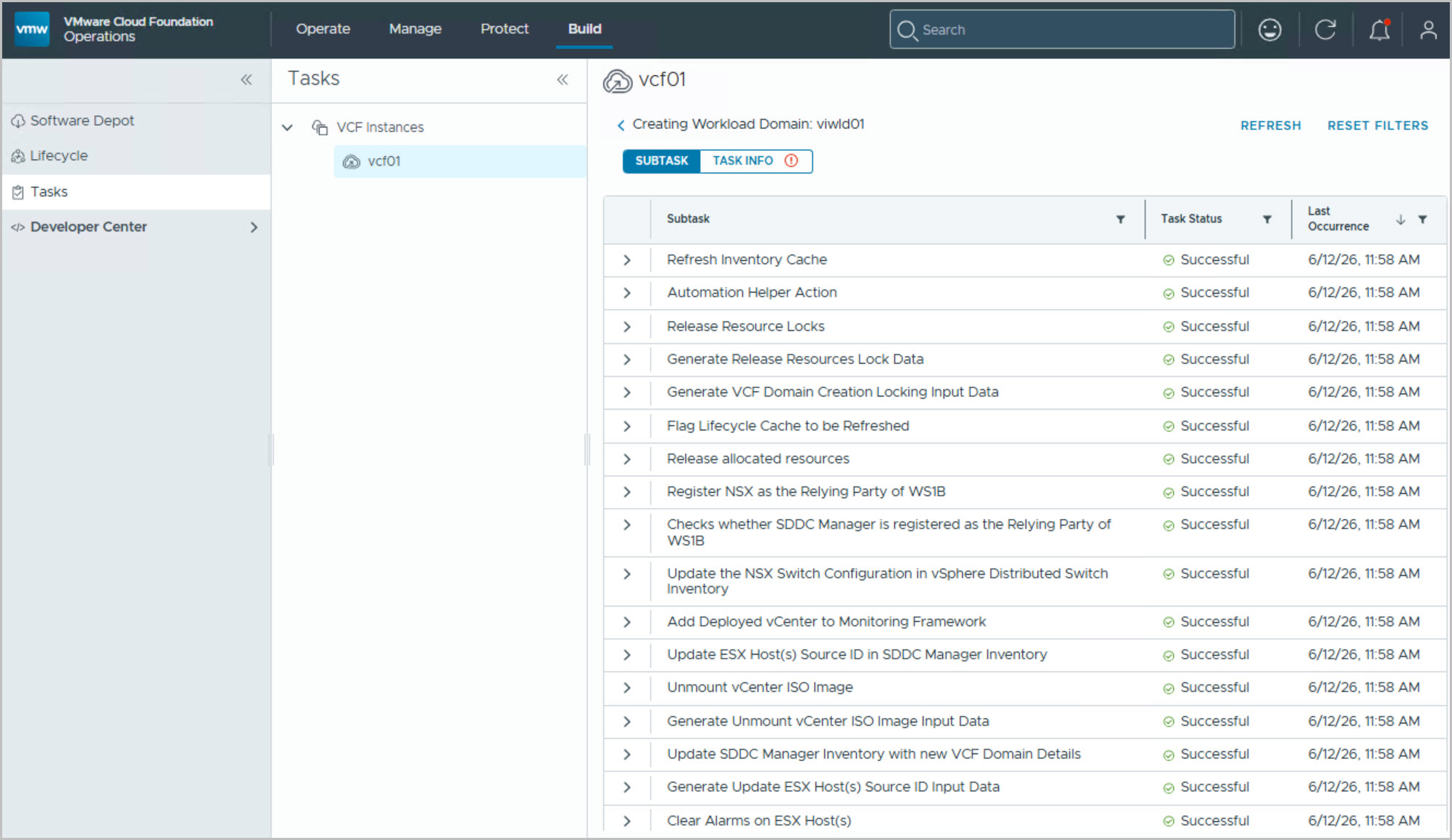
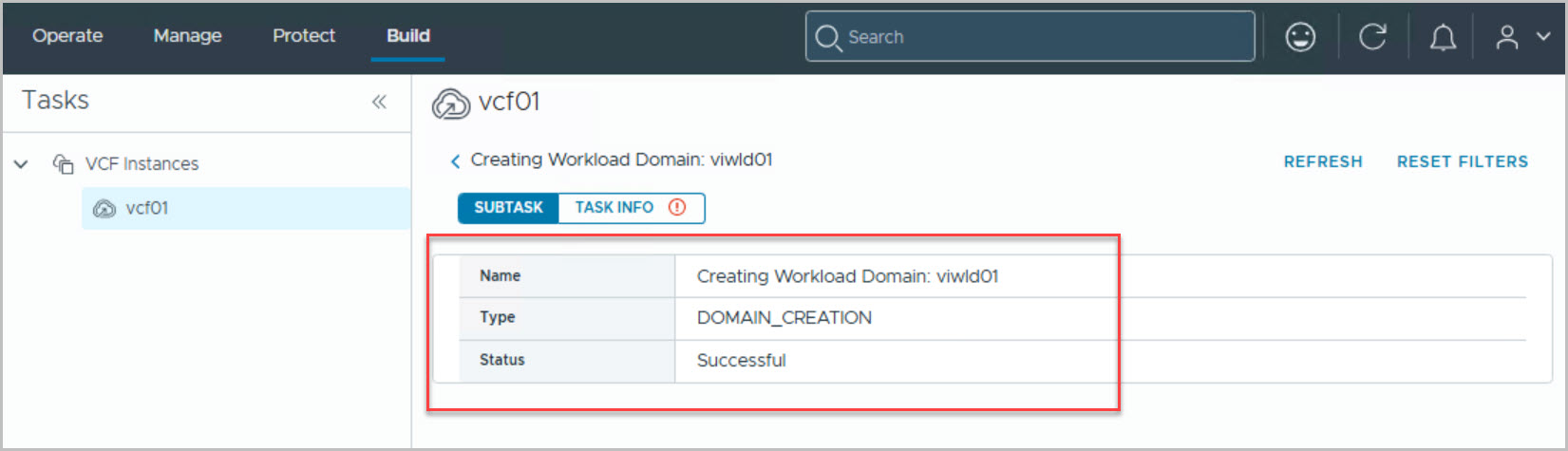
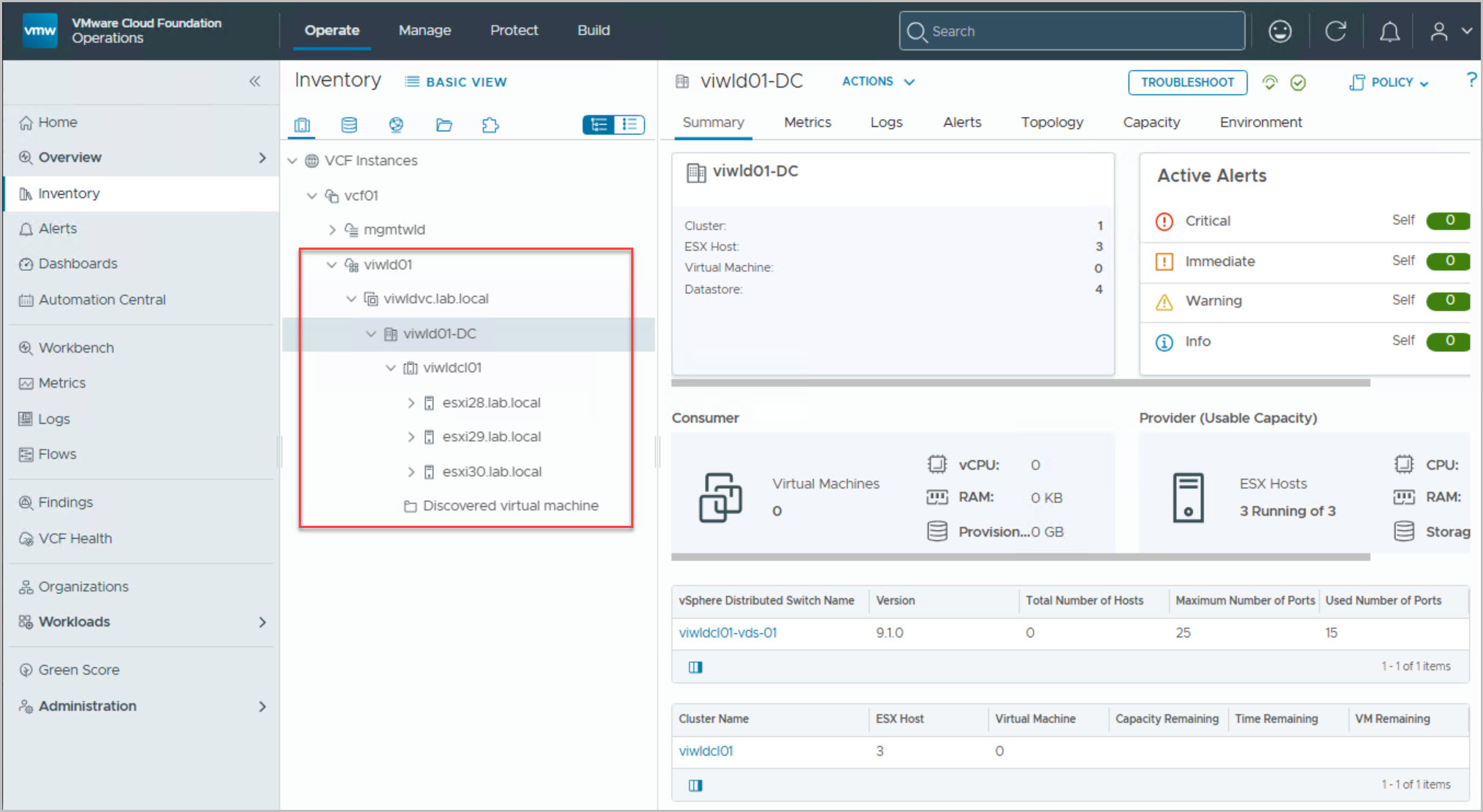
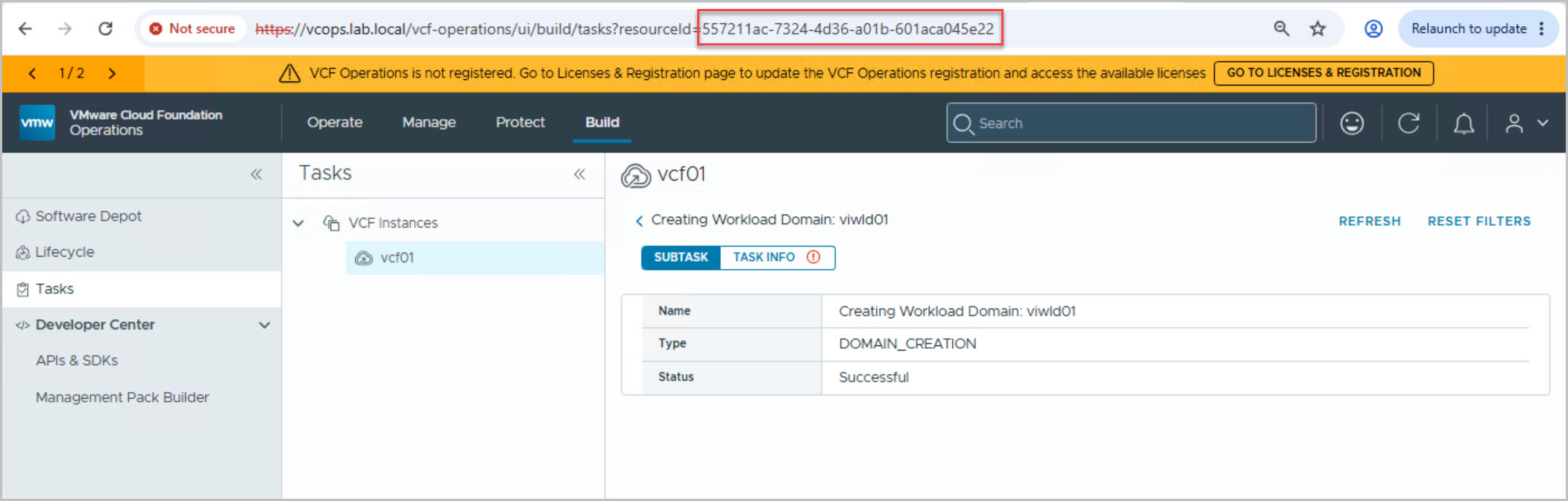
The following steps describe how to create a WLD from “VCF Operations”:
Note: Verify that all WLD nodes have the correct NTP configuration and that time synchronization is healthy.
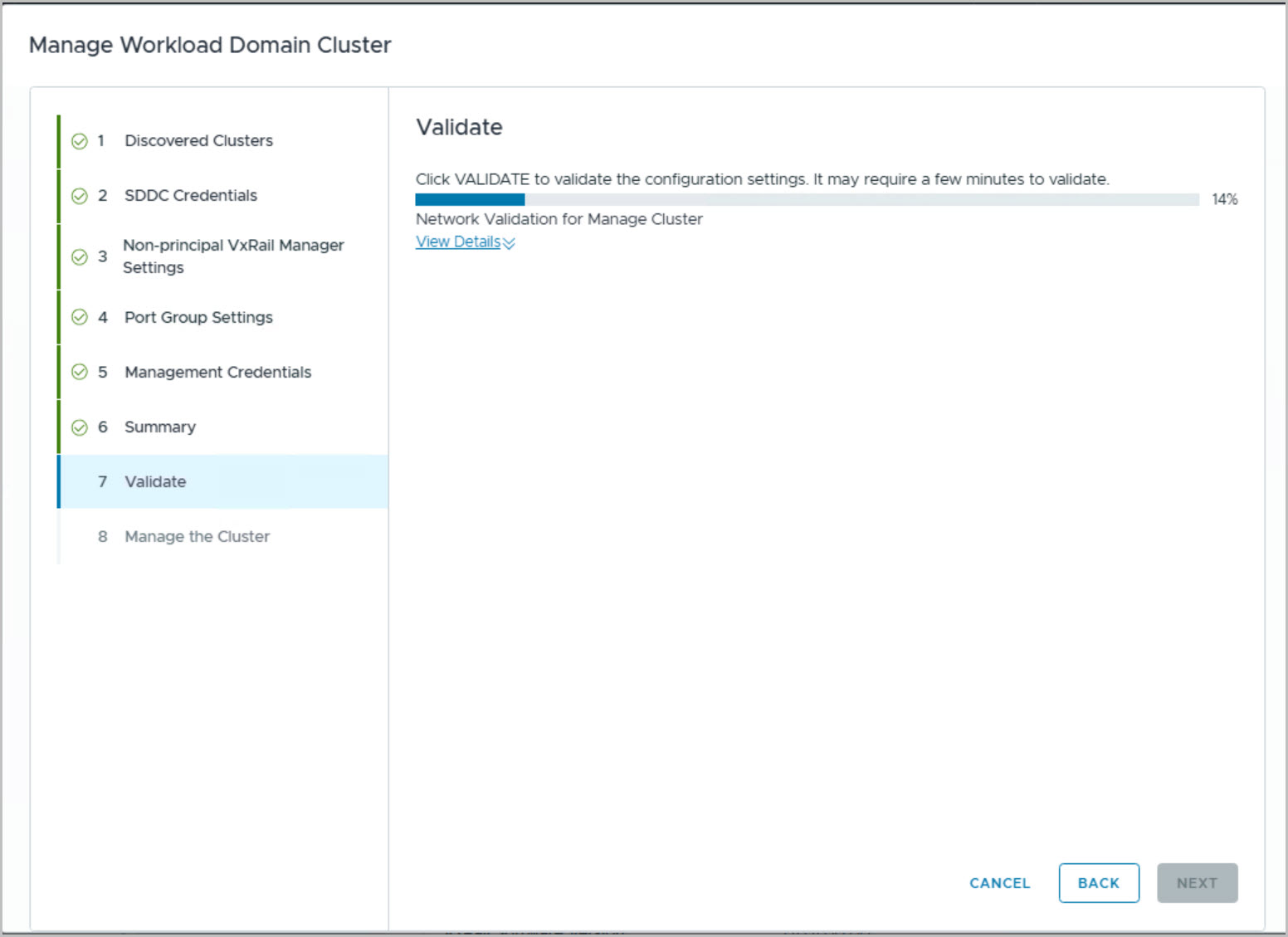
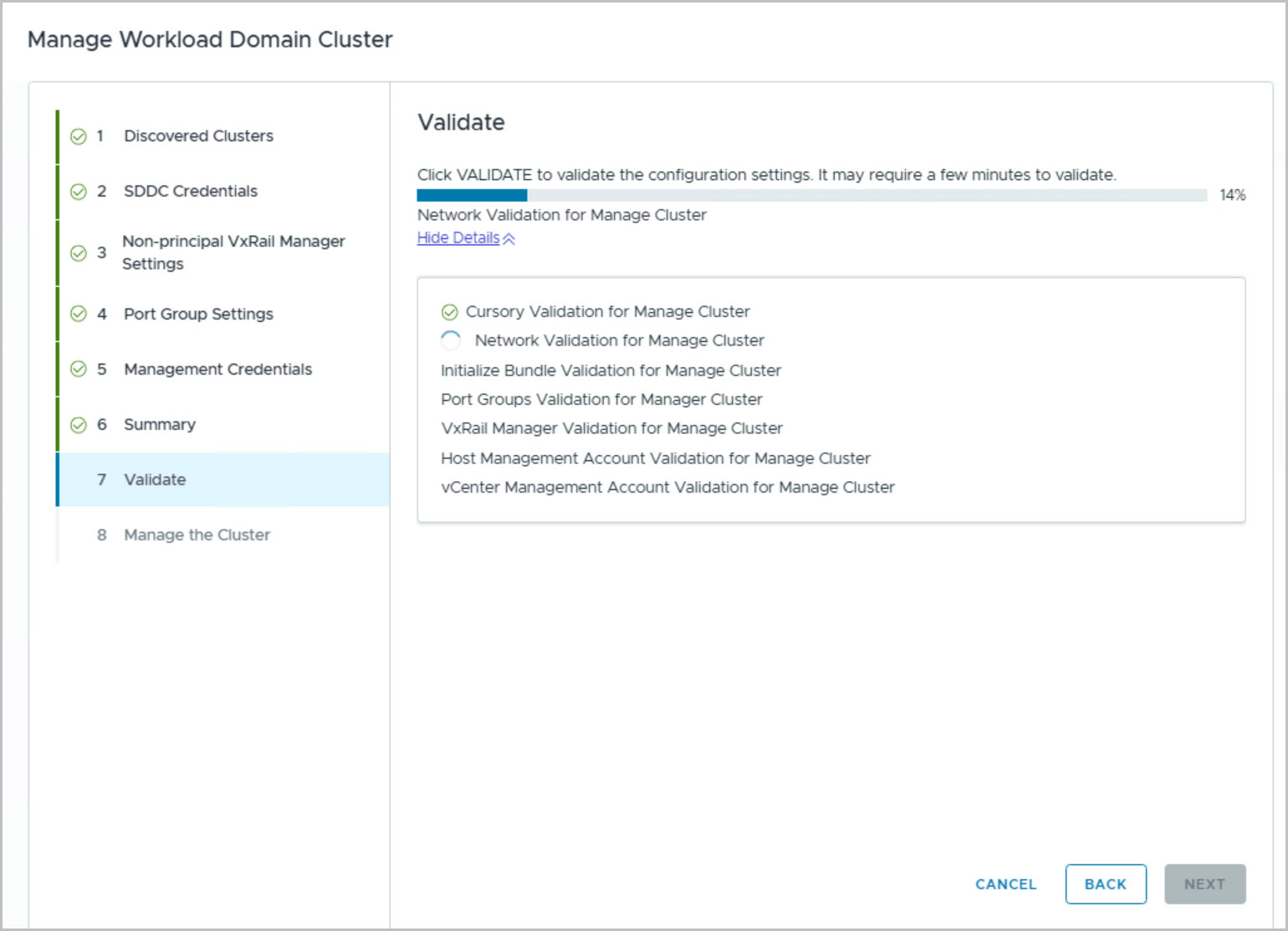
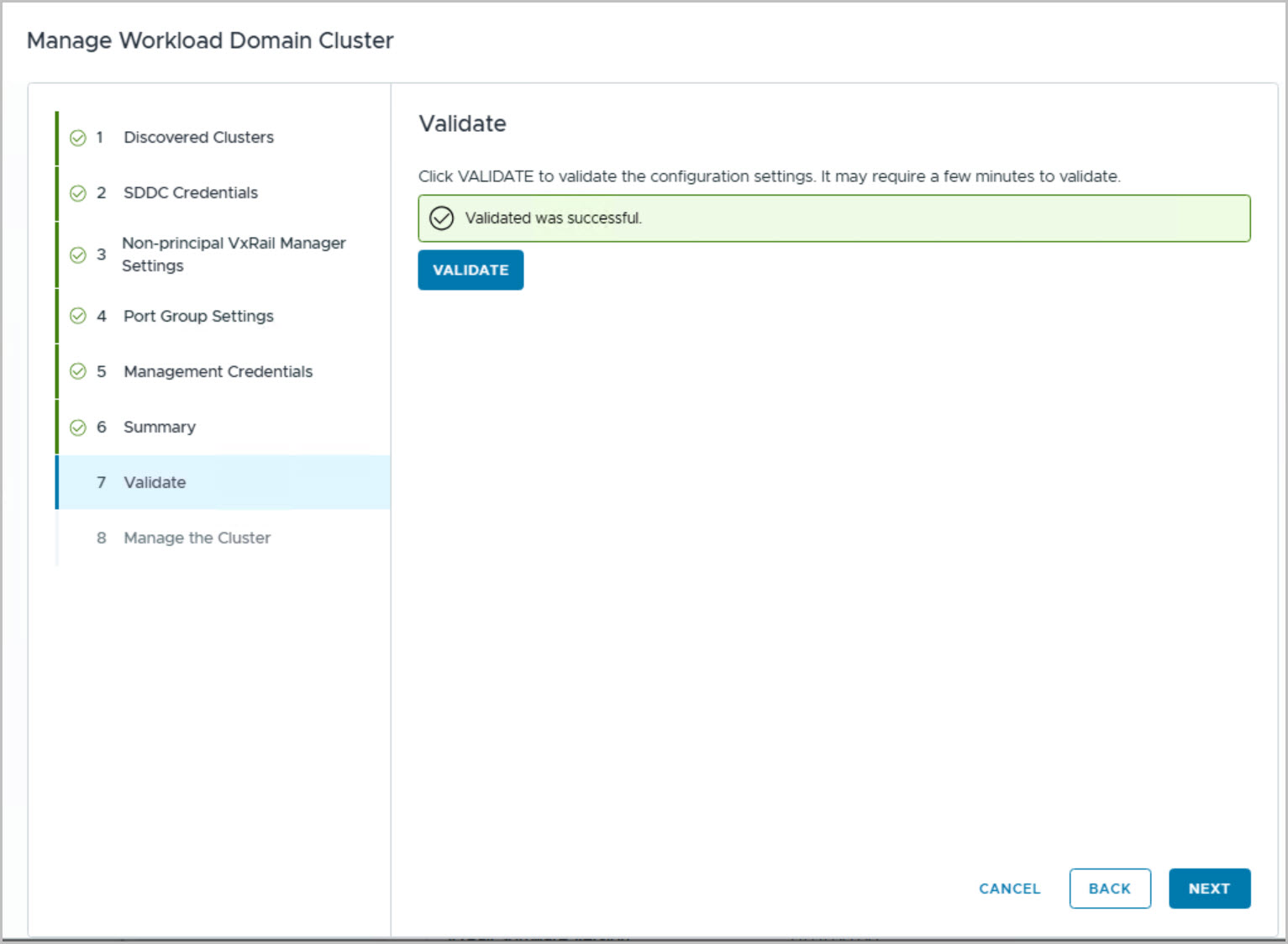
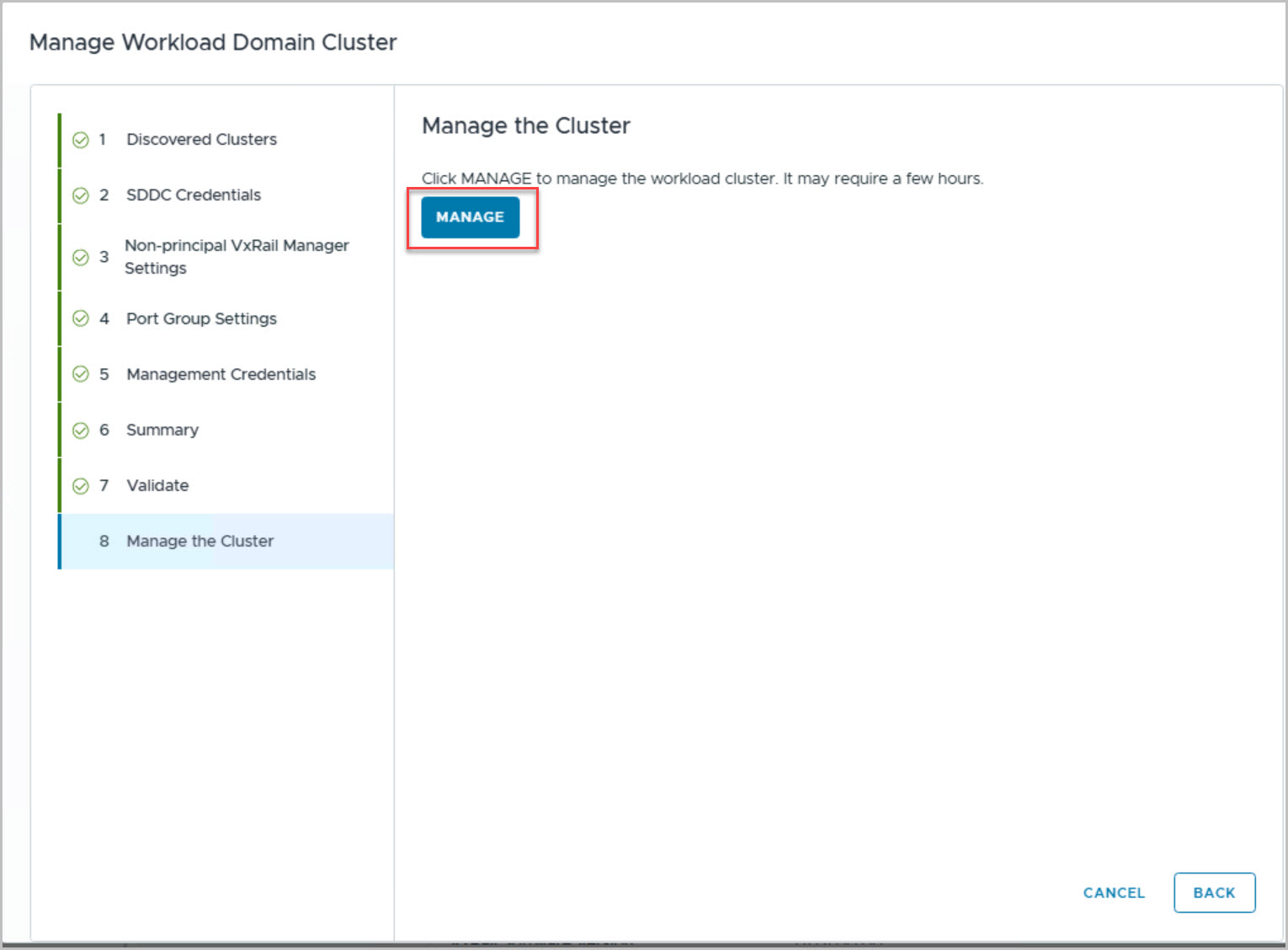
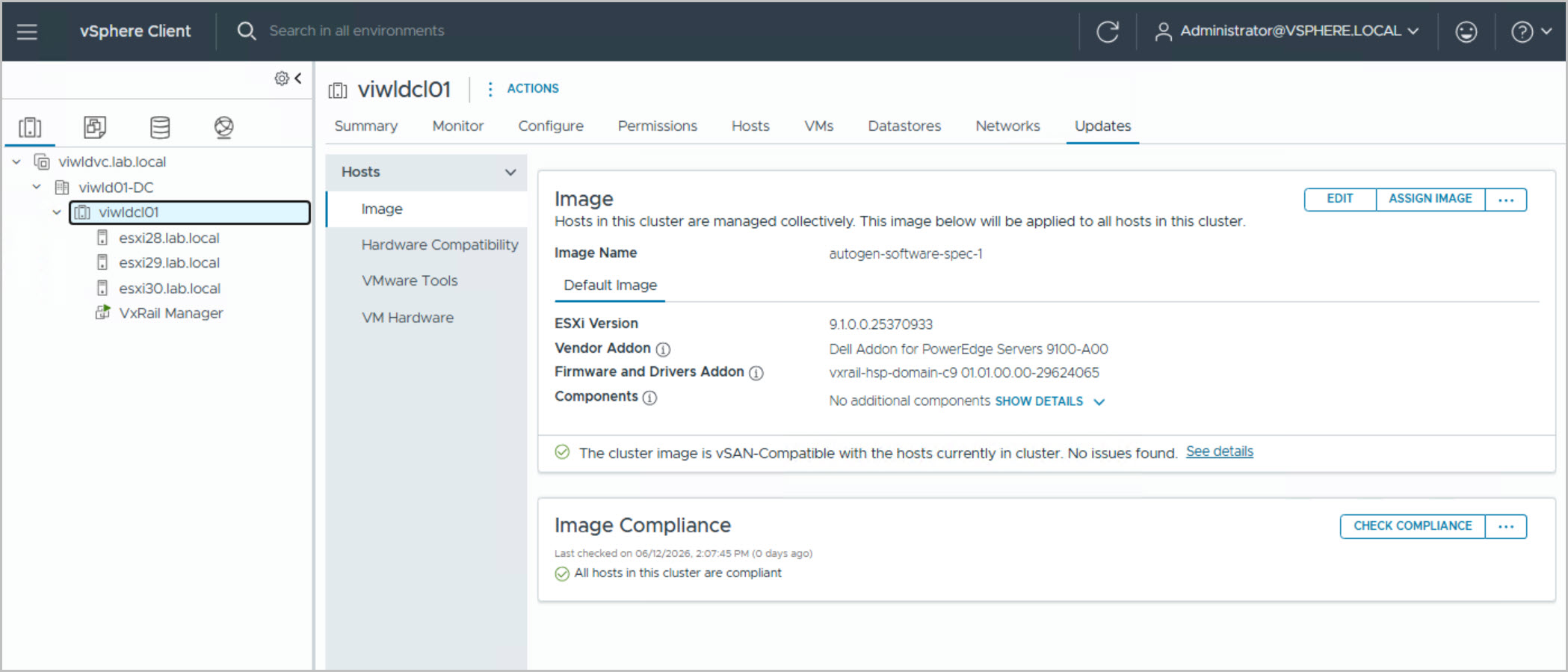
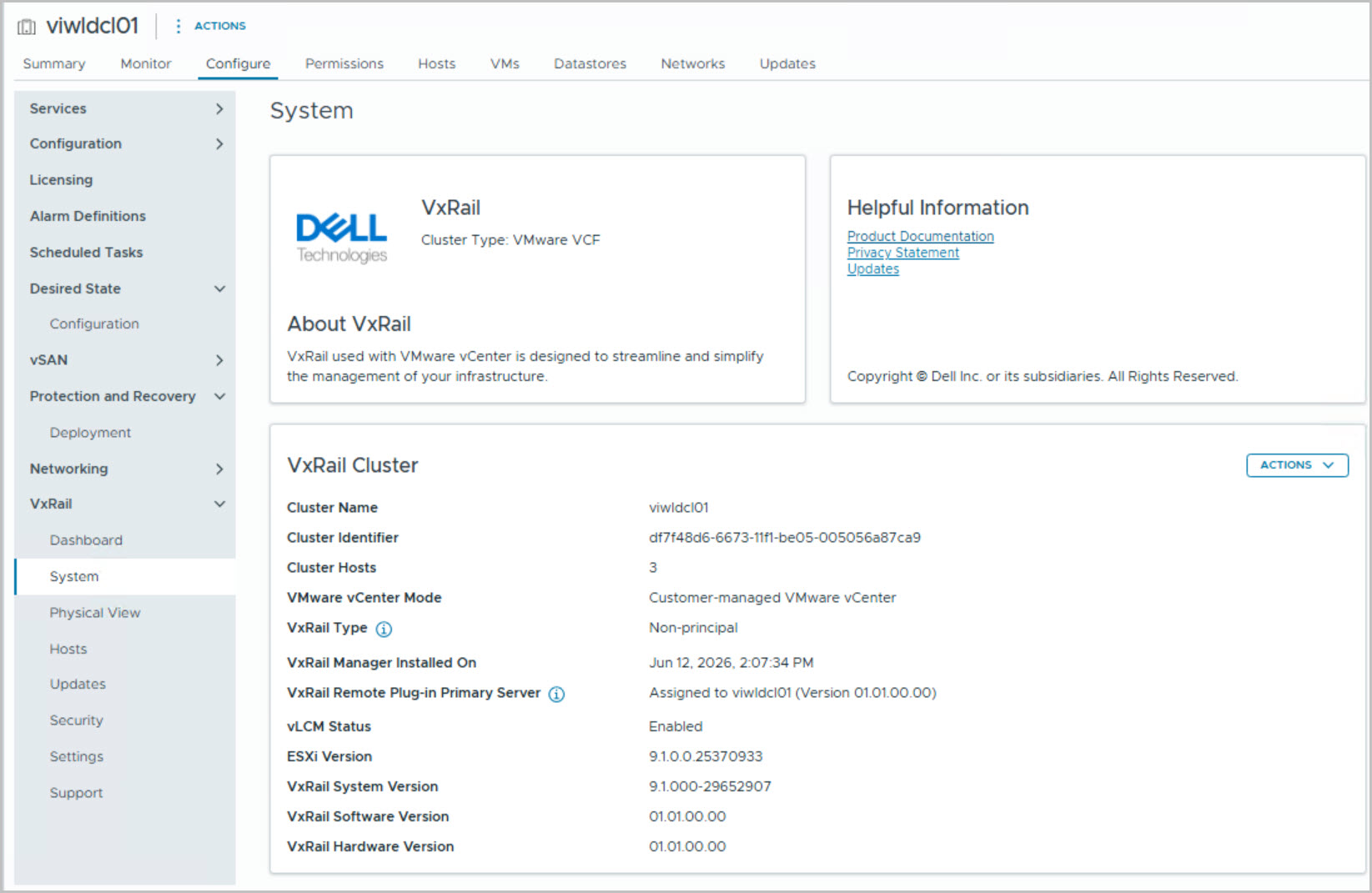
Manage New Cluster
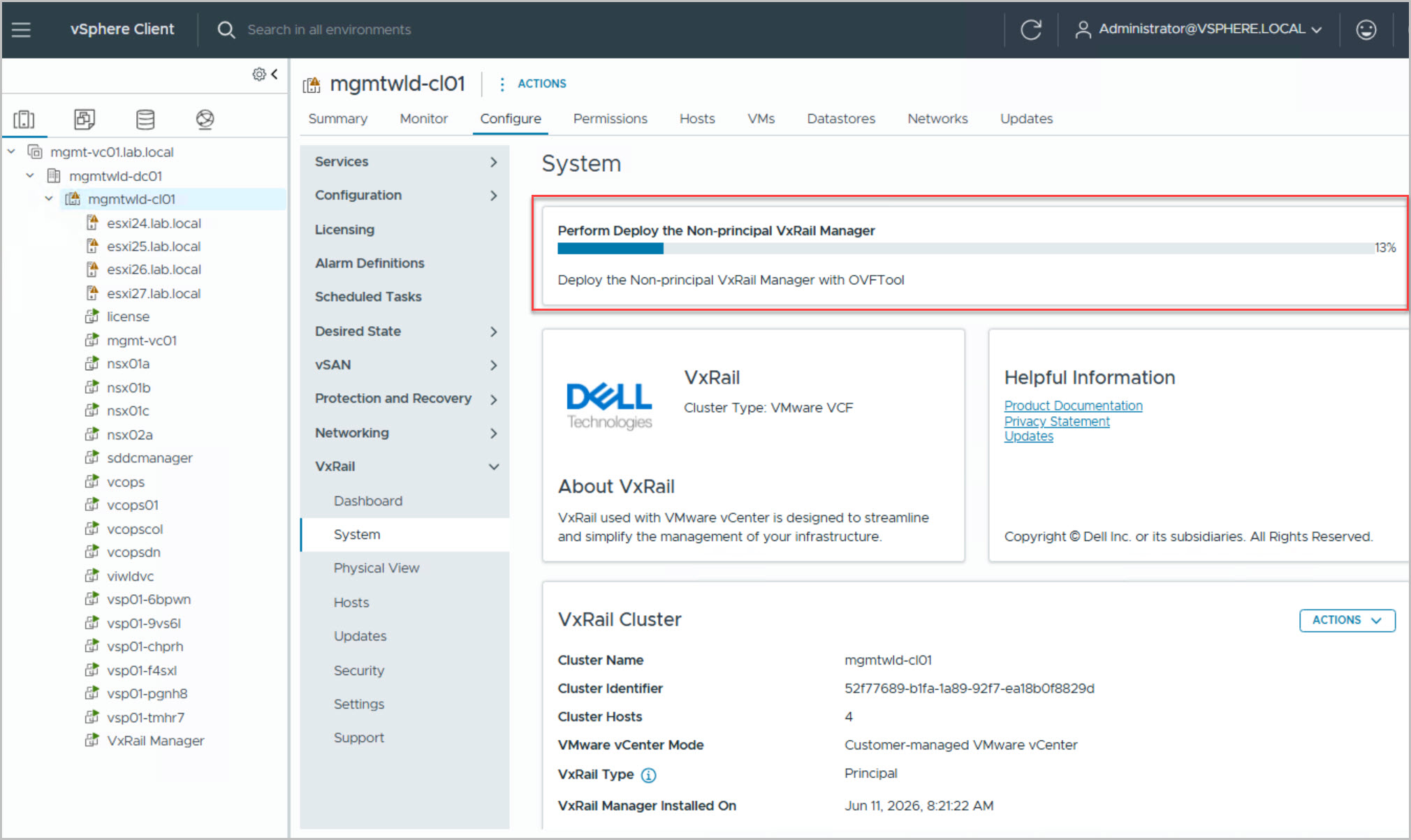
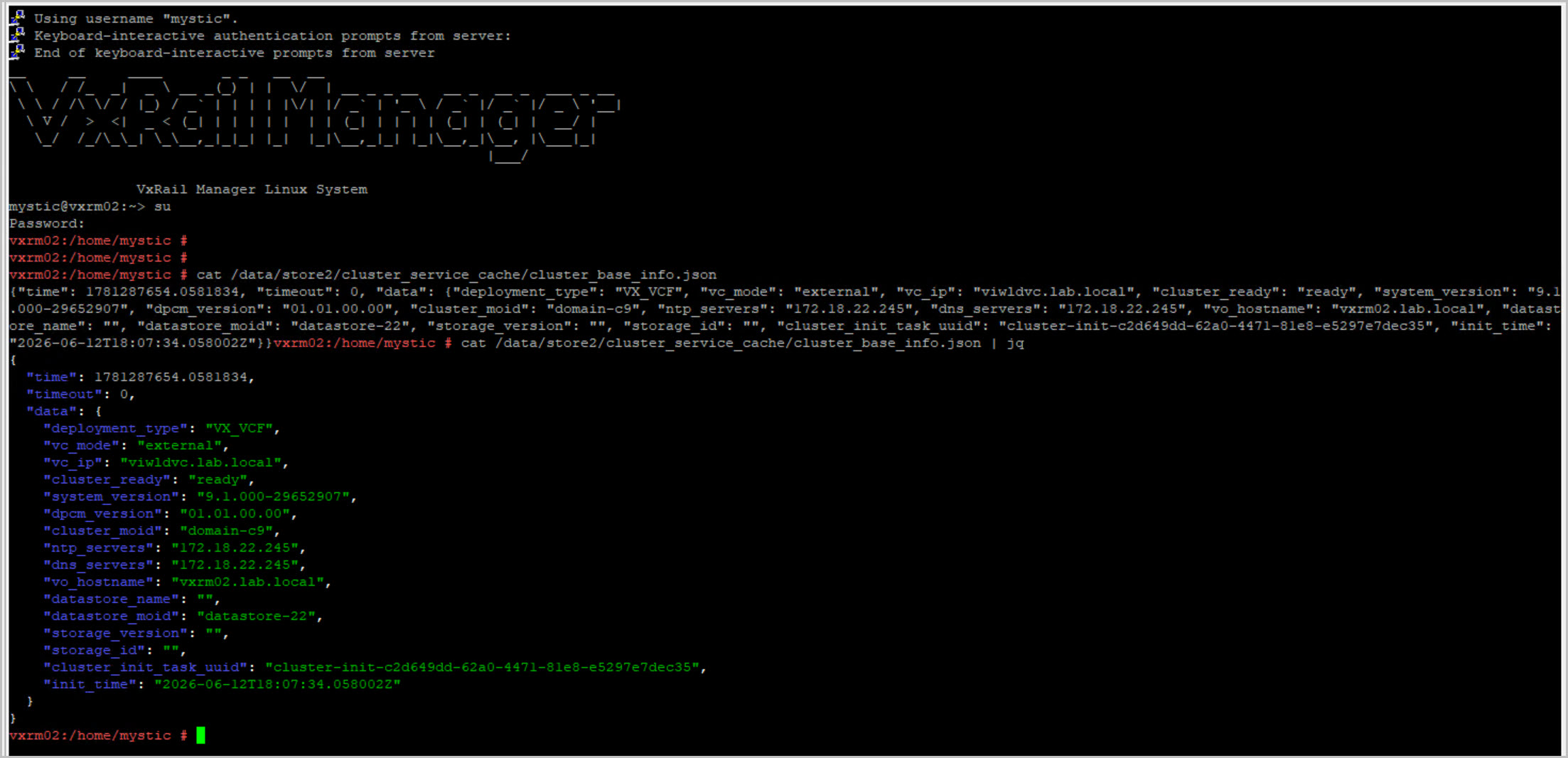
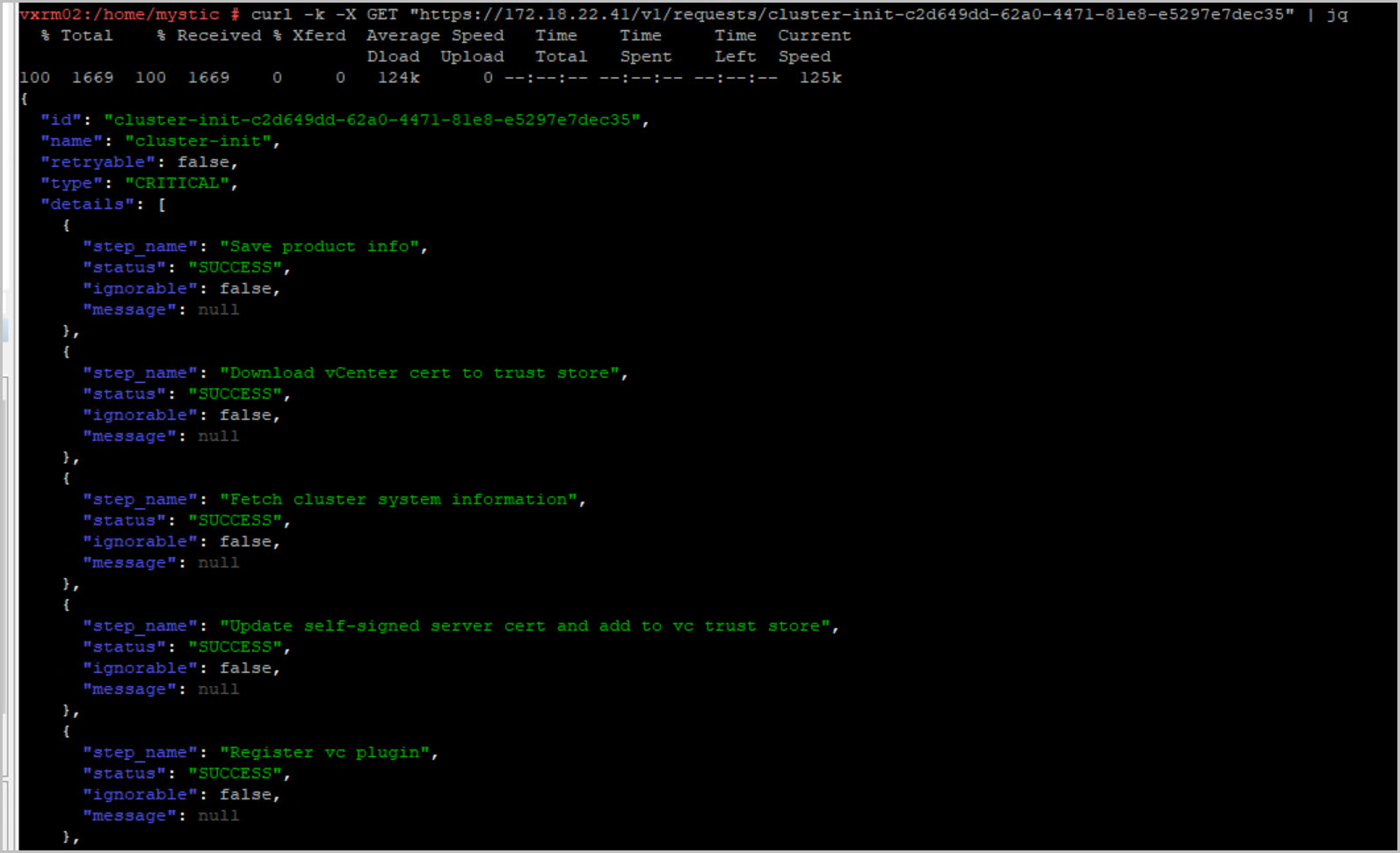
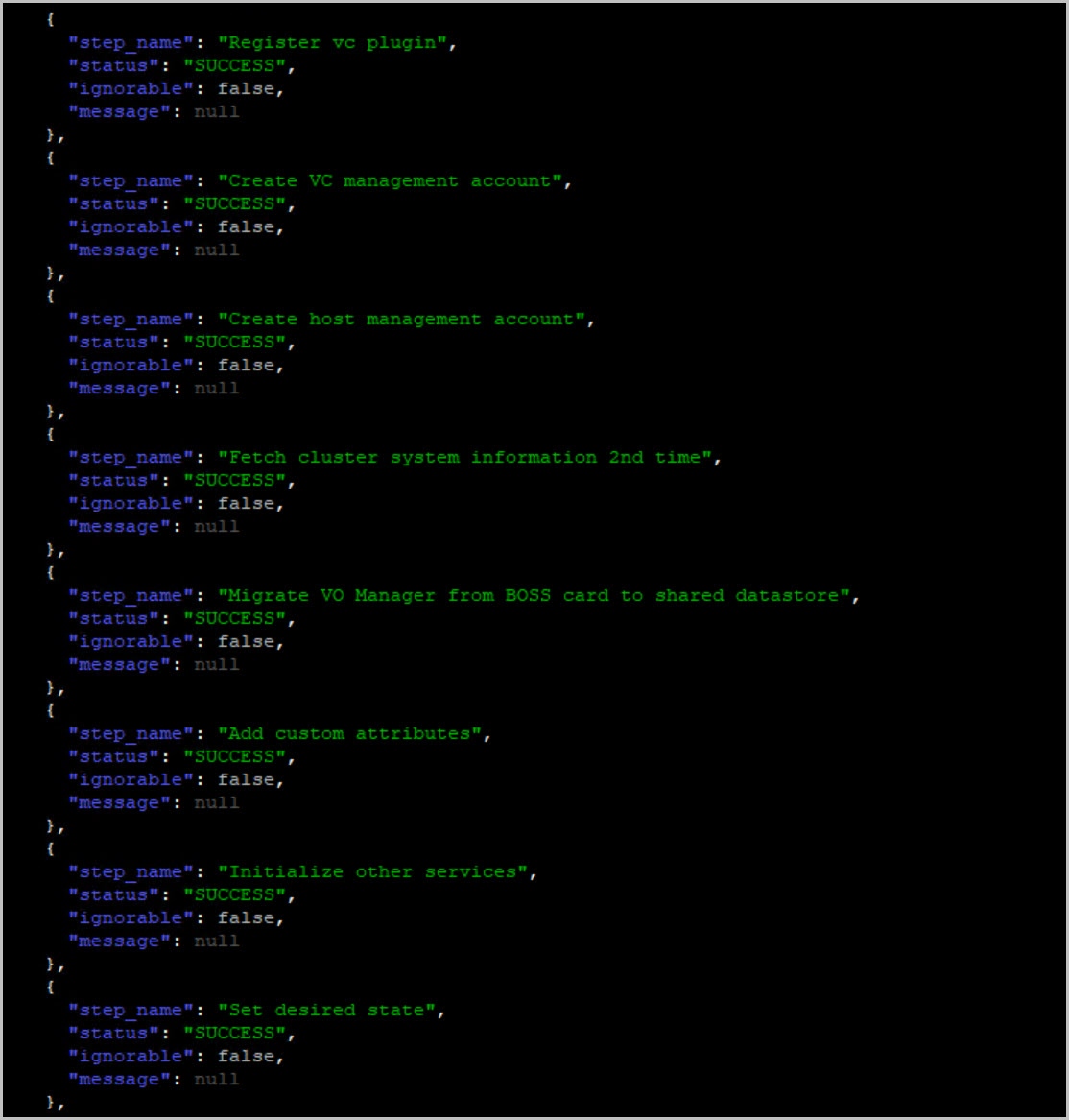
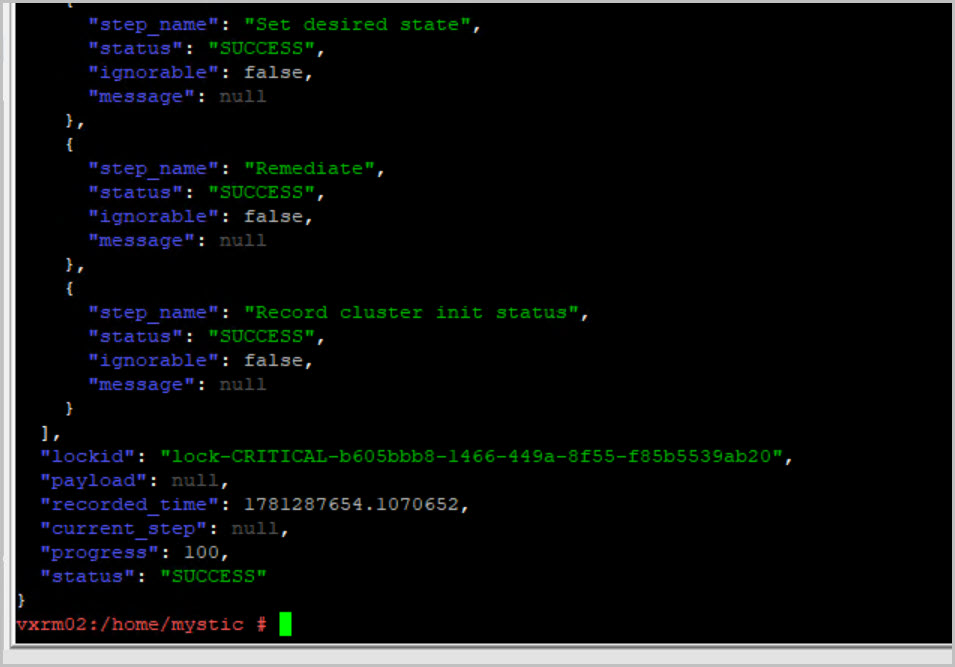
To provide VxRail functionalities to the VI WLD cluster, VxRail provides the Manage Cluster operation including:
Notify user if a new cluster is available and can be managed
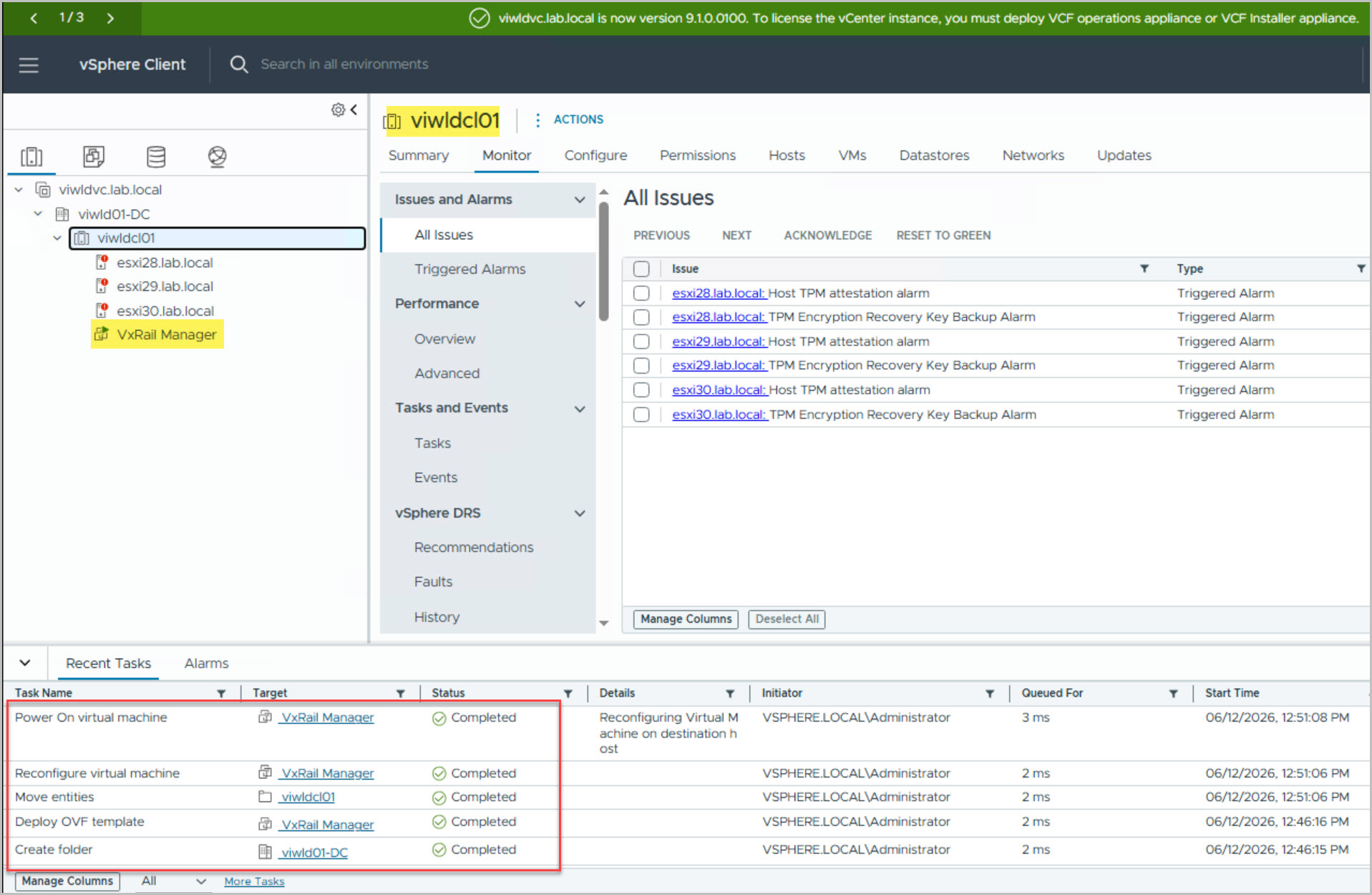
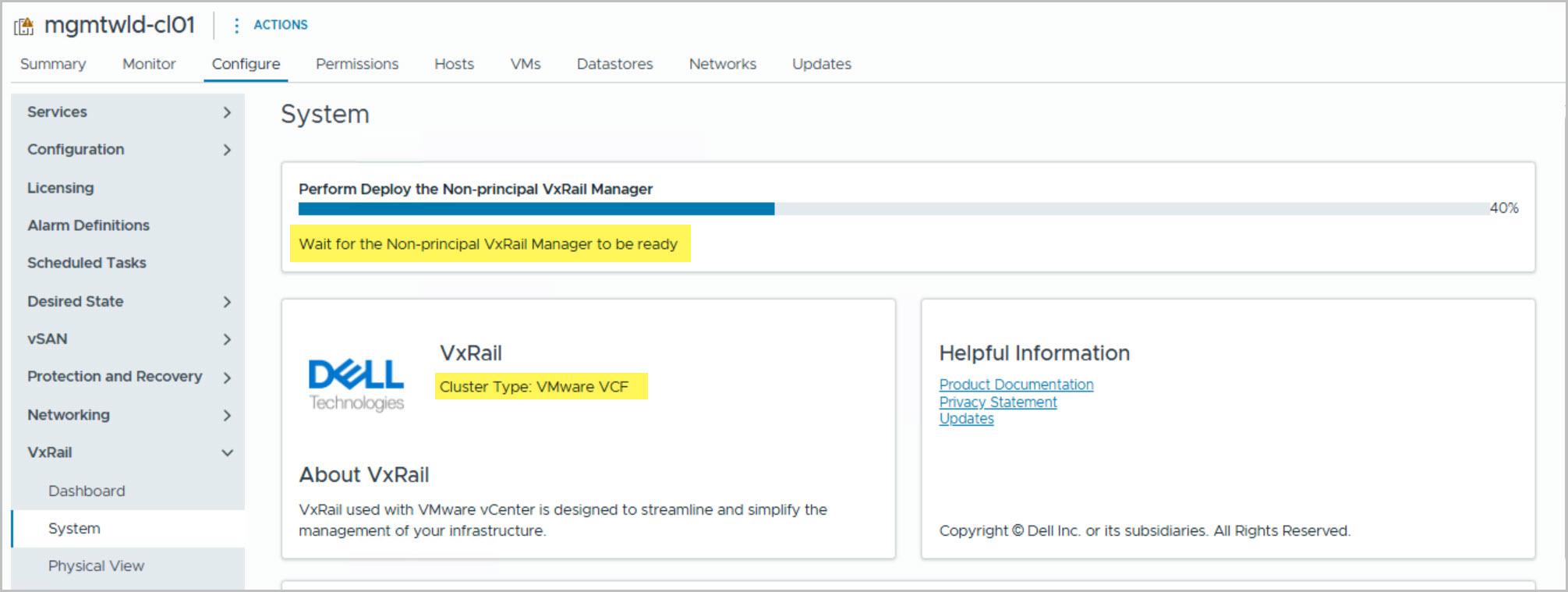
Deploy Secondary VxRail Manager virtual machine on new cluster
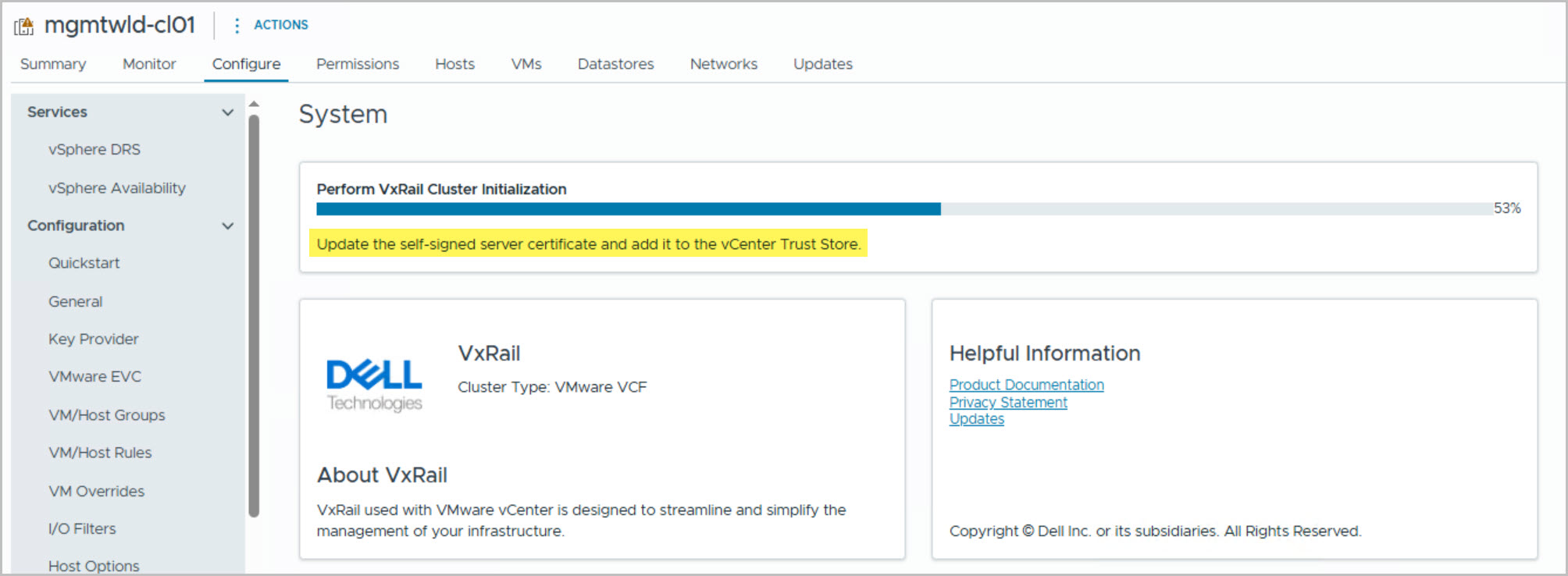
Initialize VxRail Cluster
This modular workflow provides a structured and repeatable approach to deploying a fully integrated VCF on VxRail environment, ensuring consistency, automation, and alignment with VMware best practices.