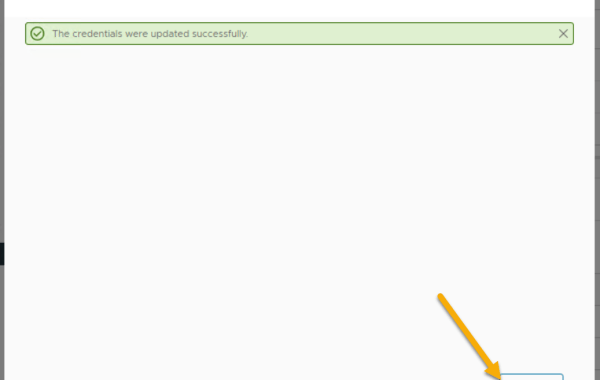
VxRail – How To Change iDRAC Password via vCenter Plug-In
VxRail release 8.0.210 introduced the ability to change the iDRAC root user password via the VxRail plug-in. Log in to the VMware vSphere Web Client as an administrator & click […]
Virtualization & Storage

VxRail release 8.0.210 introduced the ability to change the iDRAC root user password via the VxRail plug-in. Log in to the VMware vSphere Web Client as an administrator & click […]
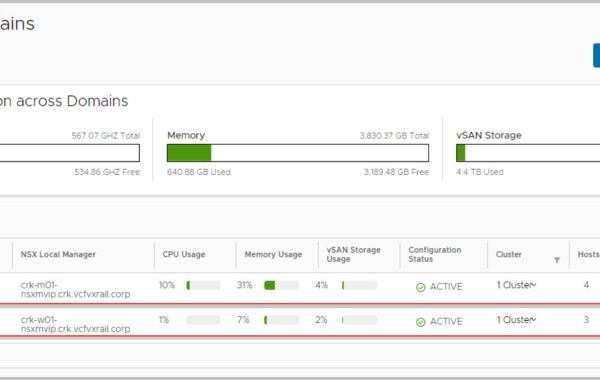
Note: this is an example for reference only please use the VxRail installation procedures & services provided by Dell. PART 1 PART 2 PART 3 This is the 4th in […]
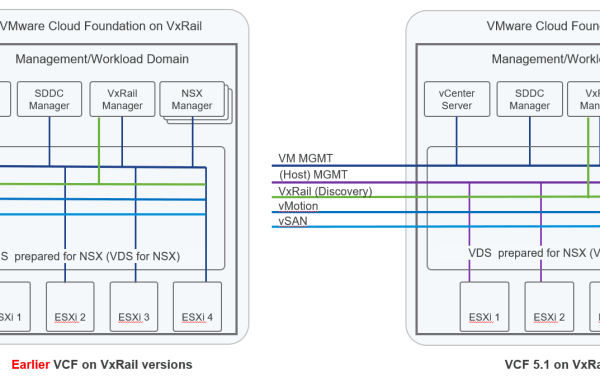
Prior to VCF On VxRail 5.1 both Management VMs (vCenter server, VxRail Manager,SDDC Manager, NSX components, etc) Network and the ESXi VMkernel Network distributed virtual port groups (DvPG) had a requirement to […]
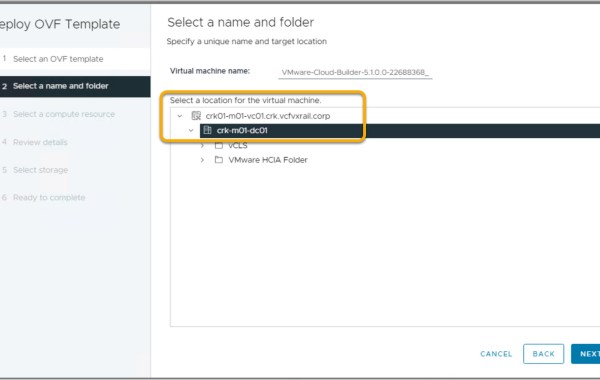
Note: this is an example for reference only please use the VxRail installation procedures & services provided by Dell. PART 2 PART 3 PART 4 This is the first in […]

Upgrade from VCF 5.0 on VxRail 8.0.100 to VCF 5.0 on VxRail 8.0.110, use the VMware Async Patch (AP) tool v1.1.0.2. For a detailed overview of the AP Tool please […]
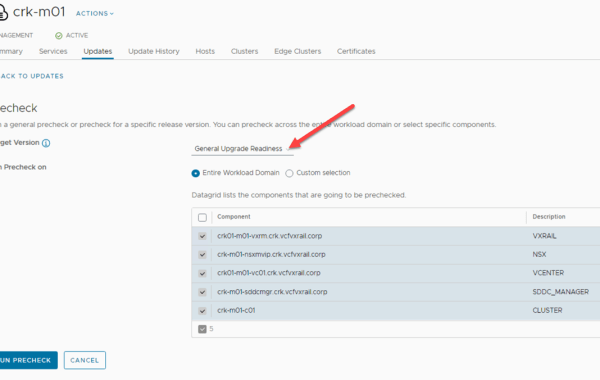
VCF 5.0 SDDC Manager introduces Context-aware prechecks. As part of this new feature VCF 5.0 introduces a new precheck engine capable of granular precheck selections. SDDC Manager prechecks can be run […]

Prior to VxRail 7.0.350 both Management Network and vCenter Server Network distributed virtual port groups (DvPG) had a requirement to be on the same subnet & vLAN during day1 deployment. From VxRail […]

VxRail supports either a single virtual distributed switch (vDS) or two virtual distributed switches as part of the initial bring-up process. This post details how to configure a VxRail cluster […]

Overall, the post provides a detailed guide on how to enable vSphere Lifecycle Management (vLCM) on VxRail. The screenshots included in the post are helpful in visualizing the process. VxRail […]
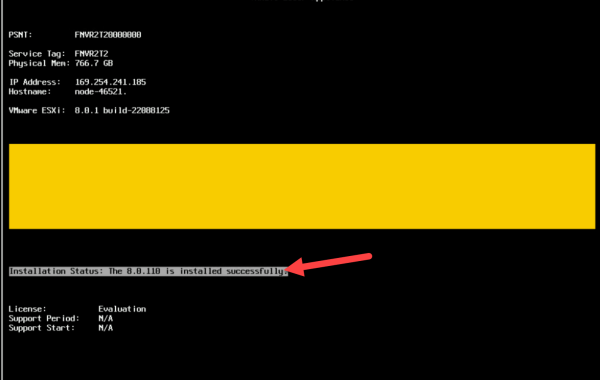
NIM Tool = Node Image Management Tool The content provides a step-by-step guide on using the VxRail NIM (Node Image Management) tool to re-image VxRail nodes with a supported code […]
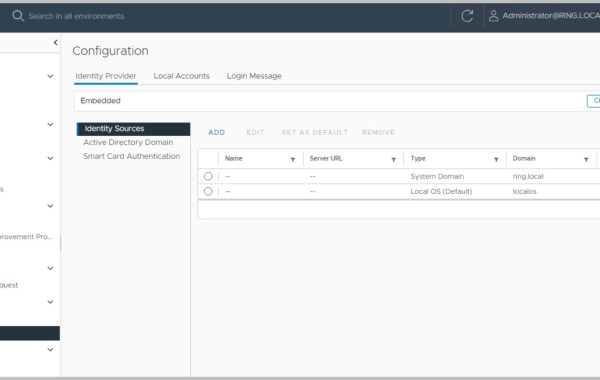
Note: this is an example for reference only please use the VxRail installation procedures & services provided by Dell. PART 1 This is the 2nd in a series of posts […]
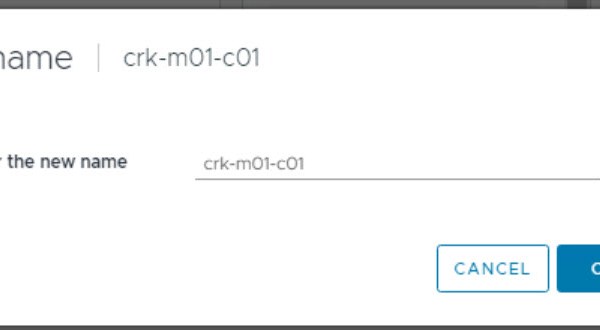
Note: this is an example for reference only please use the VxRail installation procedures & services provided by Dell. This is the first in a series of posts covering VCF 5.0 […]

For VxRail 4.7 & 7.0 please see earlier posts: VxRail 4.7 – Install Notes VxRail 7.0 – Install Notes Note: this is an example for reference only please use the […]
VMware Cloud Foundation 5.0 on Dell VxRail 8.0.100 is now GA (Generally Available), this is the first VCF release to support vSphere 8.0. The following is a list of all […]
VMware Cloud Foundation 4.5.1 on Dell VxRail 7.0.450 is now GA (Generally Available). The following is a list of all the components and their versions as per VMware Cloud Foundation 4.5.1 Note: the BOM below can be officially referenced in the Release Notes: VMware Cloud Foundation 4.x on Dell VxRail Release Notes VCF 4.5.1 release BOM includes the following updates: VMware Cloud […]
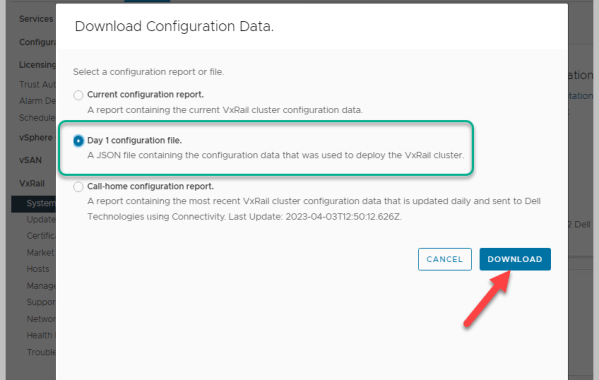
VxRail 7.0.410 includes an a very useful feature; the ability to download the Day 1 configuration file. A JSON file containing the configuration data that was used to deploy the […]
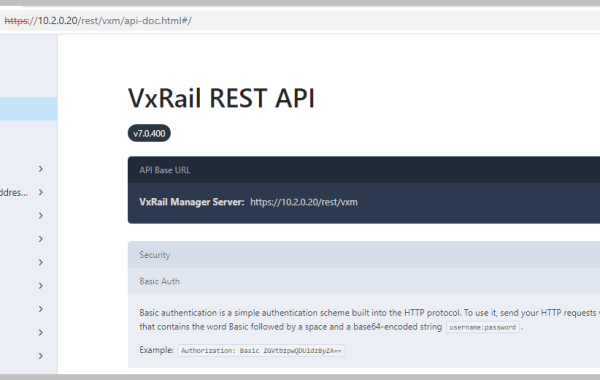
The VxRail REST API provides a programmatic interface for performing VxRail administrative tasks. There are many ways to interact with the VxRail API functions, in this example I cover the Return […]
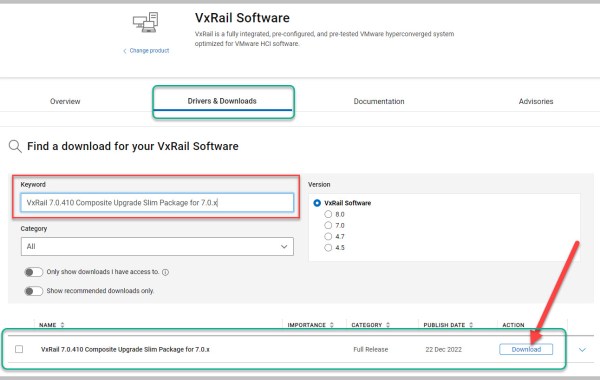
For details on VMware Cloud Foundation 4.5 on Dell VxRail 7.0.410 please see post here. Note: For 7.0.410 and upcoming out of band upgrade, please follow VMware KB 88287 and use APTool to […]
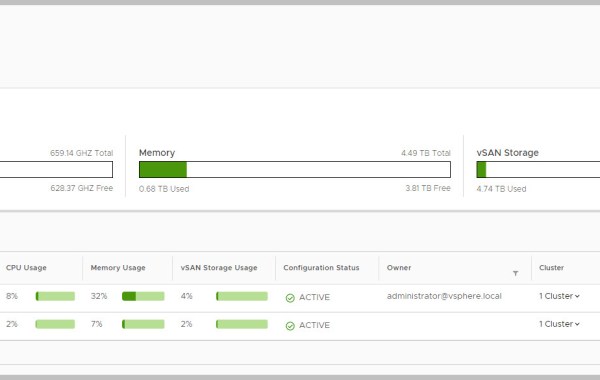
PART1 PART2 PART3 Note: this is an example for reference only please use the VxRail installation procedures & services provided by Dell. This is the fourth in a series of posts covering VCF […]
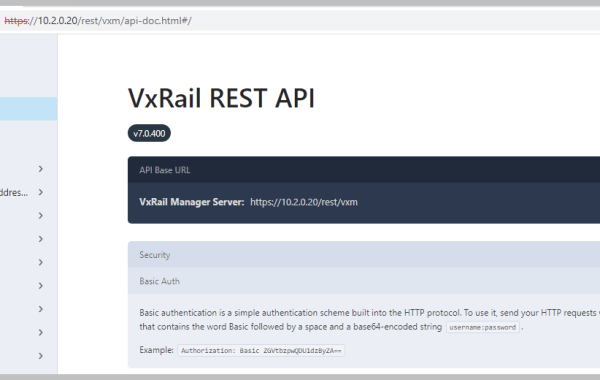
The VxRail REST API provides a programmatic interface for performing VxRail administrative tasks. There are many ways to interact with the VxRail API functions, in this example I cover the […]
 DavidRing.ie