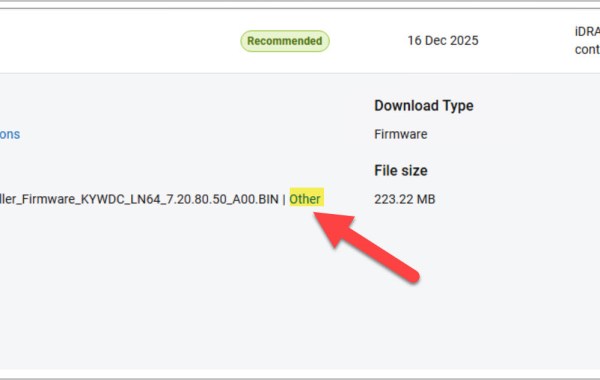
How to Upgrade Dell iDRAC9 Firmware Manually
In this post, I’ll walk through how to manually upgrade Dell iDRAC9 firmware using the iDRAC web interface, upgrading from version 7.20.30.50 to 7.20.80.50. We’ll go step by step through the entire […]
Virtualization & Storage

In this post, I’ll walk through how to manually upgrade Dell iDRAC9 firmware using the iDRAC web interface, upgrading from version 7.20.30.50 to 7.20.80.50. We’ll go step by step through the entire […]
You can query the NVMe drive inventory from the ESXi console using the following command: esxcli storage core nvme path list | grep “Device Display Name” In this example, the […]
VxRail release 8.0.210 introduced the ability to change the iDRAC root user password via the VxRail plug-in. Log in to the VMware vSphere Web Client as an administrator & click […]
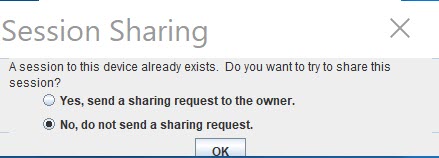
Error attempting to connect over iDRAC Virtual Console due to another session still running: SSH to the VxRAIL iDRAC IP. List open sessions: racadm getssninfo Close the VC session with […]
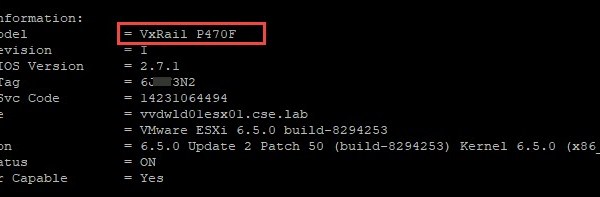
One method of pulling useful VxRail node details such as: VxRail Model Hostname ESXi version Service tag details NIC MAC Addresses VMkernel interfaces Firmware details Is via connecting directly to […]

VxRail manager utilizes the PTAgent running on the ESXi hosts as part of a VxRail cluster in order to pull hardware related information from the host. If you are experiencing […]
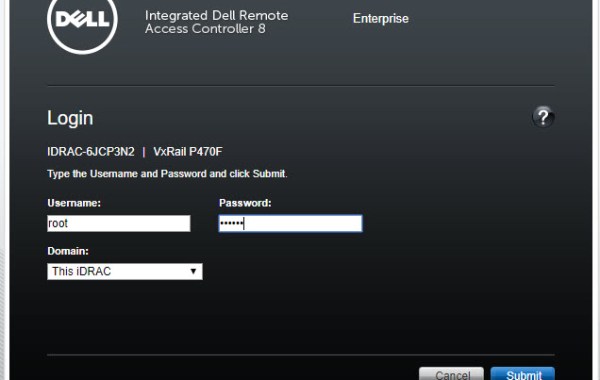
A very useful benefit of iDRAC Console is that it allows you access to ESXi DCUI thus providing access to the ESXi Shell. The following steps provide detail on how […]

