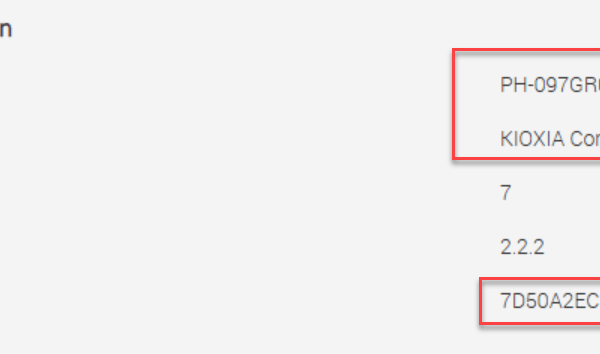
VxRAIL – Identify NVMe Drive Model Details
You can query the NVMe drive inventory from the ESXi console using the following command: esxcli storage core nvme path list | grep “Device Display Name” In this example, the […]
Virtualization & Storage

You can query the NVMe drive inventory from the ESXi console using the following command: esxcli storage core nvme path list | grep “Device Display Name” In this example, the […]
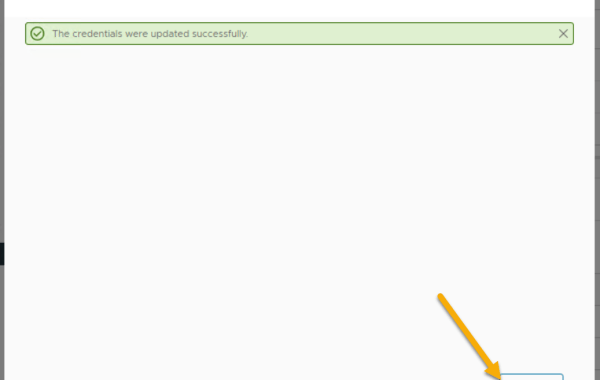
VxRail release 8.0.210 introduced the ability to change the iDRAC root user password via the VxRail plug-in. Log in to the VMware vSphere Web Client as an administrator & click […]
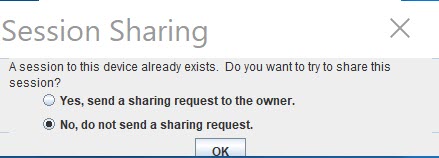
Error attempting to connect over iDRAC Virtual Console due to another session still running: SSH to the VxRAIL iDRAC IP. List open sessions: racadm getssninfo Close the VC session with […]
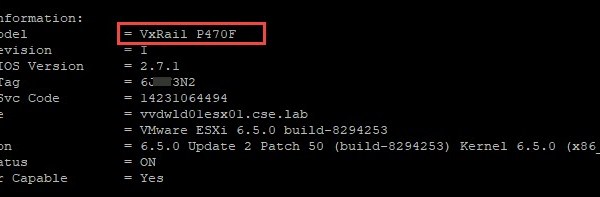
One method of pulling useful VxRail node details such as: VxRail Model Hostname ESXi version Service tag details NIC MAC Addresses VMkernel interfaces Firmware details Is via connecting directly to […]

VxRail manager utilizes the PTAgent running on the ESXi hosts as part of a VxRail cluster in order to pull hardware related information from the host. If you are experiencing […]
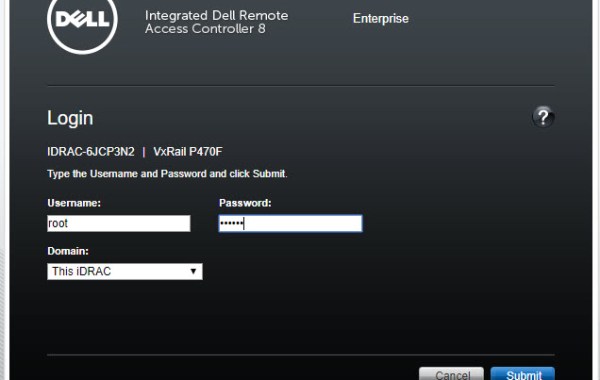
A very useful benefit of iDRAC Console is that it allows you access to ESXi DCUI thus providing access to the ESXi Shell. The following steps provide detail on how […]
 DavidRing.ie