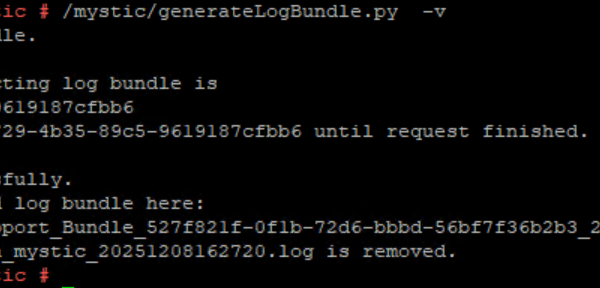
VxRail 8.0 – Useful Log File Information
Troubleshooting a VxRail environment often starts with knowing where to look. VxRail 8.0 builds on the existing architecture but introduces a few changes in file locations, log collection practices, and […]
Virtualization & Storage

Troubleshooting a VxRail environment often starts with knowing where to look. VxRail 8.0 builds on the existing architecture but introduces a few changes in file locations, log collection practices, and […]
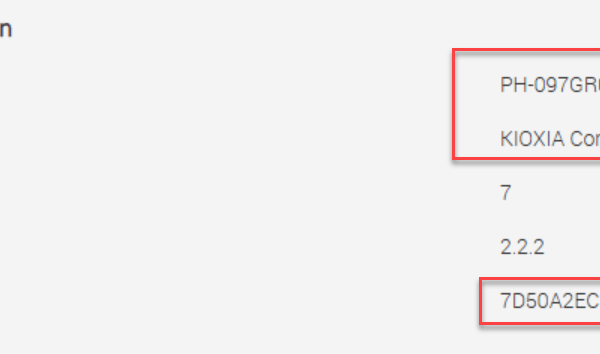
You can query the NVMe drive inventory from the ESXi console using the following command: esxcli storage core nvme path list | grep “Device Display Name” In this example, the […]
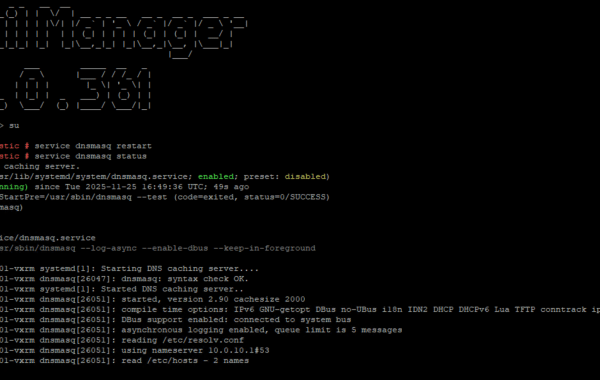
If you modify ESXi hostnames or management IP addresses, you’ll need to flush the cache services on both vCenter and VxRail. Likewise, if you’re experiencing name-resolution issues in your VxRail […]
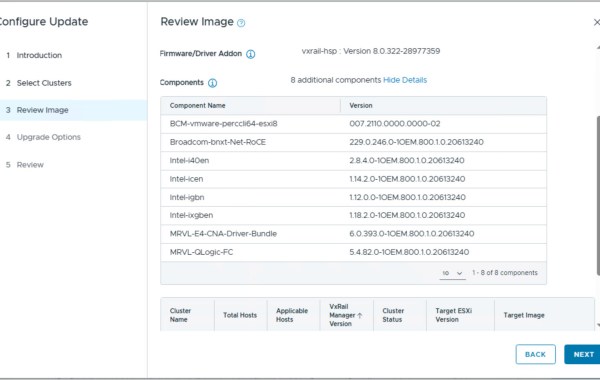
Starting with VCF on VxRail 5.2, the Upgrade Planner introduces enhanced functionality that allows administrators to select specific target versions for each individual VMware Cloud Foundation component during an upgrade. […]
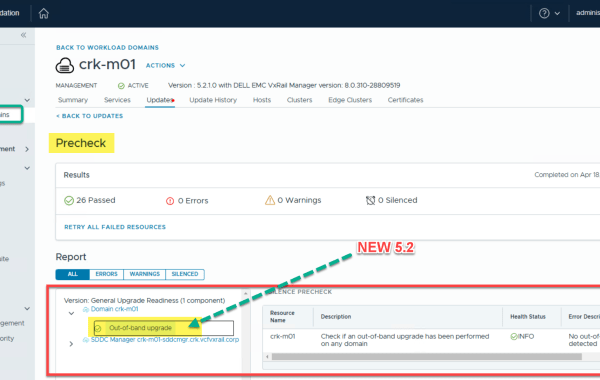
VMware Cloud Foundation (VCF) 5.2 introduces an in-product mechanism in SDDC Manager that allows customers to perform inventory version synchronization for key products, including: This enhancement provides automatic in-product recovery […]
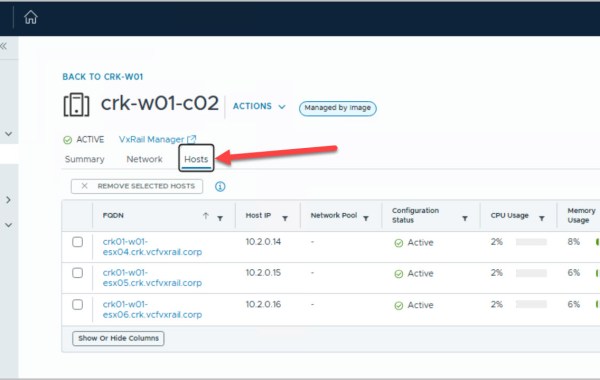
PART 1 PART 2 PART 3 PART 4 PART 5 PART 6 PART 7 PART 8 This is the 7th in a series of posts covering VCF 5.2.1 On VxRail 8.0.310. The following post provides an example walkthrough covering the […]
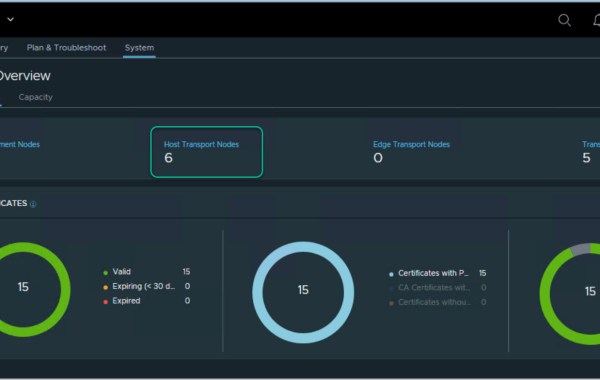
PART 1 PART 2 PART 3 PART 4 PART 5 PART 6 PART 7 PART 8 This is the 6th in a series of posts covering VCF 5.2.1 On VxRail 8.0.310. The following post provides an example walkthrough covering the […]
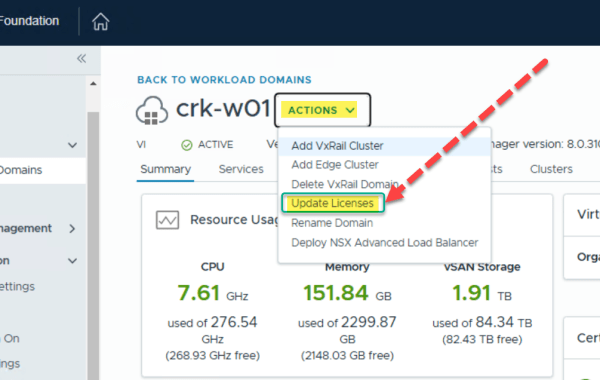
PART 1 PART 2 PART 3 PART 4 PART 5 PART 6 PART 7 PART 8 This is the 5th in a series of posts covering VCF 5.2.1 On VxRail 8.0.310. The following post provides an example walkthrough covering the […]
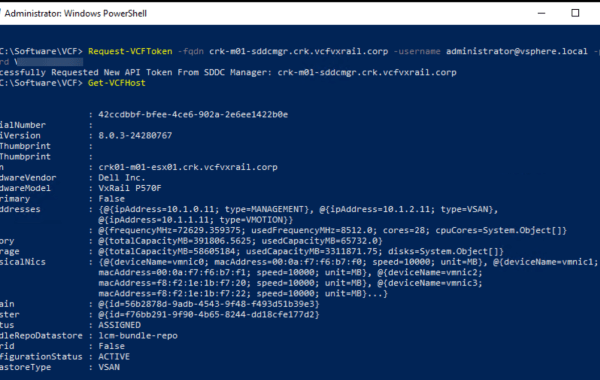
You can view the VxRail host details that are stored in the SDDC Manager database leveraging the following 3 tools. 1. Using Power-VCF: https://www.powershellgallery.com/packages/PowerVCF/2.4.1.1000 Request-VCFToken -fqdn sddcmgr -username administrator@vsphere.local -password […]
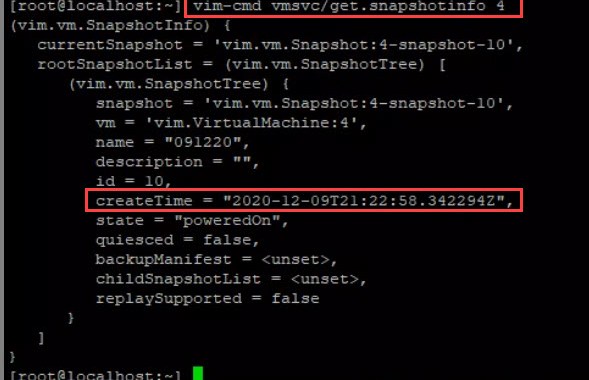
The following post details how to view task information via CLI on an ESXi host. Task details such as: Snapshot operations, for example create/delete/consolidate Clone operations As can be seen […]
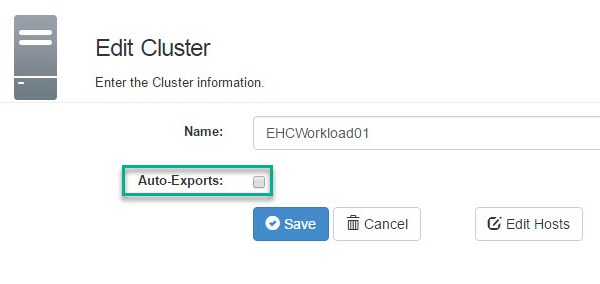
This procedure details the steps to execute in order to remove an ESXi host from a source ViPR Export Group and add to an existing target Export Group. Note: this […]
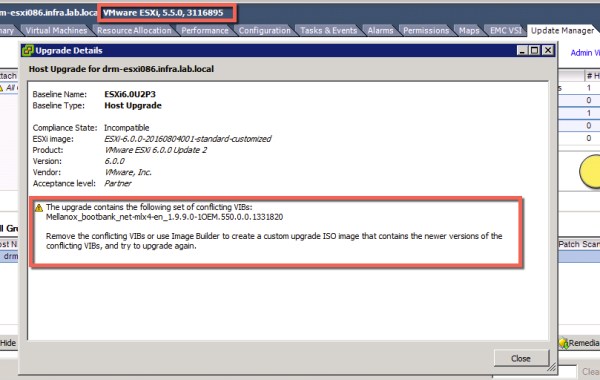
We encountered the following “Conflicting VIBs” blocker, while upgrading ESXi 5.5 hosts to 6.0: The Mellanox driver is required for infiniBand, as we do not have a requirement for infiniBand […]
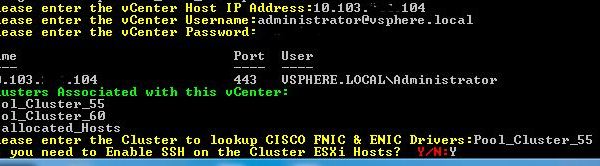
The following script allows the user to retrieve a listing of Network (ENIC) & Storage (FNIC) firmware drivers installed on Cisco UCS blades at a per vSphere cluster level. You may download the ‘Cisco_FNIC_ENIC.ps1‘ script here: […]
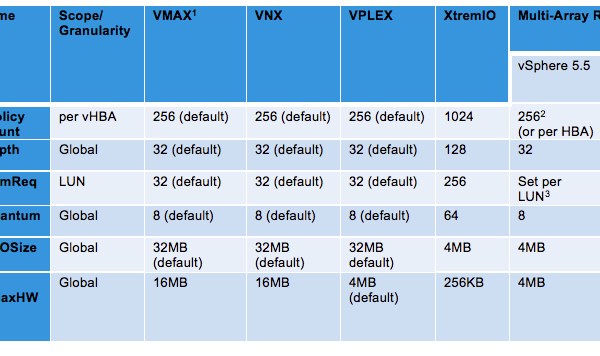
The following table represents the recommended VMware vSphere ESXi host settings to be applied when an ESXi host(s) is connected to a single array and also details multi-array settings when at […]
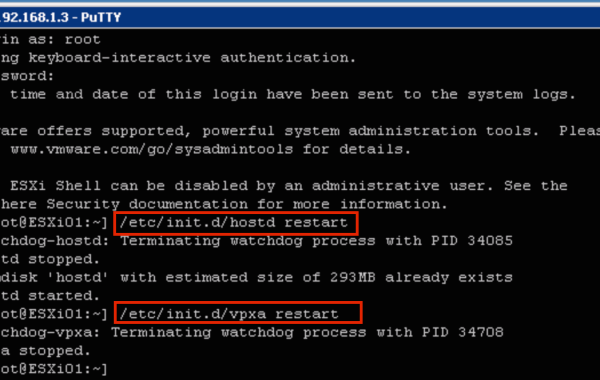
Experiencing issues connecting to an ESXi host from vCenter Server? A good place to start your troubleshooting is by restarting the ESXi management agents. The following method uses the CLI […]
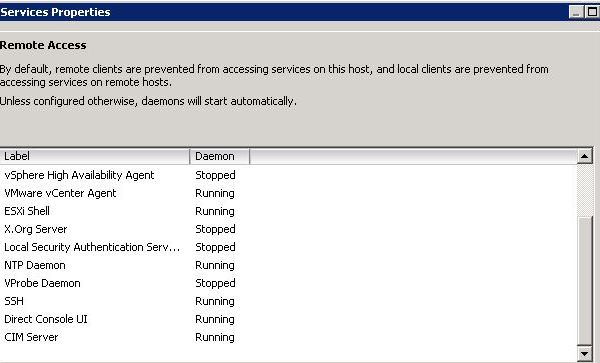
The following steps detail the installation of the ‘EMC RecoverPoint for VMs’ Splitter VIB on ESXi hosts. The requirement is to Install the ‘RP for VMs’ splitter on each ESXi […]
Thank you @CliffCahill for providing this trick! Ensure to back up the UIM/P(Unified Infrastructure Manager for Provisioning) DB before you begin. The following provides detailed steps on how to modify IP settings for ESXi host service offerings stored in the UIM DB. Login to the UIM CLI via putty. #To login to uim voyencedb database: su – pgdba psql voyencedb […]
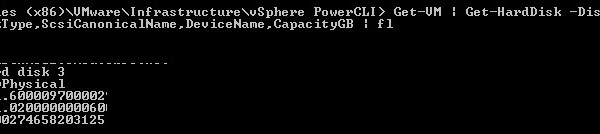
See also: VMware PowerCLI – Adding VMFS Datastore’s After creating the required LUN’s on your storage array and mapped the LUN’s to your ESXi hosts then you may use PowerCLI […]
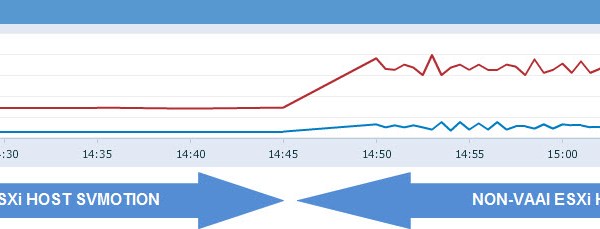
The ‘EMC NAS Plug-in’ is required in order to enable VAAI (vSphere APIs for Array Integration) operations on ‘NFS Datastores’ on an ESXi 5.x host. If you are not familiar […]
Thank you Cliff, Steve and Luc for helping me out with this task. After you have created the required LUN’s on your storage array and mapped the LUN’s to your ESXi hosts, at this stage you may use PowerCLI to add these new LUNs as VMFS datastore’s. 1. Connect to vCenter: Connect-VIServer -Server “vcenter_IP” -User UserName -Password Password If you […]
 DavidRing.ie