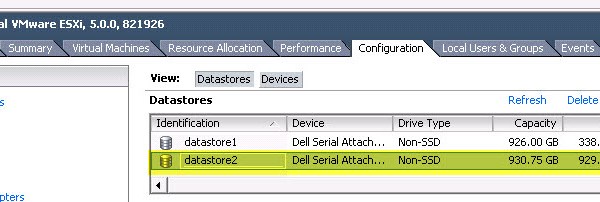
vSphere – Migrating A VM To A New VMFS Datastore (CLI: VMKFSTOOLS)
You may encounter a scenario where a vCenter server is not part of a solution and SVMotion is not an option to migrate a VM from one VMFS datastore to […]
Virtualization & Storage

You may encounter a scenario where a vCenter server is not part of a solution and SVMotion is not an option to migrate a VM from one VMFS datastore to […]
This post outlines how to create the VMAX Masking view for Gatekeeper RDM volumes and the Script to Automate Adding RDM Disk’s to a VMware MGMT VM. First some notes on Gatekeeper volumes: SE(CLI) and Unisphere(GUI) are the main tools used to manage a VMAX Array, Gatekeeper volumes are required in order to carry these commands from both CLI&GUI and […]
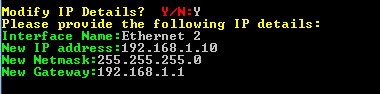
The following script allows the user to modify an MS Windows Guest VM IP and DNS configuration. You may download the ‘IP&DNS_Modification.ps1‘ script HERE (Remove the .doc extension). Begin by […]
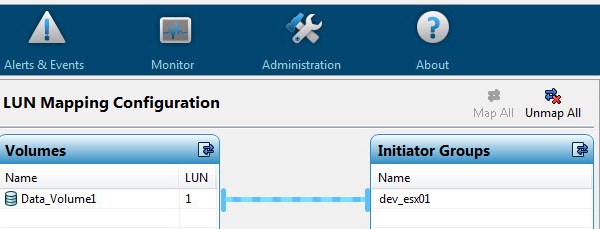
In this post I will detail how to increase an XtremIO volume and extend the associated VMware VMFS volume. As can be seen form the XtremIO management interface the existing […]
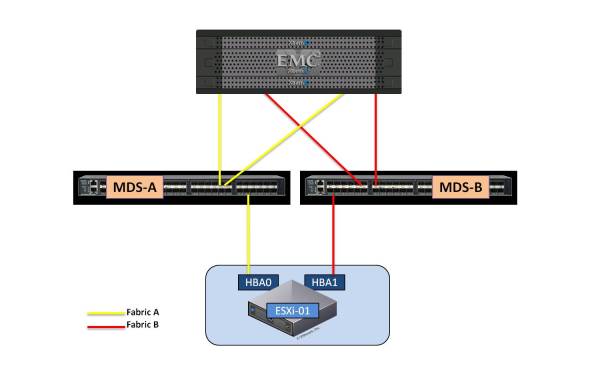
The VMware vSphere Host storage path limit as of vSphere 5.5 is 1024 and the maximum LUNs per host is 256. Maximum LUNS PER ESXi HOST = 256 Maximum FC […]
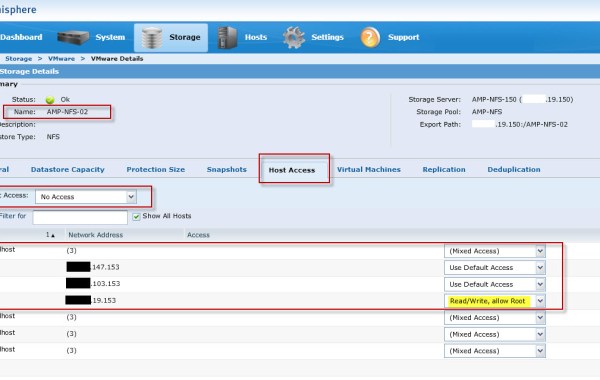
Part 1 Part 2 This is the third part in the series on configuring the VNXe via command line. Here I will detail the Steps involved in adding VMware ESXi […]
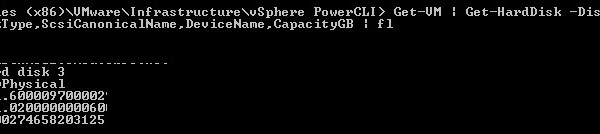
See also: VMware PowerCLI – Adding VMFS Datastore’s After creating the required LUN’s on your storage array and mapped the LUN’s to your ESXi hosts then you may use PowerCLI […]
Thank you Cliff, Steve and Luc for helping me out with this task. After you have created the required LUN’s on your storage array and mapped the LUN’s to your ESXi hosts, at this stage you may use PowerCLI to add these new LUNs as VMFS datastore’s. 1. Connect to vCenter: Connect-VIServer -Server “vcenter_IP” -User UserName -Password Password If you […]
Step1 Check the Health status of the Link Aggregation: uemcli -d 10.0.0.1 -u Local/admin -p Password123# /net/la show -detail 1: ID = la0_SPA SP = SPA Ports = eth2_SPA,eth3_SPA Health state = OK (5) 2: ID = la0_SPB SP = SPB Ports = eth2_SPB,eth3_SPB Health state = OK (5) Step2 Ensure the Network Interface for NFS is correctly configured: uemcli […]
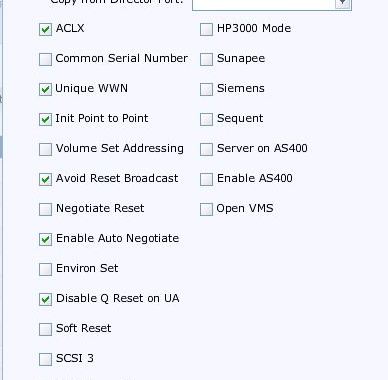
When configuring a VMAX for ‘VMware ESX’ connectivity, I will always firstly consult the ‘EMC Simple Support Matrix – EMC Symmetrix VMAX Series Director Bit Settings’ found here for the […]
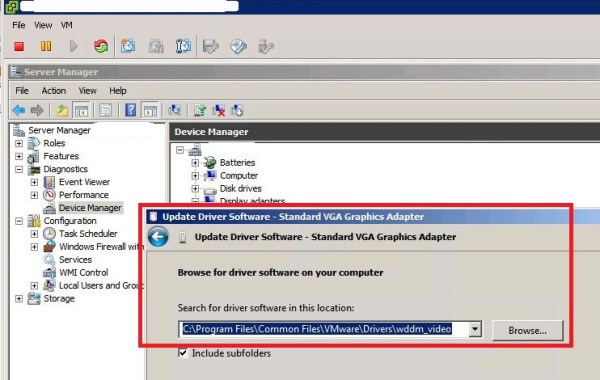
If you feel like the mouse movement within the direct console of a Window 2008R2 or Windows7 Vitual machine is sluggish then the chances are you are using the SVGA […]

In the event you have a requirement to uninstall PowerPath/VE from a vSphere host. The first series of steps outline how to remove PP/VE from a single host. If you […]
 DavidRing.ie