Note: this is an example for reference only please use the VxRail installation procedures & services provided by Dell. This is the second in a series of posts covering VCF 9.1 […]
Note: this is an example for reference only please use the VxRail installation procedures & services provided by Dell.
This is the second in a series of posts coveringVCF 9.1 On VxRail 9.1.000. The following post provides an example walkthrough covering the process of:
Add a new node to a VxRail VI Workload Domain Cluster
Commission Node
Adding a new node in a VCF workload domain follows a process that can be described in the following three steps, all of which must be completed in order:
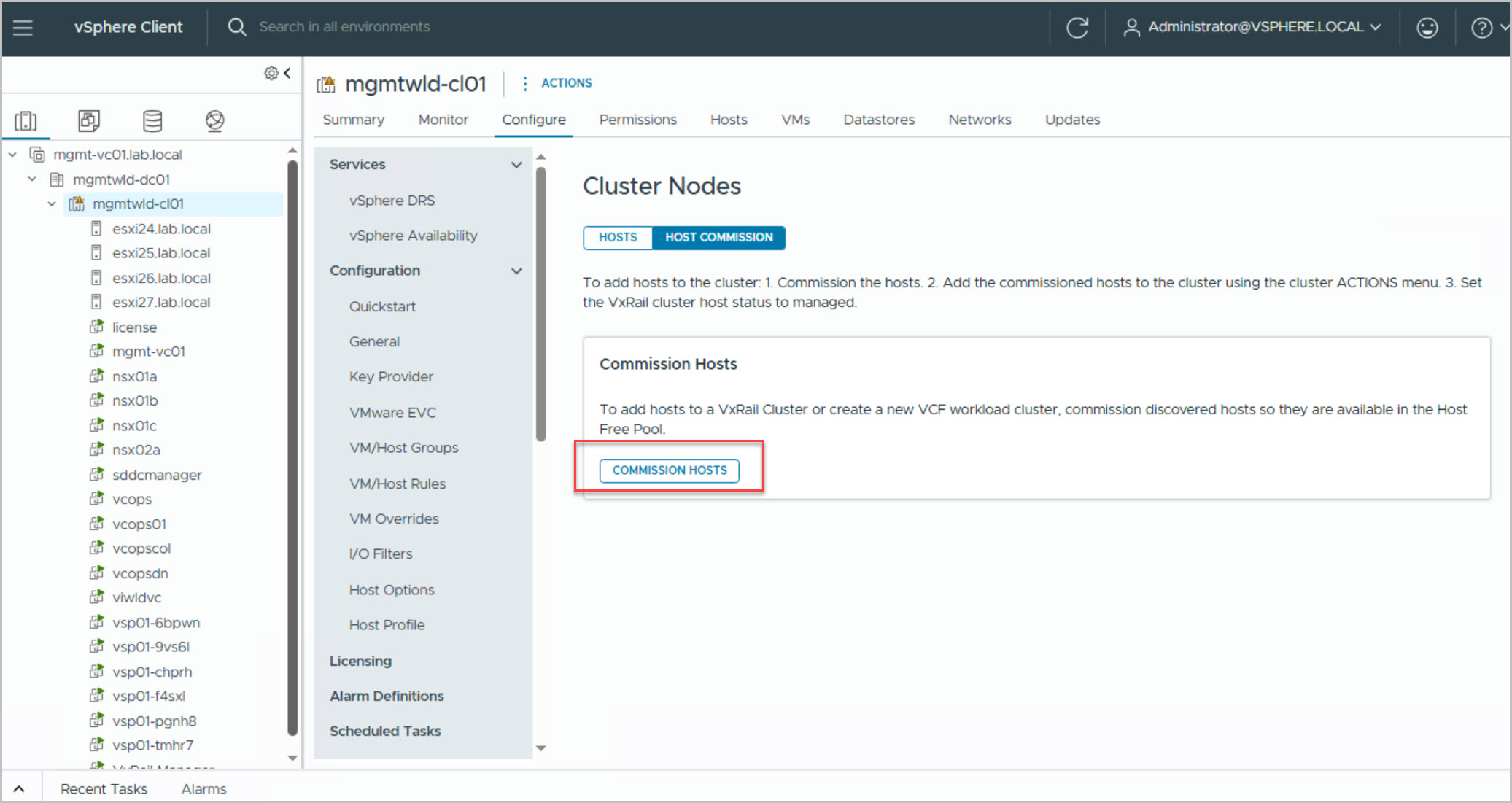
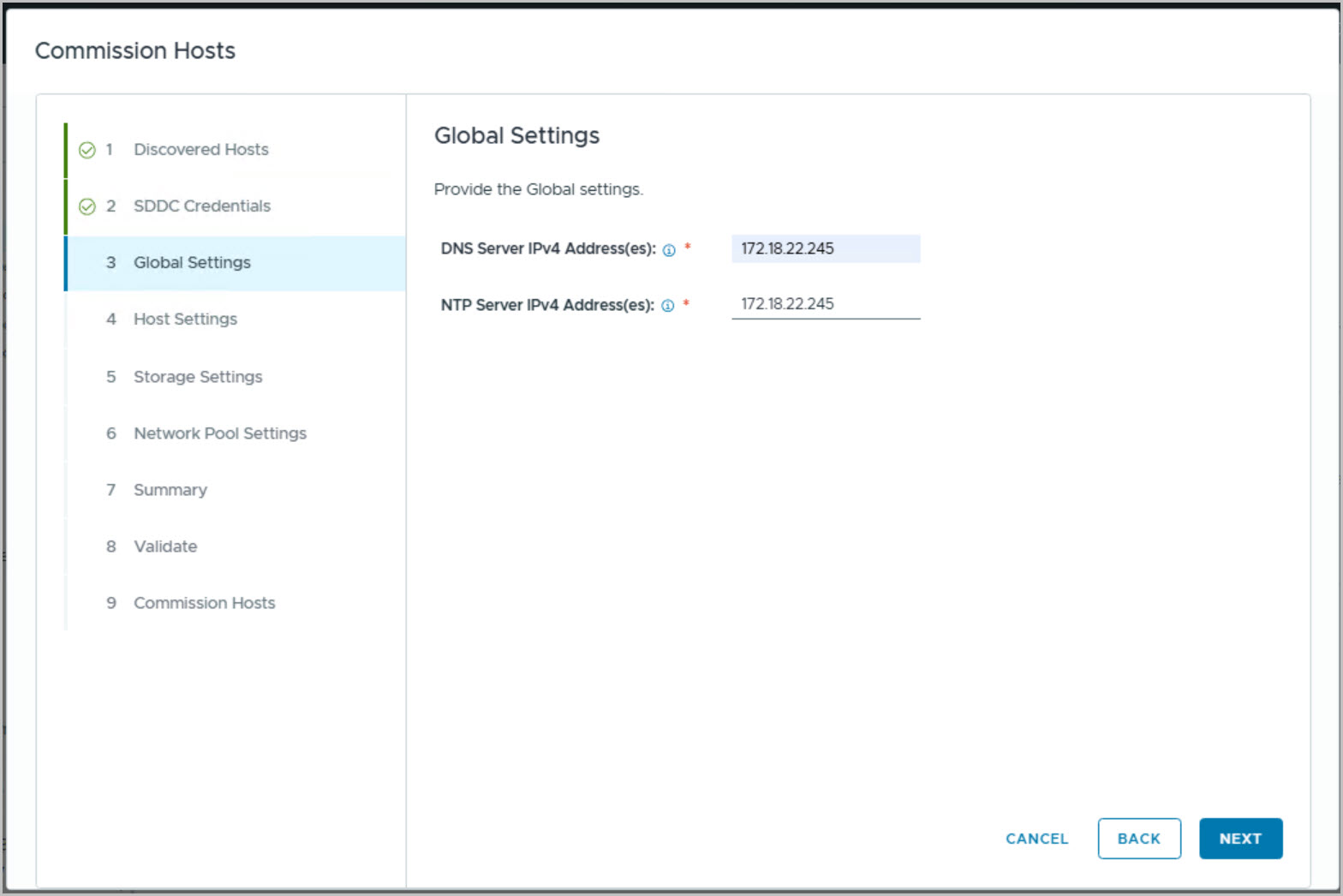
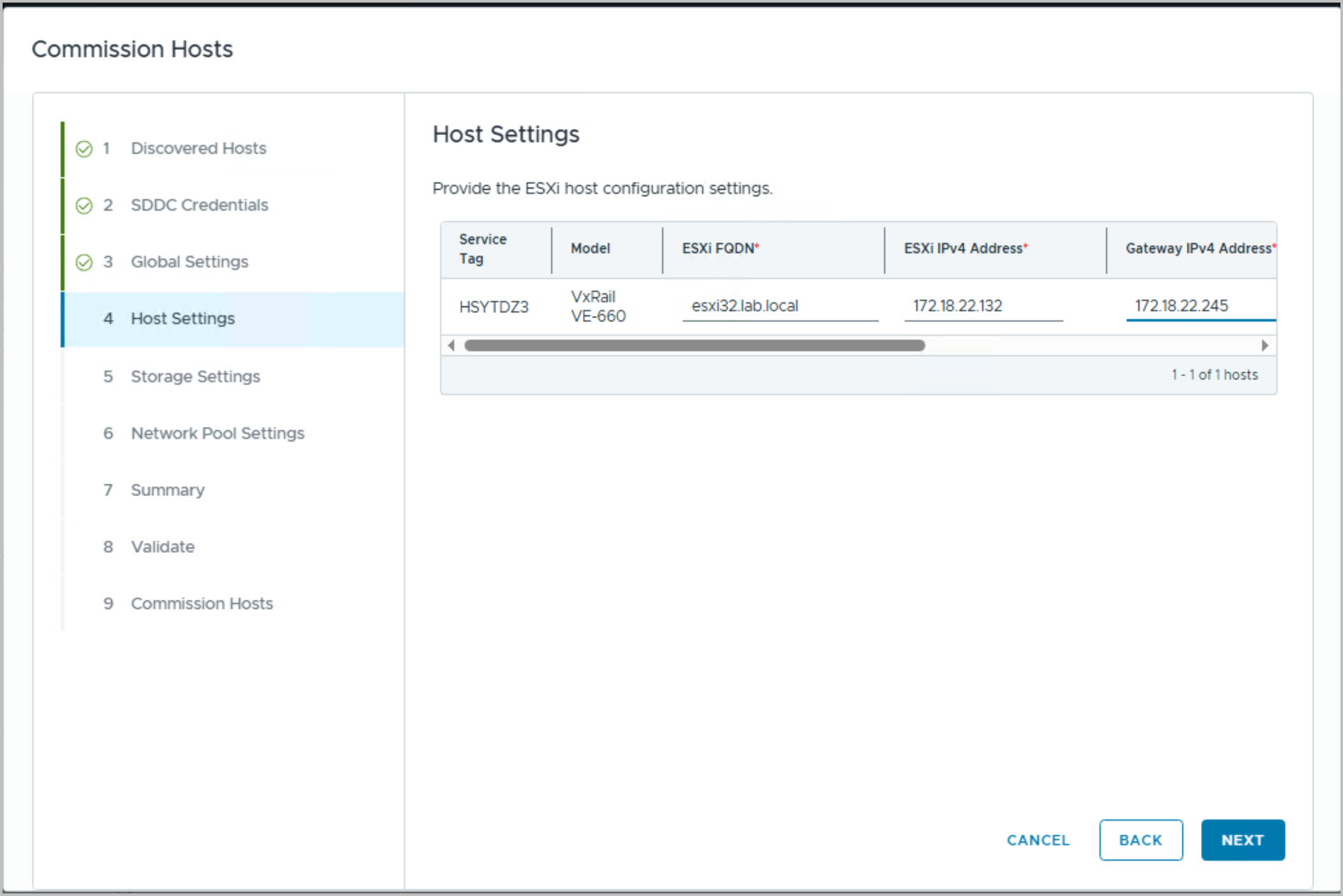
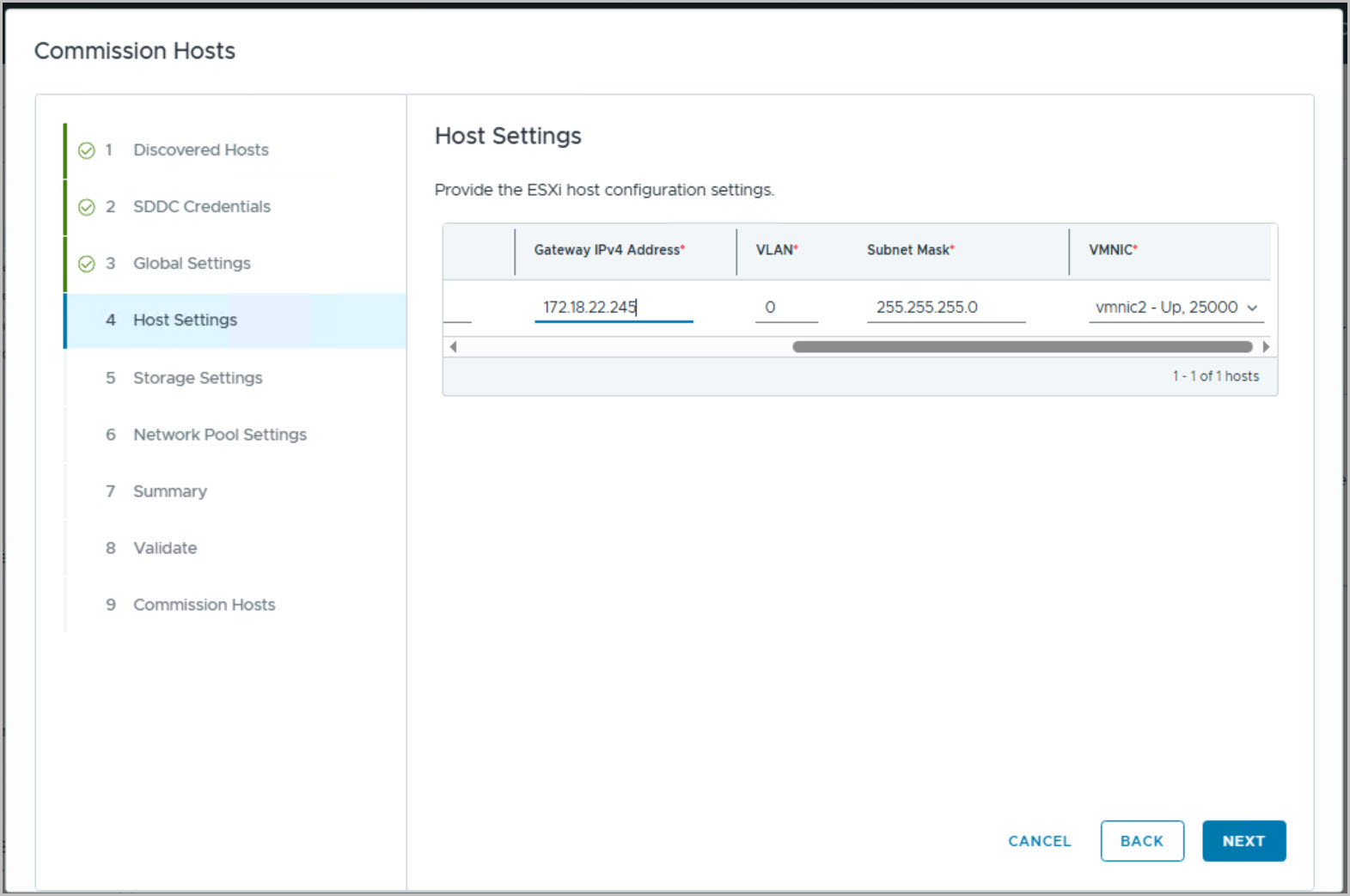
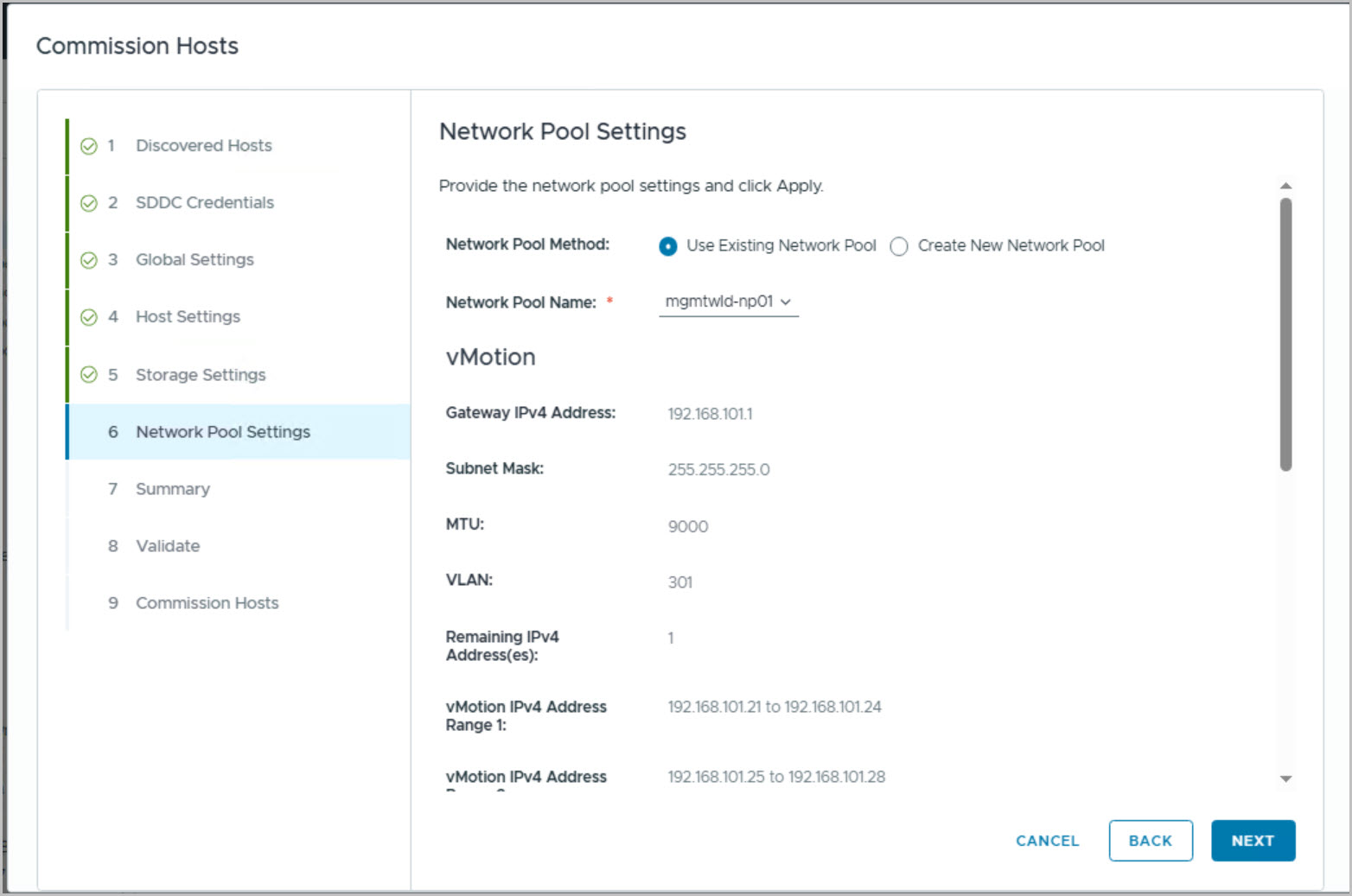
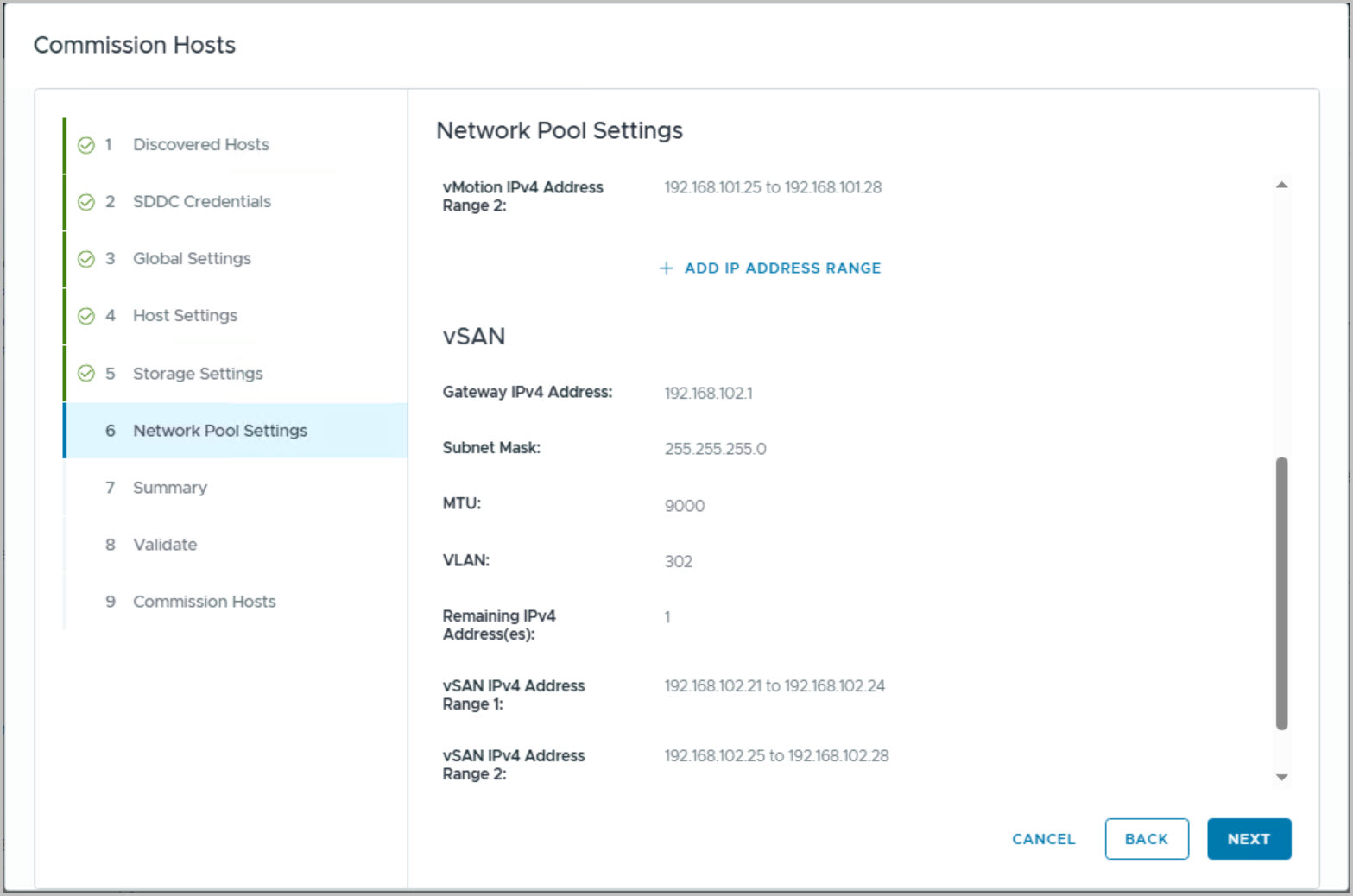
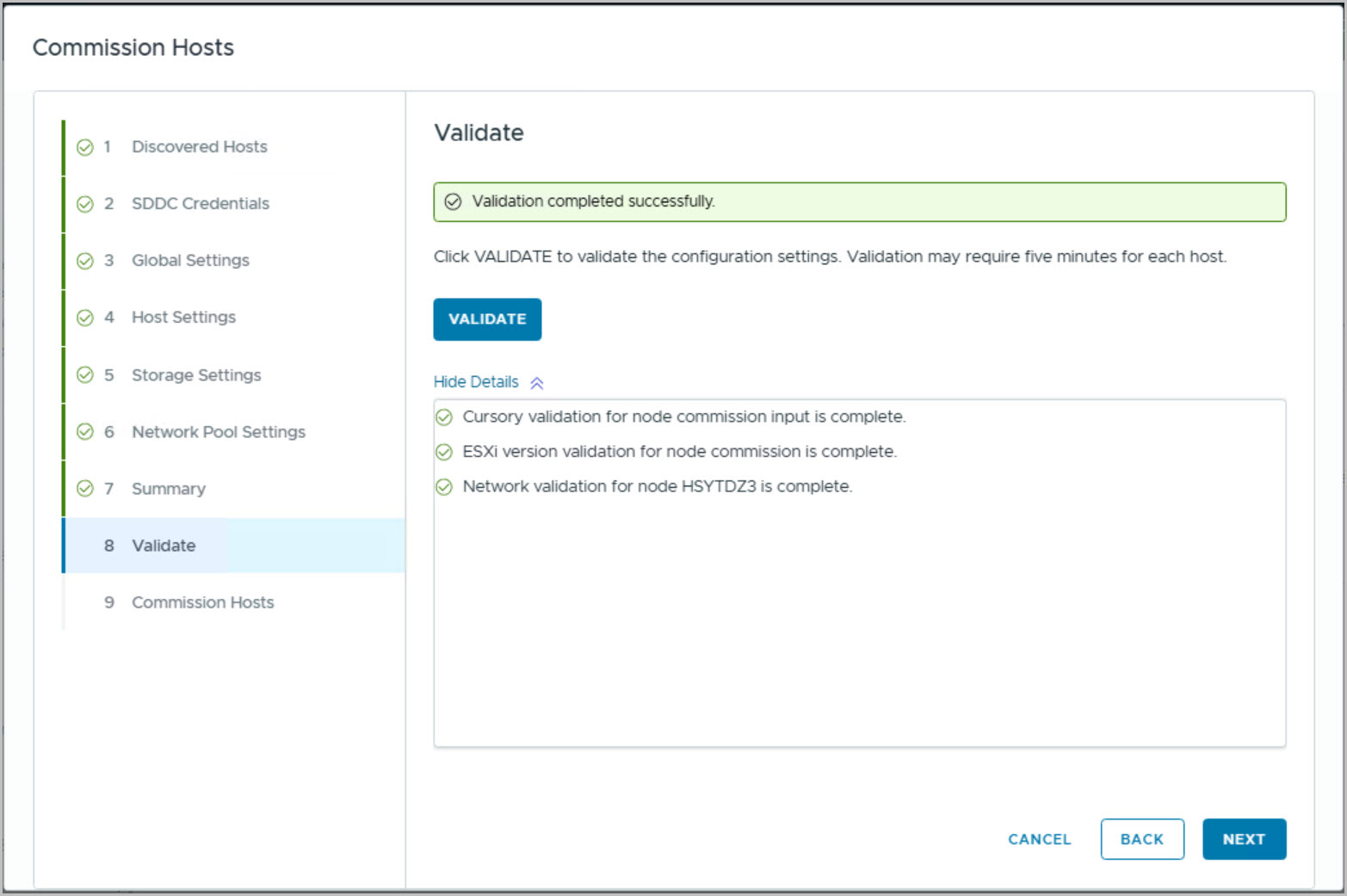
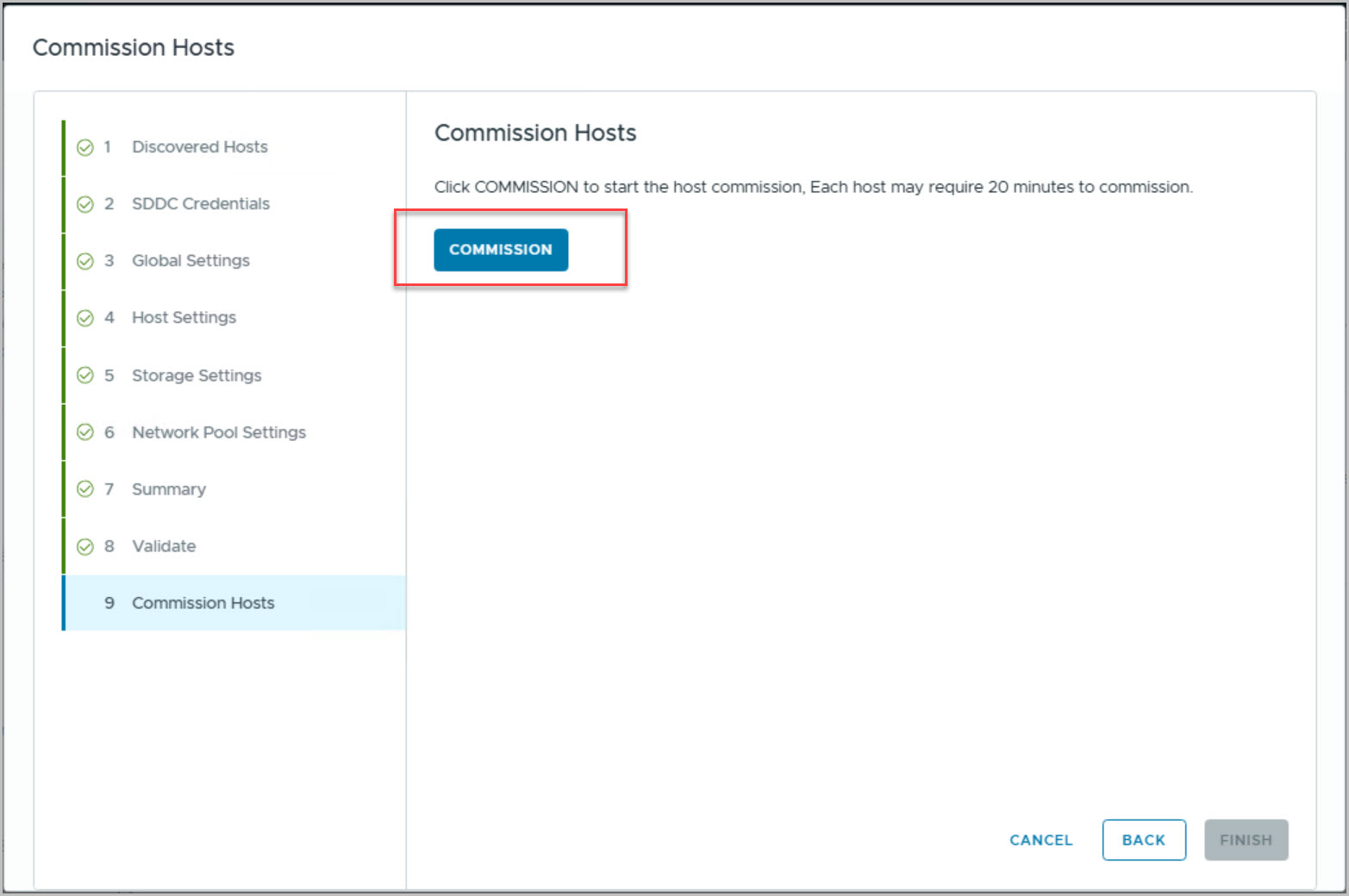
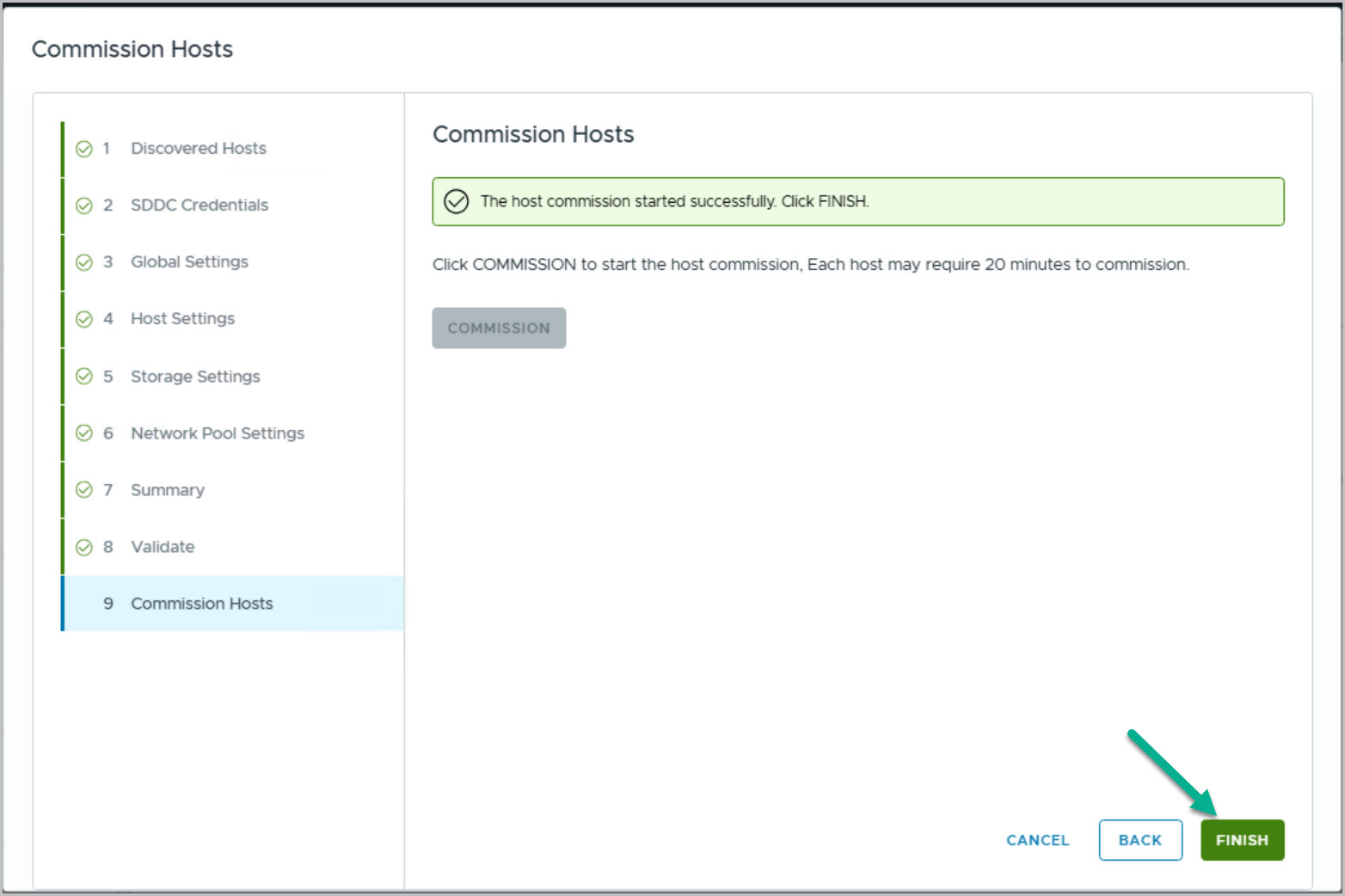
Commission nodes (vCenter VxRail Plugin).
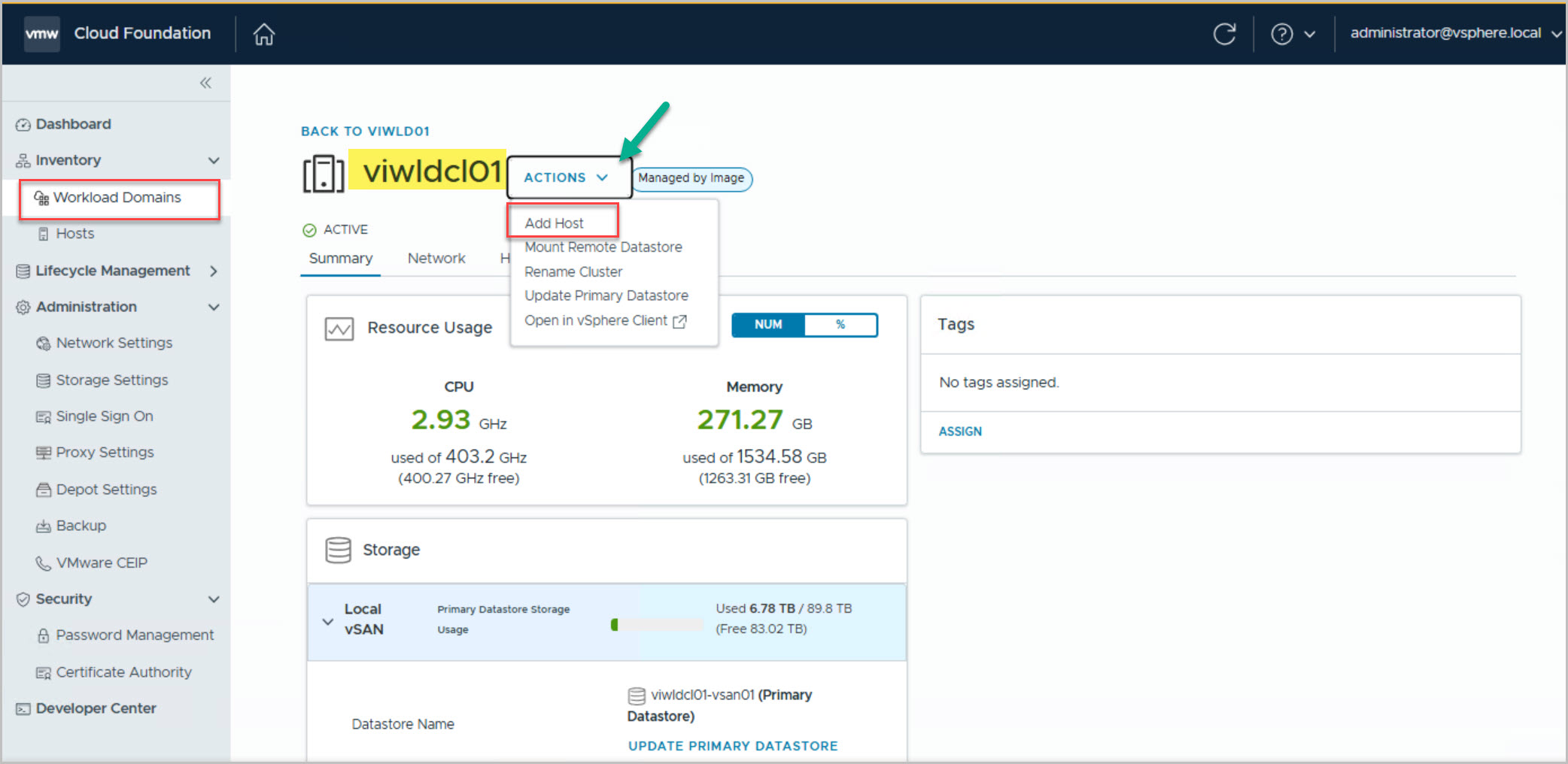
Add Unassigned Host to WLD (SDDC MANAGER UI).
Manage new host (vCenter VxRail Plugin).
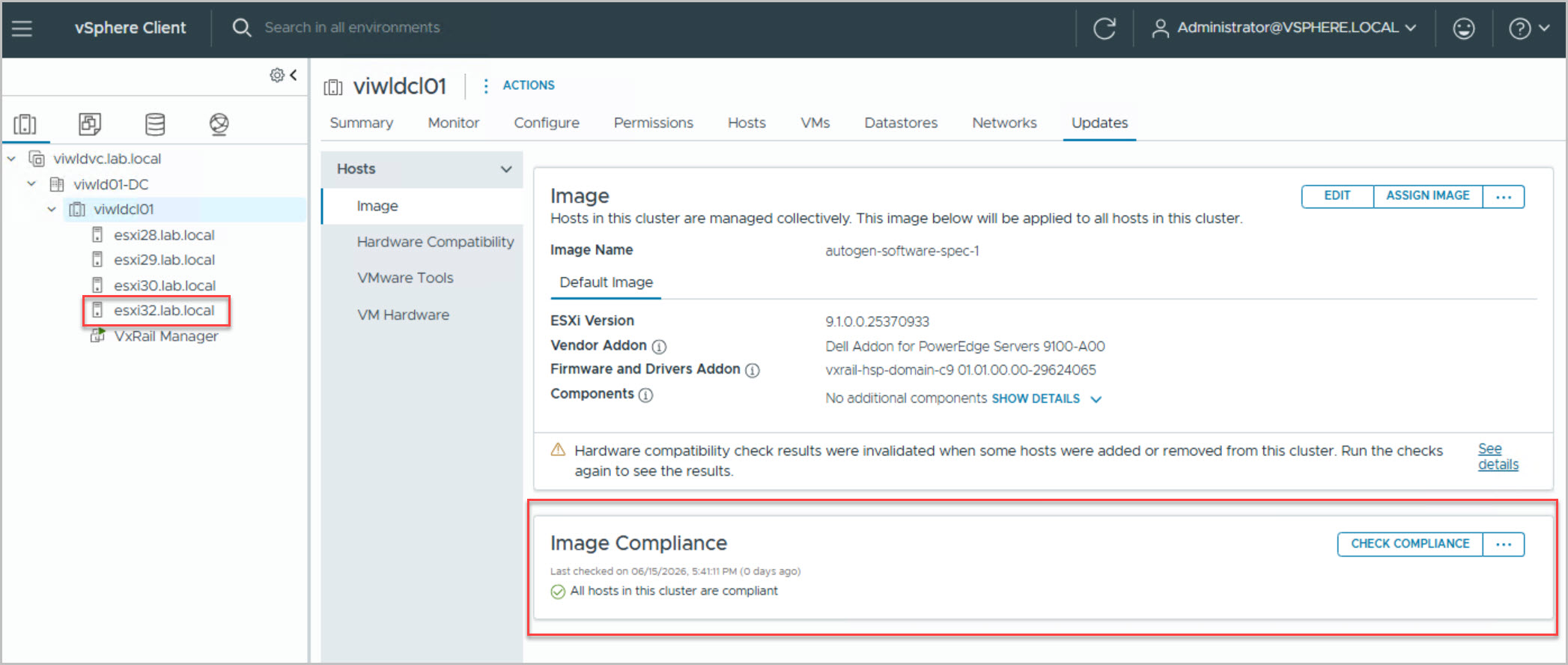
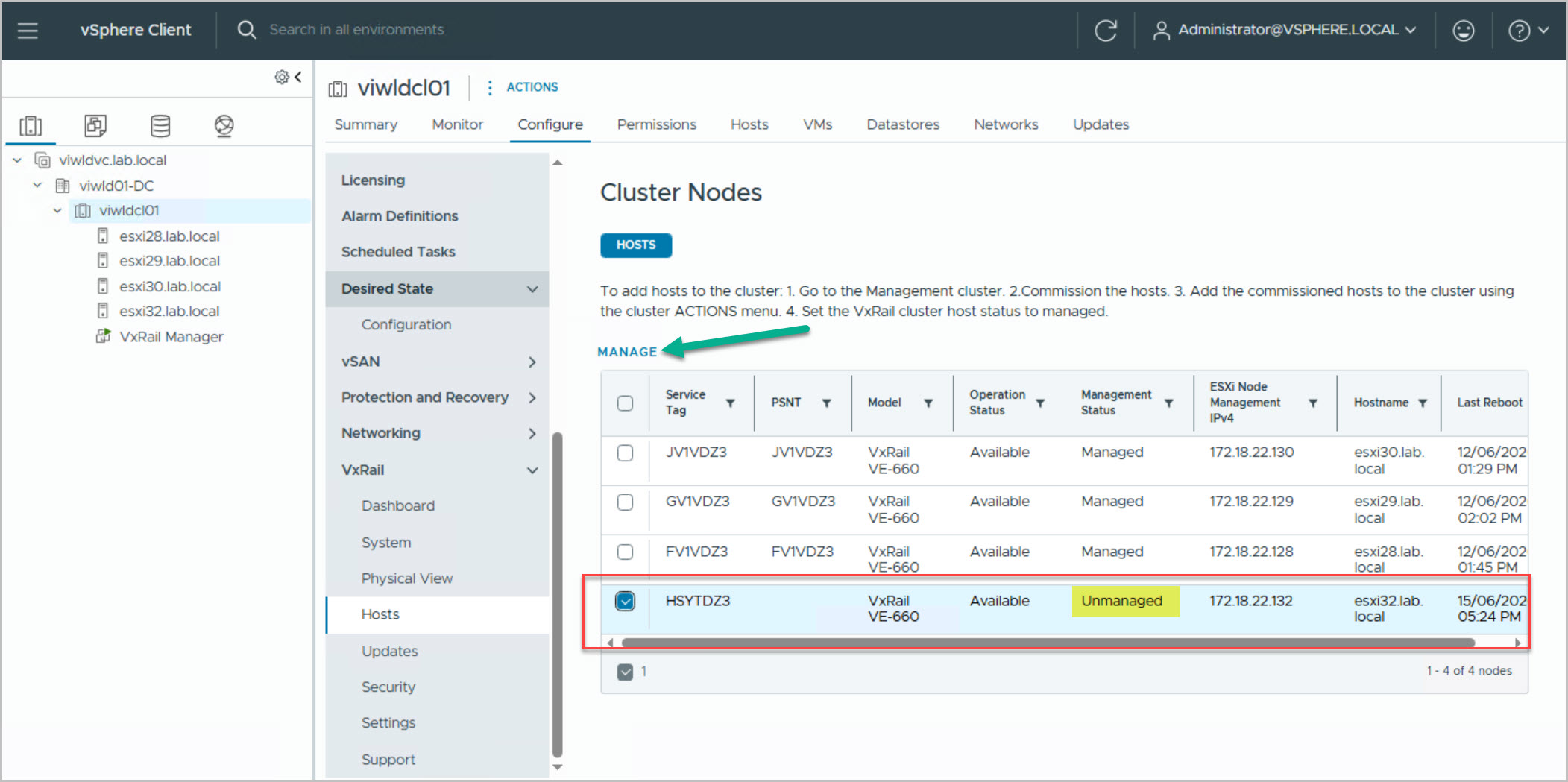
First commission the host into the VCF free pool using the VxRail Node Commission process. Once the host is available, Add Unassigned Host to WLD through the SDDC MANAGER UI. After the host is successfully added, an alarm notification will appear in vCenter for the management cluster indicating that the new host is ready for management. Navigate to Cluster > Configure > VxRail > Hosts > MANAGE in vCenter to begin managing the new host.
Note: Commission nodes task is always performed from the primary VxRail manager cluster in the management WLD.
These steps walk thru how to commission the new node to be used to expand the mgmt cluster. Commissioning nodes to SDDC free host pool (from Management cluster):
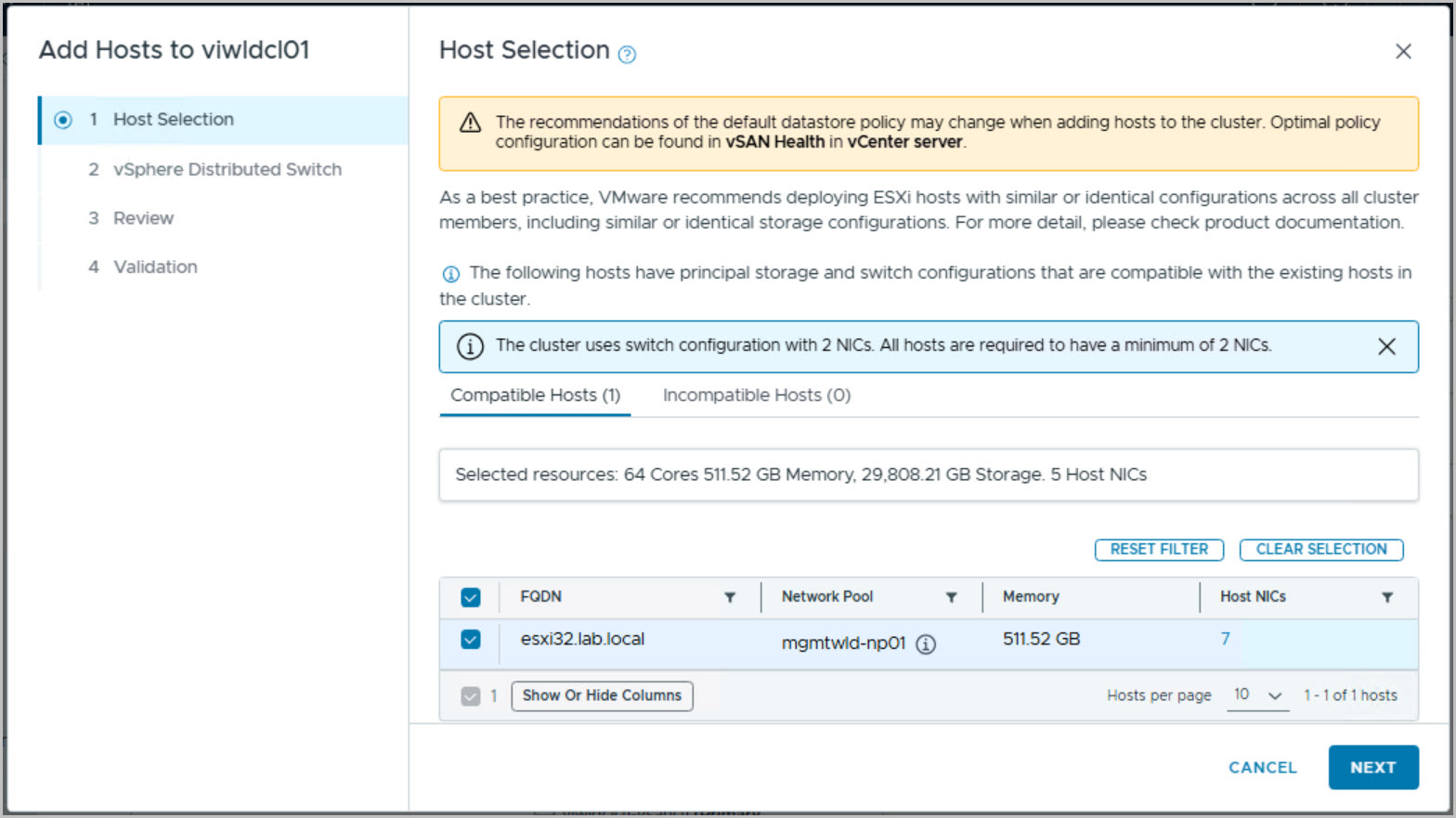
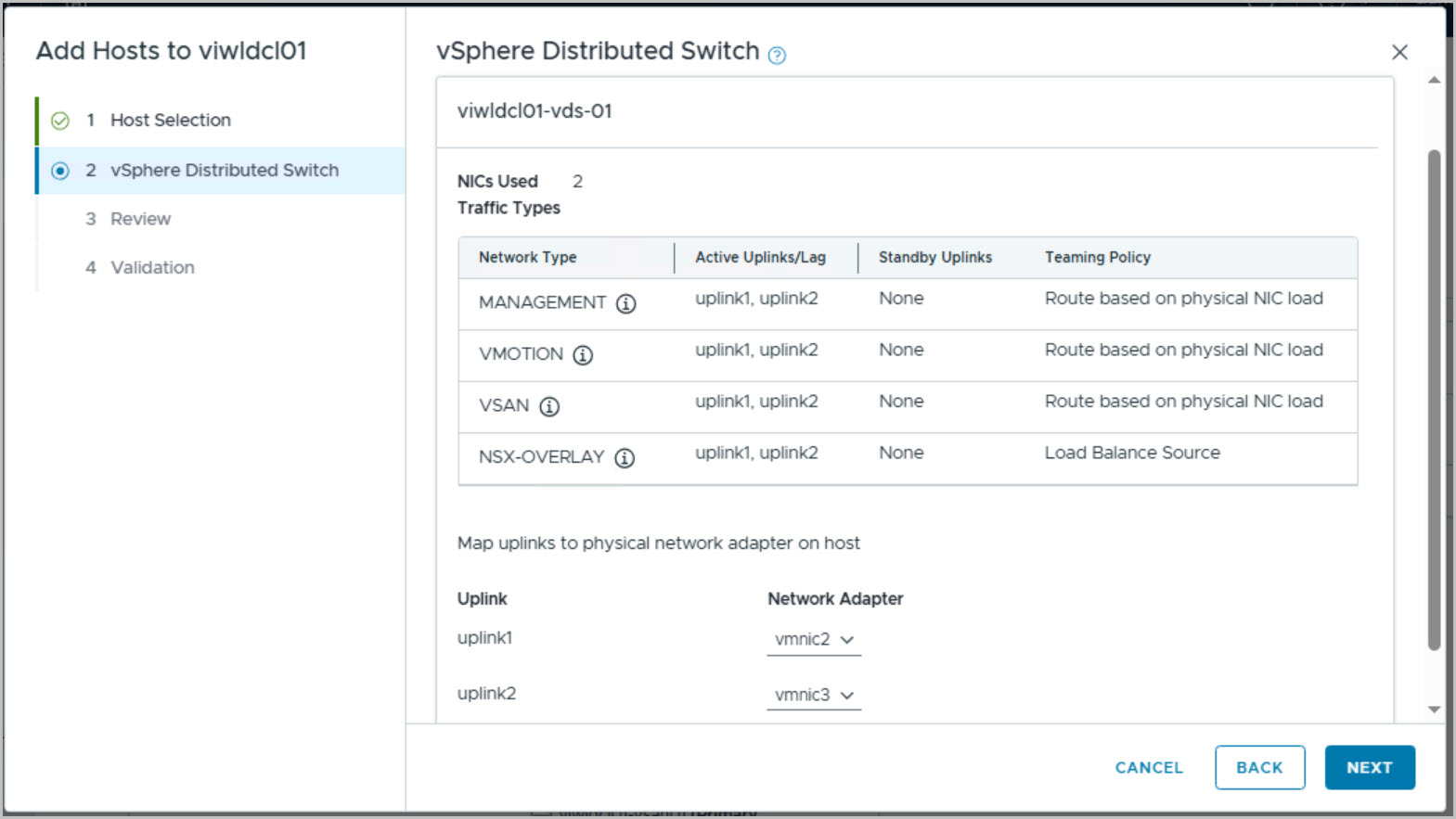
Add Unassigned Hosts
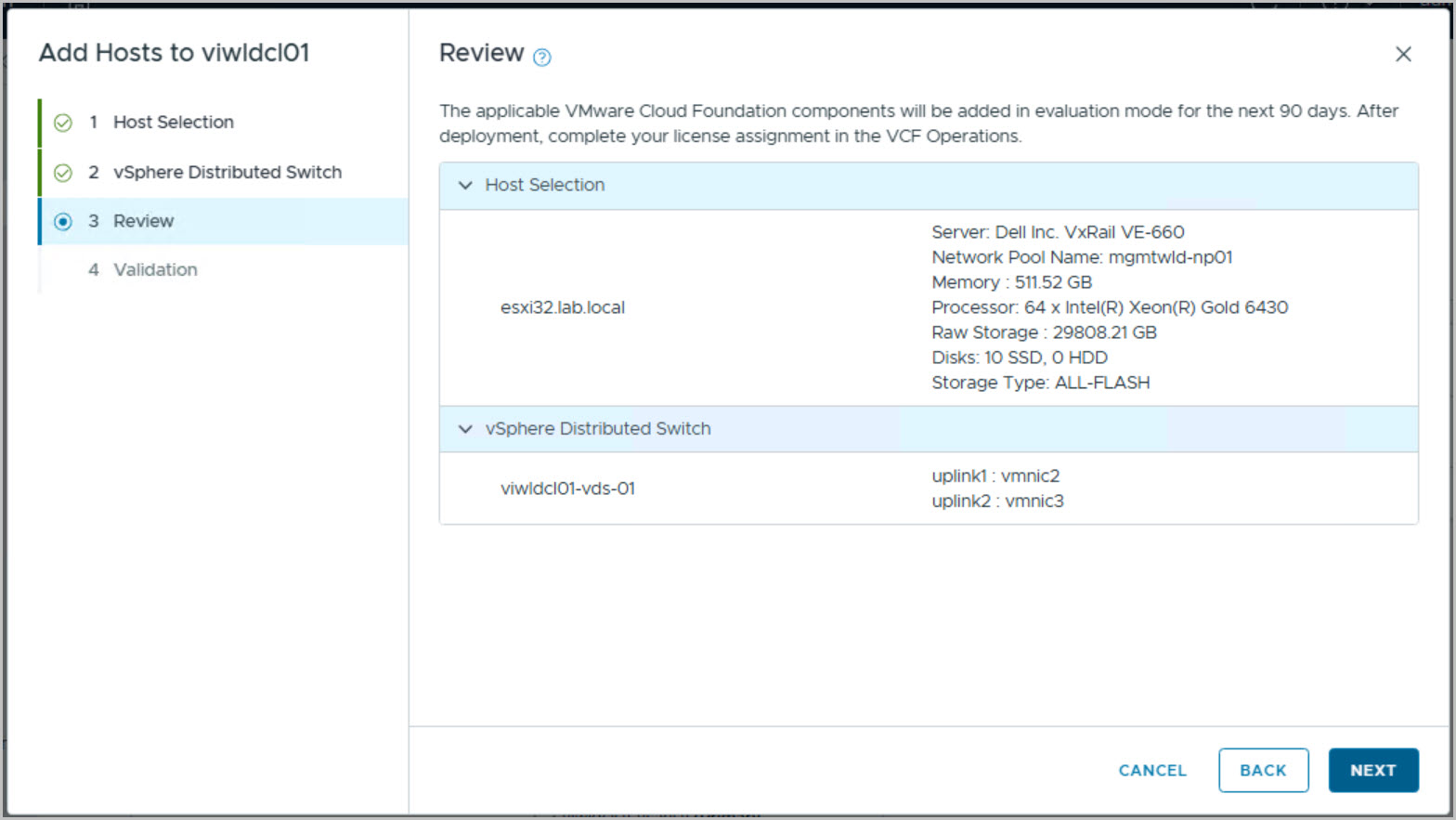
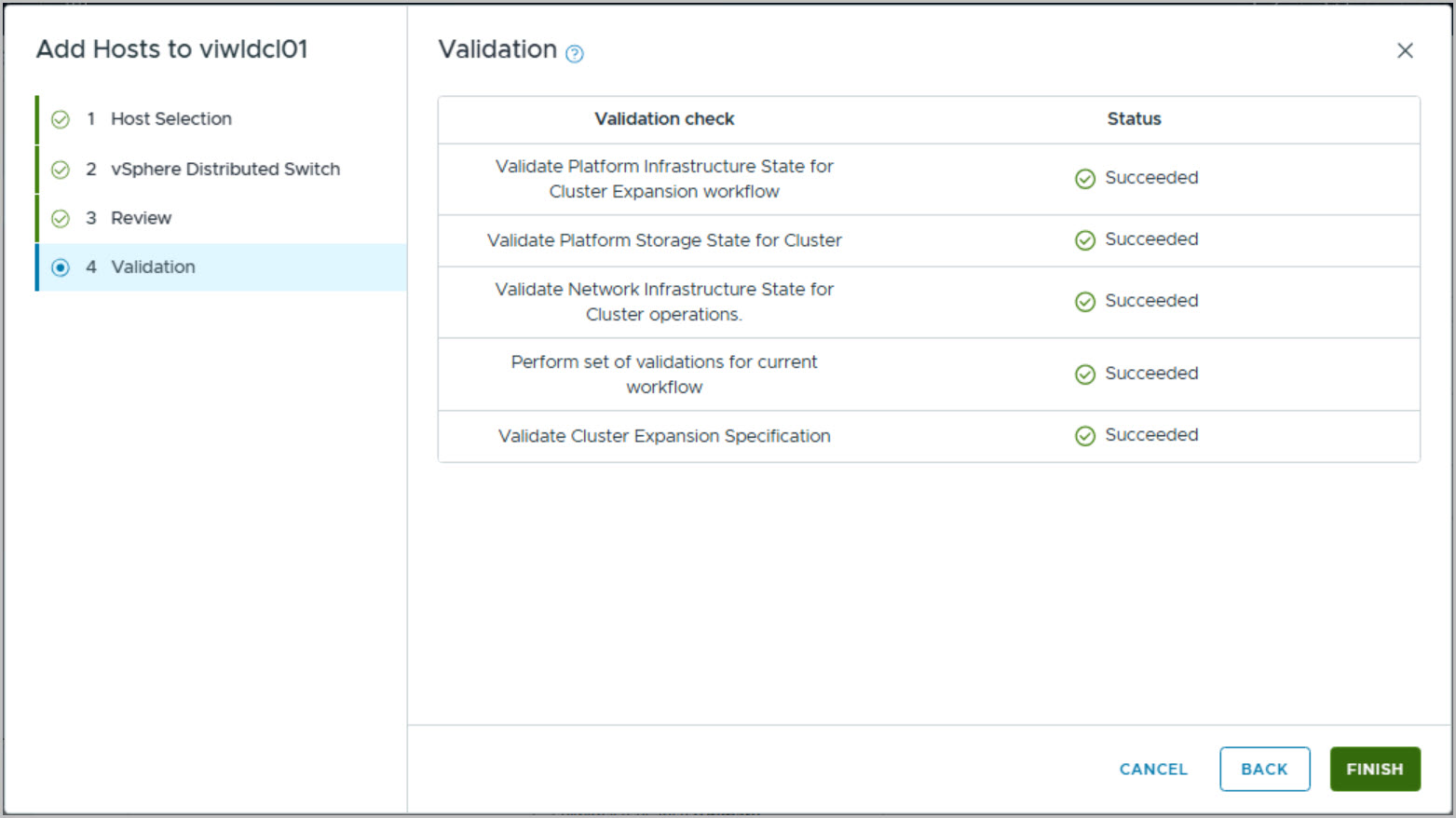
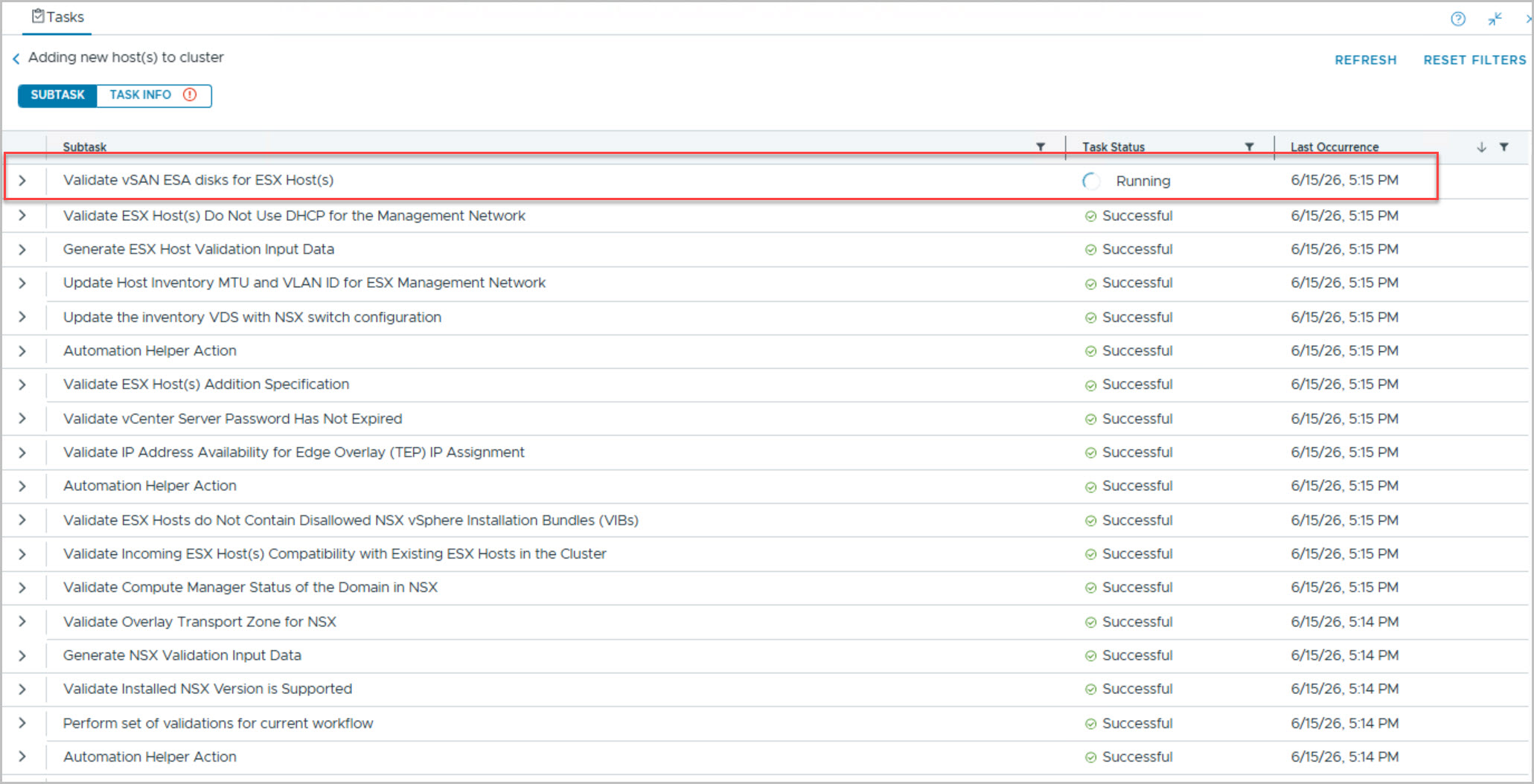
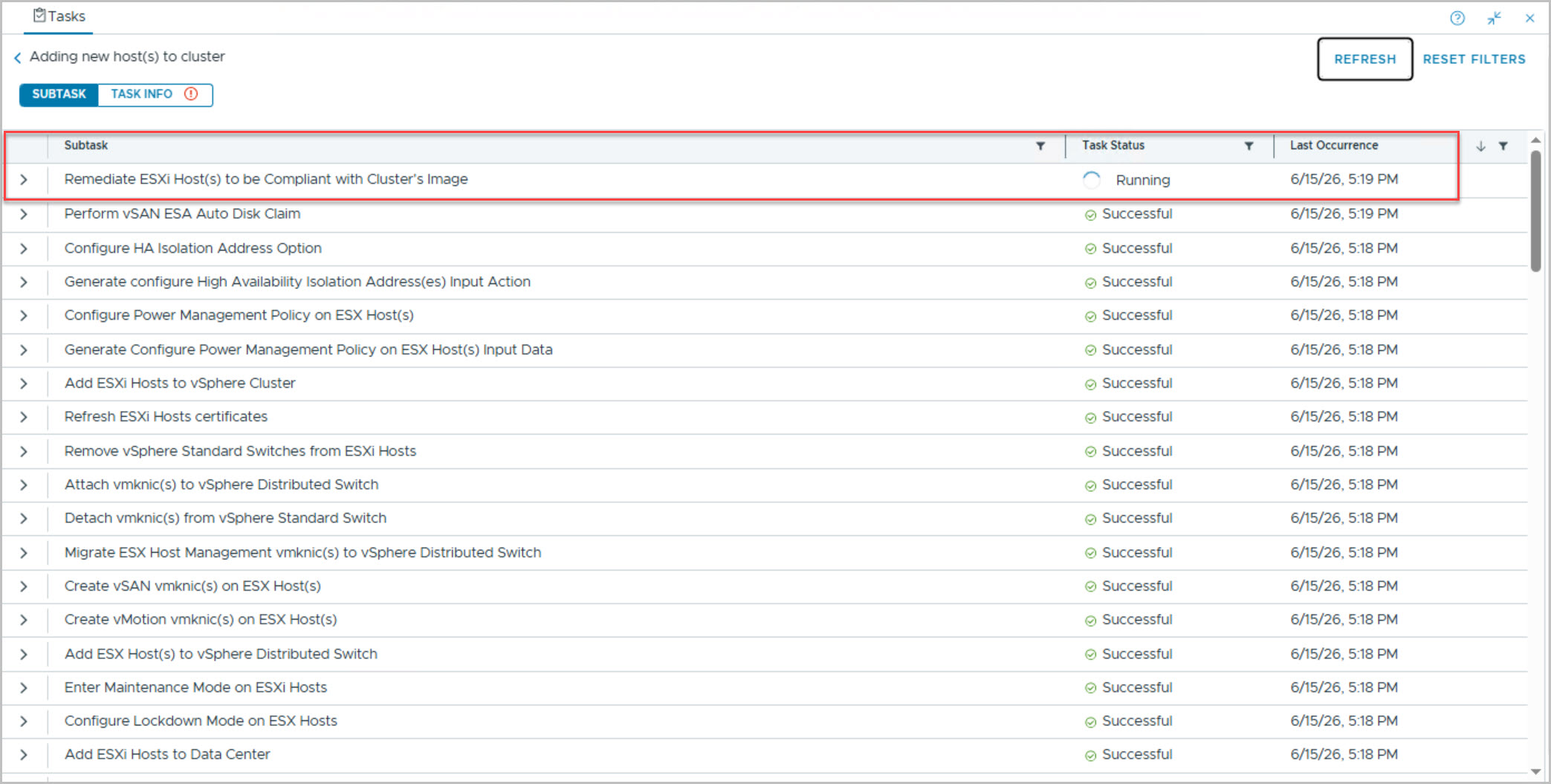
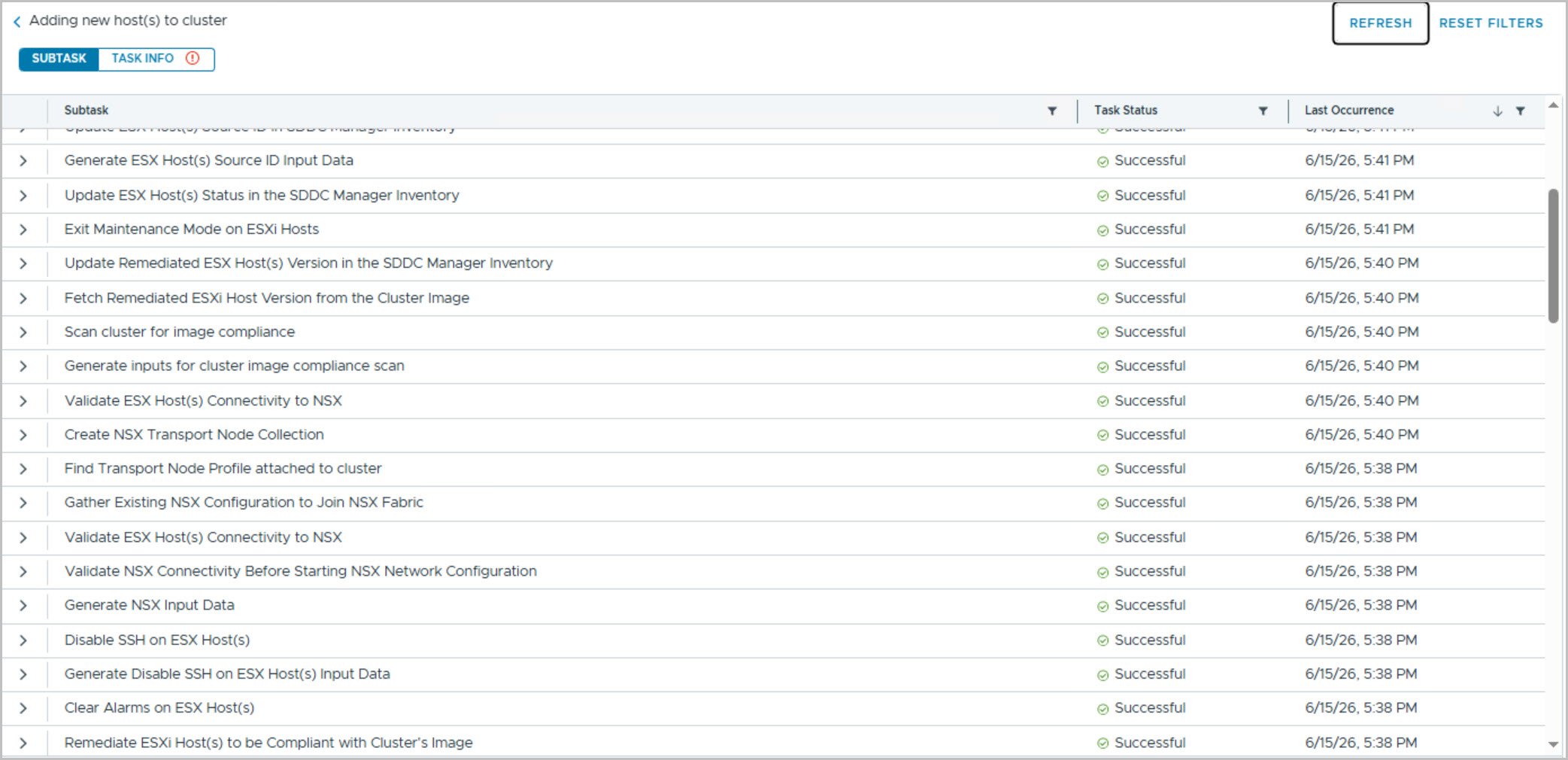
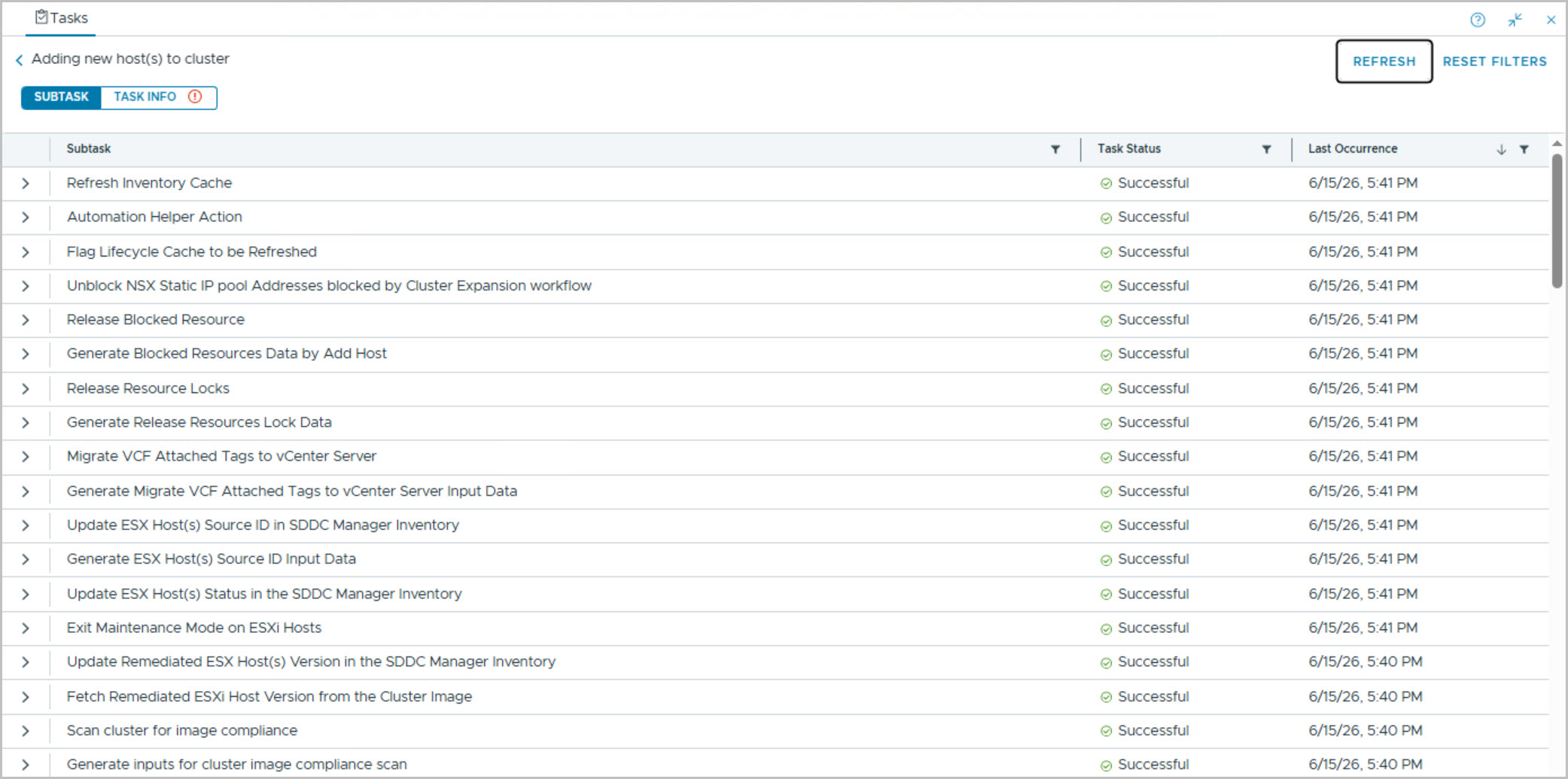
From SDDC Manager UI -> Workload Domains -> VI Cluster from the ACTIONS menu select ‘Add Host’ and complete the steps:
Manage New Host
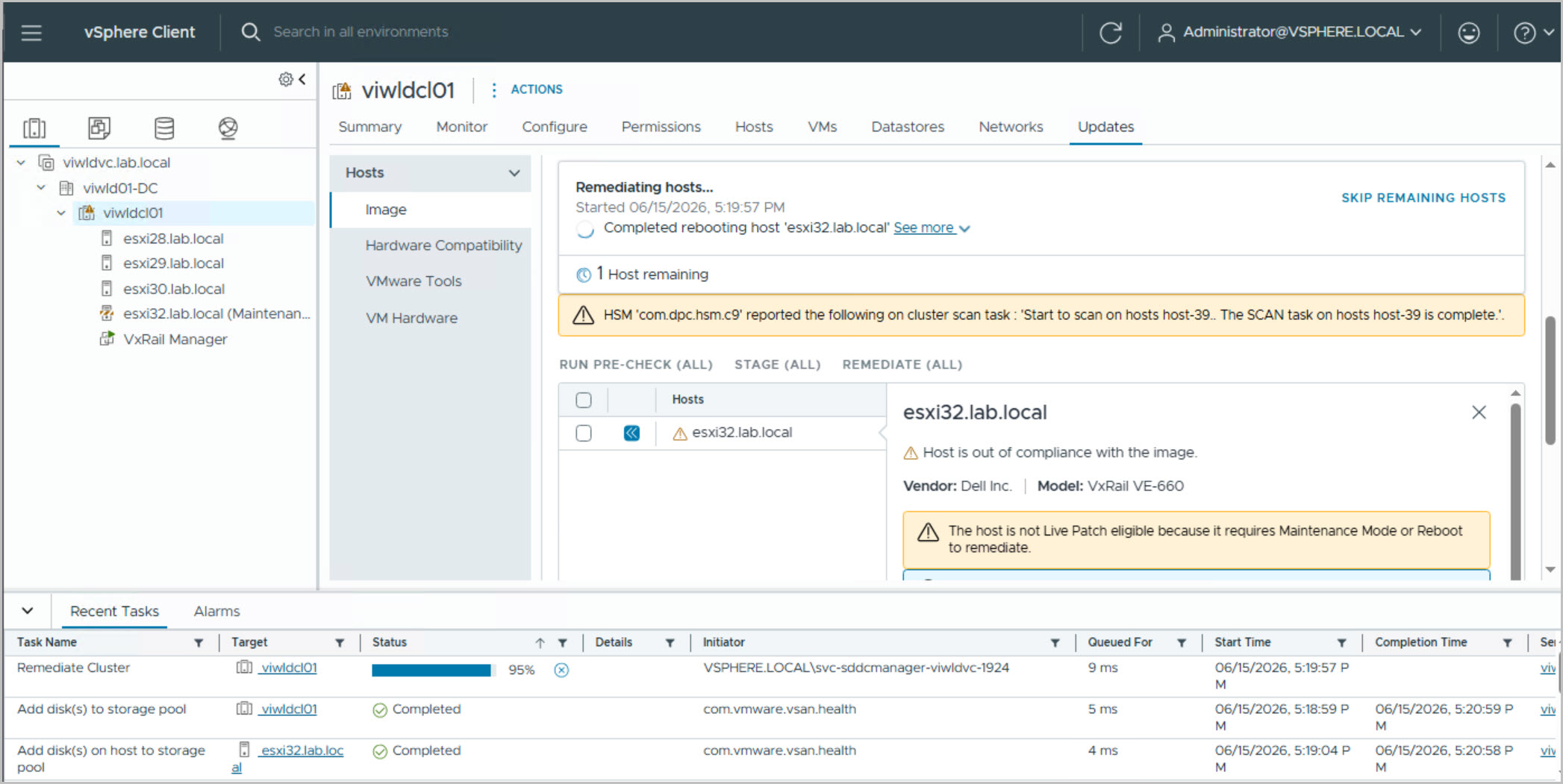
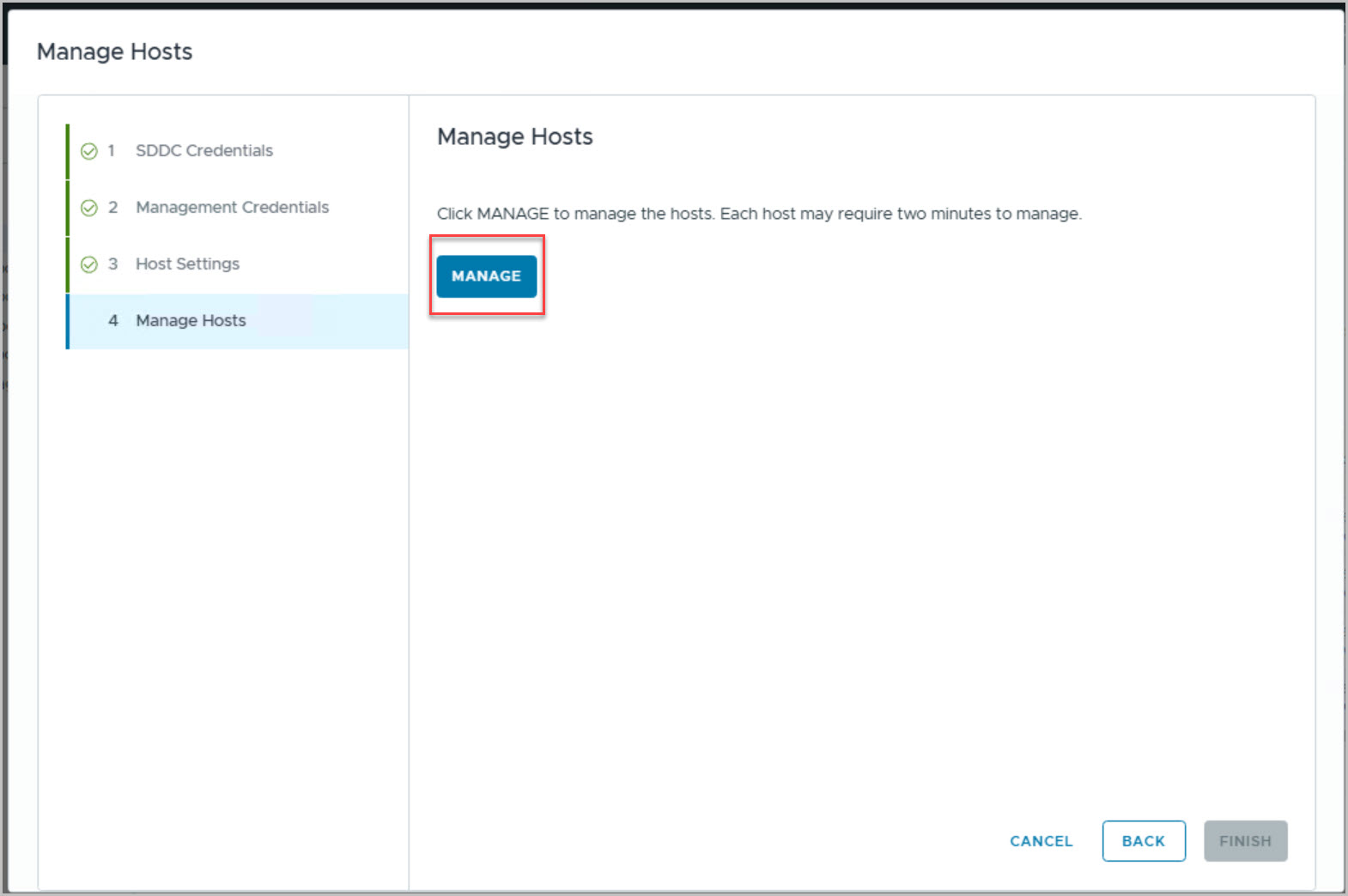
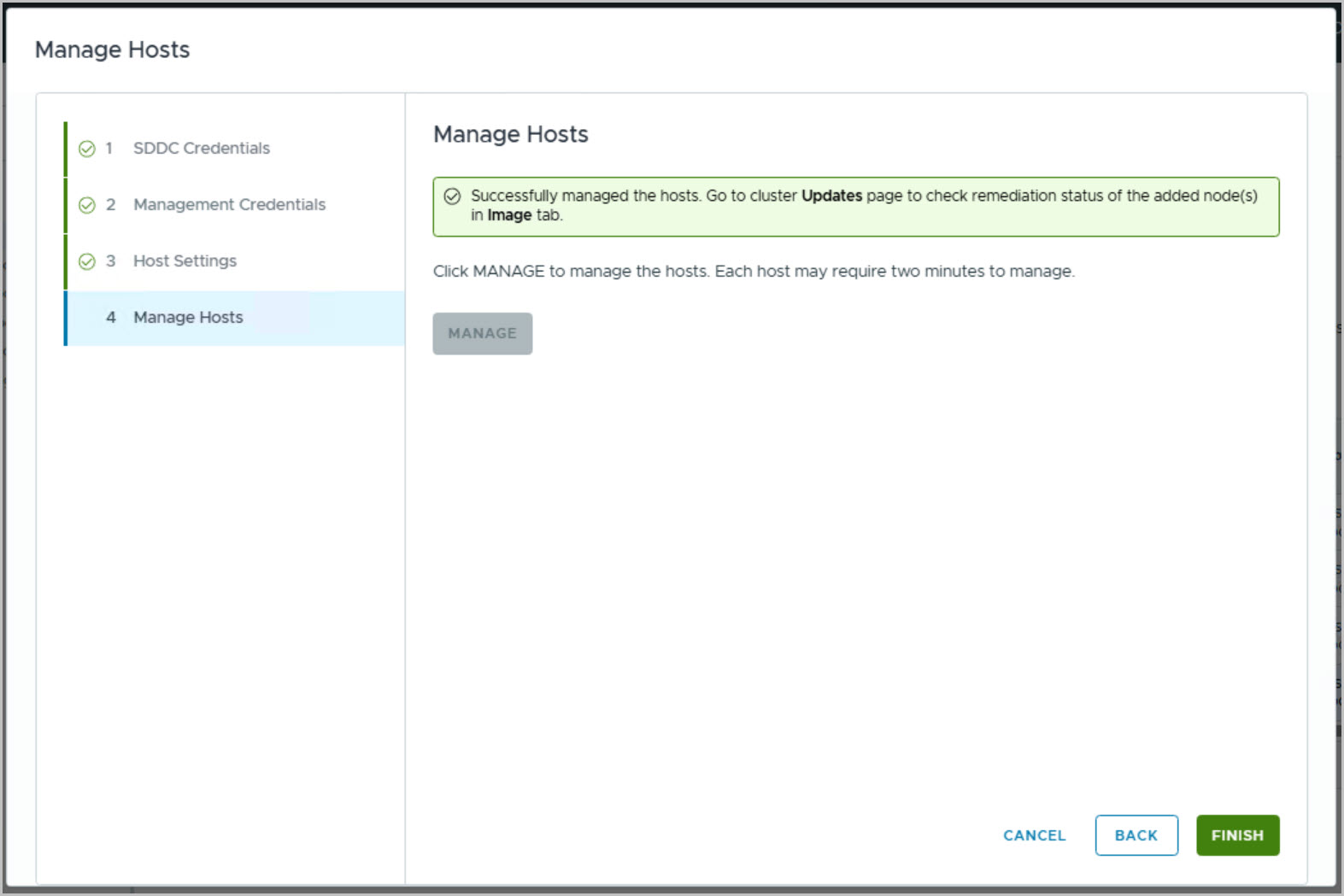
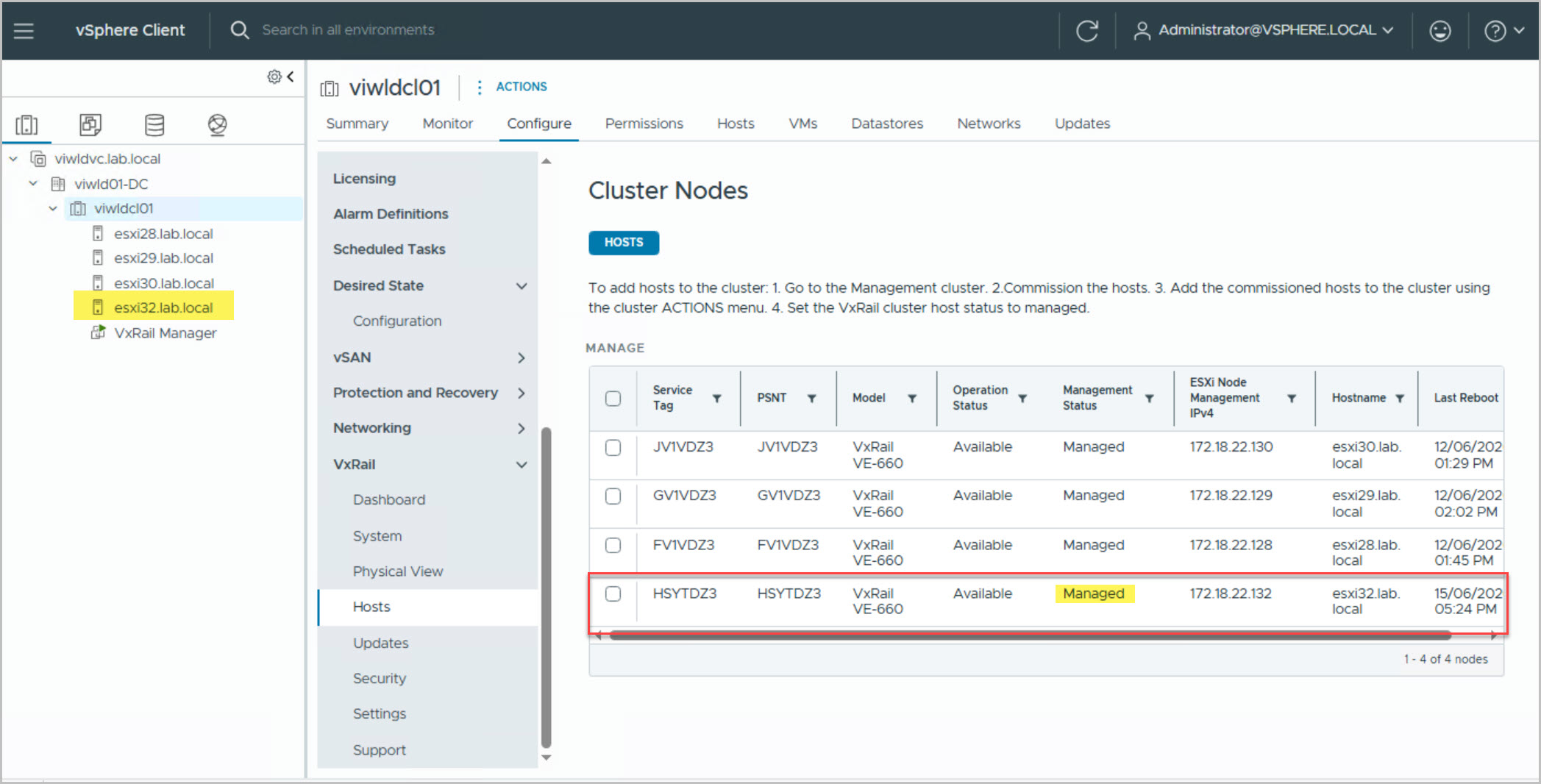
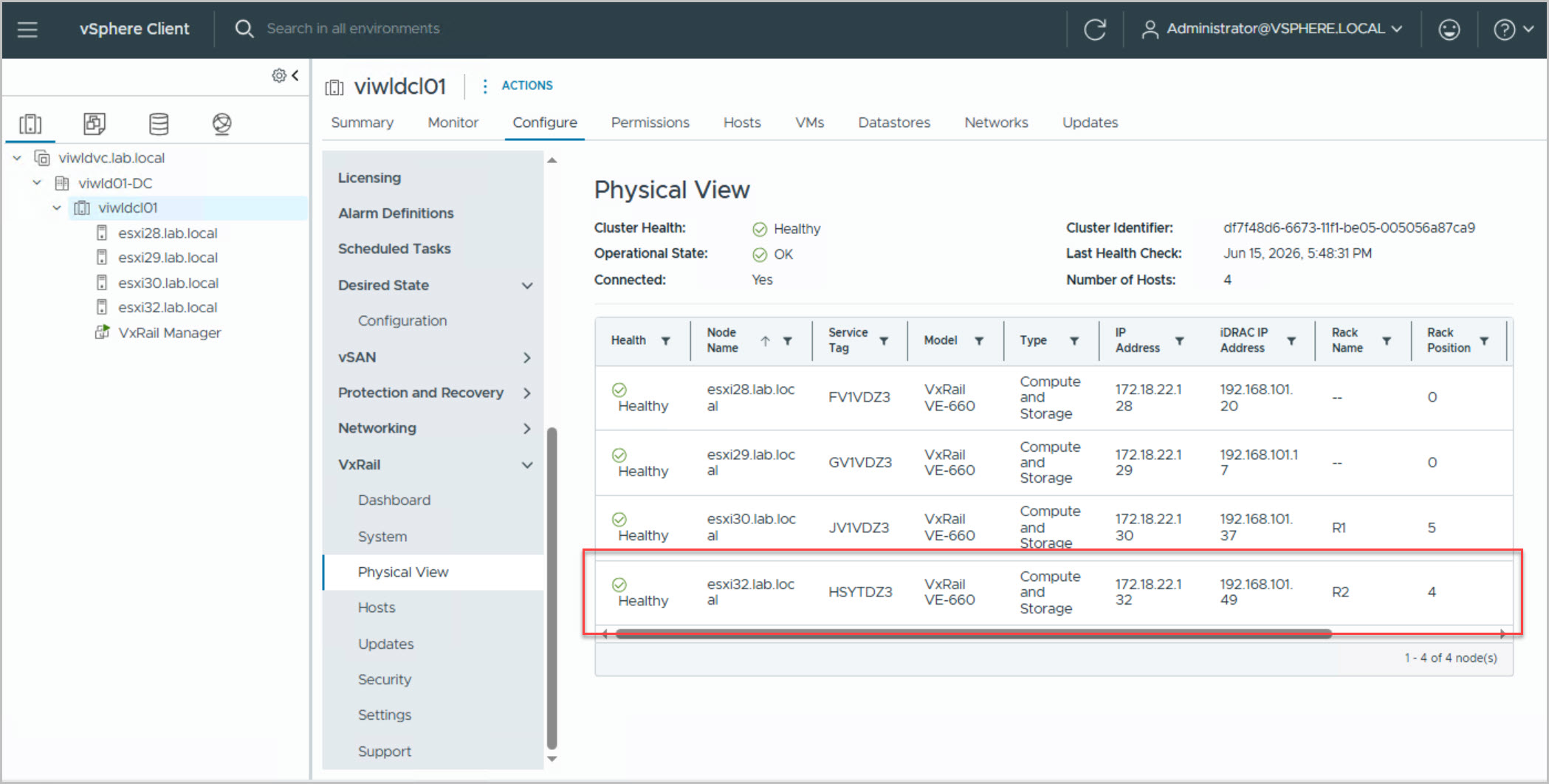
To provide VxRail functionalities to the new host in the cluster, VxRail provides the Manage Host operation. Navigate to Cluster > Configure > VxRail > Hosts > MANAGE in vCenter to begin managing the new host:
Note: The “Managed status” of the newly added node is “Unmanaged” until the manage node workflow completes.
Select the Unmanaged node and click Manage.
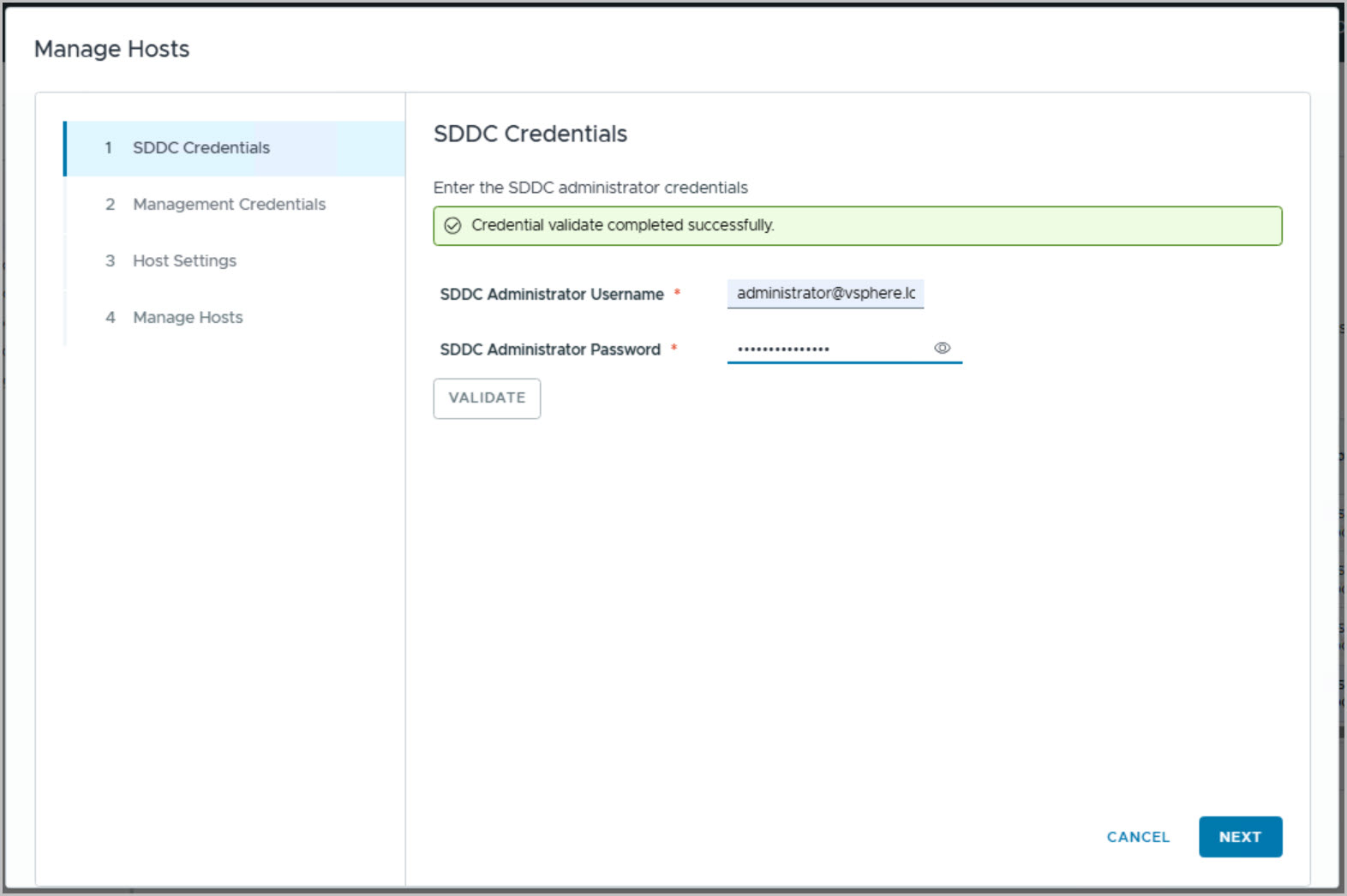
Provide an SDDC account which has Admin role.
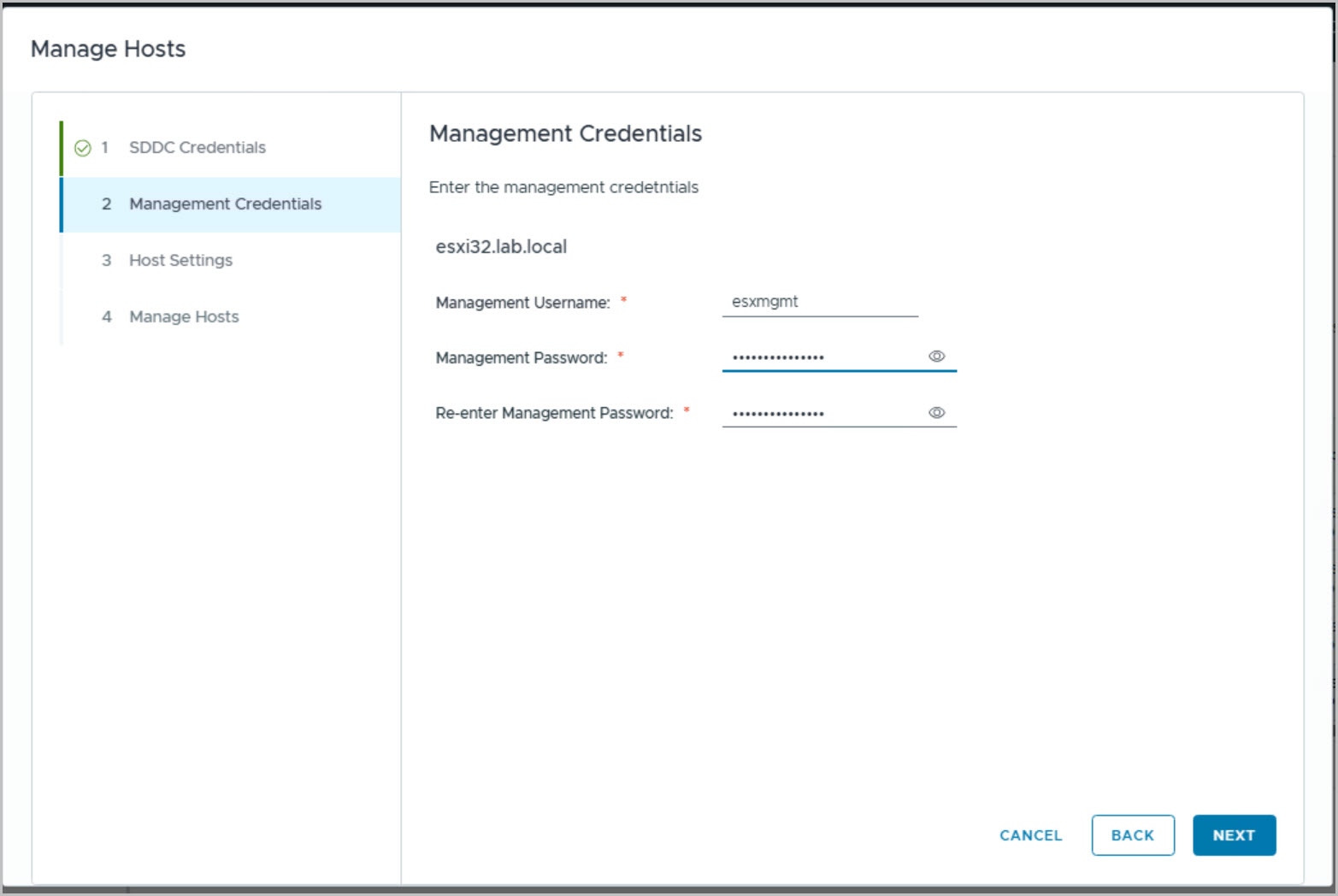
Provide a node management account that you want to create on the new node. VxRail Manager will use this account to manage the node.