VMware vRSLCM 2.0 – Delete an Environment: Quite a useful feature especially in a lab environment from where I normally operate!
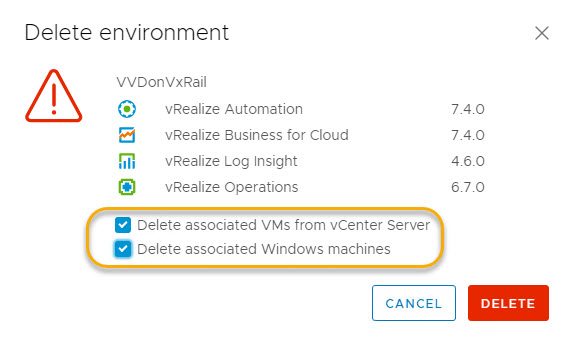
As you may gather from the versions specified below, this is a VVD 4.3 environment that I am removing from within vRSLCM.
Steps involved:
- From the ‘Home’ screen click ‘Manage Environments’.
- Click the ellipsis and chose the option to ‘Delete Environment’.
- In addition to deleting the environment from vRSLCM select ‘Delete associated VMs from vCenter server’ which performs the task of deleting all virtual machines associated with this environment from vCenter server!
- Same holds true for the Windows VMs, provided you select the fist option of course!
- Monitor progress from the requests window.
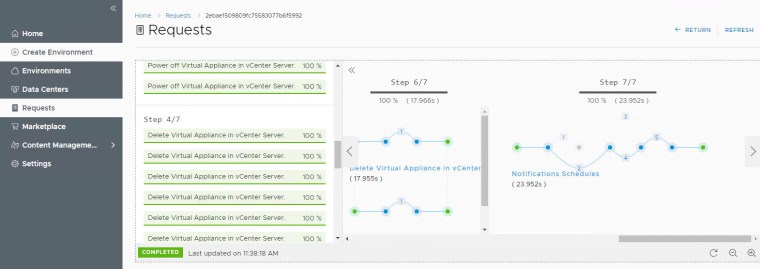
Note: for some not very well explained reason this failed mid-way through deleting all the associated VM’s, after hitting retry the task completed out 100%.





 DavidRing.ie
Hi David. Good post. Fully agree that deleting environment can fail when it’s not expected. And if retry doesn’t help, it’s time to use API 😉 i described that in my blog post (maybe it will help someone in the future) : http://vconfig.pl/2019/09/24/vrealize-lifecycle-manager-how-to-delete-undeletable-environment/
Thanks for sharing Maciej