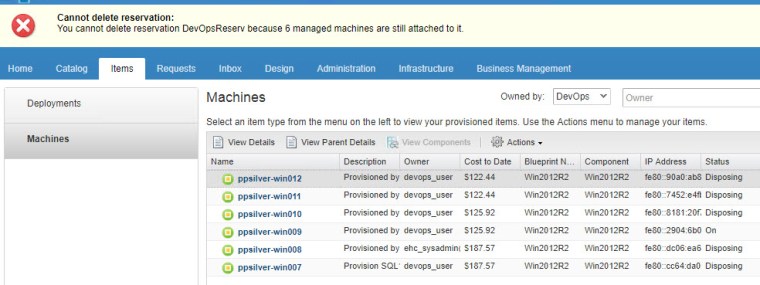
There are different scenarios for taking this course of action as detailed in VMware KB2144269 in my case this was a result of losing my lab vCenter which resulted in a manual effort to remove reservations, VM’s and tenant. The following details how to cleanup the virtual machines associated with a ‘Devops’ business group which prevented deletion of the associated reservation:
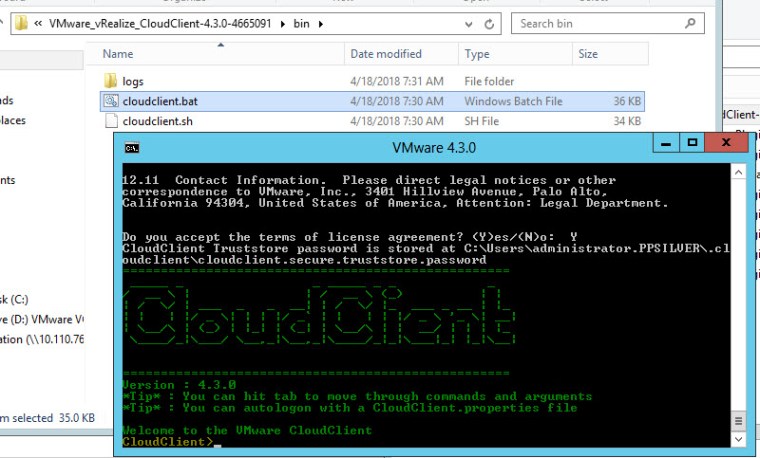
Begin by downloading vRealize CloudClient 4.3 extracting the zip and running the cloudclient.bat file:
Login to vRA from the cloud client console:
vra login userpass –user EHC_SYSADMIN –tenant EHC –server VRA01.ppsilver.lab.local –password password

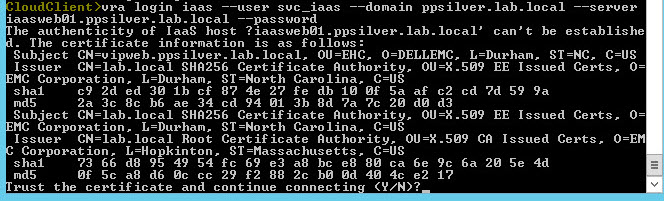
Login to the IaaS Web machine from the cloud client console:
vra login iaas –user svc_iaas –domain ppsilver.lab.local –server iaasweb01.ppsilver.lab.local –password password
Remove the affected virtual machines owned by the ‘Devops’ Business Group:
vra machines forceunregister –name ppsilver-win012
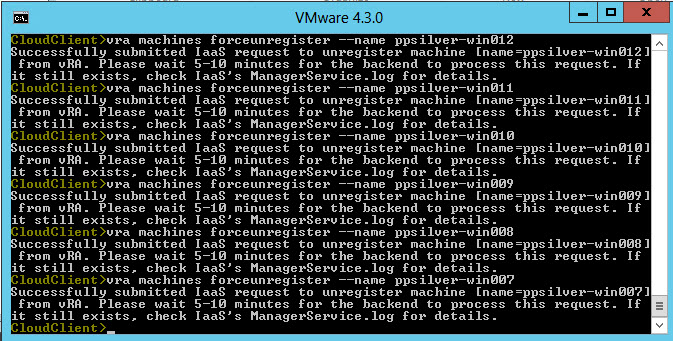
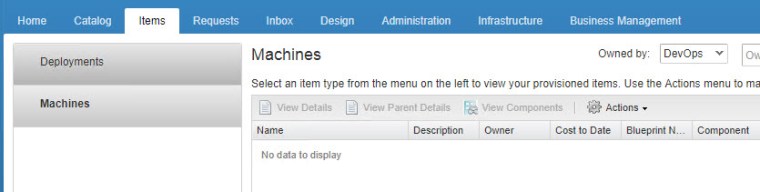
Virtual machines successfully removed from vRA:





 DavidRing.ie