VxRail release 8.0.210 introduced the ability to change the iDRAC root user password via the VxRail plug-in.
Log in to the VMware vSphere Web Client as an administrator & click the Inventory icon. Select the ESXi host for which you want to change the password and click the Configure tab. Navigate to VxRail -> iDRAC Configuration:
From iDRAC Settings, click Edit for users, enter the new password information and click Apply:
Account and Password Best Practices in Dell VxRail
Note: you cannot set the iDRAC password to the old “calvin” default. This is not supported for VCF On VxRail systems.
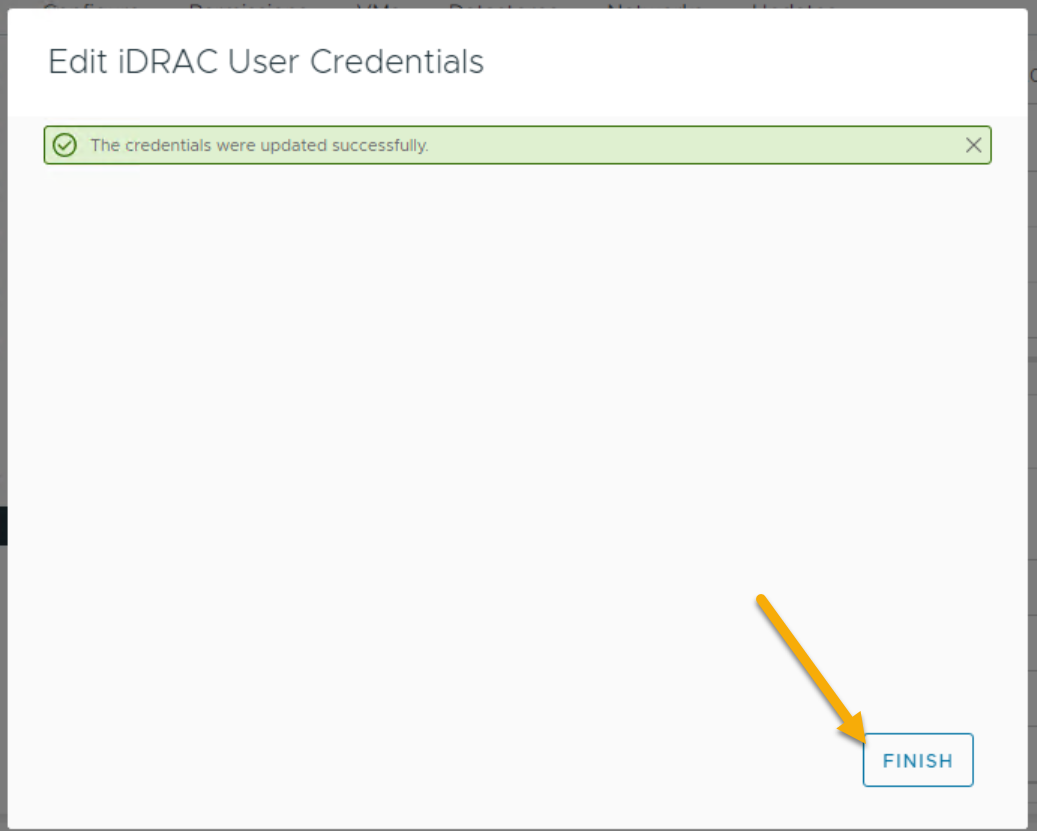
Completed successfully:






 DavidRing.ie