PART 1 This is the second post in a series exploring VCF 5.2.2 on VxRail 8.0.361. This detailed guide walks you through the following processes: Application Virtual Networks (AVNs) are […]
This is the second post in a series exploring VCF 5.2.2 on VxRail 8.0.361. This detailed guide walks you through the following processes:
Deploying an NSX Edge Cluster for the Management WLD
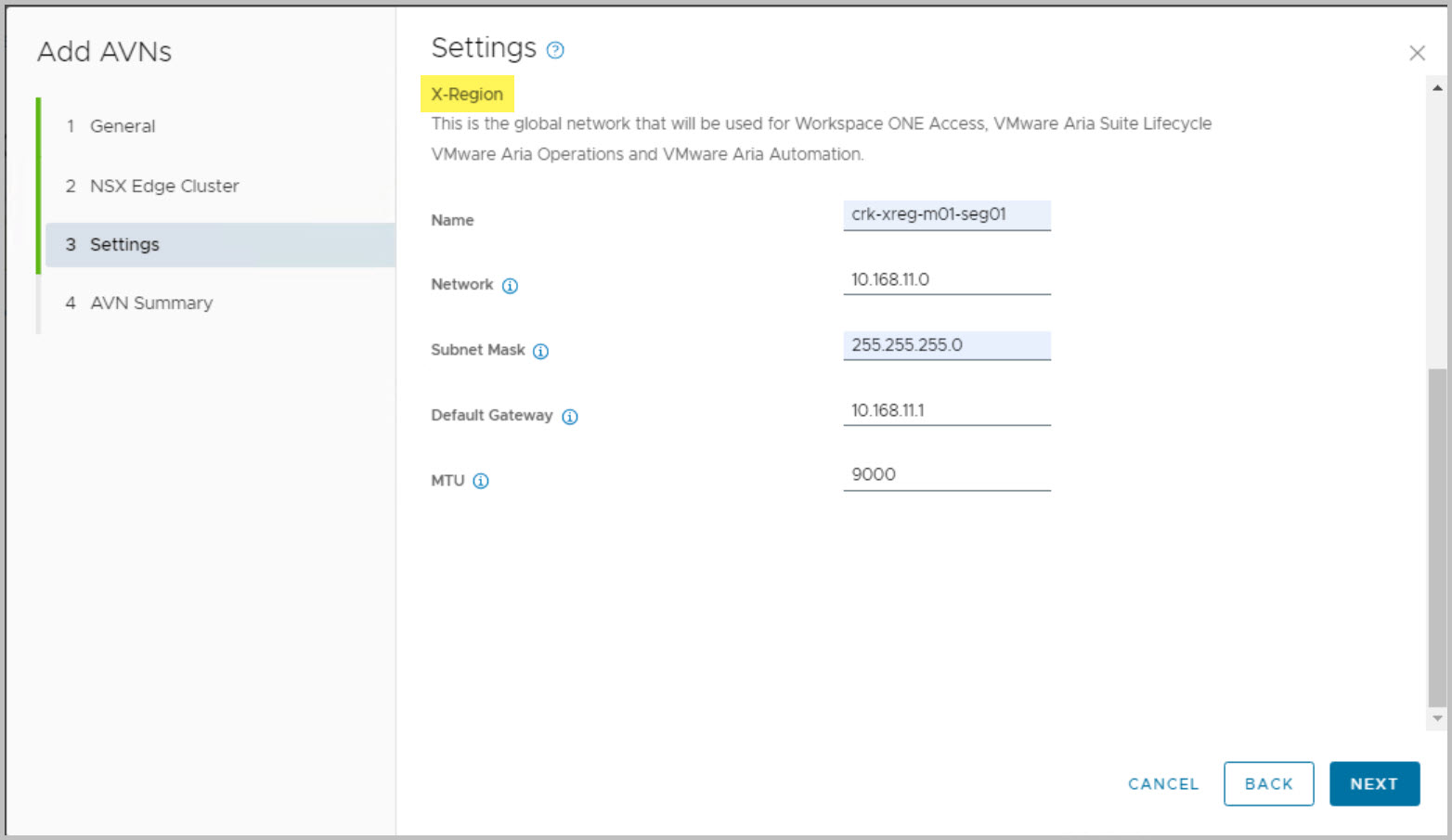
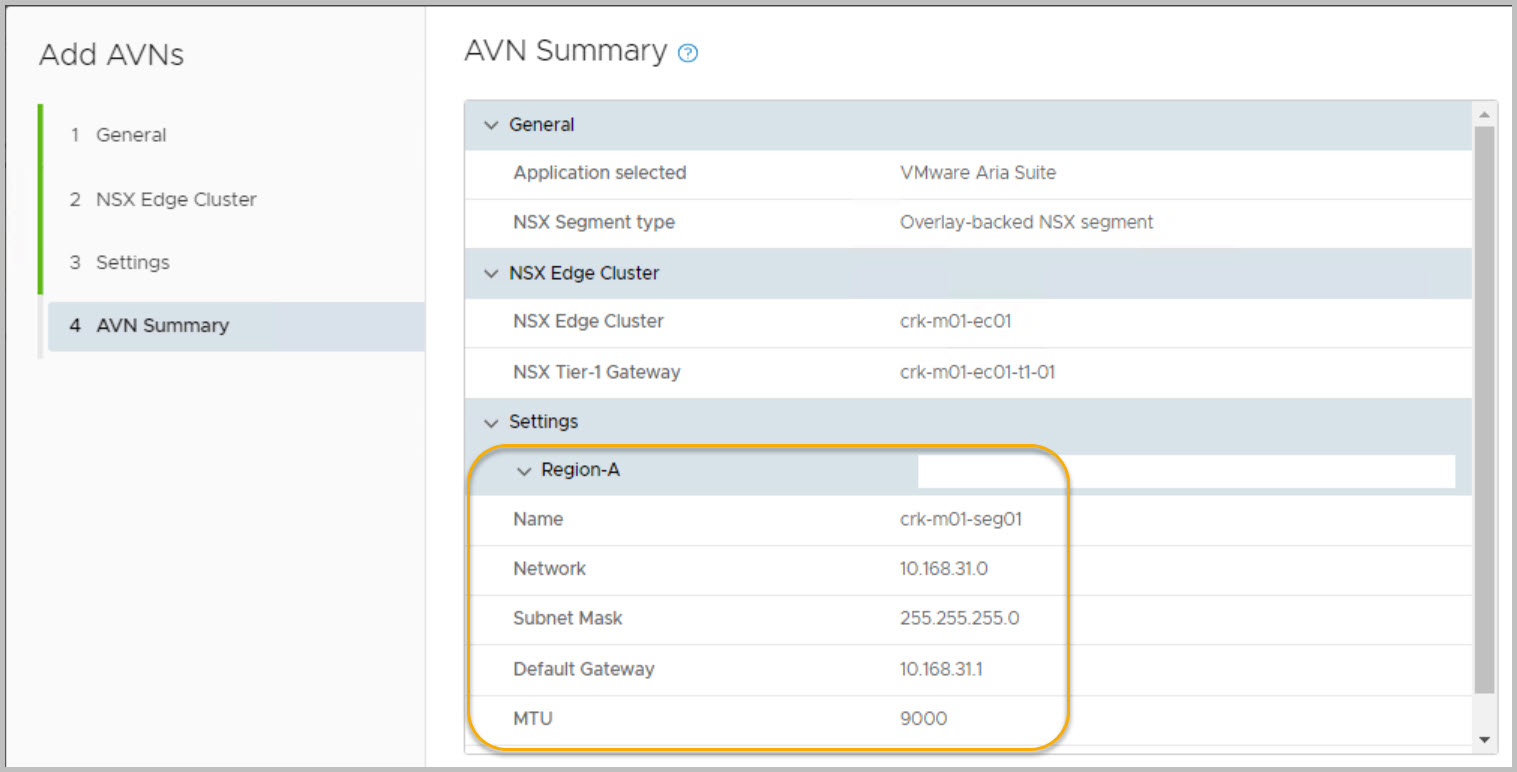
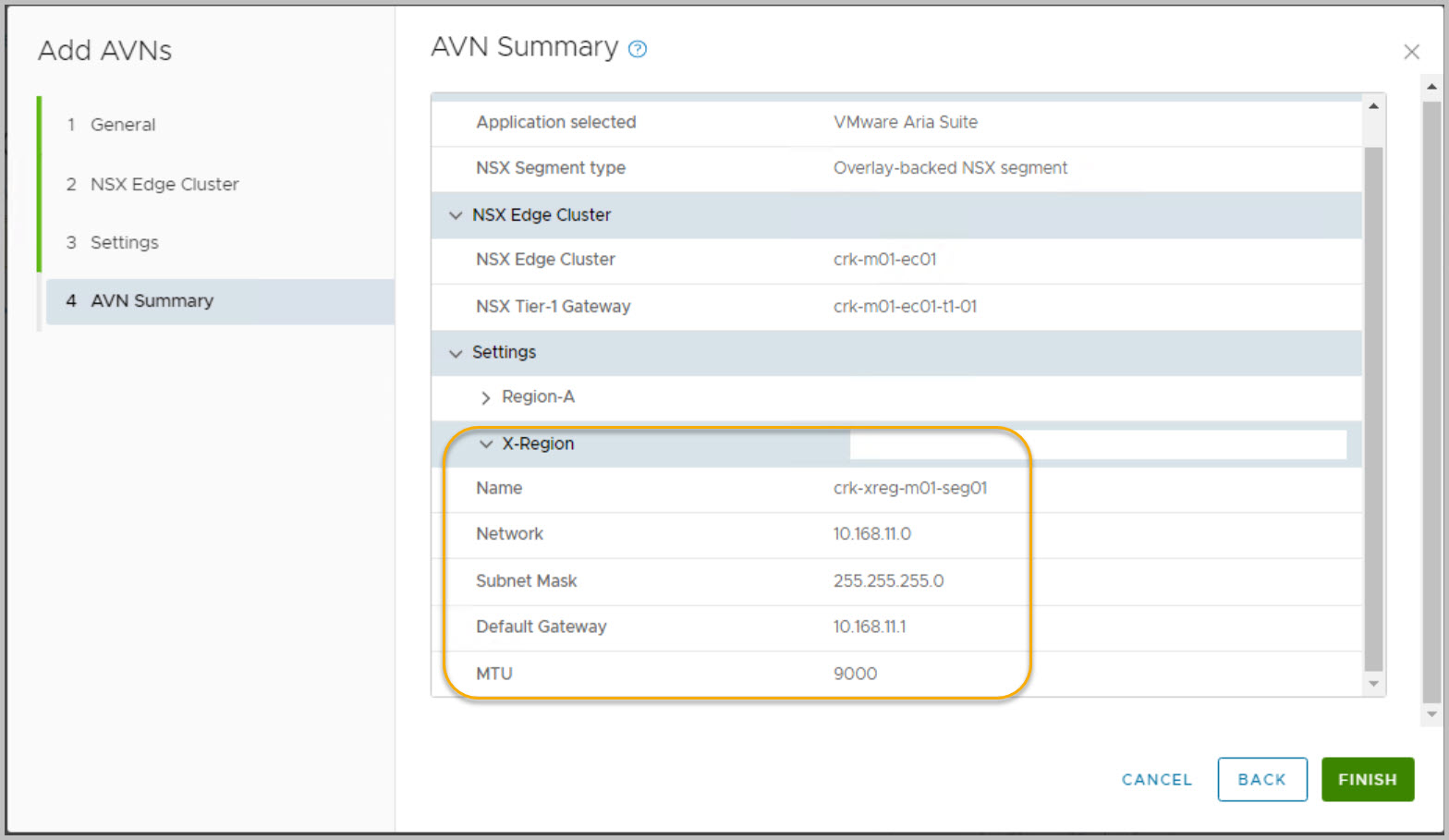
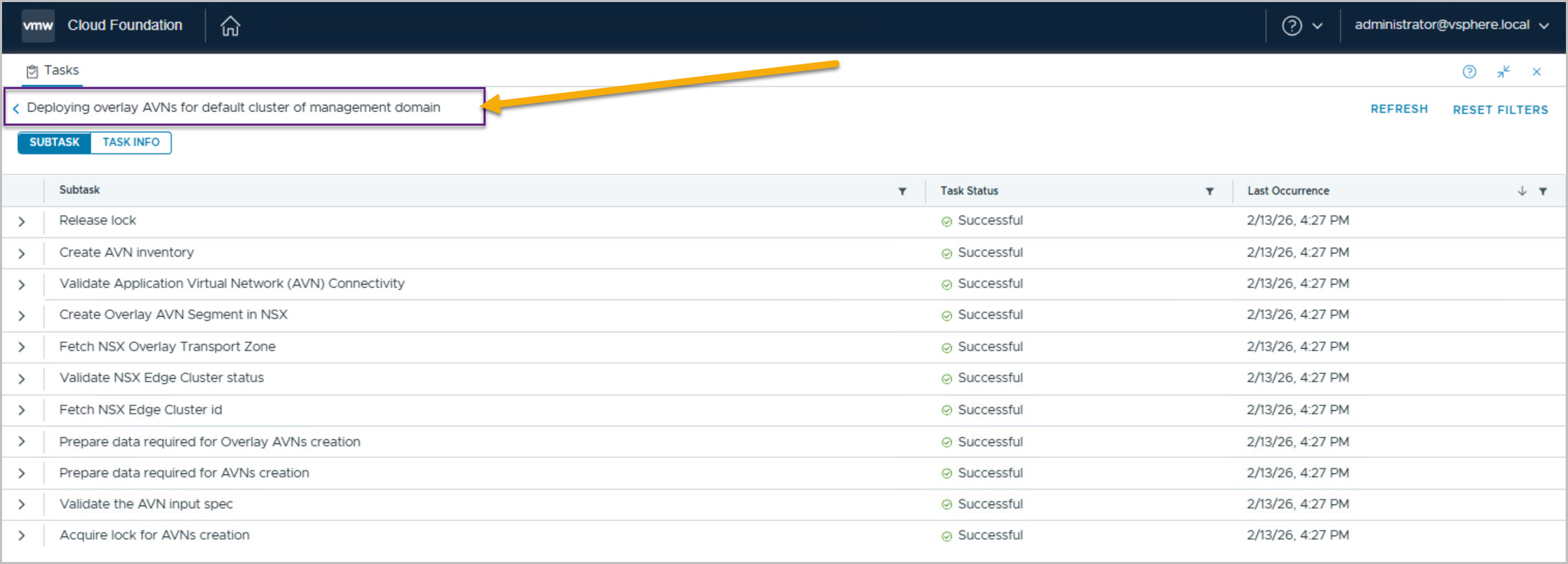
Deploying Application Virtual Networks (AVNs) for the Management WLD
Application Virtual Networks (AVNs) are essential for supporting the deployment of the vRealize Suite. However, AVNs require NSX edge gateways to be deployed within the management WLD as a prerequisite.
This guide outlines the steps for deploying an NSX Edge Cluster and subsequently deploying AVNs using SDDC Manager automation. The deployment process requires the following key details:
DNS entries
FQDNs
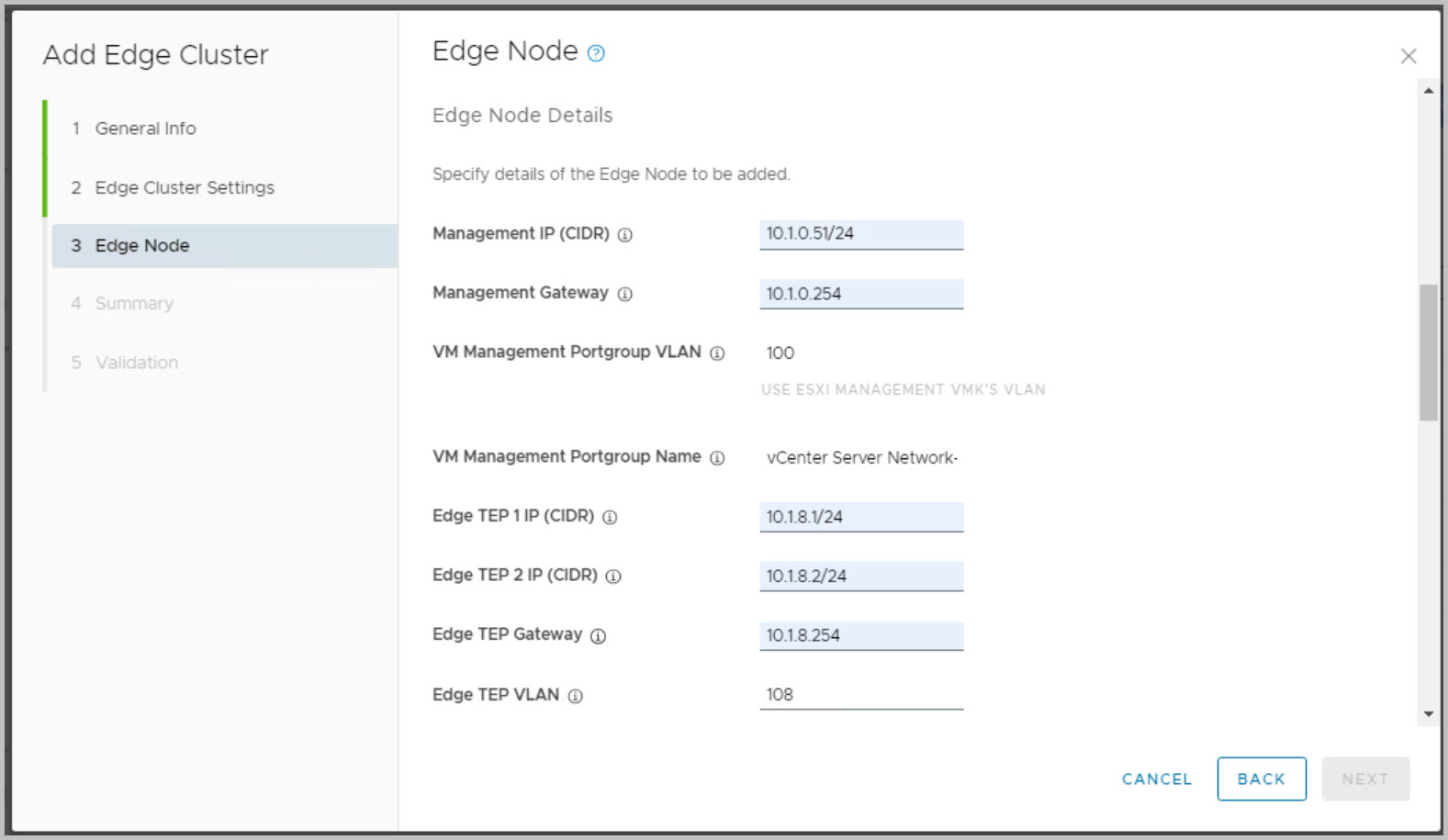
IP addresses (e.g., static TEP IPs for NSX Edge transport nodes, such as 10.1.8.x)
Note re. Stretched Cluster:You cannot deploy an NSX Edge cluster on a vSphere cluster that is stretched. You can stretch an L2 uniform vSphere cluster that hosts an NSX Edge cluster.
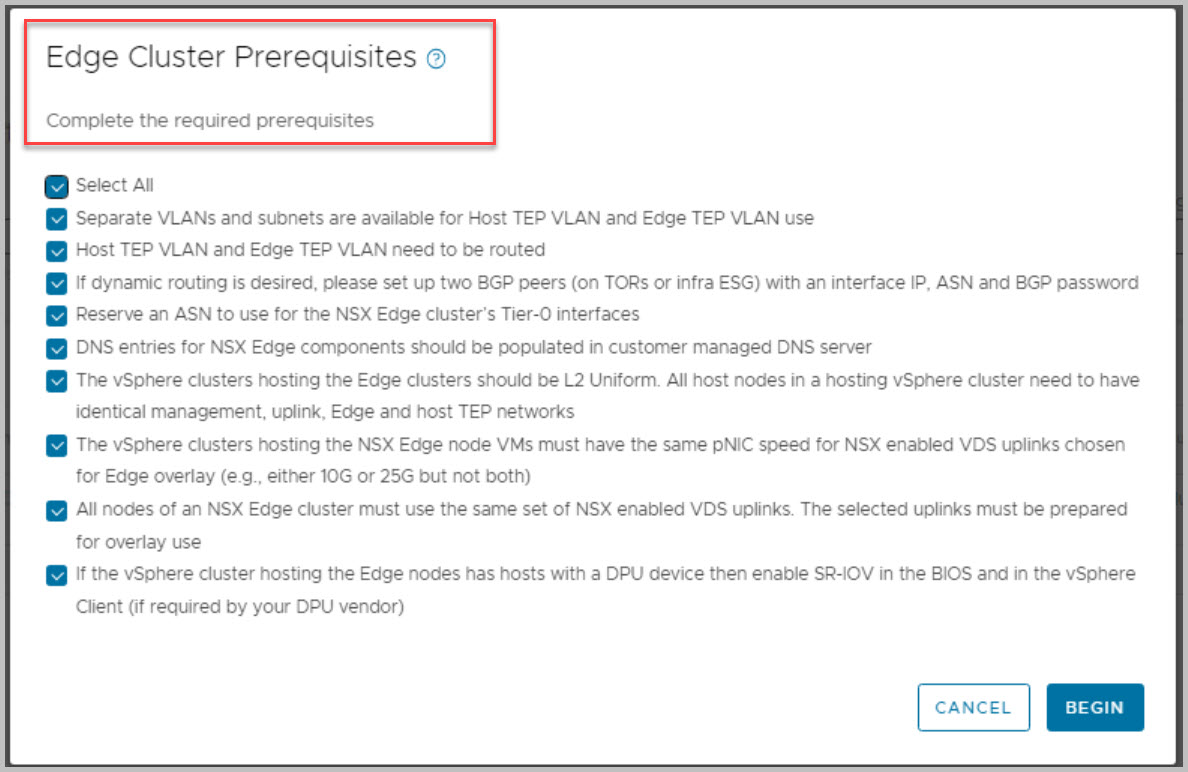
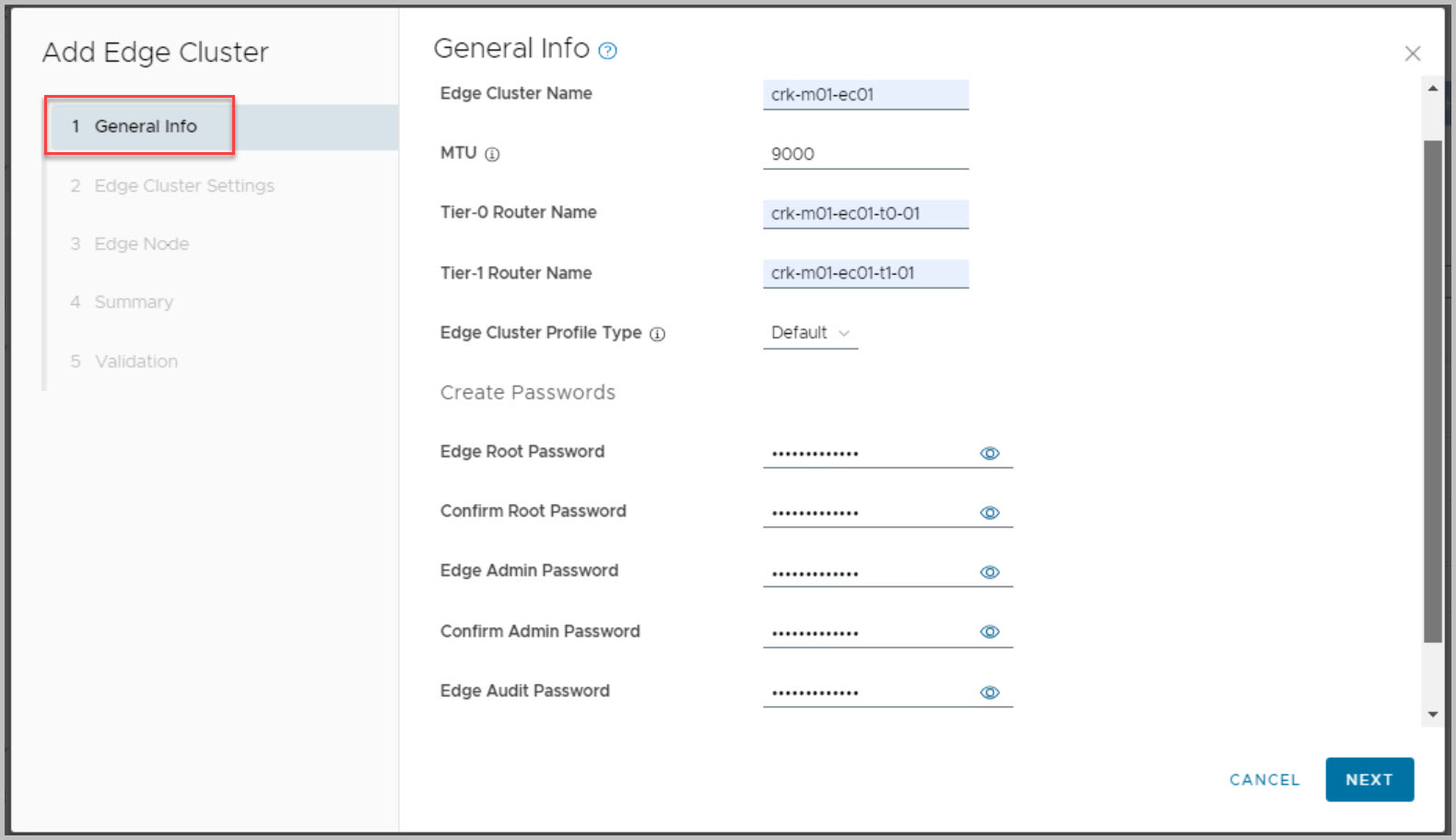
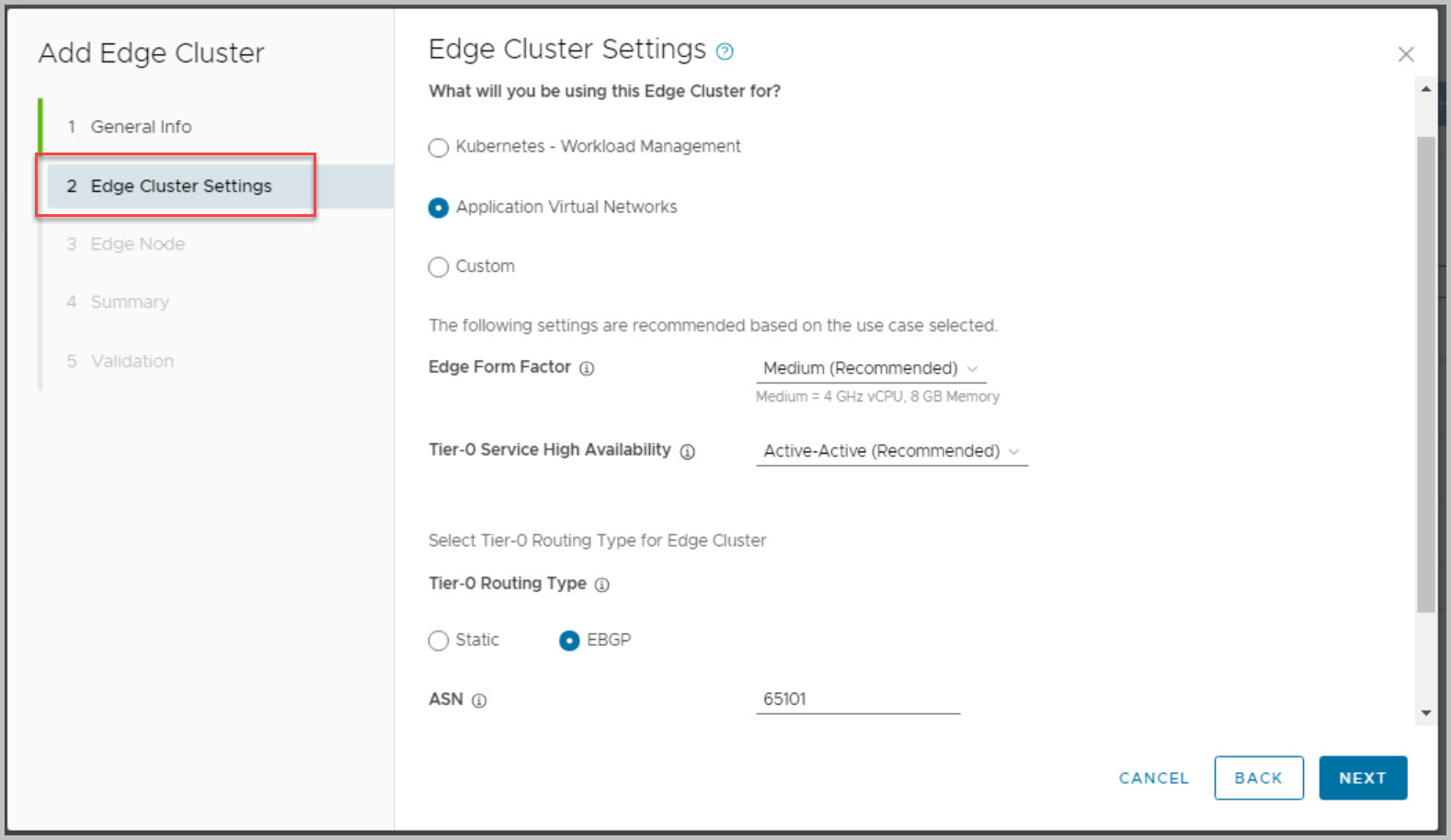
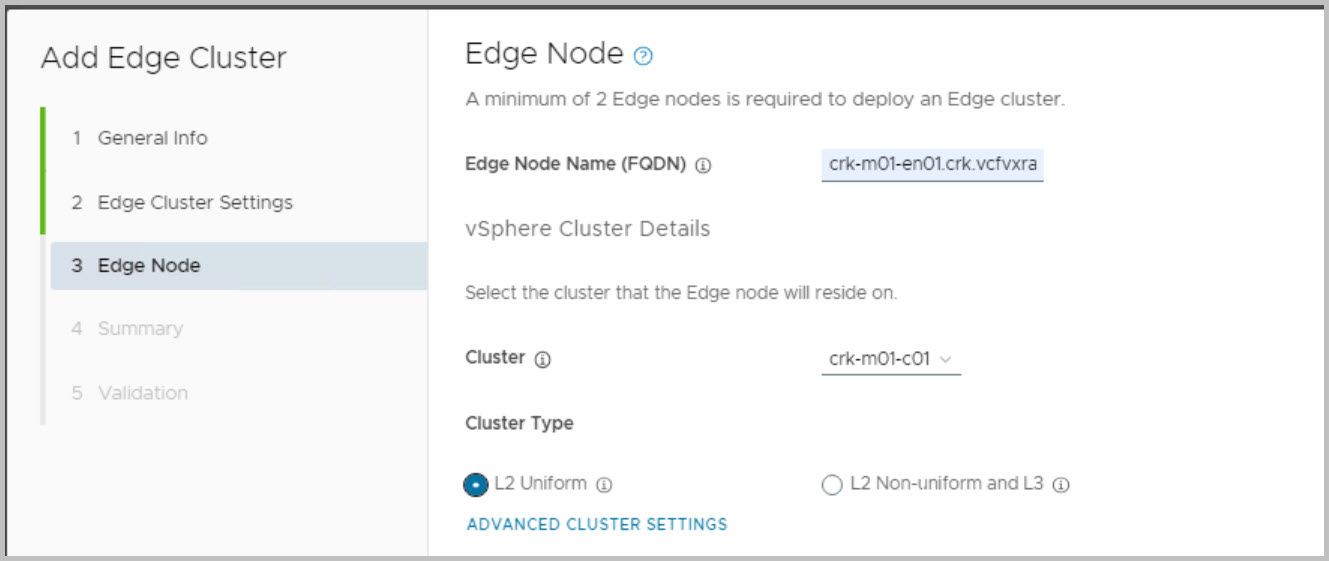
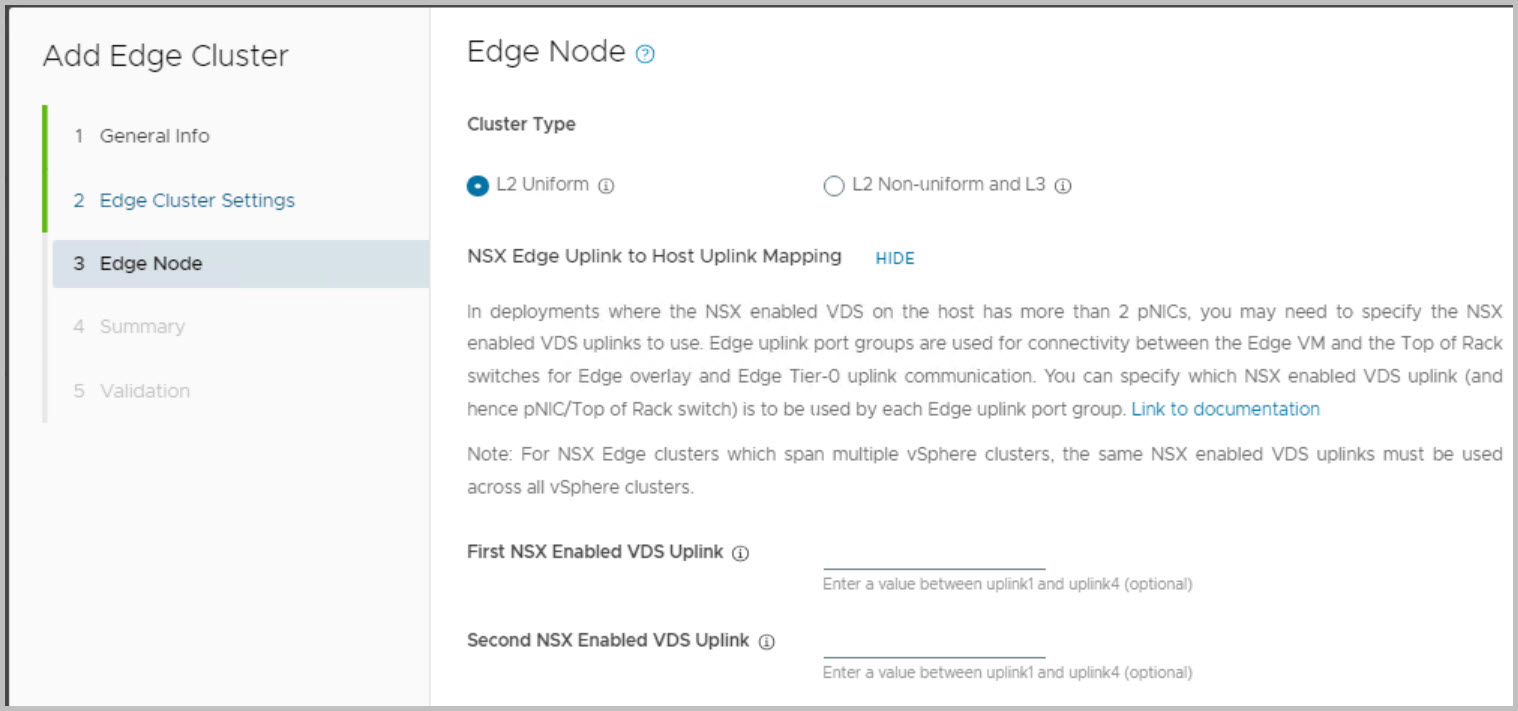
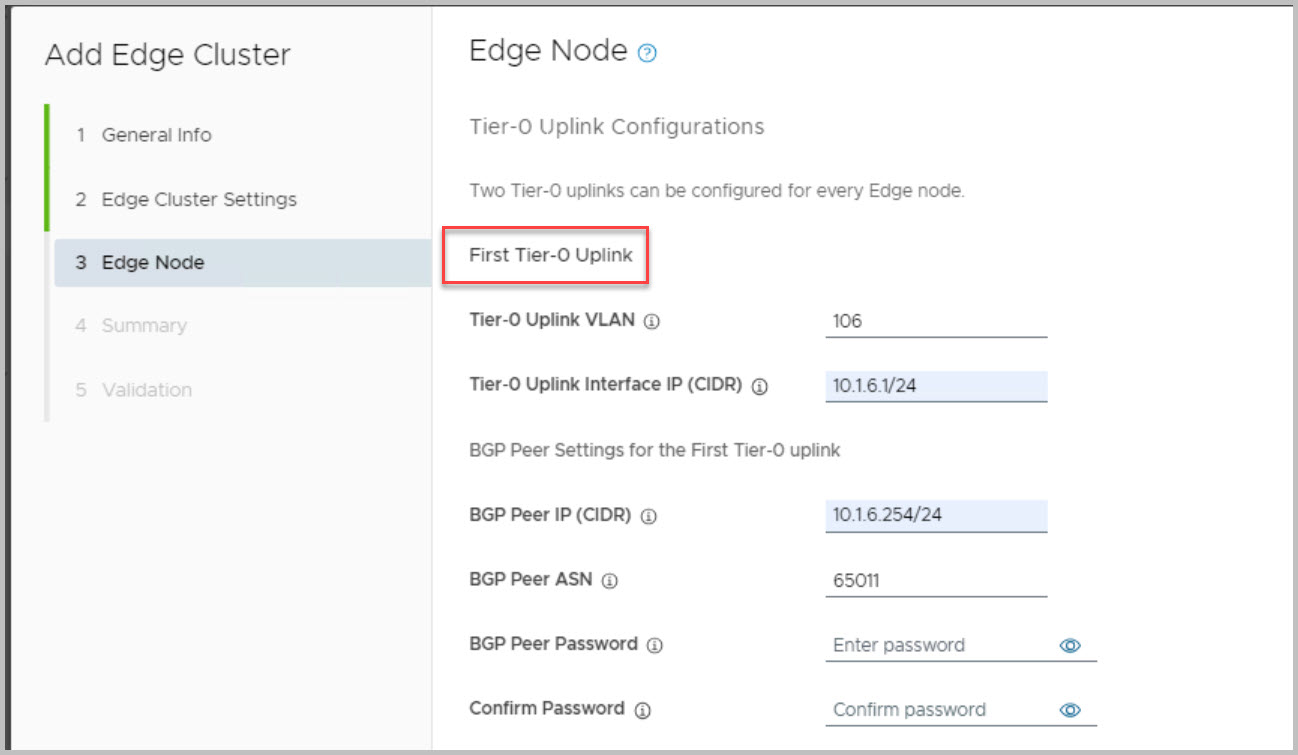
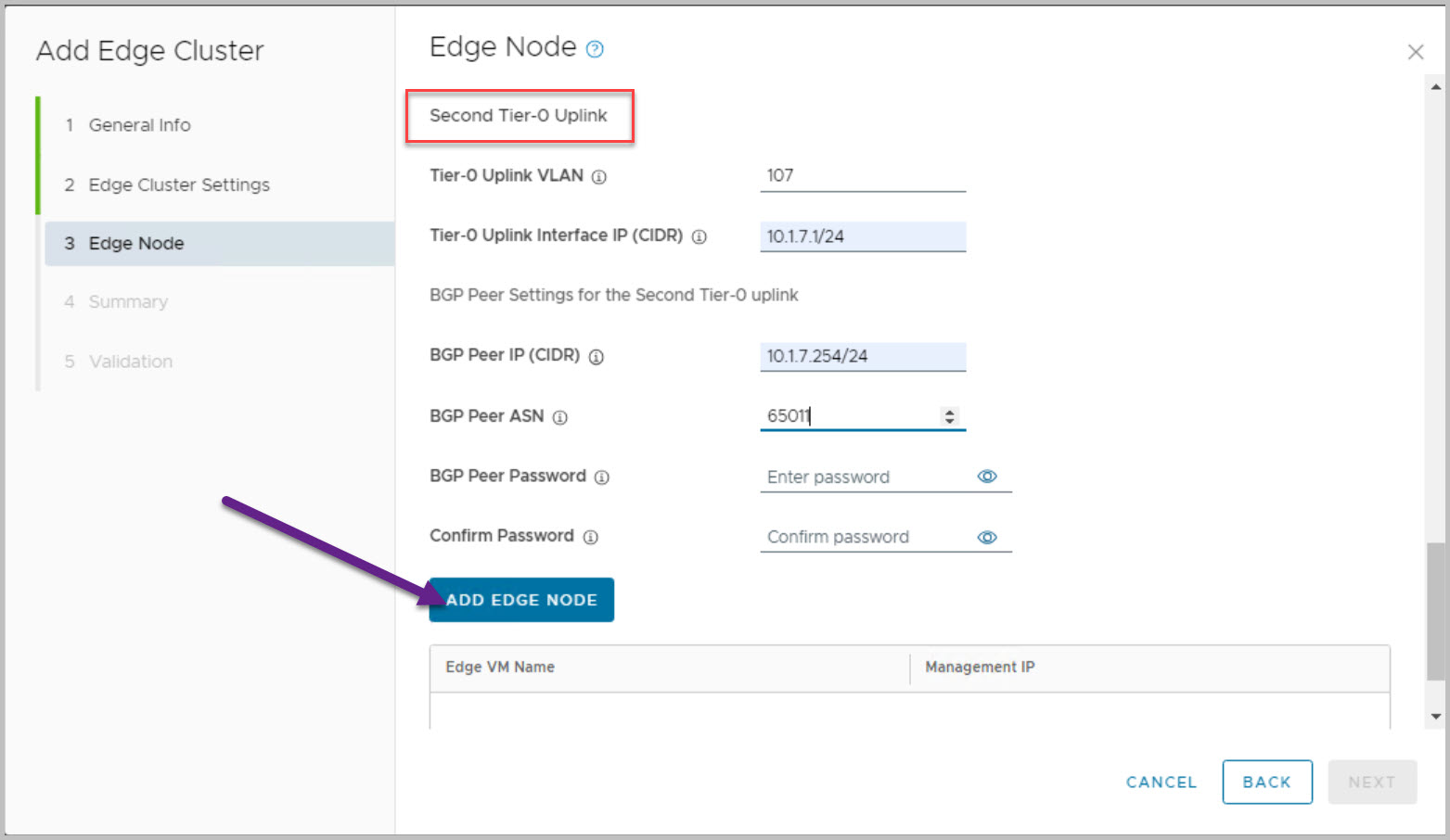
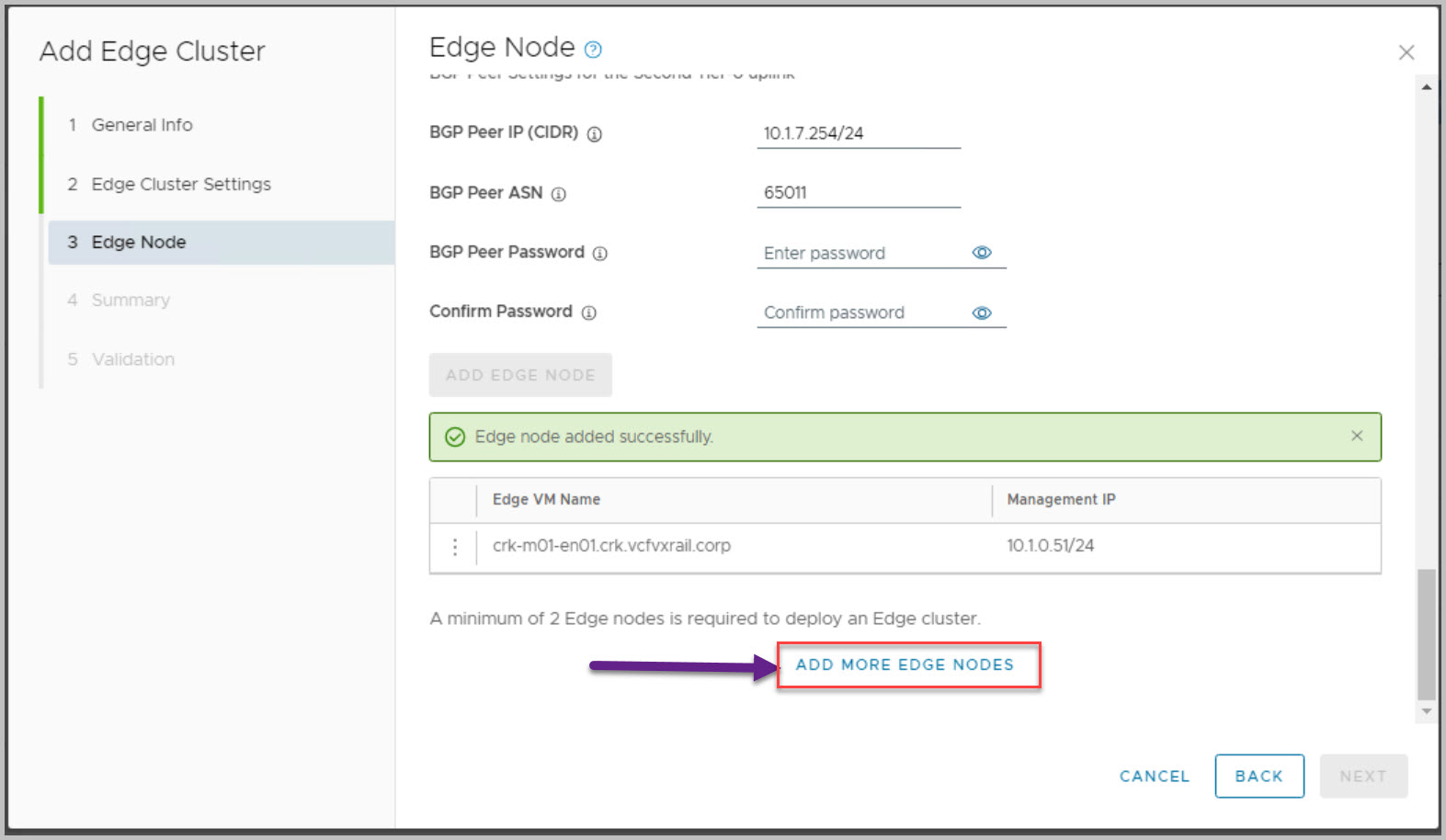
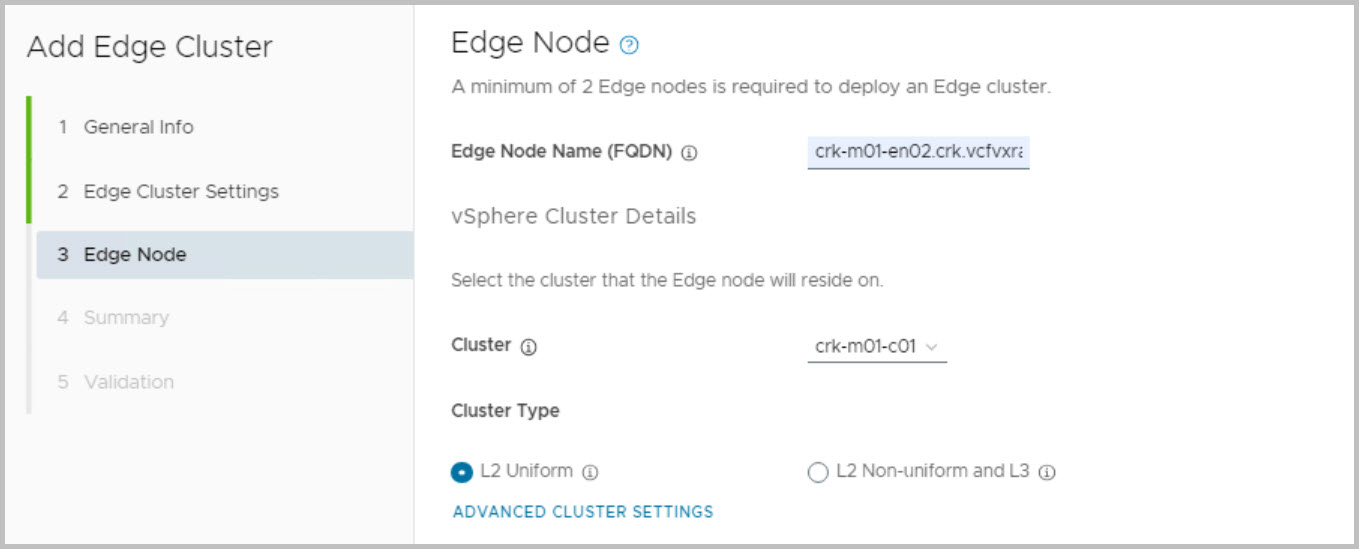
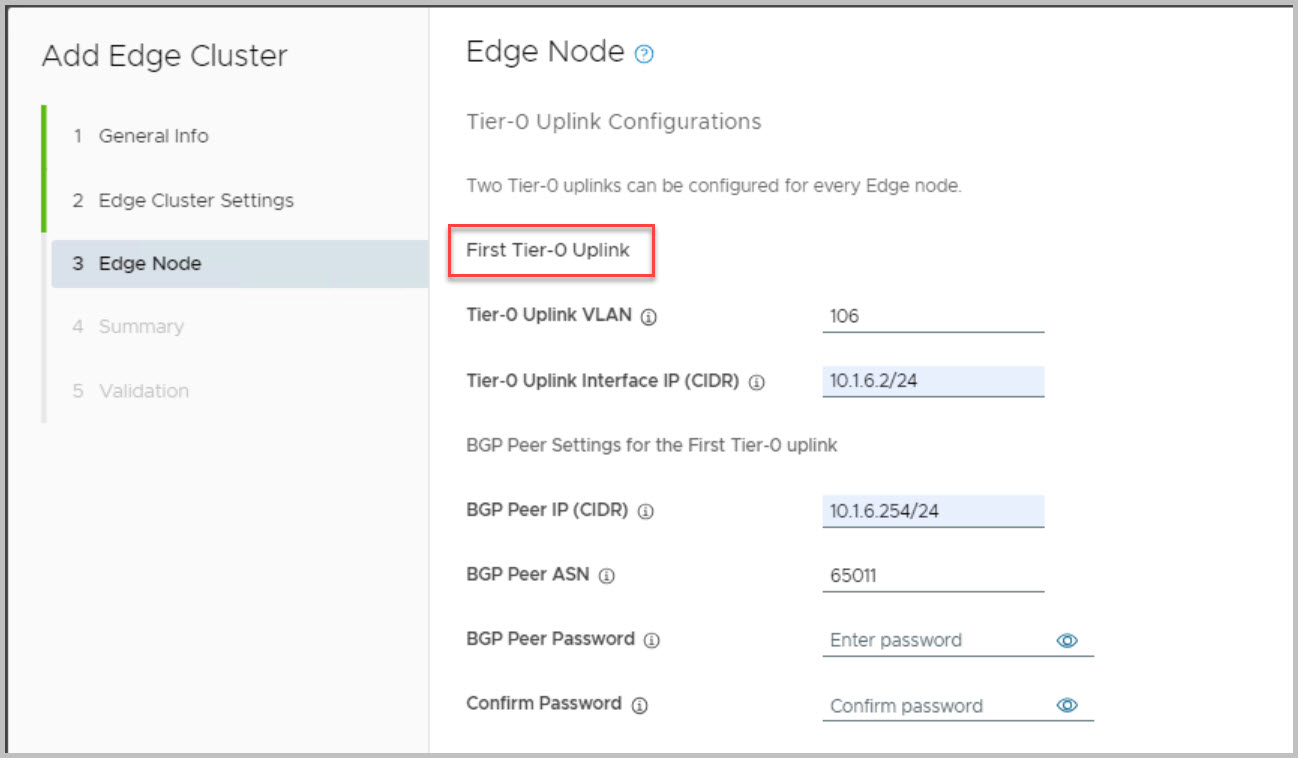
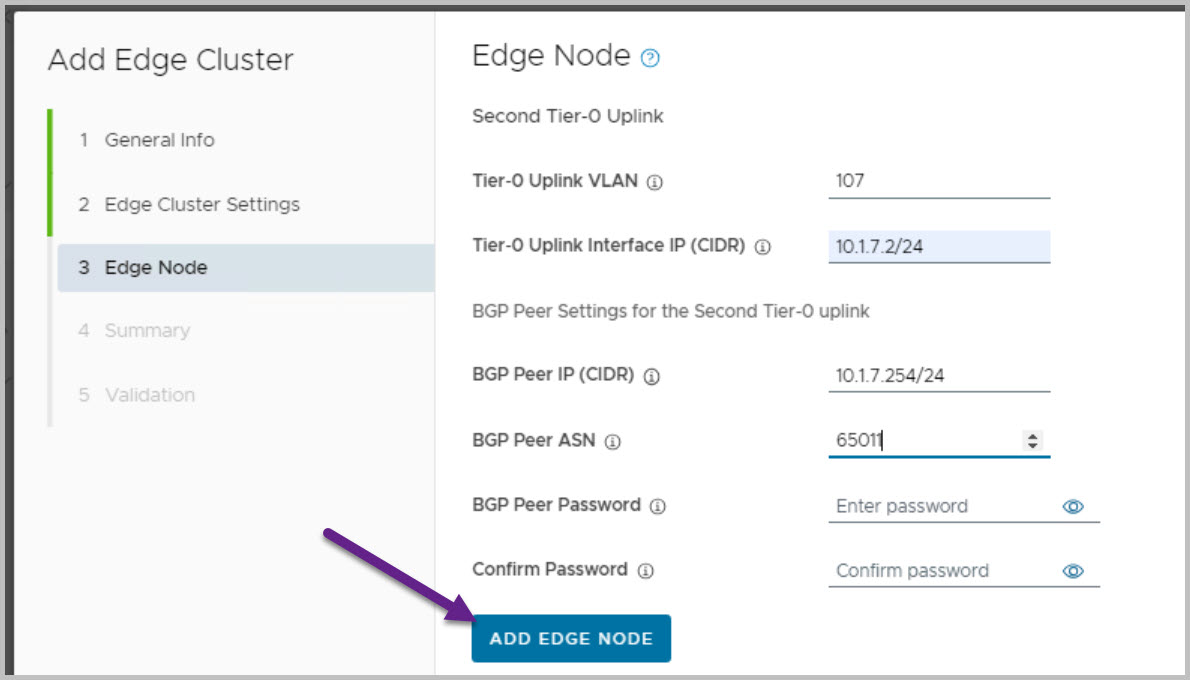
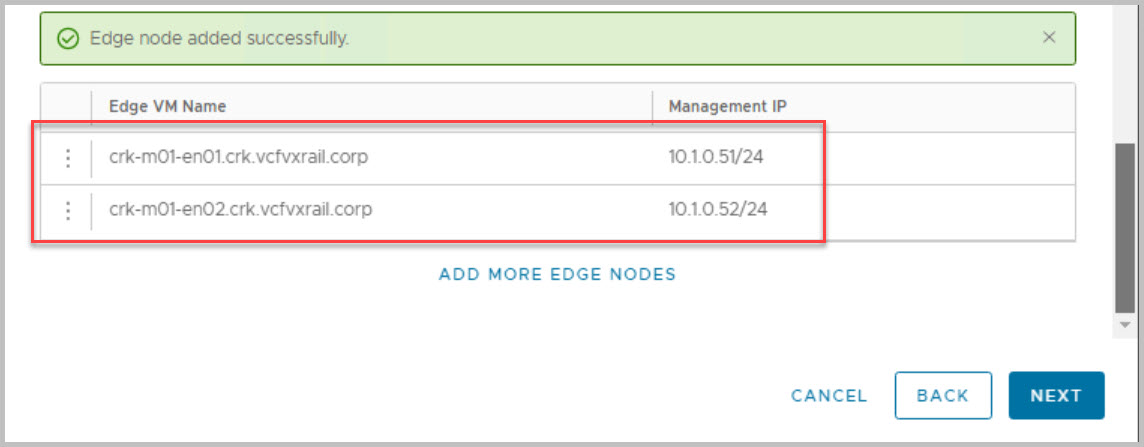
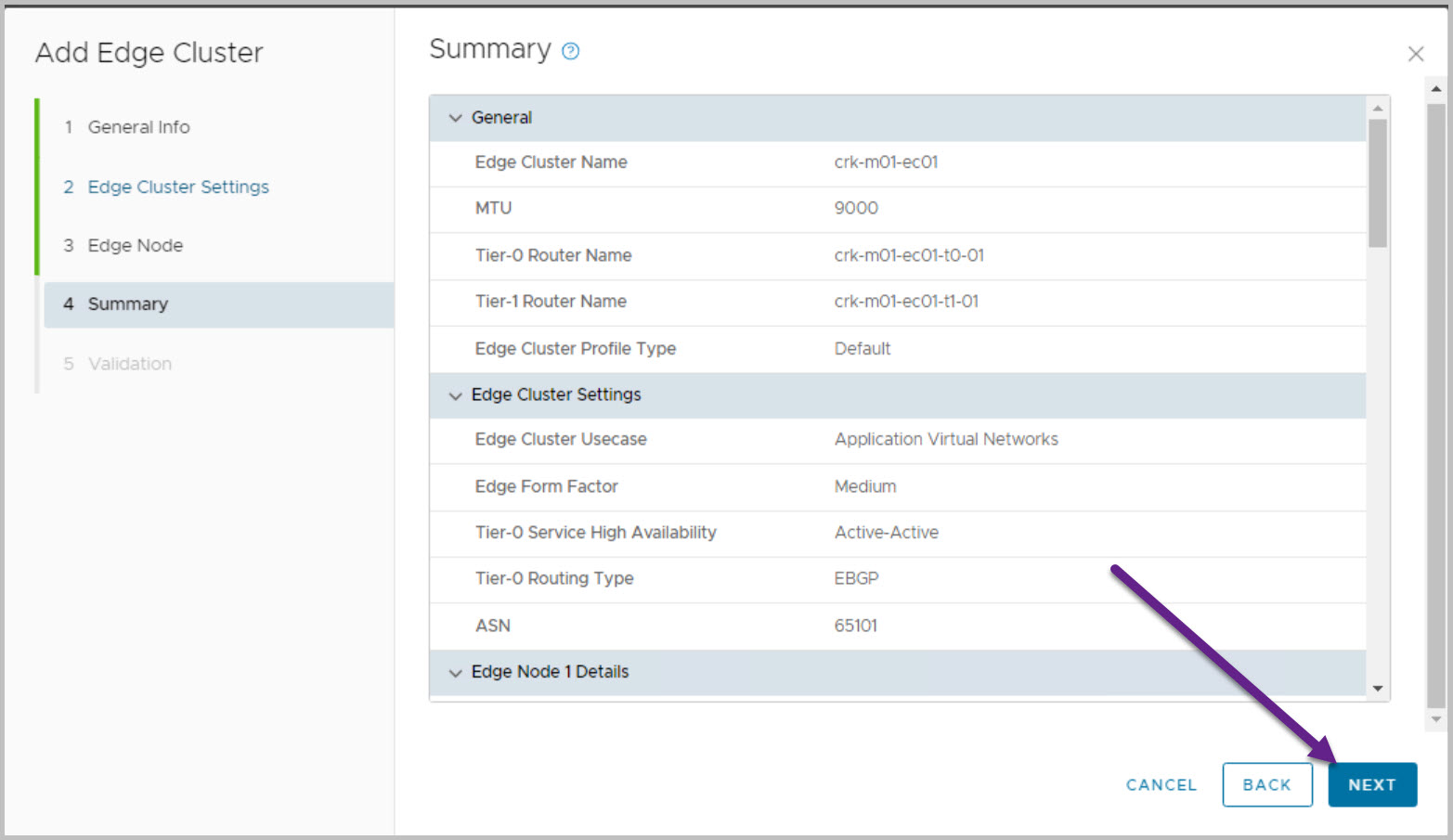
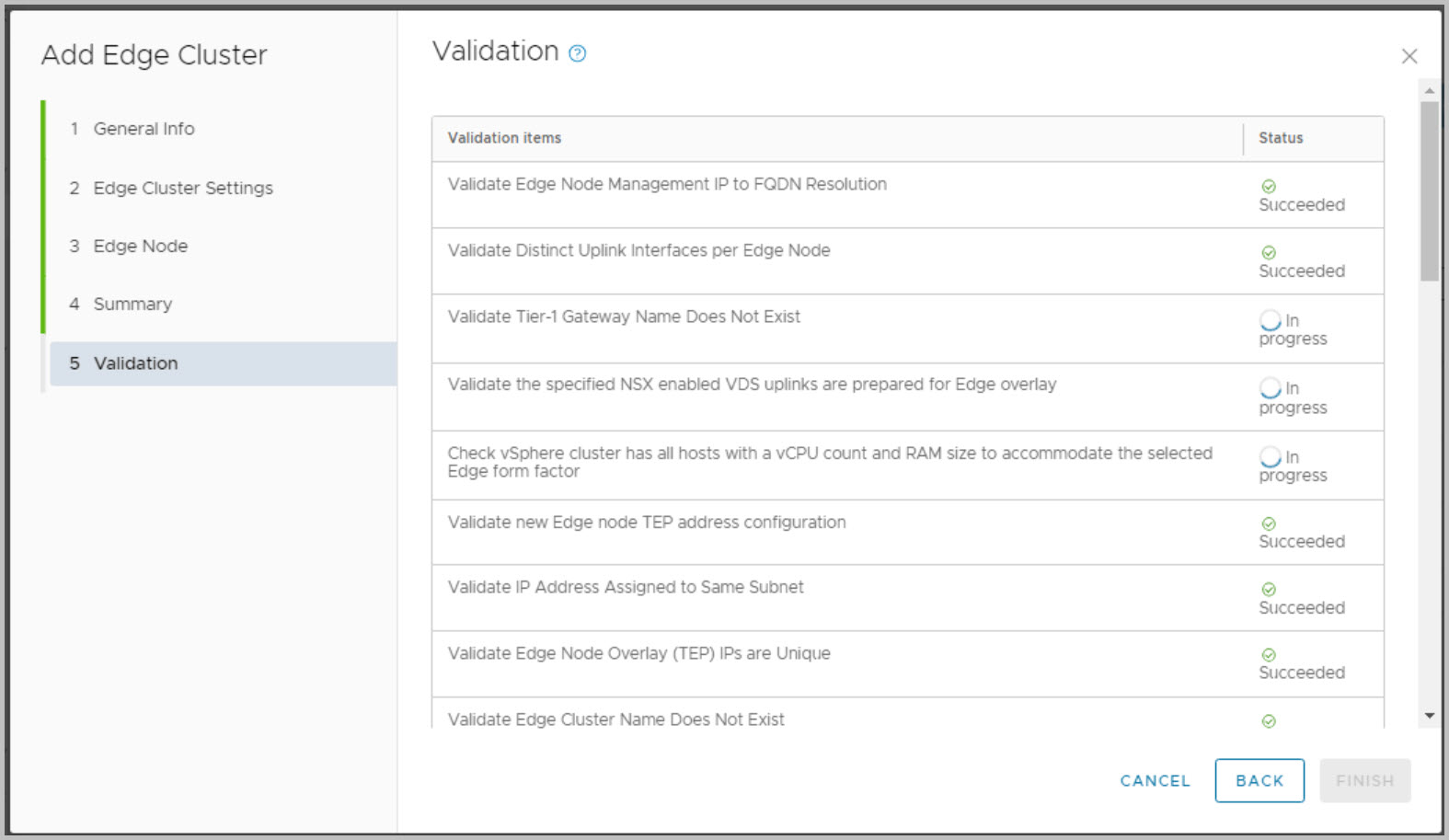
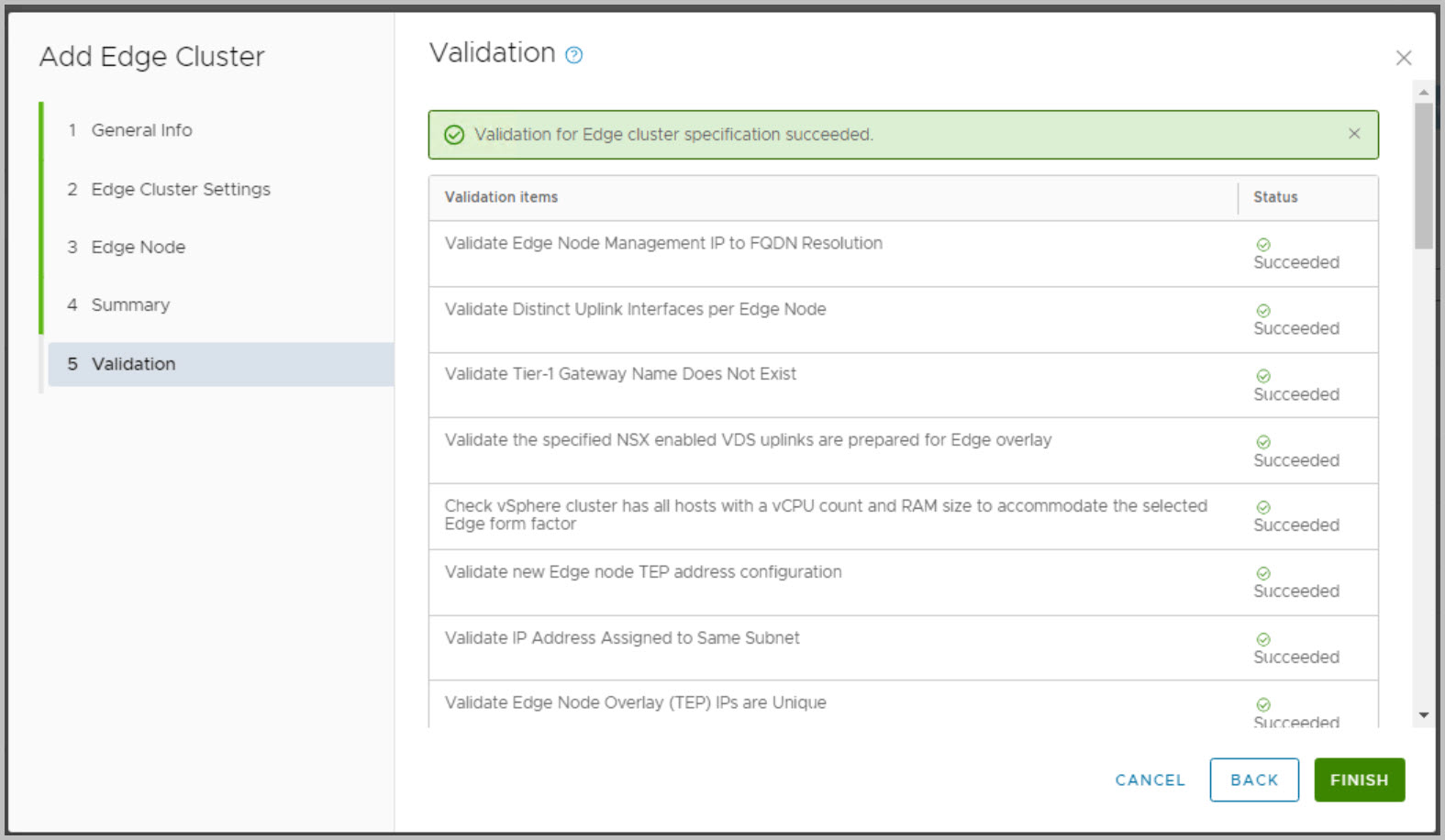
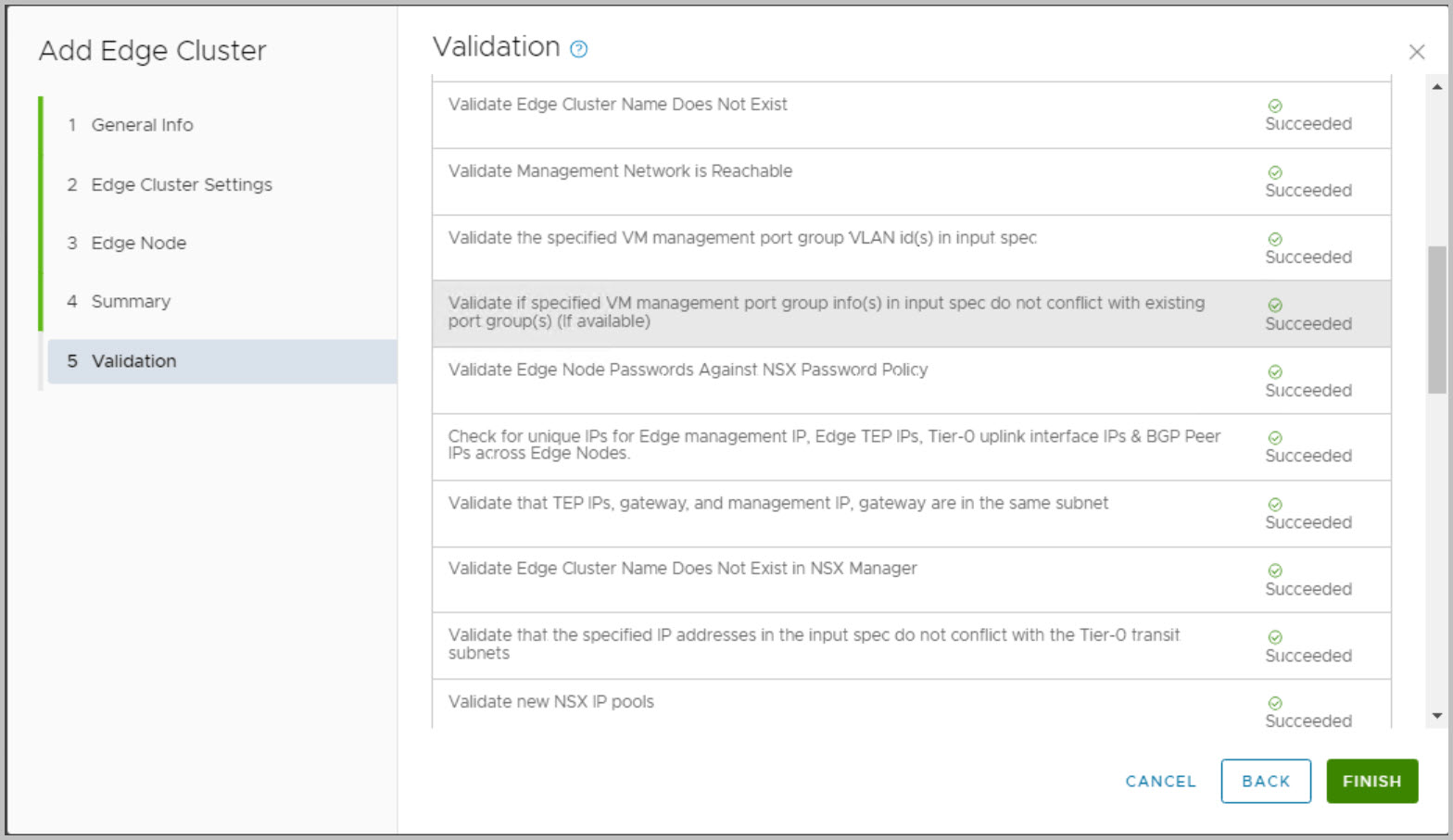
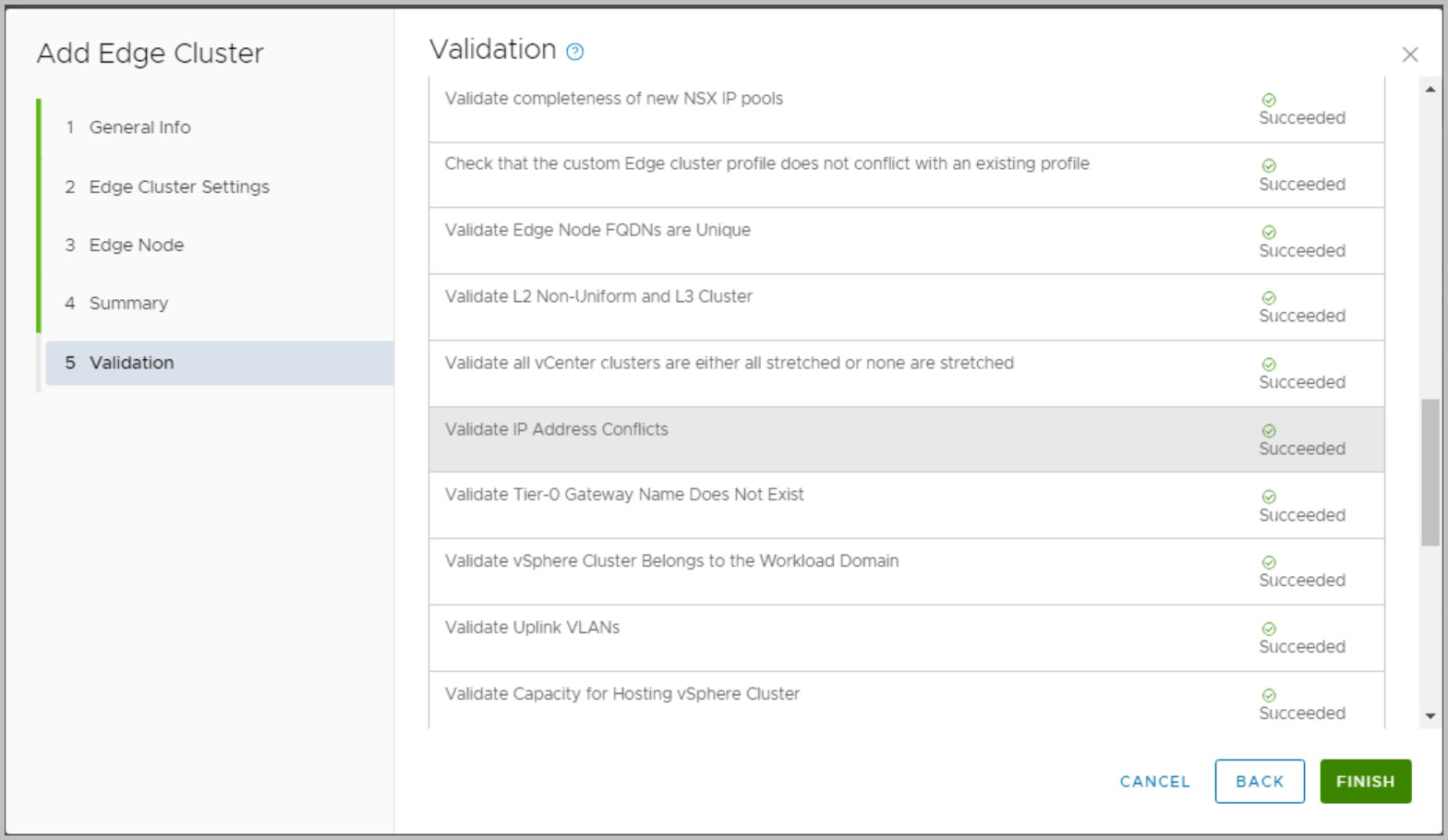
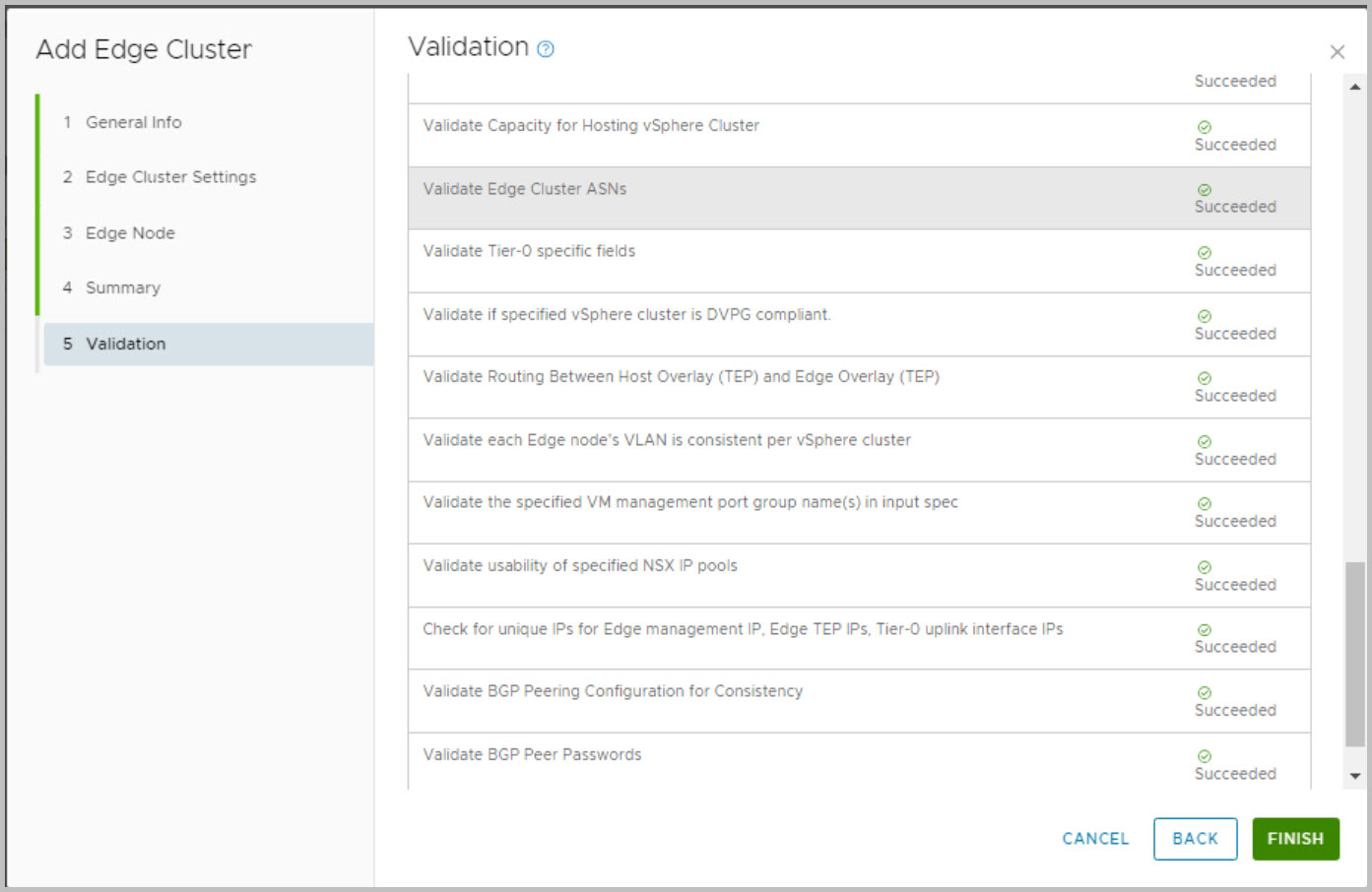
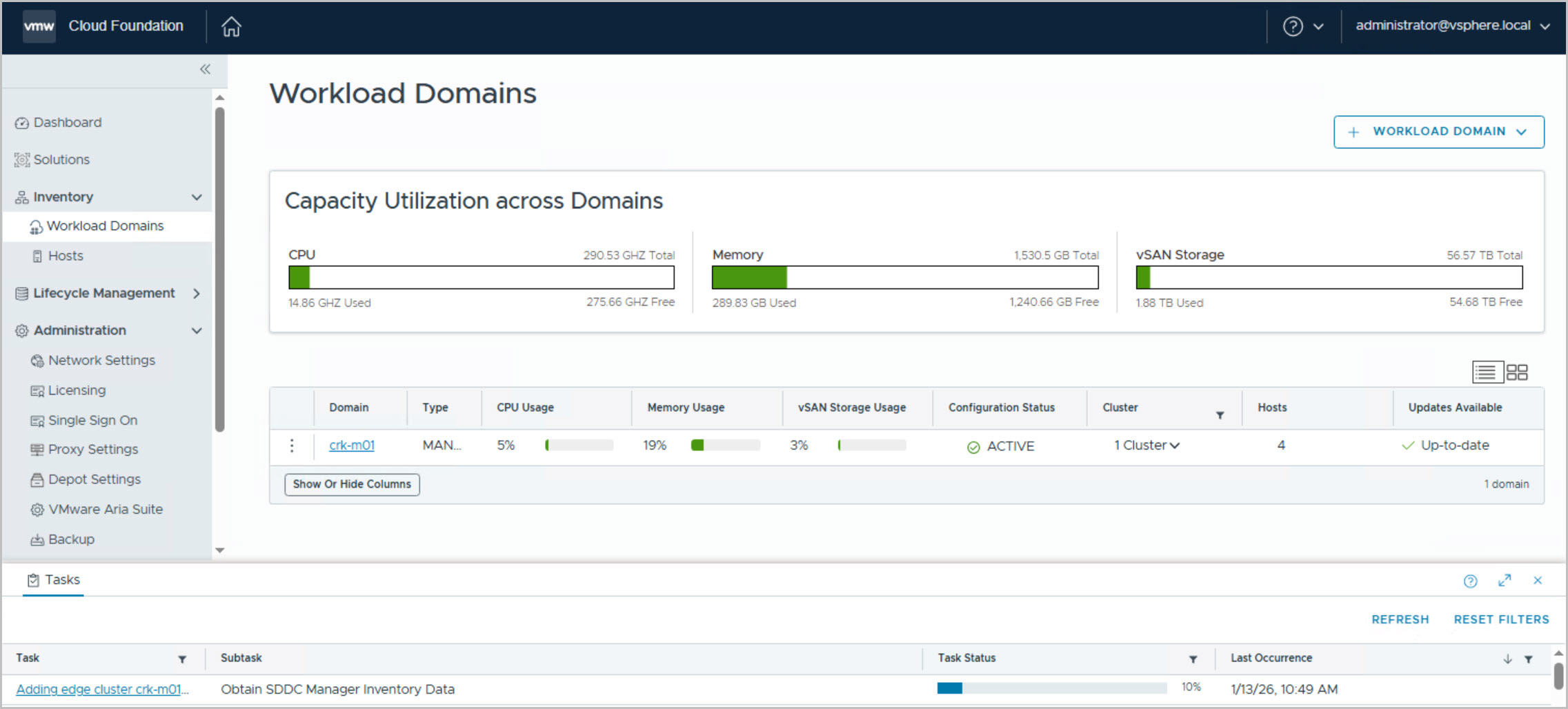
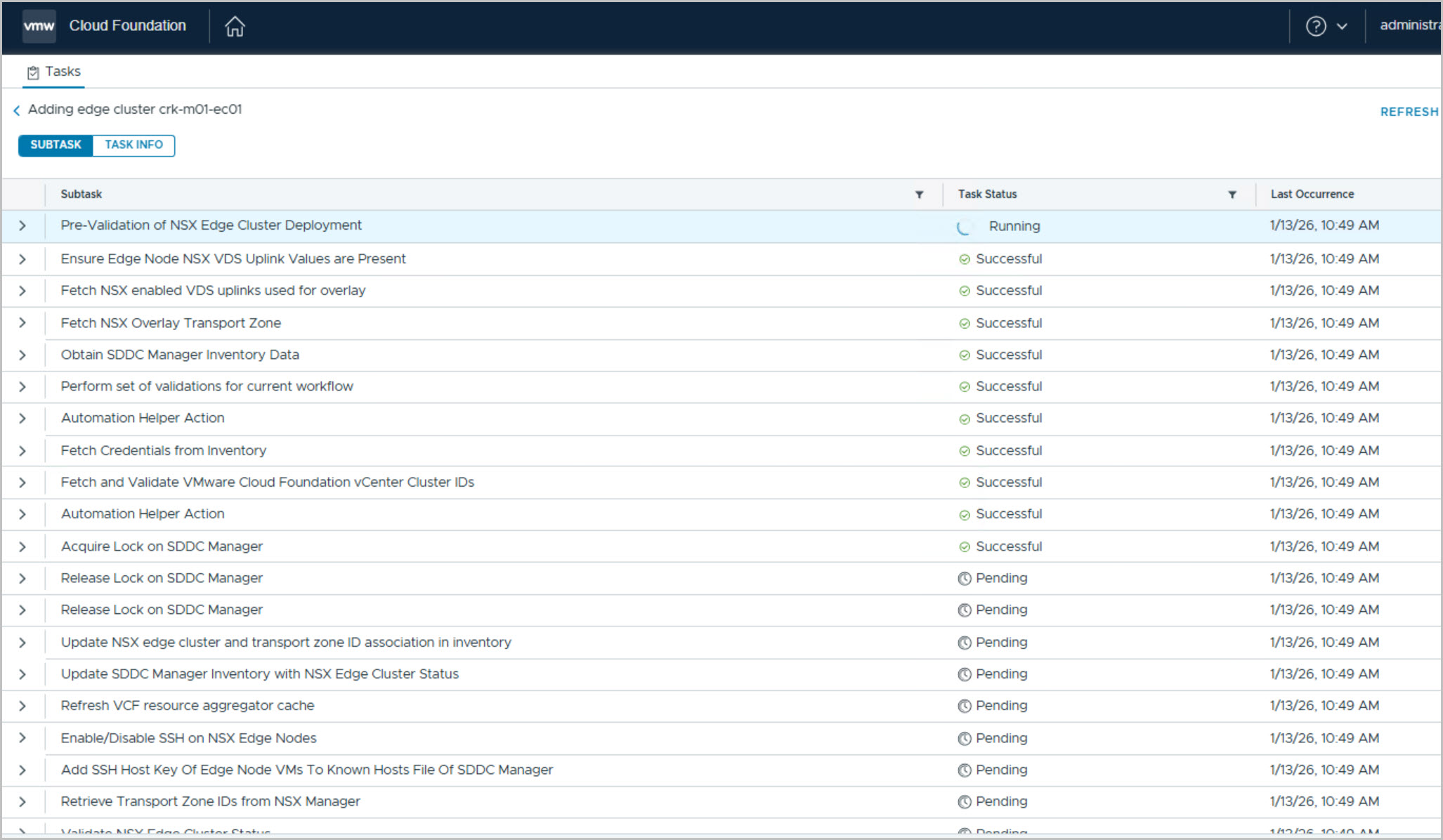
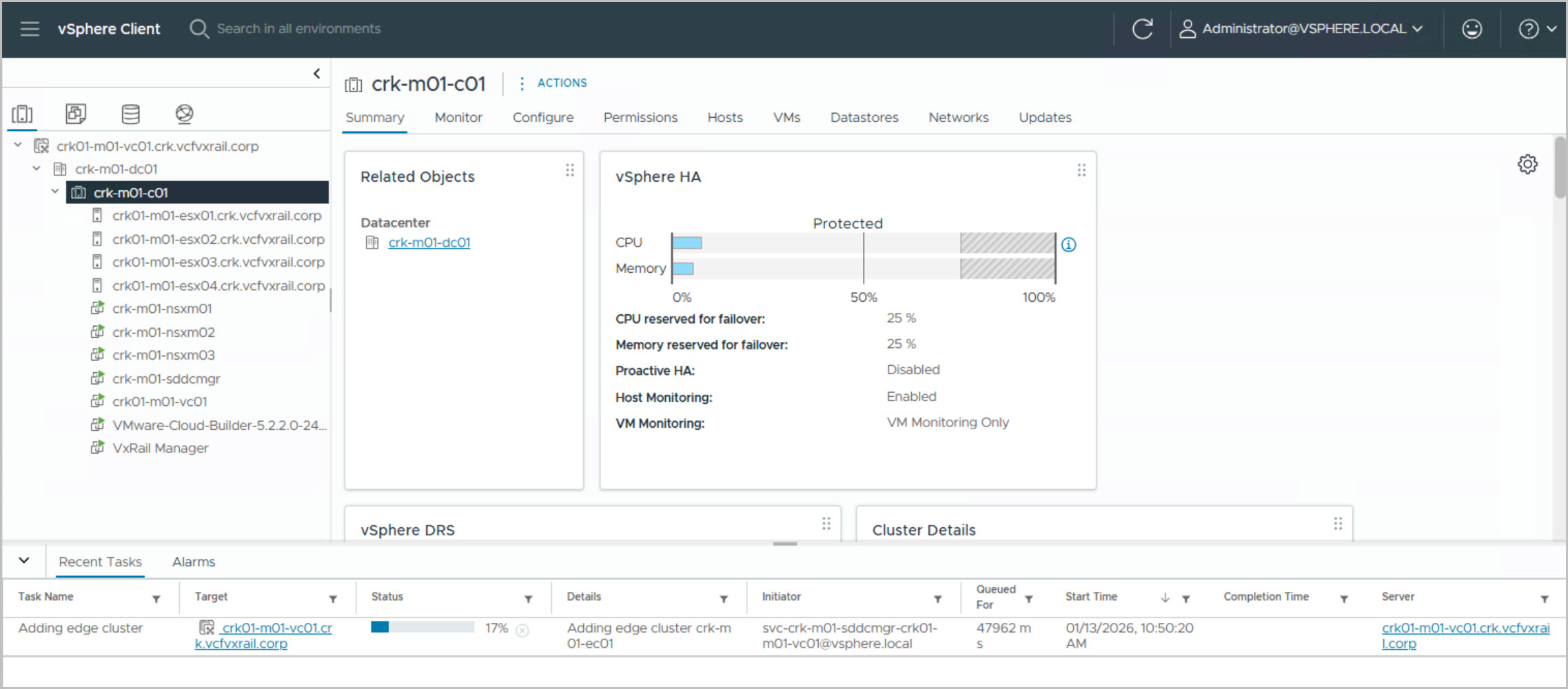
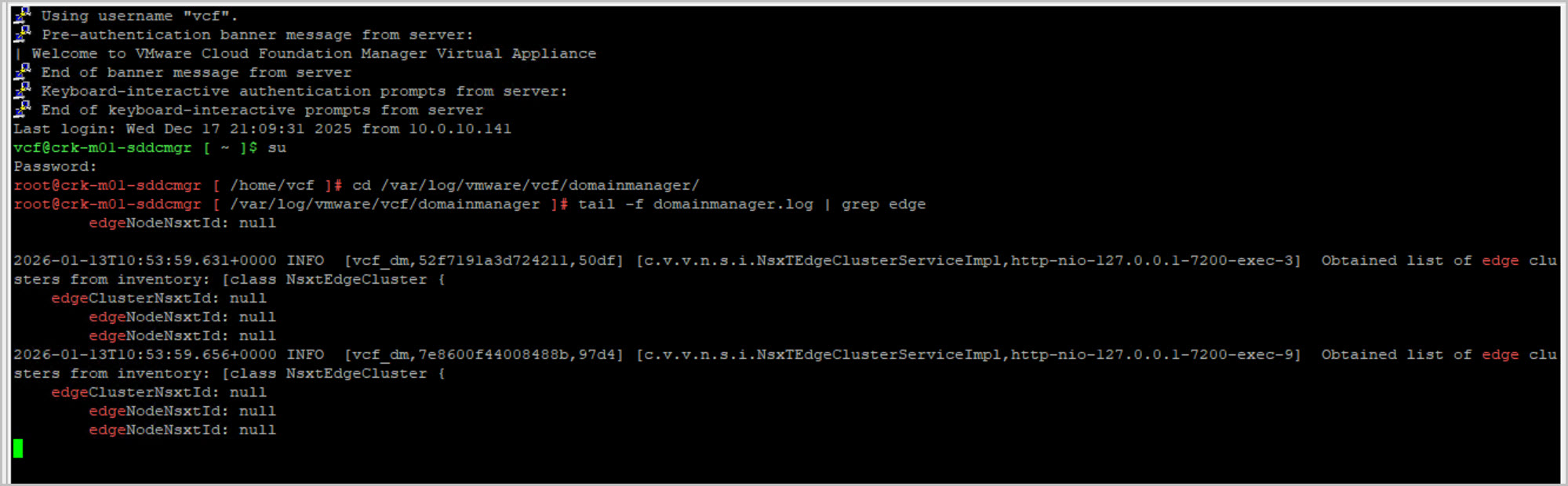
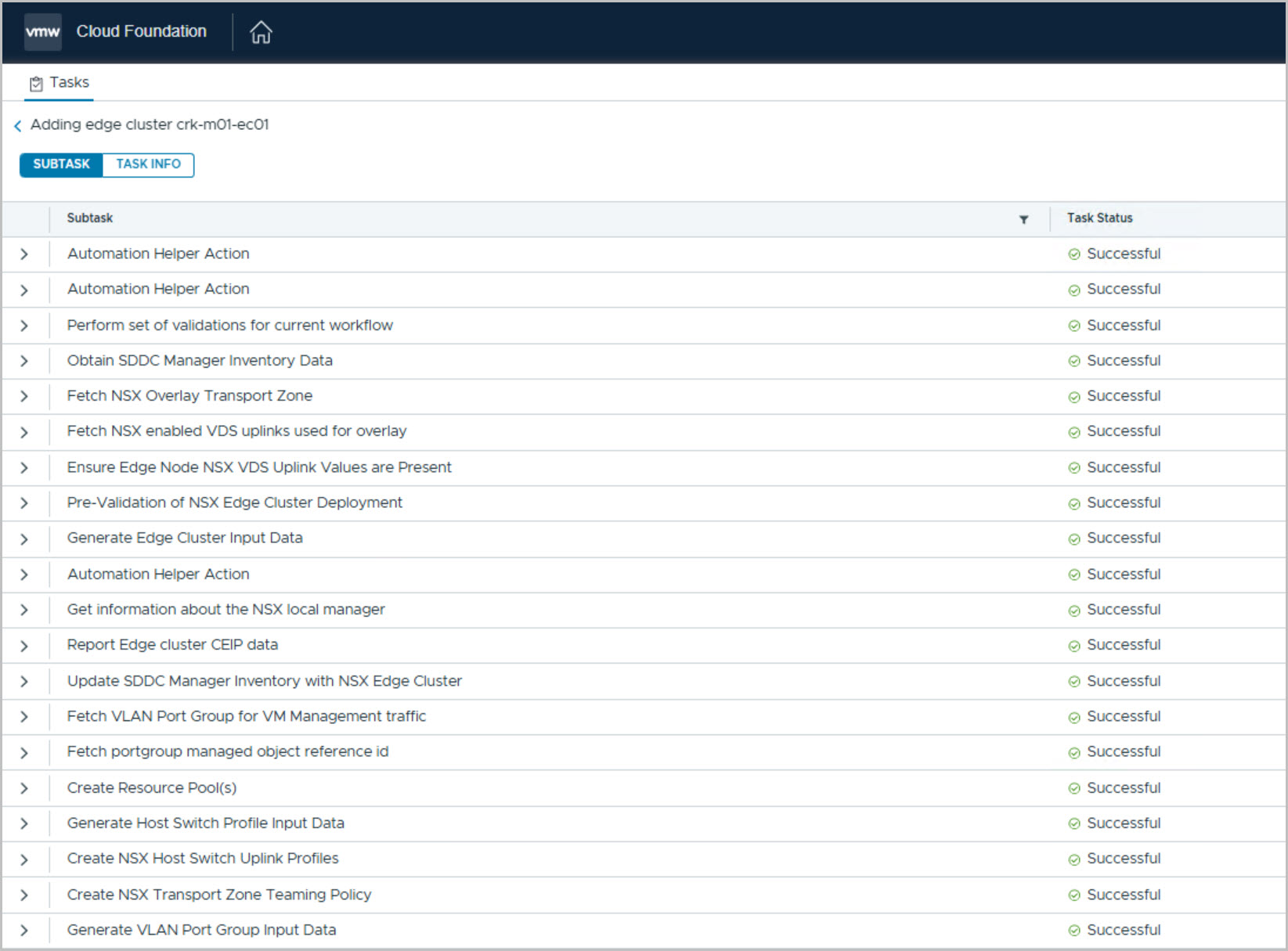
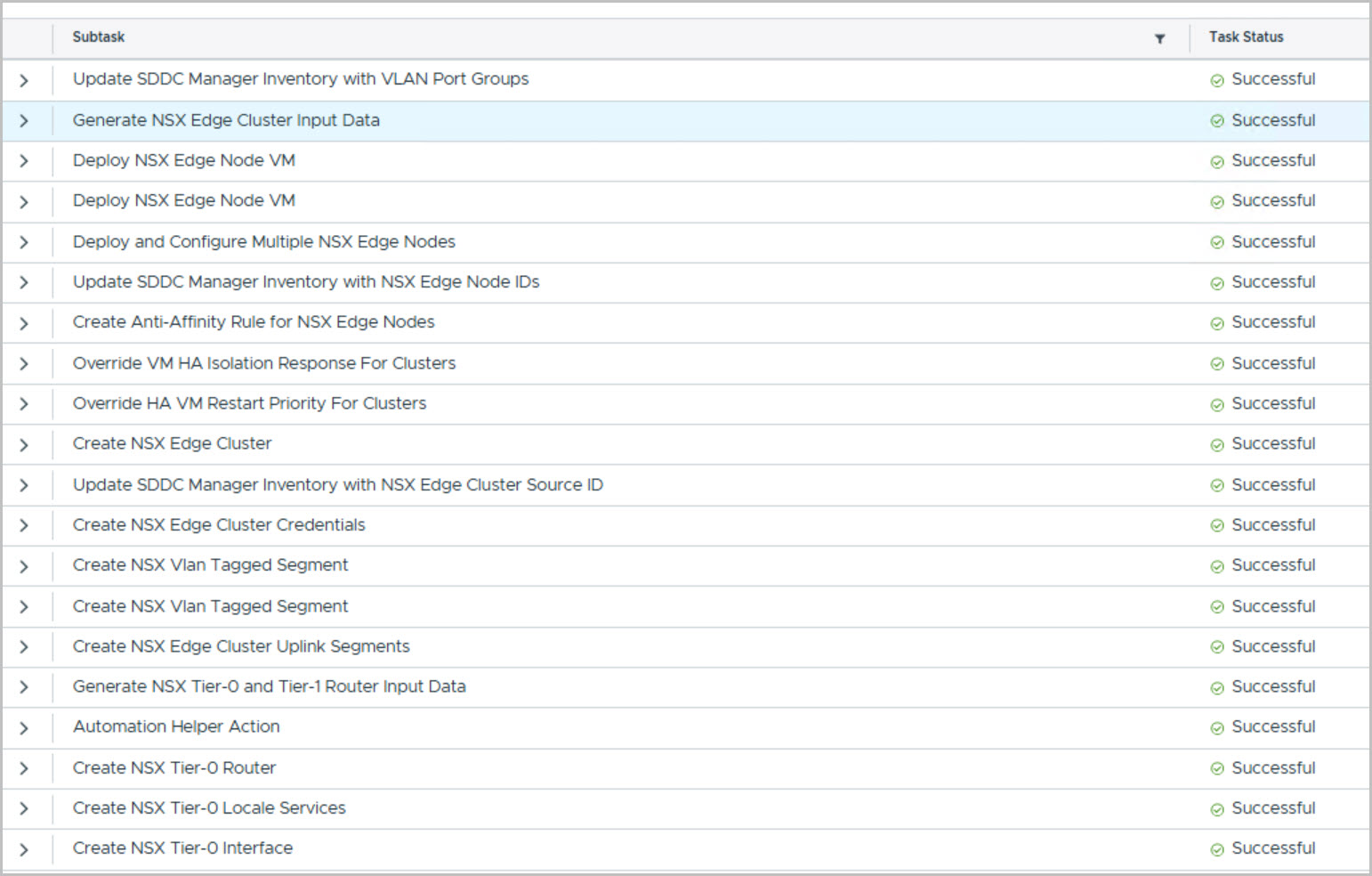
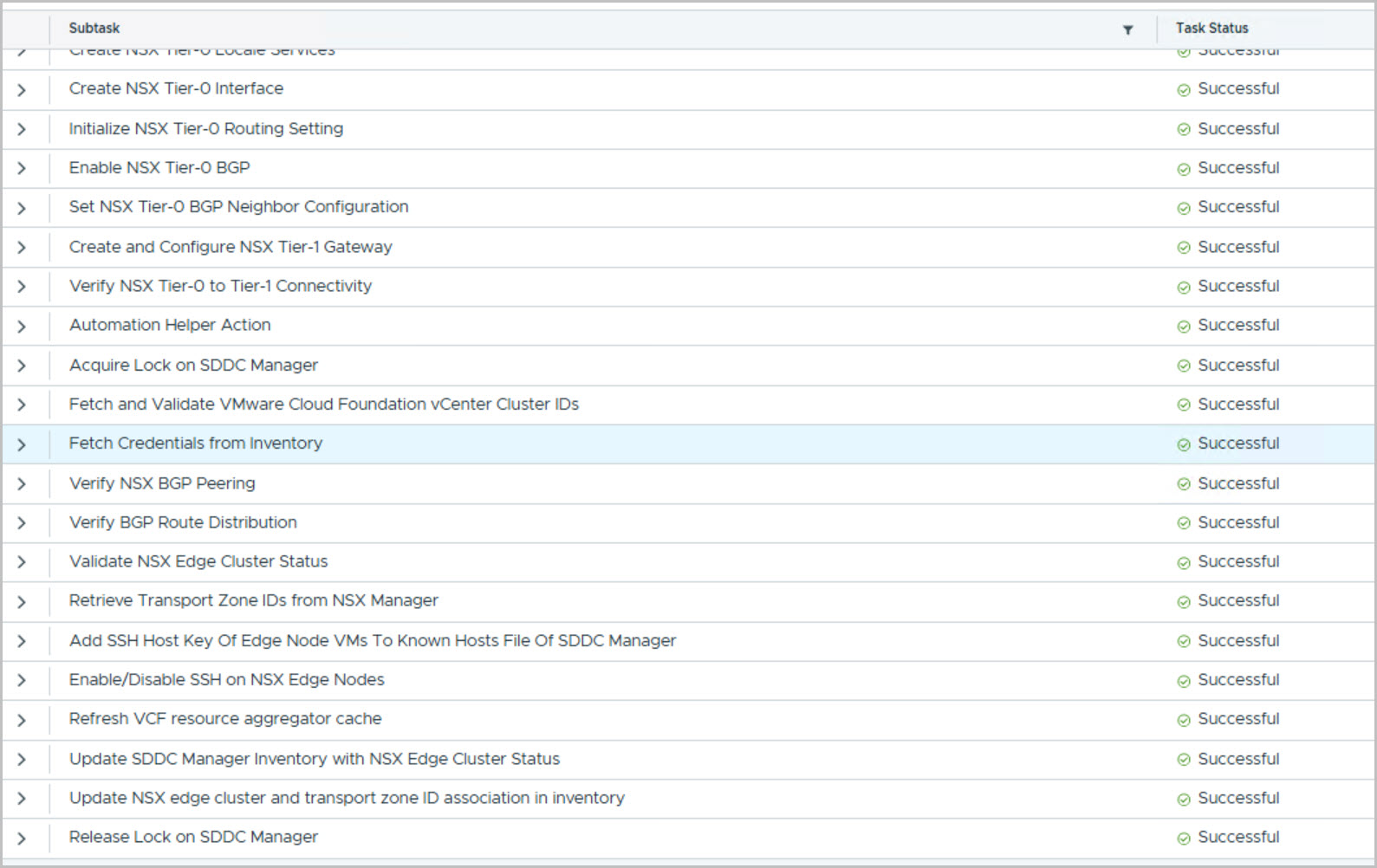
Go to SDDC Manager UI Select Inventory > Workload Domains Click on the name of the Management domain. Select Actions > Add Edge Cluster:
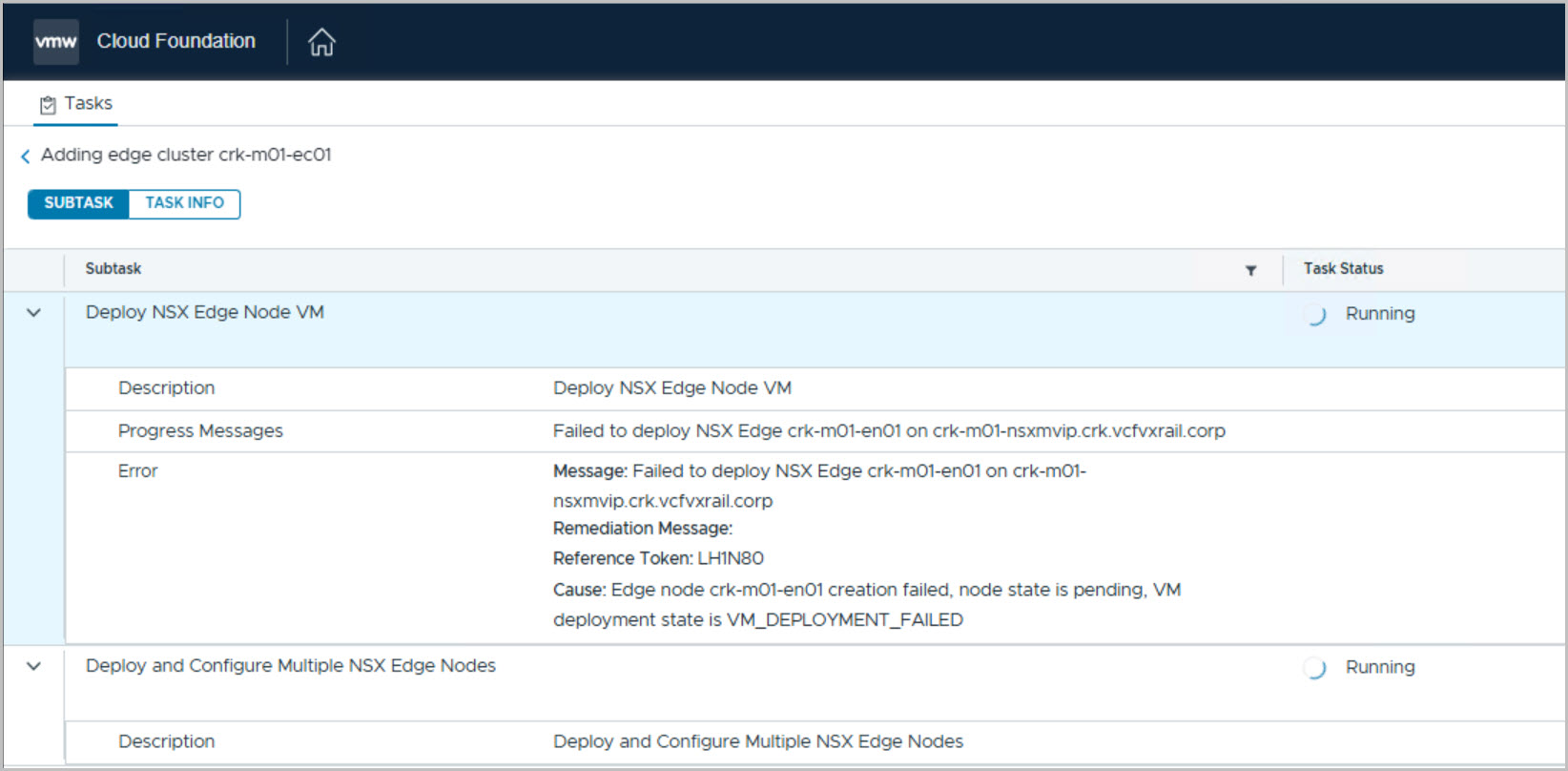
Also note that I had to move the Edge from one node to another to successfully initiate the BGP tunnel creation, although this may have been due to an environmental issue.
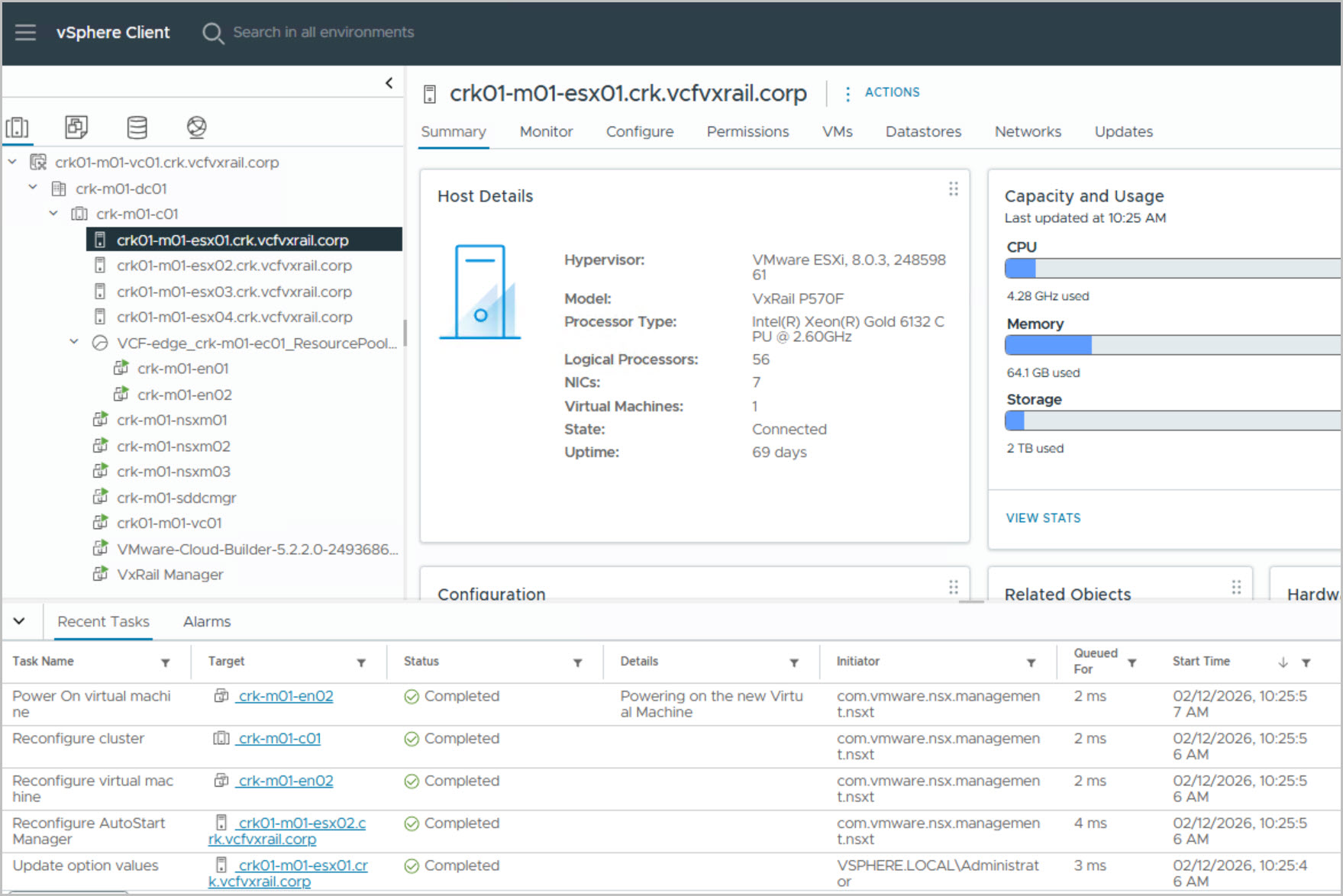
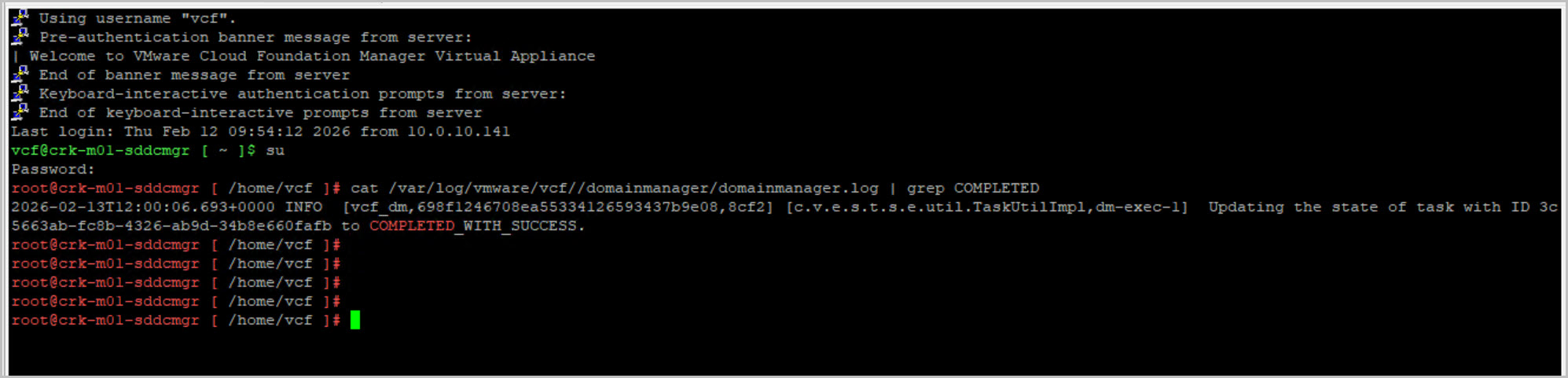
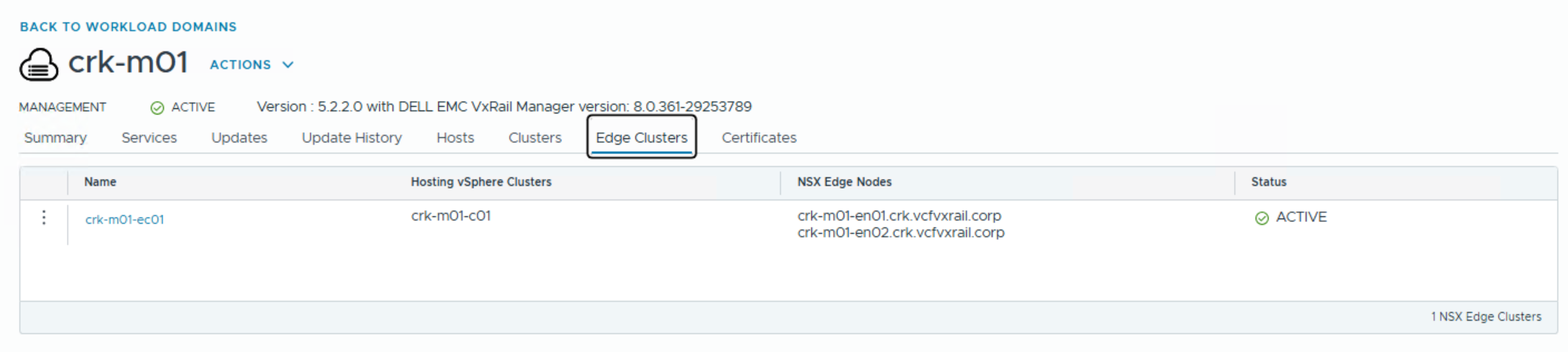
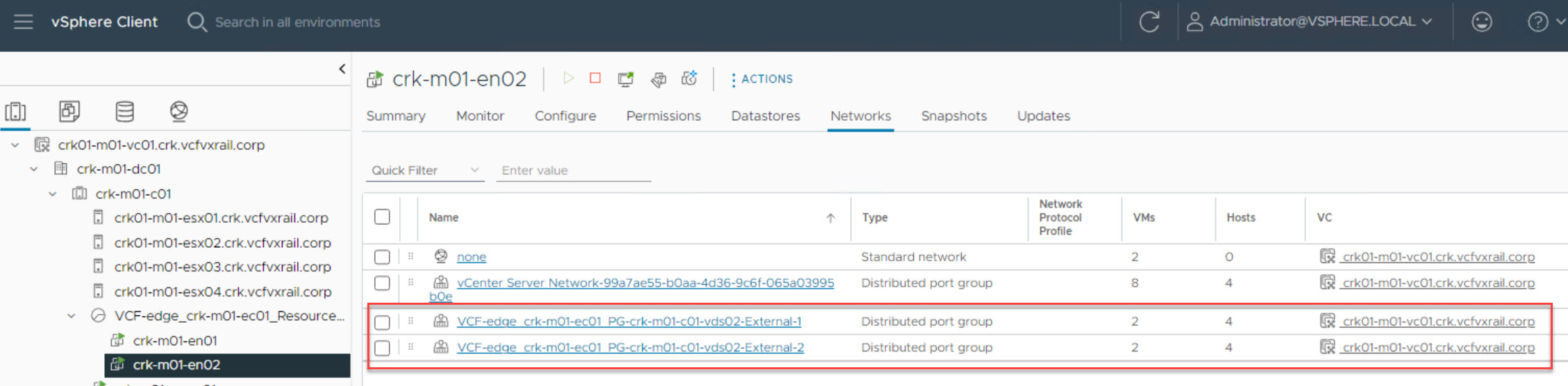
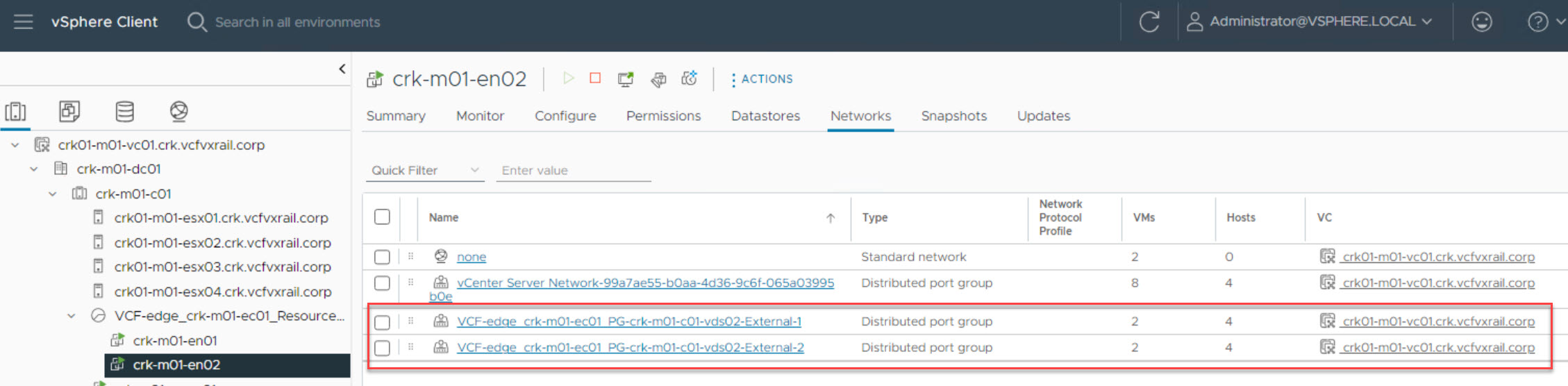
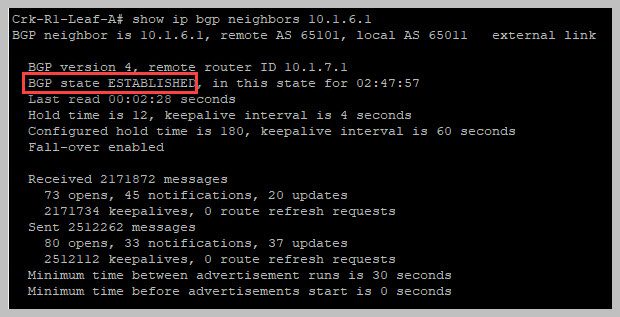
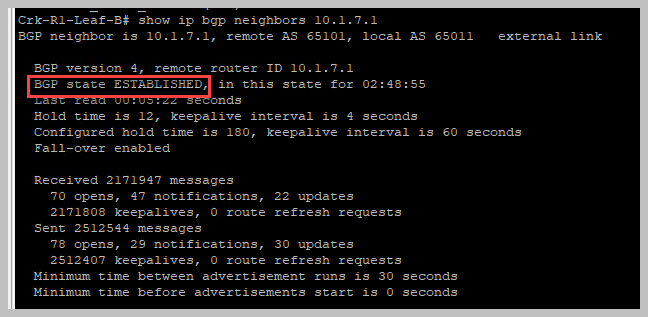
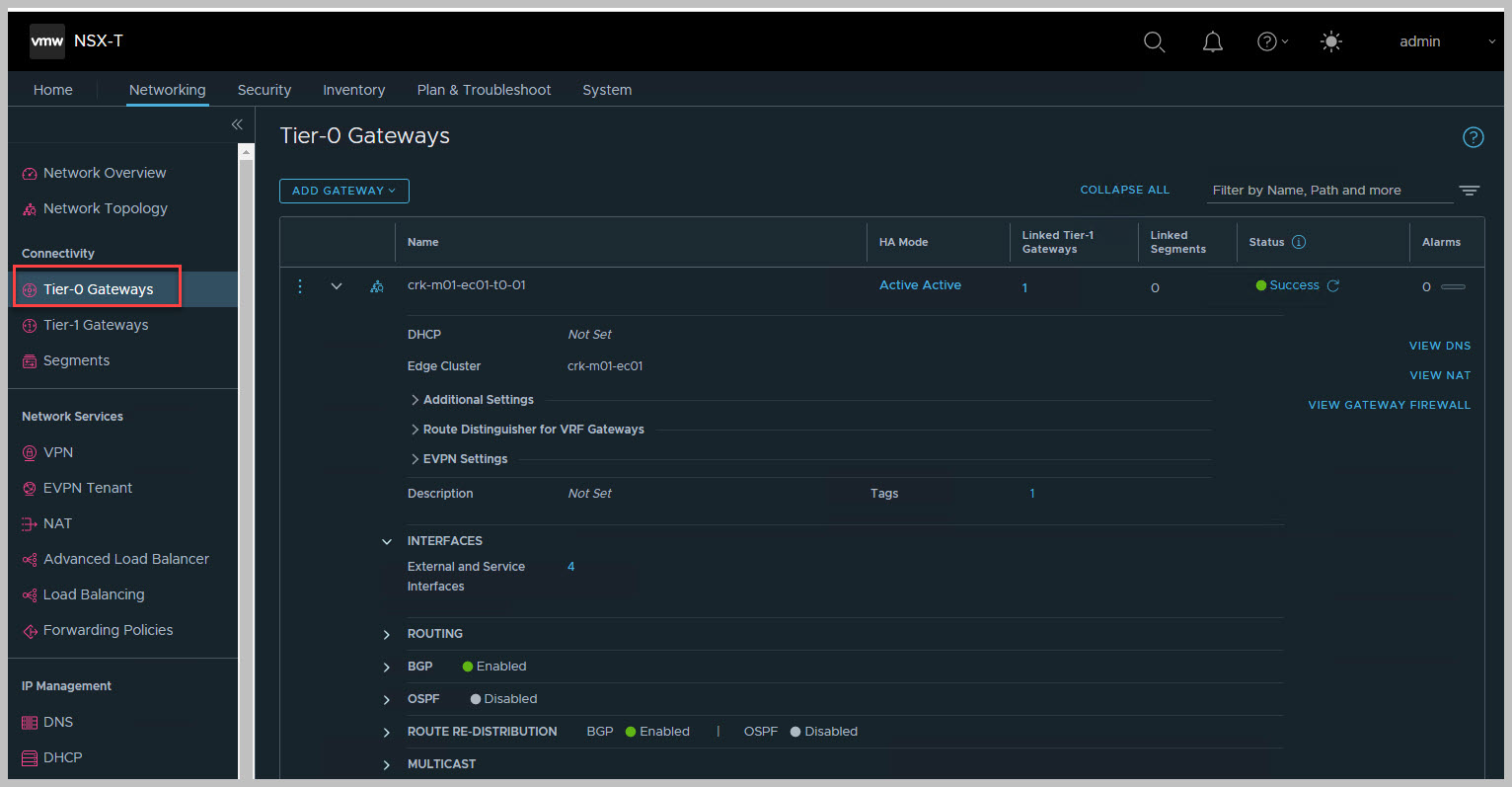
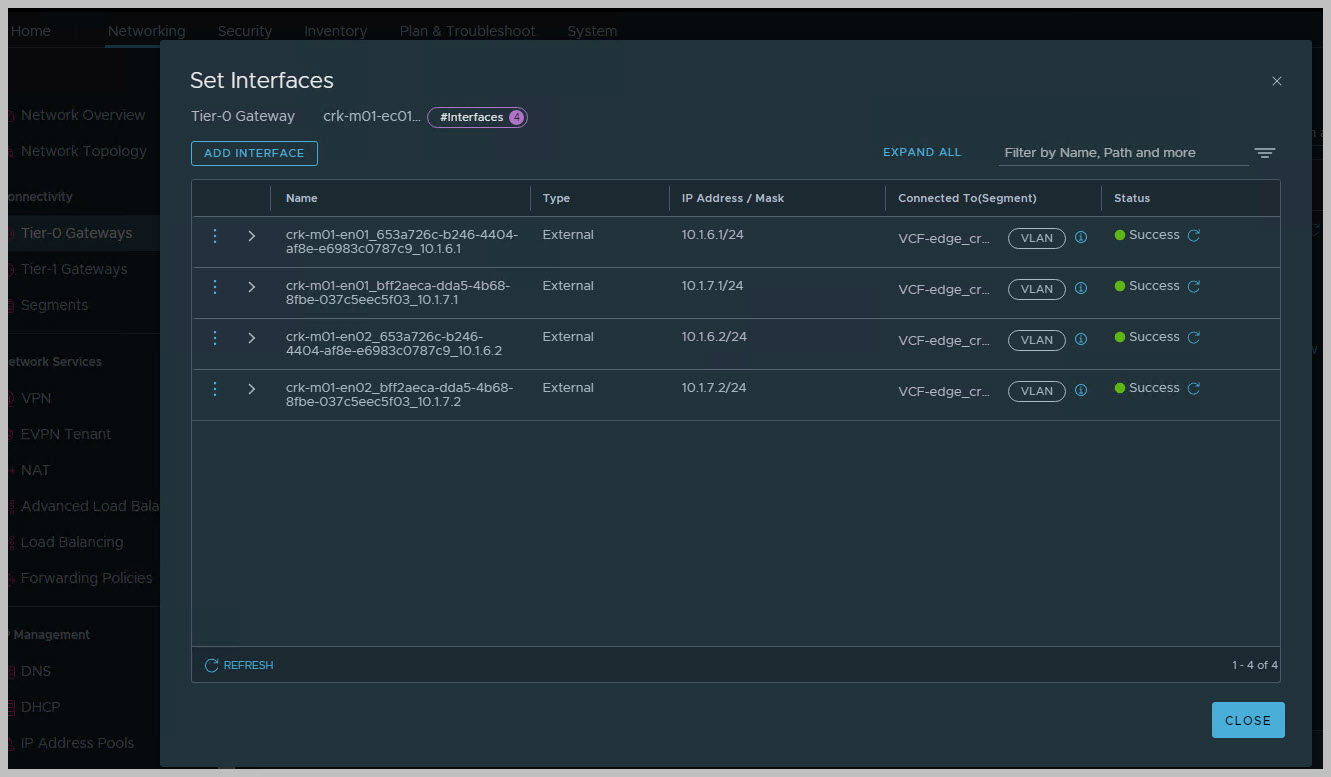
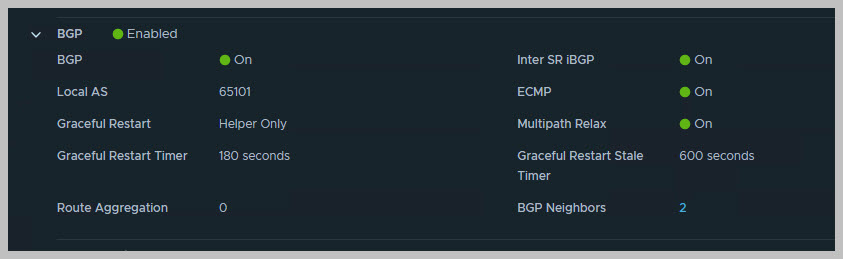
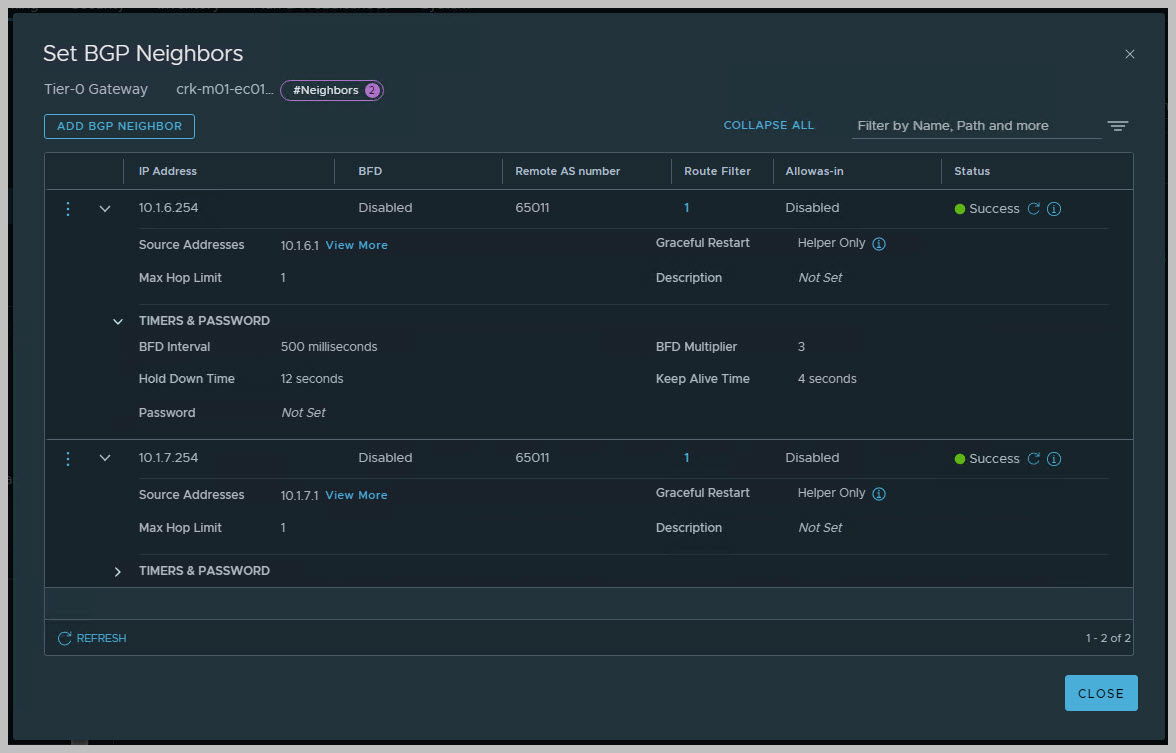
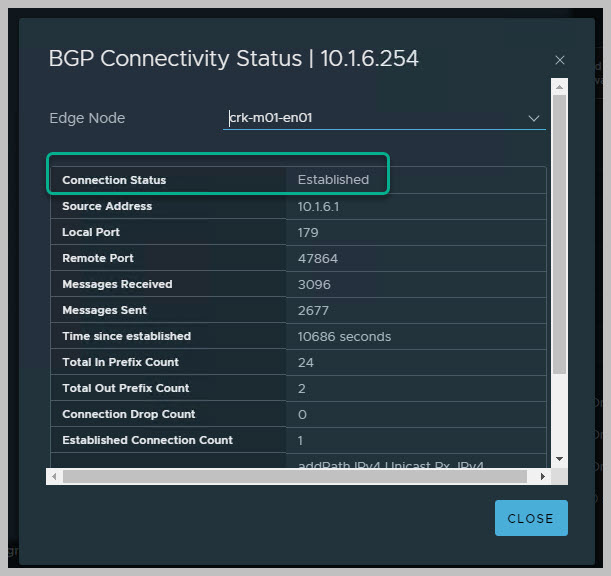
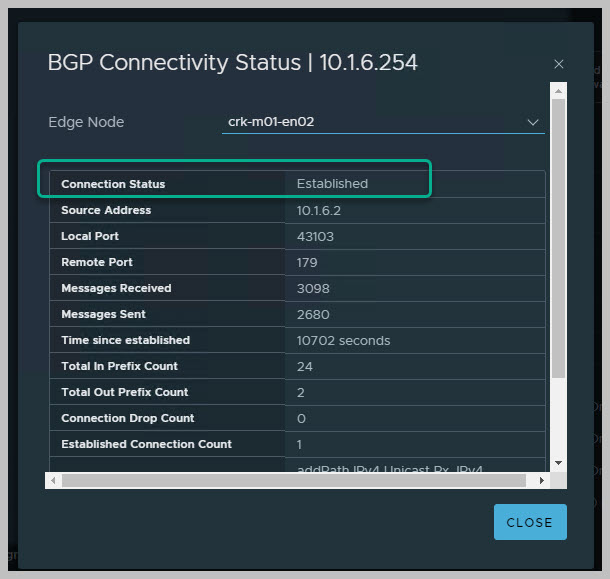
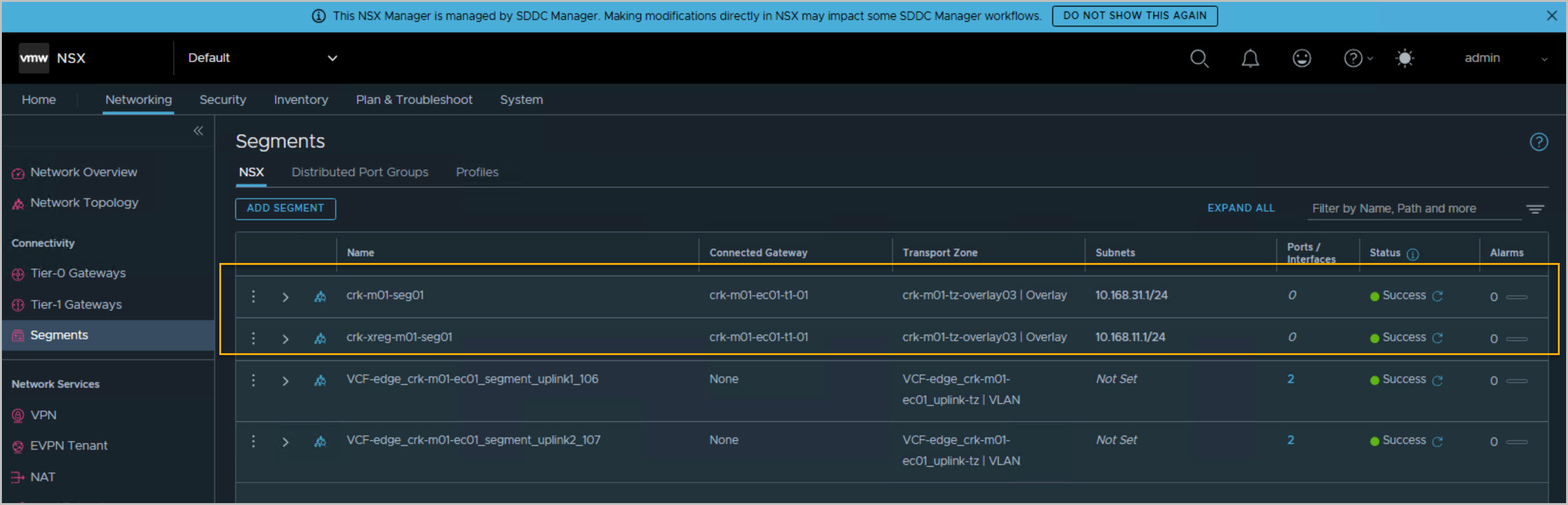
On completion we can view the newly deployed and configured NSX Edge Cluster from SDDC UI, vCenter & NSX UI & Dell Switch CLI:
Useful switch cli examples:
show running-config bgp
show ip bgp summary
show ip bgp
show ip bgp neighbors
show ip bgp neighbors 192.1.6.1
show ip bgp neighbors 192.1.6.1 advertised-routes
AVNs FOR MGMT DEPLOYMENT STEPS
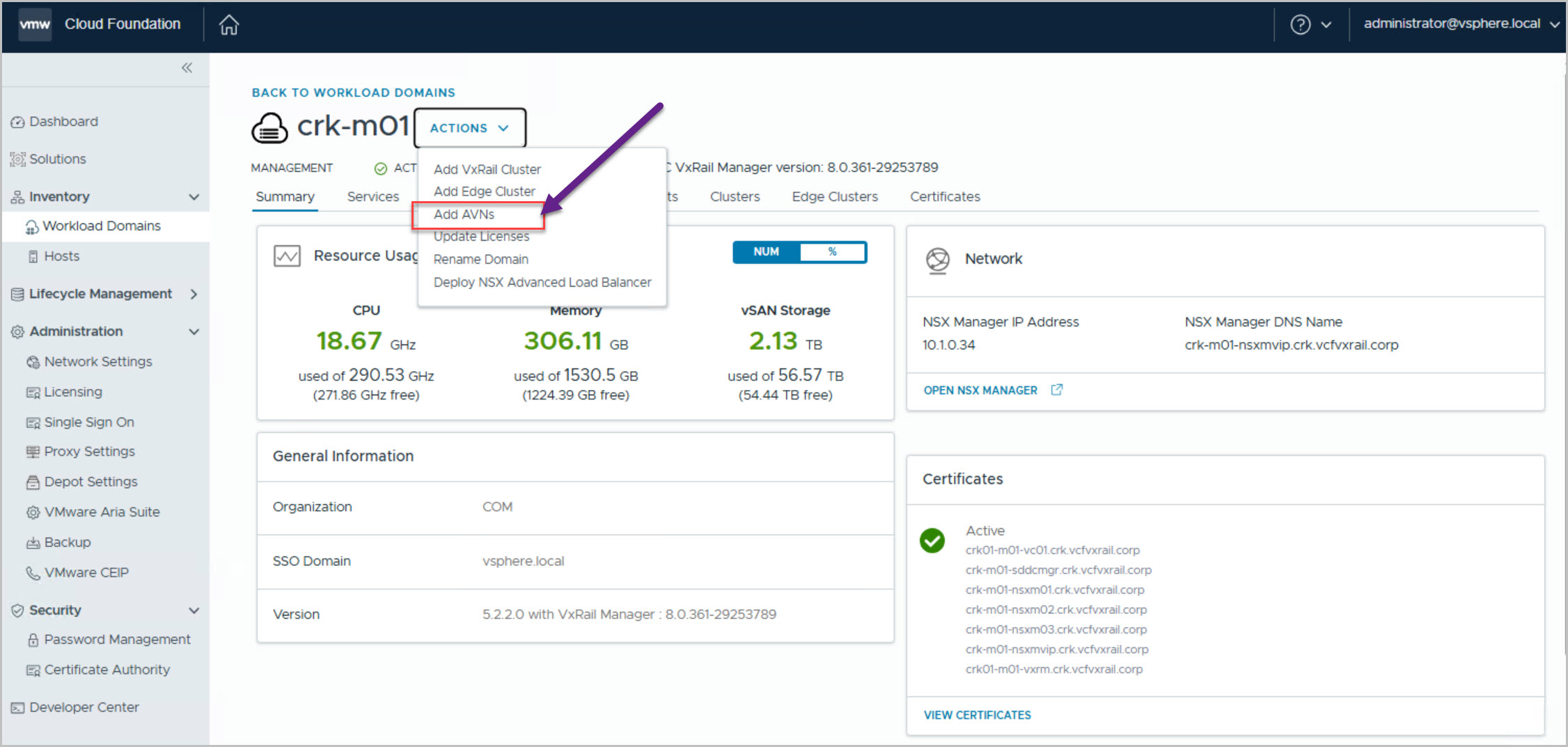
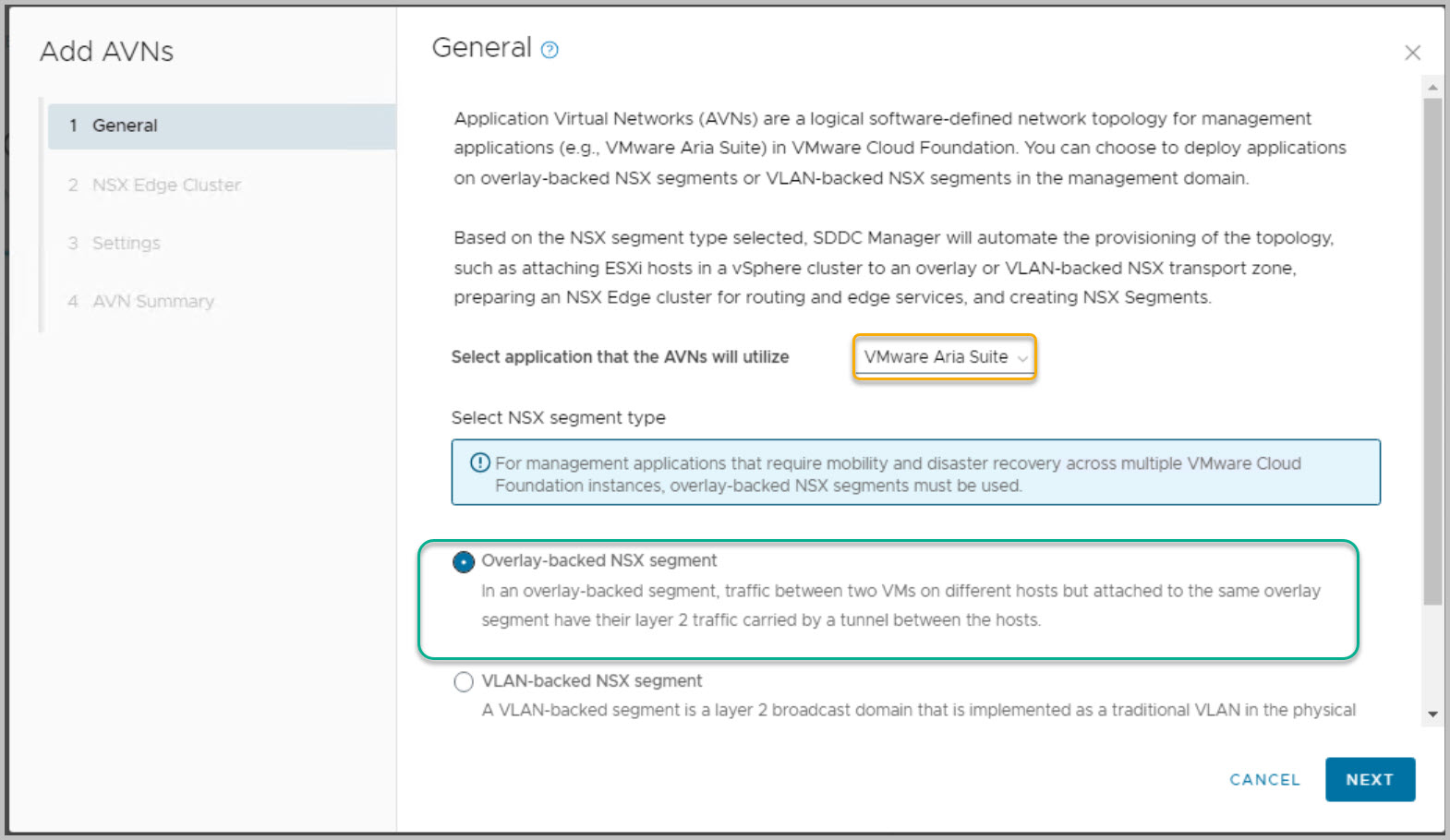
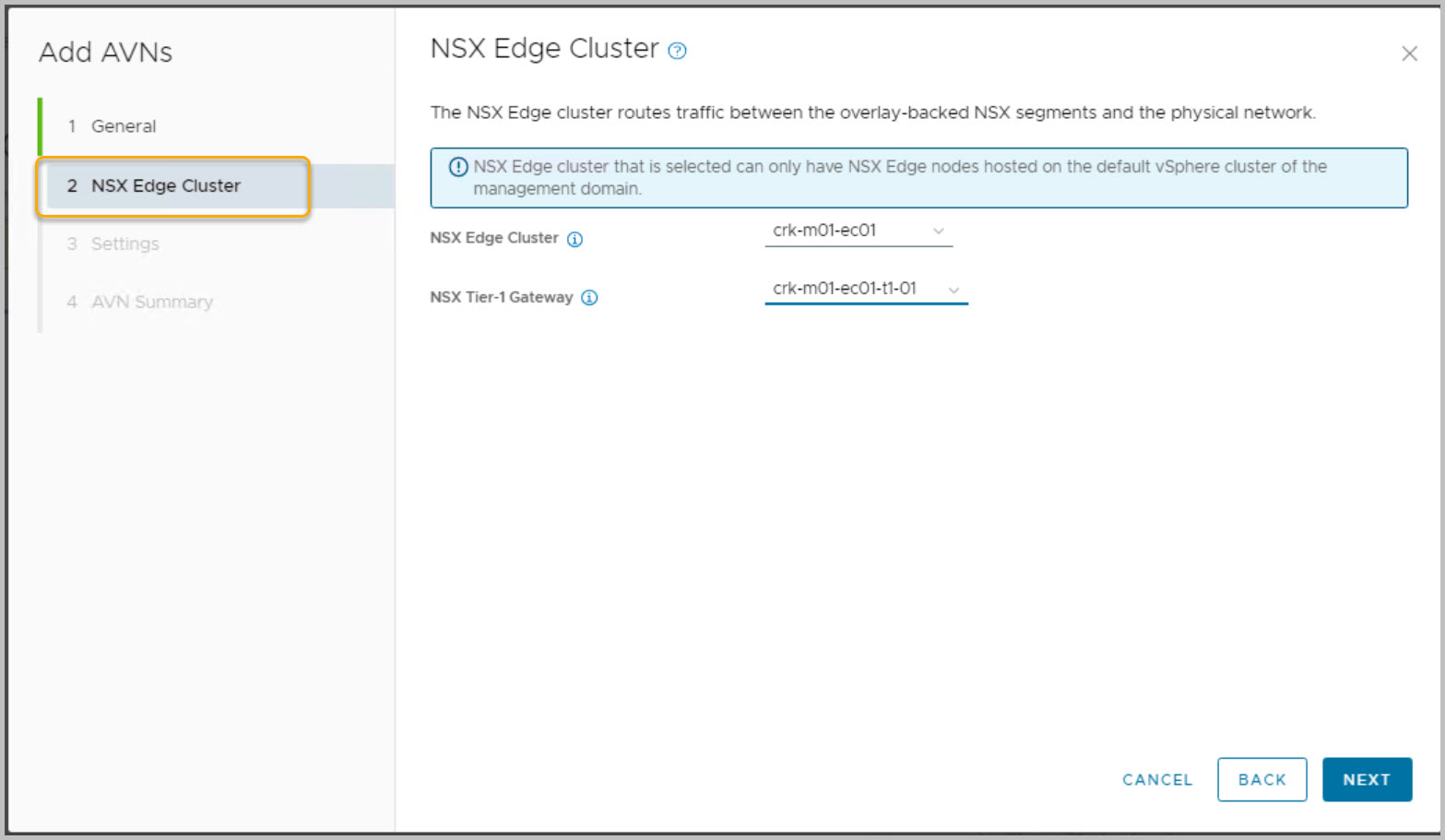
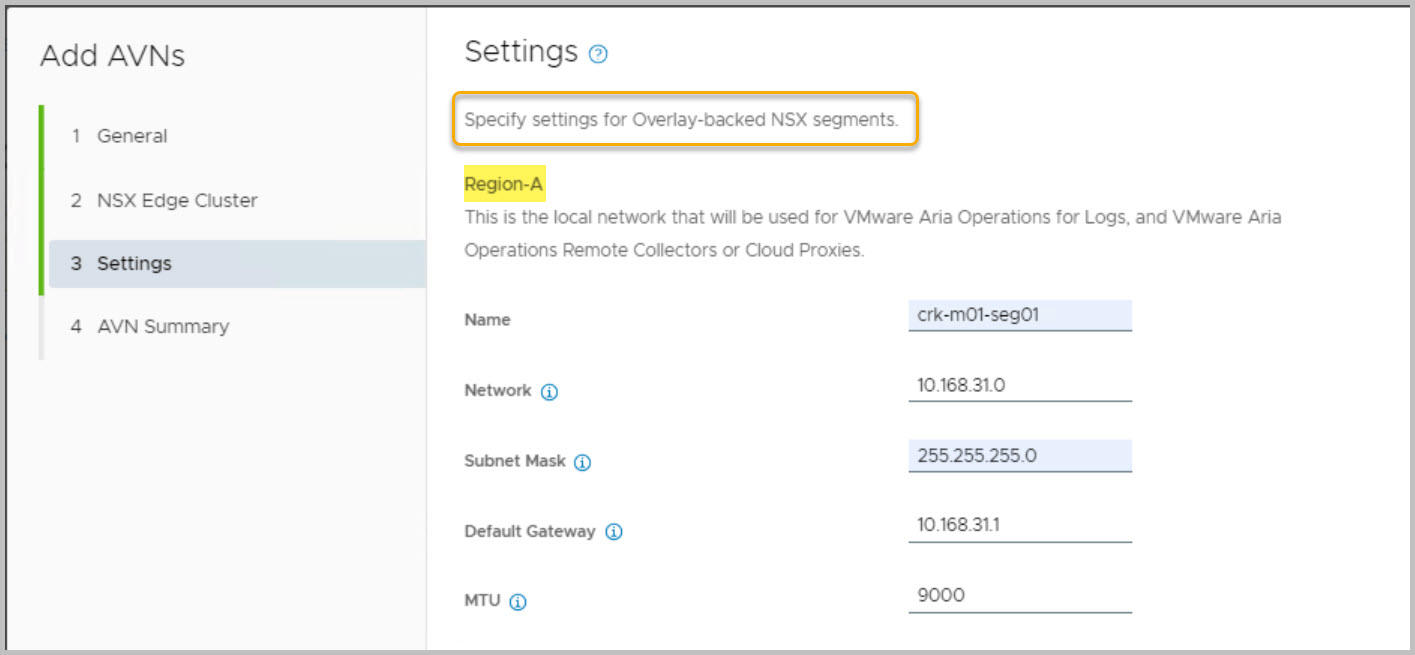
Go to SDDC Manager UI Select Inventory > Workload Domains. Click on the name of the Management domain Select Actions > Add AVNs:
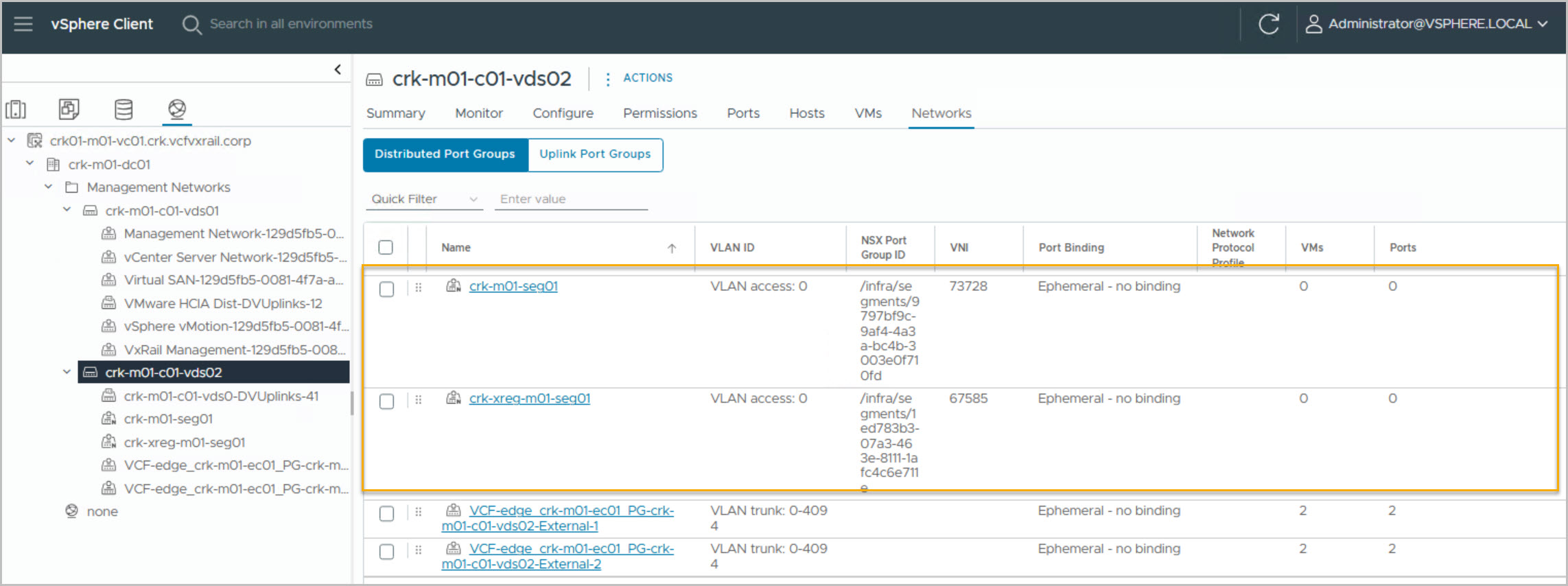
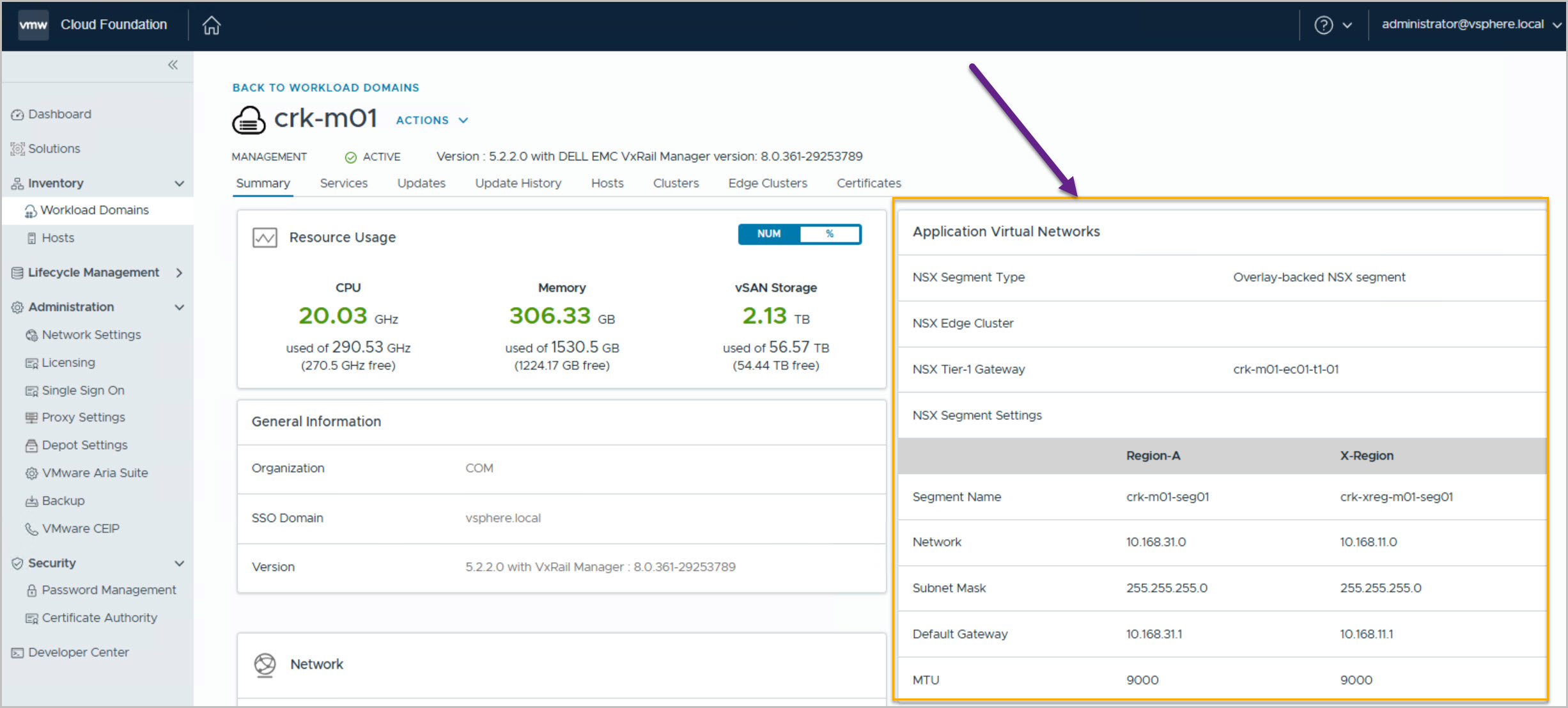
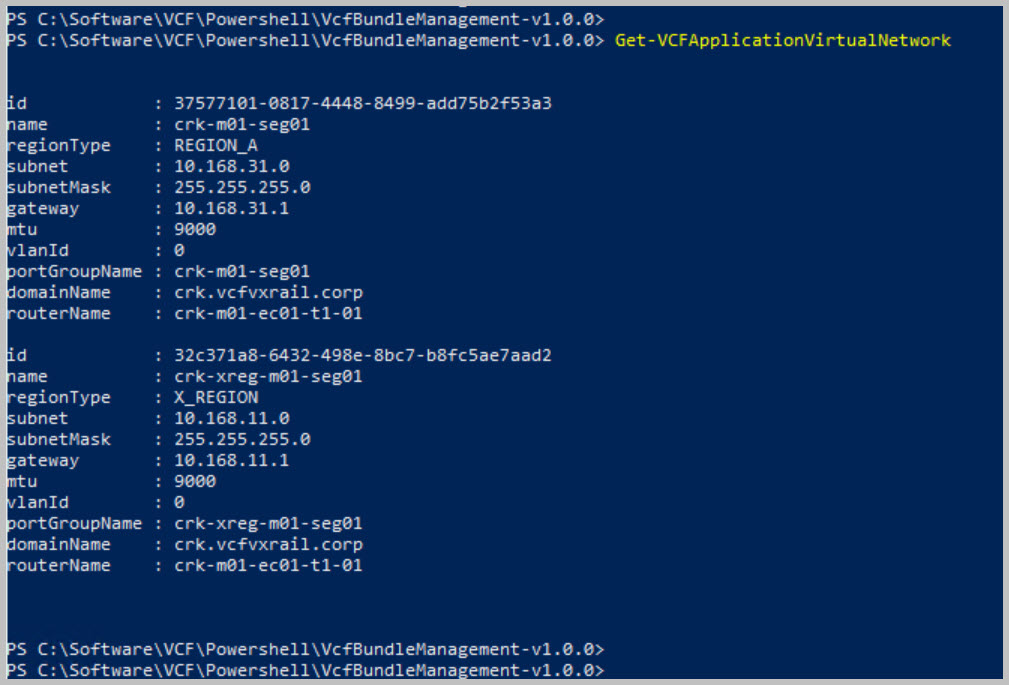
On completion we can view the newly deployed and configured AVNs from both the vCenter & SDDC Manager UI:
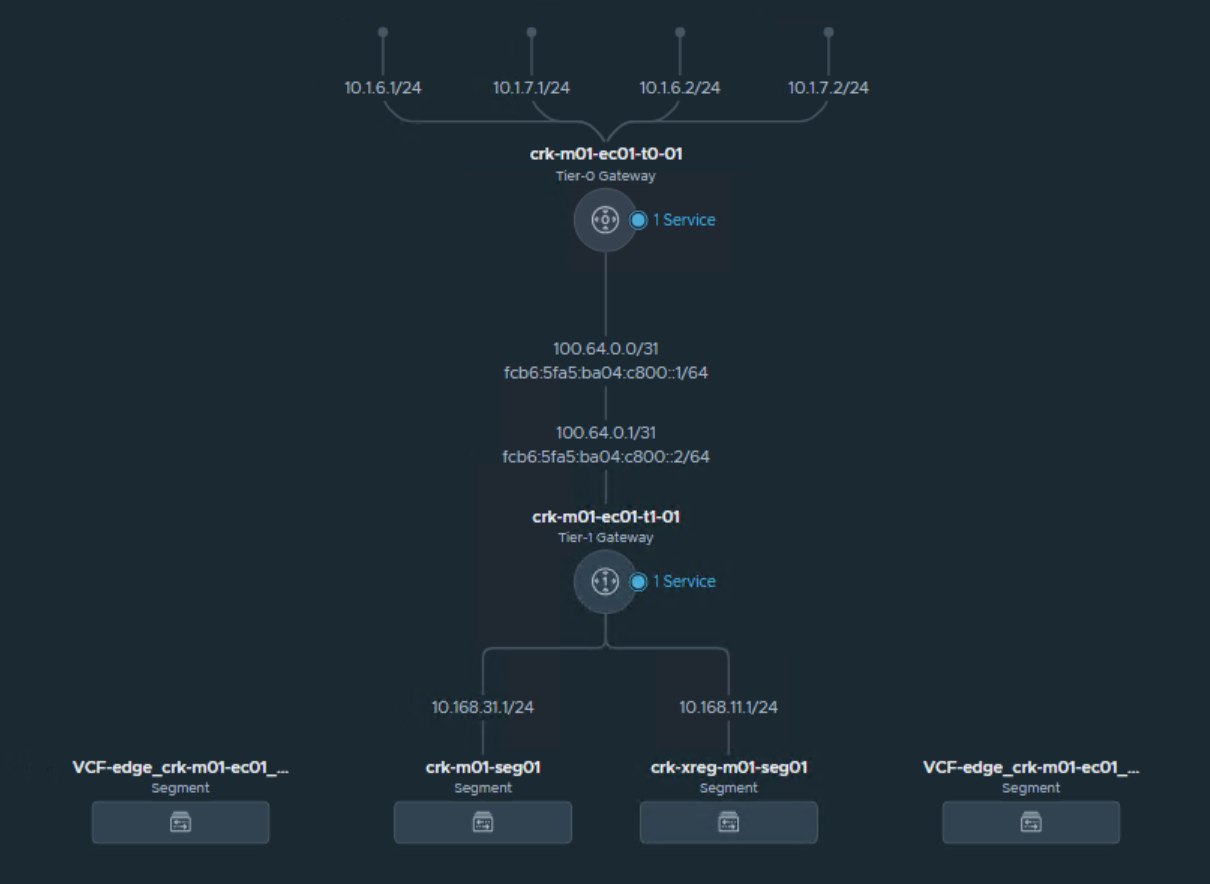
NSX Edge Network Topology
The following depicts the architectural view from within NSX Manager for the Edge solution. The Tier-0 gateway provides routing to the external network while the Tier-1 connected to Tier-0 provides the N/S comms for the internal network:
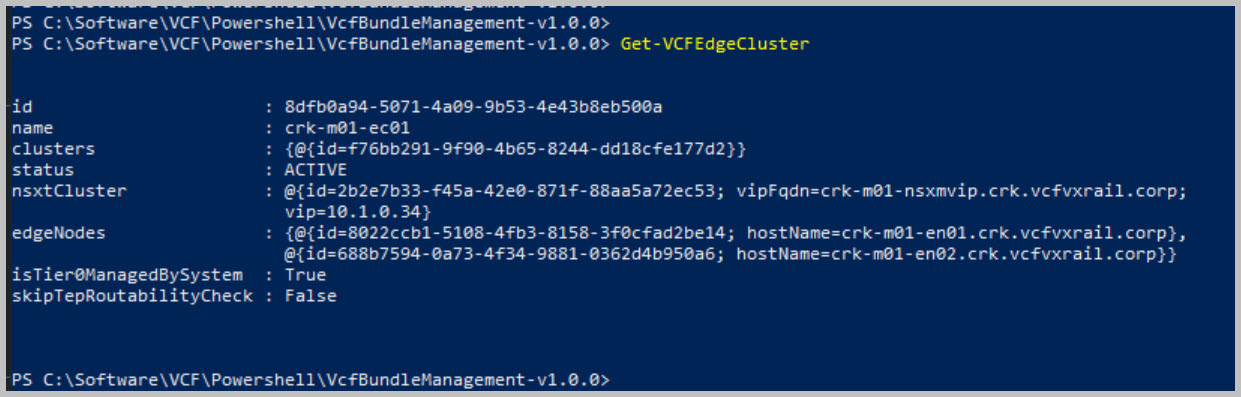
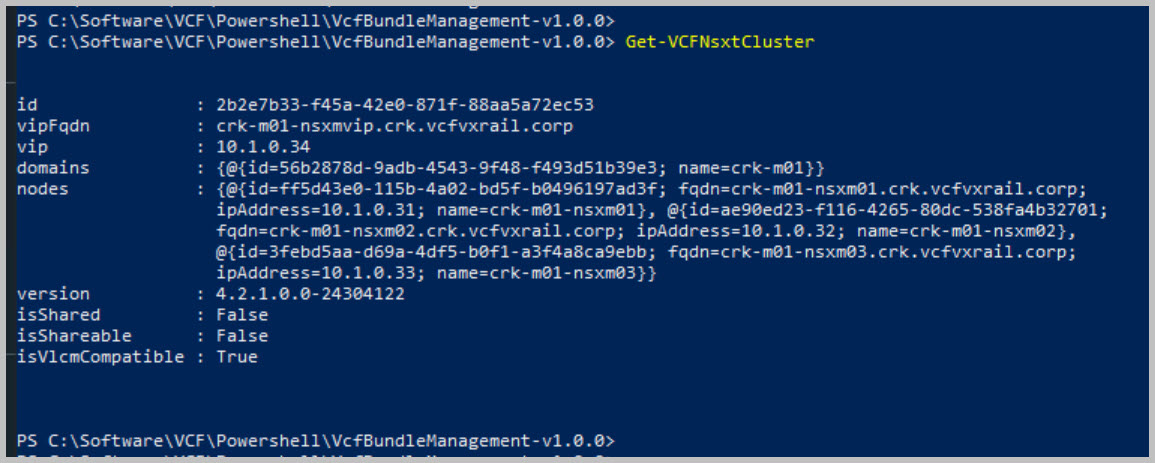
Using PowerVCF to retrieve the configuration details:
NOTE: Get-Command -Module PowerVCF -Name Get*
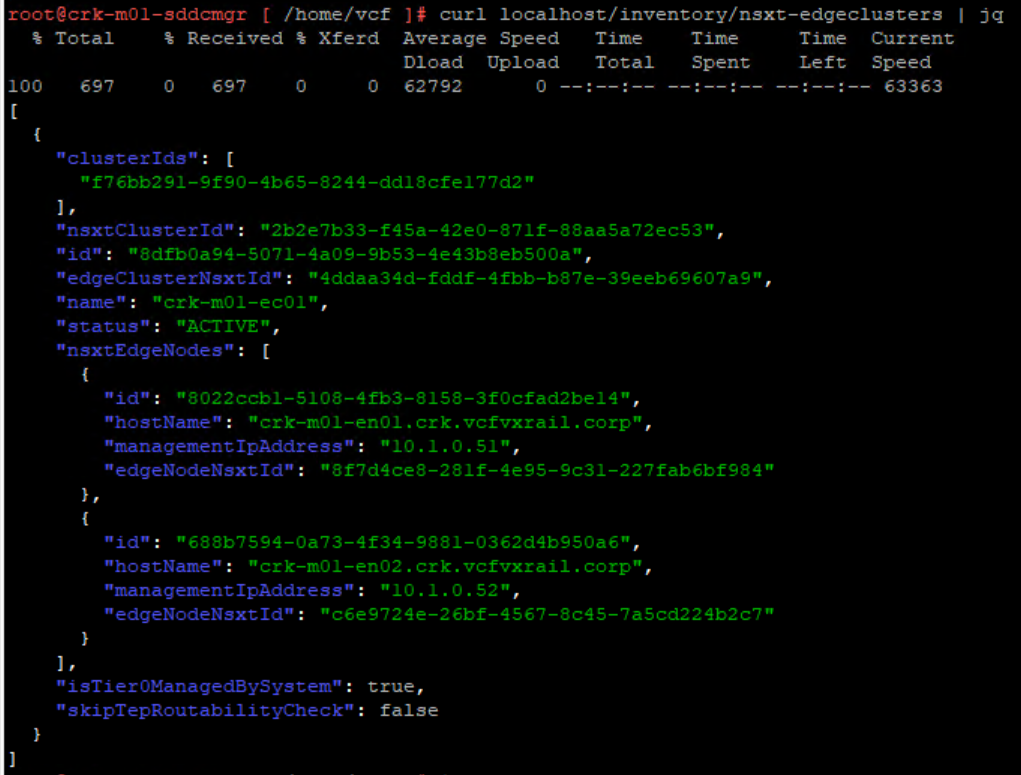
curl localhost/inventory/nsxt-edgeclusters | jq
In Part 3 I will walkthrough the deployment of Aria Suite Lifecycle Manager (vRSLCM).
Note: this is an example for reference only please use the VxRail installation procedures provided by Dell.














 DavidRing.ie
1 Comment »