VxRail
VxRail 8.0 – Flush DNS Cache
If you modify ESXi hostnames or management IP addresses, you’ll need to flush the cache services on both vCenter and VxRail. Likewise, if you’re experiencing name-resolution issues in your VxRail […]
Virtualization & Storage

If you modify ESXi hostnames or management IP addresses, you’ll need to flush the cache services on both vCenter and VxRail. Likewise, if you’re experiencing name-resolution issues in your VxRail […]
If you modify ESXi hostnames or management IP addresses, you’ll need to flush the cache services on both vCenter and VxRail. Likewise, if you’re experiencing name-resolution issues in your VxRail environment, a helpful troubleshooting step is to clear the local DNS cache on both the vCenter VCSA and the VxRail Manager. This post explains how to clear the cache on the VxRail Manager. For instructions on clearing the cache on the vCenter VCSA, please refer to:
Begin by SSH to VxRail Manager and su to root. The command used to clear the DNS cache on VxRail Manager:
service dnsmasq restart
Checking service status after restart:
service dnsmasq status
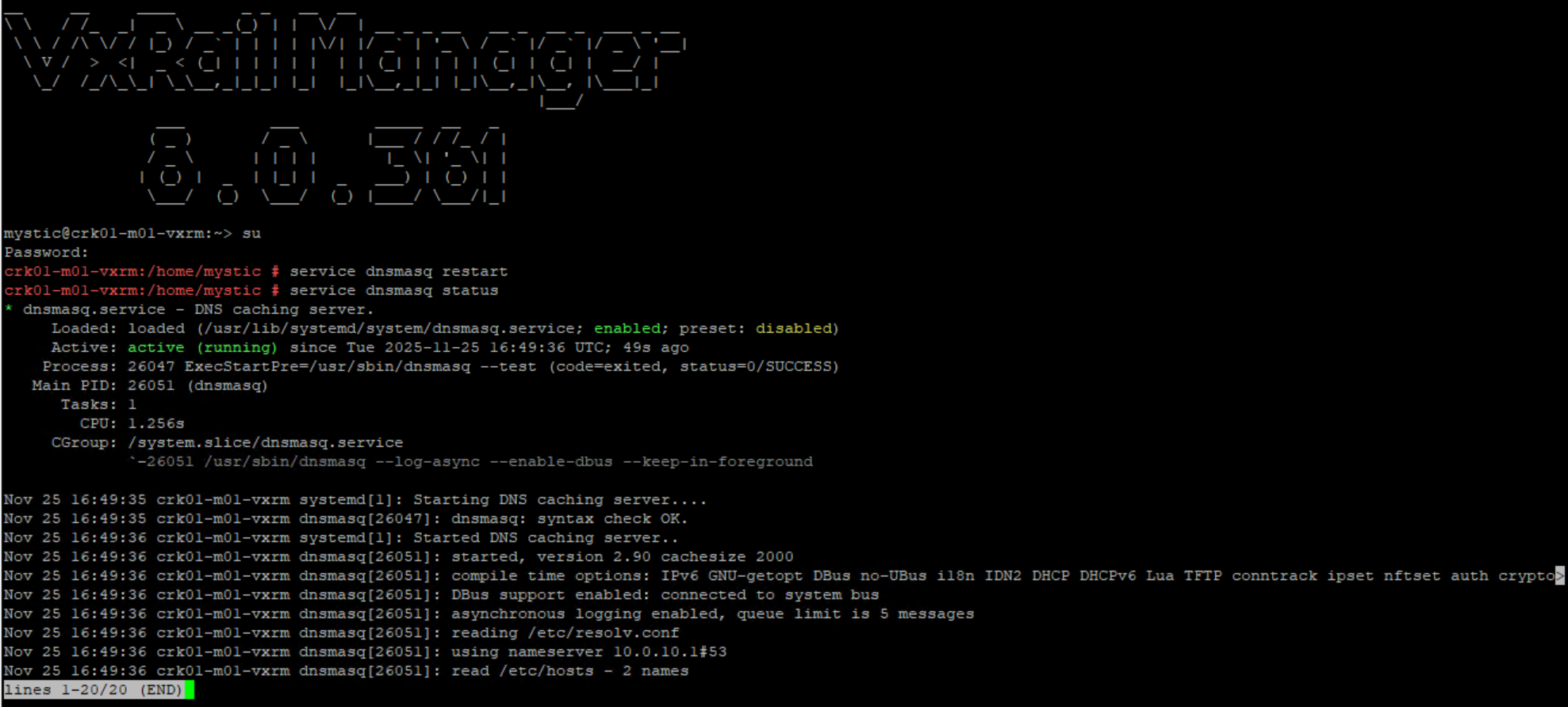
Use dig @localhost hostname to verify hostname and IP mappings are correct:
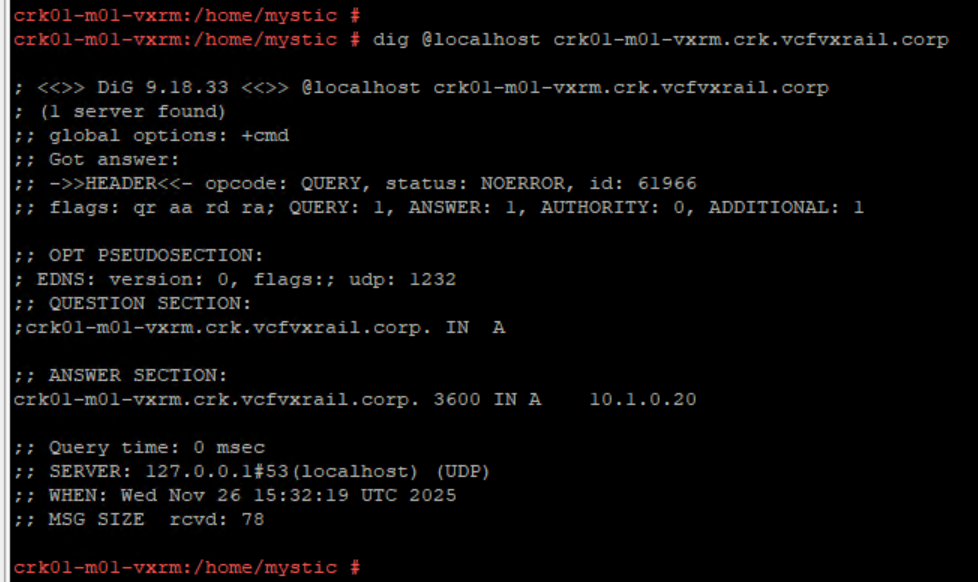
It may also be worth checking /etc/hosts for any unexpected entries(which of course there should be none as this file is not to be modified) as dnsmasq will query the contents of /etc/hosts during a DNS query.




 DavidRing.ie