VxRail
VMware VCSA 8.0 – Clear Cache
If you encounter name-resolution problems in your vSphere environment, a helpful troubleshooting step is to flush the local DNS cache on the vCenter VCSA. The VCSA maintains its own DNS […]
Virtualization & Storage

If you encounter name-resolution problems in your vSphere environment, a helpful troubleshooting step is to flush the local DNS cache on the vCenter VCSA. The VCSA maintains its own DNS […]
If you encounter name-resolution problems in your vSphere environment, a helpful troubleshooting step is to flush the local DNS cache on the vCenter VCSA. The VCSA maintains its own DNS cache and relies on the dnsmasq service to process DNS queries internally, which is why you’ll see the loopback address (127.0.0.1) listed in resolv.conf :
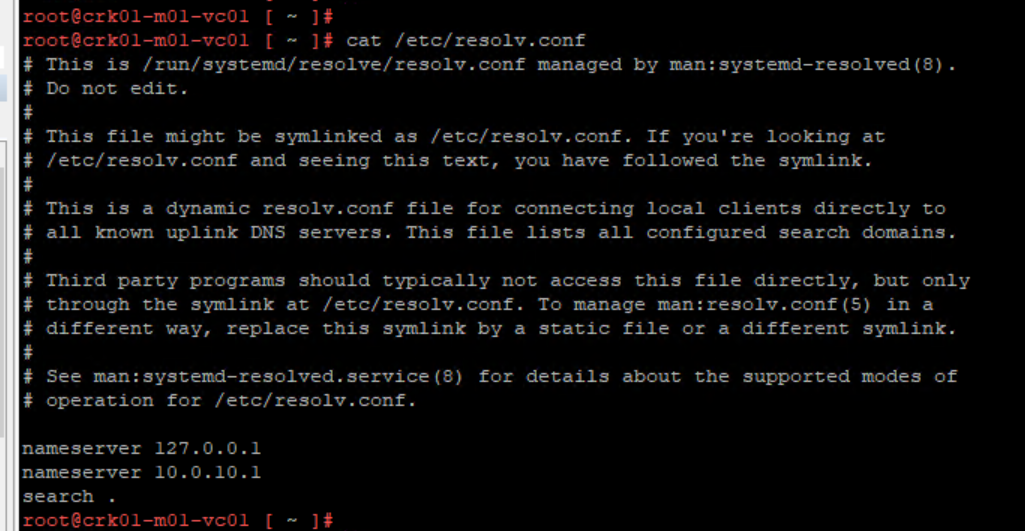
Because the VCSA runs on Photon OS, you’ll use the systemctl command to manage and restart services.
Start by connecting to the VCSA via SSH, where you can check the current Photon OS version with:
cat /etc/os-release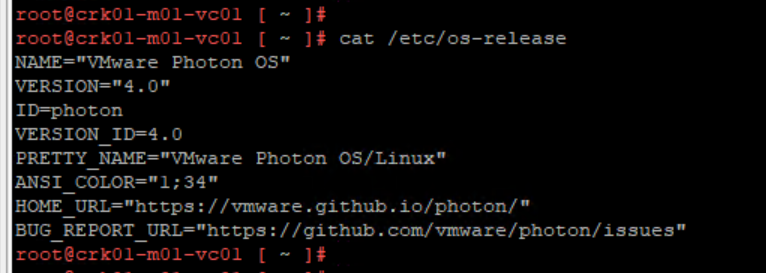
The command used to clear the DNS cache on vCenter VCSA:
systemctl restart dnsmasq.service
Checking service status after restart:
systemctl status dnsmasq.service
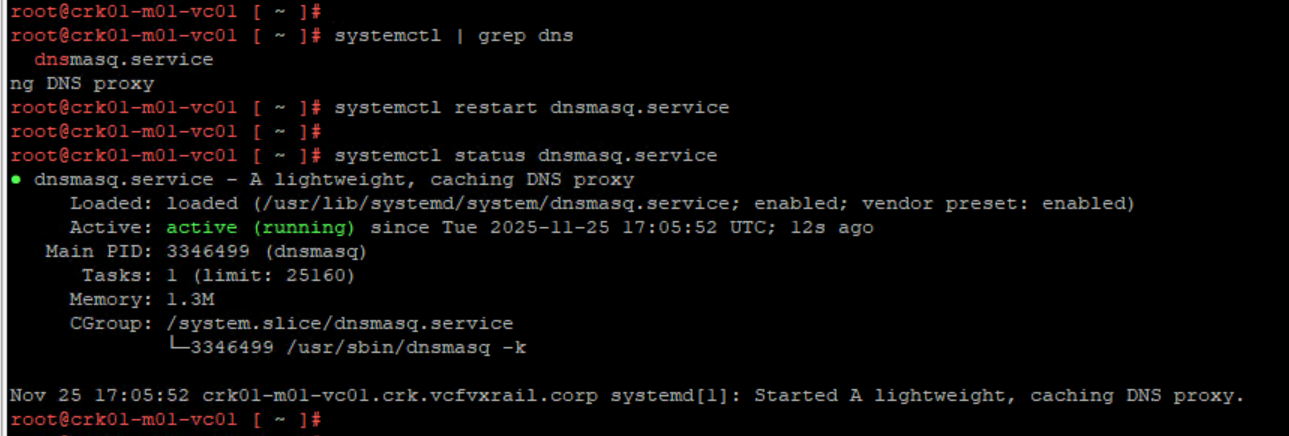
It may also be worth checking /etc/hosts for any unexpected entries (which of course there should be none as this file is not to be modified) as dnsmasq will query the contents of /etc/hosts during a DNS query:





 DavidRing.ie
1 Comment »