Starting with VCF on VxRail 5.2, the Upgrade Planner introduces enhanced functionality that allows administrators to select specific target versions for each individual VMware Cloud Foundation component during an upgrade. […]
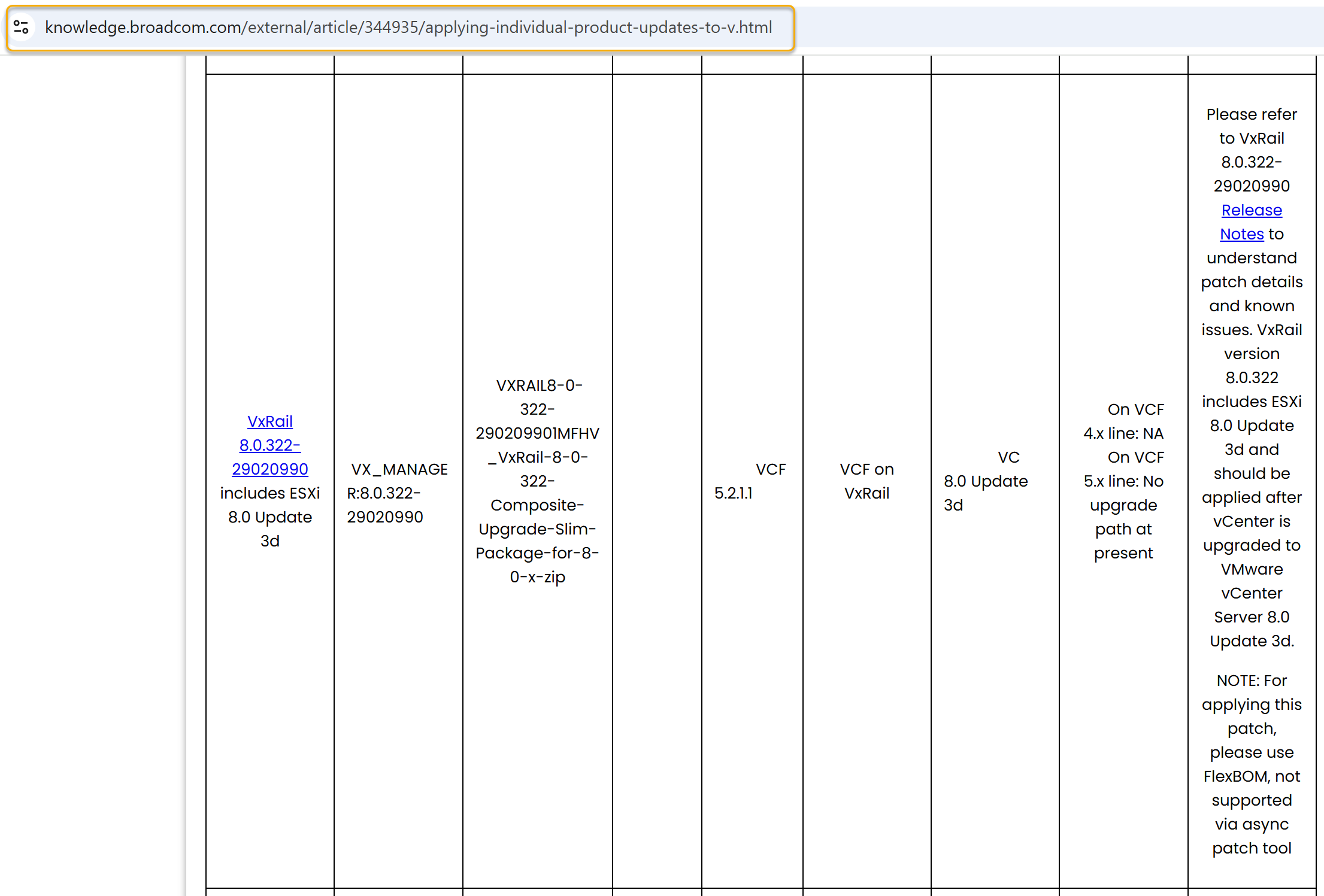
Starting with VCF on VxRail 5.2, the Upgrade Planner introduces enhanced functionality that allows administrators to select specific target versions for each individual VMware Cloud Foundation component during an upgrade. This flexibility is especially useful when applying asynchronous patches (async patches) to address security vulnerabilities or bugs without requiring a full stack upgrade. Broadcom’s official knowledge base article outlines the full list of components that can be patched independently, such as NSX, vCenter, and VxRail Manager, along with the compatible VCF versions and prerequisites.
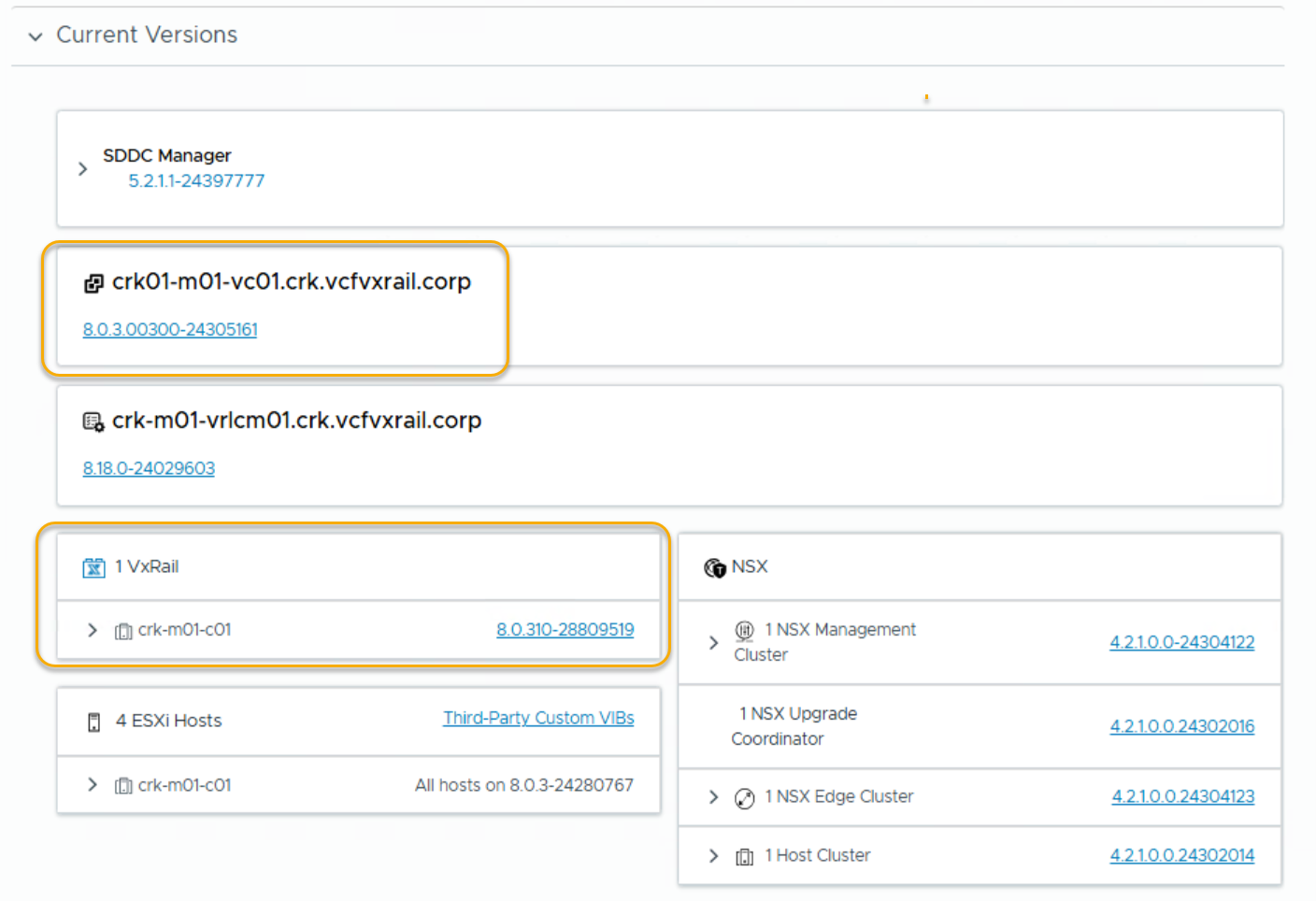
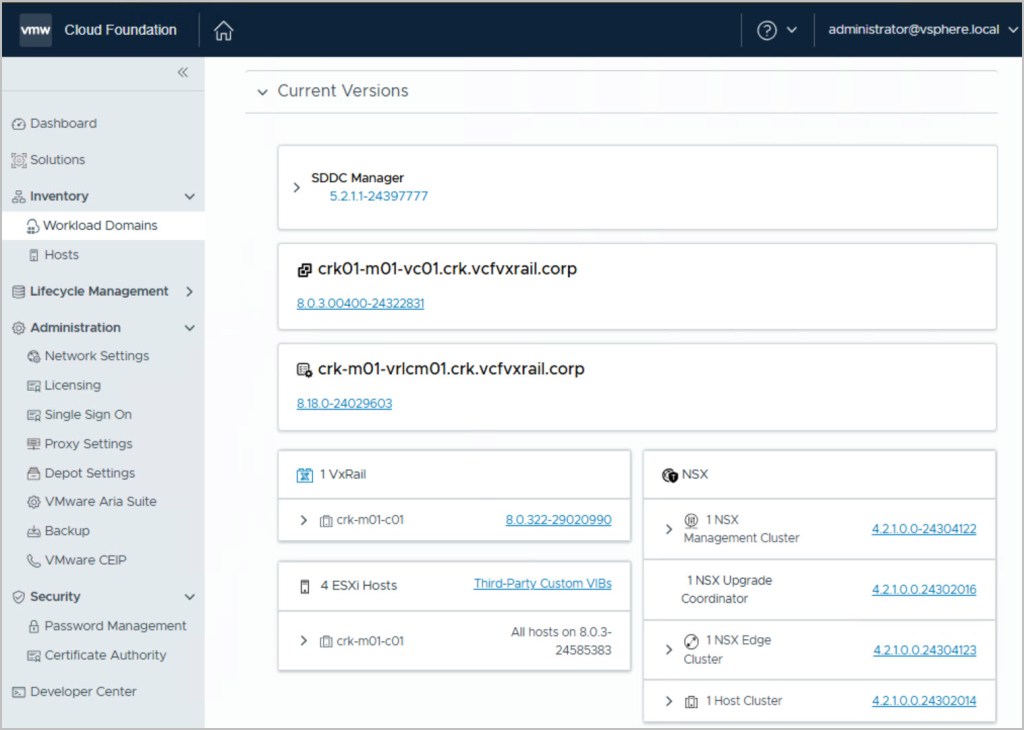
In this example, the environment is currently running VMware Cloud Foundation (VCF) 5.2.1.1 with VxRail version 8.0.310.
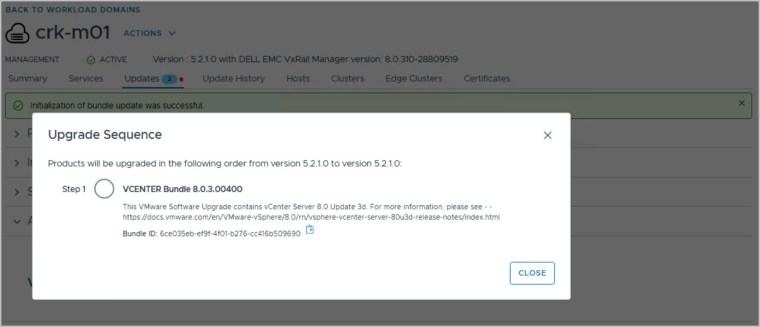
I’ll demonstrate how to use FlexBom patching to upgrade the VxRail code level to version 8.0.322. This VxRail release includes ESXi 8.0 Update 3d. As part of the upgrade process, it’s critical to follow the correct sequence: vCenter Server must first be upgraded to VMware vCenter Server 8.0 Update 3d before applying the VxRail update. This ensures proper compatibility and alignment with the underlying ESXi version included in the VxRail bundle.
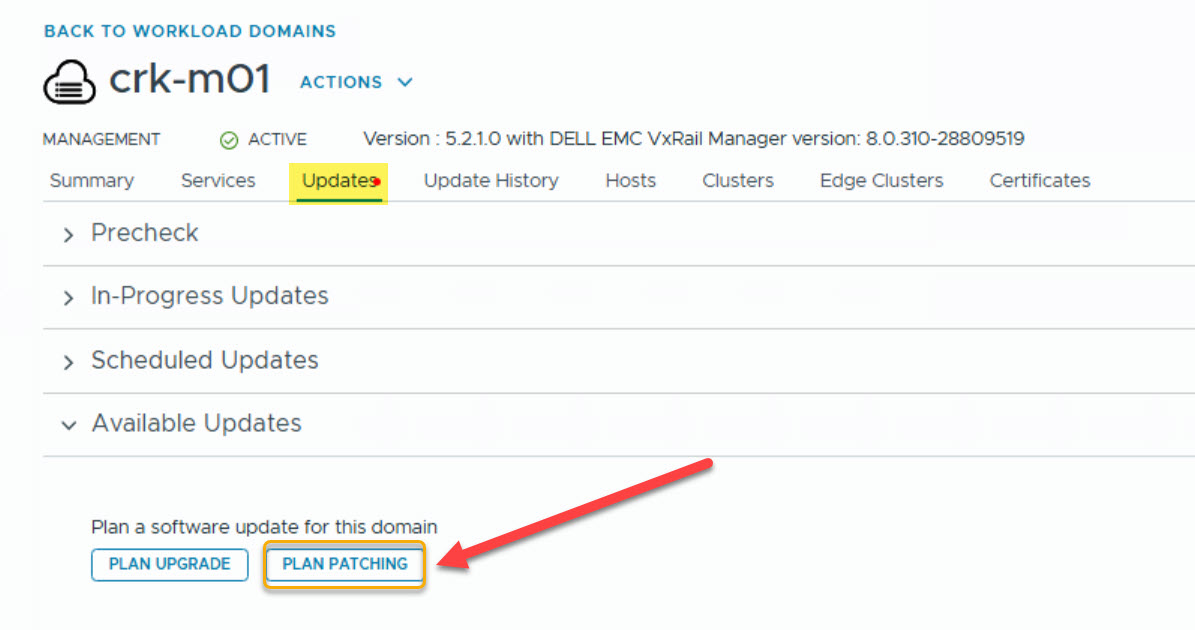
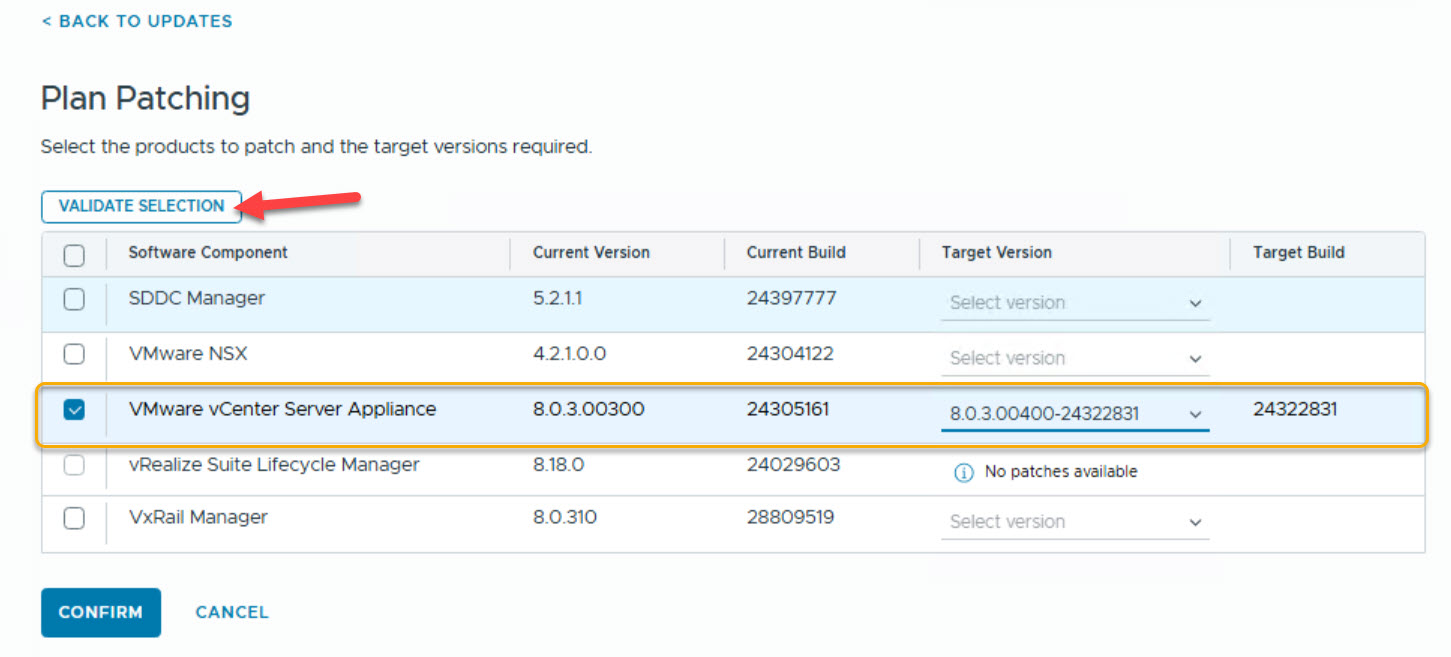
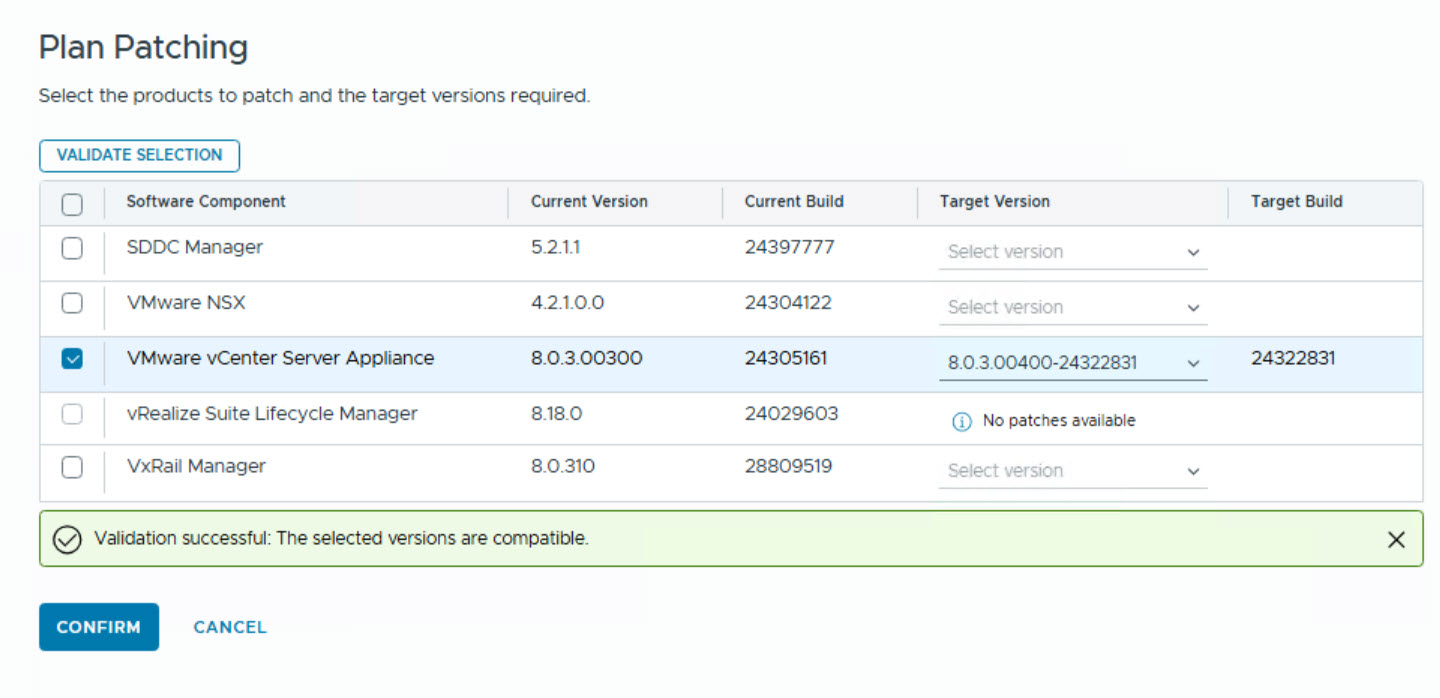
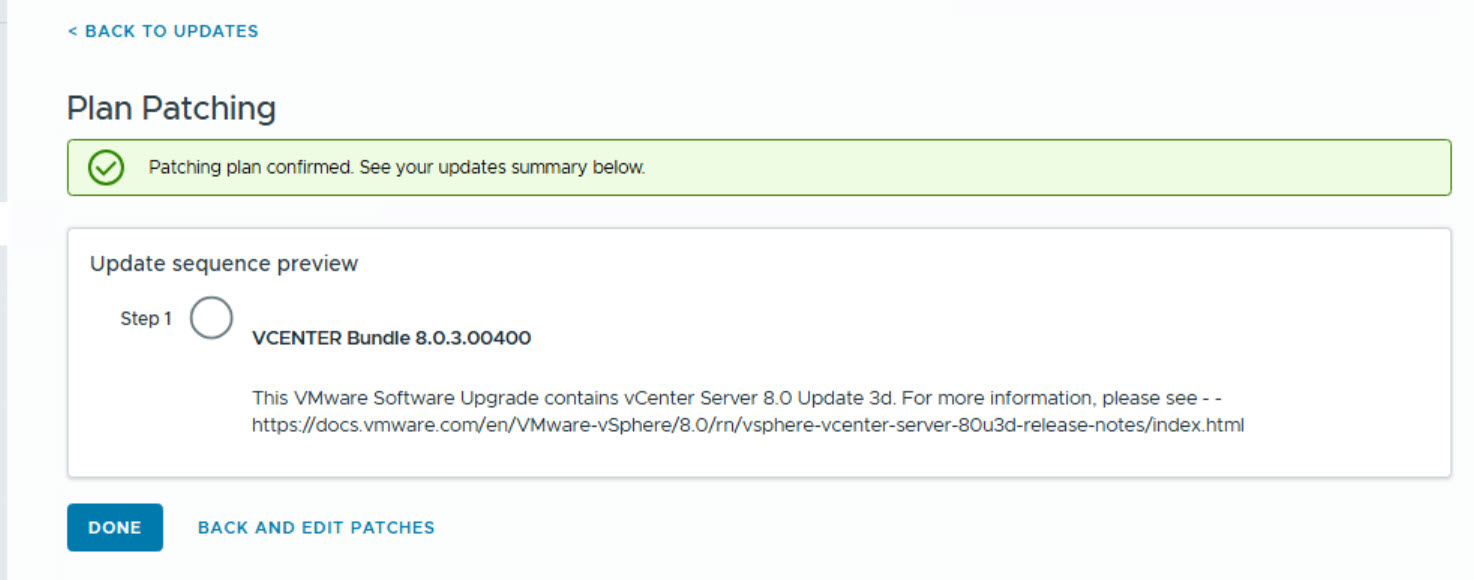
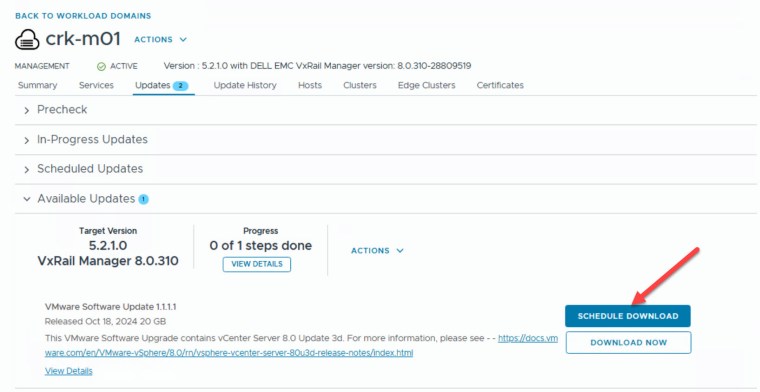
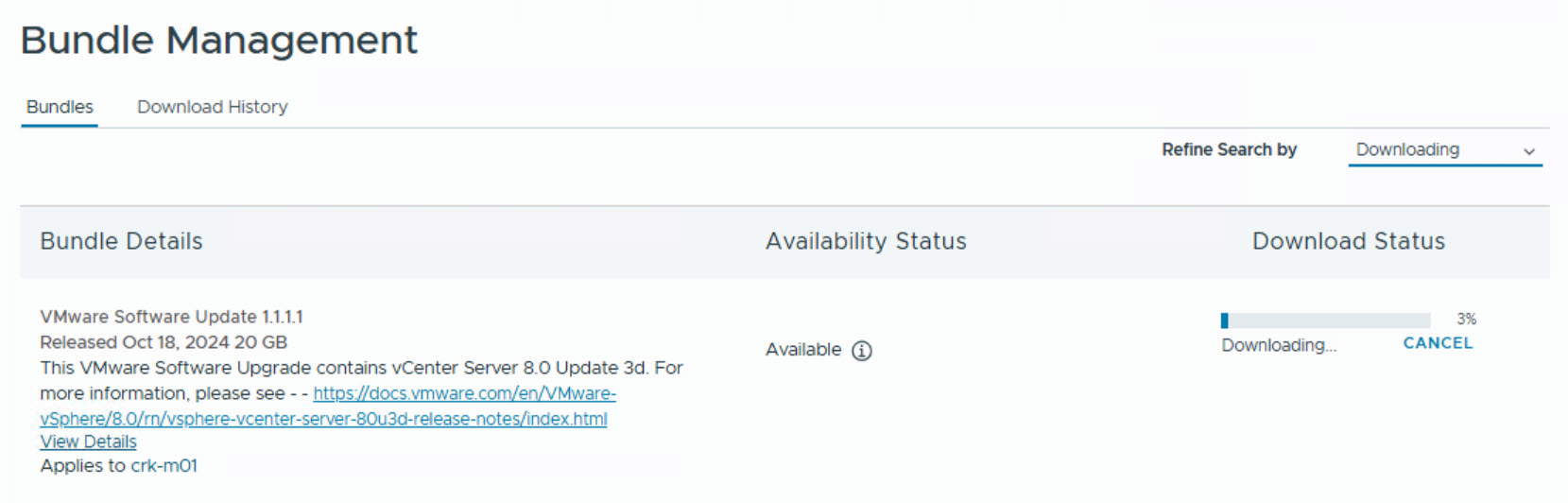
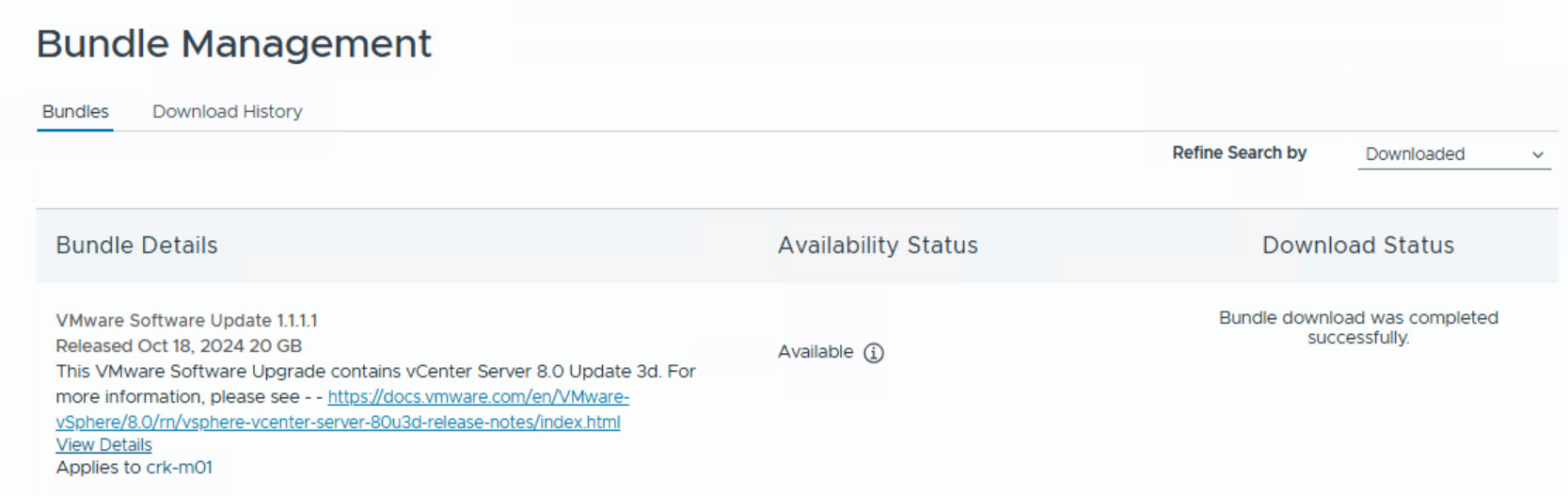
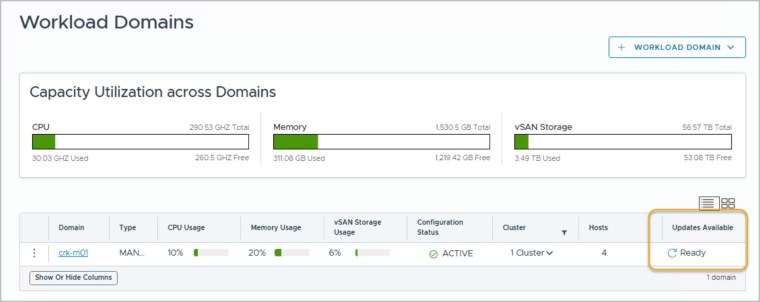
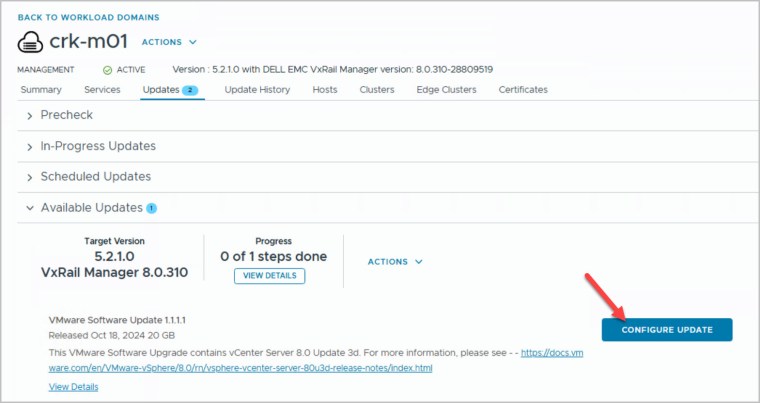
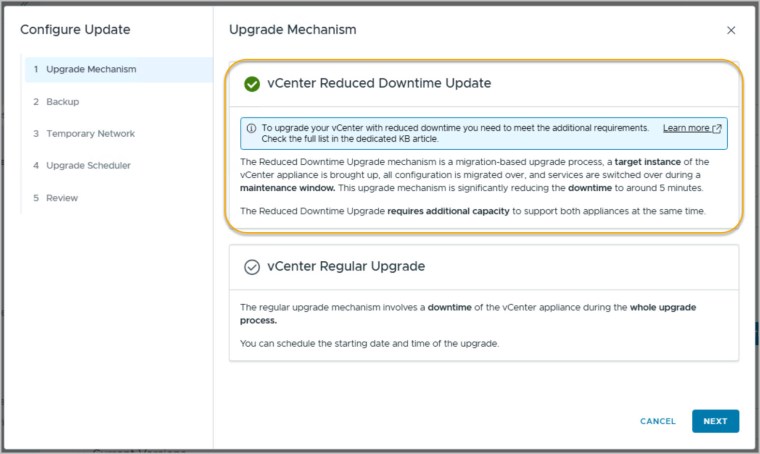
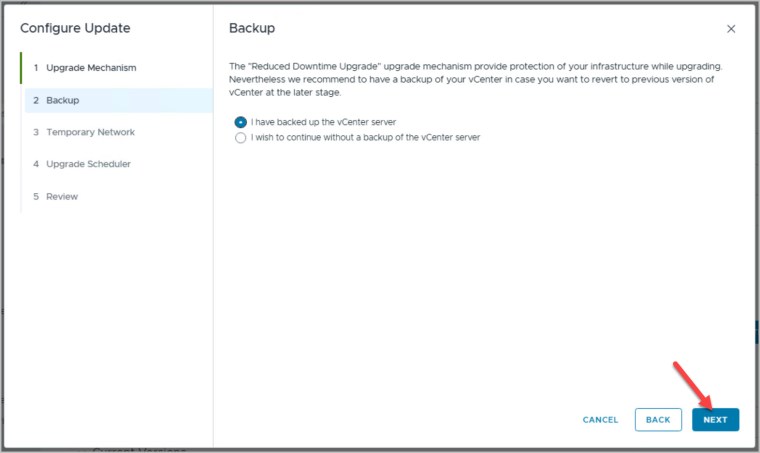
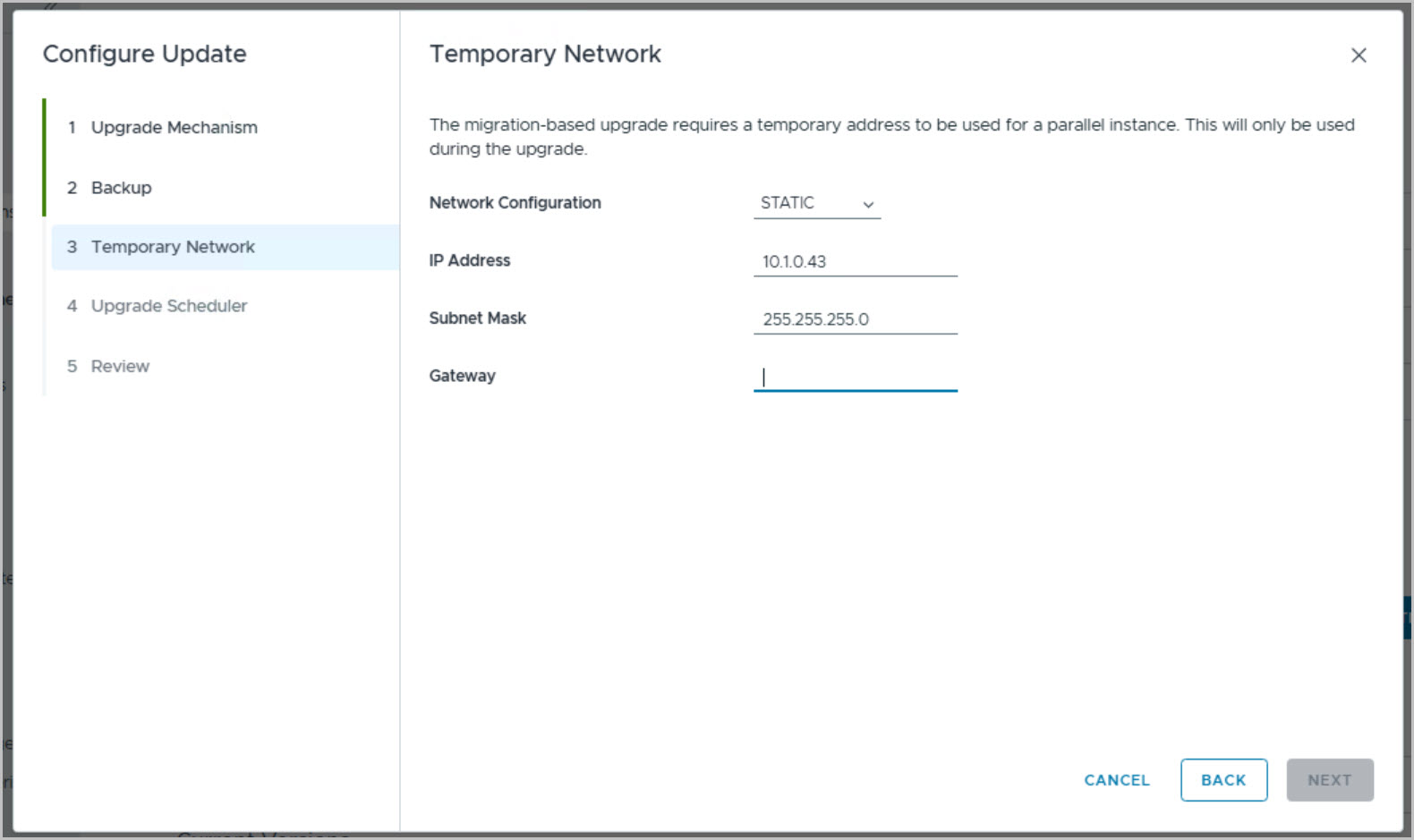
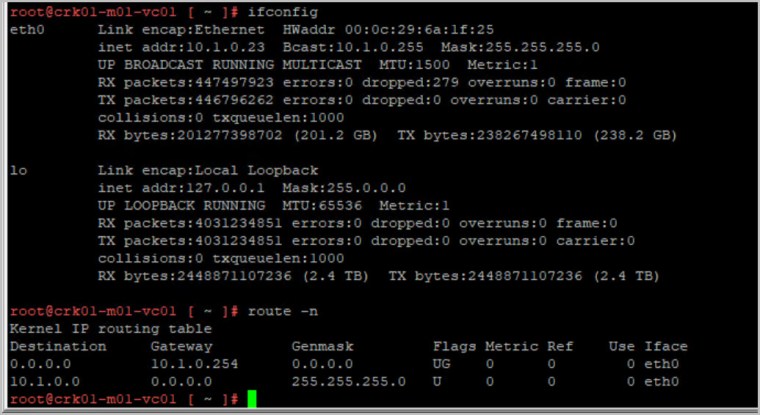
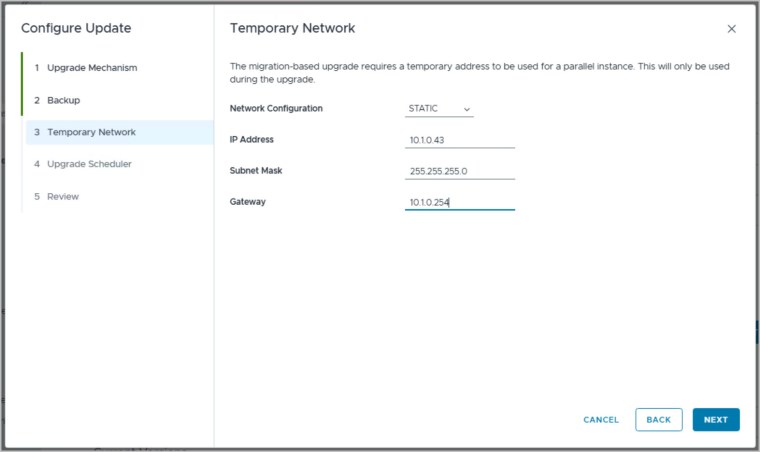
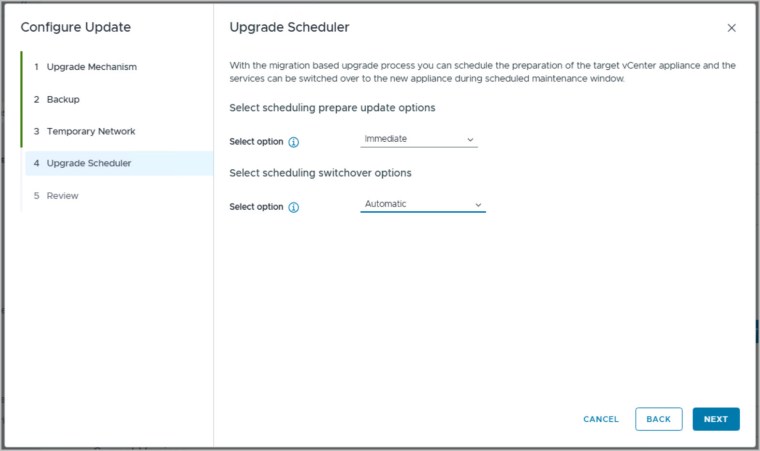
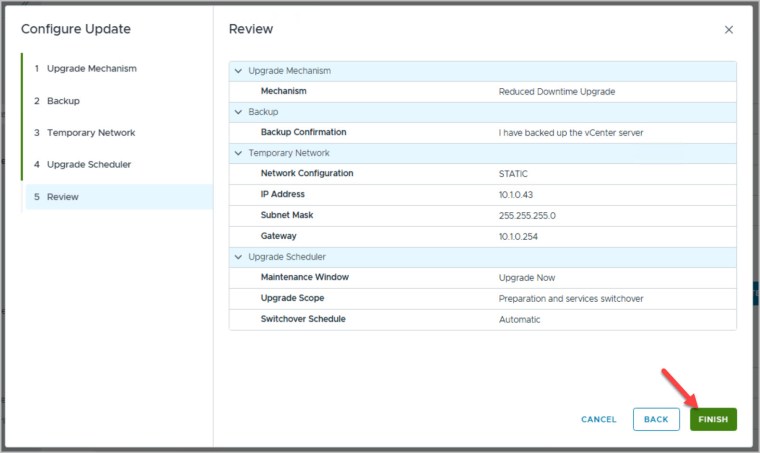
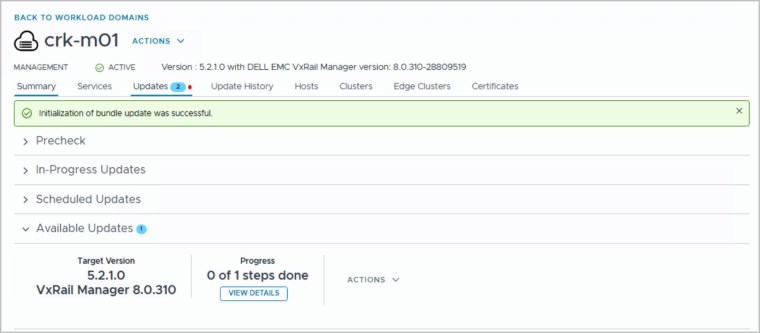
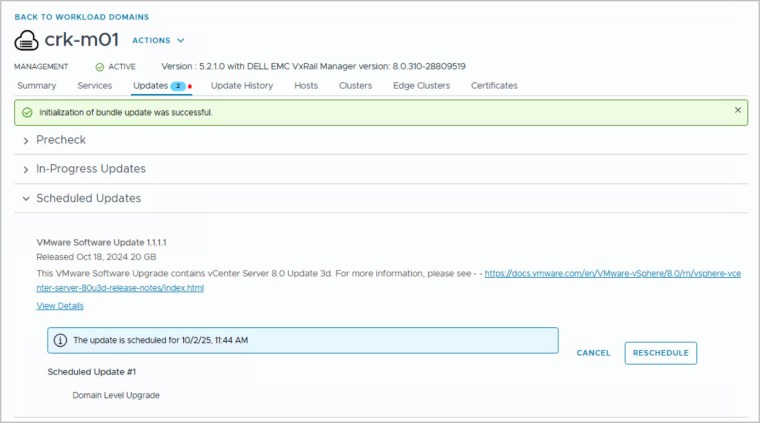
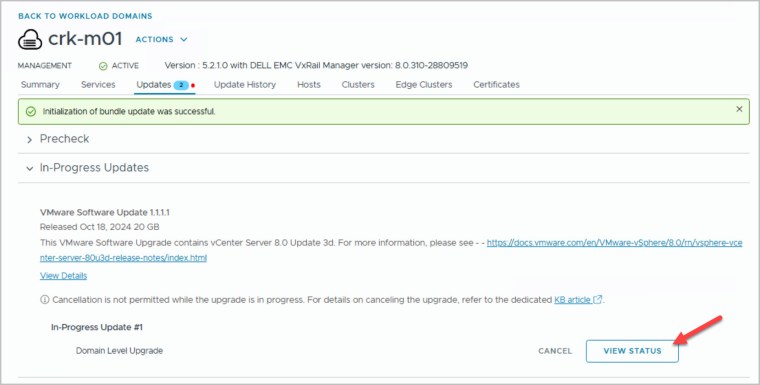
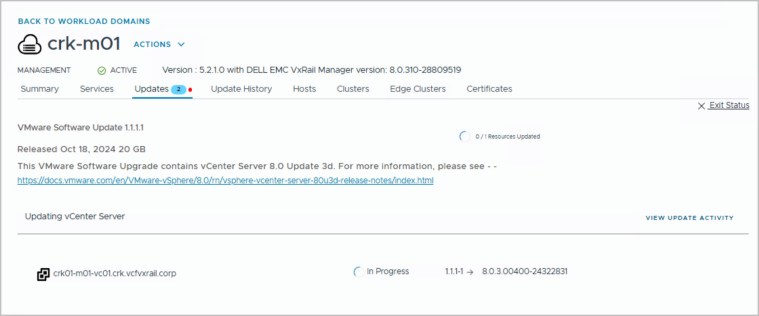
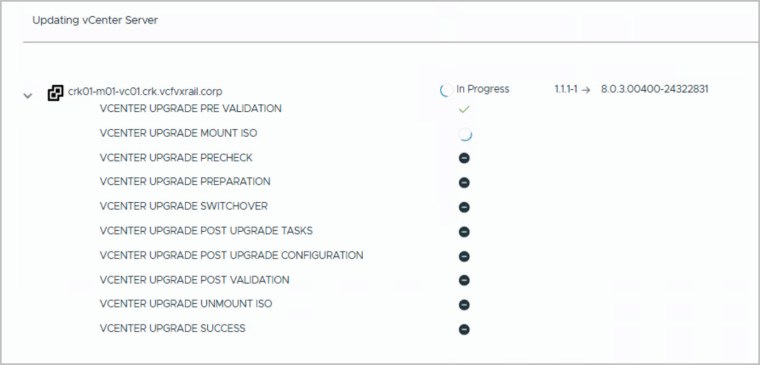
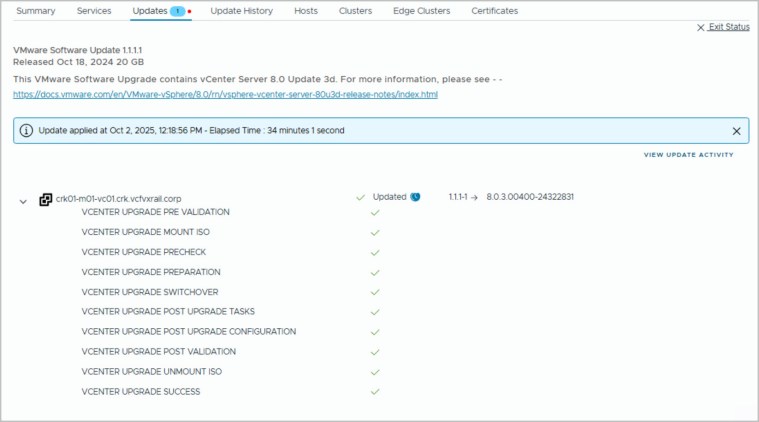
The following screenshot sequence demonstrates how to upgrade vCenter Server using the FlexBom patching workflow in a VCF on VxRail environment. In this scenario, we’re upgrading to vCenter Server 8.0 Update 3d ahead of a planned VxRail upgrade to version 8.0.322. To minimize service disruption, we leverage VMware’s RDU (Reduced Downtime Upgrade) feature, which significantly shortens vCenter downtime by preserving services and connections during the upgrade process. It’s important to note that RDU requires a temporary IP address to be assigned for the replication target this enables the new vCenter instance to synchronize data before the final cutover.
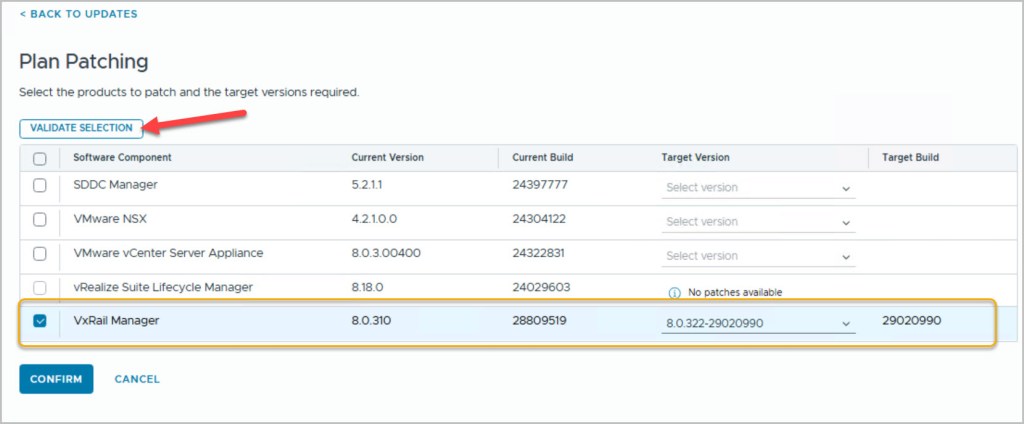
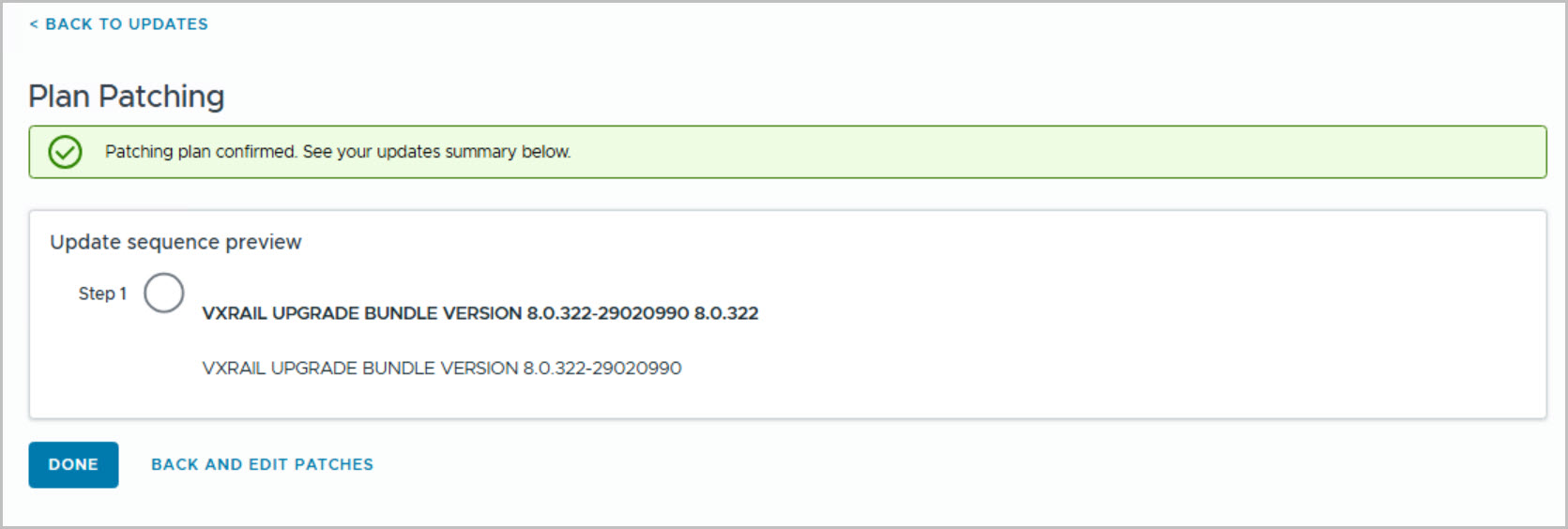
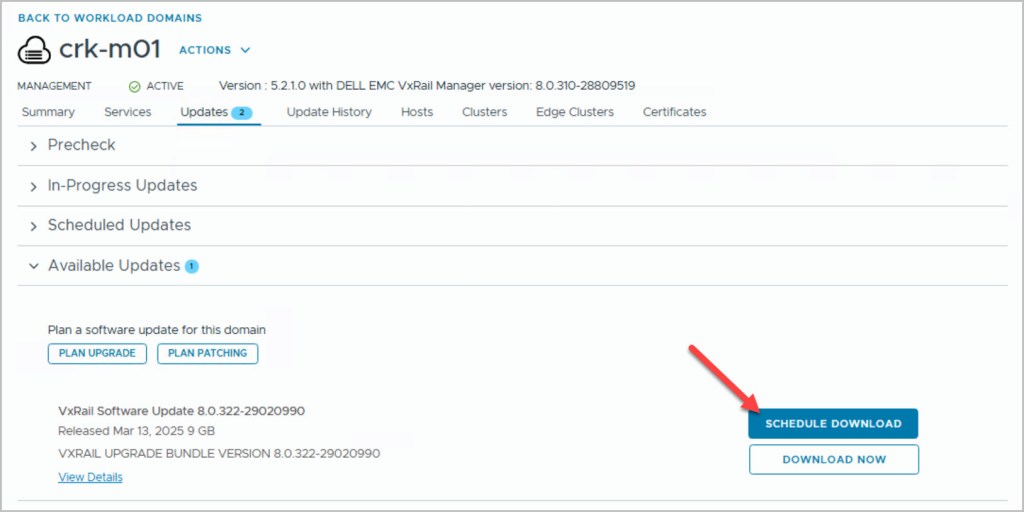
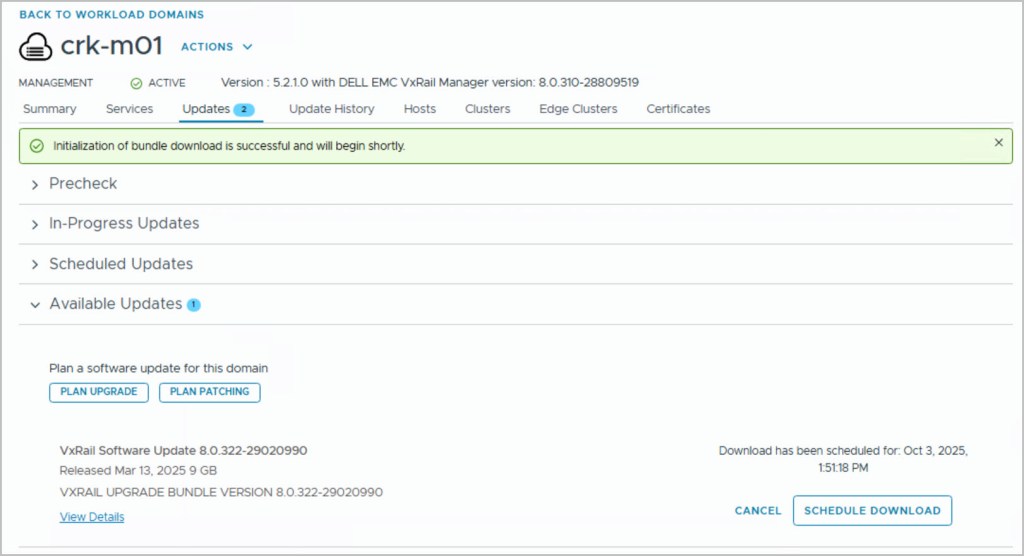
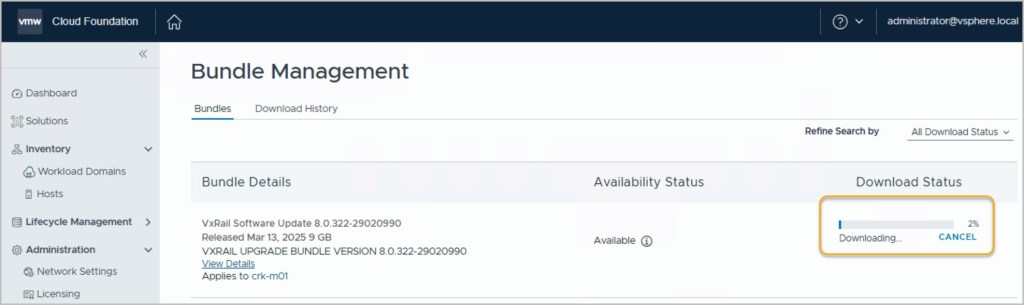
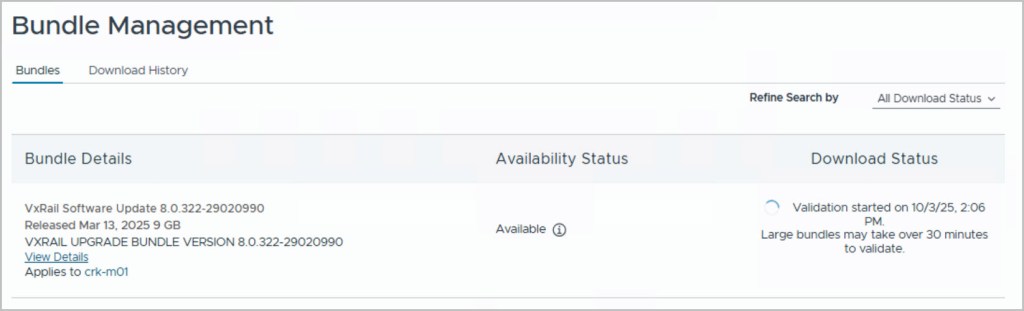
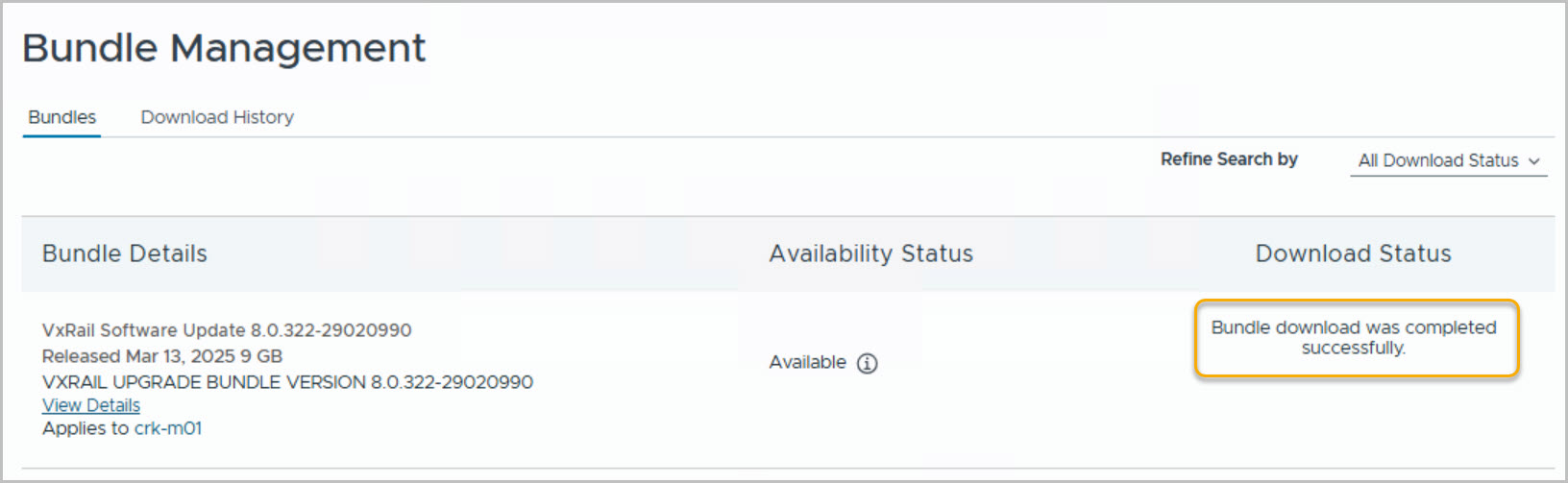
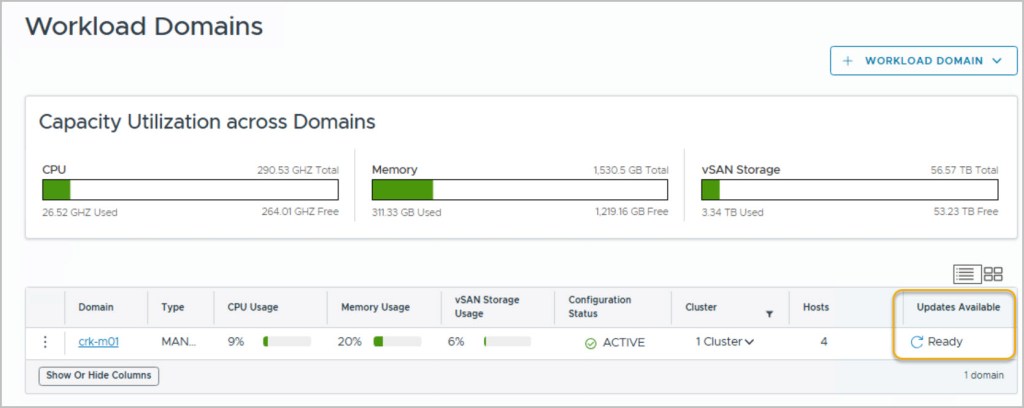
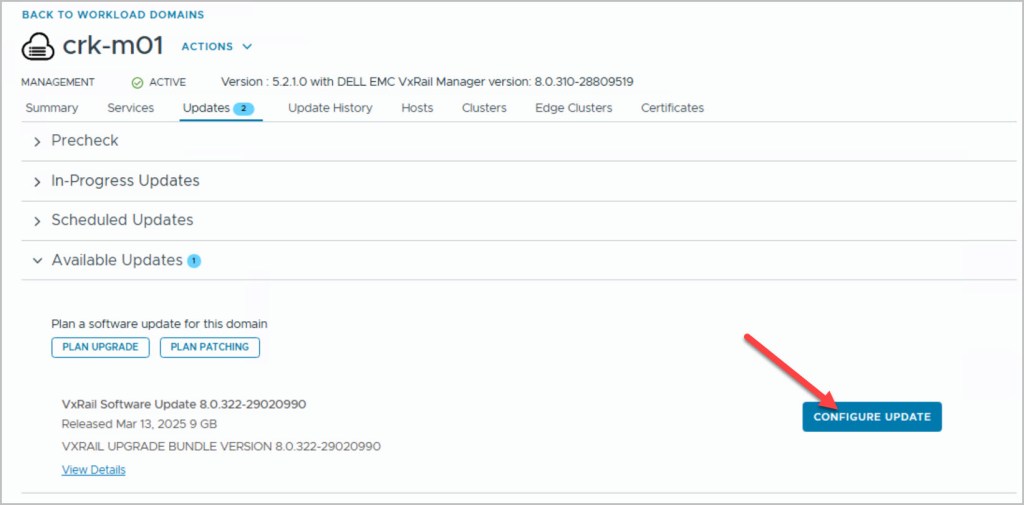
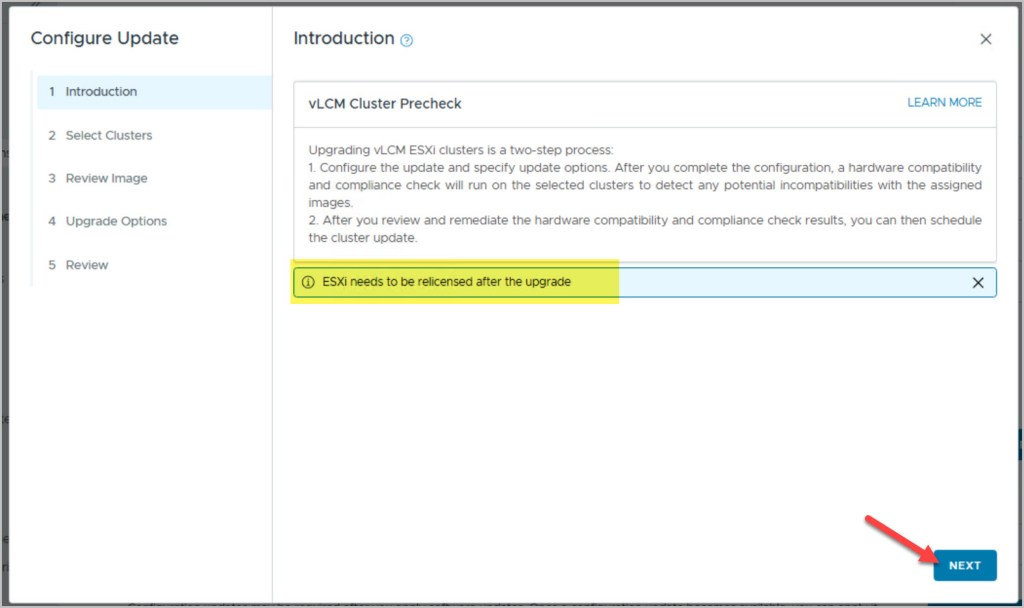
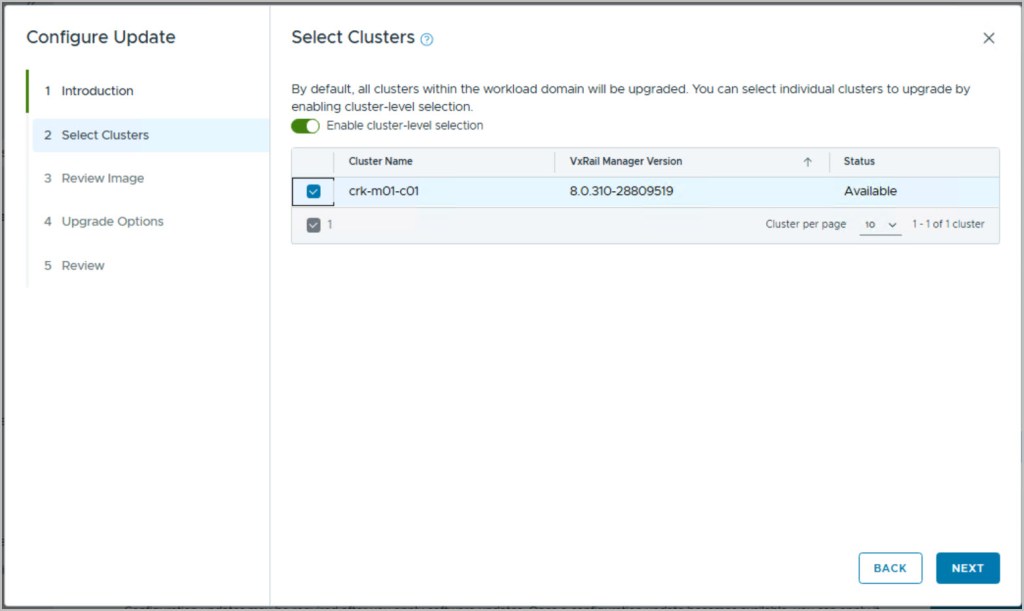
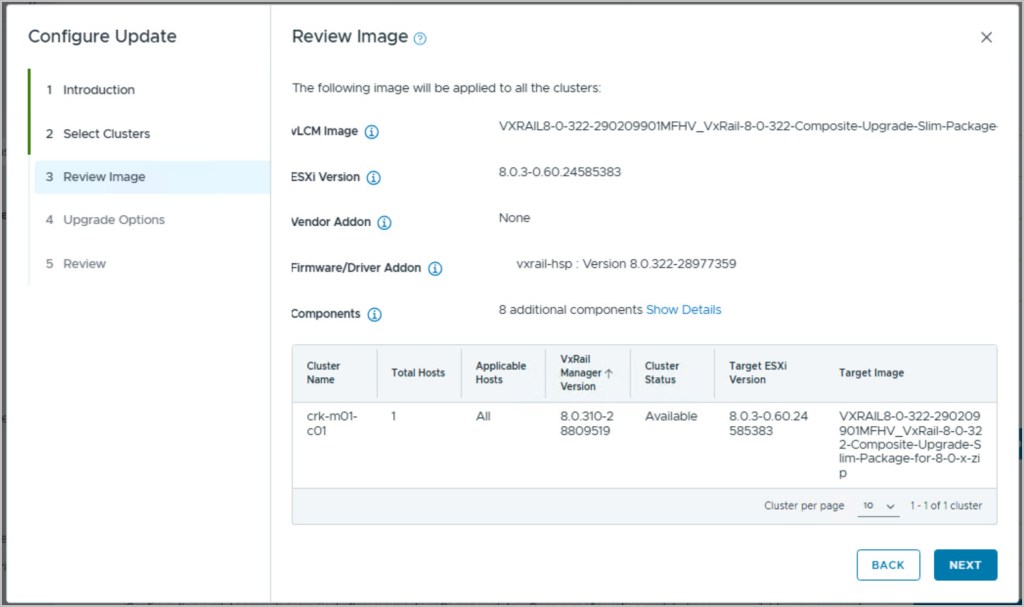
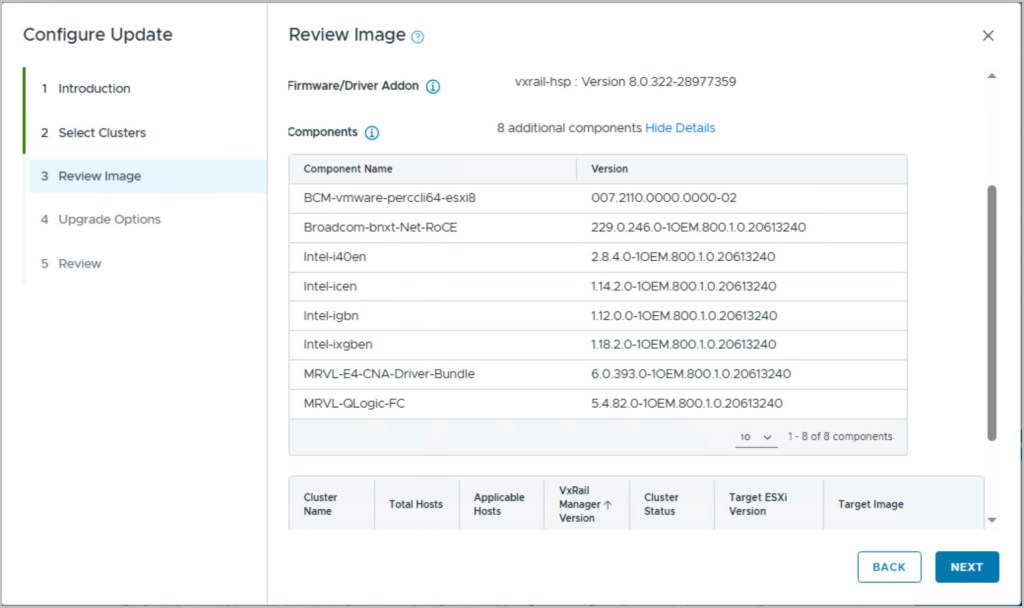
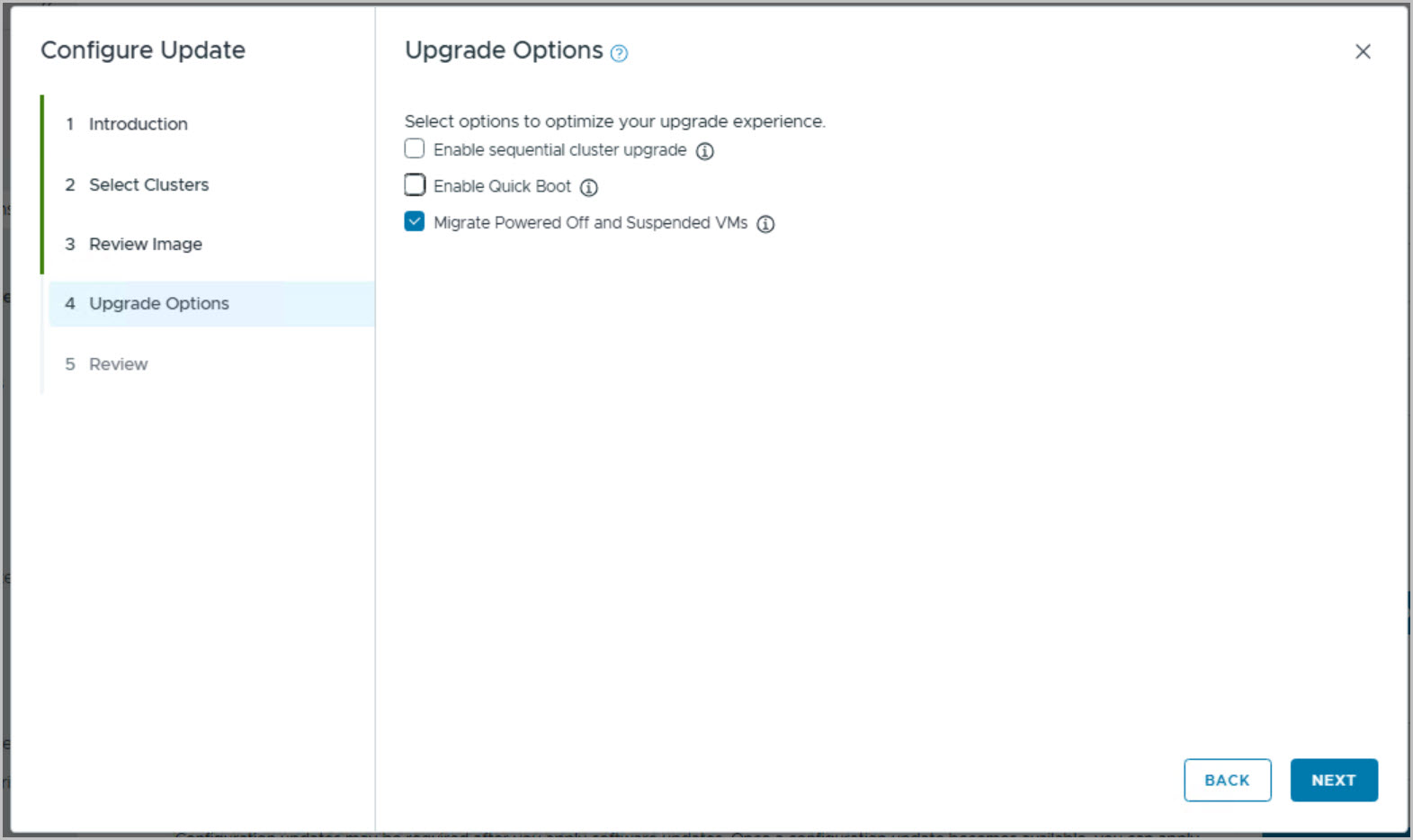
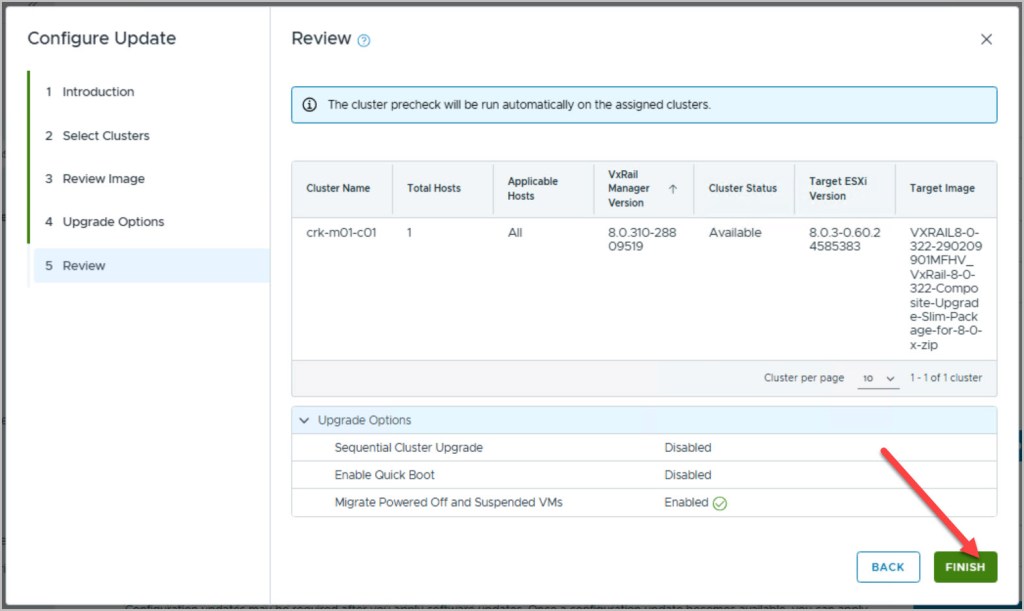
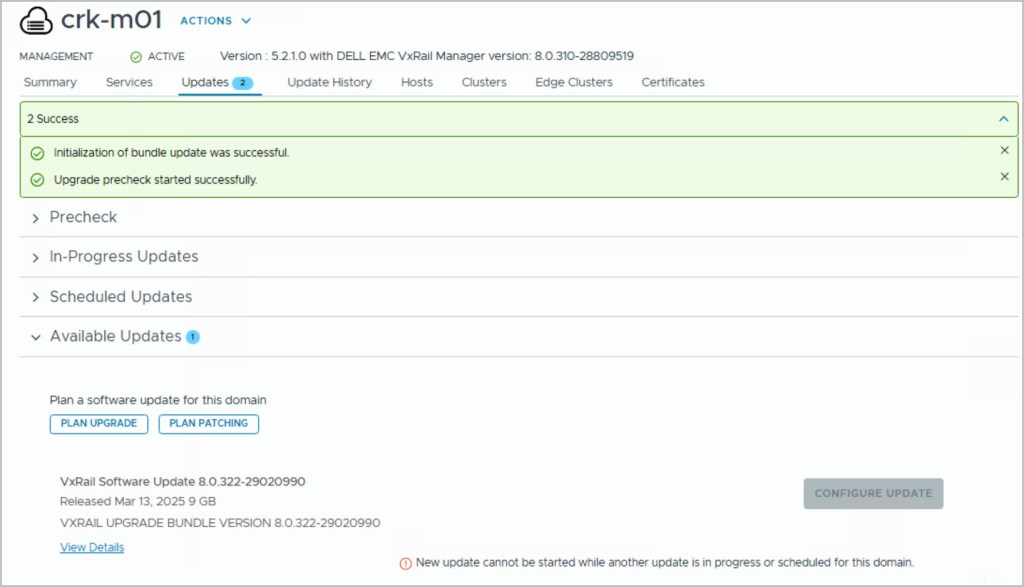
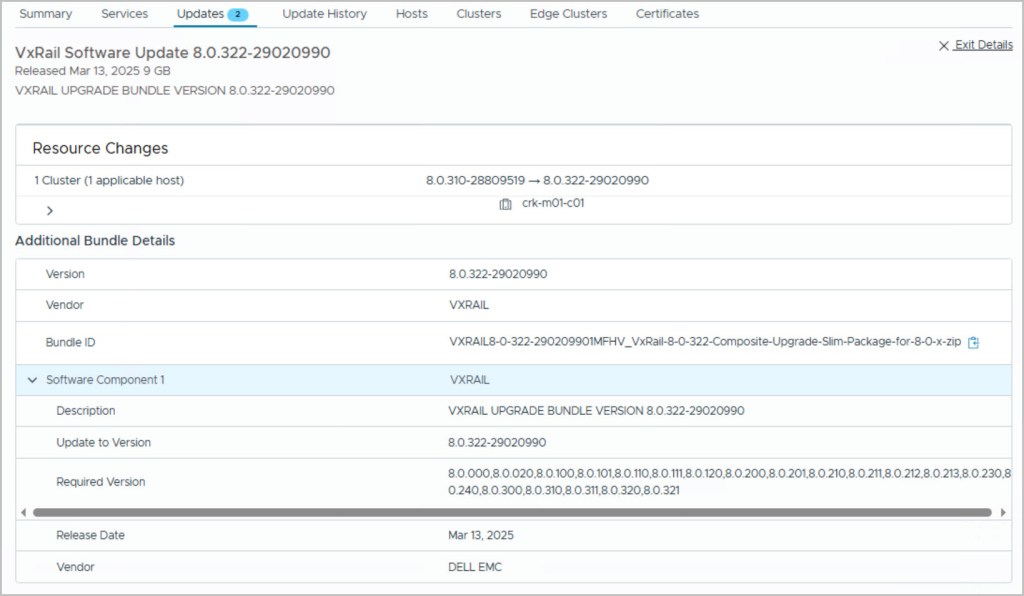
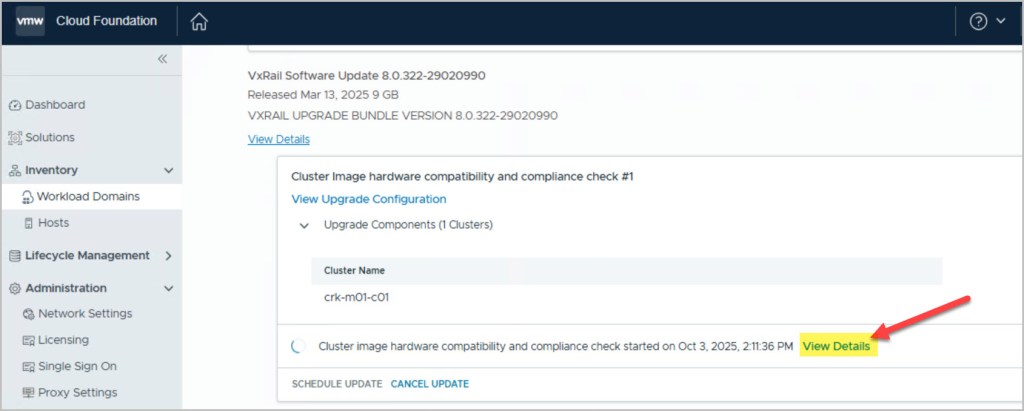
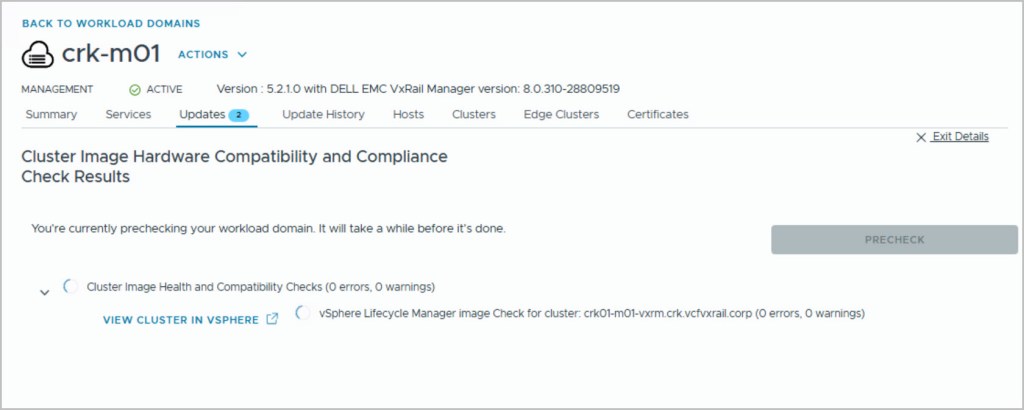
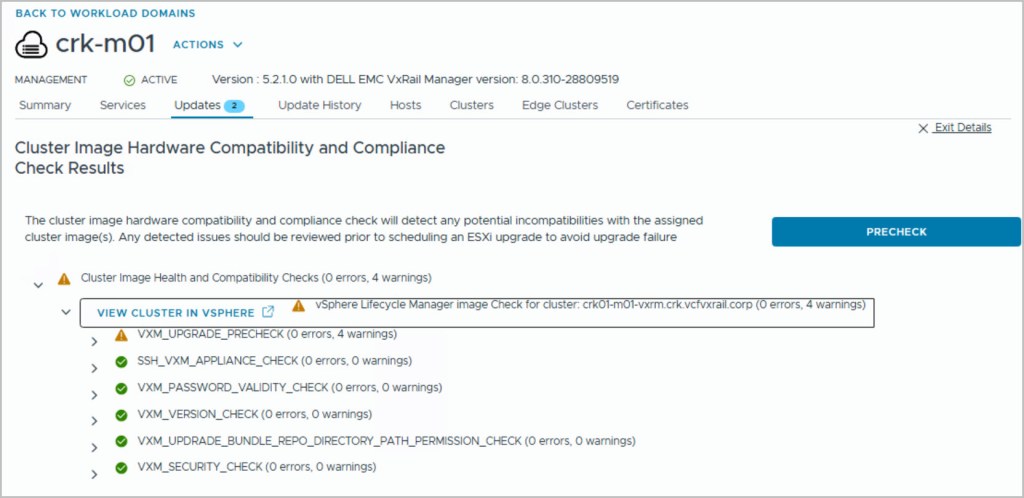
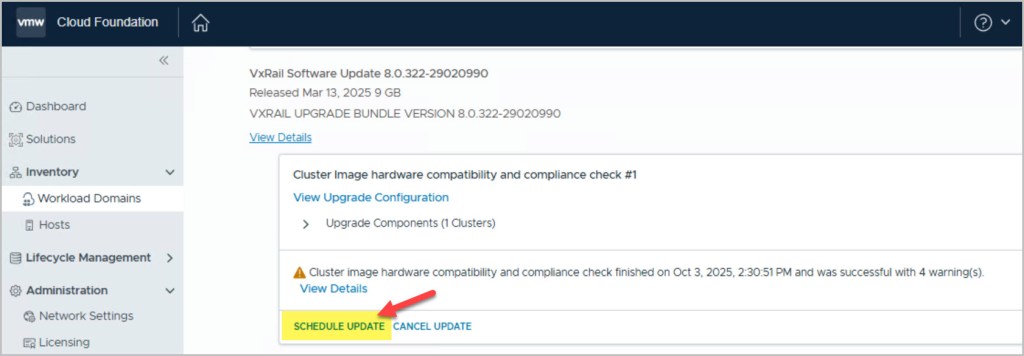
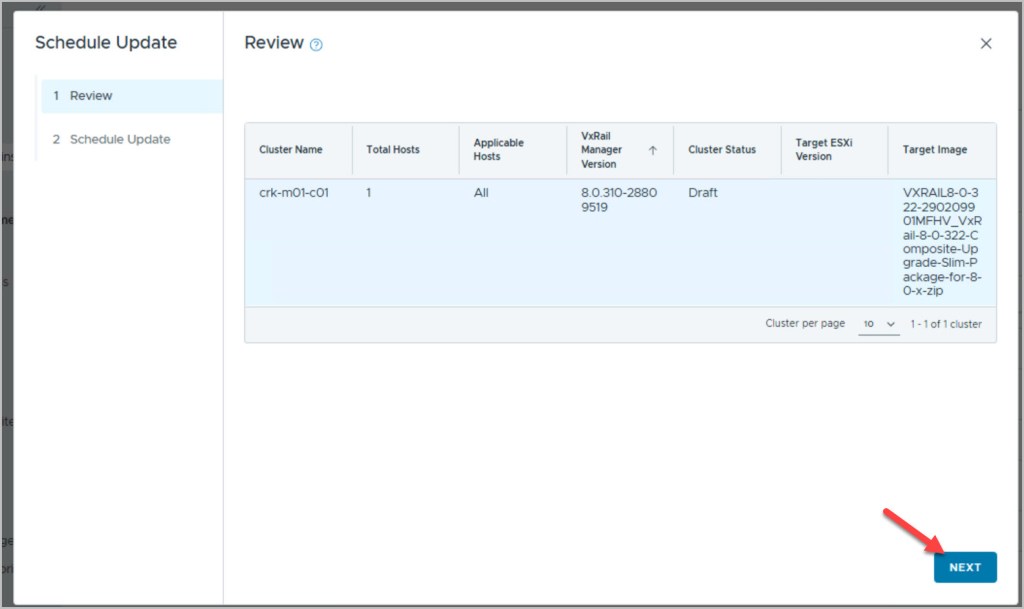
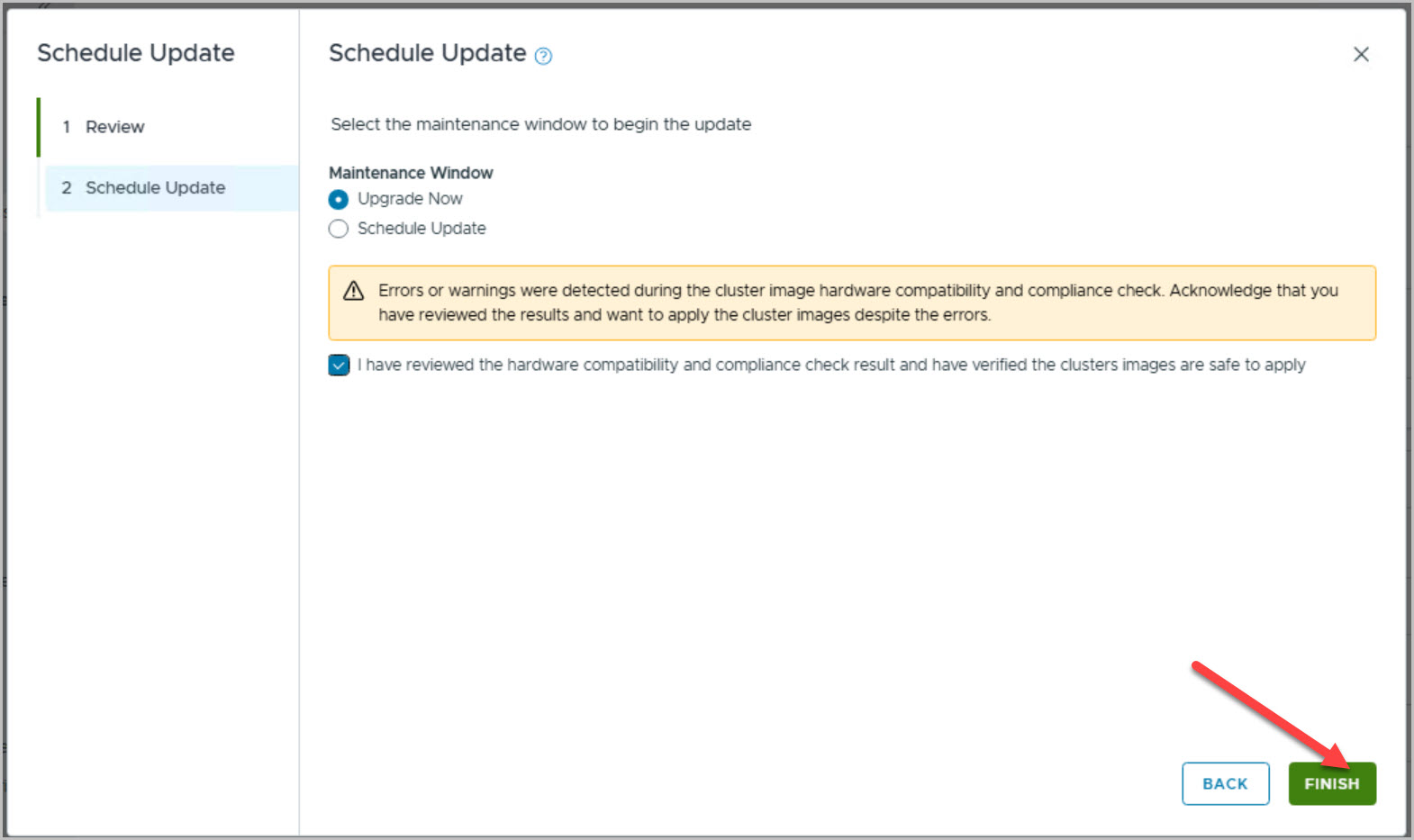
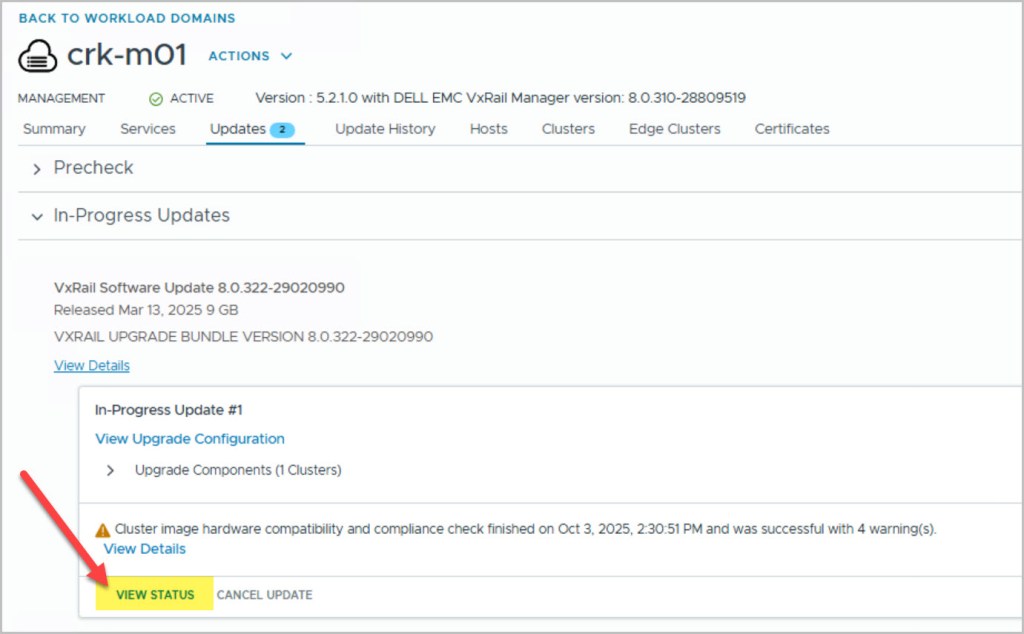
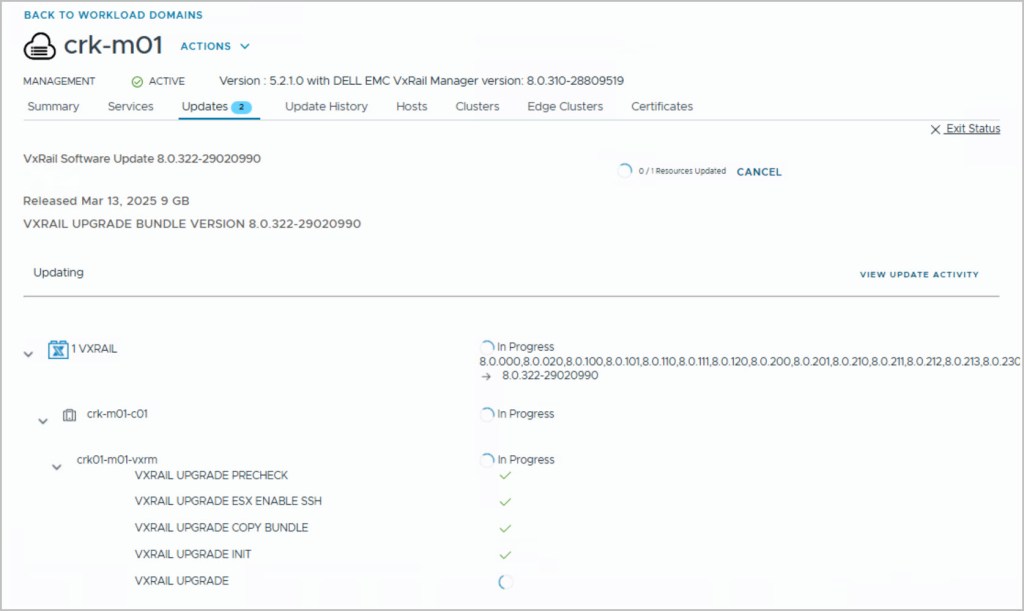
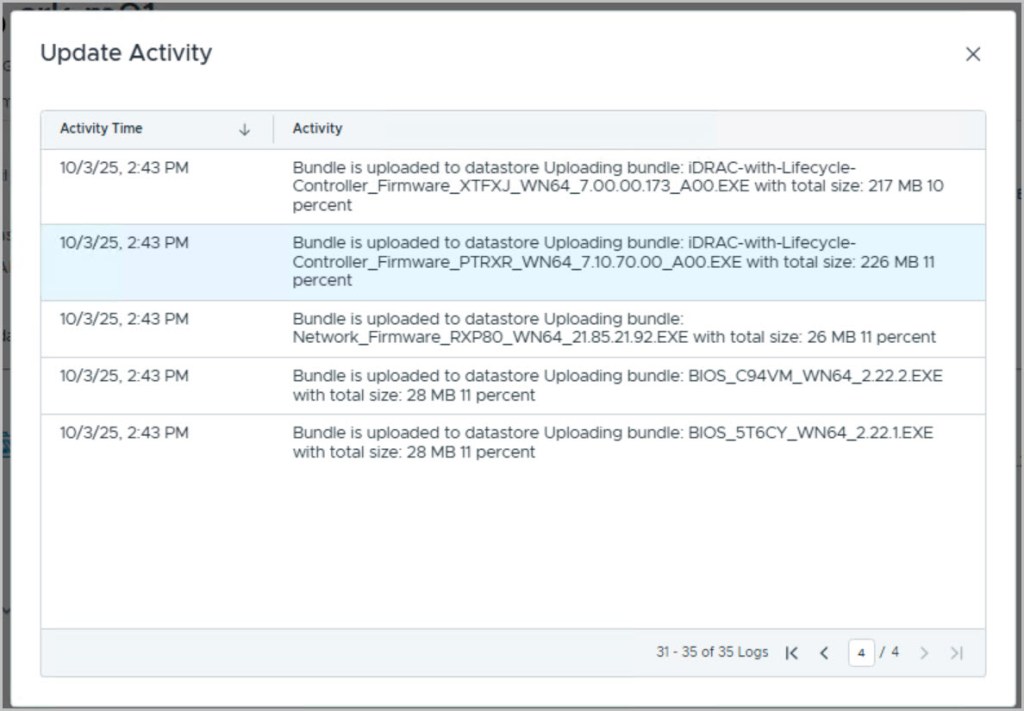
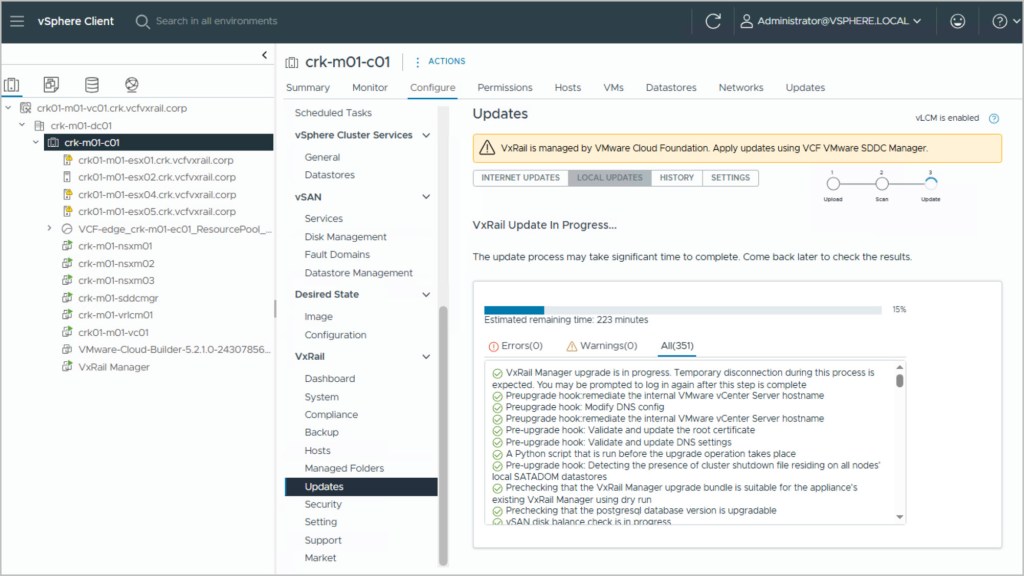
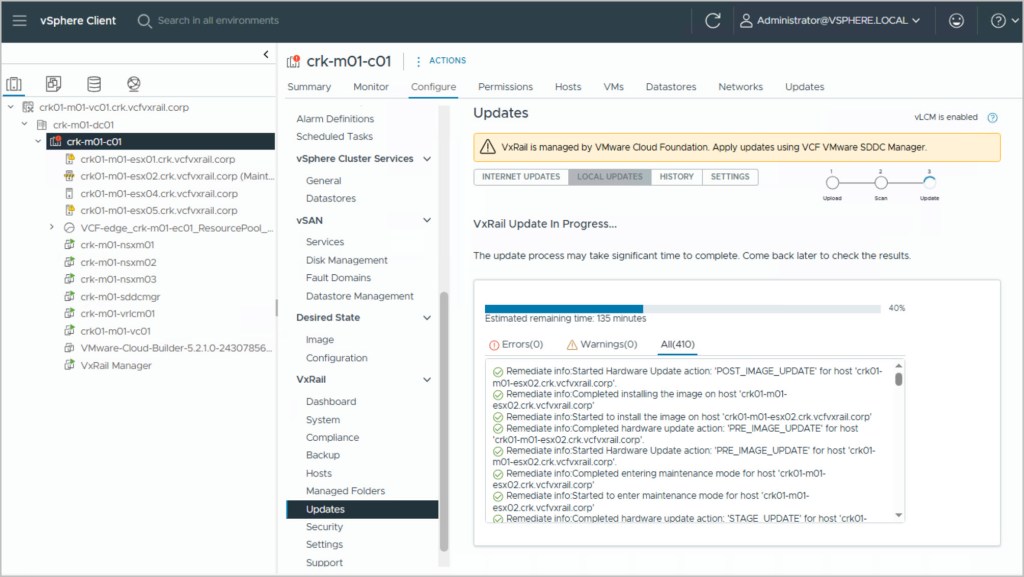
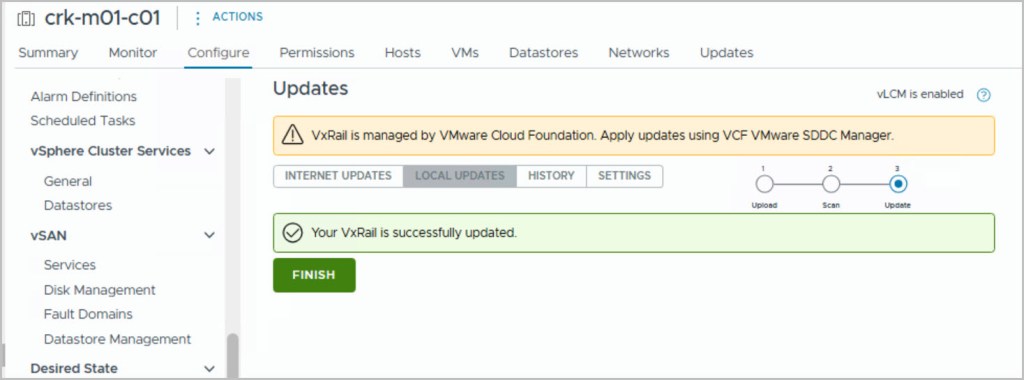
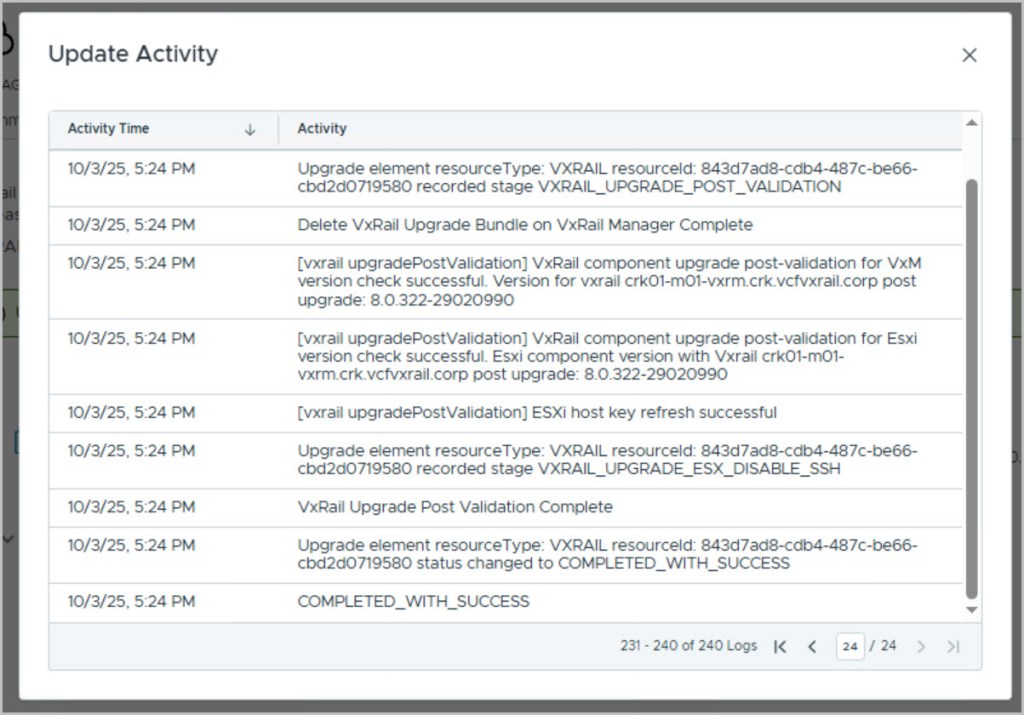
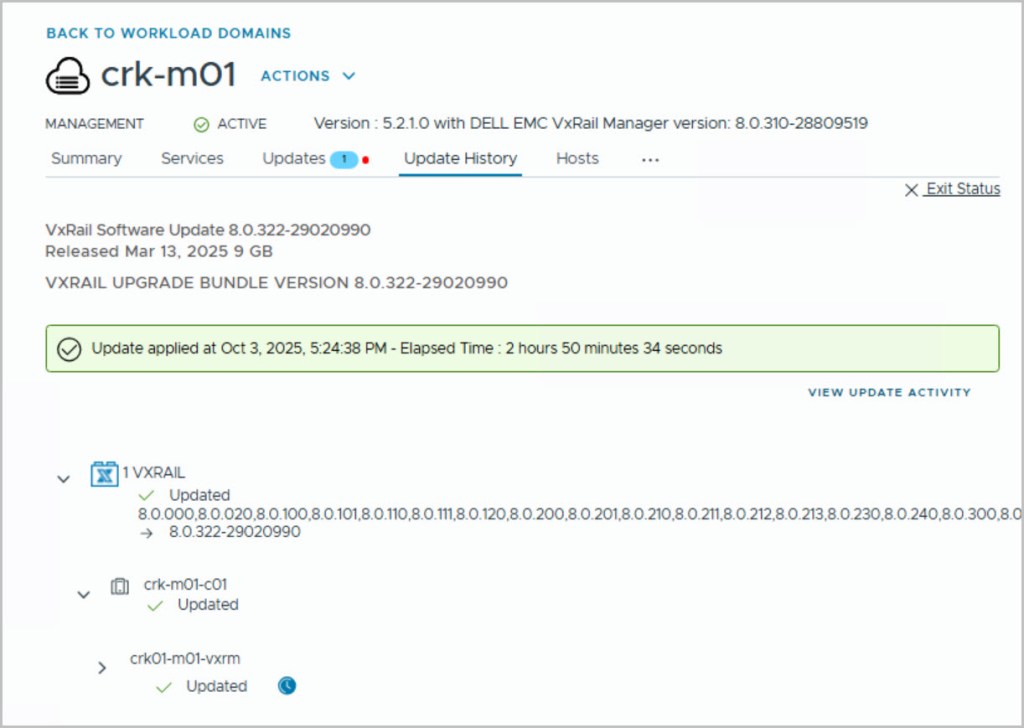
Next, we move on to the VxRail upgrade using the Flexible BOM (FlexBom) capability. With vCenter Server already upgraded to 8.0 Update 3d, we can now safely proceed with updating VxRail to version 8.0.322, which includes ESXi 8.0 Update 3d. This targeted upgrade approach allows us to patch VxRail independently, without requiring a full VCF stack upgrade. The following screenshots walk through the FlexBom patching process as executed from SDDC Manager, showing how the VxRail upgrade is staged, validated, and applied in alignment with the asynchronous patching framework supported in VCF 5.2.1.1.
That concludes this walkthrough of using FlexBom patching in a VCF on VxRail environment. We demonstrated how to upgrade vCenter Server with Reduced Downtime Upgrade (RDU) and then applied an asynchronous VxRail patch to reach version 8.0.322, all while staying within the supported boundaries of VCF 5.2.1.1. By leveraging FlexBom, you gain greater control over component-level upgrades, enabling faster adoption of critical updates without the need for a full stack upgrade. I hope this post helps clarify the process and empowers you to make the most of async patching in your own environments.






 DavidRing.ie
1 Comment »