VMware Cloud Foundation (VCF) 5.2 introduces an in-product mechanism in SDDC Manager that allows customers to perform inventory version synchronization for key products, including: This enhancement provides automatic in-product recovery […]
VMware Cloud Foundation (VCF) 5.2 introduces an in-product mechanism in SDDC Manager that allows customers to perform inventory version synchronization for key products, including:
ESXi
vCenter Server
NSX
VxRail
This enhancement provides automatic in-product recovery for environments that become out-of-sync due to out-of-band (OOB) patching, eliminating the need for manual inventory synchronization using ApTool. This enhancement ensures that product versions in the VCF inventory accurately reflect the actual deployed environment, improving lifecycle management. As part of the default automated daily 3:00 AM cron job or during on-demand prechecks, SDDC Manager now automatically detects and reconciles inventory mismatches, significantly reducing operational overhead and enhancing the overall upgrade and patching experience.
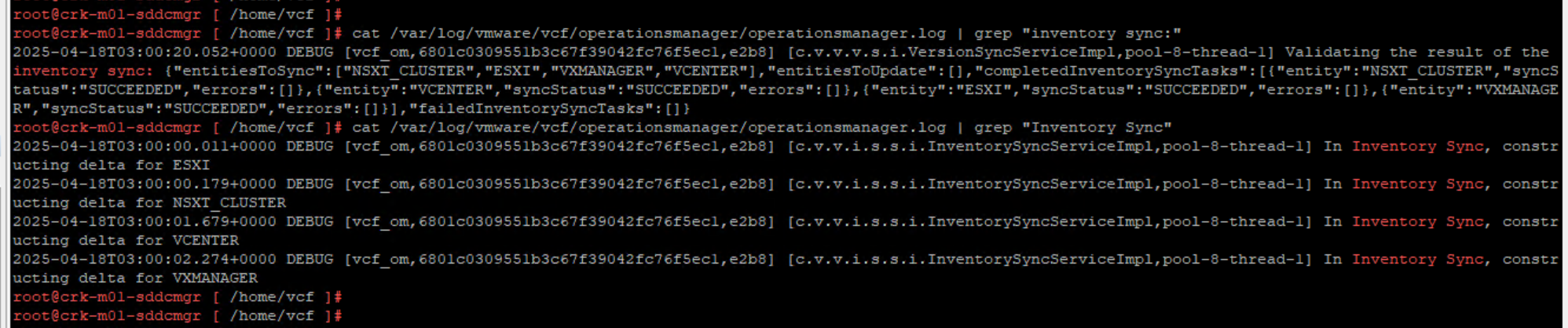
By default a scheduled daily cron job runs at 3:00 AM server time to sync the inventory versions of managed products on the SDDC Manager appliance. Auto-reconciliation is triggered immediately if any deviation is detected during the scheduled sync. This ensures that the versions recorded in the SDDC Manager inventory reflect the actual state of the deployed environment. You can monitor the status and logs of the inventory sync process in the following log file:
Inventory version synchronization can fail on a daily basis due to other operations scheduled for the same time. How to modify inventory version synchronization cron job schedule in a VCF environment?:
1.In a text editor, open the file /etc/vmware/vcf/operationsmanager/application.properties and go to the end of the file vi /etc/vmware/vcf/operationsmanager/application.properties
2.Add/Change the following entry to the file with the desired cron job schedule (the following example is for 9 AM server time) inventory.version.sync.interval=0 0 9 * * ?
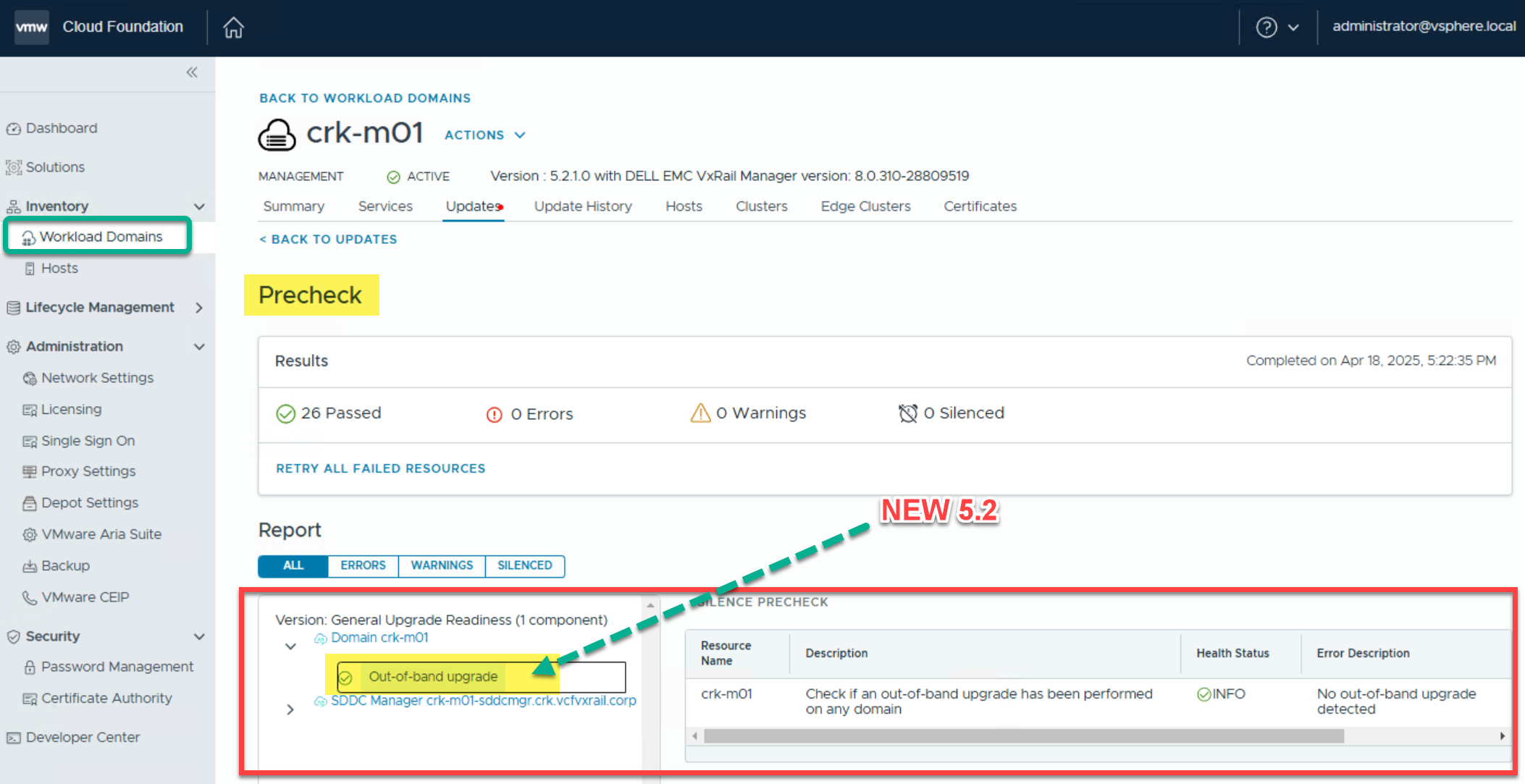
On-demand precheck will be extended to validate if the VCF inventory is out of sync. For the management domain, the whole VCF inventory will be validated, to ensure that SDDC Manager is compatible with other domain’s products. For VI domains, along with the validated domain, the domains that share NSX-T with it would also be validated (if such are present).
Manual Sync
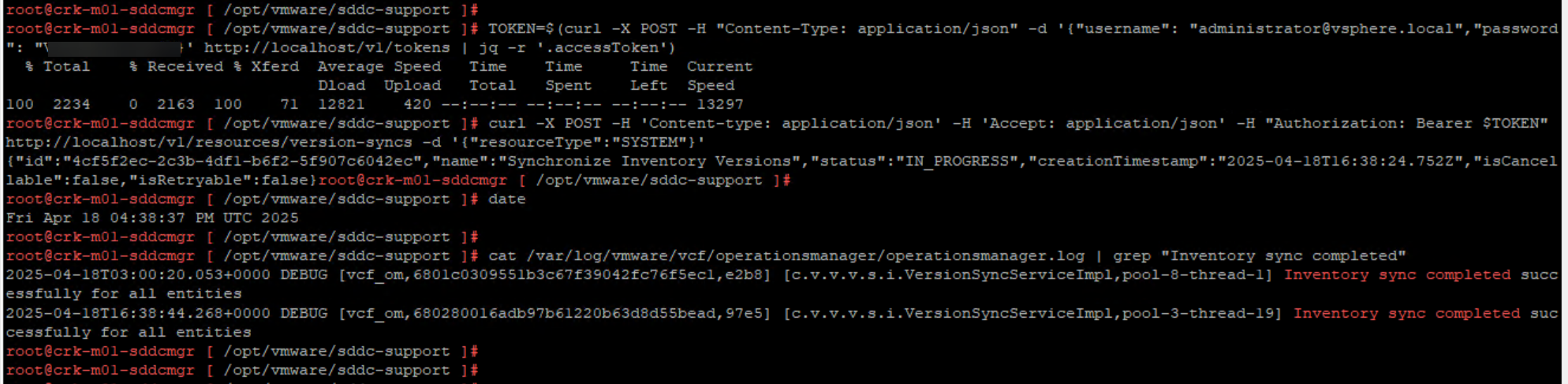
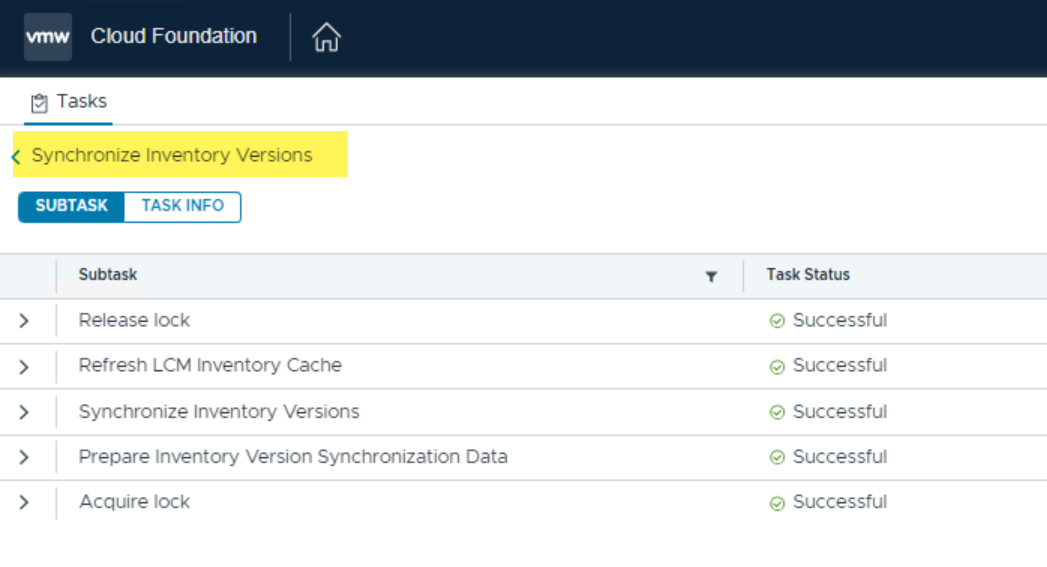
After an out-of-band update has been made in a VCF environment. If the system has not automatically synchronized the versions of the products, manual version synchronization can be performed through the provided public APIs.






 DavidRing.ie