PART 1 PART 2 PART 3 PART 4 PART 5 PART 6 PART 7 PART 8 This is the 6th in a series of posts covering VCF 5.2.1 On VxRail 8.0.310. The following post provides an example walkthrough covering the […]
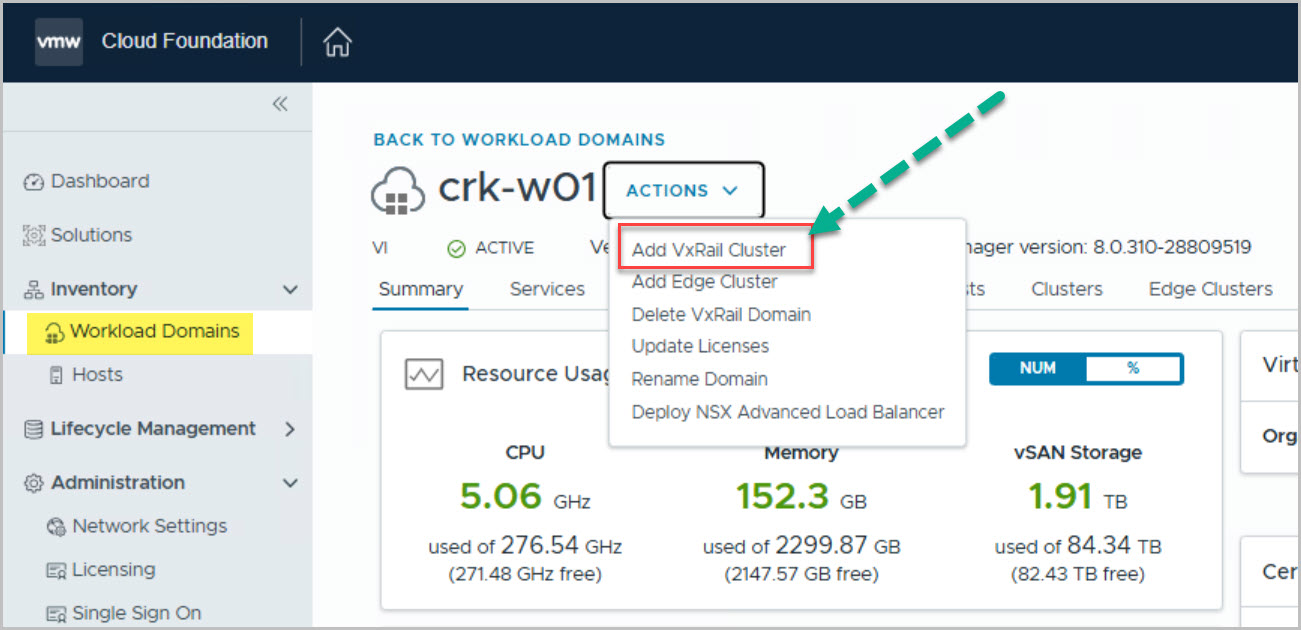
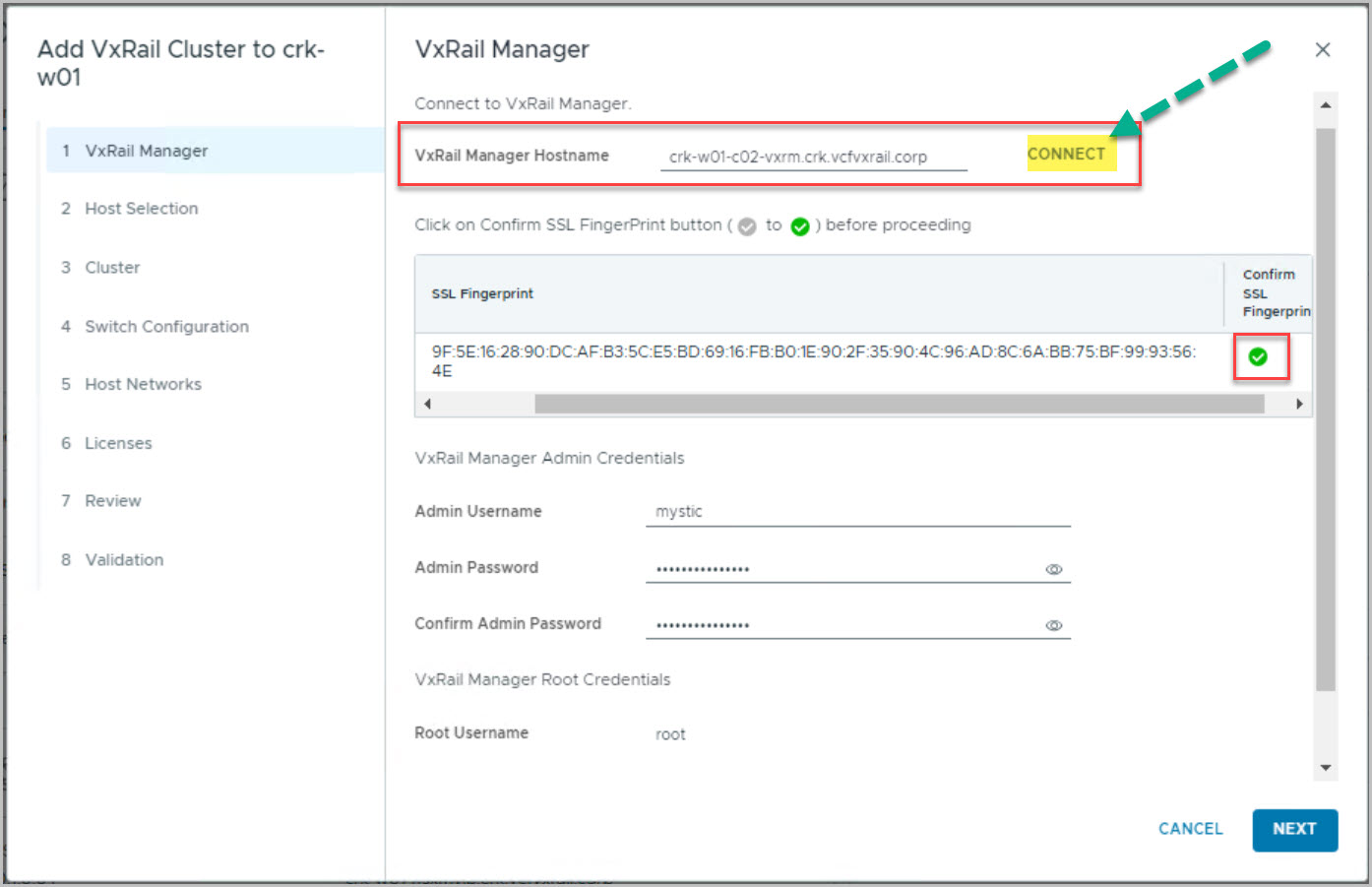
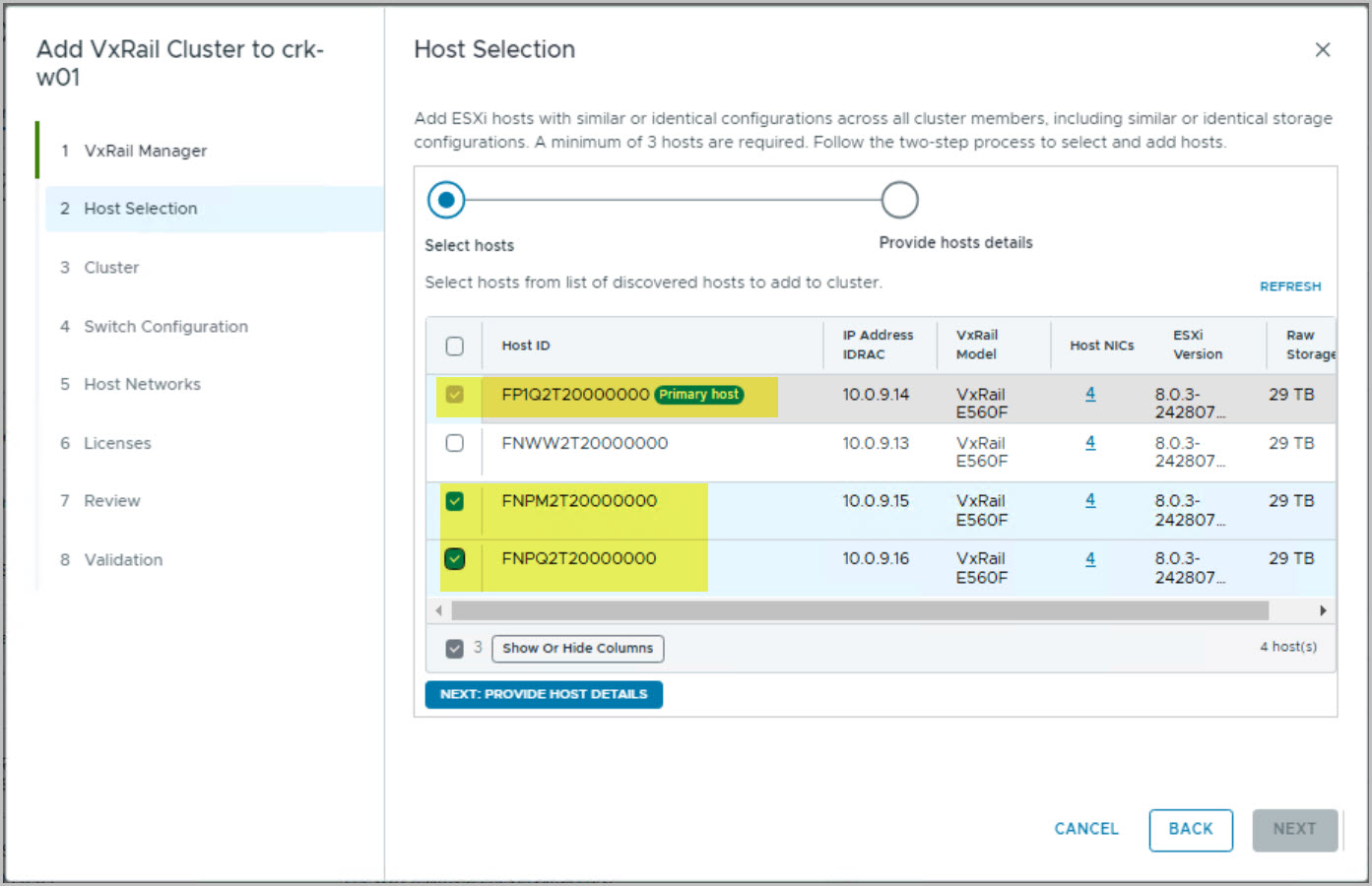
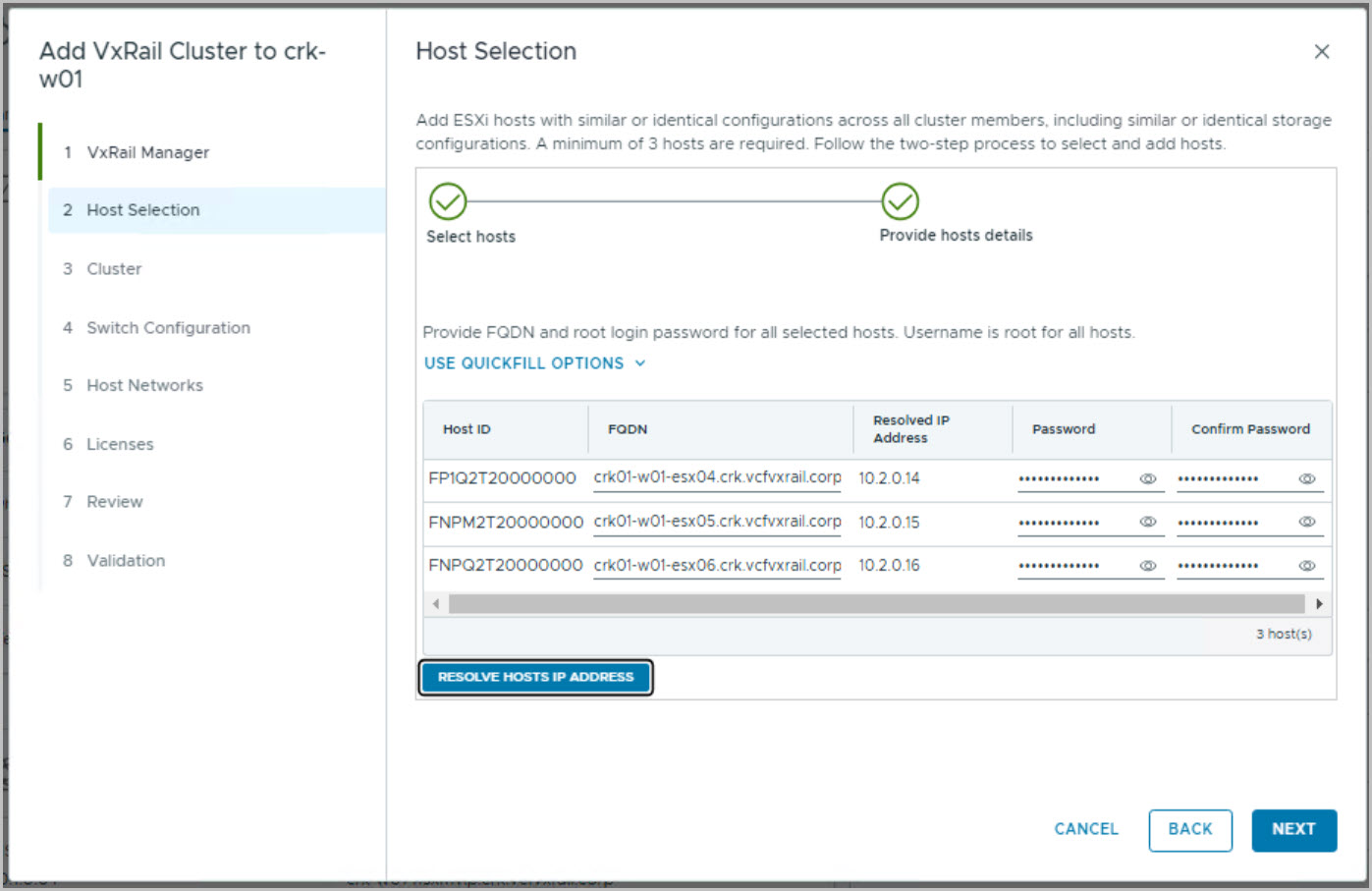
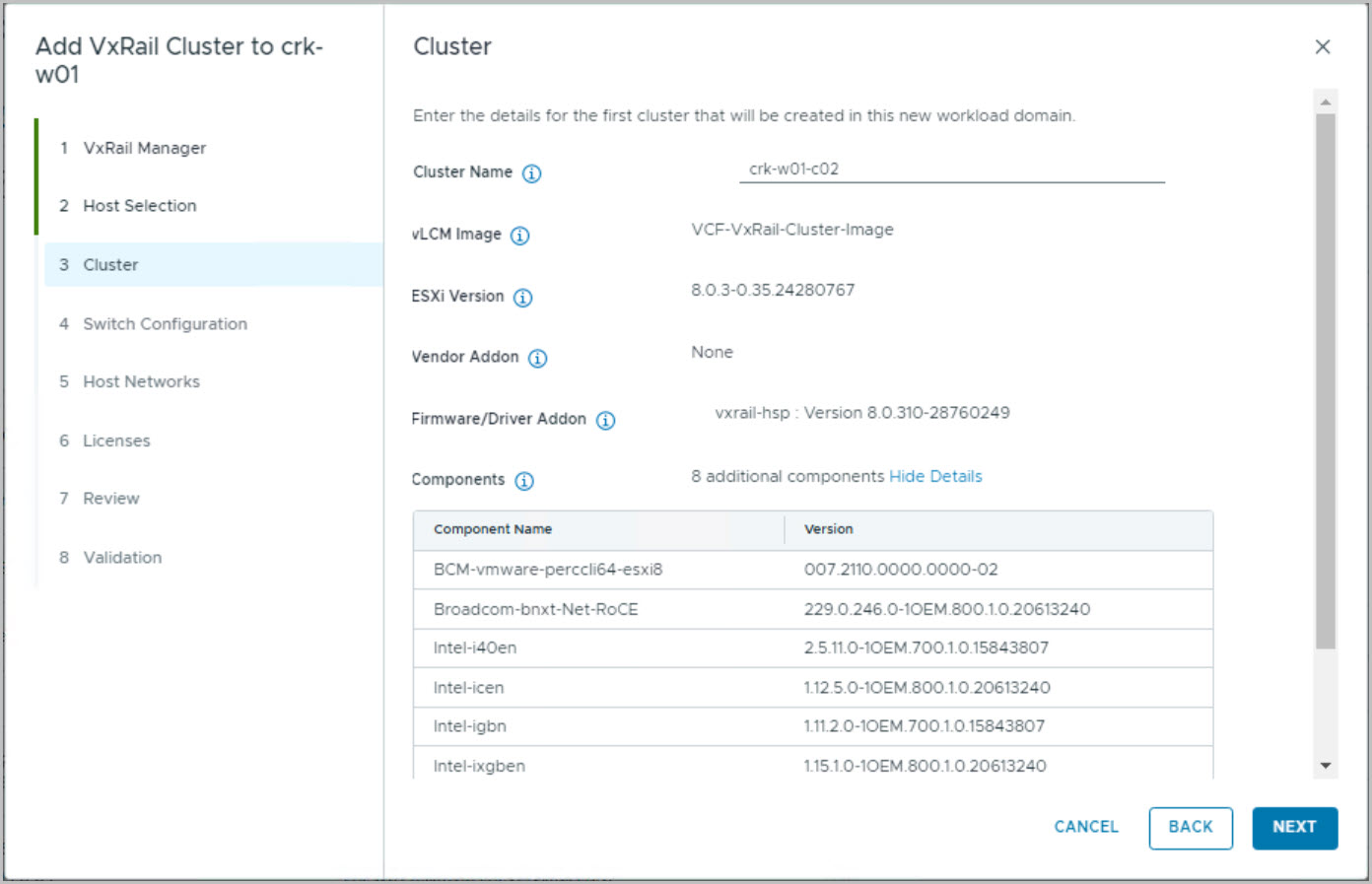
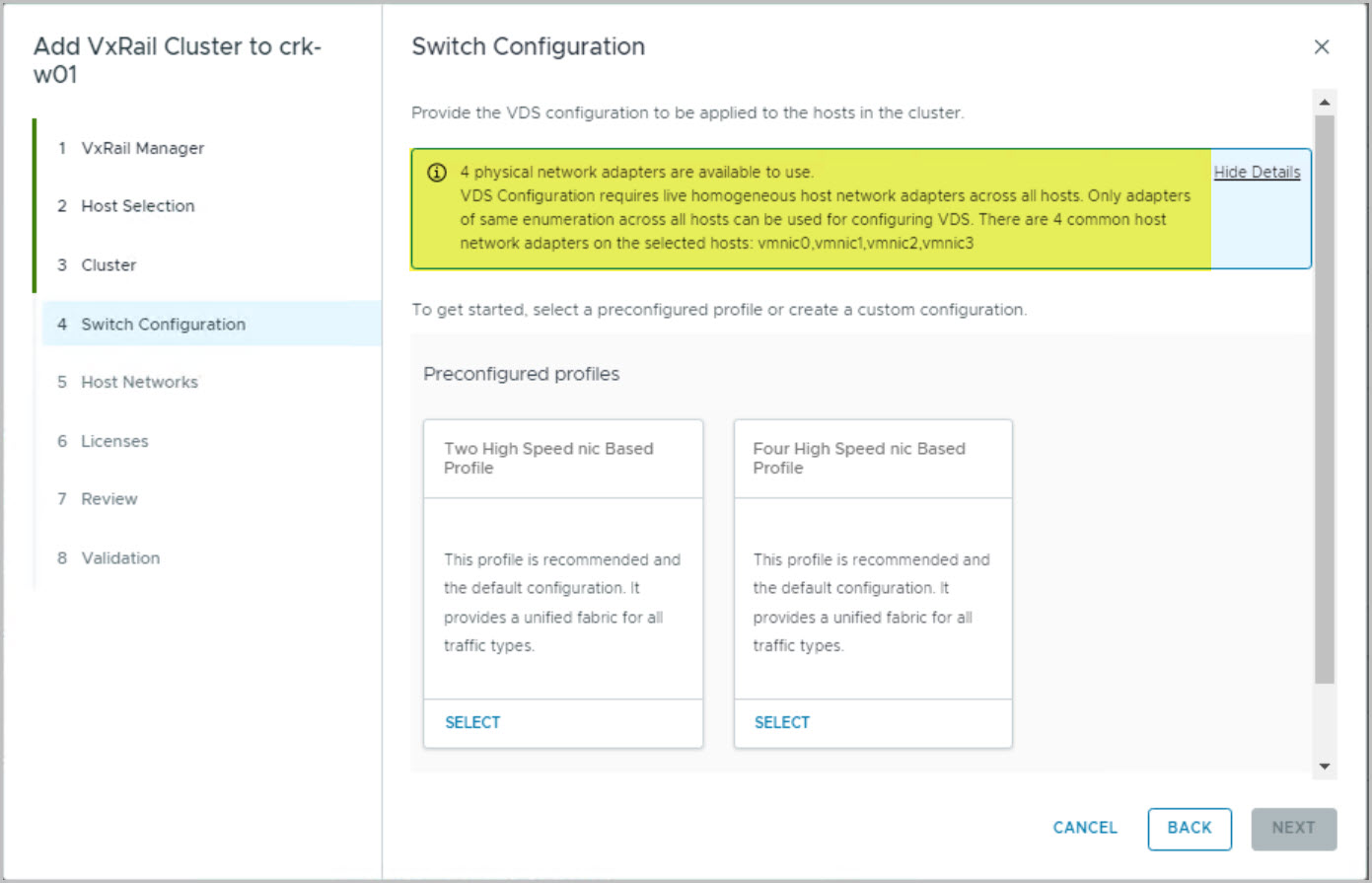
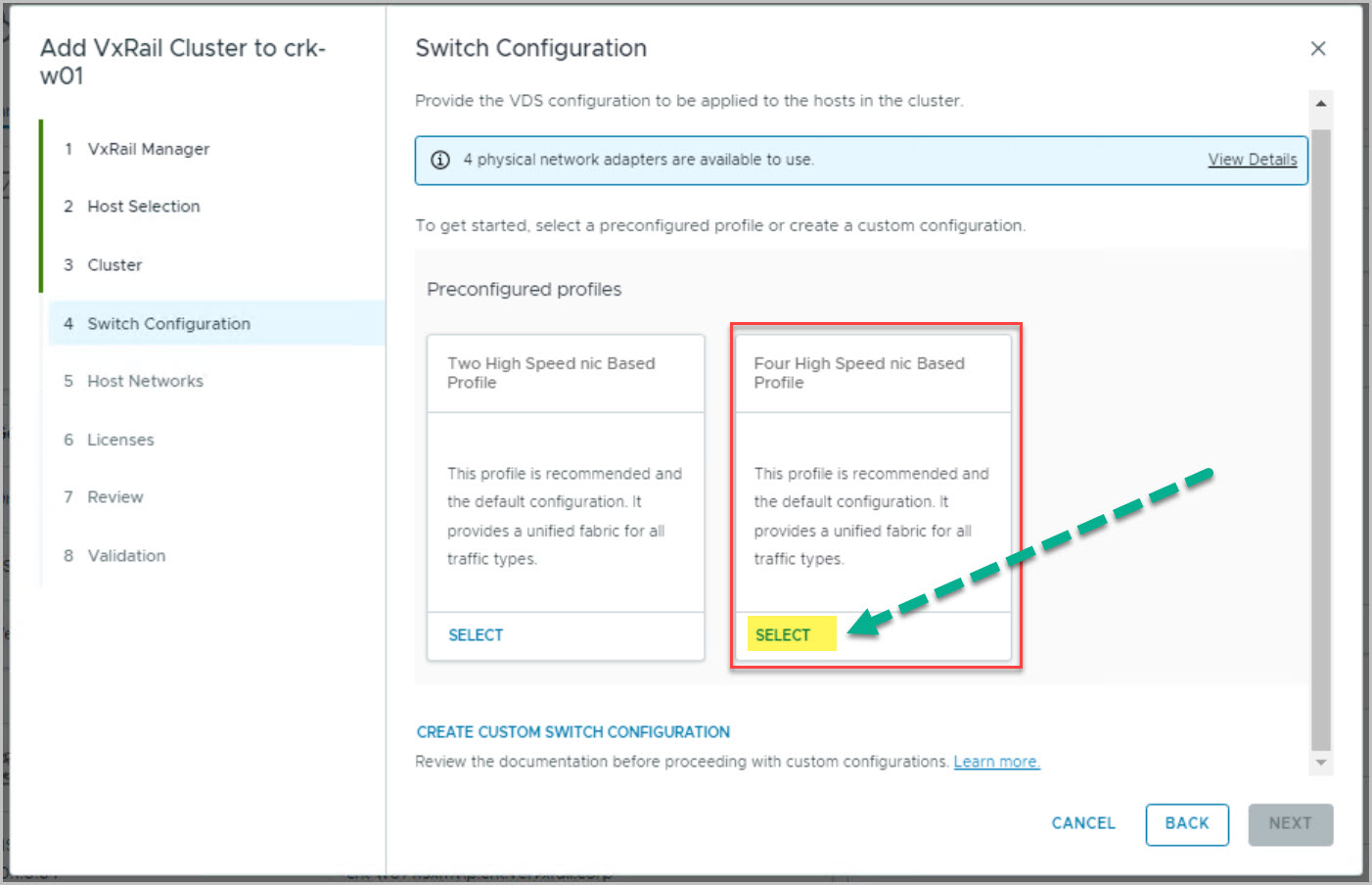
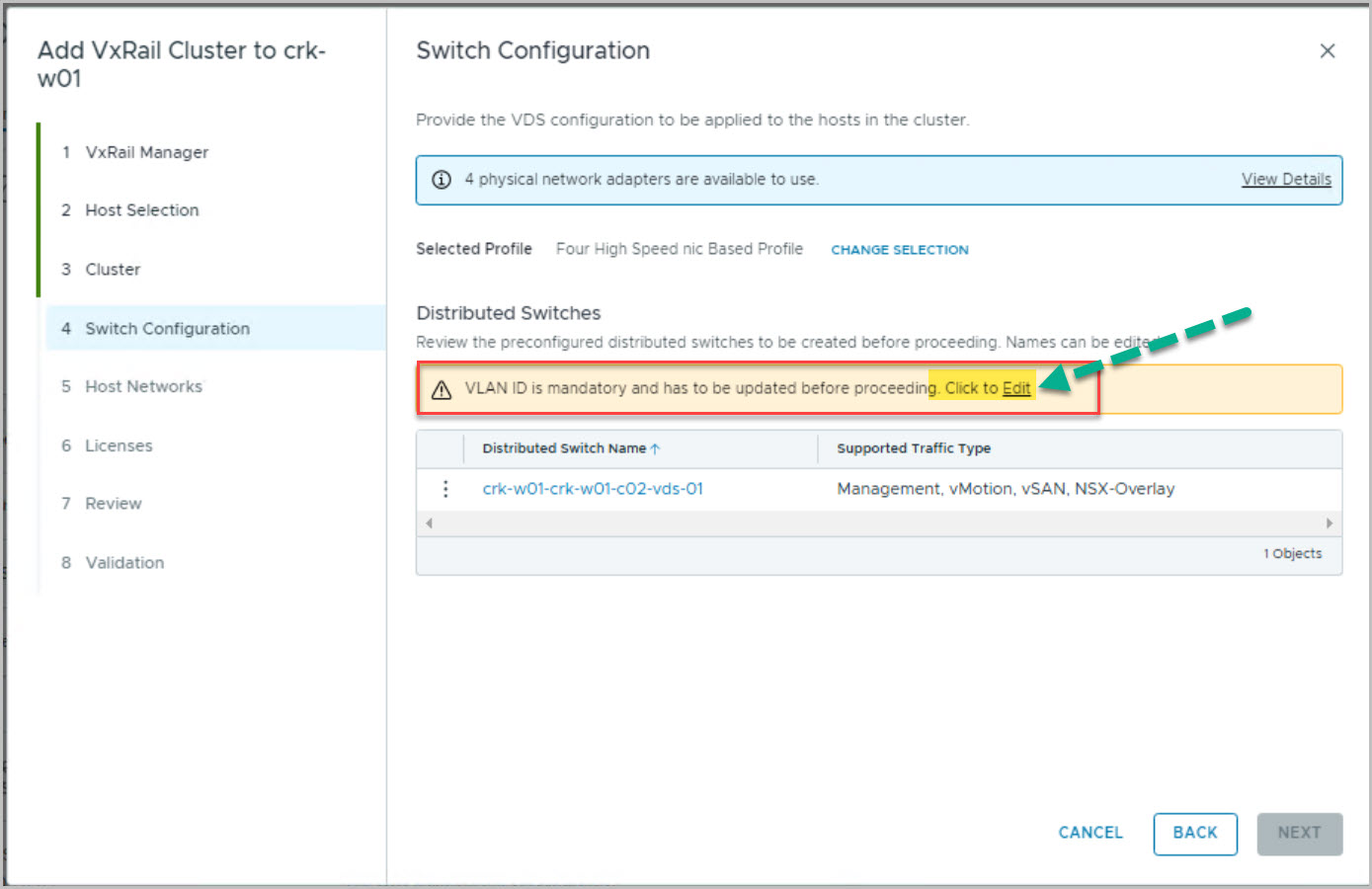
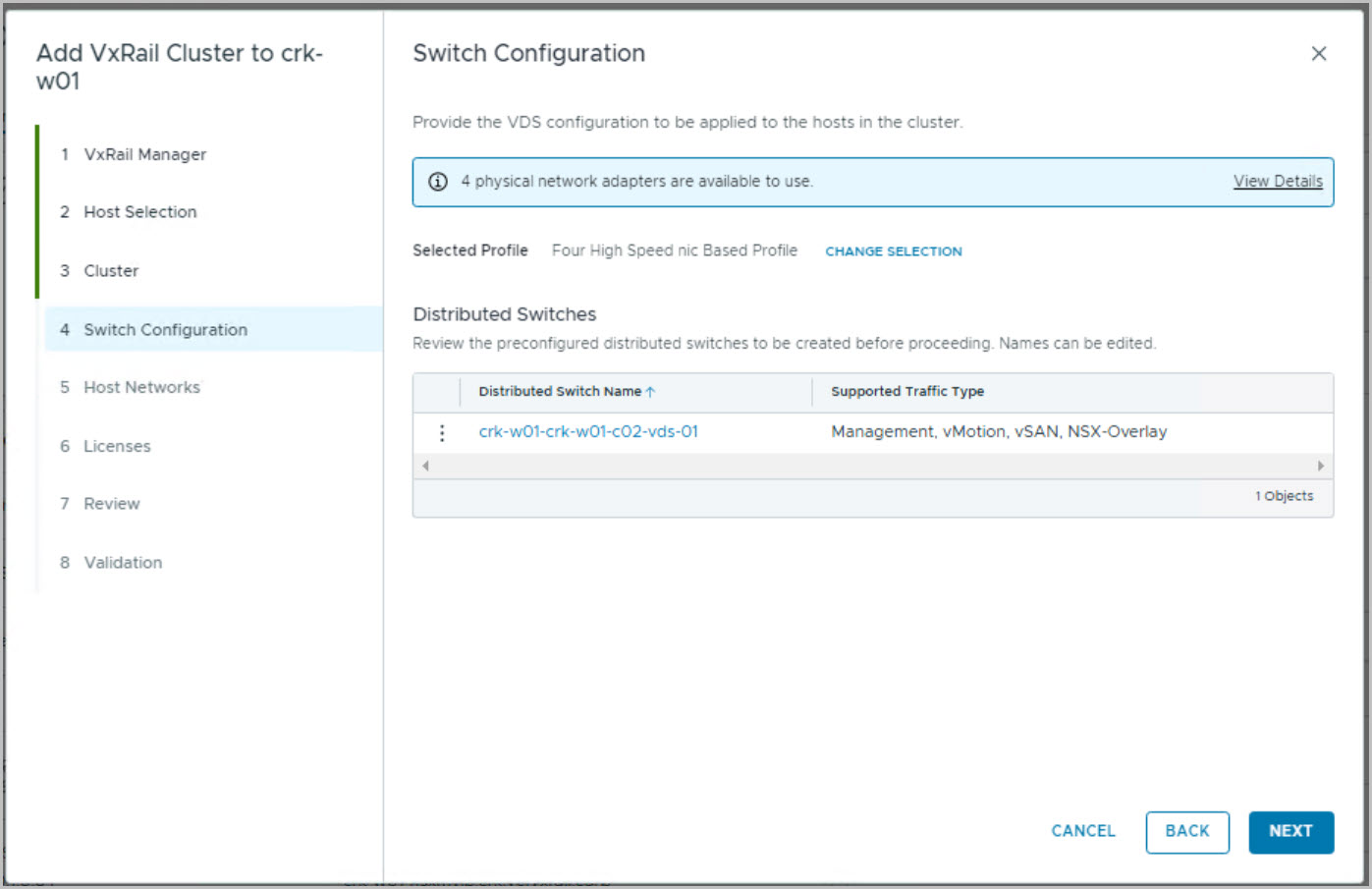
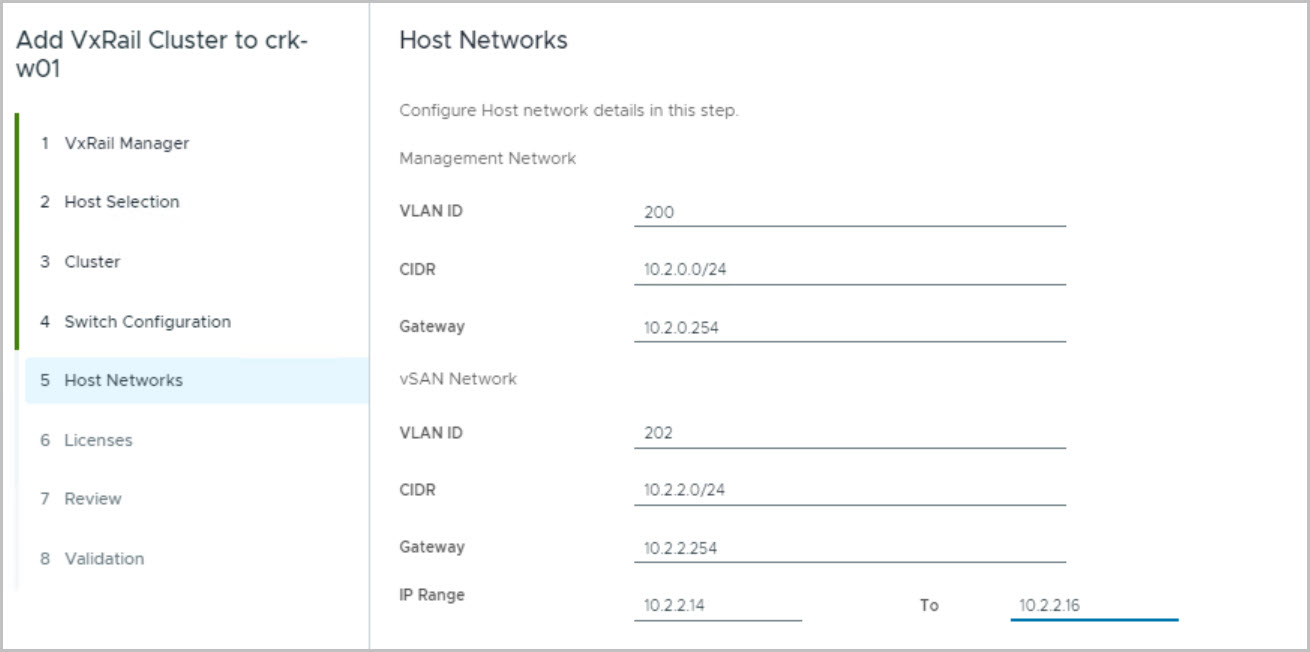
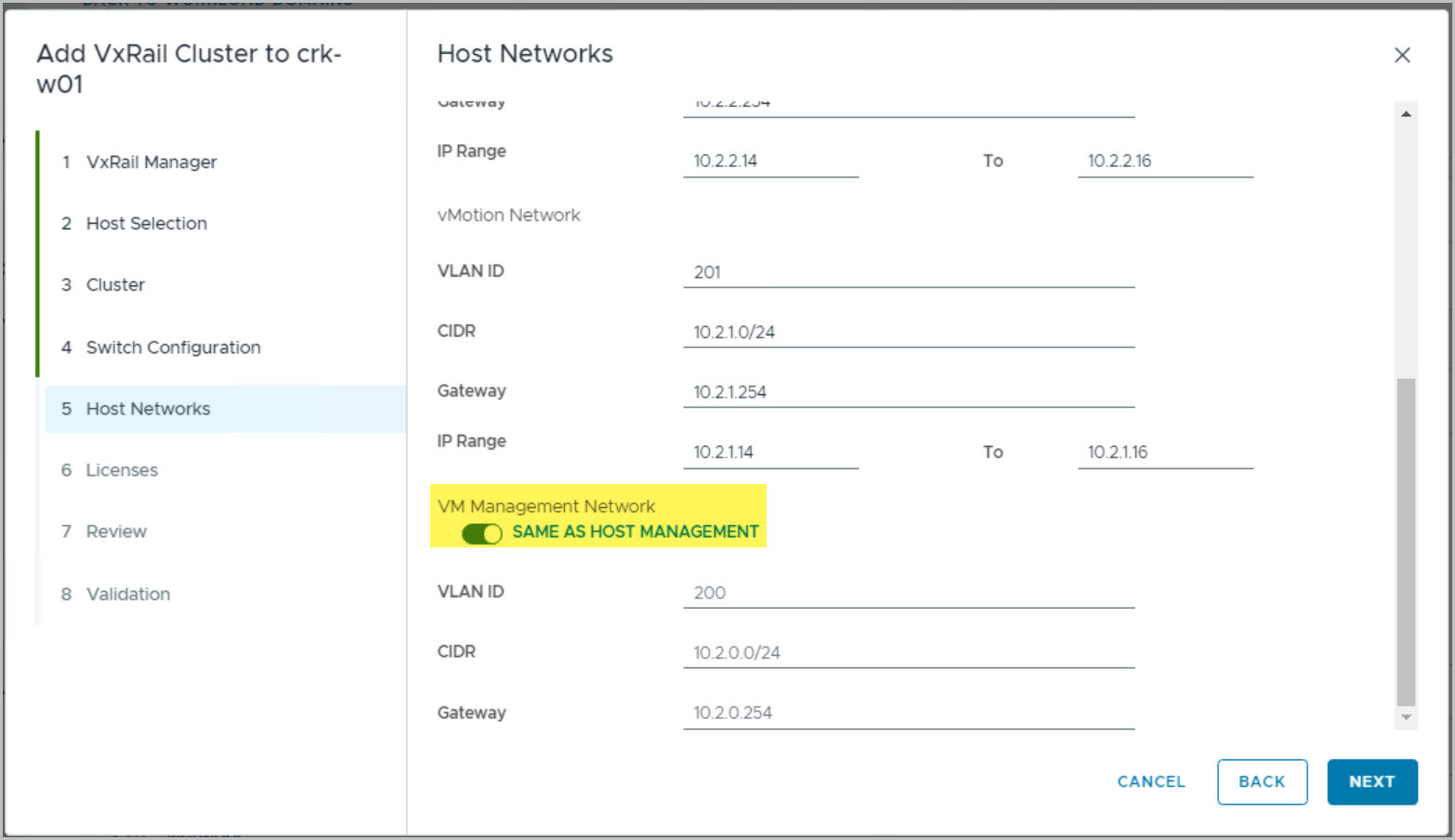
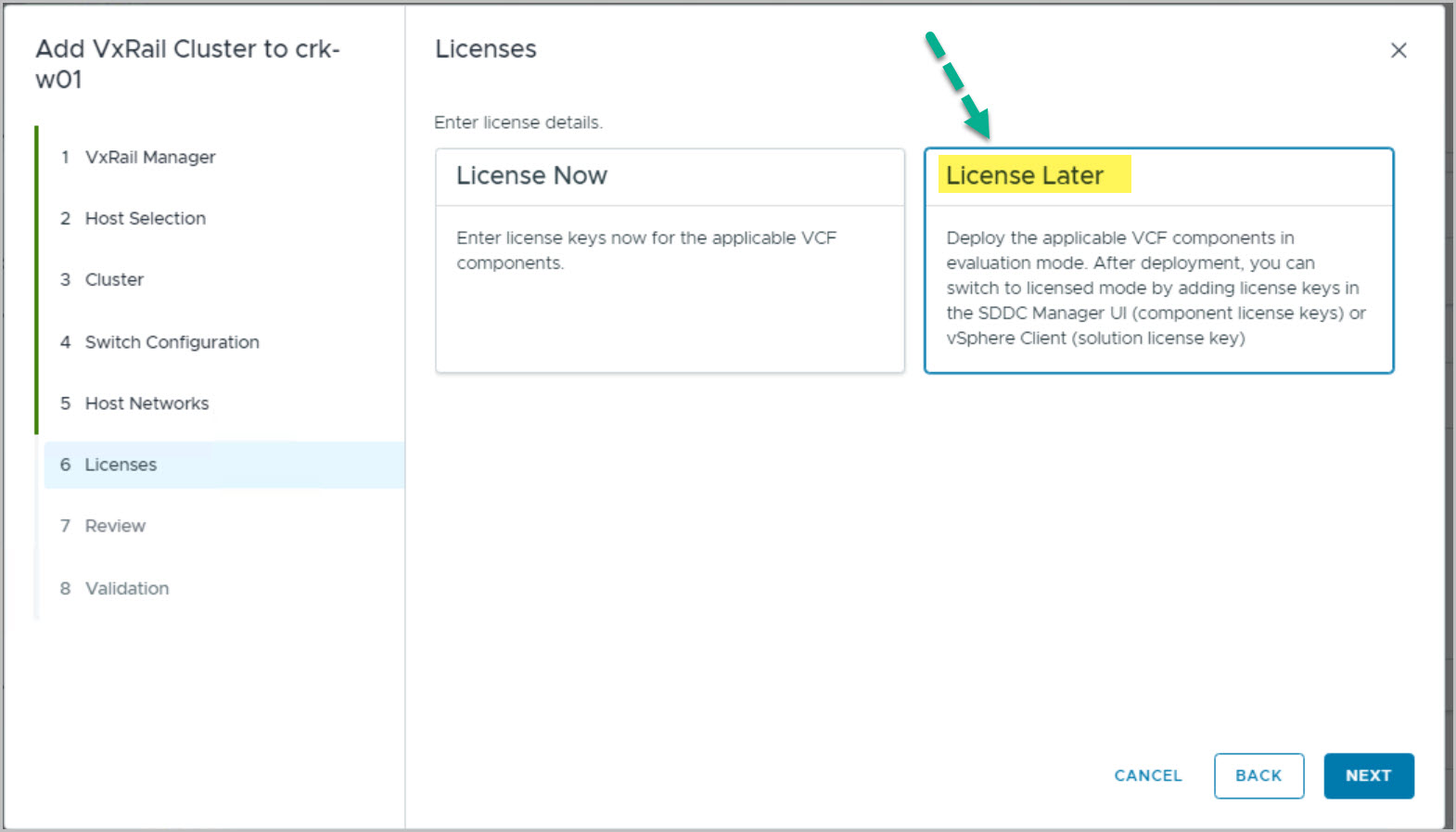
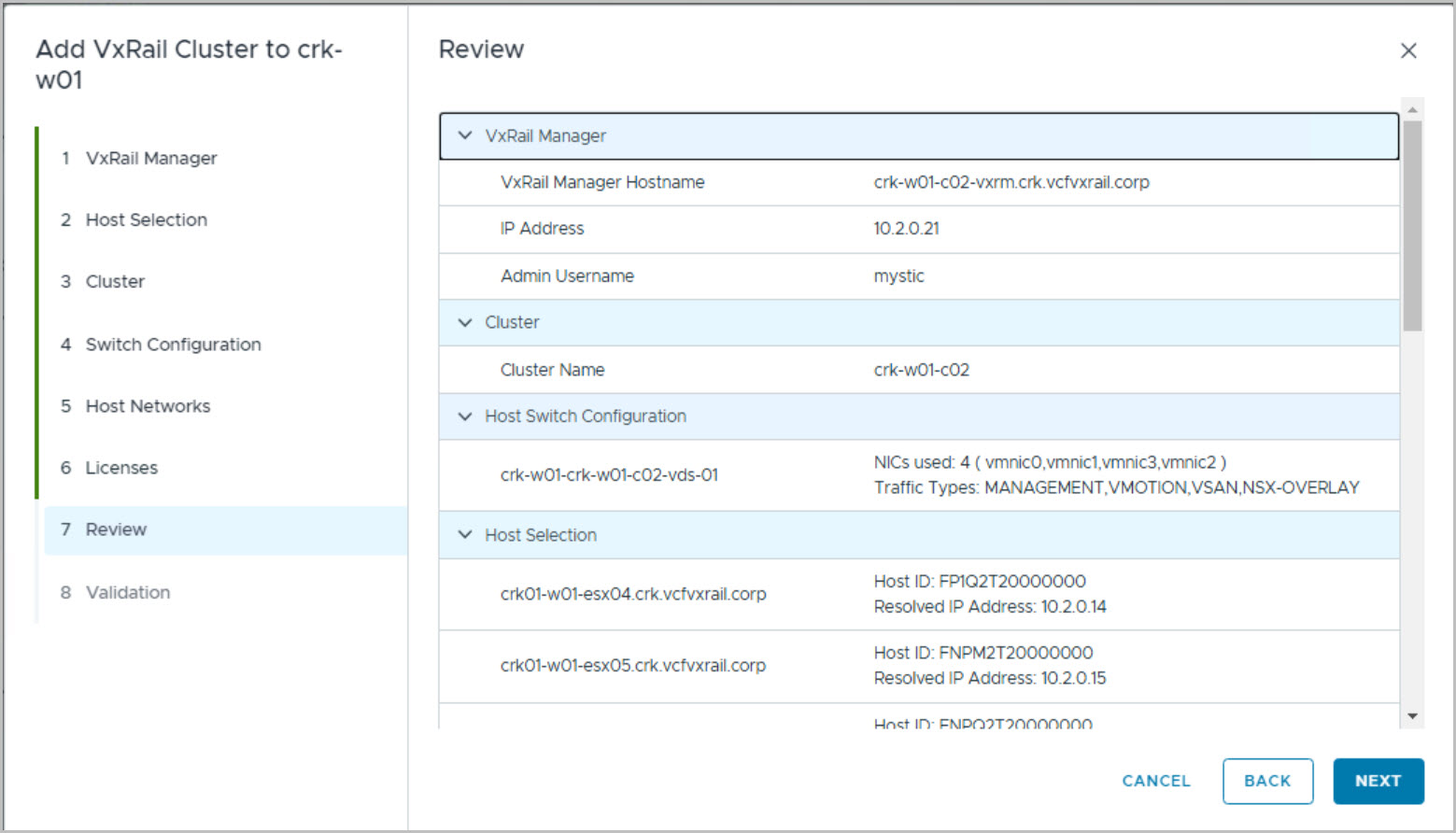
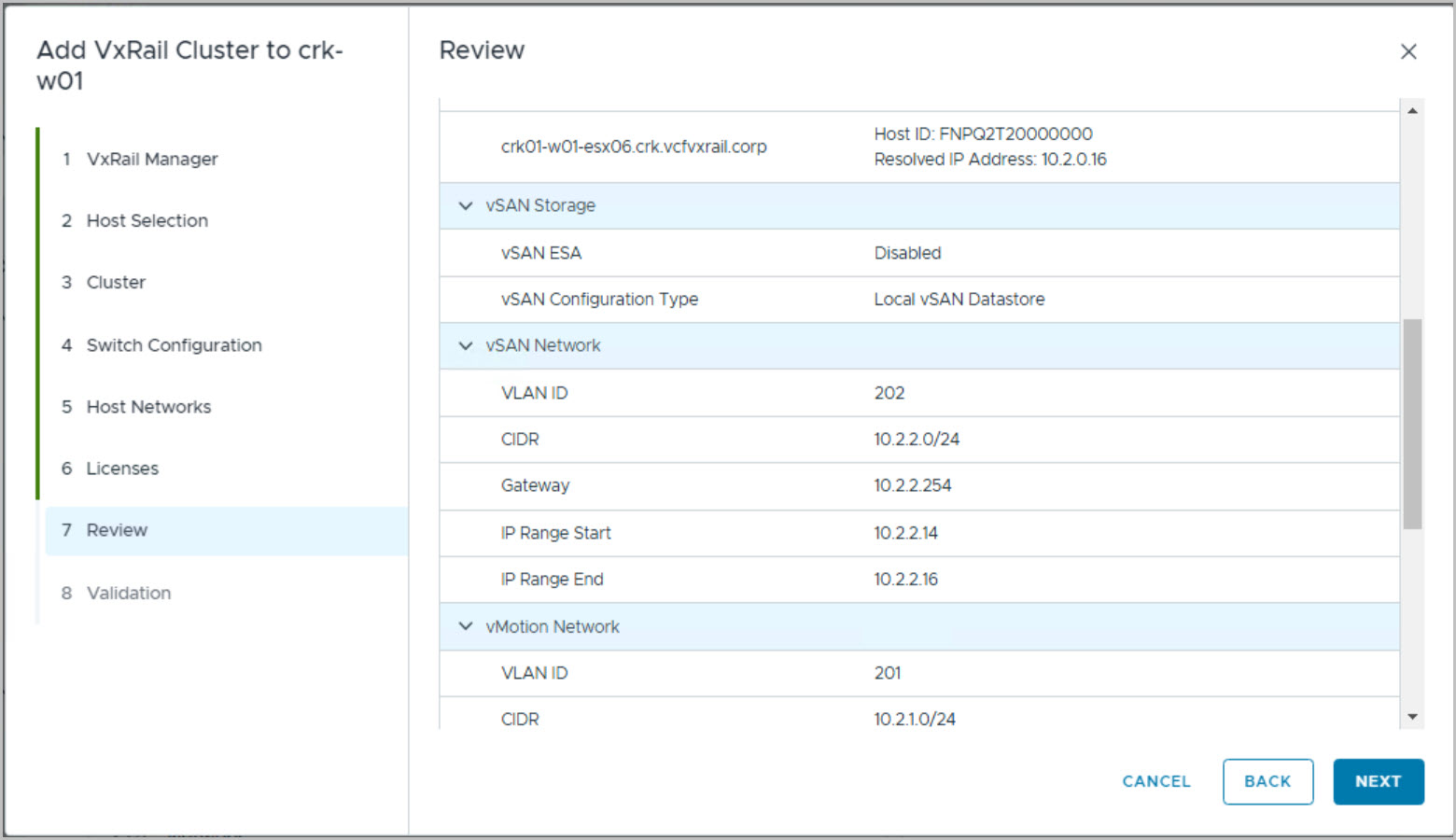
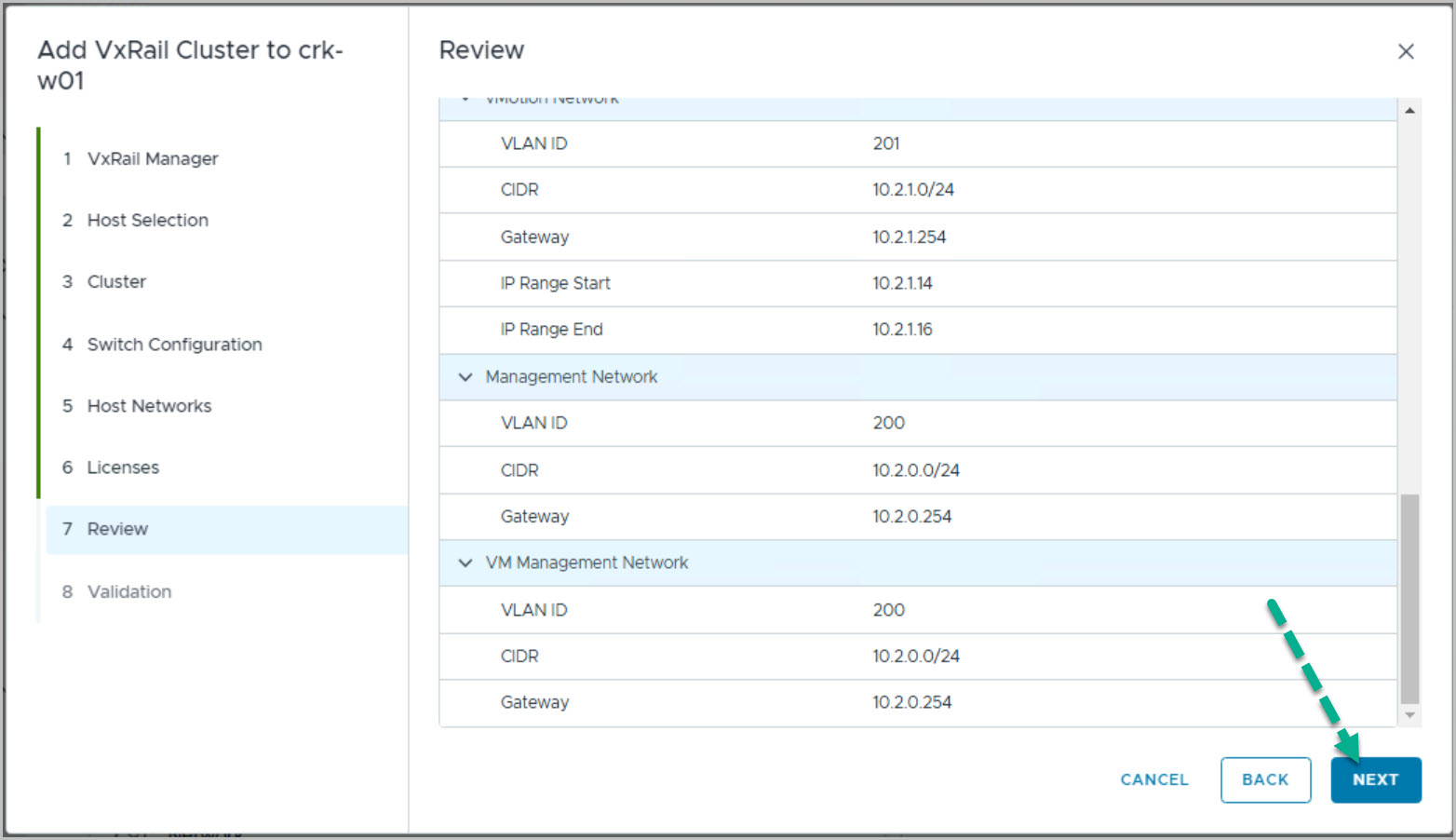
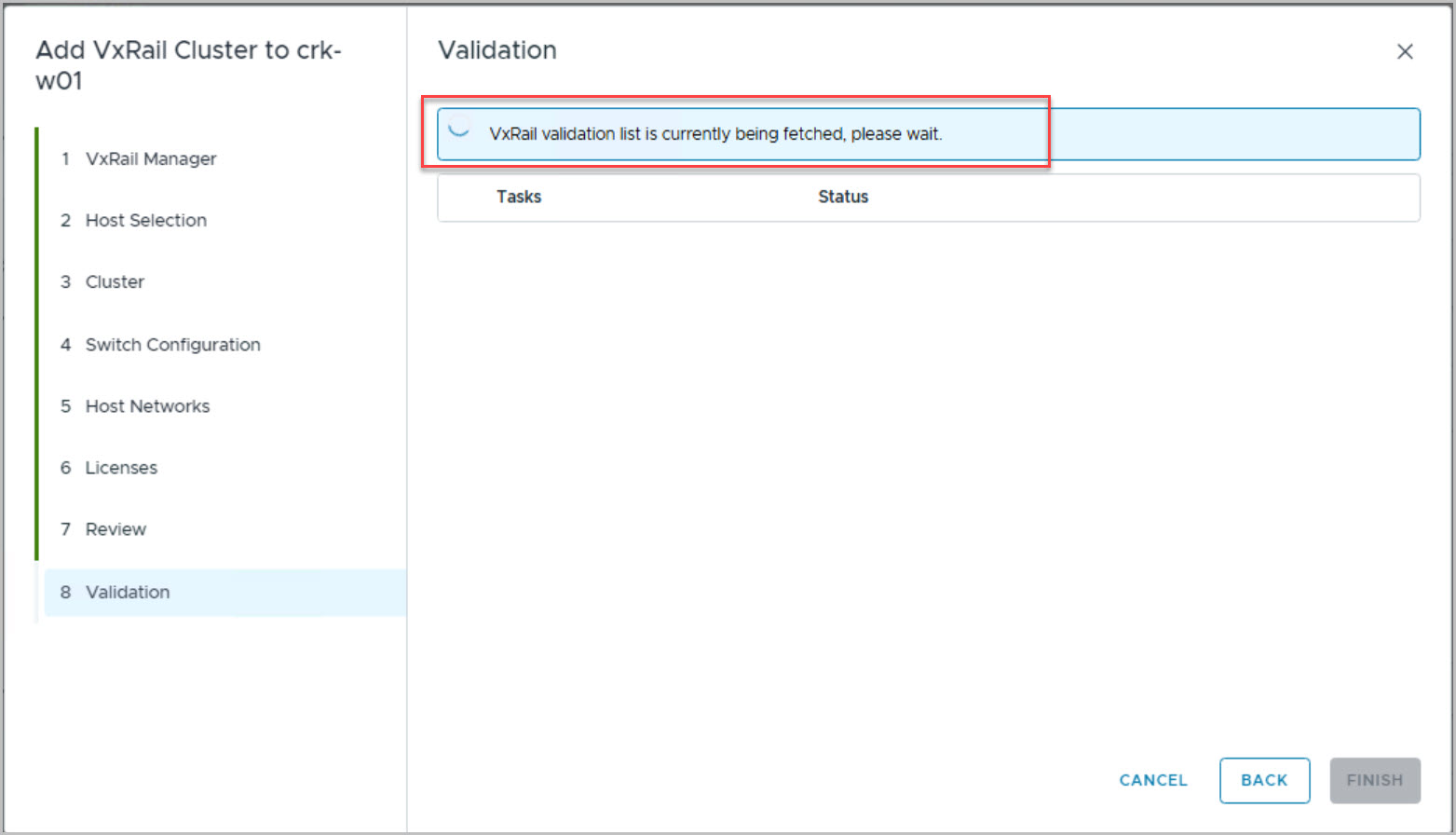
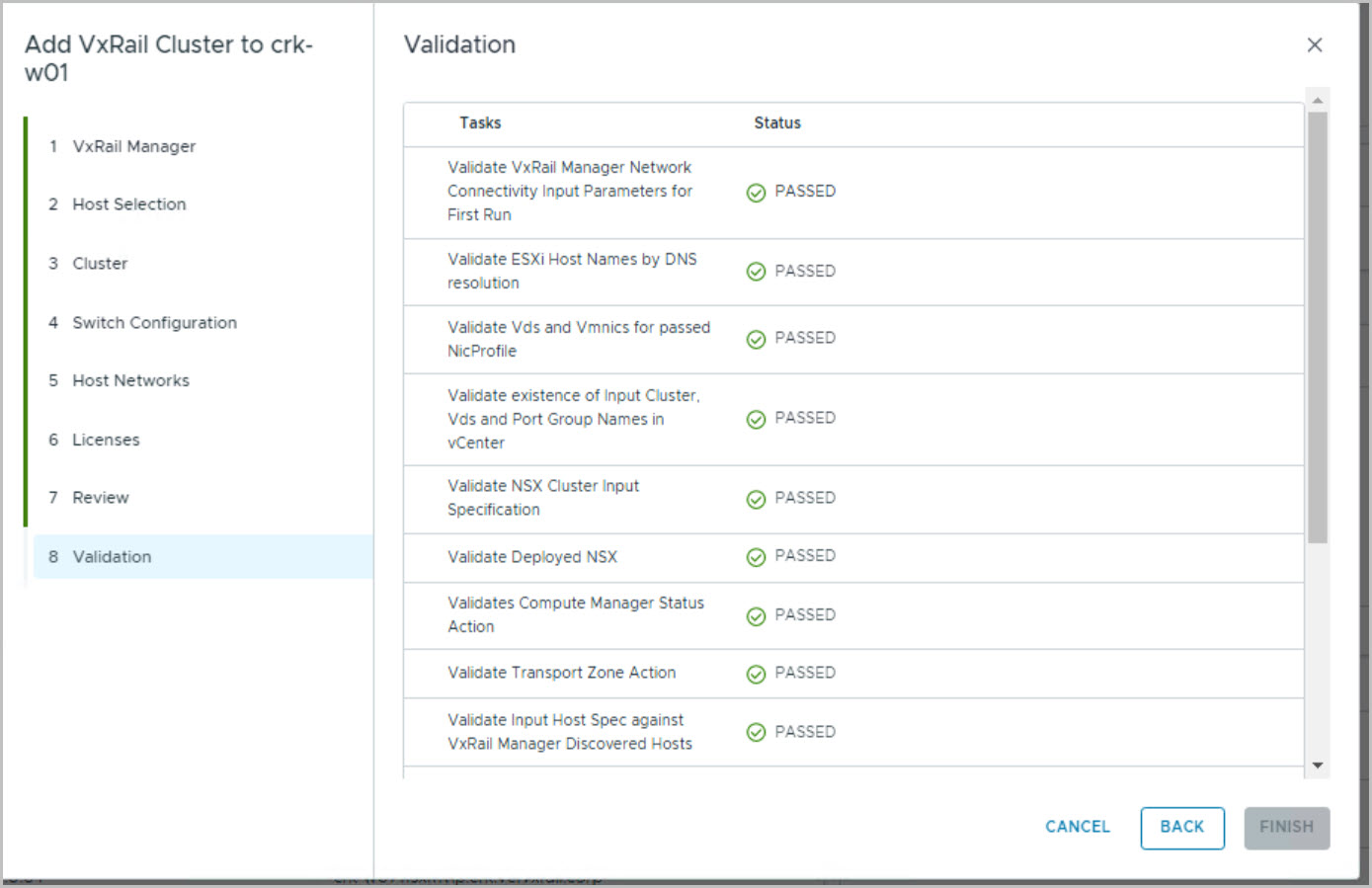
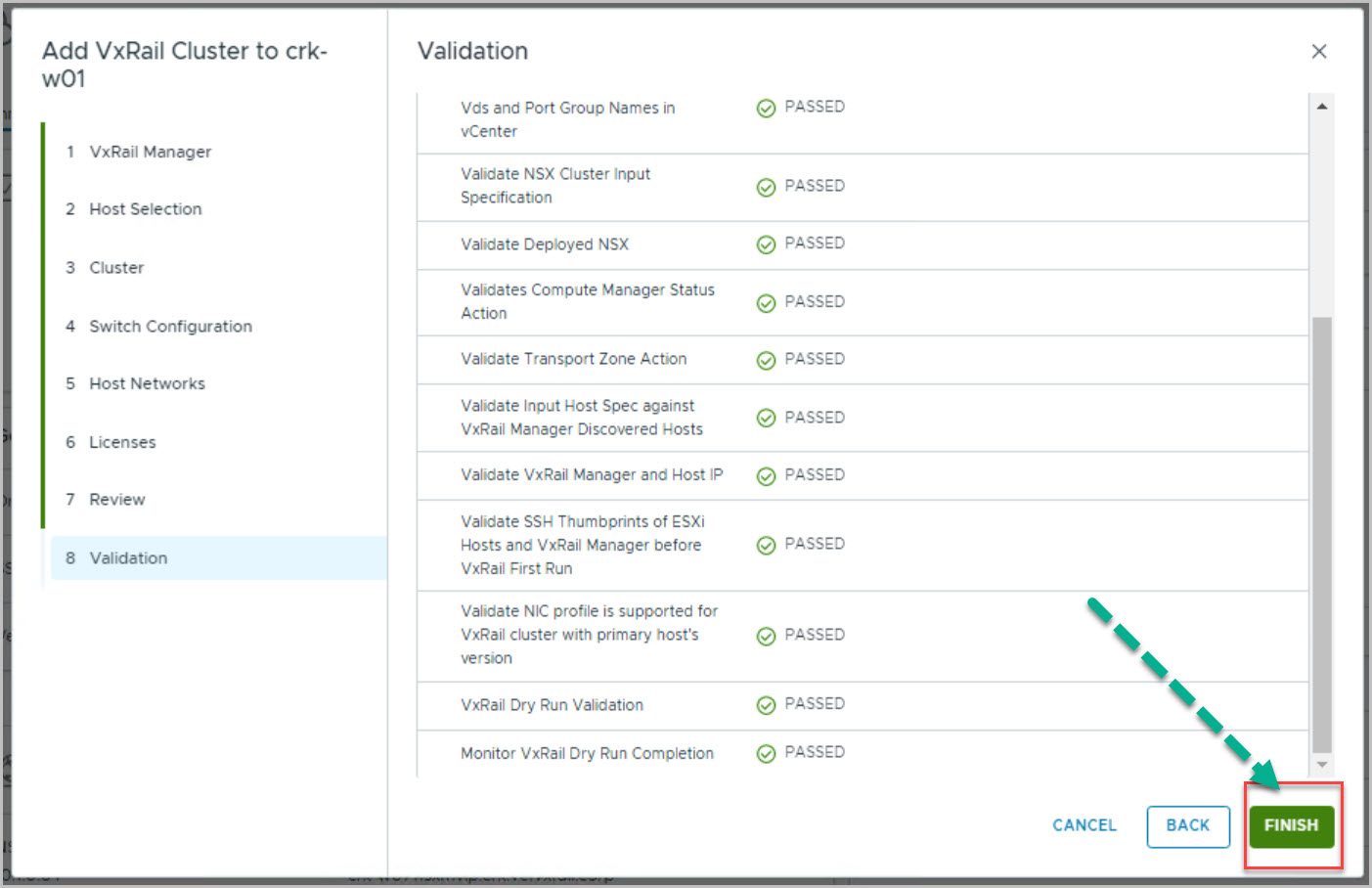
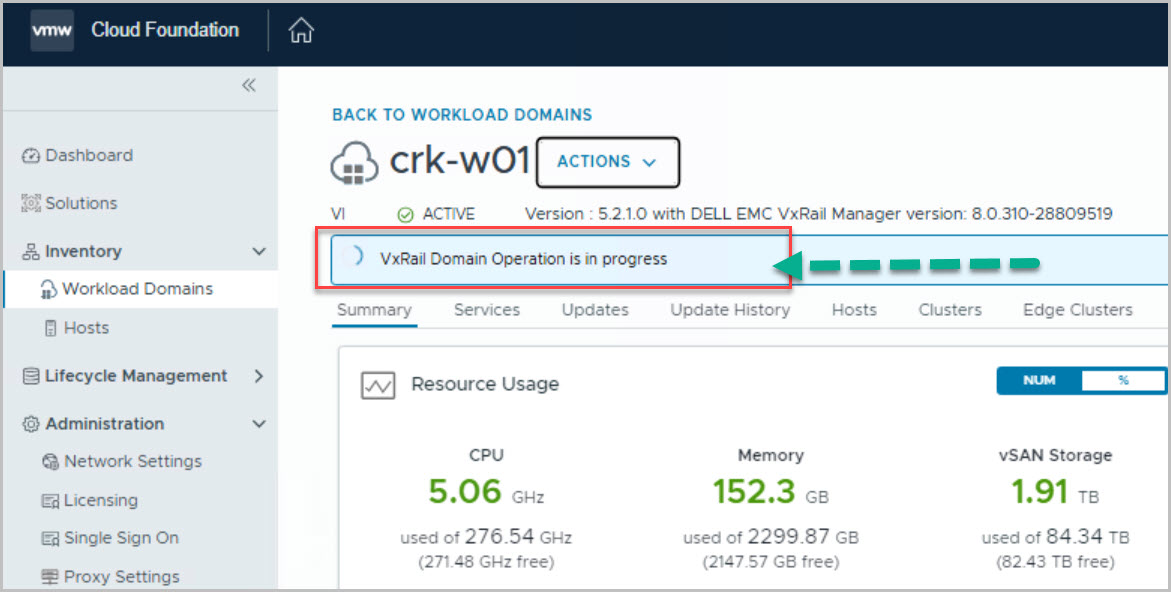
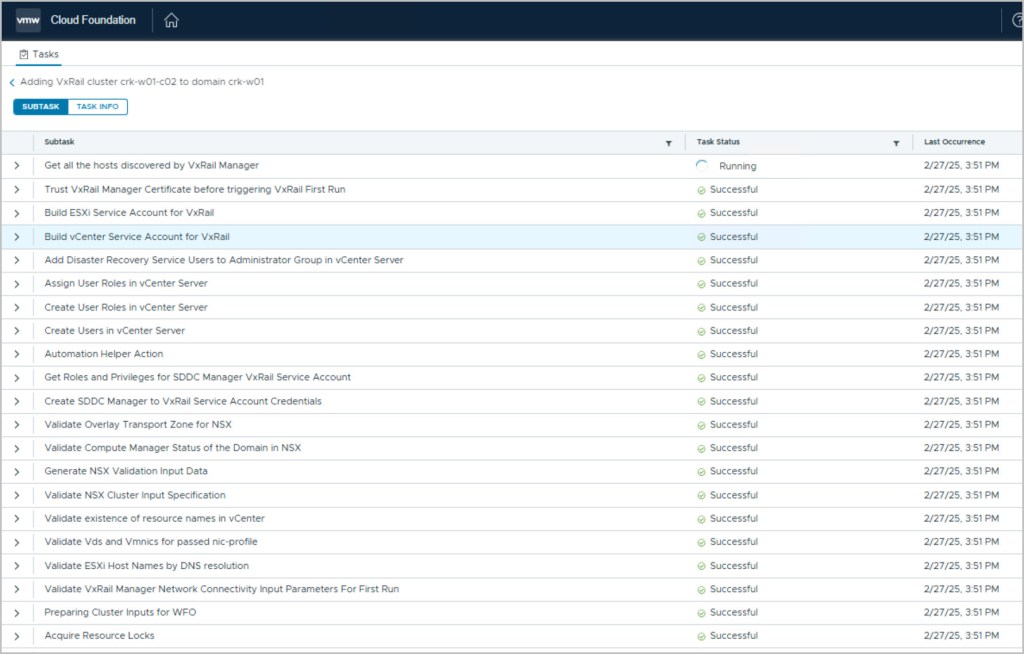
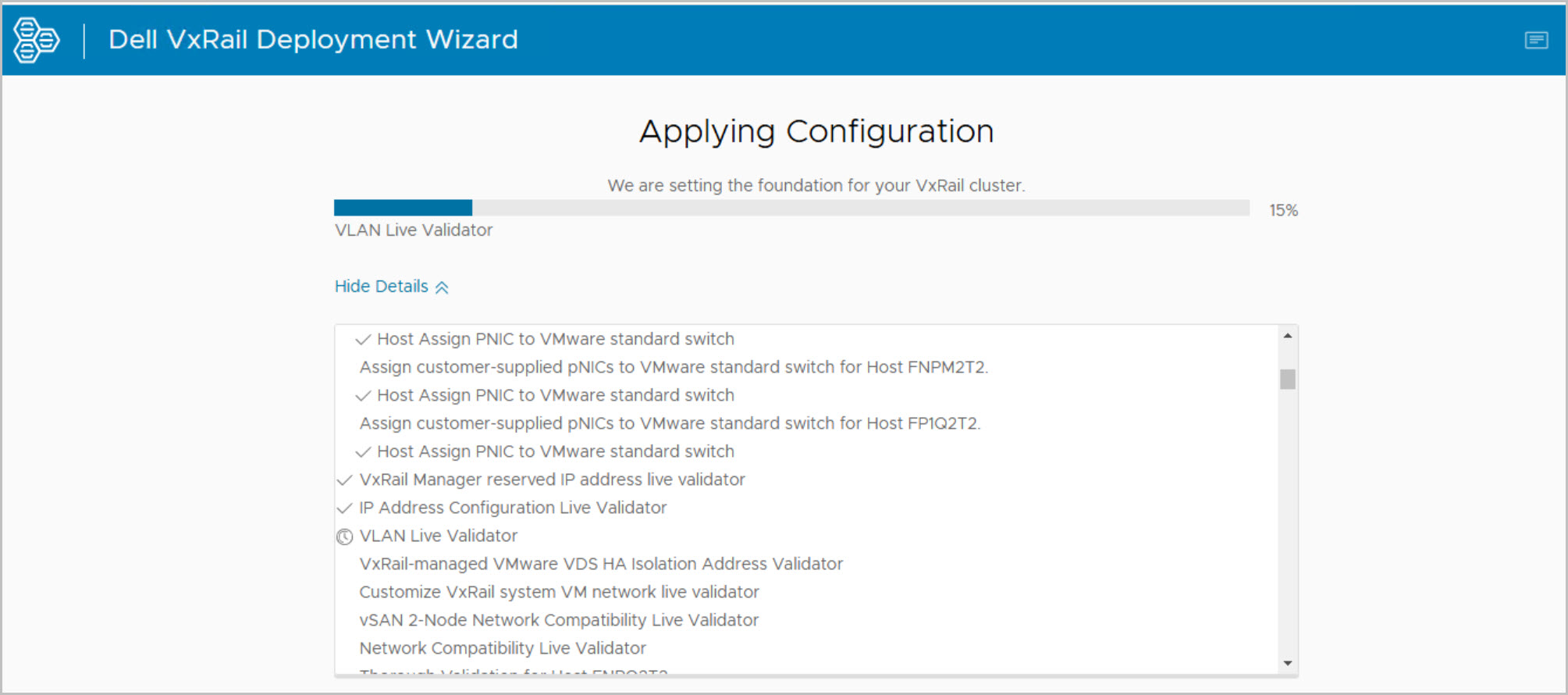
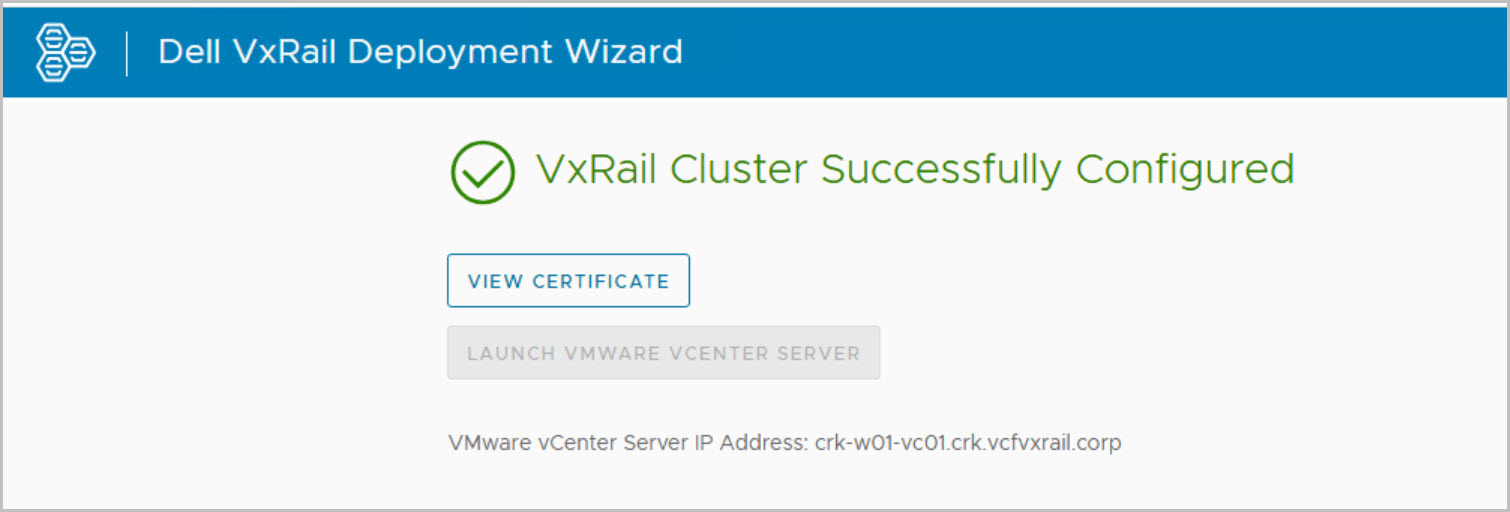
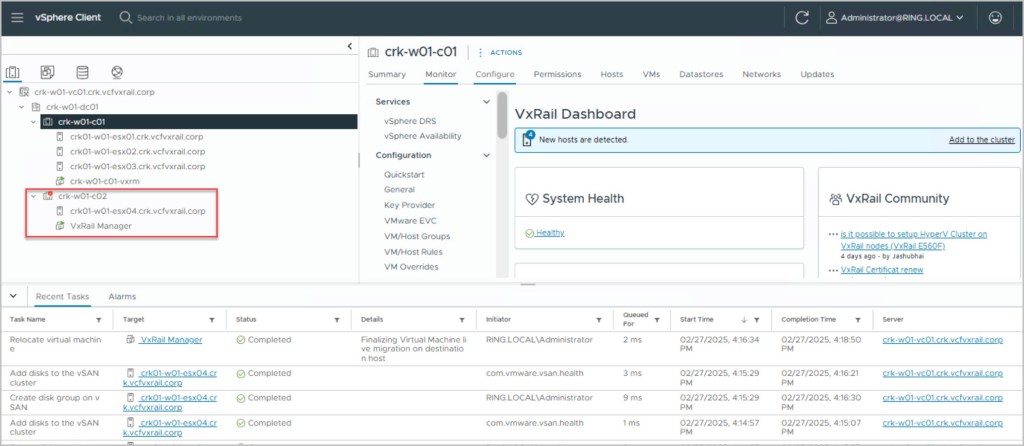
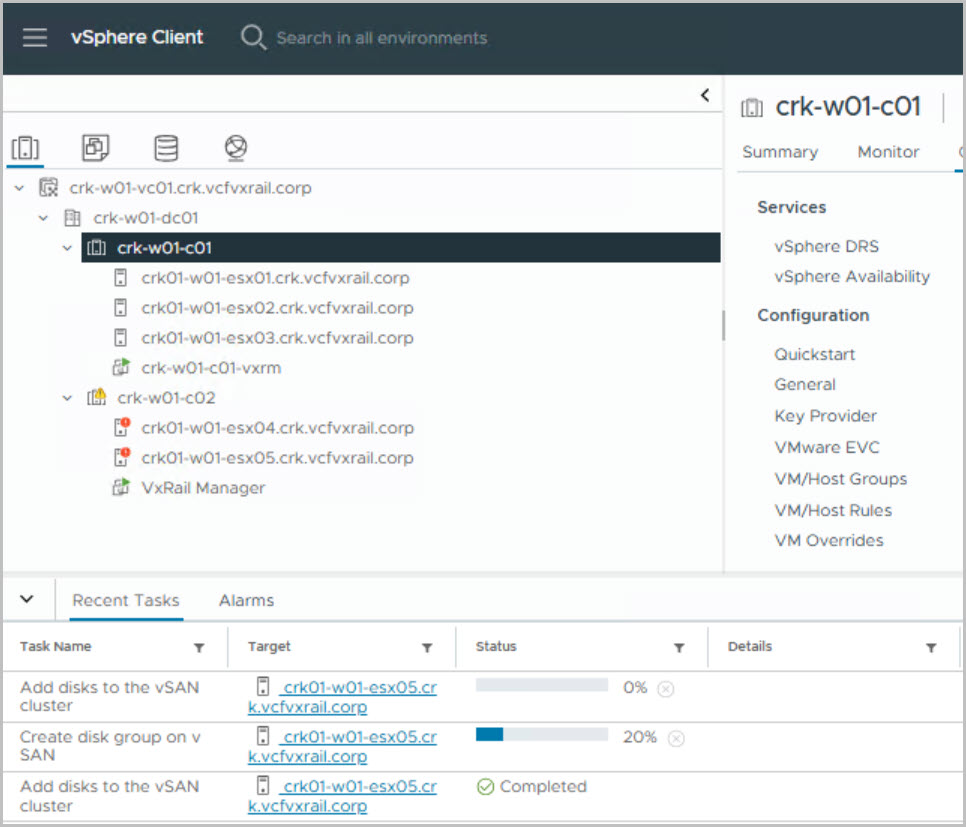
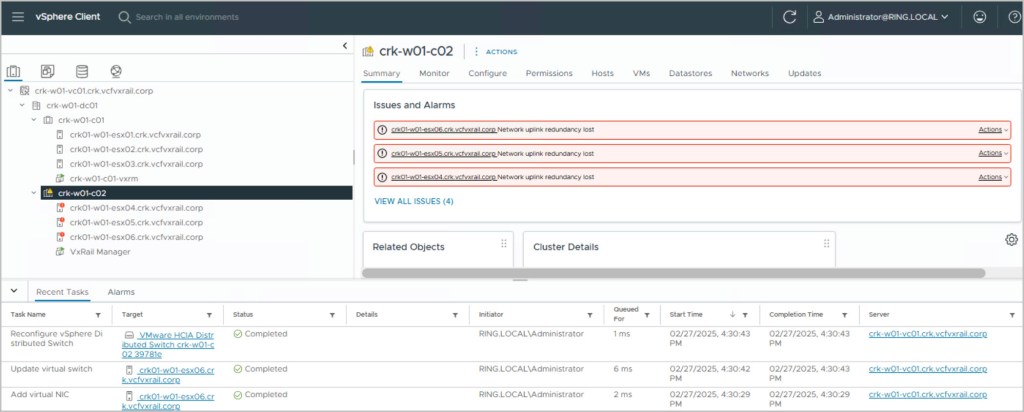
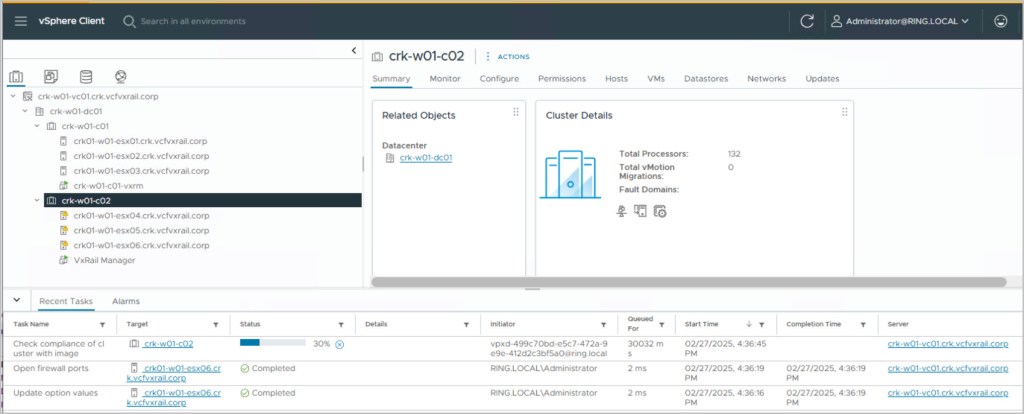
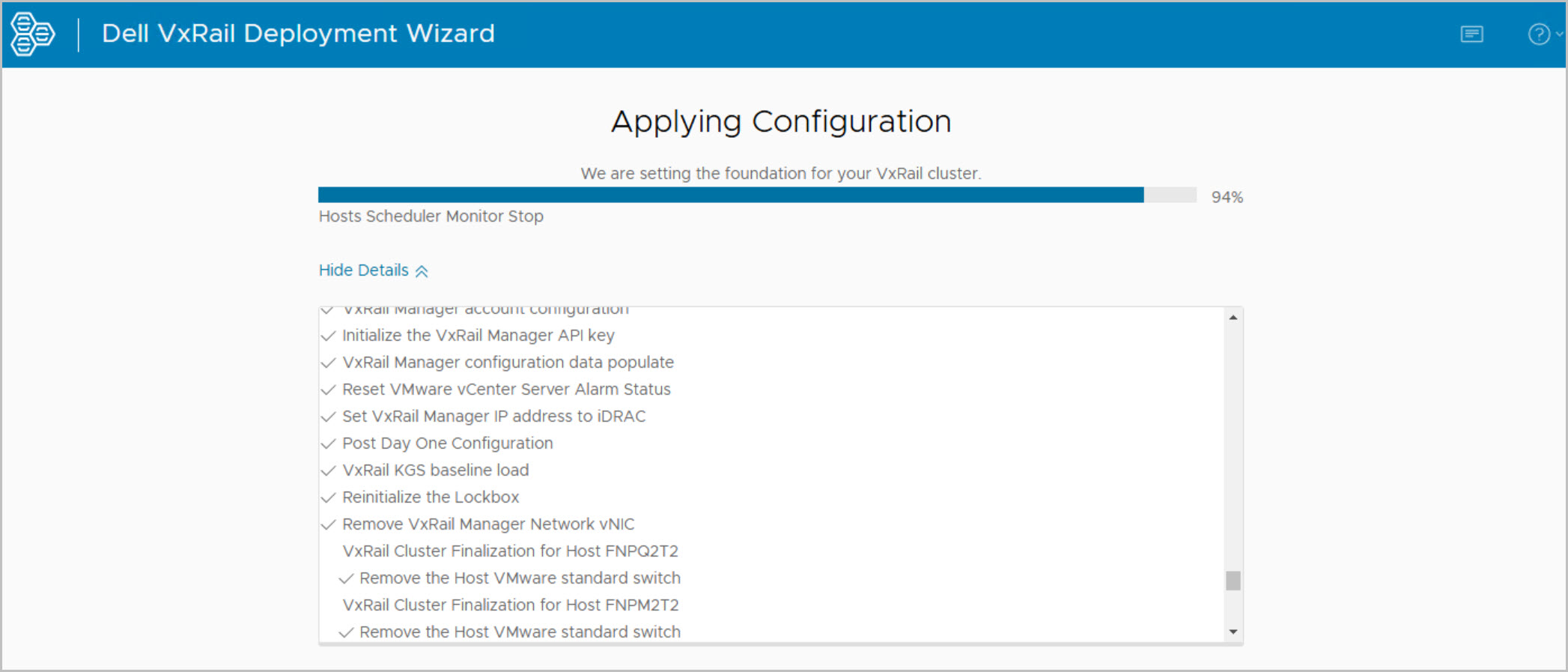
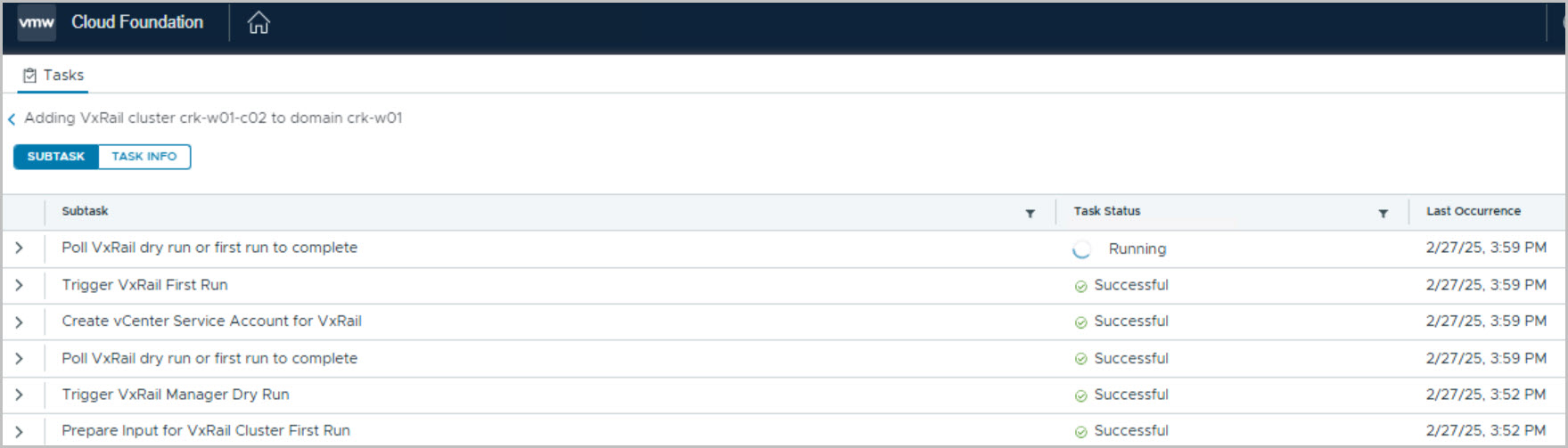
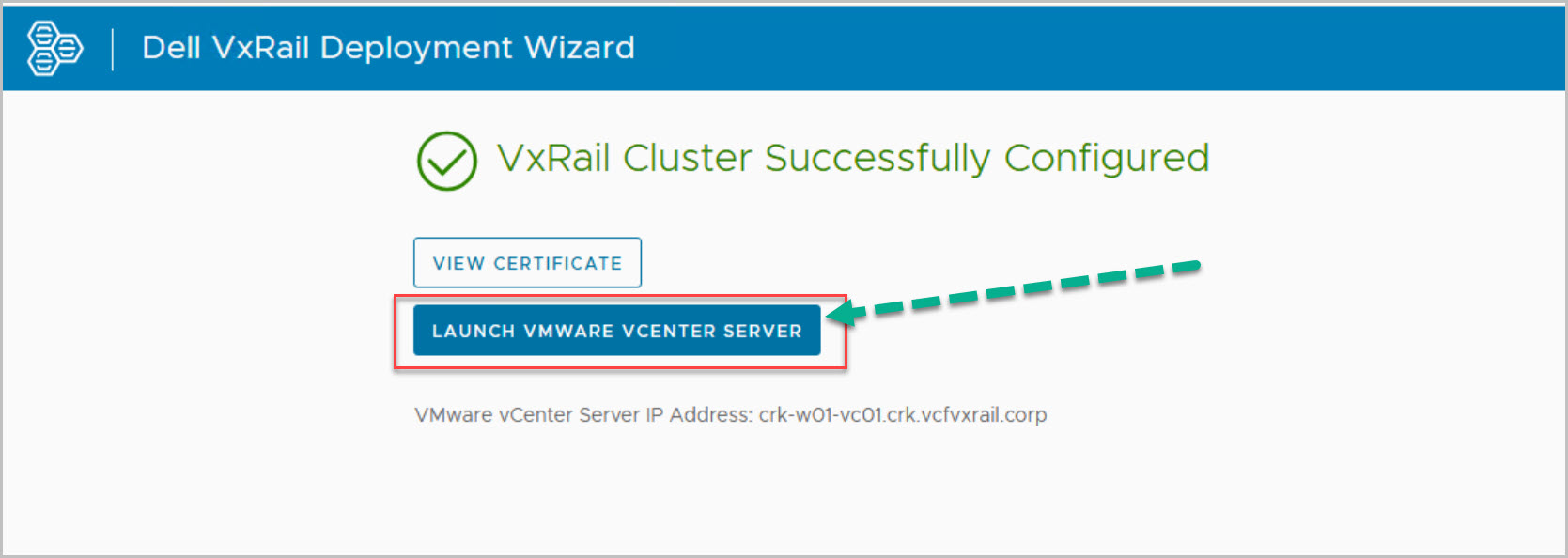
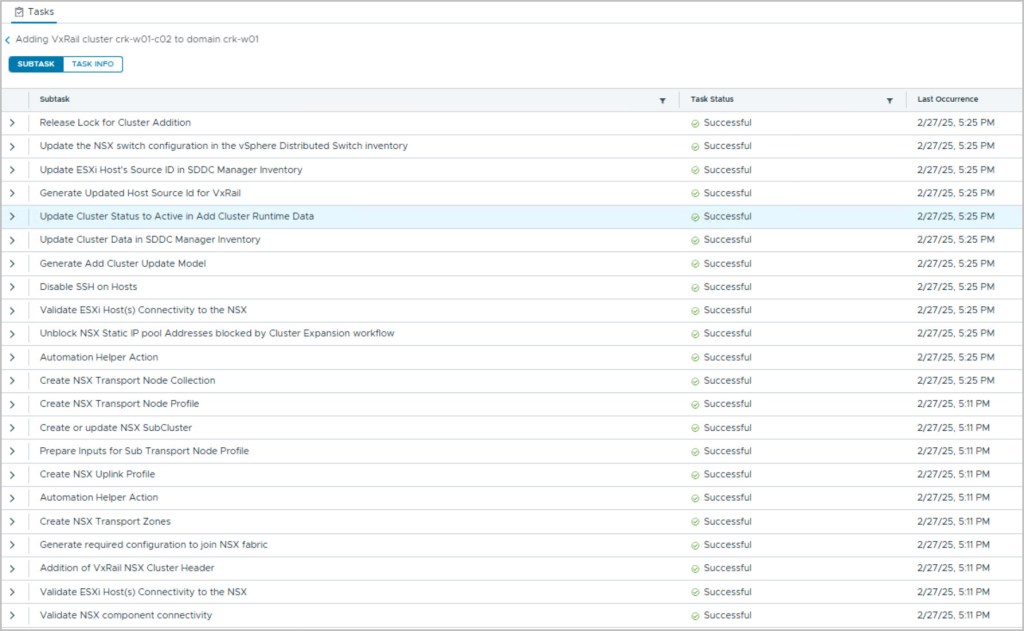
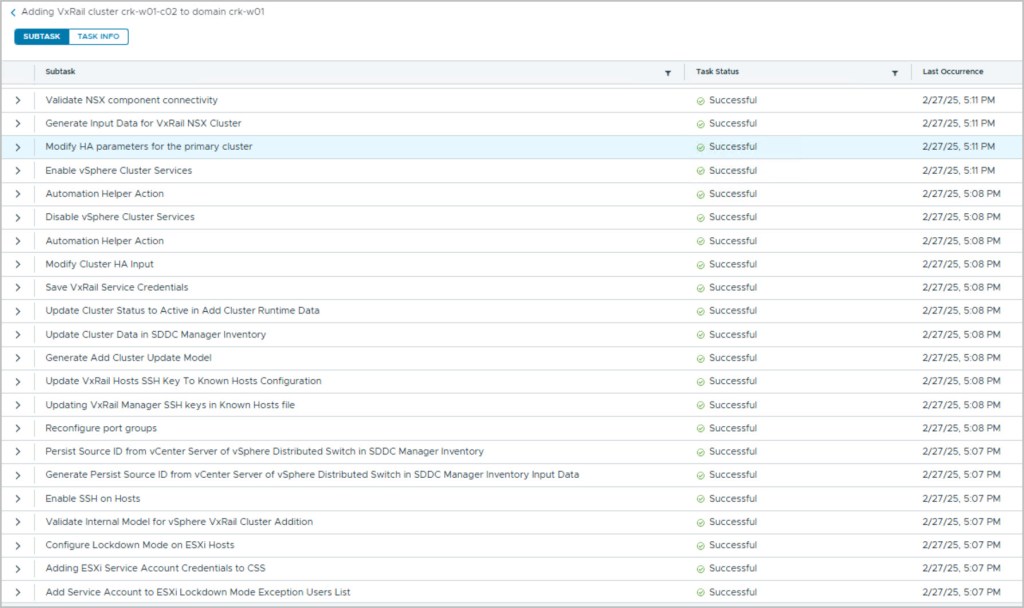
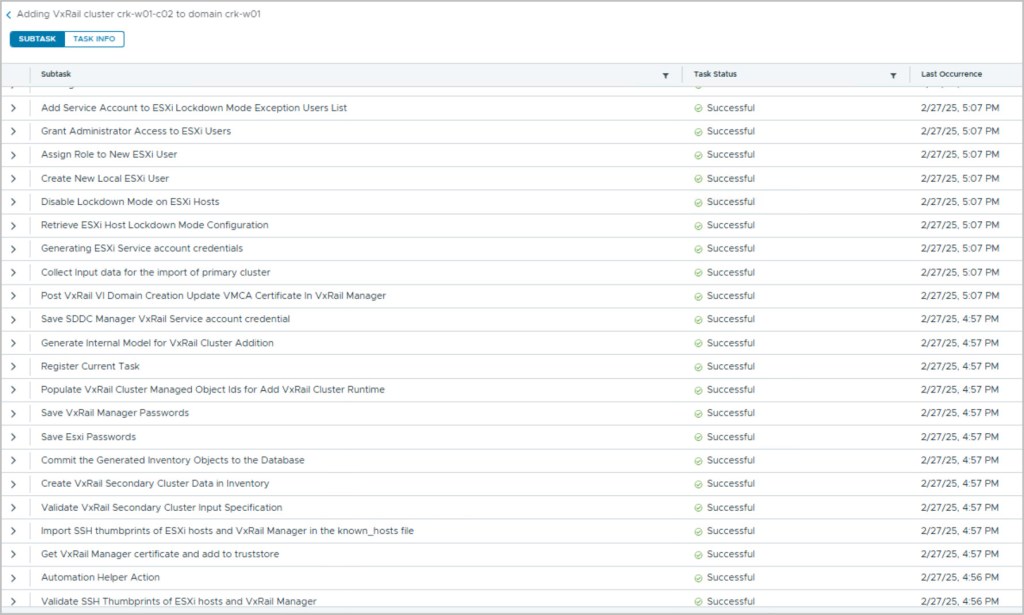
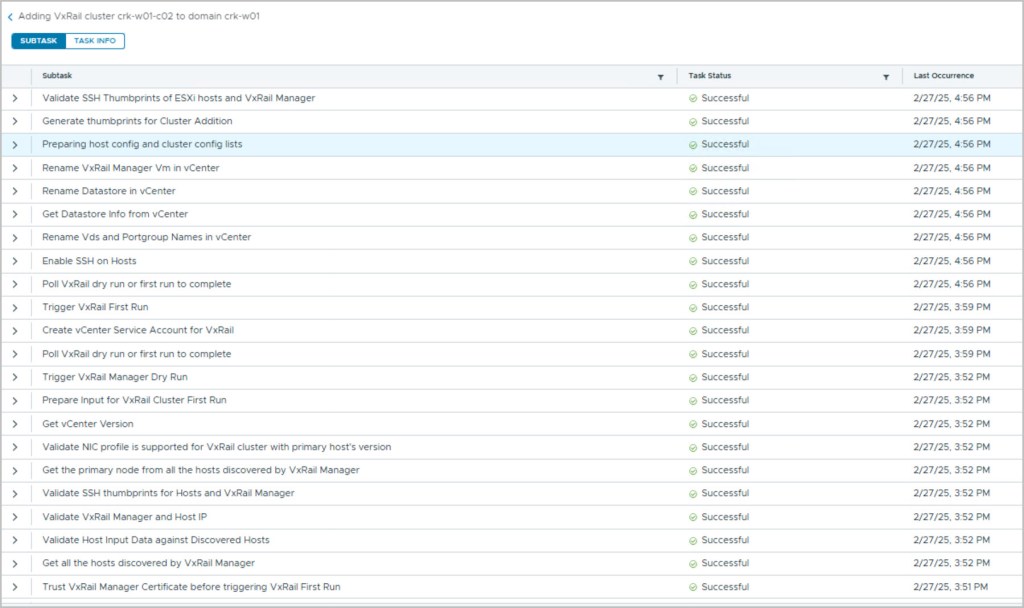
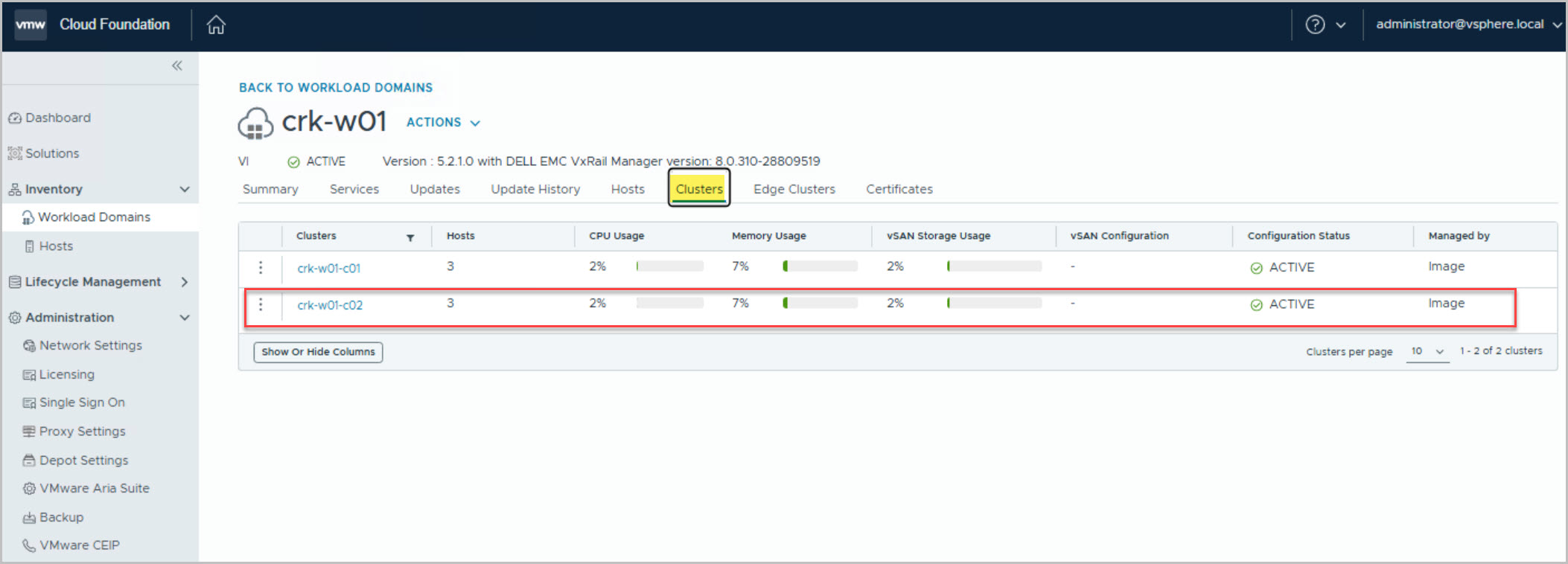
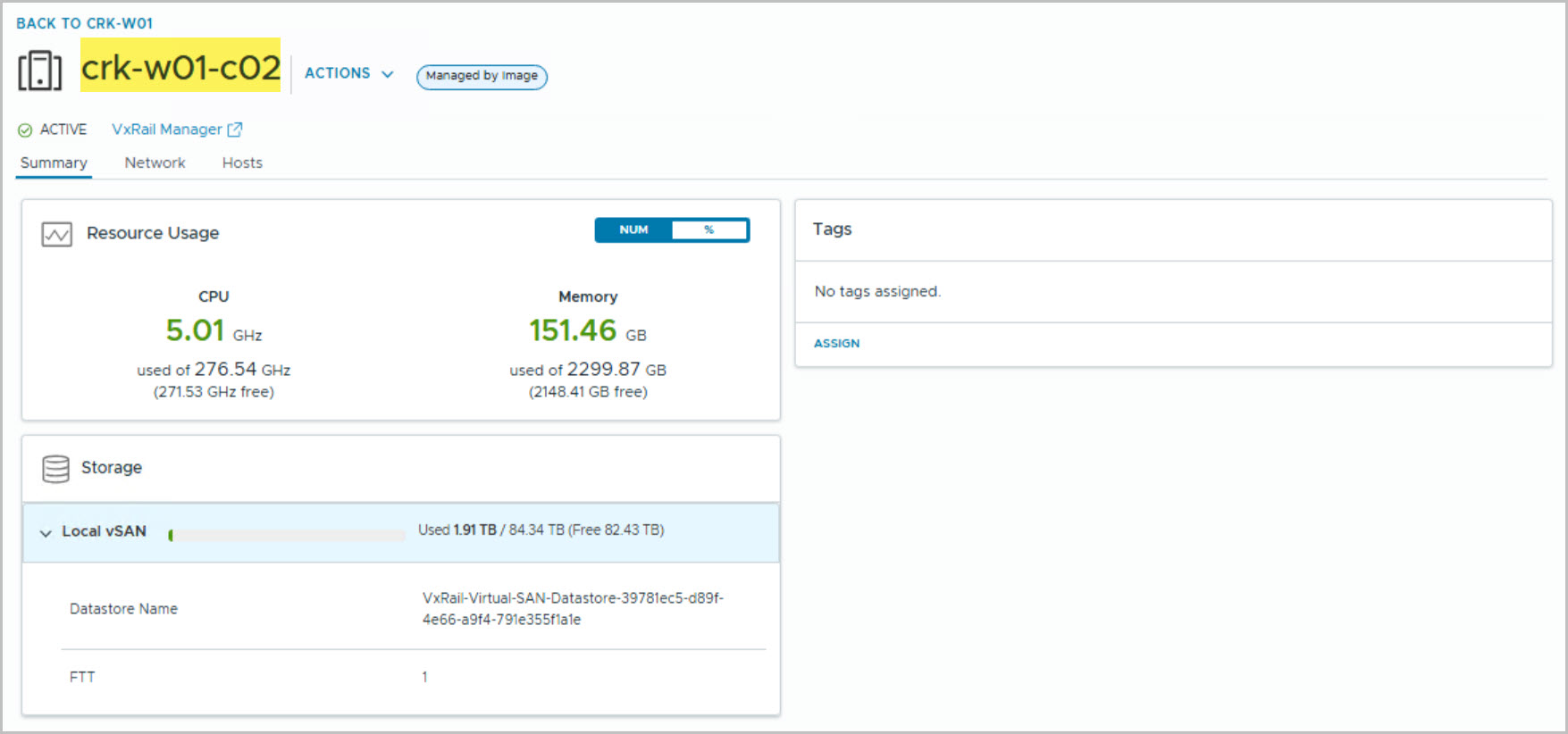
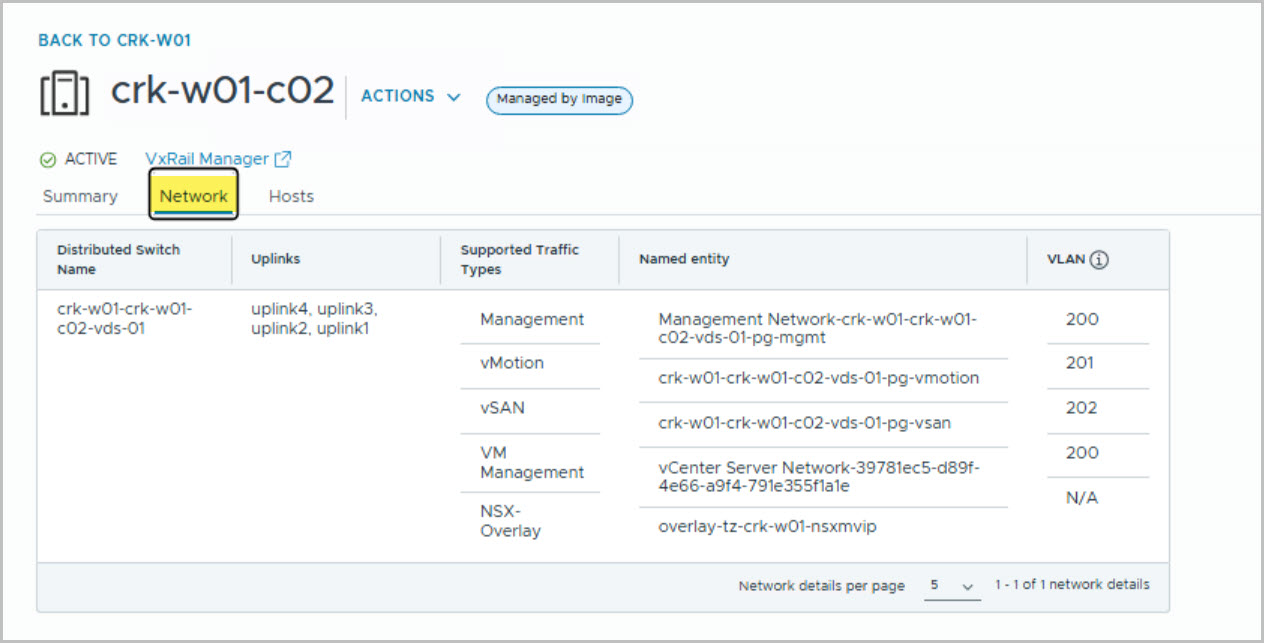
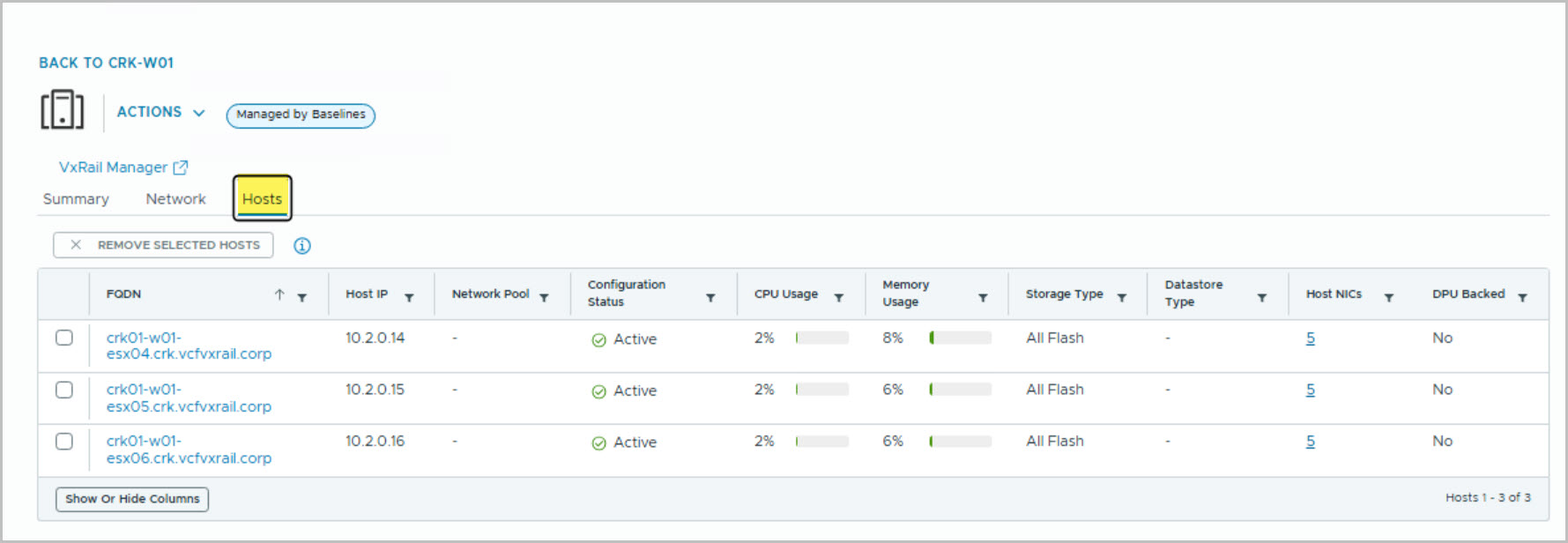
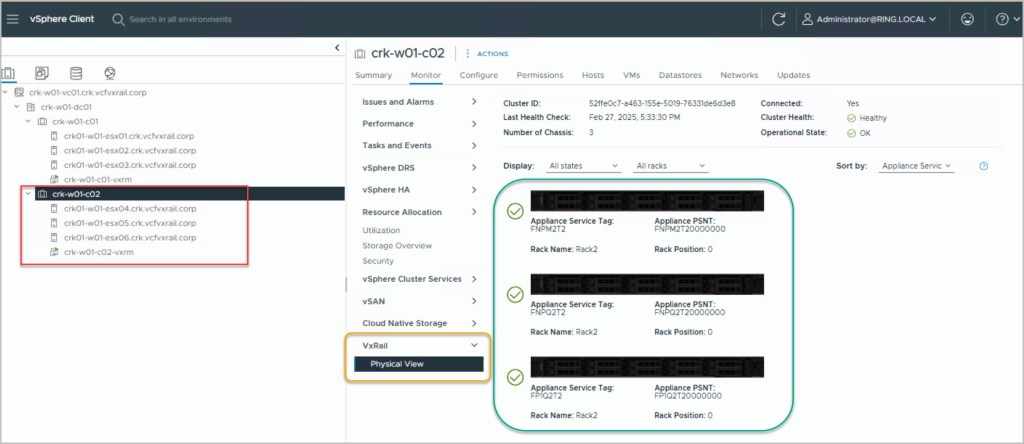
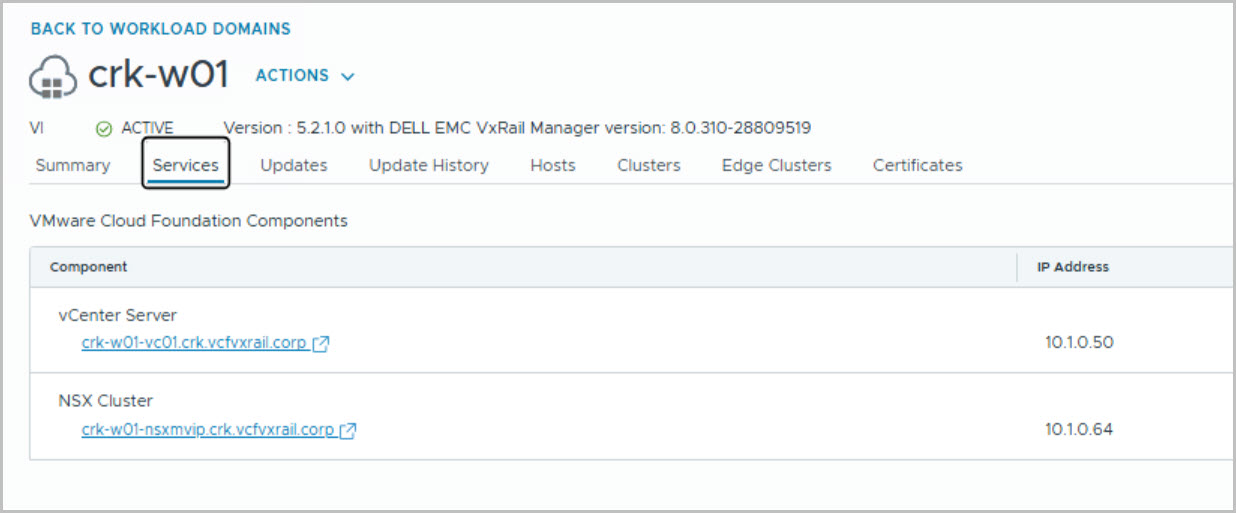
This is the 6th in a series of posts coveringVCF 5.2.1 On VxRail 8.0.310. The following post provides an example walkthrough covering the process of adding a VxRail Cluster to a Workload Domain (vLCM-based& isolated SSOVI Workload Domain) using the SDDC Manager UI.
You can increase the capacity of an existing workload domain by adding a VxRail cluster through the SDDC Manager UI. You can view a list of prerequisites and an overview of the procedure on the VMware site here.
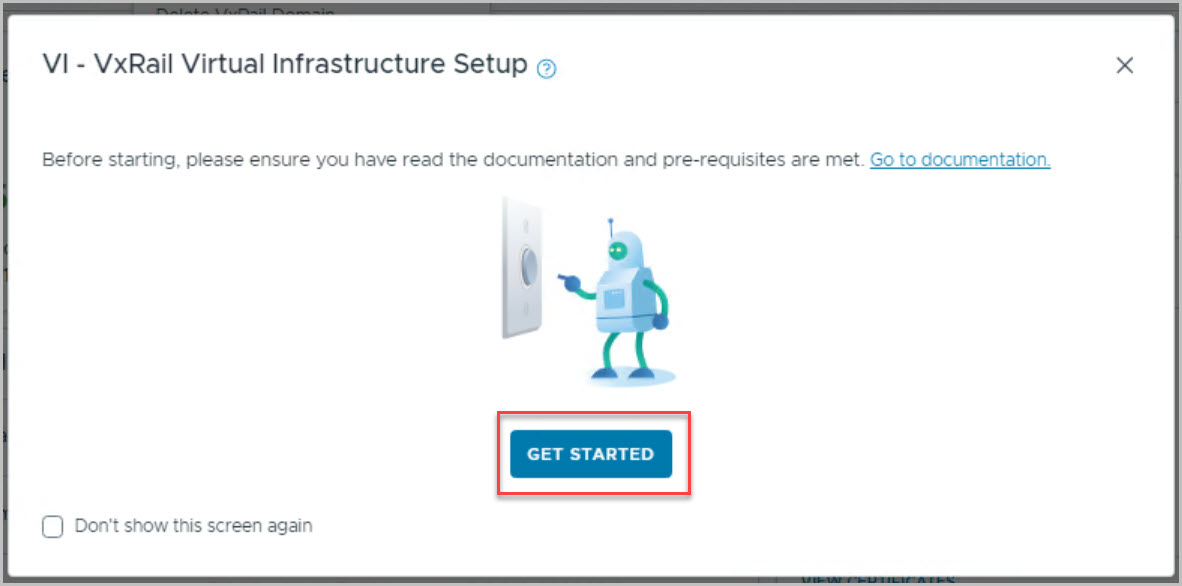
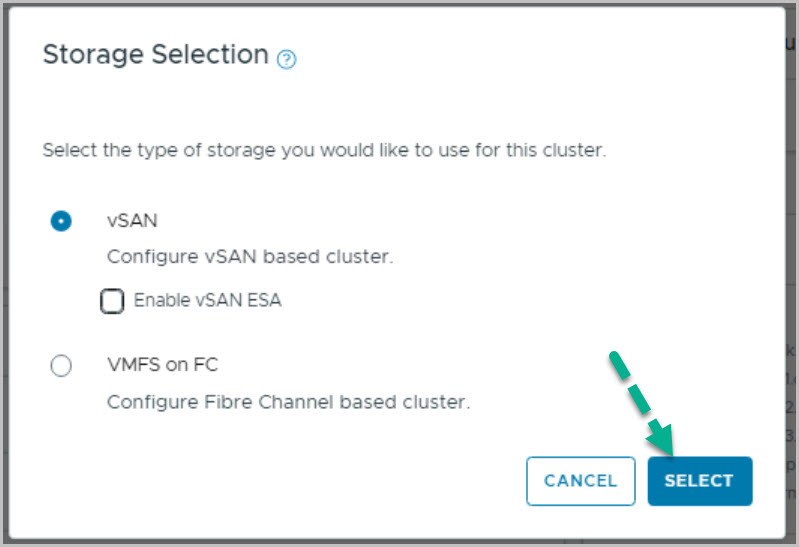
Add a VxRail Cluster to VI WLD Using WFO UI Method
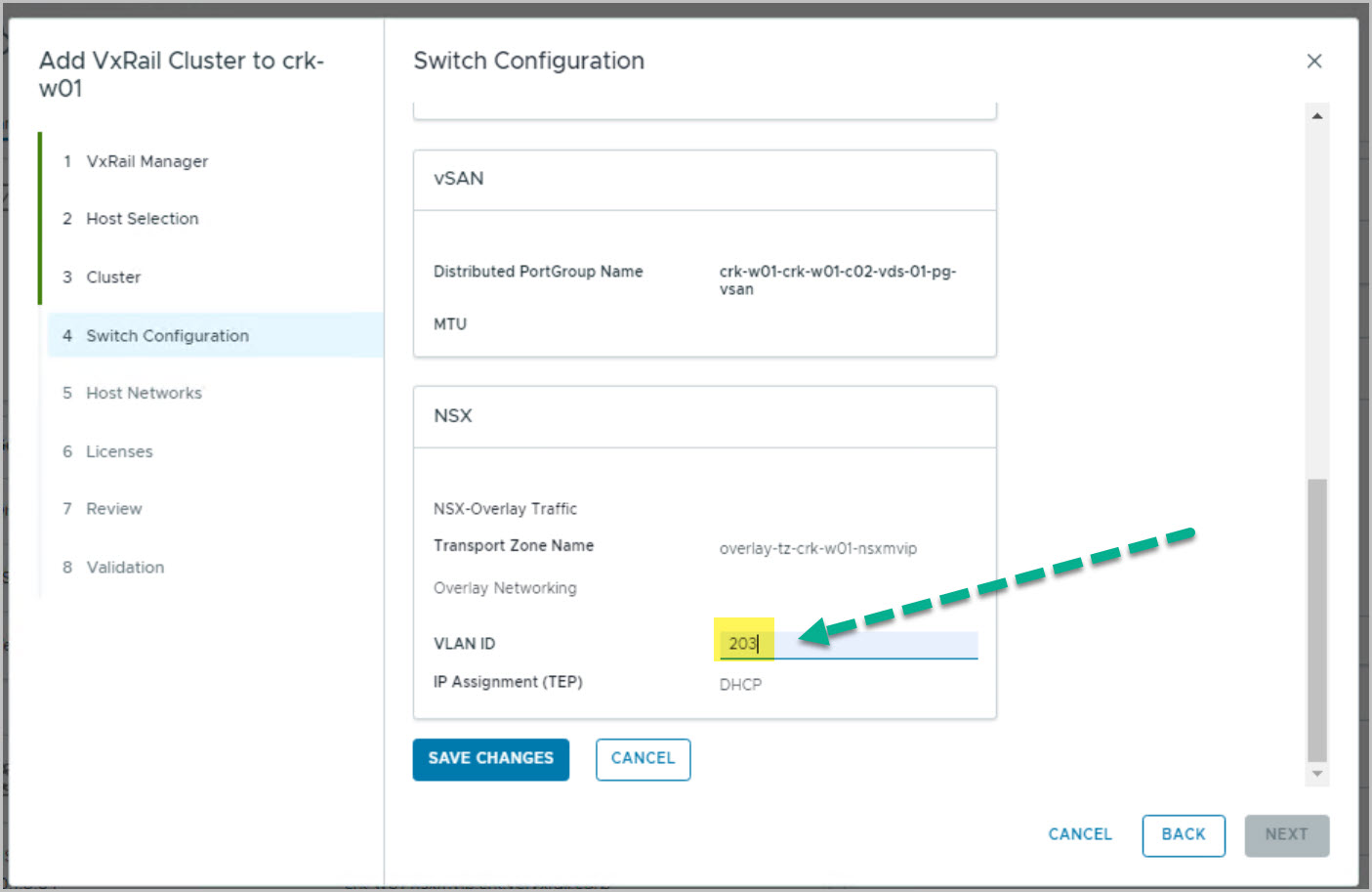
The following input values are required as per the process of expanding an existing workload domain by adding a VxRail cluster:
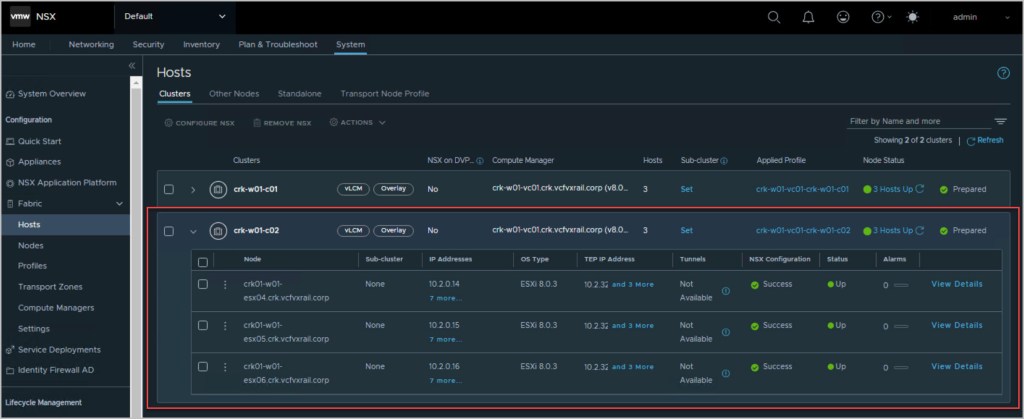
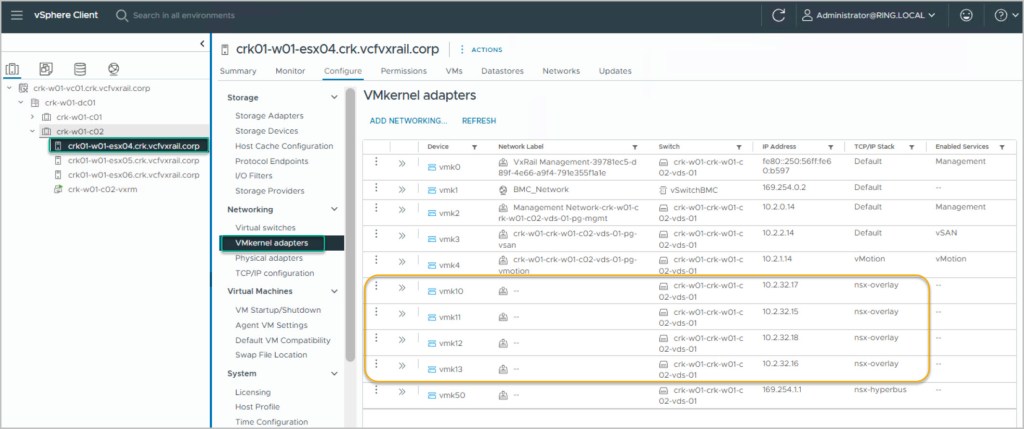
NSX Host Overlay Network (DHCP server if using). When VMware NSX creates TEPs for the VI workload domain cluster hosts, they are assigned IP addresses from the DHCP server.
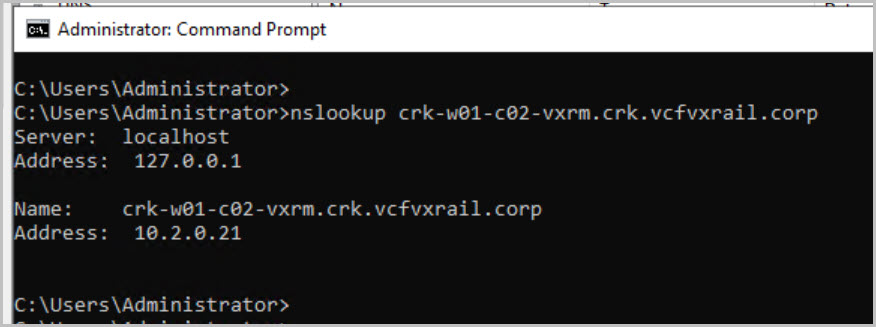
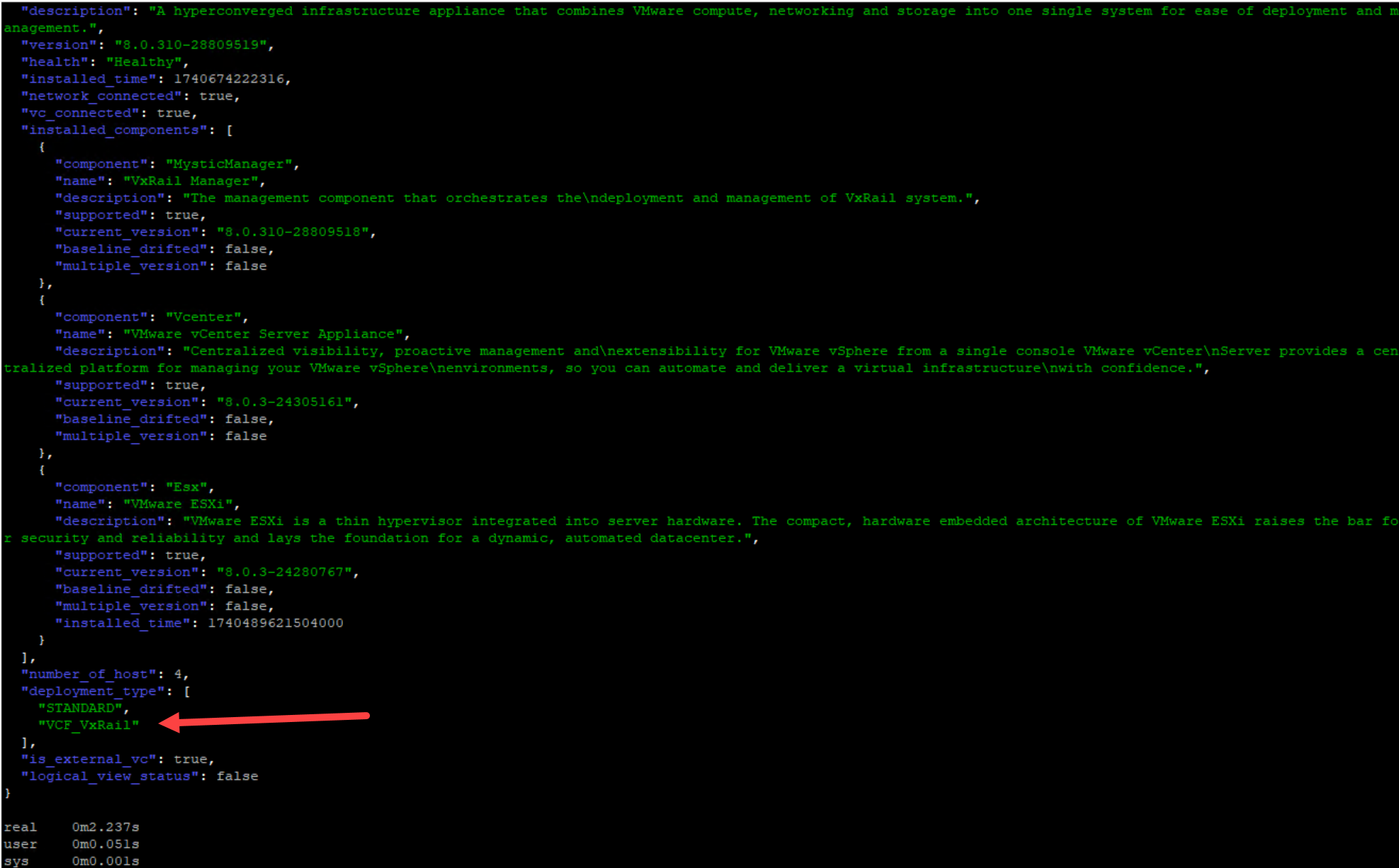
Update VxRail Manager Certificate with the correct Hostname.
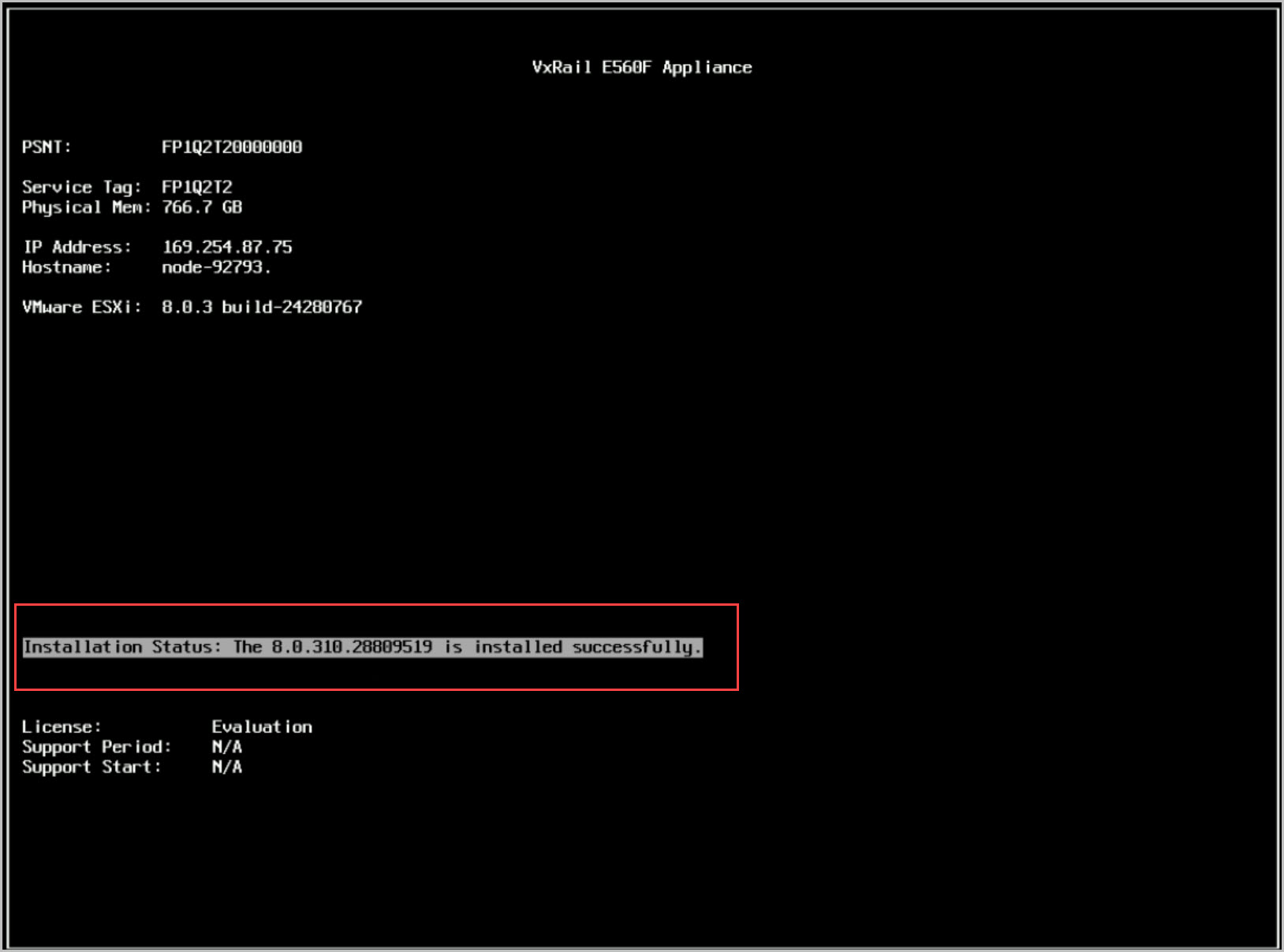
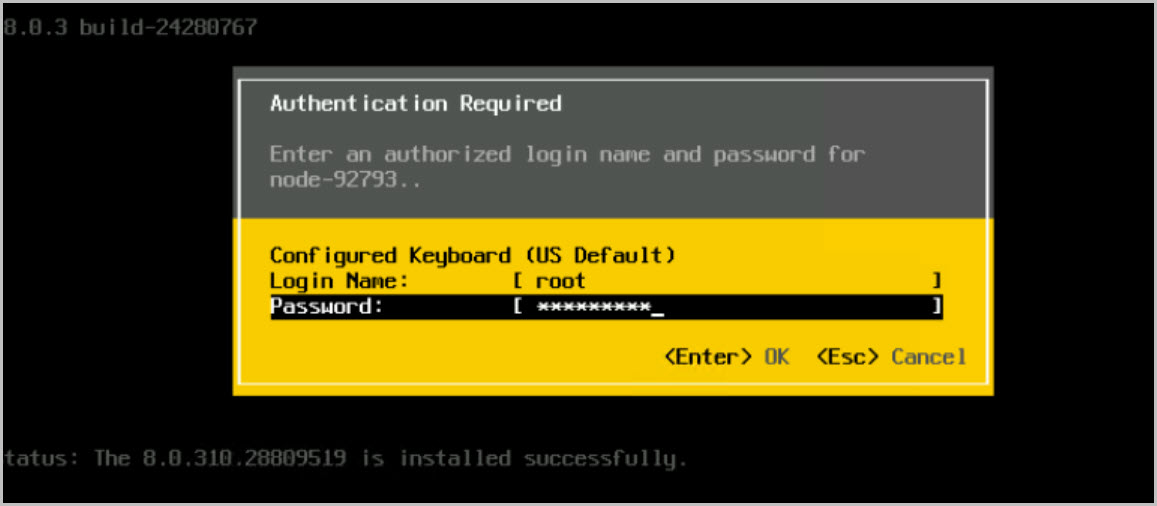
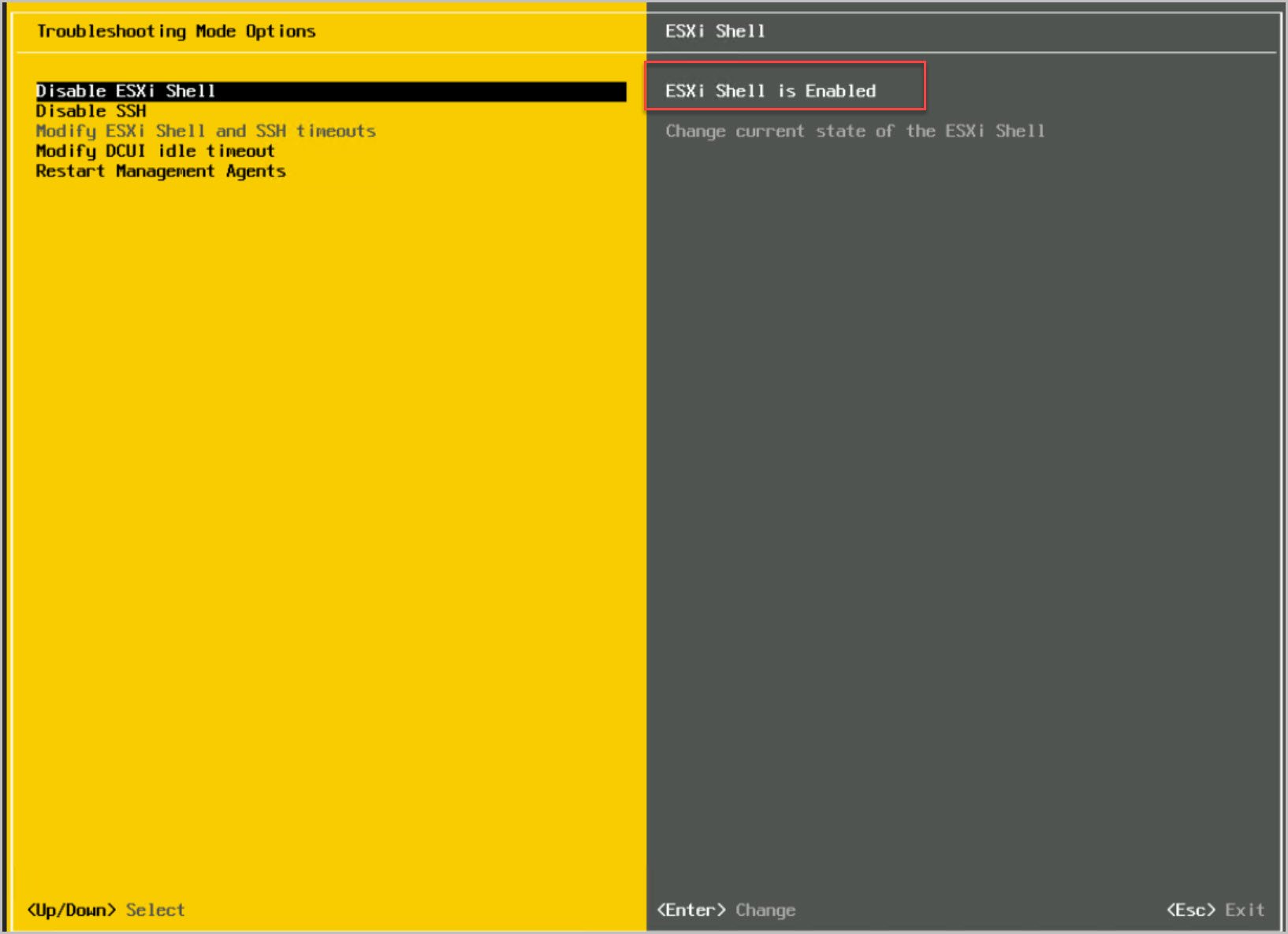
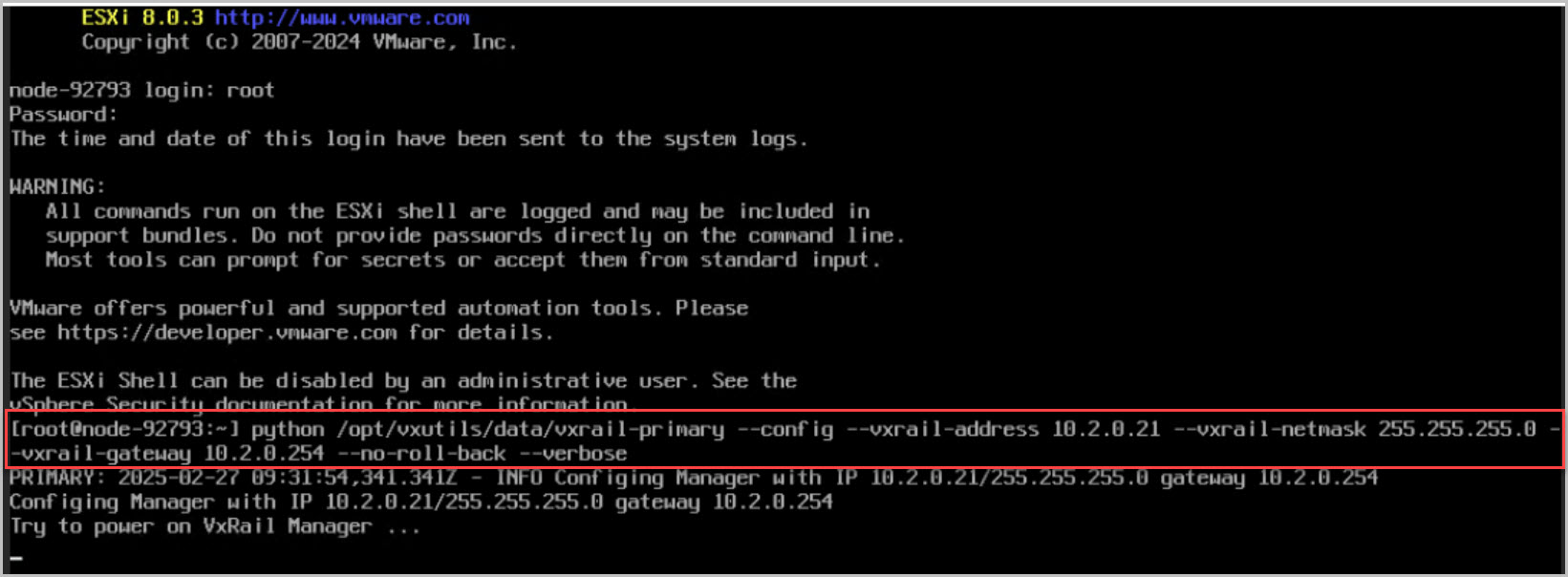
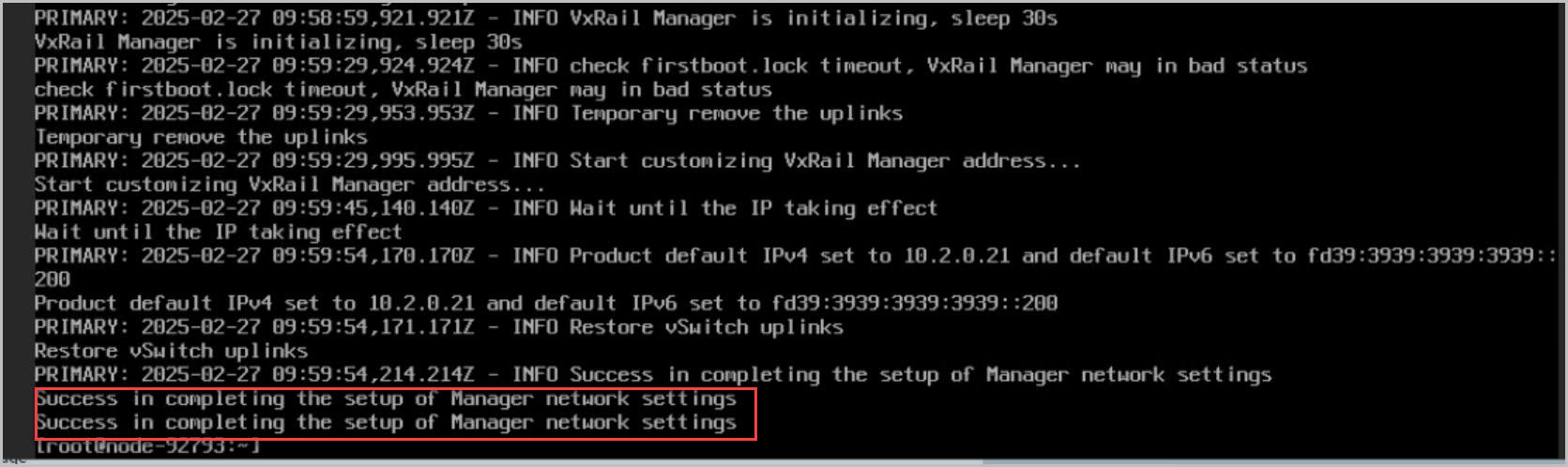
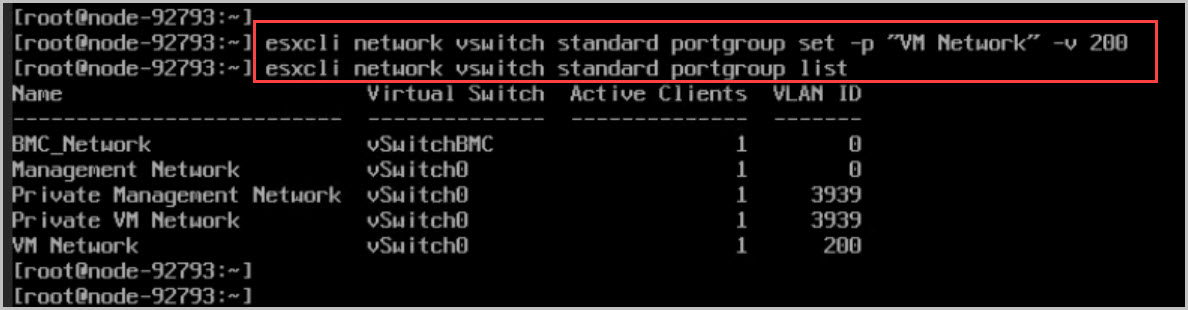
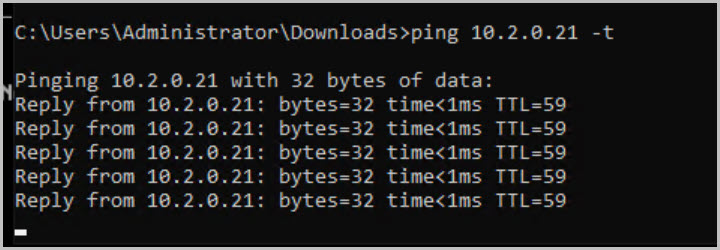
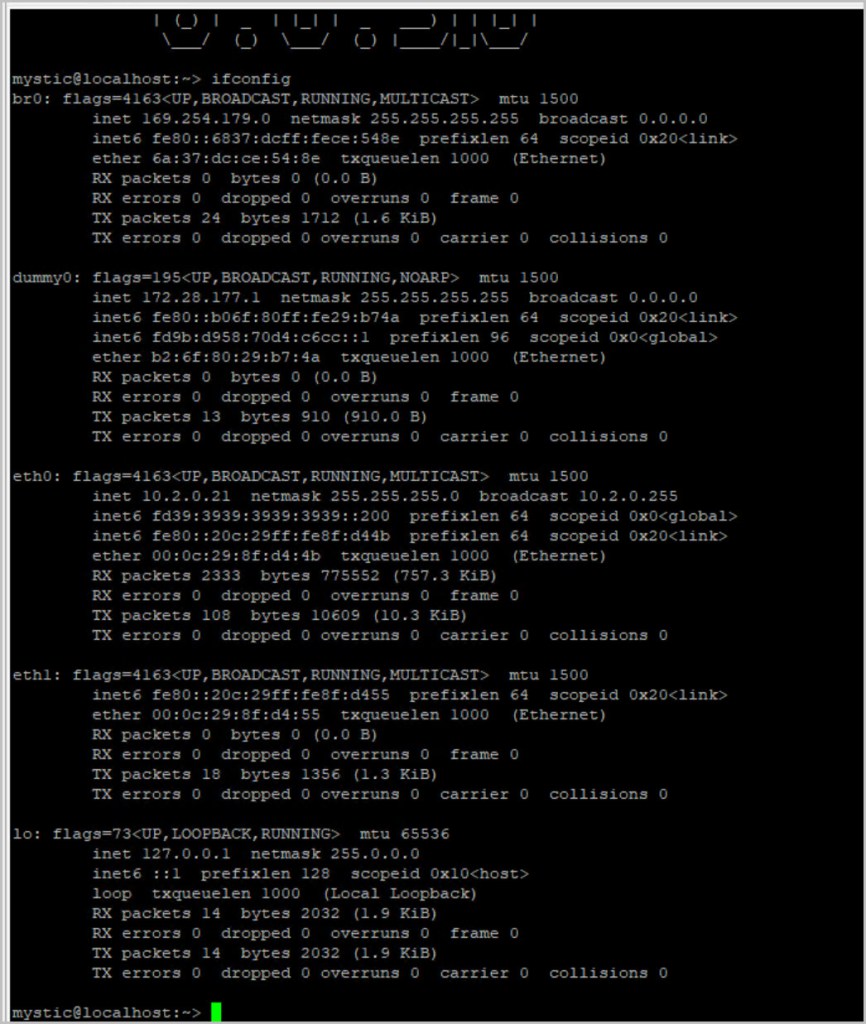
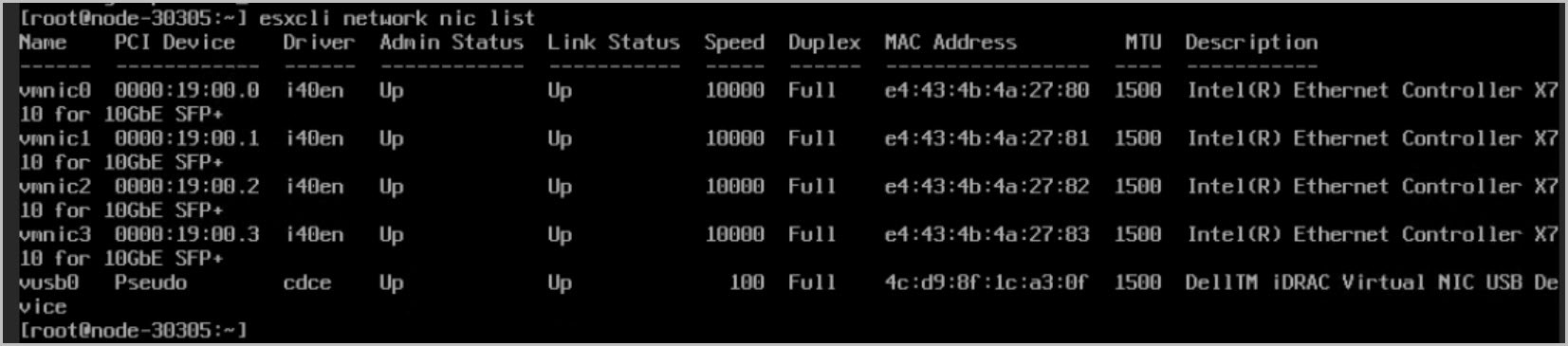
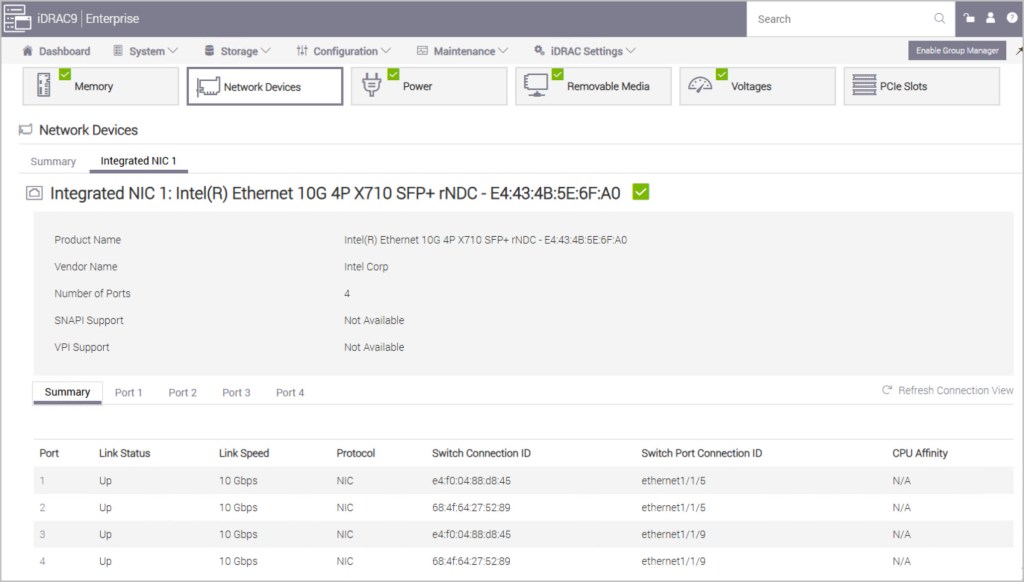
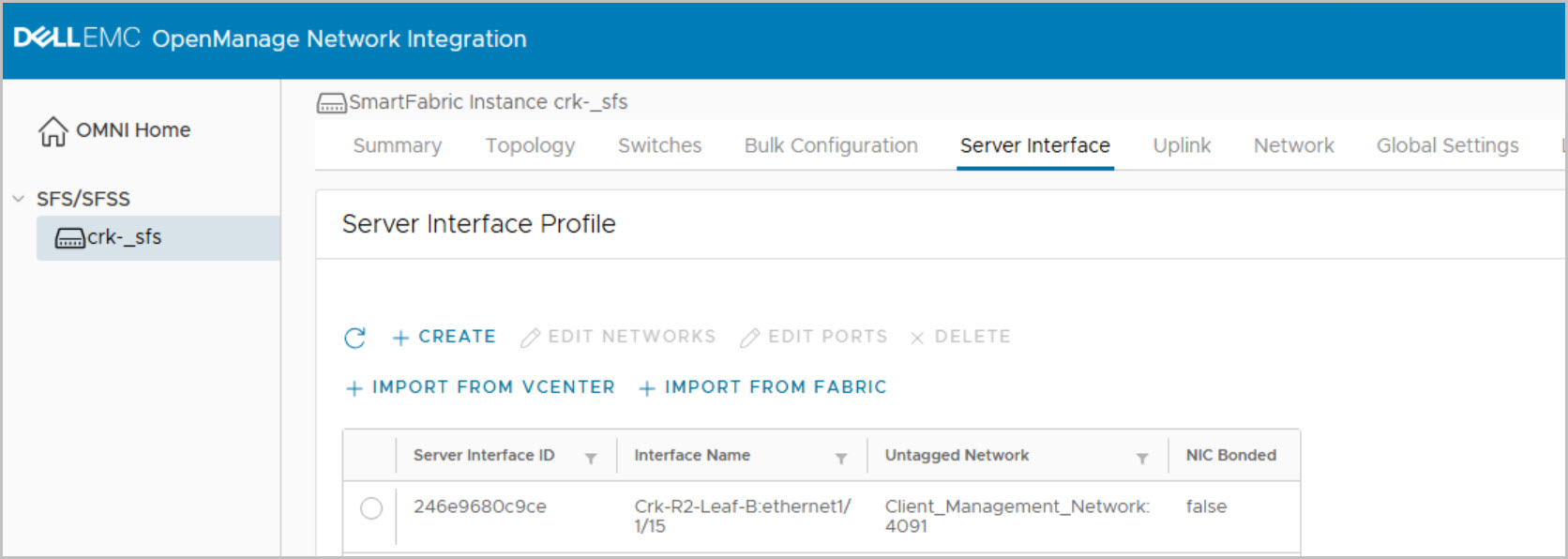
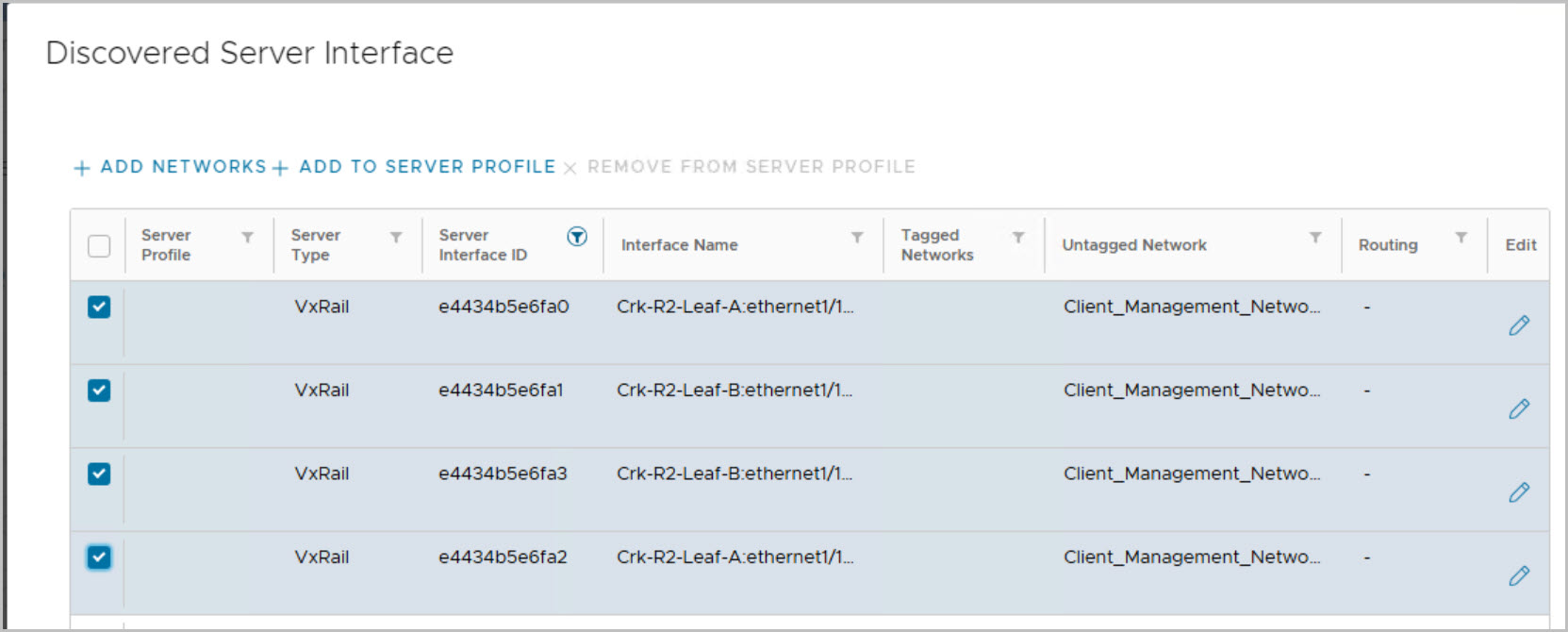
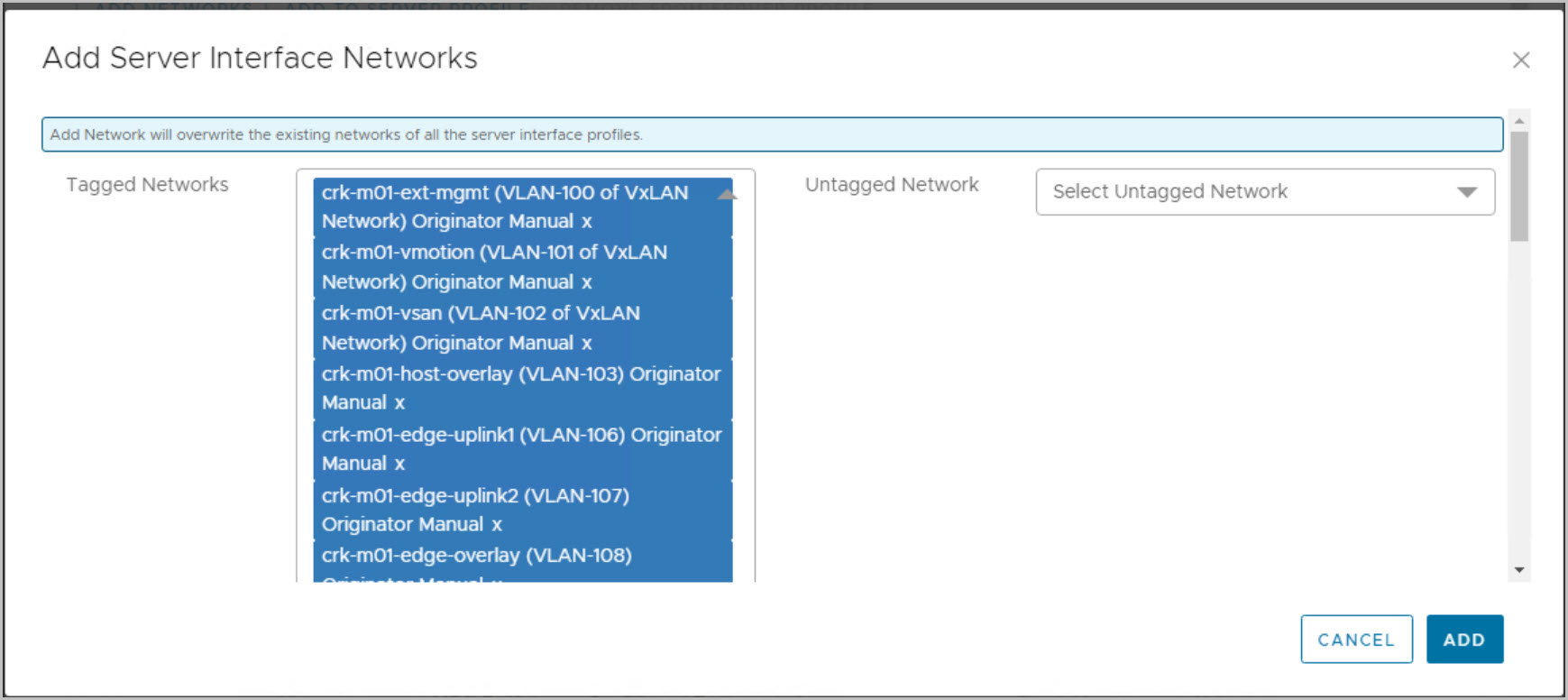
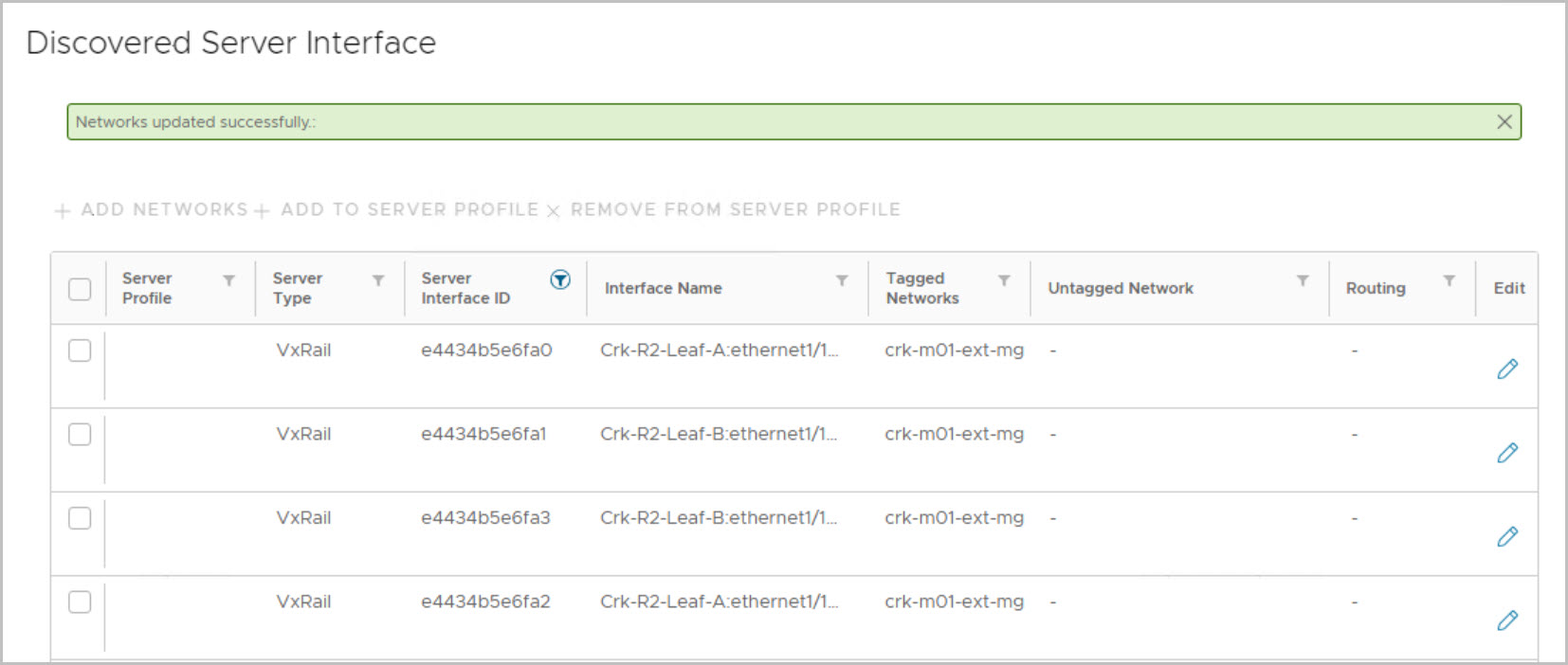
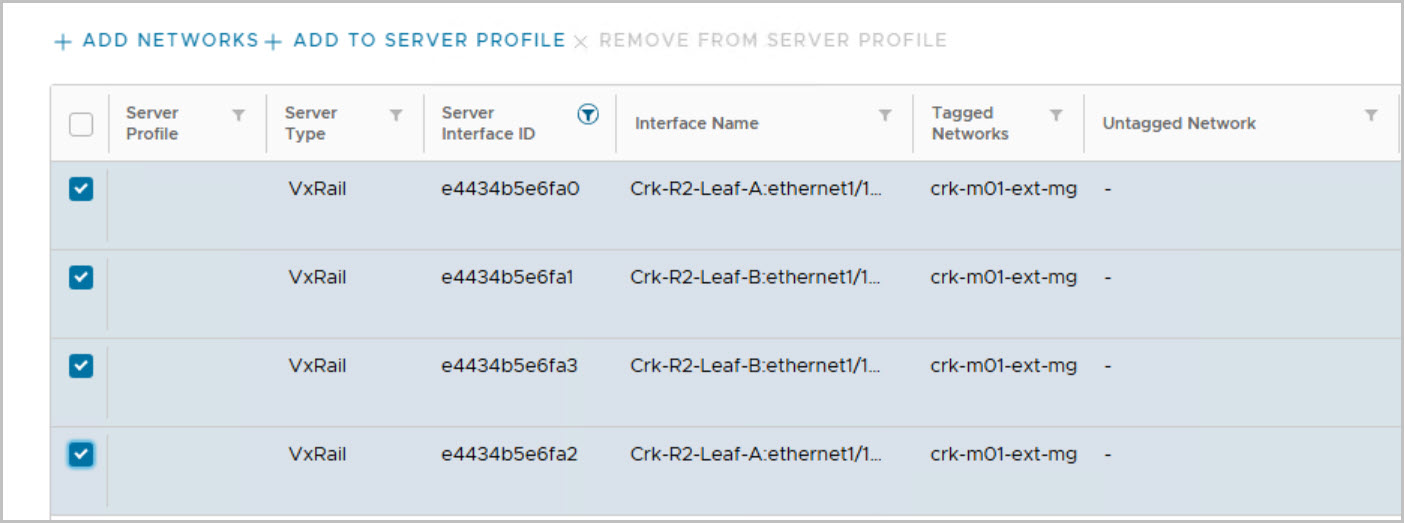
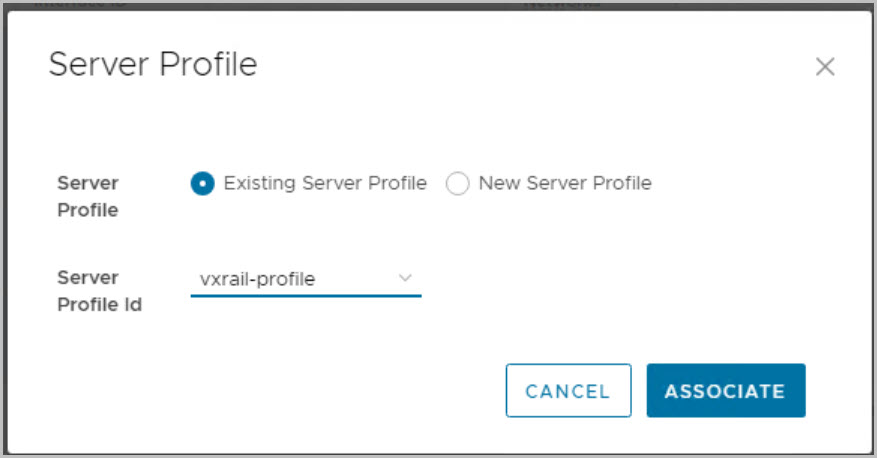
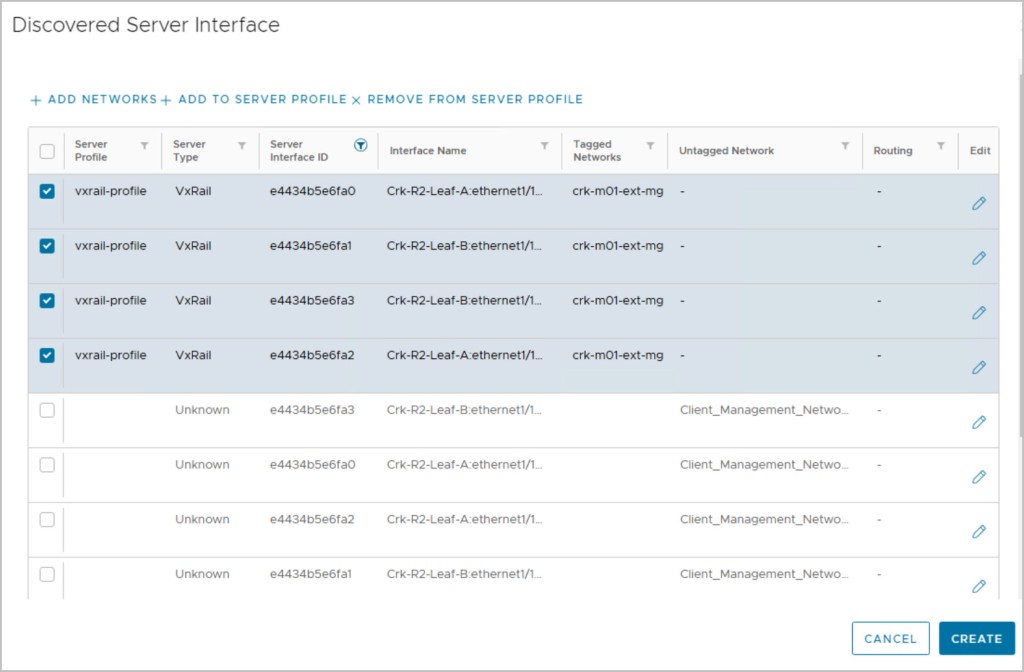
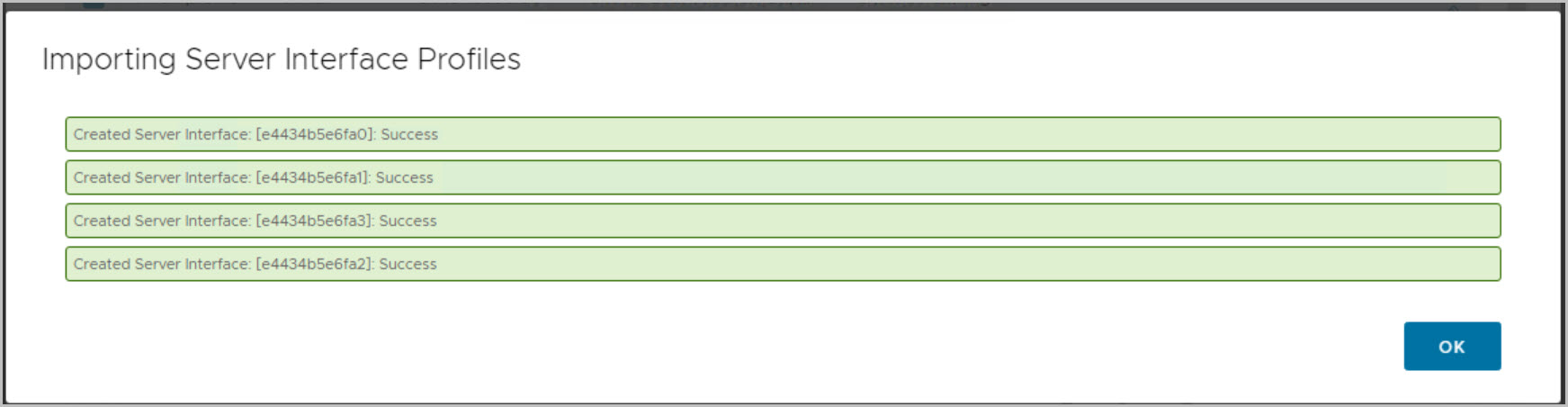
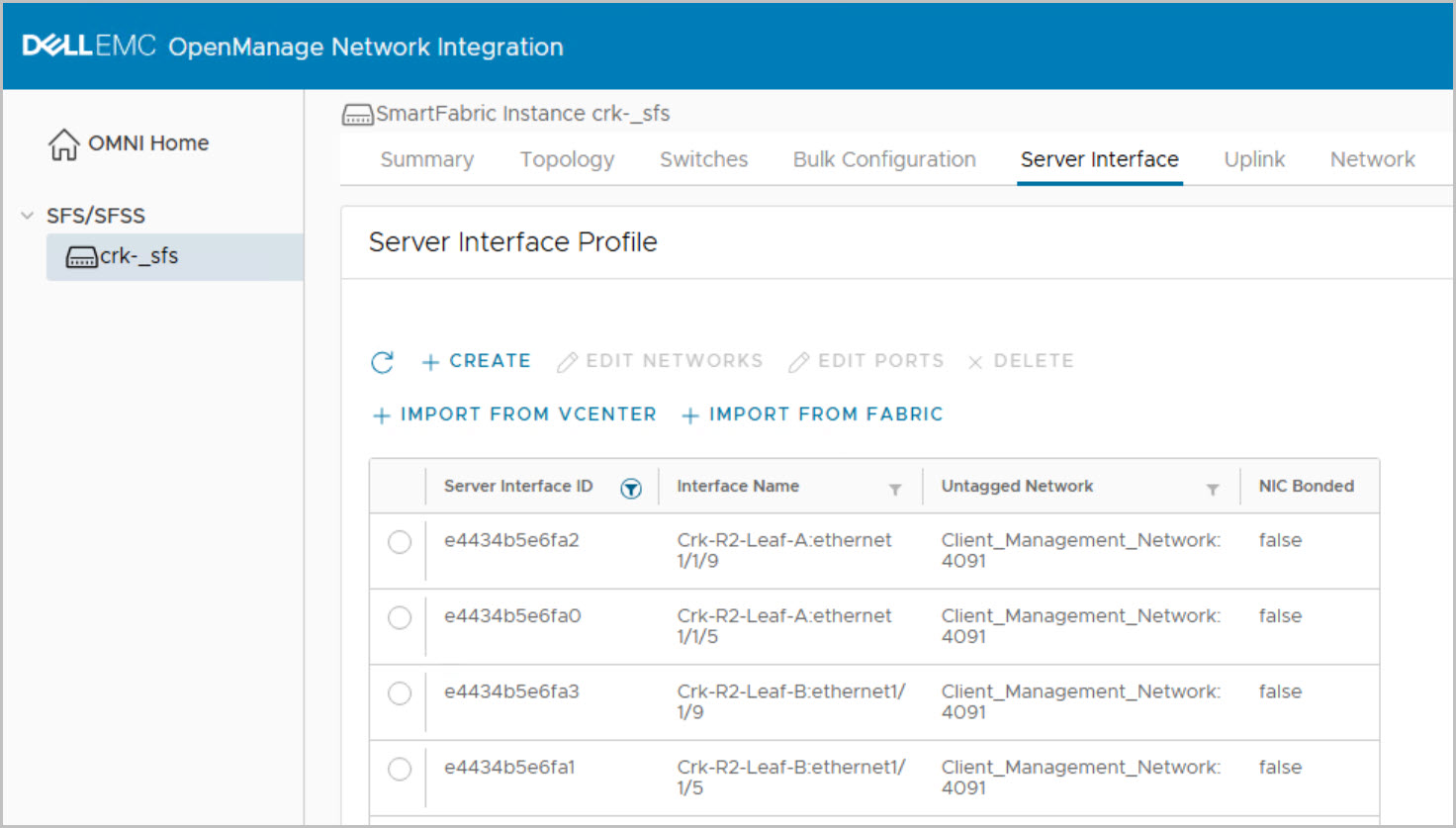
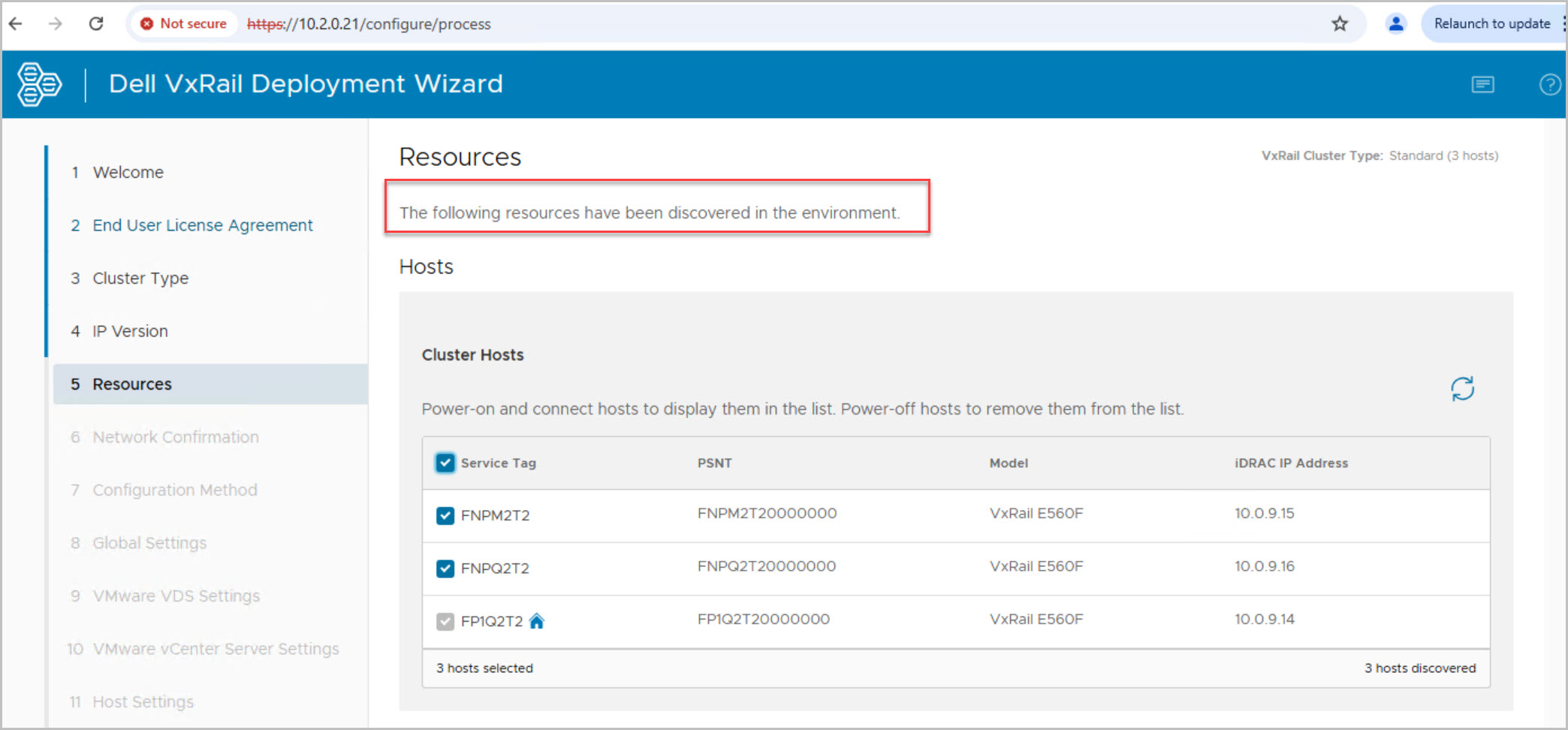
Change the VxRail Manger IP address & confirm discovery of hosts (included example steps to add host to smart fabric networking solution):
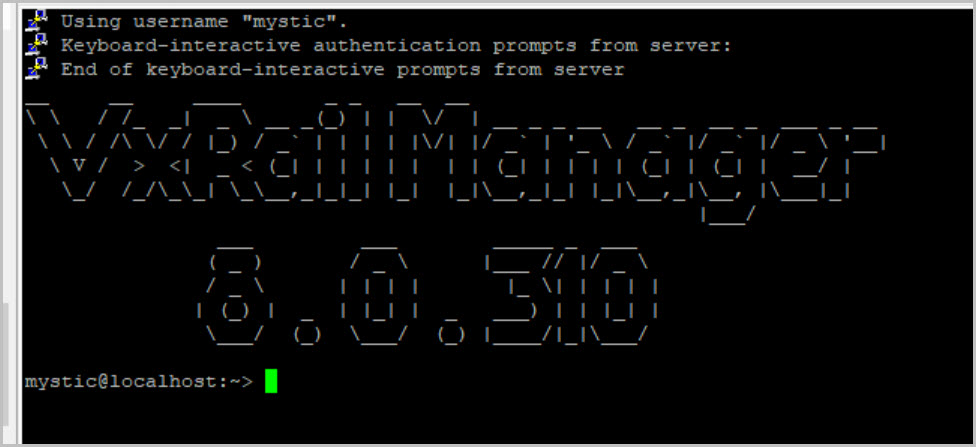
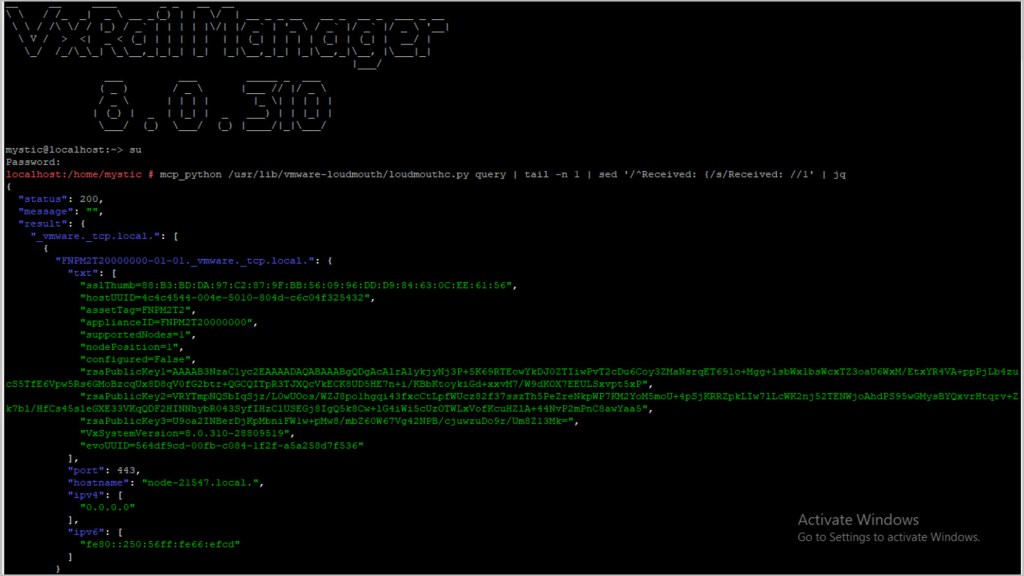
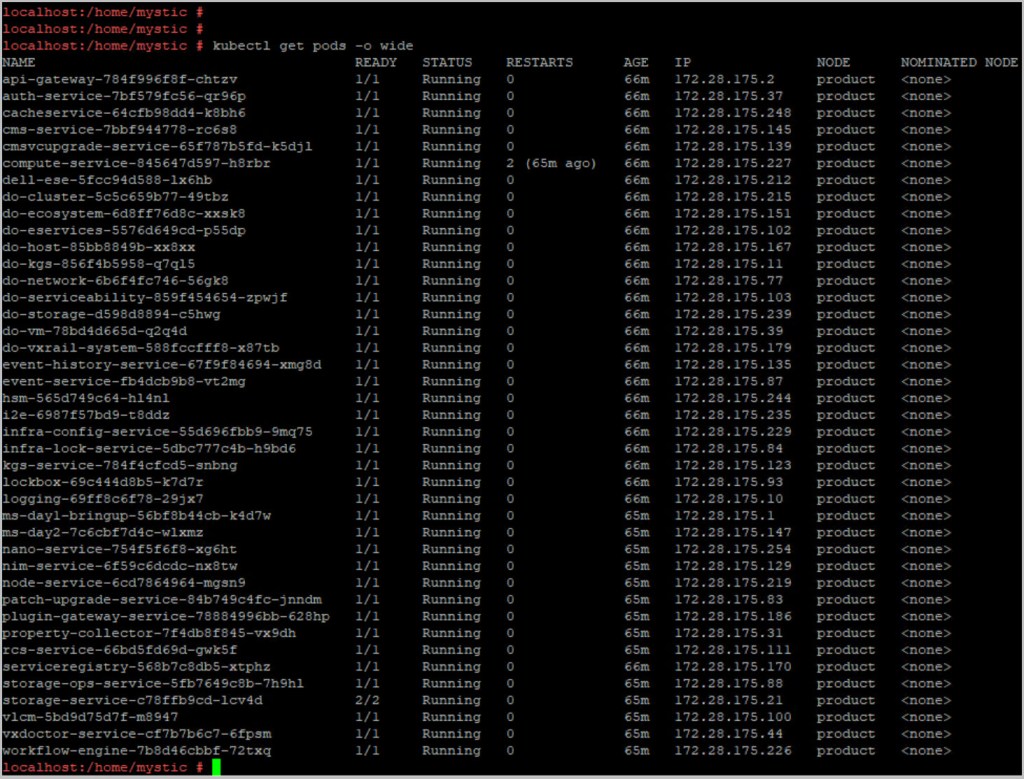
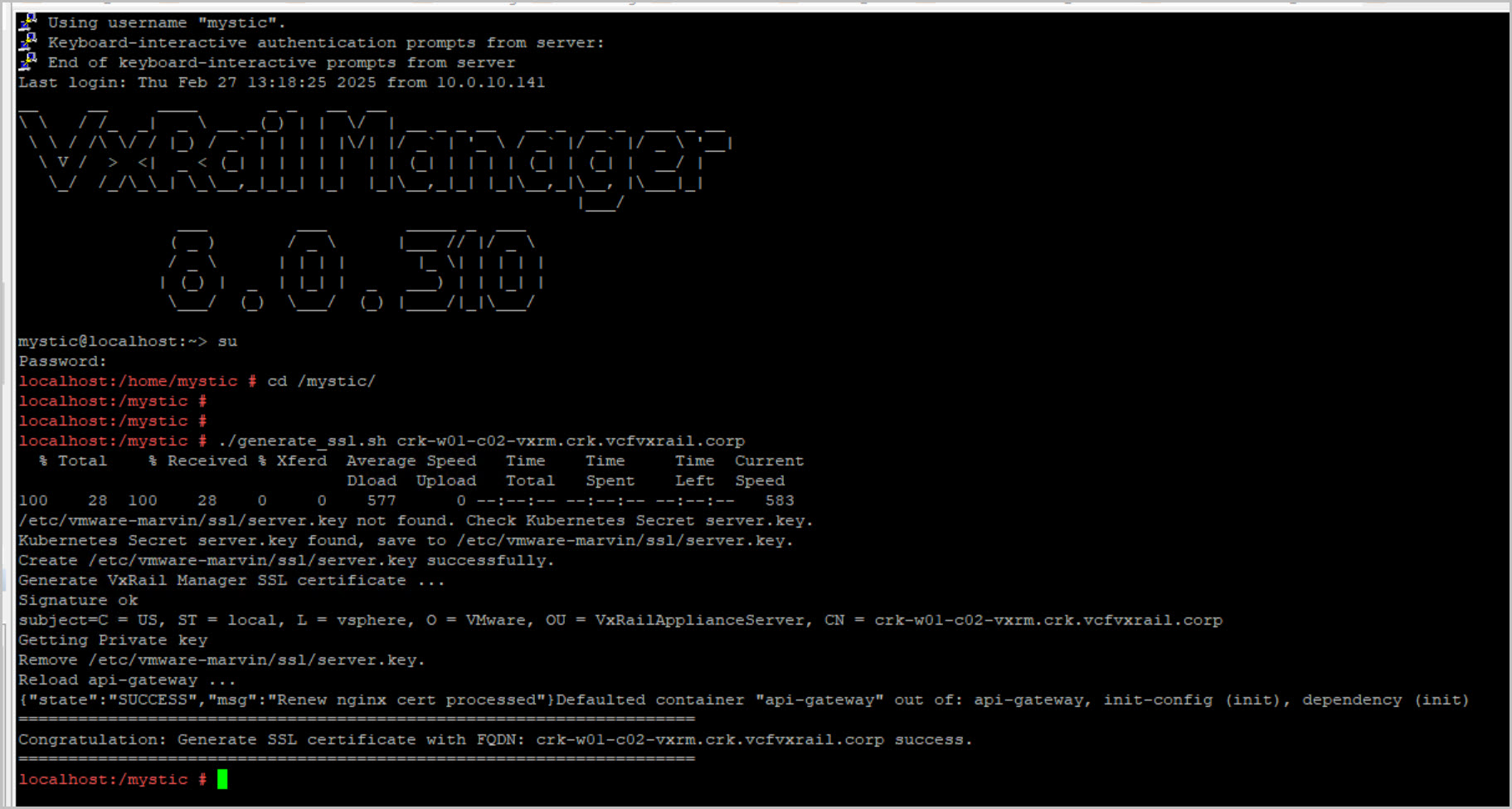
Update VxRail Manager Certificate with the correct Hostname by logging into VxRail Manager via ssh with mystic followed by su. cd /mystic dir and run the following script:





 DavidRing.ie
7 Comments »