VCF
VCF On VxRail – Enable SSH on ESXi Hosts
Beginning with VCF 4.4, SSH is disabled by default on all ESXi hosts to minimize security risks. However, if there is an external dependency requiring SSH access to ESXi hosts, […]
Virtualization & Storage

Beginning with VCF 4.4, SSH is disabled by default on all ESXi hosts to minimize security risks. However, if there is an external dependency requiring SSH access to ESXi hosts, […]
Beginning with VCF 4.4, SSH is disabled by default on all ESXi hosts to minimize security risks. However, if there is an external dependency requiring SSH access to ESXi hosts, you can enable it using the following steps.
If SSH needs to be enabled on all hosts across all domains, execute the following command as root in the SDDC Manager (example here is VCF 5.1):
cd /opt/vmware/sddc-support ./sos --enable-ssh-esxi --domain-name ALL
To enable for a specific WLD only for example ‘crk-m01’:
./sos --enable-ssh-esxi --domain-name crk-m01

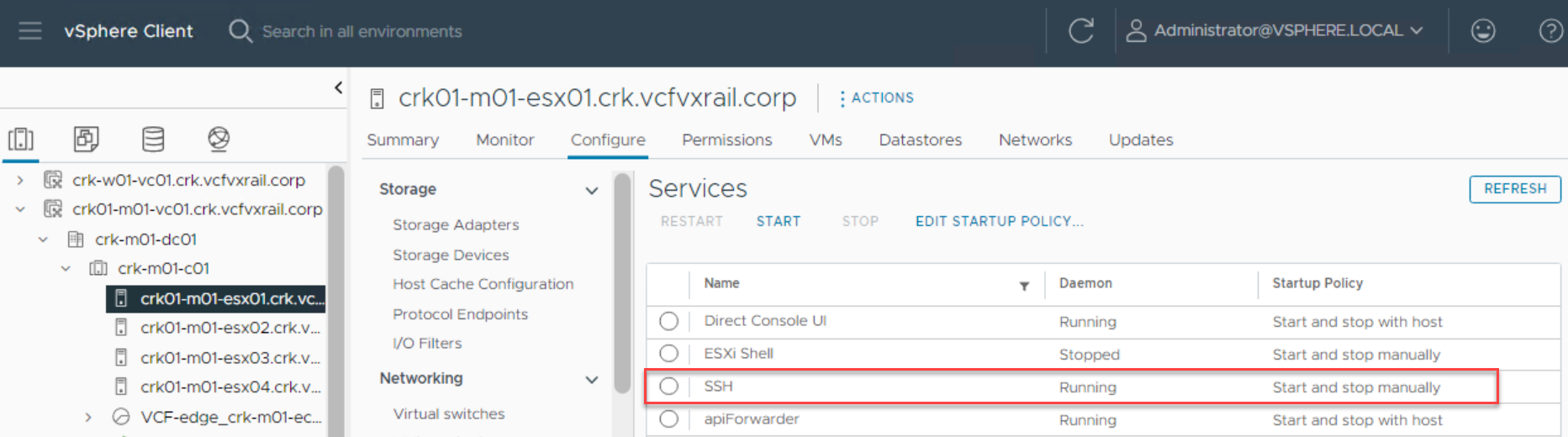
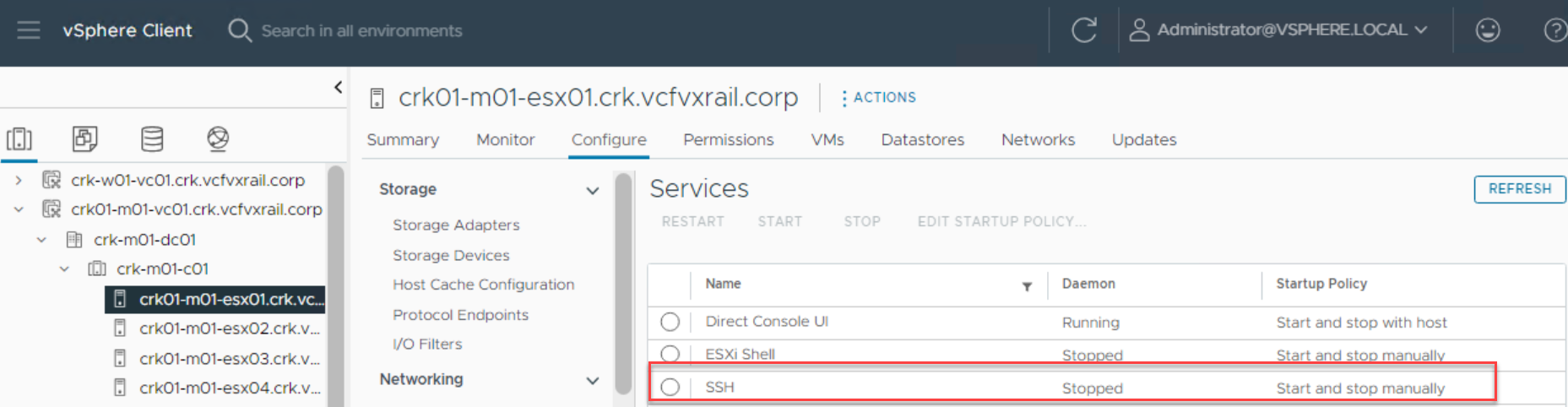
If you wish to disable:
./sos --disable-ssh-esxi --domain-name crk-m01





 DavidRing.ie