Encountering an error regarding the root user password expiration during a precheck in SDDC Manager can indeed be critical, particularly if the password has already expired:
Root user password expired or is near expiration. This is a critical error if the password expired, and a warning if there are 30.0 or fewer days before it expires.
Log in to the management domain vCenter Server using the vSphere Client, click the SDDC Manager virtual machine and CLICK Launch Web Console:
Type root as the user name and enter the current password for the root user, when prompted for a new password enter a different password than the previous one and click Enter:
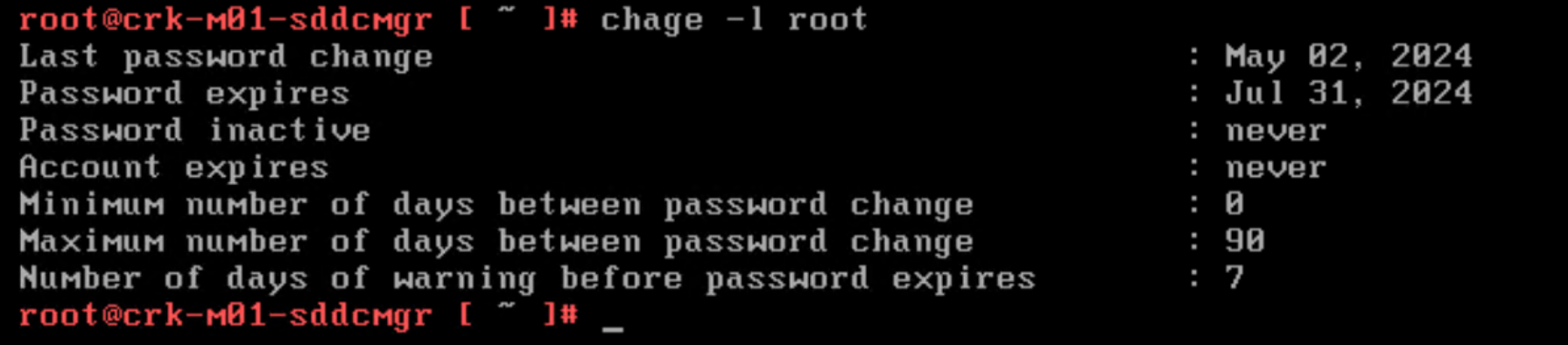
Check user password expiration using chage:
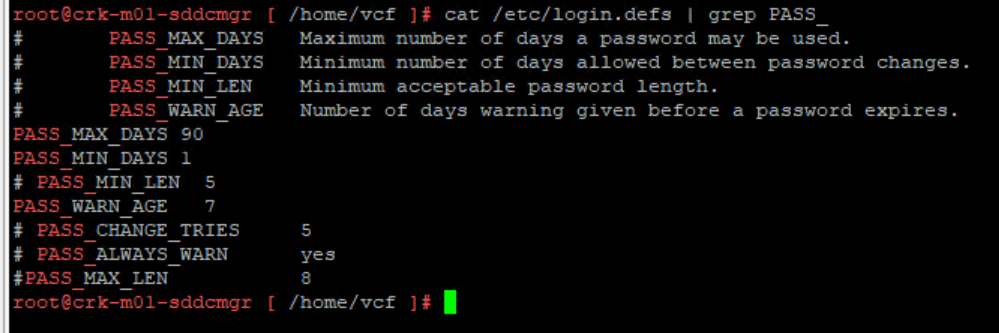
The /etc/login.defs file provides default configuration information:
Useful Reference:
Photon OS Documentation






 DavidRing.ie