This post details how to apply the security patch in a VCF On VxRail system to remediate this critical vulnerability in vCenter server. The content provides a detailed walkthrough on how to apply a security patch in a VCF On VxRail system. It includes necessary links and images to guide the readers. Details of the vulnerabilty can be found here:
https://www.vmware.com/security/advisories/VMSA-2023-0023.html
Synopsis: VMware vCenter Server updates address out-of-bounds write and information disclosure vulnerabilities (CVE-2023-34048, CVE-2023-34056)
Known Attack Vectors:
- A malicious actor with non-administrative privileges to vCenter Server may leverage this issue to access unauthorized data.
- A malicious actor with network access to vCenter Server may trigger an out-of-bounds write potentially leading to remote code execution.
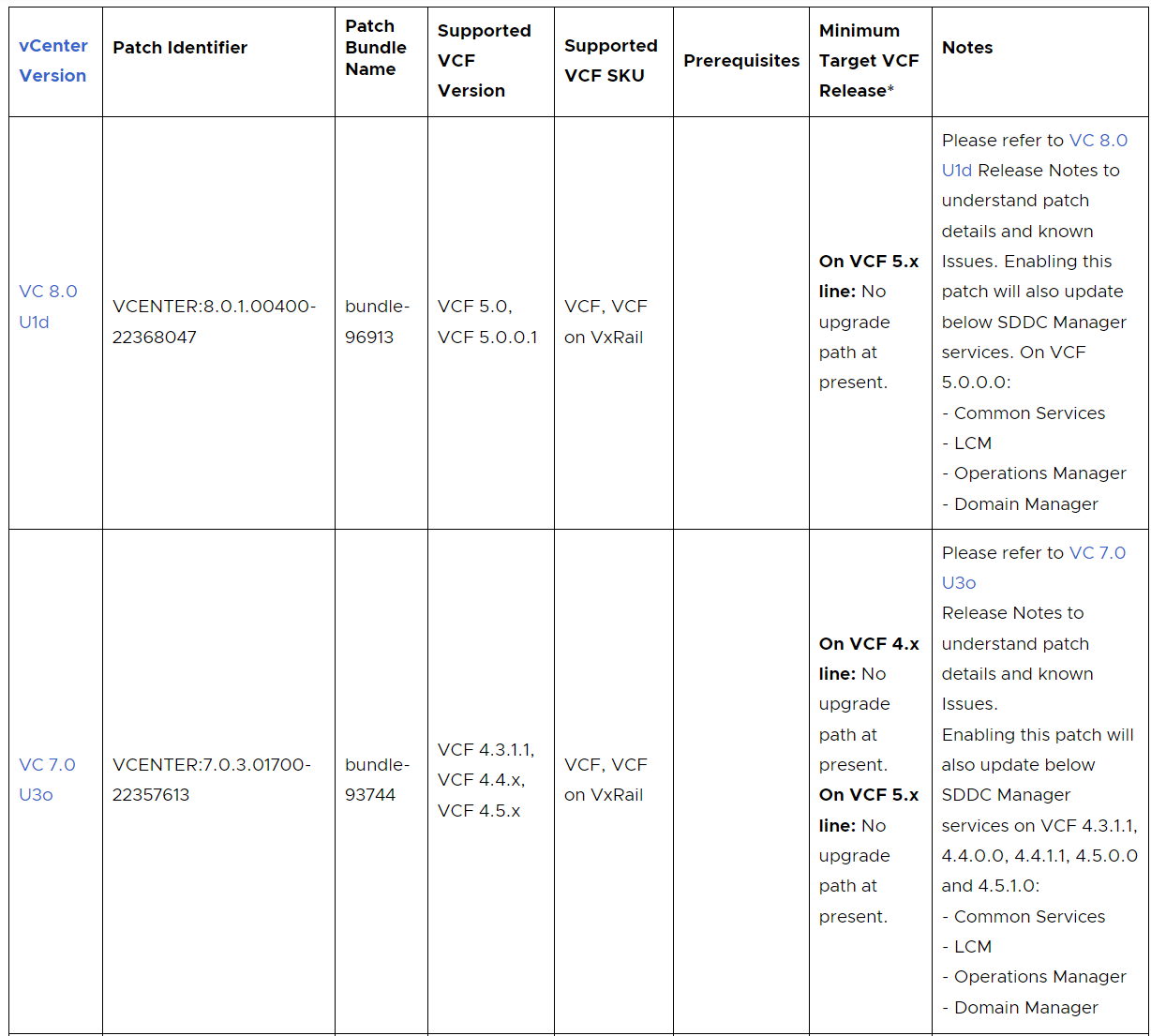
Async vCenter Server patches for VCF On VxRail 5.x and 4.x deployments have been made available. Please see KB88287 for more information:
Important APT Links:
This example walks through APT online patch procedure for VMSA-2023-0023 in a VCF 5.0 On VxRail system:
Begin by downloading the latest Async Patch Tool 1.1.0.2 to a computer with access to the SDDC Manager appliance (Direct Download Link – AP Tool download):
Note: The entire operation must be run with the vcf user.
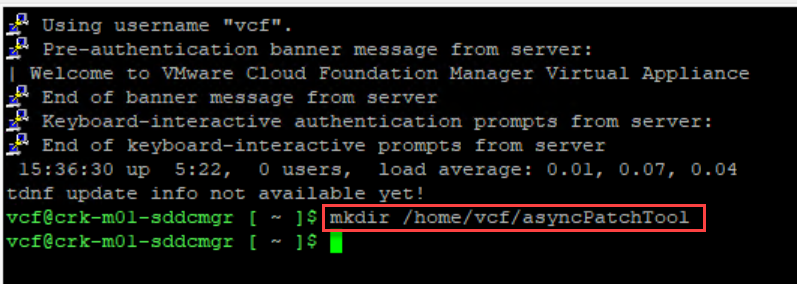
SSH into the SDDC Manager appliance using the vcf user account & create the asyncPatchTool directory:
mkdir /home/vcf/asyncPatchTool
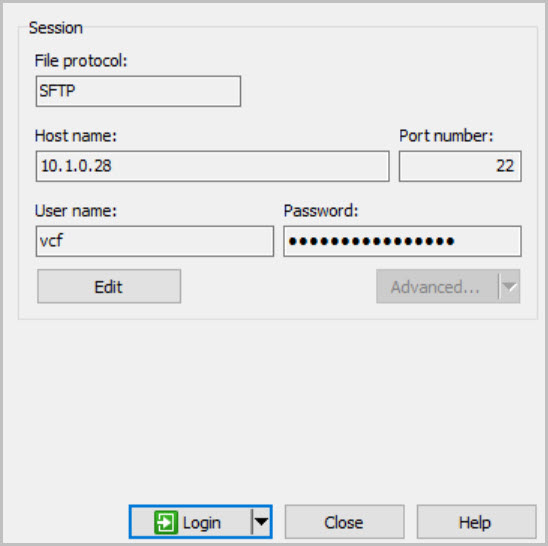
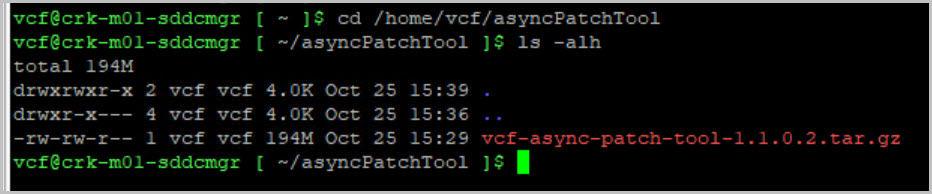
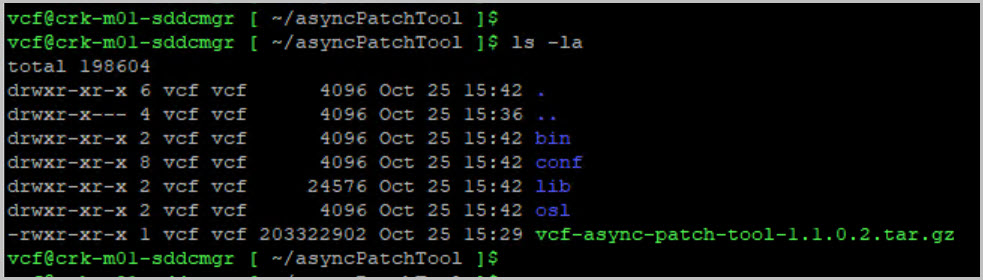
Copy the Async Patch Tool file to the /home/vcf/asyncPatchTool directory. Navigate to /home/vcf/asyncPatchTool and extract the contents of vcf-async-patch-tool. Set the permissions for the asyncPatchTool directory:
cd /home/vcf/asyncPatchToolls -alhtar -xvf vcf-async-patch-tool-1.1.0.2.tar.gzchmod -R 755 /home/vcf/asyncPatchToolchown -R vcf:vcf /home/vcf/asyncPatchToolls -la
Note: At this point take a snapshot of SDDC Manager VM.
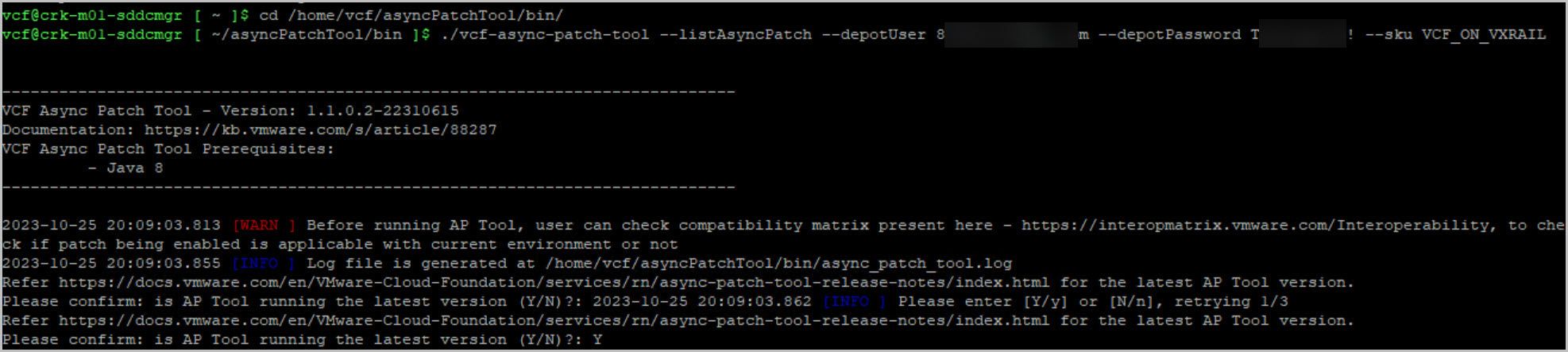
Next navigate to the /bin directory where the APT is located and list the available patches to gather the required details for enabling the vCenter patch. Then run the command to enable the patch.
cd /home/vcf/asyncPatchTool/bin/./vcf-async-patch-tool -l --depotUser depotusername --depotPassword password --sku VCF_ON_VXRAIL./vcf-async-patch-tool -e --patch VCENTER:8.0.1.00400-22368047 --du depotusername --depotPassword password --pdu pduser --pdp password --sddcSSOUser administrator@vsphere.local --sddcSSOPassword password --sddcSSHUser vcf --sddcSSHPassword password --it ONLINEtail -f async_patch_tool.log
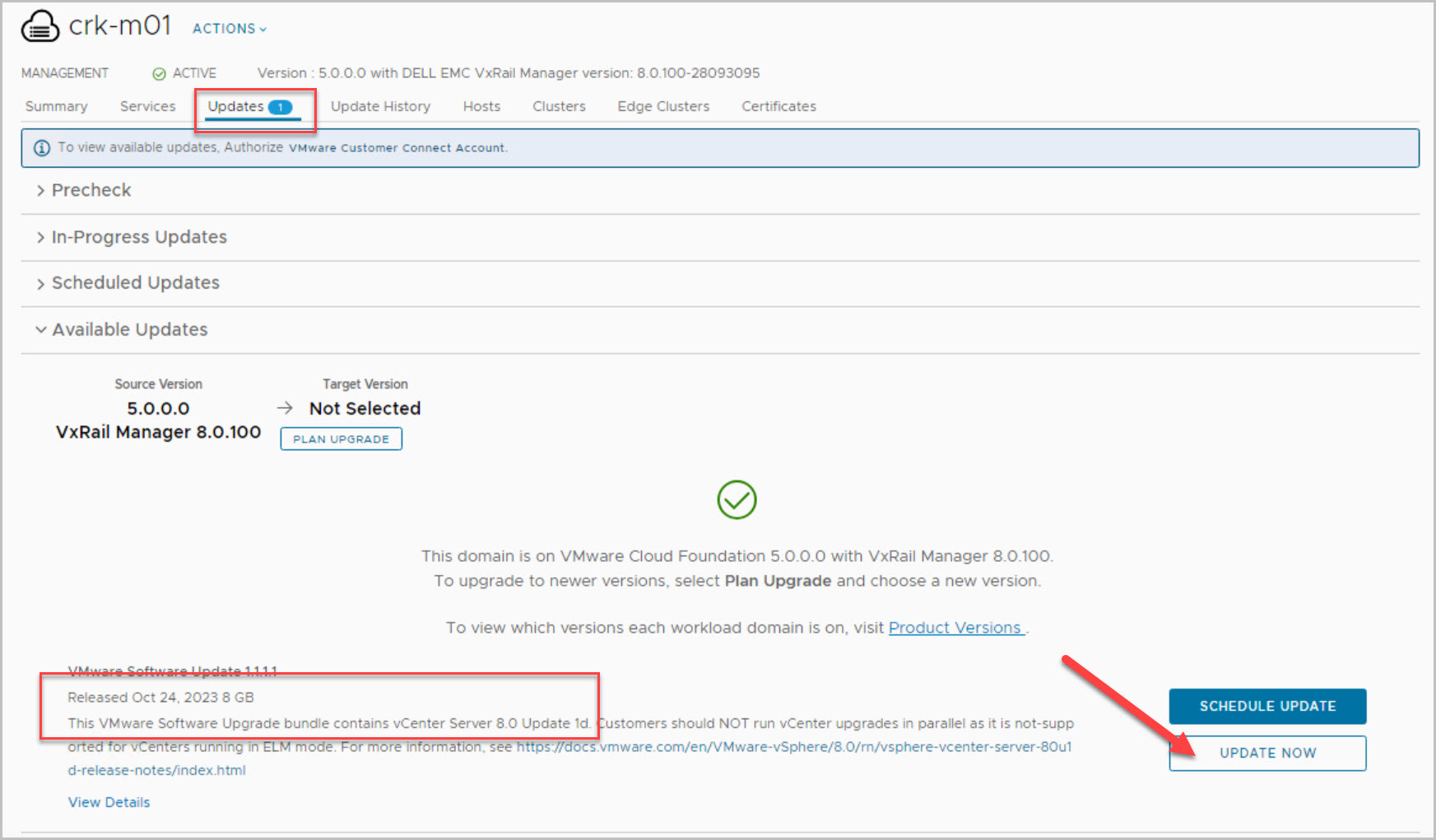
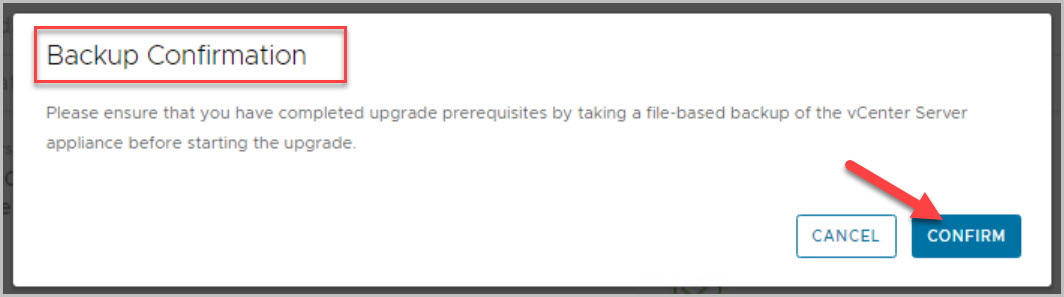
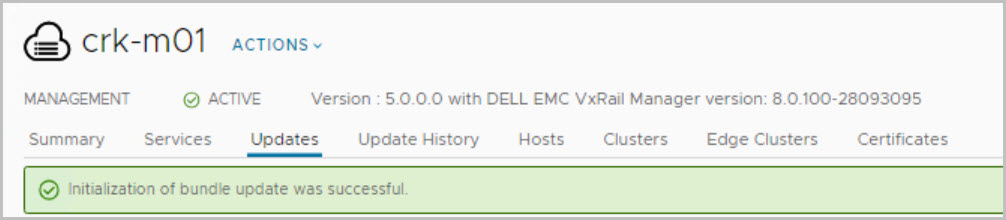
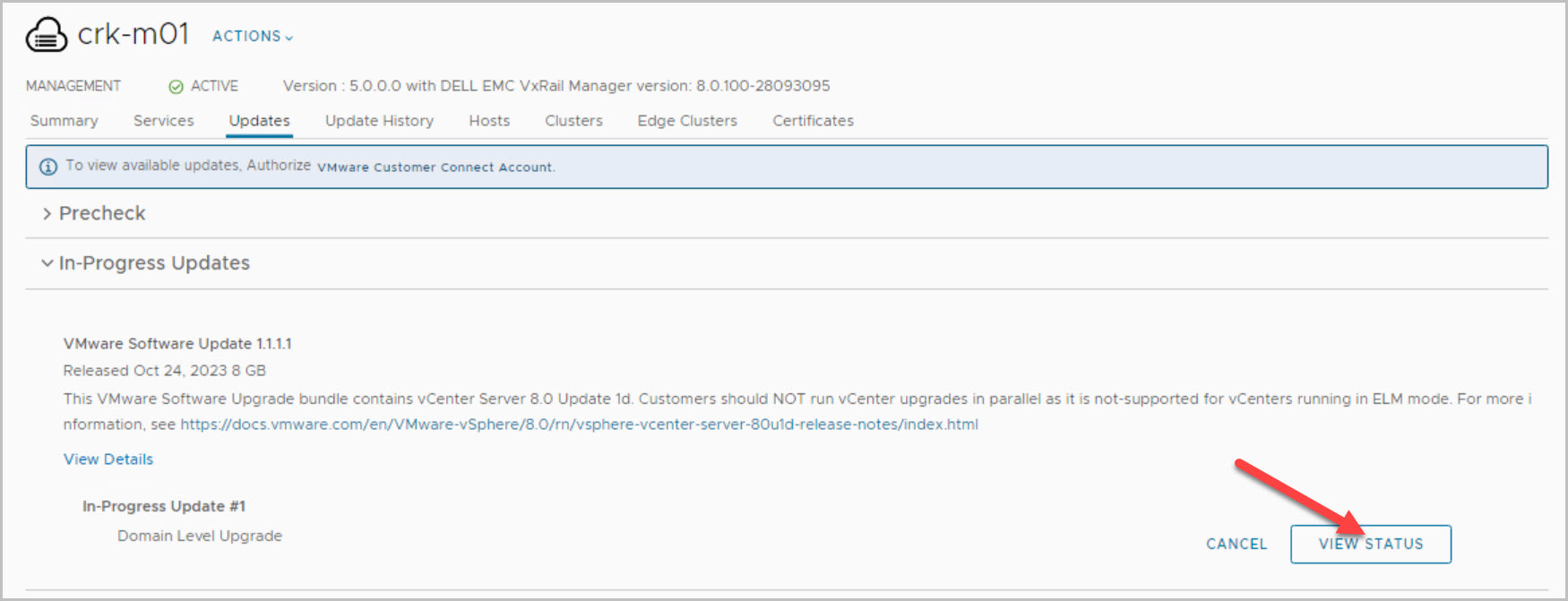
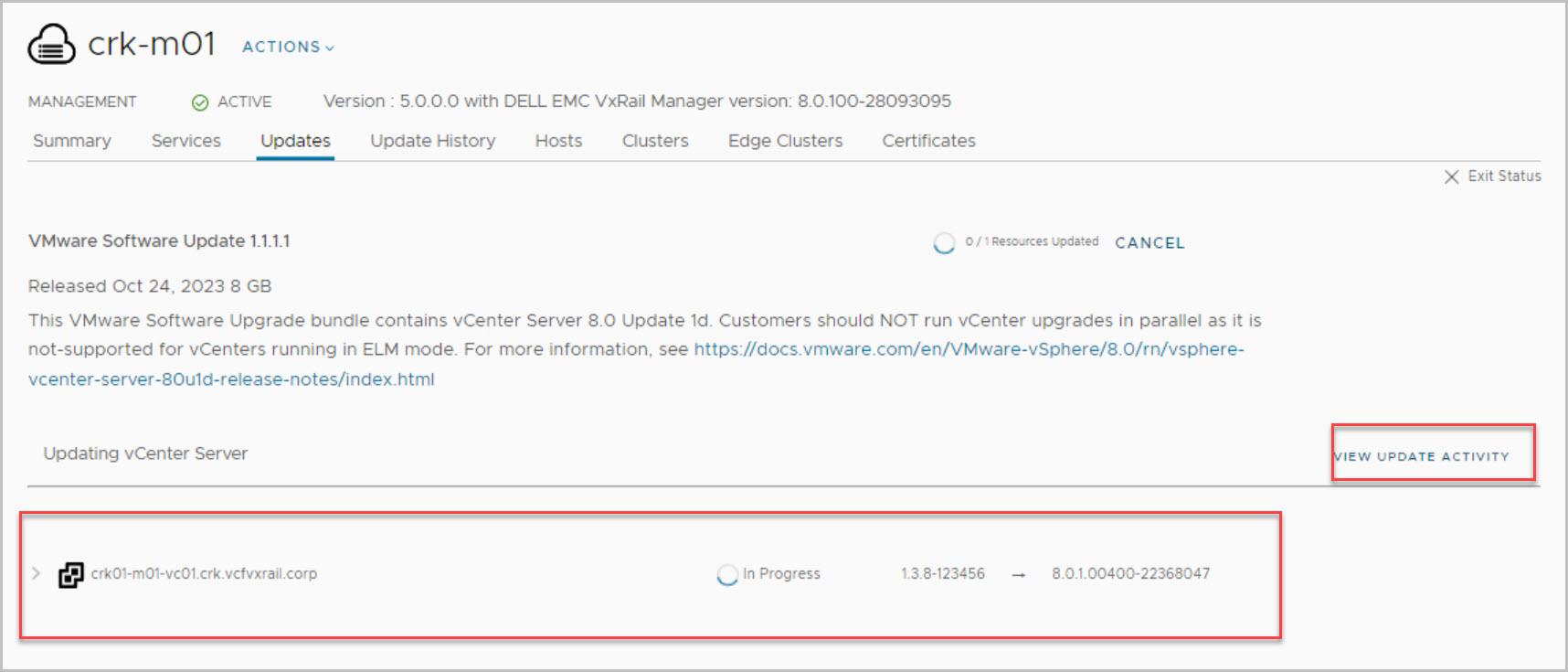
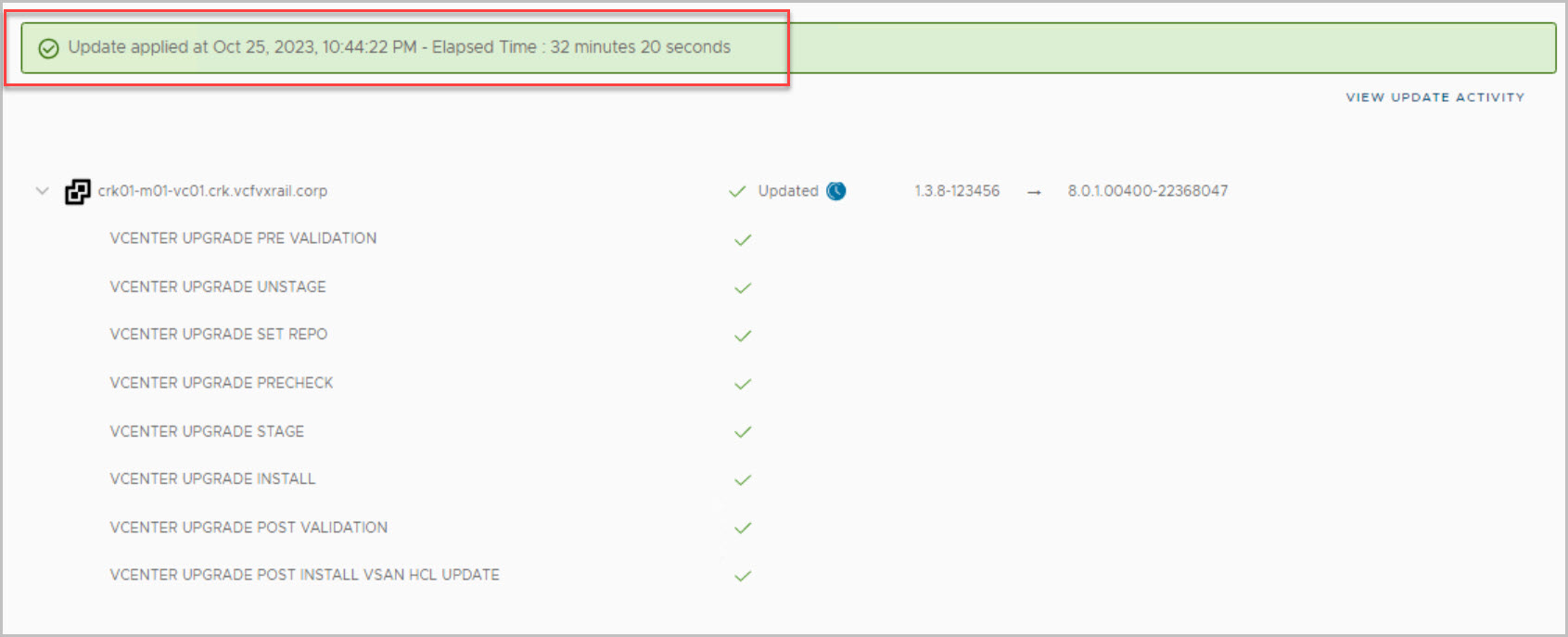
When enable patch completes successfully then you can log in to the SDDC Manager UI and apply the async patch to all workload domains. Ensure a valid backup of the vCenter before applying the upgrade from SDDC UI. In this example we apply the patch to the Managment WLD:
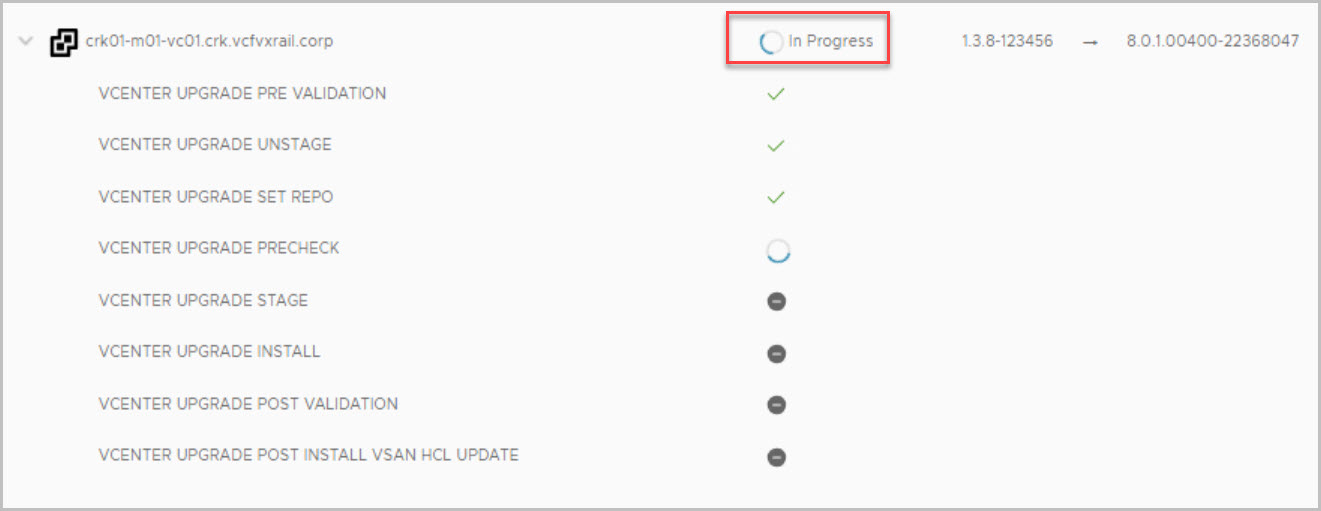
Monitoring progress to completion:
tail -f /var/log/vmware/vcf/lcm/lcm.logcat /var/log/vmware/vcf/lcm/lcm.log | grep "reached final state COMPLETED_WITH_SUCCESS"
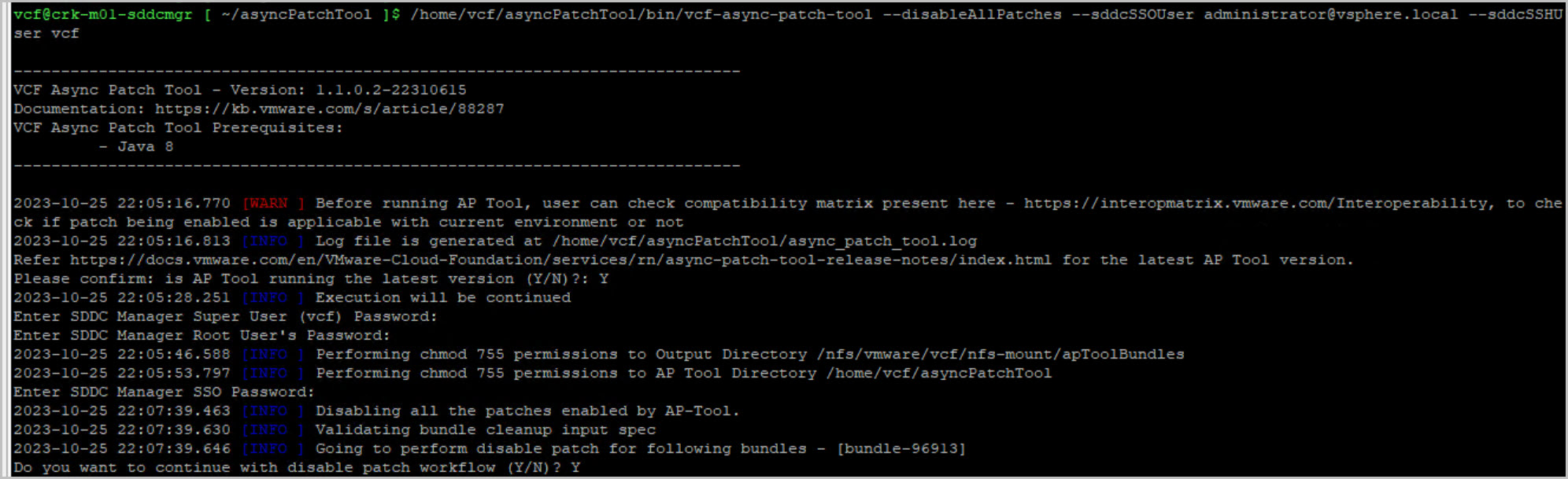
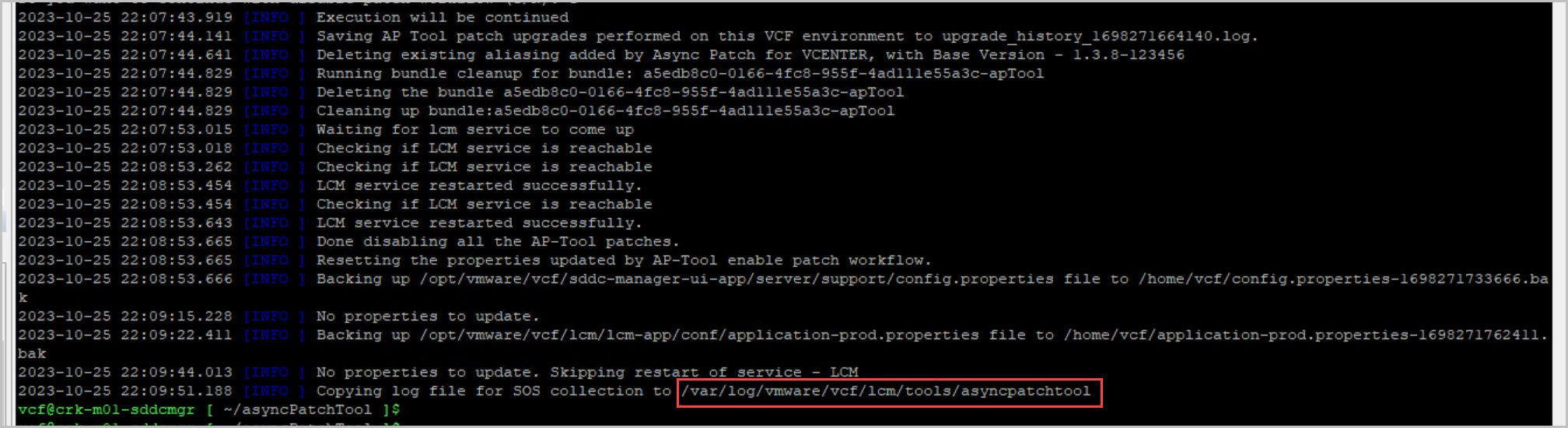
After successfully applying the async patch, use the Async Patch Tool to deactivate the patch & perform an inventory sync:
/home/vcf/asyncPatchTool/bin/vcf-async-patch-tool --disableAllPatches --sddcSSOUser administrator@vsphere.local --sddcSSHUser vcf
./vcf-async-patch-tool --performInventorySync --depotUser username --sddcSSOUser administrator@vsphere.local --sddcSSHUser vcf --it ONLINE
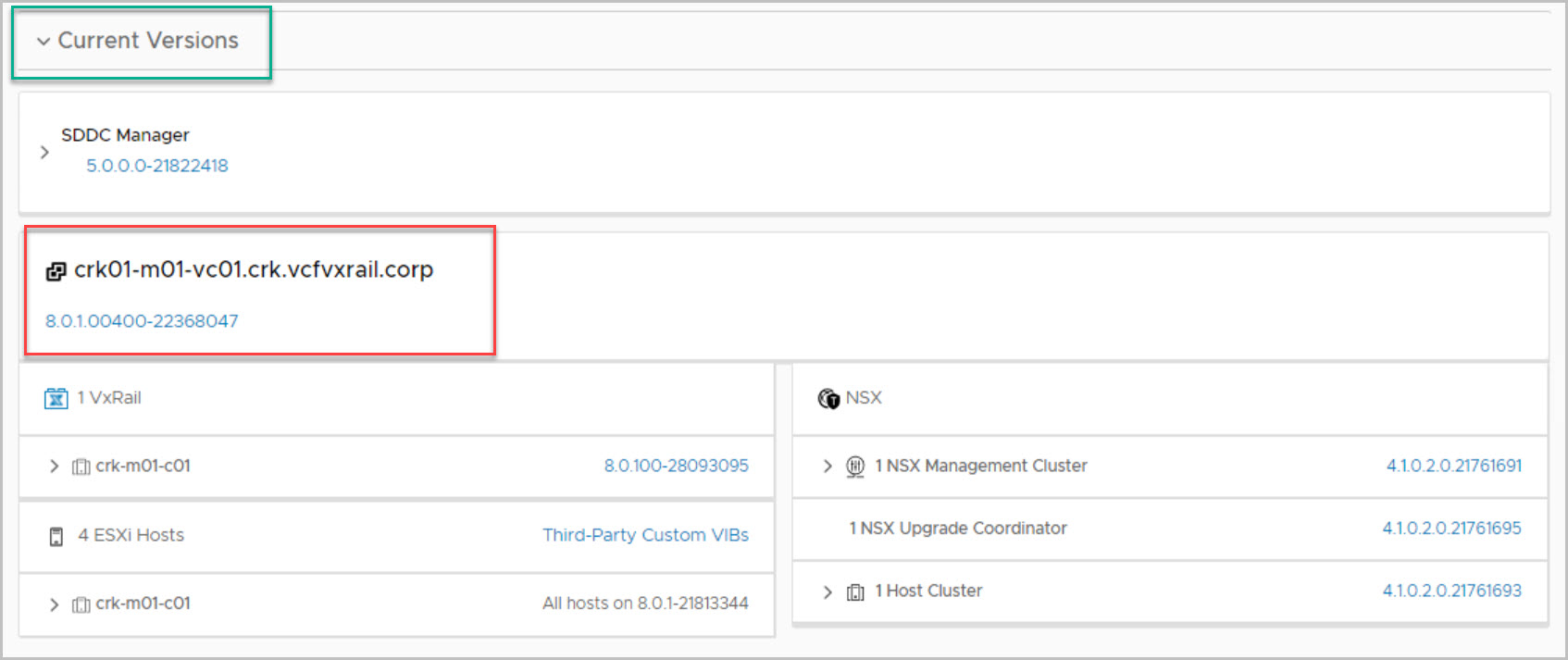
Critical security patch successfully applied:
Hope that example helped!
APT Useful Reading:
https://vbarneeze.cloud/category/vcf-on-vxrail/async-patch-tool/
Useful Reference:
Dell VxRail: Information on VMSA-2023-0023 and VxRail environments
Bypass SDDC Manager upgrade compatibility checks when upgrade is unavailable due to missing compatibility data













 DavidRing.ie