VCF
VCF ON VXRAIL – NSX-T MANAGER ENABLE SSH
By default SSH is disabled on the NSX-T managers. To enable SSH open the NSX-T Manager VM console from the vSphere client: Log in to the CLI as admin and […]
Virtualization & Storage

By default SSH is disabled on the NSX-T managers. To enable SSH open the NSX-T Manager VM console from the vSphere client: Log in to the CLI as admin and […]
By default SSH is disabled on the NSX-T managers. To enable SSH open the NSX-T Manager VM console from the vSphere client:
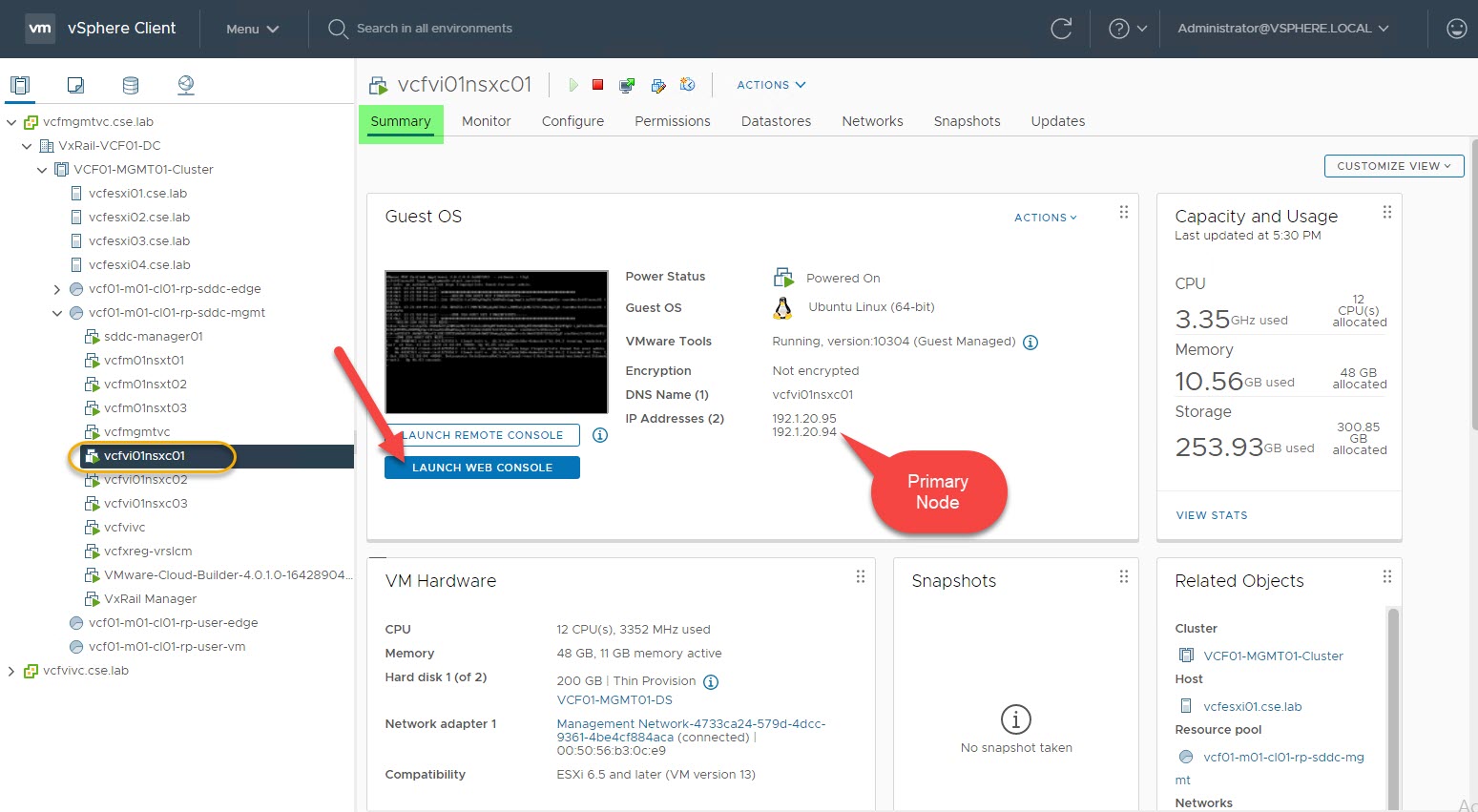
Log in to the CLI as admin and run the ‘start service ssh‘ command followed by ‘set service ssh start-on-boot‘ to enable SSH on boot-up:

Login via SSH using ‘Admin’ and confirm SSH service status ‘get service ssh‘:


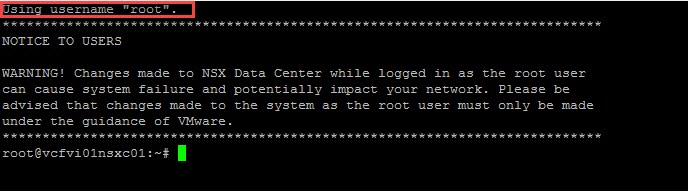
It is also worth confirming ‘root’ user access via SSH:




 DavidRing.ie
1 Comment »